Business Laser Printers
Business Laser Printers provide fast, reliable printing solutions designed to keep your office running smoothly. Ideal for high-volume environments, these printers offer the performance and efficiency needed for busy workspaces. Explore a wide selection of Business Laser Printers to find the perfect fit for your company's needs, whether outfitting a small office or supporting a large corporate team. Discover options that help streamline your workflow and deliver professional-quality results every time.
Sort
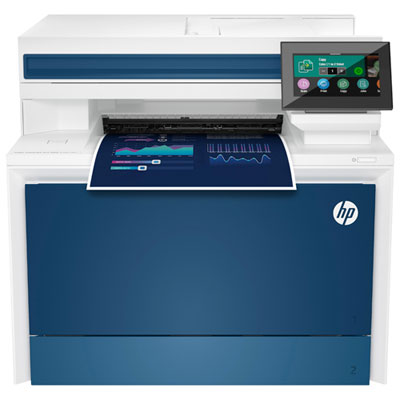
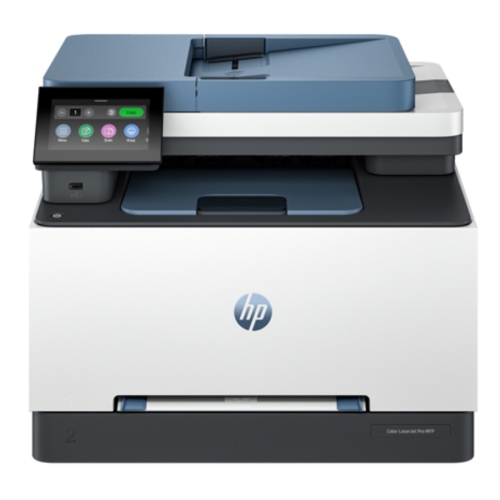
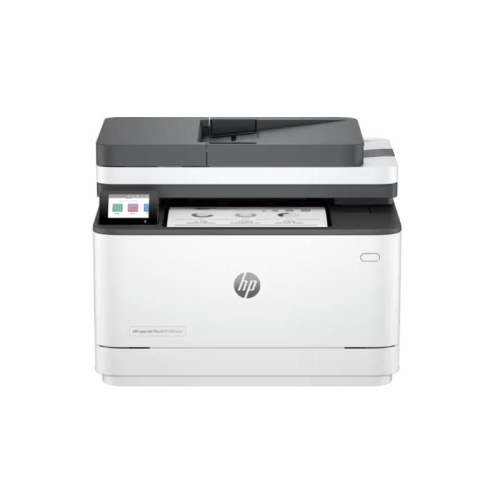
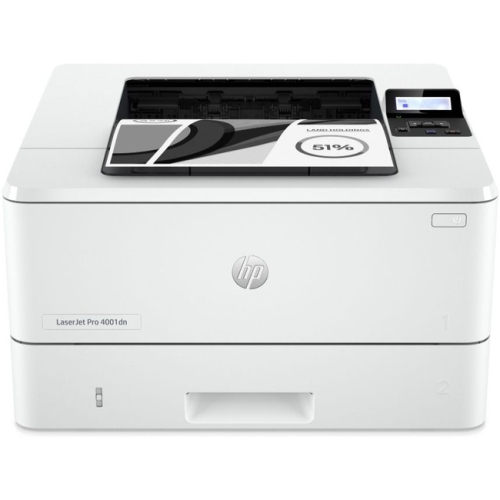

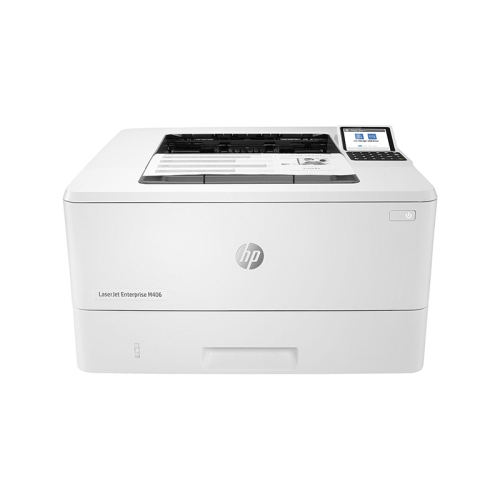
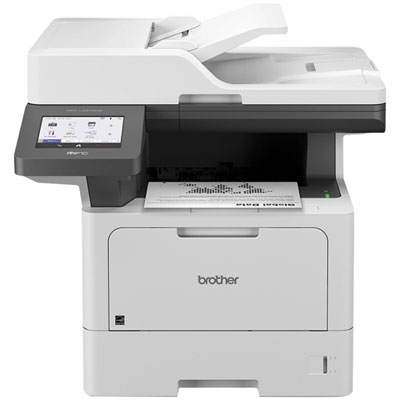
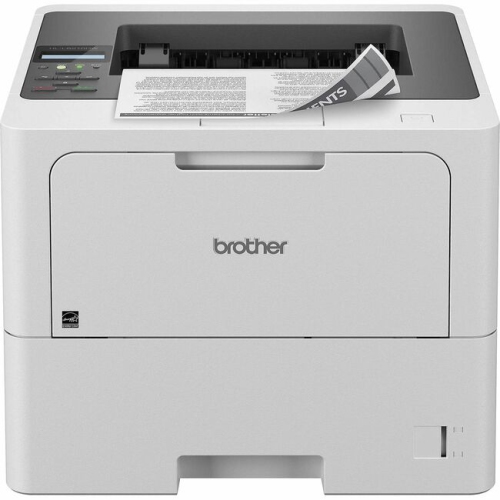
There’s more to office printing than pages per minute
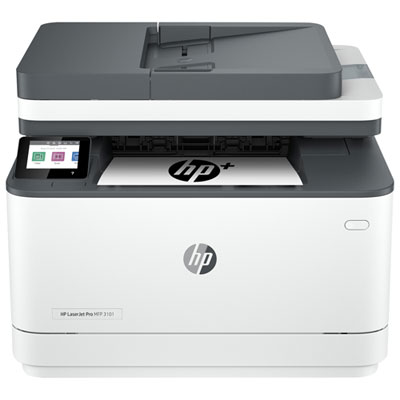
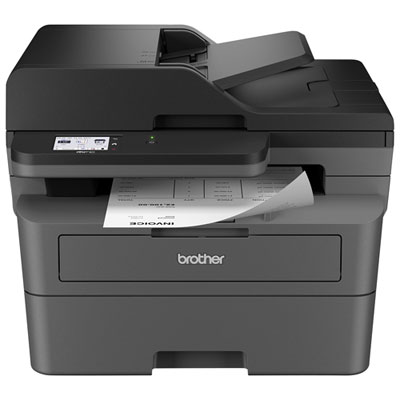
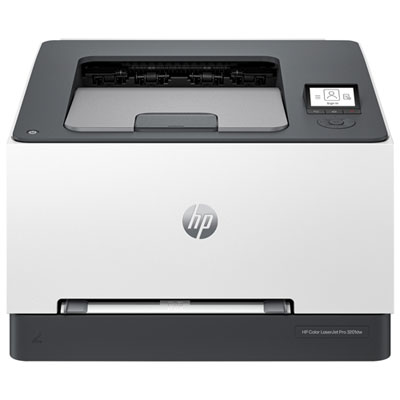
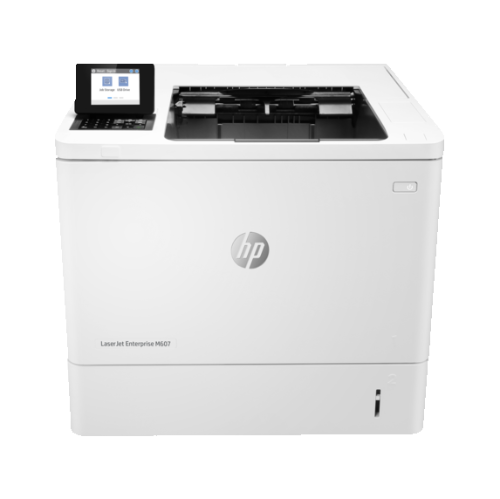
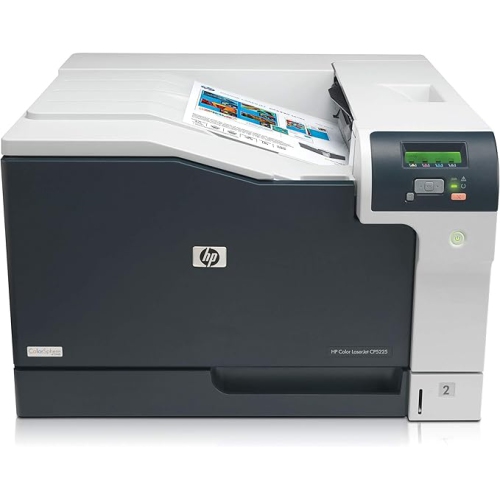
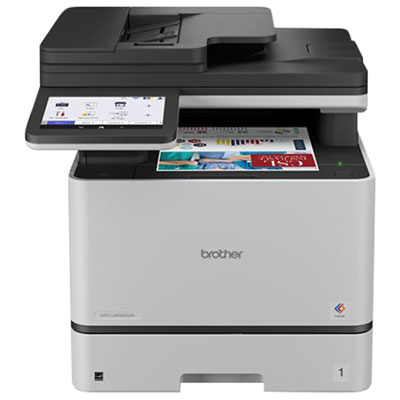
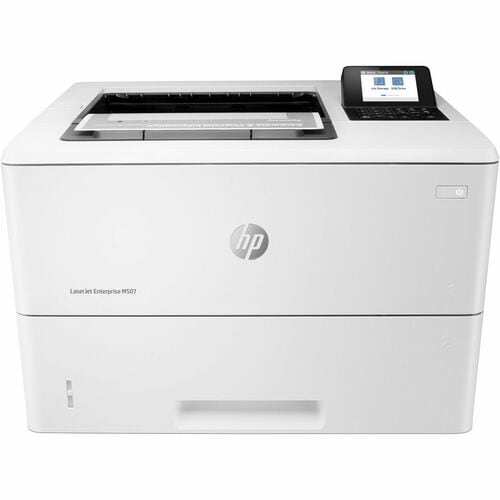
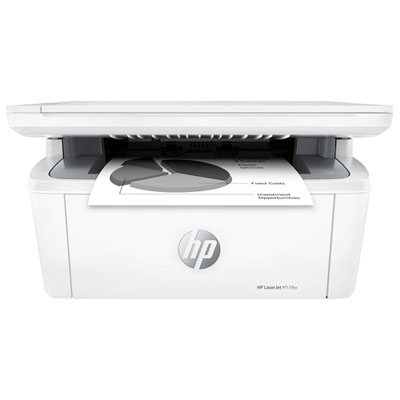
Business laser printers bring clear text, consistent output, and dependable document handling to workplaces where printing is part of the daily routine. Their strengths are especially noticeable in text-heavy documents: the small print on an invoice, closely spaced figures in a financial report, or a client proposal that needs to look sharp from the first page to the last. Laser printing uses toner, a fine powder that is transferred to paper and bonded with heat, rather than liquid ink. This makes it well suited to offices producing correspondence, forms, reports, and other everyday paperwork. A monochrome laser printer focuses on black-and-white output, making it a practical match for administrative work, shipping documents, and internal reference materials. Colour laser printers add flexibility for charts, branded presentations, training handouts, and documents where colour helps distinguish information. They can reproduce graphics and images effectively, although their main role is typically business communication rather than photographic printing. These printers serve a wide range of workplaces, from a home-based consultancy preparing meeting notes to a busy reception desk producing forms throughout the day. In a shared office, a dedicated print-only machine can keep document production straightforward, while a multifunction laser printer brings printing, copying, and scanning together in one place. Some multifunction models also include fax capabilities for workflows that still require them. An automatic document feeder is particularly useful when several signed pages need to become a single digital file, while a flatbed scanner accommodates a receipt, a book page, or an original that should not pass through a feeder. Automatic two-sided scanning is a separate capability from automatic two-sided printing, so the distinction matters when paperwork regularly arrives with information on both sides. The most suitable configuration reflects the work moving across the desk, whether that means occasional client letters, daily administrative tasks, or repeated batches of multipage documents.
The fit of a business laser printer involves both its physical footprint and the demands placed on it. A compact desktop design can suit an individual workspace, while a larger shared machine may offer roomier paper trays and more flexible document handling. Published dimensions do not always describe the full operating space: trays may extend outward, scanner lids need clearance, and rear access panels may need room to open. A sturdy, level surface with access to power and the clearances specified by the manufacturer helps keep the printer accessible for everyday use and routine maintenance. Within that space, paper capacity and output handling affect how smoothly work moves. A larger input tray can accommodate longer runs without repeated refilling, while an additional tray can keep letter and legal paper separate. A multipurpose feed path may handle envelopes, labels, or heavier paper, provided the media type, size, and weight meet the printer’s specifications. Because laser printing involves heat, labels and other specialty media need to be rated for laser use; unsuitable materials can curl, shed adhesive, or damage internal components. Automatic duplex printing is useful for reports, policy documents, and handouts that need printing on both sides without manual refeeding. Speed deserves similar context. Pages per minute describes ongoing output under specified conditions, but a quick first page can matter more at a desk where single-page jobs arrive throughout the day. Colour printing, duplex settings, and complex files can also affect actual throughput. For heavier workloads, the recommended monthly print volume is generally a more useful measure of everyday suitability than the maximum duty cycle, which describes an upper limit rather than a routine target. A printer that fits a small team’s usual workload, including its busier stretches, is better matched to daily use than one assessed only by its fastest advertised speed.
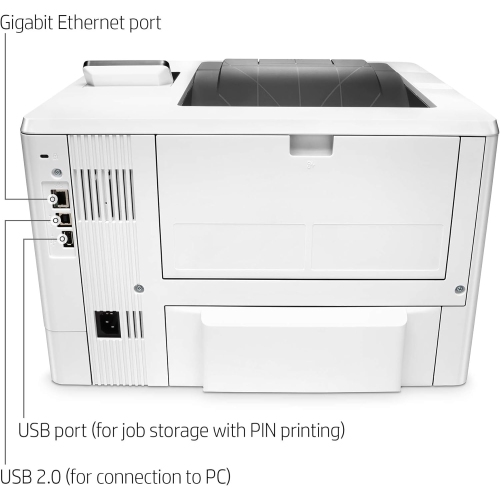
Connectivity determines how easily a business laser printer becomes part of an existing workflow. USB can provide a direct connection for a single computer, Ethernet can connect a shared printer to a wired network, and Wi-Fi offers placement flexibility where a network cable is impractical. Mobile printing and compatible printing apps can help staff send a document from a phone or tablet, though support varies by printer, device, and software. Compatibility with the workplace’s operating systems and network setup matters just as much as the connection itself. The broader Business Printers collection provides context for workplaces balancing laser printing with other document requirements. In shared spaces, security features also deserve attention. Depending on the model, PIN-protected print release can keep a confidential document from appearing in the output tray before its sender arrives, while access controls and supported network security settings help manage who can use the device. Scanning workflows may include destinations such as email or a network folder, with setup requirements that depend on the printer and workplace systems. Long-term durability also relies on care suited to the machine. Paper stored flat and dry feeds more reliably than curled or damaged sheets, and keeping feed paths free of scraps helps reduce preventable interruptions. Toner cartridges, imaging drums, and other maintenance components have different replacement intervals, and some designs combine parts that others keep separate. Manufacturer-rated page yields are based on defined test conditions, so dense graphics and heavily covered pages can change how long a cartridge lasts. Cleaning and replacement procedures should follow the manufacturer’s directions, particularly around sensitive imaging surfaces and internal parts that become hot during operation. With suitable media, accessible controls, and a workload that matches its capabilities, a business laser printer can become a dependable part of the workday, ready for everything from a single signed form to a complete set of meeting documents.
Top selling and popular products
-
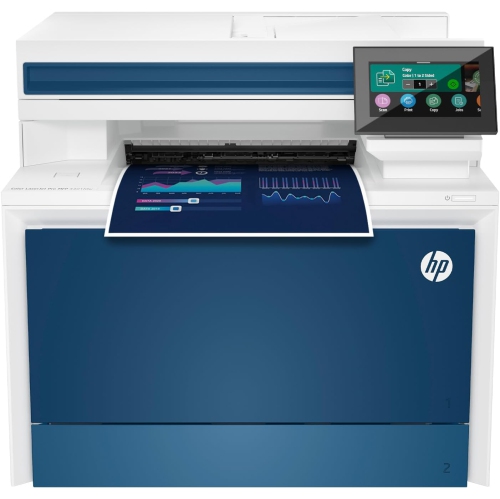 Your price for this item is $714.99
-
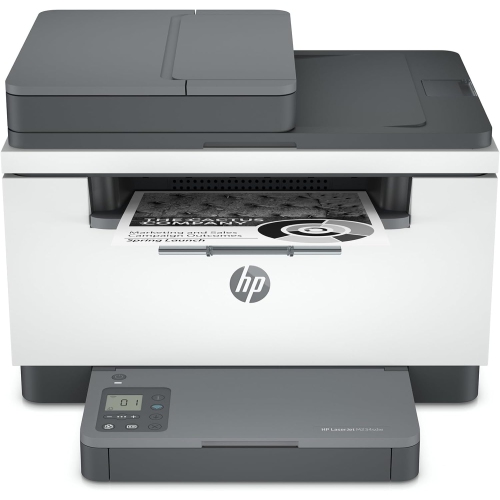 Your price for this item is $371.83
-
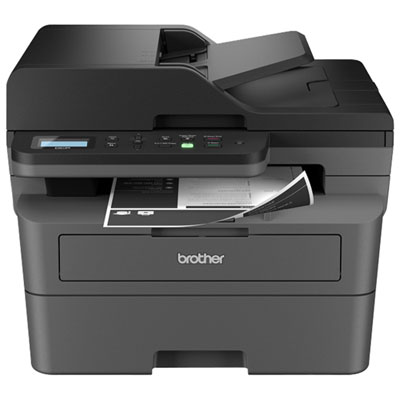 Your price for this item is $319.99
-
 Your price for this item is $477.68
-
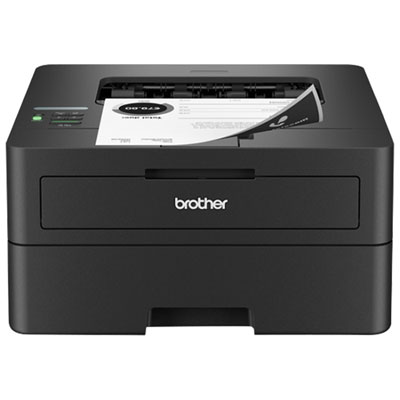 Your price for this item is $249.99
-
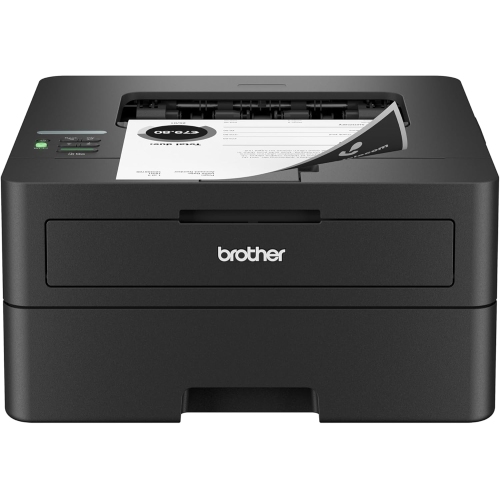 Your price for this item is $249.99
-
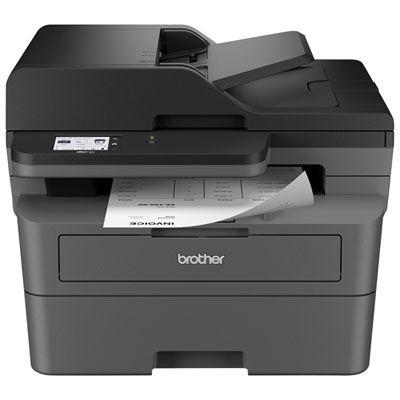 Your price for this item is $379.99
-
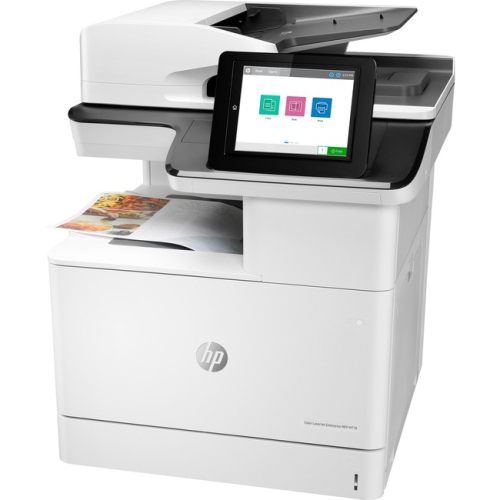
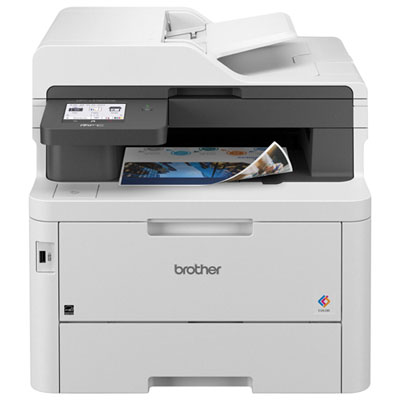 Your price for this item is $779.99
Discover more categories related to Business Laser Printers
Top Collections:
Best Black Friday Deals This Year, Best Black Friday Deals On Electronics, Kindle Devices, Pokemon Centers, Best Black Friday Deals On Apple Products, Best Cameras for Sports Photography, Dyson Airwrap, Pokémon 30th Celebration Cards, Apple iPhone 17 Pro, Canon G7X Cameras
Some products may be subject to Environmental Handling Fees
(EHF) depending on your province.
Learn more about EHFs.