Cat 5 Patch Cables
Explore our selection of Cat 5 patch cables, the essential components for connecting devices to a local area network (LAN). These high-quality cables are designed to deliver reliable and fast data transmission, ensuring seamless connectivity for your computers, printers, routers, and other network-enabled devices. Upgrade your network infrastructure with our range of Cat 5 patch cables and experience improved performance and efficiency in your digital operations.
Sort




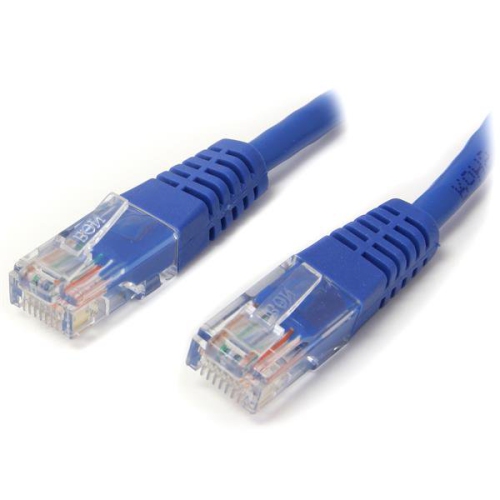
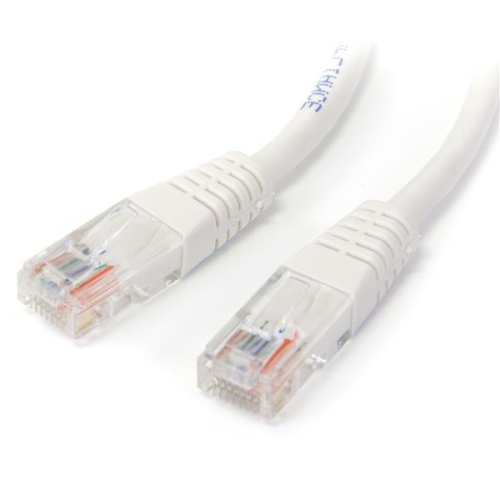
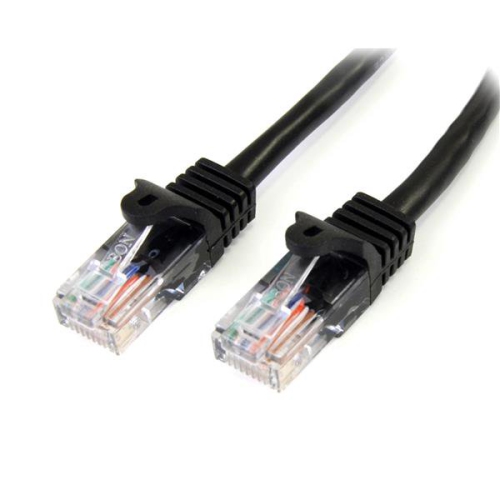

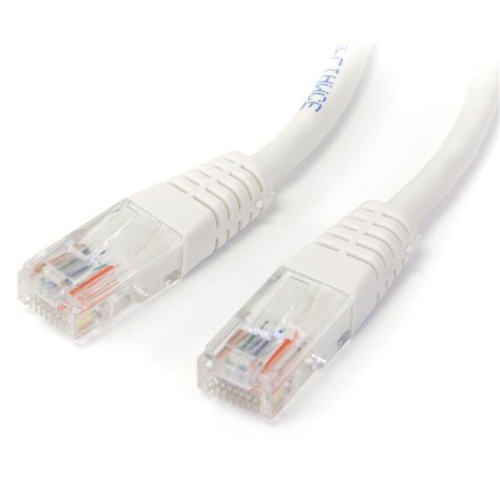


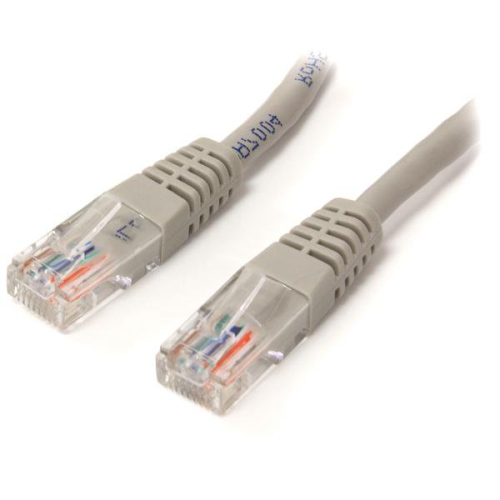
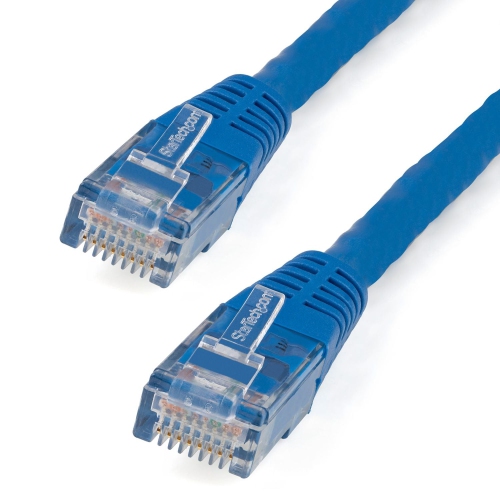
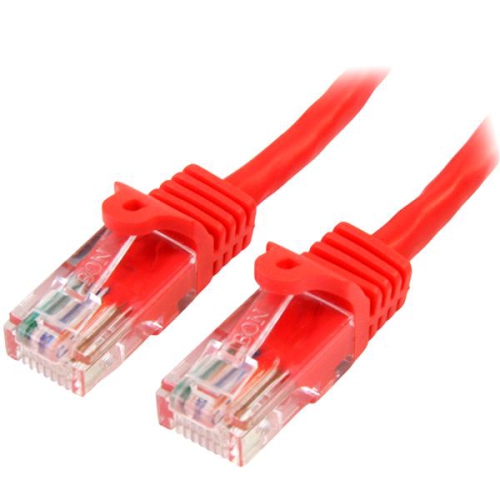
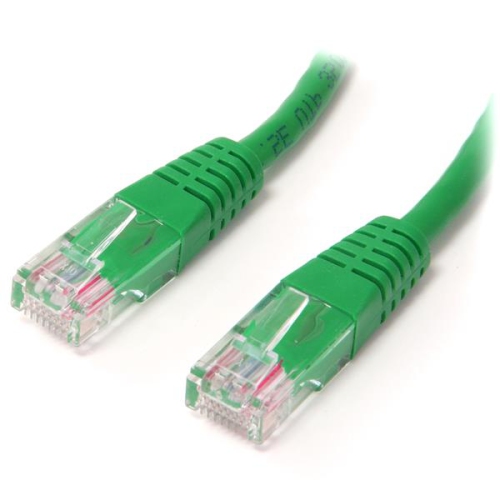

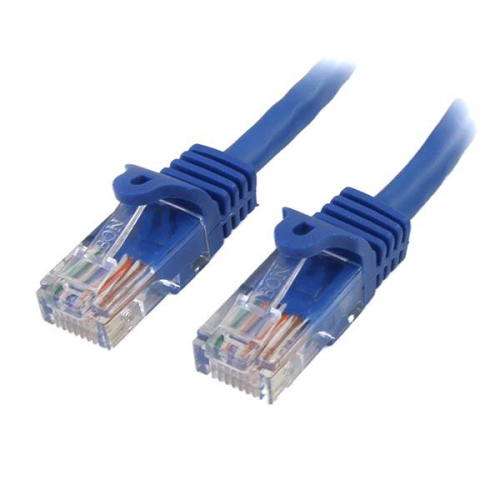
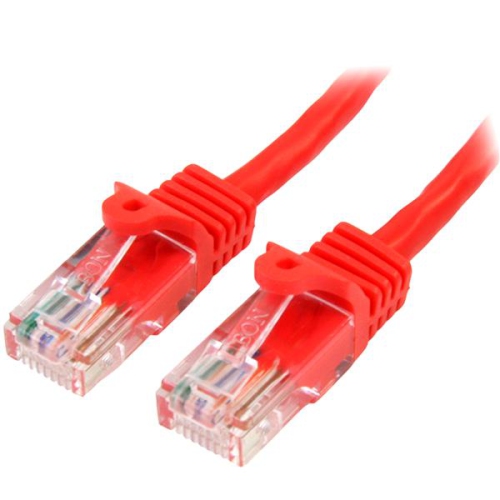
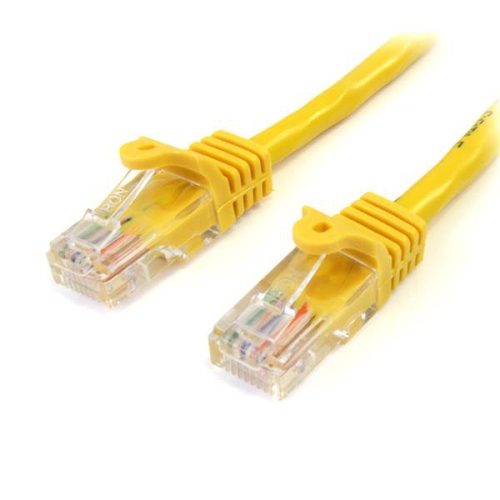
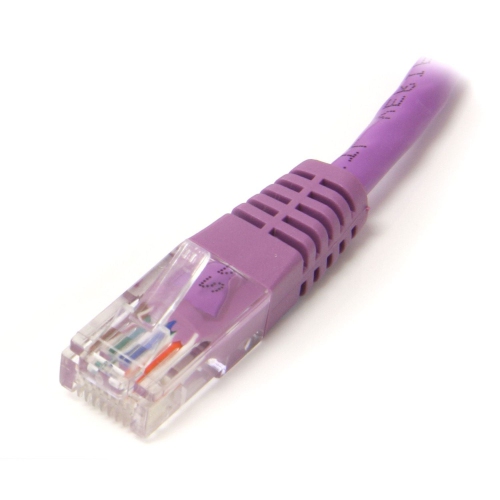

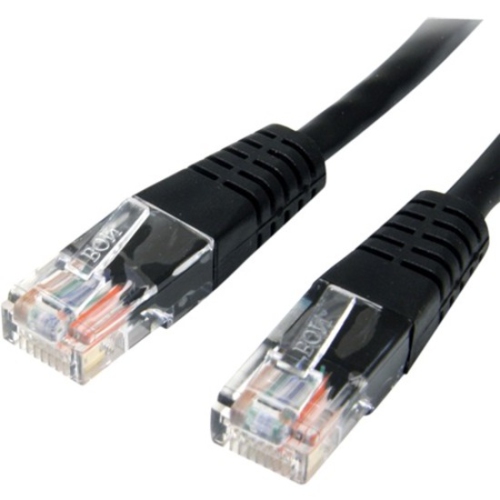
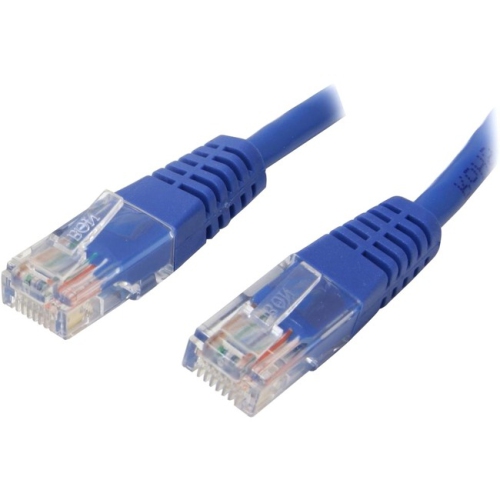
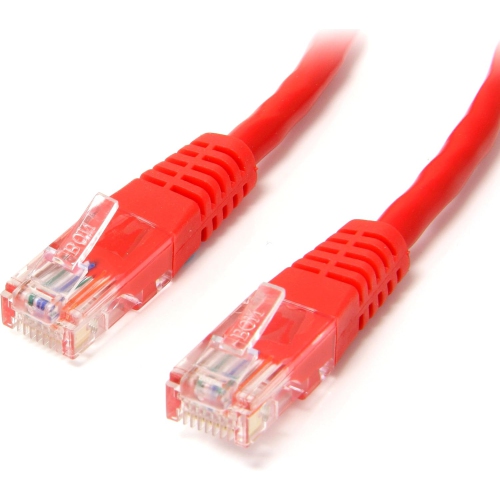
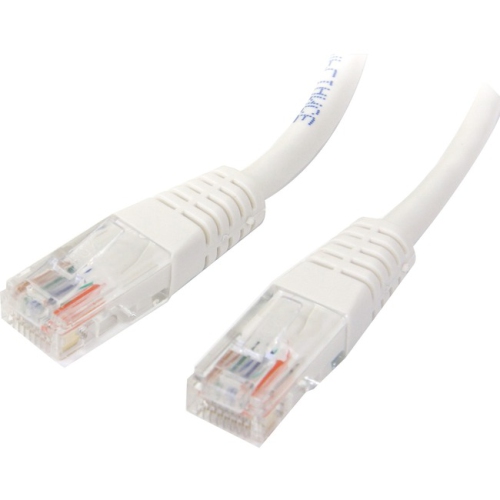
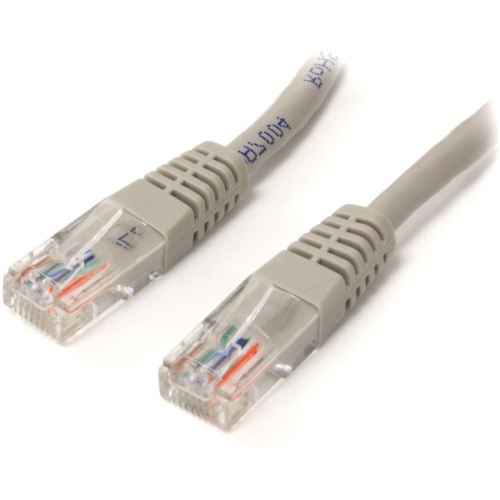
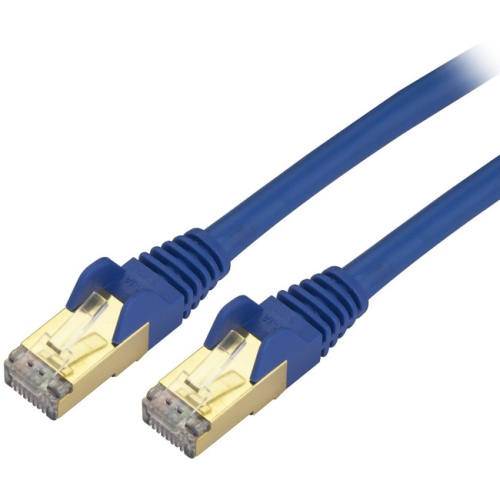
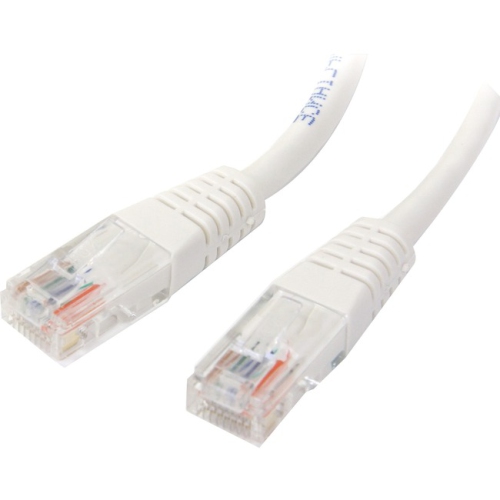
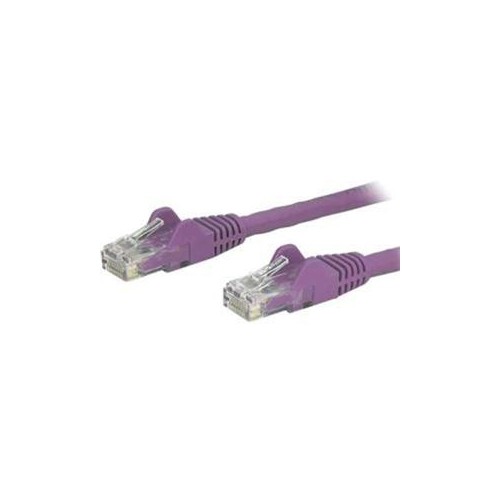
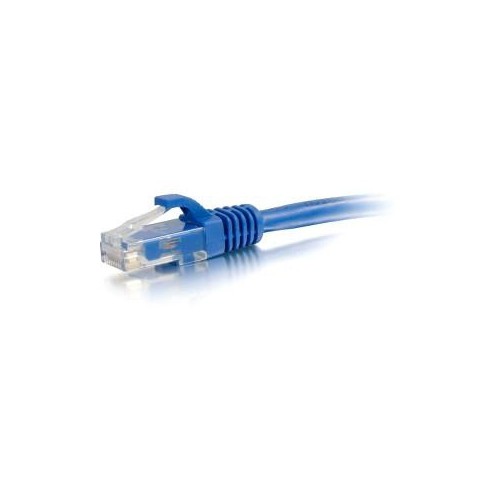
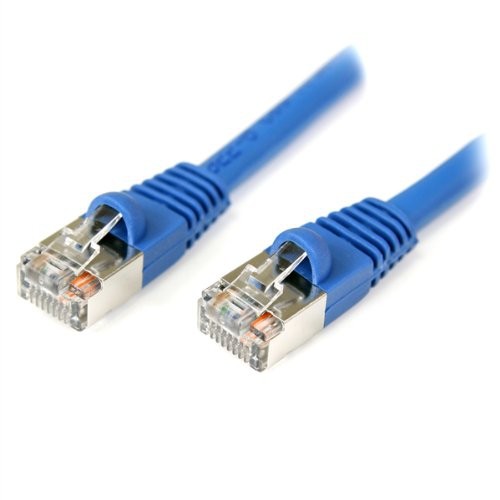
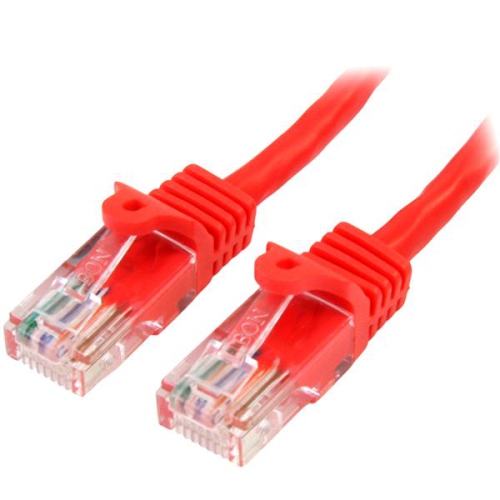

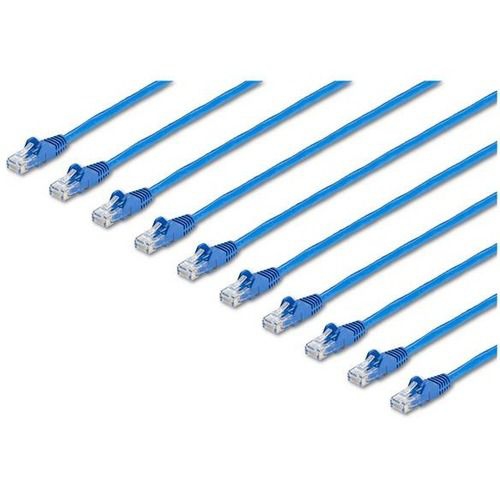
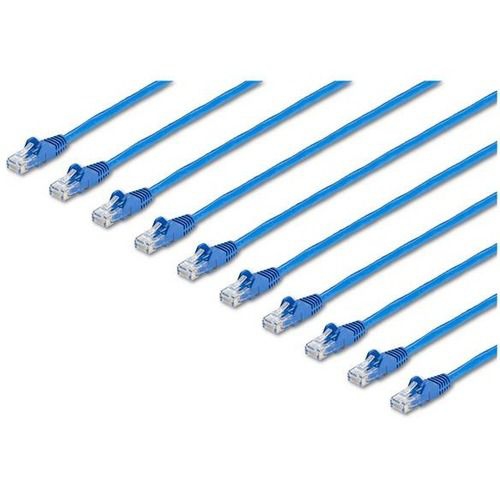
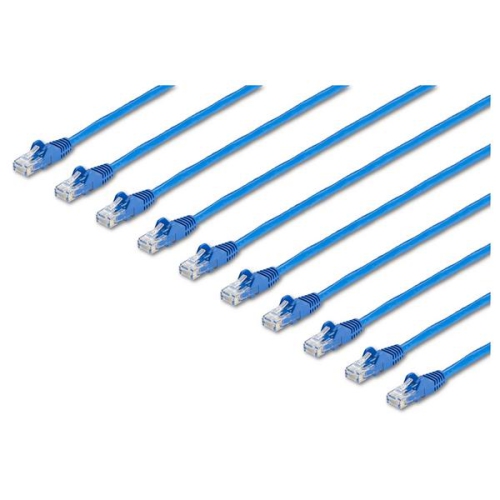
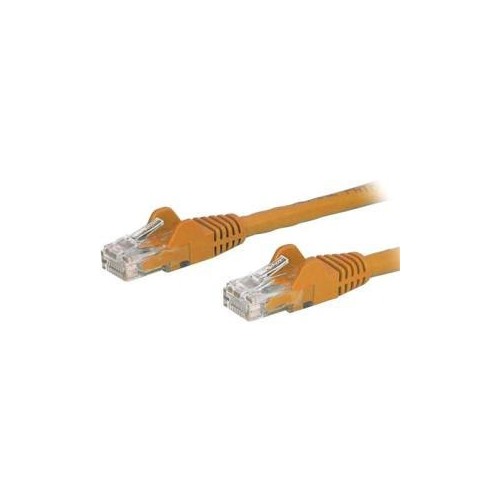
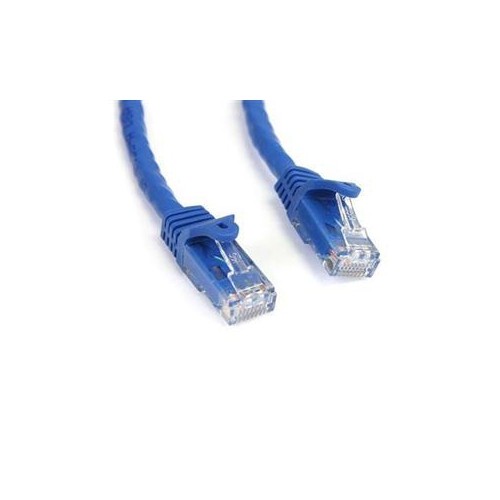
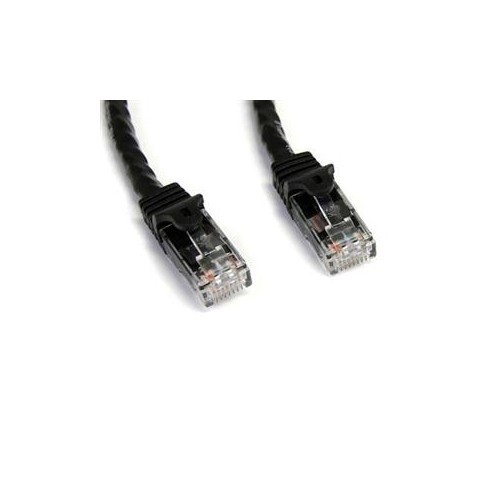
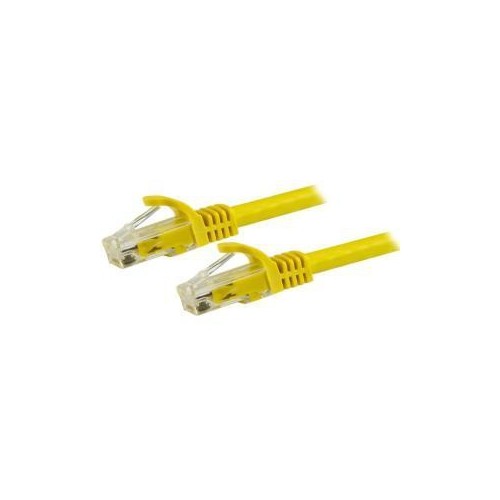
How cable category and length affect network connections
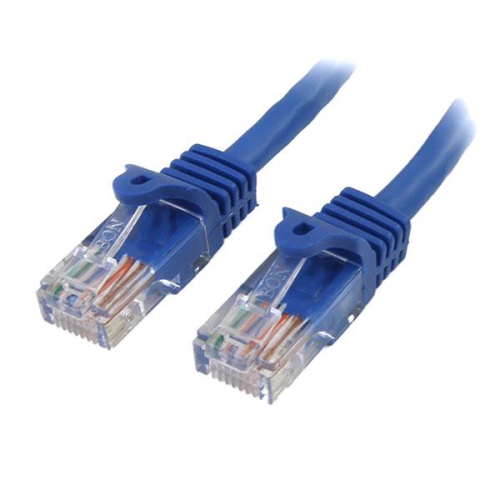
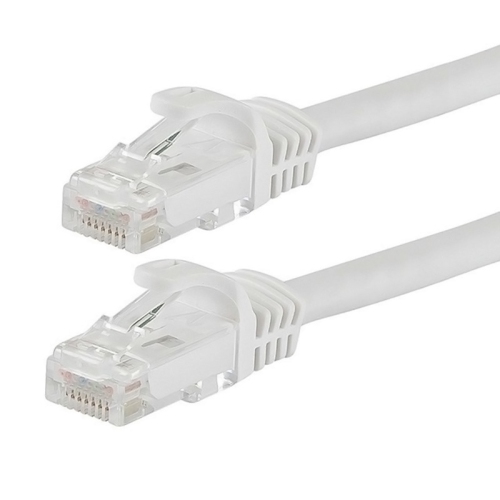
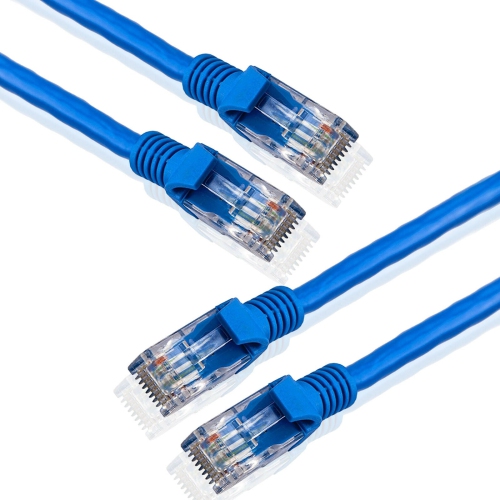
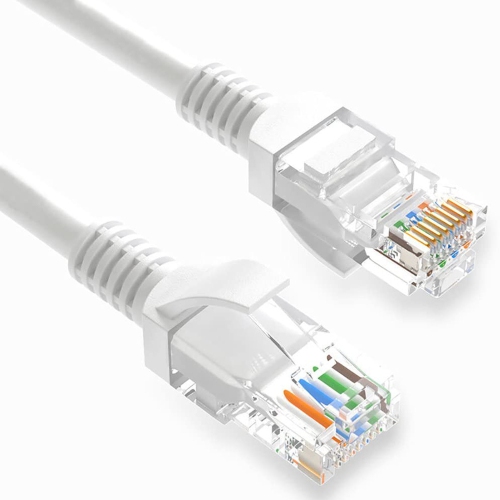
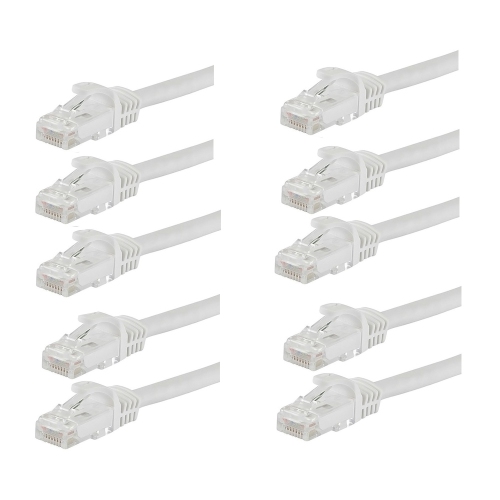
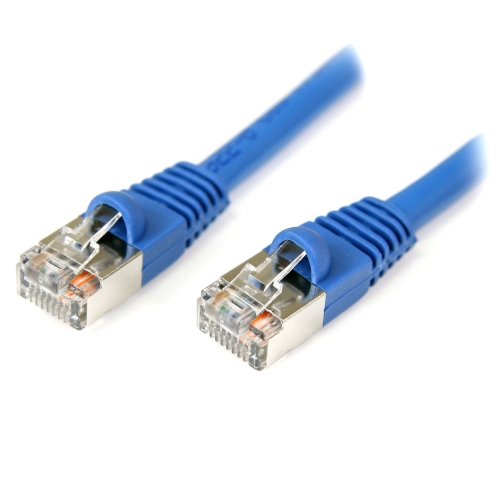
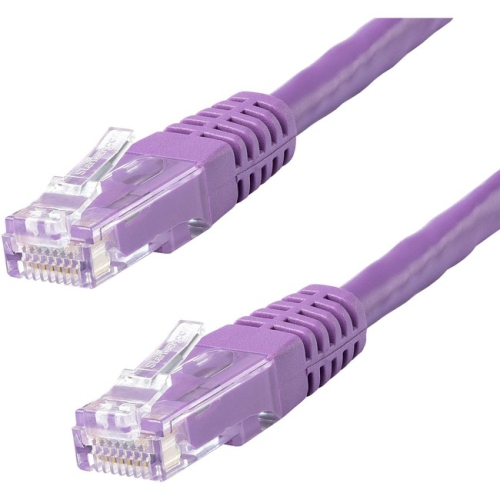
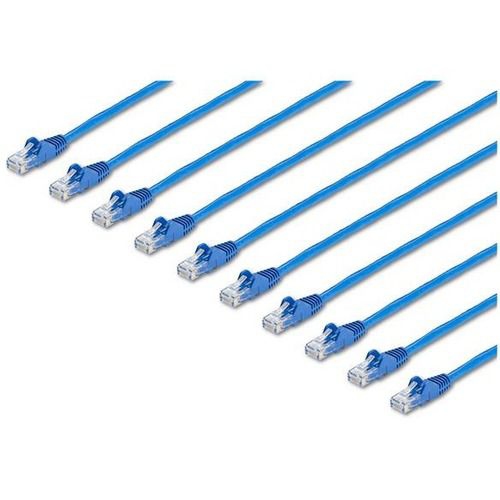
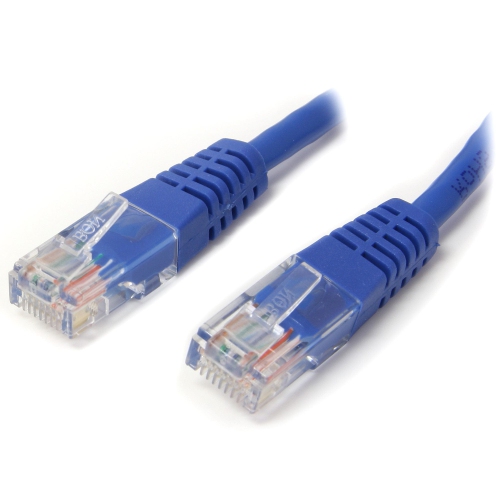
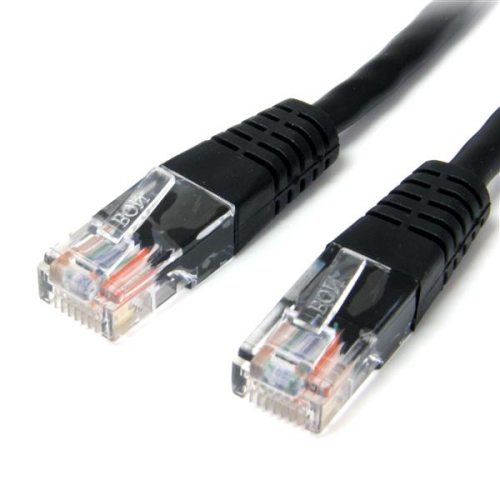
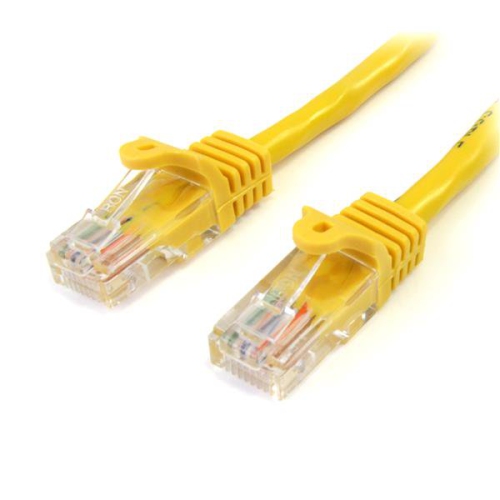
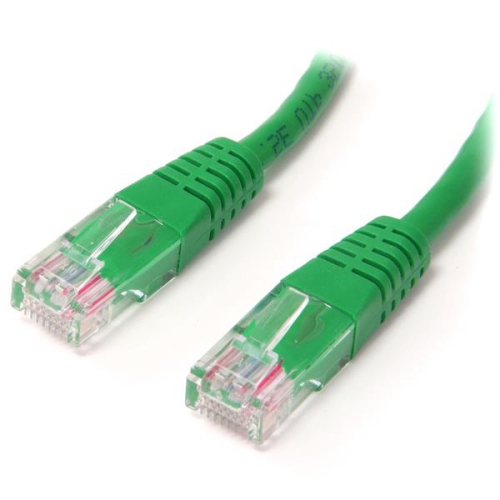
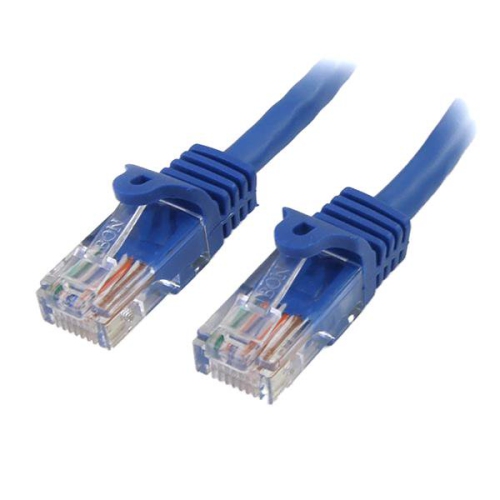
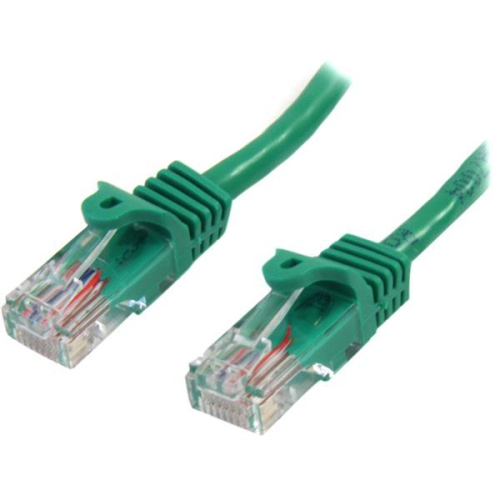
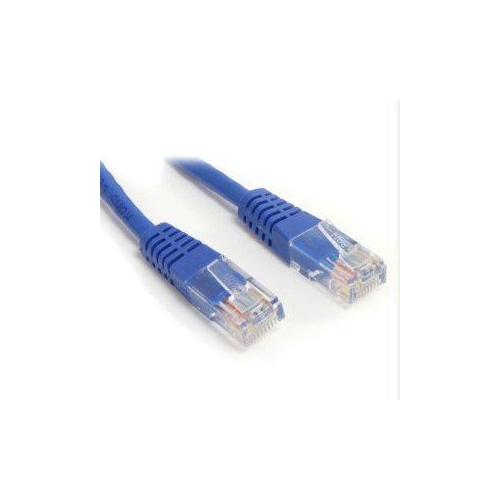
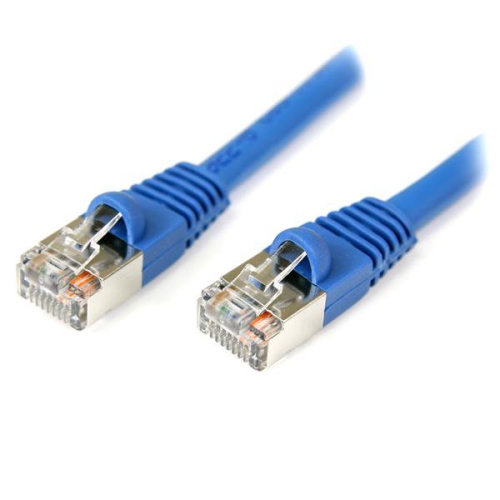
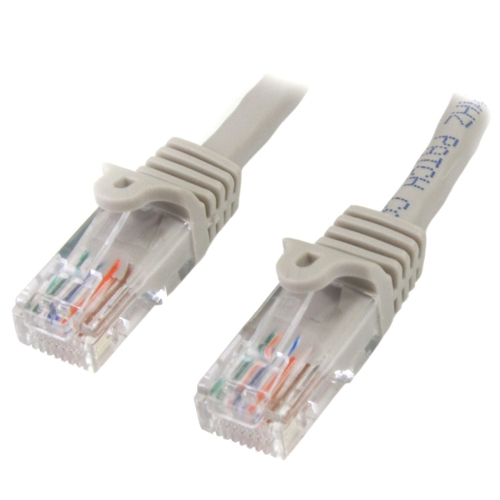
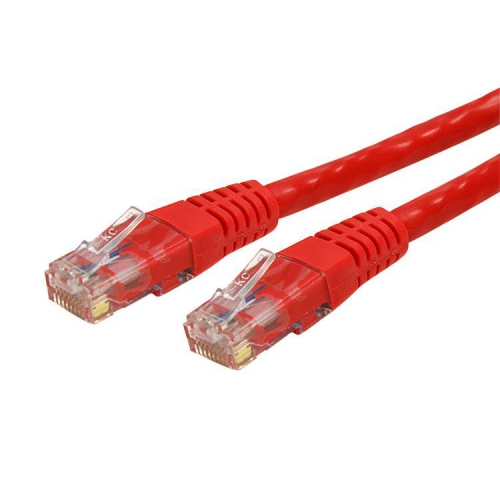
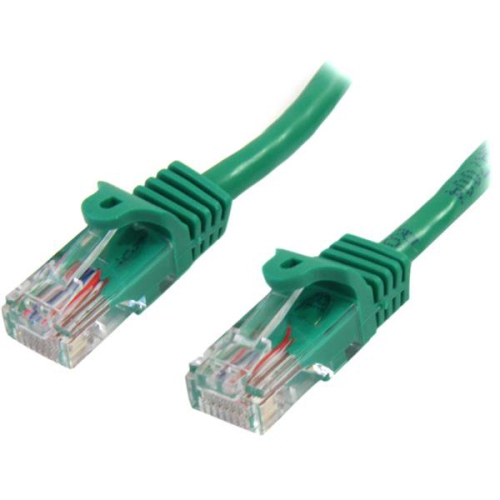
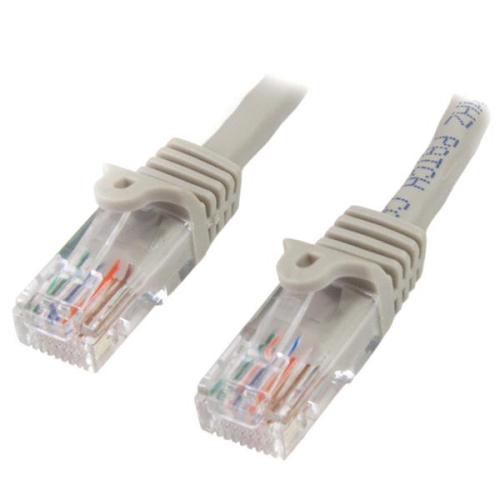
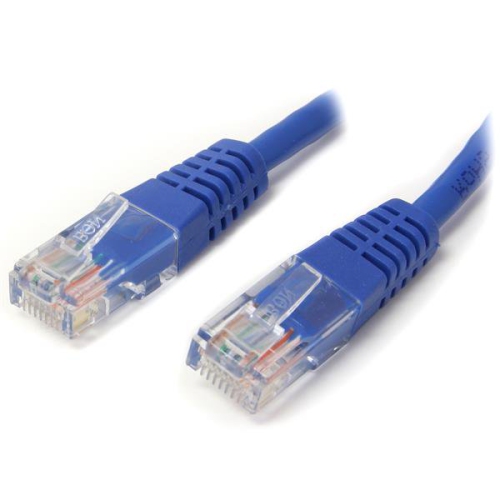
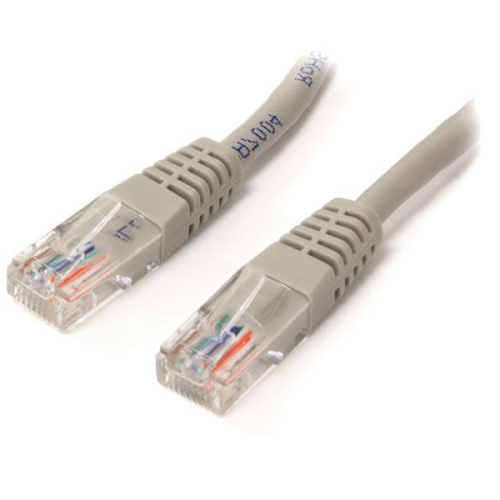
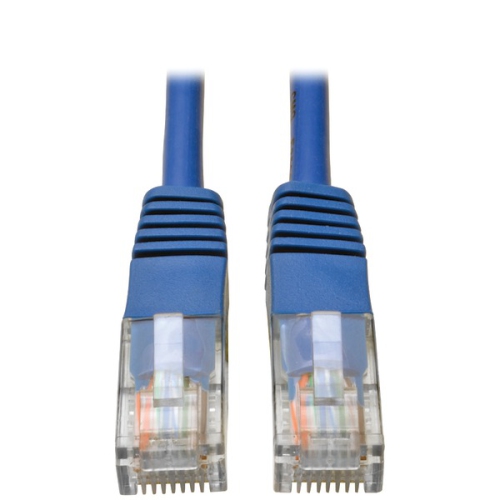
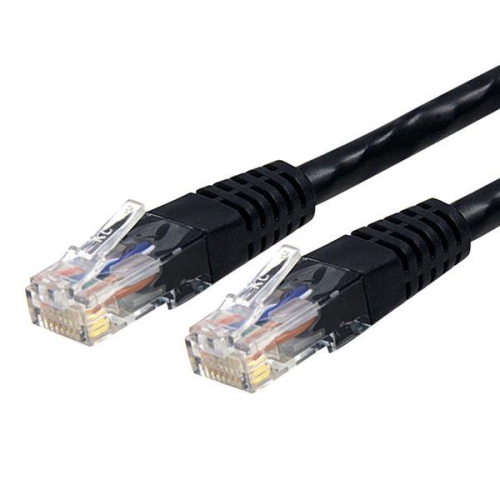
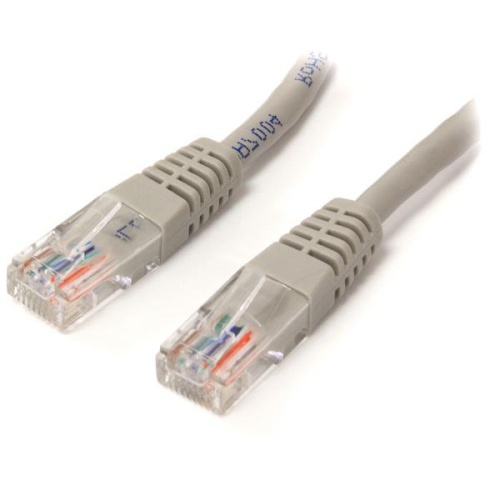
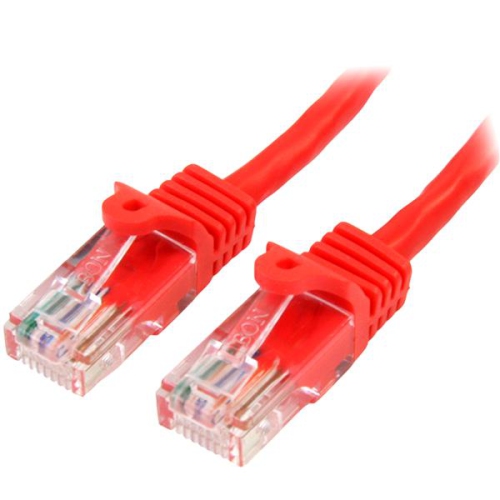
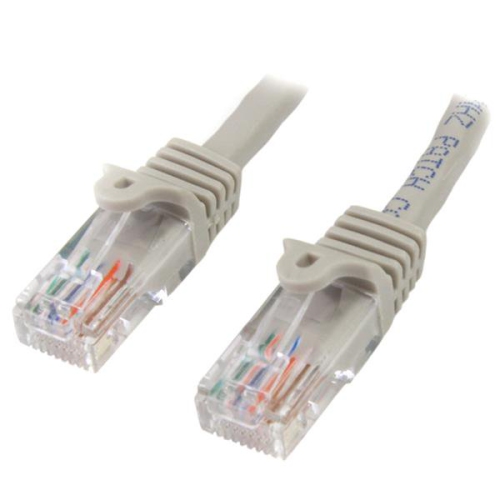
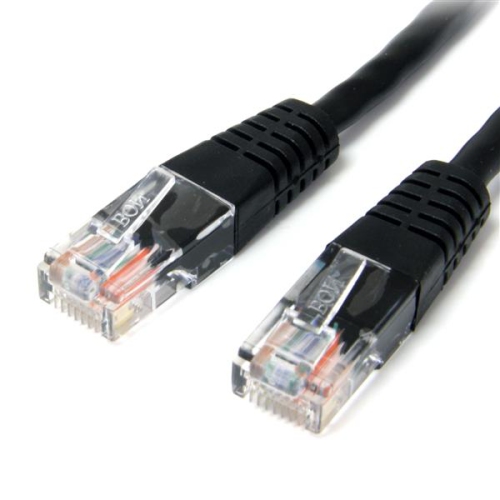
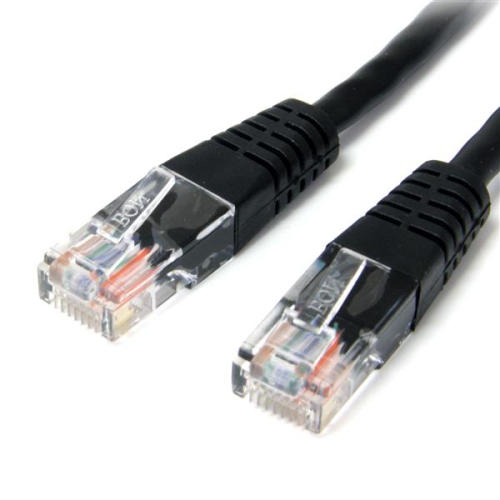
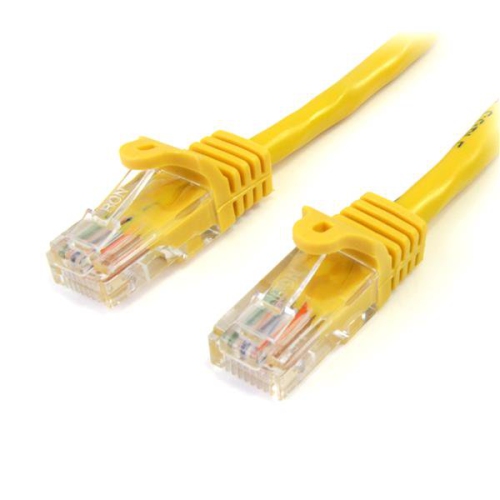
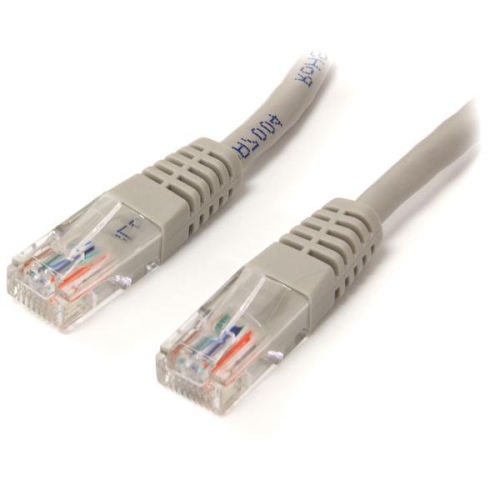
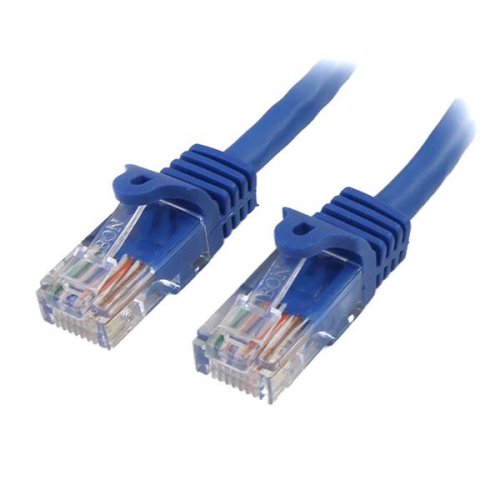
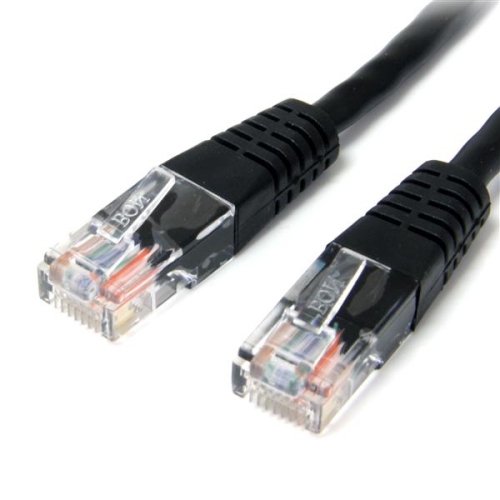
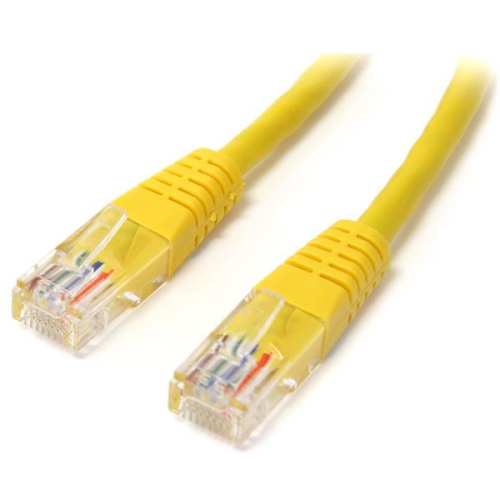
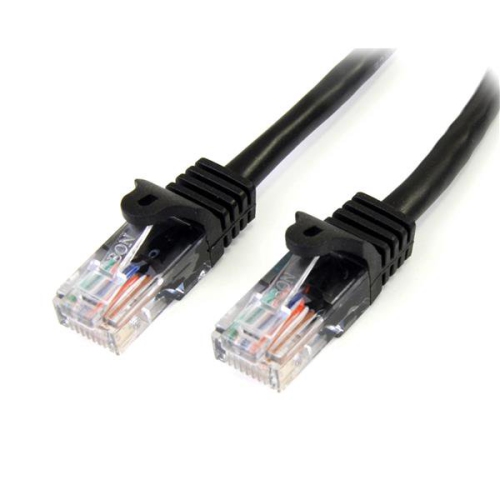
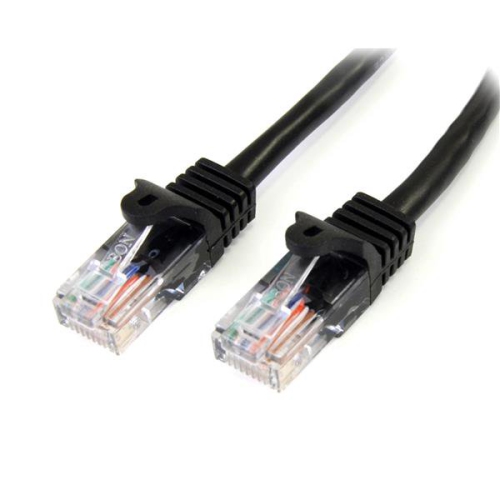
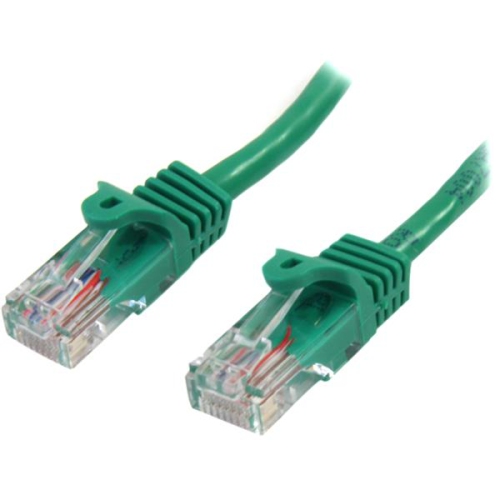
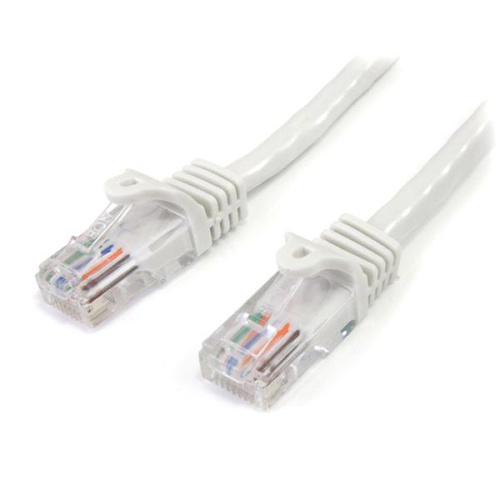
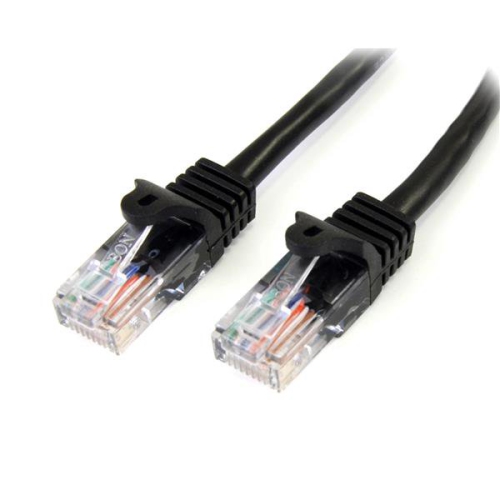
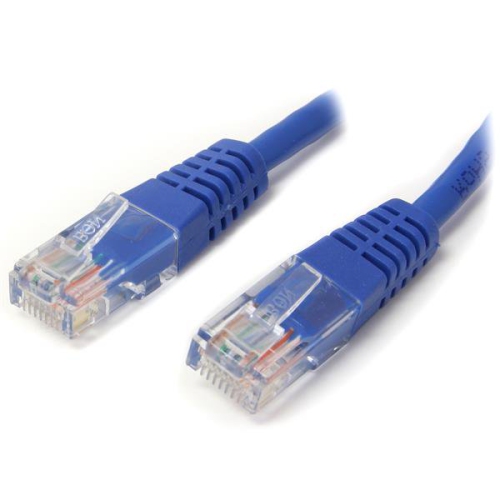
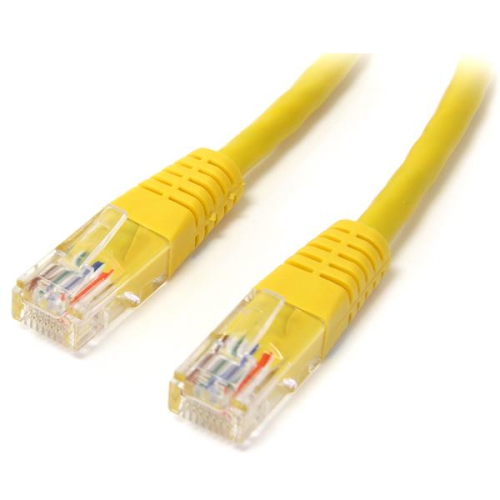
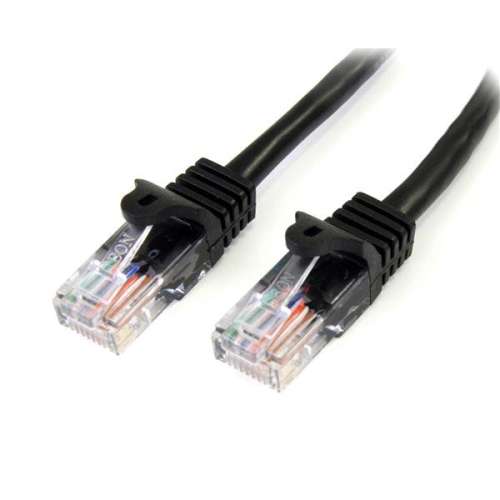
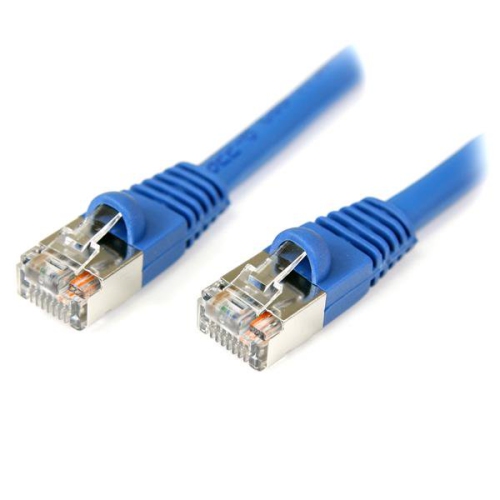
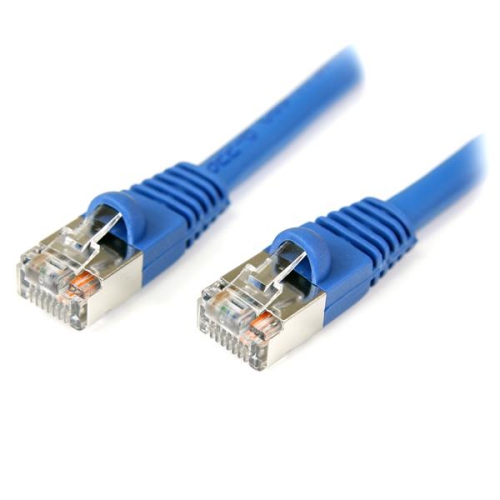
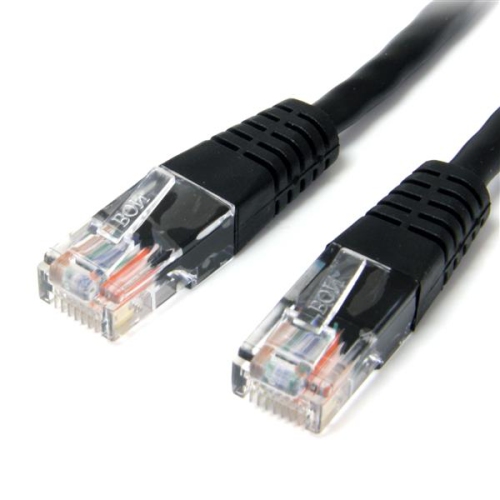
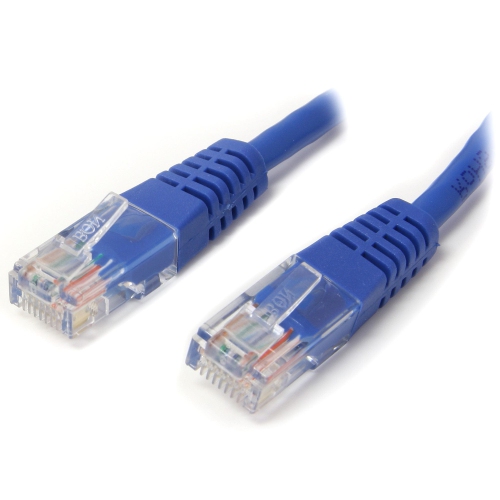
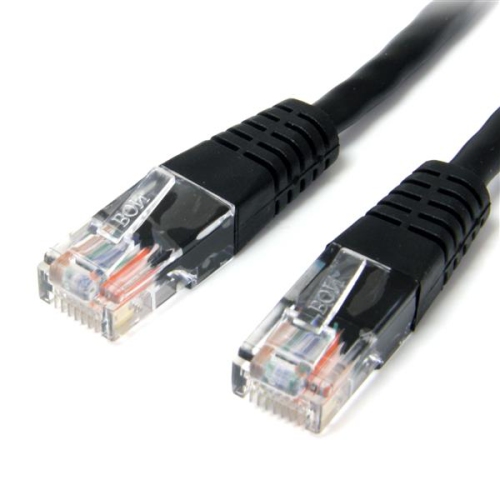
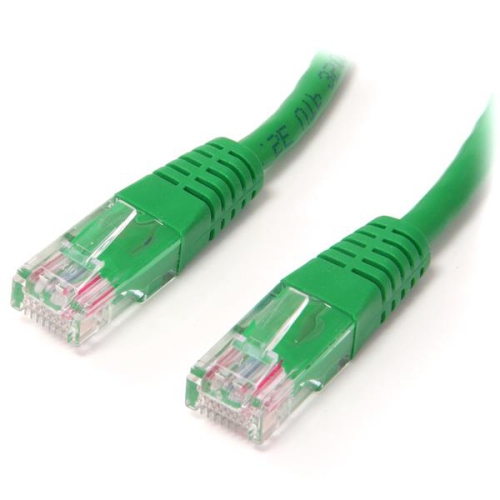
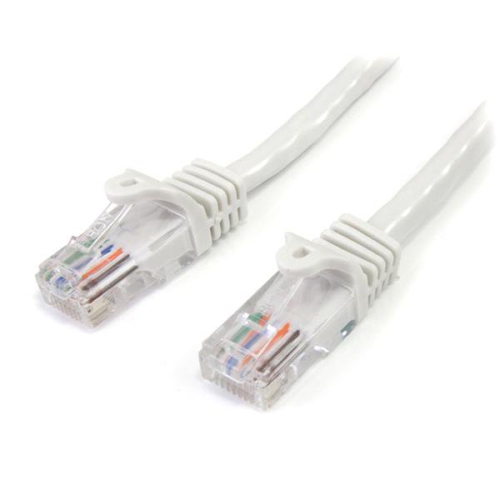
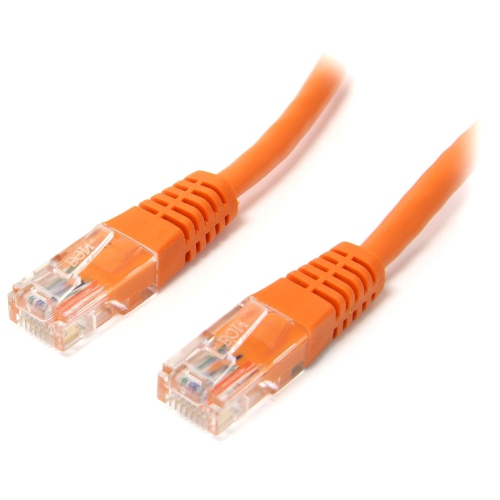
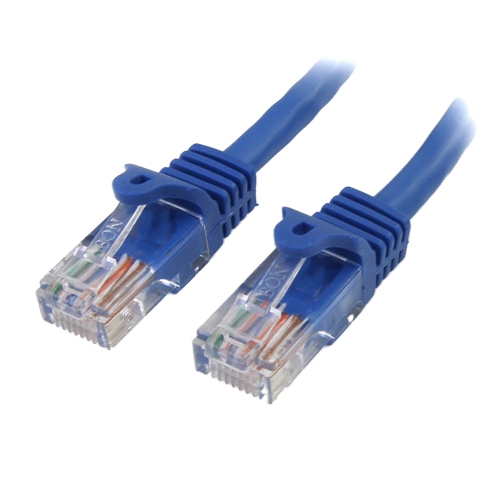
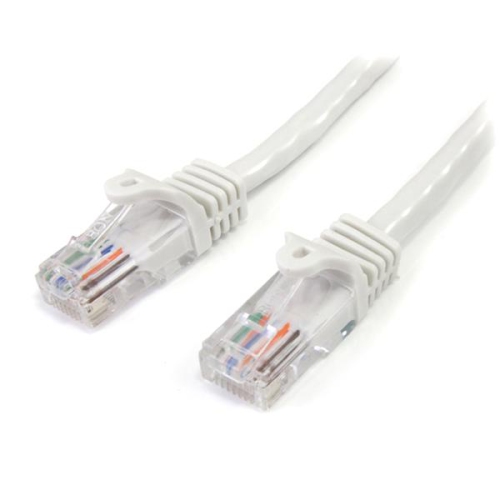
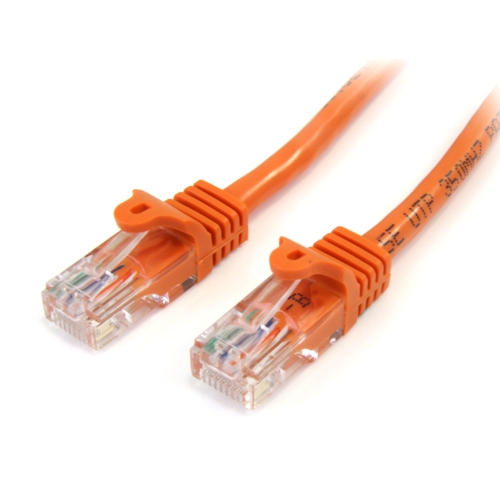
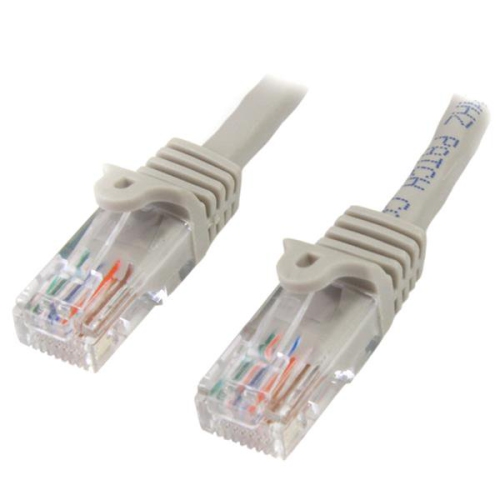
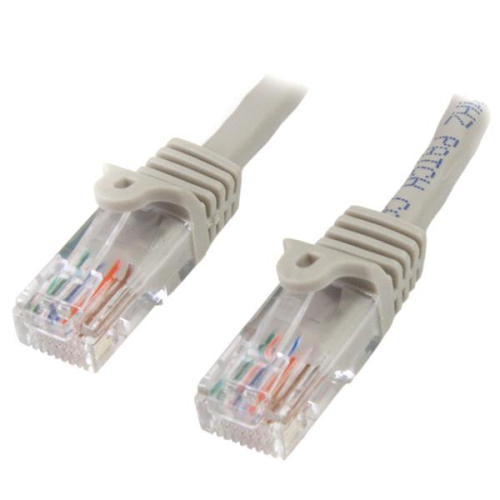
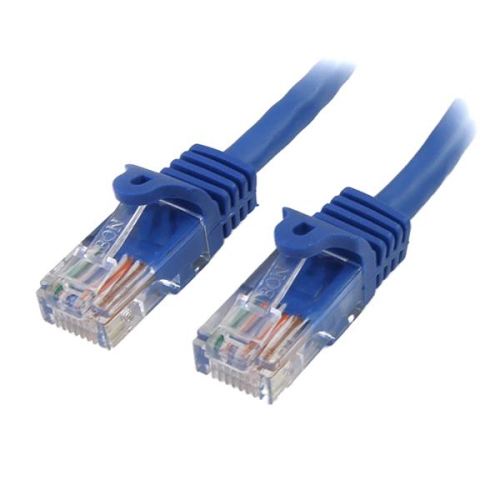
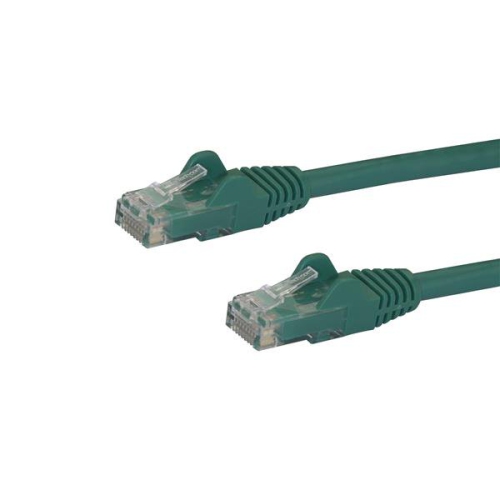
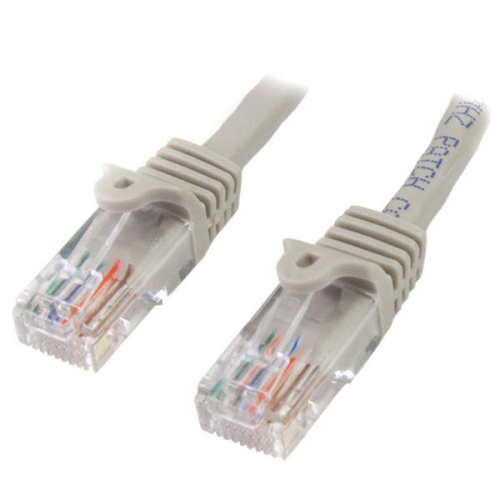
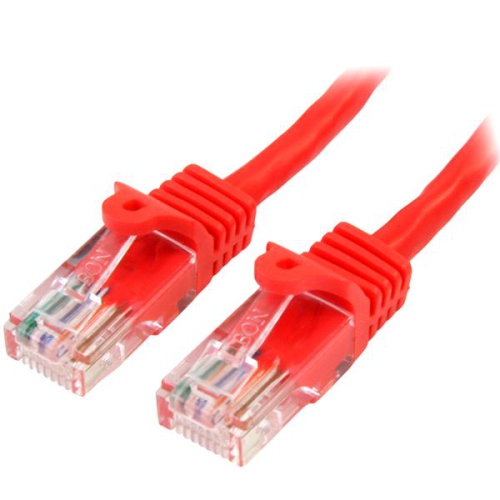
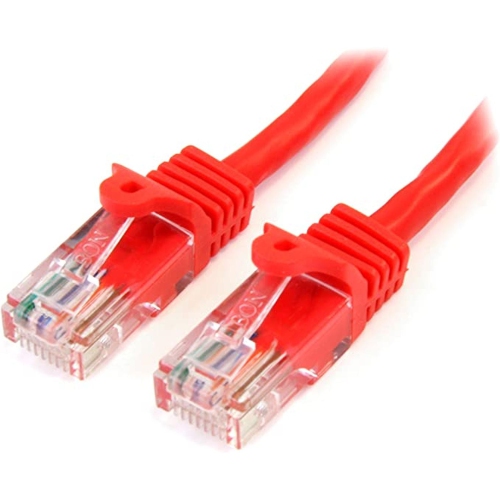
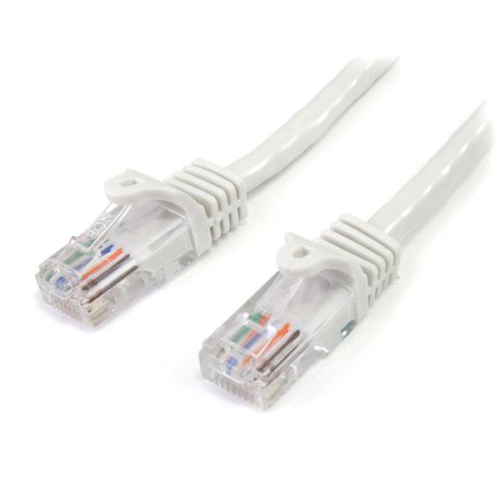
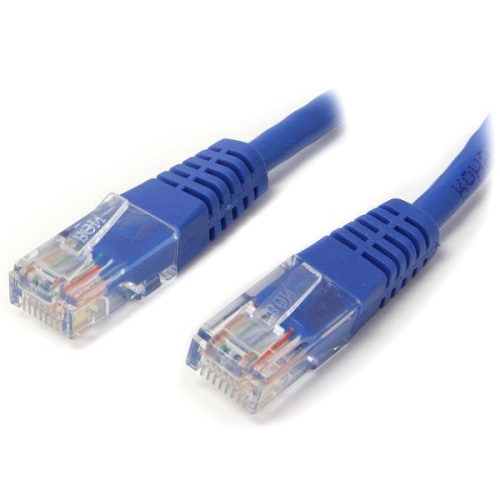
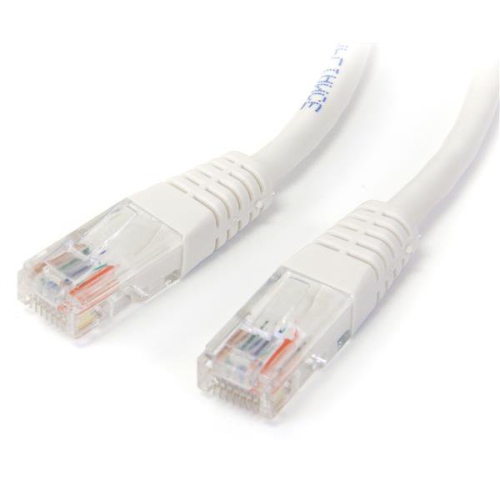
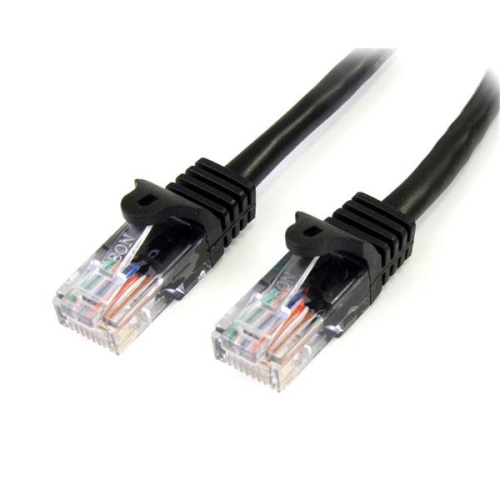
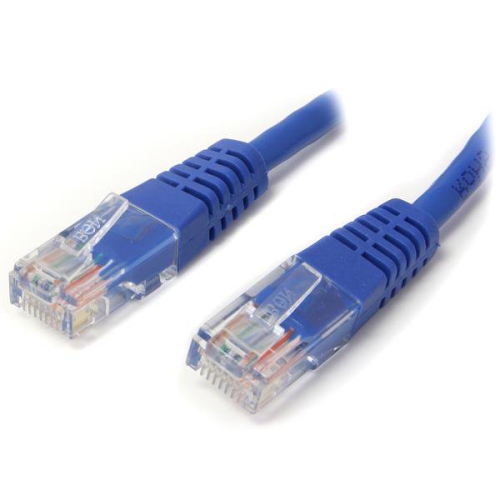
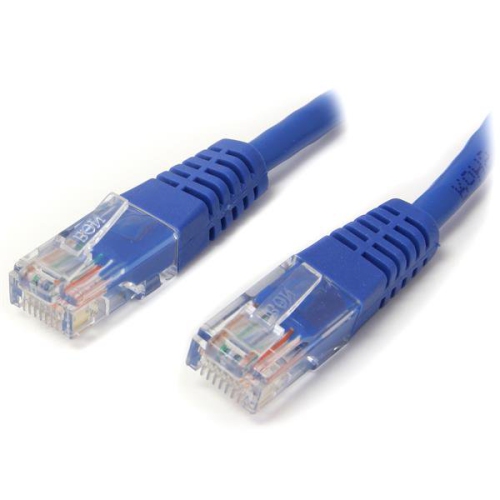
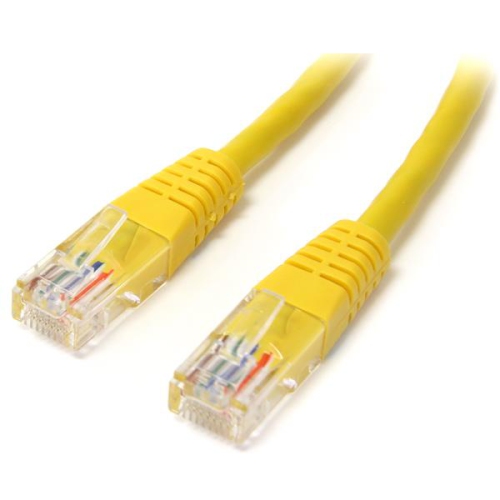
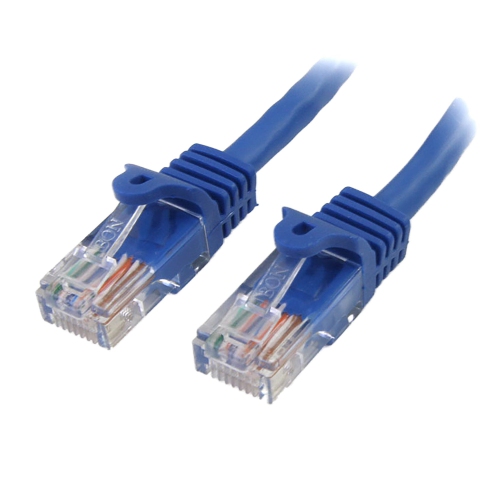
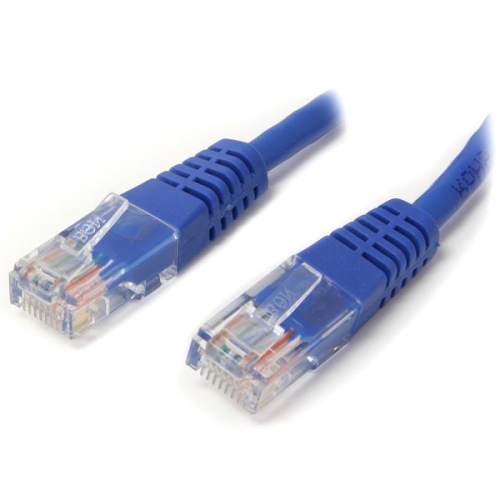
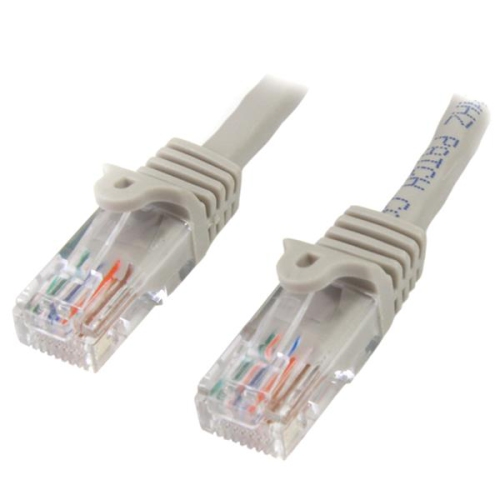
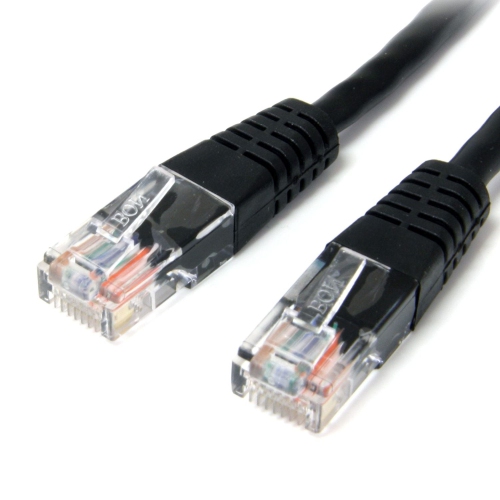
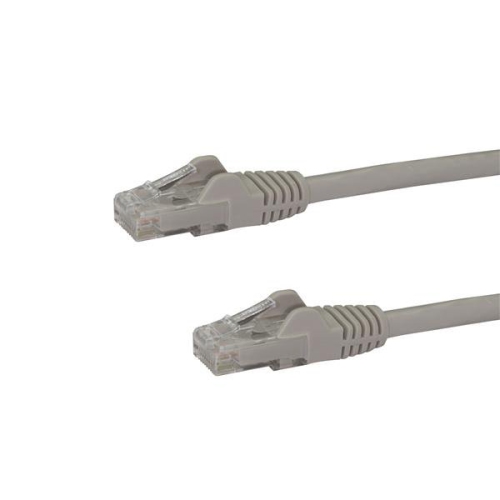
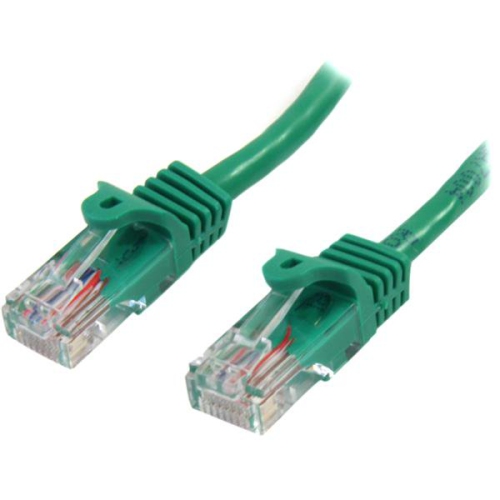
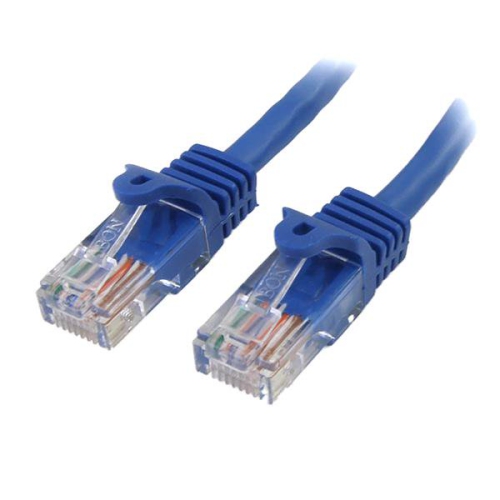
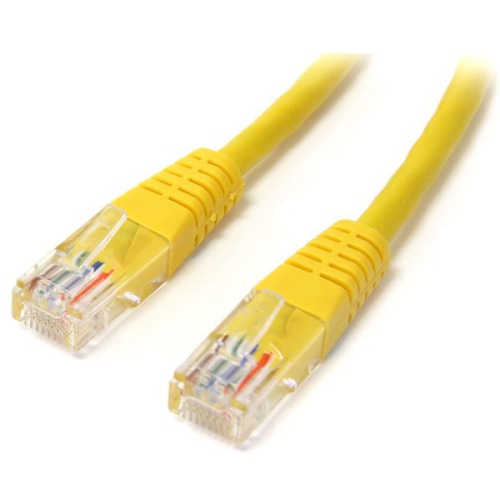
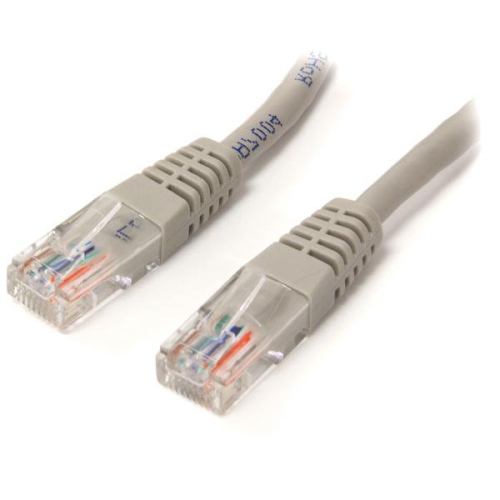
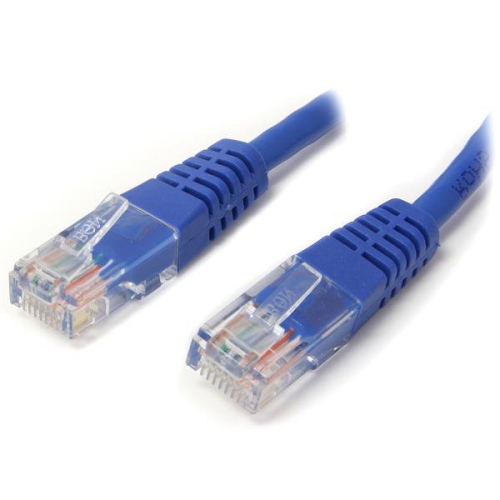
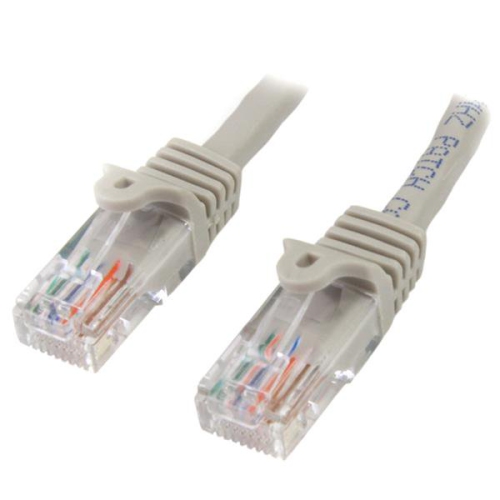
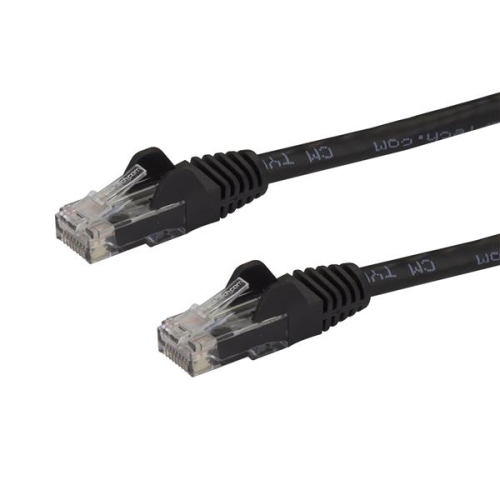
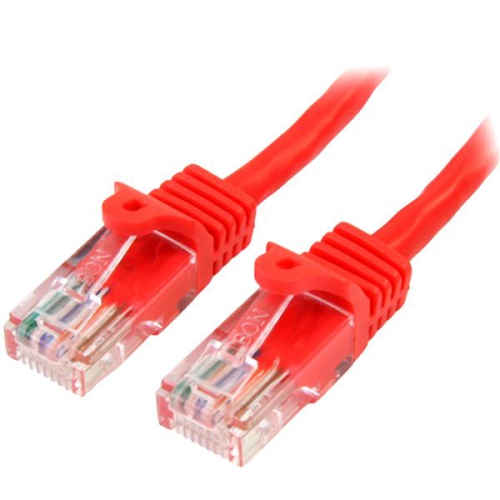
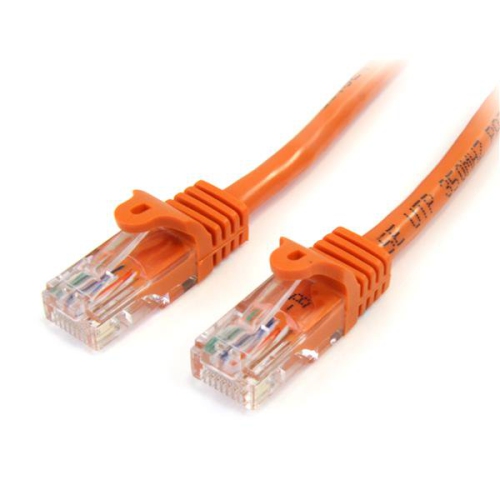
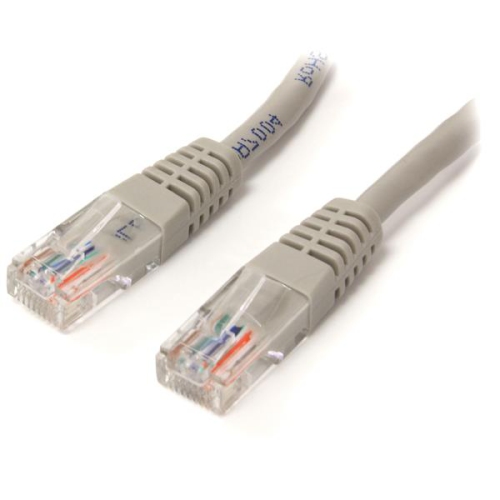
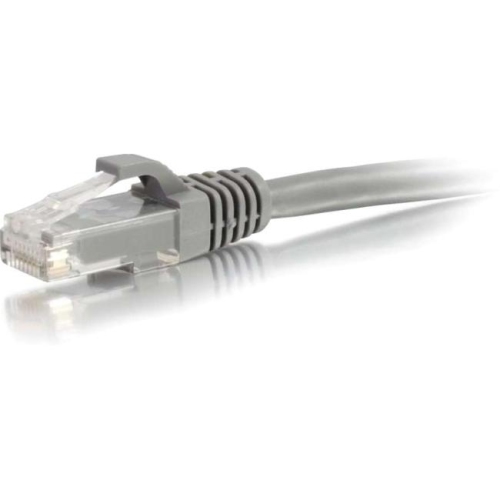
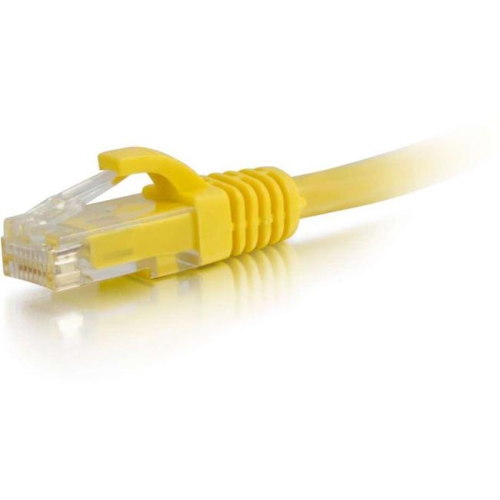
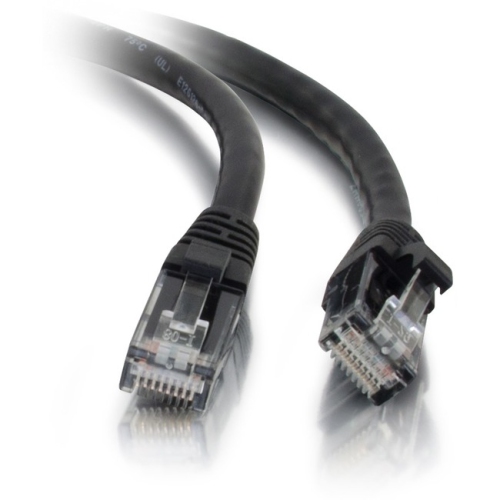
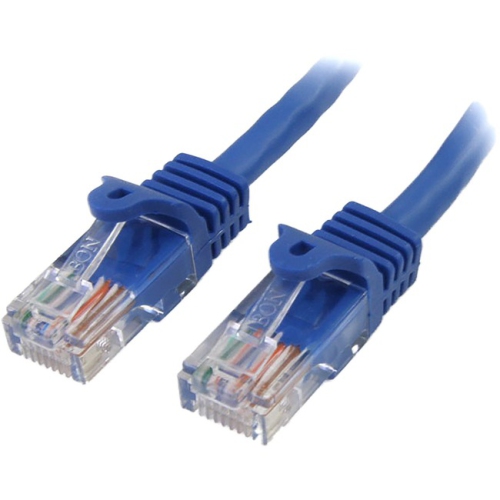
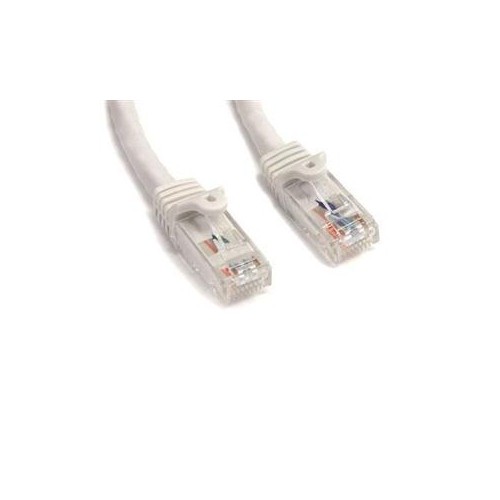
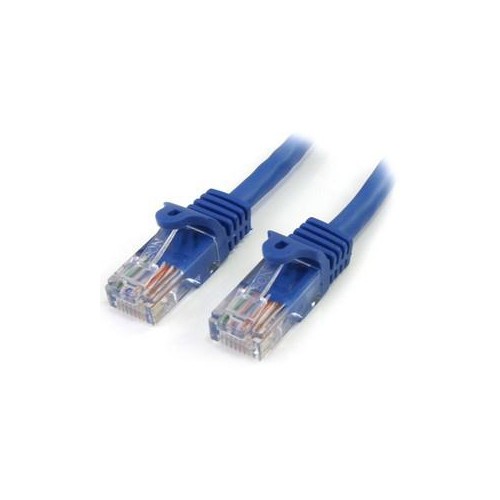
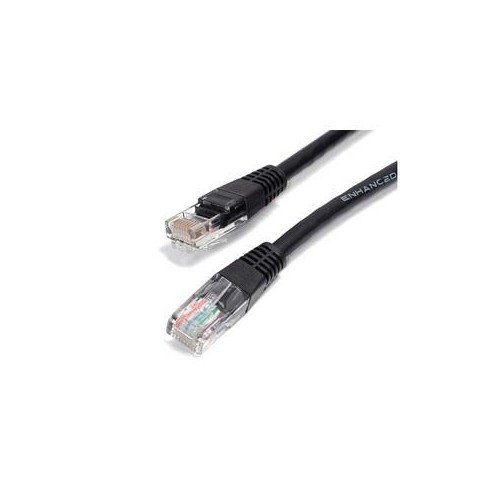
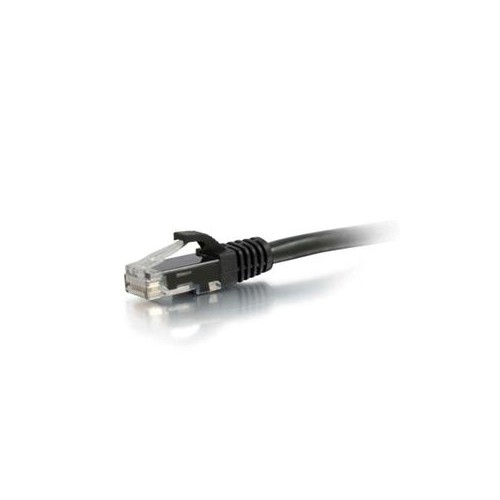
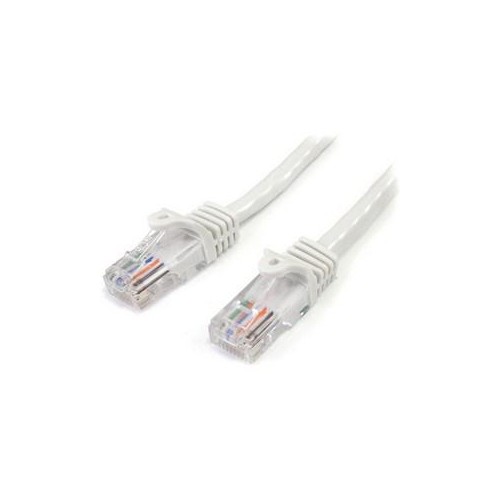
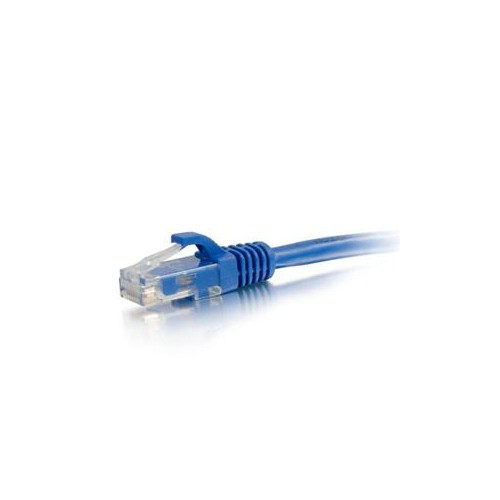
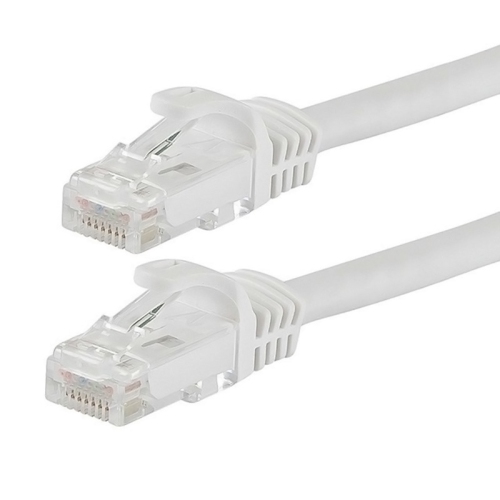
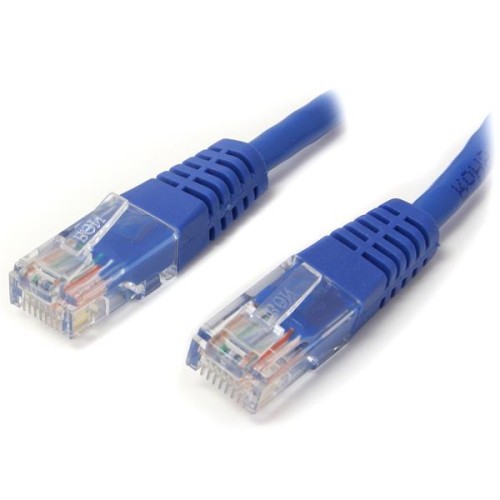
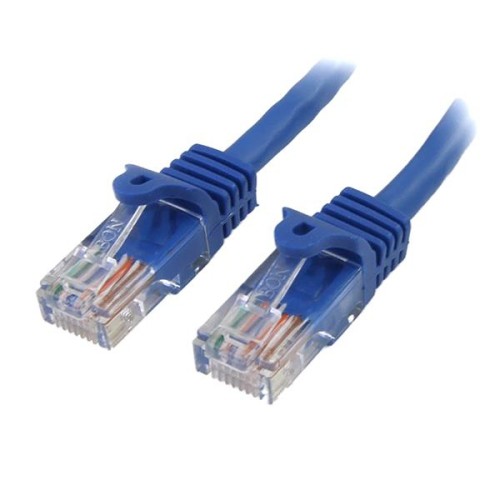
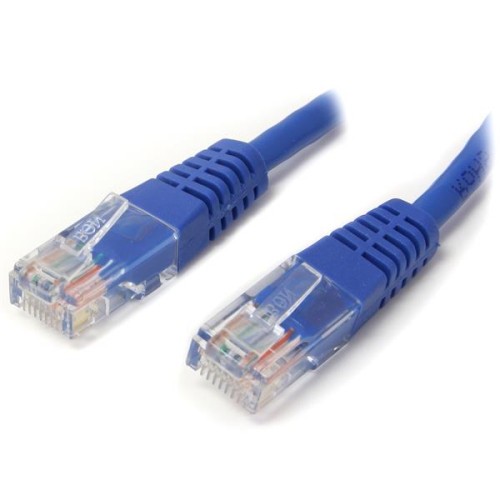
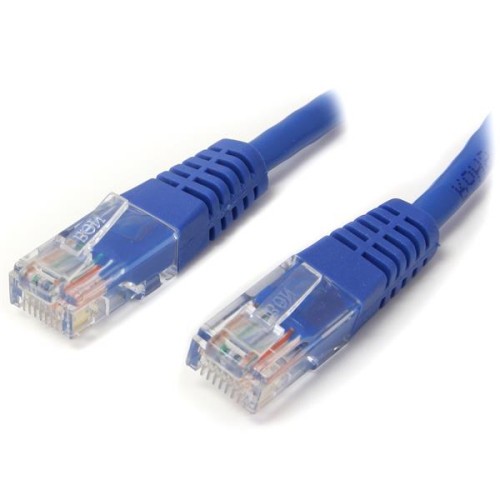
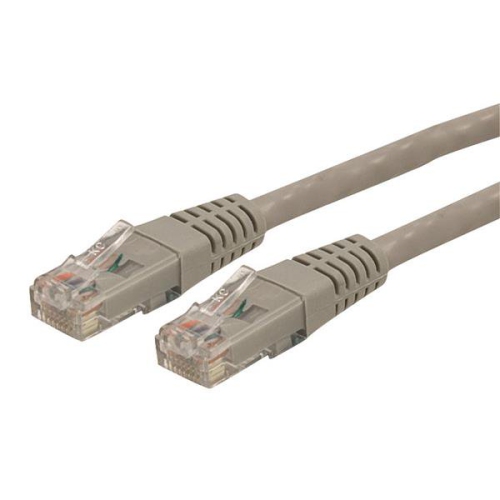
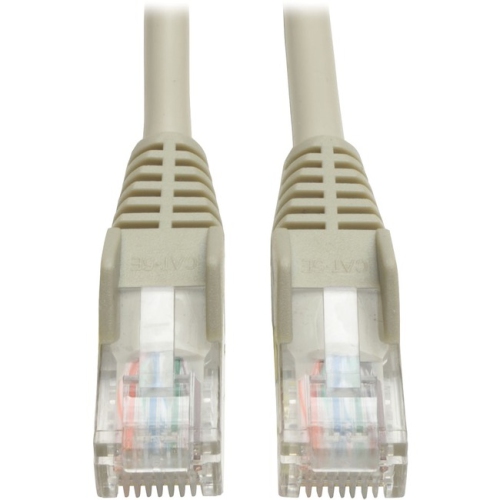
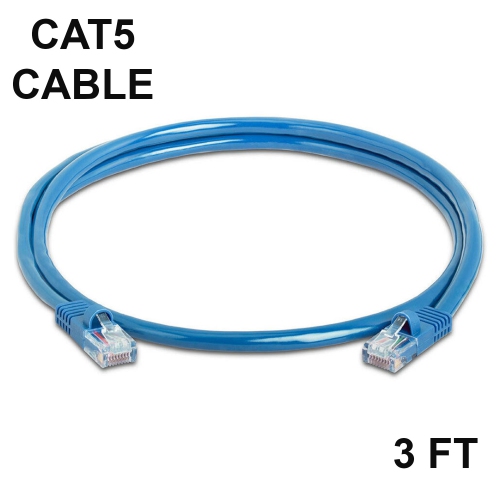
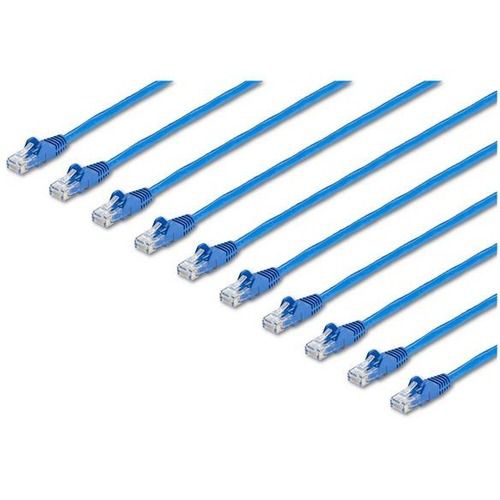
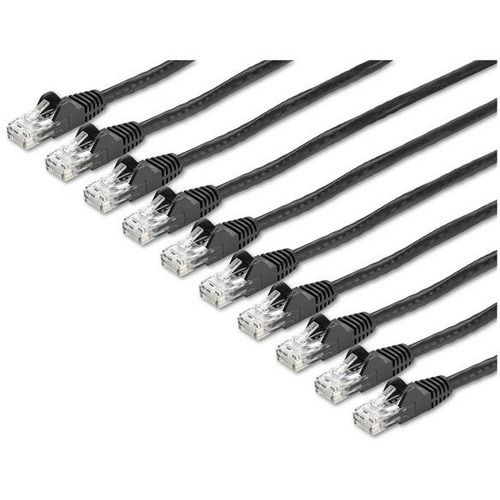
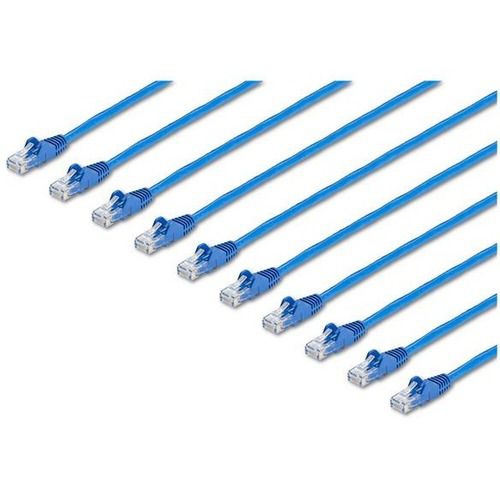
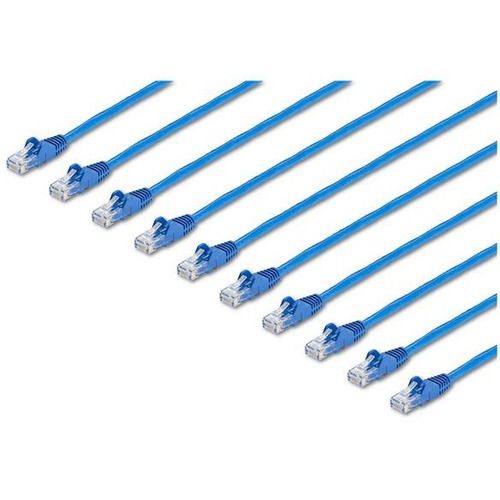
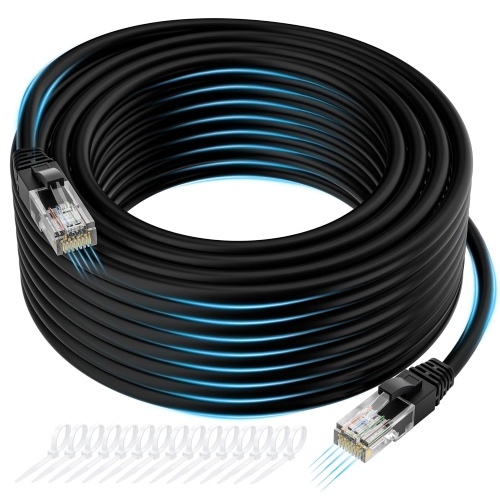
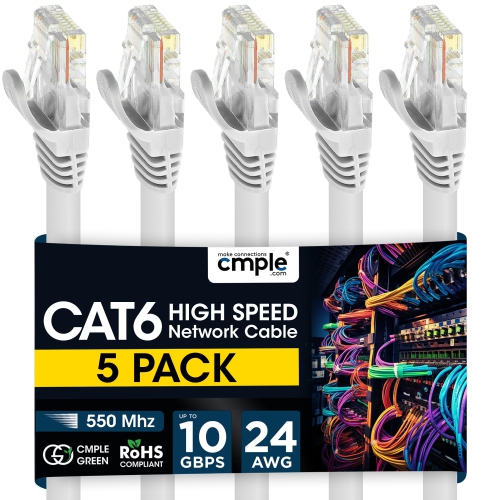
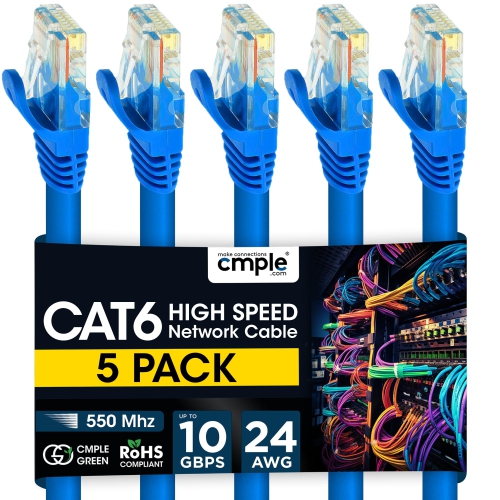
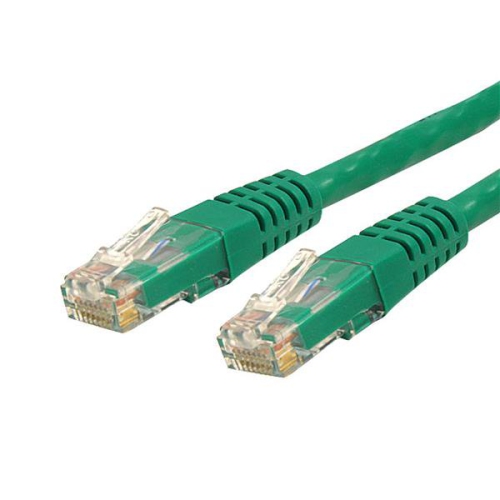
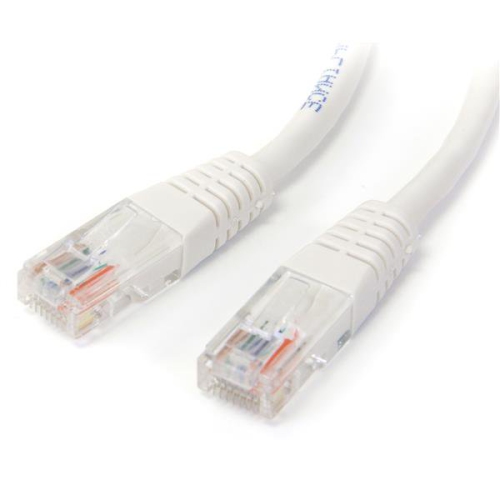
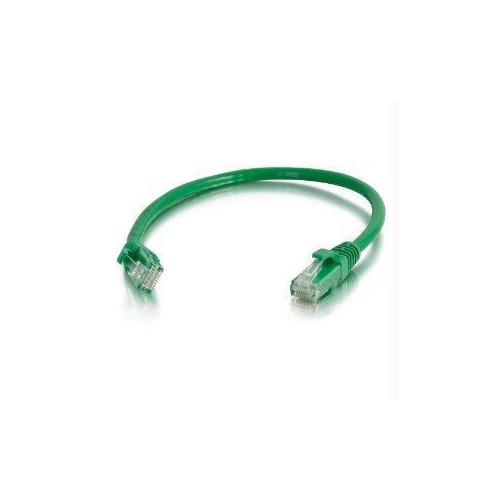
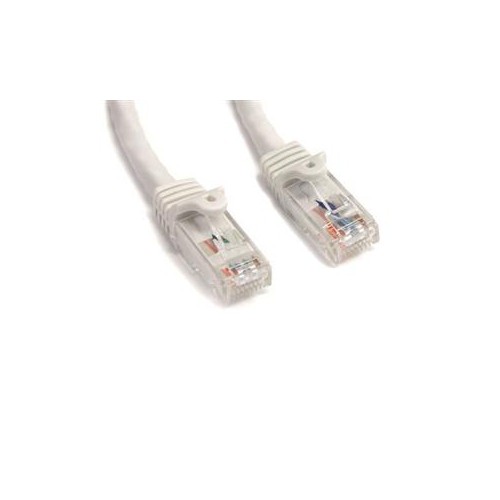
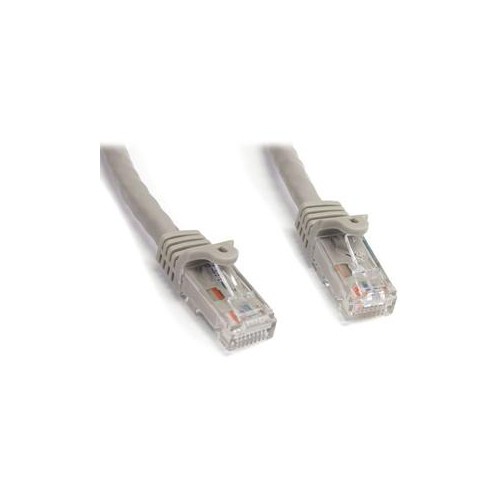
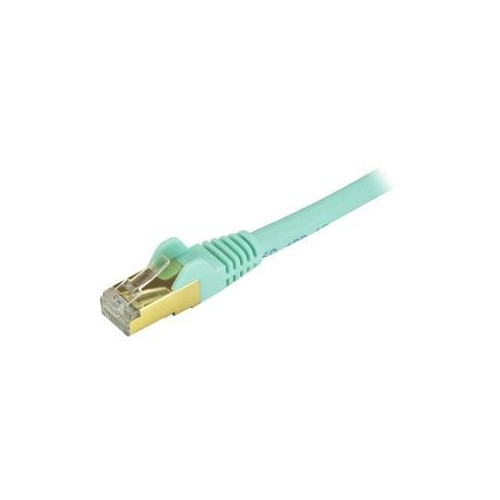
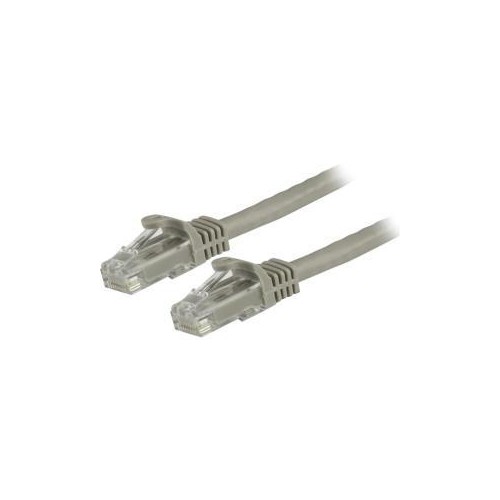
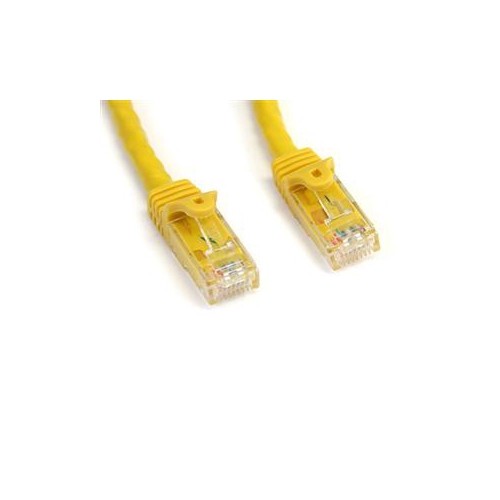
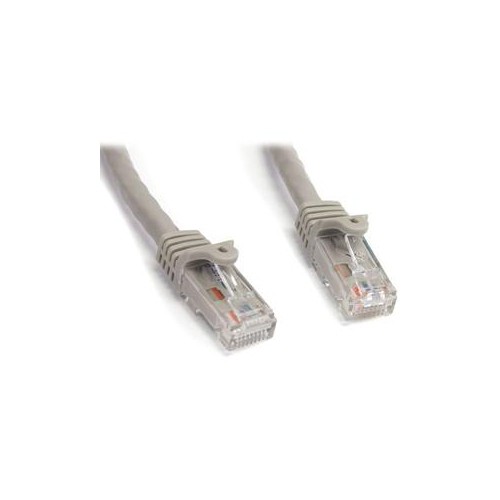
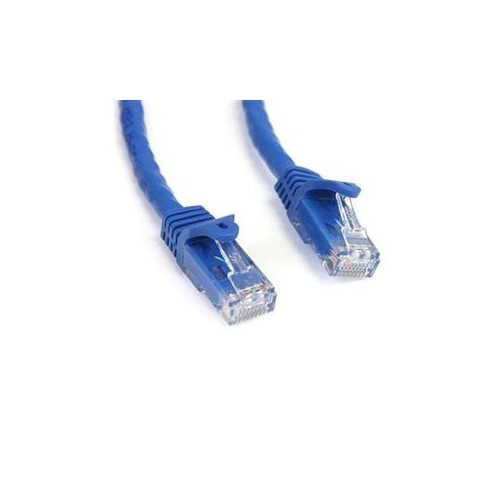
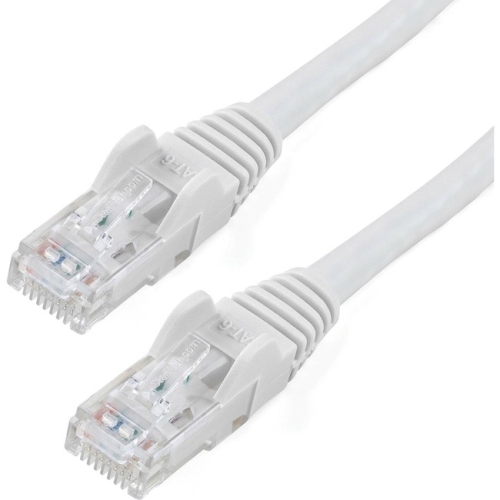
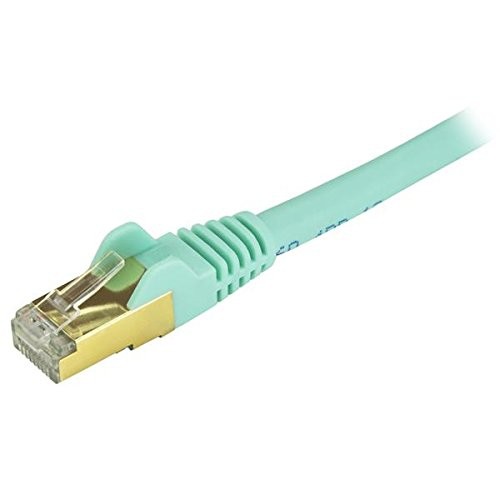
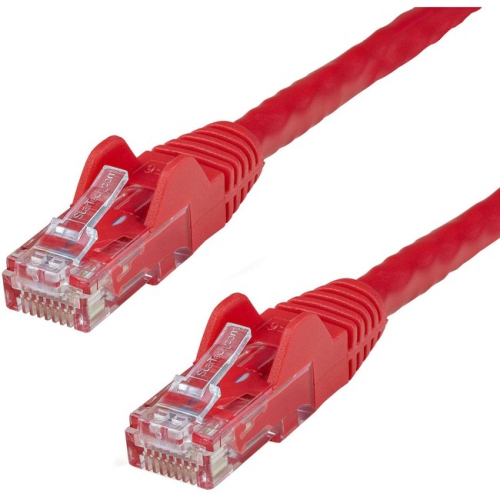
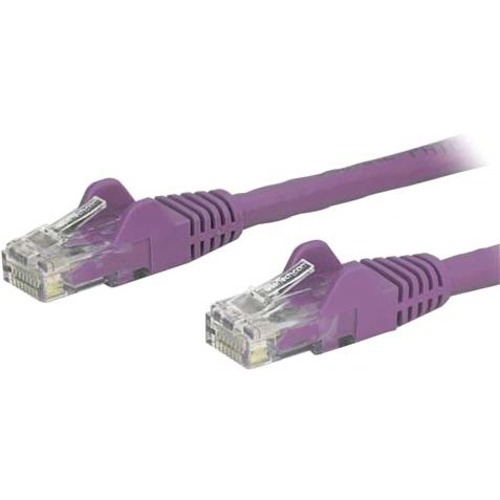
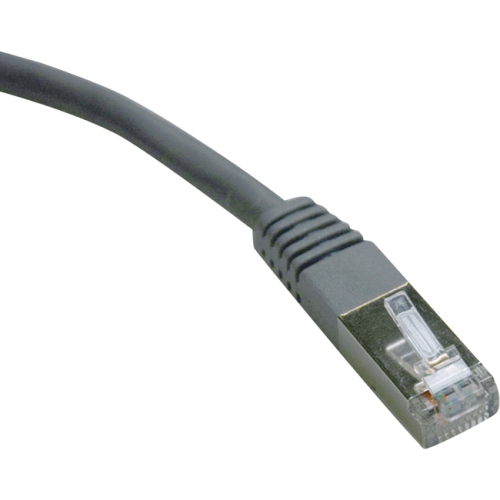
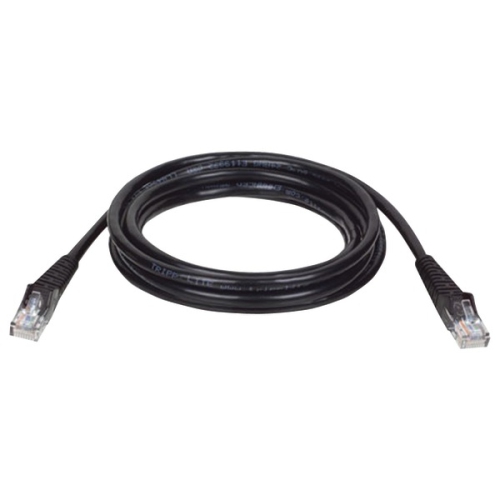
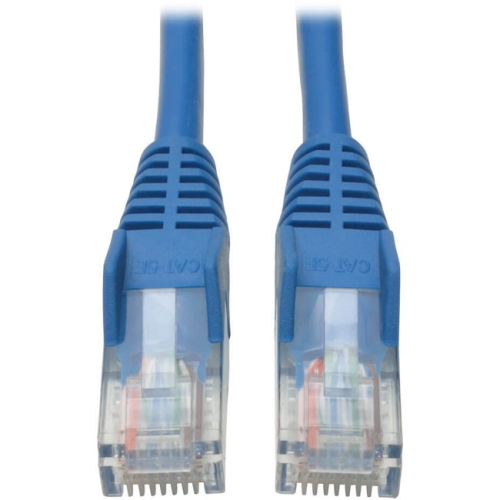
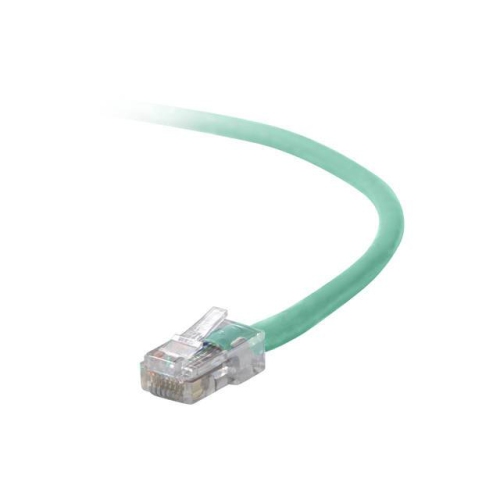
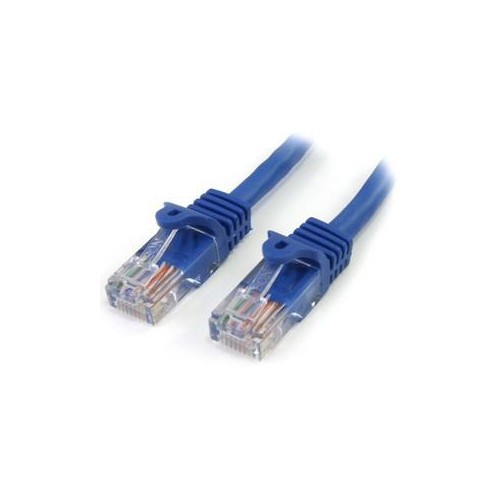
Cat 5 patch cables are flexible Ethernet cables used to connect devices on a wired network. With an RJ45 connector at each end, they can link a computer to a router, a router to a switch, or a networked printer, game console, smart TV, streaming device, or access point to the rest of a home or office network. They are also useful for connecting a modem or router to a wall jack, extending a wired connection from a network outlet, or organizing equipment inside a desk, media cabinet, server rack, or home office. Patch cables are made for connections outside the wall, where the cable may be moved, unplugged, or routed around furniture. Their stranded copper conductors give them the flexibility needed for these everyday connections, while the twisted-pair design helps reduce interference as data travels between devices. Standard Cat 5 cable is rated for network speeds up to 100 Mbps, while Cat 5e—the version commonly found in modern patch cable assortments—can support Gigabit Ethernet speeds of up to 1 Gbps under suitable installation conditions. Cat 5e cables are also commonly rated for bandwidth up to 100 MHz. When browsing a selection of Cat 5 patch cables, check the exact category printed on the jacket or listed in the specifications, especially if your internet service, local network, or connected devices support gigabit speeds. Many people use the phrase “Cat 5” as a general search term even when they need or prefer Cat 5e, so comparing the category rating can help avoid an unexpected limit on network performance.
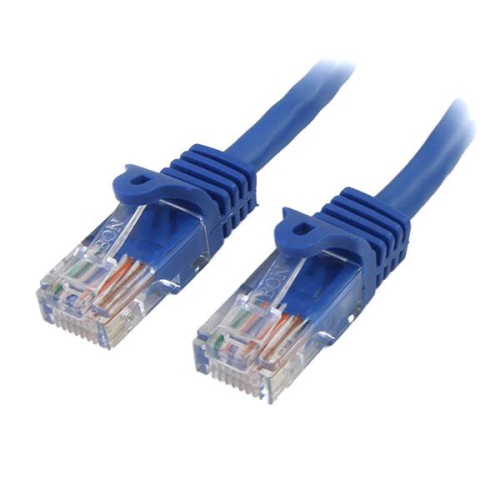
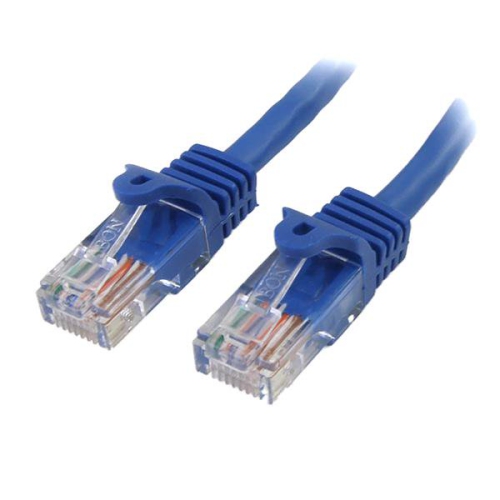
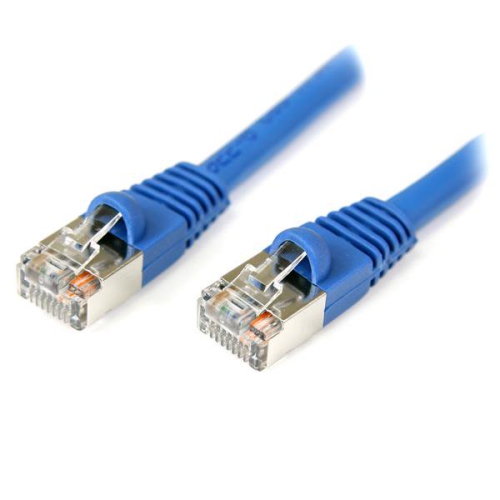
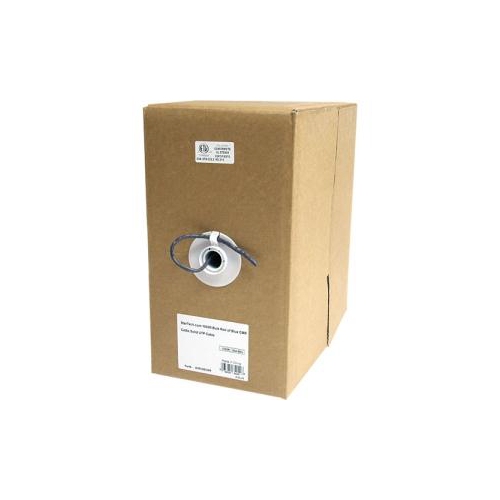
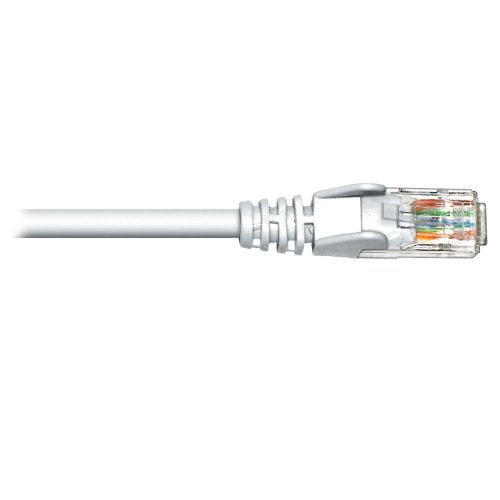
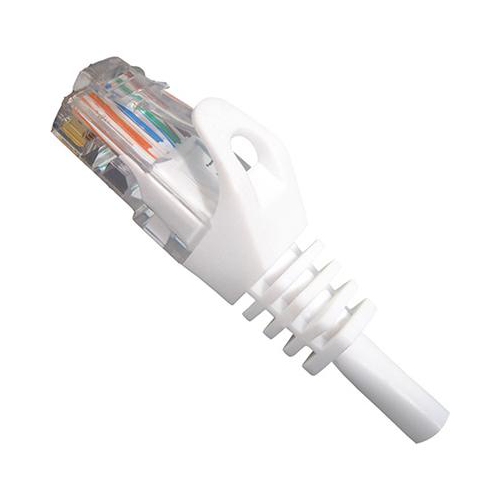
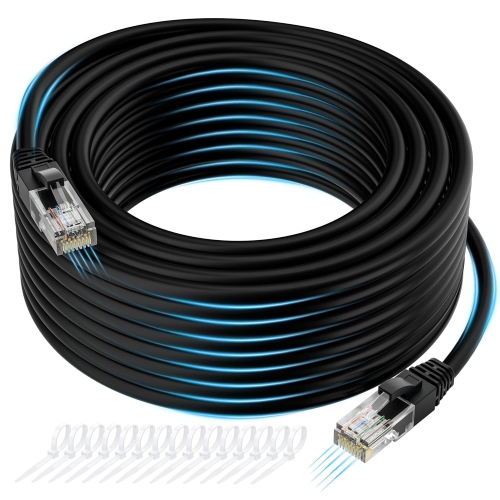
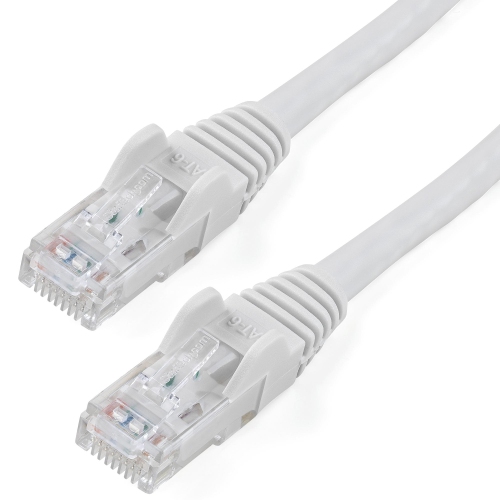
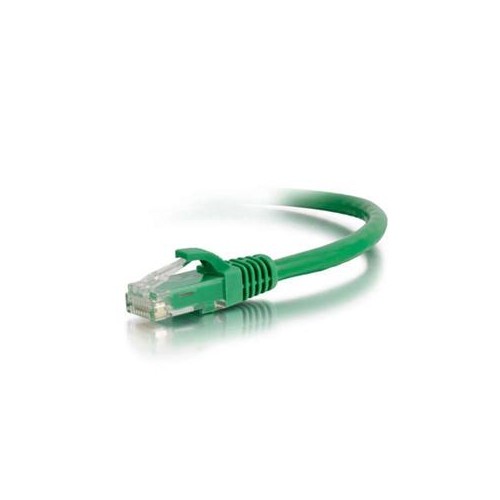
Length is one of the most practical decisions when choosing a patch cable. Short cables of about 1 to 3 feet are helpful for keeping a modem, router, and switch tidy on the same shelf, while 6- to 10-foot cables can reach between a desk and a nearby wall outlet or connect equipment positioned on separate shelves. Longer lengths can be useful when a device is across a room, although extra cable should be routed neatly rather than tightly coiled or left where it may be pinched under a chair or walked on. A little planning around the path of the cable can make a noticeable difference: measure from one port to the other, allow enough room to move equipment for cleaning or maintenance, and leave a modest amount of slack near each connector. Patch cables are different from solid-core bulk Ethernet cable intended for permanent in-wall runs. For external connections, a pre-terminated stranded cable is generally easier to install and more resistant to damage from ordinary handling than trying to cut and crimp a length of bulk cable. Look for RJ45 connectors that fit standard Ethernet ports, along with a flexible jacket and a moulded boot around each plug. Snagless boots help protect the small locking clip from catching on other cables or breaking when a cable is pulled through a crowded space. If the cable will run near power adapters, monitors, speakers, or other electronics, a well-organized route and a suitable cable length can help keep the installation clean and reduce unnecessary tangles. Unshielded twisted pair, or UTP, is appropriate for many homes and offices; shielded designs may be worth considering in locations with unusually high electrical interference, provided the rest of the network installation supports that type of cable.
Cat 5 patch cables are a practical choice for students setting up a study area, remote workers building a dependable home office, families connecting entertainment equipment, and small businesses arranging computers, printers, phones, cameras, or other networked equipment. A wired connection can be especially useful for a desktop computer or game console that stays in one place, where a direct Ethernet link may provide steadier performance than a wireless connection affected by distance, walls, or network congestion. They can also make thoughtful, useful gifts for someone moving into a new home, refreshing a workspace, setting up a gaming area, or learning how to manage a home network; a selection of common lengths can be kept in a drawer for the day a new router, printer, or streaming device needs to be connected. Colour choices can help identify different connections at a glance, such as separating internet equipment from computers or media devices, while labels or small tags can make a larger setup easier to troubleshoot. Before purchasing, confirm the number of cables needed, the approximate distance between each device, the category rating, and whether the connector boots will fit comfortably in the available space. For newer networks that require greater bandwidth or added performance headroom, consider Cat6 Patch Cables. Once installed, avoid sharply bending the cable directly behind a connector, keep it clear of moving parts, and press the RJ45 plug fully into the port until the locking tab clicks into place. These simple steps help create a dependable, orderly connection for everyday browsing, streaming, file sharing, online learning, gaming, and work.
Length is one of the most practical decisions when choosing a patch cable. Short cables of about 1 to 3 feet are helpful for keeping a modem, router, and switch tidy on the same shelf, while 6- to 10-foot cables can reach between a desk and a nearby wall outlet or connect equipment positioned on separate shelves. Longer lengths can be useful when a device is across a room, although extra cable should be routed neatly rather than tightly coiled or left where it may be pinched under a chair or walked on. A little planning around the path of the cable can make a noticeable difference: measure from one port to the other, allow enough room to move equipment for cleaning or maintenance, and leave a modest amount of slack near each connector. Patch cables are different from solid-core bulk Ethernet cable intended for permanent in-wall runs. For external connections, a pre-terminated stranded cable is generally easier to install and more resistant to damage from ordinary handling than trying to cut and crimp a length of bulk cable. Look for RJ45 connectors that fit standard Ethernet ports, along with a flexible jacket and a moulded boot around each plug. Snagless boots help protect the small locking clip from catching on other cables or breaking when a cable is pulled through a crowded space. If the cable will run near power adapters, monitors, speakers, or other electronics, a well-organized route and a suitable cable length can help keep the installation clean and reduce unnecessary tangles. Unshielded twisted pair, or UTP, is appropriate for many homes and offices; shielded designs may be worth considering in locations with unusually high electrical interference, provided the rest of the network installation supports that type of cable.
Cat 5 patch cables are a practical choice for students setting up a study area, remote workers building a dependable home office, families connecting entertainment equipment, and small businesses arranging computers, printers, phones, cameras, or other networked equipment. A wired connection can be especially useful for a desktop computer or game console that stays in one place, where a direct Ethernet link may provide steadier performance than a wireless connection affected by distance, walls, or network congestion. They can also make thoughtful, useful gifts for someone moving into a new home, refreshing a workspace, setting up a gaming area, or learning how to manage a home network; a selection of common lengths can be kept in a drawer for the day a new router, printer, or streaming device needs to be connected. Colour choices can help identify different connections at a glance, such as separating internet equipment from computers or media devices, while labels or small tags can make a larger setup easier to troubleshoot. Before purchasing, confirm the number of cables needed, the approximate distance between each device, the category rating, and whether the connector boots will fit comfortably in the available space. For newer networks that require greater bandwidth or added performance headroom, consider Cat6 Patch Cables. Once installed, avoid sharply bending the cable directly behind a connector, keep it clear of moving parts, and press the RJ45 plug fully into the port until the locking tab clicks into place. These simple steps help create a dependable, orderly connection for everyday browsing, streaming, file sharing, online learning, gaming, and work.
Top selling and popular products
-
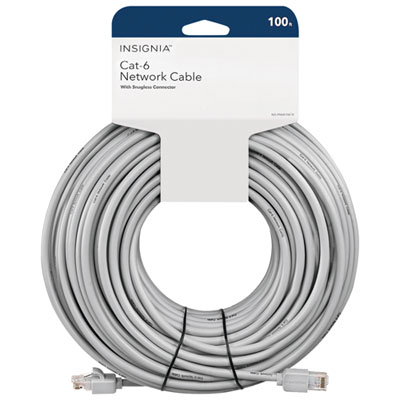 Your price for this item is $49.95
 -
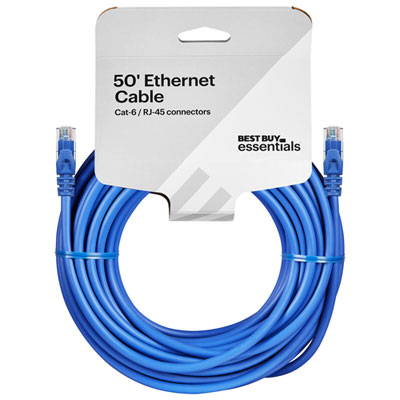 Your price for this item is $24.99
 -
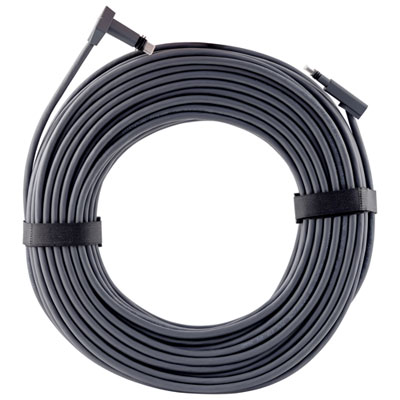 Your price for this item is $164.99
 -
 Your price for this item is $11.68
 -
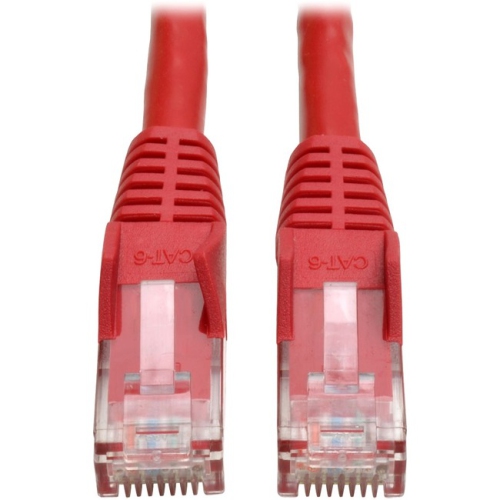 Your price for this item is $68.68
 -
 Your price for this item is $47.68
 -
 Your price for this item is $46.68
 -
 Your price for this item is $24.68
Discover more categories related to Cat 5 Patch Cables
Top Collections:
Pokemon Centers, Kindle Devices, Best Budget Office Chairs, Apple iPhones 16, Best Laptops for Writers, iPhone 15 Apple, Canon G7X Cameras, Refurbished Apple Laptops, Alarm Clock, Motorola Razr Phones
Some products may be subject to Environmental Handling Fees
(EHF) depending on your province.
Learn more about EHFs.