CCD Scanners
Looking to digitize your documents and streamline your workflow? Look no further than our selection of CCD scanners. These high-performance devices are designed to capture detailed images and text with exceptional clarity, making them perfect for businesses, offices, or even home use. Whether you need to scan receipts, contracts, or important paperwork, our range of CCD scanners offers fast and efficient scanning capabilities to help you stay organized and productive. Explore our collection today and find the perfect CCD scanner to meet your needs.
Sort

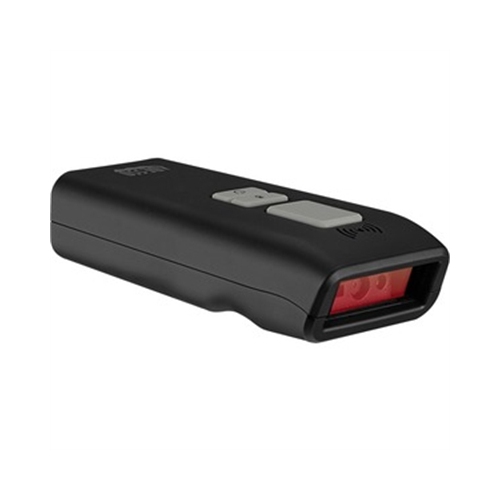
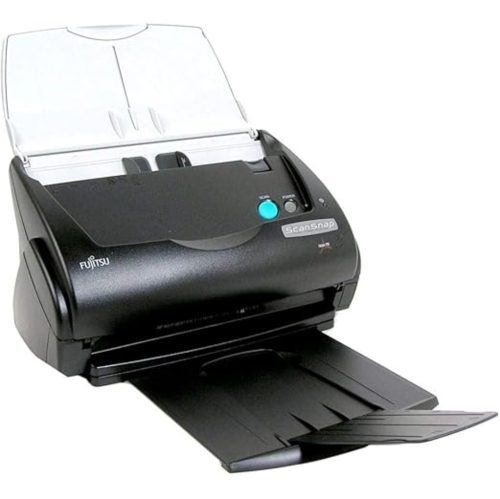
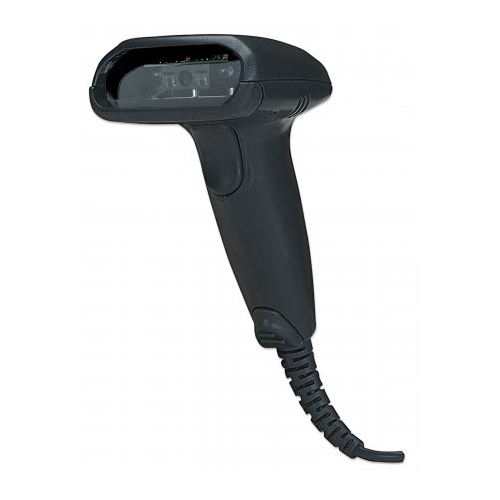
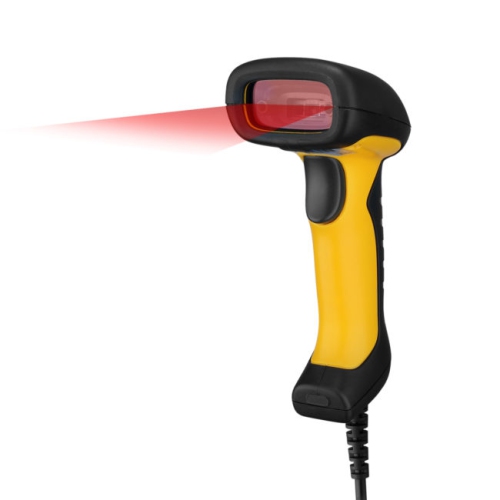
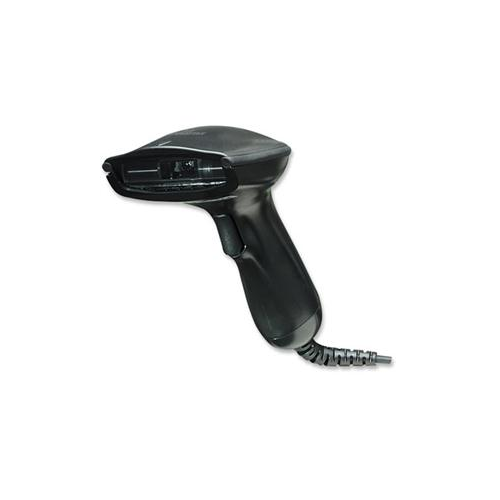
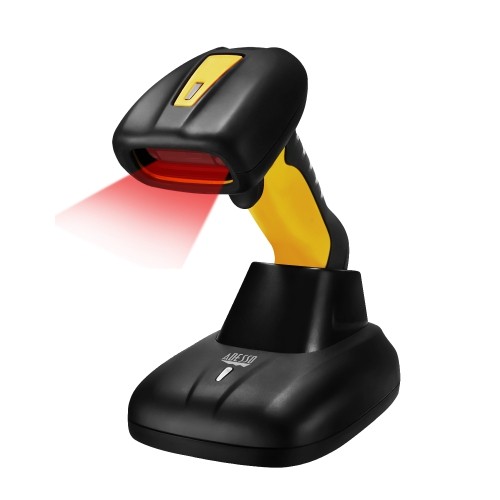
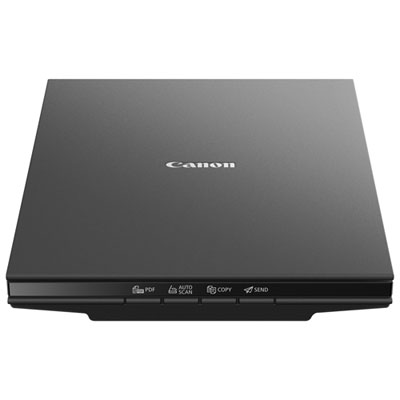
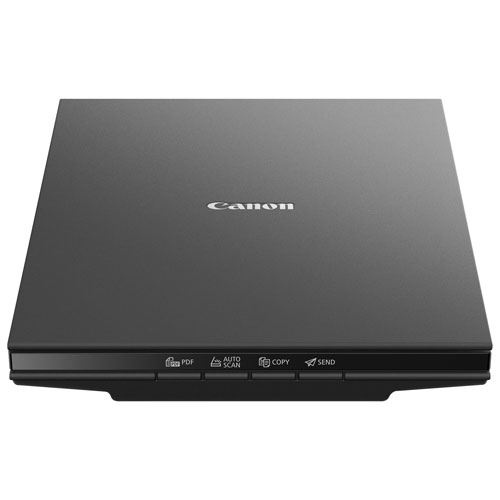





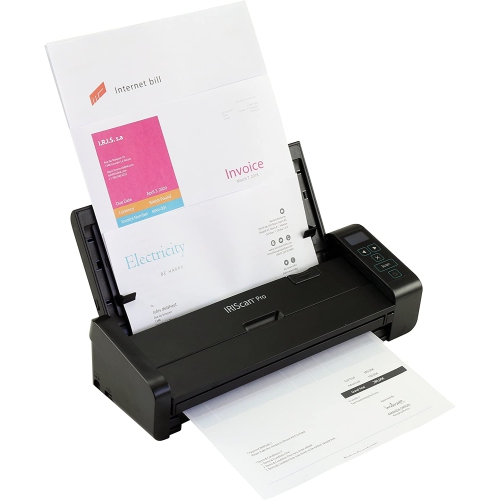
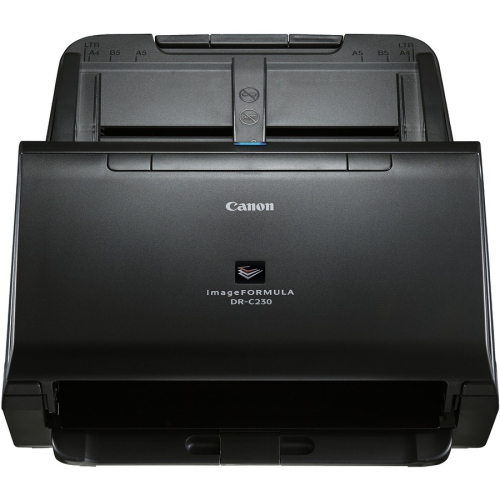

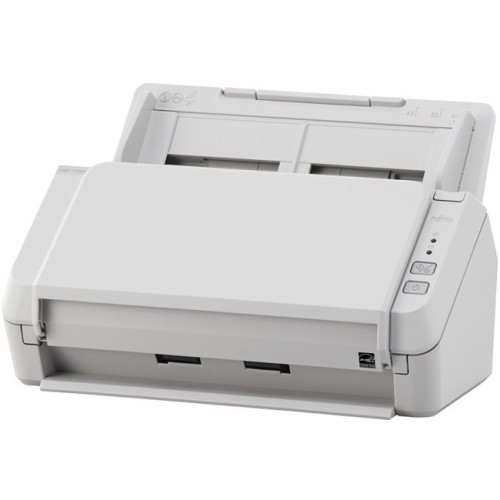
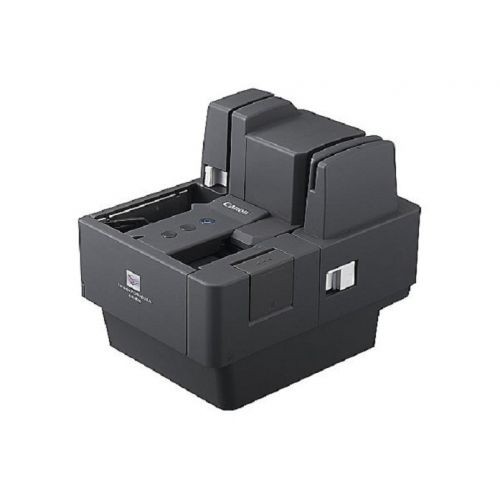
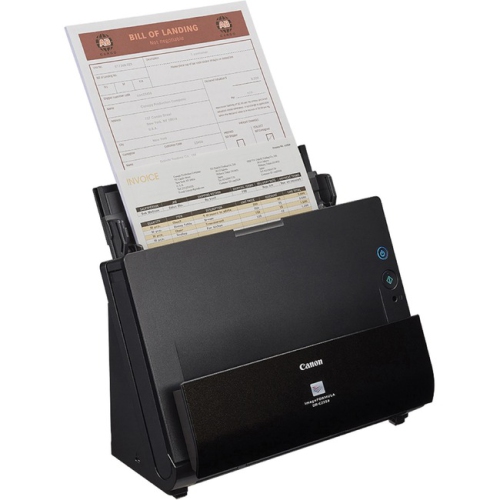
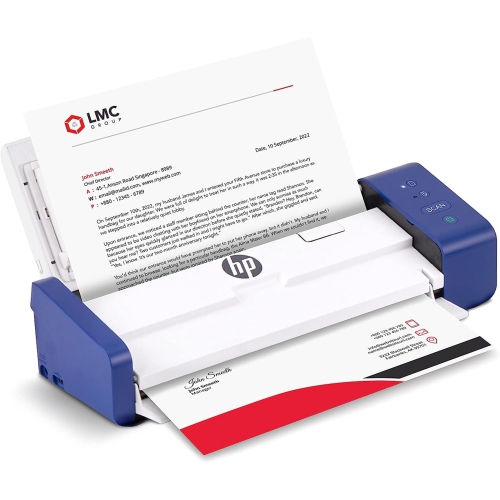
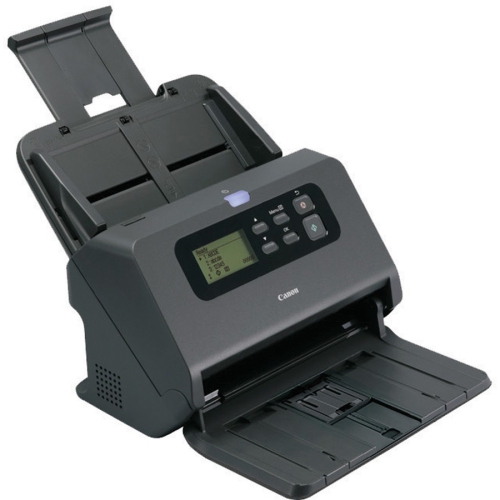
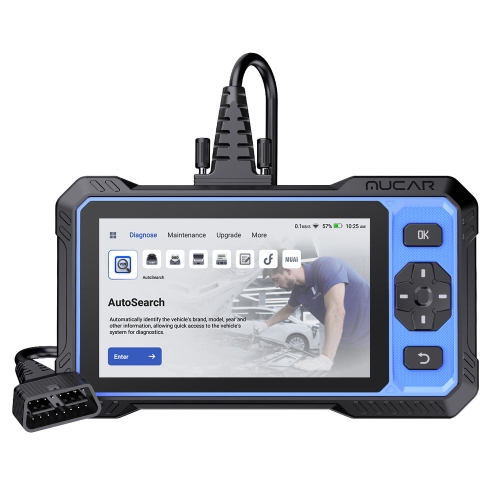
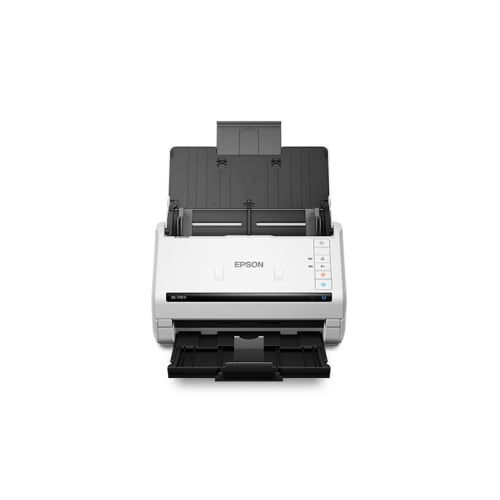
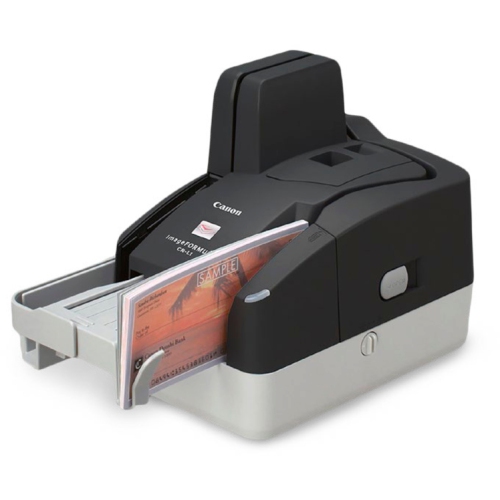
Why scanner optics matter for photos and artwork
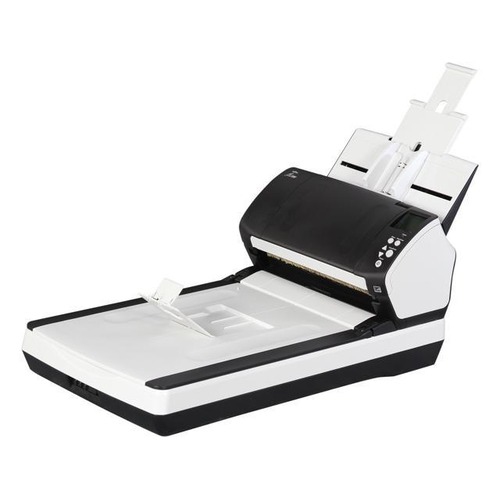
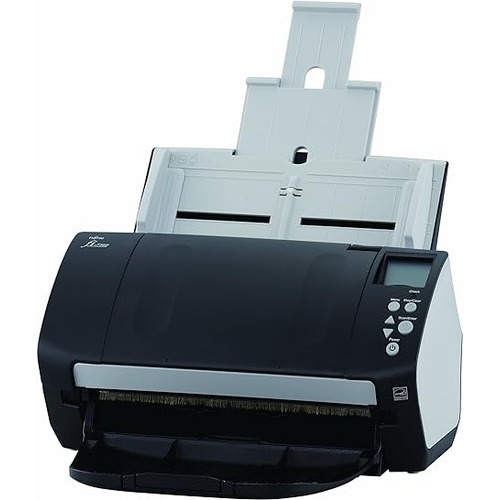
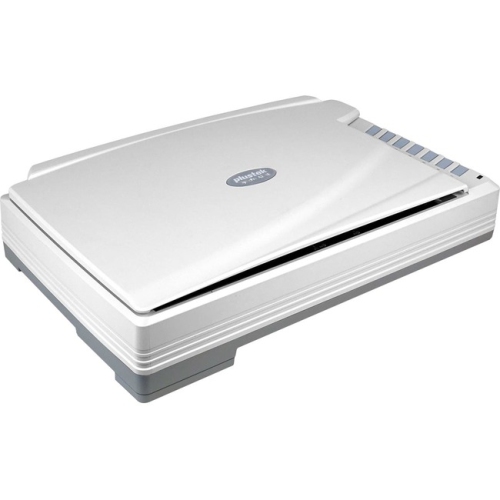
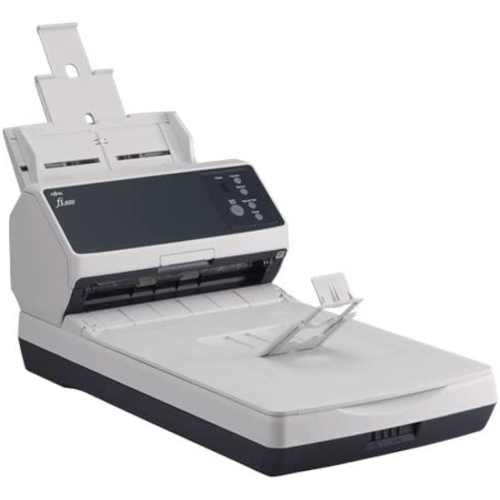
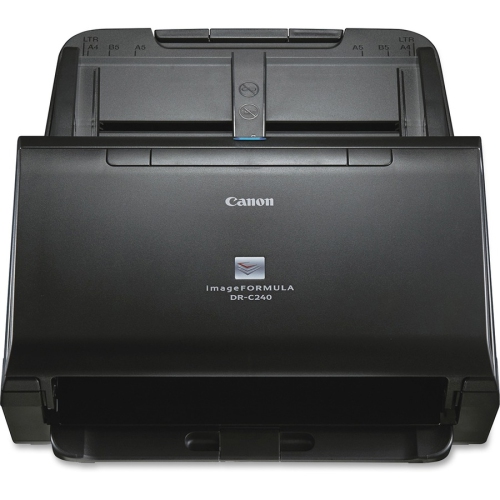
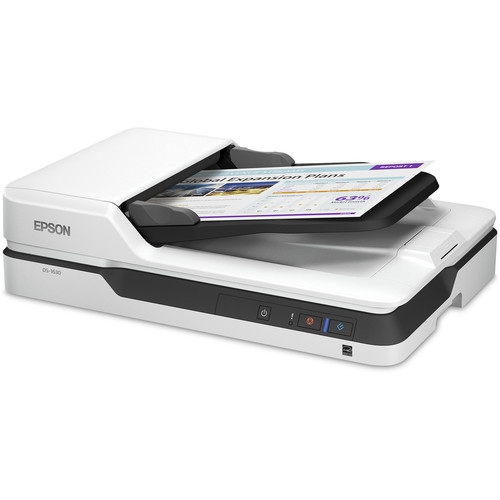
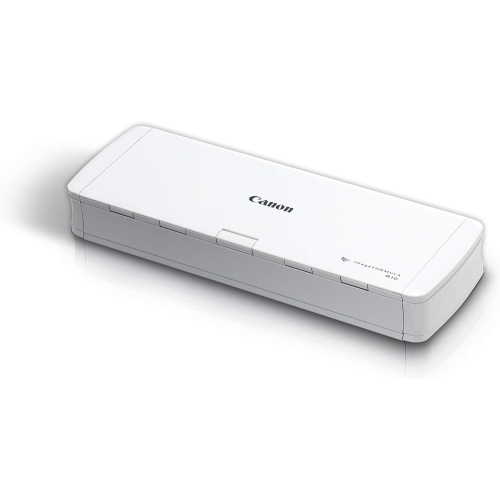
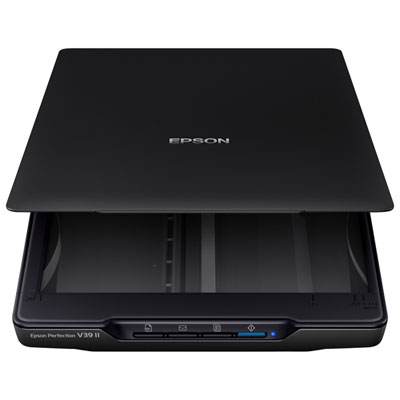
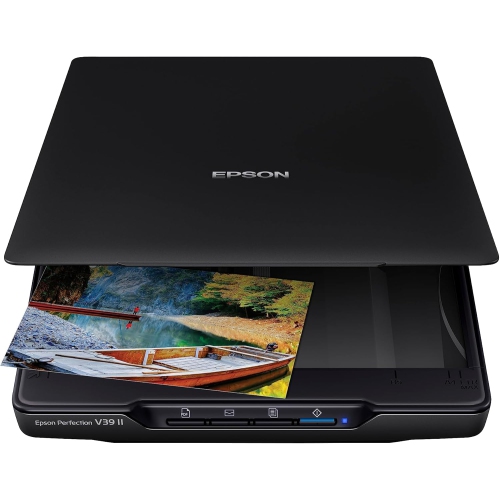
CCD scanners use a charge-coupled device, a light-sensitive sensor that converts reflected or transmitted light into image data. In a typical CCD flatbed scanner, illumination, mirrors, and a lens direct light from the original onto a linear sensor array, capturing the image line by line as the scanning mechanism travels beneath the glass. This lens-based design makes CCD scanning particularly useful for photographs, illustrations, documents, and other originals where fine detail and faithful colour matter. One of its distinguishing characteristics is depth of field: compared with many contact image sensor, or CIS, designs, CCD optics can keep a greater range of distances from the glass in focus. That can help when a photograph has curled edges, a book page rises near its binding, or a sheet of handmade paper has a pronounced texture. The benefit has limits, however, and does not mean that every raised surface will appear sharp or evenly lit. Optical design, lighting, software, and the position of the original all affect the result. For someone digitizing family photographs, those qualities can help preserve details such as the weave of a jacket or faint handwriting along a print’s border. For an illustrator, they can make it easier to capture pencil shading, paper grain, and subtle washes of colour before editing the file on a computer. Offices, libraries, and small studios may also use CCD document scanners to capture certificates, reference material, or bound pages that are unsuitable for a sheet feeder. CIS scanners often have a slimmer profile, while CCD designs commonly need more space for their optical assemblies. Neither sensor type alone guarantees a better scan; the most suitable choice depends on the originals, the required detail, and how the scanner will fit into everyday work. For photo and artwork scanning in particular, CCD technology is worth considering alongside the scanner’s actual specifications rather than treating the sensor label as a complete measure of quality.
The physical scanning area is one of the most important details when matching a CCD scanner to its intended use. A bed that comfortably accommodates letters and small photographs may not hold an oversized drawing, a scrapbook page, or a large certificate in a single pass. Stitching separate scans together is possible with suitable software, but it adds work and can introduce visible joins, especially across fine lines or repeating patterns. Lid design matters, too. An adjustable or removable lid can provide clearance for a bound volume, although clearance is not the same as an extended focus range. A book that fits under the lid may still have blurred text deep in the gutter, and a fragile binding should never be forced flat. Optical resolution, usually expressed in dots per inch, describes the scanner’s sampling capability; interpolated resolution adds calculated pixels and does not create additional captured detail. Around 300 dpi is a common starting point for readable documents, while 600 dpi can be useful for small print, detailed illustrations, or photographs intended for moderate enlargement. The appropriate setting depends on the original and the final output, and higher settings increase file size and scanning time. Film and slides require particular attention: a CCD sensor does not automatically make a scanner suitable for transparent originals. That work requires a compatible transparency light source, suitable holders, and adequate optical resolution for the much smaller image area. Colour bit depth and dynamic range are also relevant for photographs, especially when retaining gentle tonal transitions or detail in dark passages, but advertised figures are best considered alongside the scanner’s optics and software. For routine paperwork, searchable PDF output and optical character recognition can be more useful than very high resolution. OCR accuracy varies with type size, page condition, layout, and language support. Computer compatibility deserves equal attention: supported operating systems, driver support, connection requirements, and included scanning applications determine whether the hardware will work smoothly with an existing setup. A USB connection, for example, still needs a compatible port or adapter and software that supports the computer being used.
A practical setup helps a CCD flatbed scanner deliver consistent results without making every session feel like a production task. Allow room for the scanner’s full footprint, the open lid, cable access, and a clean surface where originals can wait without being bent or stacked precariously. Someone working through several family albums will benefit from space to separate completed photographs from those still to be scanned; a designer capturing drawings may need a clear area large enough to support paper extending beyond the bed. Housing materials and overall weight affect portability, but hinge construction, a stable base, and secure cable connections are often more meaningful for regular desktop use. Glass condition is particularly important because fingerprints, dust, and scratches can appear in the resulting files. Follow the manufacturer’s cleaning directions, use an appropriate soft, lint-free cloth, and avoid spraying liquid directly onto the scanner. Staples, grit, metal edges, and rough-backed objects can damage the bed, so delicate or dimensional originals need careful handling. Textured artwork should be fully dry and safe to place face down; friable charcoal, loose pastel, flaking paint, and irreplaceable fragile pieces may be better suited to photography or specialist handling. Before scanning a large batch, a preview and a small test set can reveal crooked placement, clipped edges, excessive sharpening, or automatic colour adjustments that change the character of the original. Saving a high-quality master file, such as a TIFF with lossless settings, leaves room for later editing, while JPEG copies are convenient for sharing and PDFs keep document pages together. Consistent file names and folders make a growing archive easier to search, and separate backup copies protect against the loss of a single drive. If optical discs form part of that storage plan, CD Cases help keep labelled discs organized and shield their surfaces during handling, though they do not replace additional backups. For family historians, students, artists, and office users, the lasting value of a CCD scanner comes from pairing suitable optics and media handling with a workflow that makes detailed, usable digital copies straightforward to create.
The physical scanning area is one of the most important details when matching a CCD scanner to its intended use. A bed that comfortably accommodates letters and small photographs may not hold an oversized drawing, a scrapbook page, or a large certificate in a single pass. Stitching separate scans together is possible with suitable software, but it adds work and can introduce visible joins, especially across fine lines or repeating patterns. Lid design matters, too. An adjustable or removable lid can provide clearance for a bound volume, although clearance is not the same as an extended focus range. A book that fits under the lid may still have blurred text deep in the gutter, and a fragile binding should never be forced flat. Optical resolution, usually expressed in dots per inch, describes the scanner’s sampling capability; interpolated resolution adds calculated pixels and does not create additional captured detail. Around 300 dpi is a common starting point for readable documents, while 600 dpi can be useful for small print, detailed illustrations, or photographs intended for moderate enlargement. The appropriate setting depends on the original and the final output, and higher settings increase file size and scanning time. Film and slides require particular attention: a CCD sensor does not automatically make a scanner suitable for transparent originals. That work requires a compatible transparency light source, suitable holders, and adequate optical resolution for the much smaller image area. Colour bit depth and dynamic range are also relevant for photographs, especially when retaining gentle tonal transitions or detail in dark passages, but advertised figures are best considered alongside the scanner’s optics and software. For routine paperwork, searchable PDF output and optical character recognition can be more useful than very high resolution. OCR accuracy varies with type size, page condition, layout, and language support. Computer compatibility deserves equal attention: supported operating systems, driver support, connection requirements, and included scanning applications determine whether the hardware will work smoothly with an existing setup. A USB connection, for example, still needs a compatible port or adapter and software that supports the computer being used.
A practical setup helps a CCD flatbed scanner deliver consistent results without making every session feel like a production task. Allow room for the scanner’s full footprint, the open lid, cable access, and a clean surface where originals can wait without being bent or stacked precariously. Someone working through several family albums will benefit from space to separate completed photographs from those still to be scanned; a designer capturing drawings may need a clear area large enough to support paper extending beyond the bed. Housing materials and overall weight affect portability, but hinge construction, a stable base, and secure cable connections are often more meaningful for regular desktop use. Glass condition is particularly important because fingerprints, dust, and scratches can appear in the resulting files. Follow the manufacturer’s cleaning directions, use an appropriate soft, lint-free cloth, and avoid spraying liquid directly onto the scanner. Staples, grit, metal edges, and rough-backed objects can damage the bed, so delicate or dimensional originals need careful handling. Textured artwork should be fully dry and safe to place face down; friable charcoal, loose pastel, flaking paint, and irreplaceable fragile pieces may be better suited to photography or specialist handling. Before scanning a large batch, a preview and a small test set can reveal crooked placement, clipped edges, excessive sharpening, or automatic colour adjustments that change the character of the original. Saving a high-quality master file, such as a TIFF with lossless settings, leaves room for later editing, while JPEG copies are convenient for sharing and PDFs keep document pages together. Consistent file names and folders make a growing archive easier to search, and separate backup copies protect against the loss of a single drive. If optical discs form part of that storage plan, CD Cases help keep labelled discs organized and shield their surfaces during handling, though they do not replace additional backups. For family historians, students, artists, and office users, the lasting value of a CCD scanner comes from pairing suitable optics and media handling with a workflow that makes detailed, usable digital copies straightforward to create.
Top selling and popular products
-
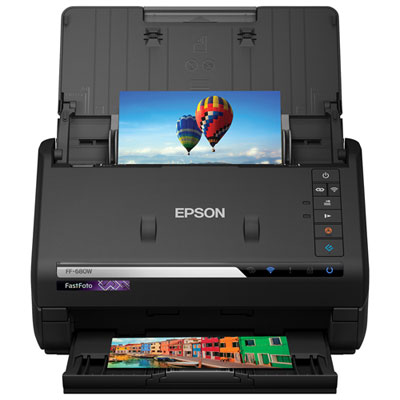 Your price for this item is $699.99
 -
 Your price for this item is $107.99
 -
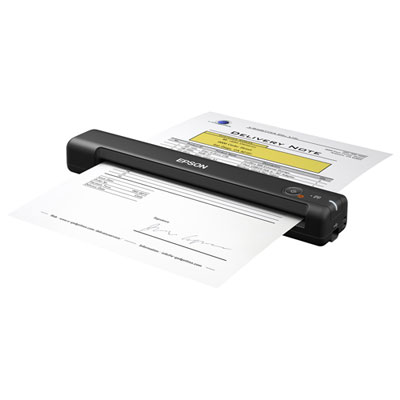 Your price for this item is $179.99
 -
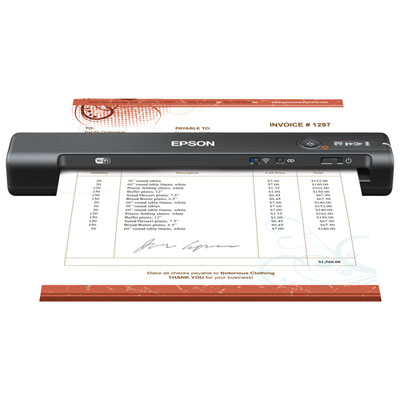 Your price for this item is $179.99
 -
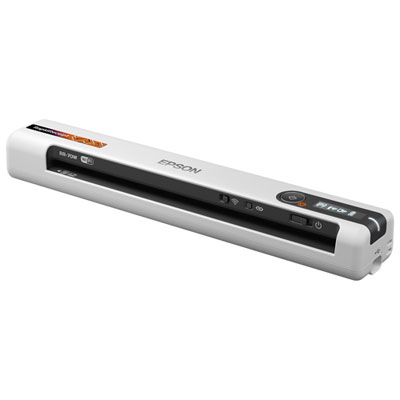 Your price for this item is $289.99
 -
 Your price for this item is $139.99
 -
 Your price for this item is $228.99
 -
 Your price for this item is $804
Discover more categories related to CCD Scanners
Top Collections:
Pokemon Centers, Kindle Devices, Best Cameras for Sports Photography, Samsung Galaxy Phones, Laptops for Business Work, Canon G7X Cameras, Pokémon 30th Celebration Cards, Refurbished Apple Laptops, iPhone 15 Apple, Cordless Dyson Vacuums
Some products may be subject to Environmental Handling Fees
(EHF) depending on your province.
Learn more about EHFs.