Cherry Keyboards
Explore the world of Cherry keyboards, where precision meets performance. Renowned for their tactile switches and durability, these keyboards are a top choice for both gaming enthusiasts and professional typists. Whether you're seeking a sleek design for your home office or a robust setup for intense gameplay, Cherry keyboards offer unparalleled responsiveness and comfort. Dive into a seamless typing experience that enhances productivity and elevates your digital interactions to new heights.
Sort
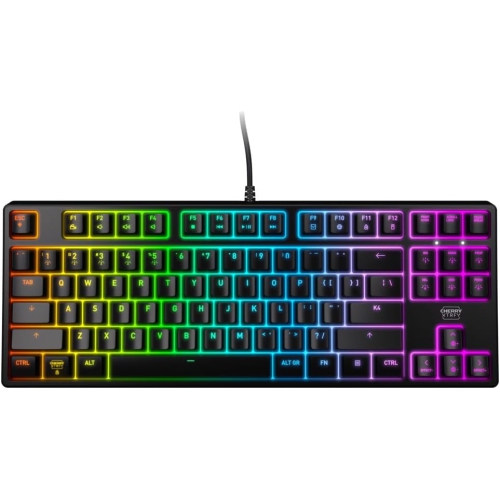
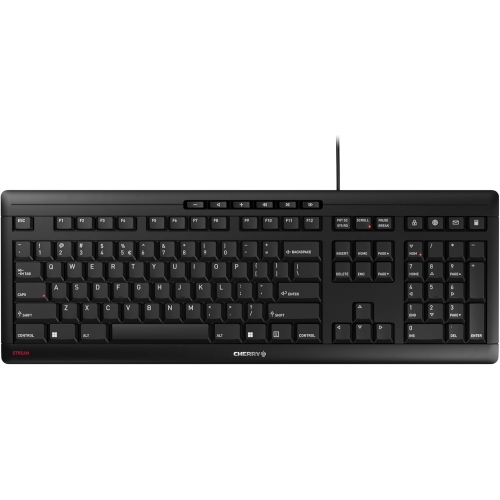
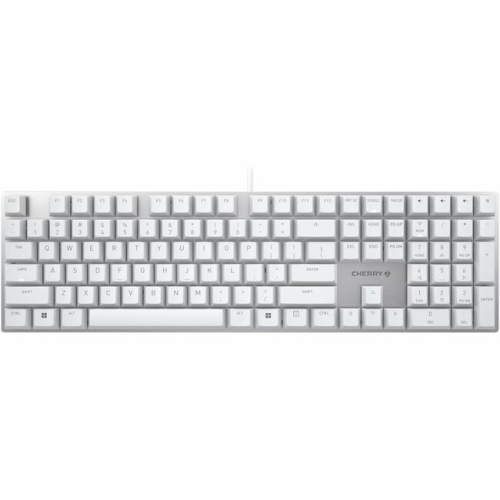
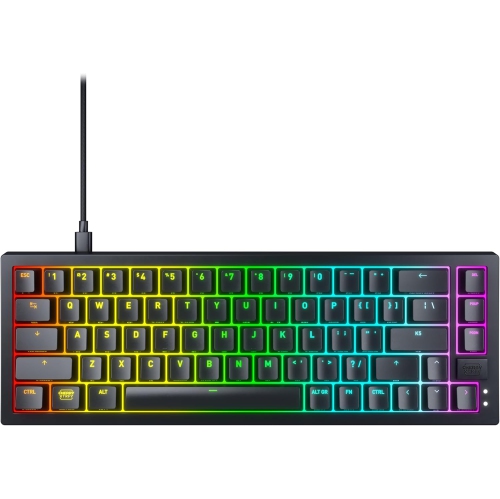
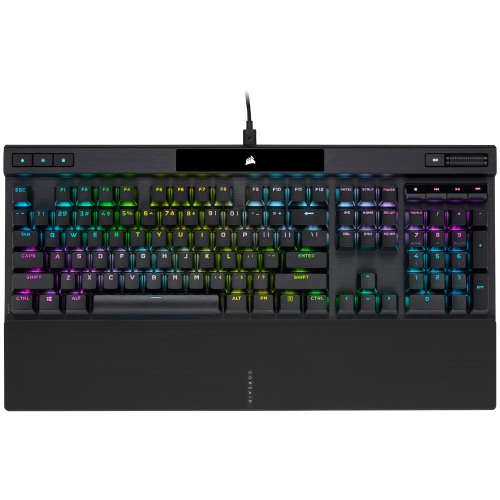
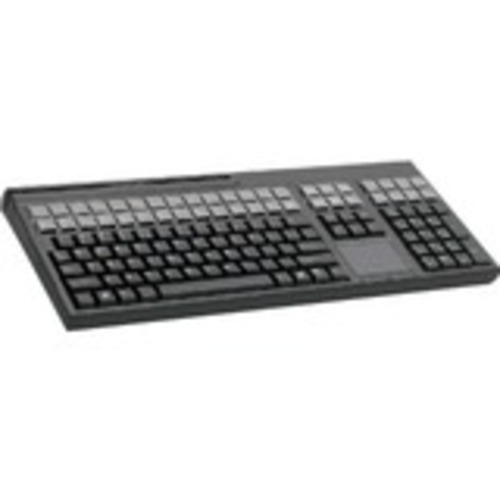
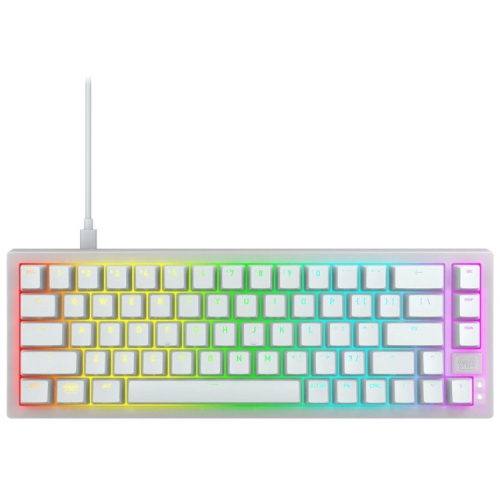
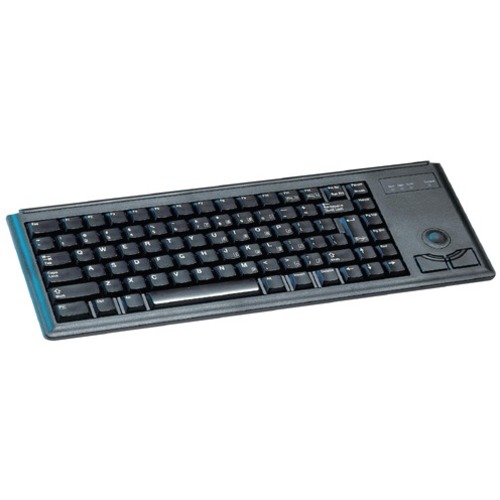
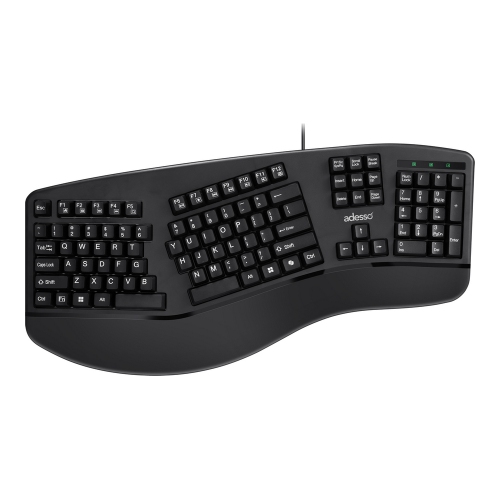
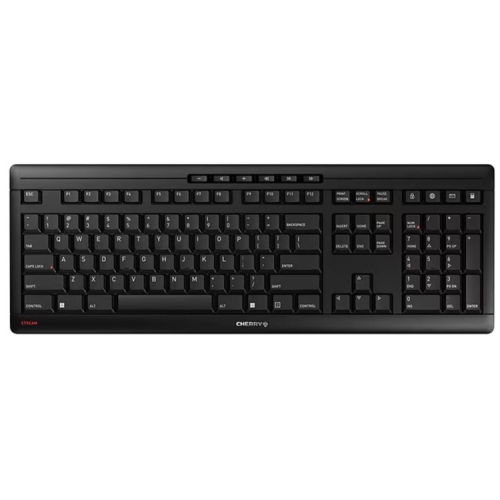

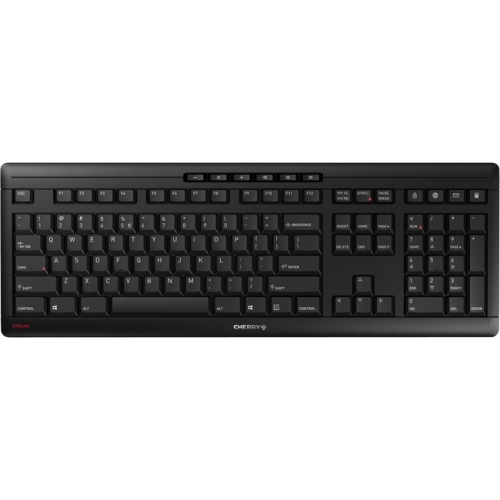
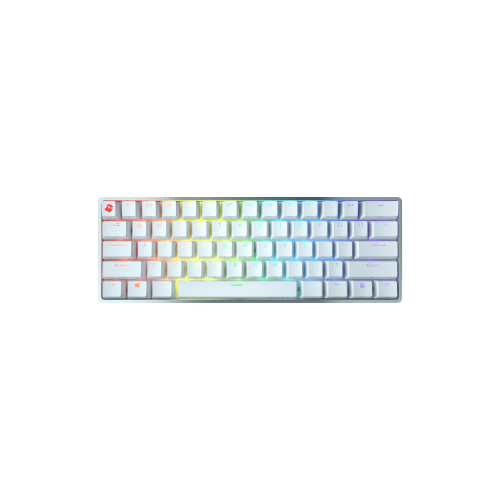
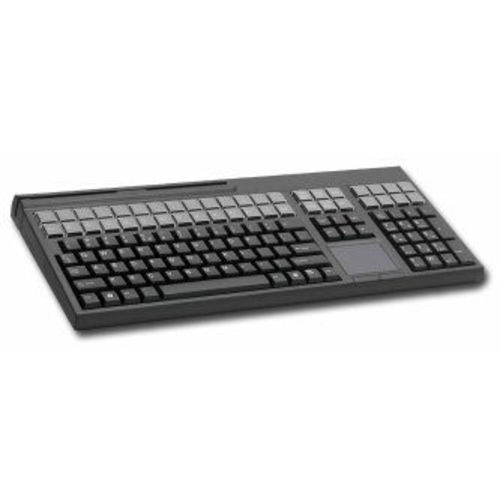
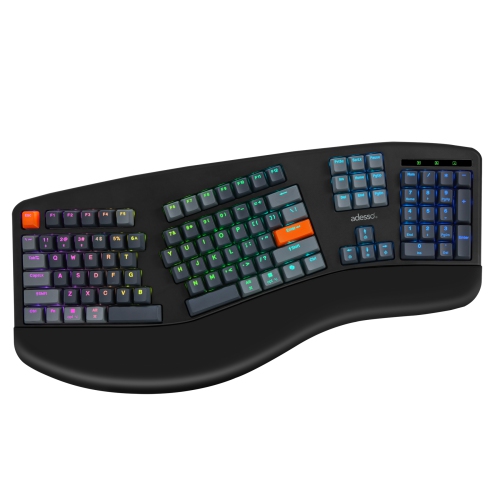
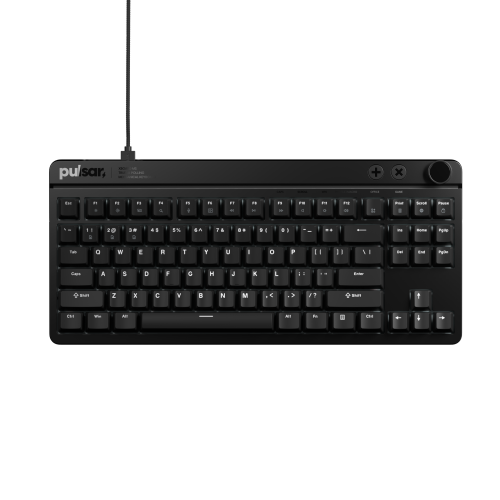
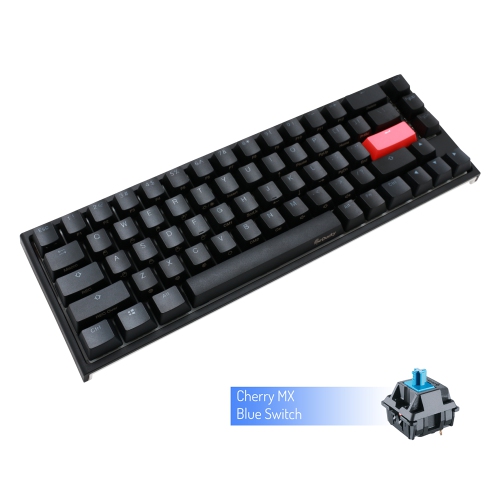
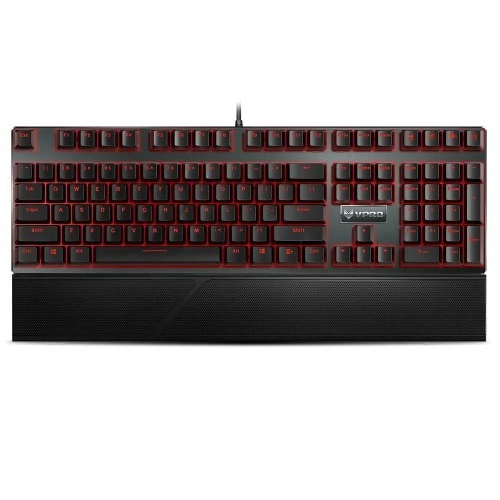
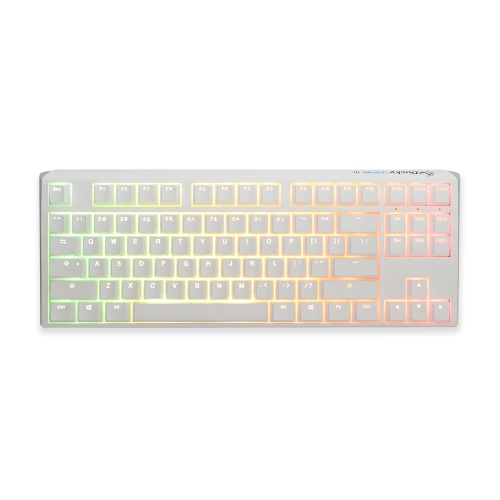
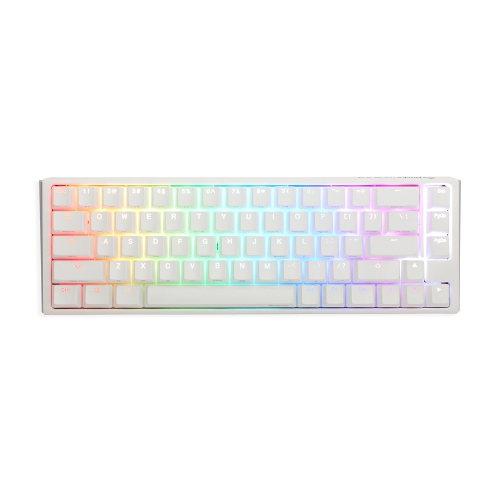
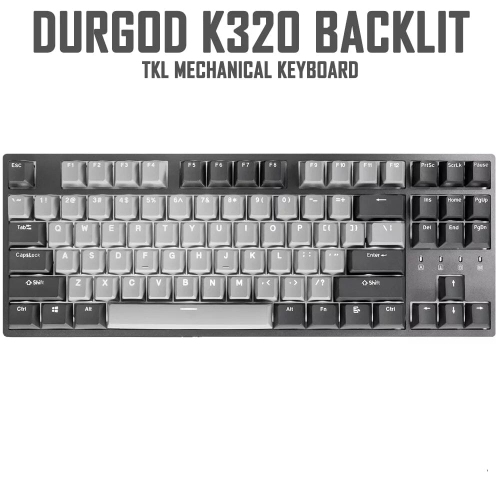
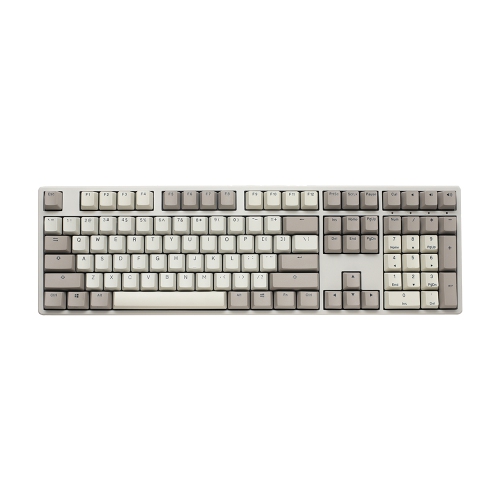
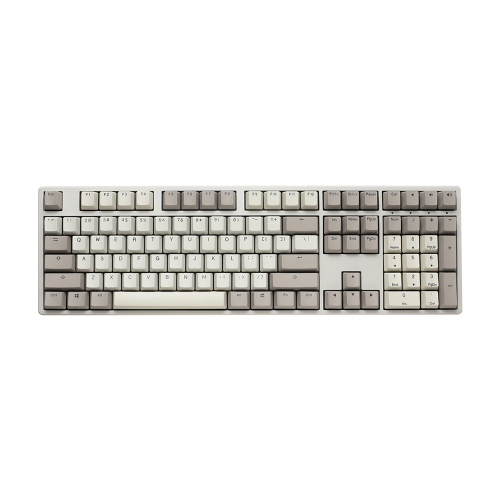
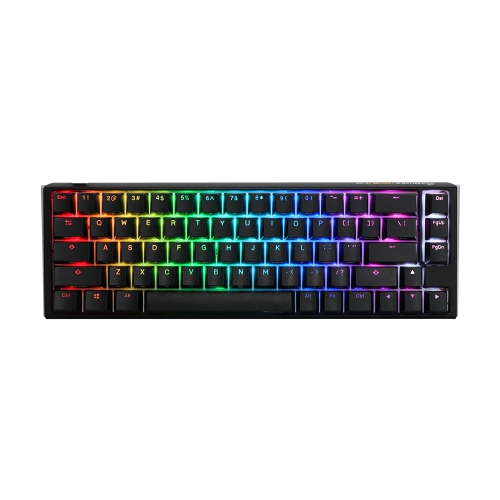
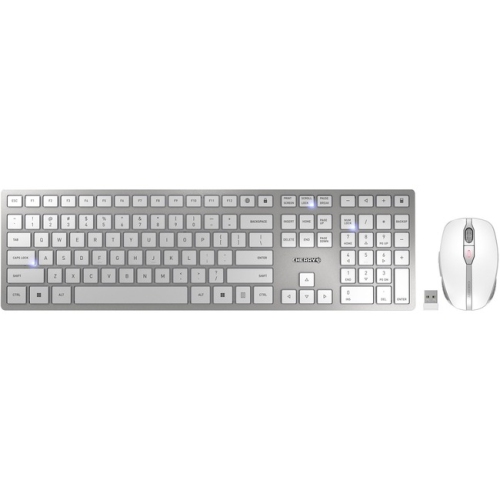
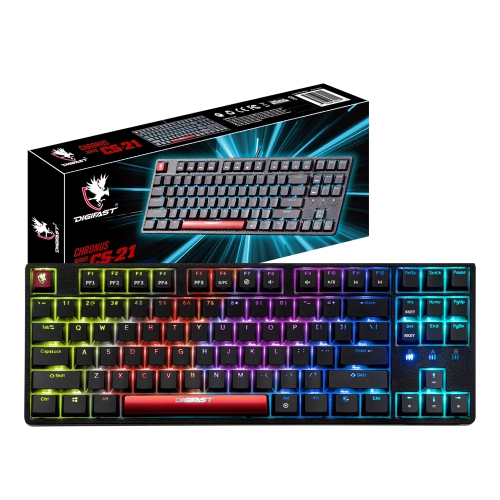
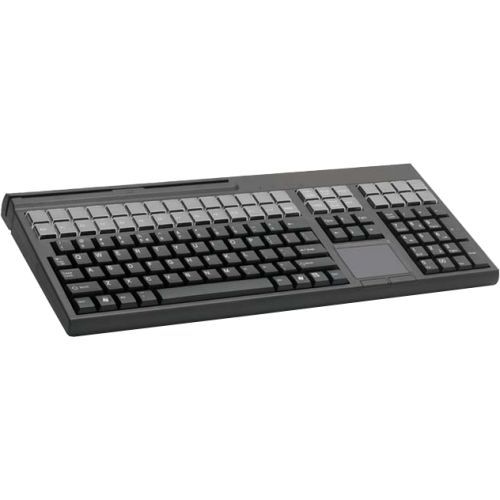
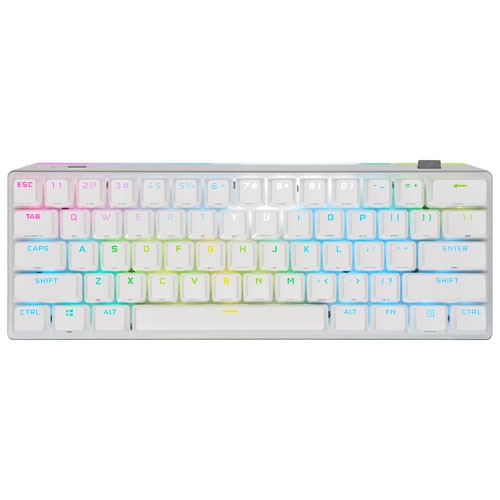
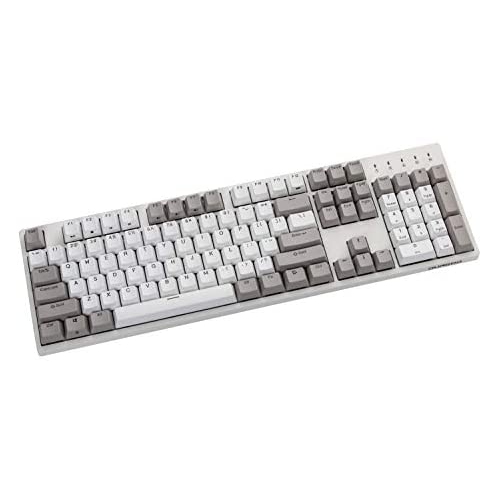
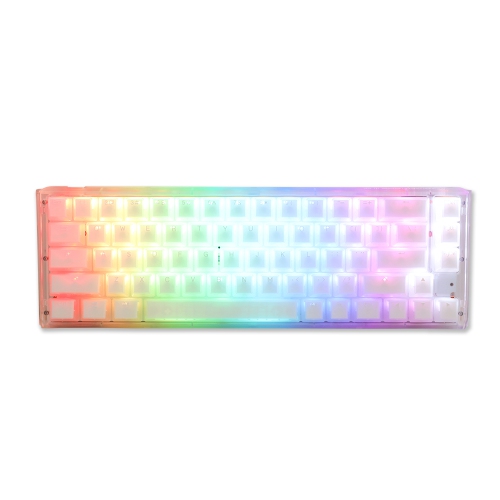
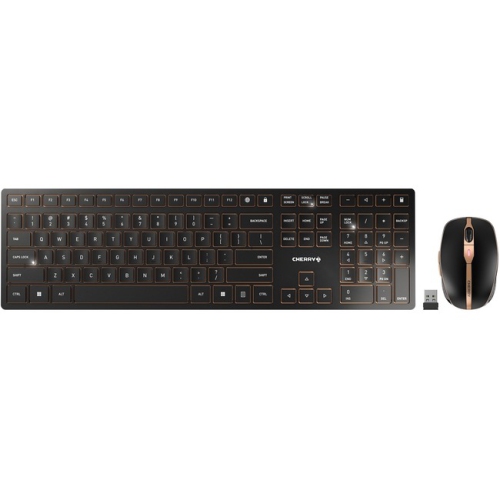
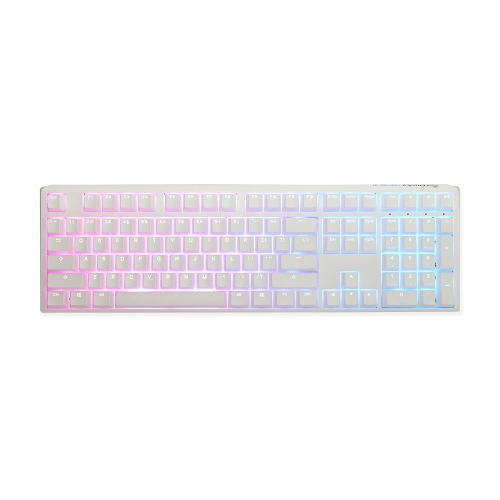
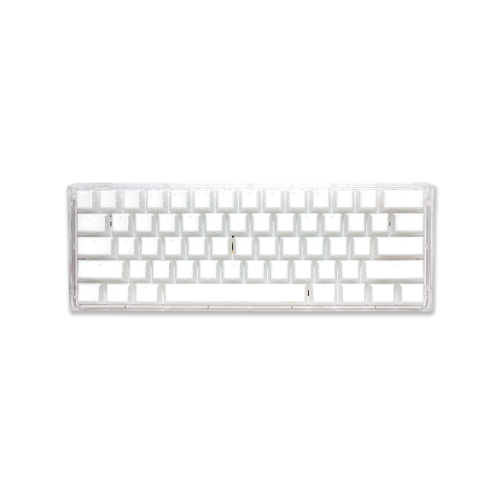
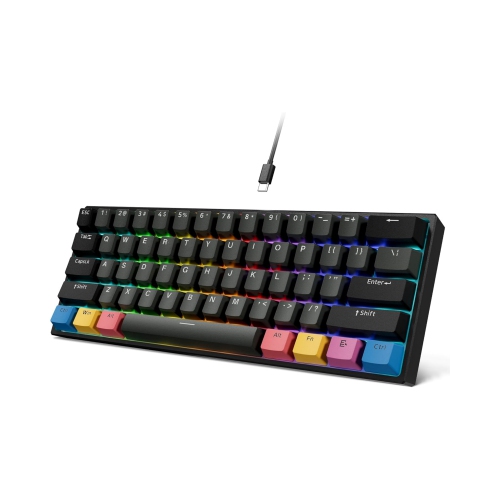
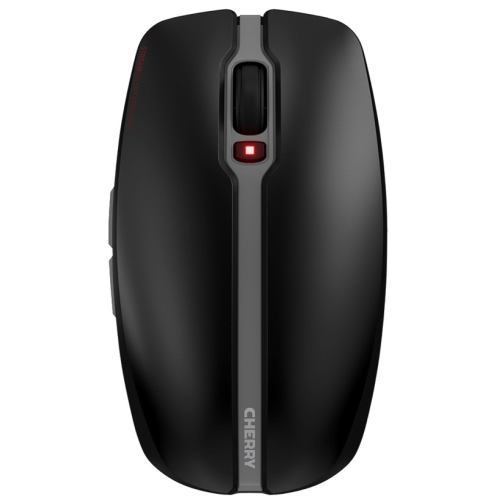
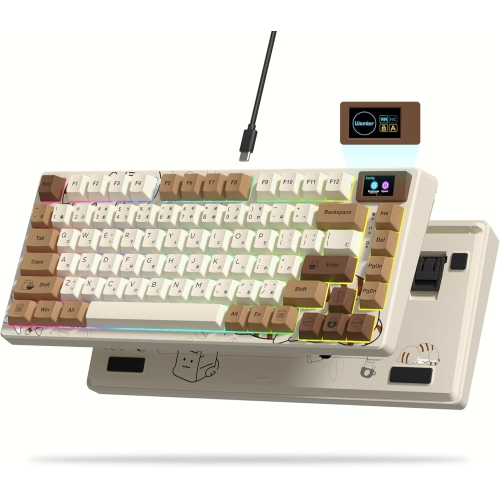

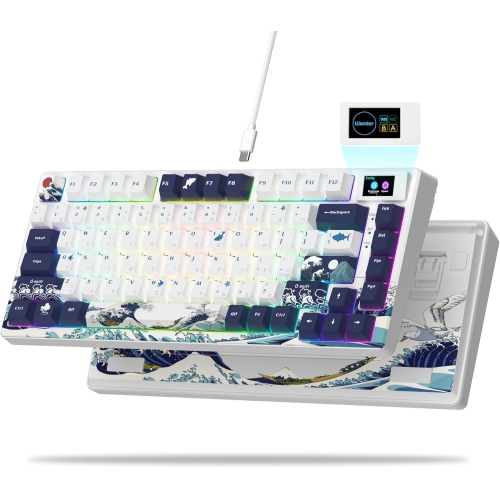
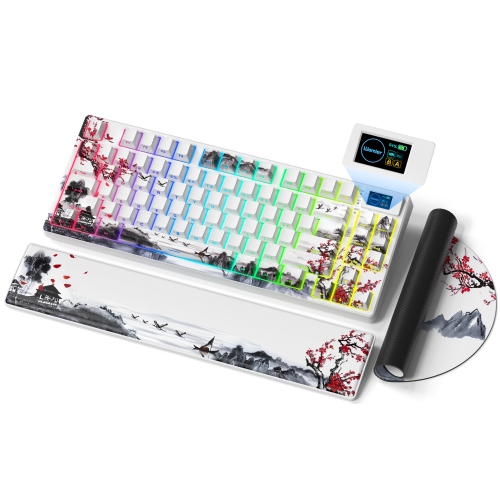
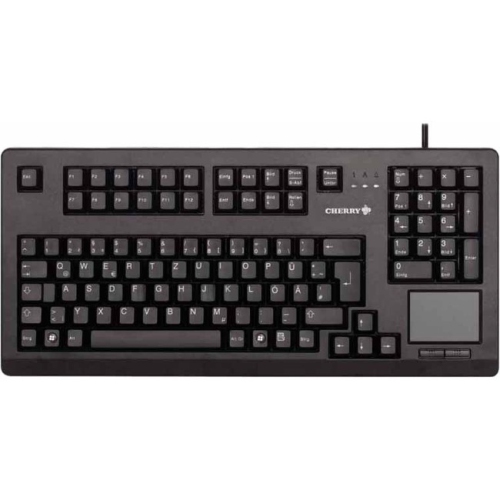
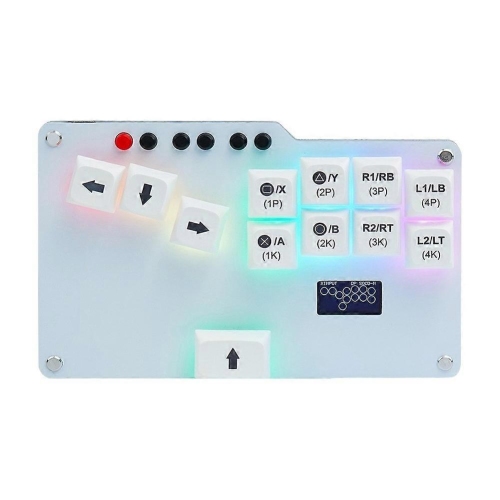
Switch feel, layout, and features shape every keystroke
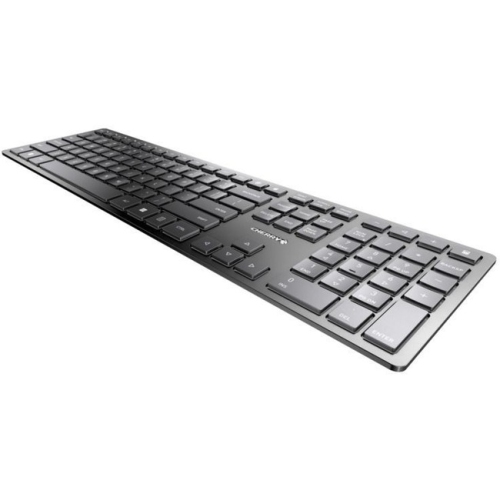
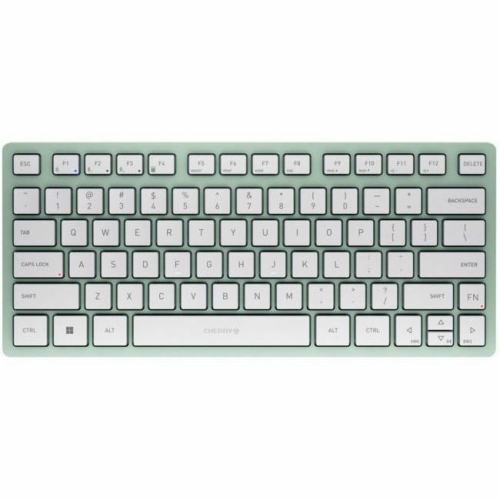
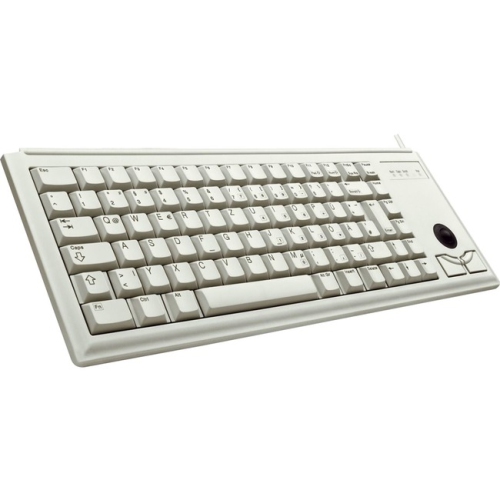
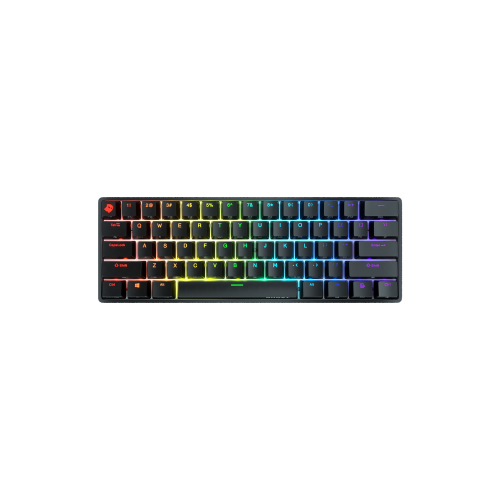
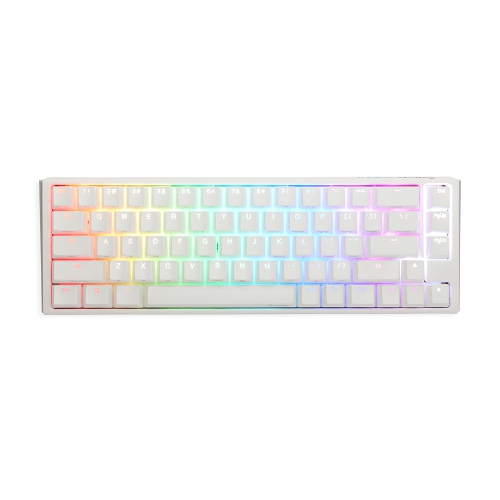
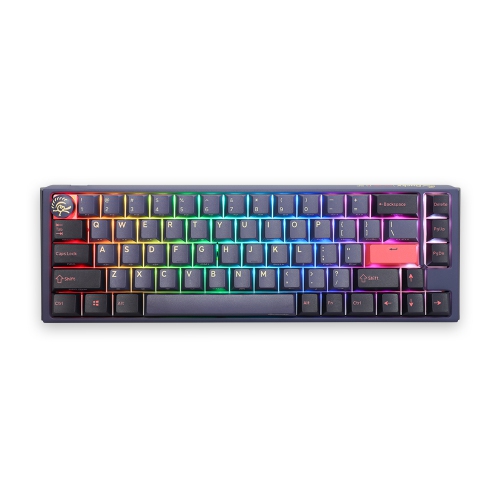
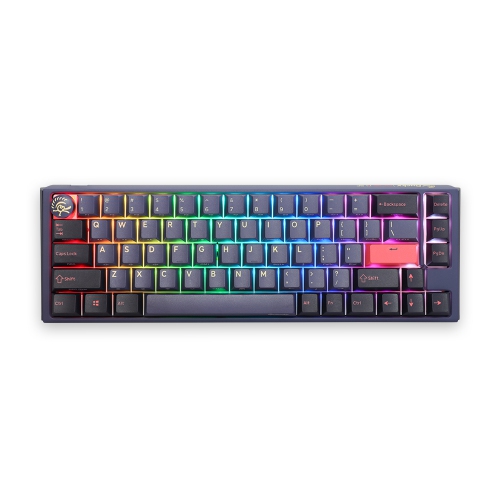
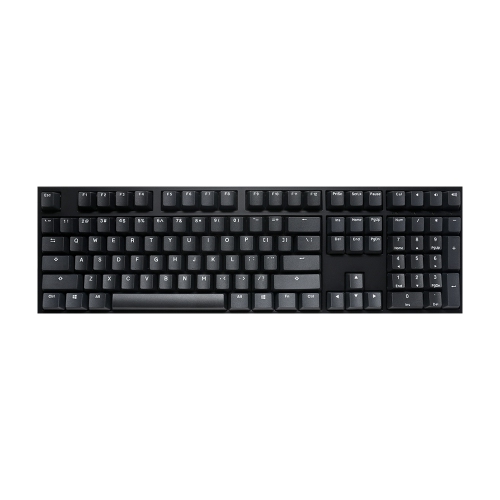
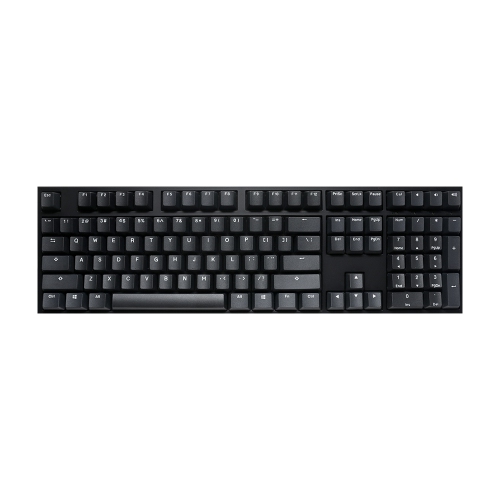
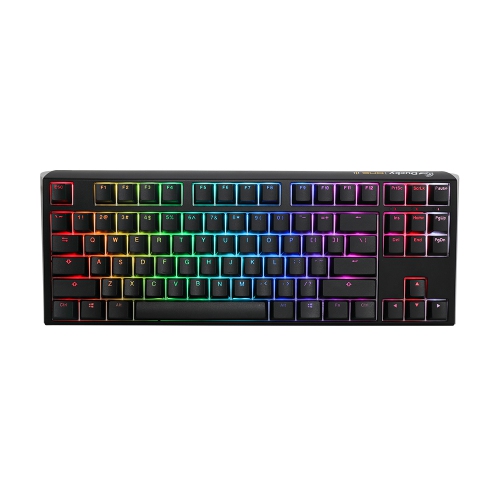
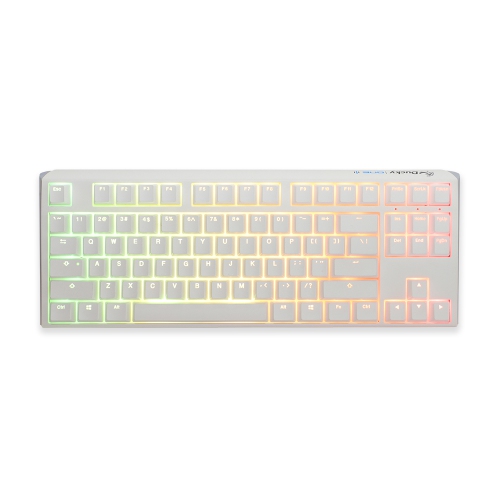
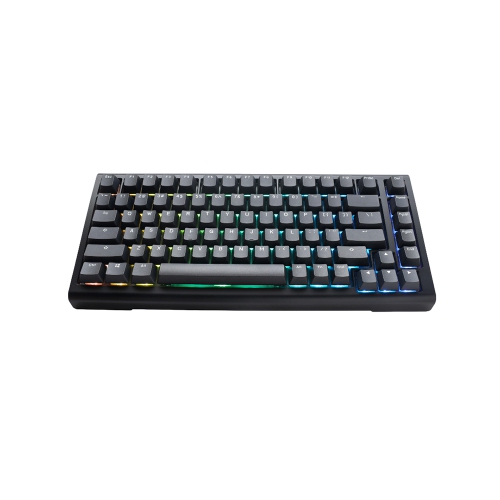
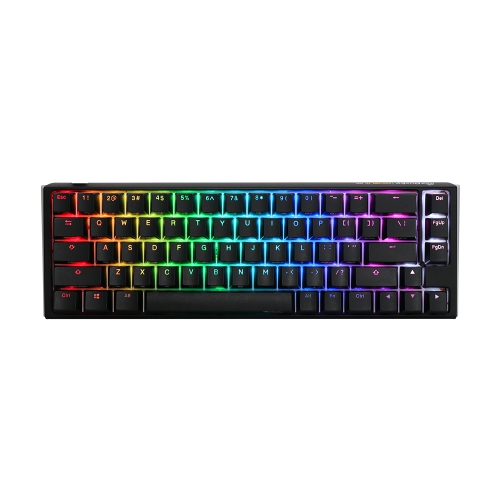
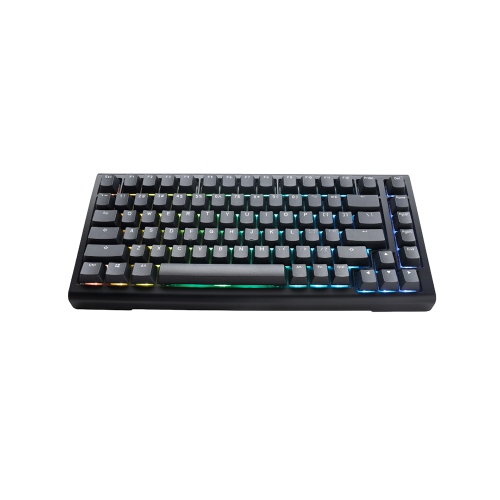
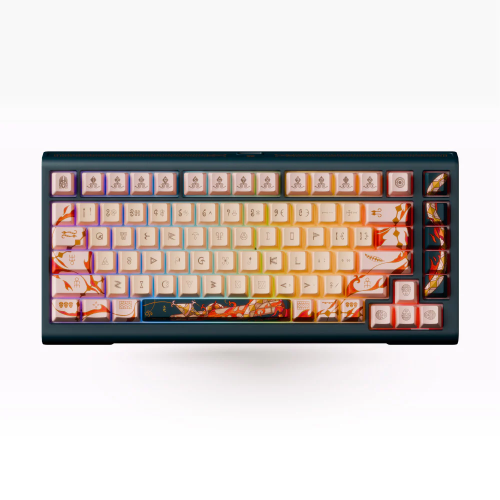
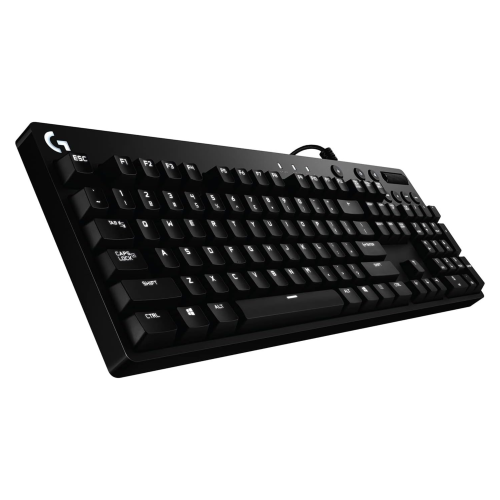
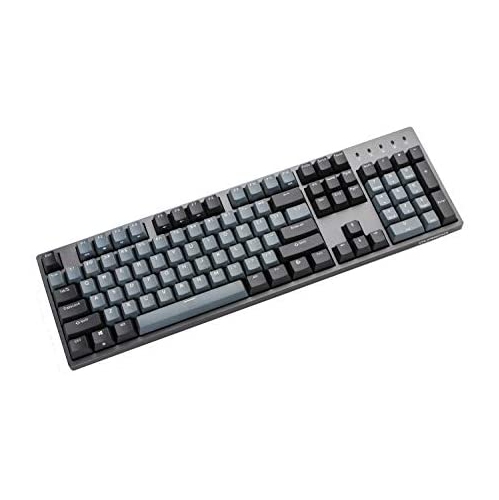
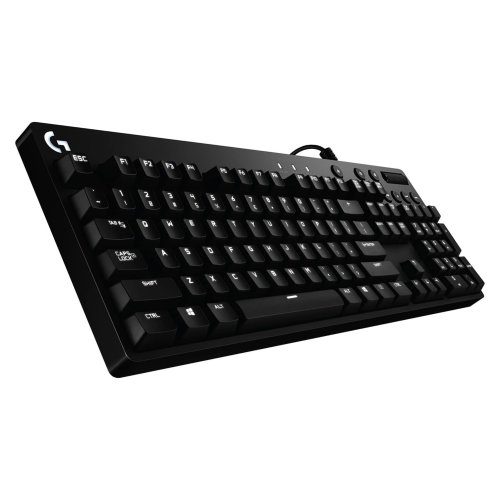
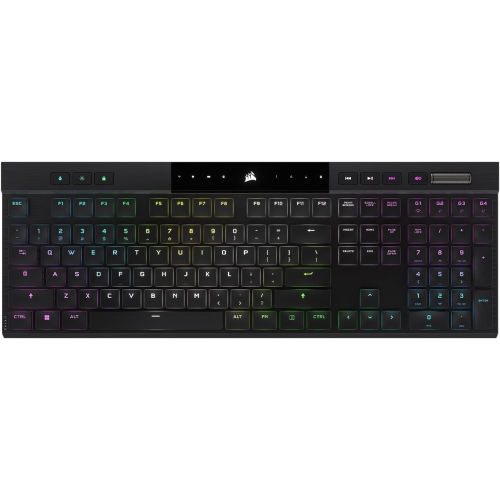
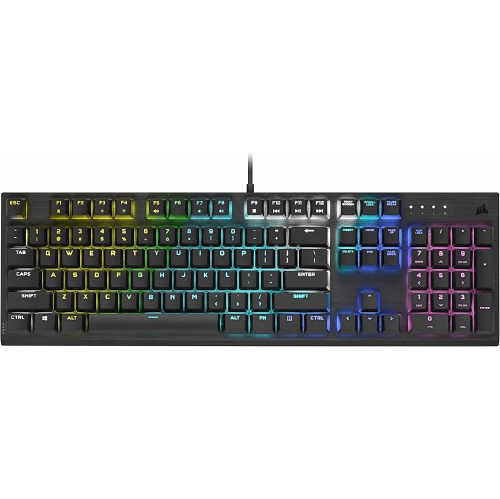
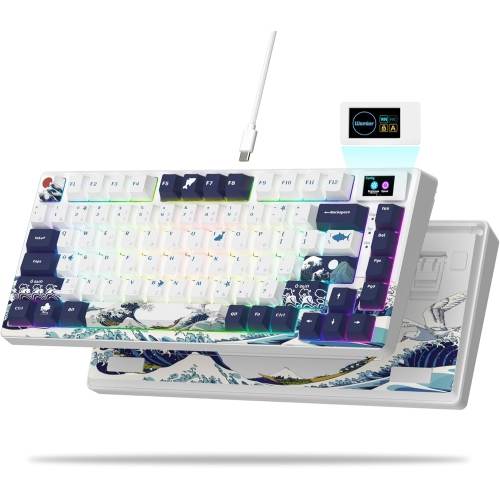
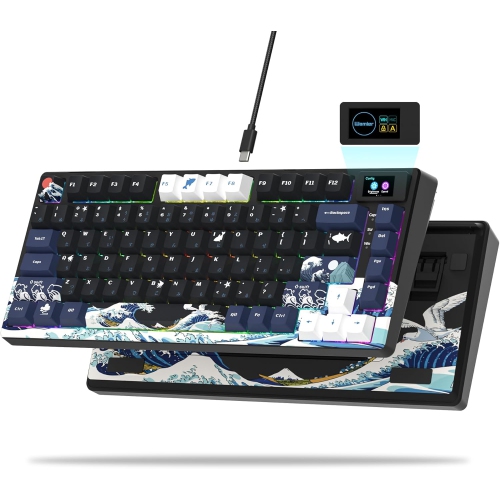
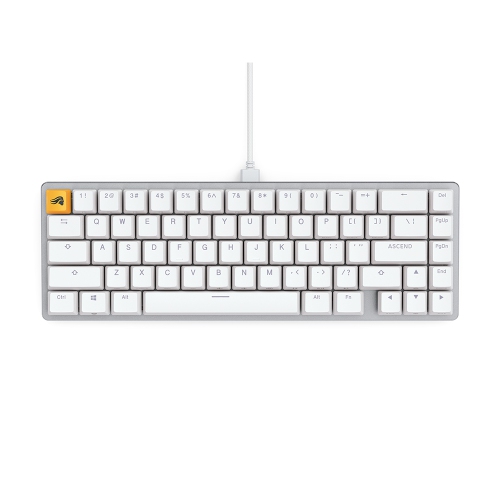
Cherry keyboards are a popular choice for anyone who spends long stretches typing, gaming, studying, creating content, or working at a computer. Their appeal often comes from the switch technology beneath each key, which determines how a keystroke feels, sounds, and responds. Some users prefer a smooth linear action that moves evenly from top to bottom, while others enjoy tactile feedback that provides a noticeable bump when a key is registered. Clicky switches add an audible sound to that tactile response, which can make typing feel especially engaging but may be less suitable in a shared workspace. When browsing Cherry keyboards, consider how the keyboard will fit into the surroundings as much as how it feels under your fingers. A compact layout can leave more room for a mouse and fit neatly on a smaller desk, while a full-size design includes a number pad that can be useful for spreadsheets, accounting, inventory tasks, and frequent data entry. Tenkeyless and other reduced-size layouts can be a comfortable middle ground, keeping the essential letter keys and navigation controls while creating a more open desktop. The best option depends on your daily habits: a writer may value a consistent, comfortable rhythm; a student may appreciate a dependable board for notes and assignments; and a gamer may look for responsive actuation, sturdy construction, and features that support quick, repeated inputs.
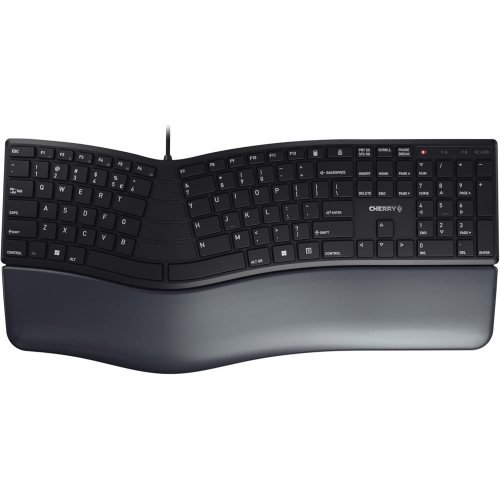
The shape and finish of a keyboard also influence the experience. Look for key legends that are easy to read, a layout that matches your operating system, and adjustable feet that let you change the typing angle to suit your wrists. A built-in wrist rest can provide welcome support during lengthy sessions, although some people prefer a slim profile with nothing beneath the palms. Wired keyboards are often straightforward to set up and can be a practical choice for a fixed desk, while wireless models help keep a workspace uncluttered and make it easier to move between a home office, study area, and entertainment setup. If a keyboard will be shared between computers, check how it connects and whether it can pair with the devices you use. Backlighting can help identify keys in a dim room and may add a sense of style, but it is worth considering whether you need simple illumination or more customisable lighting effects. For shoppers comparing Cherry keyboards with different switch options, the most useful test is to imagine a normal day rather than focusing only on specifications. Picture the gentle, repeated press of keys while drafting an email, the quick rhythm of commands during a game, or the late-evening click of a keyboard in a quiet room. You can also explore Cherry Switch Keyboards to compare keyboards built around this well-known switch family and find a feel that matches your routine.
A Cherry keyboard can also be a thoughtful gift for someone setting up a first desk, refreshing a home office, or spending more time on a computer during the cooler months. It is a practical present for a university student, remote worker, programmer, digital artist, or enthusiast who notices the difference between an ordinary membrane keyboard and a more deliberate mechanical typing experience. Before choosing one as a gift, consider the recipient’s space and habits. Someone in a shared office or bedroom may appreciate a quieter switch, while a dedicated gaming area may be well suited to a more expressive sound and responsive feel. A compact keyboard can be helpful for a small apartment or flexible setup, and a full-size model may be preferable for anyone who regularly enters numbers. It is also worth checking whether the recipient uses a desktop computer, laptop, tablet, or several devices, since connection options and compatibility can affect convenience. To keep a Cherry keyboard performing well, use a soft, dry cloth for regular dusting, avoid eating directly over the keys, and follow the care instructions for removing keycaps or cleaning between switches. With the right layout, switch feel, connection type, and size, a Cherry keyboard can make everyday computer use feel more comfortable and intentional, whether it is supporting quiet morning work, focused study, lively gaming sessions, or creative projects that stretch into the evening.
The shape and finish of a keyboard also influence the experience. Look for key legends that are easy to read, a layout that matches your operating system, and adjustable feet that let you change the typing angle to suit your wrists. A built-in wrist rest can provide welcome support during lengthy sessions, although some people prefer a slim profile with nothing beneath the palms. Wired keyboards are often straightforward to set up and can be a practical choice for a fixed desk, while wireless models help keep a workspace uncluttered and make it easier to move between a home office, study area, and entertainment setup. If a keyboard will be shared between computers, check how it connects and whether it can pair with the devices you use. Backlighting can help identify keys in a dim room and may add a sense of style, but it is worth considering whether you need simple illumination or more customisable lighting effects. For shoppers comparing Cherry keyboards with different switch options, the most useful test is to imagine a normal day rather than focusing only on specifications. Picture the gentle, repeated press of keys while drafting an email, the quick rhythm of commands during a game, or the late-evening click of a keyboard in a quiet room. You can also explore Cherry Switch Keyboards to compare keyboards built around this well-known switch family and find a feel that matches your routine.
A Cherry keyboard can also be a thoughtful gift for someone setting up a first desk, refreshing a home office, or spending more time on a computer during the cooler months. It is a practical present for a university student, remote worker, programmer, digital artist, or enthusiast who notices the difference between an ordinary membrane keyboard and a more deliberate mechanical typing experience. Before choosing one as a gift, consider the recipient’s space and habits. Someone in a shared office or bedroom may appreciate a quieter switch, while a dedicated gaming area may be well suited to a more expressive sound and responsive feel. A compact keyboard can be helpful for a small apartment or flexible setup, and a full-size model may be preferable for anyone who regularly enters numbers. It is also worth checking whether the recipient uses a desktop computer, laptop, tablet, or several devices, since connection options and compatibility can affect convenience. To keep a Cherry keyboard performing well, use a soft, dry cloth for regular dusting, avoid eating directly over the keys, and follow the care instructions for removing keycaps or cleaning between switches. With the right layout, switch feel, connection type, and size, a Cherry keyboard can make everyday computer use feel more comfortable and intentional, whether it is supporting quiet morning work, focused study, lively gaming sessions, or creative projects that stretch into the evening.
Top selling and popular products
-
 Your price for this item is $39.99
 -
 Your price for this item is $89.98
 -
 Your price for this item is $319.95
 -
 Your price for this item is $364.95
 -
 Your price for this item is $149.99
 -
 Your price for this item is $124
 -
 Your price for this item is $94.99
 -
 Your price for this item is $139.95
Discover more categories related to Cherry Keyboards
Top Collections:
Pokemon Centers, Kindle Devices, Best Cameras for Sports Photography, Pokémon 30th Celebration Cards, Apple iPhones 16, Canon G7X Cameras, iPhone 15 Apple, Flip Phones, Samsung Galaxy Phones, Alarm Clock
Some products may be subject to Environmental Handling Fees
(EHF) depending on your province.
Learn more about EHFs.