Classroom Technology for Teachers
Classroom Technology for Teachers brings together a wide selection of innovative tools designed to enhance the teaching experience and support student engagement. From interactive displays to essential accessories, discover solutions that help create dynamic learning environments. Find the technology you need to streamline lesson planning, facilitate collaboration, and make every school day more productive. Explore options tailored for classrooms of all sizes and teaching styles with Classroom Technology for Teachers.
Sort
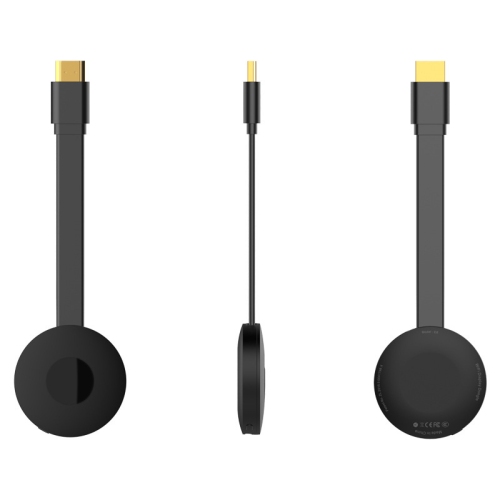

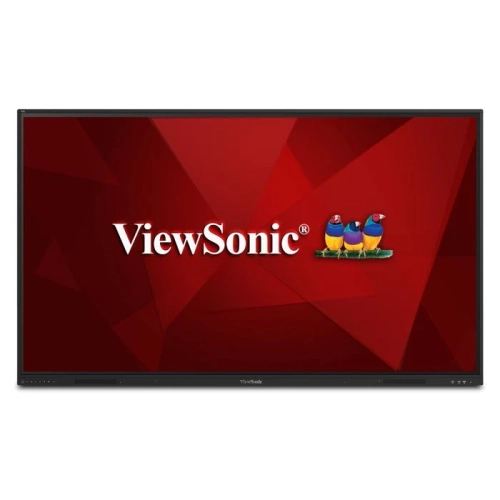
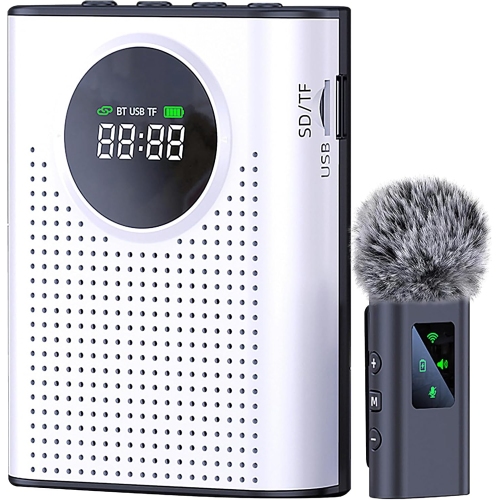
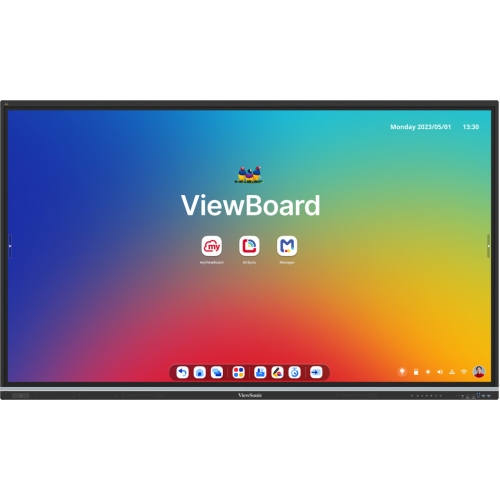


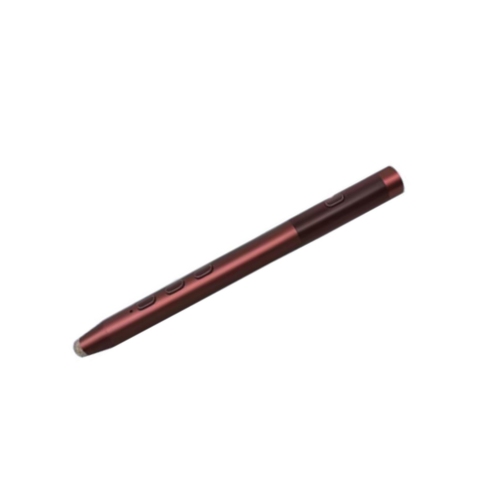
From handwritten calculations to lessons everyone can follow
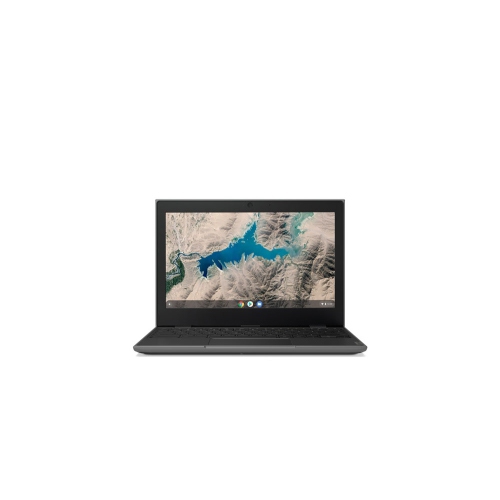
Classroom technology for teachers includes computers, interactive displays, projectors, document cameras, audio equipment, and accessories that support instruction, lesson preparation, and student participation. These tools can bring a handwritten calculation onto a large screen, make a spoken explanation easier to hear, or let a class work together on a shared digital activity. Their value comes from how naturally they fit the teaching day, from opening attendance records to presenting a lesson and reviewing student work. A laptop offers flexibility for teachers who move between rooms, while a desktop can serve as a dedicated workstation for planning, assessment, and administrative tasks. Tablets can be useful for taking notes while circulating among desks or annotating a diagram, particularly when paired with a compatible stylus. For everyday teaching, a comfortable keyboard, readable screen, and dependable battery life often matter as much as processing power. More demanding activities, such as video editing, coding, and working with large design files, may call for additional memory, storage, and graphics capability. Screen size and weight also affect daily use: a larger display provides more room for side-by-side documents, while a lighter device is easier to carry alongside teaching materials. Compatibility with school-approved software, sign-in systems, and existing connections helps keep the focus on the lesson rather than troubleshooting. A teacher presenting slides, playing a short video, and checking digital responses during the same period needs equipment that can handle those tasks together. Wi-Fi connectivity supports access to online resources, but wired connections and locally saved materials can also be useful where permitted by school policies. For teachers supporting students remotely or recording explanations for later review, a webcam and clear microphone can make demonstrations easier to follow. Digital collaboration tools and AI-assisted features may help organize resources or prepare draft activities, though their use depends on school approval, student privacy requirements, and a teacher’s review for accuracy and suitability. Hardware provides the foundation for these activities, with software and services chosen to match the subject, grade level, and instructional purpose.
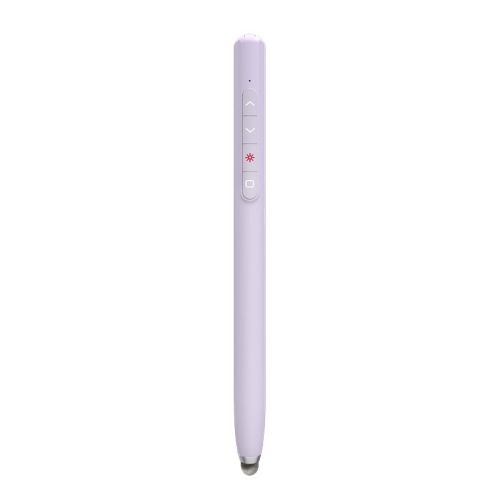
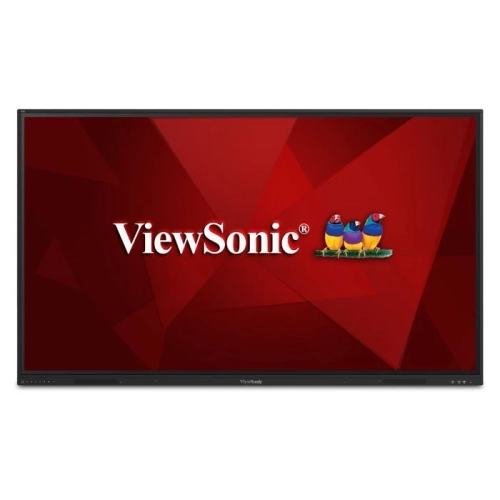
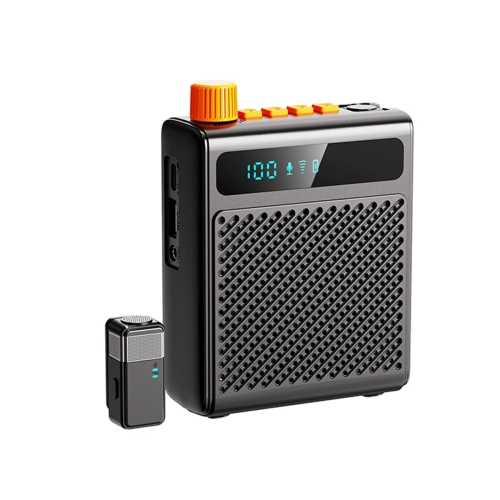
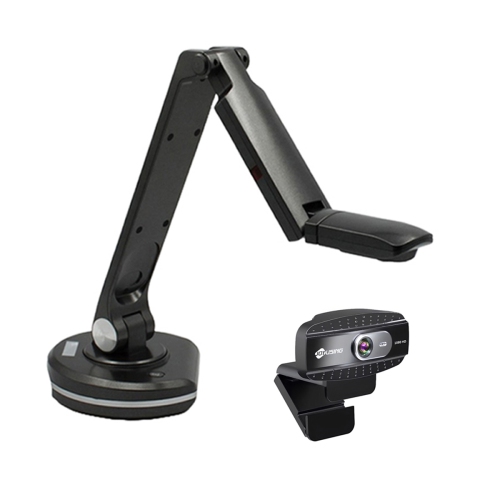
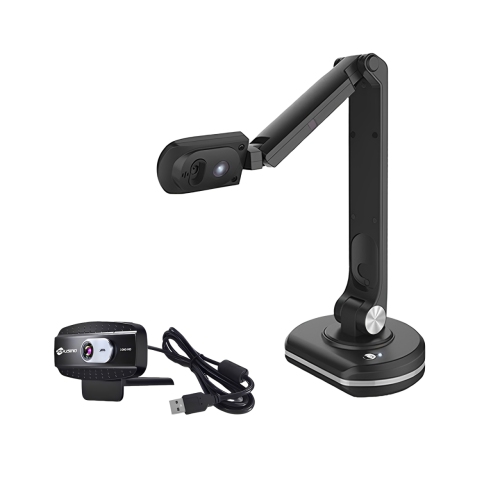
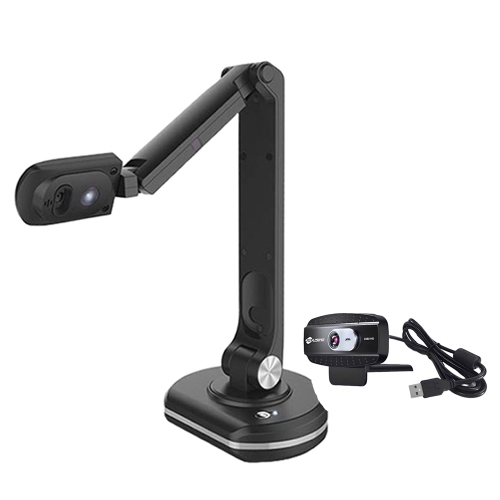
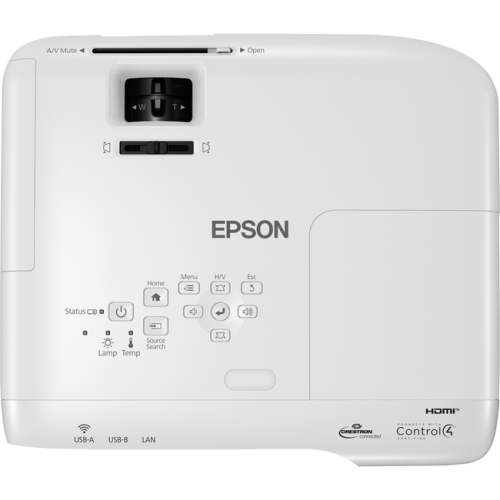
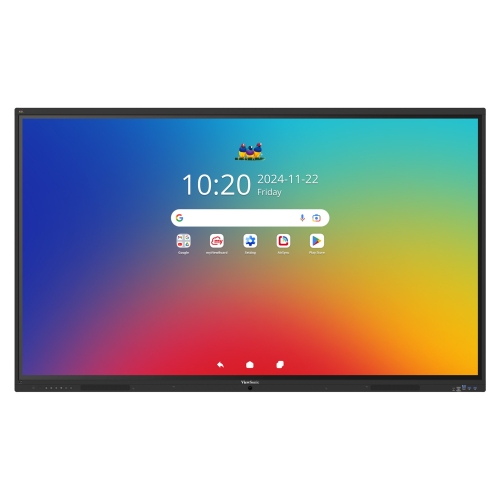
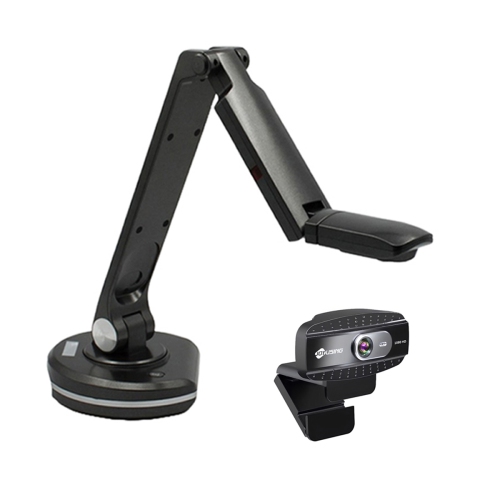
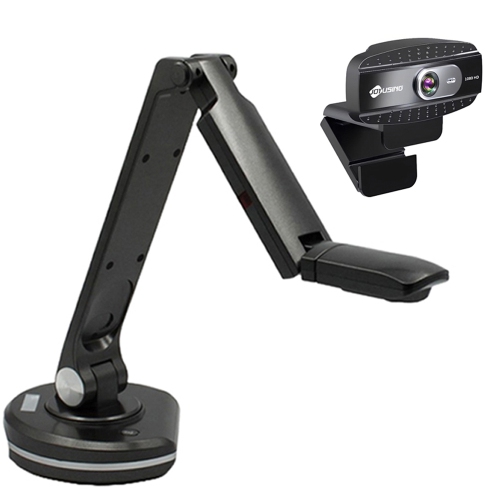
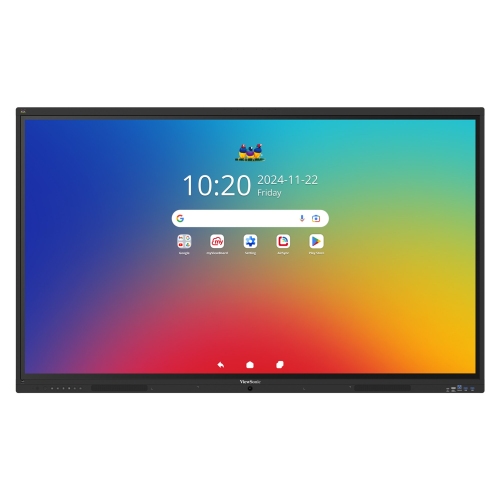
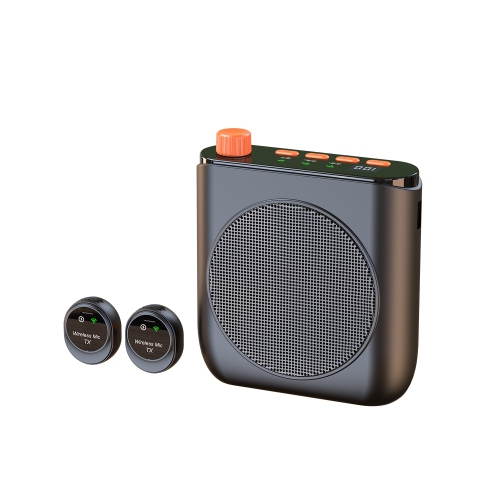
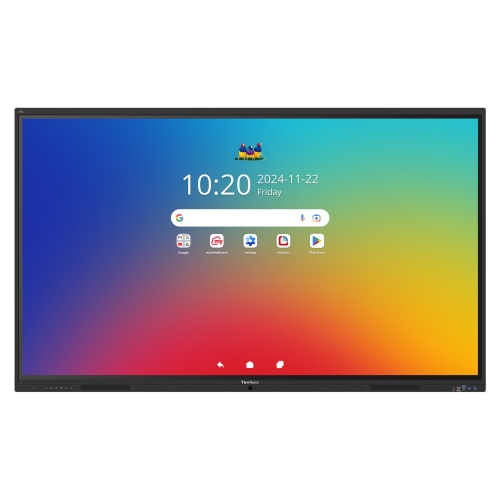
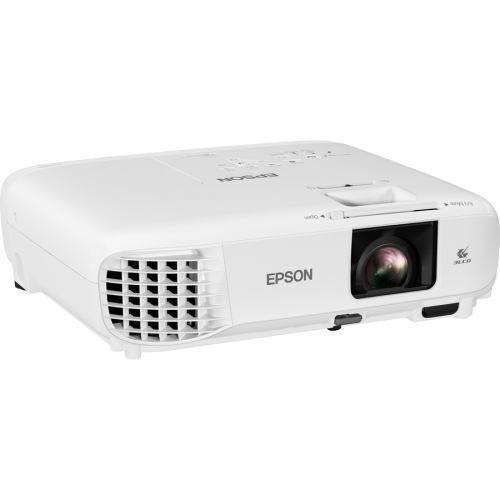
Presentation and audio equipment shape how students see and hear a lesson, whether they are seated near the front or working at the back of the room. An interactive display can support on-screen annotation and shared problem-solving, while a projector can make a map, artwork, or science demonstration visible to a larger group. The right fit depends on room dimensions, viewing distance, ambient light, and the space available for installation. Small text that looks clear on a teacher’s laptop may be difficult to read across several rows of desks, so resolution, display size, and the layout of teaching materials work together. Document cameras are particularly useful when a lesson begins with something physical: the pages of a book, a geometric construction, or a student’s written method. Adjustable positioning and a stable base help keep the image steady, while close-focus capability can reveal details that would otherwise require students to gather around a table. Audio deserves similar attention. Clear speakers can support language lessons, video clips, and listening activities, while a suitable microphone may help a teacher’s voice reach the room without relying on increased volume alone. Headphones give students a way to work through spoken instructions or practise independently, with adjustable headbands and comfortable ear cushions making a difference during longer sessions. For shared use, easy-to-clean surfaces and replaceable cushions are practical considerations. Younger students may need smaller-fitting designs, straightforward controls, and features that help staff manage listening levels. Captions, readable text, and compatible accessibility features can offer additional ways to participate, although individual accommodations should guide equipment choices. Alongside digital teaching tools, Classroom Equipment for Teachers supports the broader needs of a teaching space. The aim is a setup where switching from a spoken explanation to a visual example feels straightforward, and where students can engage with the material in more than one way. A well-positioned screen, balanced audio, and controls within easy reach can reduce interruptions during those transitions.
Durability, care, and organization become especially important when technology is handled throughout the day or shared among several classes. Reinforced corners, sturdy hinges, and protective cases can help devices stand up to routine transport, though a case does not make equipment immune to drops or spills. Materials also affect handling: a rigid shell can add structure, textured grips may make a device easier to hold, and smooth, wipeable surfaces simplify routine cleaning. Manufacturer instructions should determine which cleaning methods are suitable, especially for touchscreens, coated lenses, and audio components. Chargers, docks, and adapters need to match the device’s connector, power requirements, and supported functions; a plug that fits does not necessarily provide charging, video output, and data transfer in every setup. A teacher who connects a laptop to a classroom display benefits from knowing whether both devices support the required connection before the lesson begins. Cable length matters too, since equipment should reach its connection point without stretching leads across walkways or leaving loose loops near desks. Stands, mounts, and carts must suit the size and weight of the equipment they hold, with stable positioning and secure installation appropriate to the space. Ventilation openings need clearance, and frequently used controls should remain accessible. Charging arrangements can make shared devices easier to manage, particularly when students return them to assigned places between activities. Protective sleeves, labelled storage spaces, and consistent places for small accessories can help keep a missing adapter from delaying a class. For teachers working across classrooms, portability includes the whole setup: the computer, power supply, presentation connections, and any audio accessories that travel with it. For a dedicated room, comfortable workstation positioning and permanent connections may take priority. Elementary classrooms, secondary subject rooms, adult learning spaces, and specialist teaching areas each place different demands on equipment. Technology that suits those everyday demands can support a wide range of teaching styles, from a carefully paced demonstration to small-group practice, without adding unnecessary complexity to the school day.
Presentation and audio equipment shape how students see and hear a lesson, whether they are seated near the front or working at the back of the room. An interactive display can support on-screen annotation and shared problem-solving, while a projector can make a map, artwork, or science demonstration visible to a larger group. The right fit depends on room dimensions, viewing distance, ambient light, and the space available for installation. Small text that looks clear on a teacher’s laptop may be difficult to read across several rows of desks, so resolution, display size, and the layout of teaching materials work together. Document cameras are particularly useful when a lesson begins with something physical: the pages of a book, a geometric construction, or a student’s written method. Adjustable positioning and a stable base help keep the image steady, while close-focus capability can reveal details that would otherwise require students to gather around a table. Audio deserves similar attention. Clear speakers can support language lessons, video clips, and listening activities, while a suitable microphone may help a teacher’s voice reach the room without relying on increased volume alone. Headphones give students a way to work through spoken instructions or practise independently, with adjustable headbands and comfortable ear cushions making a difference during longer sessions. For shared use, easy-to-clean surfaces and replaceable cushions are practical considerations. Younger students may need smaller-fitting designs, straightforward controls, and features that help staff manage listening levels. Captions, readable text, and compatible accessibility features can offer additional ways to participate, although individual accommodations should guide equipment choices. Alongside digital teaching tools, Classroom Equipment for Teachers supports the broader needs of a teaching space. The aim is a setup where switching from a spoken explanation to a visual example feels straightforward, and where students can engage with the material in more than one way. A well-positioned screen, balanced audio, and controls within easy reach can reduce interruptions during those transitions.
Durability, care, and organization become especially important when technology is handled throughout the day or shared among several classes. Reinforced corners, sturdy hinges, and protective cases can help devices stand up to routine transport, though a case does not make equipment immune to drops or spills. Materials also affect handling: a rigid shell can add structure, textured grips may make a device easier to hold, and smooth, wipeable surfaces simplify routine cleaning. Manufacturer instructions should determine which cleaning methods are suitable, especially for touchscreens, coated lenses, and audio components. Chargers, docks, and adapters need to match the device’s connector, power requirements, and supported functions; a plug that fits does not necessarily provide charging, video output, and data transfer in every setup. A teacher who connects a laptop to a classroom display benefits from knowing whether both devices support the required connection before the lesson begins. Cable length matters too, since equipment should reach its connection point without stretching leads across walkways or leaving loose loops near desks. Stands, mounts, and carts must suit the size and weight of the equipment they hold, with stable positioning and secure installation appropriate to the space. Ventilation openings need clearance, and frequently used controls should remain accessible. Charging arrangements can make shared devices easier to manage, particularly when students return them to assigned places between activities. Protective sleeves, labelled storage spaces, and consistent places for small accessories can help keep a missing adapter from delaying a class. For teachers working across classrooms, portability includes the whole setup: the computer, power supply, presentation connections, and any audio accessories that travel with it. For a dedicated room, comfortable workstation positioning and permanent connections may take priority. Elementary classrooms, secondary subject rooms, adult learning spaces, and specialist teaching areas each place different demands on equipment. Technology that suits those everyday demands can support a wide range of teaching styles, from a carefully paced demonstration to small-group practice, without adding unnecessary complexity to the school day.
Top selling and popular products
-
 Your price for this item is $599.99
-
 Your price for this item is $899.99
-
 Your price for this item is $899
-
 Your price for this item is $999
-
 Your price for this item is $832.99
-
 Your price for this item is $689.87
-
 Your price for this item is $549.99
-
 Your price for this item is $2629.99
Discover more categories related to Classroom Technology for Teachers
Top Collections:
Pokemon Centers, Best Black Friday Deals This Year, Best Black Friday Deals On Electronics, Kindle Devices, Best Budget Office Chairs, Best Black Friday Deals On Apple Products, Best Cameras for Sports Photography, Pokémon 30th Celebration Cards, Dyson Airwrap, Canon G7X Cameras
Some products may be subject to Environmental Handling Fees
(EHF) depending on your province.
Learn more about EHFs.