Cloud Solutions
Unlock the potential of your digital workspace with cutting-edge cloud solutions that cater to both personal and professional needs. Whether you're looking to enhance collaboration, streamline data storage, or ensure seamless access to your files from anywhere in the world, cloud solutions offer unparalleled flexibility and scalability. Explore a variety of options designed to support your ever-evolving demands, ensuring your data is secure and easily accessible. Embrace the future of technology with innovative cloud solutions that empower you to work smarter and more efficiently.
Sort
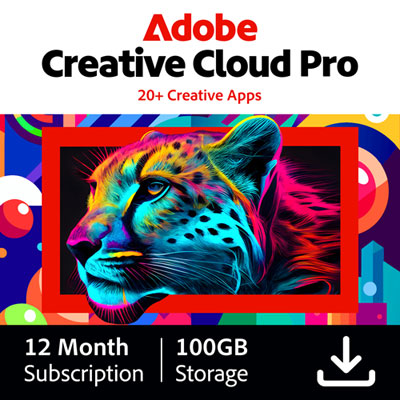
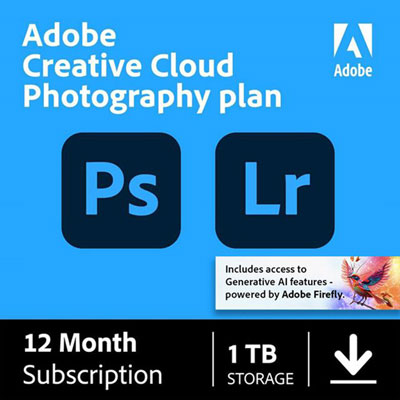
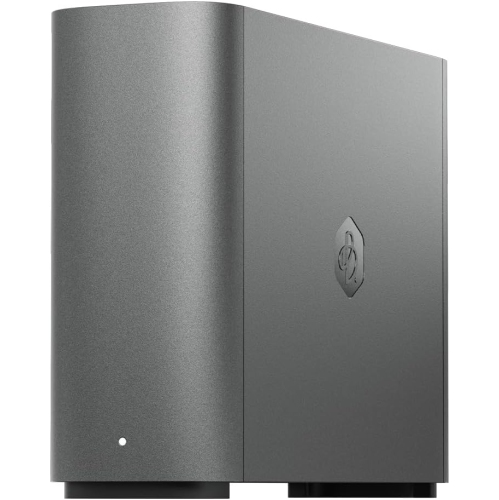
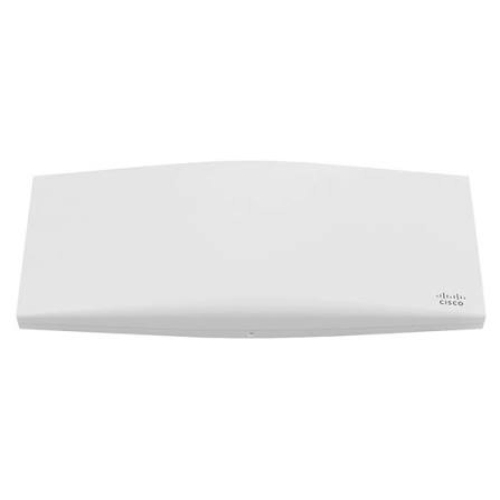
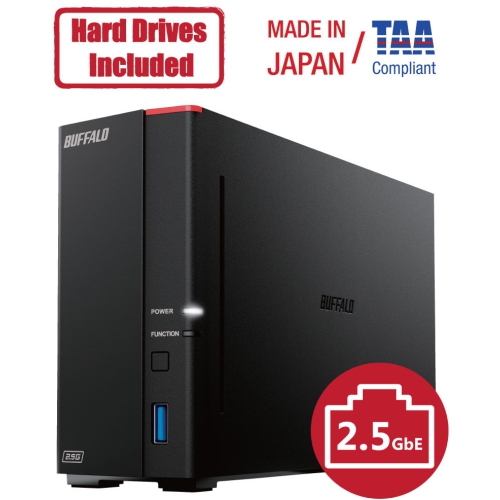
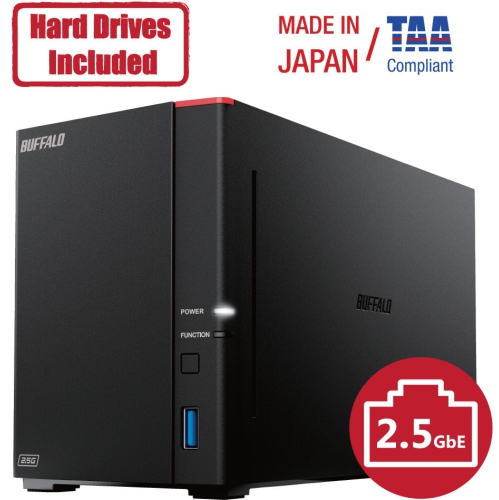
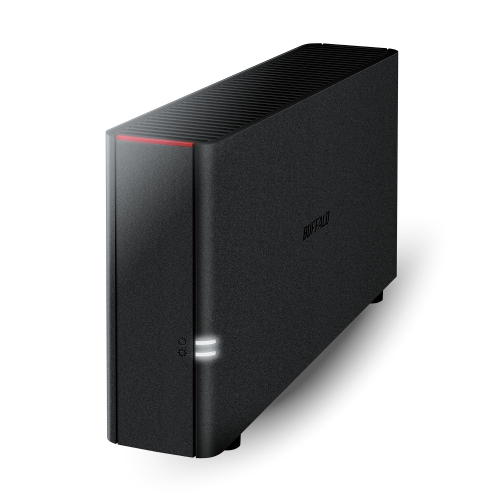
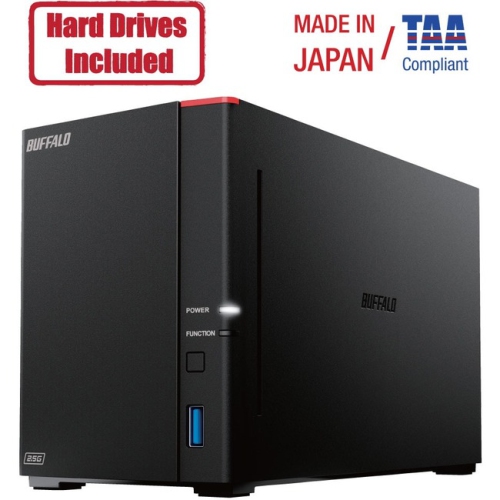
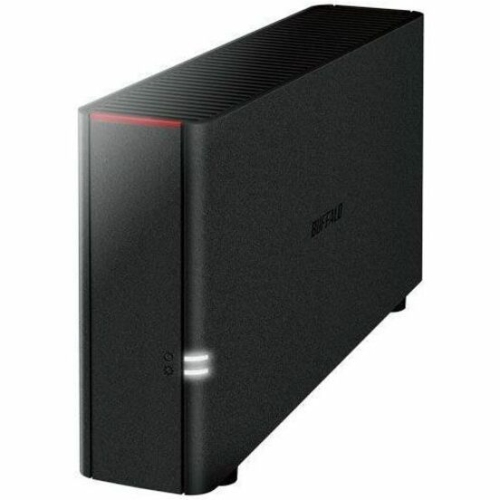
Remote access to files and applications across devices
Cloud solutions are internet-based services that provide remote access to computing resources, data storage and software applications without requiring all the necessary infrastructure to be installed on a local computer. Instead of relying solely on a hard drive, on-site server or downloaded program, users can connect to files, tools and services through an internet connection using compatible computers, tablets, mobile devices and networking equipment. This approach can make information easier to reach across a home, classroom, office or small business, while also helping users keep work and personal files available when they move between locations. Cloud solutions generally fall into three categories. Infrastructure as a Service, or IaaS, provides virtualized servers, storage and networking that customers configure and manage for their own needs. Platform as a Service, or PaaS, gives developers a prepared environment for building, testing and deploying applications without maintaining the underlying hardware. Software as a Service, or SaaS, delivers complete applications through a web browser or connected device, often with a subscription and account-based access. The right option depends on how much control a user needs, how much technical management they are prepared to handle and whether the goal is storing files, running applications, supporting a team or developing new software.
When comparing cloud solutions, start with the type of information or work they need to support. Someone looking for a dependable place to keep photos, schoolwork, tax records or household documents may be best served by a cloud storage service with automatic synchronization, file sharing and straightforward access across several devices. Explore Cloud Storage Services for options focused on keeping files available online. A small business may need broader capabilities, such as shared workspaces, user permissions, remote access and tools that let several people edit documents without emailing multiple copies back and forth. Developers and technically experienced users may place greater value on scalable computing power, flexible storage capacity, virtual machines, application development tools and detailed configuration controls. Before choosing, review the amount of storage included, supported file types, device compatibility, upload and download requirements, account limits, sharing controls and the process for recovering a forgotten password or accidentally deleted file. Security features also deserve close attention. Look for strong account authentication, encryption, access permissions and clear policies for backups and data retention. A fast and reliable internet connection can make a noticeable difference, especially when moving large video files, joining online meetings or opening work stored remotely. It is also worth checking how a service behaves when a connection is unavailable, since some applications allow files to be downloaded for offline use while others depend on continuous access.
Cloud solutions can be useful for a wide range of people. A student may keep class notes and presentations accessible from a home computer and a laptop used on campus. A family can organize photographs and important documents in one account rather than searching through several memory cards and external drives. Remote and hybrid workers can move from a home office to a shared workspace while keeping familiar files and applications within reach. A small business owner might use cloud-based tools to review invoices, coordinate schedules, share project folders and give each team member only the access they need. For a developer, cloud infrastructure can provide a practical way to test an application, increase capacity for a busy period and reduce the need to maintain physical servers. Cloud services can also support collaboration between people in different cities, allowing a group to work from the same current version of a document instead of sorting through attachments with names such as “final” and “final revised.” As the weather changes and routines shift between indoor work, travel and home-based activities, flexible access can be especially convenient, but everyday reliability still matters. Consider the devices that will connect to the service, the quality of the available network, the number of people who need access and the importance of the files being stored. A thoughtful setup may combine cloud access with local copies, automatic backups and a clear folder structure, giving users a practical balance of convenience, organization and control.
When comparing cloud solutions, start with the type of information or work they need to support. Someone looking for a dependable place to keep photos, schoolwork, tax records or household documents may be best served by a cloud storage service with automatic synchronization, file sharing and straightforward access across several devices. Explore Cloud Storage Services for options focused on keeping files available online. A small business may need broader capabilities, such as shared workspaces, user permissions, remote access and tools that let several people edit documents without emailing multiple copies back and forth. Developers and technically experienced users may place greater value on scalable computing power, flexible storage capacity, virtual machines, application development tools and detailed configuration controls. Before choosing, review the amount of storage included, supported file types, device compatibility, upload and download requirements, account limits, sharing controls and the process for recovering a forgotten password or accidentally deleted file. Security features also deserve close attention. Look for strong account authentication, encryption, access permissions and clear policies for backups and data retention. A fast and reliable internet connection can make a noticeable difference, especially when moving large video files, joining online meetings or opening work stored remotely. It is also worth checking how a service behaves when a connection is unavailable, since some applications allow files to be downloaded for offline use while others depend on continuous access.
Cloud solutions can be useful for a wide range of people. A student may keep class notes and presentations accessible from a home computer and a laptop used on campus. A family can organize photographs and important documents in one account rather than searching through several memory cards and external drives. Remote and hybrid workers can move from a home office to a shared workspace while keeping familiar files and applications within reach. A small business owner might use cloud-based tools to review invoices, coordinate schedules, share project folders and give each team member only the access they need. For a developer, cloud infrastructure can provide a practical way to test an application, increase capacity for a busy period and reduce the need to maintain physical servers. Cloud services can also support collaboration between people in different cities, allowing a group to work from the same current version of a document instead of sorting through attachments with names such as “final” and “final revised.” As the weather changes and routines shift between indoor work, travel and home-based activities, flexible access can be especially convenient, but everyday reliability still matters. Consider the devices that will connect to the service, the quality of the available network, the number of people who need access and the importance of the files being stored. A thoughtful setup may combine cloud access with local copies, automatic backups and a clear folder structure, giving users a practical balance of convenience, organization and control.
Top selling and popular products
-
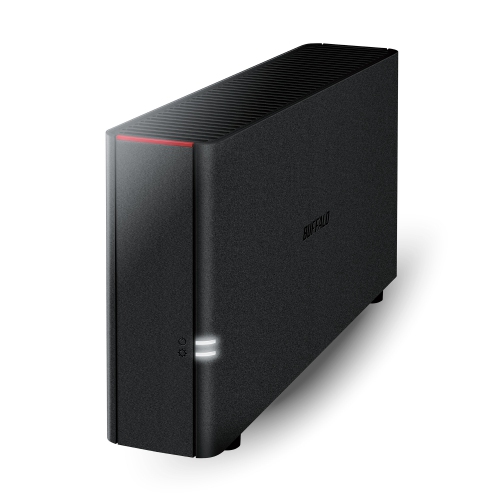 Your price for this item is $226.99
 -
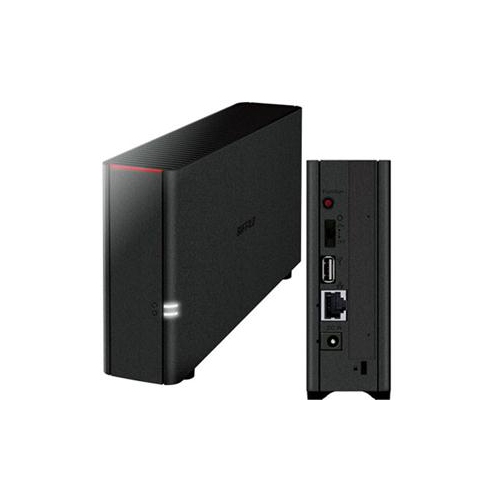 Your price for this item is $326.37
 -
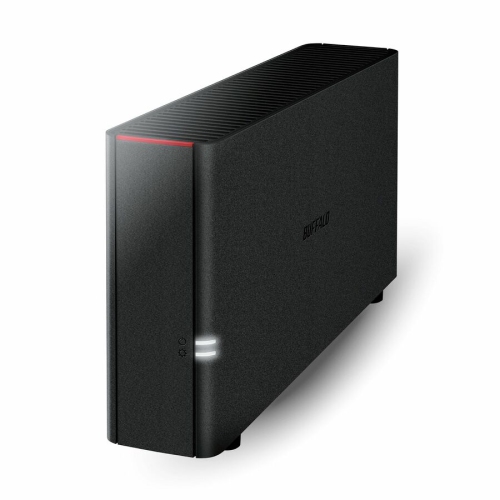 Your price for this item is $352.99
 -
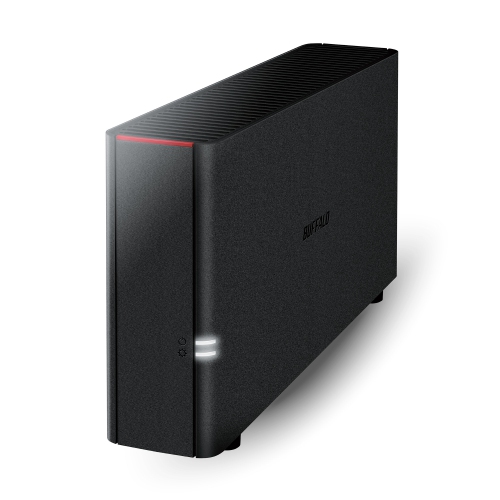 Your price for this item is $423.99
 -
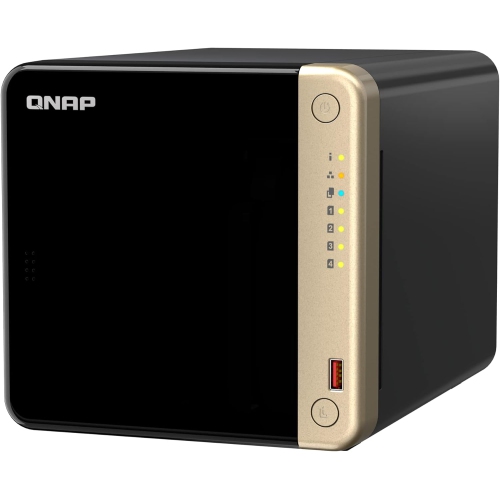 Your price for this item is $1059
 -
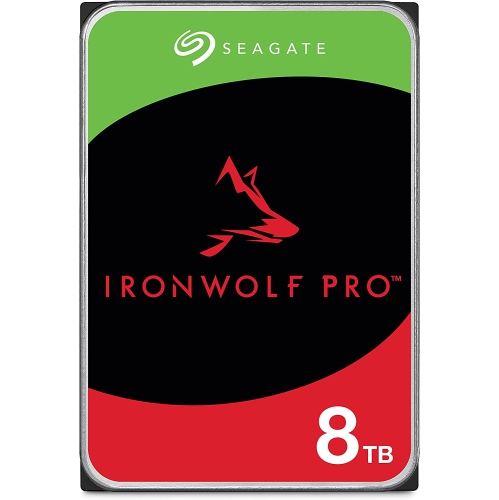 Your price for this item is $579.54
 -
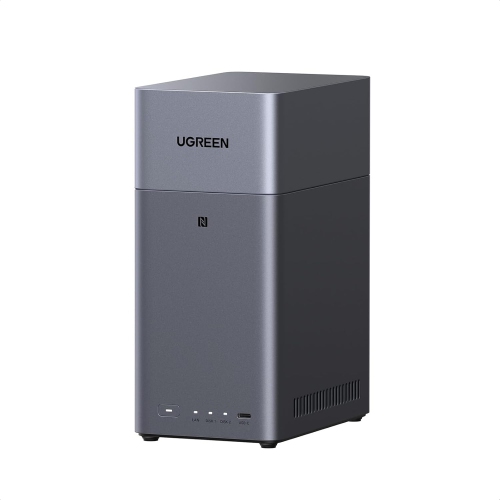 Your price for this item is $293.99
 -
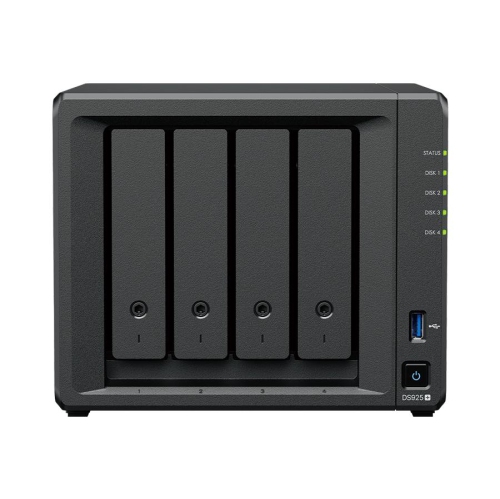 Your price for this item is $1299.99
Discover more categories related to Cloud Solutions
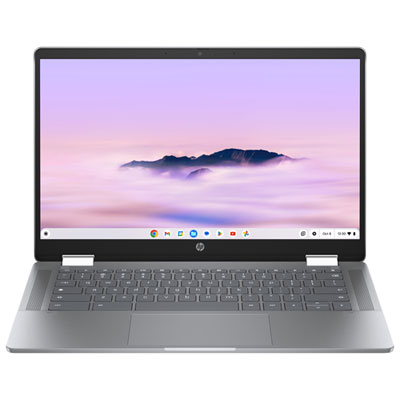
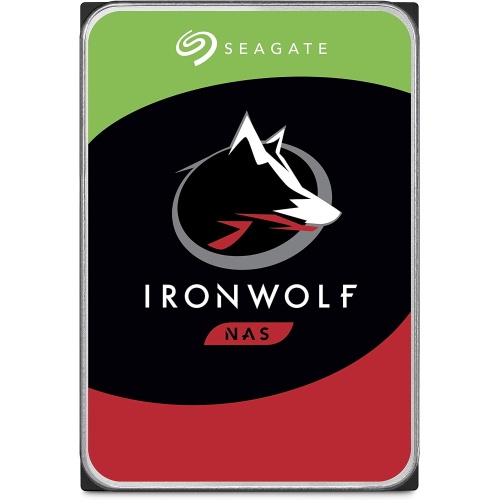
Top Collections:
Pokemon Centers, Kindle Devices, Best Budget Office Chairs, Apple iPhones 16, Best Laptops for Writers, iPhone 15 Apple, Canon G7X Cameras, Refurbished Apple Laptops, Alarm Clock, Motorola Razr Phones
Some products may be subject to Environmental Handling Fees
(EHF) depending on your province.
Learn more about EHFs.