Cloud Storage Services
Looking to securely store and access your files from anywhere, anytime? Look no further than our comprehensive collection of cloud storage services. With the increasing need for flexible and convenient data storage solutions, cloud storage has become an essential tool for individuals and businesses alike. Whether you're a student looking to back up your assignments, a professional needing seamless collaboration with colleagues, or a photographer wanting to safeguard your precious memories, our range of cloud storage services offers the perfect solution for all your digital storage needs. Explore our selection today and discover the benefits of cloud storage for yourself.
Sort
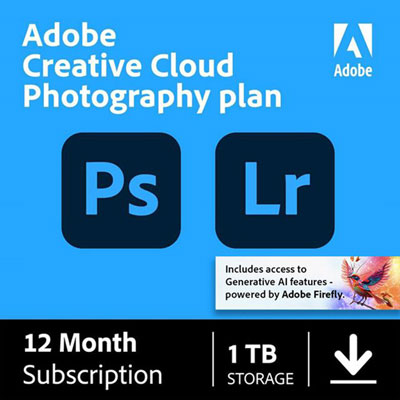
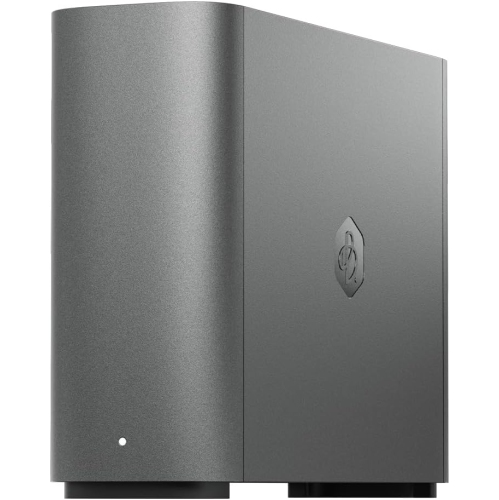
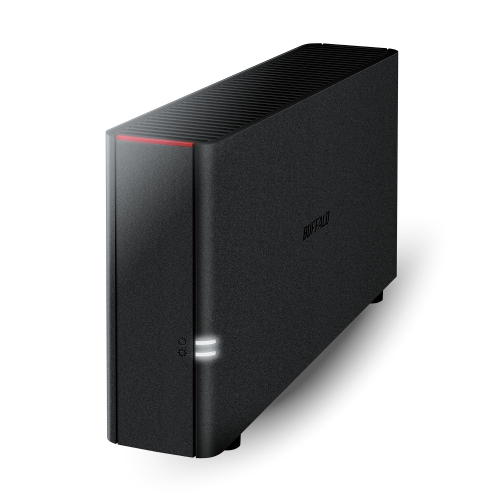
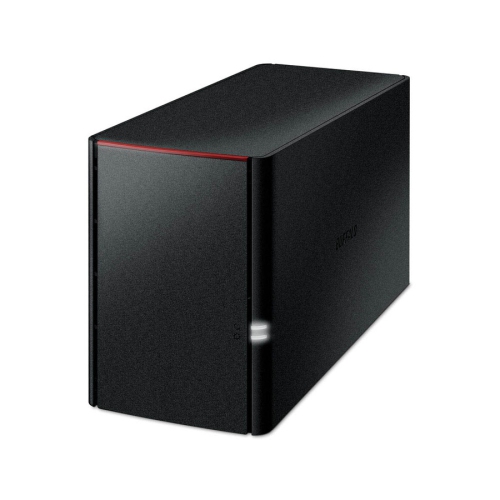
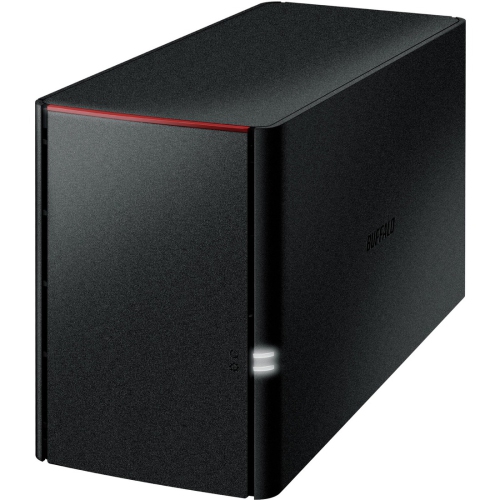
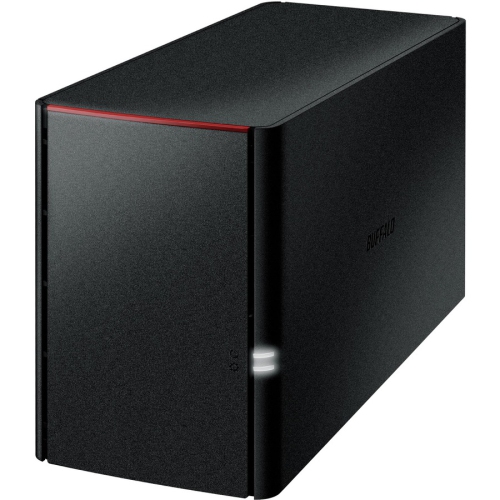
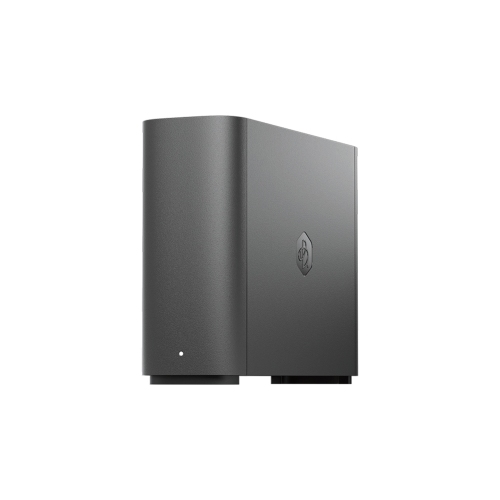
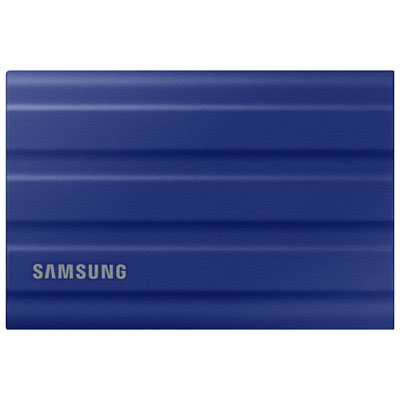
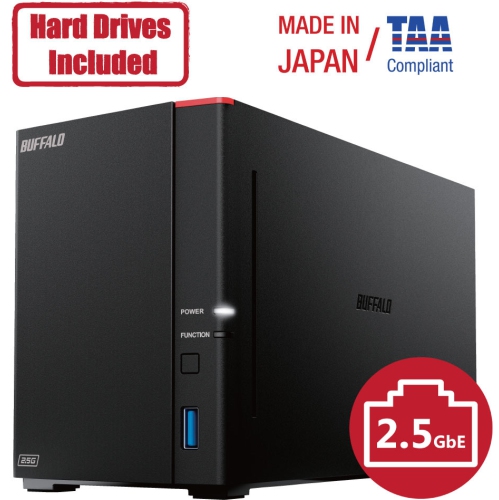
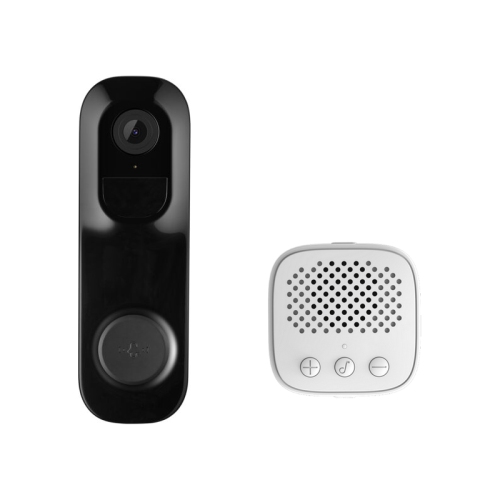

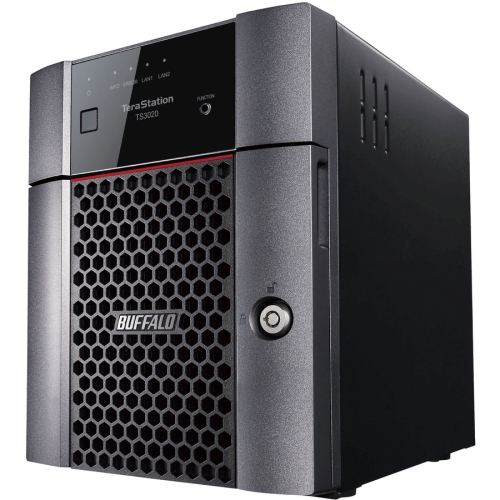
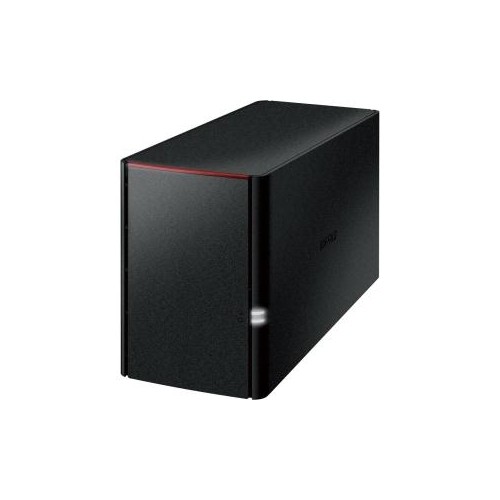
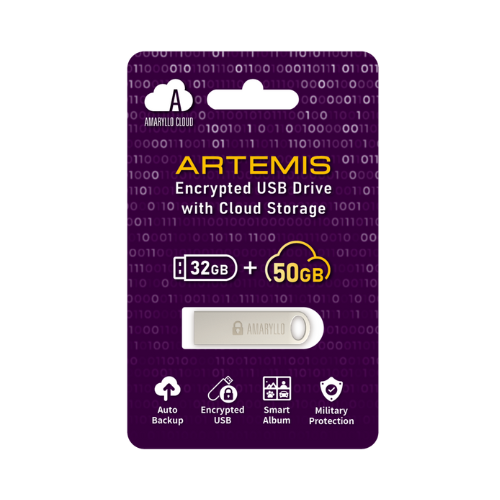
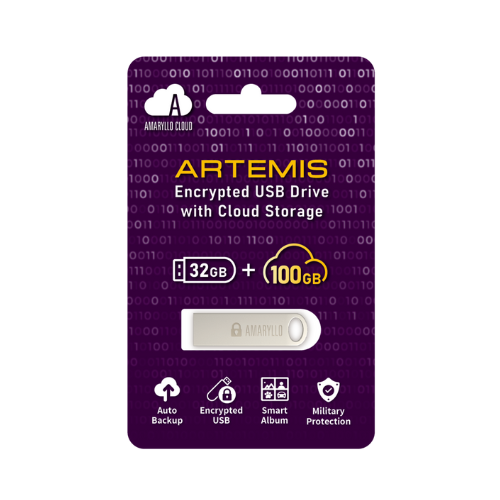
How remote files stay accessible, synced and recoverable
Cloud storage services let you save, access and share files remotely using an internet connection rather than relying only on a computer’s internal drive, an external hard drive or a USB flash drive. Your documents, photos, videos and other files are stored in secure data centres and can be available across compatible computers, tablets and smartphones. This makes cloud storage useful for everyday file access, especially when you move between a home office, workplace, classroom or family room. A photo taken on a phone can be opened later on a laptop, a document started at home can be reviewed during a commute, and a folder of family videos can be shared with relatives without sending large email attachments. Many services also include automatic synchronization, which keeps selected folders or devices updated as files are added or edited. Others focus more heavily on backup, creating a separate copy of important data so it can be recovered if a device is lost, damaged or accidentally reset. The terms “sync” and “backup” are sometimes used together, but they serve different purposes: synchronization keeps files consistent across devices, while backup is intended to preserve earlier or recoverable copies. Understanding that distinction can help you choose a service that fits the way you work, study and manage personal files. For a broader look at online tools, storage options and related technology, explore Cloud Solutions.
When comparing cloud storage services, start by considering the types and volume of files you expect to keep online. A modest storage allowance may be enough for documents, spreadsheets, scanned receipts and a small photo library, while large collections of high-resolution images, lengthy videos, design files or music projects can use space quickly. Check whether storage is measured across one person or shared among several members of a household, and consider whether additional capacity can be added later. Device compatibility is equally important. Some services work particularly smoothly with certain operating systems, office applications or mobile photo libraries, while others are designed to provide a consistent experience across a wide range of devices. Look for clear support for the computers, phones and tablets already in your home, as well as the file formats you use most often. File sharing tools can be valuable for sending a folder to relatives, collaborating with classmates or coordinating a project with colleagues. Useful features may include shareable links, permission settings, password protection, expiration dates, version history and the ability to restore an earlier file. If several people will edit the same document, real-time collaboration and conflict management can make the process much easier than passing attachments back and forth. Upload and download performance depends on your internet connection, file size and the service itself, so a reliable app and a well-designed desktop folder can make a noticeable difference when working with larger files. Some services also offer offline access, allowing selected files to remain available when travelling, commuting or working somewhere with an unreliable connection.
Privacy and account security deserve close attention because cloud storage may hold personal records, family photos, schoolwork, tax documents or business information. Review how files are encrypted while they travel between your device and the service, and while they are stored. Strong account protection, including two-step verification, can help prevent access if a password is exposed. It is also worth checking who controls shared links, whether administrators can manage team access, how deleted files are handled and where data may be stored. For workplace or professional use, look for features such as user permissions, activity logs, central administration and support for common compliance requirements. Families may place greater value on simple sharing, automatic phone photo uploads and separate folders for each person. Students can benefit from keeping assignments available on campus, at home and during group work, while photographers, content creators and small businesses may need generous capacity, dependable synchronization and straightforward version recovery. Cloud storage can also be a practical gift for someone setting up a home office, organizing years of digital memories or moving to a new computer, since it supports useful routines without requiring a large piece of hardware. Before choosing, consider the number of users, the devices involved, the amount of storage needed, the importance of collaboration, the level of privacy desired and whether the service is intended mainly for backup, synchronization, sharing or a combination of all three. Taking a few minutes to match those priorities with the available features can make cloud storage feel less like another digital subscription and more like a dependable filing cabinet that travels with you.
When comparing cloud storage services, start by considering the types and volume of files you expect to keep online. A modest storage allowance may be enough for documents, spreadsheets, scanned receipts and a small photo library, while large collections of high-resolution images, lengthy videos, design files or music projects can use space quickly. Check whether storage is measured across one person or shared among several members of a household, and consider whether additional capacity can be added later. Device compatibility is equally important. Some services work particularly smoothly with certain operating systems, office applications or mobile photo libraries, while others are designed to provide a consistent experience across a wide range of devices. Look for clear support for the computers, phones and tablets already in your home, as well as the file formats you use most often. File sharing tools can be valuable for sending a folder to relatives, collaborating with classmates or coordinating a project with colleagues. Useful features may include shareable links, permission settings, password protection, expiration dates, version history and the ability to restore an earlier file. If several people will edit the same document, real-time collaboration and conflict management can make the process much easier than passing attachments back and forth. Upload and download performance depends on your internet connection, file size and the service itself, so a reliable app and a well-designed desktop folder can make a noticeable difference when working with larger files. Some services also offer offline access, allowing selected files to remain available when travelling, commuting or working somewhere with an unreliable connection.
Privacy and account security deserve close attention because cloud storage may hold personal records, family photos, schoolwork, tax documents or business information. Review how files are encrypted while they travel between your device and the service, and while they are stored. Strong account protection, including two-step verification, can help prevent access if a password is exposed. It is also worth checking who controls shared links, whether administrators can manage team access, how deleted files are handled and where data may be stored. For workplace or professional use, look for features such as user permissions, activity logs, central administration and support for common compliance requirements. Families may place greater value on simple sharing, automatic phone photo uploads and separate folders for each person. Students can benefit from keeping assignments available on campus, at home and during group work, while photographers, content creators and small businesses may need generous capacity, dependable synchronization and straightforward version recovery. Cloud storage can also be a practical gift for someone setting up a home office, organizing years of digital memories or moving to a new computer, since it supports useful routines without requiring a large piece of hardware. Before choosing, consider the number of users, the devices involved, the amount of storage needed, the importance of collaboration, the level of privacy desired and whether the service is intended mainly for backup, synchronization, sharing or a combination of all three. Taking a few minutes to match those priorities with the available features can make cloud storage feel less like another digital subscription and more like a dependable filing cabinet that travels with you.
Top selling and popular products
-
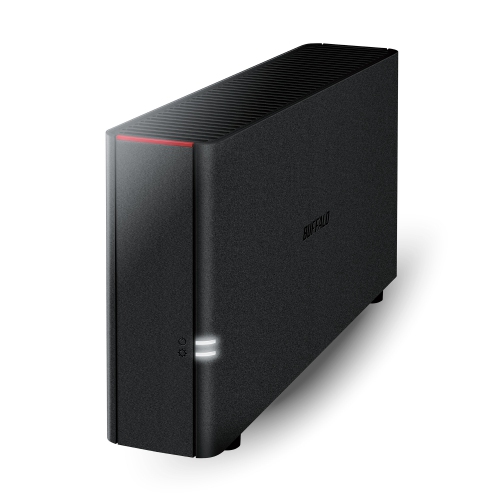 Your price for this item is $226.99
 -
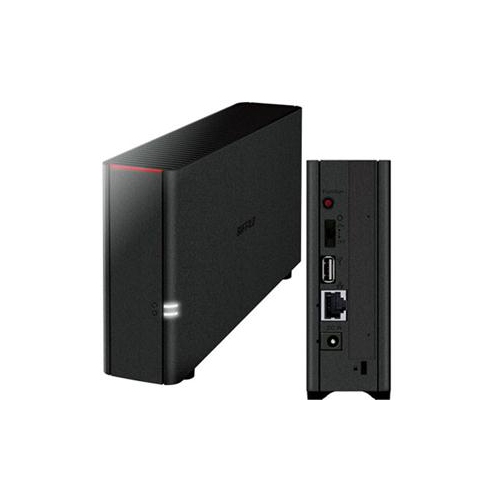 Your price for this item is $326.37
 -
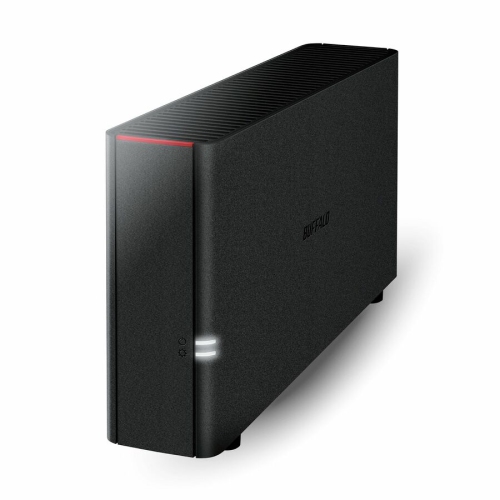 Your price for this item is $352.99
 -
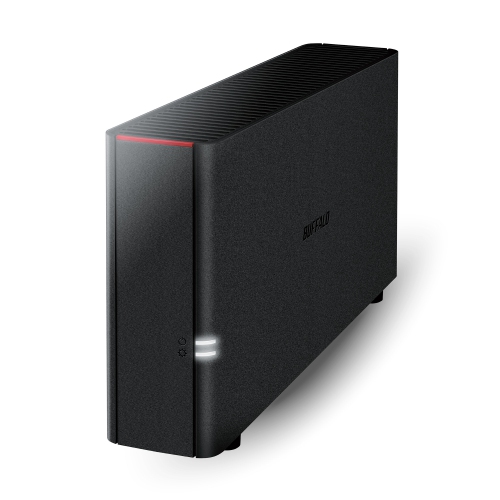 Your price for this item is $423.99
 -
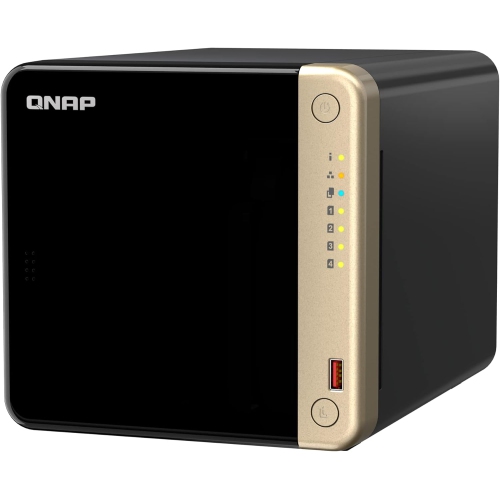 Your price for this item is $1059
 -
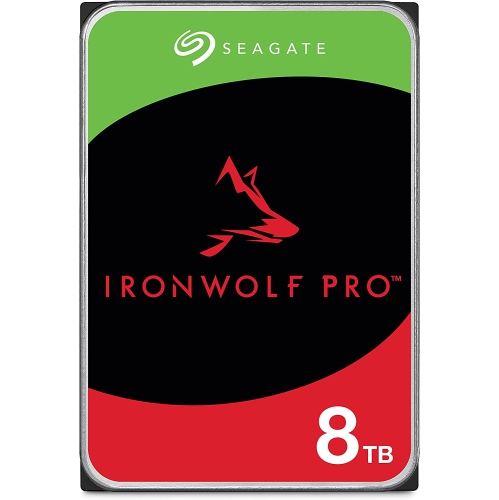 Your price for this item is $579.54
 -
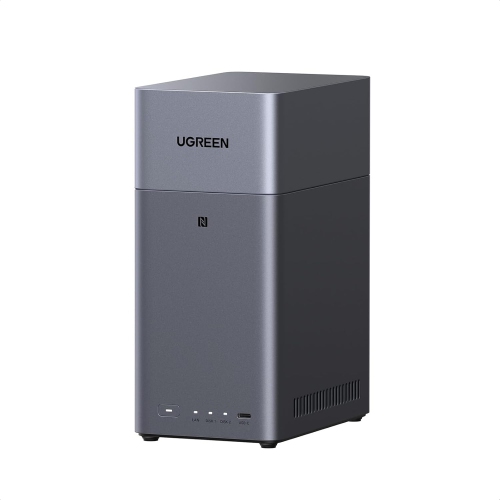 Your price for this item is $293.99
 -
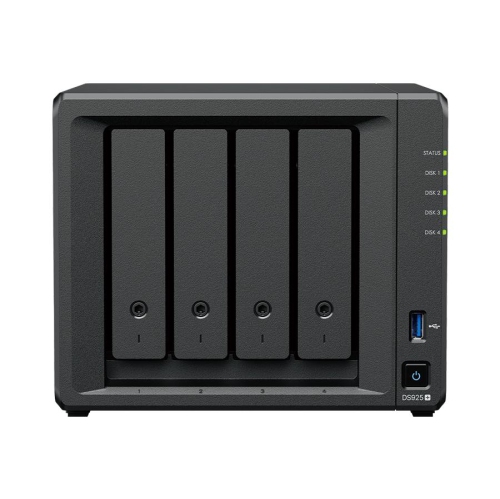 Your price for this item is $1299.99
Discover more categories related to Cloud Storage Services
Top Collections:
Pokemon Centers, Kindle Devices, Best Budget Office Chairs, Apple iPhones 16, Best Laptops for Writers, iPhone 15 Apple, Canon G7X Cameras, Refurbished Apple Laptops, Alarm Clock, Motorola Razr Phones
Some products may be subject to Environmental Handling Fees
(EHF) depending on your province.
Learn more about EHFs.