Comfortable Headsets for Virtual Learning and Video Calls
Find comfortable headsets for virtual learning and video calls to help you listen and speak during online classes and meetings. Compare fit, microphone features, and device compatibility, with attention to ear cushioning and adjustable headbands for longer sessions. Choose a connection type that works with your computer or tablet and leaves you room to move at your desk.

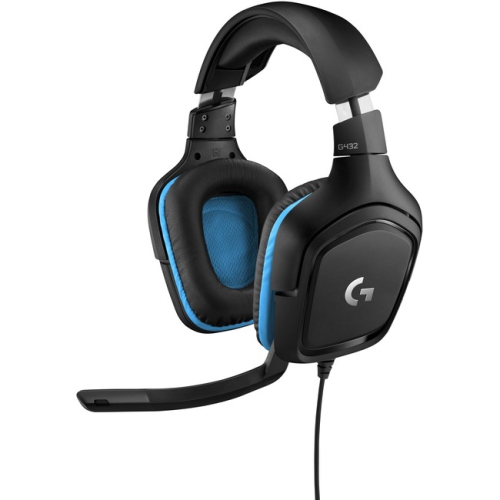
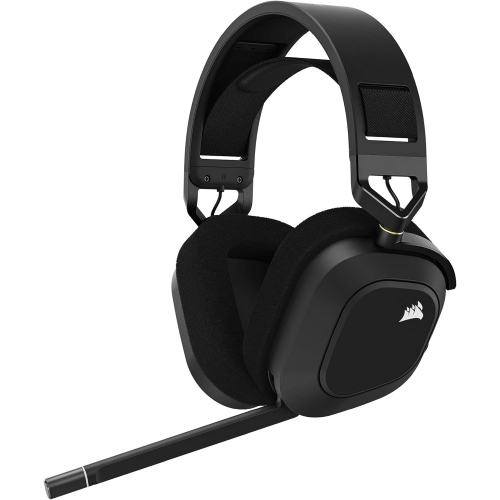
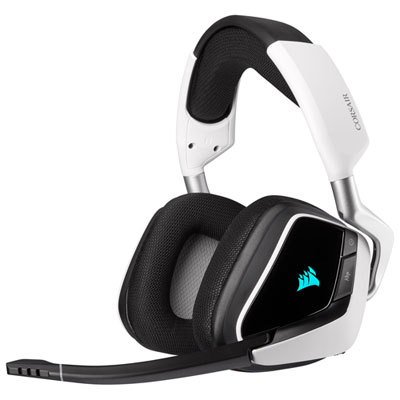
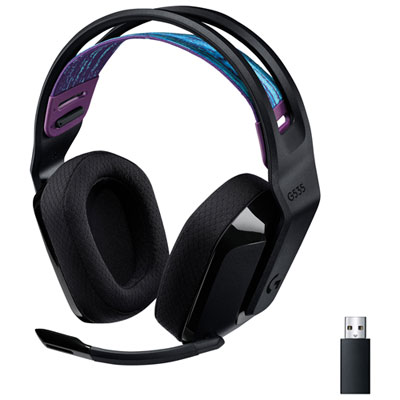

FAQ
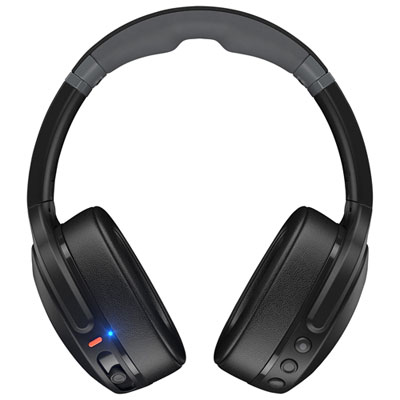
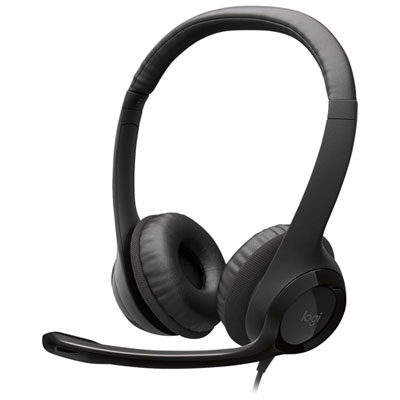
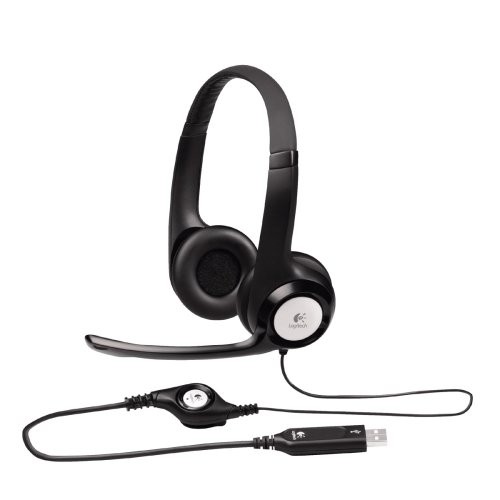
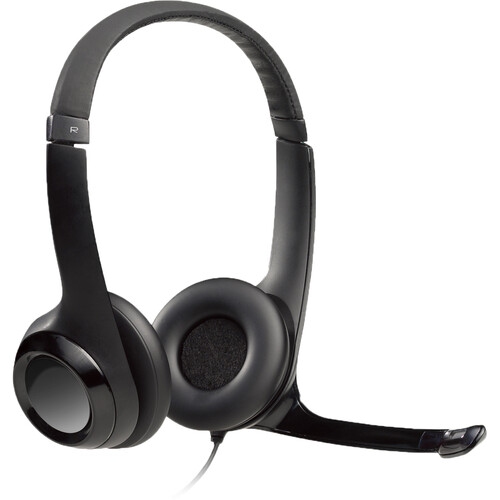
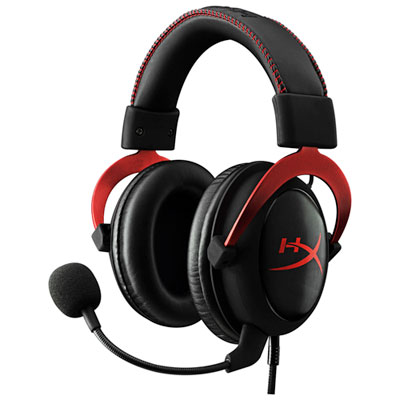
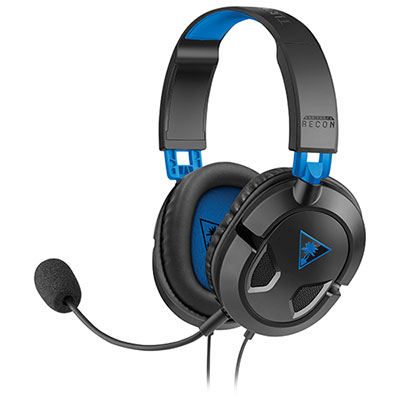
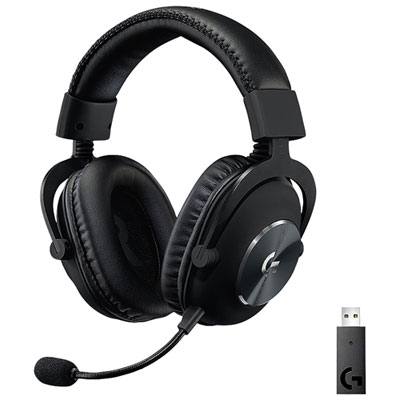
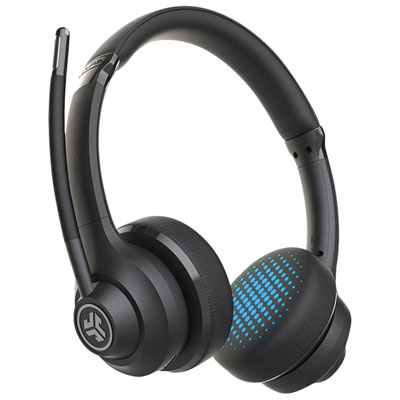
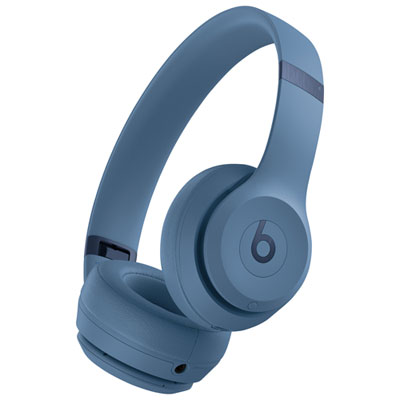
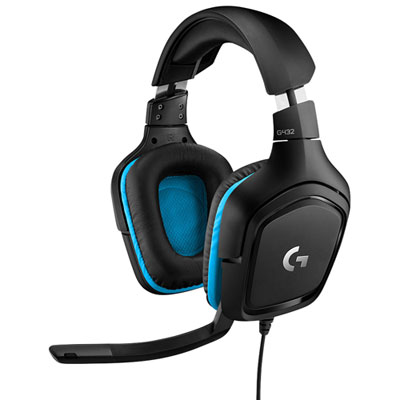
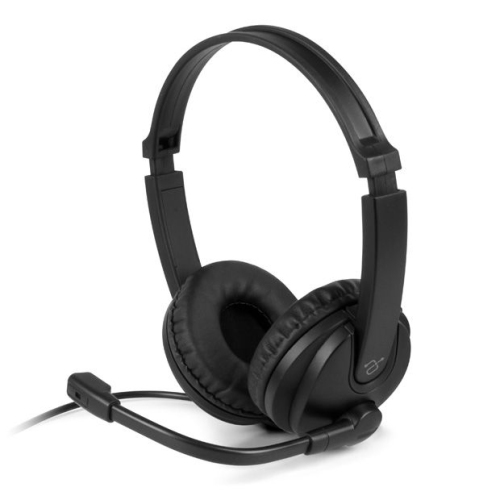
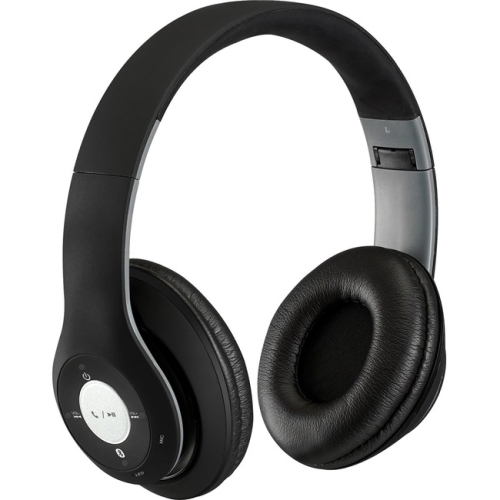
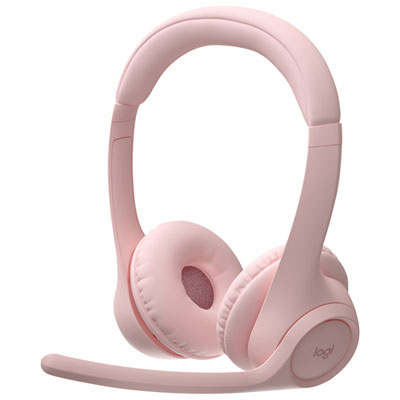
Look for lightweight construction, cushioned ear pads, an adjustable headband, and pivoting ear cups. Fabric ear cushions offer a different feel from leatherette, so material preference is worth considering. Padding across the headband is another detail to check for longer classes or meetings.
Common options include USB-A, USB-C, a 3.5 mm audio plug, Bluetooth, and a dedicated wireless USB receiver. Check which connections your computer or tablet supports and whether the headset carries both microphone and headphone audio through that connection. Some wireless models also offer a wired mode.
Headsets may have a boom microphone, a microphone built into an ear cup, or an inline microphone on the cable. Boom microphones can be fixed, flexible, retractable, or detachable. Some designs include a flip-to-mute function, while others use a separate mute button.
Common controls include volume adjustment, microphone mute, power, and Bluetooth pairing. Some headsets also have call-answer buttons or a microphone status light. Controls may sit on an ear cup or an inline cable module, and support for call buttons can vary by conferencing app.
Follow the manufacturer’s cleaning instructions for the ear cushions, headband, and microphone. For routine care, wipe the headset with a soft, dry cloth and store it on a stand or in a case when not in use. Keep cables loosely coiled, and check whether ear cushions are removable before attempting to clean them separately.
Top selling and popular products
Discover more categories related to Comfortable Headsets for Virtual Learning and Video Calls
Some products may be subject to Environmental Handling Fees (EHF) depending on your province. Learn more about EHFs.