Compact Computer Cases
Looking to protect and transport your computer while keeping it sleek and stylish? Look no further than our collection of compact computer cases. These cases are designed to provide optimal protection for your valuable electronics while also offering a convenient and portable solution for on-the-go use. Whether you're a student, a professional, or simply someone who wants to keep their computer safe during travel, our range of compact computer cases has got you covered. With various sizes, styles, and features available, finding the perfect case to suit your needs and personal style has never been easier.
Sort


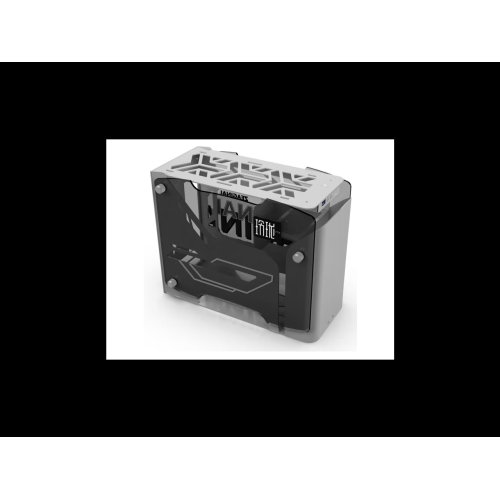
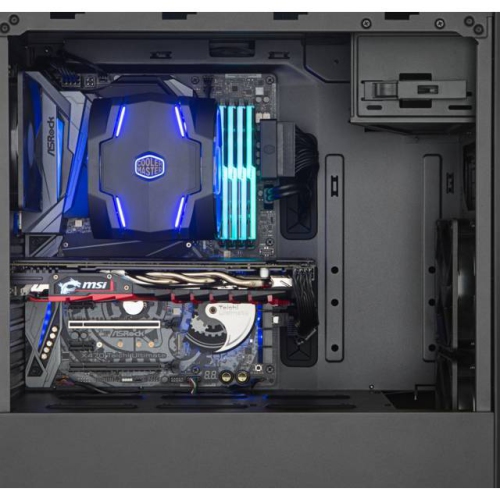
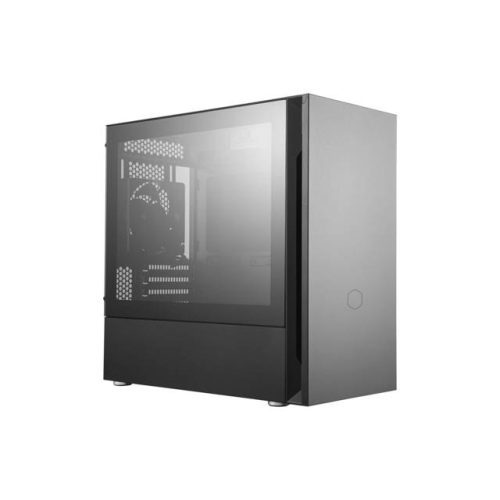
Important fit and cooling considerations for smaller builds
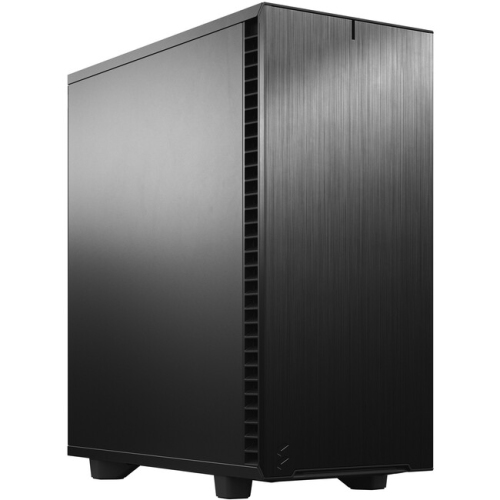
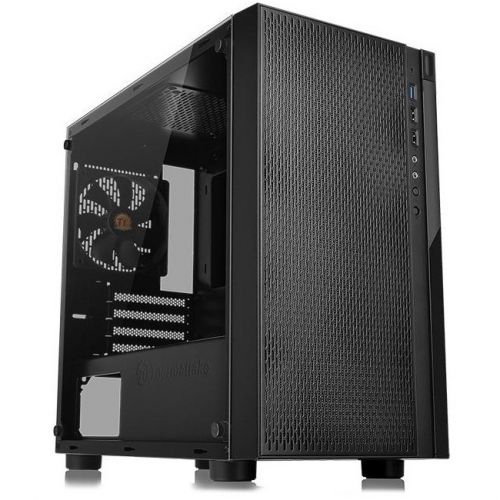
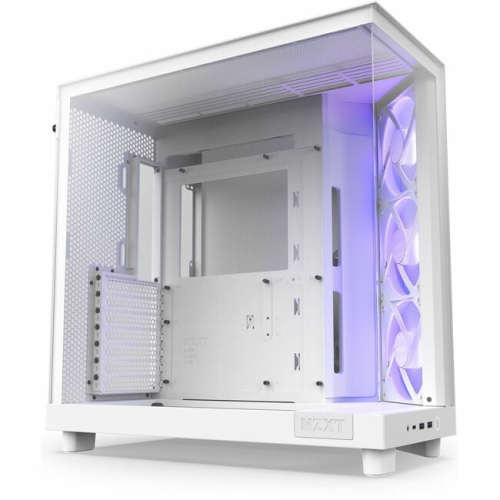
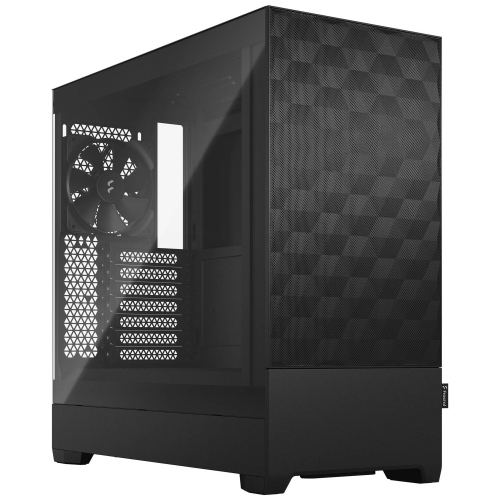
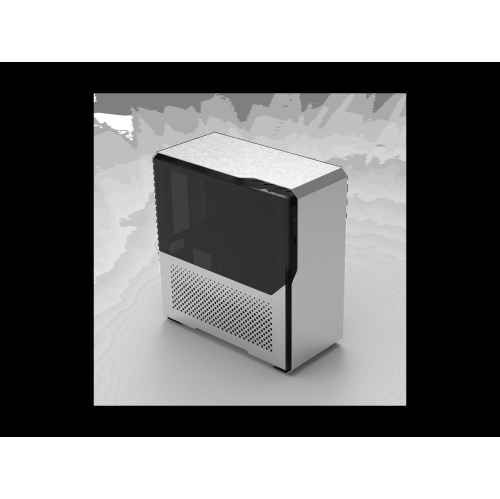
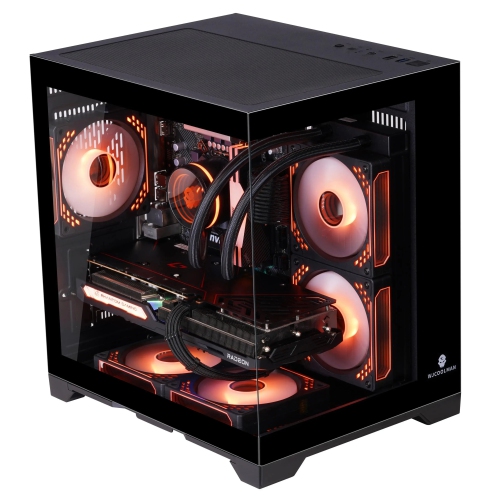
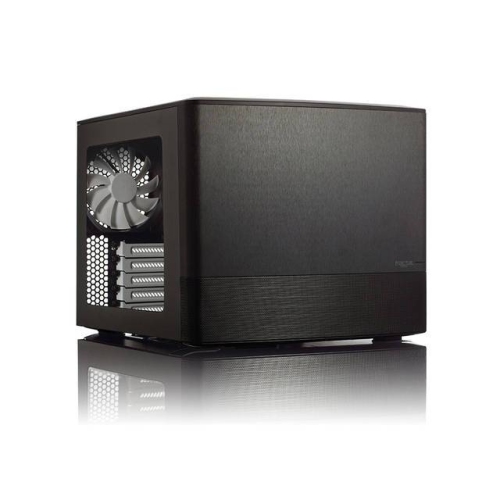
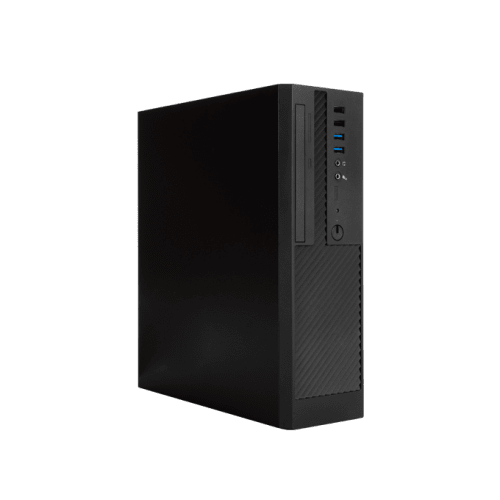
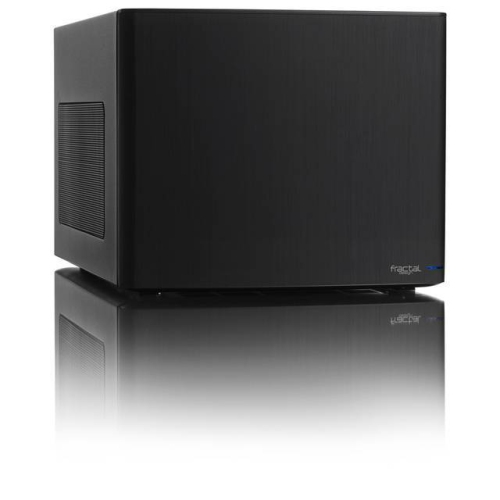
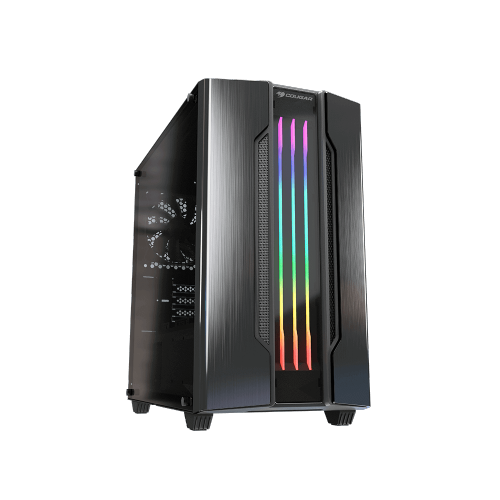
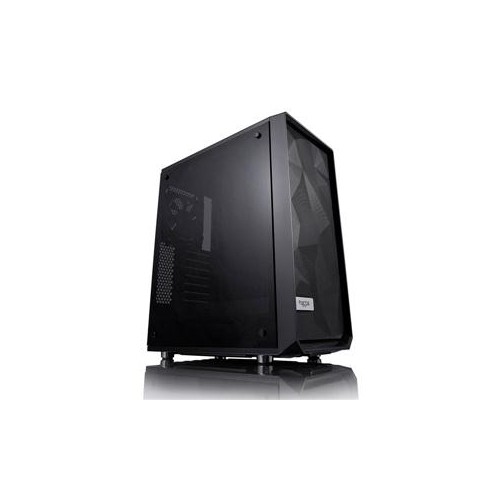
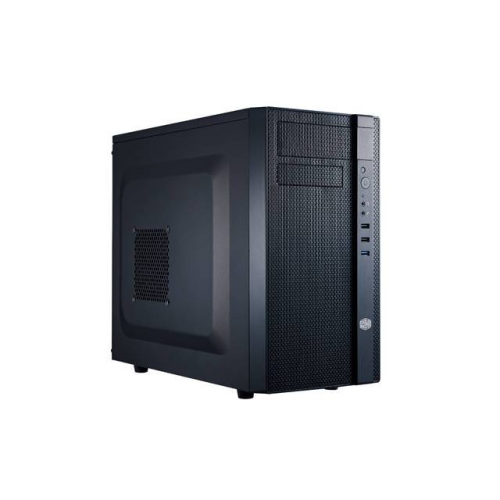
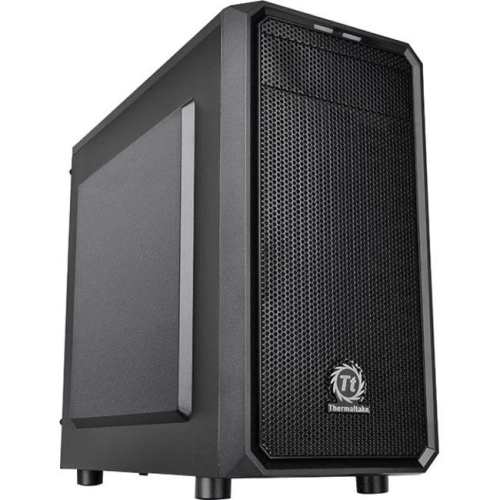
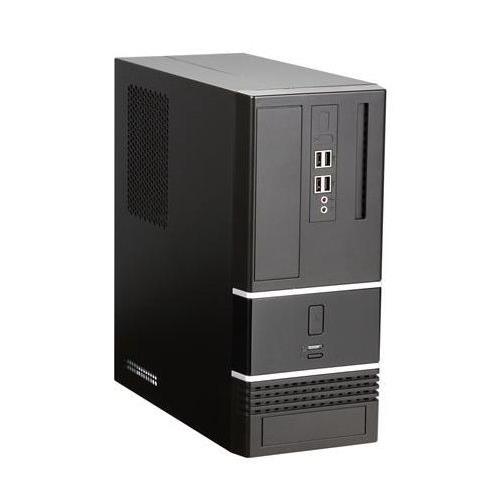
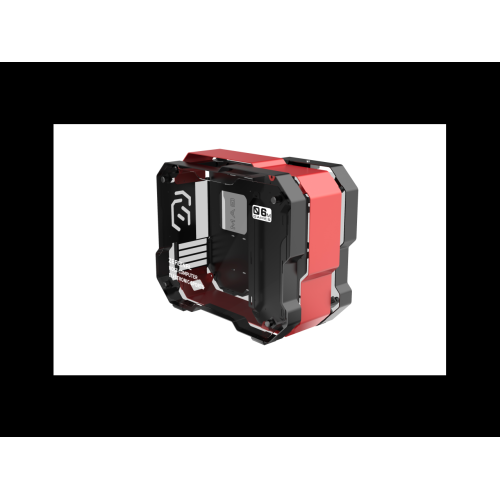
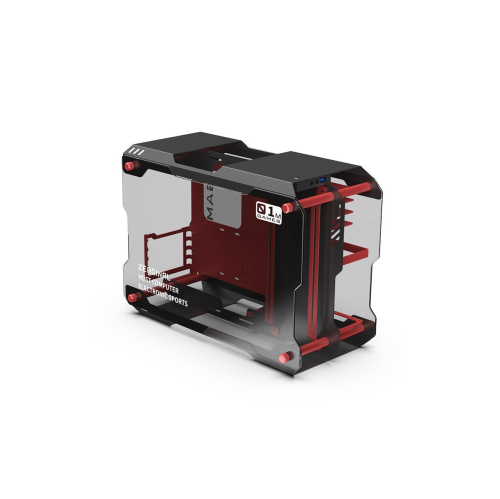
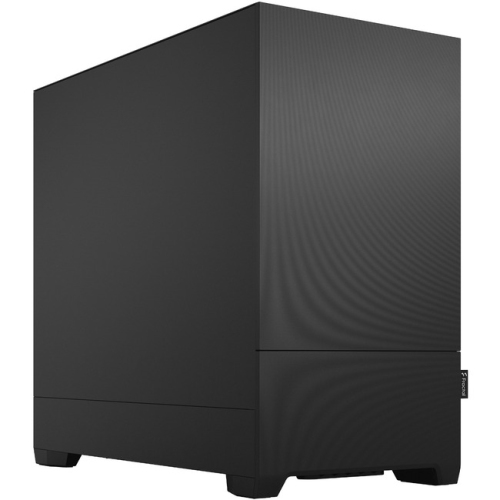
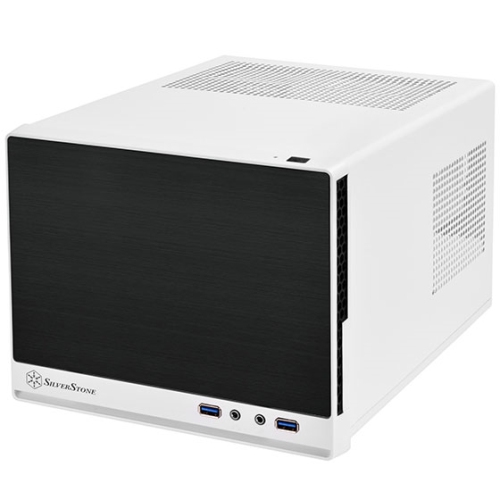
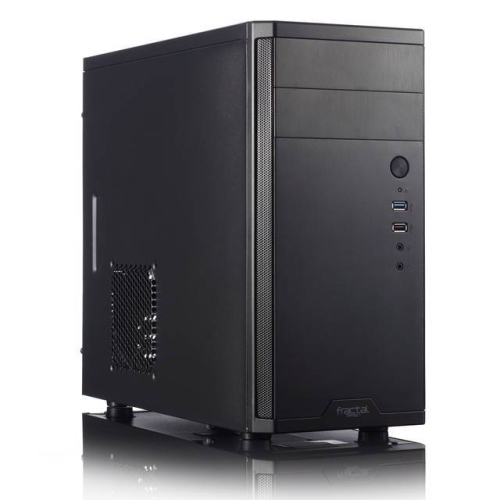
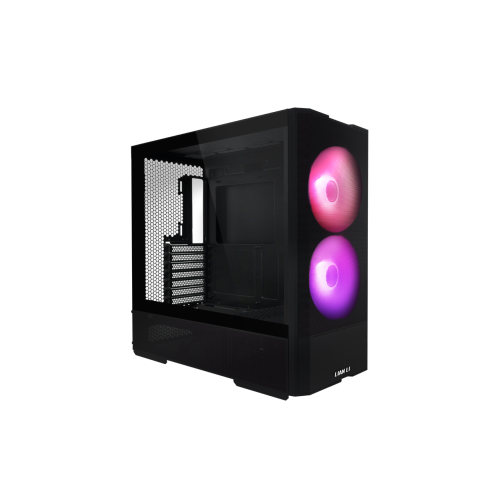
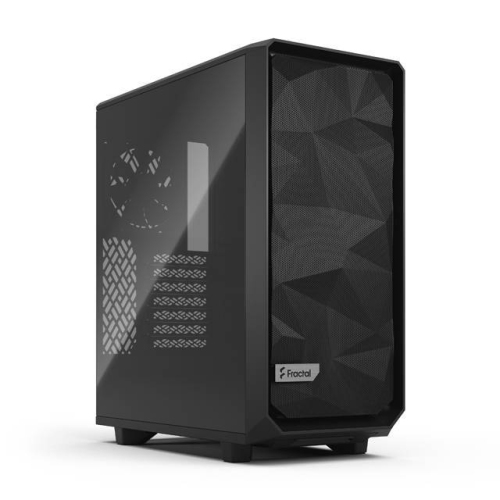
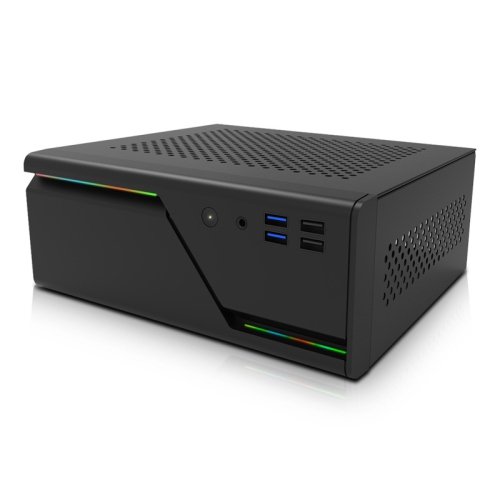
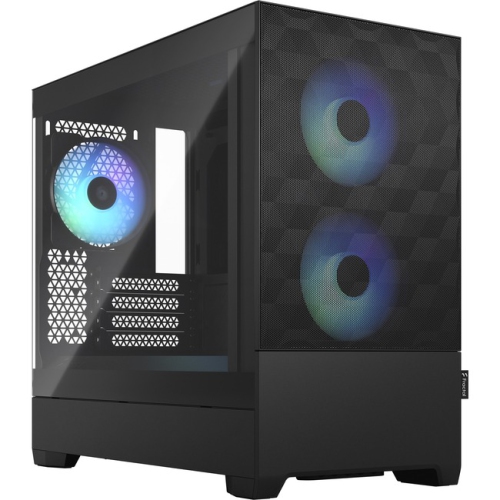
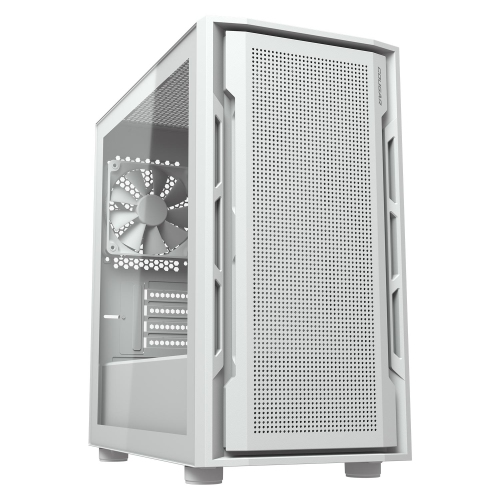
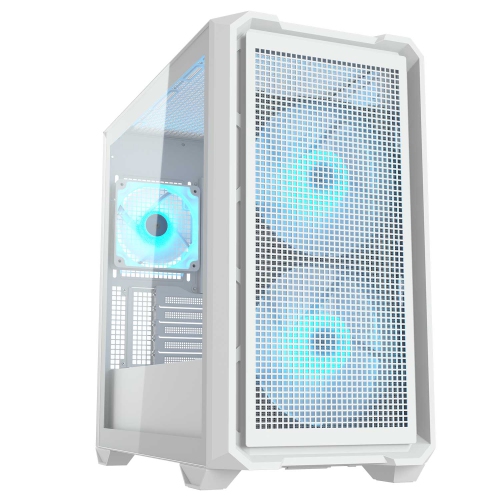
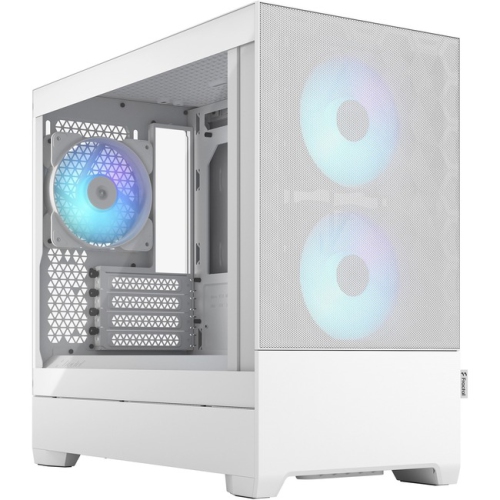
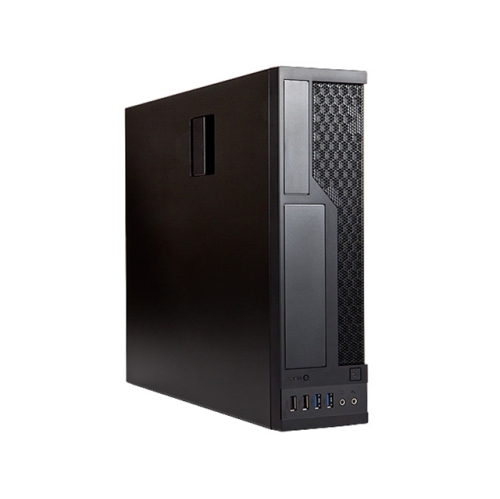
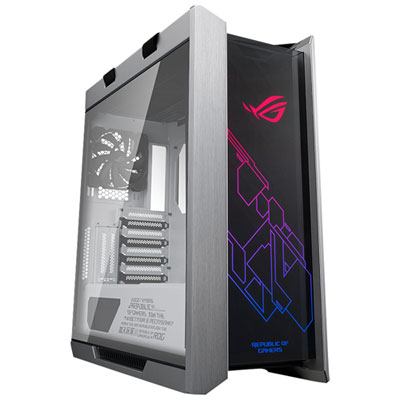
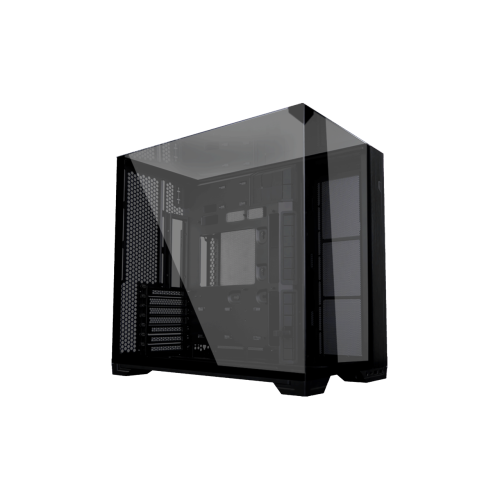
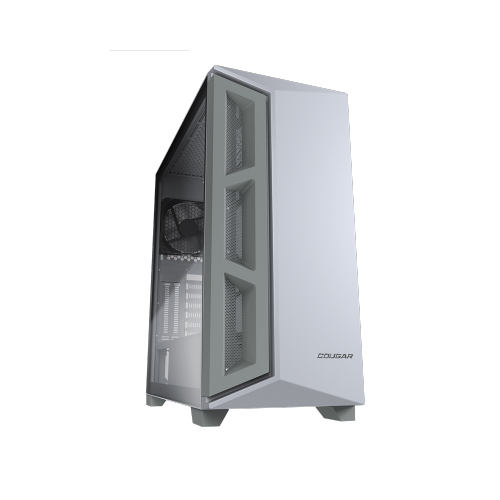
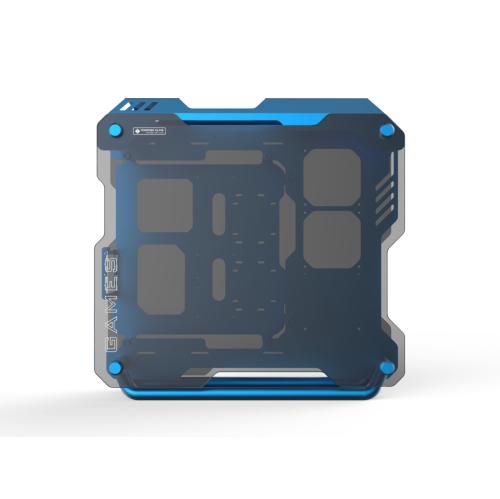
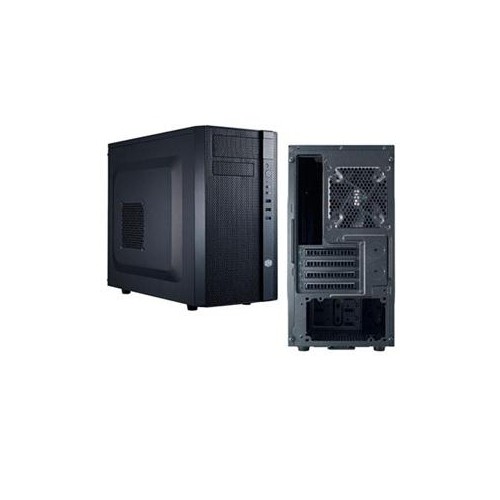
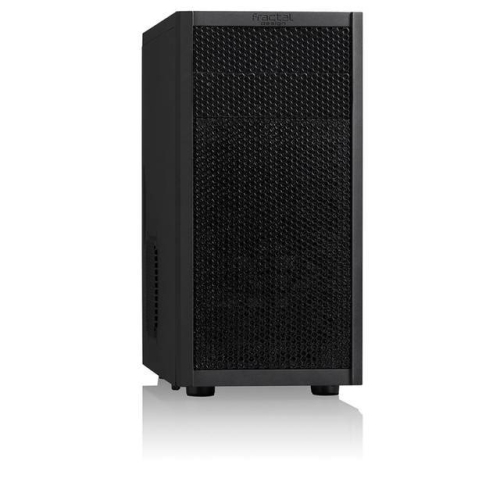
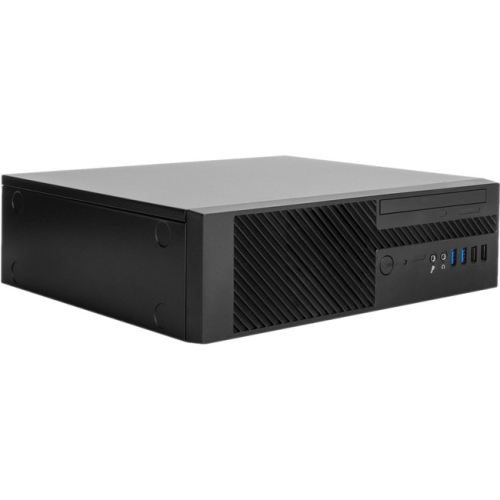
Compact computer cases, also known as Small Form Factor (SFF) chassis, are designed for desktop builders who want capable computer hardware in a smaller footprint. Many measure less than 20 litres in volume, making them a practical choice for a tidy workstation, a shared family desk, a dorm room, a home office, or a gaming setup where every centimetre of surface space matters. Their reduced size can make a room feel less crowded while still allowing you to build a full desktop computer for everyday work, study, content creation, gaming, media playback, or creative projects. Some compact computer cases are shaped like traditional towers, while others use a horizontal, vertical, shoebox-style, or dual-chamber layout to arrange components efficiently. This variety makes it easier to match a case with the available space under a desk, beside a monitor, on a shelving unit, or in a living-room entertainment area. They can also be a thoughtful choice for someone assembling a first custom computer, upgrading an older desktop, or creating a streamlined setup before the cooler months bring more time indoors. Before choosing a case, confirm the motherboard format it supports. Mini-ITX boards are common in true SFF builds, while slightly roomier compact cases may accept Micro-ATX boards. A compatible motherboard is only the starting point: the case must also accommodate the power supply, graphics card, processor cooler, storage drives, expansion cards, and front-panel connections. Checking these details in advance helps avoid the frustration of purchasing components that cannot physically fit together. Compact layouts often place parts close to one another, so a careful plan for assembly and cable routing is especially valuable. Removable panels, accessible mounting points, and sensible cable channels can make a noticeable difference when working inside a smaller enclosure.
Graphics card clearance deserves particular attention when selecting a compact computer case. Measure the card’s length from the rear bracket to its furthest point, along with its height and thickness, then compare those measurements with the manufacturer’s stated limits. A card that technically fits in length may still interfere with a side panel, power cables, a radiator, or an adjacent expansion slot if it is especially tall or thick. This is important for gaming systems and other computers that rely on dedicated graphics hardware, as modern cards can use several slots and require substantial airflow around their heatsinks. Power supply requirements also vary widely in compact designs. Some cases use standard ATX power supplies, but many smaller models are built for SFX or SFX-L units. The correct format, wattage, connector selection, and cable length all matter, particularly when the internal layout leaves little room for extra wiring. Modular or semi-modular cables can help reduce clutter, although the cables must still be compatible with the power supply. Cooling is another central consideration. A compact computer case may limit the height of a tower-style CPU air cooler, the length of a radiator, or the number and size of case fans. Certain designs support compact all-in-one liquid coolers, while others rely on carefully positioned intake and exhaust fans with a low-profile air cooler. Look for a layout that provides a clear path for cool air to enter and warm air to leave, and consider whether fan mounts are included or need to be filled separately. Dust filters, ventilated panels, and removable fan brackets can make routine maintenance easier. A well-planned compact build can run comfortably, but it benefits from thoughtful component selection and attention to airflow rather than simply fitting the most powerful parts available.
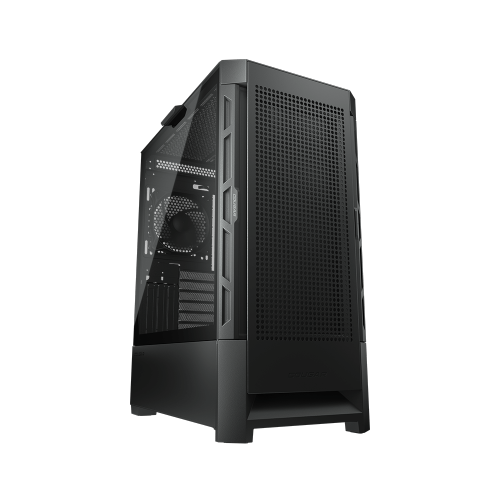
When comparing compact computer cases, consider how the finished computer will be used and how often it may need to be upgraded. A compact office computer may need room for one or two storage drives, integrated graphics, and quiet cooling, whereas a gaming or creative workstation may require space for a larger graphics card, additional memory, faster storage, and more powerful cooling. Some cases prioritize the smallest possible footprint, while others add a little volume to improve ventilation, simplify installation, or support a wider range of components. A slightly larger compact case can be easier to build in and may offer more flexibility for future upgrades, while an ultra-compact design can be ideal for a carefully planned system with a fixed component list. Check the number of drive bays, available expansion slots, front and rear port selection, side-panel design, and maximum cooler dimensions before making a decision. Tempered glass or open viewing panels can display a carefully assembled interior, while solid or heavily ventilated panels may better suit a discreet workstation. Port placement is worth considering as well; front or top-mounted USB connections can be convenient when the case sits under a desk, while rear access may be preferable for a permanent media or office installation. Compact computer cases are useful for students, remote workers, gamers, photographers, video editors, and anyone who wants desktop performance without a full-size tower dominating the room. They can also be a practical gift for a computer enthusiast who enjoys selecting components and refining a custom build, provided the recipient’s motherboard, power supply, graphics card, and cooling plans are known. For users who need extensive internal expansion, multiple large drives, or generous room for upgrades, browsing Large Computer Cases may be more suitable. With the right measurements and a clear understanding of the intended build, a compact computer case can provide an organized, capable foundation that keeps a desktop setup comfortable, functional, and easy to live with through changing routines and cooler indoor seasons.
Graphics card clearance deserves particular attention when selecting a compact computer case. Measure the card’s length from the rear bracket to its furthest point, along with its height and thickness, then compare those measurements with the manufacturer’s stated limits. A card that technically fits in length may still interfere with a side panel, power cables, a radiator, or an adjacent expansion slot if it is especially tall or thick. This is important for gaming systems and other computers that rely on dedicated graphics hardware, as modern cards can use several slots and require substantial airflow around their heatsinks. Power supply requirements also vary widely in compact designs. Some cases use standard ATX power supplies, but many smaller models are built for SFX or SFX-L units. The correct format, wattage, connector selection, and cable length all matter, particularly when the internal layout leaves little room for extra wiring. Modular or semi-modular cables can help reduce clutter, although the cables must still be compatible with the power supply. Cooling is another central consideration. A compact computer case may limit the height of a tower-style CPU air cooler, the length of a radiator, or the number and size of case fans. Certain designs support compact all-in-one liquid coolers, while others rely on carefully positioned intake and exhaust fans with a low-profile air cooler. Look for a layout that provides a clear path for cool air to enter and warm air to leave, and consider whether fan mounts are included or need to be filled separately. Dust filters, ventilated panels, and removable fan brackets can make routine maintenance easier. A well-planned compact build can run comfortably, but it benefits from thoughtful component selection and attention to airflow rather than simply fitting the most powerful parts available.
When comparing compact computer cases, consider how the finished computer will be used and how often it may need to be upgraded. A compact office computer may need room for one or two storage drives, integrated graphics, and quiet cooling, whereas a gaming or creative workstation may require space for a larger graphics card, additional memory, faster storage, and more powerful cooling. Some cases prioritize the smallest possible footprint, while others add a little volume to improve ventilation, simplify installation, or support a wider range of components. A slightly larger compact case can be easier to build in and may offer more flexibility for future upgrades, while an ultra-compact design can be ideal for a carefully planned system with a fixed component list. Check the number of drive bays, available expansion slots, front and rear port selection, side-panel design, and maximum cooler dimensions before making a decision. Tempered glass or open viewing panels can display a carefully assembled interior, while solid or heavily ventilated panels may better suit a discreet workstation. Port placement is worth considering as well; front or top-mounted USB connections can be convenient when the case sits under a desk, while rear access may be preferable for a permanent media or office installation. Compact computer cases are useful for students, remote workers, gamers, photographers, video editors, and anyone who wants desktop performance without a full-size tower dominating the room. They can also be a practical gift for a computer enthusiast who enjoys selecting components and refining a custom build, provided the recipient’s motherboard, power supply, graphics card, and cooling plans are known. For users who need extensive internal expansion, multiple large drives, or generous room for upgrades, browsing Large Computer Cases may be more suitable. With the right measurements and a clear understanding of the intended build, a compact computer case can provide an organized, capable foundation that keeps a desktop setup comfortable, functional, and easy to live with through changing routines and cooler indoor seasons.
Top selling and popular products
-
 Your price for this item is $299
 -
 Your price for this item is $424.68
 -
 Your price for this item is $149.95
 -
 Your price for this item is $249.95
 -
 Your price for this item is $186.99
 -
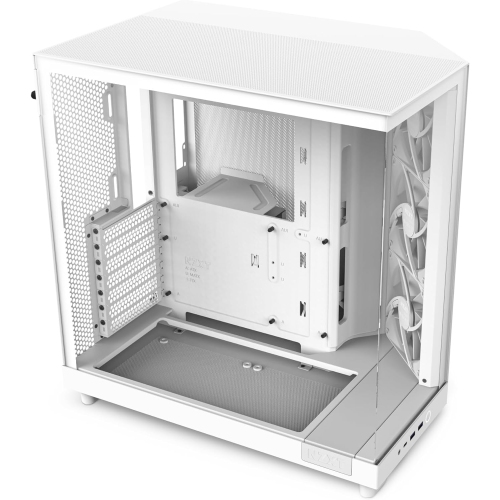 Your price for this item is $131.99
 -
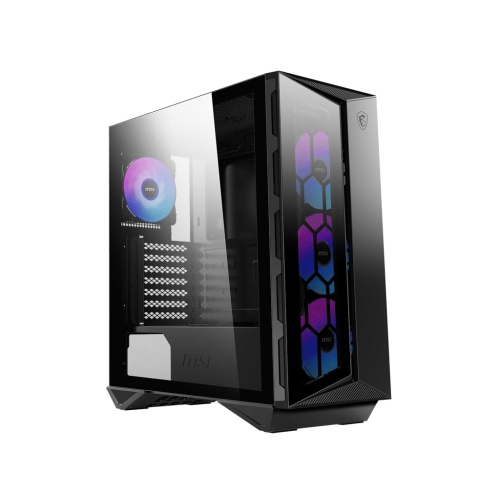 Your price for this item is $157.68
 -
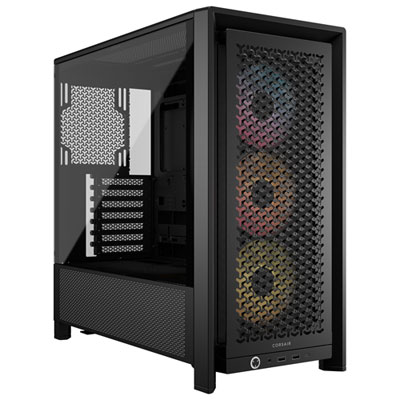 Your price for this item is $124.99
Discover more categories related to Compact Computer Cases

Top Collections:
Pokemon Centers, Kindle Devices, Best Budget Office Chairs, Apple iPhones 16, Best Laptops for Writers, iPhone 15 Apple, Canon G7X Cameras, Refurbished Apple Laptops, Alarm Clock, Motorola Razr Phones
Some products may be subject to Environmental Handling Fees
(EHF) depending on your province.
Learn more about EHFs.