Compact Monitors for Dorm Rooms and Small Spaces
Finding the right display for limited areas can make a big difference in your daily routine. Compact monitors for dorm rooms and small spaces offer practical solutions for studying, streaming, and multitasking without overwhelming your setup. Whether you’re setting up a workstation in a shared room or optimizing a cozy corner, these monitors are designed to fit seamlessly into tighter spots while helping you stay productive and entertained. Explore options that match your needs and make the most of every inch of your space.
Sort

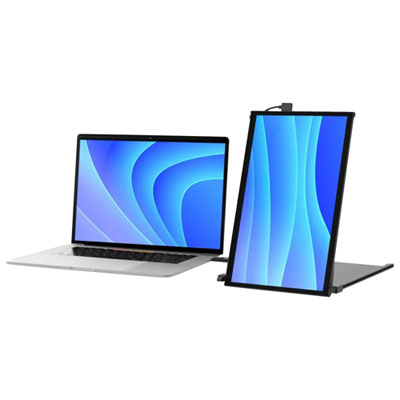
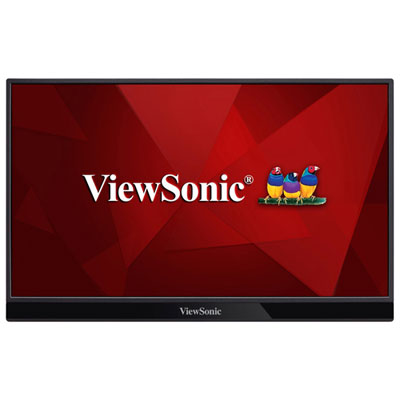
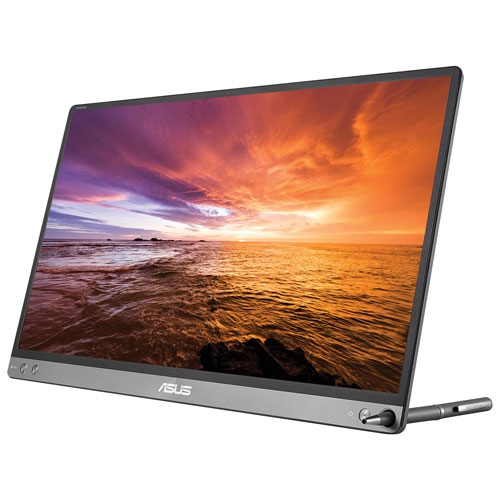
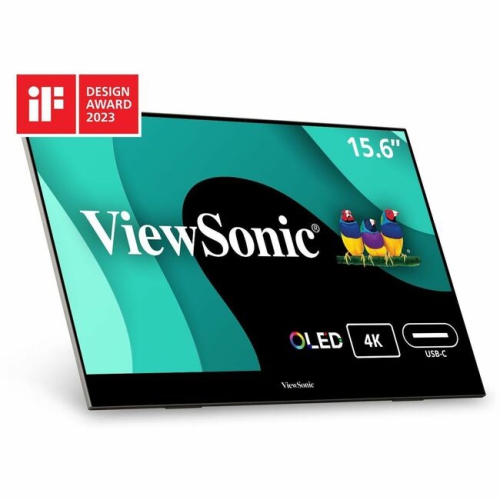
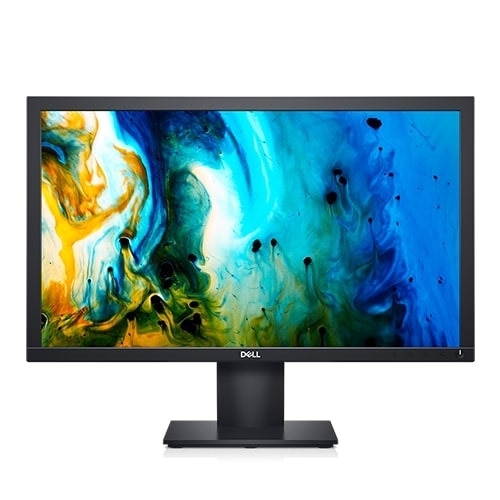
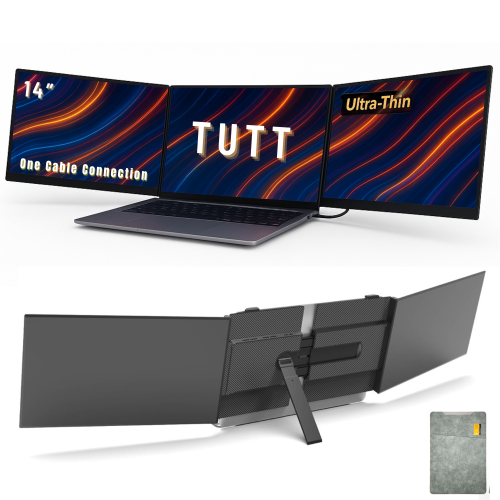
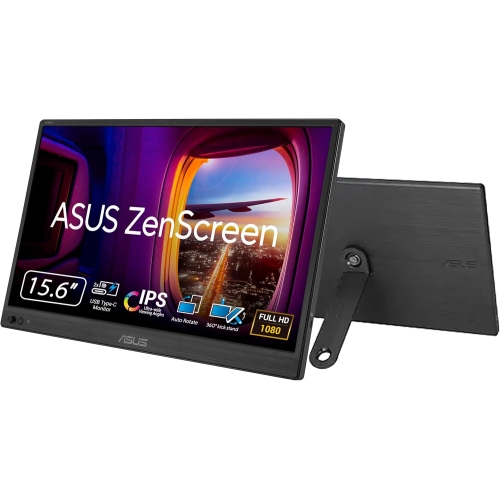

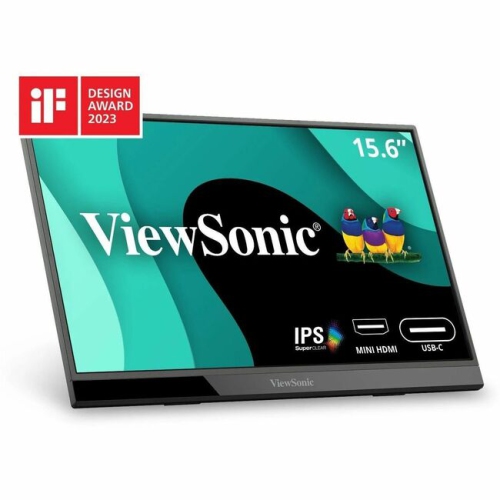
The right monitor fit goes beyond screen size
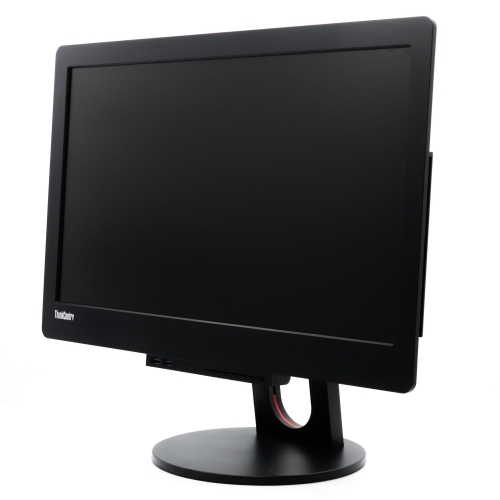
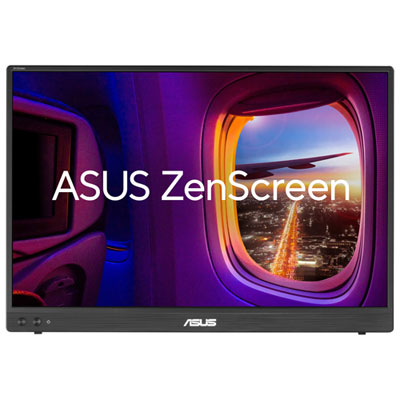
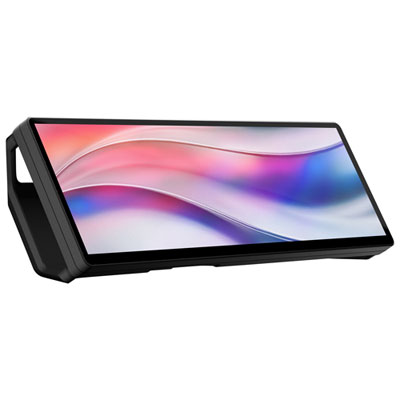
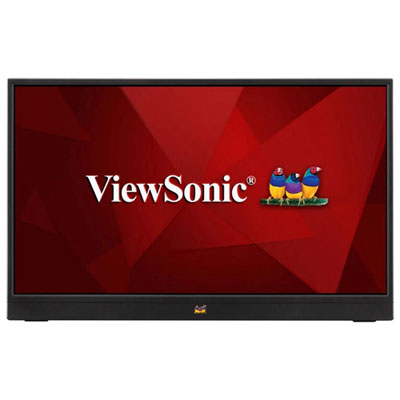
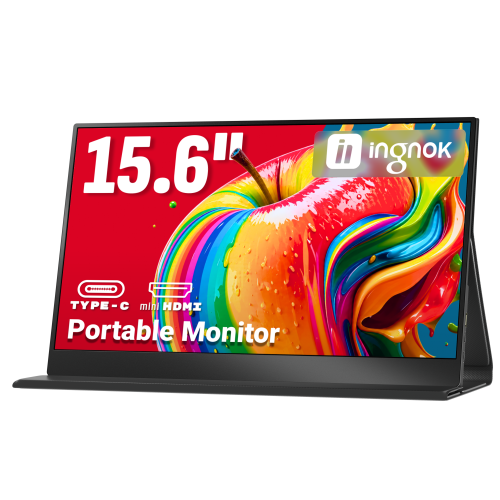
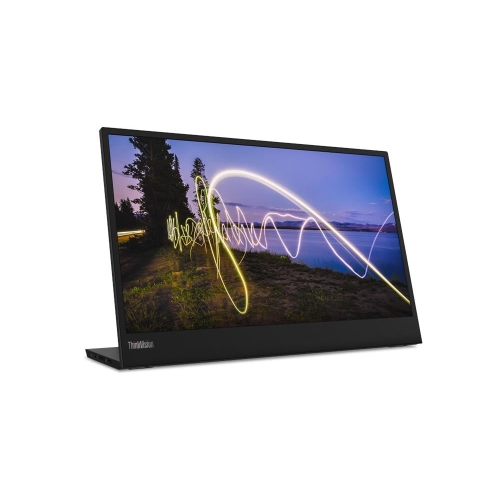
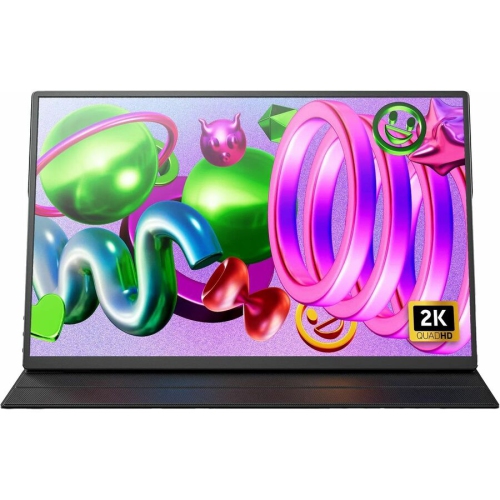
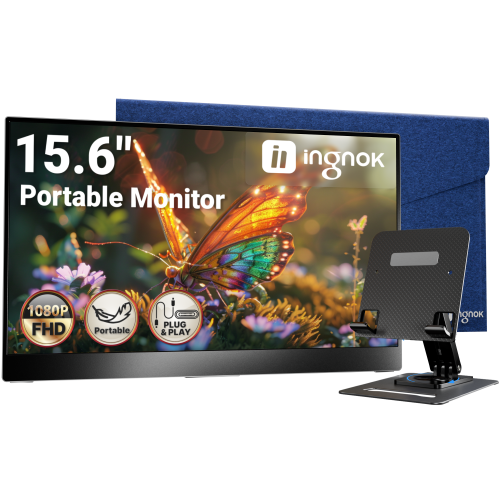
Compact monitors for dorm rooms and small spaces add useful screen area without taking over a desk, making them a practical fit for student residences, shared apartments, bedroom workstations, and compact home offices. Their space-saving value depends on more than the screen measurement: the width of the frame, depth of the stand, and room needed for cables all affect how comfortably a monitor fits. A slim display with a deep stand can occupy more desktop space than expected, especially when a keyboard, notebook, and reading lamp share the same surface. Screens in the 22- to 24-inch range can provide a comfortable everyday workspace, while smaller desktop monitors and portable displays suit especially narrow desks or setups that need to be packed away. Portable monitors typically use a folding support or cover-style stand and can sit beside a laptop for reference material, lecture notes, or a video call. Desktop monitors generally offer a more permanent setup, often with sturdier bases and greater adjustment, depending on the design. For someone writing an assignment, an extra display can keep research visible while the main document stays open on the laptop. For a person working from a small apartment, it can separate a spreadsheet from email without requiring a full-sized office desk. Screen resolution matters alongside physical size. Full HD can suit everyday reading, browsing, and streaming on many compact displays, while higher resolutions can show finer detail and provide more workspace. On a smaller panel, display scaling may be needed to keep text and menus comfortably readable. A narrow frame can also make a compact setup feel less crowded, though the actual screen dimensions remain the better measure of usable viewing area. The most useful fit leaves enough room for normal desk tasks, rather than filling every spare centimetre with a display.
Display characteristics help distinguish compact monitors intended for coursework and general use from those better suited to creative projects or gaming. An IPS panel typically maintains more consistent colour and visibility when viewed from different angles, which can be useful when a classmate pulls up a chair to review a presentation. VA panels often deliver stronger contrast for dark scenes, although performance varies between displays. A matte surface can reduce distracting reflections from nearby lamps and windows; a glossy surface may make those reflections more noticeable. Brightness adjustment is valuable in a shared room, where a screen that looks comfortable beside a window may feel too bright beside a roommate’s bed. Reading modes and blue-light settings can change the appearance of the image, but they do not replace comfortable positioning or regular breaks from close-up work. For games, a higher refresh rate can make movement appear smoother when the connected computer or console can supply enough frames. Response-time performance also matters for fast motion, while adaptive sync can help reduce tearing when the display and source support compatible technology. The Dorm Room Gaming Monitor for Small Spaces collection focuses on displays suited to gaming setups where desk space is limited. Resolution, refresh rate, and connection support need to work together: a monitor’s maximum refresh rate may only be supported through certain inputs or at particular resolutions. A compact screen can also serve as a place to watch shows between study sessions, but sound deserves separate attention. Built-in speakers can cover basic listening where included, while headphones are often more practical in shared accommodation. For photo editing, design coursework, or other colour-sensitive tasks, published colour coverage and calibration information are more useful than vivid-looking display modes alone. Everyday document work places different demands on a screen, with clear text, manageable reflections, and a stable image often mattering more than entertainment-focused features.
Connections, construction, and everyday handling influence how well a compact monitor fits into a small-space routine. HDMI is common on laptops, desktops, and consoles, while DisplayPort is frequently used with desktop computers. USB-C can simplify video and power connections when the monitor, computer, and cable support the required functions, but a USB-C socket alone does not guarantee video support or laptop charging. Some portable screens need a separate power connection, and adapters or docks can limit the resolution or refresh rate passed through to a display. Cable length and connector placement matter on a shallow desk, particularly when the screen sits close to a wall. A tidy cable path leaves more room for books and helps prevent leads from catching when a laptop is moved. Materials also shape day-to-day use: plastic housings help keep weight down, while metal bases or supports may add a firmer feel, although overall construction matters more than material alone. A stable stand is especially useful on a lightweight desk that moves slightly during typing. Height adjustment and tilt can help position the screen with its upper edge around eye level or slightly below, without forcing an awkward viewing angle. A compatible monitor arm can free desktop space, provided the display’s mounting pattern and weight match the arm and the desk can support the attachment. Portable displays benefit from a protective sleeve during transport, with cables stored separately so connectors cannot press against the panel. For routine care, a clean, soft microfibre cloth can lift dust without scratching; any cleaner should be approved for the screen and applied to the cloth rather than sprayed directly onto the display. Gentle handling matters because a thin screen can be vulnerable to pressure inside a crowded bag. As a gift for a student moving into residence or someone arranging a first apartment, a compact monitor is most useful when its dimensions, connections, and intended role match the recipient’s existing setup.
Top selling and popular products
-
 Your price for this item is $2237.68
-
 Your price for this item is $320.68
-
 Your price for this item is $469
-
 Your price for this item is $149.99
-
 Your price for this item is $265.99
-
 Your price for this item is $229.99
-
 Your price for this item is $1138.68
-
 Your price for this item is $355.68
Discover more categories related to Compact Monitors for Dorm Rooms and Small Spaces

Top Collections:
Best Black Friday Deals This Year, Best Black Friday Deals On Electronics, Kindle Devices, Pokemon Centers, Best Black Friday Deals On Apple Products, Best Cameras for Sports Photography, Dyson Airwrap, Pokémon 30th Celebration Cards, Apple iPhone 17 Pro, Canon G7X Cameras
Some products may be subject to Environmental Handling Fees
(EHF) depending on your province.
Learn more about EHFs.