Compressed Air Dusters
Keep your electronics, keyboards, and workspace spotless with a Compressed Air Duster. Perfect for removing dust and debris from hard-to-reach areas, these handy tools help maintain the performance and appearance of your devices. Whether you need to clean computer components, cameras, or other delicate equipment, finding the right Compressed Air Duster makes the job quick and easy. Explore a wide selection to keep your gear looking its best and functioning smoothly.
Sort
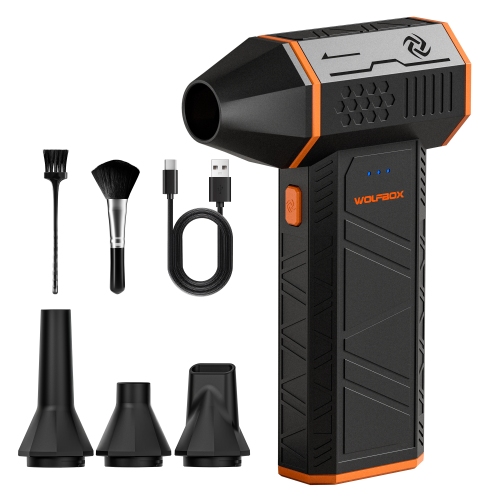
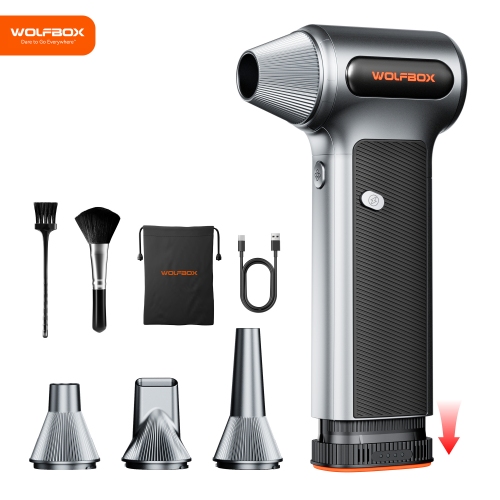
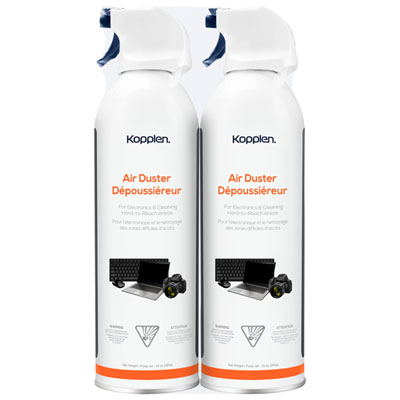
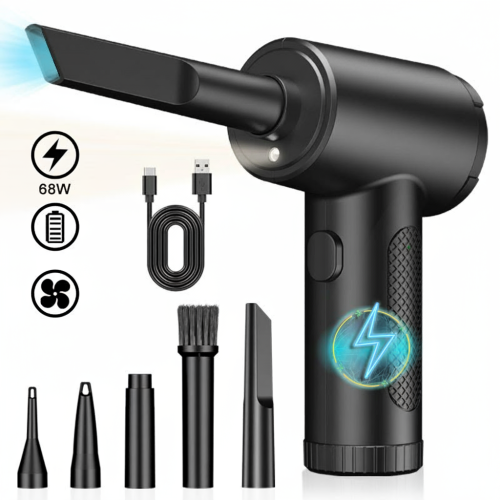

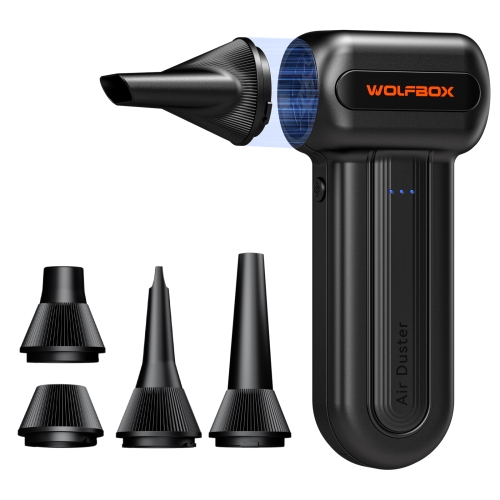
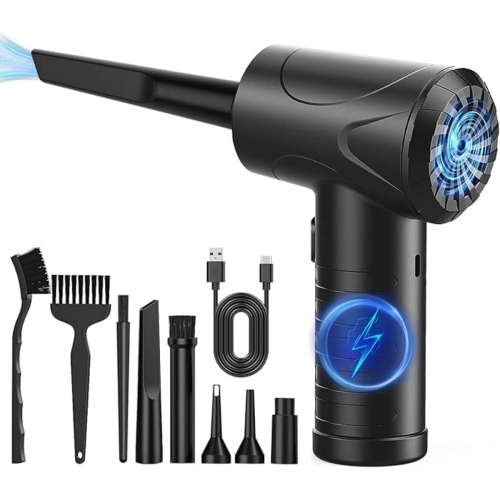


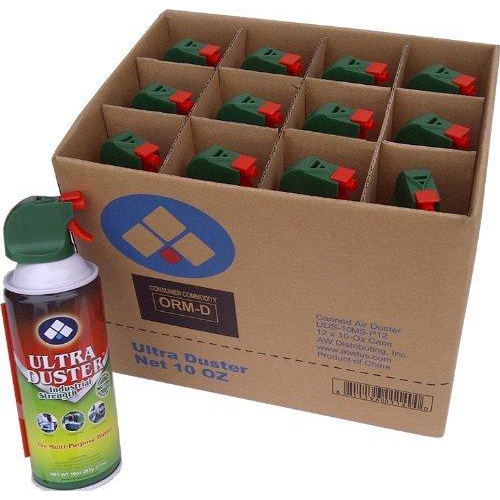

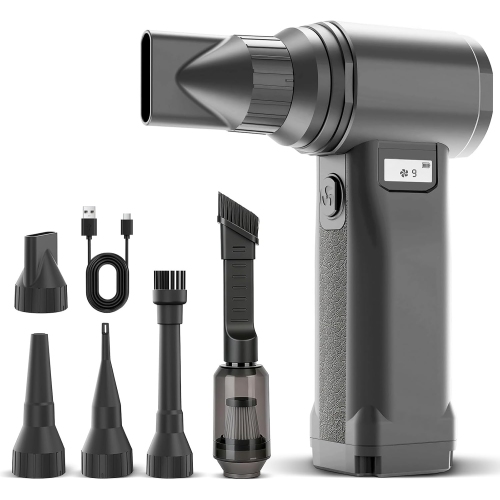
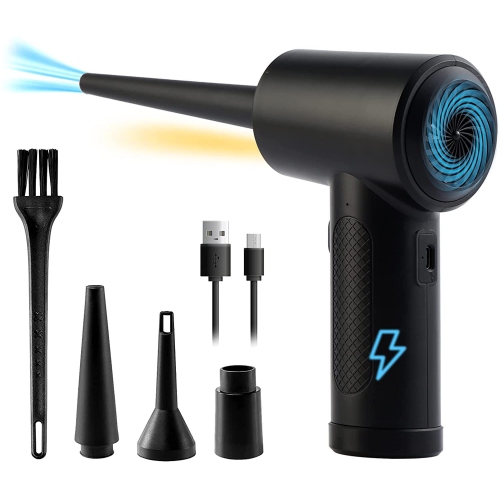


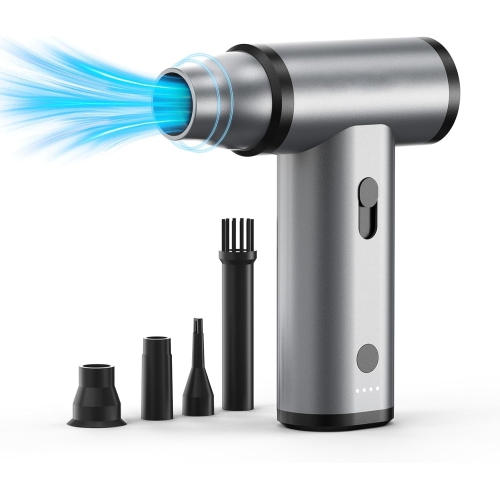
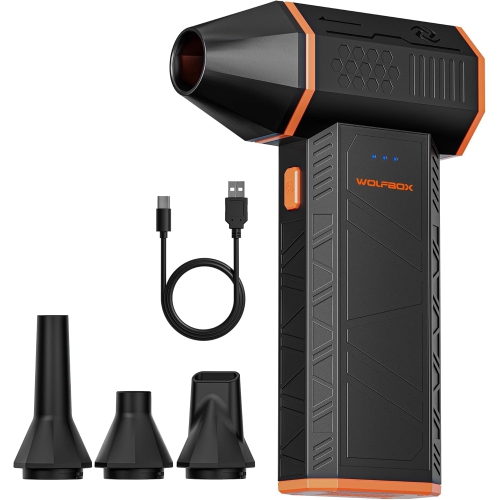
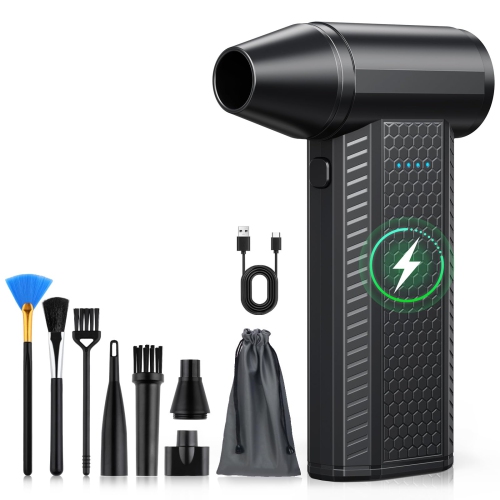
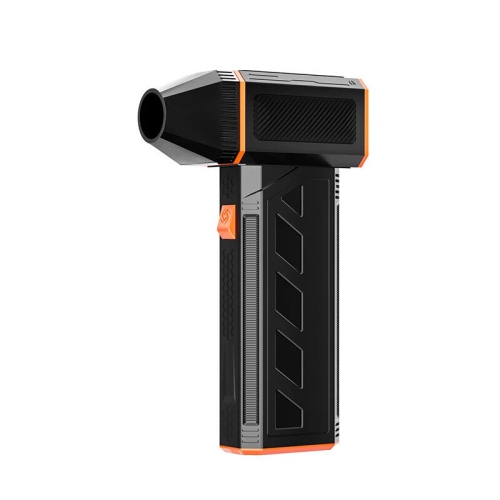
A focused burst for dust a cloth cannot reach
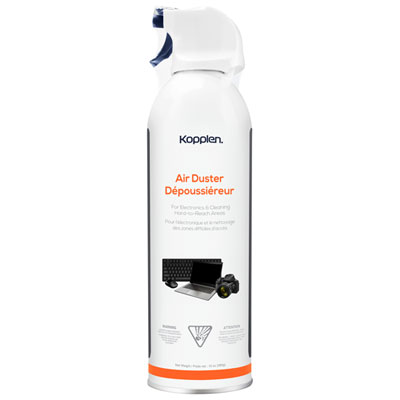
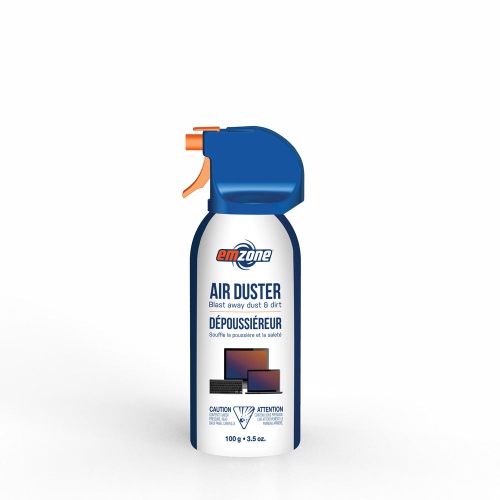
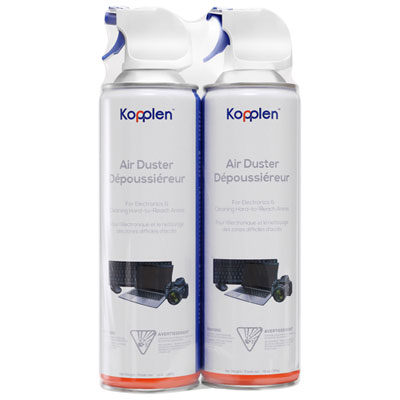
Compressed air dusters deliver a focused burst of gas to dislodge loose dust from keyboards, computer vents and other hard-to-reach spaces. Despite the name, most aerosol dusters contain a liquefied propellant rather than ordinary compressed atmospheric air. When the trigger is pressed, the propellant leaves the nozzle as a directed stream that can shift particles without wiping the surface. That makes these cleaners useful around the narrow gaps between keyboard keys, the edges of ventilation grilles and the recessed corners of equipment housings, where a cloth cannot easily reach. The distinction between loose dust and stuck-on residue matters: an air duster can move lint and dry particles, but it will not dissolve greasy fingerprints, remove dried spills or sanitize a surface. Those jobs require a separate cleaning method approved for the material. For someone maintaining a desktop computer, tidying a shared workstation or clearing debris from an external keyboard, a duster can complement a soft cloth rather than replace one. Dust removal is particularly relevant around ventilation openings, although restricted airflow may also have causes that cleaning alone cannot address. A thin extension straw concentrates the stream into a small area, while a nozzle used without the straw generally produces a less concentrated burst. Neither arrangement makes every opening suitable for cleaning: speaker meshes, microphone ports, exposed sensors and delicate internal components may have specific restrictions. The equipment manufacturer’s care instructions remain the best reference for those surfaces. For everyday desk care, the appeal is straightforward: crumbs beneath key edges and lint caught along a vent can be difficult to lift with a cloth, while a directed stream can move them out of a recess. Cleaning over an uncluttered work surface also makes the displaced debris easier to collect afterwards, rather than simply moving it from one device to another. The result depends on access, the type of debris and whether the equipment is designed to tolerate this cleaning method.
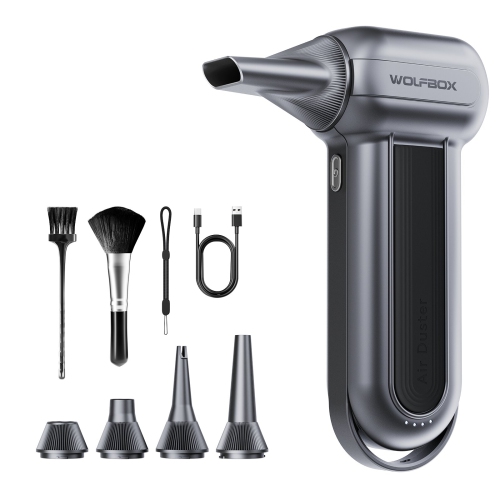
The Compressed Gas Dusters category centres on aerosol-style cleaning, which differs from electric air dusters powered by a motor. Aerosol cans store their propellant in a pressure-rated metal container and typically use a plastic trigger or push-button nozzle; electric formats draw in surrounding air and may run from a power cord or rechargeable battery. That distinction affects handling, maintenance and the character of the airflow. A compact aerosol can is easy to position beside a keyboard, while a powered blower may suit repeated cleaning sessions where its size, sound and power requirements are practical. Airflow strength alone is not a useful measure of suitability, because a forceful stream that shifts debris from a sturdy grille may be inappropriate for a fragile component. Control, nozzle shape and compatibility with the intended task matter just as much. For aerosol formats, container dimensions, grip and trigger design influence how comfortably the can can be held upright during use. Net contents indicate how much propellant is supplied, but they do not translate into a fixed number of cleaning sessions: burst length and frequency make a substantial difference. A removable extension straw adds reach, though it needs secure storage so it does not disappear into a drawer between uses. The straw should direct the stream from the distance specified on the label, not serve as a probe for scraping debris or pushing into electrical contacts. Protective caps and intact nozzles help keep the dispensing parts clean when stored. For powered formats, housing construction, attachment fit and access to any intake filter are useful durability considerations, along with the manufacturer’s battery-care requirements where applicable. Neither format should be treated as interchangeable with a workshop compressor, which can introduce excessive pressure, moisture or oil unless specifically configured for the task. The right fit comes from matching the cleaning tool to the device and the frequency of use, rather than assuming that a larger can or stronger motor is automatically better.
Careful handling is central to using compressed air dusters around electronics. Equipment should be switched off, disconnected from external power and prepared for cleaning according to its manufacturer’s instructions. For laptops and other devices with built-in batteries, disconnecting the charger does not remove all internal power, so access should remain limited to areas intended for user maintenance. Aerosol labels commonly call for upright use and short, controlled bursts; tilting or inverting a conventional can can release liquid propellant instead of gas. That liquid can cause cold injury on contact with skin and may damage sensitive surfaces. Some dusters are designed for different operating angles, but that capability must be stated on the label rather than assumed. Extended spraying can also chill the container and reduce output, making pauses part of normal use rather than a reason to heat the can. Dusters should never be punctured, exposed to heat or used near an ignition source, and flammability varies by formulation. Good ventilation is important, and the spray must never be directed at people or animals or inhaled deliberately. Where fans are accessible, the equipment maker’s instructions may require keeping the blades stationary during cleaning; blasting air into a fan without checking those directions can cause it to spin excessively. Screens, camera sensors and optical surfaces deserve particular caution because many require dedicated cleaning tools instead of aerosol spray. After use, a clean, dry exterior, a protected nozzle and storage away from children help keep the duster ready for its next task. A damaged or leaking container should not be used, and disposal should follow the label and local municipal requirements. For home offices, gaming setups and shared workstations, a duster is most useful as one part of routine equipment care: a way to remove loose debris from suitable spaces, with a cloth or another approved cleaner handling the surfaces that need wiping. That balanced approach keeps the focus on cleaner equipment without asking a pressurized spray to do work it was never designed to perform.
Top selling and popular products
-
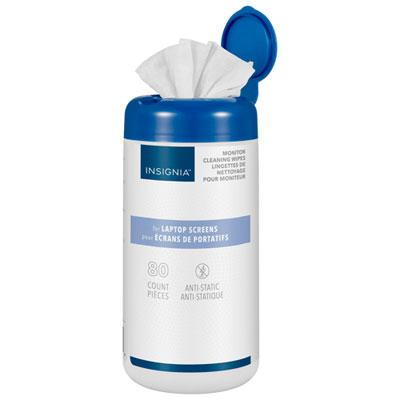 Your price for this item is $9.99
-
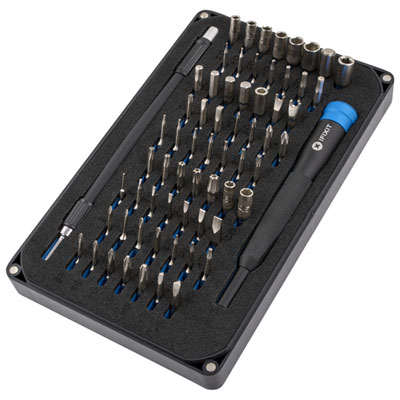 Your price for this item is $54.98
-
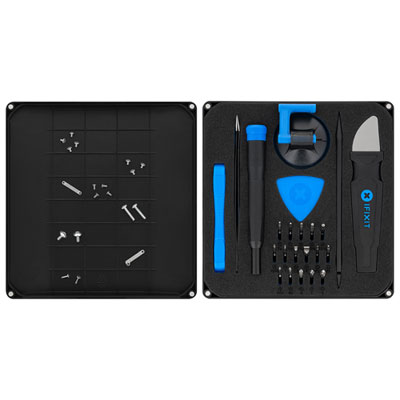 Your price for this item is $43.99
-
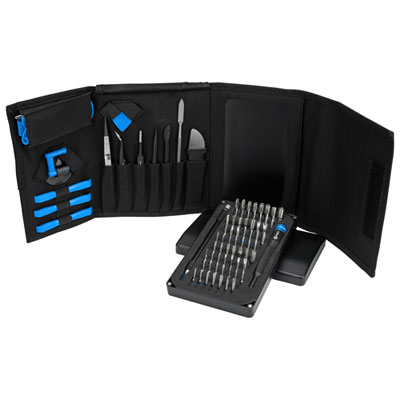 Your price for this item is $108.99
-
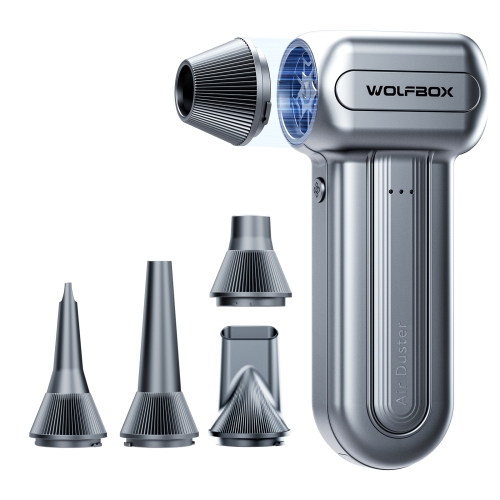 Your price for this item is $59.99
-
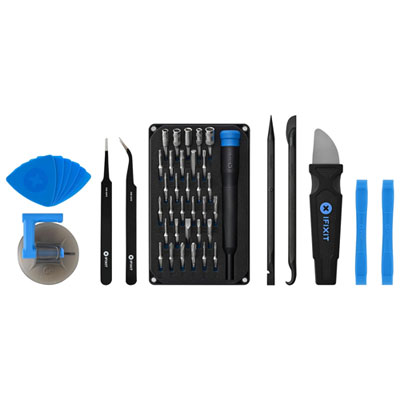 Your price for this item is $67.99
-
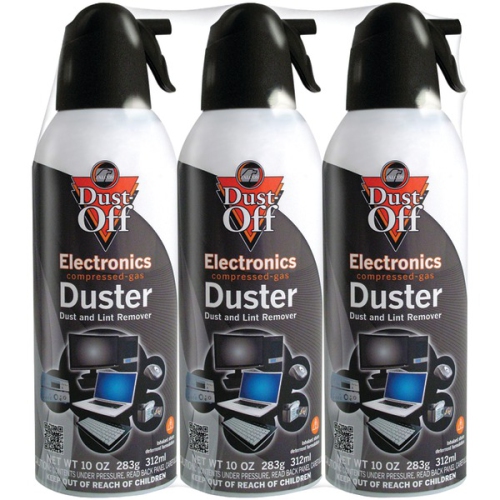 Your price for this item is $33.99
-
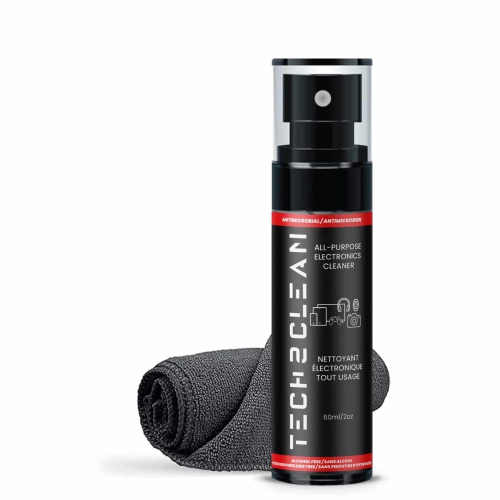 Your price for this item is $19.99
Discover more categories related to Compressed Air Dusters
Top Collections:
Best Black Friday Deals This Year, Best Black Friday Deals On Electronics, Kindle Devices, Best Black Friday Deals On Apple Products, Best Budget Office Chairs, Best Cameras for Sports Photography, Dyson Airwrap, Canon G7X Cameras, Best Laptops for Writers, Samsung Galaxy Phones
Some products may be subject to Environmental Handling Fees
(EHF) depending on your province.
Learn more about EHFs.