Computer Enclosures
Computer enclosures are essential for protecting your valuable equipment from dust, debris, and potential damage. These versatile enclosures come in various sizes and designs to accommodate different types of computers, ensuring that your devices remain safe and secure. Whether you need a sleek enclosure for your home office setup or a rugged one for industrial use, there is a wide range of options available to suit your specific needs. Explore our selection of computer enclosures to find the perfect solution for safeguarding your technology investment.
Sort
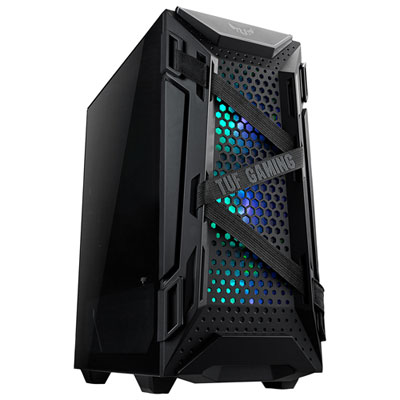
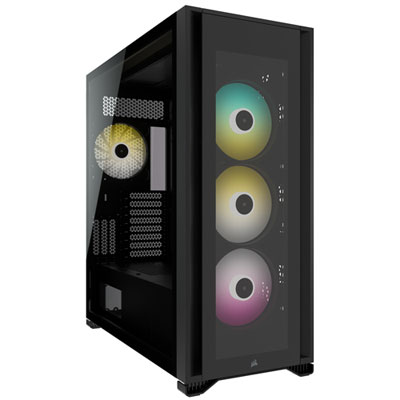
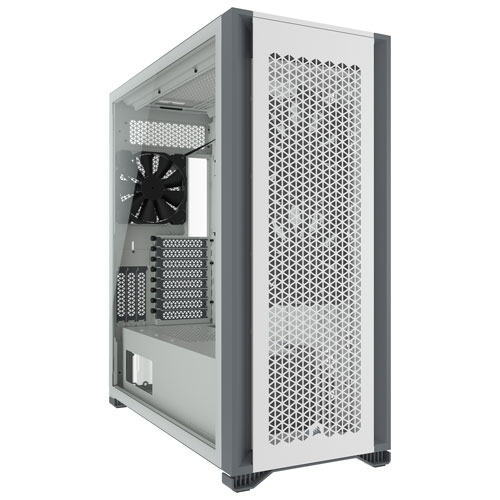
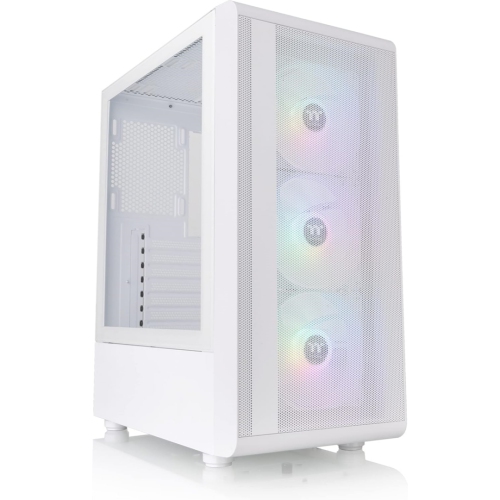
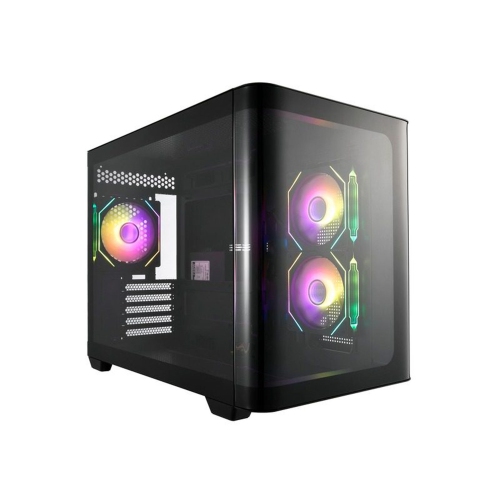
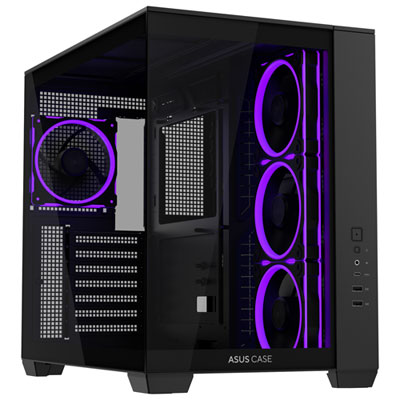

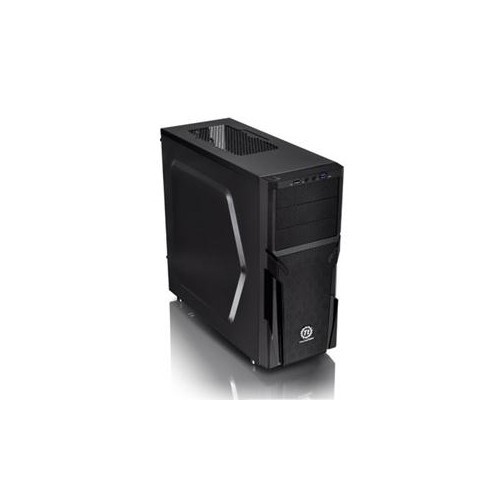
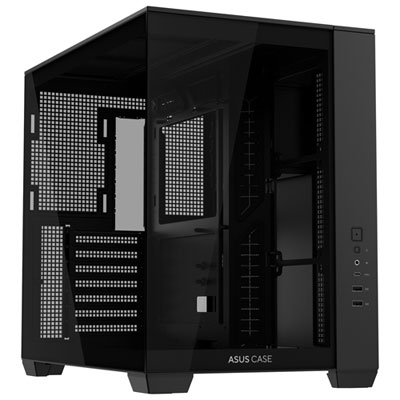






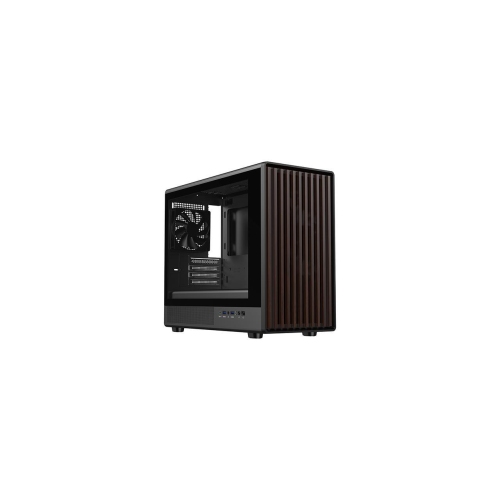
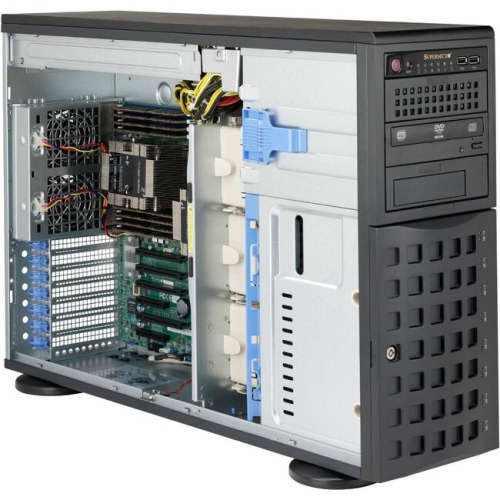
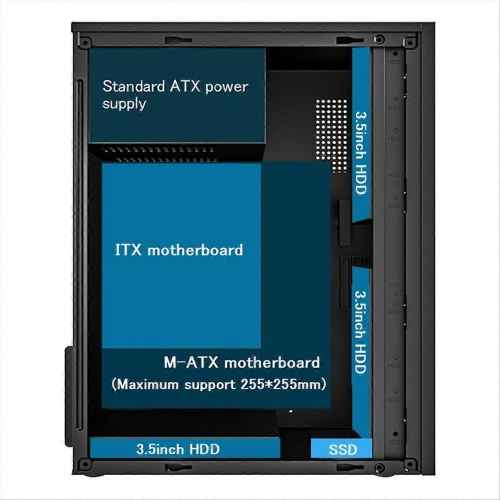
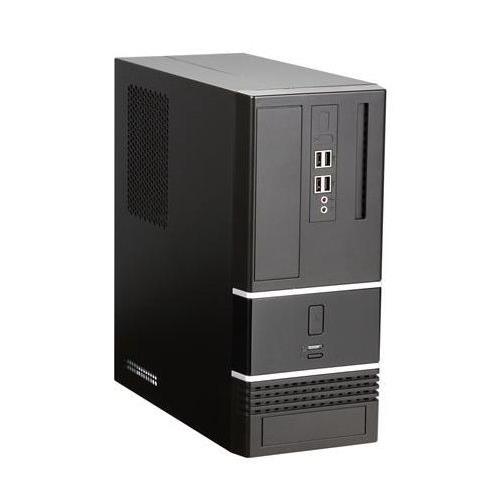
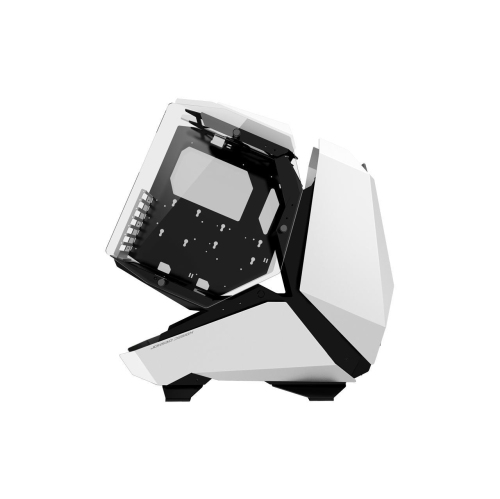
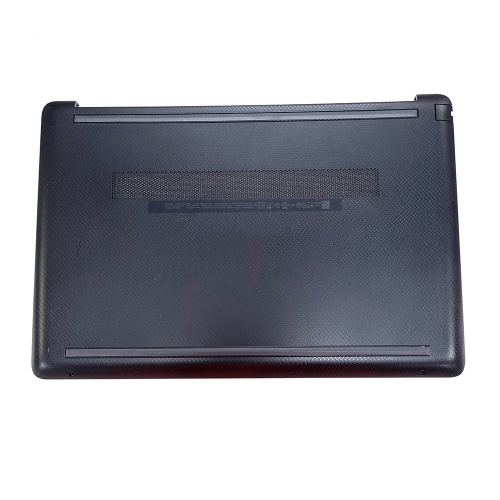
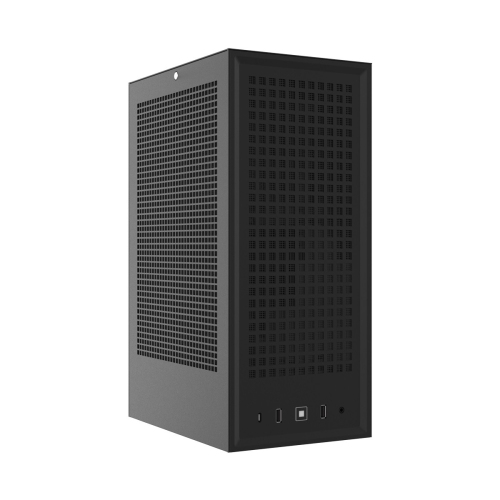
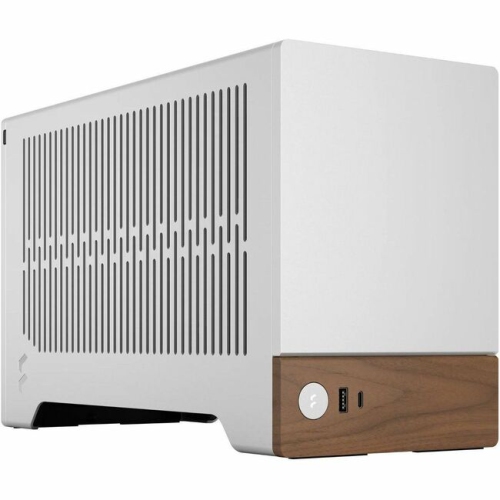


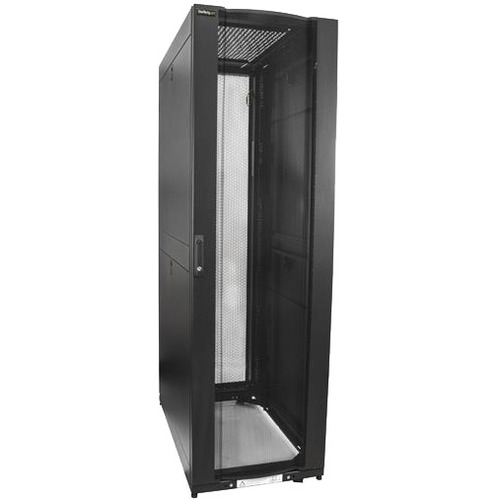
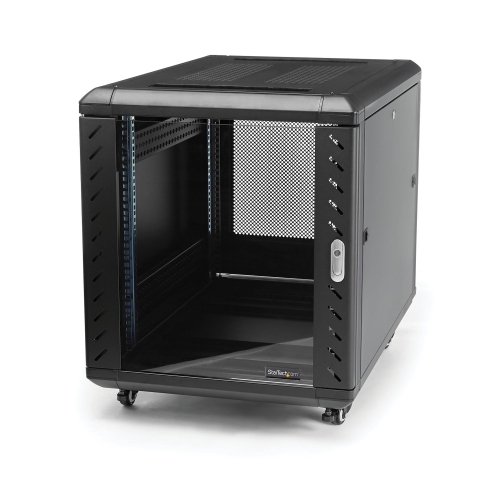
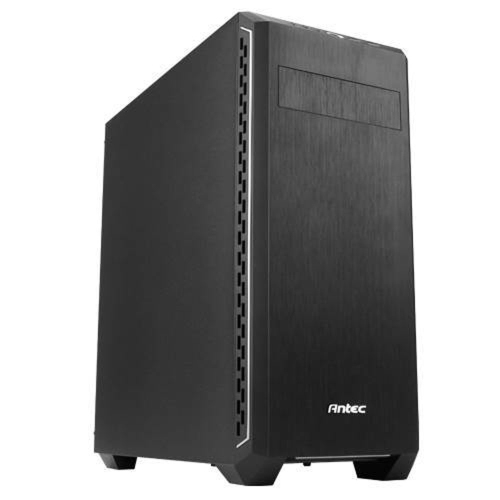
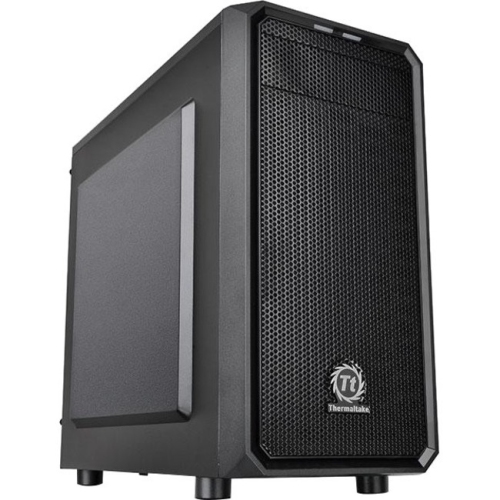

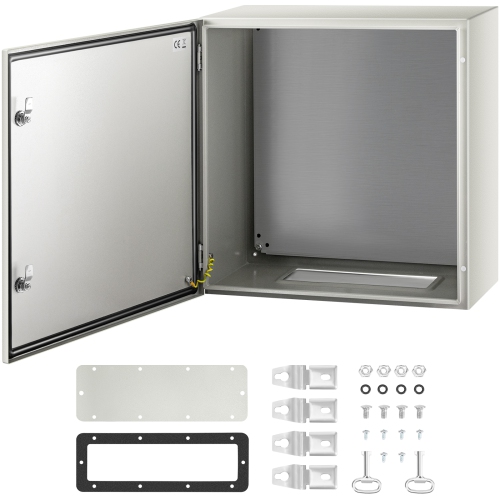
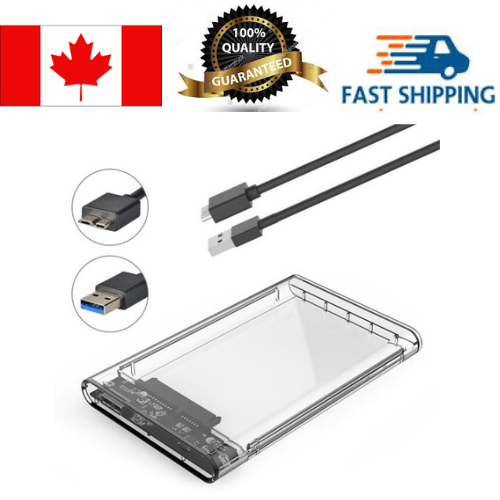
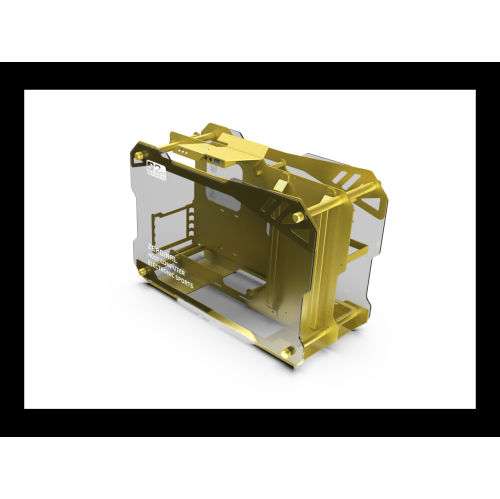
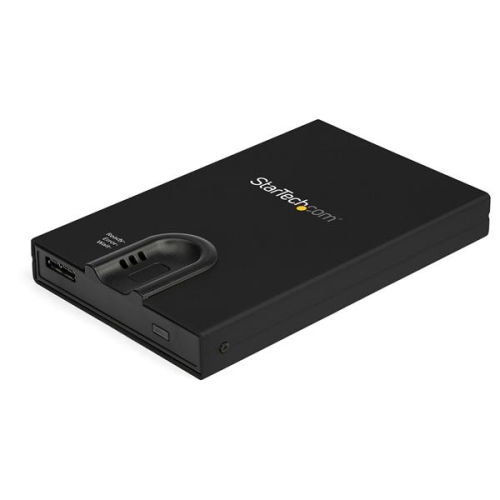
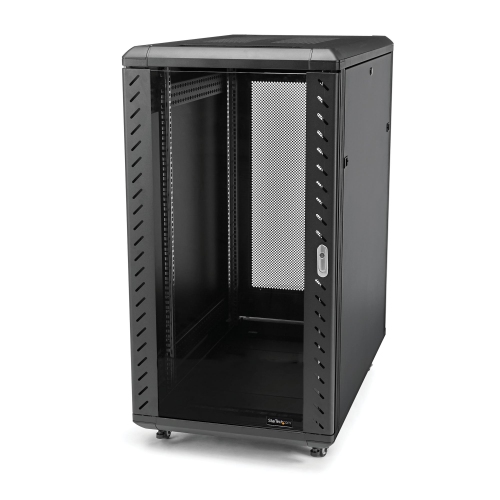
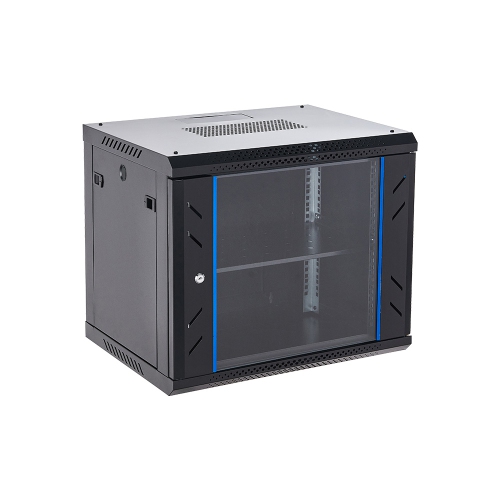
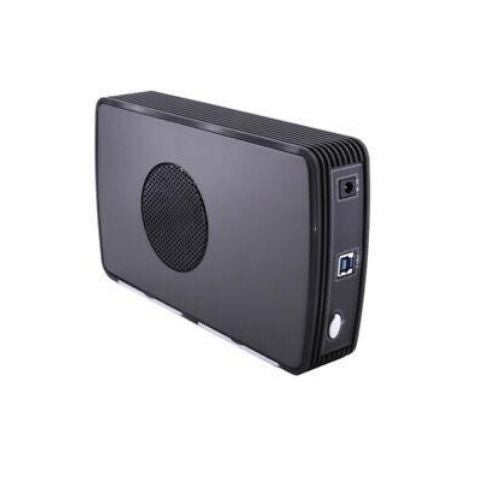
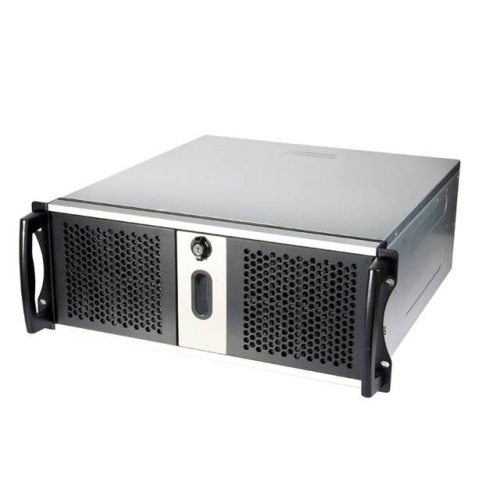
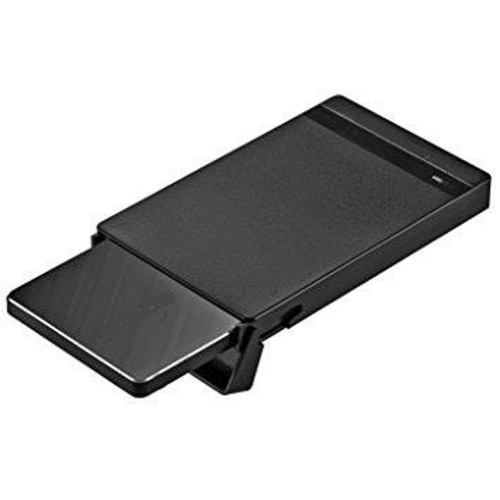
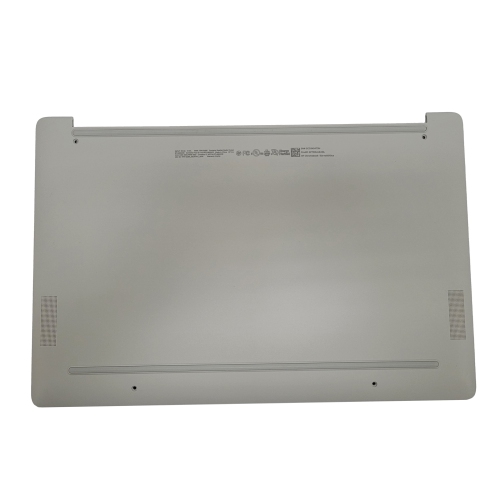


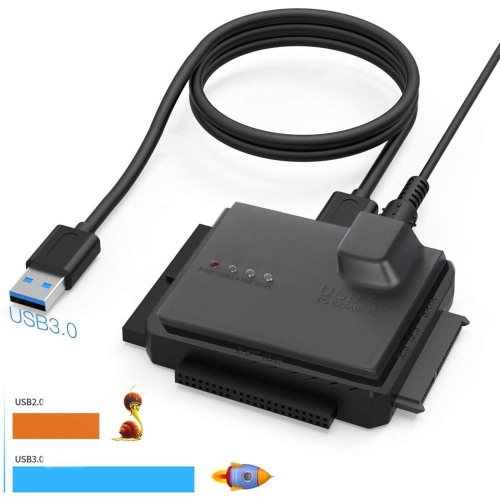
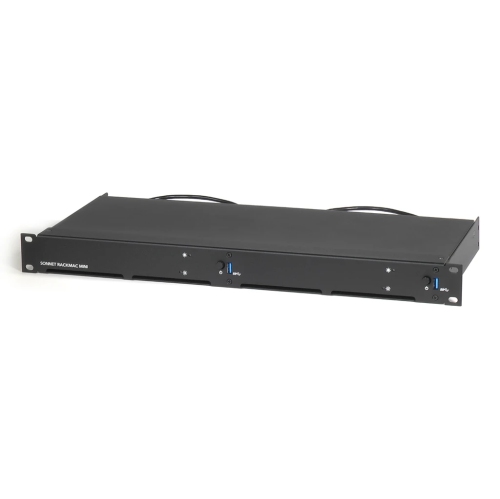

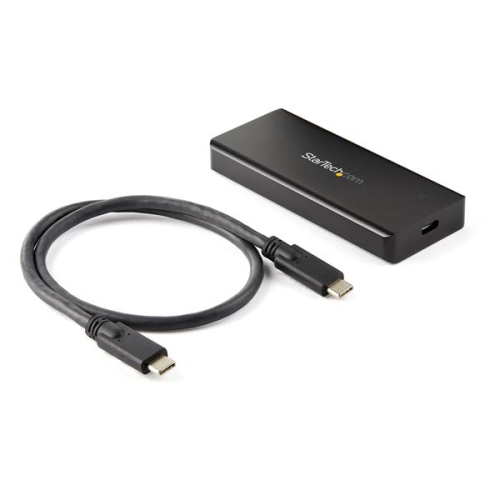
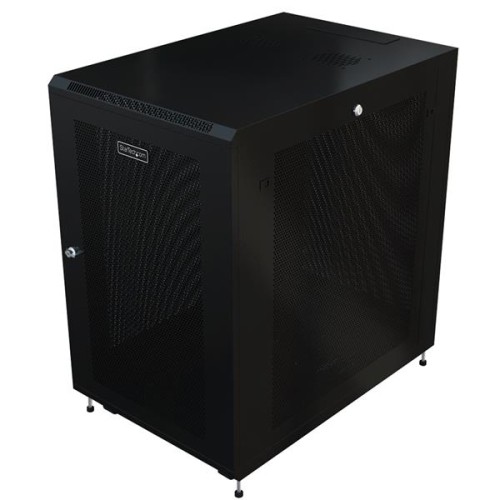

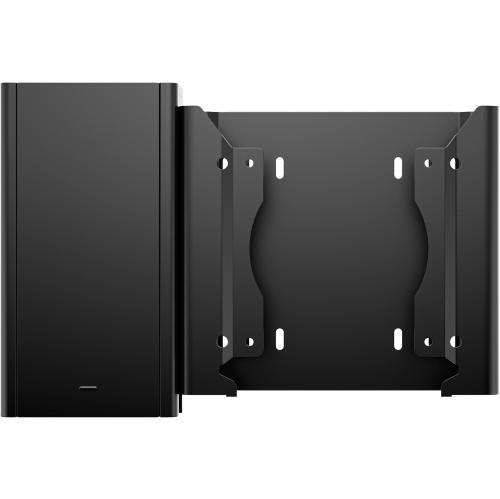
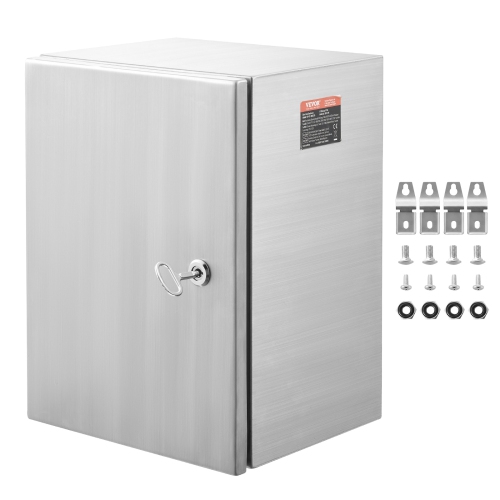
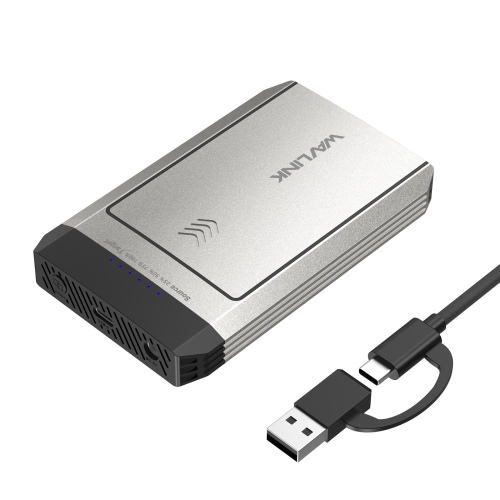
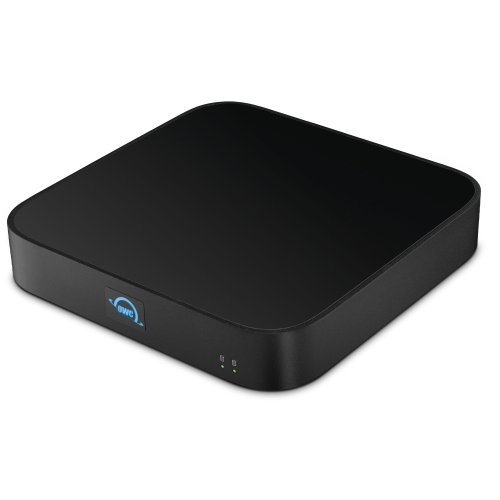
Protection, airflow and flexibility for every desktop build
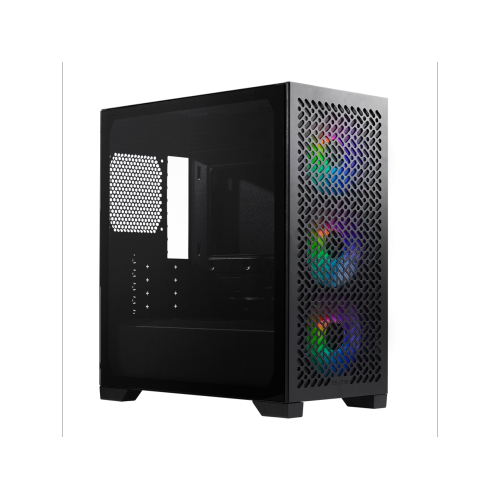
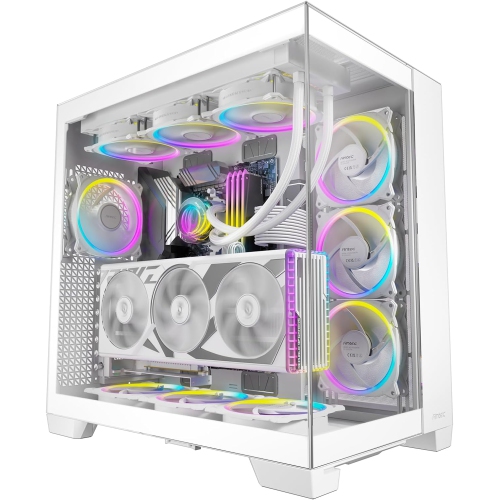
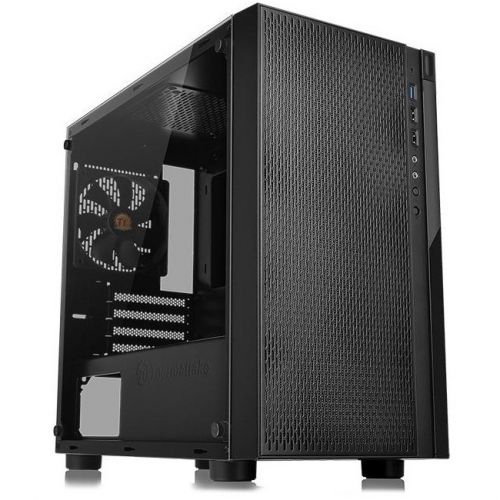
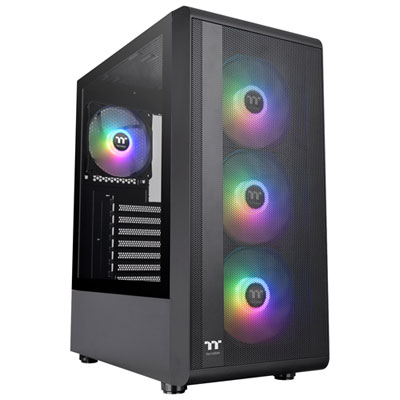
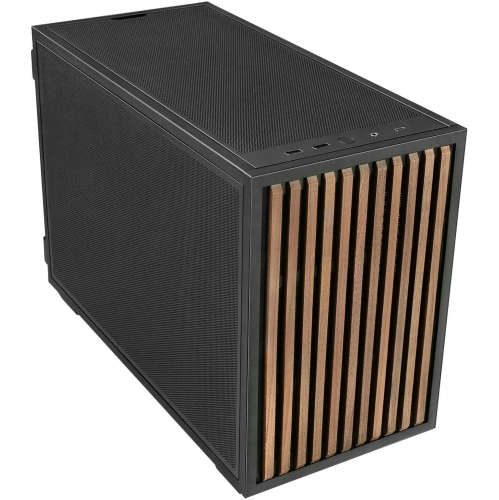
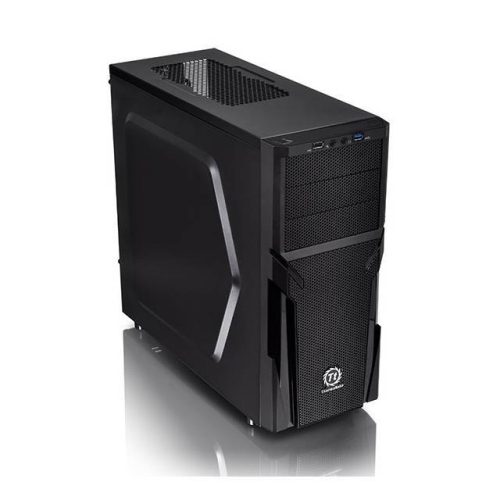
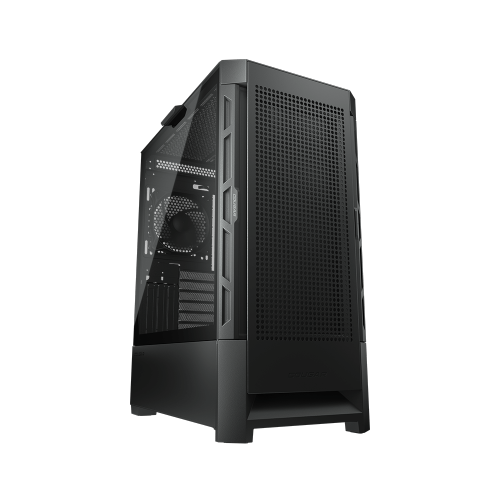
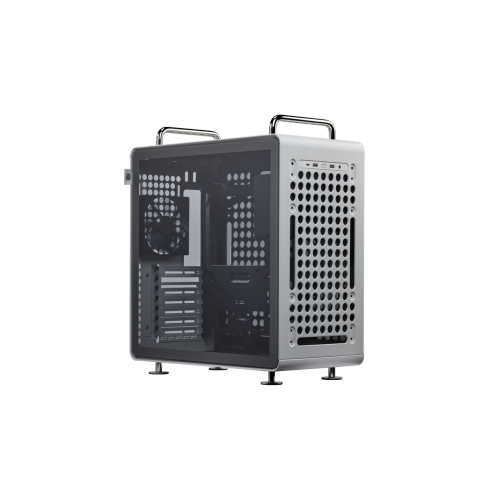
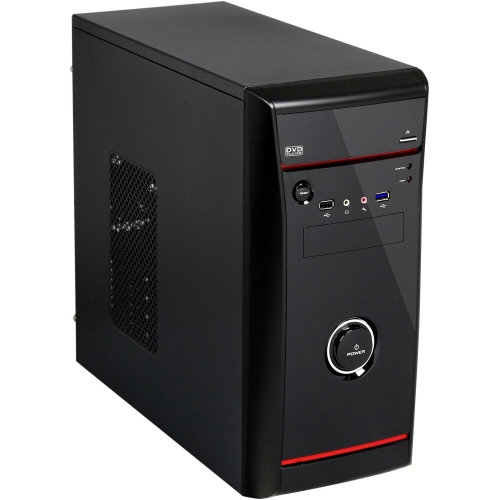
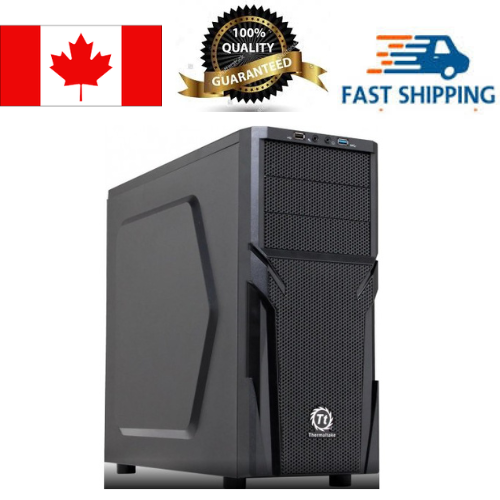
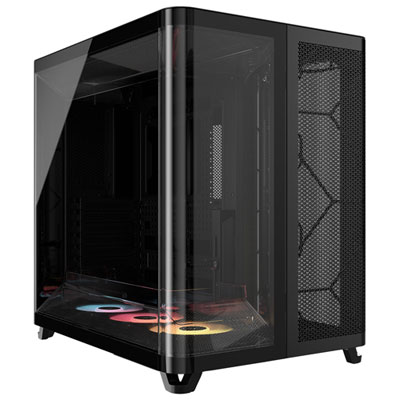
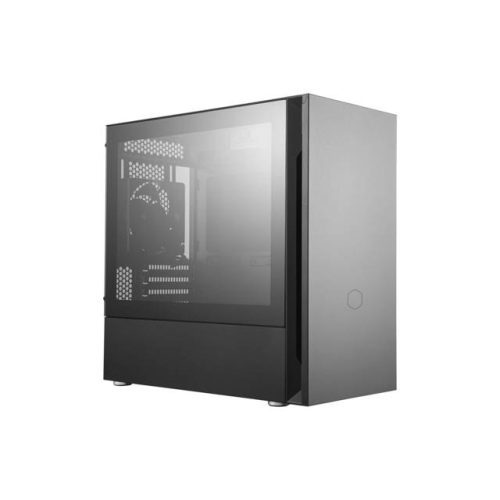
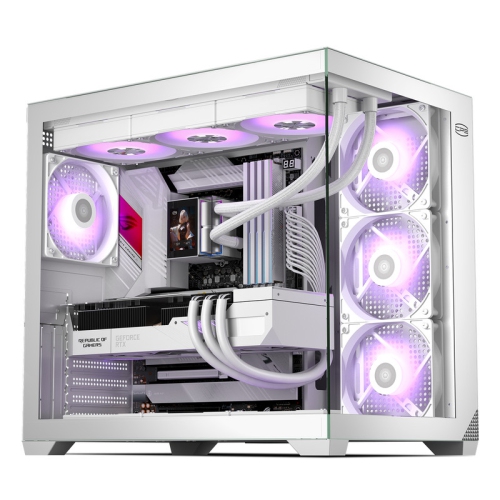
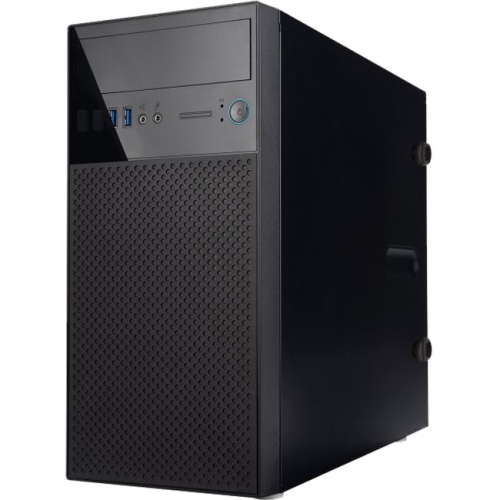
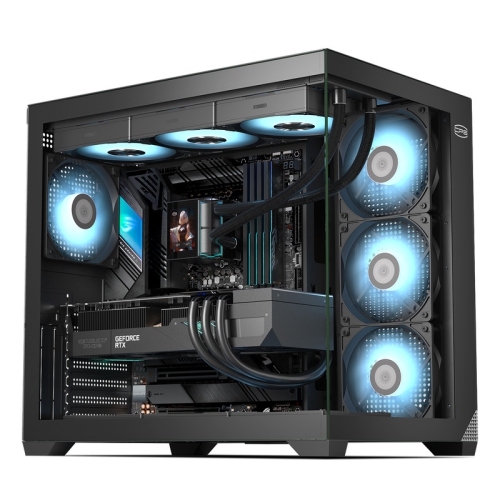
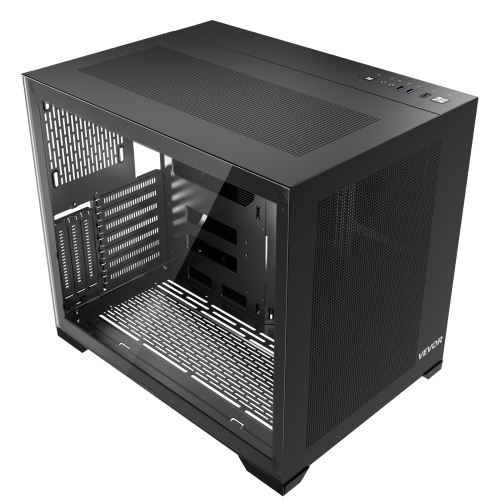
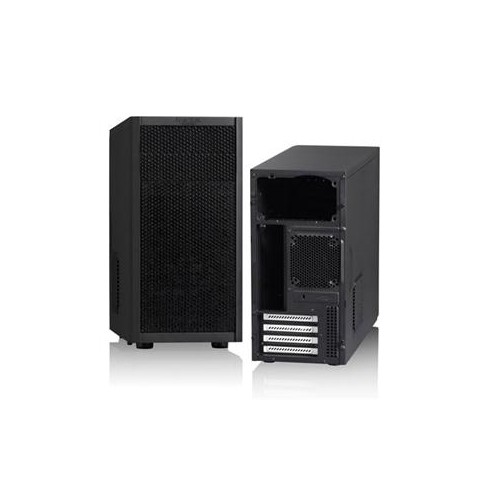
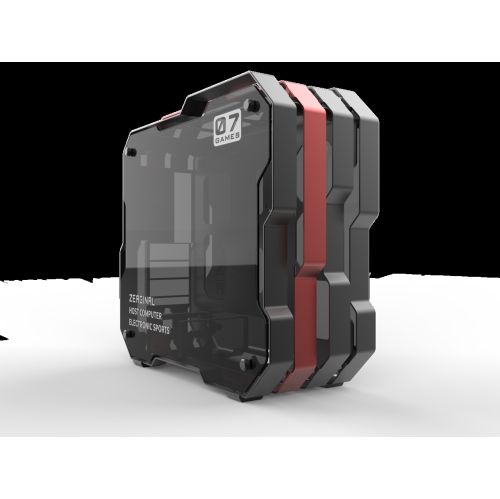
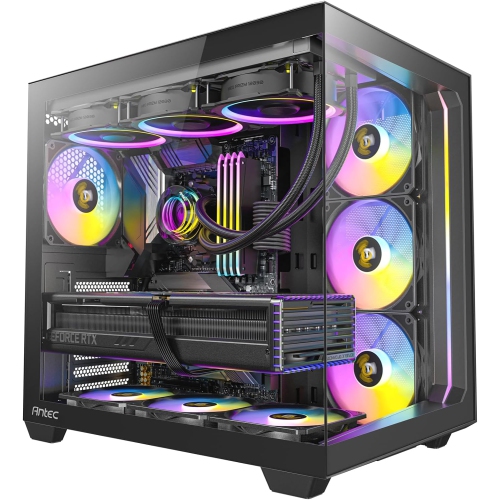
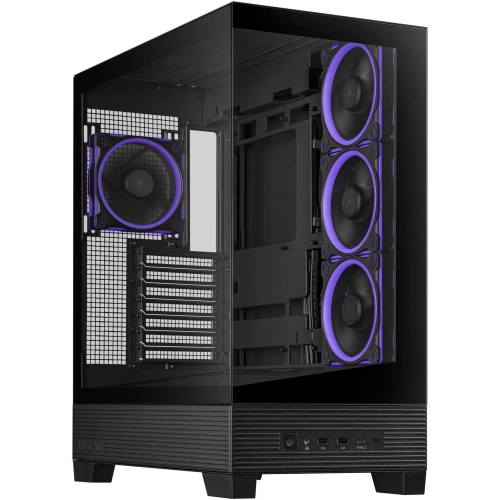
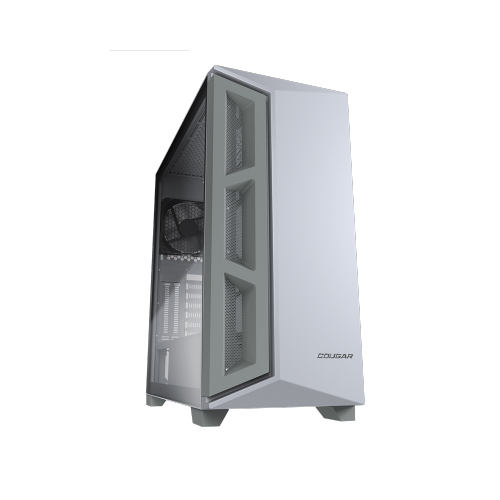
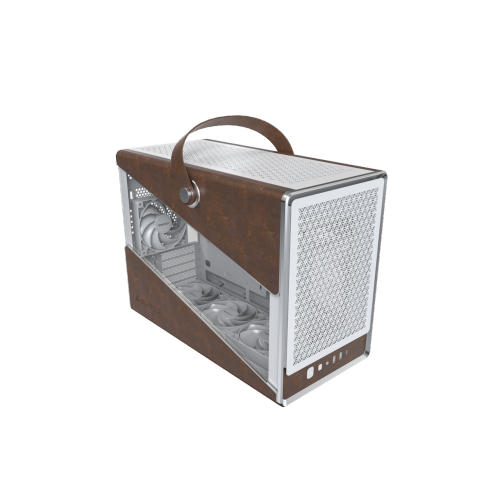
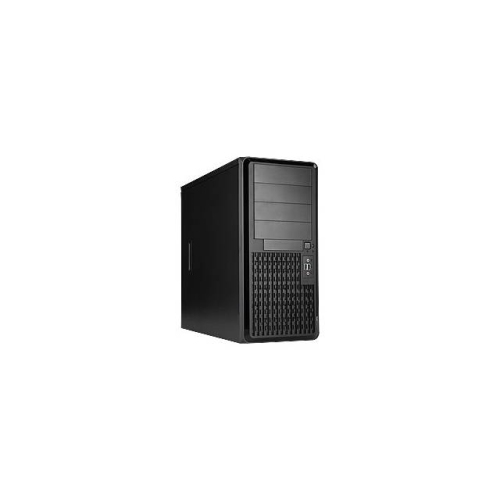
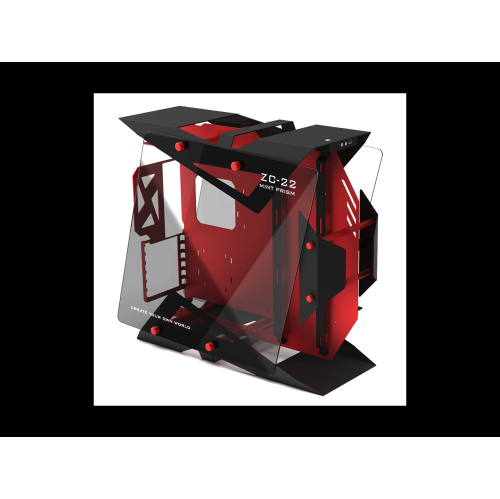
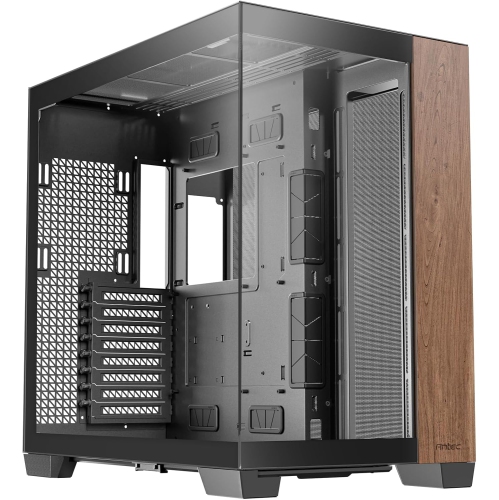
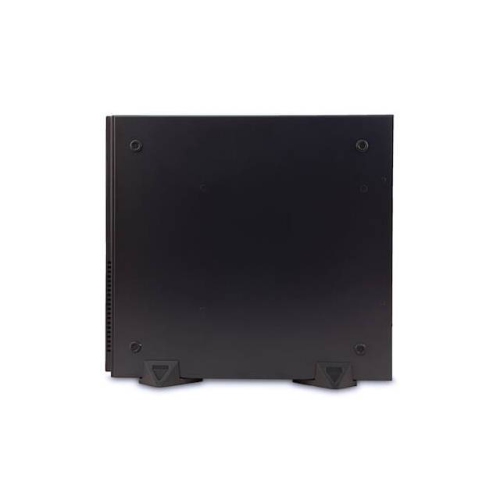
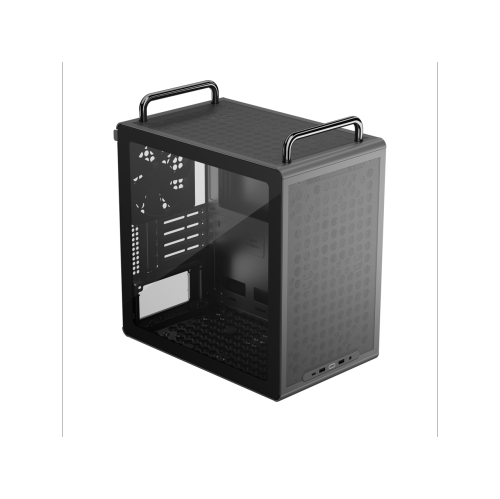
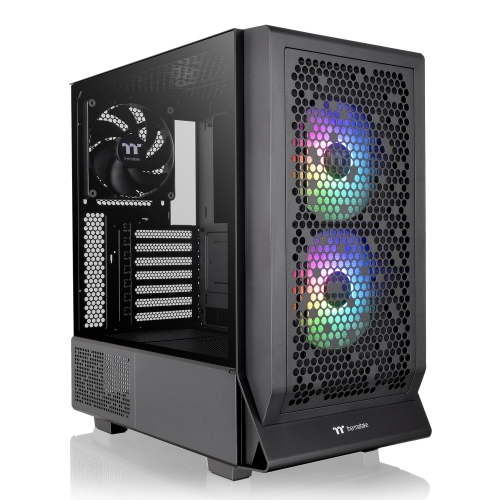
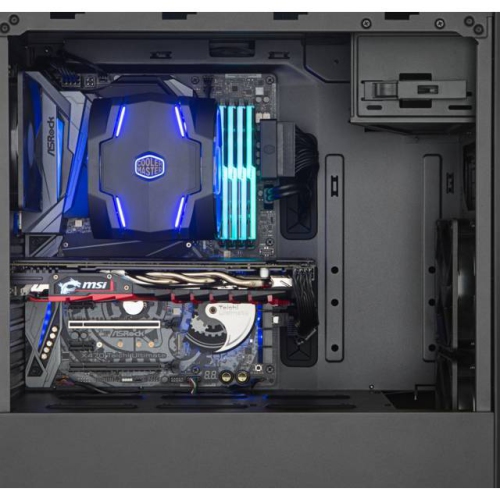
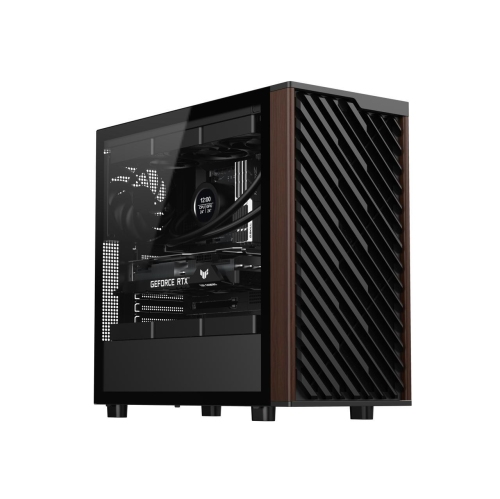
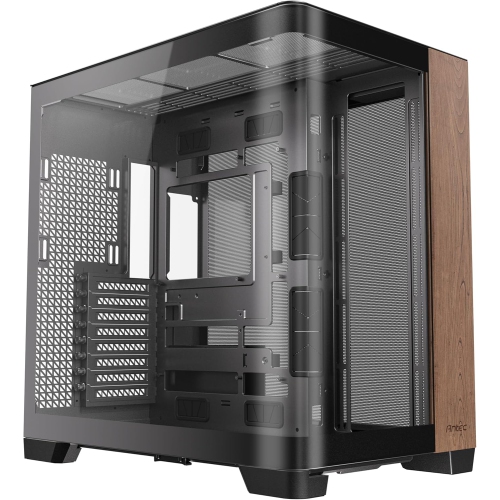
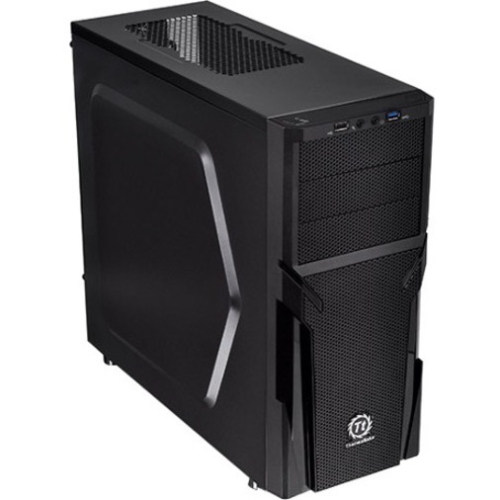
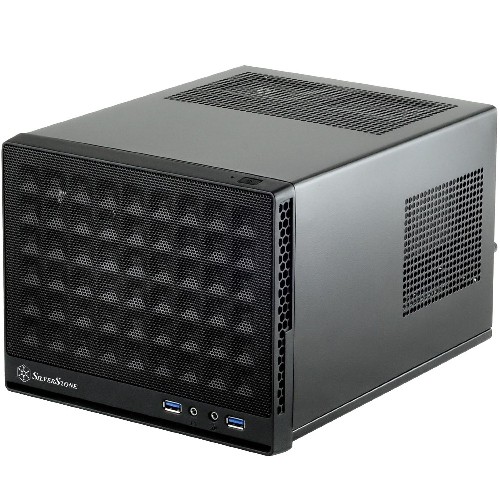
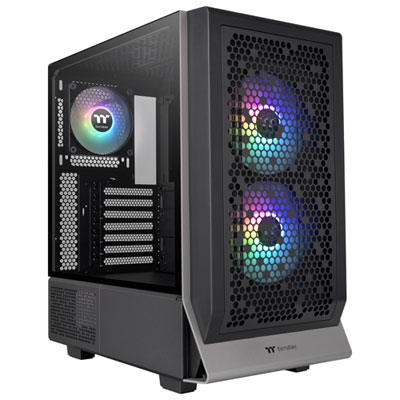
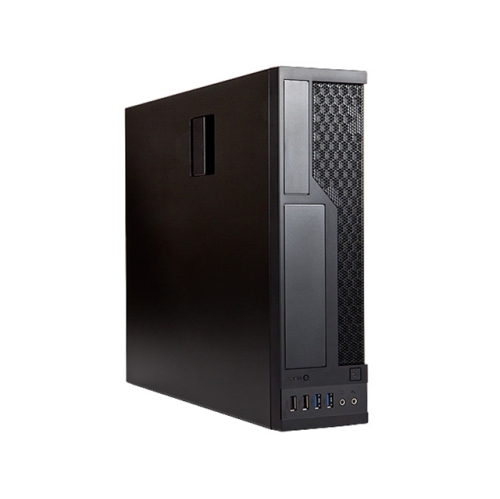
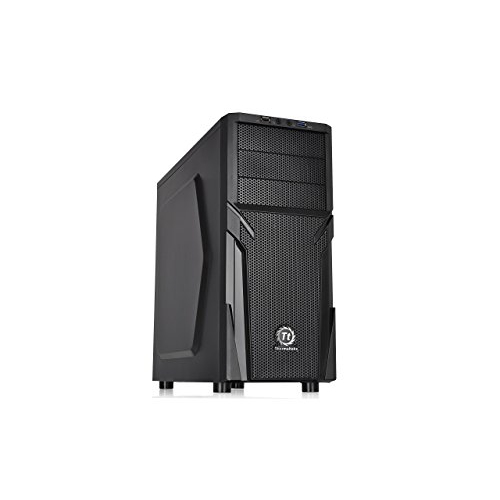
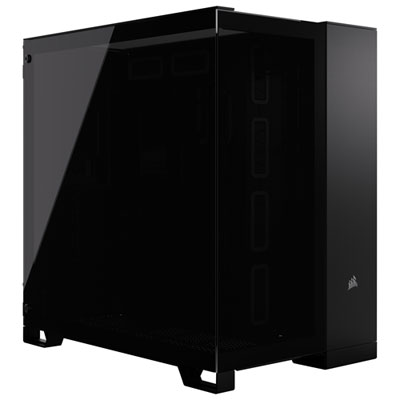
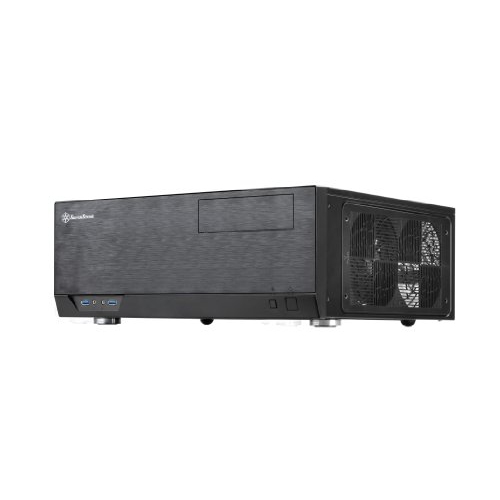
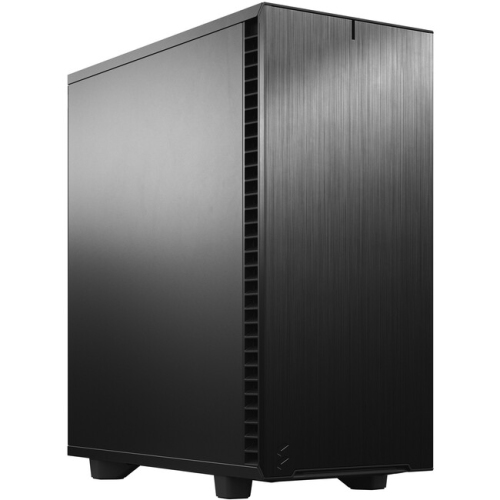
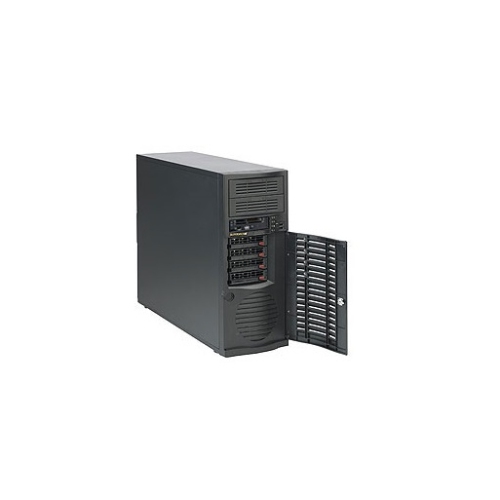
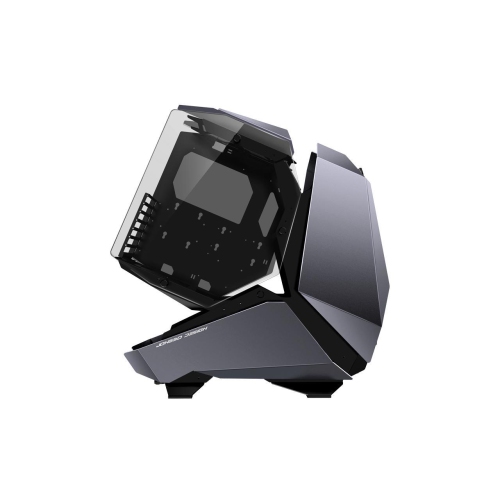
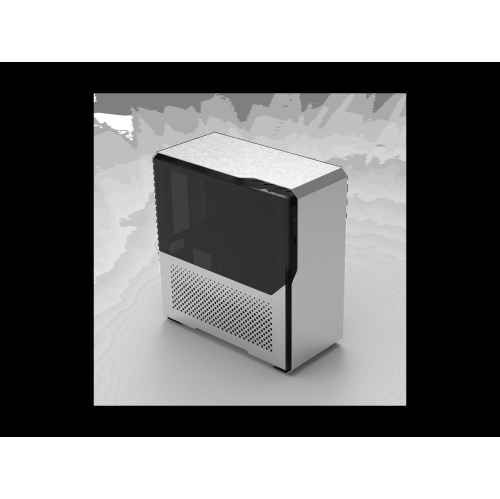
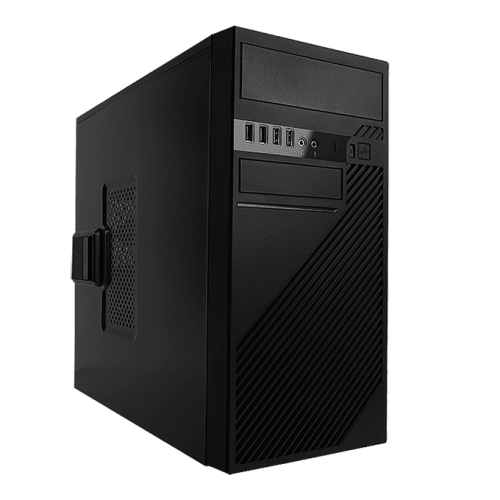
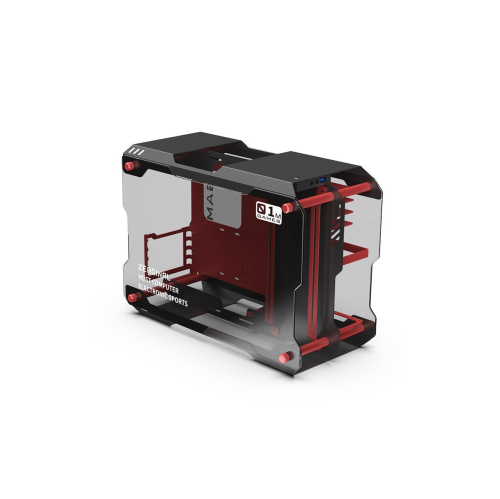
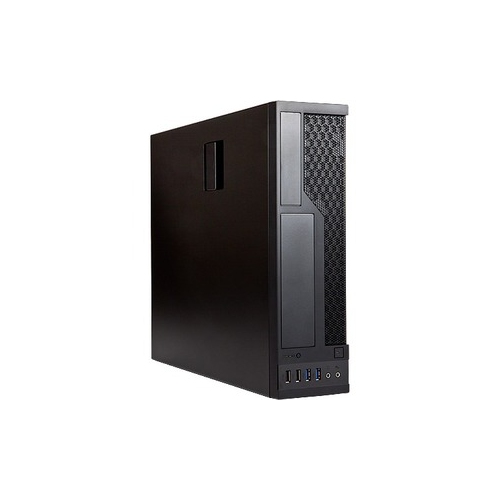
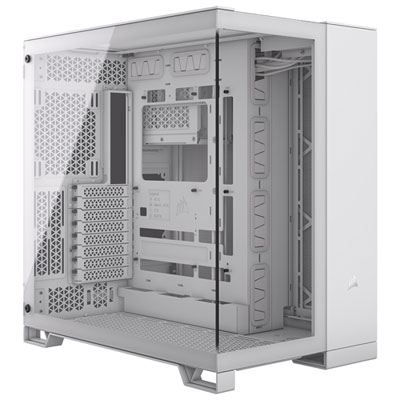
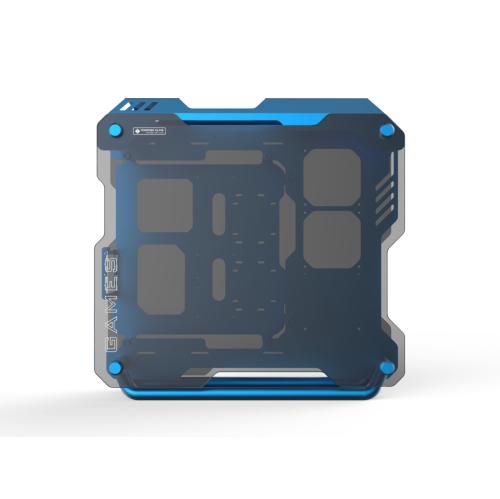
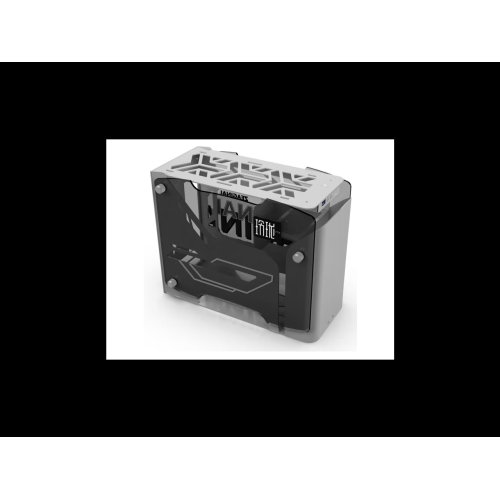
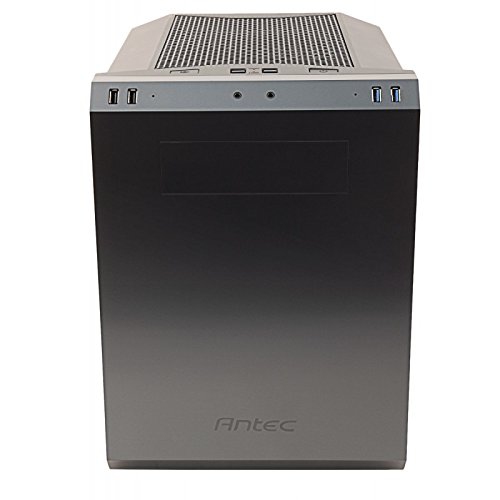
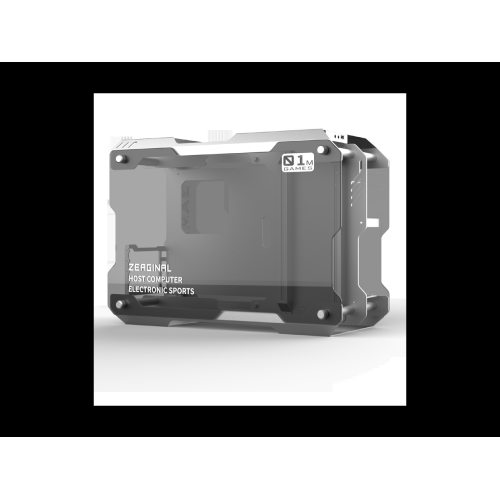
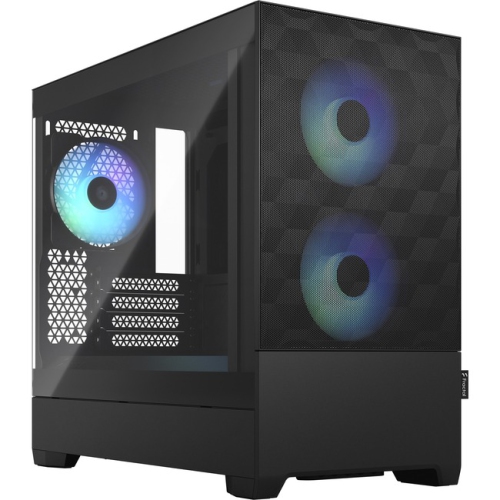
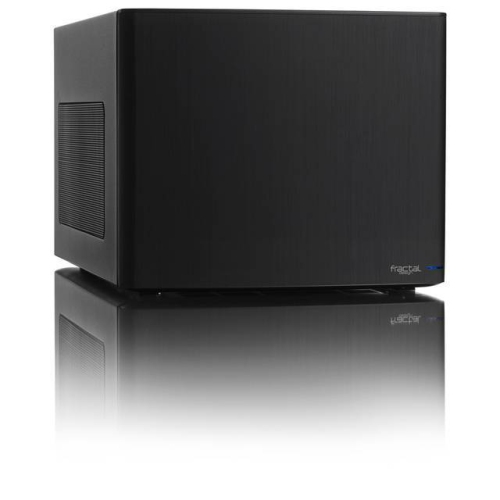
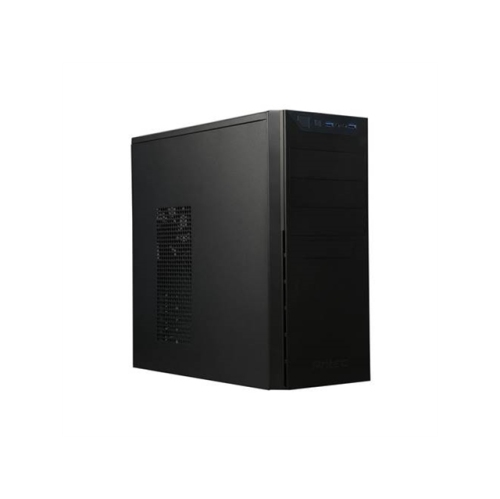
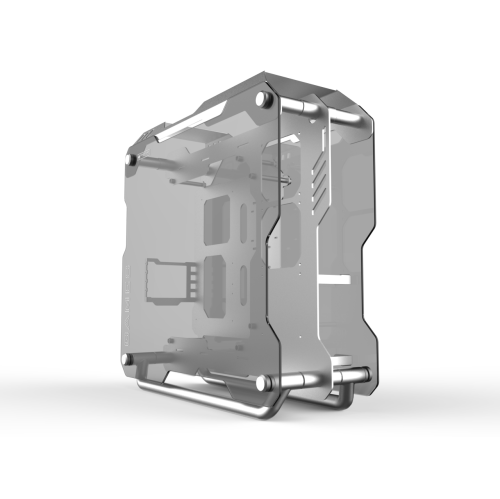
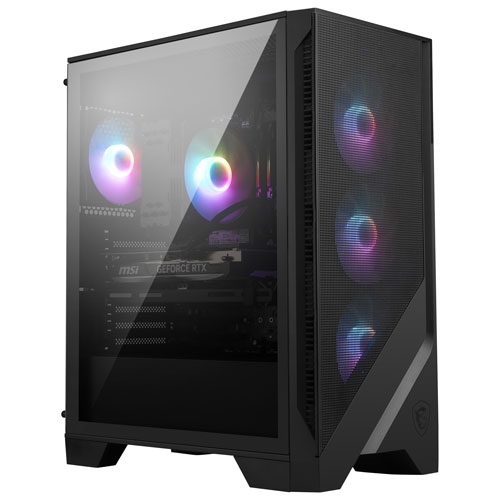
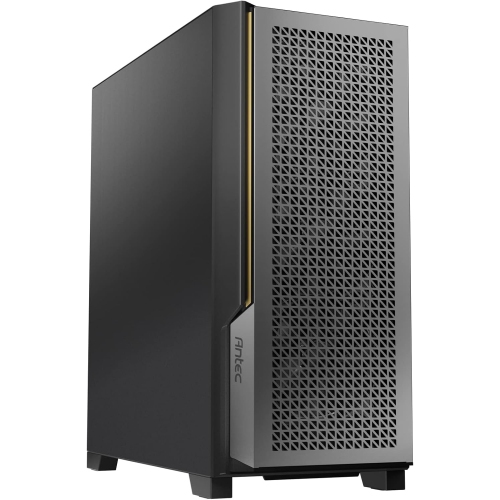
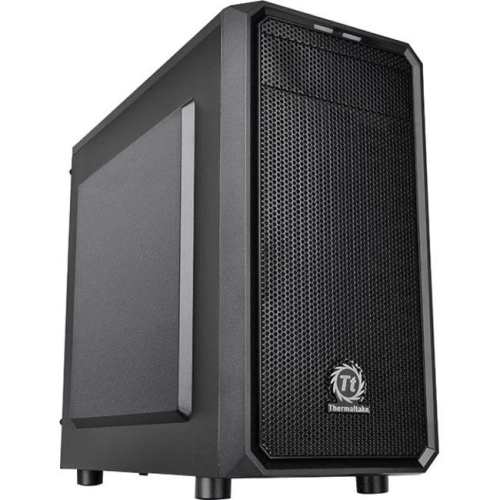
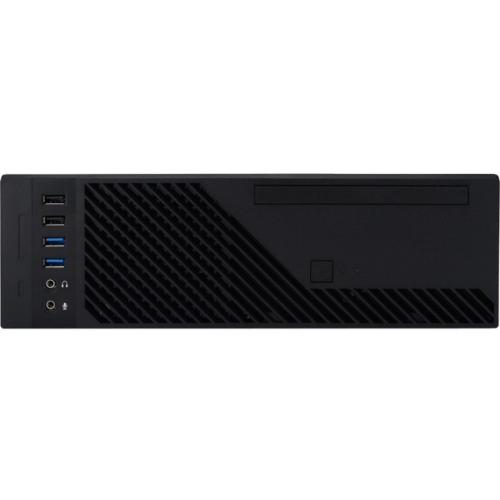
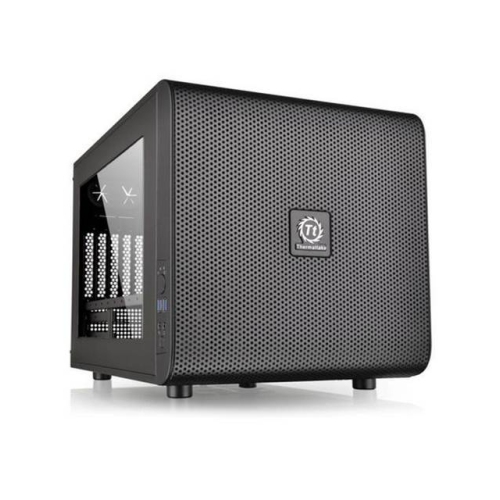
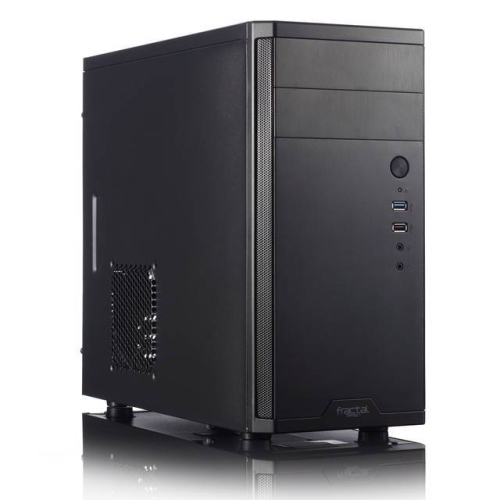
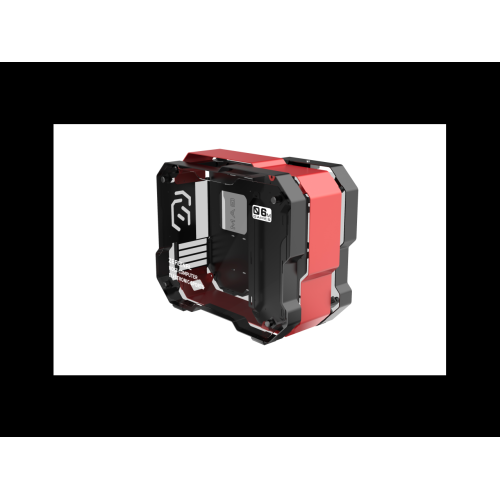
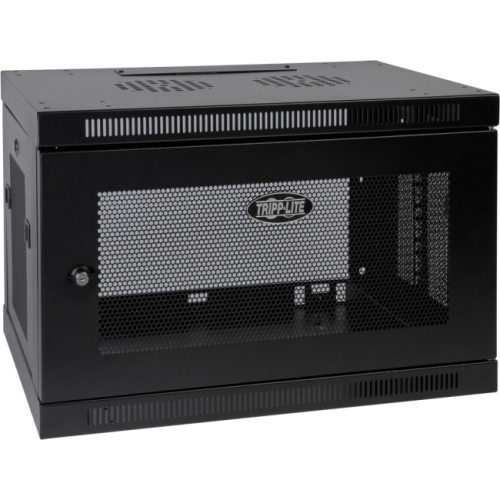
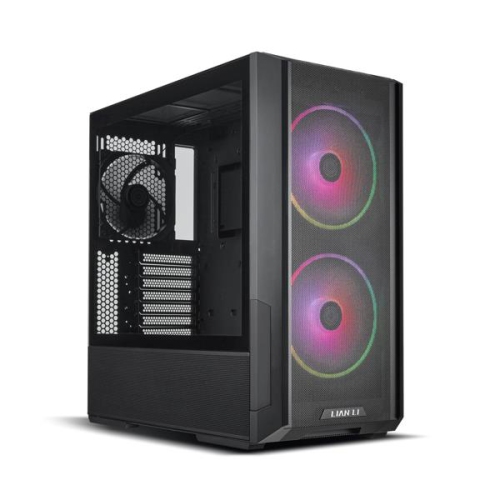
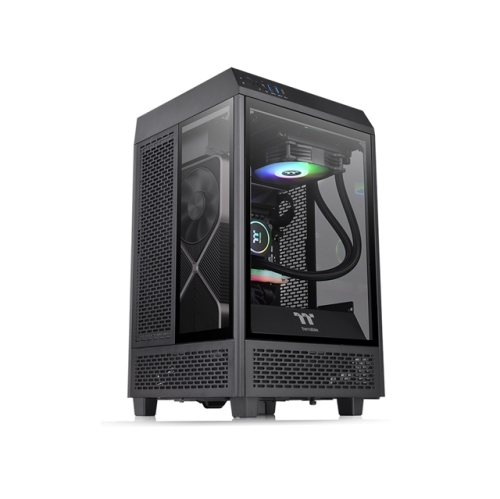
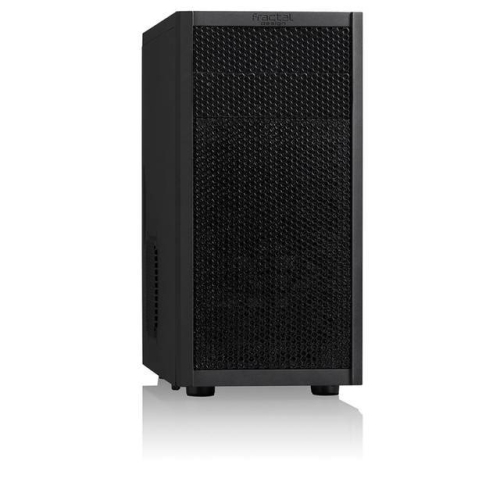
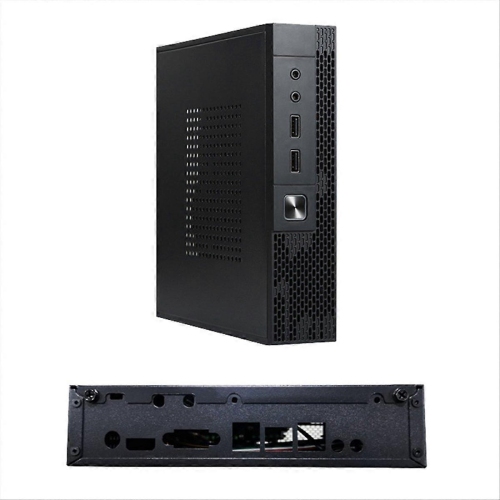
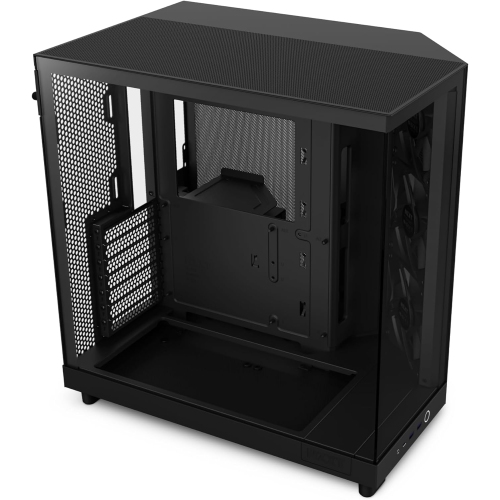
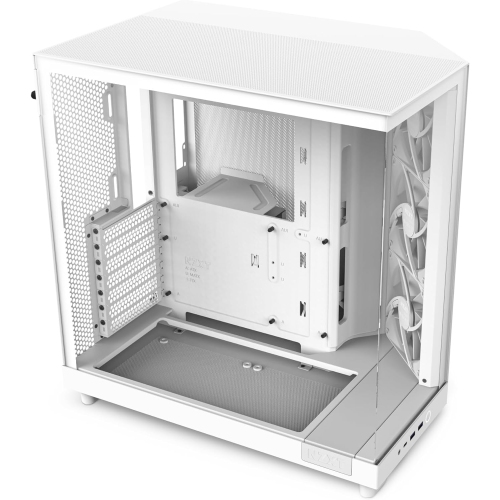
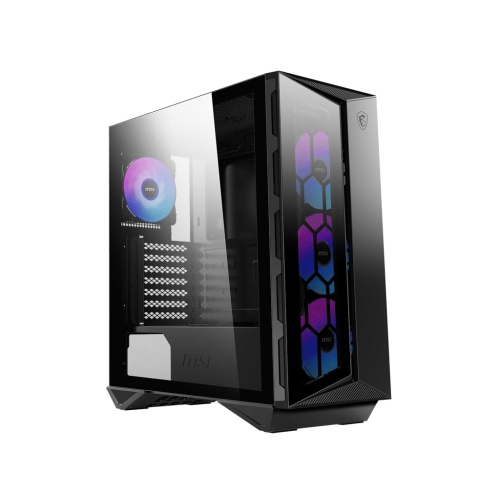
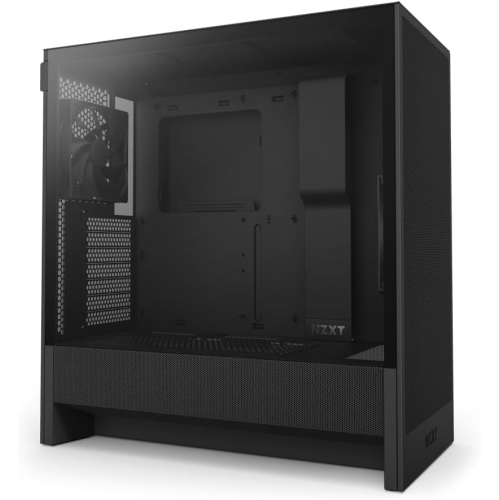
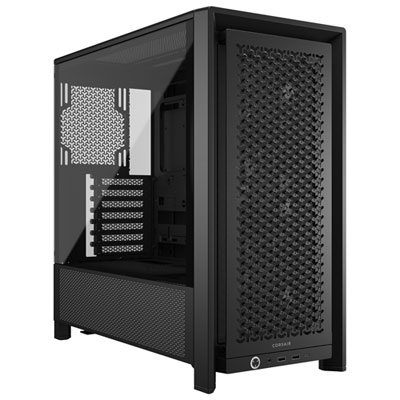
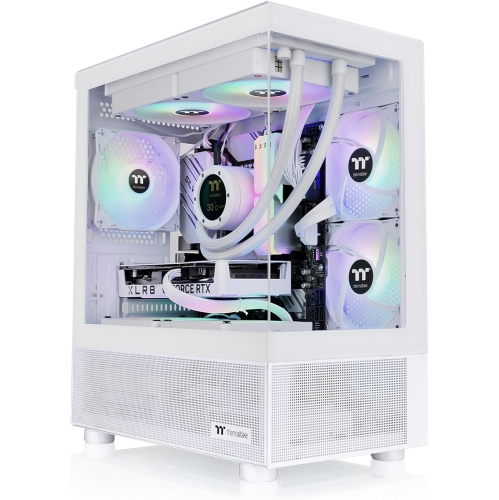
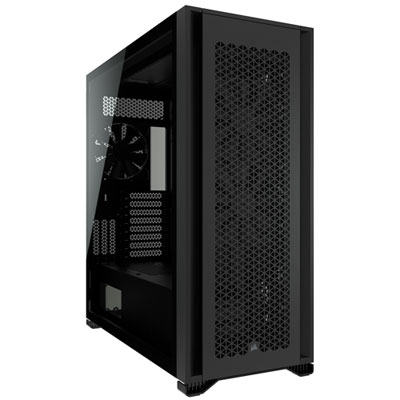
Computer enclosures provide a protective home for the components that make a desktop computer work, from the motherboard and processor to the graphics card, storage drives and power supply. For home users, the enclosure is often called a PC case or computer case, and it plays a practical role in both performance and appearance. A well-designed case helps direct cool air through the system, gives internal components enough room to operate safely and makes future upgrades easier to manage. Standard mid-tower enclosures are a popular choice for gaming PCs, home offices and general-purpose desktop builds because they typically support common motherboard sizes, full-size graphics cards and several cooling options without taking up the space of a larger tower. Compact designs can be a better fit for a small desk, dorm room, apartment workspace or living-room setup, especially when every square inch matters. Browse Small Computer Cases when a smaller footprint is a priority. Before choosing an enclosure, check the dimensions of the components you plan to install, including the motherboard form factor, graphics card length, power supply size, processor cooler height and number of storage drives. It is also worth considering the locations of USB ports, audio connections and power buttons, since front or top-mounted controls can be much easier to reach than ports hidden behind a desk. Cable-management channels, removable panels and tool-free drive mounts can turn a complicated build into a tidy, approachable project, while a tempered-glass or panoramic side panel can put carefully arranged components and lighting on display. For a quieter environment, look for features such as sound-dampening panels, enclosed front sections and space for larger, slower-moving fans. For a system intended for gaming, creative work or demanding applications, generous airflow, dust filters and support for additional fans or liquid cooling can help maintain more consistent temperatures during long sessions.
The right computer enclosure depends on where the computer will live and how it will be used. A family desktop in a bright, shared room may benefit from a clean, understated case with accessible ports and a simple interior, while a gaming build can call for stronger airflow, room for multiple graphics cards or radiators and a layout that makes component changes less frustrating. Someone assembling a first PC may appreciate a case with clearly labelled mounting points, an accessible interior and plenty of cable-routing space; an experienced builder may be more interested in dual-chamber construction, modular panels, vertical graphics-card support or a broad range of expansion options. Computer enclosures can also make thoughtful gifts for a student setting up a workstation, a new PC builder, a gamer refining a custom setup or a relative whose older desktop needs a refreshed home for upgraded components. If the enclosure is being purchased as a gift, compatibility is the detail that matters most. Ask about the intended motherboard and power supply, or choose a case that supports widely used standards and offers flexible clearance. A case is not simply a shell around the computer: it affects the ease of installation, the path of airflow, the visibility of components and the amount of room available for future improvements. Measure the available desk, shelf or floor space before ordering, allowing extra clearance around ventilation openings and removable panels. Consider the direction in which the side panel opens, the position of the power button and whether the finished system will need to connect to monitors, external drives, speakers, networking equipment and other accessories. For offices, classrooms and shared work areas, a compact enclosure can keep the footprint controlled and reduce cable clutter. For a media room, a low-profile or understated design may blend more naturally with other equipment. For a workshop or production setting, the enclosure may need to do much more than hold parts securely.
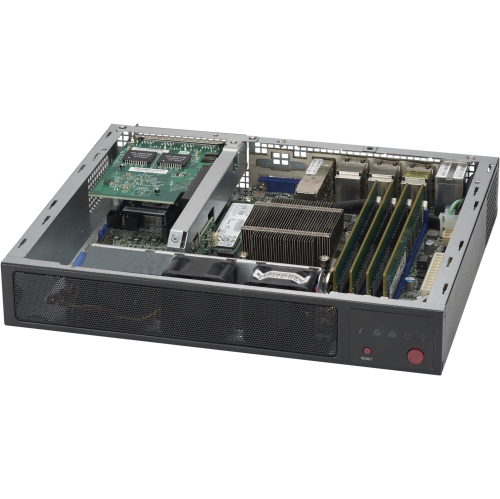
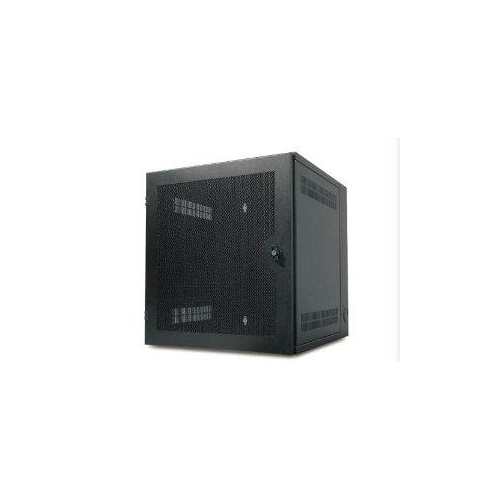
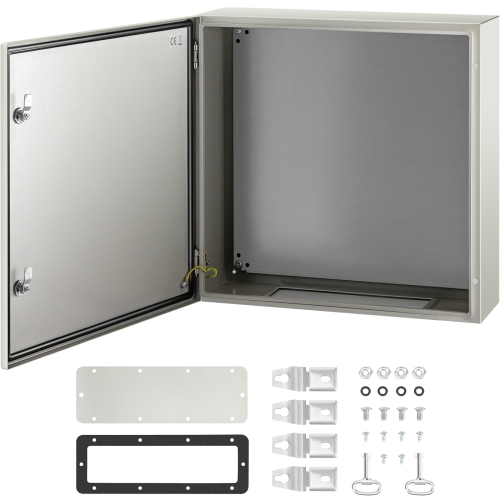
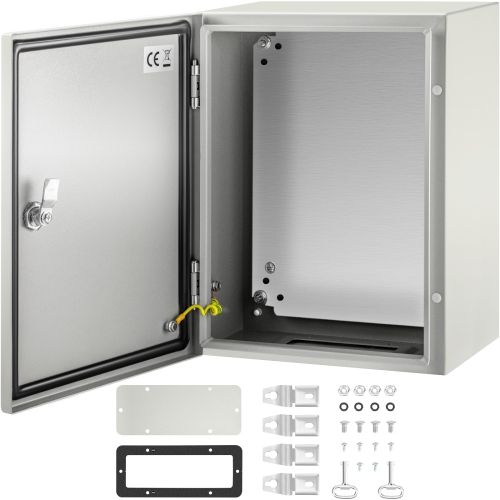
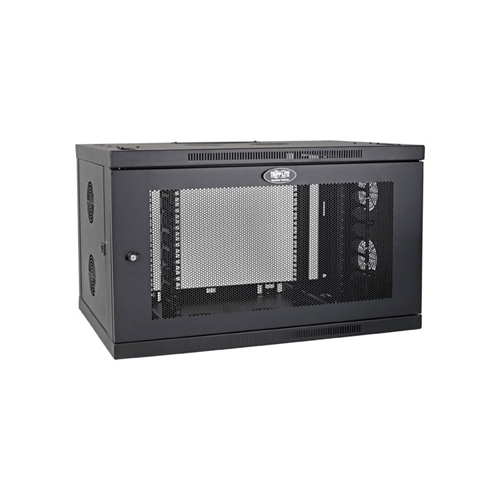
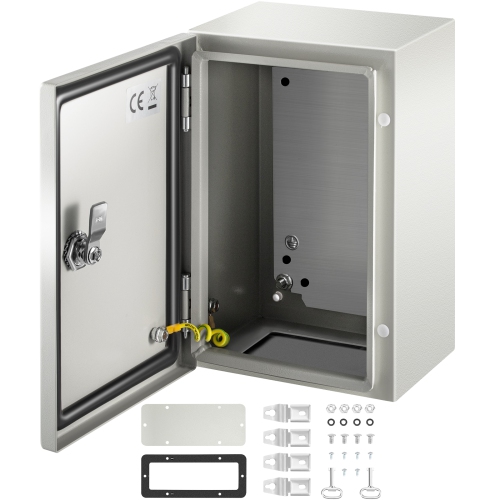
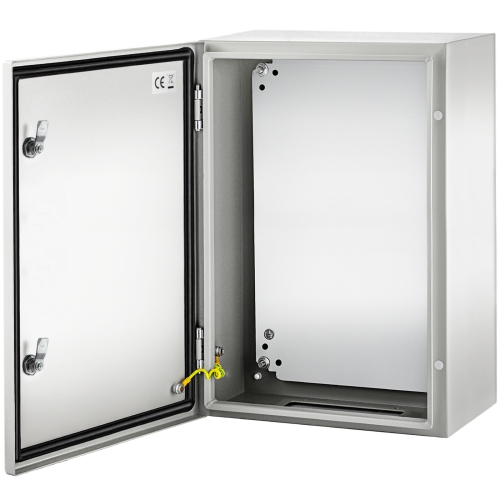
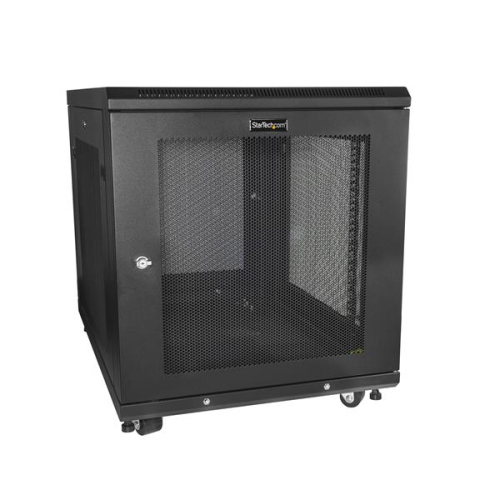
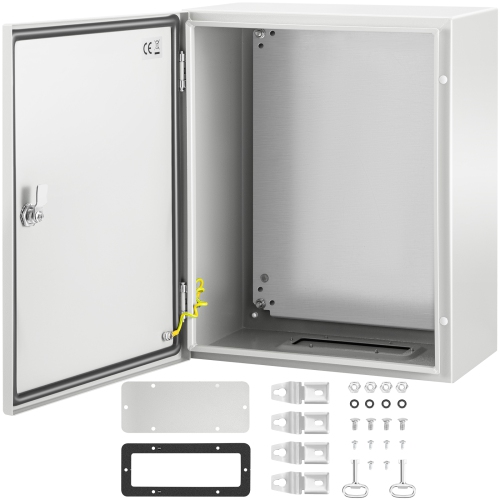
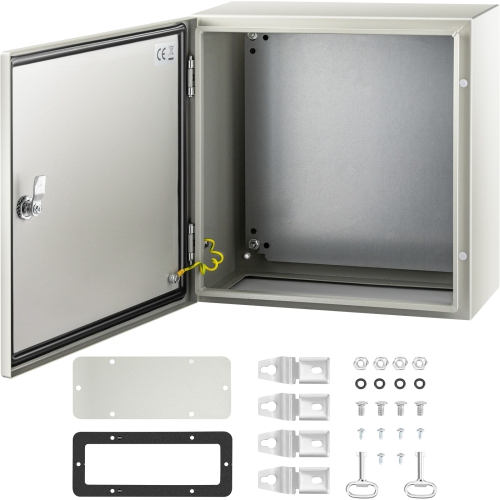
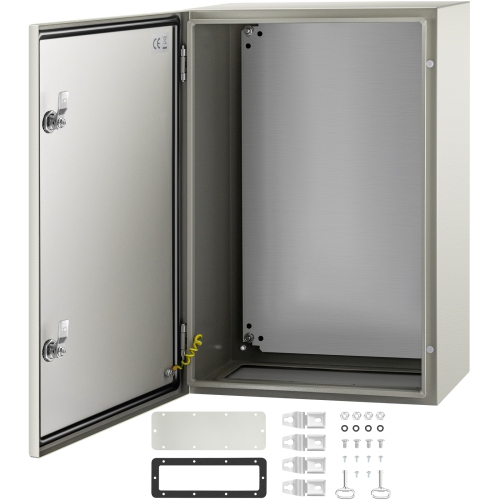
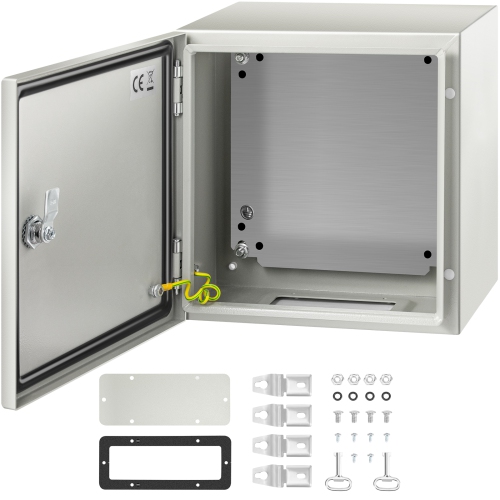
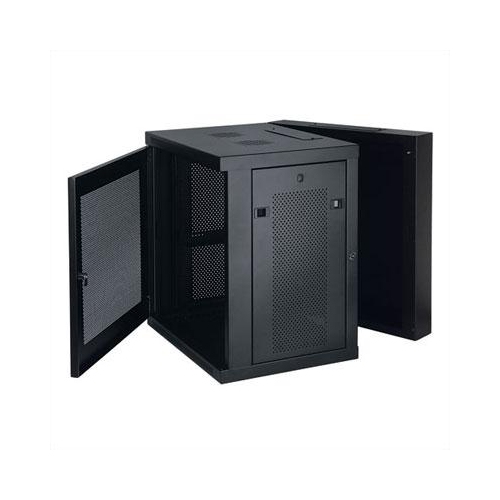
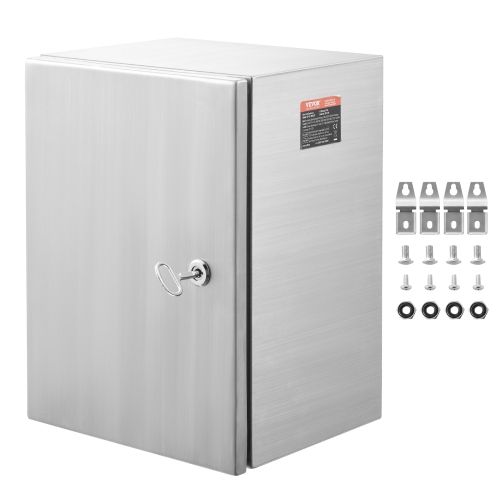
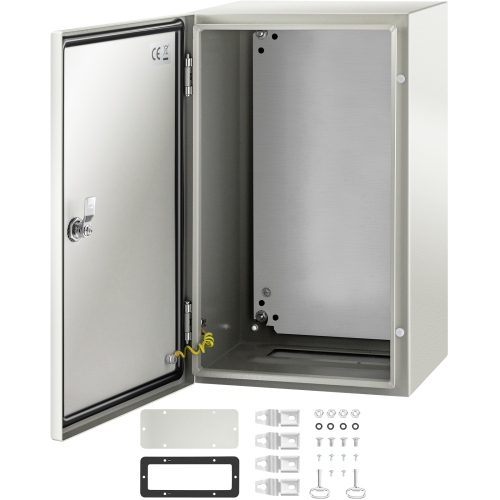
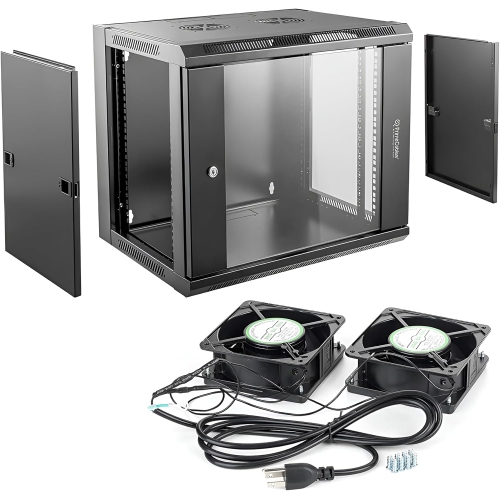
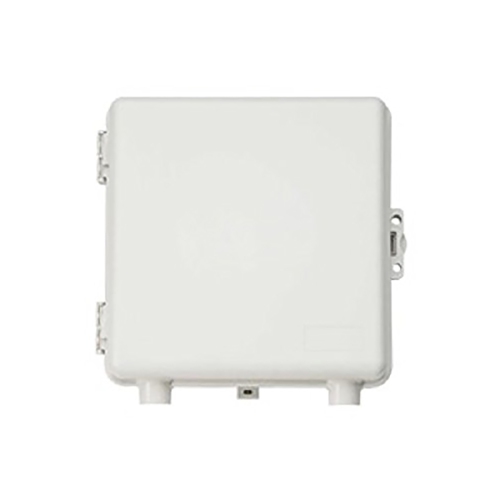
In industrial, commercial and demanding work environments, computer enclosures are designed to shield hardware from conditions that ordinary desktop cases cannot handle. Heavy-duty cabinets and workstation covers can help protect computers from airborne dust, metal filings, grease, moisture and accidental contact, depending on their construction and rated level of protection. Enclosures described with NEMA or IP ratings are intended for specific types of exposure, so the rating should be matched carefully to the environment rather than treated as a general guarantee. A cabinet for a manufacturing floor may need sealed openings and a lockable door, while a computer near a washdown area may require protection against water entry and corrosion. In a warehouse, service bay or public-facing location, a secure enclosure can help limit tampering, deter unauthorized access and restrict physical access to USB ports, power switches and internal components. Lockable CPU cabinets and under-desk security boxes can also be useful in offices, reception areas, schools and other spaces where computers are accessible to many people. Think about ventilation as well as protection: a sealed or semi-sealed enclosure must still manage the heat produced by the computer, and some applications may require filtered airflow, fans or a separate cooling approach. Mounting style is another practical consideration, with floor-standing cabinets, wall-mounted boxes, under-desk lockers and workstation covers each suited to different layouts. Whether you are building a high-performance desktop at home, fitting a compact computer into a smaller workspace or protecting equipment in a demanding professional setting, compare the enclosure’s dimensions, materials, cooling support, access points, security features and compatibility with the hardware inside. A suitable enclosure keeps components organized, makes maintenance more manageable and helps the computer fit naturally into the space where it will do its work.
The right computer enclosure depends on where the computer will live and how it will be used. A family desktop in a bright, shared room may benefit from a clean, understated case with accessible ports and a simple interior, while a gaming build can call for stronger airflow, room for multiple graphics cards or radiators and a layout that makes component changes less frustrating. Someone assembling a first PC may appreciate a case with clearly labelled mounting points, an accessible interior and plenty of cable-routing space; an experienced builder may be more interested in dual-chamber construction, modular panels, vertical graphics-card support or a broad range of expansion options. Computer enclosures can also make thoughtful gifts for a student setting up a workstation, a new PC builder, a gamer refining a custom setup or a relative whose older desktop needs a refreshed home for upgraded components. If the enclosure is being purchased as a gift, compatibility is the detail that matters most. Ask about the intended motherboard and power supply, or choose a case that supports widely used standards and offers flexible clearance. A case is not simply a shell around the computer: it affects the ease of installation, the path of airflow, the visibility of components and the amount of room available for future improvements. Measure the available desk, shelf or floor space before ordering, allowing extra clearance around ventilation openings and removable panels. Consider the direction in which the side panel opens, the position of the power button and whether the finished system will need to connect to monitors, external drives, speakers, networking equipment and other accessories. For offices, classrooms and shared work areas, a compact enclosure can keep the footprint controlled and reduce cable clutter. For a media room, a low-profile or understated design may blend more naturally with other equipment. For a workshop or production setting, the enclosure may need to do much more than hold parts securely.
In industrial, commercial and demanding work environments, computer enclosures are designed to shield hardware from conditions that ordinary desktop cases cannot handle. Heavy-duty cabinets and workstation covers can help protect computers from airborne dust, metal filings, grease, moisture and accidental contact, depending on their construction and rated level of protection. Enclosures described with NEMA or IP ratings are intended for specific types of exposure, so the rating should be matched carefully to the environment rather than treated as a general guarantee. A cabinet for a manufacturing floor may need sealed openings and a lockable door, while a computer near a washdown area may require protection against water entry and corrosion. In a warehouse, service bay or public-facing location, a secure enclosure can help limit tampering, deter unauthorized access and restrict physical access to USB ports, power switches and internal components. Lockable CPU cabinets and under-desk security boxes can also be useful in offices, reception areas, schools and other spaces where computers are accessible to many people. Think about ventilation as well as protection: a sealed or semi-sealed enclosure must still manage the heat produced by the computer, and some applications may require filtered airflow, fans or a separate cooling approach. Mounting style is another practical consideration, with floor-standing cabinets, wall-mounted boxes, under-desk lockers and workstation covers each suited to different layouts. Whether you are building a high-performance desktop at home, fitting a compact computer into a smaller workspace or protecting equipment in a demanding professional setting, compare the enclosure’s dimensions, materials, cooling support, access points, security features and compatibility with the hardware inside. A suitable enclosure keeps components organized, makes maintenance more manageable and helps the computer fit naturally into the space where it will do its work.
Top selling and popular products
-
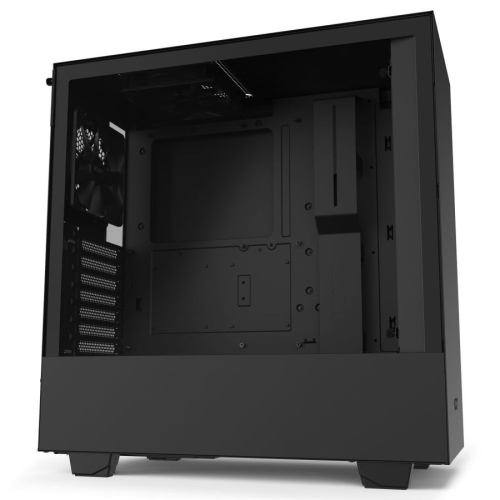 Your price for this item is $299
 -
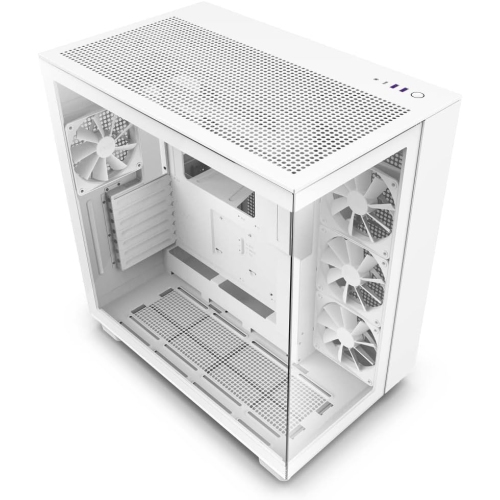 Your price for this item is $424.68
 -
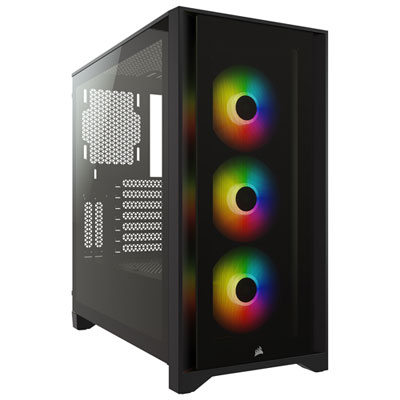 Your price for this item is $149.95
 -
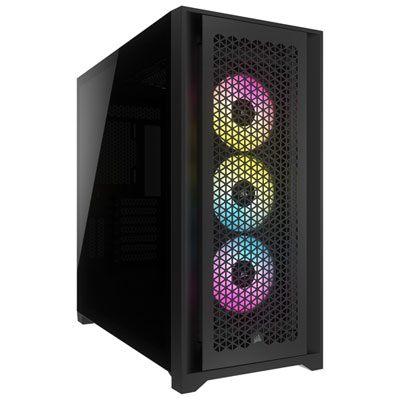 Your price for this item is $249.95
 -
 Your price for this item is $165.99
 -
 Your price for this item is $131.99
 -
 Your price for this item is $157.68
 -
 Your price for this item is $149.99
Discover more categories related to Computer Enclosures
Top Collections:
Pokemon Centers, Kindle Devices, Best Budget Office Chairs, Canon G7X Cameras, Apple iPhones 16, Samsung Galaxy Phones, Refurbished Apple Laptops, Laptops for Students, iPhone 15 Apple, Budget Smartphones
Some products may be subject to Environmental Handling Fees
(EHF) depending on your province.
Learn more about EHFs.