Computer Mice for Kids
Looking for a computer mouse that's perfect for your little ones? Look no further! Computer mice for kids are designed to provide a fun and interactive experience while they navigate through their favorite games, educational programs, and creative projects. These kid-friendly computer mice are not only durable and easy to use, but they also come in a variety of vibrant colors and playful designs that will surely capture their imagination. Here are some great options available.
Sort

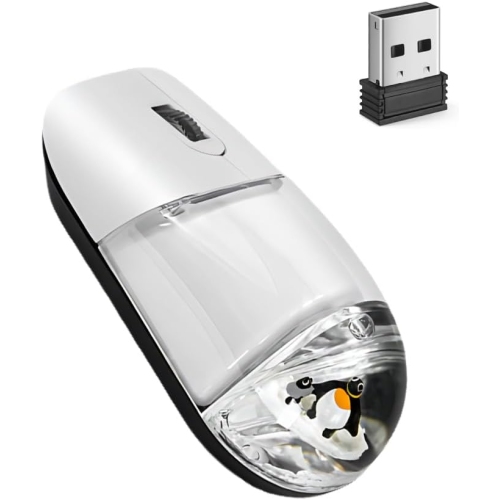
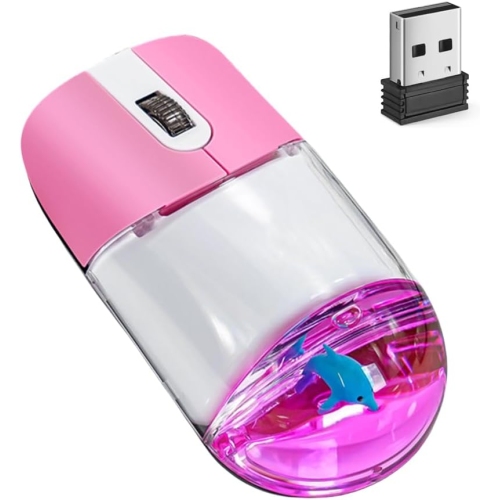
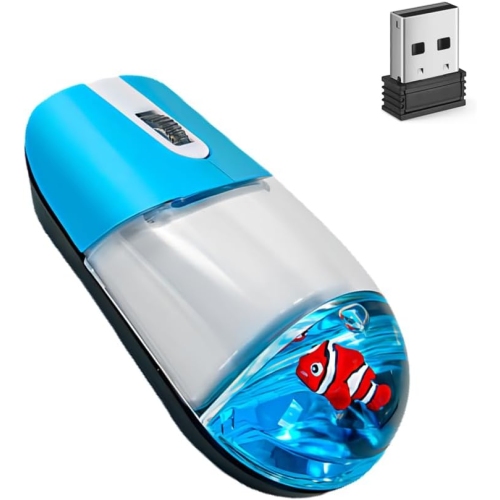
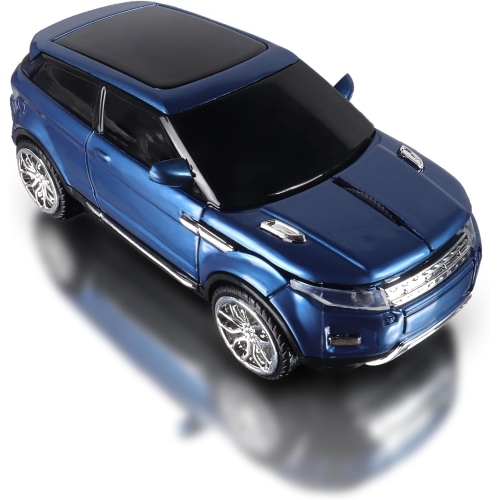




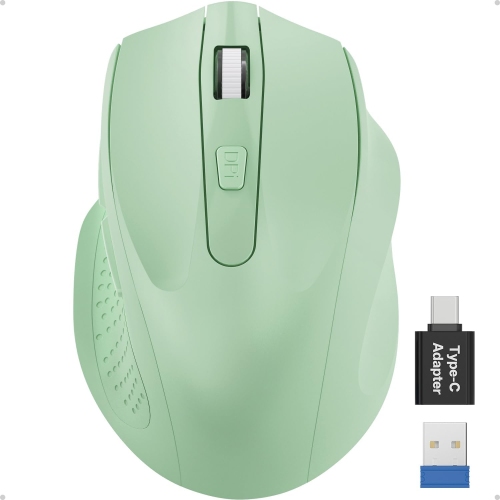
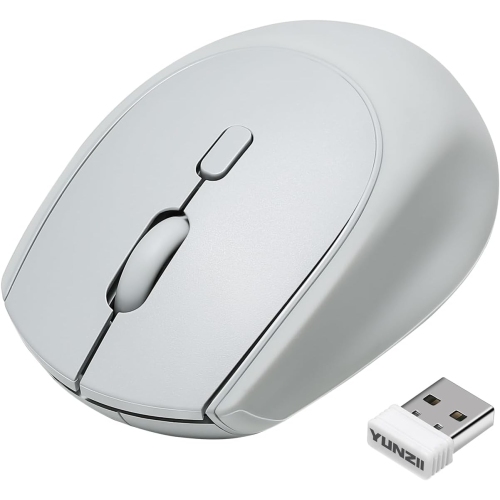
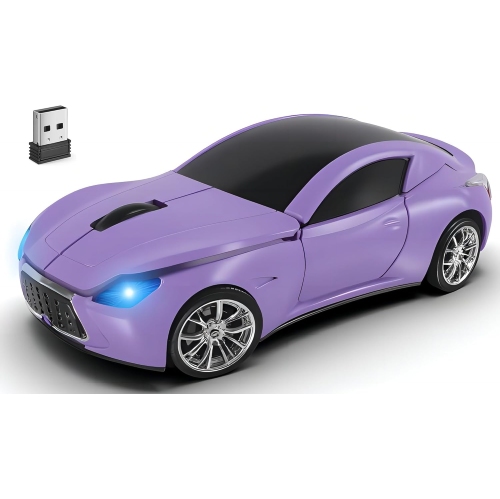
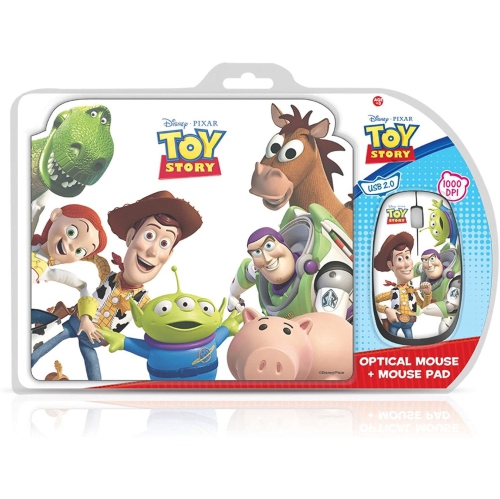

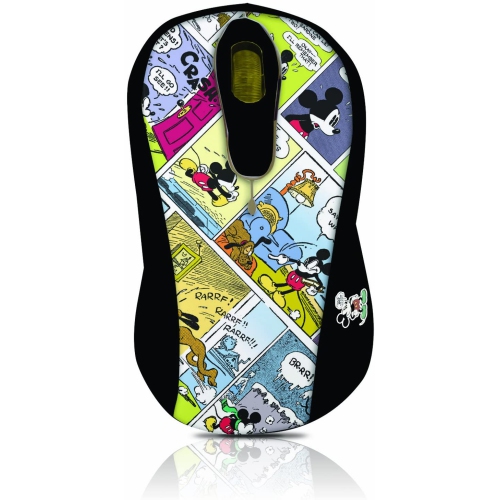

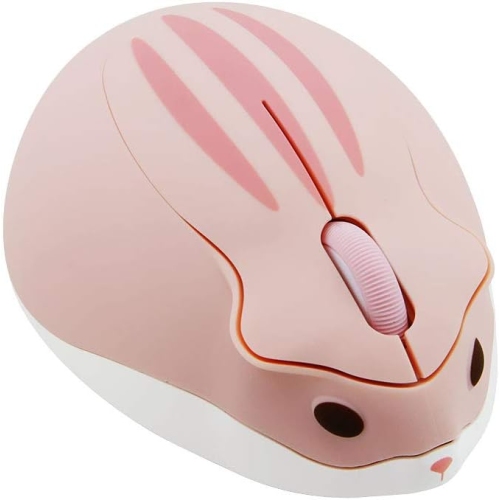
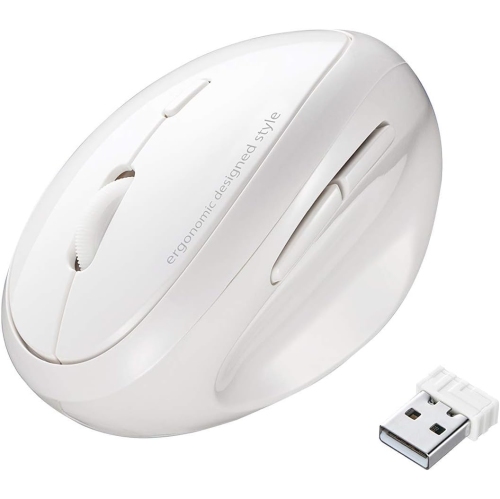
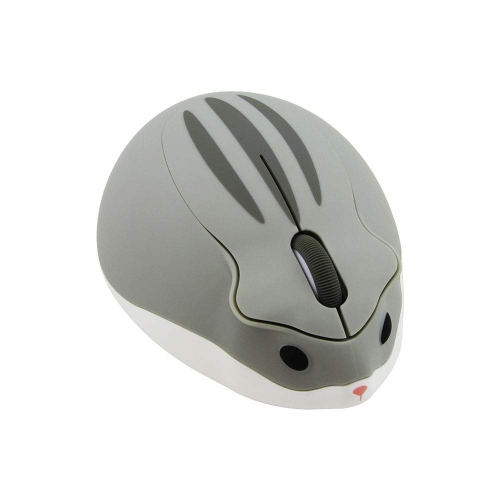

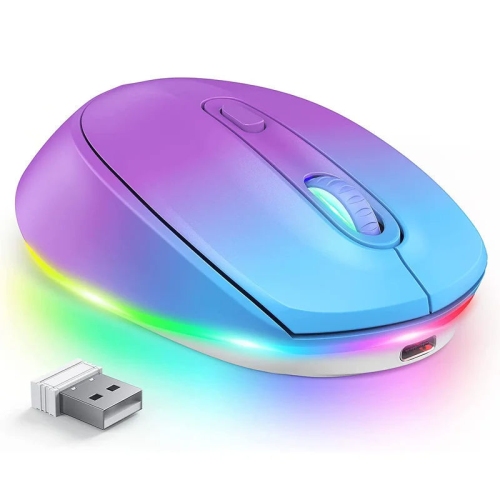
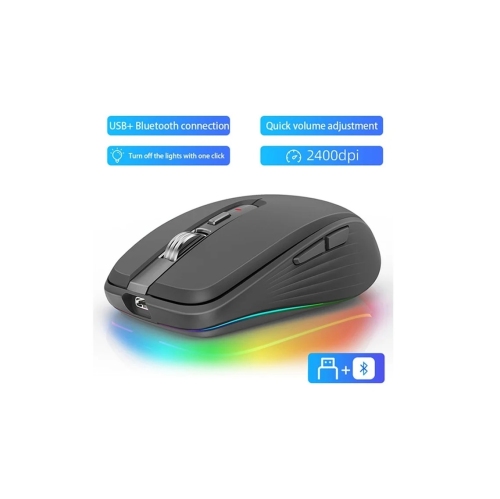
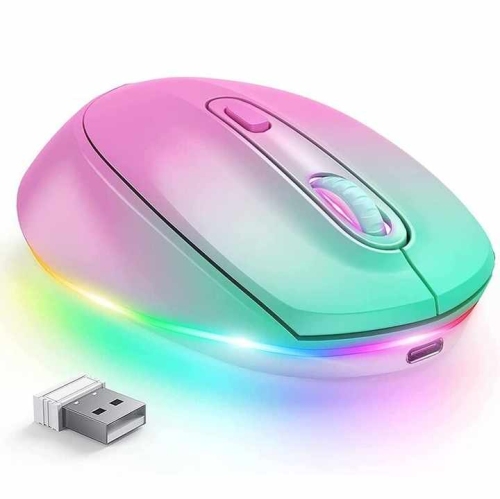
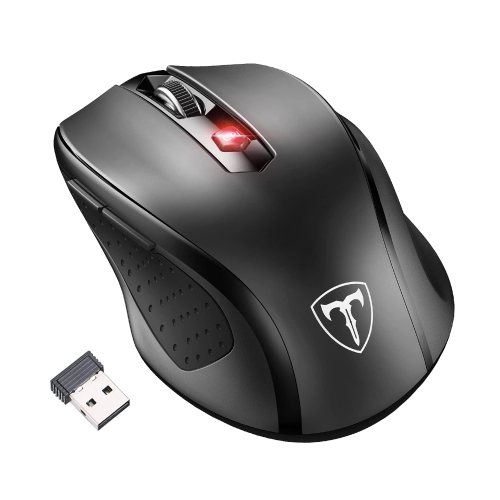
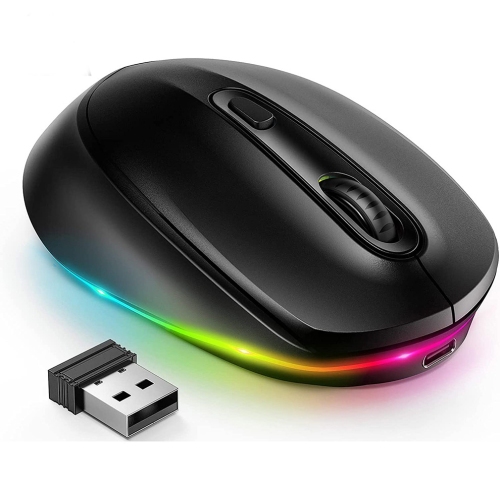
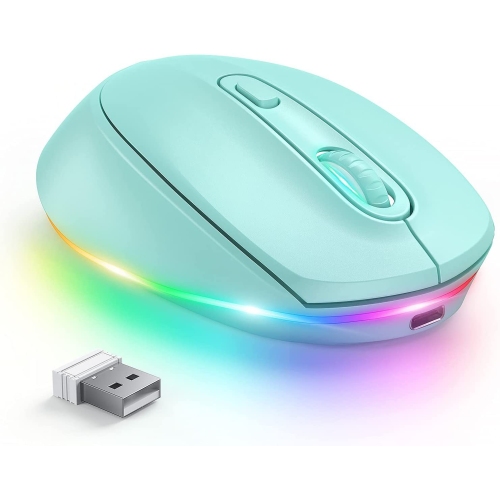
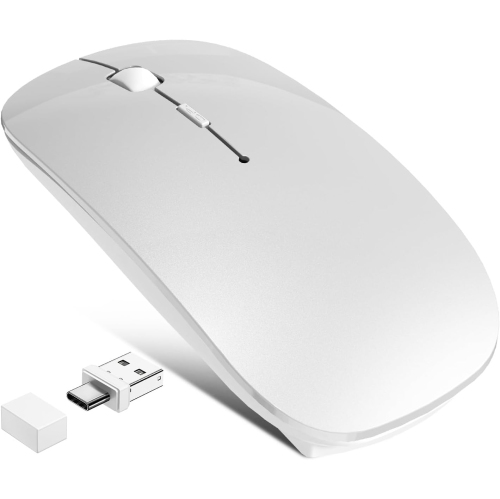
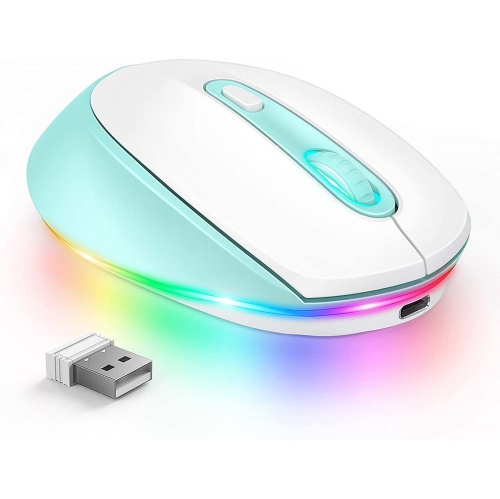
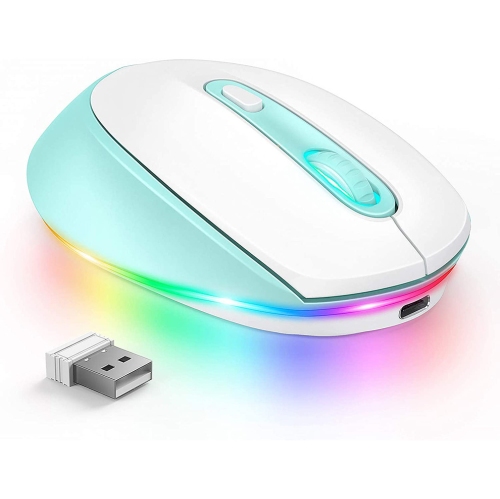
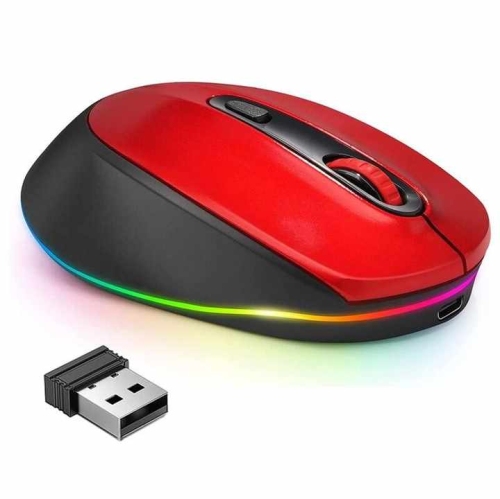
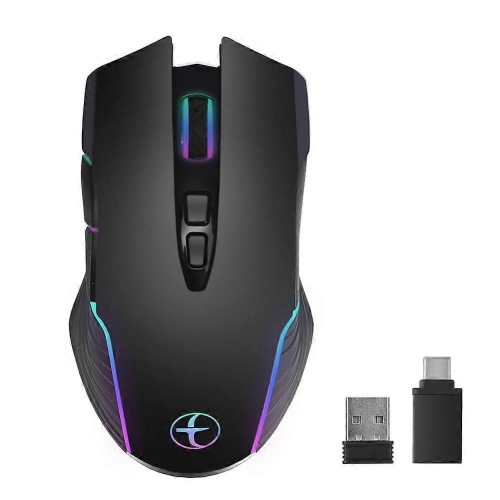
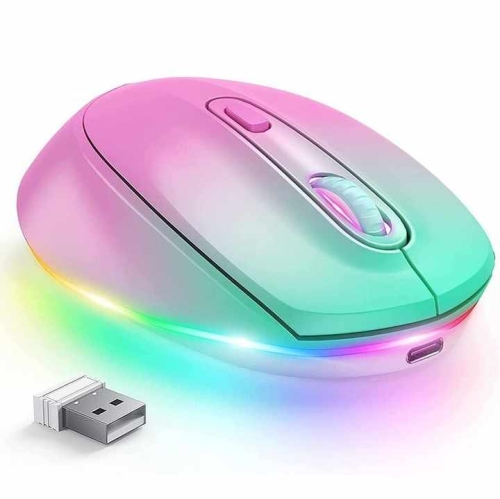

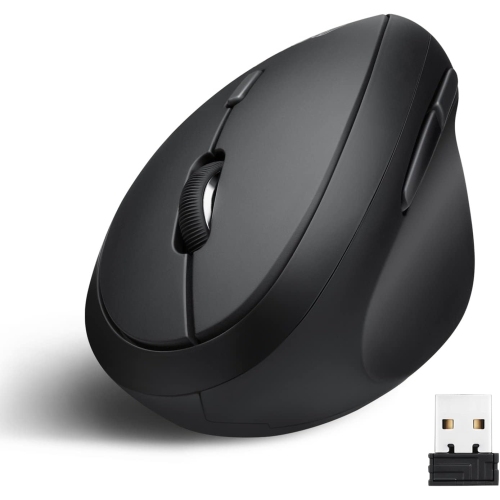
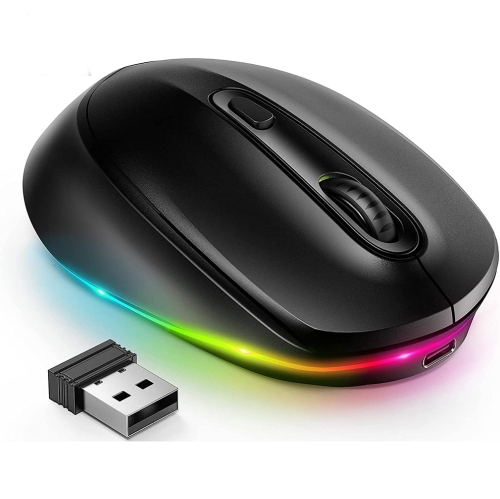
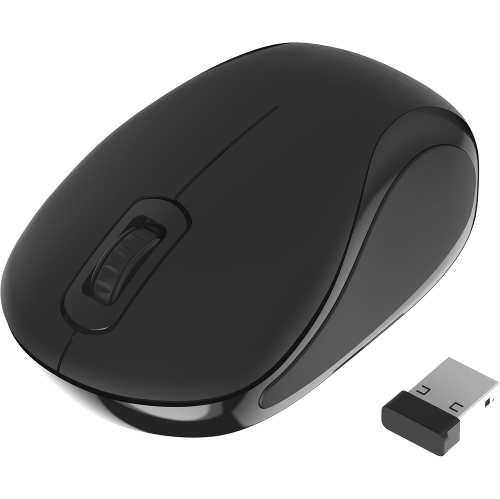
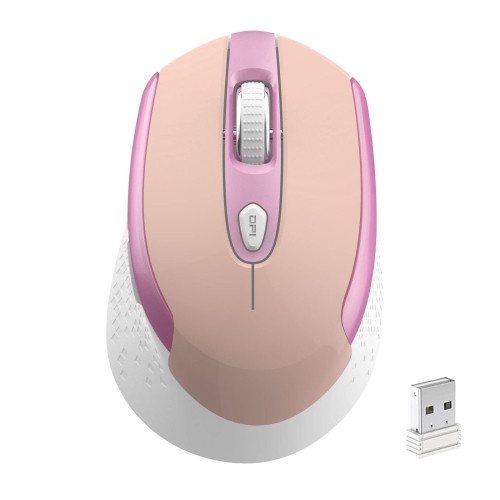

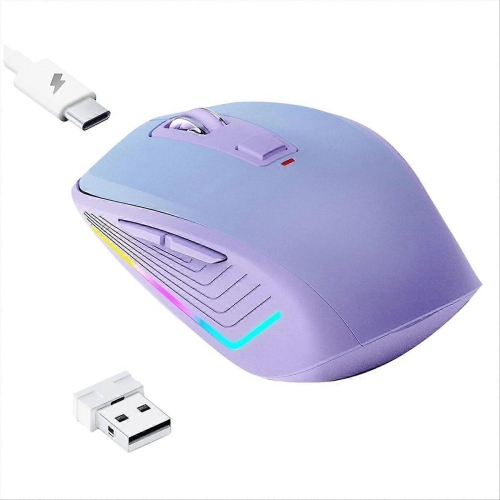
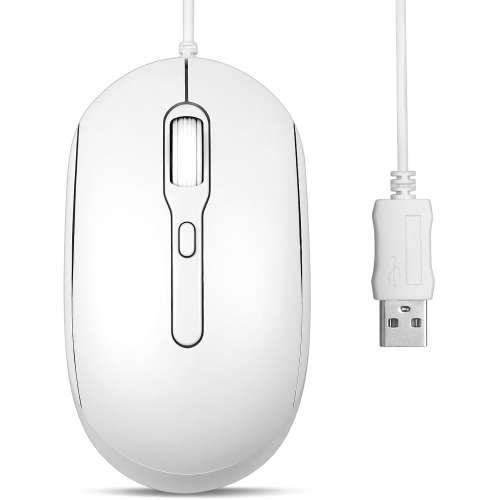
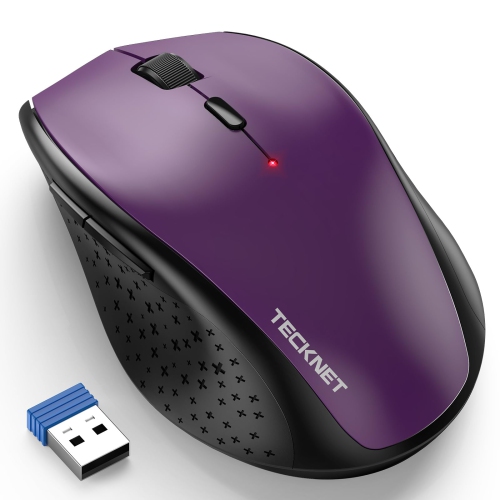
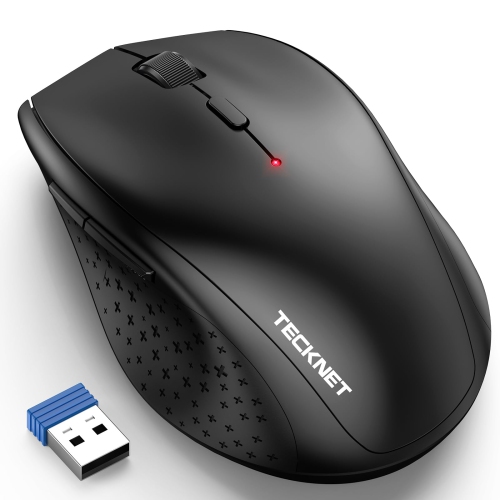
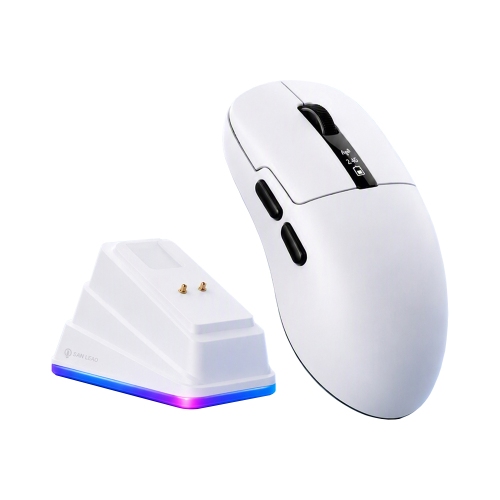
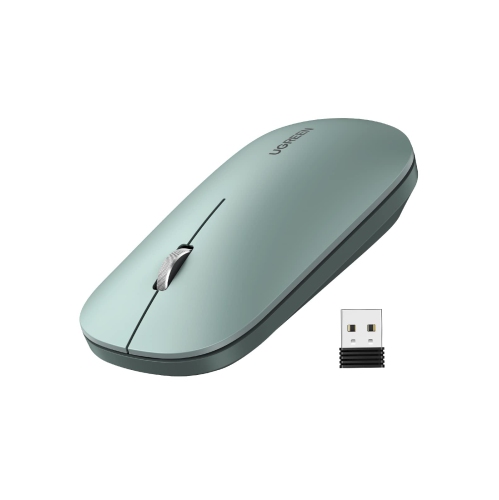
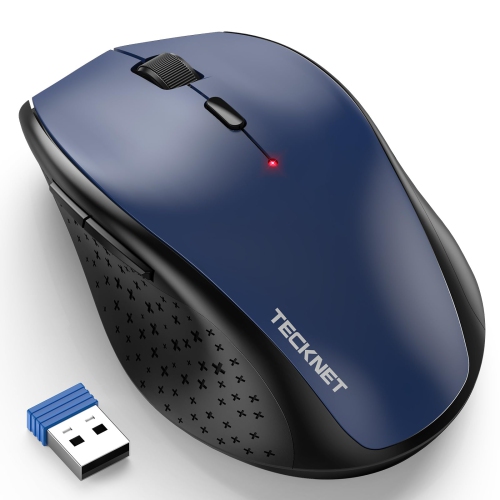
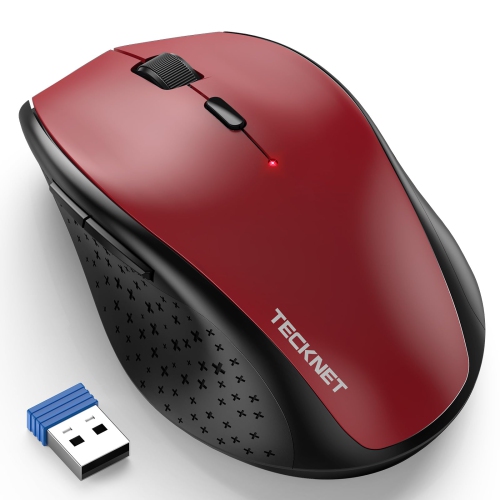
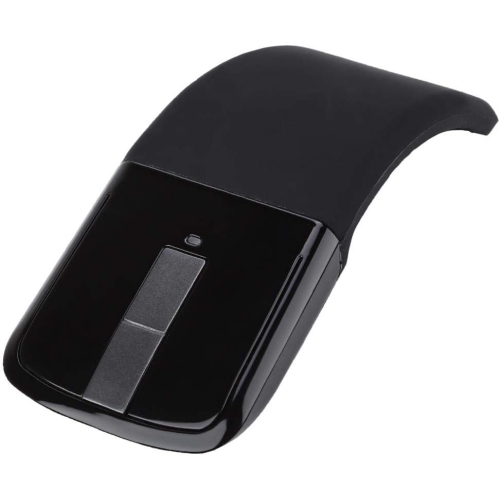
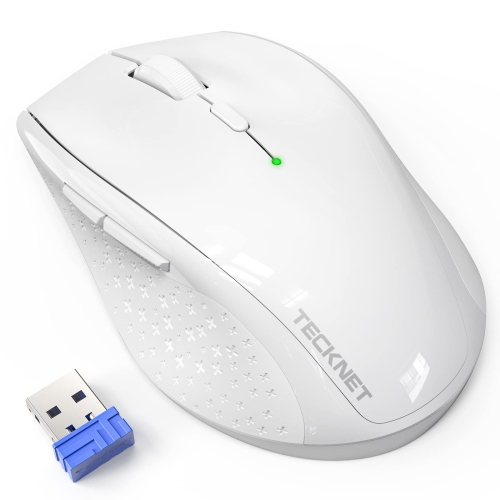
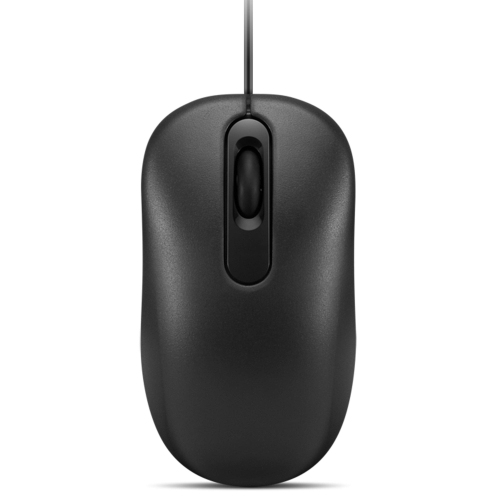
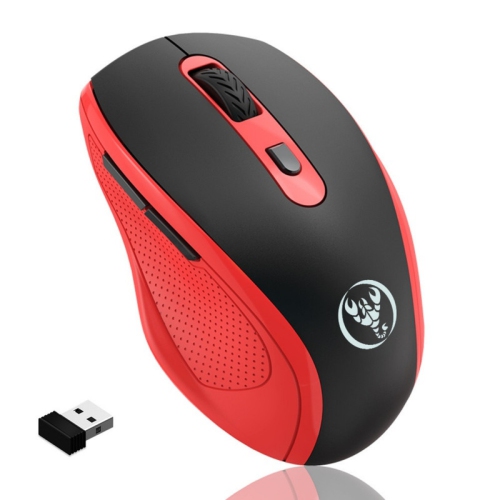
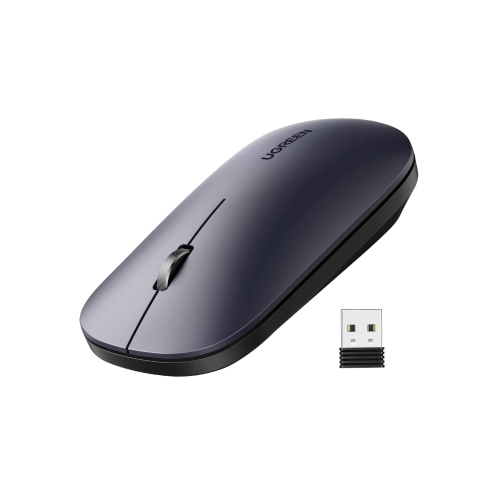
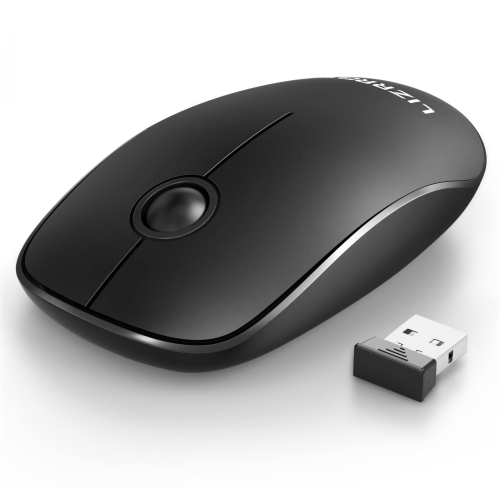
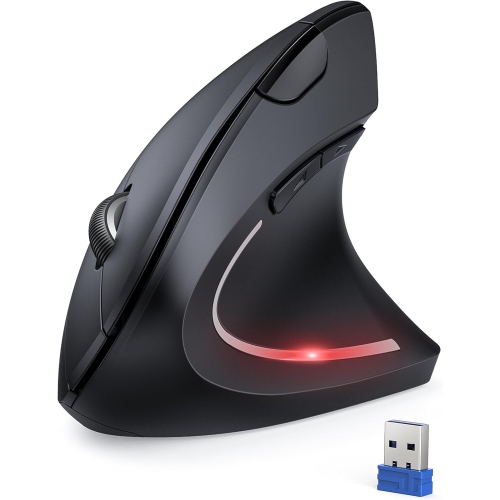
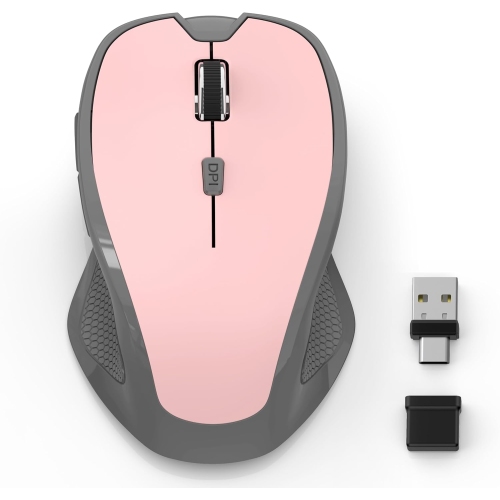
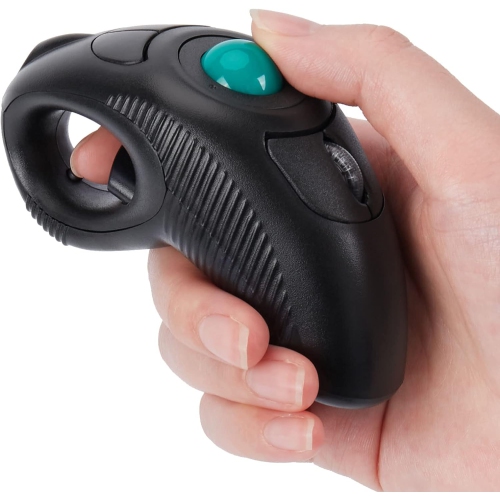
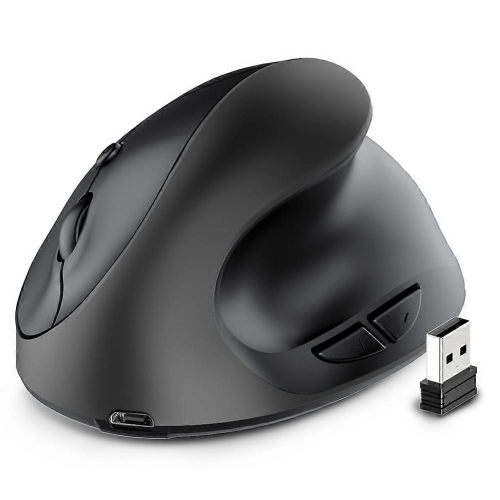
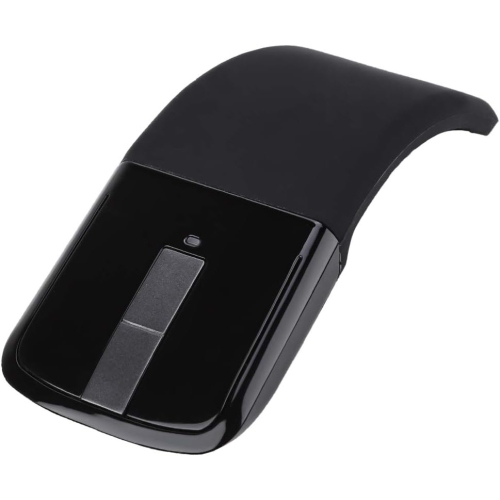
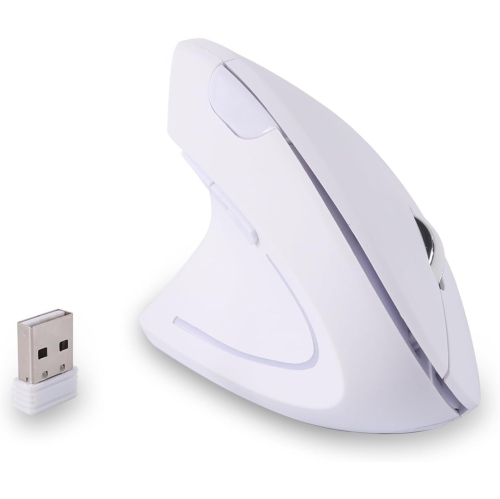

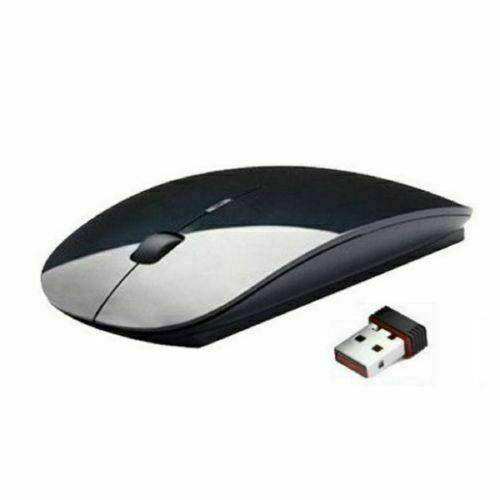
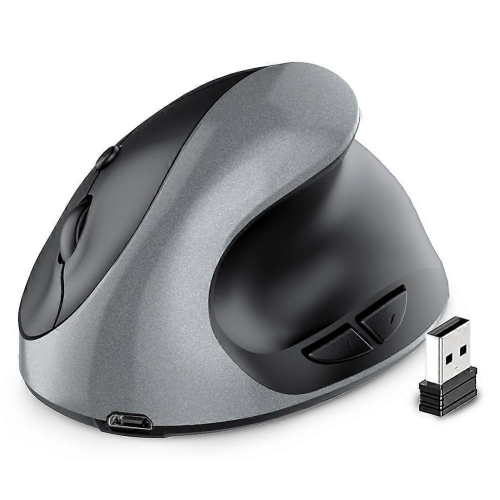
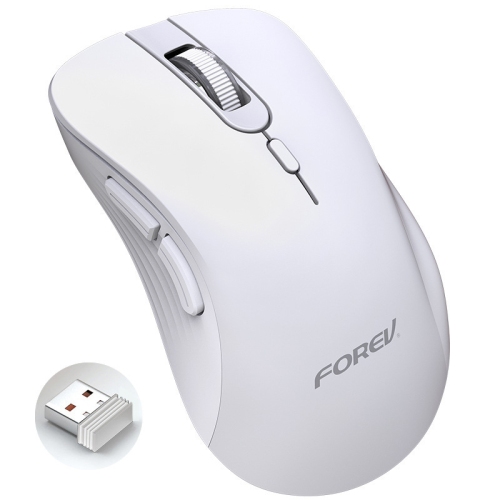
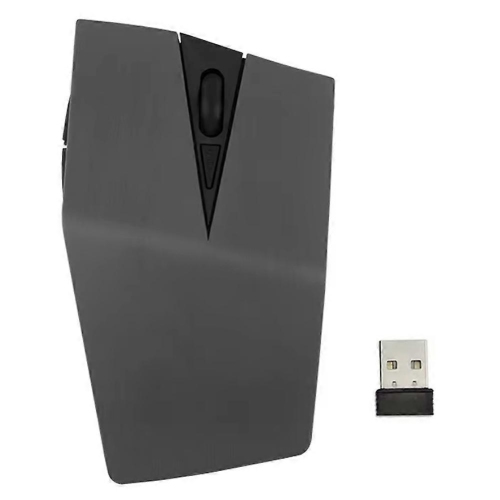
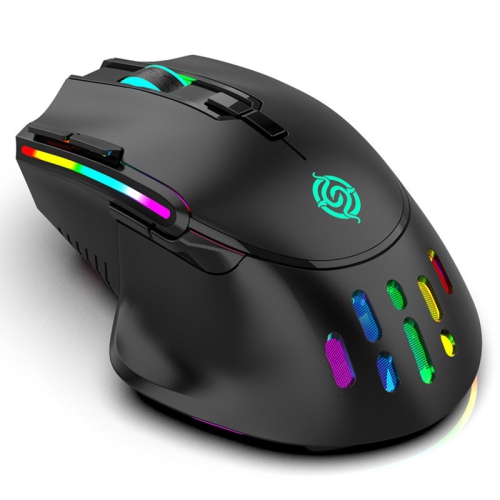
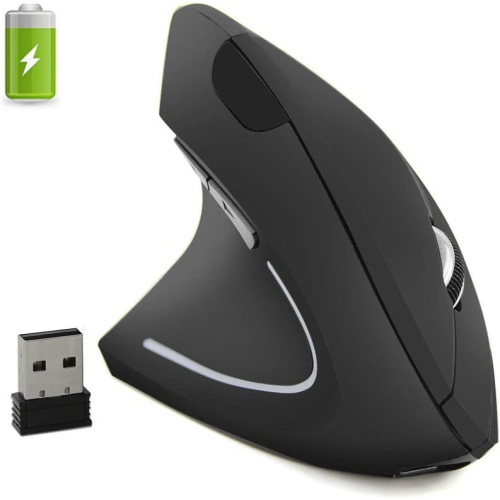
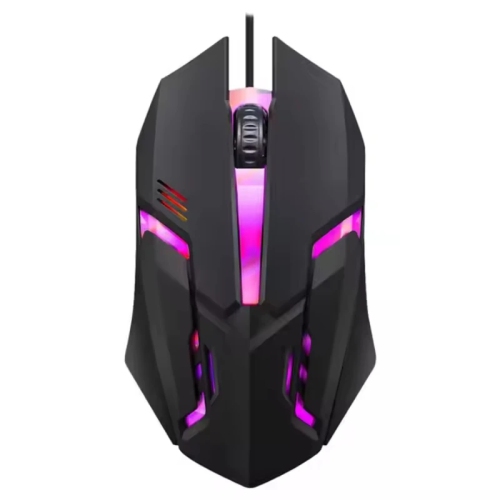
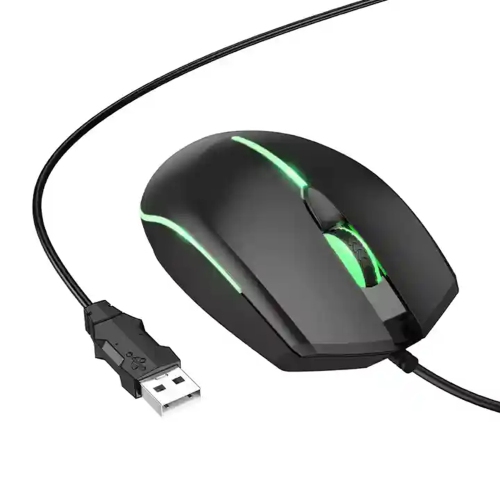
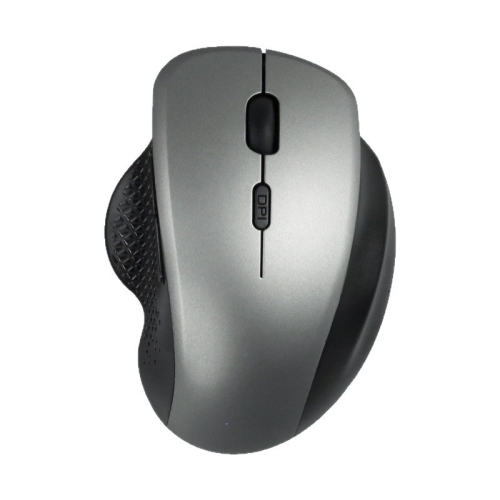
What matters for smaller hands and growing computer skills
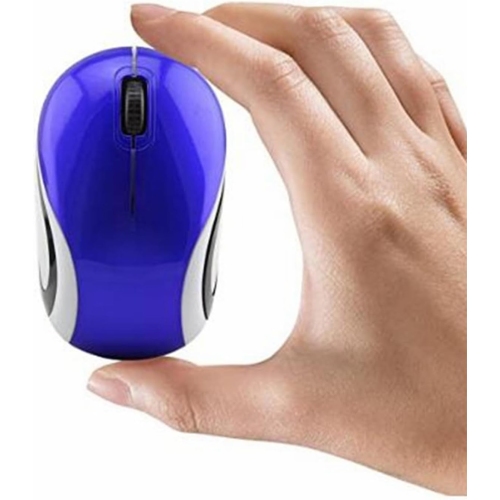
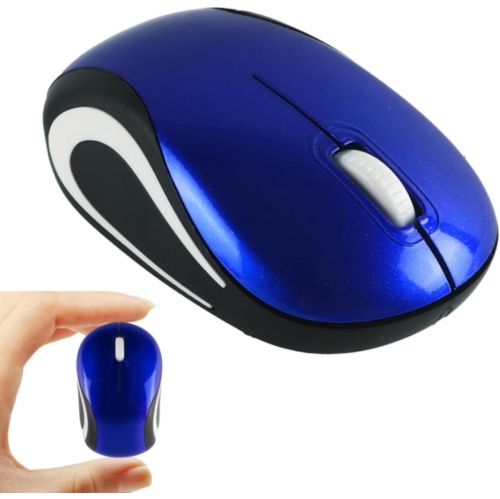
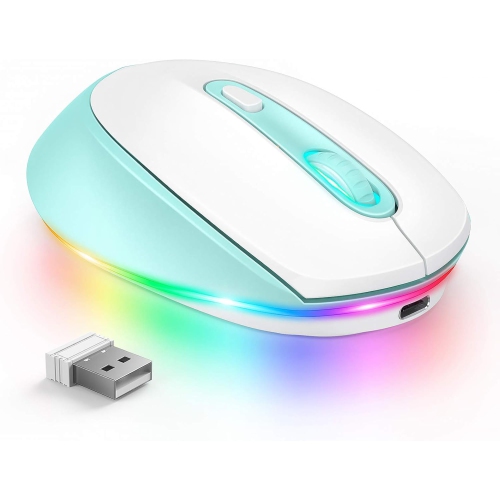
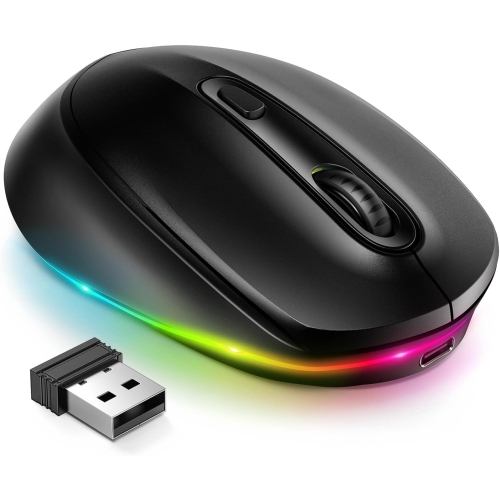
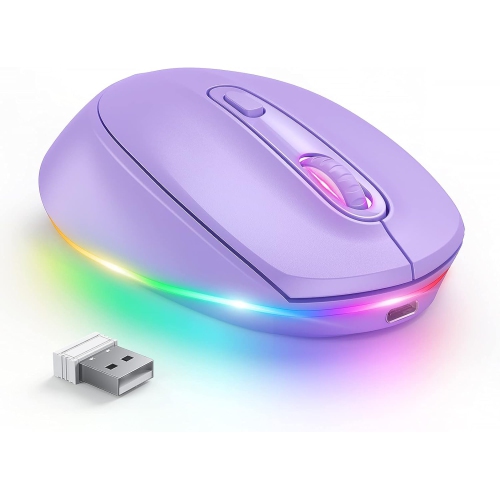
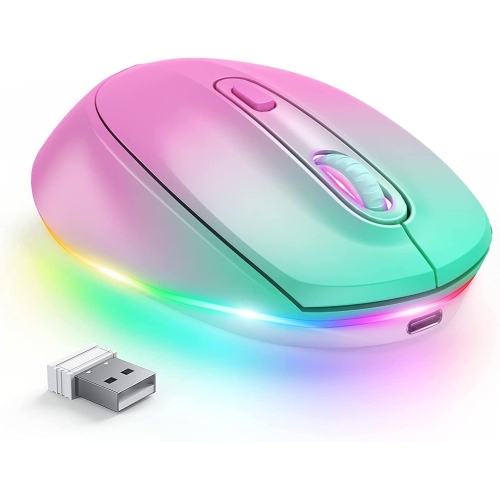
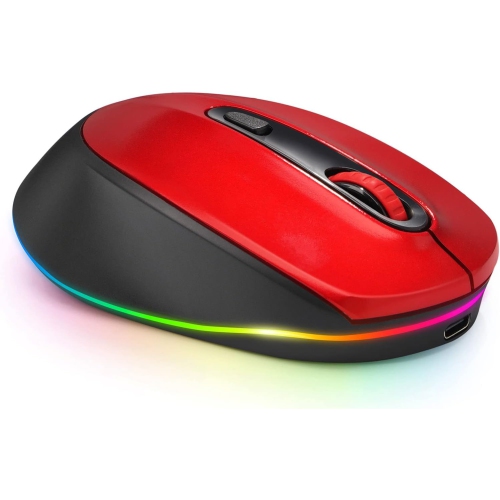
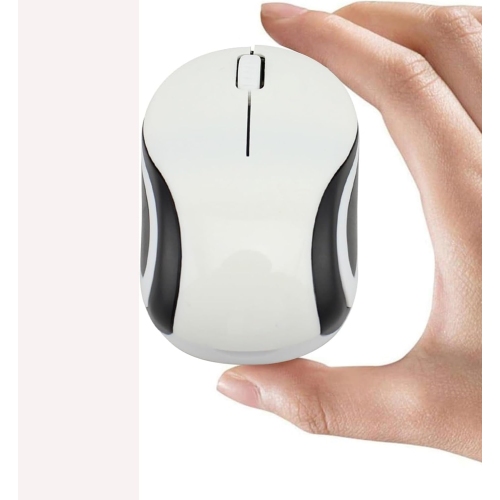
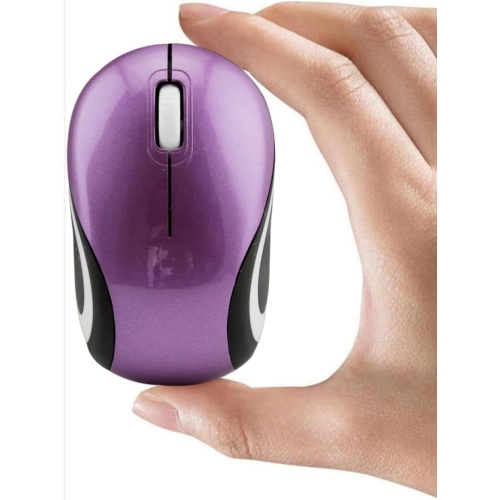
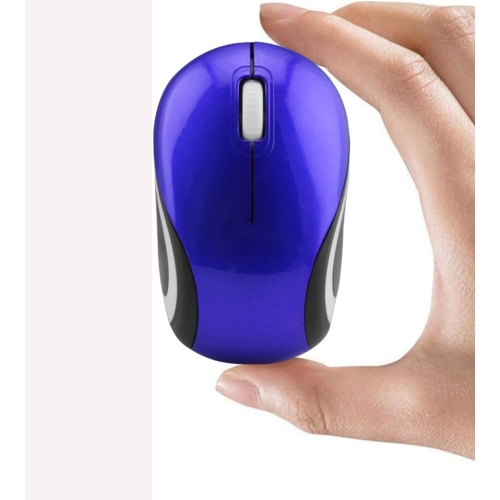
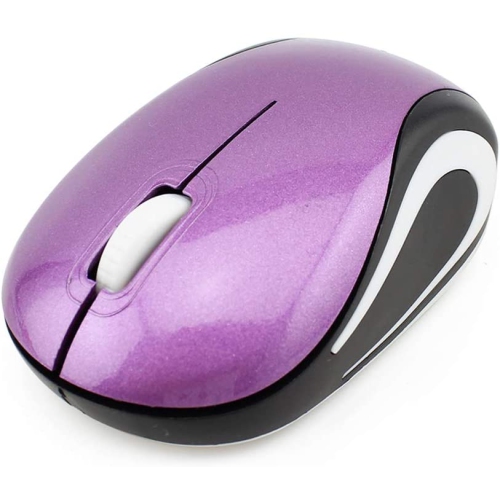
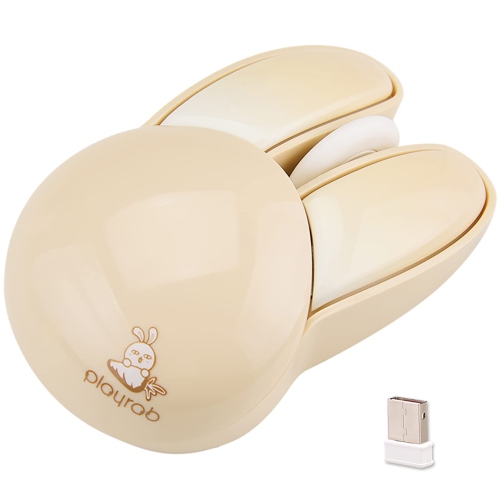
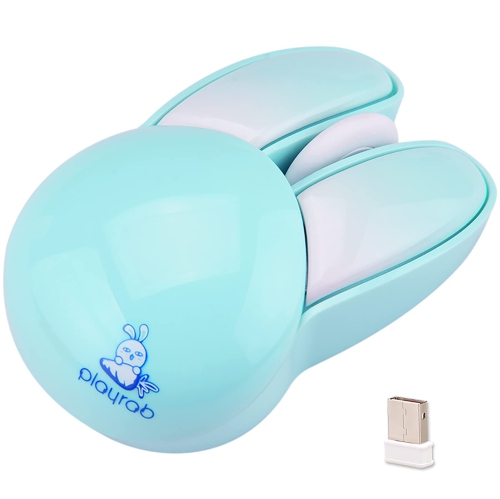
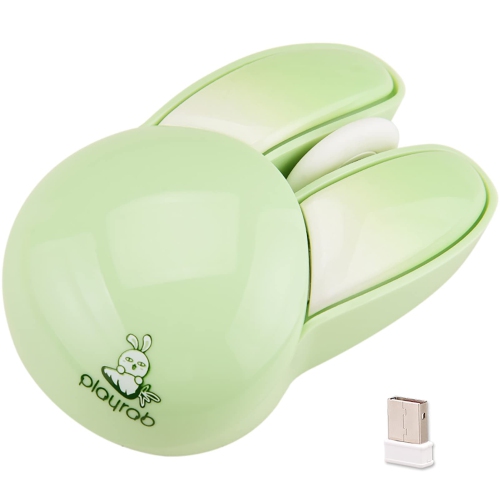
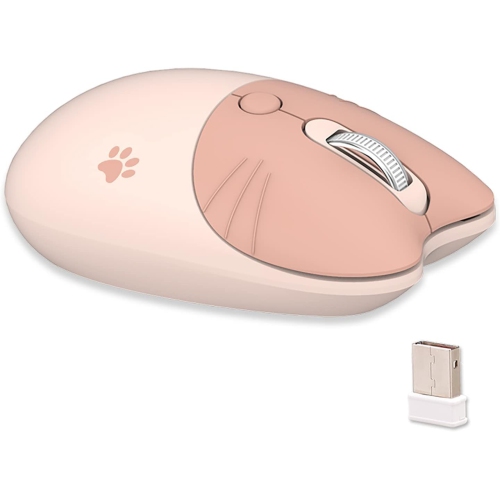
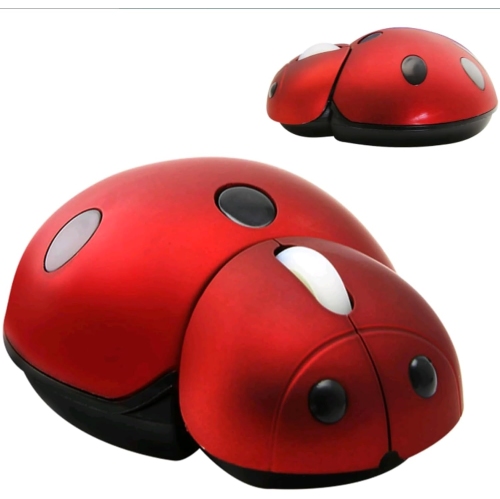
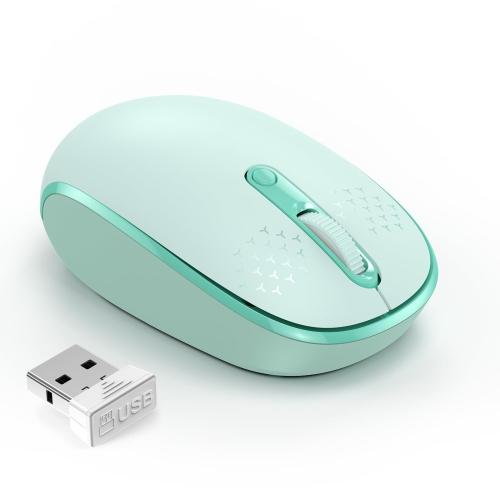
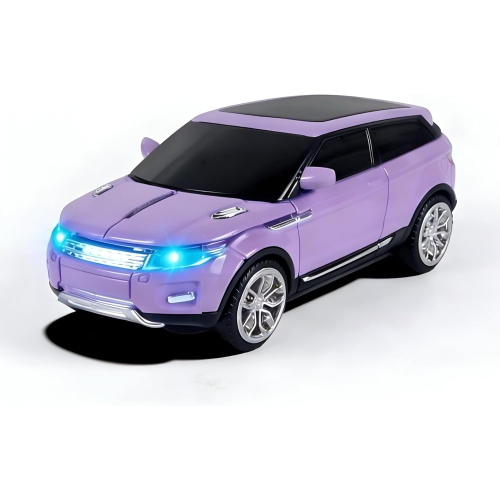
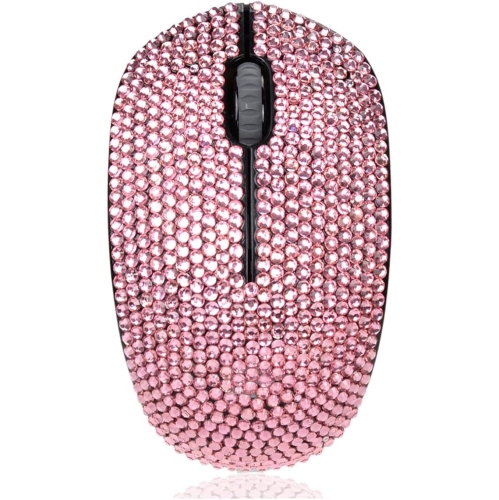
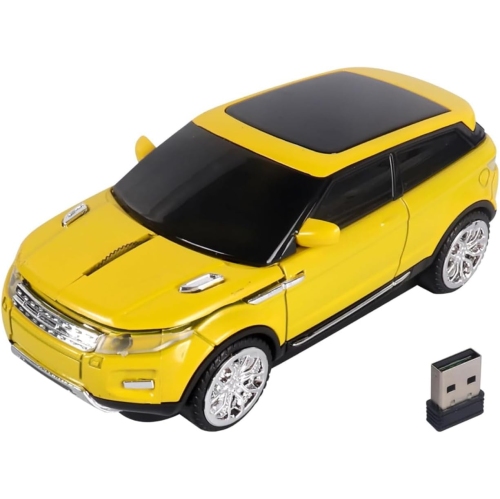
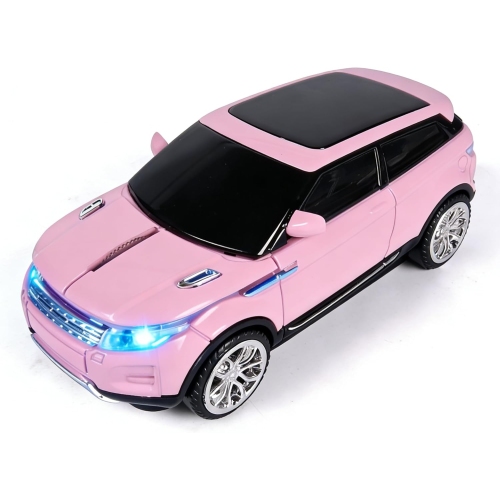
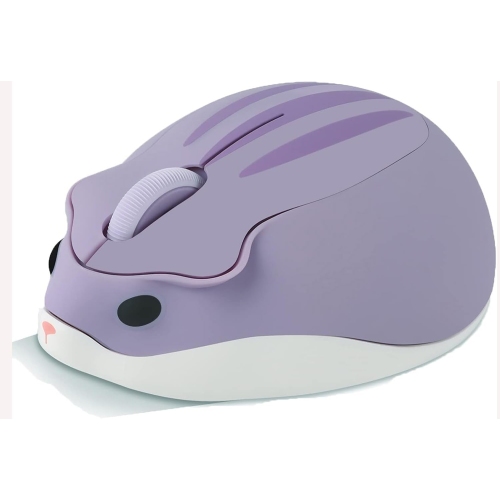
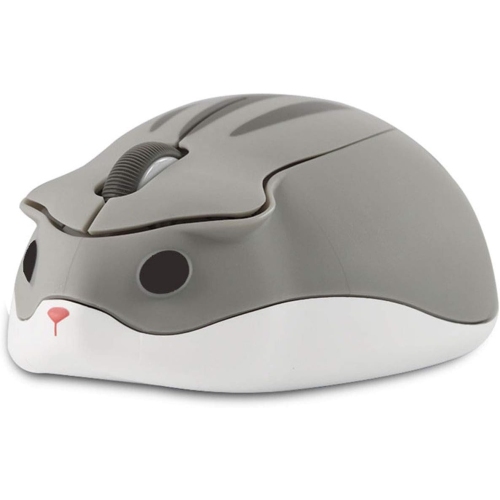
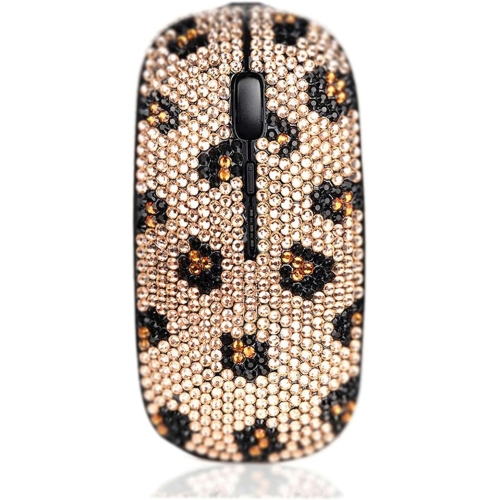
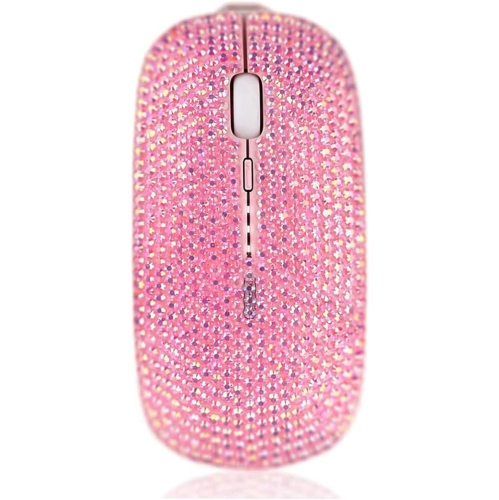
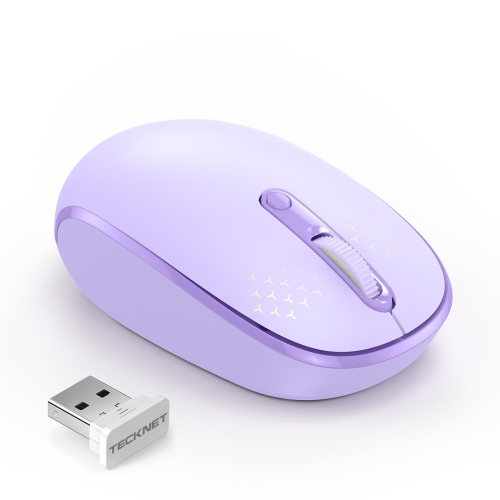
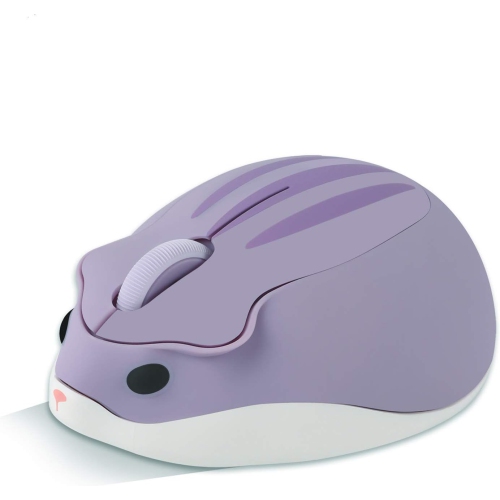
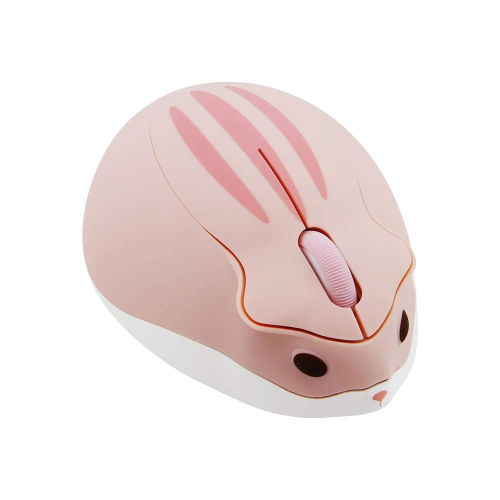
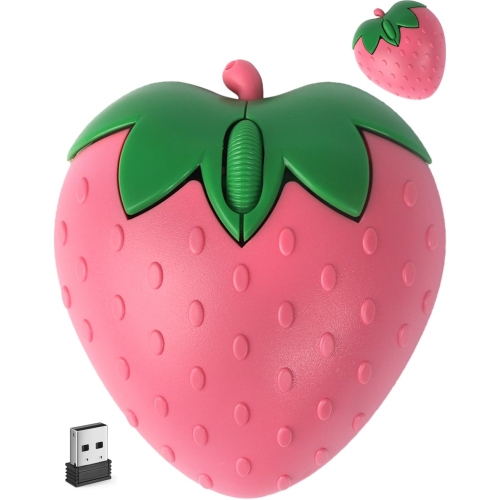
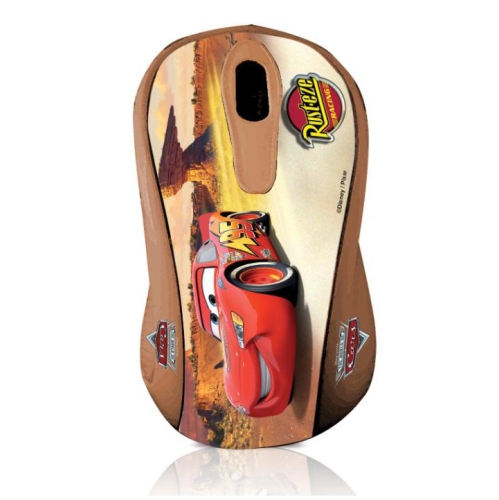
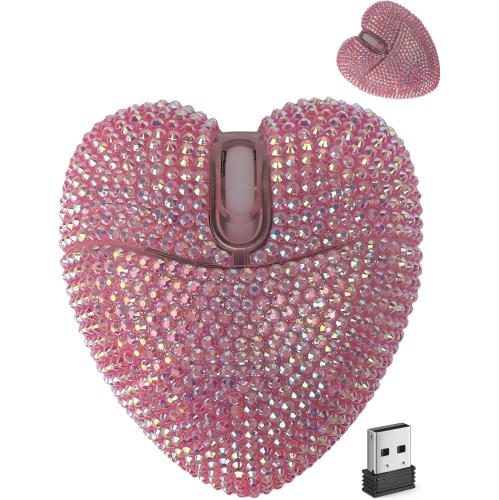
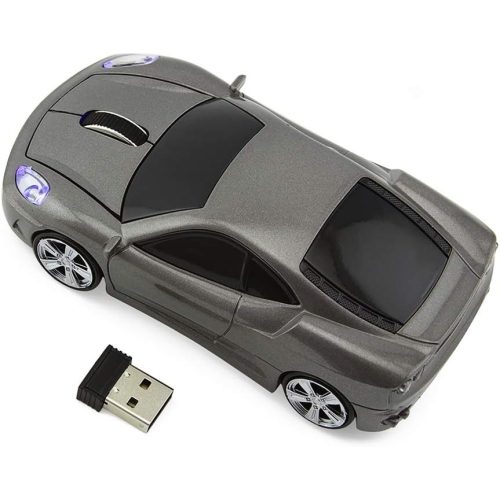
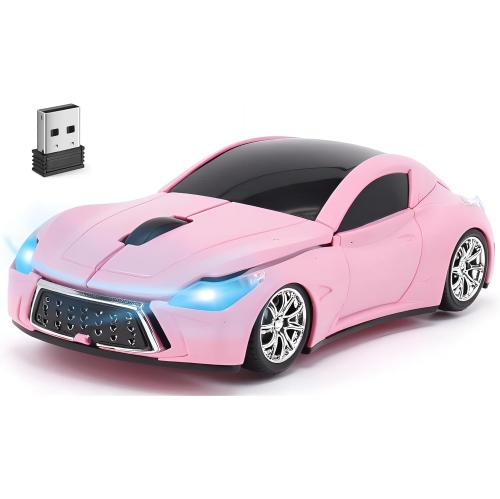
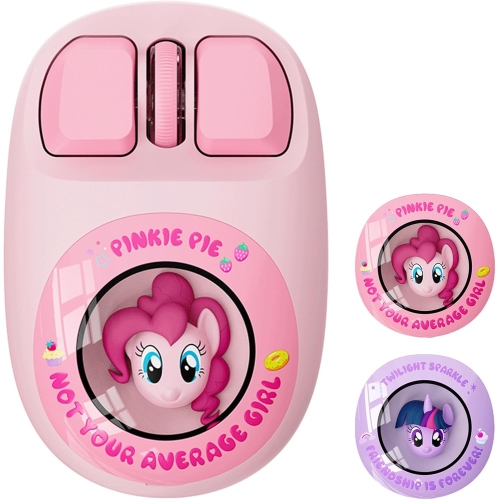
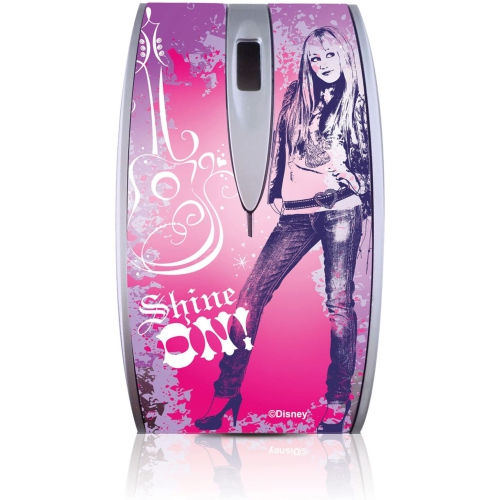
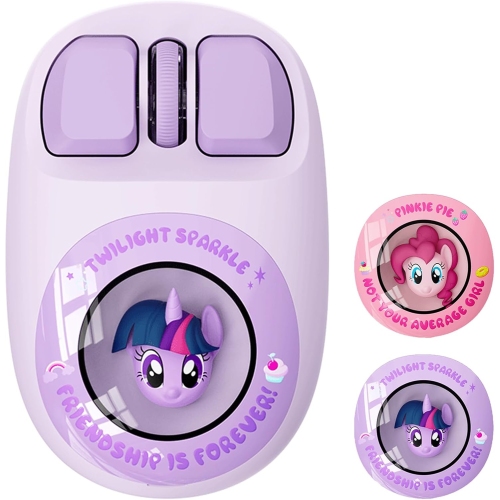
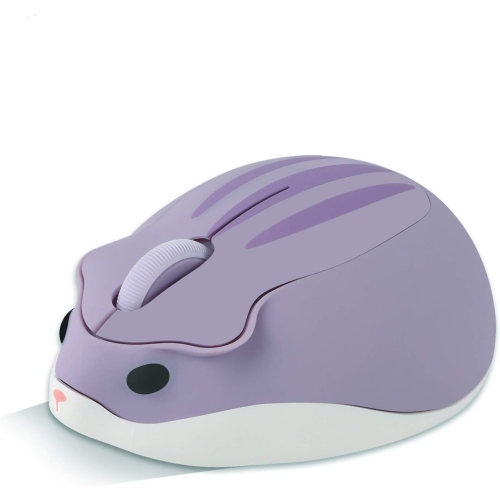
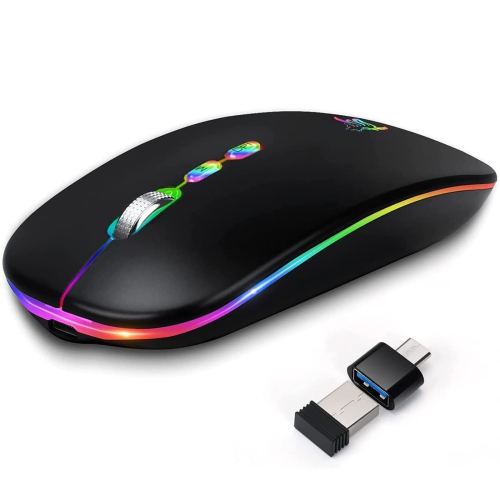
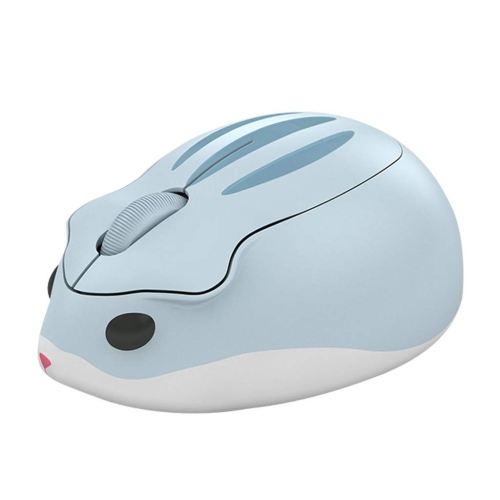
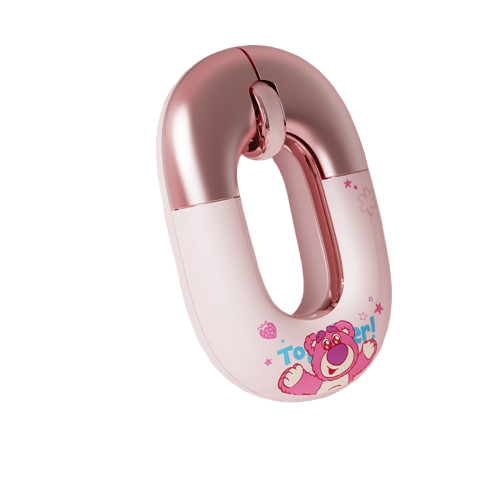
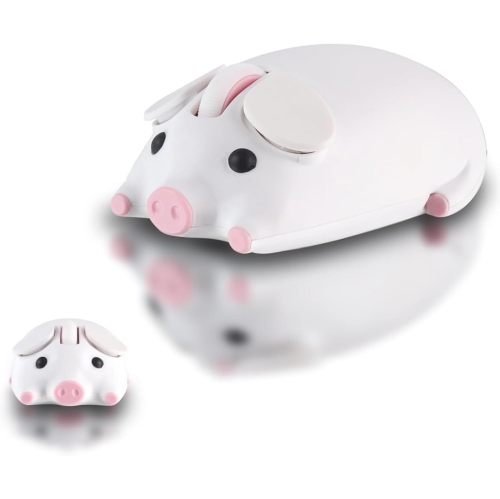
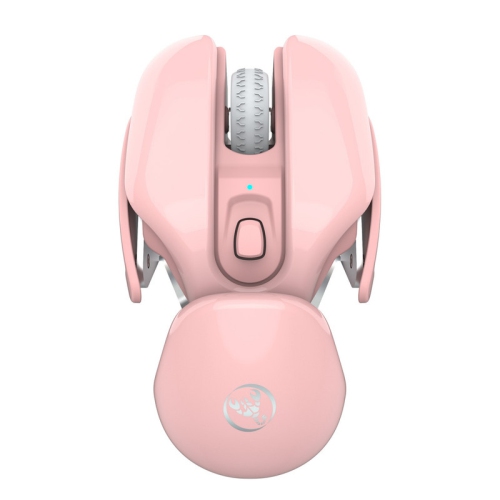
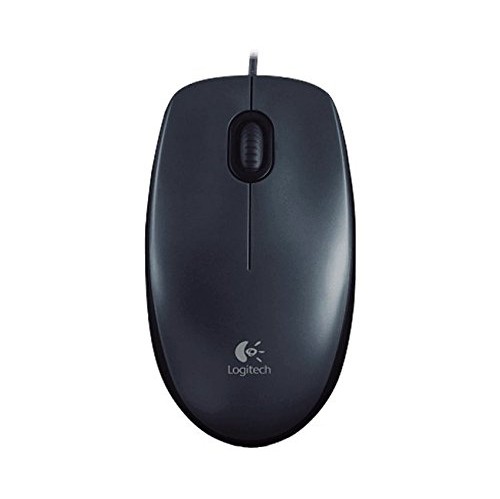
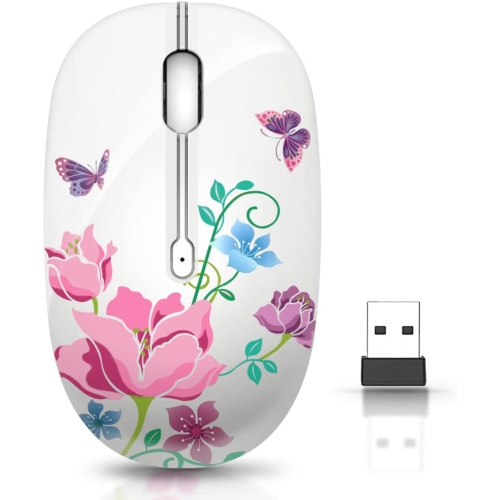
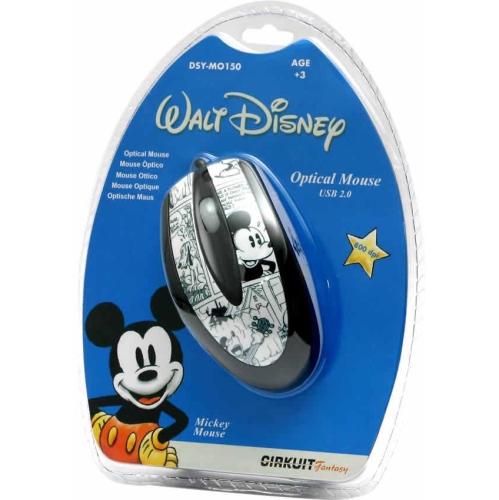
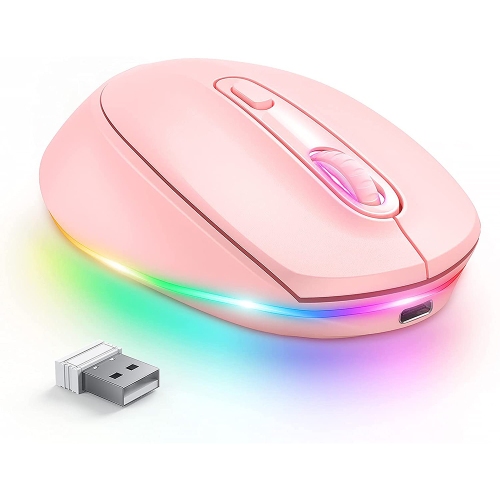
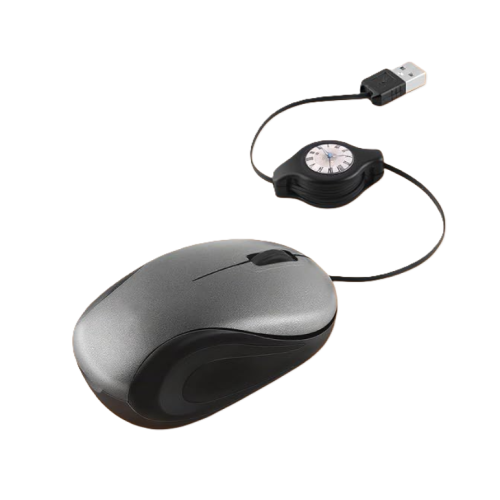
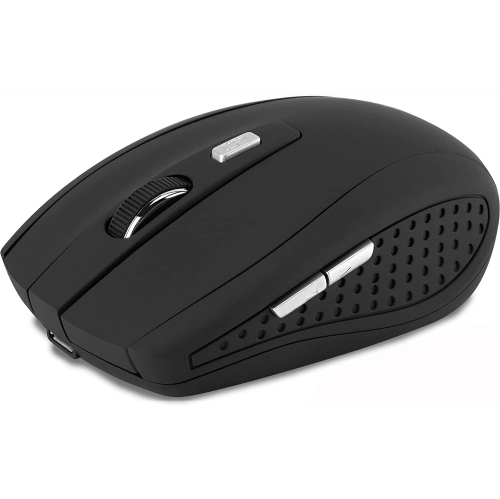
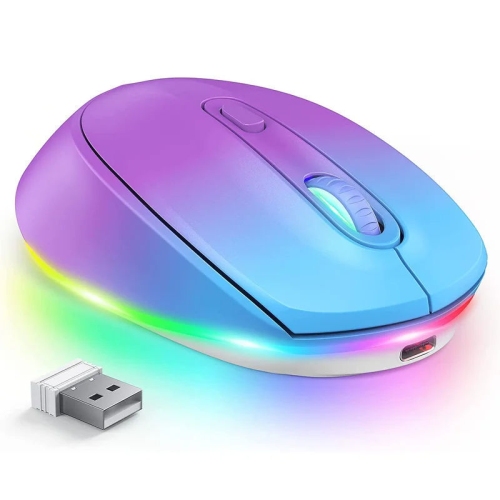
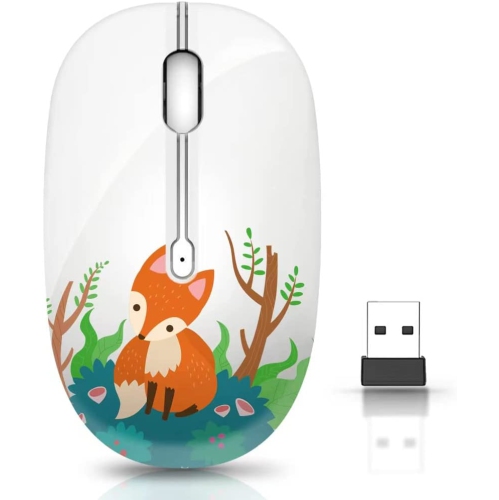
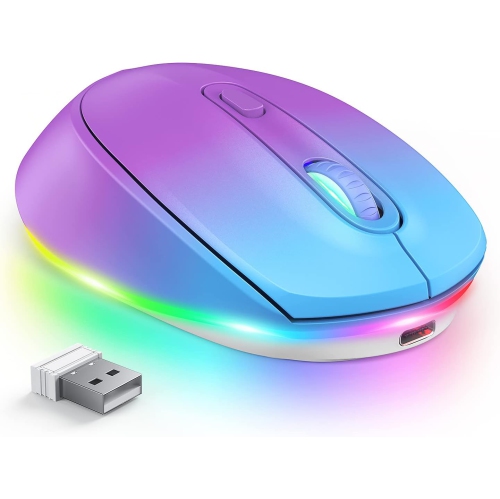
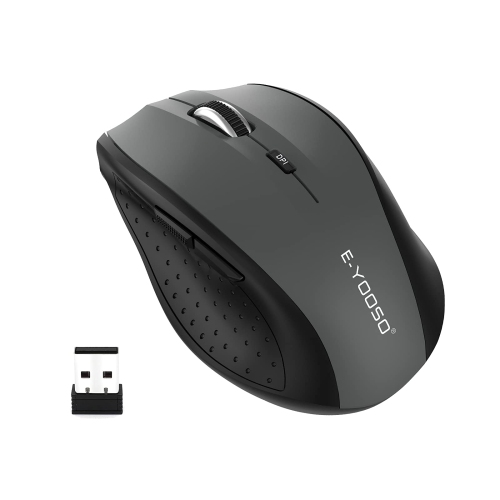
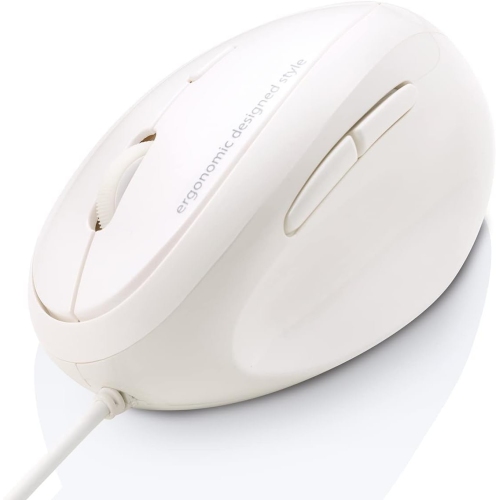
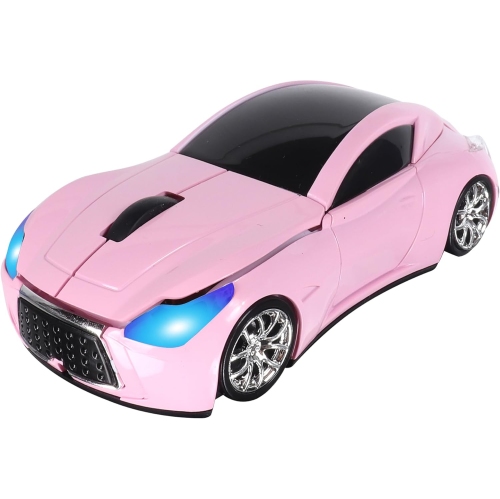
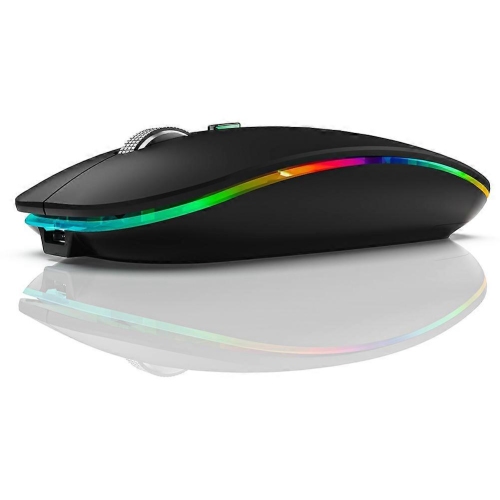
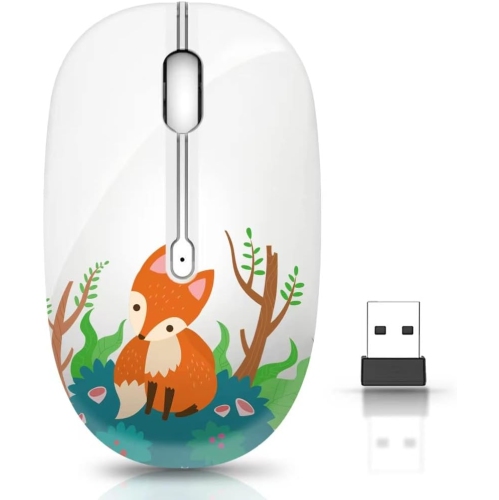
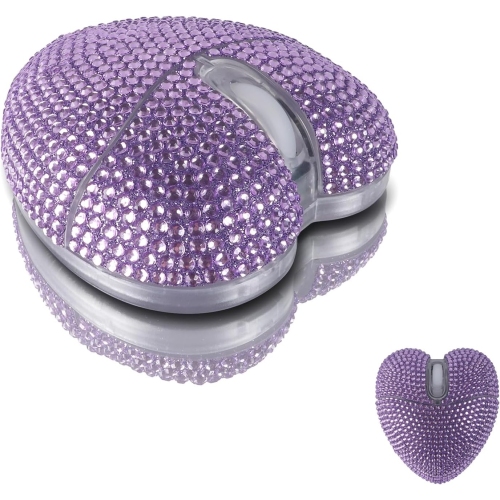
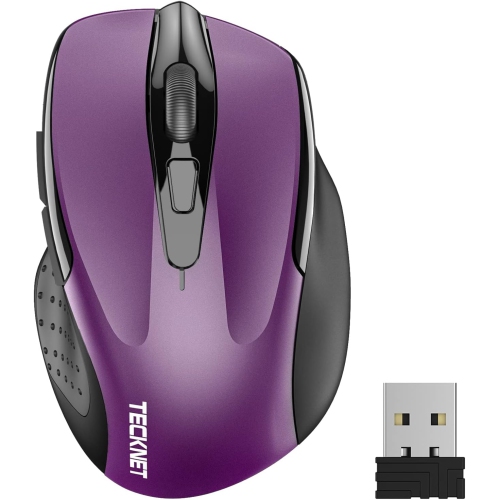
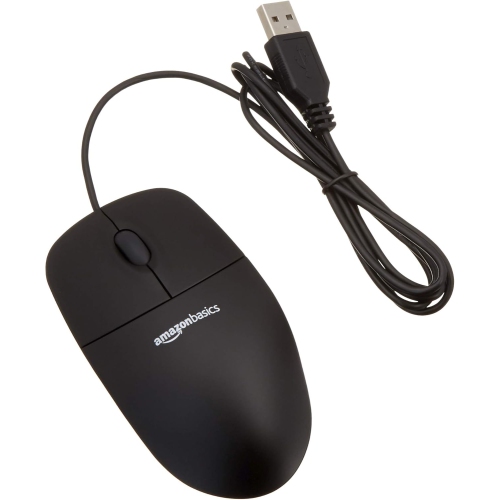
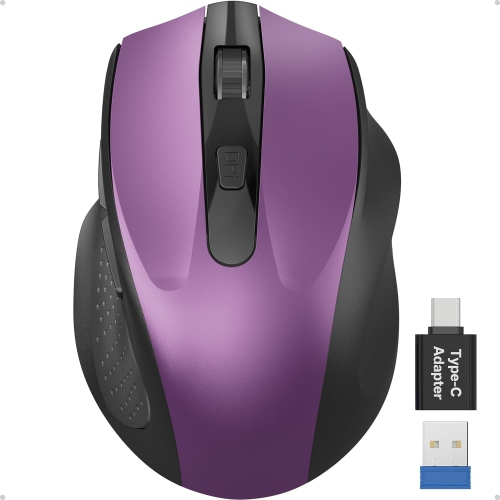
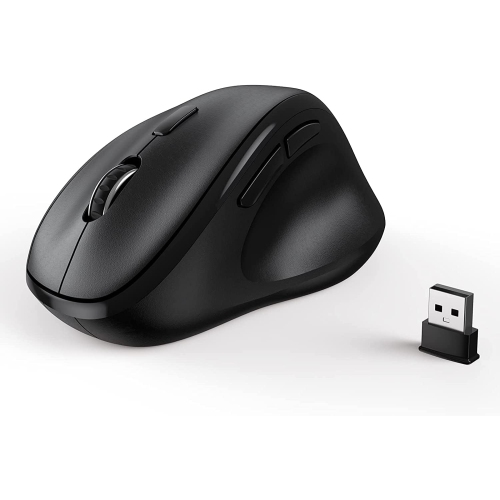
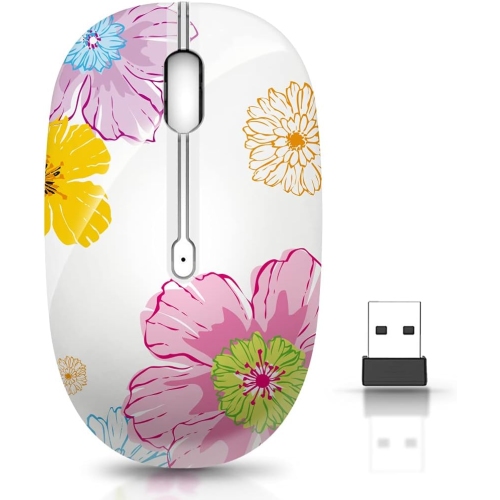
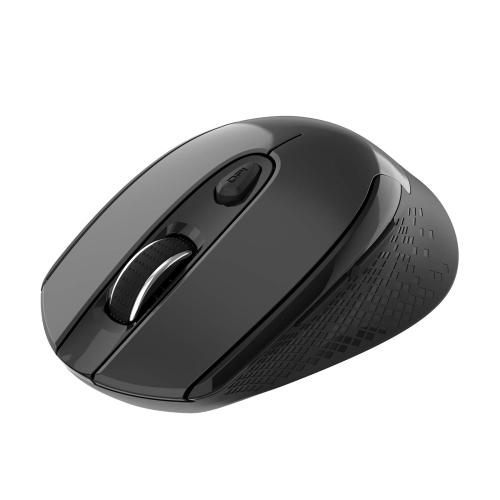
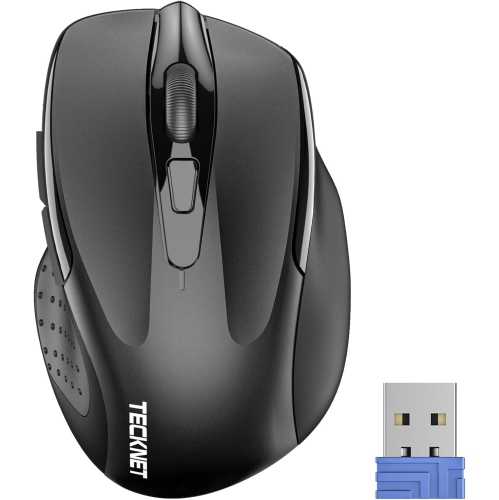
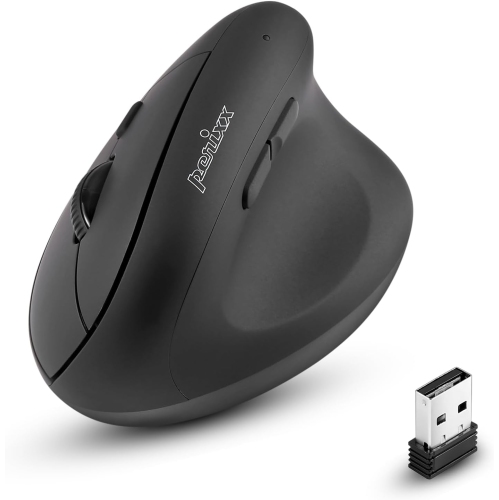
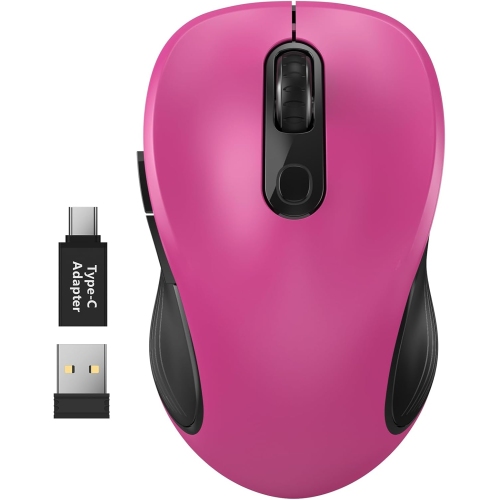
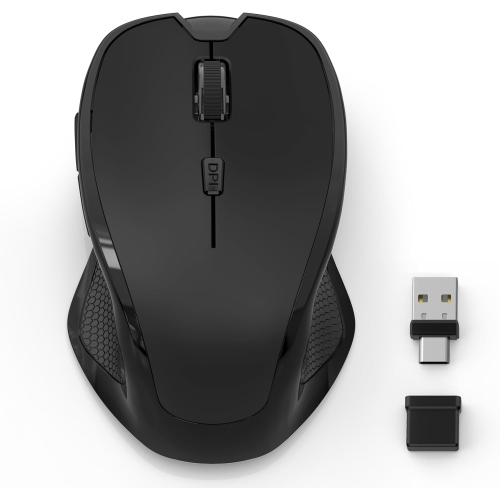
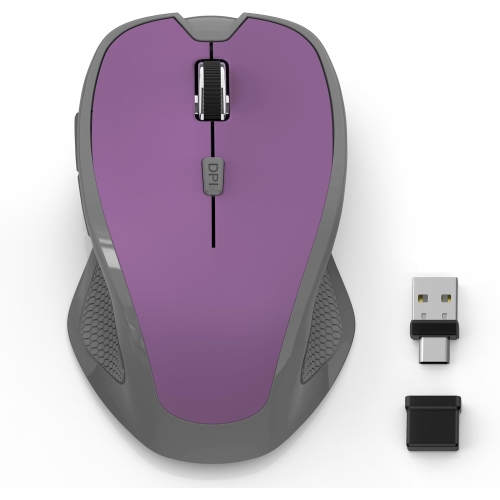
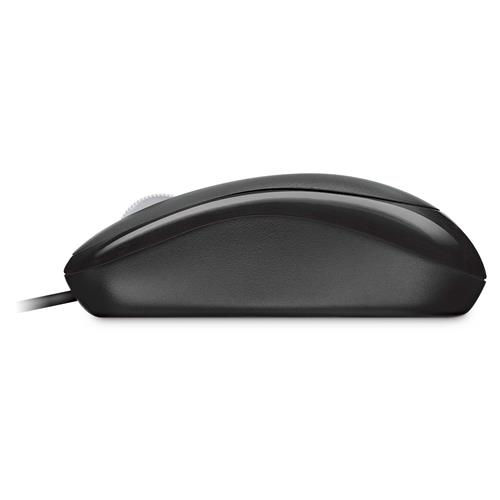
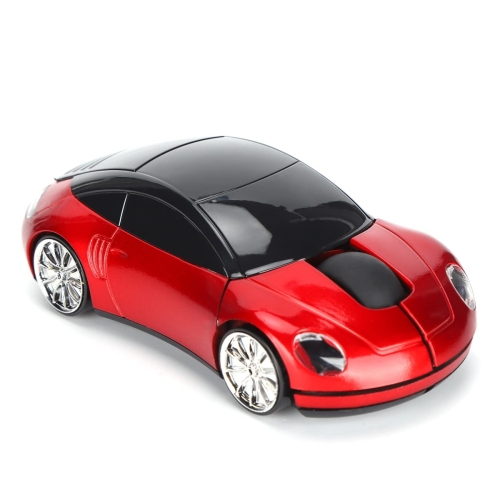
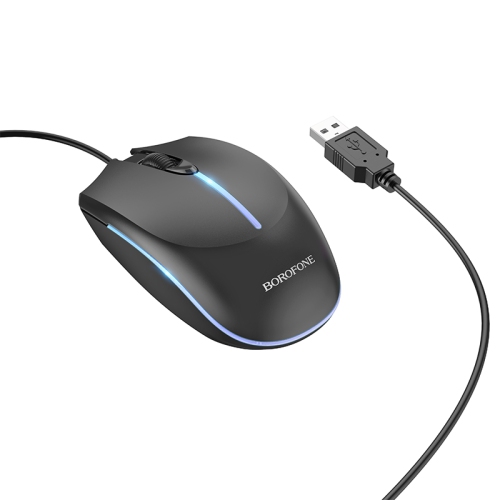
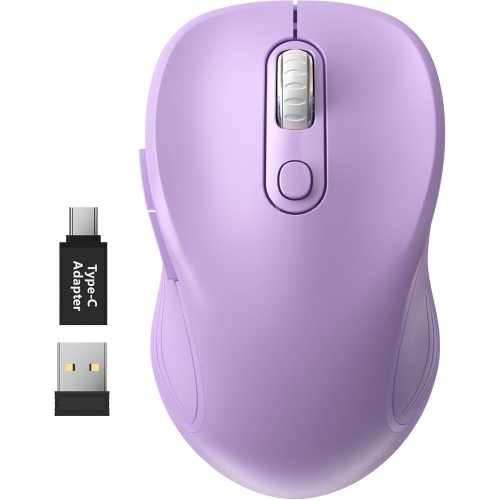
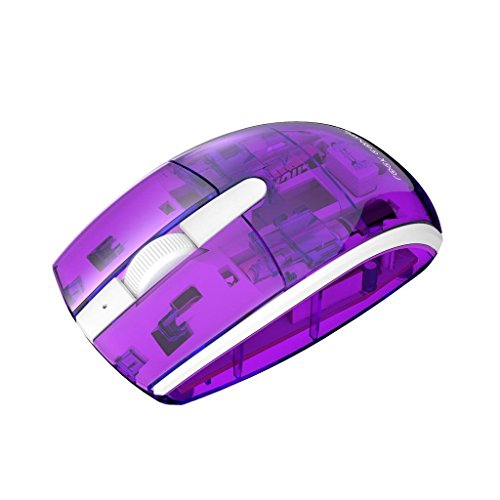
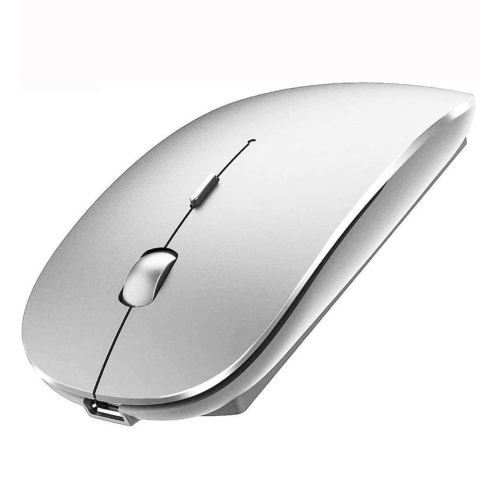
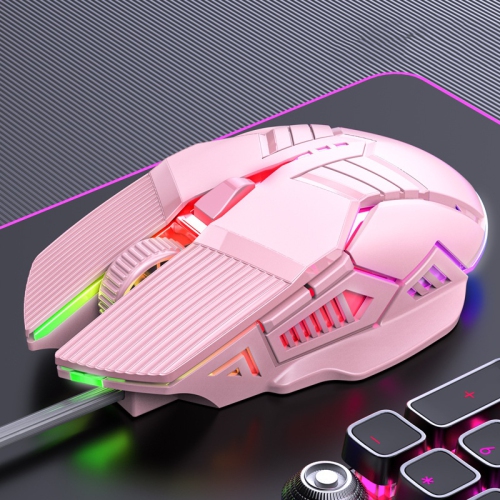
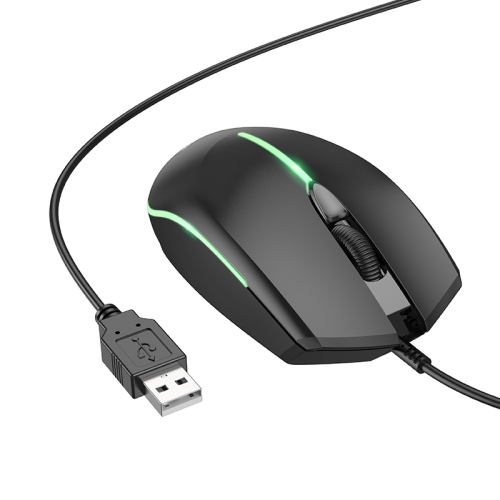
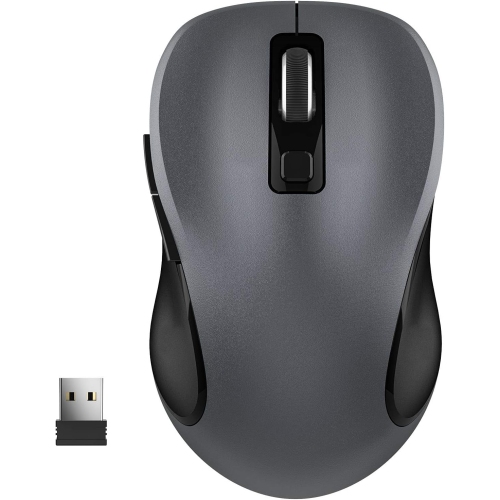
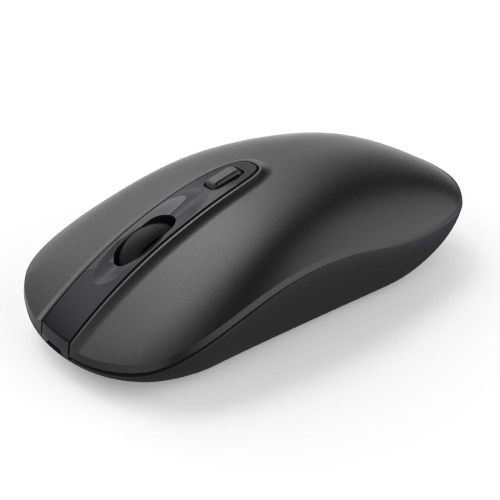
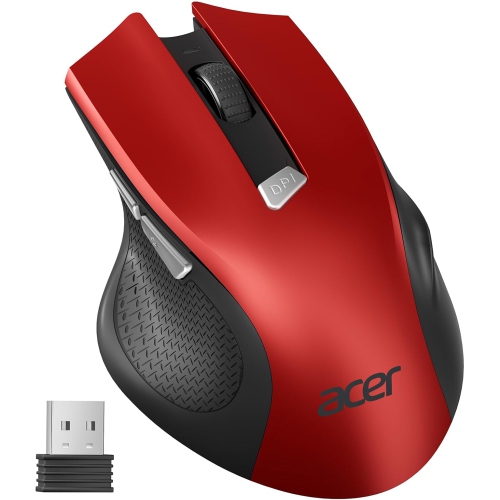
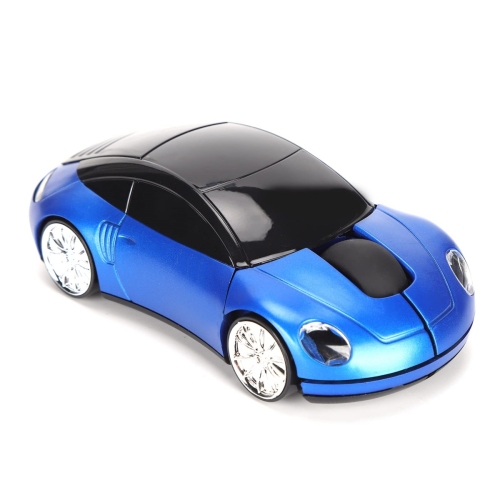
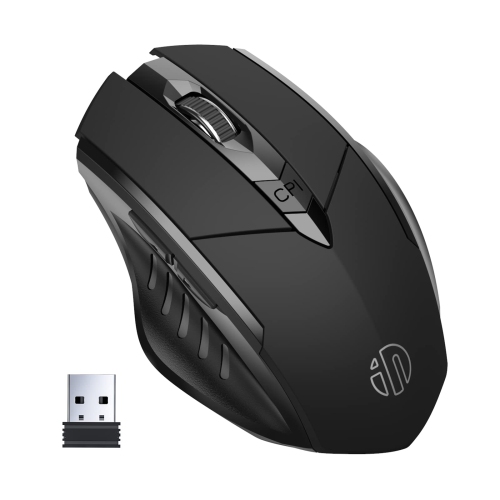
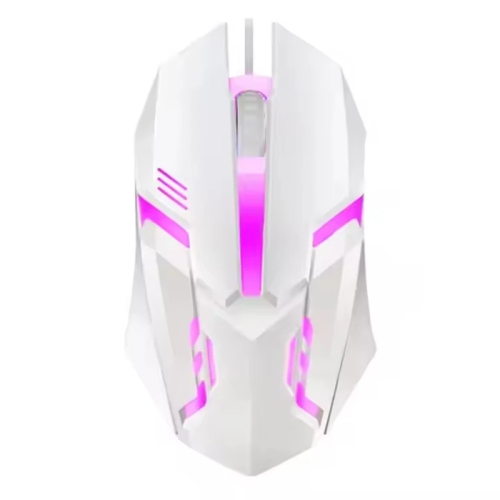
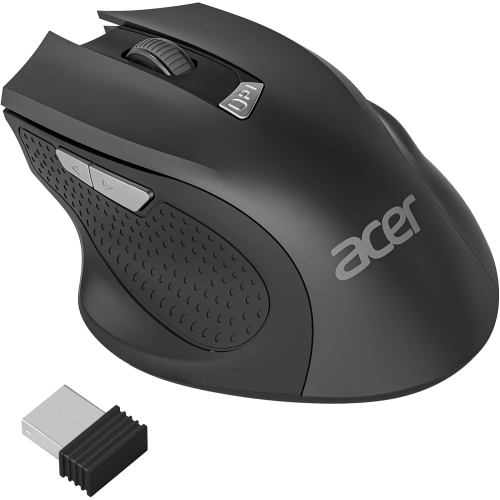
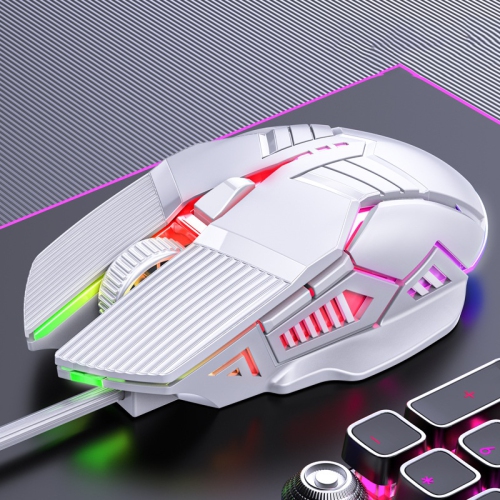
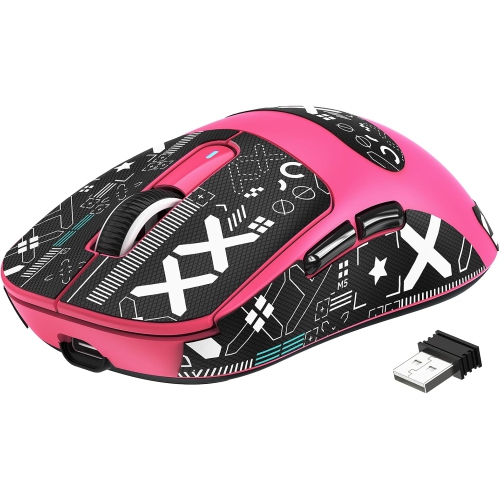
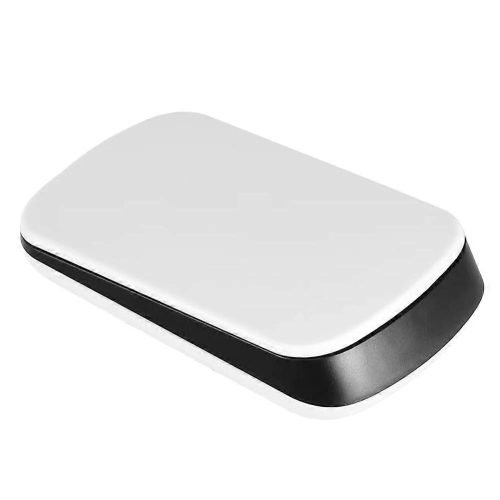
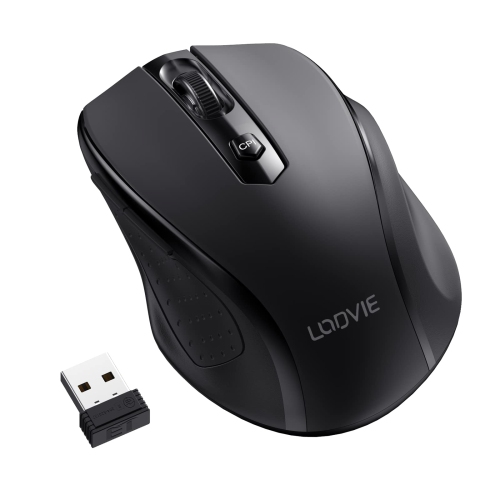
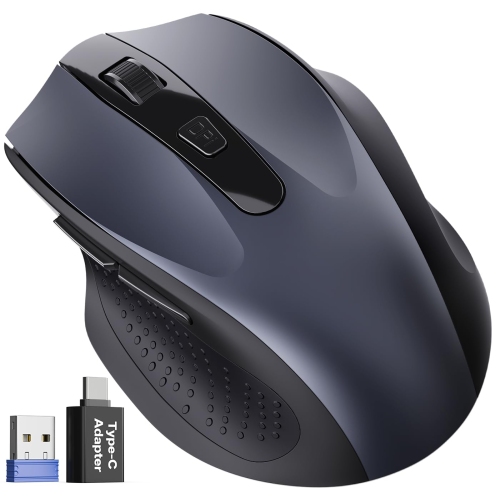
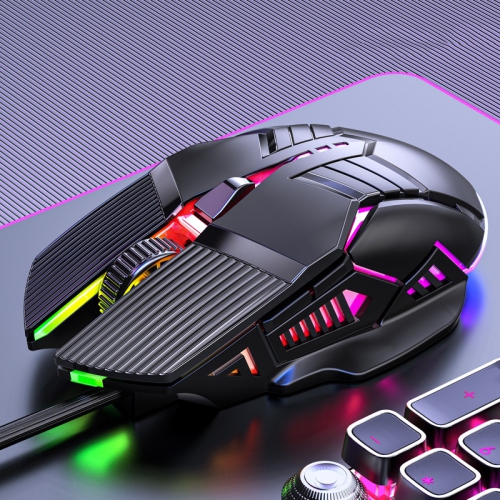
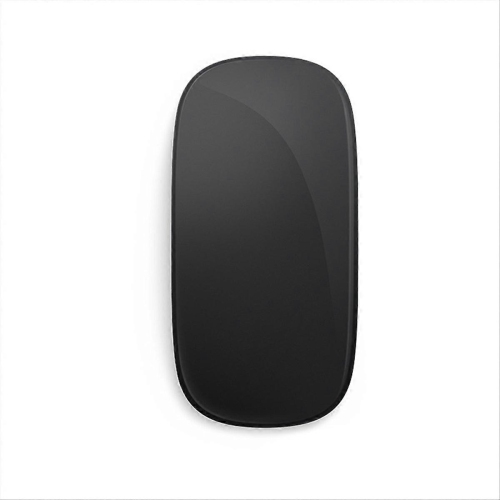
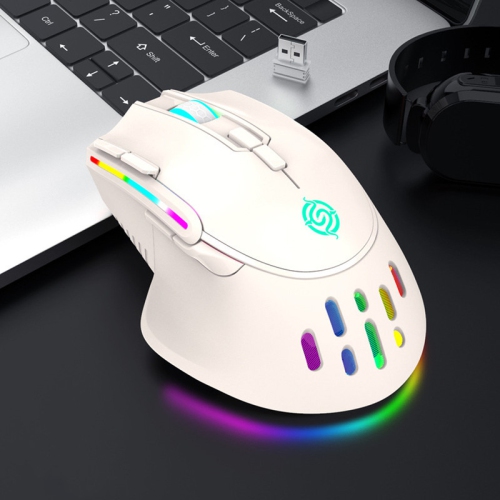
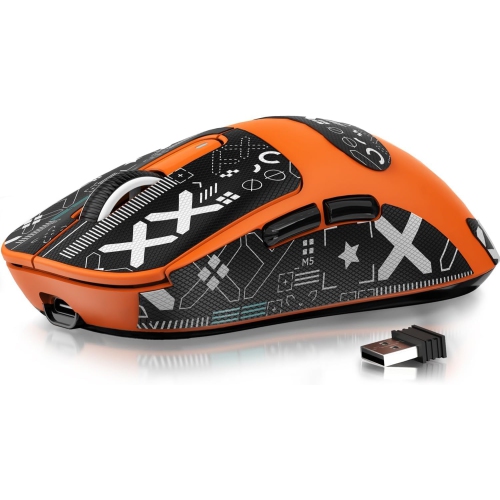
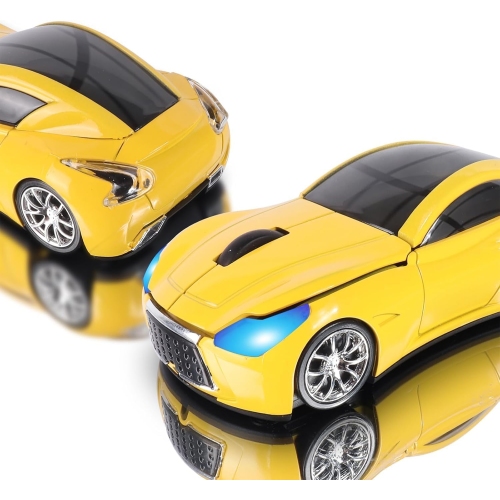
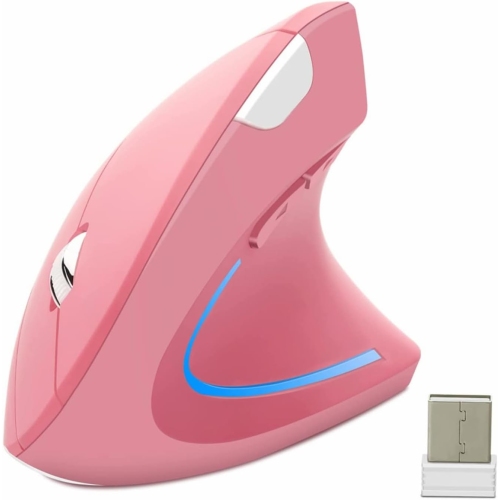
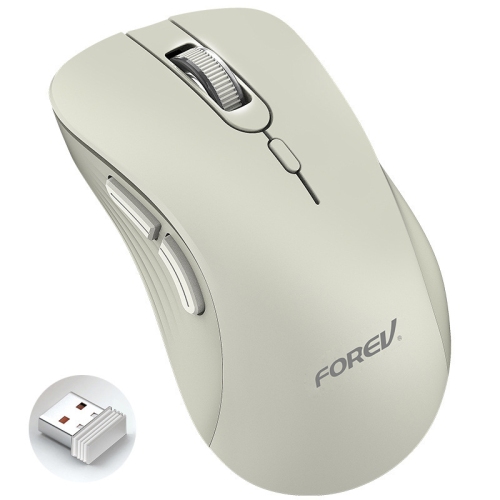
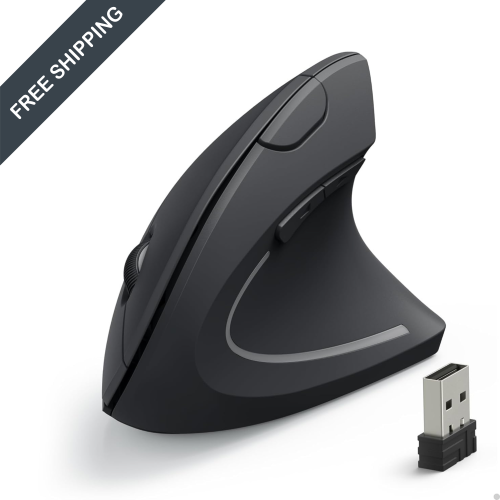
Computer mice for kids are designed to make computer use feel more comfortable, approachable, and enjoyable for smaller hands. Children between the ages of 3 and 12 may find a full-size mouse difficult to control, especially when the body is long, wide, or heavy enough to make precise movements tiring. A compact mouse can fit more naturally beneath a child’s palm, allowing shorter fingers to reach the buttons and scroll wheel without stretching. This can be helpful during online learning, creative projects, casual games, homework, and family computer time. Some children may use a mouse with a desktop computer, while others may connect one to a laptop, Chromebook, or compatible tablet setup. A simple three-button layout, with left click, right click, and a scroll wheel, is often all that is needed for browsing, schoolwork, drawing programs, and age-appropriate games. Bright colours, playful shapes, and animal-inspired designs can make a mouse feel like part of a child’s personal workspace, whether it is being used at a bedroom desk, in a homework corner, or beside a shared family computer. These features can also make computer mice for kids a thoughtful gift for a child who is beginning to explore digital learning or developing an interest in gaming and creative technology. When choosing one, consider the child’s hand size, age, experience level, and the type of activities they enjoy. A very young user may benefit from a lightweight, straightforward model with clearly defined buttons, while an older child may prefer a compact design with faster tracking, programmable controls, or a more responsive feel for games and digital art.
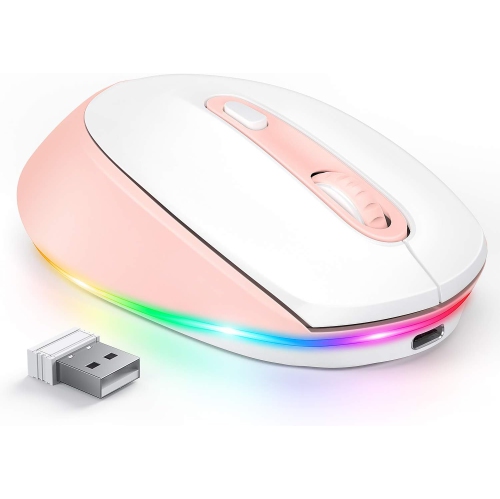
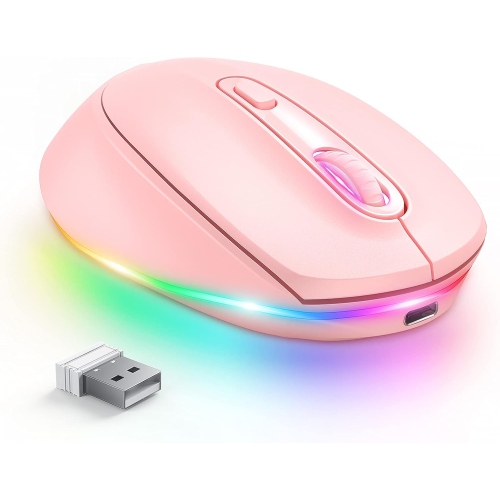
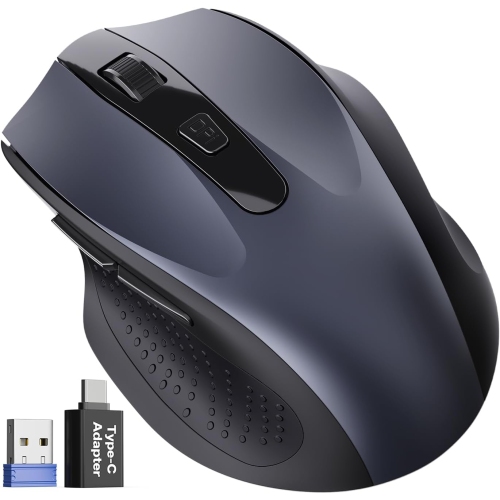
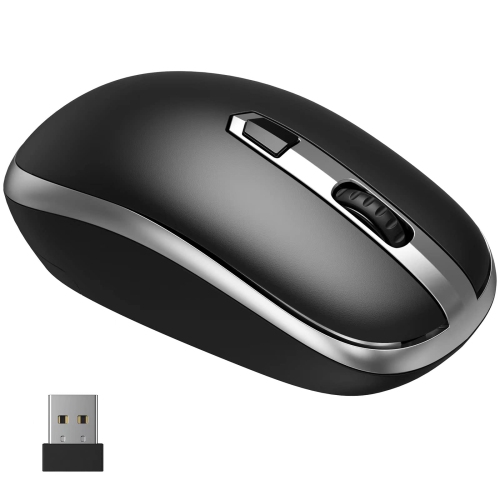
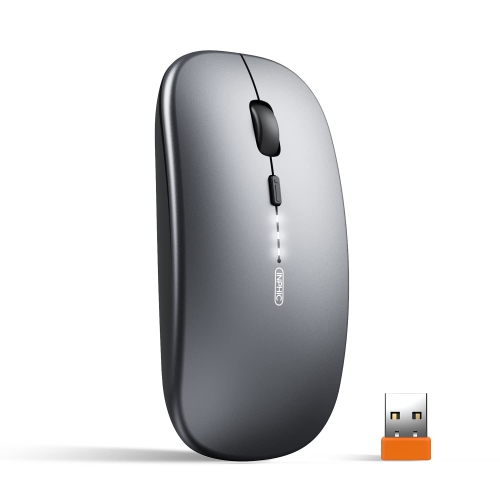
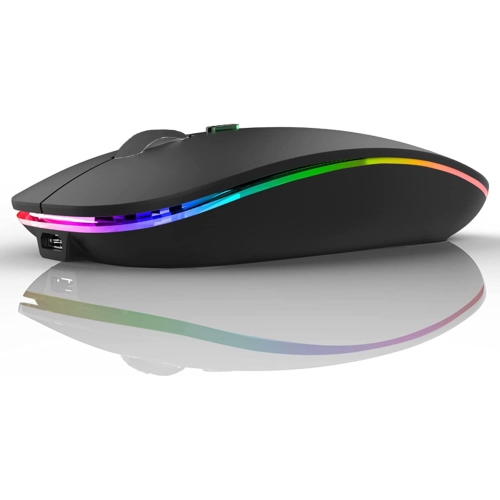
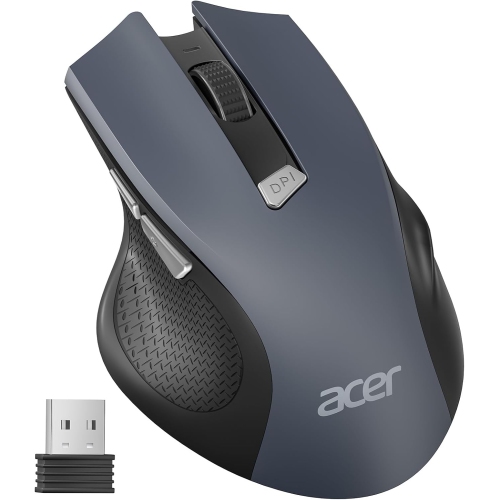
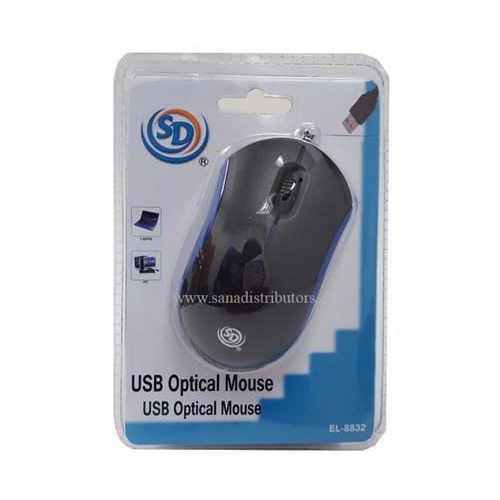
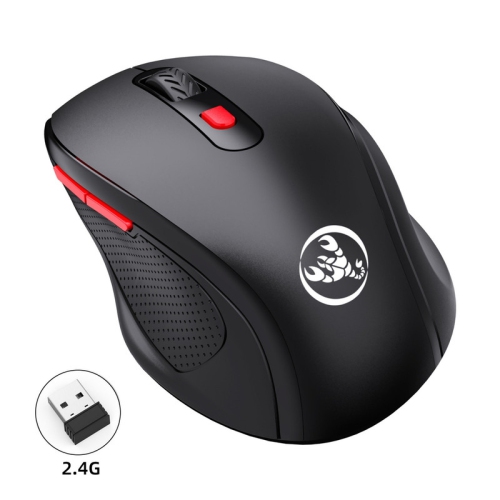
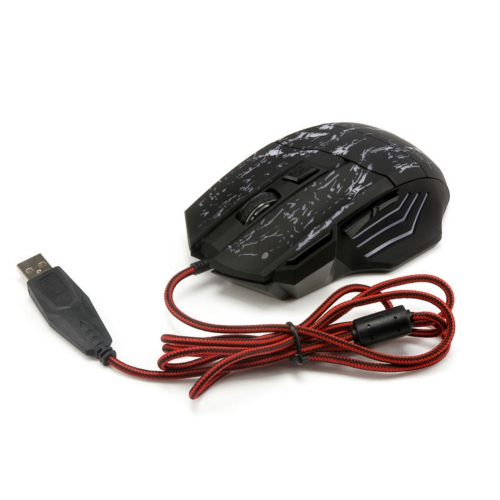
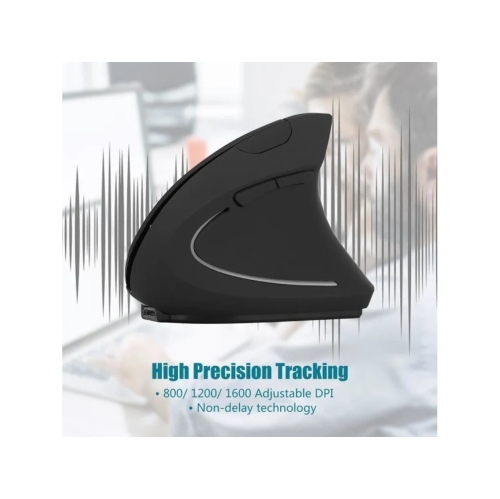
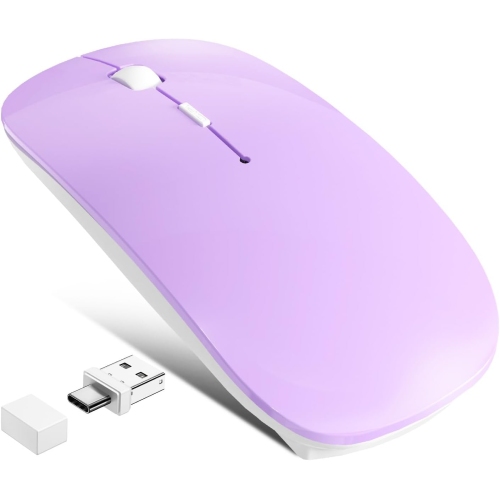
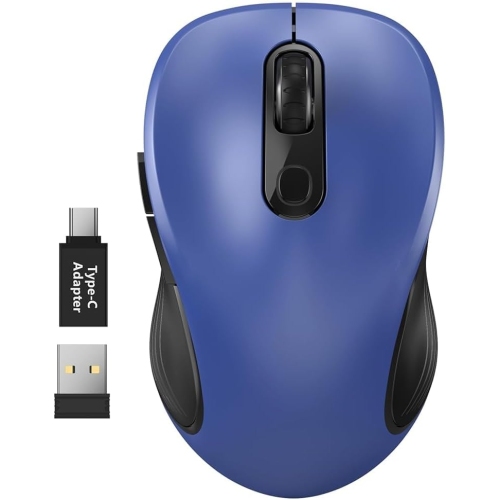
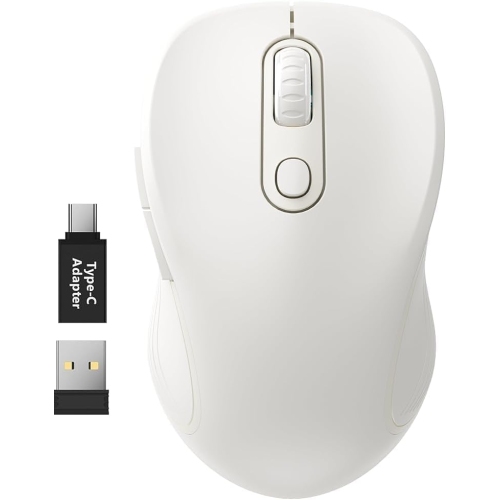
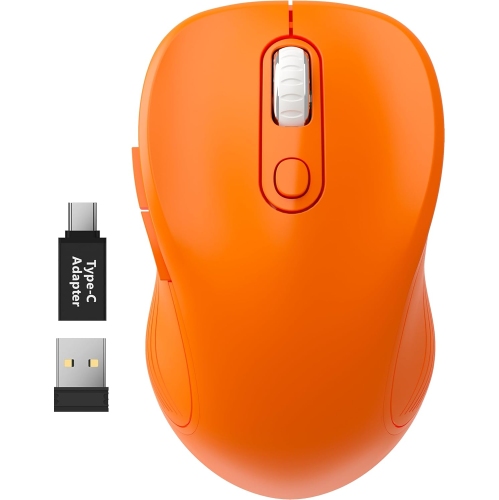
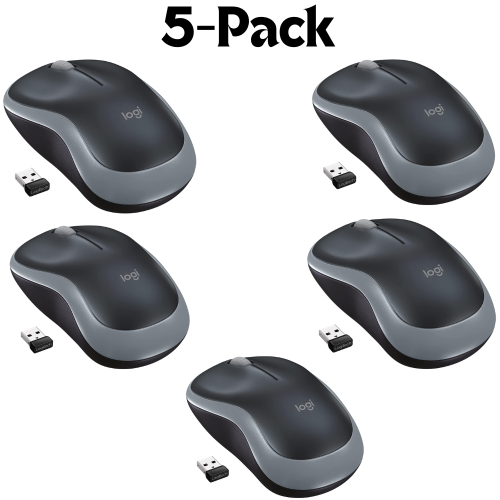
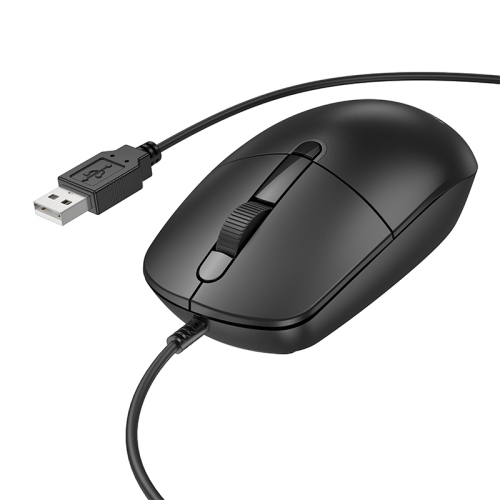
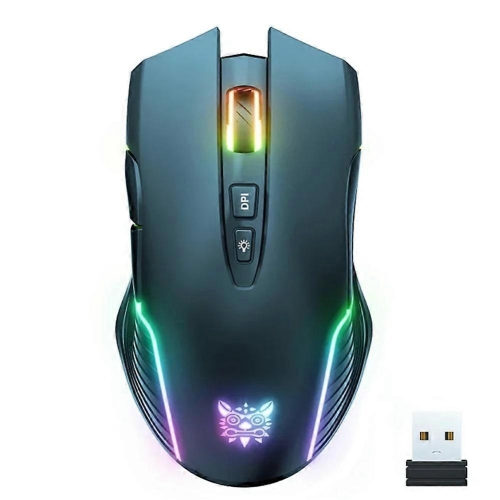
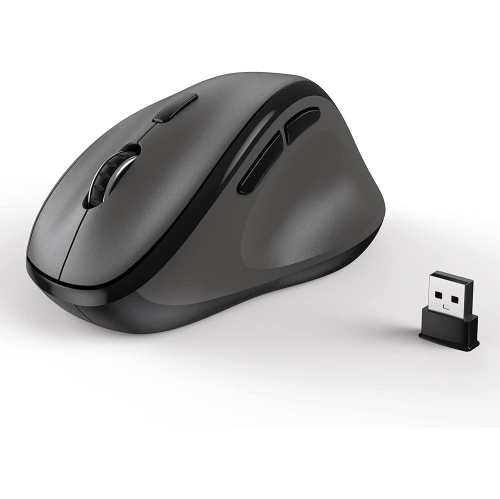
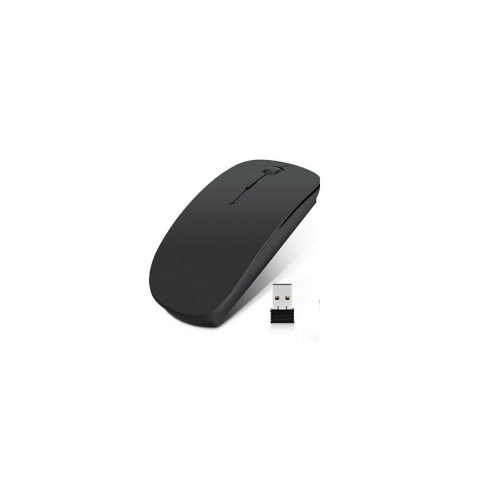
Connectivity is another important consideration. Wired USB mice are often a practical choice for younger children because they can be connected directly to a compatible computer without pairing, charging, or keeping track of a small wireless receiver. Once plugged in, they are ready to use, which can be convenient for a homework station or a desktop that stays in one place. The cable length and placement are worth considering, particularly if the computer sits on a high desk or if the child tends to move the mouse widely while playing. Wireless models can help reduce cord clutter and give children more freedom to move the mouse across a desk. Many use a small USB receiver and 2.4 GHz connection, while some connect through Bluetooth when the computer supports it. Wireless options may require batteries or regular charging, so check how the power system fits into the child’s routine. For a family that moves a laptop between rooms, a cordless mouse can be easier to pack and use at the kitchen table, in a living room workspace, or during travel. Click feel also matters. Lighter buttons may be easier for small fingers to press, while quieter switches can be useful in shared rooms, classrooms, libraries, or during online lessons when repeated clicking can become distracting. Adjustable DPI settings allow the cursor to move more slowly for careful selections or more quickly across a larger screen, although a basic fixed speed may be less complicated for a first mouse. Optical tracking generally works well on a clean, non-reflective surface, but a mouse pad can provide a more consistent area for movement and help define the child’s workspace. Browse Mouse Pads for Kids to find a coordinating surface designed with younger users in mind.
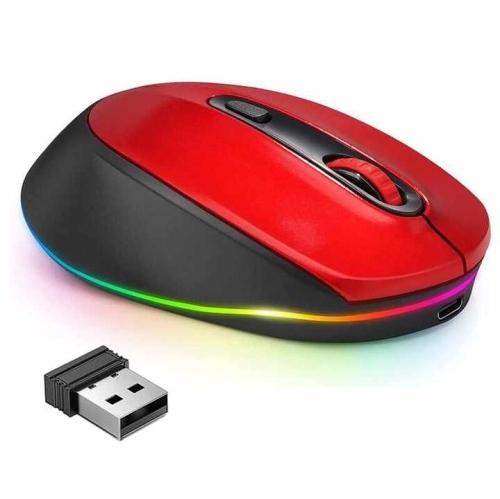
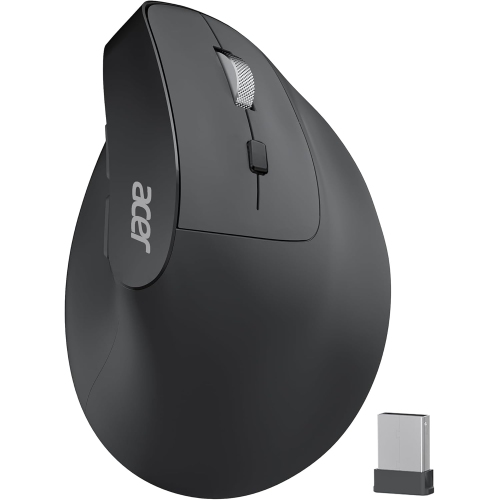
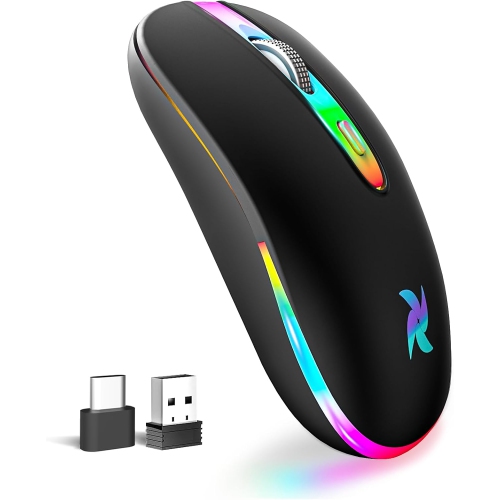
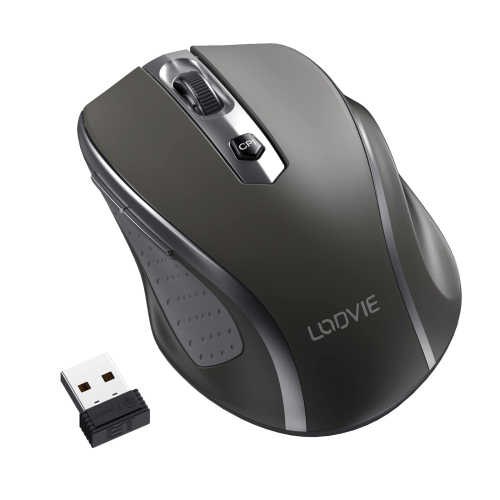
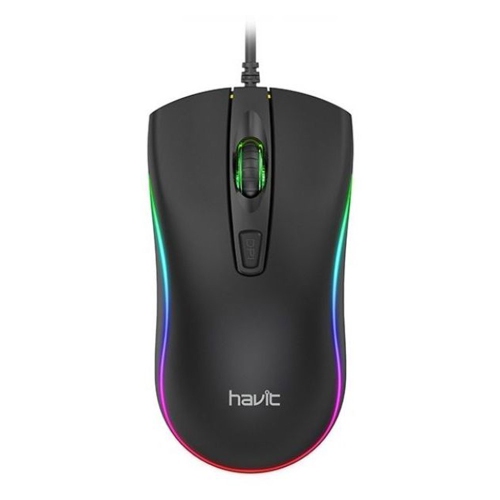
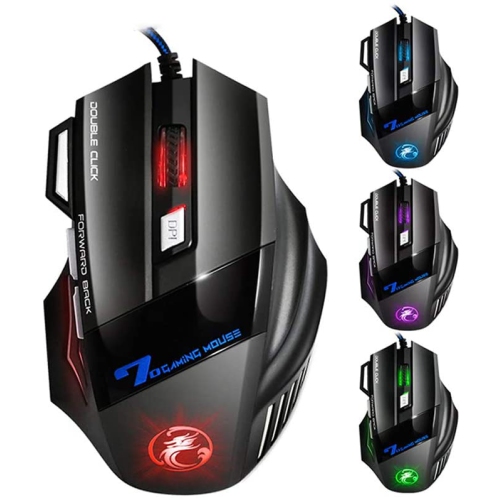
For older children and youth who play computer games, a compact gaming mouse may offer additional performance features without the bulk of a larger adult model. Responsive tracking, a comfortable grip, and a shape that supports the child’s preferred hand can make longer sessions feel more controlled. Some models include adjustable sensitivity, extra side buttons, customizable lighting, or software for changing button functions. These features can be useful for games that require quick selections, building, strategy, or camera movement, but they are not essential for every child. A simple mouse may be the better fit for a student who mainly reads, types, watches educational content, or works on presentations. Pay attention to whether the design is intended for right-handed, left-handed, or ambidextrous use, since an unsuitable shape can make the wrist twist or encourage an awkward grip. It is also helpful to look at the mouse’s dimensions and weight rather than relying only on labels such as “mini” or “compact,” because children’s hands vary considerably. A child should be able to rest the palm comfortably, reach the primary buttons without stretching, and move the mouse using the fingers and wrist rather than lifting the entire arm for every adjustment. Keep the desk clear of toys, books, and loose cables so there is enough room to move naturally, and encourage short breaks during extended computer sessions. When a child is receiving a mouse as a gift, matching its features to their everyday activities can make it more useful: a plug-and-play wired model may suit a first computer, a quiet wireless model may be convenient for shared spaces, and a compact performance mouse may appeal to an older child who is learning digital design or enjoying PC gaming. With the right size, connection type, button feel, and tracking style, computer mice for kids can give young users a more comfortable way to navigate screens while helping them build confidence with computers.
Connectivity is another important consideration. Wired USB mice are often a practical choice for younger children because they can be connected directly to a compatible computer without pairing, charging, or keeping track of a small wireless receiver. Once plugged in, they are ready to use, which can be convenient for a homework station or a desktop that stays in one place. The cable length and placement are worth considering, particularly if the computer sits on a high desk or if the child tends to move the mouse widely while playing. Wireless models can help reduce cord clutter and give children more freedom to move the mouse across a desk. Many use a small USB receiver and 2.4 GHz connection, while some connect through Bluetooth when the computer supports it. Wireless options may require batteries or regular charging, so check how the power system fits into the child’s routine. For a family that moves a laptop between rooms, a cordless mouse can be easier to pack and use at the kitchen table, in a living room workspace, or during travel. Click feel also matters. Lighter buttons may be easier for small fingers to press, while quieter switches can be useful in shared rooms, classrooms, libraries, or during online lessons when repeated clicking can become distracting. Adjustable DPI settings allow the cursor to move more slowly for careful selections or more quickly across a larger screen, although a basic fixed speed may be less complicated for a first mouse. Optical tracking generally works well on a clean, non-reflective surface, but a mouse pad can provide a more consistent area for movement and help define the child’s workspace. Browse Mouse Pads for Kids to find a coordinating surface designed with younger users in mind.
For older children and youth who play computer games, a compact gaming mouse may offer additional performance features without the bulk of a larger adult model. Responsive tracking, a comfortable grip, and a shape that supports the child’s preferred hand can make longer sessions feel more controlled. Some models include adjustable sensitivity, extra side buttons, customizable lighting, or software for changing button functions. These features can be useful for games that require quick selections, building, strategy, or camera movement, but they are not essential for every child. A simple mouse may be the better fit for a student who mainly reads, types, watches educational content, or works on presentations. Pay attention to whether the design is intended for right-handed, left-handed, or ambidextrous use, since an unsuitable shape can make the wrist twist or encourage an awkward grip. It is also helpful to look at the mouse’s dimensions and weight rather than relying only on labels such as “mini” or “compact,” because children’s hands vary considerably. A child should be able to rest the palm comfortably, reach the primary buttons without stretching, and move the mouse using the fingers and wrist rather than lifting the entire arm for every adjustment. Keep the desk clear of toys, books, and loose cables so there is enough room to move naturally, and encourage short breaks during extended computer sessions. When a child is receiving a mouse as a gift, matching its features to their everyday activities can make it more useful: a plug-and-play wired model may suit a first computer, a quiet wireless model may be convenient for shared spaces, and a compact performance mouse may appeal to an older child who is learning digital design or enjoying PC gaming. With the right size, connection type, button feel, and tracking style, computer mice for kids can give young users a more comfortable way to navigate screens while helping them build confidence with computers.
Top selling and popular products
-
 Your price for this item is $24.99
 -
 Your price for this item is $33.49
 -
 Your price for this item is $39.99
 -
 Your price for this item is $39.99
 -
 Your price for this item is $159.95
 -
 Your price for this item is $54.68
 -
 Your price for this item is $54.68
 -
 Your price for this item is $31
Discover more categories related to Computer Mice for Kids

Top Collections:
Pokemon Centers, Best Cameras for Sports Photography, Kindle Devices, Samsung Galaxy Phones, Canon G7X Cameras, Pokémon 30th Celebration Cards, Refurbished Apple Laptops, iPhone 15 Apple, Laptops for Students, Budget Smartphones
Some products may be subject to Environmental Handling Fees
(EHF) depending on your province.
Learn more about EHFs.