Computers for Online Classes
Computers For Online Classes make it easy to stay connected, productive, and organized throughout your academic journey. Whether you’re attending virtual lectures, collaborating on group projects, or managing assignments, the right computer can help you keep up with coursework from anywhere. Explore a wide selection of options designed to support your online learning needs and help you make the most out of every class session.
Sort




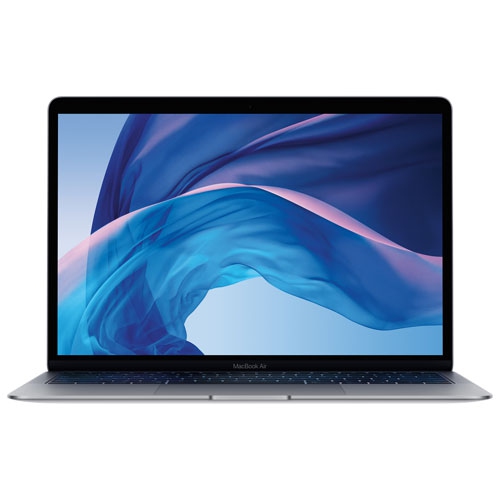
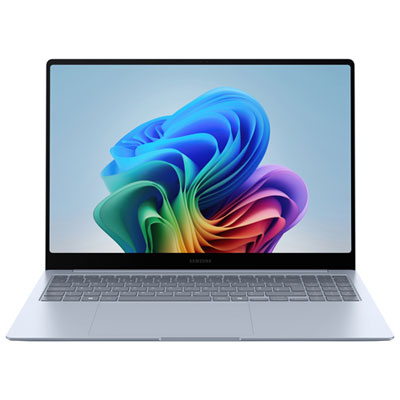
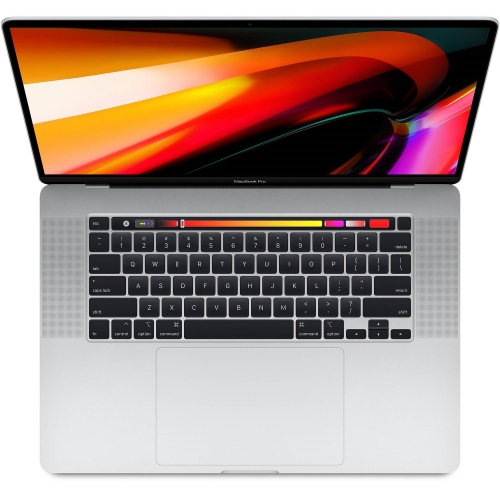
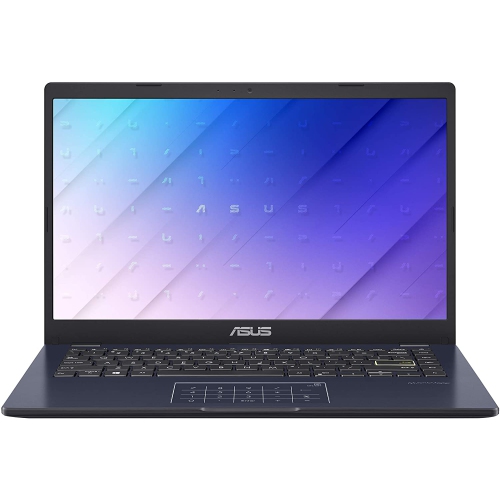
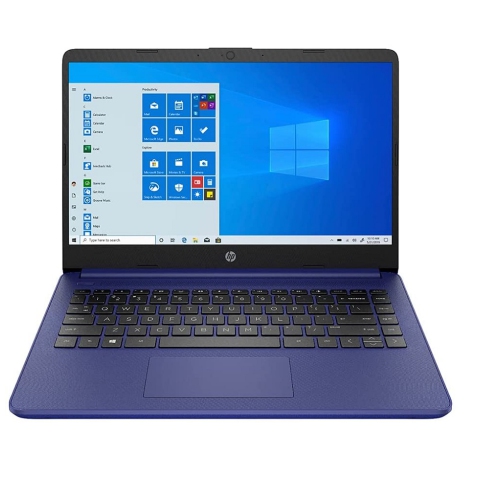

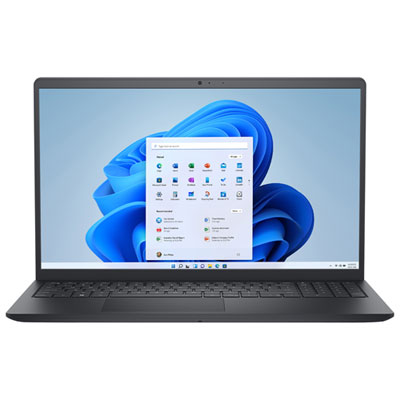
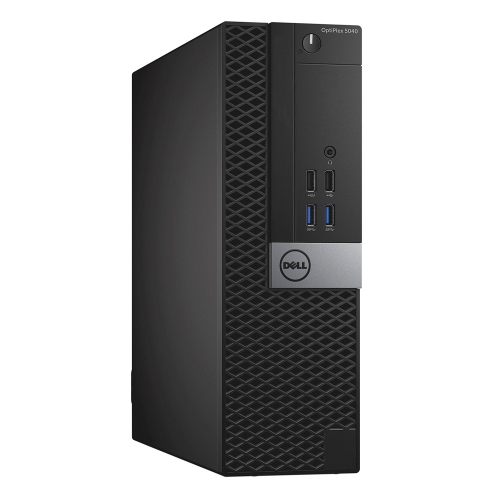
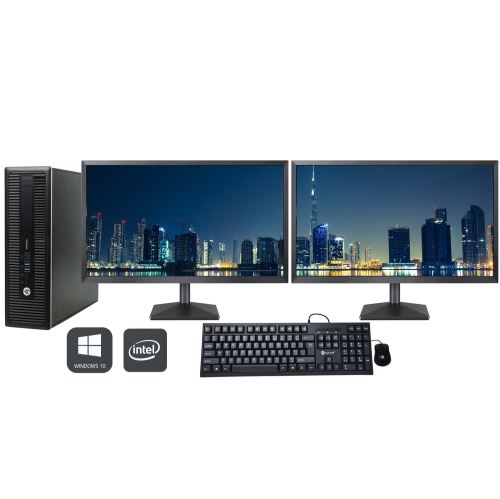
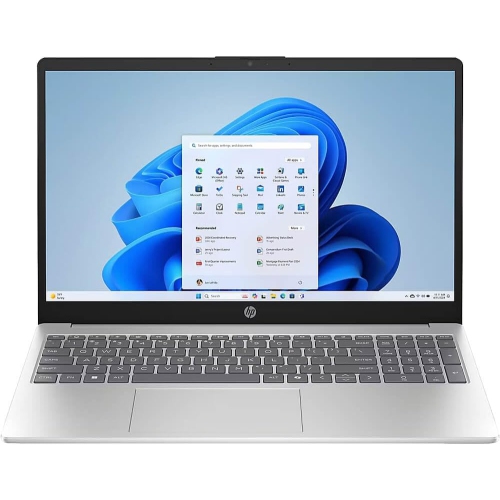
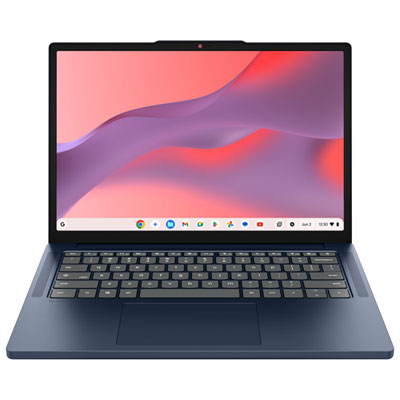

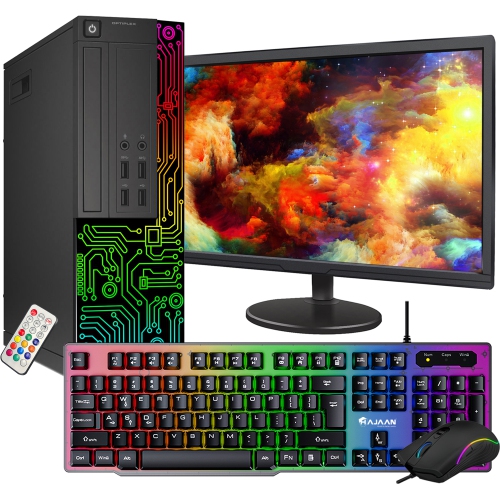
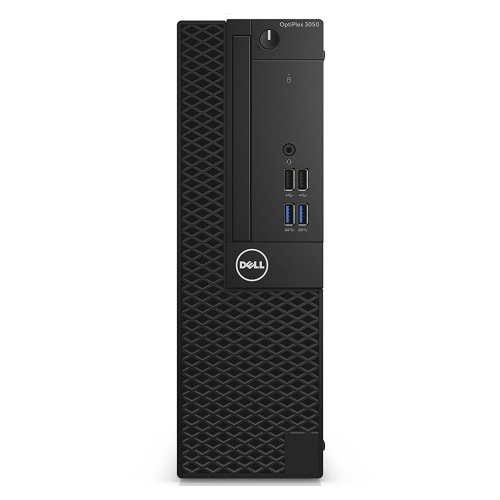
What busy study sessions demand from your computer
Computers for online classes support much more than a video call. A typical study session can involve a live lecture, a course portal, a shared document, research tabs, and a set of downloadable readings open at the same time. For everyday online learning, a practical starting point is a computer with a recent entry-level or mid-range processor, 8GB of RAM, solid-state storage, and a clear webcam and microphone. Memory makes a noticeable difference when several applications are running together: 8GB can suit lighter coursework, while 16GB offers more room for multitasking, larger spreadsheets, and collaborative projects. A solid-state drive, or SSD, helps the computer start up and open applications promptly, and 256GB provides a useful starting capacity for documents, applications, and a modest collection of course files. Students working with large video files, design projects, or extensive offline resources may need more storage. Processor requirements also depend on the course. Reading, writing, and browser-based assignments generally need less computing power than engineering simulations, software development, or media production. Dedicated graphics can matter for some 3D modelling and video-editing applications, but they are not usually necessary for essays and virtual seminars. The school’s software requirements are an important point of comparison, particularly when a program uses specialist applications or exam-monitoring tools that support only certain operating systems. A browser-focused computer can suit coursework delivered entirely through online platforms, while a laptop or desktop that runs full desktop applications may be a better fit for a broader course load. Display quality matters just as much during long reading sessions. Full HD resolution provides useful clarity for text and presentations, while sufficient brightness and an anti-glare finish can make slides easier to see beside a window. A screen that comfortably accommodates notes alongside a lecture can reduce the constant switching between windows. These details help distinguish a computer suited to occasional homework from one intended for several hours of daily classes, assignments, and independent study.
The choice between a laptop, desktop, and all-in-one computer often comes down to where learning happens. A laptop suits students who move between a bedroom desk, a library table, and a shared living space, with the screen, keyboard, camera, and battery contained in one portable device. A 13-inch or 14-inch screen can be easier to carry, while a 15-inch or 16-inch display gives documents and split-screen work more space, though weight varies by model. The range of Laptops for Online Learning and Classes reflects the needs of students who want that flexibility for lessons and coursework. Battery life is especially relevant when a power outlet is not close to the study area. An advertised battery life of eight hours or more can be a useful starting point for comparison, although continuous video calls, higher screen brightness, and demanding applications can shorten actual running time. A desktop suits a more permanent setup, with room for a larger monitor, a separate keyboard, and, on some models, future component upgrades. An all-in-one combines the computer and display to reduce the number of separate pieces on a desk. For any format, a webcam with 720p resolution can cover basic video participation, while 1080p can provide a clearer image when lighting and the connection allow. A microphone that captures speech clearly helps with presentations and small-group discussions; headphones with a microphone can also reduce distracting room noise and speaker feedback. Reliable Wi-Fi supports lectures and file transfers, but performance still depends on the internet connection and distance from the router. An Ethernet port or compatible adapter offers a wired option at a fixed desk. Connections deserve attention too: USB ports for a headset or mouse, a display output for an external monitor, and a compatible charging connection all influence how easily the computer fits into a daily routine. For USB-C connections, charging and display support vary, so the port’s capabilities matter as much as its shape.
Comfort and durability become more apparent over a full term than during a quick glance at specifications. A responsive keyboard with well-spaced keys can make lengthy essays and discussion posts less tiring, while a precise touchpad helps when there is no room for a mouse. A backlit keyboard can be useful in a dim shared room during the cooler months, though adequate desk lighting remains important for reading printed notes. Laptop housings commonly use plastic, aluminium, or a combination of materials. Plastic can help keep weight manageable, while aluminium often provides a firmer feel; overall construction, hinge quality, and careful handling matter more than material alone. A padded sleeve helps protect a laptop from scuffs in a backpack, and carrying it separately from loose cables and heavy books can reduce pressure on the lid. Computers also need space for airflow. A hard, flat surface keeps ventilation openings clearer than a blanket or cushion, which is particularly important during long calls or demanding assignments. Routine care is straightforward: power the device off before cleaning, use a soft cloth and manufacturer-approved methods, and keep liquids away from keyboards and ports. Software updates and regular backups help protect coursework, whether files are stored on an external drive, through an online storage service, or both. Shared family computers benefit from separate user accounts so assignments, browser settings, and personal files stay organised. Younger learners may need simple sign-in steps and adult supervision, while post-secondary students and adults taking evening courses may place more emphasis on multitasking, portability, or specialist software. A computer can also be a thoughtful gift for someone beginning a program or returning to study, provided its capabilities match the school’s requirements and the recipient’s preferred way of working. From a morning seminar at the kitchen table to an evening assignment at a dedicated desk, a well-matched computer supports clear communication, comfortable reading, and dependable access to the tools a course requires.
The choice between a laptop, desktop, and all-in-one computer often comes down to where learning happens. A laptop suits students who move between a bedroom desk, a library table, and a shared living space, with the screen, keyboard, camera, and battery contained in one portable device. A 13-inch or 14-inch screen can be easier to carry, while a 15-inch or 16-inch display gives documents and split-screen work more space, though weight varies by model. The range of Laptops for Online Learning and Classes reflects the needs of students who want that flexibility for lessons and coursework. Battery life is especially relevant when a power outlet is not close to the study area. An advertised battery life of eight hours or more can be a useful starting point for comparison, although continuous video calls, higher screen brightness, and demanding applications can shorten actual running time. A desktop suits a more permanent setup, with room for a larger monitor, a separate keyboard, and, on some models, future component upgrades. An all-in-one combines the computer and display to reduce the number of separate pieces on a desk. For any format, a webcam with 720p resolution can cover basic video participation, while 1080p can provide a clearer image when lighting and the connection allow. A microphone that captures speech clearly helps with presentations and small-group discussions; headphones with a microphone can also reduce distracting room noise and speaker feedback. Reliable Wi-Fi supports lectures and file transfers, but performance still depends on the internet connection and distance from the router. An Ethernet port or compatible adapter offers a wired option at a fixed desk. Connections deserve attention too: USB ports for a headset or mouse, a display output for an external monitor, and a compatible charging connection all influence how easily the computer fits into a daily routine. For USB-C connections, charging and display support vary, so the port’s capabilities matter as much as its shape.
Comfort and durability become more apparent over a full term than during a quick glance at specifications. A responsive keyboard with well-spaced keys can make lengthy essays and discussion posts less tiring, while a precise touchpad helps when there is no room for a mouse. A backlit keyboard can be useful in a dim shared room during the cooler months, though adequate desk lighting remains important for reading printed notes. Laptop housings commonly use plastic, aluminium, or a combination of materials. Plastic can help keep weight manageable, while aluminium often provides a firmer feel; overall construction, hinge quality, and careful handling matter more than material alone. A padded sleeve helps protect a laptop from scuffs in a backpack, and carrying it separately from loose cables and heavy books can reduce pressure on the lid. Computers also need space for airflow. A hard, flat surface keeps ventilation openings clearer than a blanket or cushion, which is particularly important during long calls or demanding assignments. Routine care is straightforward: power the device off before cleaning, use a soft cloth and manufacturer-approved methods, and keep liquids away from keyboards and ports. Software updates and regular backups help protect coursework, whether files are stored on an external drive, through an online storage service, or both. Shared family computers benefit from separate user accounts so assignments, browser settings, and personal files stay organised. Younger learners may need simple sign-in steps and adult supervision, while post-secondary students and adults taking evening courses may place more emphasis on multitasking, portability, or specialist software. A computer can also be a thoughtful gift for someone beginning a program or returning to study, provided its capabilities match the school’s requirements and the recipient’s preferred way of working. From a morning seminar at the kitchen table to an evening assignment at a dedicated desk, a well-matched computer supports clear communication, comfortable reading, and dependable access to the tools a course requires.
Top selling and popular products
-
 Your price for this item is $449
 -
 Your price for this item is $3099
 -
 Your price for this item is $664.05
 -
 Your price for this item is $599.68
 -
 Your price for this item is $259
 -
 Your price for this item is $418.98
 -
 Your price for this item is $999.95
 -
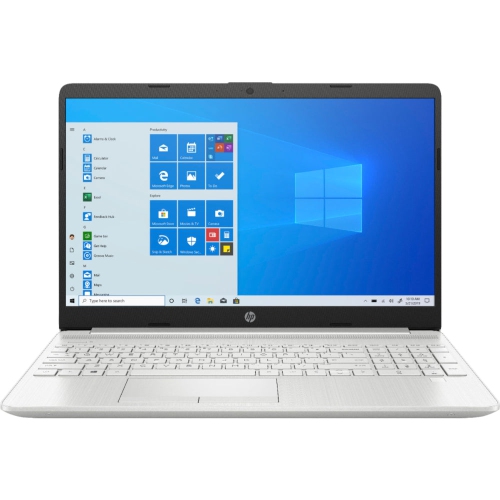 Your price for this item is $489
Discover more categories related to Computers for Online Classes

Top Collections:
Pokemon Centers, Budget 4K TVs, Best Budget Office Chairs, Kindle Devices, Canon G7X Cameras, Apple iPhones 16, iPhone 15 Apple, Laptops for Business Work, Xiaomi Phones, Flip Phones
Some products may be subject to Environmental Handling Fees
(EHF) depending on your province.
Learn more about EHFs.