Computers for Video Conferencing
Enhance your remote meetings and virtual collaborations with the right computers for video conferencing. Whether you’re connecting with colleagues, friends, or family, find reliable options designed to keep you productive and connected. Explore a range of computers for video conferencing that help make every conversation clear and seamless, so you can focus on what matters most.
Sort
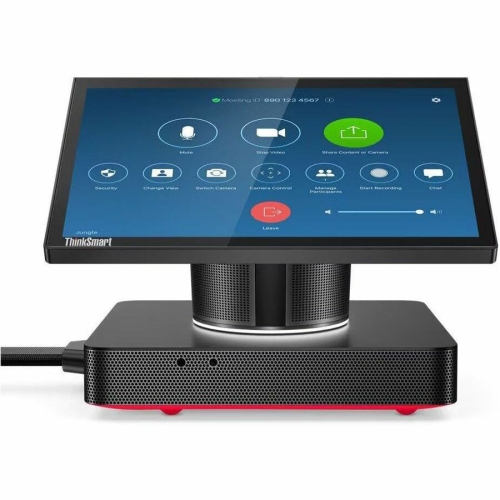
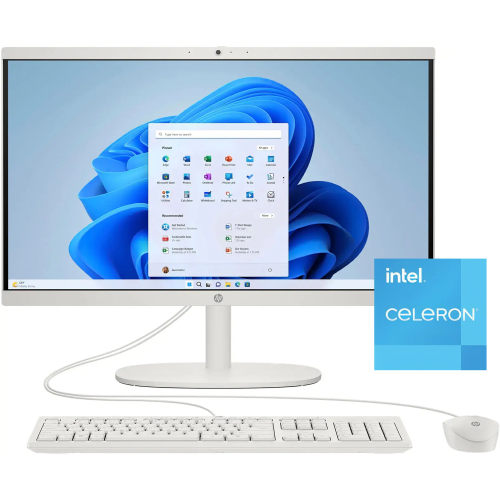
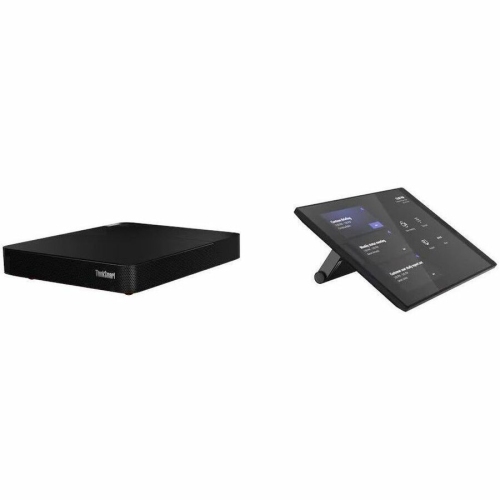


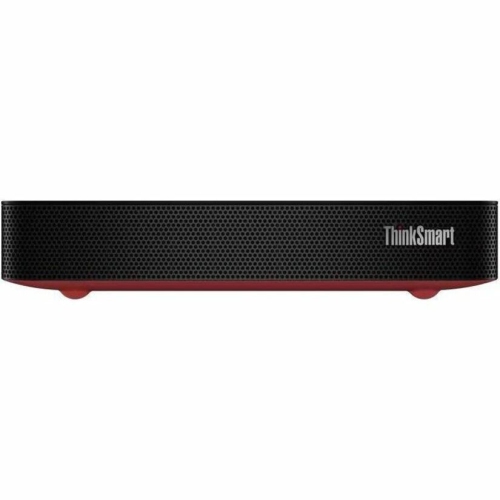









How your workspace shapes your video call setup
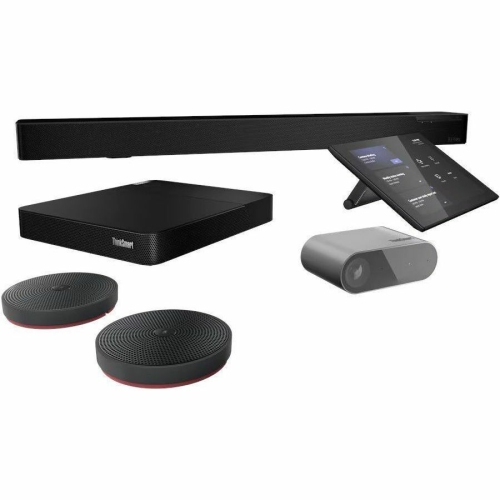
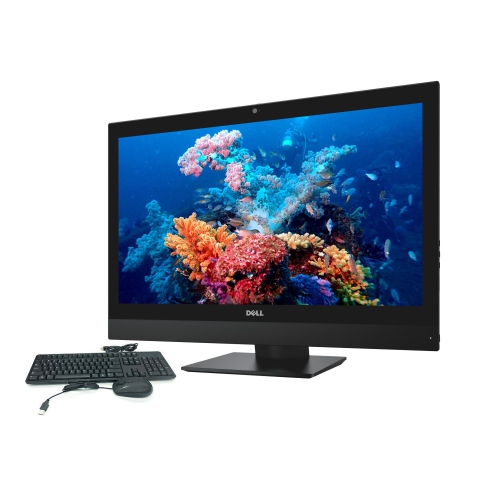
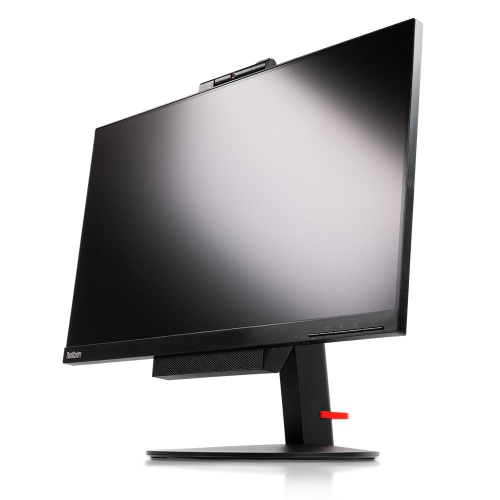
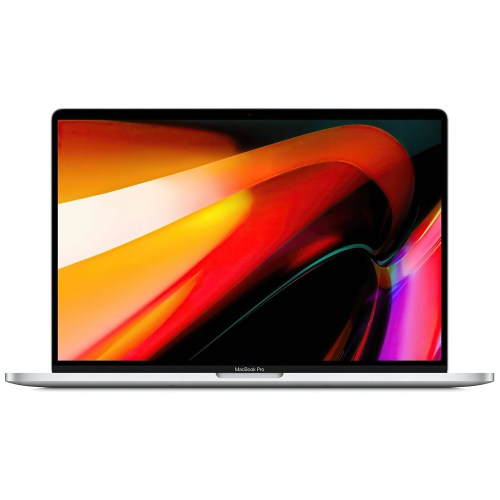
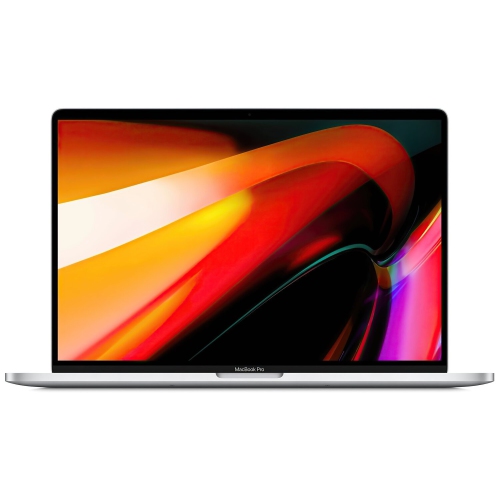
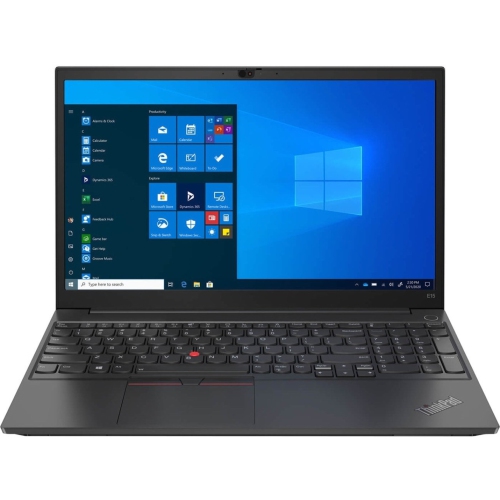
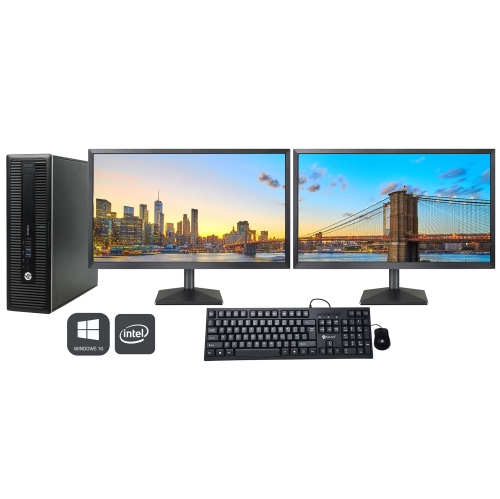
Computers for video conferencing support face-to-face communication across home offices, classrooms, workplaces, and shared meeting spaces. The most suitable format depends on where calls happen and what else the computer needs to handle. A laptop combines a screen, keyboard, battery, and usually a webcam and microphone in one portable device, making it practical for someone who moves between a desk, a meeting room, and another work location. Video Conferencing Laptops suit this flexible style of work, with screen sizes and configurations that accommodate everything from individual check-ins to presentations with several documents open. A desktop computer provides a fixed workspace with room for a larger monitor, separate camera, and preferred keyboard, while an all-in-one computer brings the display and computing components together to reduce the number of separate pieces on a desk. Compact desktop computers can fit into smaller work areas or form part of a shared meeting-room setup, although cameras, microphones, speakers, and displays may need to be connected separately. For a teacher reviewing an assignment during a call, or a consultant sharing a spreadsheet with a client, usable screen space matters as much as portability. A 14-inch laptop can be easier to carry, while a 16-inch screen offers more room for participant windows and working documents. Support for an external monitor can make it easier to keep a presentation on one display and meeting controls on another. Physical construction also affects everyday use: aluminium and reinforced plastic housings offer different balances of weight and rigidity, while hinge design and keyboard comfort become noticeable during frequent travel or long working sessions. A secure-fitting carrying sleeve helps protect a laptop against scratches in transit. At a permanent desk, the computer’s dimensions, ventilation clearance, and cable placement influence how comfortably it fits alongside notes, a headset, and other work essentials. These differences make computers for online meetings relevant to remote employees, students, tutors, small-business owners, and households keeping in touch over video.
Video conferencing performance depends on the computer’s processor, memory, camera, and audio hardware working together. A modern multi-core processor provides useful headroom for a meeting application running alongside a browser, email, and shared documents. Background effects, live captions, and higher-resolution video can add to that workload, although the demands vary by application and by which features are enabled. For regular multitasking, 16 GB of RAM is a practical configuration to consider; 8 GB can support lighter use, but leaves less room for several applications and browser tabs at once. More memory may benefit people who also work with large spreadsheets, creative software, or other demanding applications during calls. Integrated graphics are generally sufficient for everyday video meetings, while dedicated graphics are more relevant when the same computer also handles graphics-intensive work. A solid-state drive helps the operating system and applications load responsively, and 256 GB can be a starting point when most files are kept online. Larger storage capacities provide more space for applications, presentations, and locally saved recordings, where recording is permitted. For the camera, 1080p resolution is a useful baseline for a clear image, but resolution alone does not determine picture quality. Sensor quality, exposure adjustment, lens position, and room lighting all affect how naturally a face appears on screen. A camera positioned near eye level creates a more direct view than one looking upward from a low desk. Soft light from in front of the user can help avoid the silhouette caused by a bright window behind them. Microphone quality is equally important when colleagues need to hear a quiet speaker or follow a detailed explanation. Noise-reduction features can help limit distracting sounds, but their effectiveness varies with the room and the type of noise. Built-in speakers are convenient for individual use, while a compatible headset can improve privacy and reduce the chance of speaker sound feeding back into the microphone. A physical webcam shutter offers a visible way to cover the lens between calls.
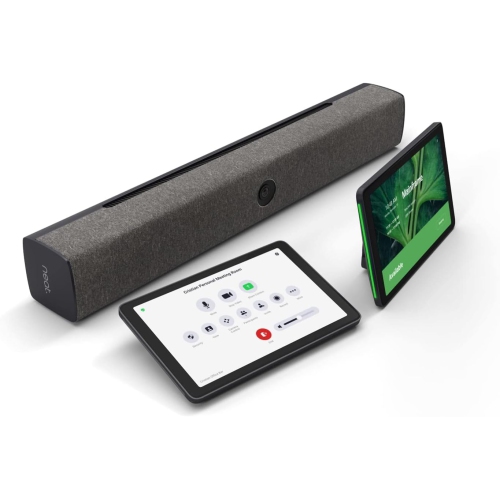
Connectivity and compatibility help determine how smoothly a video conferencing computer fits into an existing workspace. Reliable calls require more than a capable computer: internet upload speed, network congestion, wireless signal strength, and the meeting service also affect video and audio quality. Wi-Fi 6 or Wi-Fi 6E support can be useful with a compatible router, while wired Ethernet provides an alternative where wireless reception is inconsistent. Some laptops need an adapter or dock for an Ethernet connection. Ports deserve attention when the setup includes an external webcam, headset, monitor, and other peripherals. USB-C capabilities vary, so a USB-C connector does not automatically mean the computer supports charging, display output, or every docking feature through that port. HDMI and other supported display connections can simplify the use of a larger screen, and the number of supported external displays varies by configuration. Battery life also changes with camera use, screen brightness, and processing demands, so a figure based on light tasks may not reflect a full schedule of video calls. For shared rooms, a standard desktop running meeting software and a dedicated room computer serve different purposes. Dedicated systems may require compatible room equipment, supported software, and separate service licences; a wide-angle camera or room microphone may also be needed to include people seated farther from the screen. Operating-system compatibility matters for both personal and shared setups, particularly when an employer or school requires specific applications or security features. Password protection, supported updates, and appropriate sign-in settings help protect work and personal information. Everyday care supports dependable use as well: clear ventilation openings allow airflow, liquids belong away from keyboards and ports, and screens should be cleaned according to the manufacturer’s directions. For repairability and long-term flexibility, access to replaceable storage or memory varies considerably between computer designs. A well-matched video conferencing computer balances these practical details with the demands of the day, whether that means a private appointment, a collaborative lesson, a client presentation, or a team discussion with documents open throughout the call.
Video conferencing performance depends on the computer’s processor, memory, camera, and audio hardware working together. A modern multi-core processor provides useful headroom for a meeting application running alongside a browser, email, and shared documents. Background effects, live captions, and higher-resolution video can add to that workload, although the demands vary by application and by which features are enabled. For regular multitasking, 16 GB of RAM is a practical configuration to consider; 8 GB can support lighter use, but leaves less room for several applications and browser tabs at once. More memory may benefit people who also work with large spreadsheets, creative software, or other demanding applications during calls. Integrated graphics are generally sufficient for everyday video meetings, while dedicated graphics are more relevant when the same computer also handles graphics-intensive work. A solid-state drive helps the operating system and applications load responsively, and 256 GB can be a starting point when most files are kept online. Larger storage capacities provide more space for applications, presentations, and locally saved recordings, where recording is permitted. For the camera, 1080p resolution is a useful baseline for a clear image, but resolution alone does not determine picture quality. Sensor quality, exposure adjustment, lens position, and room lighting all affect how naturally a face appears on screen. A camera positioned near eye level creates a more direct view than one looking upward from a low desk. Soft light from in front of the user can help avoid the silhouette caused by a bright window behind them. Microphone quality is equally important when colleagues need to hear a quiet speaker or follow a detailed explanation. Noise-reduction features can help limit distracting sounds, but their effectiveness varies with the room and the type of noise. Built-in speakers are convenient for individual use, while a compatible headset can improve privacy and reduce the chance of speaker sound feeding back into the microphone. A physical webcam shutter offers a visible way to cover the lens between calls.
Connectivity and compatibility help determine how smoothly a video conferencing computer fits into an existing workspace. Reliable calls require more than a capable computer: internet upload speed, network congestion, wireless signal strength, and the meeting service also affect video and audio quality. Wi-Fi 6 or Wi-Fi 6E support can be useful with a compatible router, while wired Ethernet provides an alternative where wireless reception is inconsistent. Some laptops need an adapter or dock for an Ethernet connection. Ports deserve attention when the setup includes an external webcam, headset, monitor, and other peripherals. USB-C capabilities vary, so a USB-C connector does not automatically mean the computer supports charging, display output, or every docking feature through that port. HDMI and other supported display connections can simplify the use of a larger screen, and the number of supported external displays varies by configuration. Battery life also changes with camera use, screen brightness, and processing demands, so a figure based on light tasks may not reflect a full schedule of video calls. For shared rooms, a standard desktop running meeting software and a dedicated room computer serve different purposes. Dedicated systems may require compatible room equipment, supported software, and separate service licences; a wide-angle camera or room microphone may also be needed to include people seated farther from the screen. Operating-system compatibility matters for both personal and shared setups, particularly when an employer or school requires specific applications or security features. Password protection, supported updates, and appropriate sign-in settings help protect work and personal information. Everyday care supports dependable use as well: clear ventilation openings allow airflow, liquids belong away from keyboards and ports, and screens should be cleaned according to the manufacturer’s directions. For repairability and long-term flexibility, access to replaceable storage or memory varies considerably between computer designs. A well-matched video conferencing computer balances these practical details with the demands of the day, whether that means a private appointment, a collaborative lesson, a client presentation, or a team discussion with documents open throughout the call.
Top selling and popular products
-
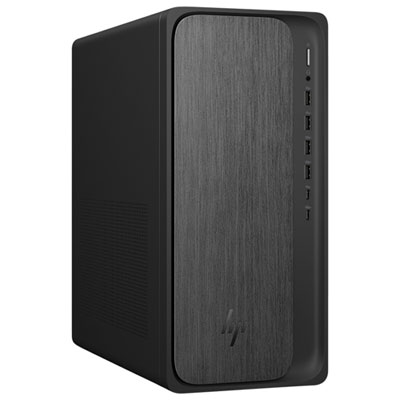 Your price for this item is $1399.99
-
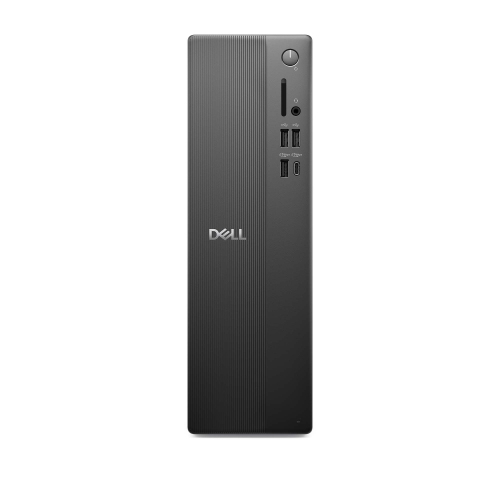 Your price for this item is $1629.79
-
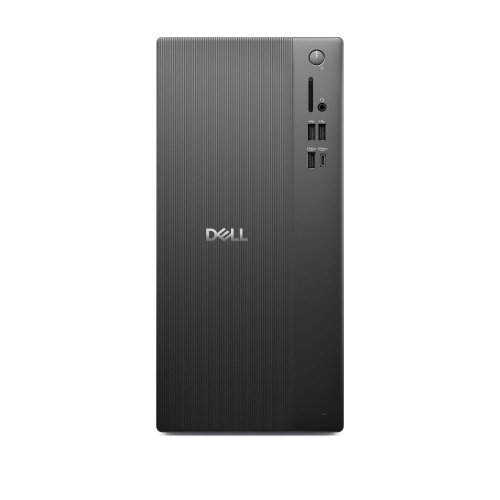 Your price for this item is $1459.79
-
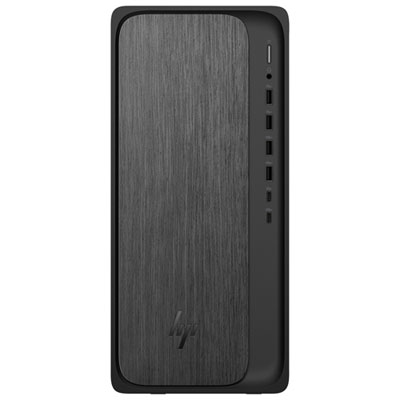 Your price for this item is $2299.99
-
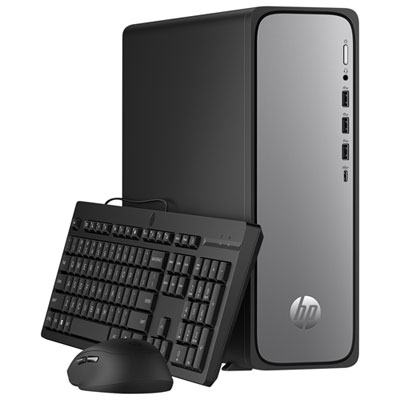 Your price for this item is $1469.99
-
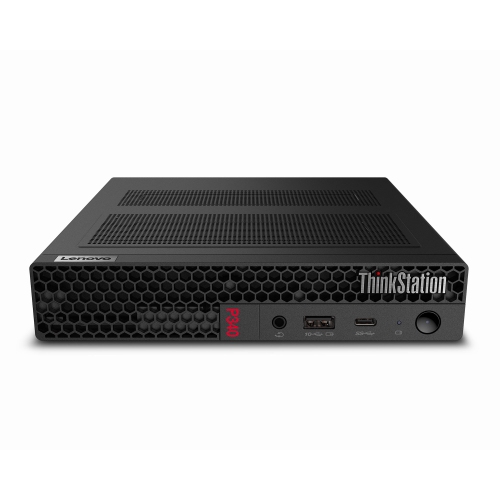 Your price for this item is $699.79
-
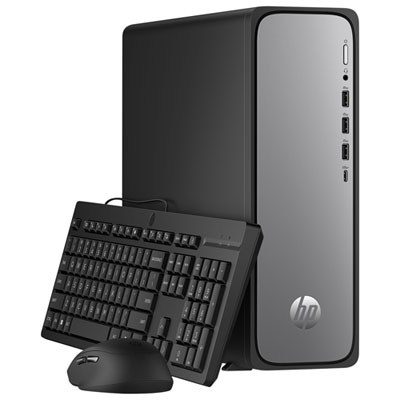 Your price for this item is $1759.99
-
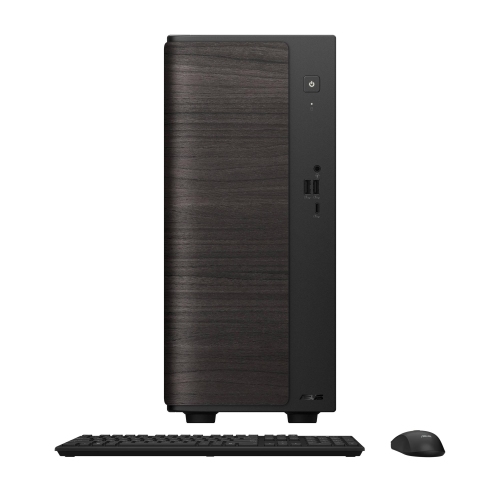 Your price for this item is $3149
Discover more categories related to Computers for Video Conferencing
Top Collections:
Pokemon Centers, Best Black Friday Deals This Year, Best Black Friday Deals On Electronics, Kindle Devices, Best Budget Office Chairs, Best Black Friday Deals On Apple Products, Best Cameras for Sports Photography, Pokémon 30th Celebration Cards, Dyson Airwrap, Canon G7X Cameras
Some products may be subject to Environmental Handling Fees
(EHF) depending on your province.
Learn more about EHFs.