Computers With SSD And HDD
Computers With SSD And HDD offer the ideal combination of speed and storage for a wide range of computing needs. With both solid-state drives and traditional hard disk drives, these systems provide fast performance for everyday tasks while offering ample space for files, applications, and media. Whether you’re looking to enhance your productivity, enjoy smooth gaming experiences, or manage large projects, Computers With SSD And HDD deliver the versatility to handle it all. Explore options that balance efficiency and capacity to find the perfect fit for your home or office setup.
Sort
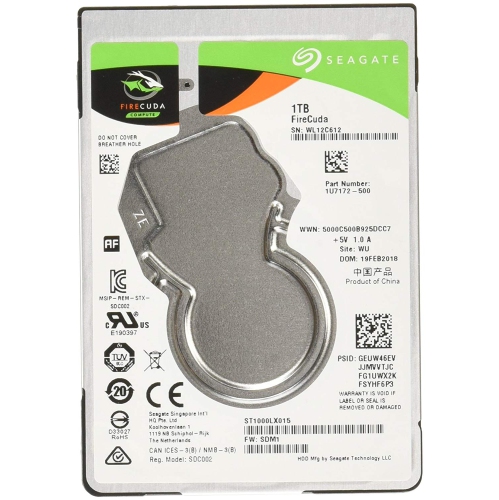
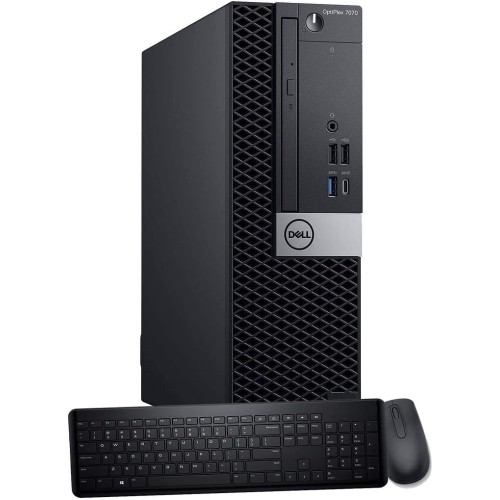
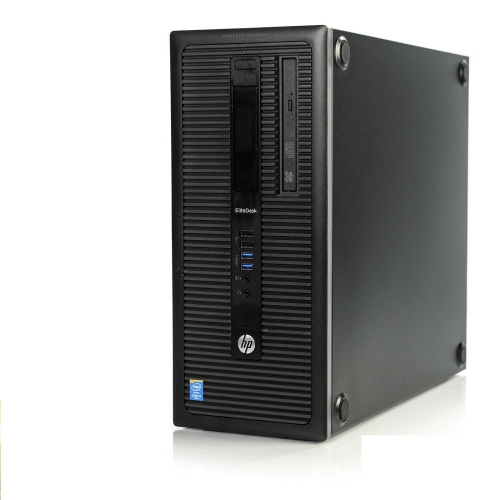
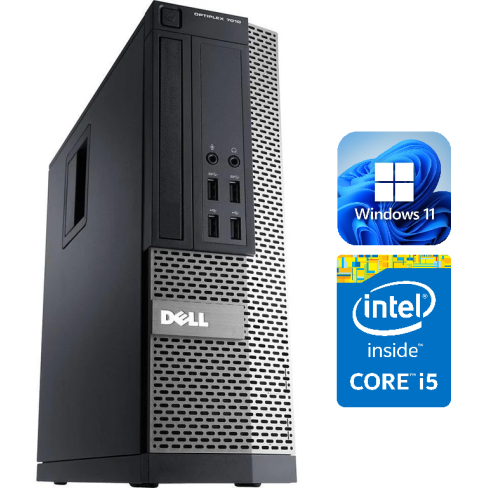
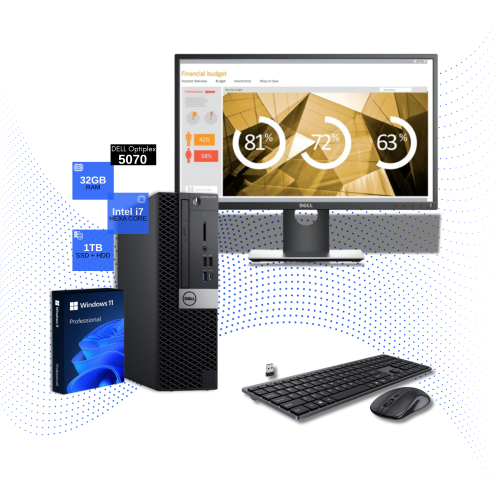
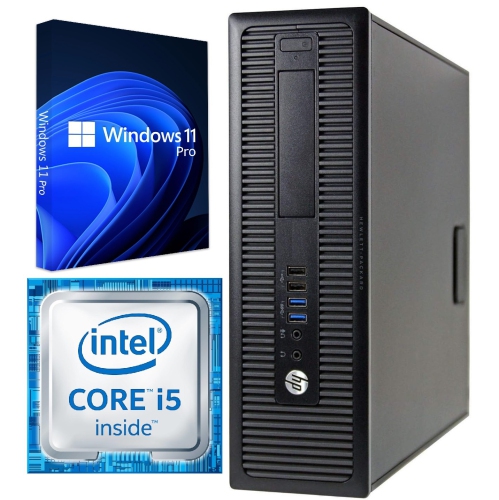
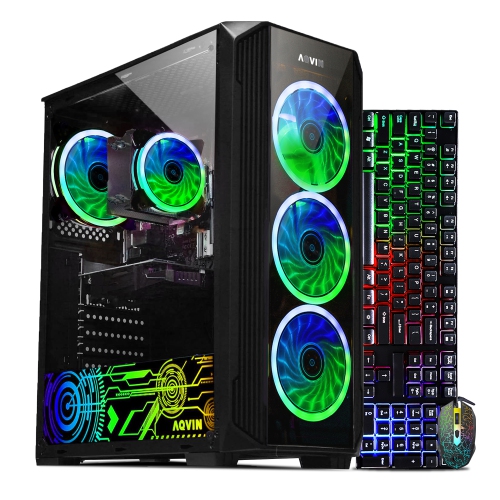
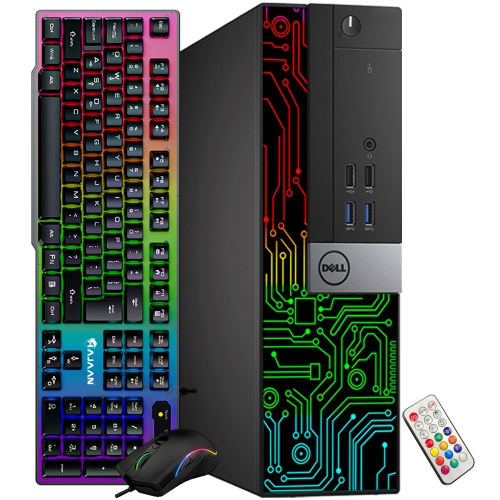
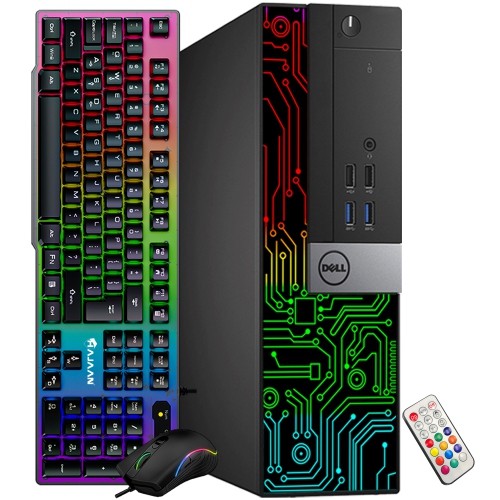
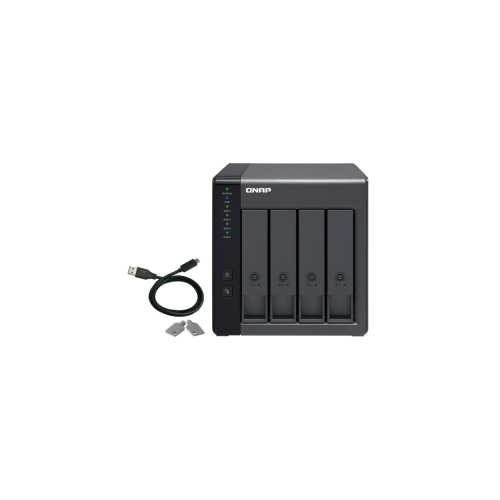
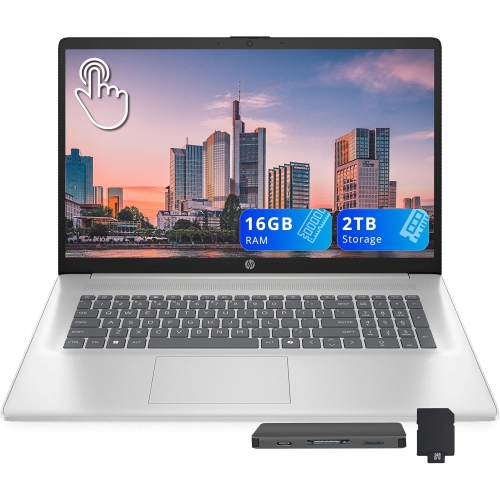
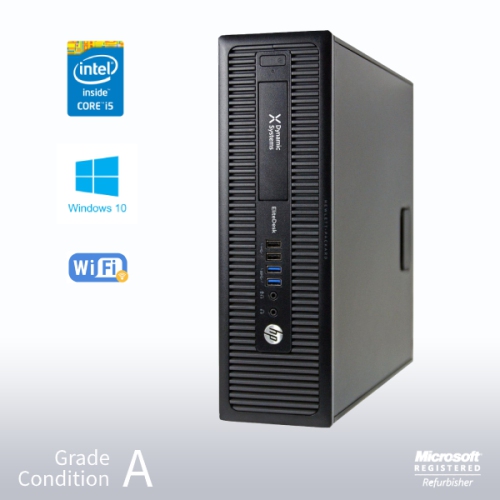
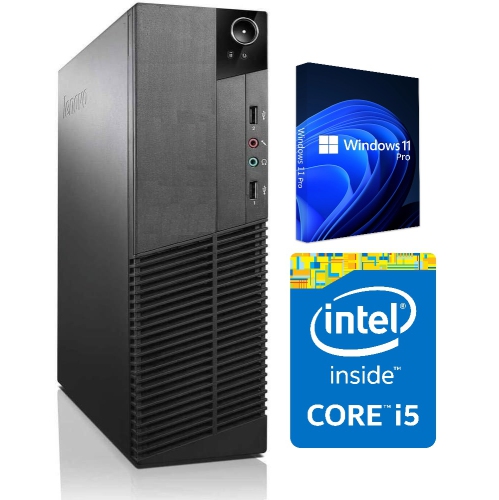
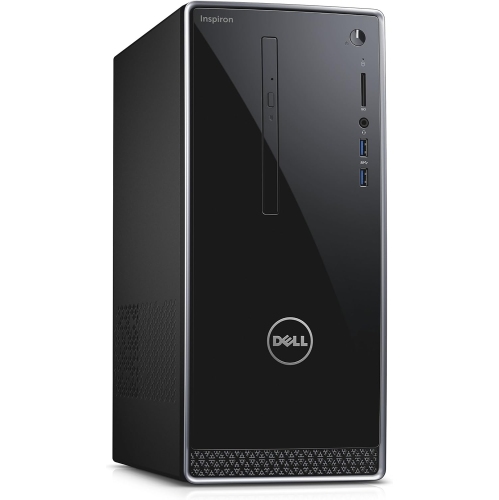
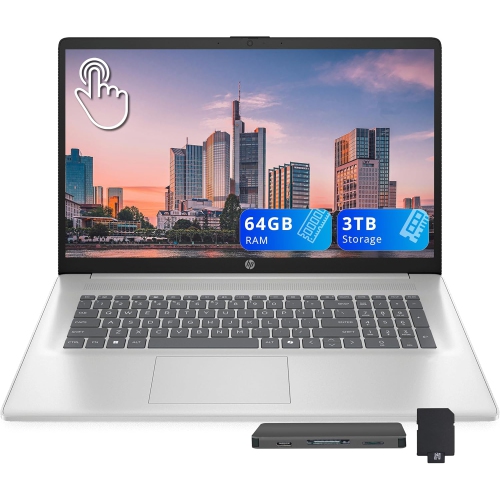
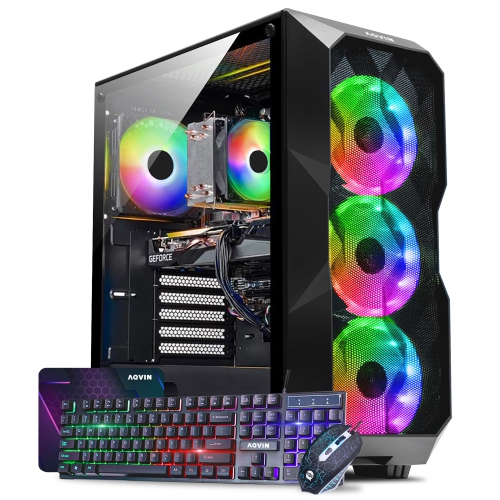
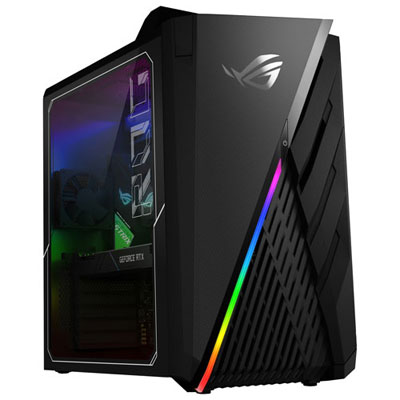
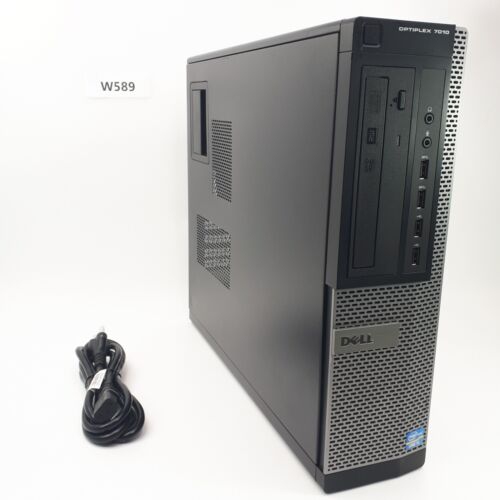

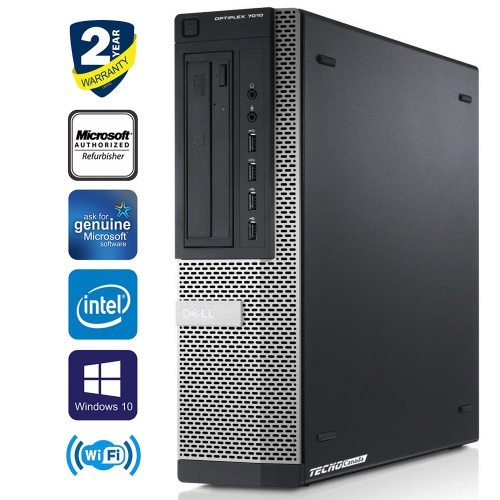
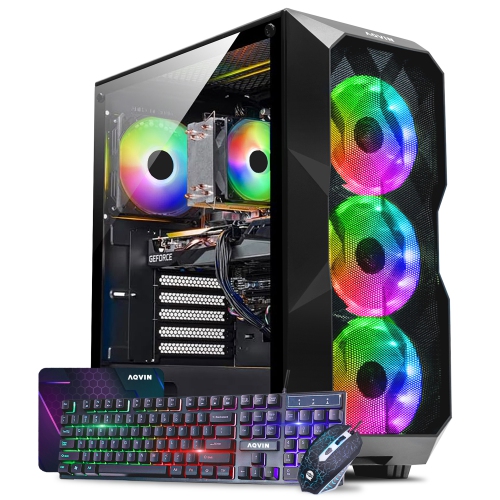
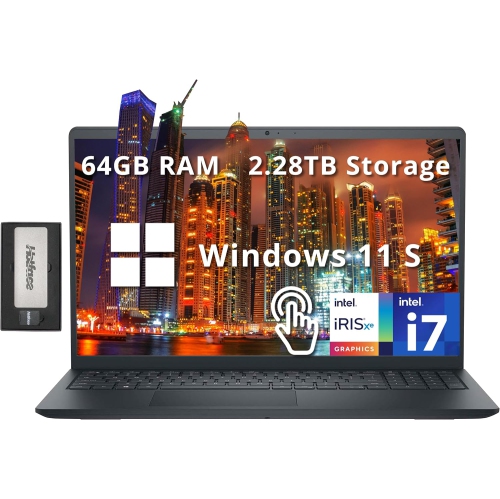
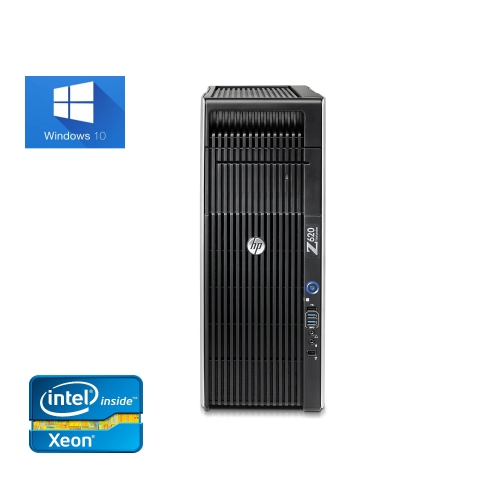
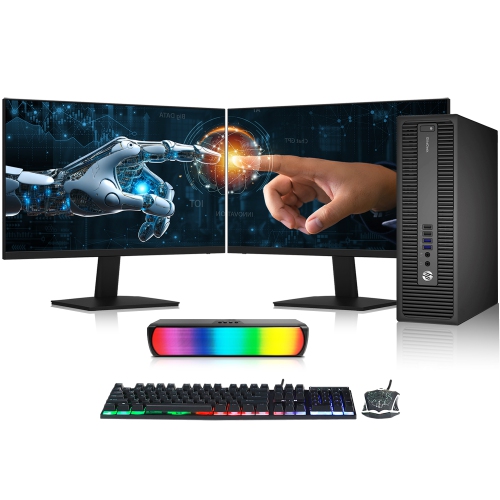
Dual-drive storage balances speed with space for everyday computing
Computers equipped with both SSD (Solid State Drive) and HDD (Hard Disk Drive) storage offer a versatile solution for anyone who values both speed and capacity in their daily computing experience. This dual-drive setup is particularly appealing for students, professionals, and families who want the best of both worlds: the lightning-fast boot times and application launches of an SSD, paired with the abundant, cost-effective storage offered by an HDD. As the weather warms and routines shift—whether it’s prepping for a new academic term, transitioning to summer projects, or simply organizing a growing digital library—having a computer that can keep up with varied demands becomes essential. The SSD handles your operating system and most-used programs, ensuring that everything from photo editing to online meetings feels quick and responsive. Meanwhile, the HDD quietly stores your large files, from sprawling video collections to years of family photos, without forcing you to make tough decisions about what to keep or delete. This hybrid approach is a natural fit for gamers who want fast load times for their favourite titles, creative professionals who juggle massive media files, or anyone who enjoys a seamless, clutter-free computing experience.
When considering a computer with both SSD and HDD, it’s helpful to think about your typical workflow and storage needs. For those who work with large files—like video editors, graphic designers, or engineers—the ability to save active projects on the SSD for rapid access, while archiving completed work on the HDD, can make day-to-day tasks noticeably smoother. Gamers will appreciate the ability to install their most-played games on the SSD for quick launches, while using the HDD for a broader library or game recordings. Even in a busy household, a shared computer with this hybrid storage can help everyone stay organized: kids can store school projects and games, parents can manage work documents and photos, and there’s still room for movies or music collections. These systems are also a thoughtful gift for anyone starting a new job, heading off to university, or looking to upgrade their home office. The flexibility of dual storage means the computer can adapt as needs change, providing peace of mind that you won’t run out of space or be slowed down by older technology.
As you browse computers with both SSD and HDD configurations, keep in mind a few practical considerations. Check the specifications for the size and type of each drive—common setups include SSDs ranging from 256GB to 1TB and HDDs from 1TB up to 4TB or more. Make sure the computer’s motherboard supports both drive types, with available SATA and M.2/NVMe slots as needed. It’s also worth noting that while SSDs are silent and durable, HDDs do produce a faint spinning sound due to their moving parts. For those who prioritize absolute quiet, this is something to consider, though for most users the trade-off is well worth the extra storage capacity. Regular backups are always a smart idea; while the SSD typically runs your operating system, all drives can eventually fail, so keeping important files duplicated elsewhere is good practice. If you’re interested in exploring other storage options, you can also learn more about Desktop Computers With Solid State Hard Drive for a closer look at systems that focus exclusively on SSD technology. Whether you’re upgrading for performance, storage, or a bit of both, a computer with both SSD and HDD provides a reliable, future-ready platform for work, play, and everything in between.
When considering a computer with both SSD and HDD, it’s helpful to think about your typical workflow and storage needs. For those who work with large files—like video editors, graphic designers, or engineers—the ability to save active projects on the SSD for rapid access, while archiving completed work on the HDD, can make day-to-day tasks noticeably smoother. Gamers will appreciate the ability to install their most-played games on the SSD for quick launches, while using the HDD for a broader library or game recordings. Even in a busy household, a shared computer with this hybrid storage can help everyone stay organized: kids can store school projects and games, parents can manage work documents and photos, and there’s still room for movies or music collections. These systems are also a thoughtful gift for anyone starting a new job, heading off to university, or looking to upgrade their home office. The flexibility of dual storage means the computer can adapt as needs change, providing peace of mind that you won’t run out of space or be slowed down by older technology.
As you browse computers with both SSD and HDD configurations, keep in mind a few practical considerations. Check the specifications for the size and type of each drive—common setups include SSDs ranging from 256GB to 1TB and HDDs from 1TB up to 4TB or more. Make sure the computer’s motherboard supports both drive types, with available SATA and M.2/NVMe slots as needed. It’s also worth noting that while SSDs are silent and durable, HDDs do produce a faint spinning sound due to their moving parts. For those who prioritize absolute quiet, this is something to consider, though for most users the trade-off is well worth the extra storage capacity. Regular backups are always a smart idea; while the SSD typically runs your operating system, all drives can eventually fail, so keeping important files duplicated elsewhere is good practice. If you’re interested in exploring other storage options, you can also learn more about Desktop Computers With Solid State Hard Drive for a closer look at systems that focus exclusively on SSD technology. Whether you’re upgrading for performance, storage, or a bit of both, a computer with both SSD and HDD provides a reliable, future-ready platform for work, play, and everything in between.
Top selling and popular products
-
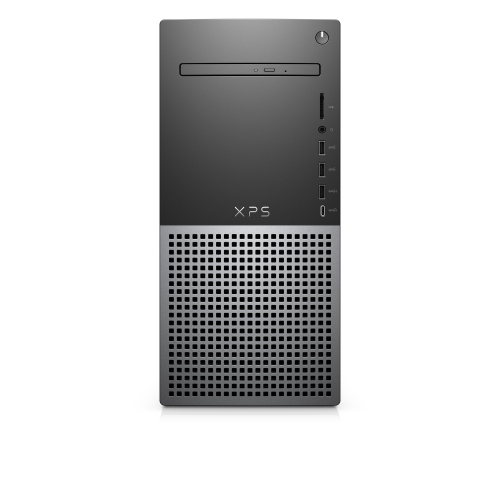 Your price for this item is $1599
 -
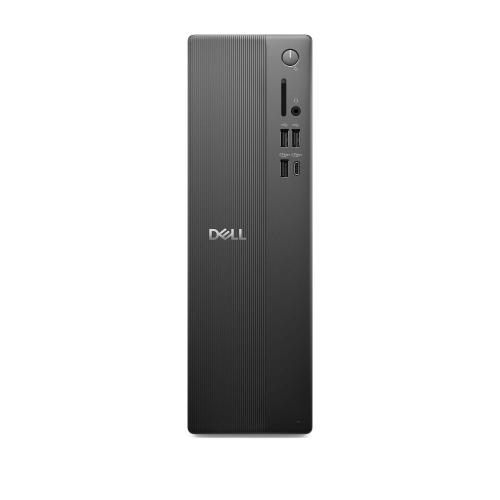 Your price for this item is $1629.79
 -
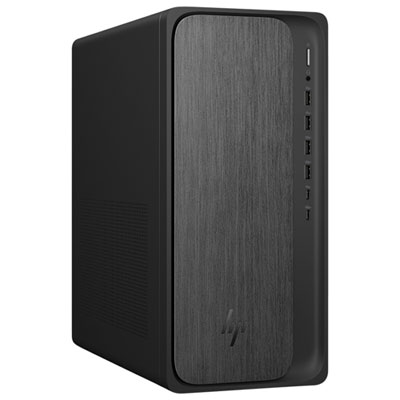 Your price for this item is $1999.99
 -
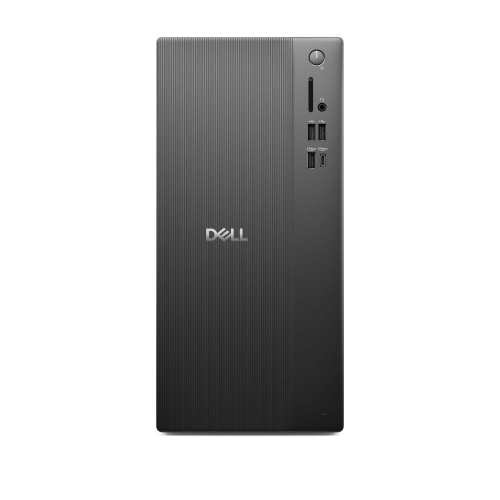 Your price for this item is $1459.79
 -
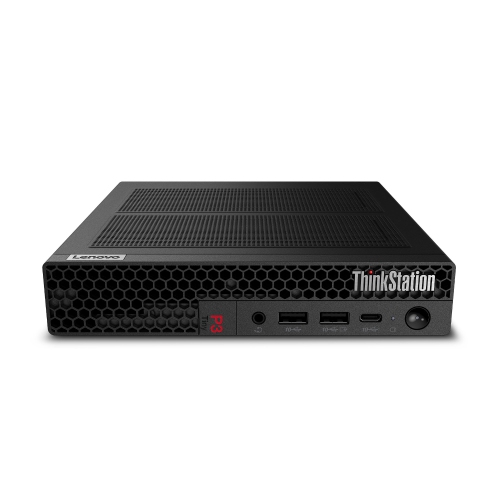 Your price for this item is $879
 -
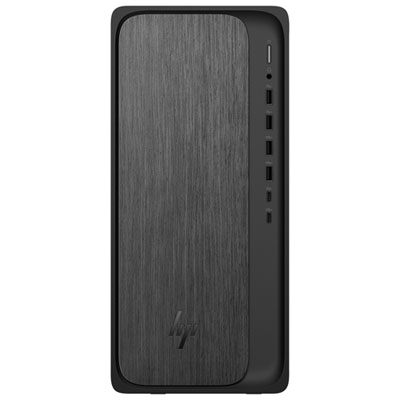 Your price for this item is $1199.99
 -
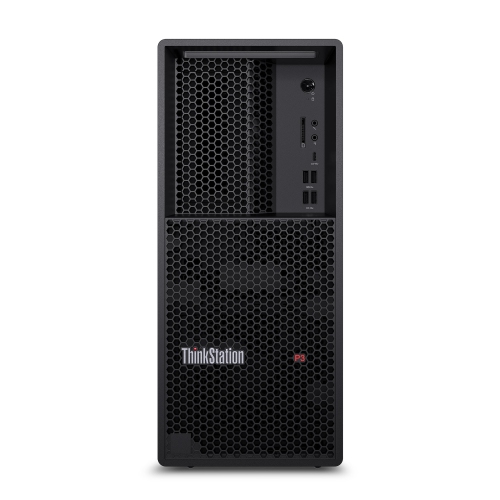 Your price for this item is $1839
 -
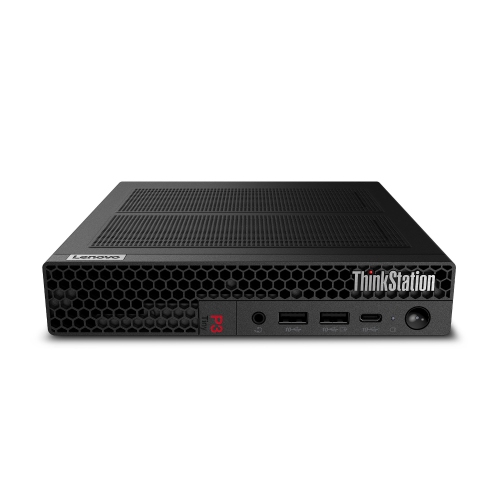 Your price for this item is $879
Discover more categories related to Computers With SSD And HDD

Top Collections:
Pokemon Centers, Kindle Devices, Best Budget Office Chairs, Apple iPhones 16, Best Laptops for Writers, iPhone 15 Apple, Canon G7X Cameras, Refurbished Apple Laptops, Alarm Clock, Motorola Razr Phones
Some products may be subject to Environmental Handling Fees
(EHF) depending on your province.
Learn more about EHFs.