Converter HDMI To VGA Audio
Discover a wide selection of converter HDMI to VGA audio solutions designed to help you connect your devices with ease. Whether you're setting up a new workstation, enhancing your home entertainment system, or preparing for an important presentation, these converters make it simple to bridge the gap between HDMI and VGA connections while supporting audio output. Find the right converter HDMI to VGA audio option to suit your needs and enjoy seamless compatibility across your favorite electronics.
Sort
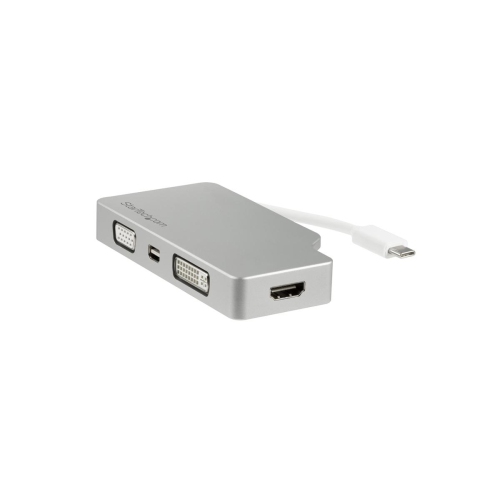
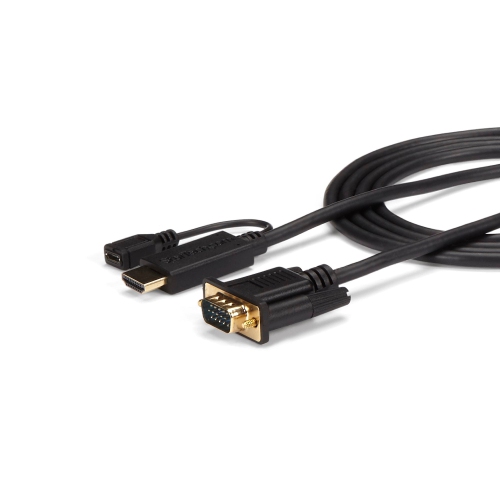
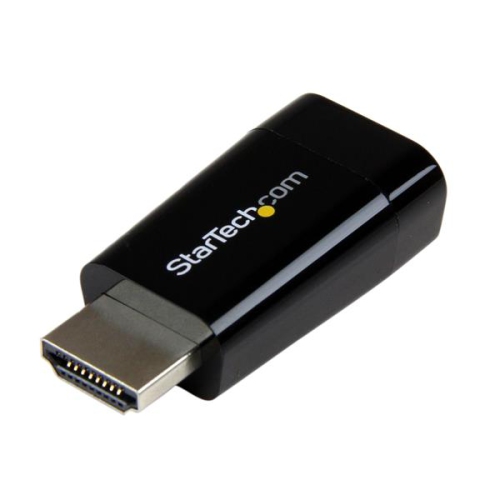
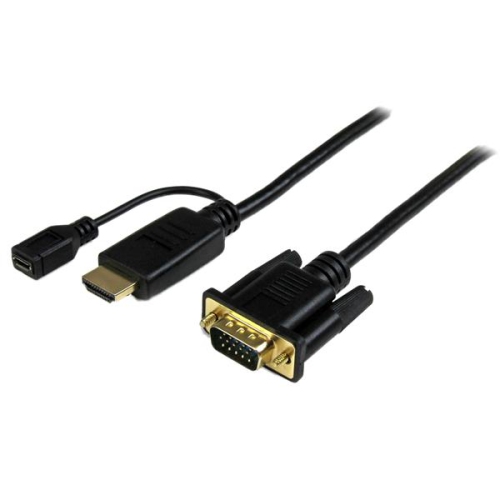

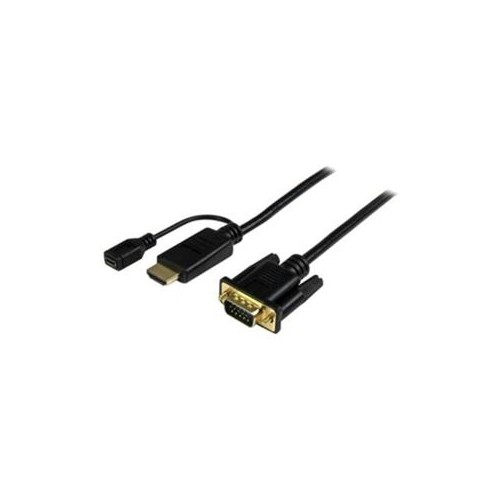
Why VGA displays need a separate connection for sound
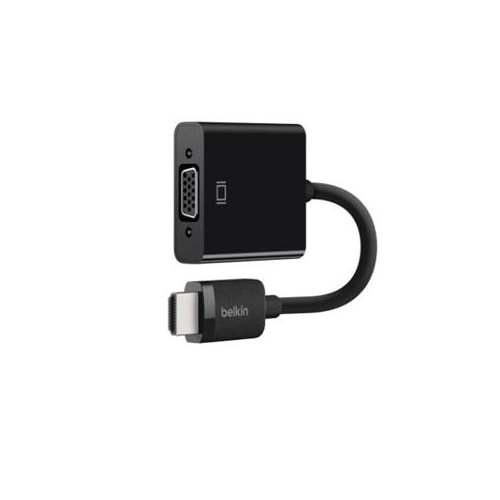
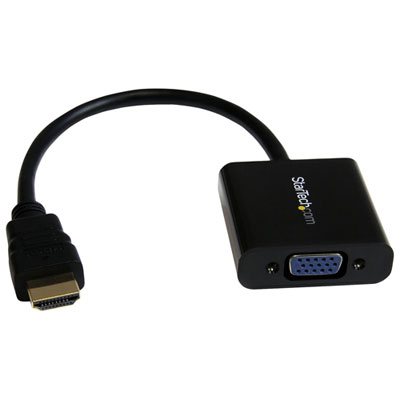
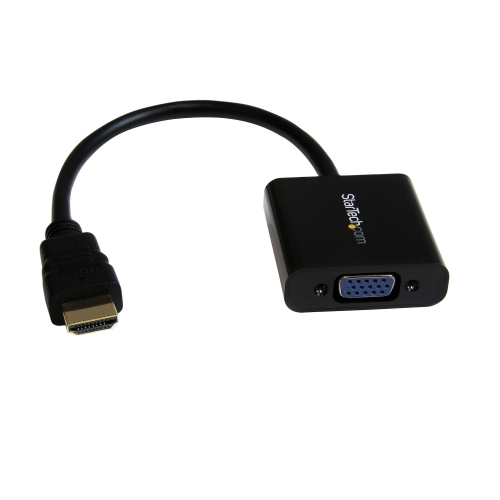
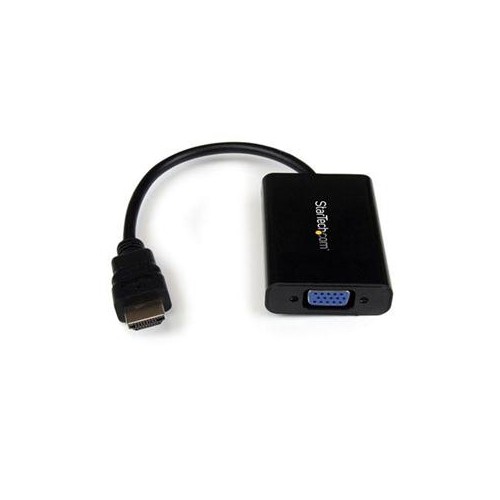
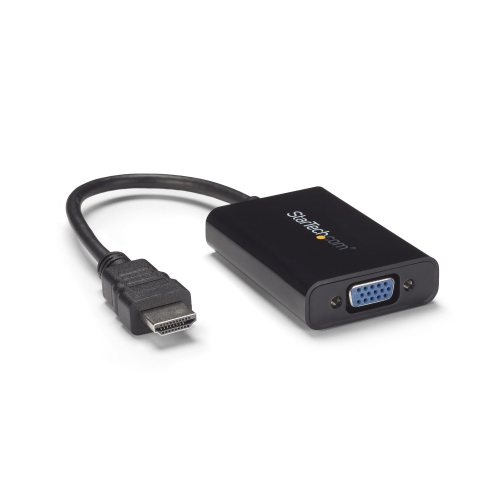
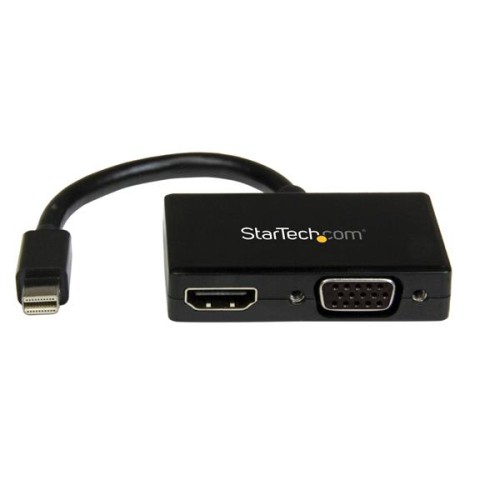
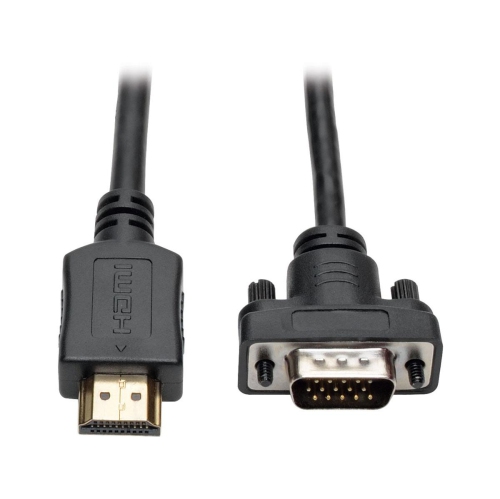
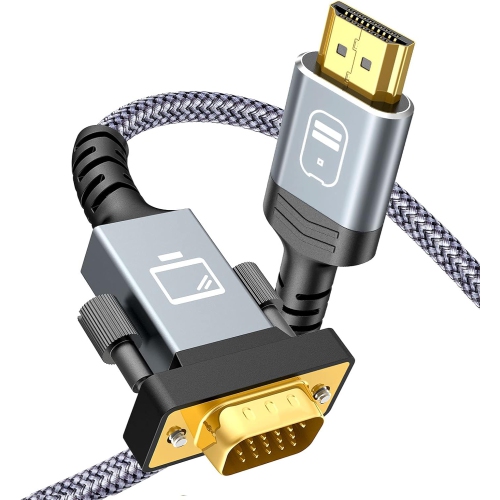
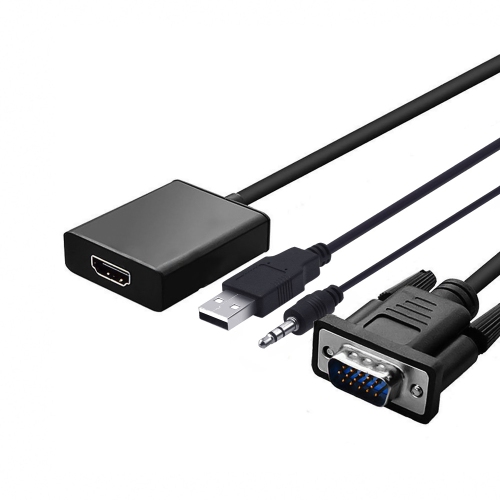
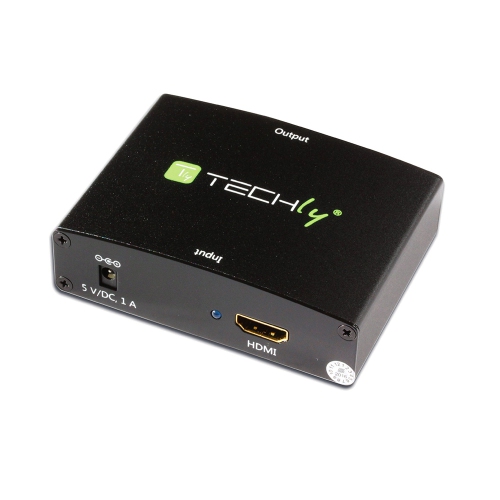
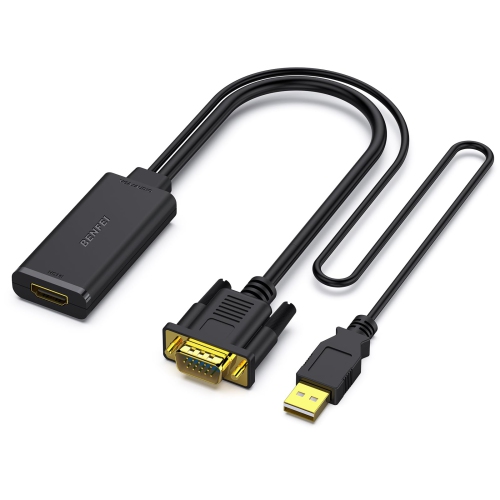
An HDMI to VGA converter with audio connects an HDMI source, such as a laptop or desktop computer, to a VGA monitor or projector while providing a separate connection for sound. Its active conversion circuitry changes the digital HDMI video signal into an analogue VGA signal, and its audio output typically uses a 3.5 mm stereo jack. This distinction matters because VGA carries video only: connecting a VGA cable to a display does not send sound to that display, even when it has built-in speakers. Audio needs its own cable running from the converter to a compatible speaker input, sound system, or display audio input. For a home office with a dependable VGA monitor, this type of adapter can bridge the gap between an older screen and a computer with an HDMI output. In a meeting room or classroom, it can connect a presentation laptop to a VGA projector while routing narration or video sound to powered speakers. Many converters support resolutions up to 1920 x 1080 at 60 Hz, while some support 1920 x 1200; the usable resolution depends on the converter’s specifications, the source device, and the display. A converter that supports 1080p does not necessarily accept a 4K input or scale it down, so the source needs to output a supported video format. The display’s native resolution and aspect ratio also influence the result. A widescreen desktop shown on an older 4:3 projector may need a different output setting to avoid stretched images or clipped edges. Conversion provides a compatible signal rather than upgrading the screen itself, so text clarity, colour reproduction, and image detail still depend on the display and the quality of the connection. For everyday documents, slides, spreadsheets, and other compatible content, the appeal is straightforward: a familiar monitor or projector can remain part of a practical setup without sacrificing a separate path for audio.
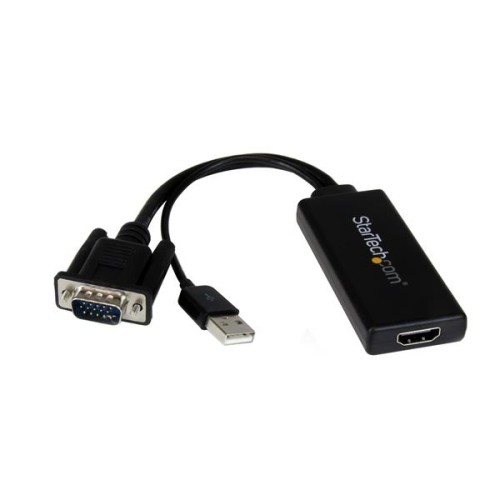
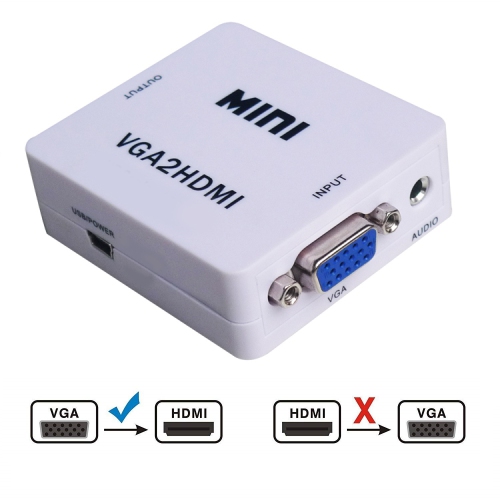
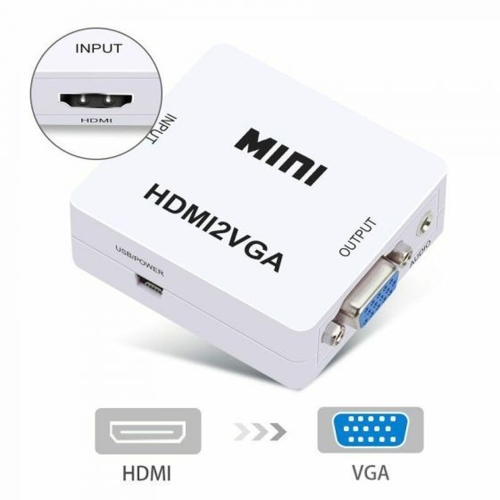
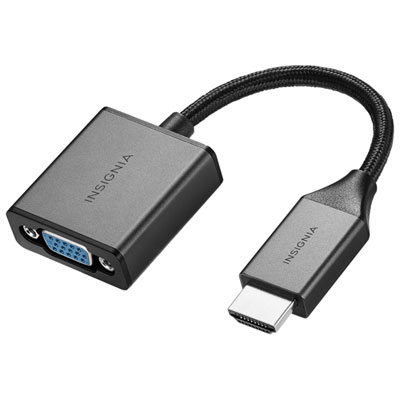
Connection details distinguish an HDMI to VGA audio converter from a simple cable with different plugs at either end. HDMI and VGA use different signal types, so active electronics are necessary; a passive connector alone cannot perform the conversion. Direction is equally important. An HDMI-to-VGA converter is designed for an HDMI source and a VGA display, not for sending video from a VGA computer into an HDMI television. Common designs have an HDMI male plug for the source and a VGA female socket for a separate VGA cable, although connector arrangements vary. Full-size HDMI, Mini HDMI, and Micro HDMI are different physical connections, and a computer with only USB-C needs an appropriate video-output connection before it can feed an HDMI converter. The distinction between video-only adapters and adapters with a dedicated audio jack is important when comparing HDMI to VGA converters for a setup that needs sound. Some converters draw operating power from the HDMI connection, while others include an auxiliary USB power input, sometimes using Micro USB. That extra connection supplies power to the conversion circuitry; it does not replace the HDMI video input or necessarily charge the source device. A compact media player or another source with limited power at its HDMI port may need a converter designed for external power. Audio compatibility deserves the same attention as video compatibility. A 3.5 mm output commonly carries two-channel analogue stereo rather than a digital surround-sound signal, and the source may need to send stereo PCM audio. Powered speakers or a sound system with a matching analogue input are suitable companions; direct headphone use depends on the converter’s output design and volume-control support. Protected video is another consideration, since support for HDCP varies and some converters cannot display content that requires copy protection. A physical fit alone does not guarantee compatibility with every console, streaming device, or protected video service.
The most comfortable setup often comes down to how the converter fits around the equipment. A small adapter body can sit behind a desktop monitor, while a short flexible HDMI lead can make a crowded laptop connection easier to manage. A rigid adapter that extends directly from a port may be less convenient when neighbouring sockets are closely spaced or when a laptop is moved frequently. Lightweight plastic housings suit portable setups, while metal housings can offer greater resistance to everyday knocks; construction quality, secure connectors, and strain relief are more useful durability indicators than appearance alone. VGA plugs with retaining screws help keep the display cable seated, particularly on a projector connection that is difficult to reach once installed. Cable length also affects practicality. A long cable across a room can create clutter and put tension on connectors, and analogue VGA signals can show softness or ghosting over poor-quality or excessively long cable runs. A modest-length, well-shielded VGA cable and an audio cable that reaches without stretching can make a desk or presentation station easier to use. The converter, VGA cable, audio lead, and any required power connection form one setup, so the included connections matter as much as the adapter itself. Care is simple but worthwhile: connectors benefit from being kept clean and dry, cables should not be sharply bent, and plugs are best removed by their housings rather than by pulling on the cord. A small pouch can protect the adapter and keep its audio and power cables together between presentations. These converters are particularly useful for students working with an older monitor, educators using classroom projection equipment, and professionals moving between meeting rooms with different display connections. As a practical gift for someone who presents regularly, compatibility with their laptop and usual display matters more than decorative packaging. The right combination of video direction, supported resolution, audio output, power requirements, and physical fit makes the converter a useful part of a familiar workspace.
Connection details distinguish an HDMI to VGA audio converter from a simple cable with different plugs at either end. HDMI and VGA use different signal types, so active electronics are necessary; a passive connector alone cannot perform the conversion. Direction is equally important. An HDMI-to-VGA converter is designed for an HDMI source and a VGA display, not for sending video from a VGA computer into an HDMI television. Common designs have an HDMI male plug for the source and a VGA female socket for a separate VGA cable, although connector arrangements vary. Full-size HDMI, Mini HDMI, and Micro HDMI are different physical connections, and a computer with only USB-C needs an appropriate video-output connection before it can feed an HDMI converter. The distinction between video-only adapters and adapters with a dedicated audio jack is important when comparing HDMI to VGA converters for a setup that needs sound. Some converters draw operating power from the HDMI connection, while others include an auxiliary USB power input, sometimes using Micro USB. That extra connection supplies power to the conversion circuitry; it does not replace the HDMI video input or necessarily charge the source device. A compact media player or another source with limited power at its HDMI port may need a converter designed for external power. Audio compatibility deserves the same attention as video compatibility. A 3.5 mm output commonly carries two-channel analogue stereo rather than a digital surround-sound signal, and the source may need to send stereo PCM audio. Powered speakers or a sound system with a matching analogue input are suitable companions; direct headphone use depends on the converter’s output design and volume-control support. Protected video is another consideration, since support for HDCP varies and some converters cannot display content that requires copy protection. A physical fit alone does not guarantee compatibility with every console, streaming device, or protected video service.
The most comfortable setup often comes down to how the converter fits around the equipment. A small adapter body can sit behind a desktop monitor, while a short flexible HDMI lead can make a crowded laptop connection easier to manage. A rigid adapter that extends directly from a port may be less convenient when neighbouring sockets are closely spaced or when a laptop is moved frequently. Lightweight plastic housings suit portable setups, while metal housings can offer greater resistance to everyday knocks; construction quality, secure connectors, and strain relief are more useful durability indicators than appearance alone. VGA plugs with retaining screws help keep the display cable seated, particularly on a projector connection that is difficult to reach once installed. Cable length also affects practicality. A long cable across a room can create clutter and put tension on connectors, and analogue VGA signals can show softness or ghosting over poor-quality or excessively long cable runs. A modest-length, well-shielded VGA cable and an audio cable that reaches without stretching can make a desk or presentation station easier to use. The converter, VGA cable, audio lead, and any required power connection form one setup, so the included connections matter as much as the adapter itself. Care is simple but worthwhile: connectors benefit from being kept clean and dry, cables should not be sharply bent, and plugs are best removed by their housings rather than by pulling on the cord. A small pouch can protect the adapter and keep its audio and power cables together between presentations. These converters are particularly useful for students working with an older monitor, educators using classroom projection equipment, and professionals moving between meeting rooms with different display connections. As a practical gift for someone who presents regularly, compatibility with their laptop and usual display matters more than decorative packaging. The right combination of video direction, supported resolution, audio output, power requirements, and physical fit makes the converter a useful part of a familiar workspace.
Top selling and popular products
-
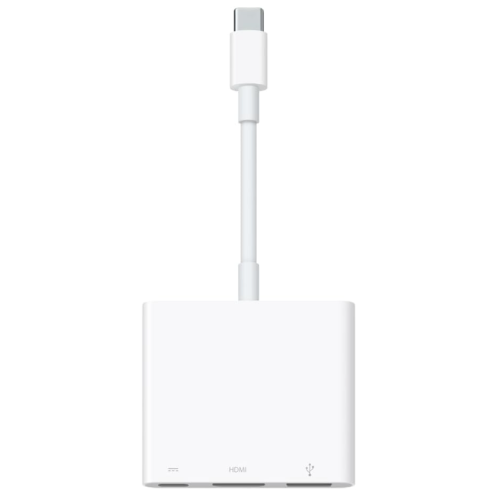 Your price for this item is $179.99
 -
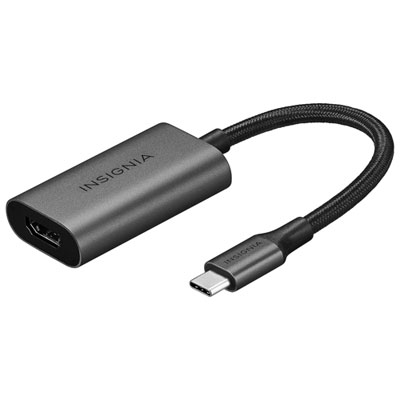 Your price for this item is $39.99
 -
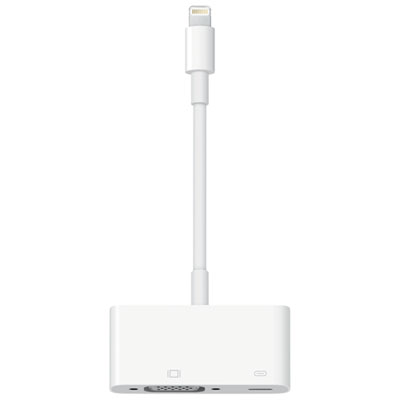 Your price for this item is $64.97
 -
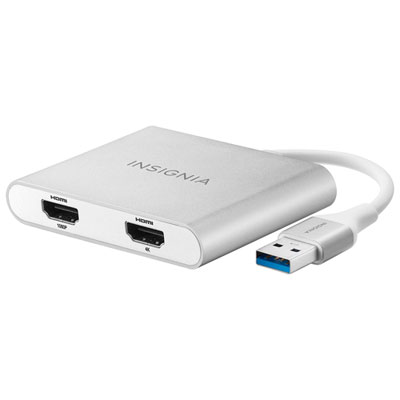 Your price for this item is $79.99
 -
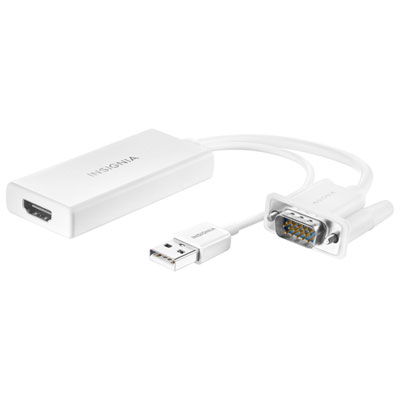 Your price for this item is $49.99
 -
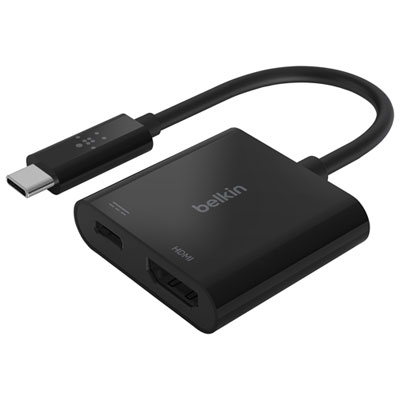 Your price for this item is $34.99
 -
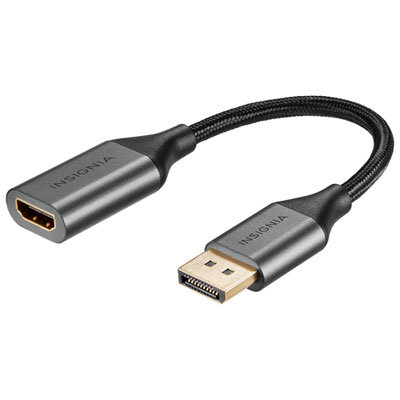 Your price for this item is $24.95
 -
 Your price for this item is $39.99
Discover more categories related to Converter HDMI To VGA Audio
Top Collections:
Pokemon Centers, Best Cameras for Sports Photography, Kindle Devices, Samsung Galaxy Phones, Canon G7X Cameras, Pokémon 30th Celebration Cards, Refurbished Apple Laptops, iPhone 15 Apple, Laptops for Students, Budget Smartphones
Some products may be subject to Environmental Handling Fees
(EHF) depending on your province.
Learn more about EHFs.