Crucial External SSDs
If you're looking to speed up your computer, adding an external solid-state drive (SSD) is one of the best ways to do it. An SSD is a non-volatile memory device that stores data even when your computer is off. It's like having a hard drive in your computer that can access data. Here are some great external SSDs from Crucial.
Sort
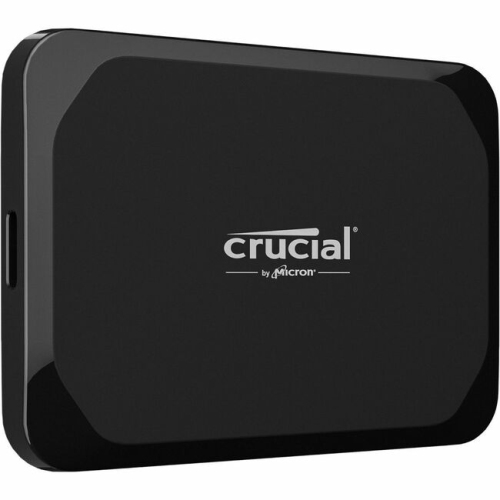
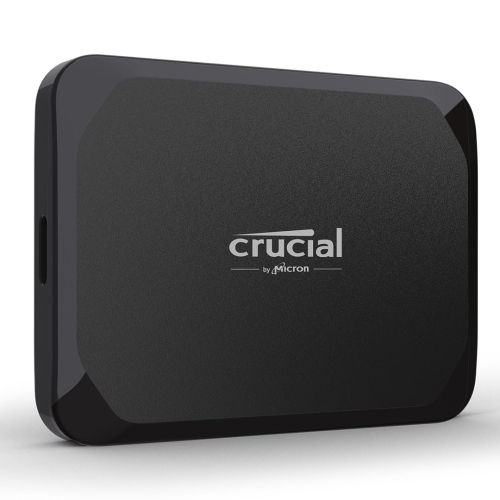
![CRUCIAL X10 Pro 2Tb Portable SSD Ct2000X10Prossd9 [Video Game]](https://multimedia.bbycastatic.ca/multimedia/products/500x500/179/17977/17977182.png)
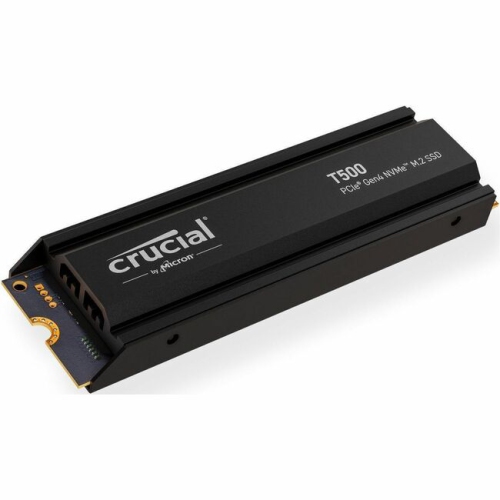
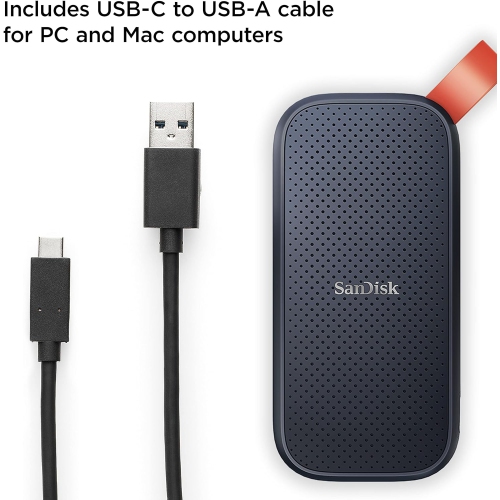
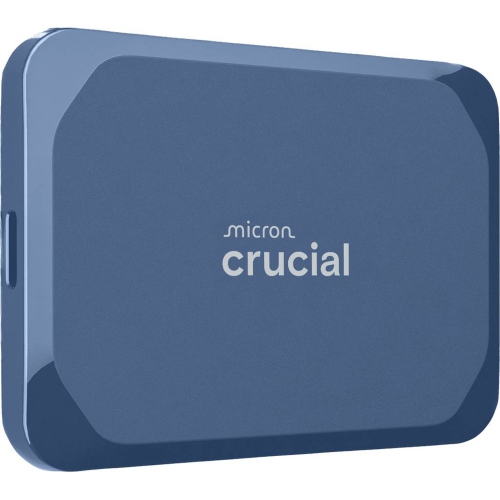
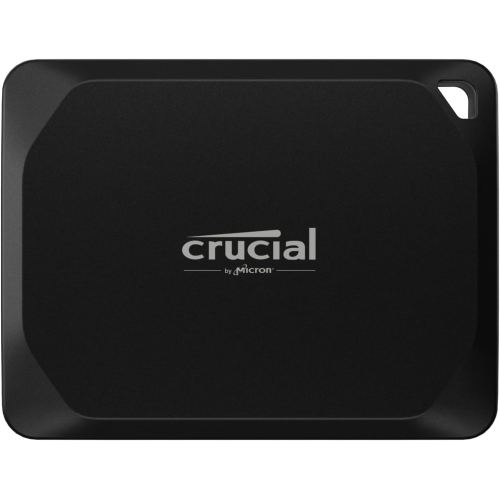
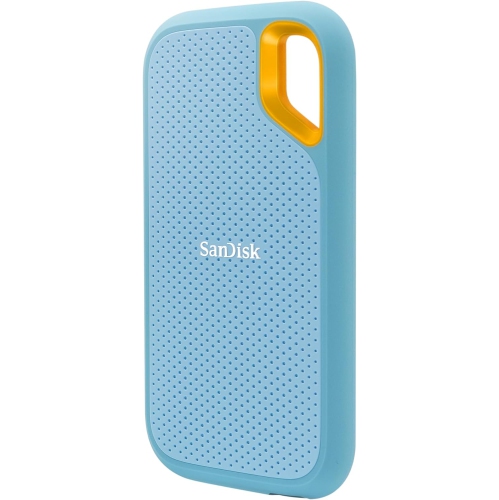
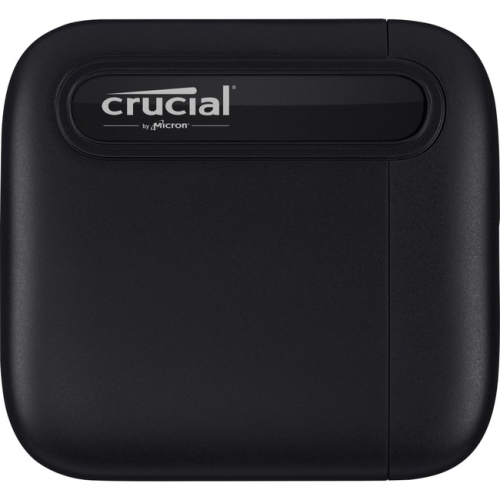
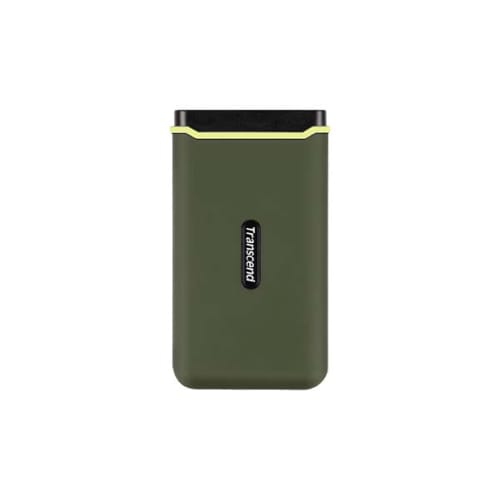
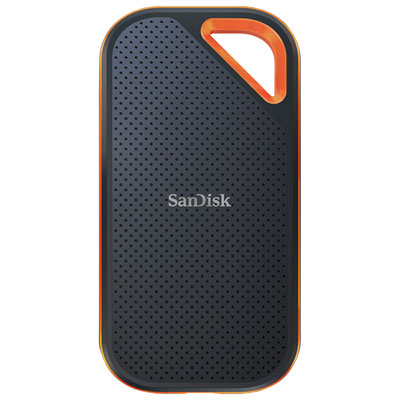
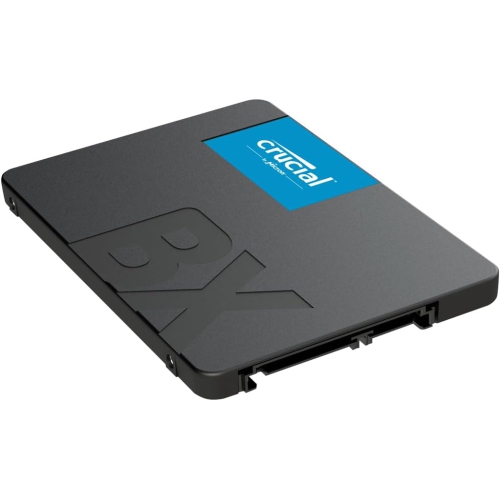
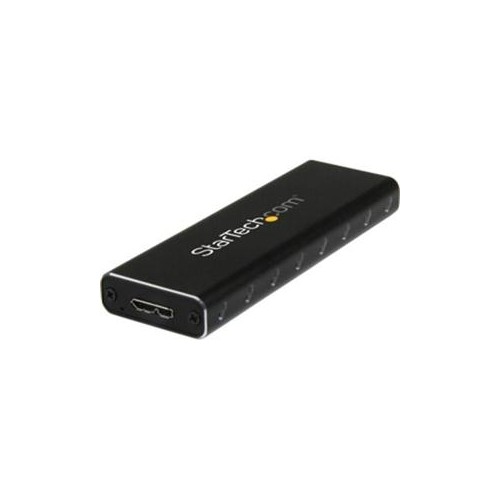
Practical storage for files, backups, and life on the go
External SSDs offer a convenient way to carry, protect, and access important files without relying solely on a computer’s internal storage. Their compact size makes them easy to slip into a laptop bag, desk drawer, camera case, or travel pouch, while their solid-state design provides fast access to documents, photos, videos, music libraries, school projects, and other frequently used content. For anyone comparing storage options, capacity is one of the first details to consider. A smaller drive can be a practical choice for transferring presentations, coursework, scanned documents, and everyday files between devices, while a larger capacity is better suited to high-resolution photography, video editing, game libraries, creative projects, and regular computer backups. It is helpful to think about both current needs and the way files tend to accumulate over time. A photographer returning from a weekend of shooting may need room for thousands of images, while a student could use an external SSD to keep research, assignments, and presentation materials together throughout the school year. Someone working from home may appreciate having a separate copy of important work files, particularly when moving between a home office, a shared workspace, and a personal laptop. Browse Best External SSDs to compare options and find a drive that fits the way you store and move your data.
Speed is another important consideration, especially for people who regularly work with large files. An external SSD can make it easier to transfer a folder of raw photos, open a substantial video project, or move a collection of documents from one compatible device to another. The connection type matters because the drive’s performance depends on the port and cable being used, so it is worth checking whether a computer, tablet, gaming console, or other device supports the connection standard required. Compatibility is equally important: some devices may need formatting before use, and operating systems can handle file formats differently. Checking the manufacturer’s specifications for supported devices, included cables, capacity, and performance ratings can help avoid surprises. Physical design also deserves attention. A slim drive may be ideal for commuters and travellers, while a sturdier enclosure can provide reassurance when the drive is carried between locations. External SSDs have no spinning platters, which helps them remain quiet during use and makes them a practical choice for a calm workspace, a library, or a shared room. Still, they should be handled with care, kept away from moisture and extreme heat, and stored safely when not in use. A short cable can keep a drive tidy beside a desktop, whereas a longer or interchangeable cable may be useful when connecting to ports that are difficult to reach. Taking a moment to label drives and organize folders can also save time later, particularly when several family members or coworkers share access to stored files.
An external SSD can be a thoughtful gift for many kinds of users because it supports hobbies, work, study, and everyday organization without requiring a complicated setup. It may suit a student preparing for exams, a photographer building a personal archive, a videographer managing footage, a gamer moving a library between compatible systems, or a family member who wants an extra place for cherished photos and home videos. During the cooler months, when more time may be spent indoors sorting memories, learning new skills, or working on creative projects, additional storage can make those activities feel less cluttered. A person who receives a new laptop may also appreciate an external SSD as a practical companion for transferring files and keeping a separate backup. For important information, it is wise to follow a backup routine that includes more than one copy and, when possible, more than one storage location. An external SSD can be part of that routine, but it should not be the only place where irreplaceable files are kept. Before choosing, consider the devices it will connect to, the types and sizes of files involved, the amount of space likely to be needed over the next few years, and whether portability, speed, durability, or simple file storage matters most. With the right match, an external SSD can bring a welcome sense of order to a crowded computer, make large file transfers easier, and keep essential digital belongings close at hand wherever the day leads.
Speed is another important consideration, especially for people who regularly work with large files. An external SSD can make it easier to transfer a folder of raw photos, open a substantial video project, or move a collection of documents from one compatible device to another. The connection type matters because the drive’s performance depends on the port and cable being used, so it is worth checking whether a computer, tablet, gaming console, or other device supports the connection standard required. Compatibility is equally important: some devices may need formatting before use, and operating systems can handle file formats differently. Checking the manufacturer’s specifications for supported devices, included cables, capacity, and performance ratings can help avoid surprises. Physical design also deserves attention. A slim drive may be ideal for commuters and travellers, while a sturdier enclosure can provide reassurance when the drive is carried between locations. External SSDs have no spinning platters, which helps them remain quiet during use and makes them a practical choice for a calm workspace, a library, or a shared room. Still, they should be handled with care, kept away from moisture and extreme heat, and stored safely when not in use. A short cable can keep a drive tidy beside a desktop, whereas a longer or interchangeable cable may be useful when connecting to ports that are difficult to reach. Taking a moment to label drives and organize folders can also save time later, particularly when several family members or coworkers share access to stored files.
An external SSD can be a thoughtful gift for many kinds of users because it supports hobbies, work, study, and everyday organization without requiring a complicated setup. It may suit a student preparing for exams, a photographer building a personal archive, a videographer managing footage, a gamer moving a library between compatible systems, or a family member who wants an extra place for cherished photos and home videos. During the cooler months, when more time may be spent indoors sorting memories, learning new skills, or working on creative projects, additional storage can make those activities feel less cluttered. A person who receives a new laptop may also appreciate an external SSD as a practical companion for transferring files and keeping a separate backup. For important information, it is wise to follow a backup routine that includes more than one copy and, when possible, more than one storage location. An external SSD can be part of that routine, but it should not be the only place where irreplaceable files are kept. Before choosing, consider the devices it will connect to, the types and sizes of files involved, the amount of space likely to be needed over the next few years, and whether portability, speed, durability, or simple file storage matters most. With the right match, an external SSD can bring a welcome sense of order to a crowded computer, make large file transfers easier, and keep essential digital belongings close at hand wherever the day leads.
Top selling and popular products
-
 Your price for this item is $374.99
 -
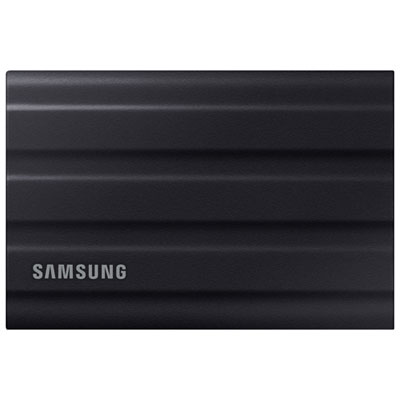 Your price for this item is $699.99
 -
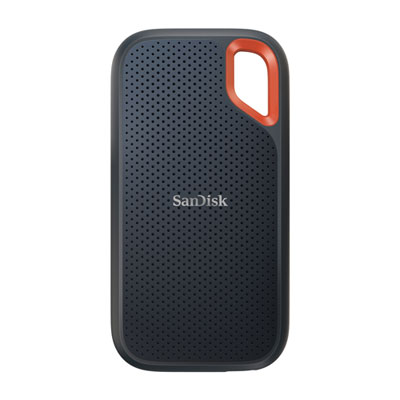 Your price for this item is $499.99
 -
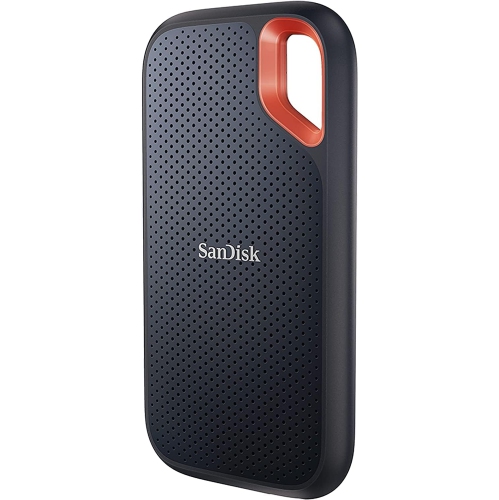 Your price for this item is $354.95
 -
 Your price for this item is $540.45
 -
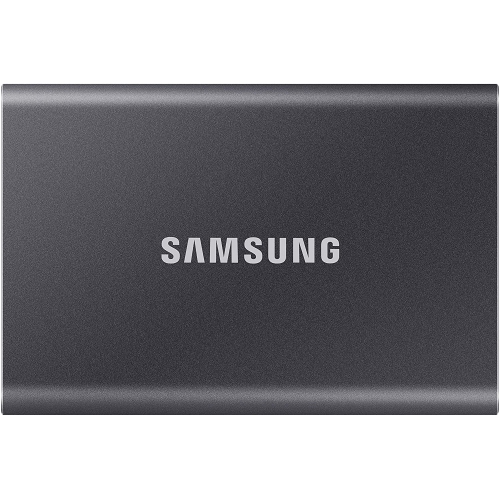 Your price for this item is $241.47
 -
 Your price for this item is $1559.99
 -
 Your price for this item is $1489.95
Discover more categories related to Crucial External SSDs
Top Collections:
Pokemon Centers, Kindle Devices, Best Budget Office Chairs, Apple iPhones 16, Best Laptops for Writers, iPhone 15 Apple, Canon G7X Cameras, Refurbished Apple Laptops, Alarm Clock, Motorola Razr Phones
Some products may be subject to Environmental Handling Fees
(EHF) depending on your province.
Learn more about EHFs.