Fast SSD External Drives
If you're looking for a way to speed up your computer, an SSD external drive is one of the best ways to do it. These drives are speedy enough to make a big difference in how quickly you can open, save, and close files. They're also small enough to fit in your pocket, so you can take them with you wherever you go.
Sort
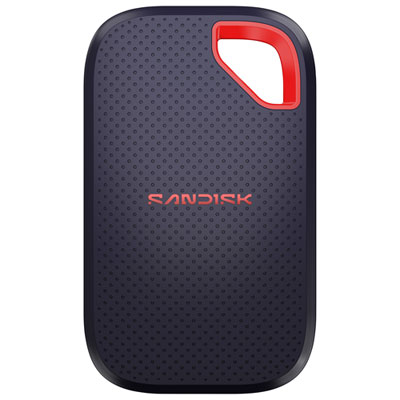
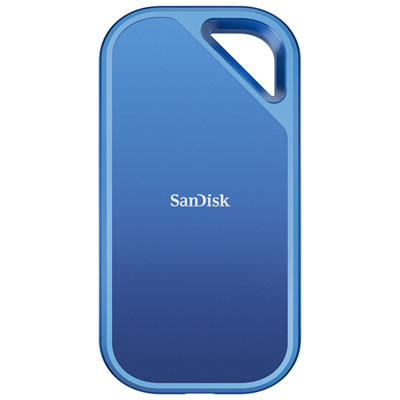


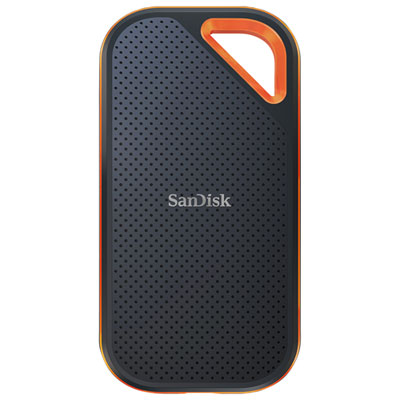
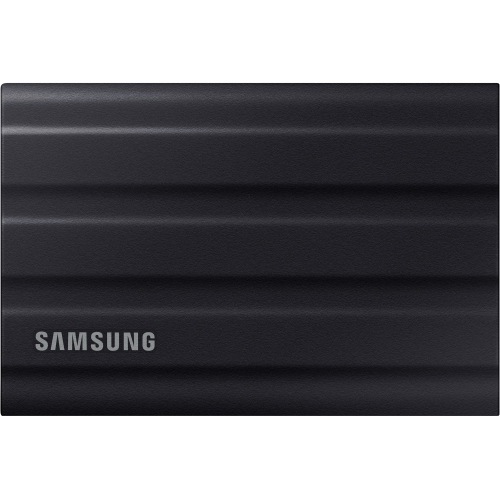

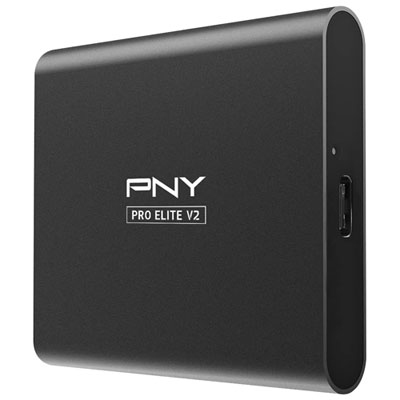
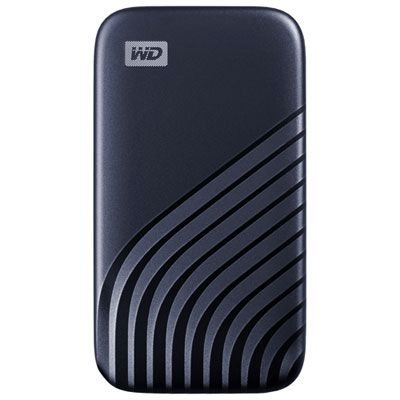
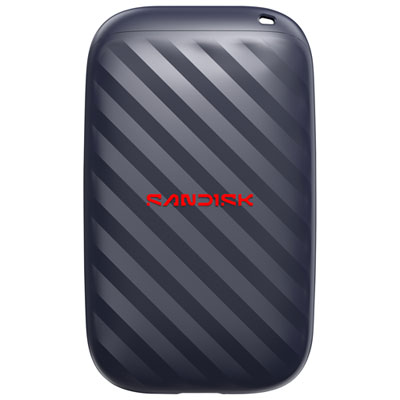
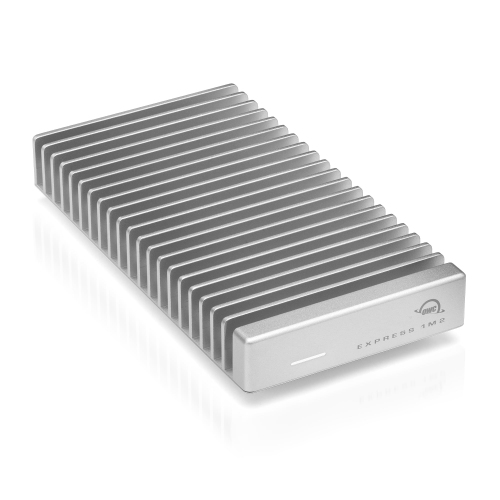

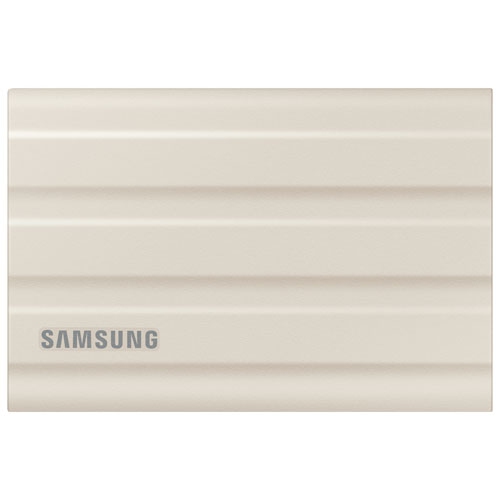
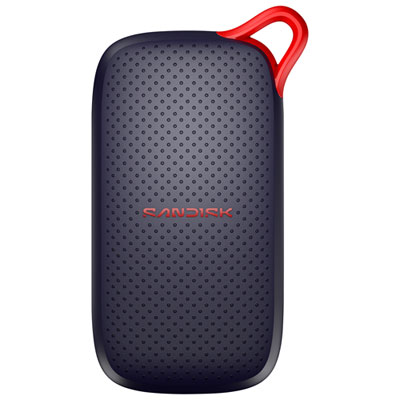
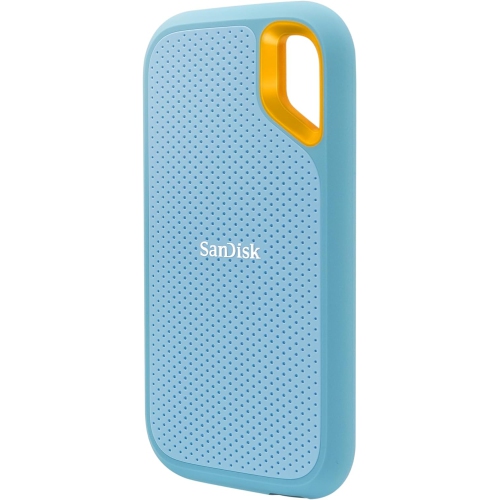

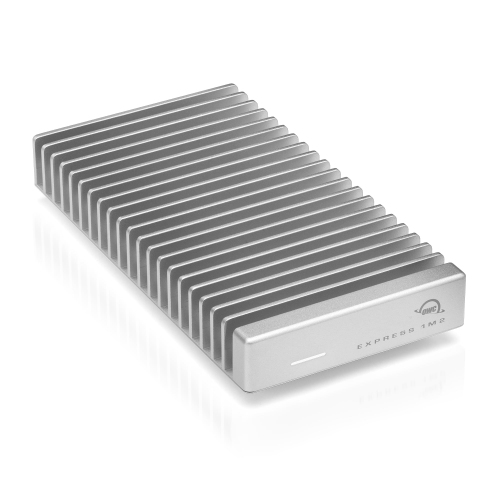
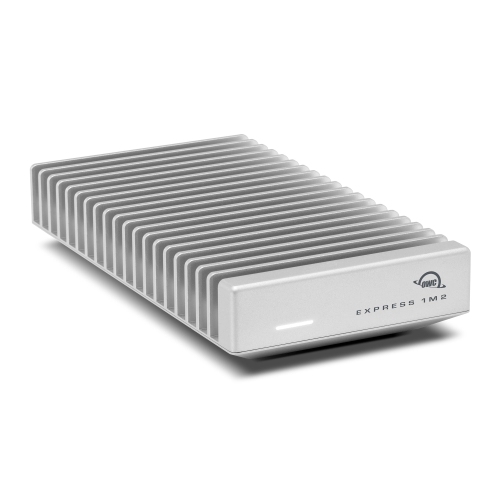
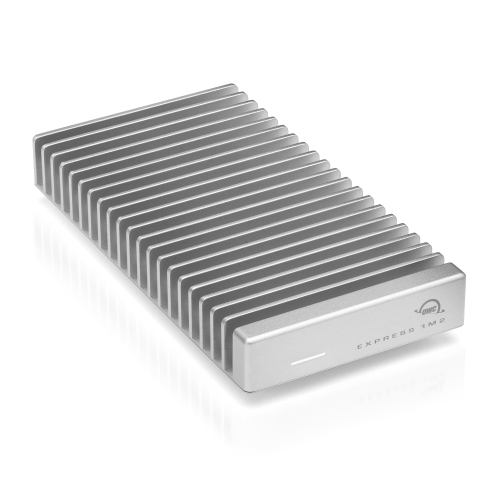
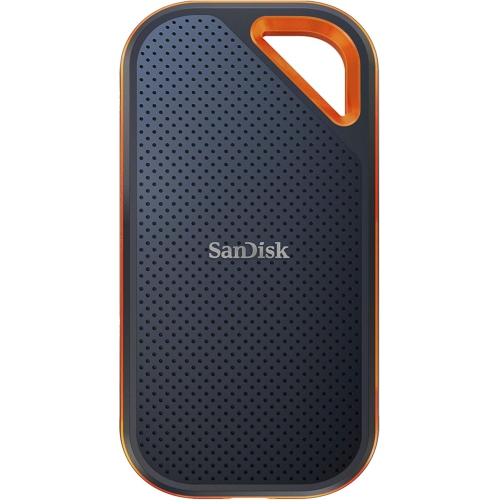


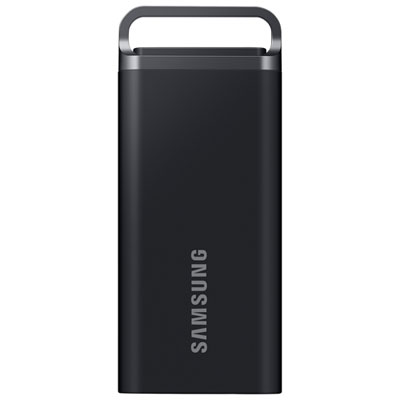
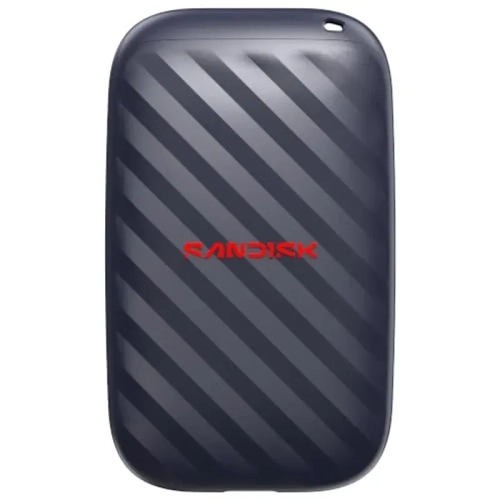

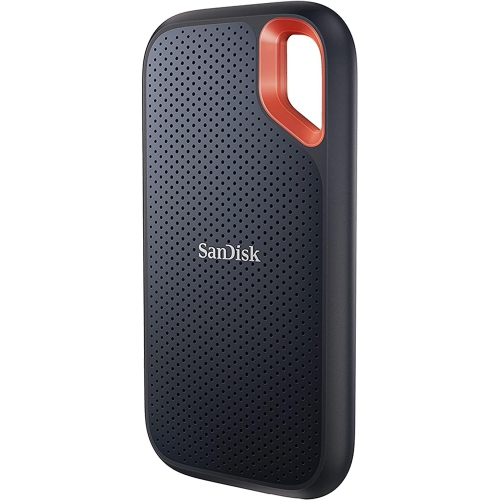
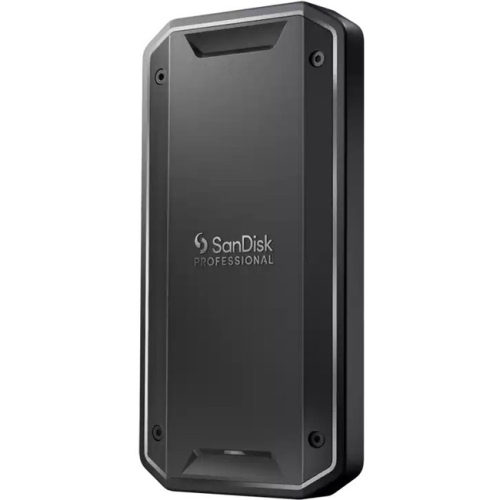
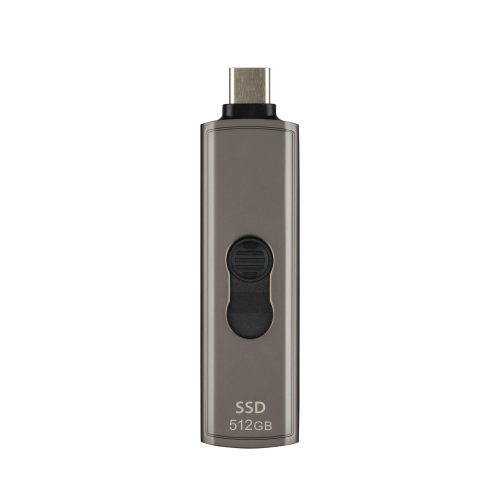

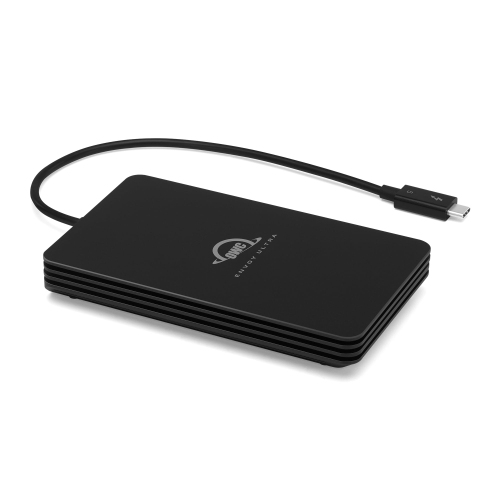
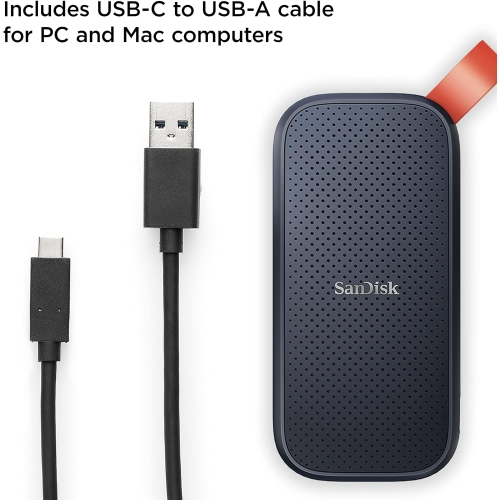

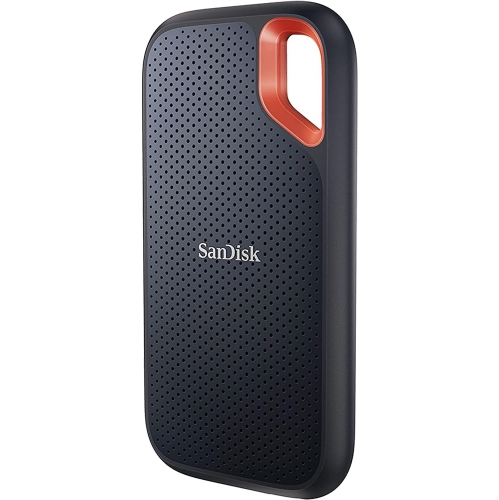

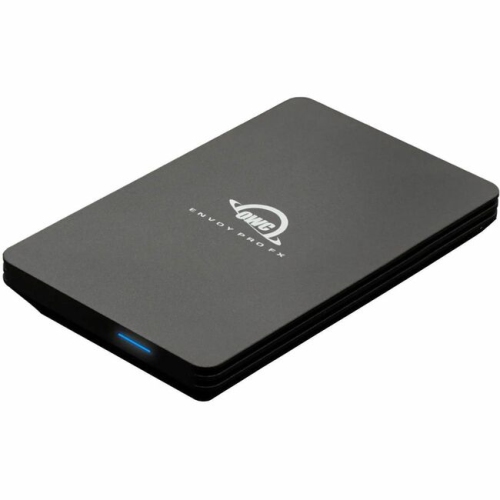

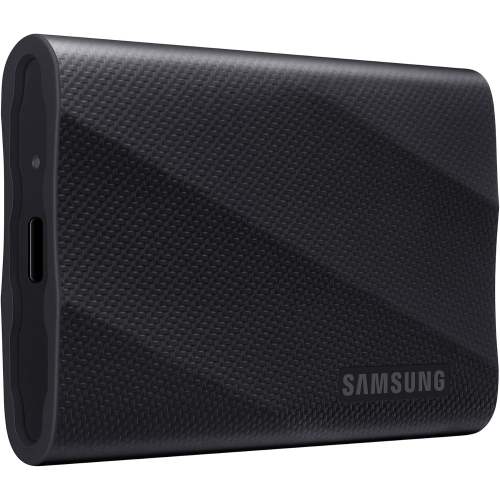

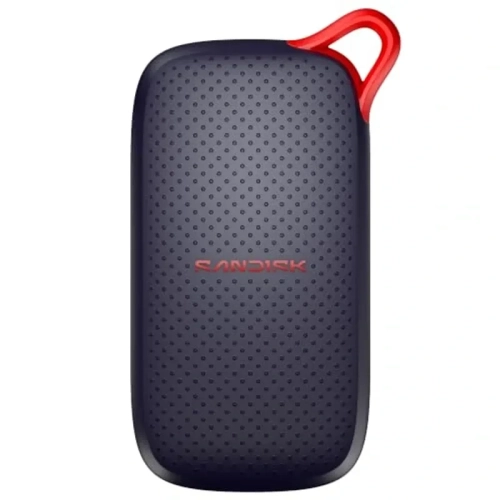


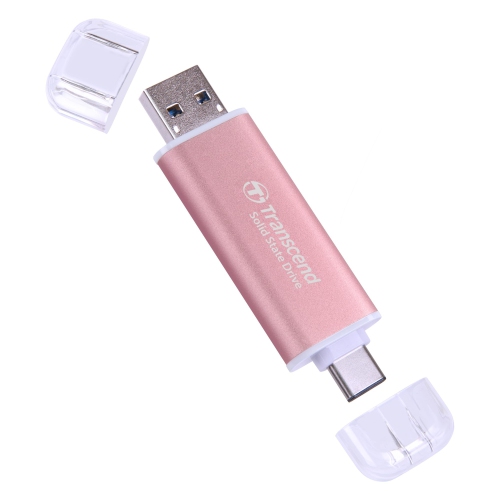
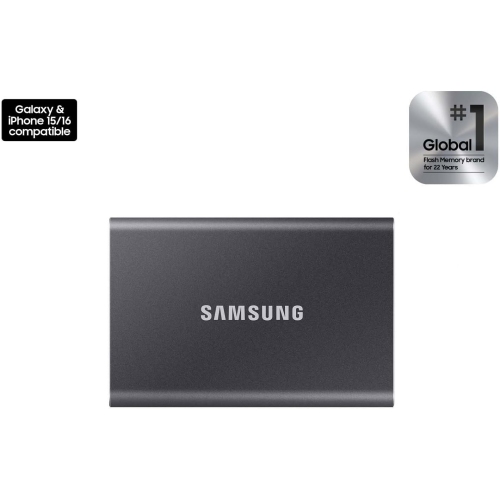


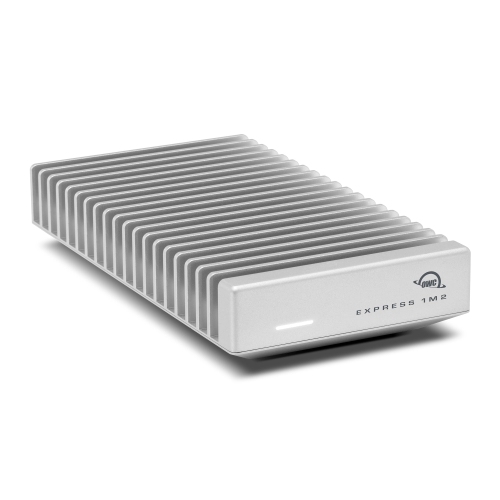

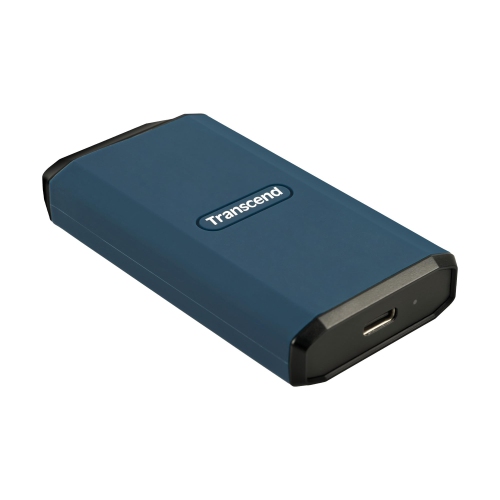
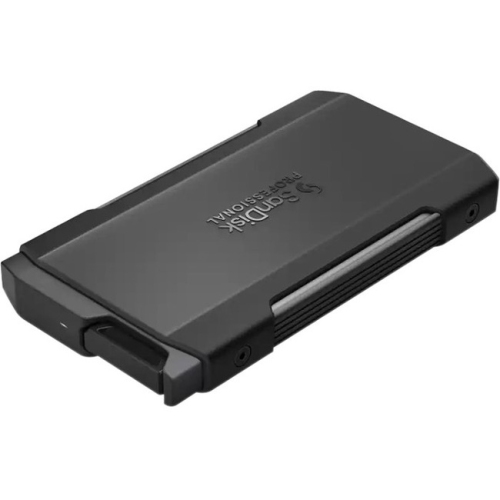


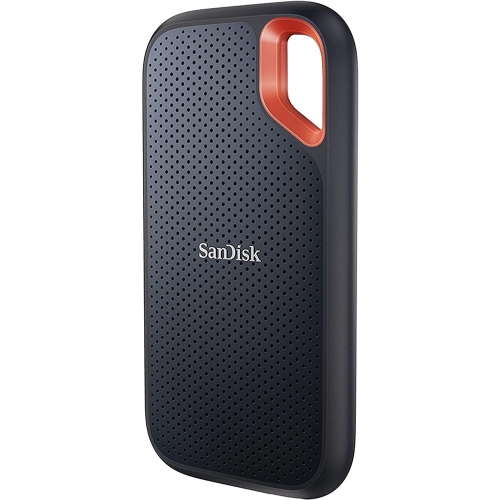
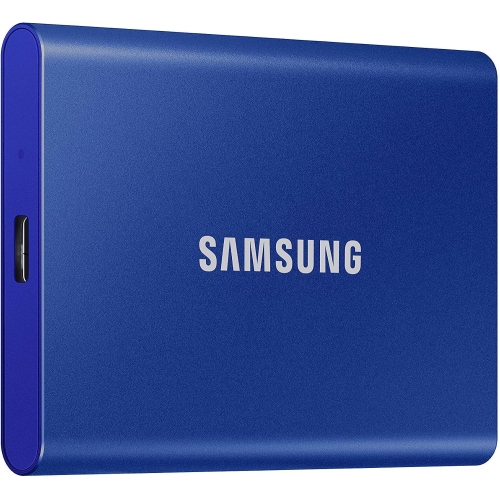
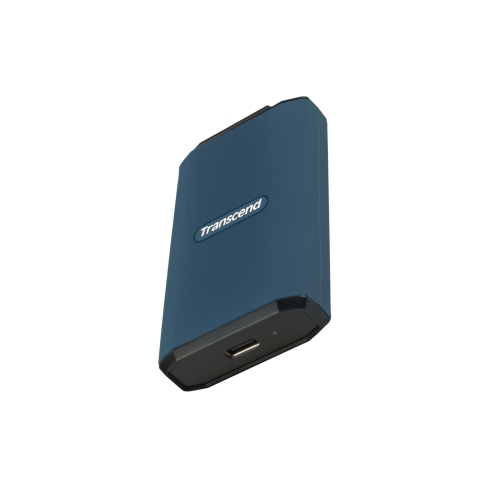
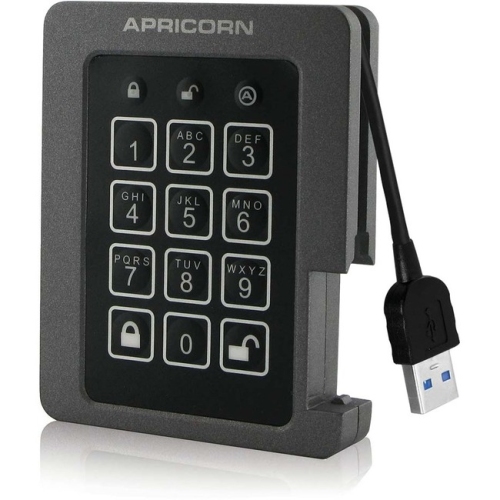
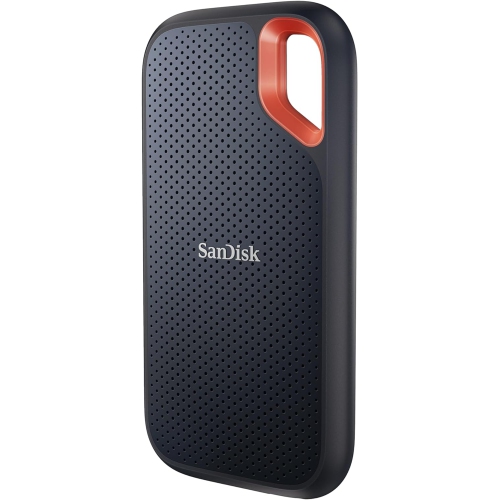


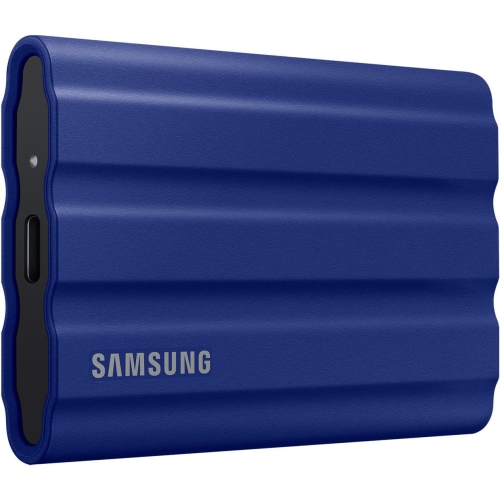
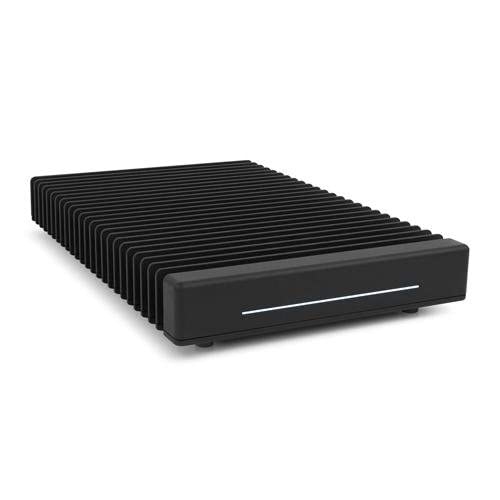


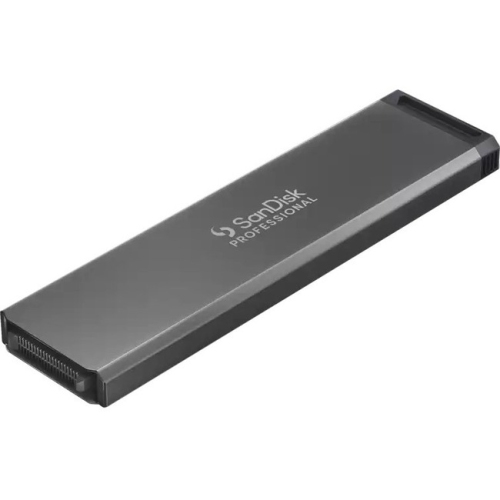


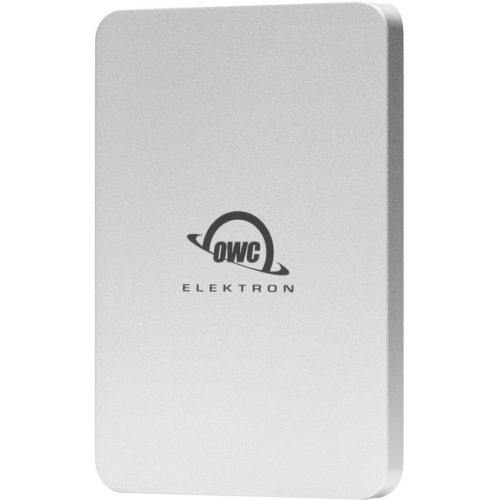
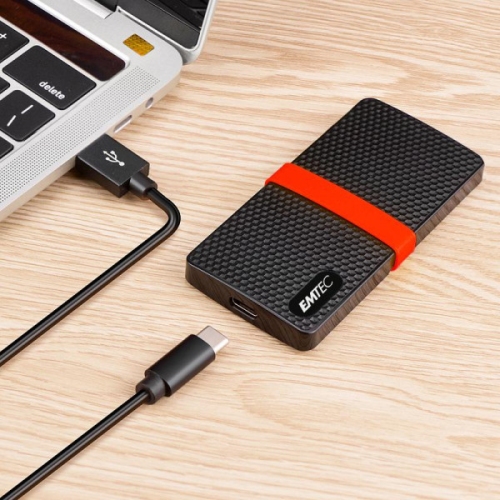

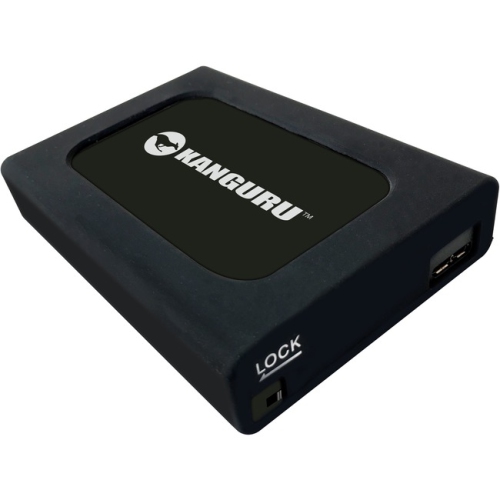
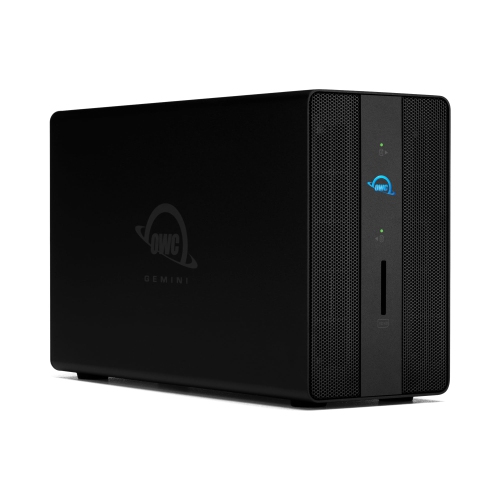
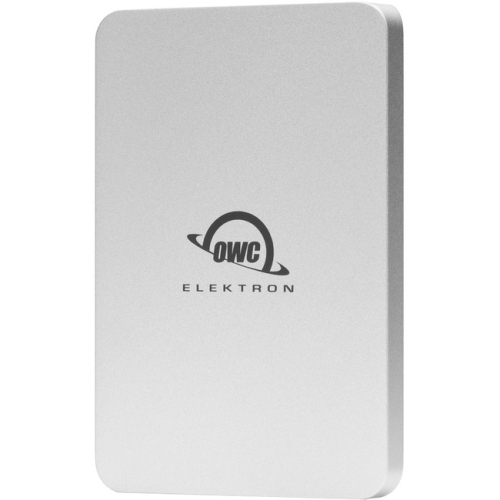

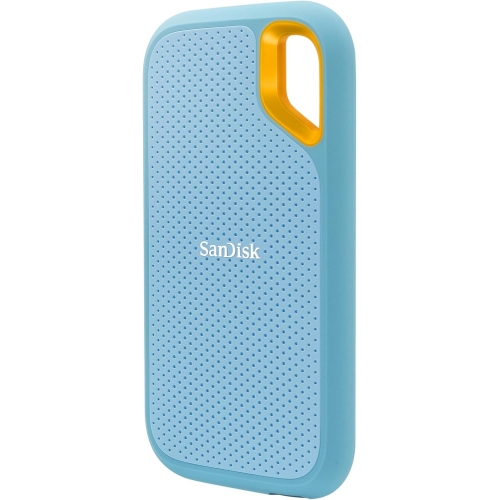

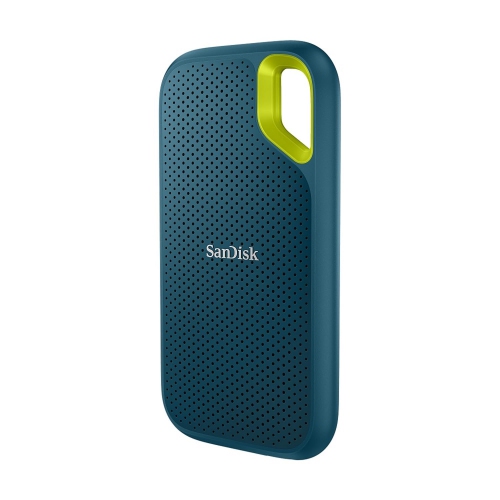

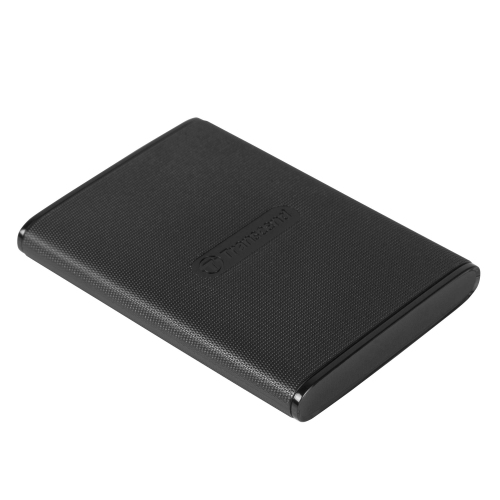

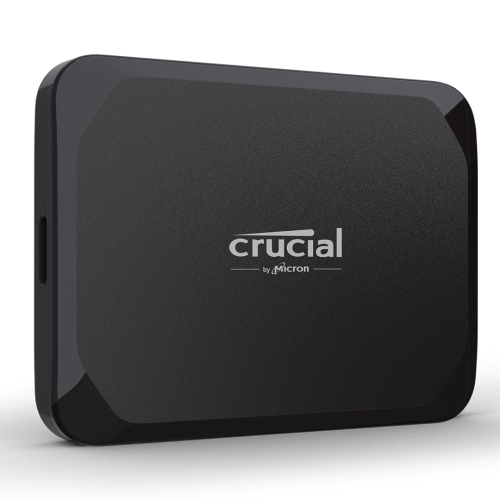
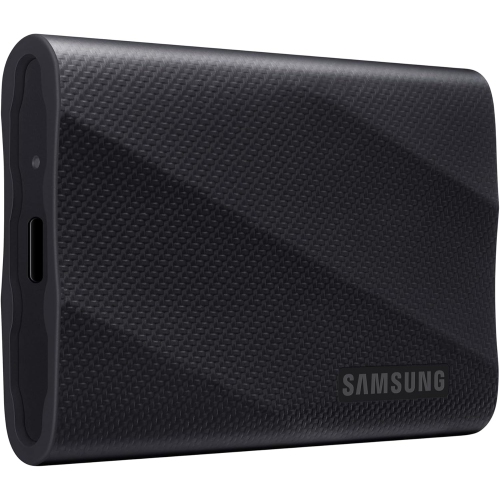
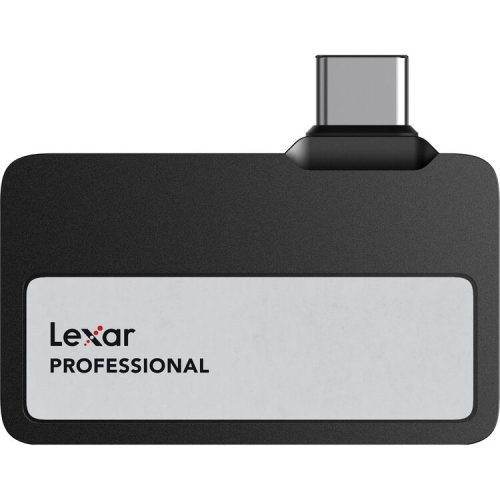

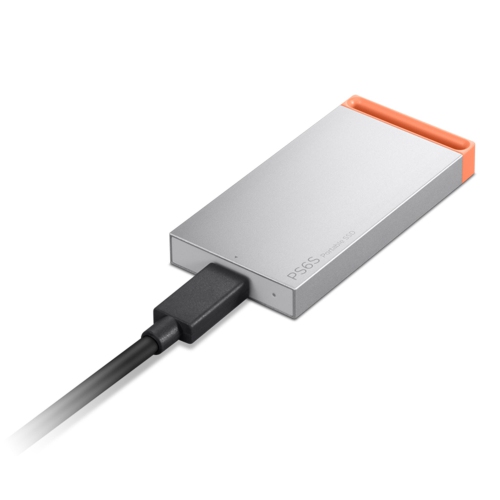
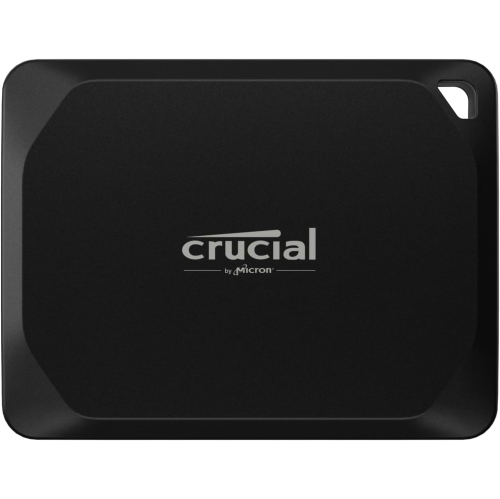
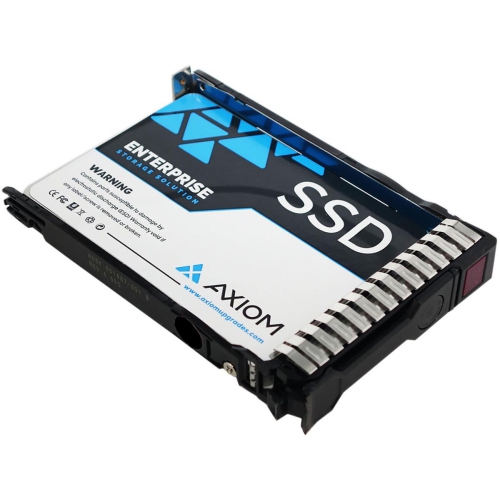

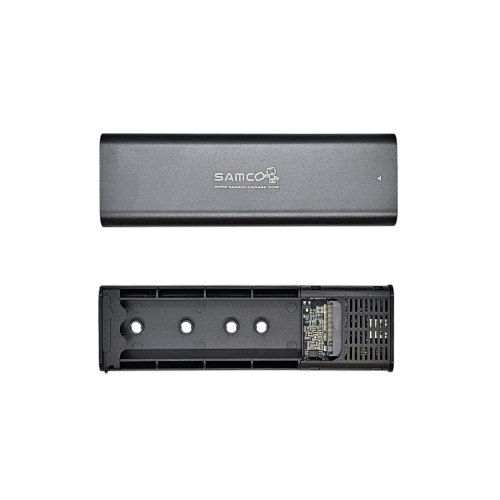

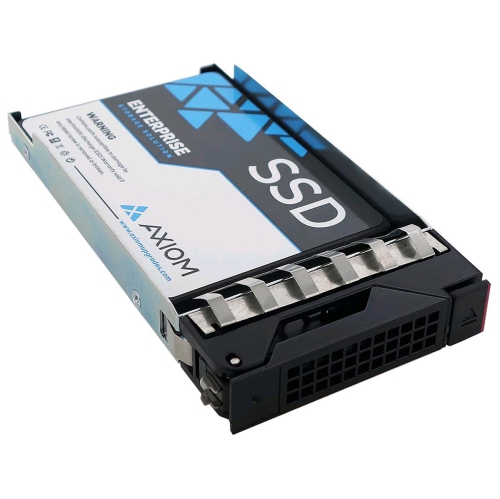


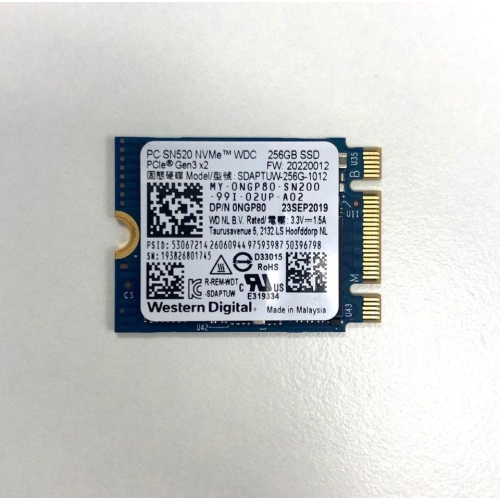

SSD speed depends on more than the drive
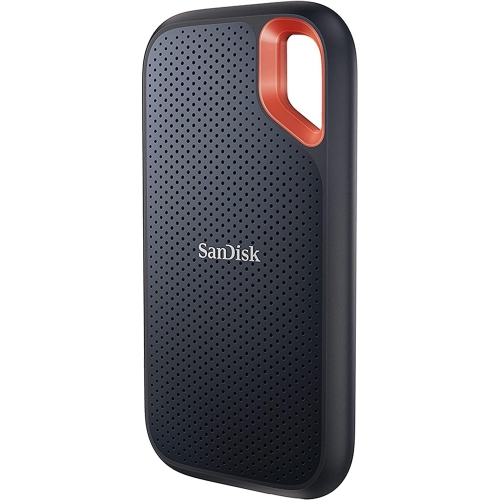
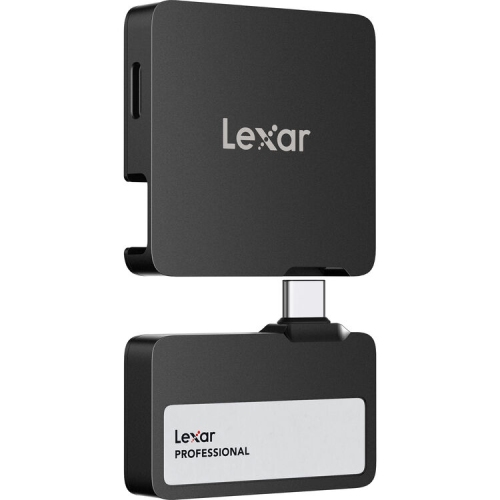
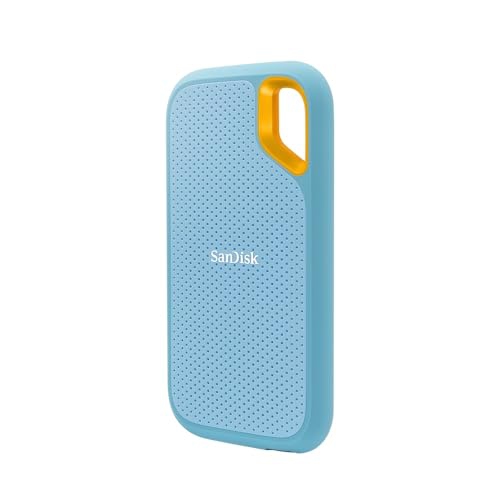
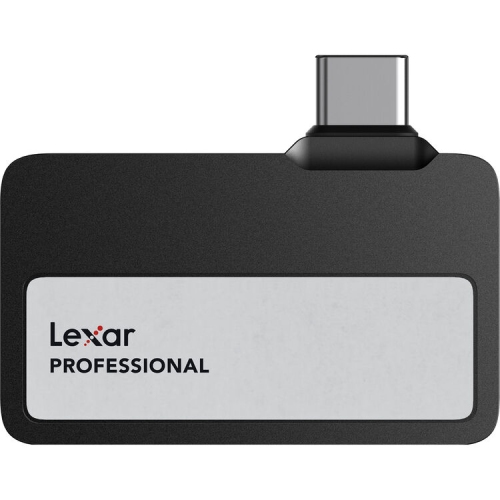
Fast external SSDs combine portable file storage with the quick access of solid-state memory, making them useful for moving large folders, working with media files, and keeping important documents close at hand. Unlike portable hard drives, SSDs have no spinning platters or moving read heads, which helps them handle everyday movement and access files with less delay. The fastest external SSD for a particular computer depends on the connection supported by both devices, the cable, and the drive’s internal hardware. USB 3.2 Gen 2 supports a connection rate of 10 Gbps, while USB 3.2 Gen 2x2 supports 20 Gbps. With compatible equipment, drives in these categories can reach approximately 1,000 MB/s and 2,000 MB/s respectively during large sequential transfers, although actual results vary. USB4 and Thunderbolt connections can provide higher bandwidth, with the exact capability depending on the generation and implementation. A USB-C connector alone does not establish speed: two ports with the same shape may support very different transfer rates. Support for USB 3.2 Gen 2x2 is also not automatic on every USB4 or Thunderbolt port. Matching the drive, host port, and data cable matters more than choosing by connector shape or the highest advertised number alone. A slower connection can limit an otherwise fast SSD, and a charging cable may not support the data rate needed for demanding transfers. Read speeds describe how quickly files move from the drive, while write speeds describe how quickly files are saved to it. Both matter when copying a video project out to portable storage and bringing it back to a computer later. Large individual files generally transfer more efficiently than folders containing thousands of small files. Sustained writing can also slow after a drive’s high-speed cache fills, so peak performance and performance across a lengthy transfer are not always the same.
Portable SSDs suit a wide range of routines, from carrying coursework between computers to keeping a photographer’s image library separate from a laptop’s internal storage. For video editing, a fast external SSD can hold source footage, project files, and working media, provided its sustained performance meets the demands of the footage and editing software. High-resolution video, multiple simultaneous streams, and large image files place different demands on storage than documents or music. A student moving presentations and research files may value a small, light enclosure more than the highest possible transfer rate, while someone regularly transferring hundreds of gigabytes may notice the benefit of a faster connection. Capacity is just as important as speed. Space for active projects, existing files, and future additions helps prevent a portable drive from becoming cramped after only a few large transfers. The usable capacity shown by a computer can be lower than the capacity printed on the packaging because of formatting, system overhead, and differences in how storage units are calculated. Some free space also gives the drive room to manage data efficiently, particularly during heavier writing tasks. Compatibility extends beyond the physical port: the file system determines how a drive works across different operating systems and devices. ExFAT is commonly used for sharing large files between different computer platforms, while a system’s native format may better suit dedicated backups or particular software features. Reformatting normally erases existing contents, making a separate copy of important files essential beforehand. Compatible phones and tablets may also work with external SSDs, but power requirements, file-system support, and application access can affect that connection. For gaming, an external SSD can store large game libraries, although some consoles restrict which games can run directly from external storage. Encryption and password protection can add privacy for personal records or work files, but their compatibility varies. An external SSD is useful for backups, yet important material still needs another independent copy rather than relying on one portable device.
The physical design of an external SSD shapes how comfortably it fits into daily use. Compact enclosures slip into a laptop sleeve or a small organizer, while larger designs may provide more substantial casing, cooling, or connection options. Aluminium housings can help spread heat generated during sustained transfers; plastic housings can offer a light, practical alternative. Neither material alone establishes durability, and the protection around the connector can matter as much as the main body. Some rugged designs include reinforced corners, protective sleeves, or rated resistance to dust, water, and drops. Those ratings apply under defined conditions and should not be treated as a promise against every spill or impact. A desk-based drive may rarely leave its cable, whereas a drive carried between classrooms, studios, and client meetings benefits from a secure fit in a padded compartment. Cable length and connector clearance deserve attention when ports sit close together or behind a monitor. A short cable can keep a workspace tidy, but it should still let the drive rest securely rather than hang from the computer’s port. Keeping the casing clean with a soft, dry cloth, protecting exposed connectors from debris, and avoiding unnecessary strain on the cable help preserve everyday usability. During long transfers, an unobstructed position allows the enclosure to release heat; covering it with papers or tucking it into a closed pouch while it is operating can interfere with that process. Safely ejecting the drive before disconnecting it helps protect files that may still be writing. As a practical gift, portable solid-state storage can suit students, photographers, gamers, and anyone whose computer regularly fills with projects or personal media, especially when the recipient’s connection and capacity needs are known. The Best External SSDs collection provides a broader selection of portable solid-state storage for comparing these features. The strongest fit balances useful speed, sufficient space, dependable construction, and straightforward compatibility with the devices already in use.
Portable SSDs suit a wide range of routines, from carrying coursework between computers to keeping a photographer’s image library separate from a laptop’s internal storage. For video editing, a fast external SSD can hold source footage, project files, and working media, provided its sustained performance meets the demands of the footage and editing software. High-resolution video, multiple simultaneous streams, and large image files place different demands on storage than documents or music. A student moving presentations and research files may value a small, light enclosure more than the highest possible transfer rate, while someone regularly transferring hundreds of gigabytes may notice the benefit of a faster connection. Capacity is just as important as speed. Space for active projects, existing files, and future additions helps prevent a portable drive from becoming cramped after only a few large transfers. The usable capacity shown by a computer can be lower than the capacity printed on the packaging because of formatting, system overhead, and differences in how storage units are calculated. Some free space also gives the drive room to manage data efficiently, particularly during heavier writing tasks. Compatibility extends beyond the physical port: the file system determines how a drive works across different operating systems and devices. ExFAT is commonly used for sharing large files between different computer platforms, while a system’s native format may better suit dedicated backups or particular software features. Reformatting normally erases existing contents, making a separate copy of important files essential beforehand. Compatible phones and tablets may also work with external SSDs, but power requirements, file-system support, and application access can affect that connection. For gaming, an external SSD can store large game libraries, although some consoles restrict which games can run directly from external storage. Encryption and password protection can add privacy for personal records or work files, but their compatibility varies. An external SSD is useful for backups, yet important material still needs another independent copy rather than relying on one portable device.
The physical design of an external SSD shapes how comfortably it fits into daily use. Compact enclosures slip into a laptop sleeve or a small organizer, while larger designs may provide more substantial casing, cooling, or connection options. Aluminium housings can help spread heat generated during sustained transfers; plastic housings can offer a light, practical alternative. Neither material alone establishes durability, and the protection around the connector can matter as much as the main body. Some rugged designs include reinforced corners, protective sleeves, or rated resistance to dust, water, and drops. Those ratings apply under defined conditions and should not be treated as a promise against every spill or impact. A desk-based drive may rarely leave its cable, whereas a drive carried between classrooms, studios, and client meetings benefits from a secure fit in a padded compartment. Cable length and connector clearance deserve attention when ports sit close together or behind a monitor. A short cable can keep a workspace tidy, but it should still let the drive rest securely rather than hang from the computer’s port. Keeping the casing clean with a soft, dry cloth, protecting exposed connectors from debris, and avoiding unnecessary strain on the cable help preserve everyday usability. During long transfers, an unobstructed position allows the enclosure to release heat; covering it with papers or tucking it into a closed pouch while it is operating can interfere with that process. Safely ejecting the drive before disconnecting it helps protect files that may still be writing. As a practical gift, portable solid-state storage can suit students, photographers, gamers, and anyone whose computer regularly fills with projects or personal media, especially when the recipient’s connection and capacity needs are known. The Best External SSDs collection provides a broader selection of portable solid-state storage for comparing these features. The strongest fit balances useful speed, sufficient space, dependable construction, and straightforward compatibility with the devices already in use.
Top selling and popular products
-
 Your price for this item is $374.99
-
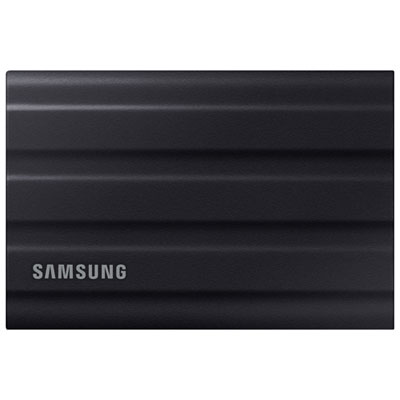 Your price for this item is $669.99
-
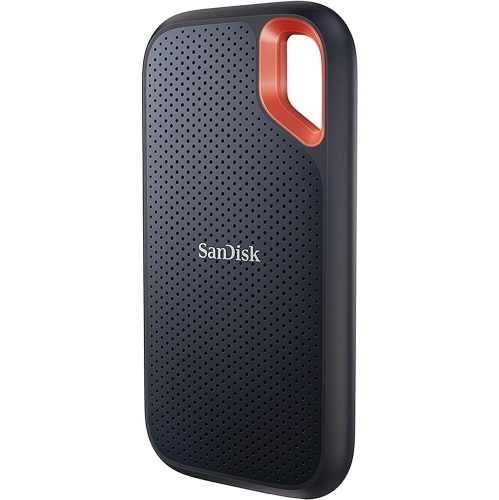 Your price for this item is $340.91
-
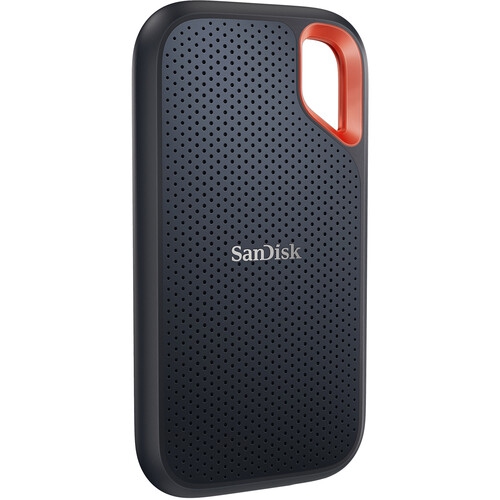 Your price for this item is $498.91
-
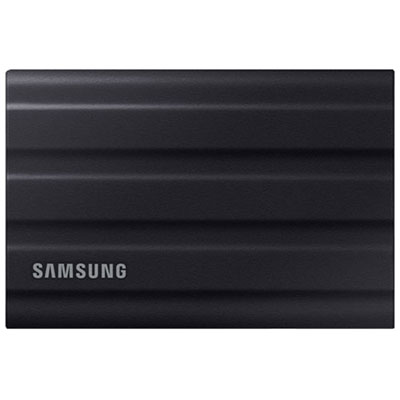 Your price for this item is $1559.95
-
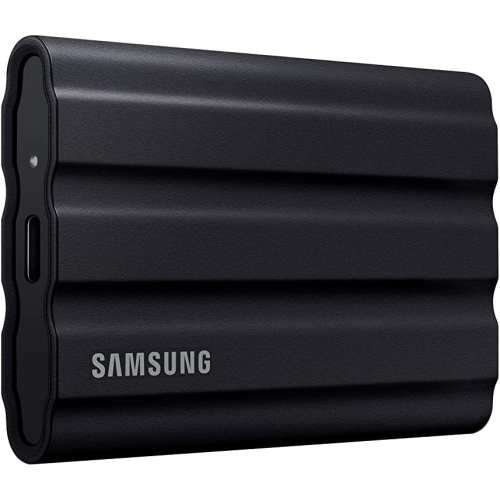 Your price for this item is $1499
-
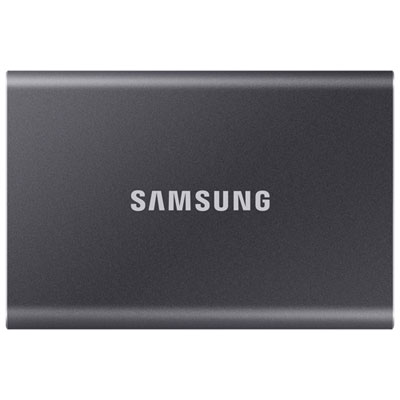 Your price for this item is $1489.97
-
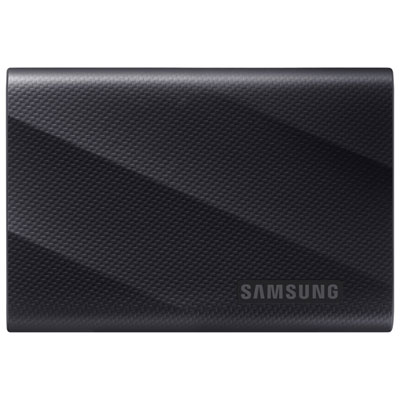 Your price for this item is $389.99
Discover more categories related to Fast SSD External Drives
Top Collections:
Pokemon Centers, Kindle Devices, Best Black Friday Deals This Year, Pokémon 30th Celebration Cards, Best Black Friday Deals On Electronics, Best Cameras for Sports Photography, Best Black Friday Deals On Apple Products, Canon G7X Cameras, iPhone 15 Apple, Candle Warmer Lights
Some products may be subject to Environmental Handling Fees
(EHF) depending on your province.
Learn more about EHFs.