Data Rack Cabinets
Organizing and safeguarding your network equipment is crucial for maintaining a smooth and efficient operation. Data rack cabinets provide a secure and structured solution for storing servers, switches, and other hardware components. With various sizes and configurations available, these cabinets offer the flexibility to meet your specific needs while maximizing space utilization. Whether you are setting up a new network or expanding an existing one, investing in a quality data rack cabinet is essential for optimal performance and organization.
Sort
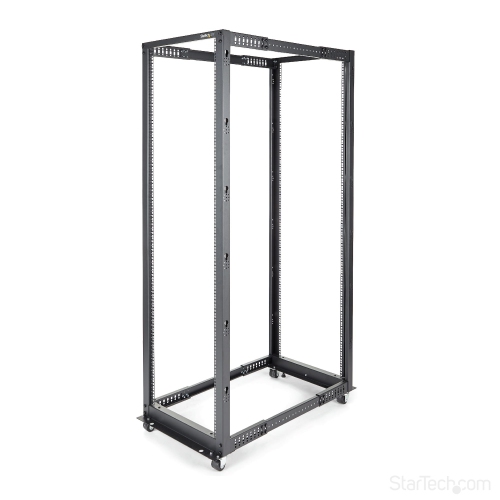
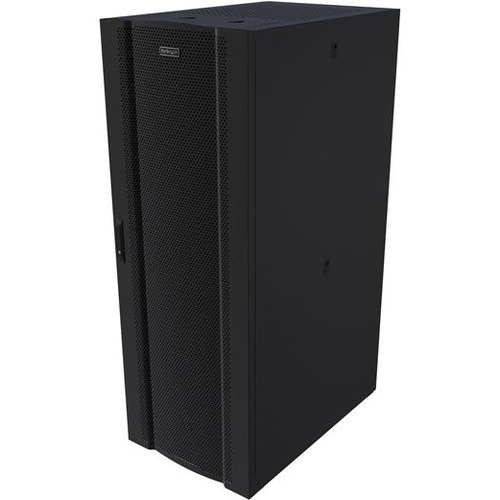
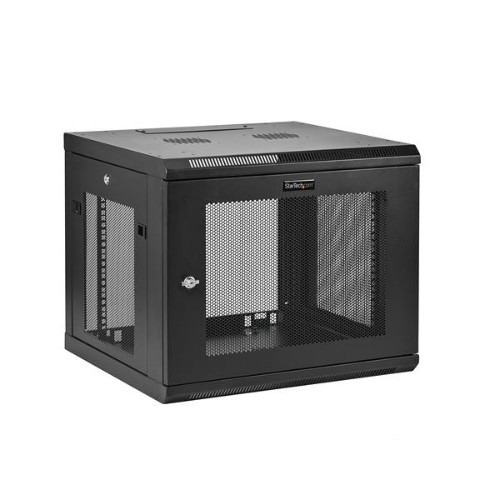
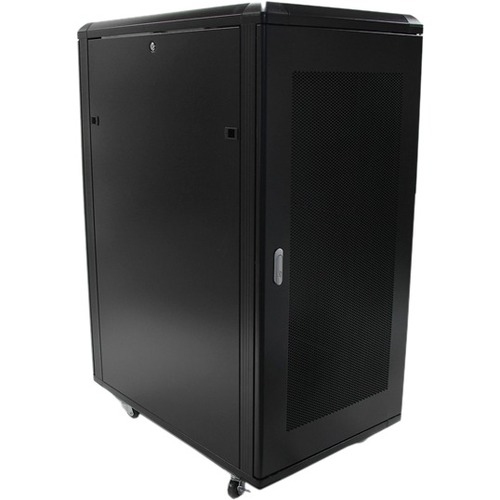
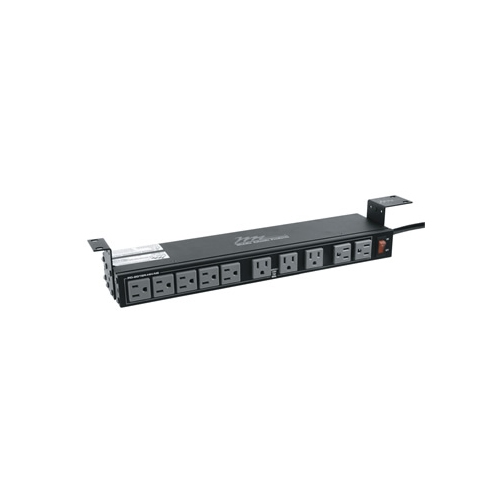

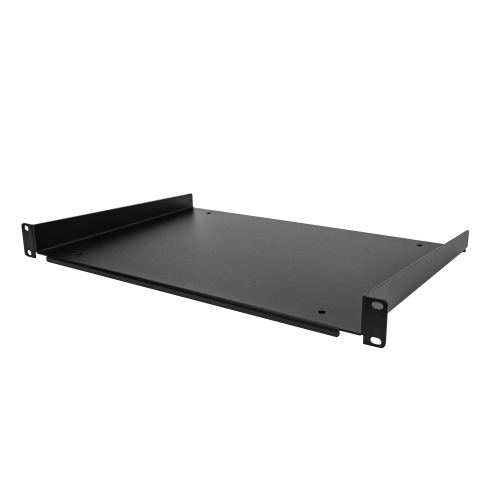
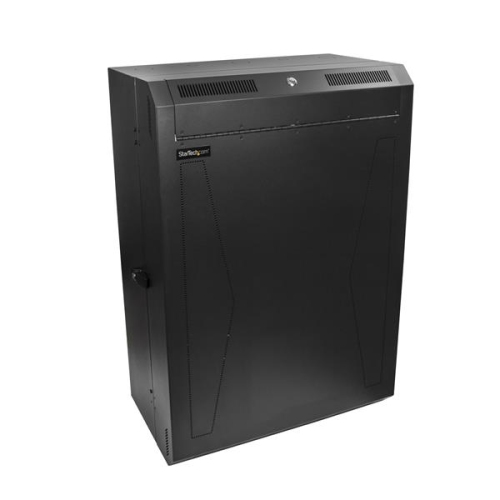
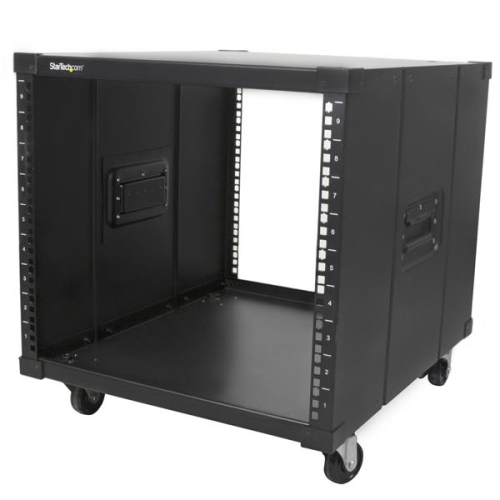


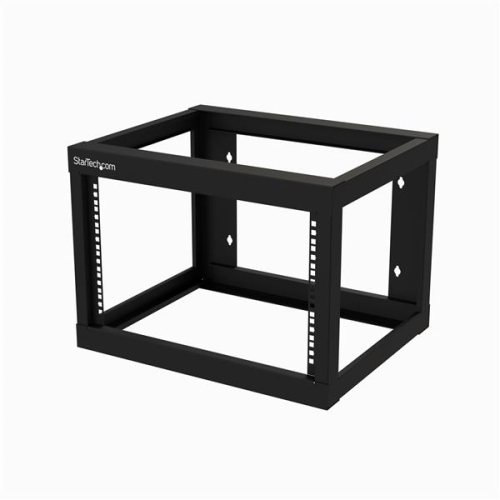
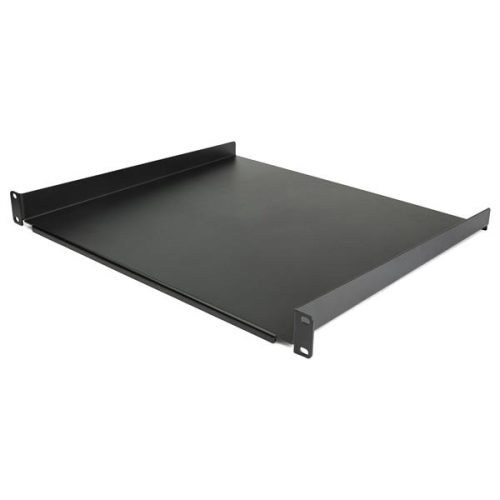
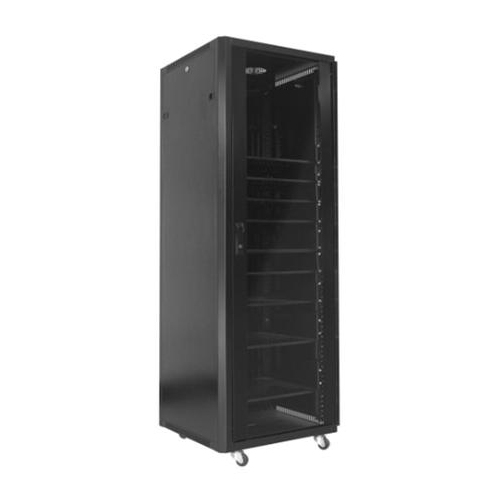
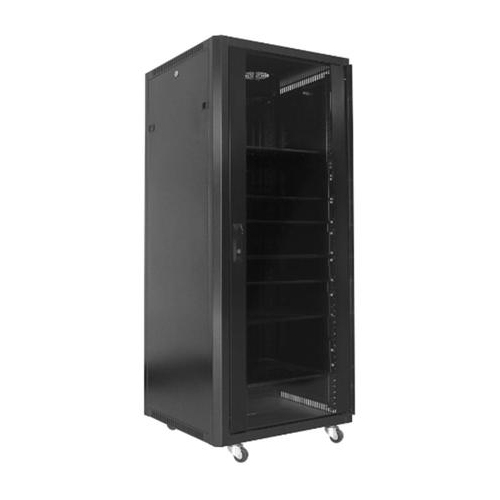
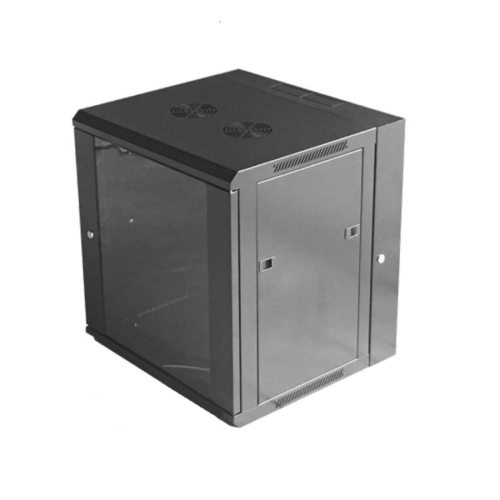
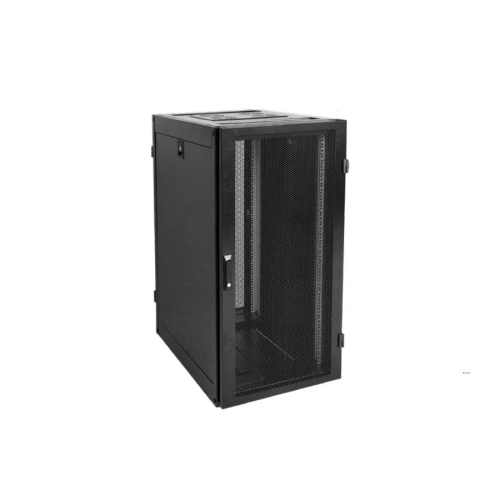
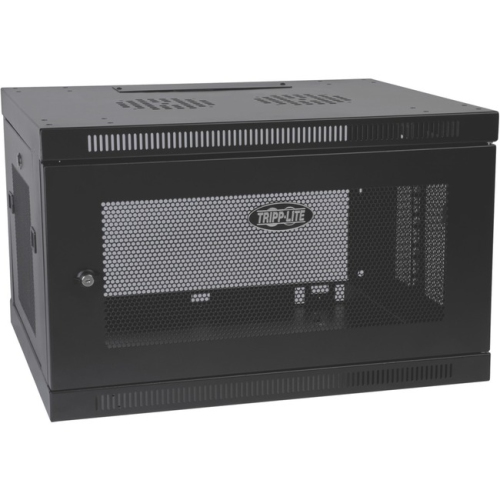

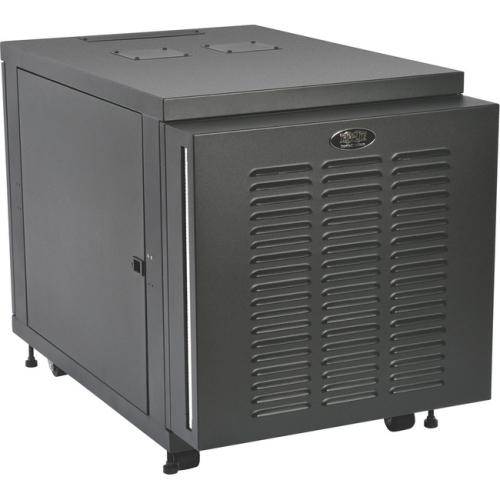


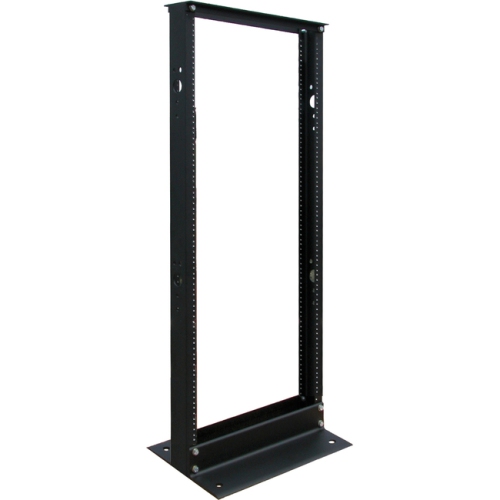
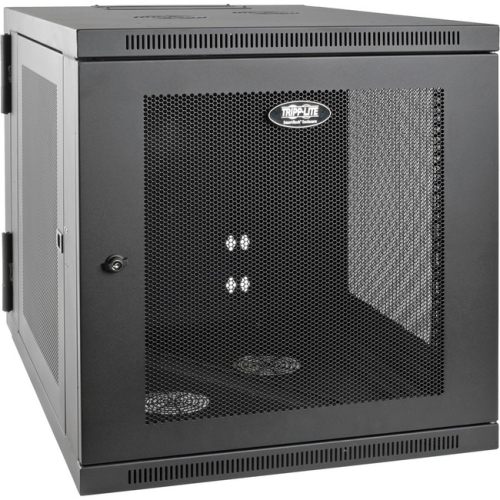
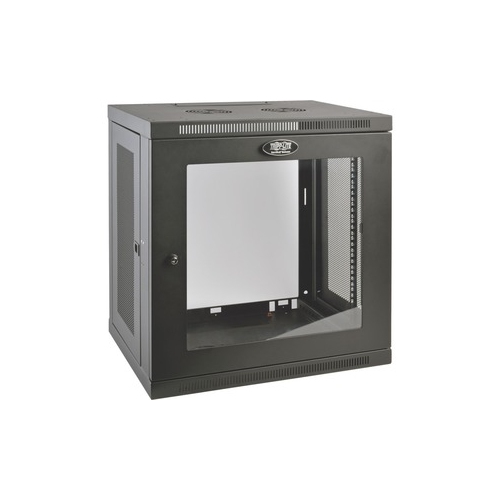
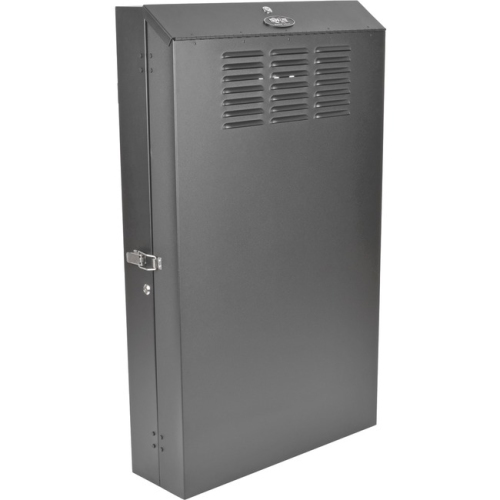
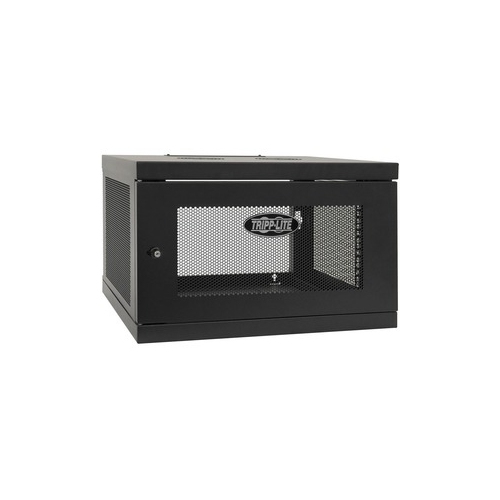
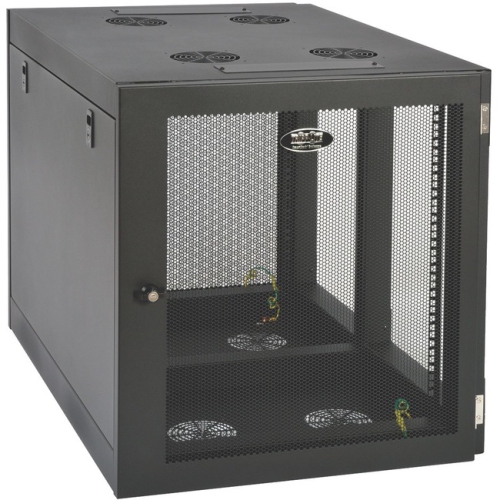
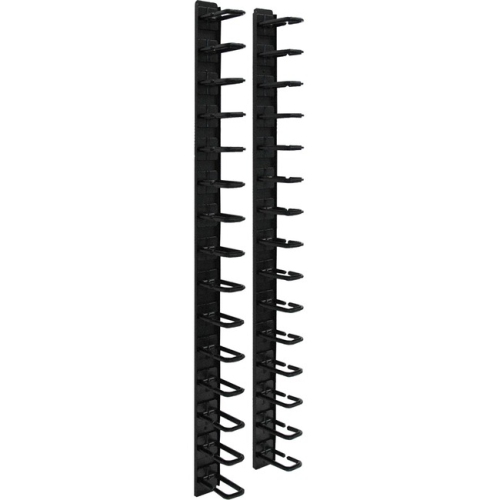
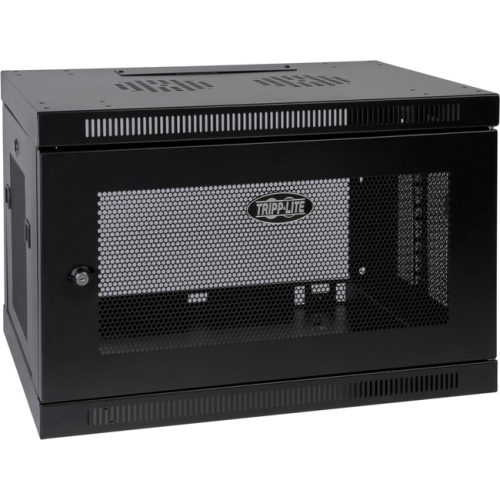

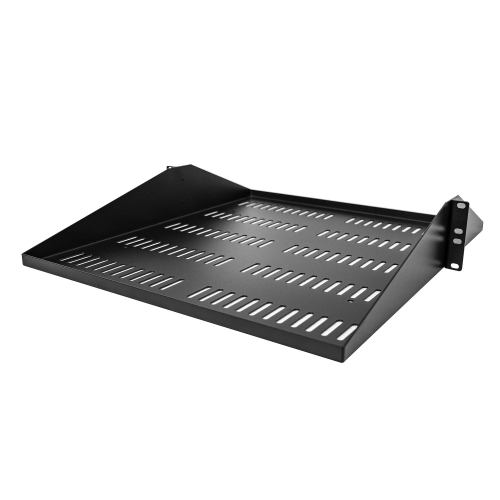
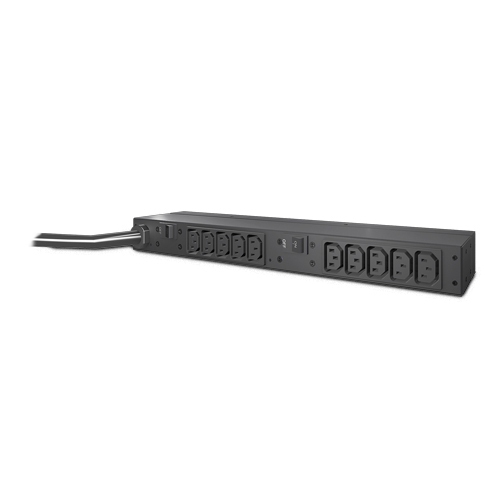
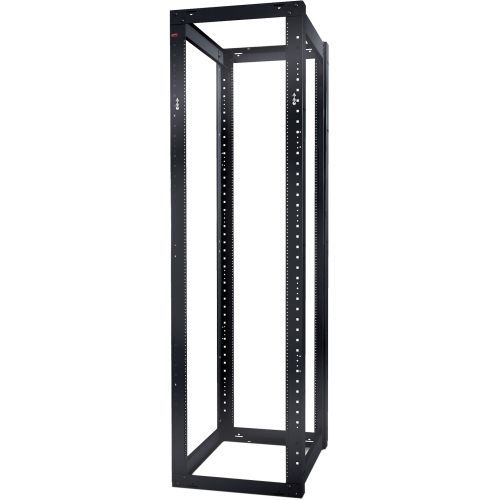

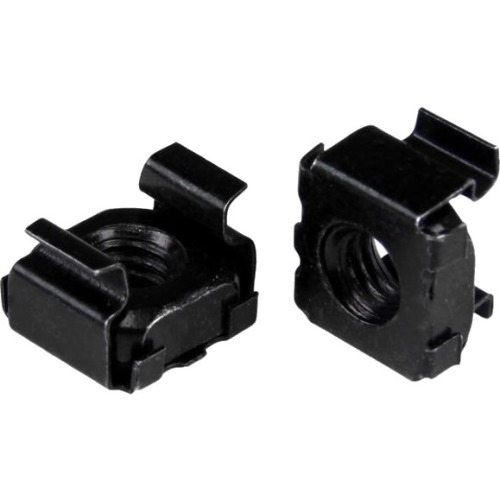
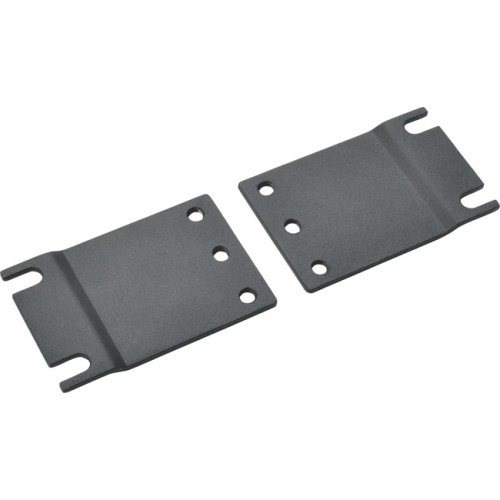
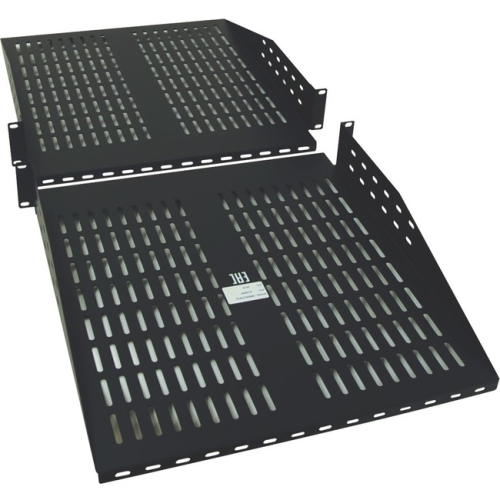
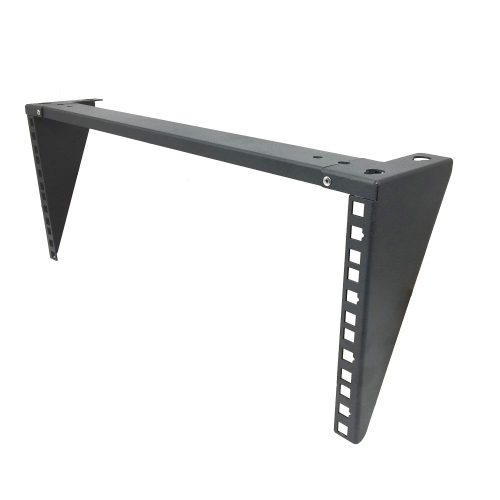
Structured protection for growing networks and equipment rooms
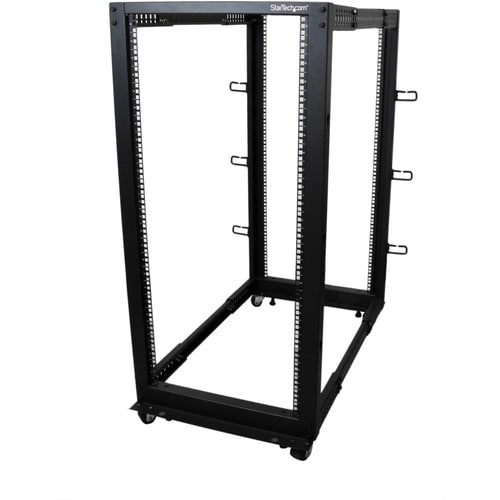
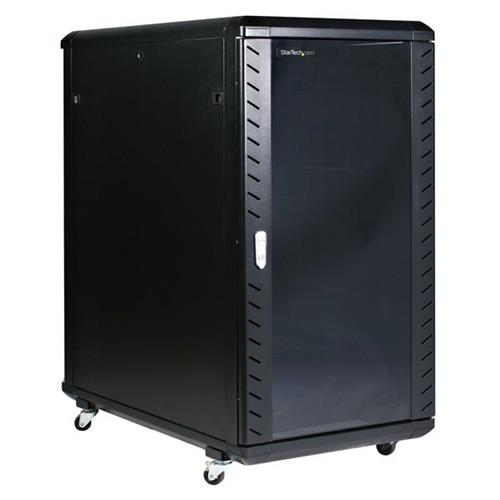
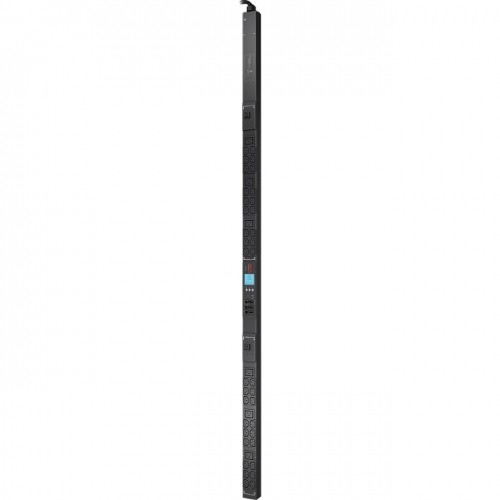
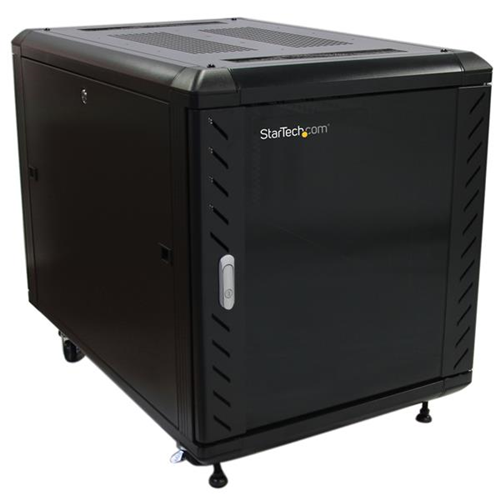
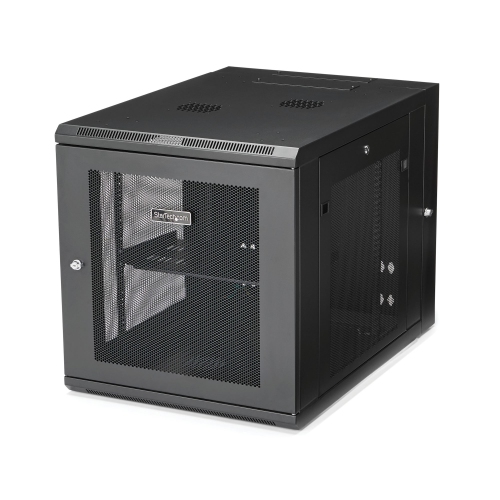
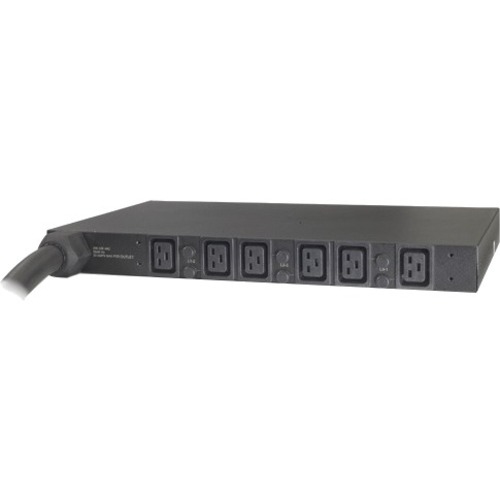
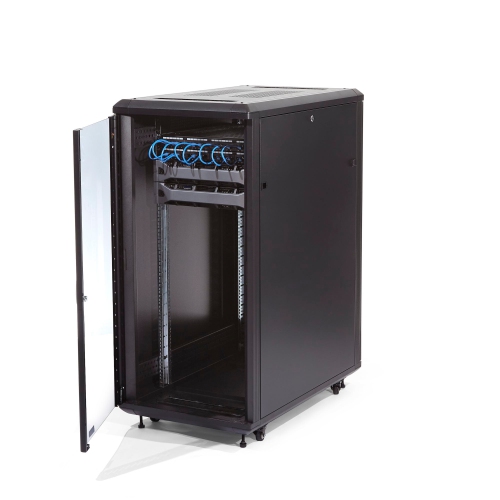
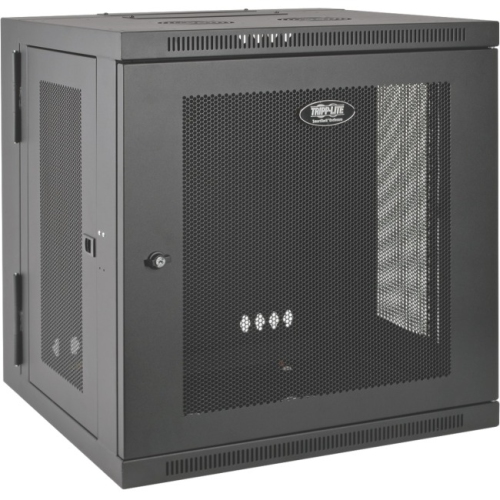
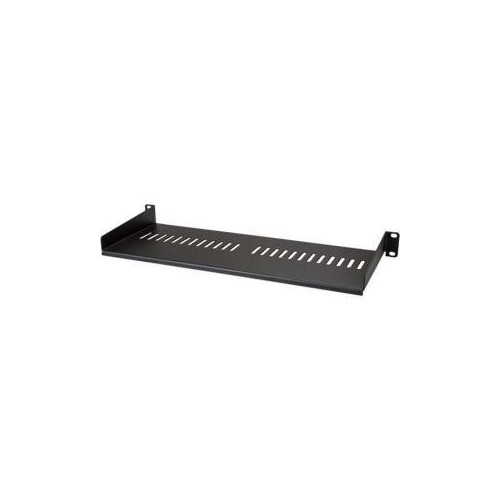
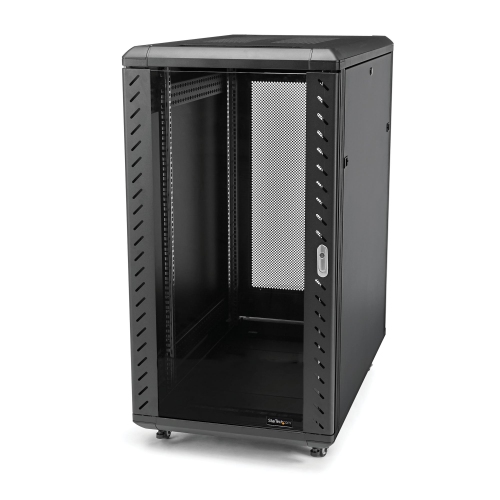
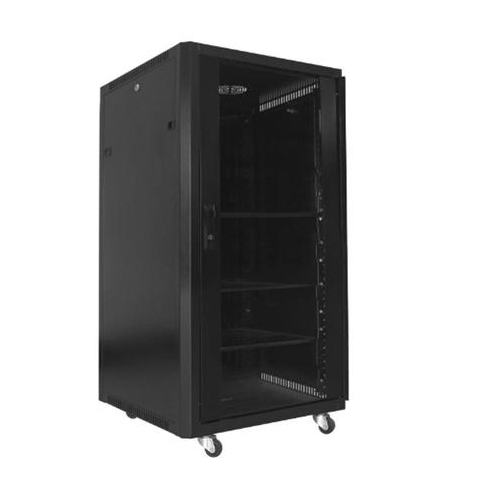
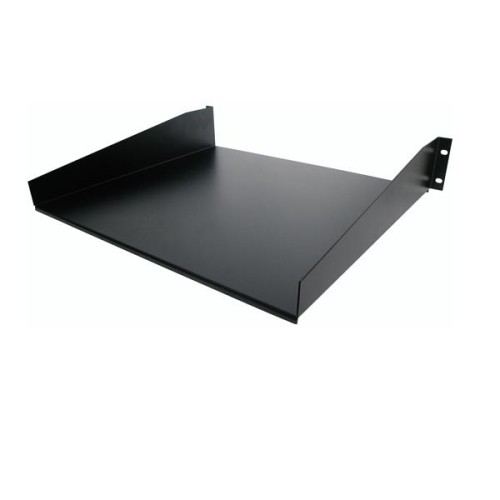
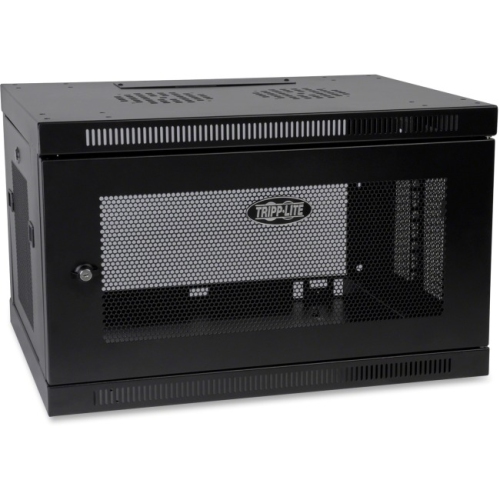
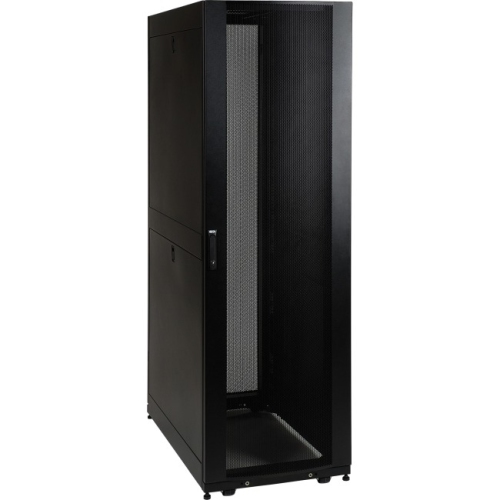
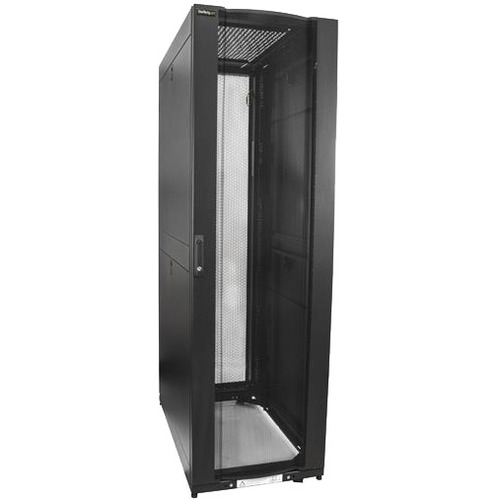
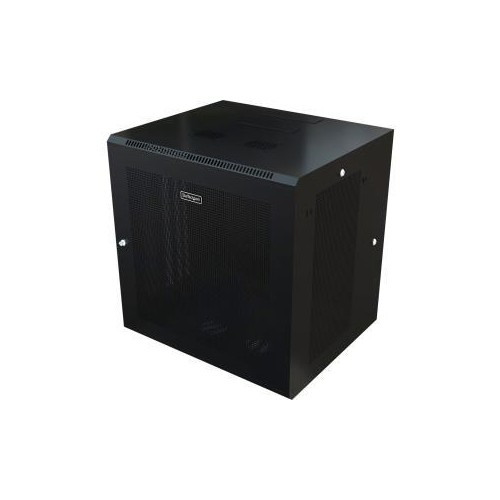
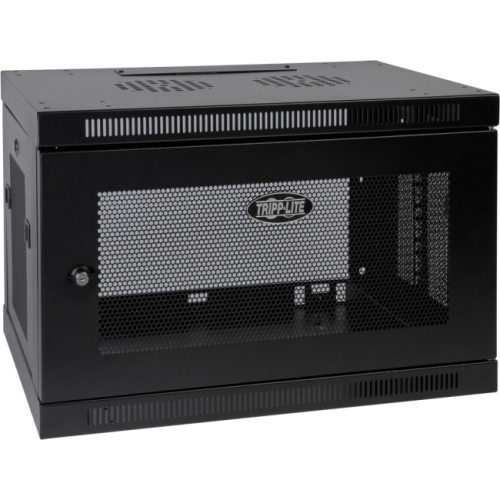
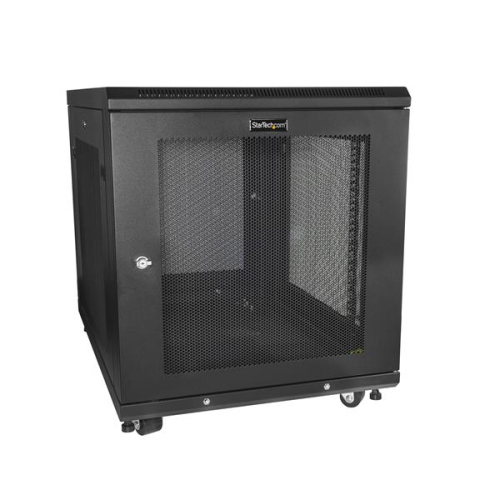
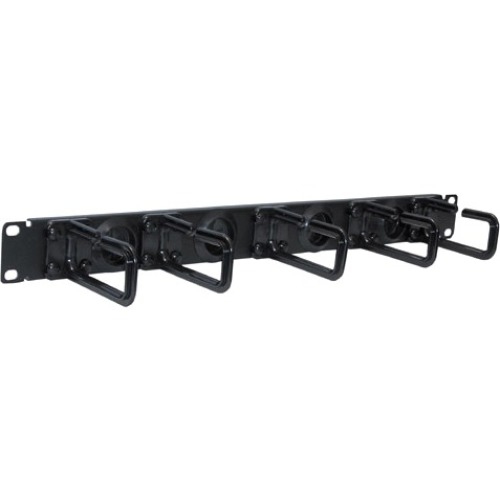
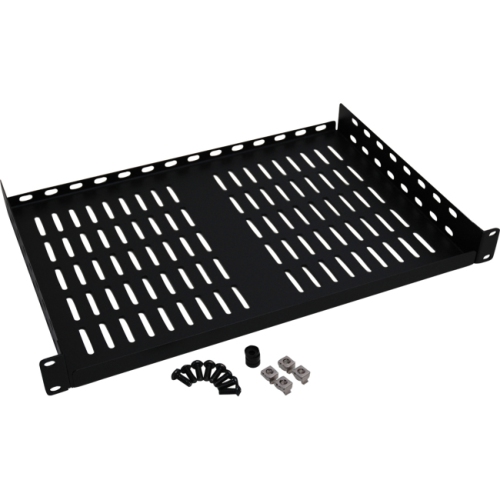
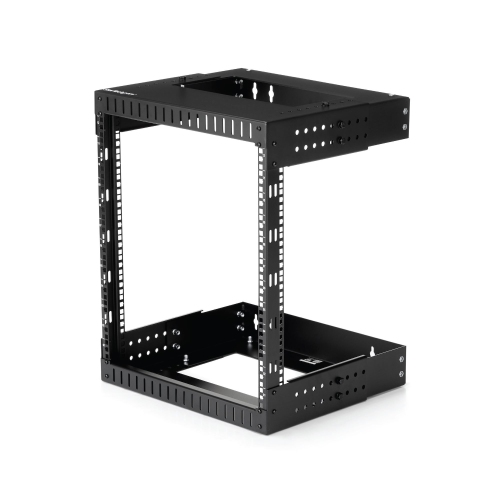
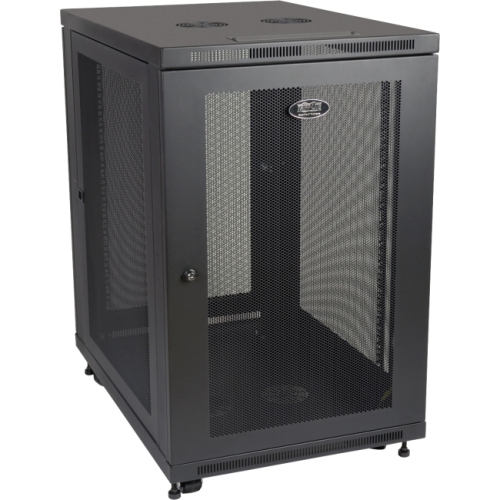
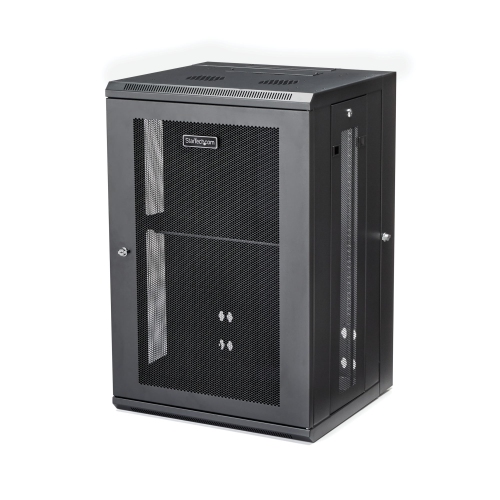
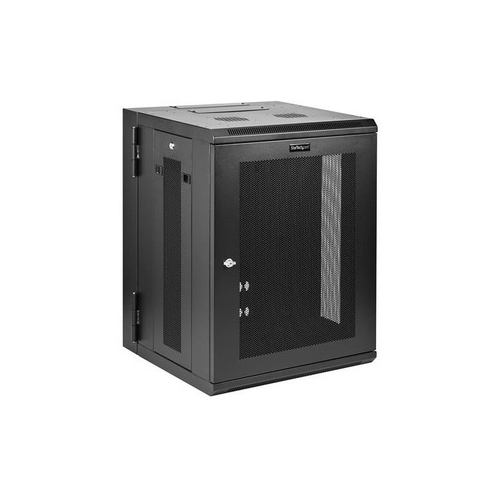
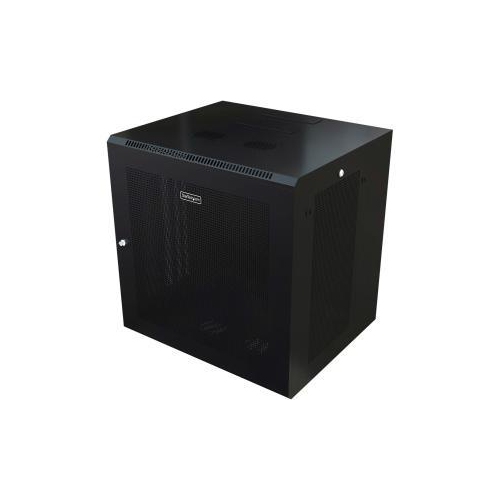
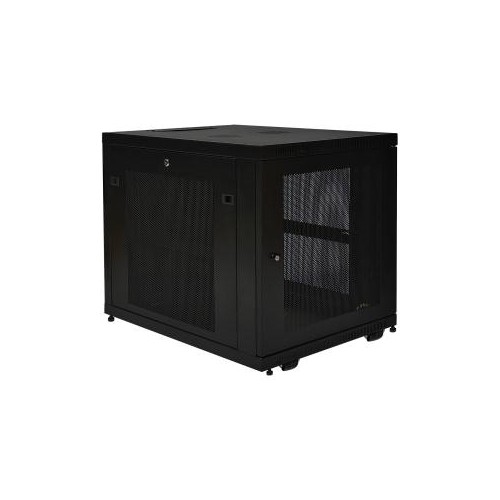
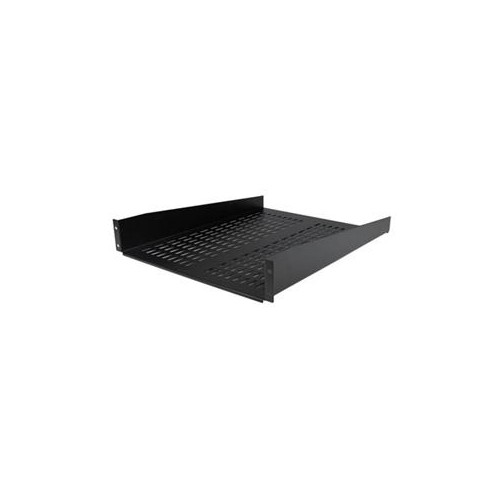
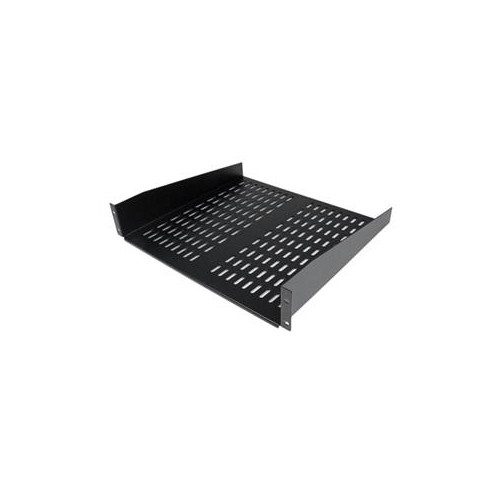
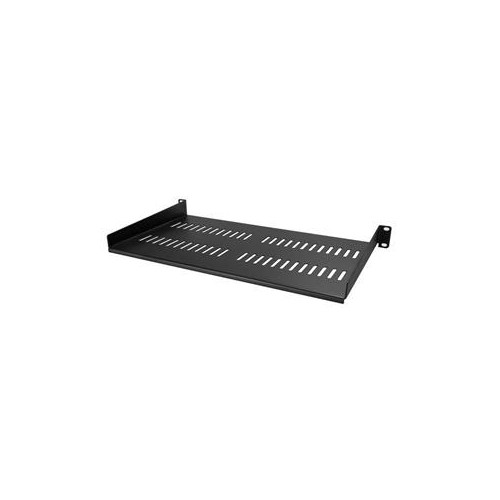
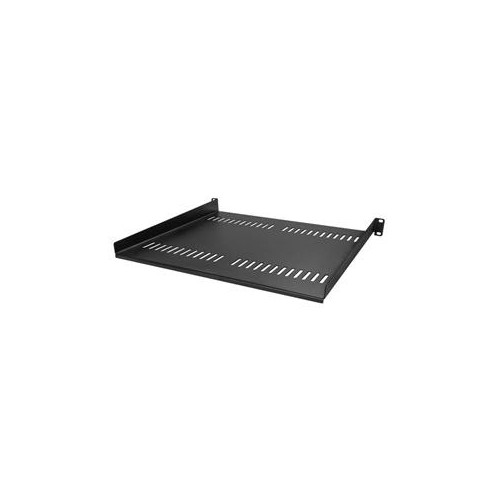
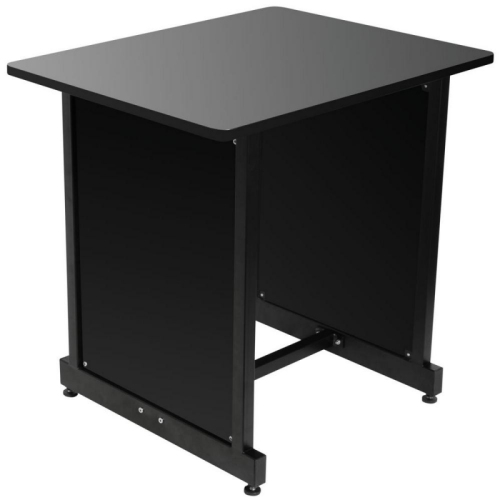
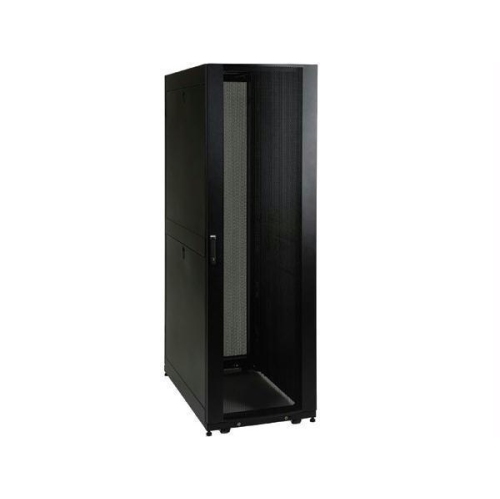
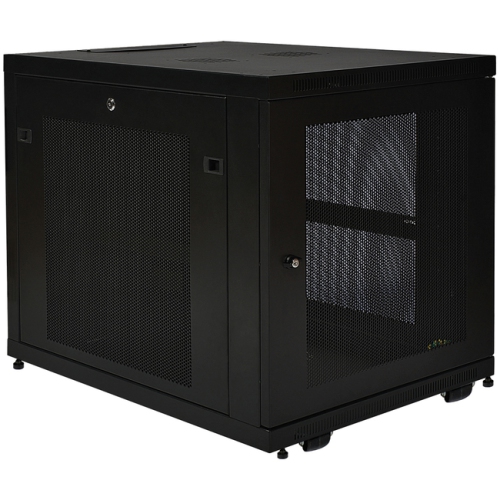
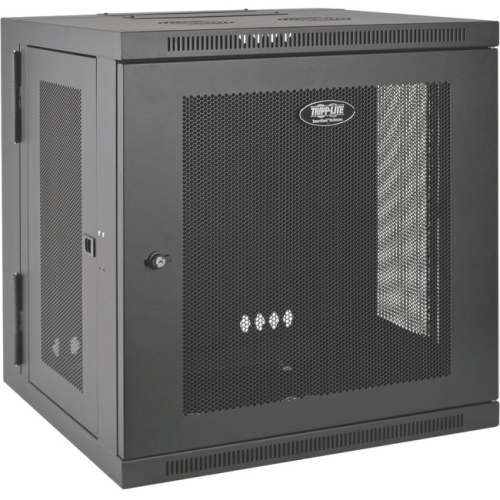
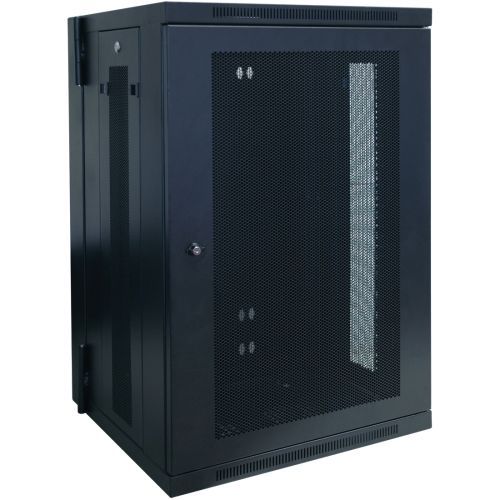
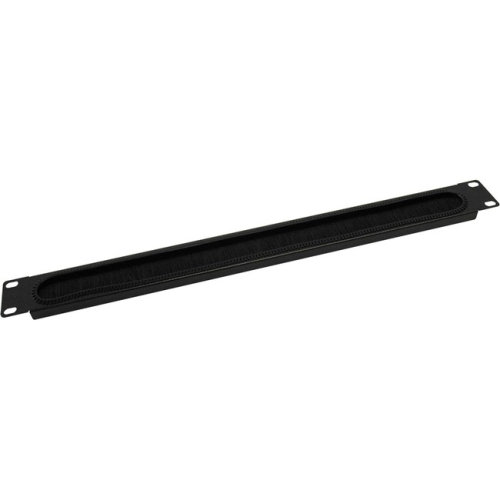
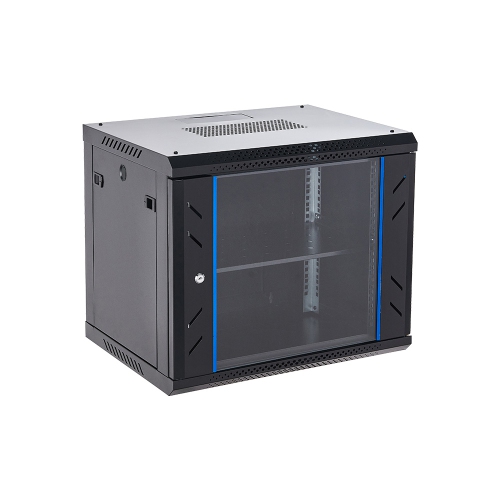
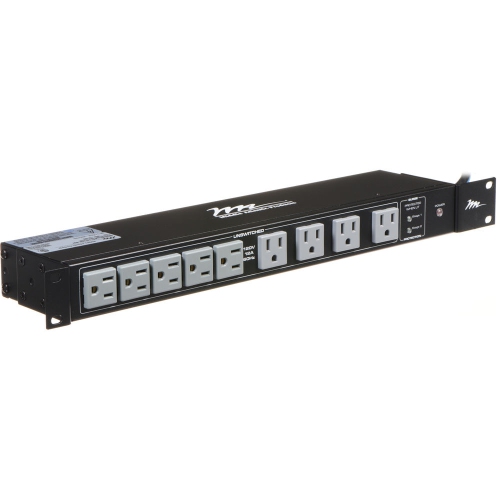
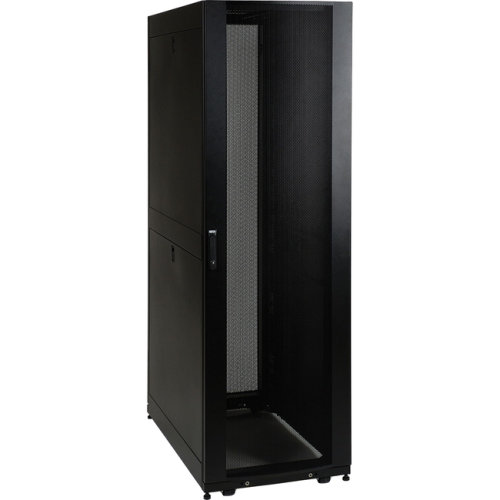
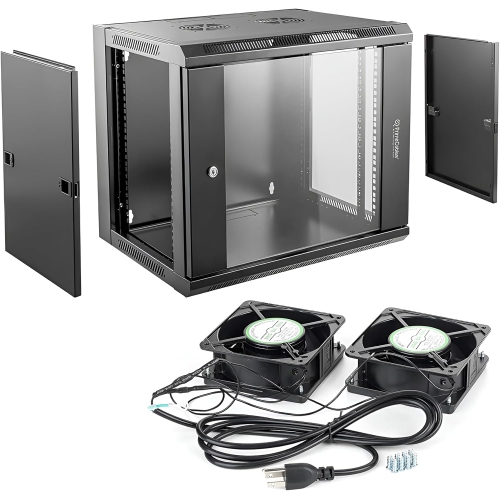
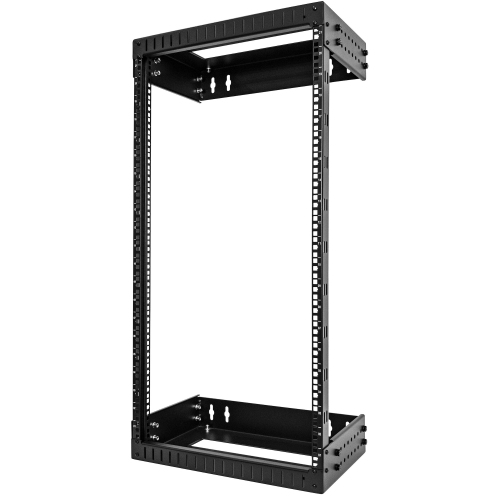
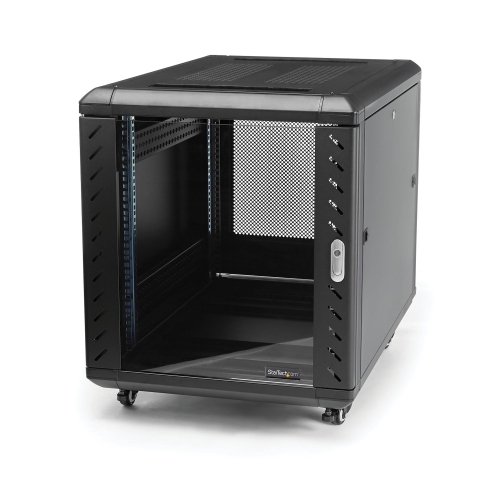
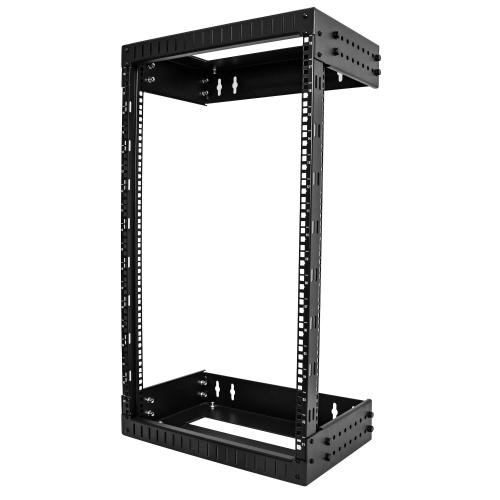
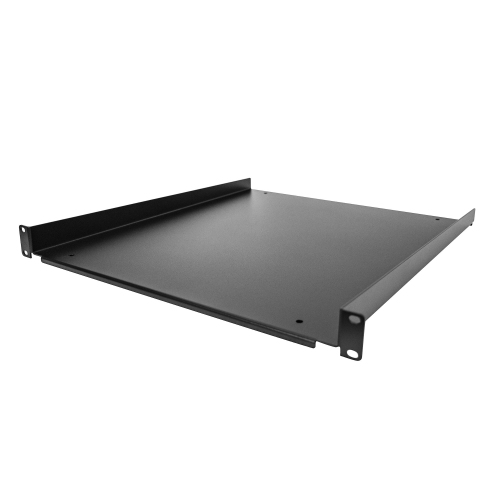
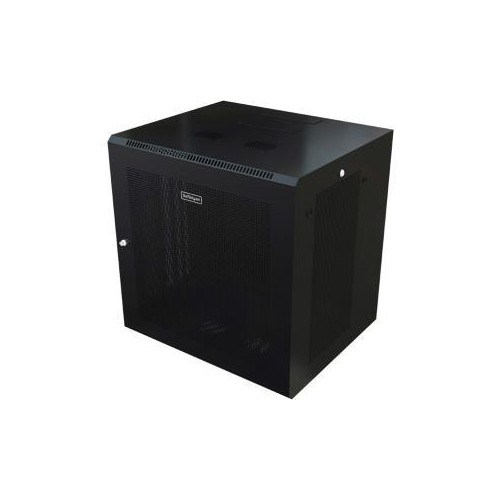
Data rack cabinets provide a structured home for the equipment that keeps a network, communications system, or small data centre running. These enclosed metal cabinets are designed to hold standard rack-mounted hardware such as network switches, patch panels, routers, servers, uninterruptible power supplies, cable management accessories, and other IT equipment. By bringing these components together in one organized enclosure, a data rack cabinet can make installations easier to maintain and help create a cleaner, more professional equipment room. A cabinet can be useful in a business office, classroom, retail location, workshop, security room, studio, warehouse, or home lab where several pieces of networking equipment need to share a central location. It can also help keep cables from spreading across shelves or floors, reducing the chance of accidental unplugging and making it easier to identify connections when troubleshooting. The enclosed design adds another layer of protection from dust, bumps, and unintentional contact, while lockable doors can help restrict access in shared areas. For a broader selection of equipment storage options, explore Server Racks Cabinets and compare cabinet styles based on the space, hardware, and installation you have in mind.
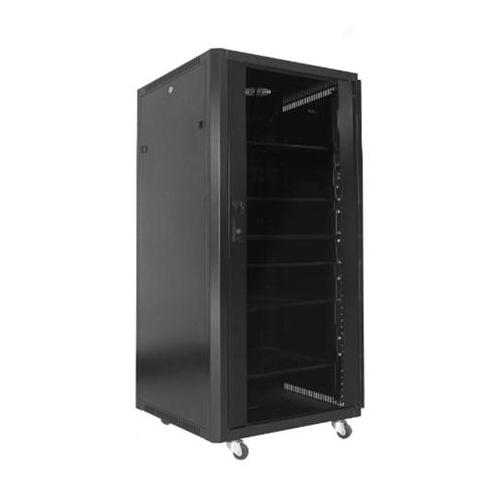
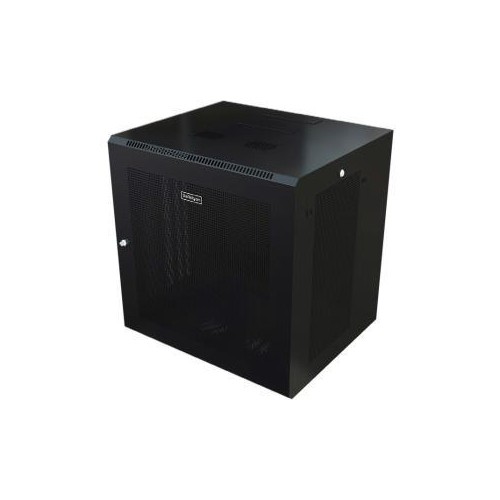
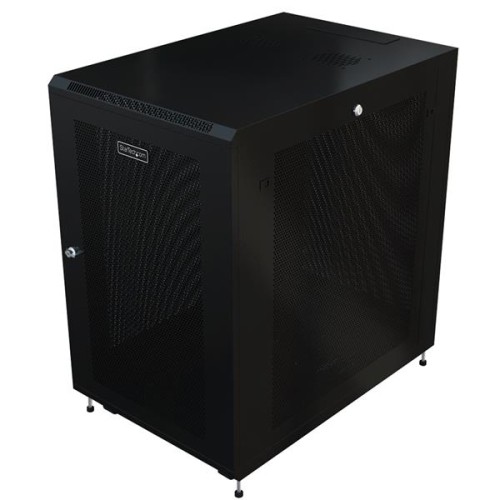
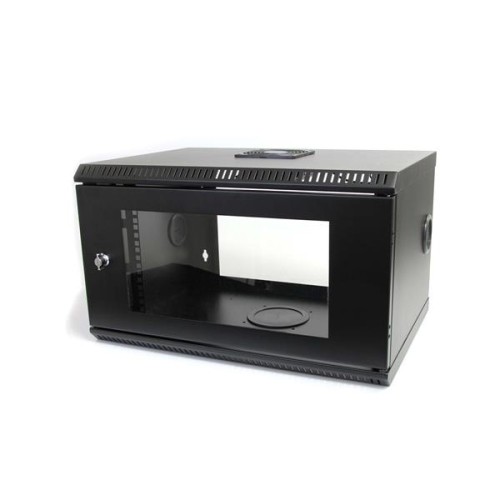
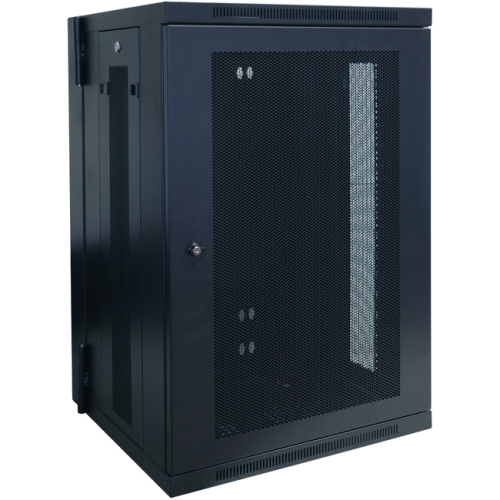
One of the most important details to check is the cabinet’s rack-unit capacity, commonly written as U. One rack unit equals 1.75 inch of vertical mounting space, so a 12U cabinet offers 21 inch of usable rack height before allowing for any design limitations or accessories. Smaller wall-mount cabinets are often a practical choice for compact installations in offices, classrooms, retail counters, or locations where floor space is limited. They can hold essentials such as a network switch, patch panel, modem, router, and cable management hardware while keeping equipment off a desk or shelf. Larger floor-standing cabinets are better suited to server rooms, communications closets, growing businesses, and installations with multiple servers, storage devices, power units, and networking components. When estimating capacity, allow room for future additions as well as airflow, cable routing, and service access. A cabinet filled completely from top to bottom may leave little flexibility when the network expands. It is also worth confirming the mounting standard and usable depth before making a selection. Most rack equipment is built around a 19-inch mounting width, but cabinet depth can vary considerably. Measure the deepest component, including rear connectors and power cables, then allow additional clearance so the door closes properly and technicians can work behind the equipment. The cabinet’s maximum weight capacity matters as well, particularly when installing servers, battery backups, storage hardware, or other heavy components. Adjustable mounting rails can make it easier to position equipment at the correct depth and accommodate hardware with different dimensions.
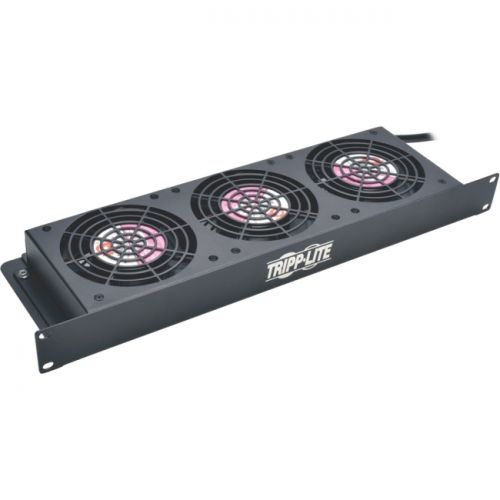
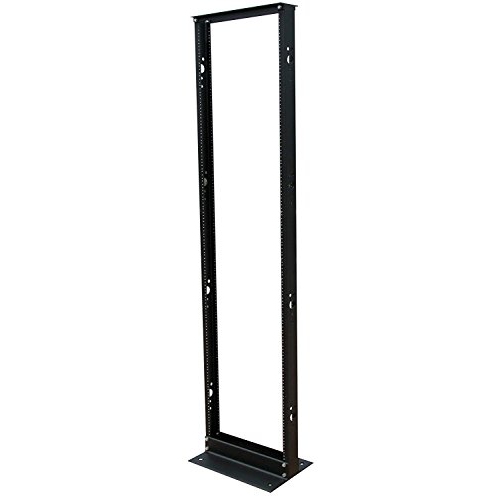
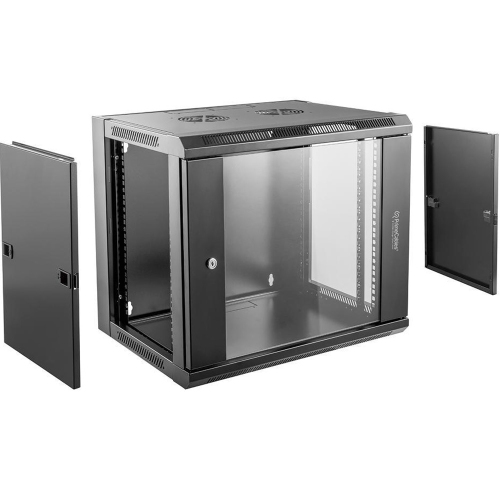
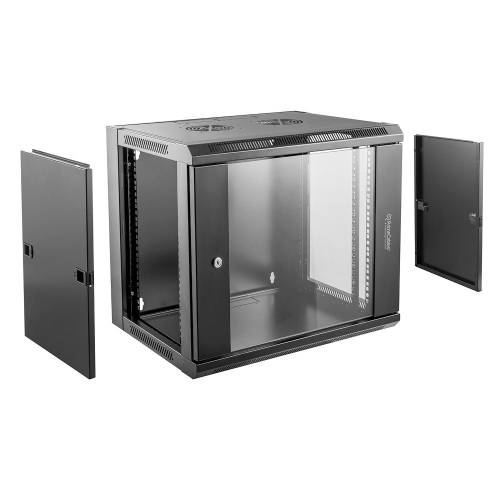
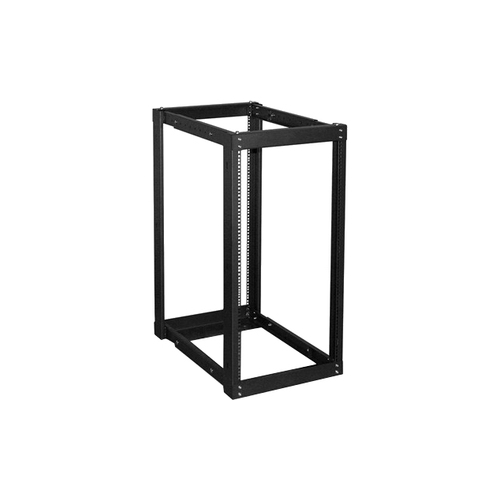
Ventilation is another central consideration because active networking and computing equipment produces heat during normal operation. Perforated front and rear doors can encourage air movement, while ventilation openings and optional cooling fans may help move warm air out of the enclosure. Before placing a cabinet, consider the room’s temperature, the amount of equipment installed, and the airflow path around the unit. Avoid positioning ventilation openings against a wall or packing cables tightly over fans, as restricted airflow can make cooling less effective. Cable management features, removable side panels, and rear access can simplify installation and ongoing maintenance, especially in a cabinet with several interconnected devices. A lockable glass door may make it easier to view status lights without opening the cabinet, while a solid steel door can offer added protection in areas where visibility is not needed. Wall-mounted models should be installed on suitable structural support and positioned at a practical working height, with enough clearance for doors, cables, and service work. Floor-standing cabinets should sit on a stable, level surface and be placed where their weight and footprint are appropriate for the room. Open-frame racks can provide excellent airflow and quick access, but enclosed data rack cabinets are often preferable where dust protection, noise reduction, or controlled access is a priority. Whether you are organizing a modest home network, supporting a small business, or building out a dedicated equipment room, choosing the right cabinet can make the installation easier to expand, inspect, and manage through the cooler months and beyond.
One of the most important details to check is the cabinet’s rack-unit capacity, commonly written as U. One rack unit equals 1.75 inch of vertical mounting space, so a 12U cabinet offers 21 inch of usable rack height before allowing for any design limitations or accessories. Smaller wall-mount cabinets are often a practical choice for compact installations in offices, classrooms, retail counters, or locations where floor space is limited. They can hold essentials such as a network switch, patch panel, modem, router, and cable management hardware while keeping equipment off a desk or shelf. Larger floor-standing cabinets are better suited to server rooms, communications closets, growing businesses, and installations with multiple servers, storage devices, power units, and networking components. When estimating capacity, allow room for future additions as well as airflow, cable routing, and service access. A cabinet filled completely from top to bottom may leave little flexibility when the network expands. It is also worth confirming the mounting standard and usable depth before making a selection. Most rack equipment is built around a 19-inch mounting width, but cabinet depth can vary considerably. Measure the deepest component, including rear connectors and power cables, then allow additional clearance so the door closes properly and technicians can work behind the equipment. The cabinet’s maximum weight capacity matters as well, particularly when installing servers, battery backups, storage hardware, or other heavy components. Adjustable mounting rails can make it easier to position equipment at the correct depth and accommodate hardware with different dimensions.
Ventilation is another central consideration because active networking and computing equipment produces heat during normal operation. Perforated front and rear doors can encourage air movement, while ventilation openings and optional cooling fans may help move warm air out of the enclosure. Before placing a cabinet, consider the room’s temperature, the amount of equipment installed, and the airflow path around the unit. Avoid positioning ventilation openings against a wall or packing cables tightly over fans, as restricted airflow can make cooling less effective. Cable management features, removable side panels, and rear access can simplify installation and ongoing maintenance, especially in a cabinet with several interconnected devices. A lockable glass door may make it easier to view status lights without opening the cabinet, while a solid steel door can offer added protection in areas where visibility is not needed. Wall-mounted models should be installed on suitable structural support and positioned at a practical working height, with enough clearance for doors, cables, and service work. Floor-standing cabinets should sit on a stable, level surface and be placed where their weight and footprint are appropriate for the room. Open-frame racks can provide excellent airflow and quick access, but enclosed data rack cabinets are often preferable where dust protection, noise reduction, or controlled access is a priority. Whether you are organizing a modest home network, supporting a small business, or building out a dedicated equipment room, choosing the right cabinet can make the installation easier to expand, inspect, and manage through the cooler months and beyond.
Top selling and popular products
-
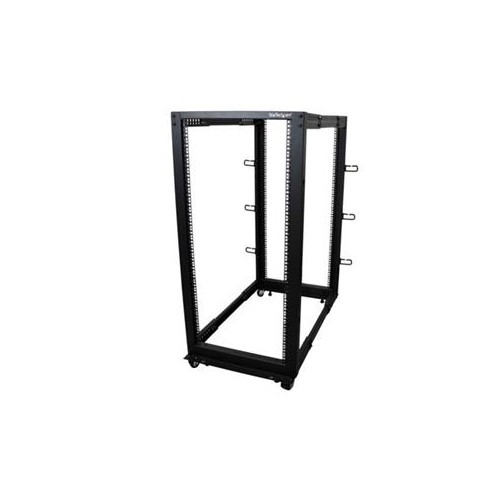 Your price for this item is $581.68
 -
 Your price for this item is $1303.99
 -
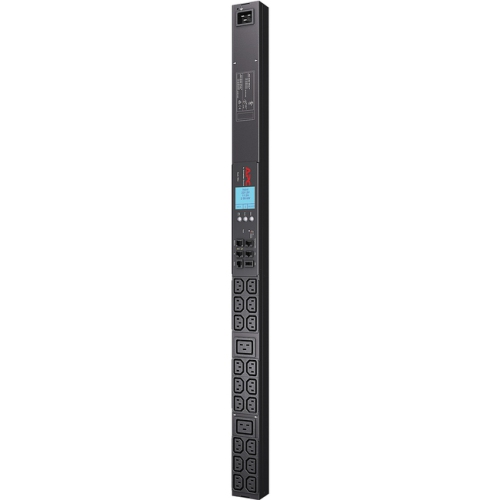 Your price for this item is $867.99
 -
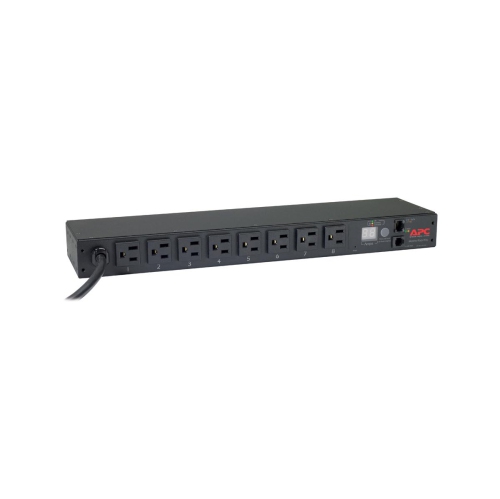 Your price for this item is $748.99
 -
 Your price for this item is $250.68
 -
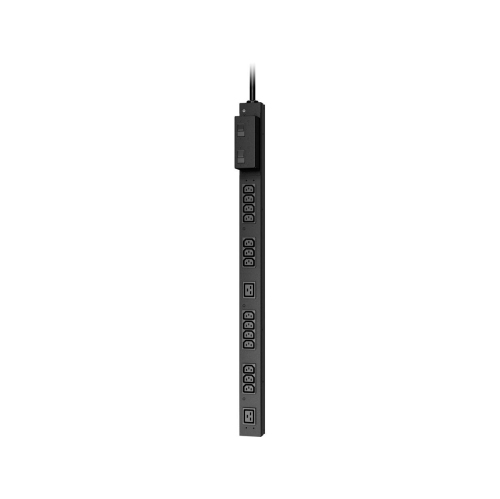 Your price for this item is $407.99
 -
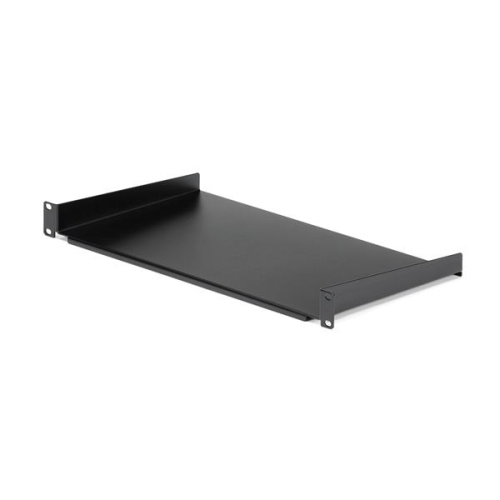 Your price for this item is $54.99
 -
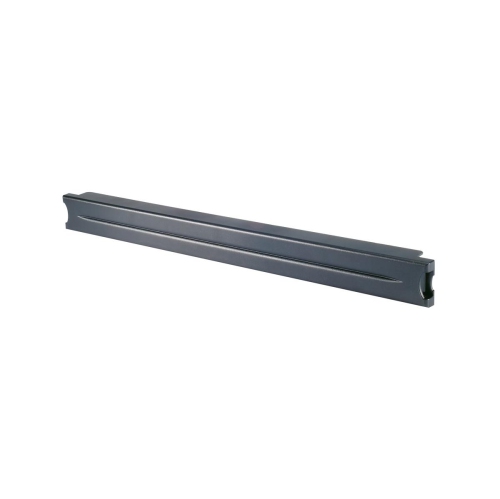 Your price for this item is $102.99
Discover more categories related to Data Rack Cabinets

Top Collections:
Pokemon Centers, Kindle Devices, Best Budget Office Chairs, Apple iPhones 16, Best Laptops for Writers, iPhone 15 Apple, Canon G7X Cameras, Refurbished Apple Laptops, Alarm Clock, Motorola Razr Phones
Some products may be subject to Environmental Handling Fees
(EHF) depending on your province.
Learn more about EHFs.