Server Racks Cabinets
Server Racks Cabinets are essential for organizing and protecting your valuable networking equipment, servers, and accessories. Designed to help maximize space and improve efficiency, these cabinets offer a reliable solution for both home offices and professional IT environments. Explore a wide selection of Server Racks Cabinets to find options that fit your setup, whether you need to store a few components or manage an extensive network. Find the right server rack cabinet to keep your technology secure, accessible, and neatly arranged.
Sort
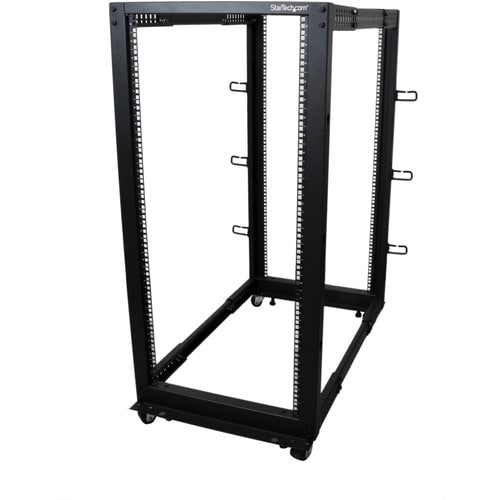
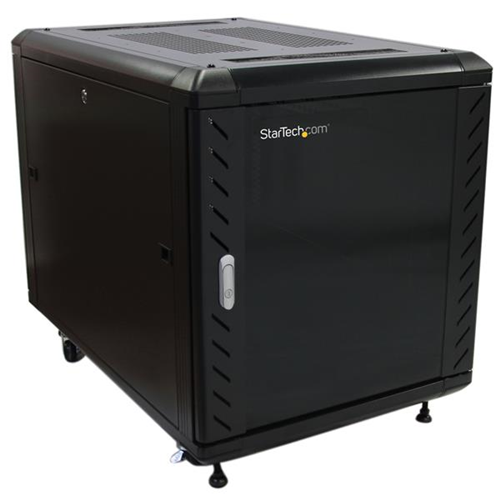
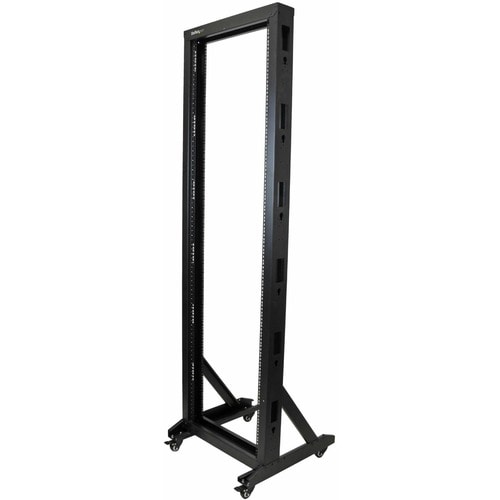
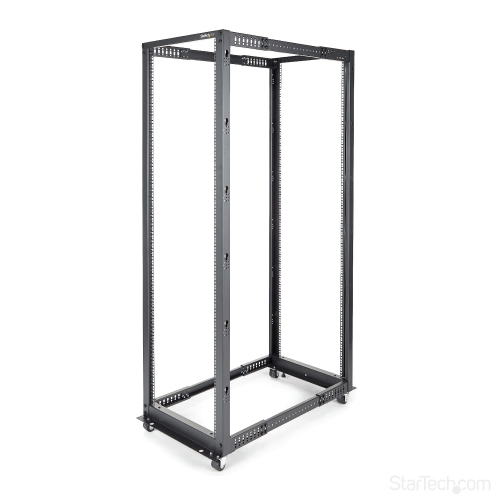
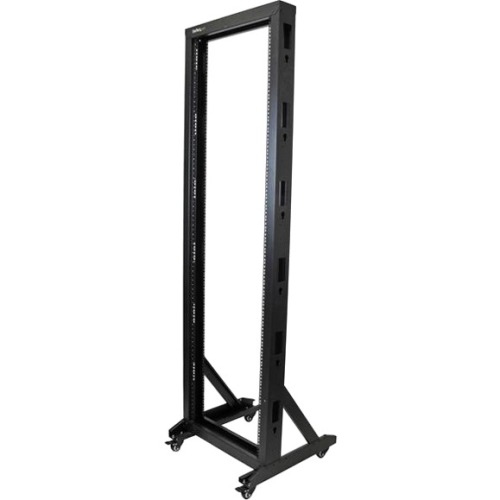
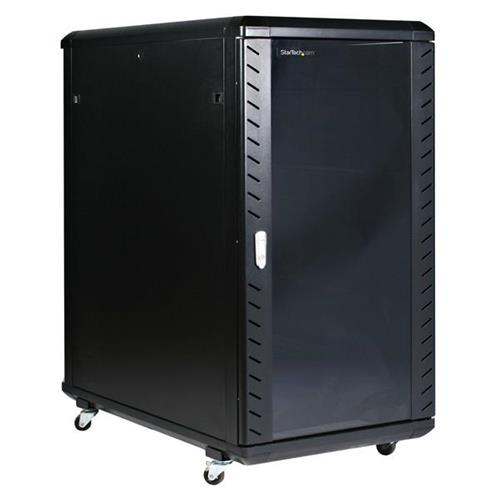
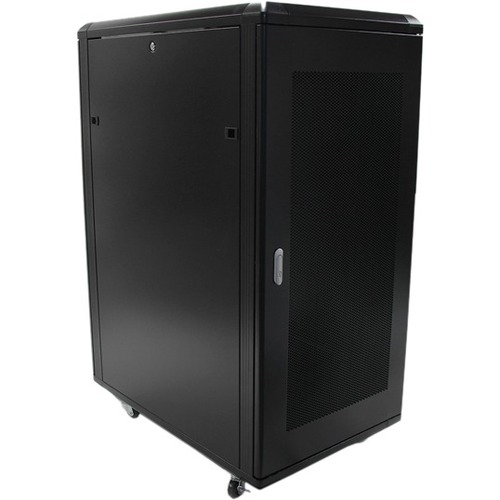
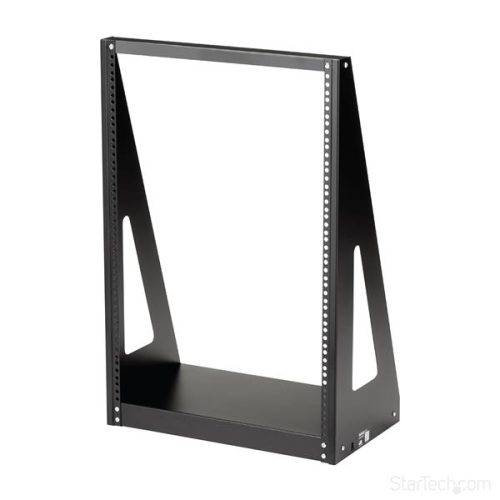
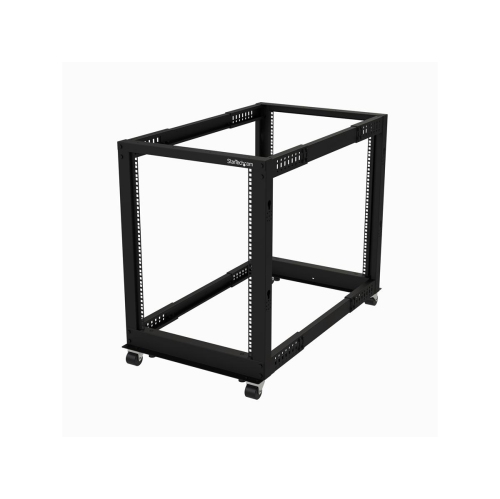
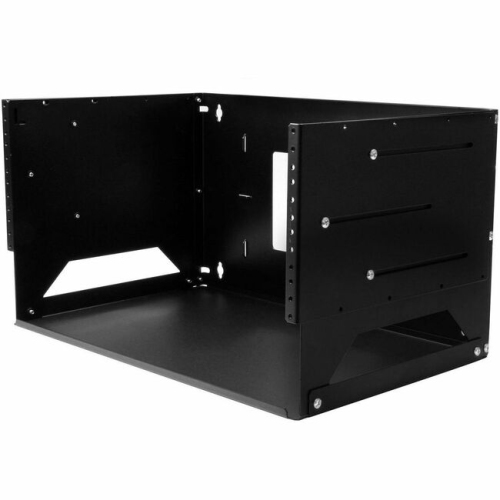
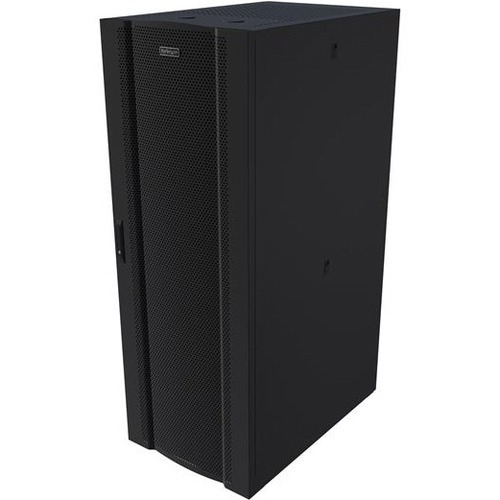
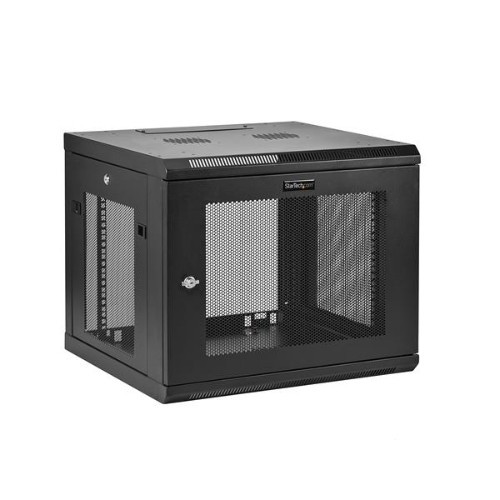
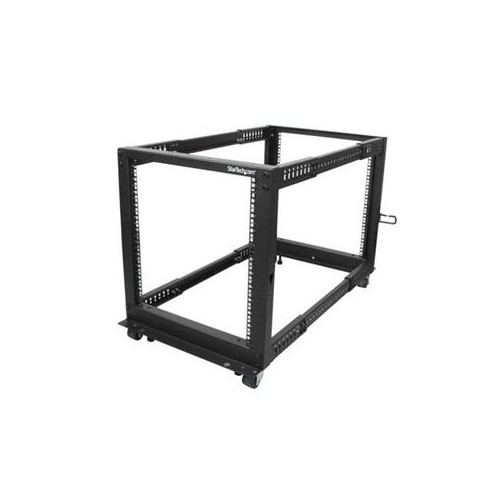
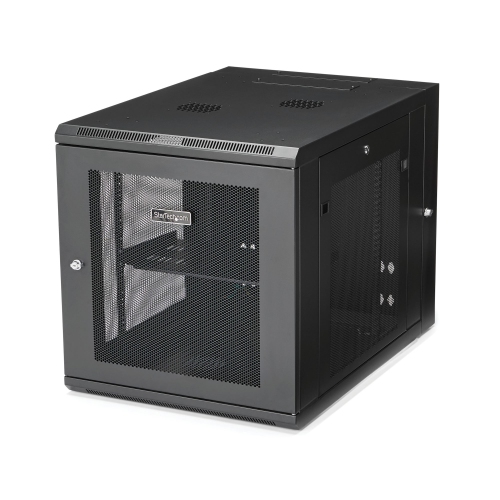
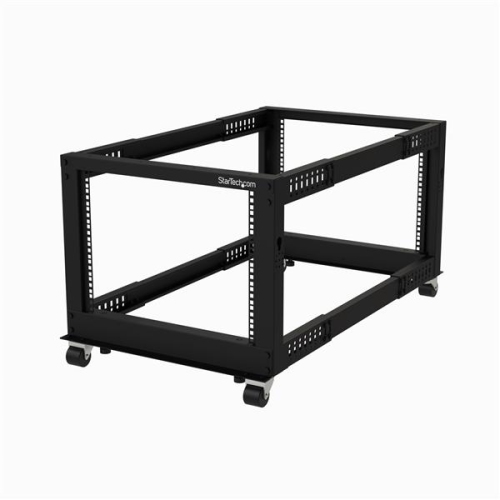
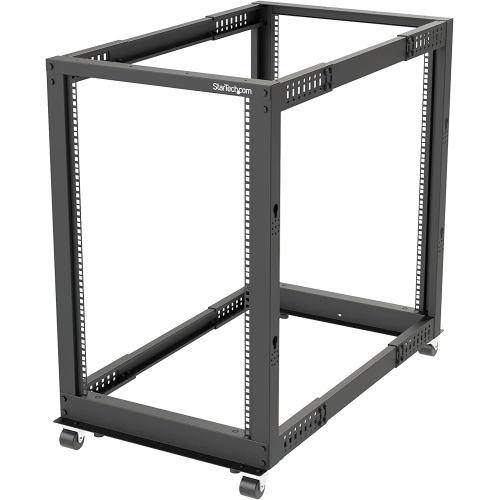
There’s more to rack fit than mounting space
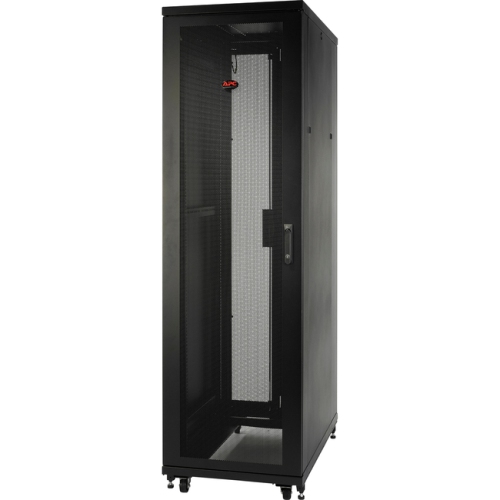
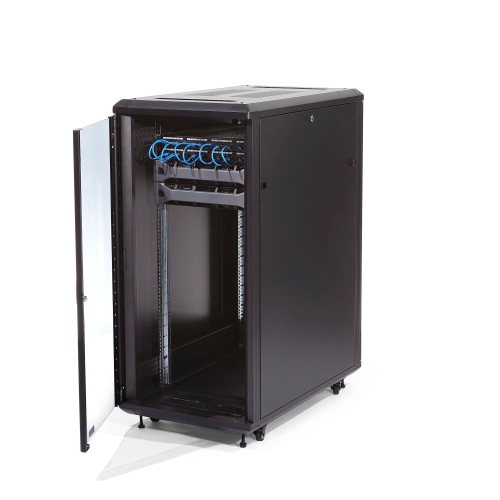
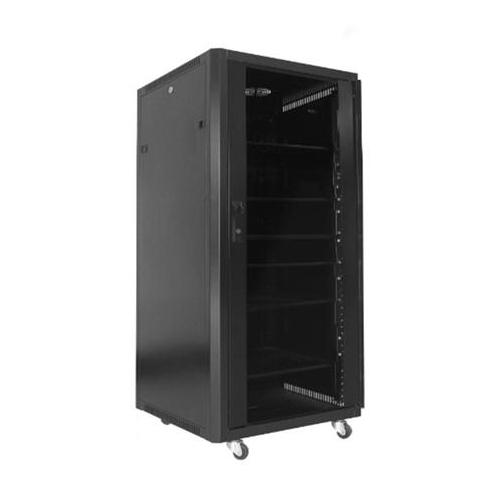
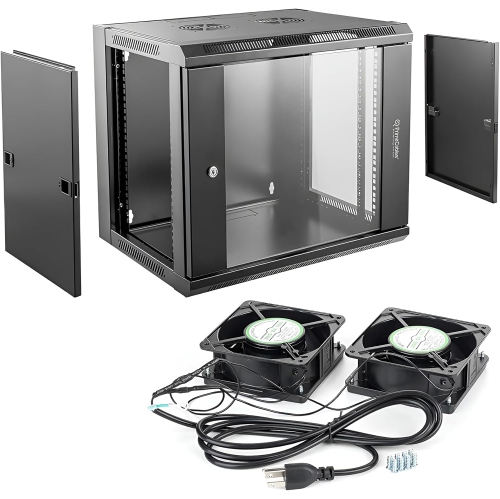
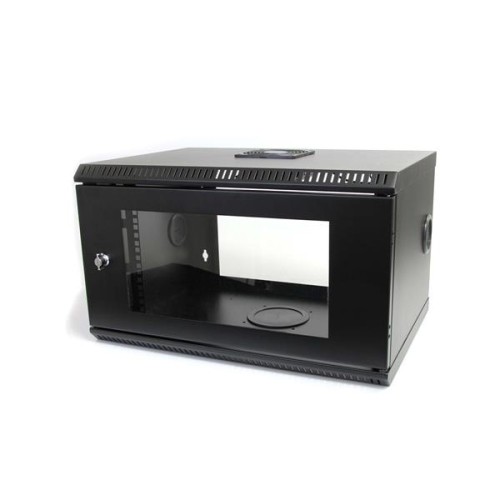
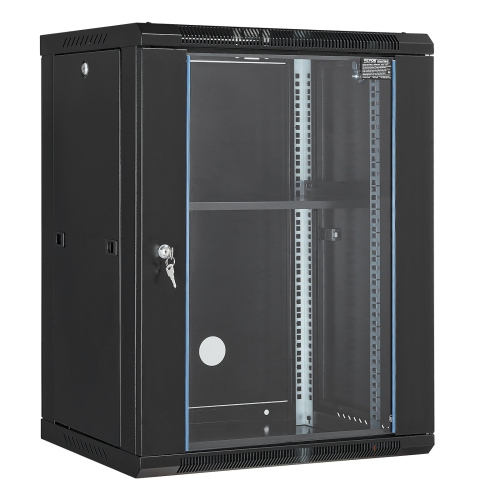
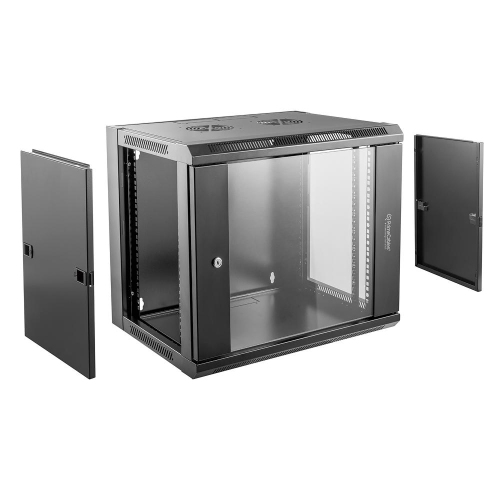
A server rack cabinet is a metal enclosure with standardized mounting rails, commonly in a 19-inch format, for housing servers, network switches, patch panels, and rack-mount uninterruptible power supplies. It gives compatible equipment a defined place, keeps connections accessible, and helps protect hardware from accidental contact. Server racks and cabinets suit a range of spaces, from a home network corner or small office communications closet to a dedicated server room. A business might use one to bring internet connections, shared storage, and backup power together, while a home lab enthusiast might need room for networking hardware and several compact servers. The distinction between an open rack and an enclosed cabinet matters. Open racks leave equipment exposed for straightforward cable access and unrestricted ventilation around the frame. Enclosed cabinets add side panels and doors, often with locks, to limit access and create a more contained installation. Neither format suits every setup: an accessible rack in a restricted room serves a different purpose from a lockable cabinet beside shared office equipment. Wall-mounted cabinets can keep lighter networking equipment off the floor, while freestanding cabinets generally offer more options for deeper hardware and larger installations. Two-post racks are often used for patch panels and suitable networking equipment; heavier servers commonly need four-post support with compatible rails or shelves. Related data rack cabinets serve similar organizational needs, particularly where structured cabling and network distribution are central to the setup. Steel is common for cabinet frames and panels because it provides rigidity, while some open rack designs use aluminium to reduce frame weight. Construction details such as reinforced corners, secure panel fittings, and a durable finish affect how well a rack stands up to installation work and repeated servicing. In a frequently accessed network closet, removable side panels and clearly accessible mounting points can make everyday maintenance less awkward than reaching through a narrow rear opening.
Fit depends on more than the number of devices going inside. Rack height is measured in rack units, abbreviated as U, with one unit equal to 1.75 inches of vertical mounting space. A device labelled 2U takes up two rack units, but the cabinet’s advertised rack capacity does not describe its total outside height. Likewise, the 19-inch mounting standard does not mean the cabinet itself is only 19 inches wide. External dimensions, usable mounting depth, and the distance between the front and rear rails all need to suit the installation. A shallow network switch and a deep server can share the same mounting width while requiring very different cabinet depths. Power plugs, cable connectors, handles, and cable bends need clearance too, especially behind closed doors. Adjustable mounting rails offer flexibility, although the rail adjustment range still needs to match the hardware. Square-hole rails commonly use cage nuts, while threaded-hole and round-hole mounting systems may call for different fasteners or accessories. Equipment-specific sliding rails also have their own compatibility requirements. Shelves can support devices without rack-mount brackets, provided both their dimensions and load ratings are suitable. Weight deserves the same attention as space: the cabinet’s load rating, each shelf’s capacity, and any limits for wall brackets or casters are separate considerations. A wall-mounted enclosure needs an appropriate wall structure and secure installation, not simply an empty patch of wall. For a freestanding cabinet, placing heavier equipment low helps improve stability, and anchoring or anti-tip measures may be required by the manufacturer. Doors, hallways, lifts, and the route into the room also affect fit. A cabinet that suits the hardware can still be difficult to install if its assembled frame cannot pass through the doorway or there is no clearance to open its doors fully.
Airflow, cable organization, power distribution, and physical access shape how practical a server rack cabinet is after installation. Perforated doors and ventilated panels allow air to move through the enclosure, but their usefulness depends on the equipment’s airflow direction and the space around the cabinet. Many servers draw air from the front and exhaust it at the rear, so tightly packed cables or a cabinet pushed against a wall can obstruct cooling. Blanking panels can help manage airflow through unused rack spaces in suitable configurations, while cabinet fans may assist ventilation when correctly matched to the installation; they do not replace adequate room ventilation. An enclosed cabinet is not automatically soundproof, either, and fan noise remains a consideration when hardware sits near desks or meeting areas. Cable entry points at the top, bottom, or sides influence how neatly connections reach the equipment. Horizontal and vertical cable managers, hook-and-loop straps, and clear labels help keep patch leads traceable without pulling them tight or bending them sharply. Leaving enough slack for servicing makes it easier to slide out compatible equipment or move a patch panel without disconnecting unrelated devices. Power distribution units need suitable mounting space, accessible outlets, and electrical ratings that match the connected load and supply. Backup power equipment can be heavy, so its support and position should be planned alongside the rest of the hardware. Lockable doors and side panels help discourage unauthorized access, though they are only one part of protecting the equipment. For ongoing care, accessible panels make it simpler to inspect connections, check fasteners, and remove accumulated dust using methods appropriate to the hardware. Finishes should be cleaned according to the cabinet manufacturer’s directions, with liquids kept away from powered equipment. Some unused rack capacity and sensible cable clearance leave room for later changes, allowing a cabinet to remain useful as networking and storage needs develop without making routine servicing unnecessarily difficult.
Top selling and popular products
-
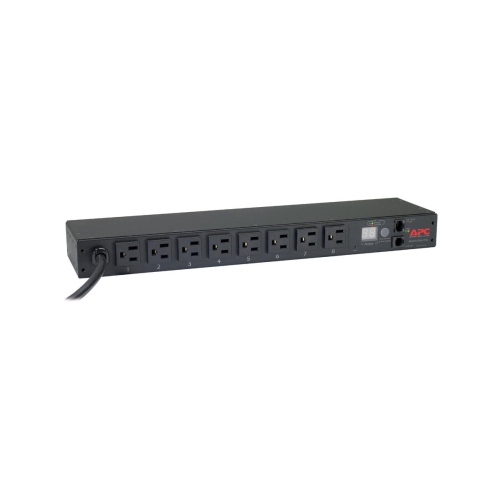 Your price for this item is $747.99
-
 Your price for this item is $1301.99
-
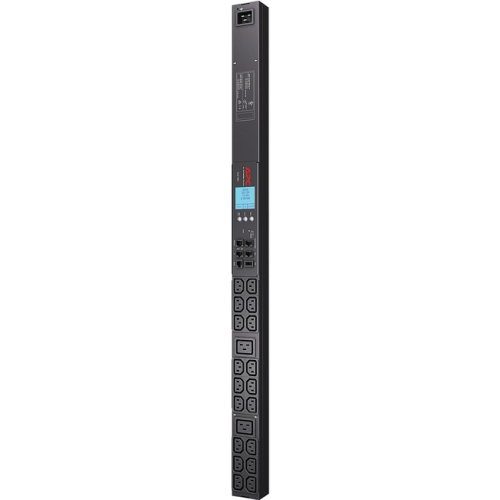 Your price for this item is $866.99
-
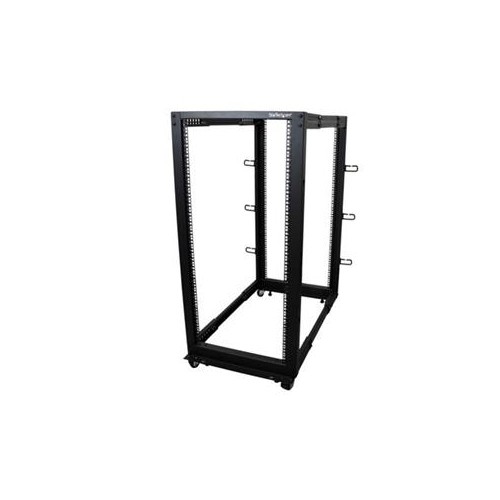 Your price for this item is $641.68
-
 Your price for this item is $270.68
-
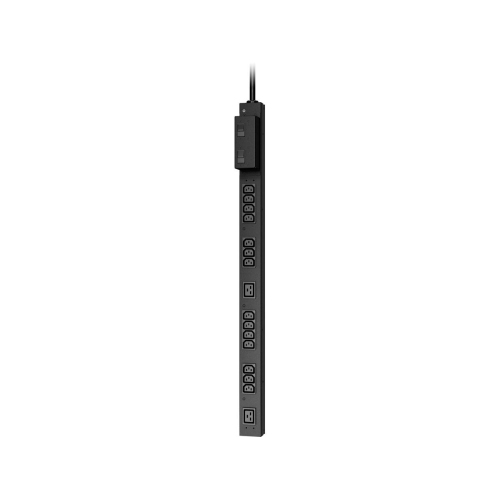 Your price for this item is $412.99
-
 Your price for this item is $262.99
-
 Your price for this item is $3040.68
Discover more categories related to Server Racks Cabinets
Top Collections:
Best Black Friday Deals This Year, Best Black Friday Deals On Electronics, Kindle Devices, Dyson Airwrap, Best Cameras for Sports Photography, Best Budget Office Chairs, Canon G7X Cameras, PS5 Pro Consoles, Best Black Friday Deals On Apple Products, XBOX One S Consoles
Some products may be subject to Environmental Handling Fees
(EHF) depending on your province.
Learn more about EHFs.