DDR Computer Memory
Upgrade your computer's performance with a selection of DDR computer memory. Whether you're a gamer seeking lightning-fast speeds or a professional looking to enhance productivity, DDR memory modules are designed to deliver exceptional performance and reliability. With various capacities and speeds available, you can find the perfect DDR memory for your specific needs. Boost your system's capabilities and experience smoother multitasking, faster data transfers, and improved overall responsiveness. Shop our selection of DDR computer memory modules and take your computing experience to the next level.
Sort
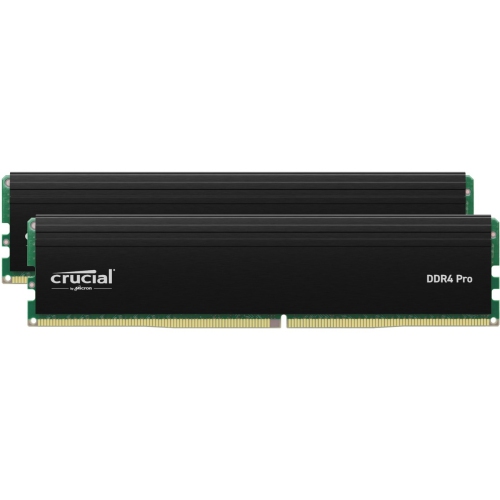
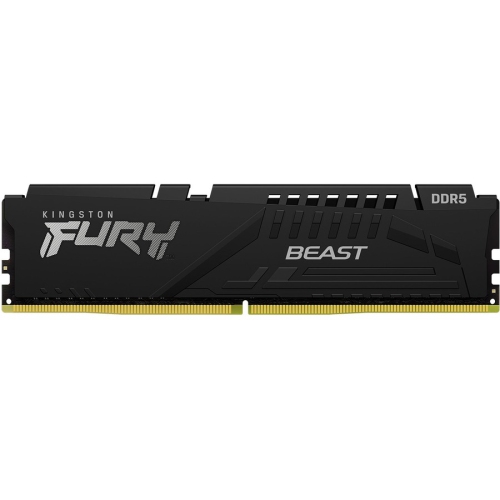
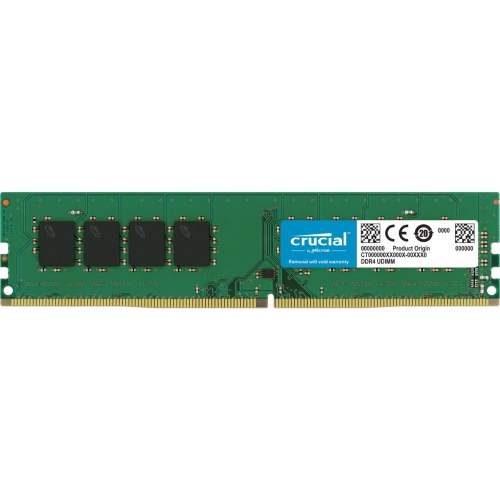
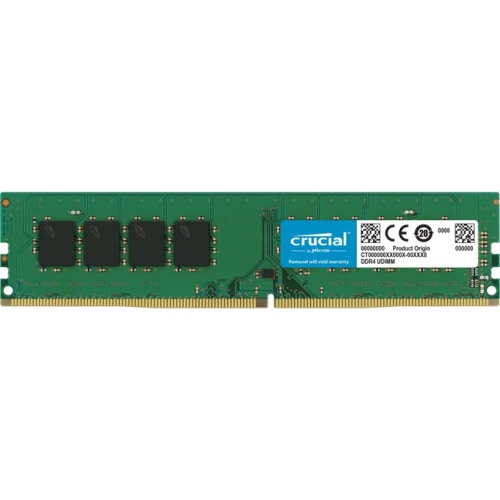
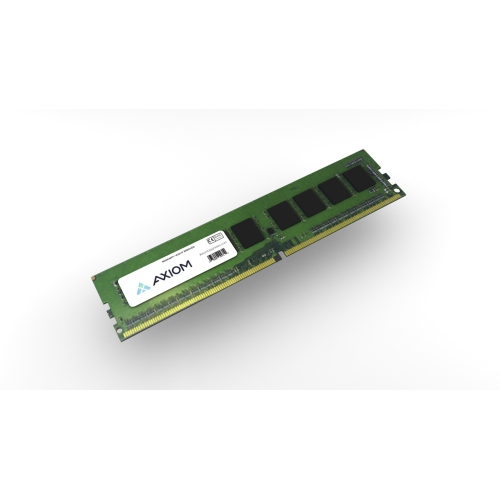
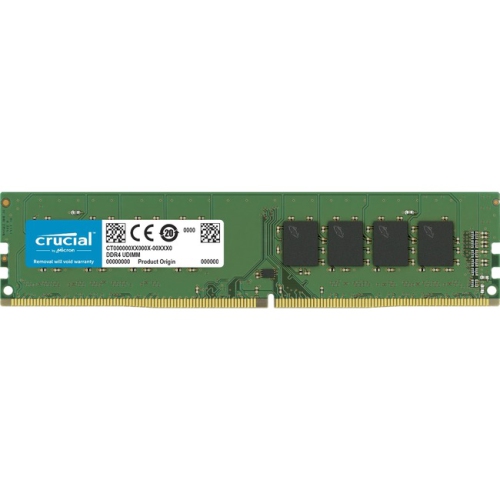
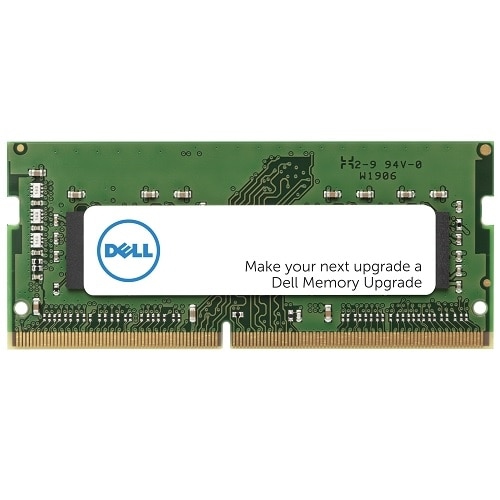
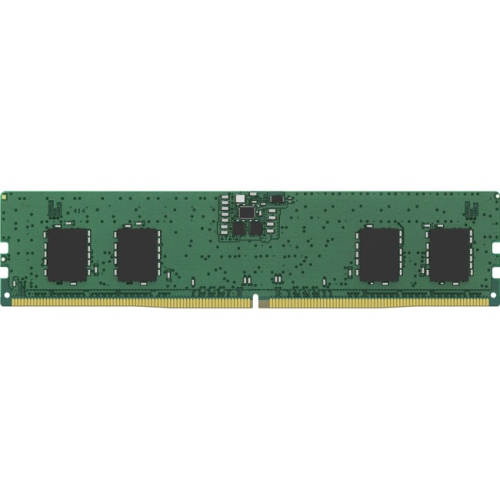

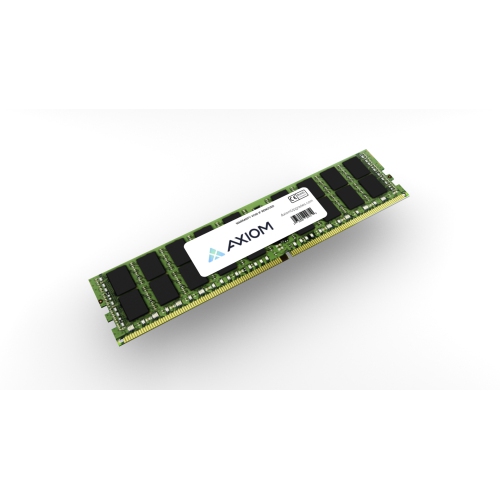
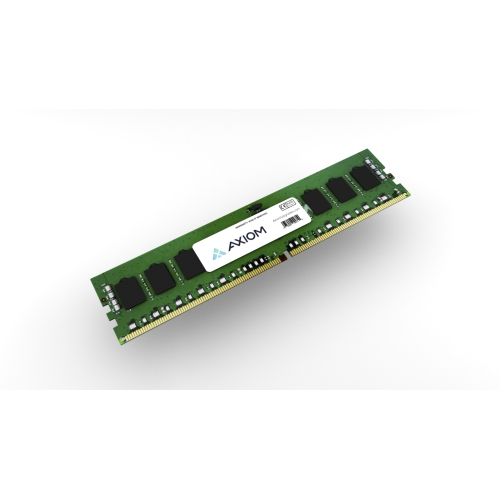
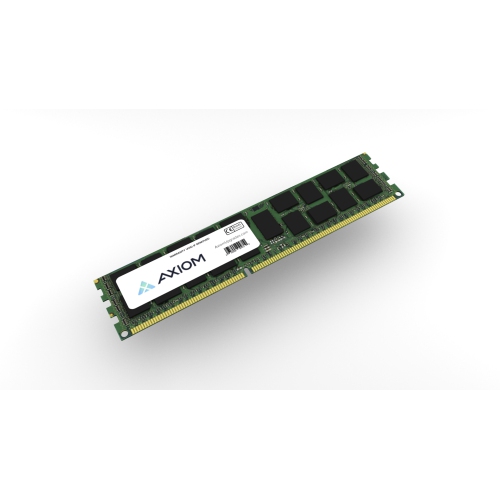

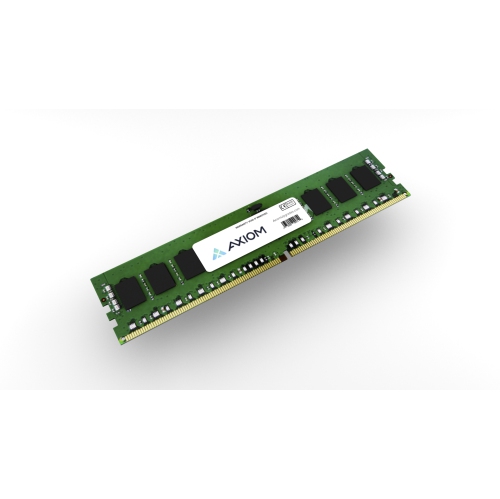
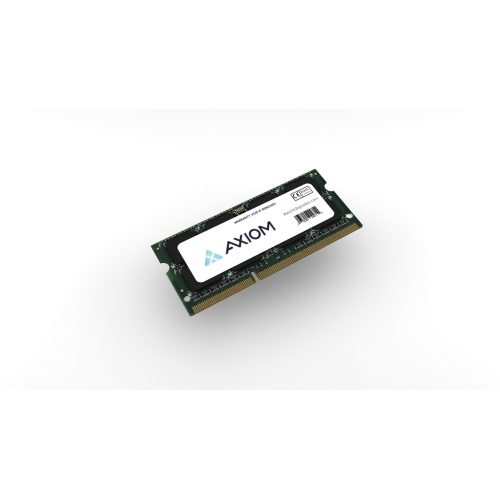
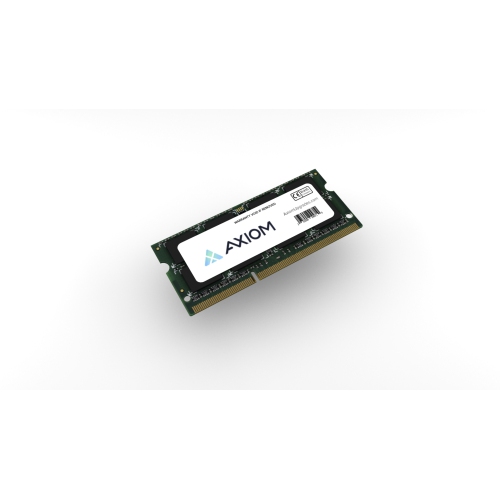
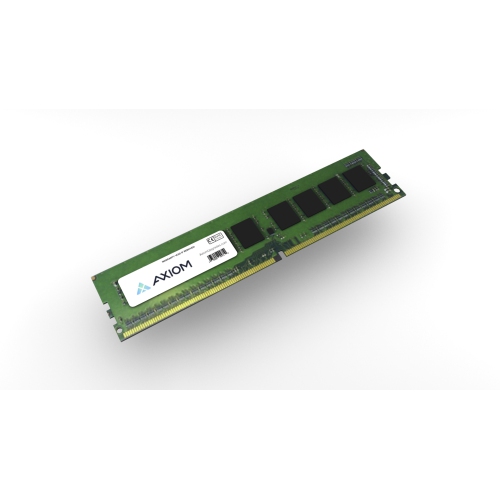
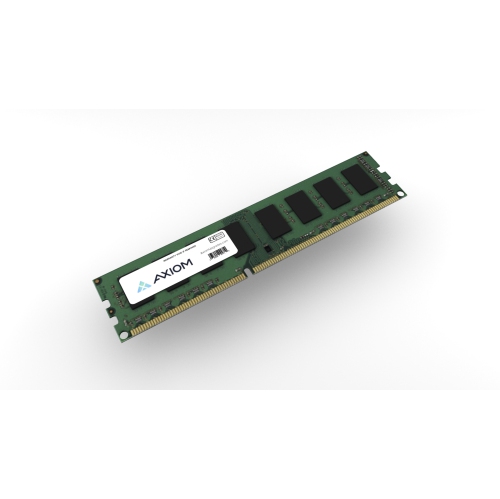
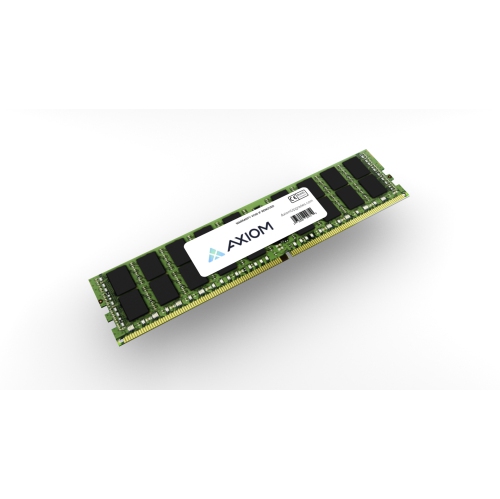
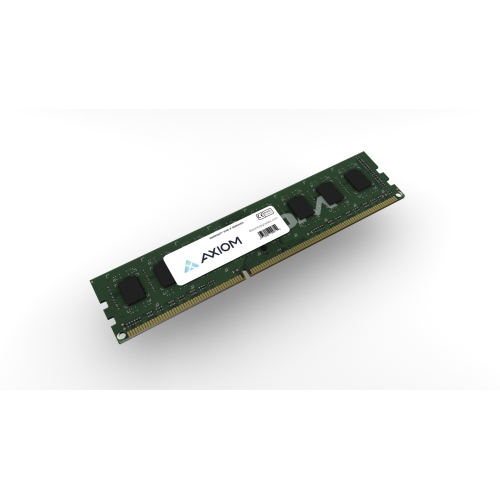
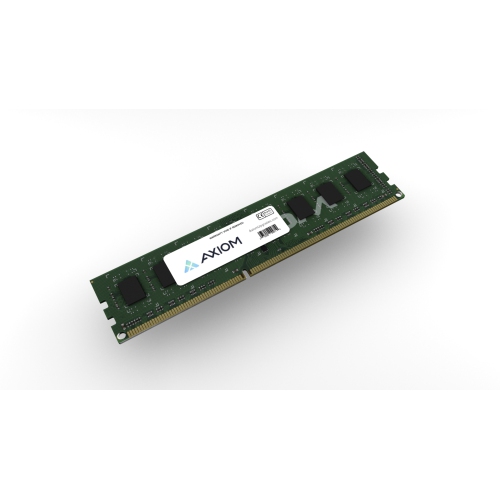
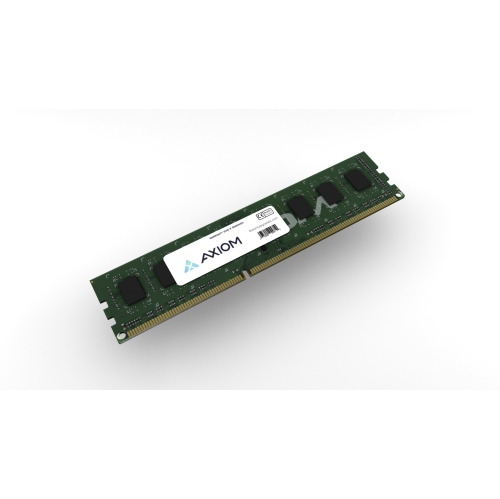
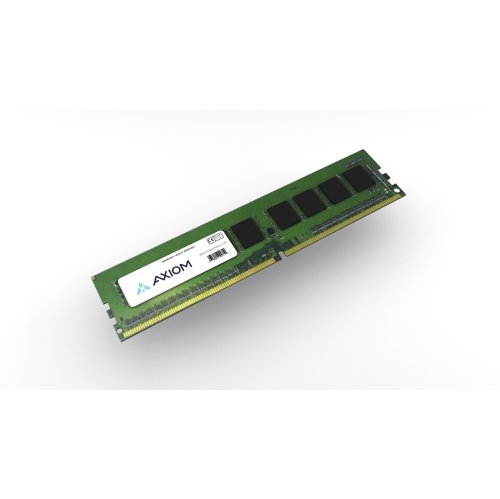
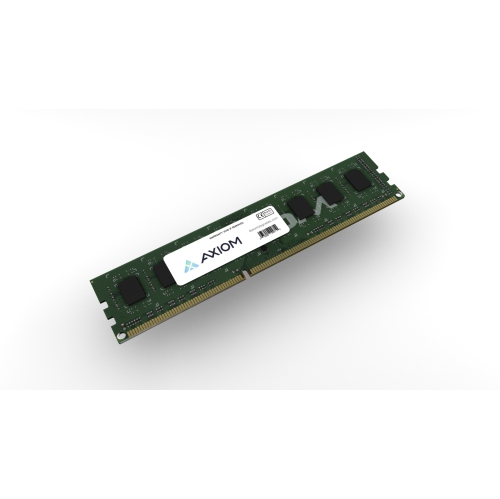
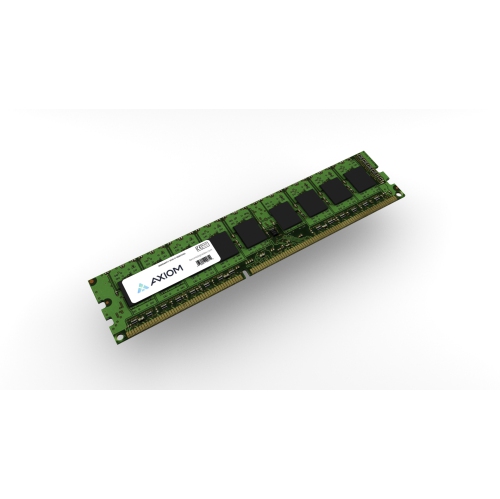
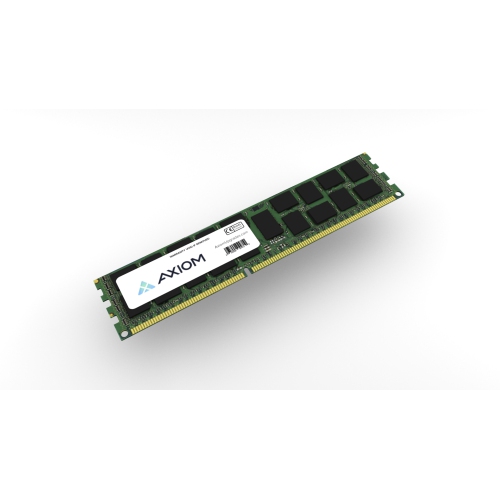
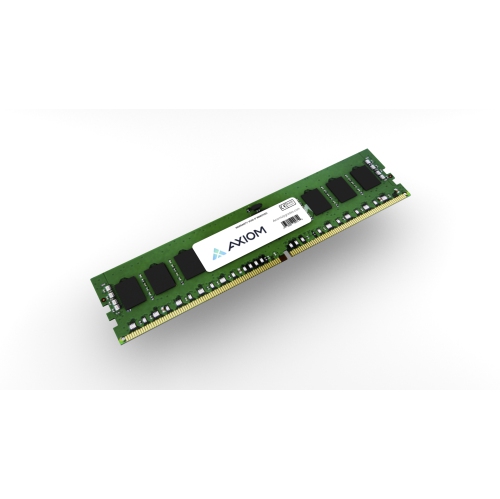
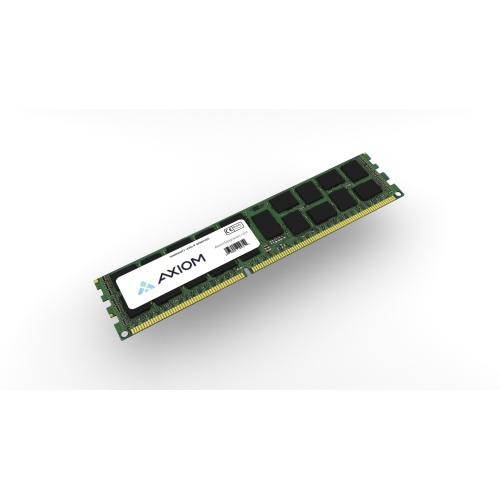
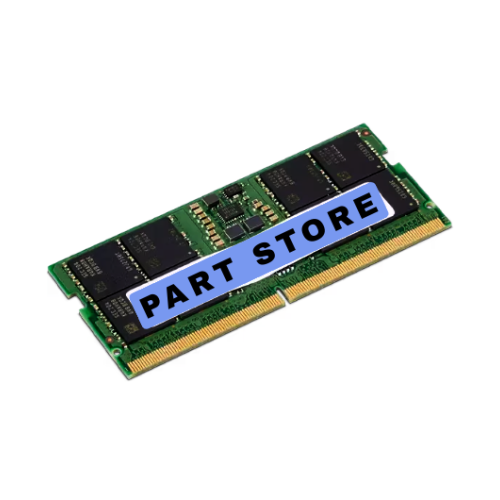
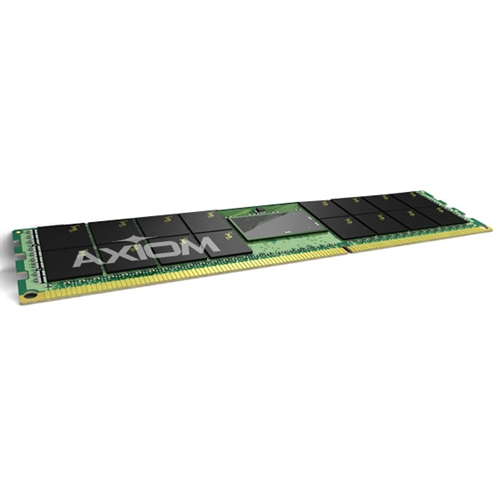

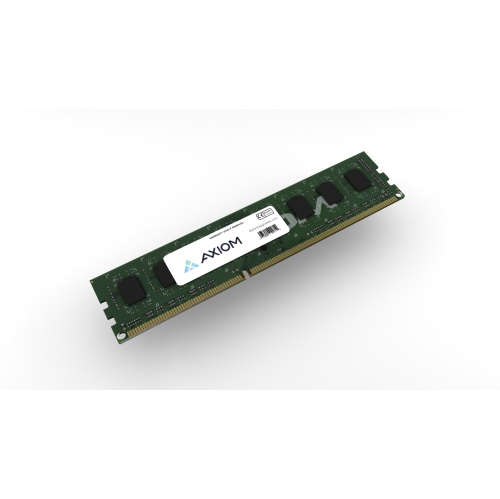
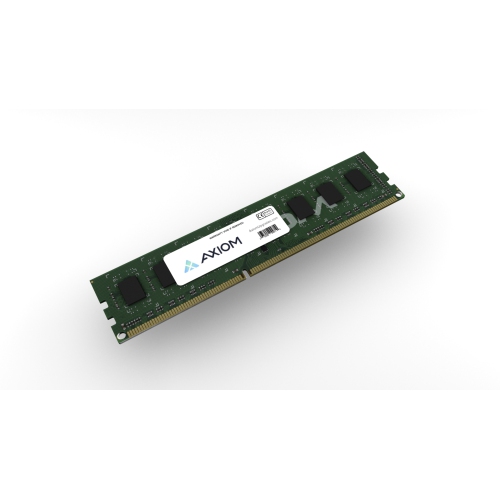
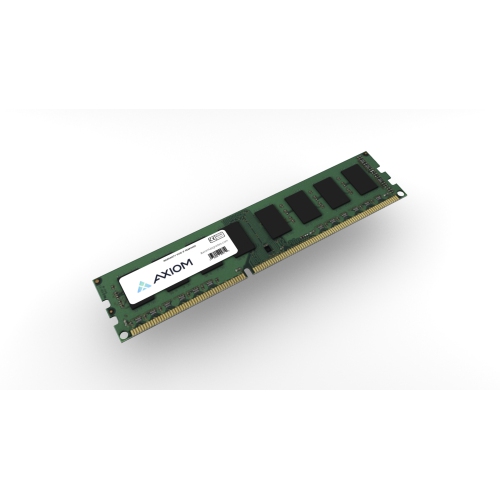
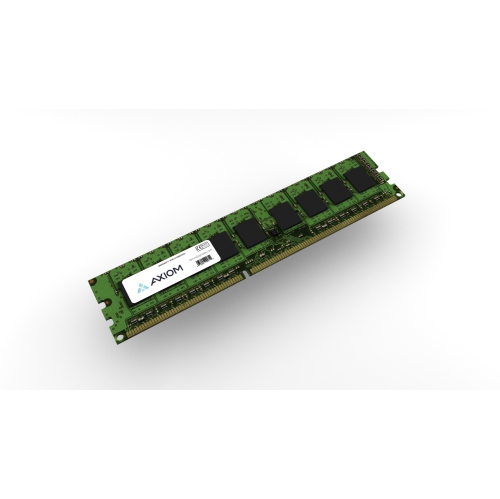
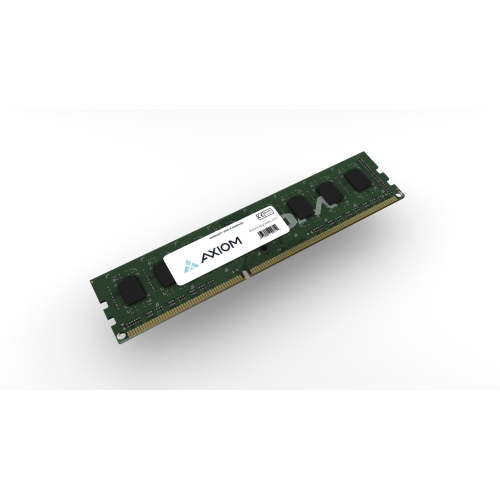
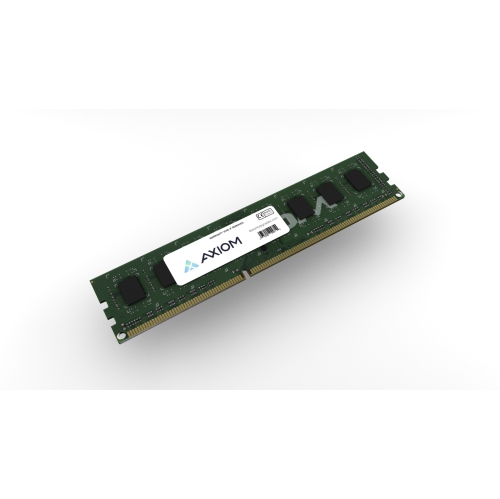
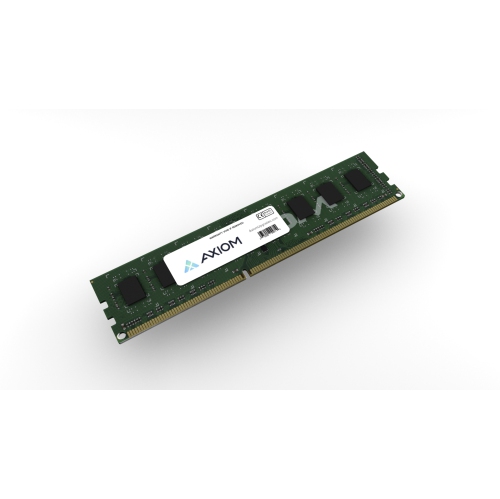
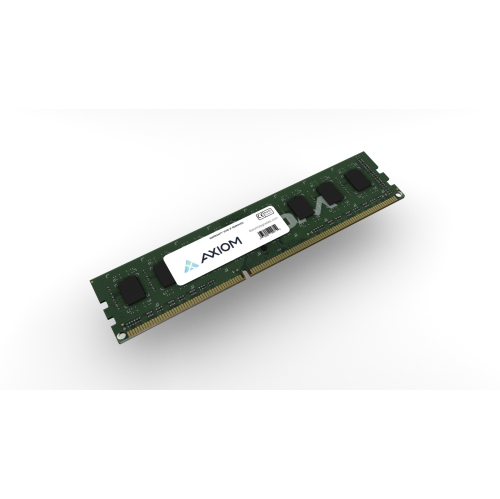
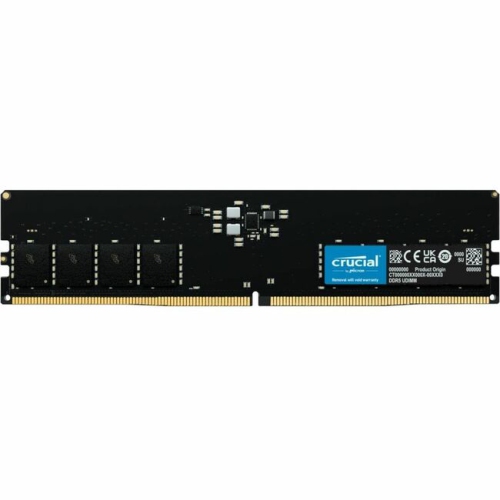
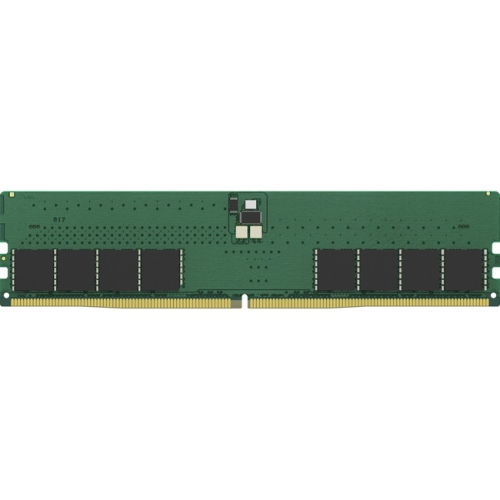
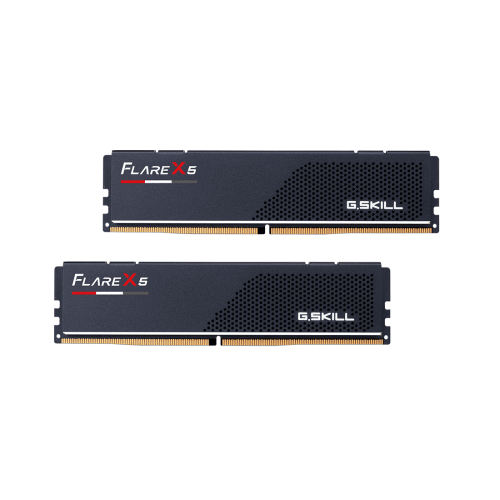
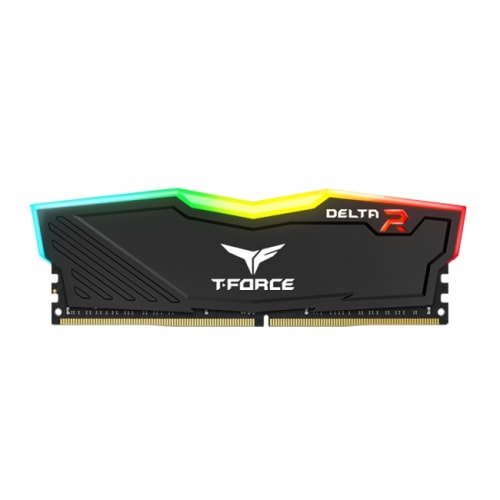
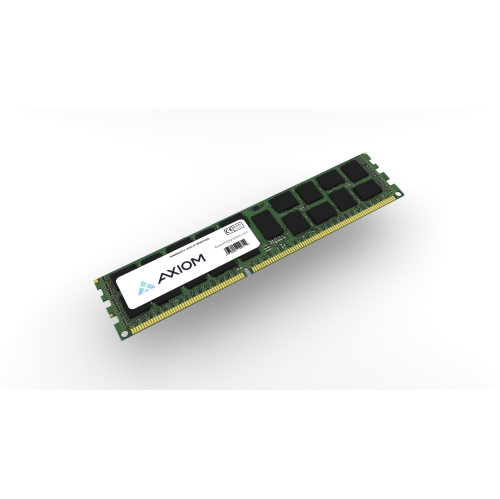
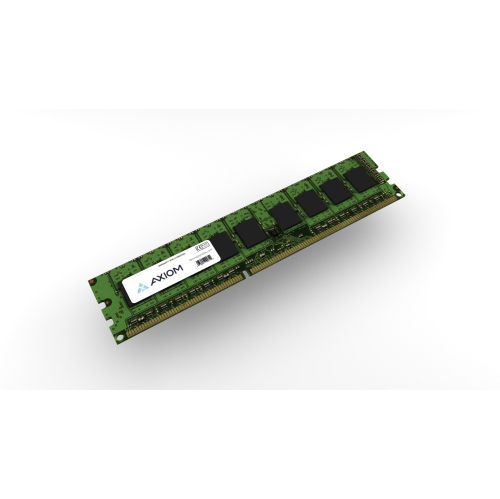
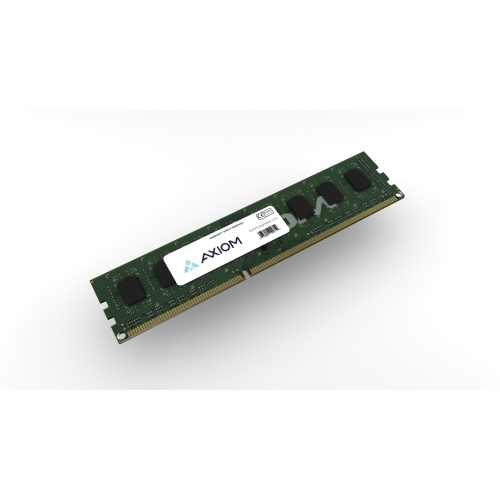
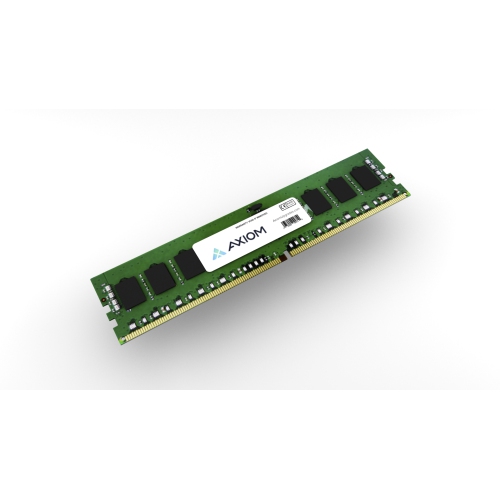
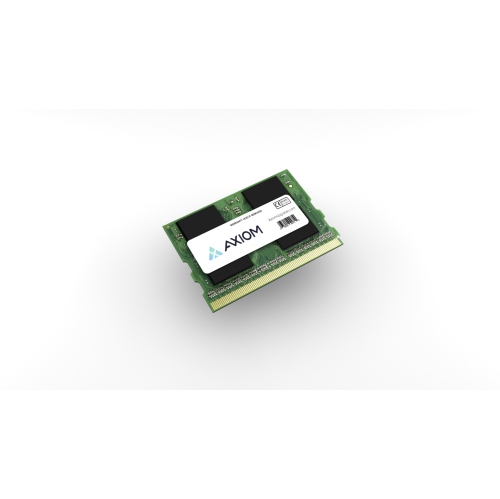
How the right memory supports smoother everyday computer performance
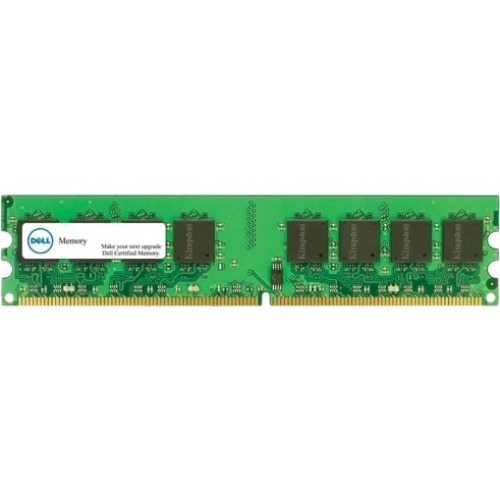
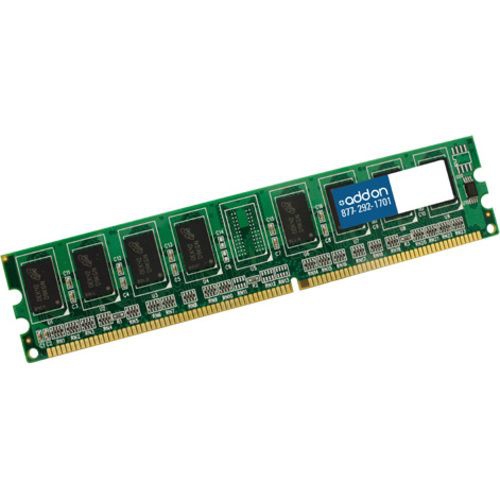
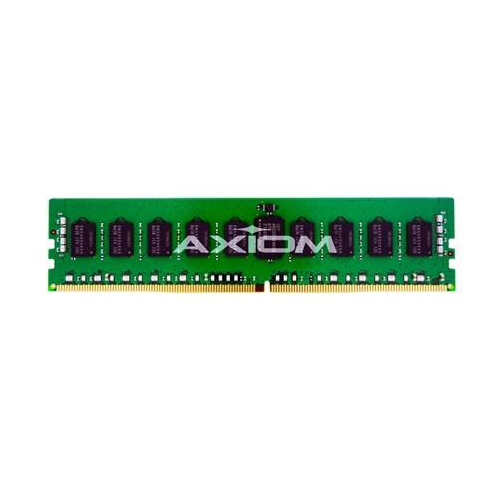
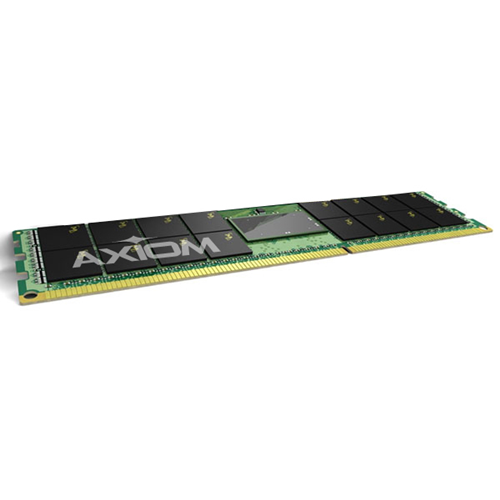
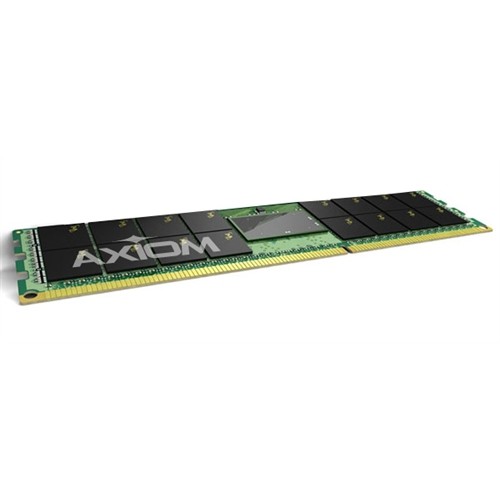
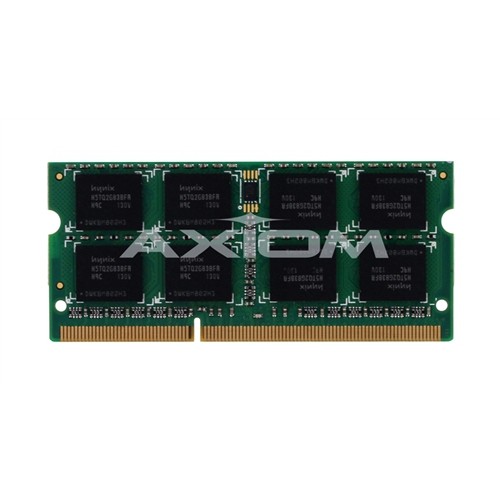
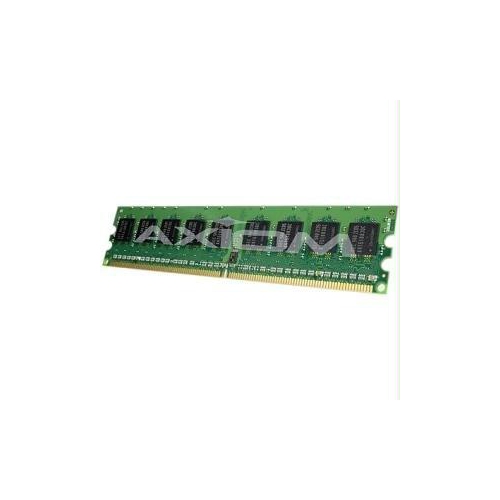
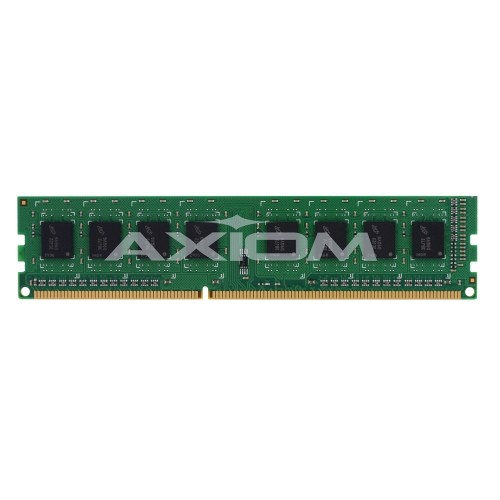
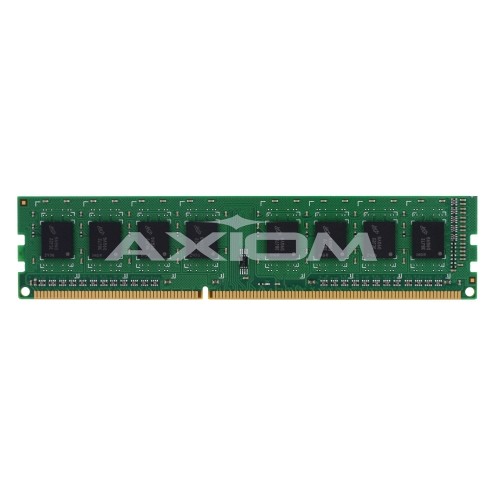
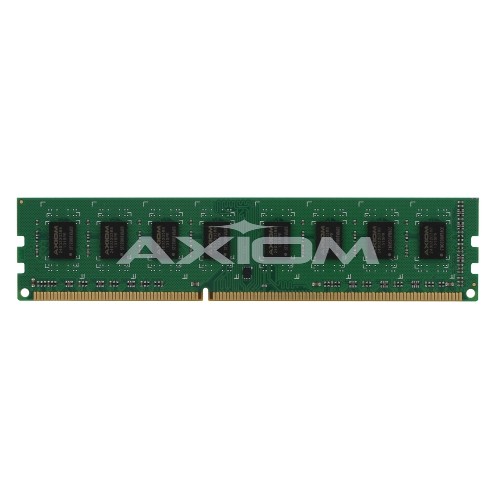
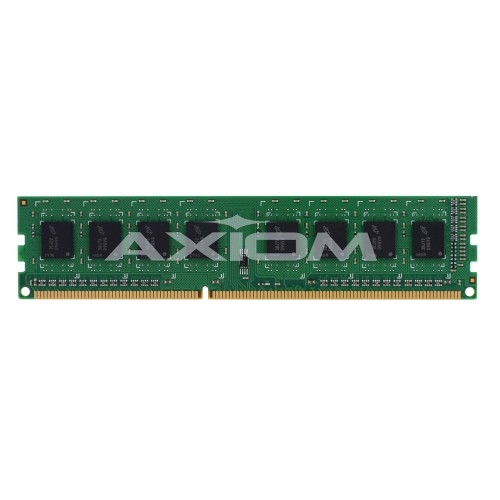
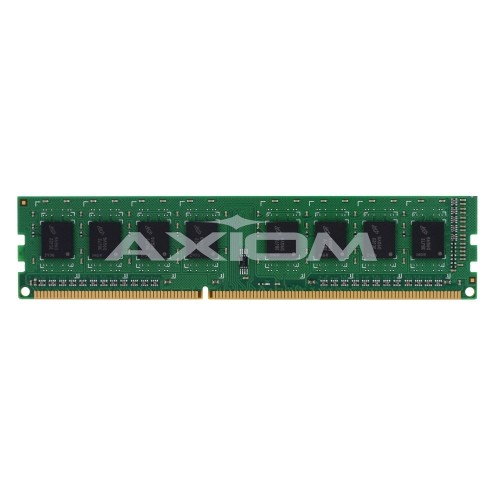
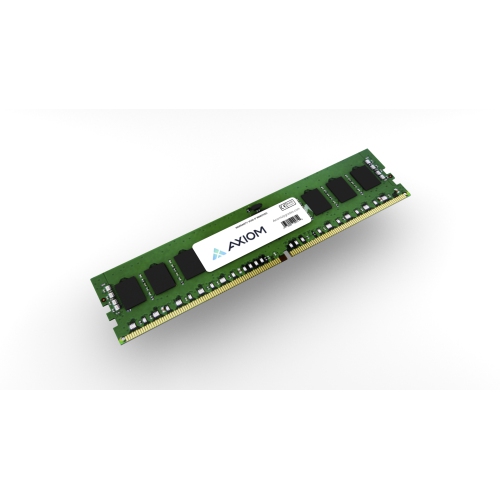
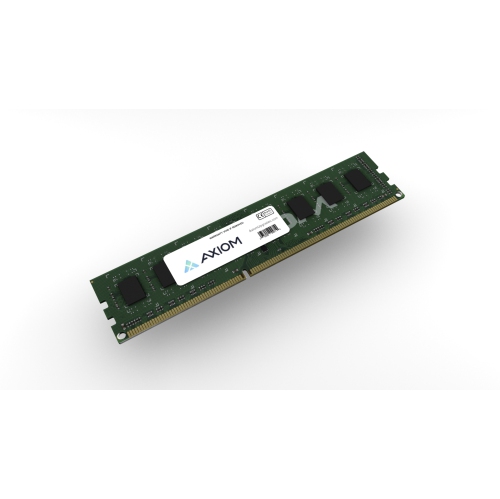
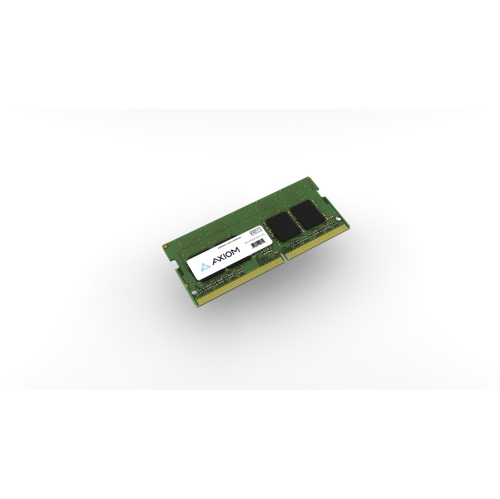
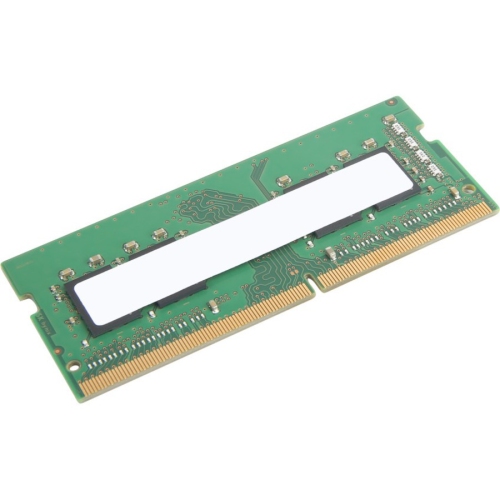
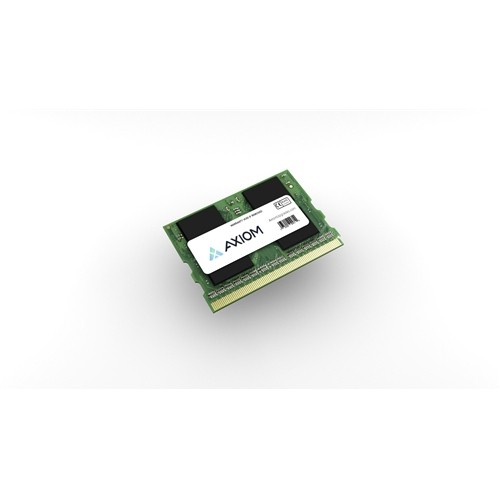
DDR computer memory, also called DDR SDRAM, is the short-term working space that helps a computer keep active programs, files, browser tabs, games, and background services readily available to the processor. DDR stands for Double Data Rate, referring to the way this type of memory transfers data twice during each clock cycle. Compared with older single-rate memory, DDR technology can move information more efficiently, helping a compatible computer respond smoothly while several tasks are running. When a system runs short of available memory, it may rely more heavily on slower storage, which can lead to delayed loading, stuttering, or frequent pauses. Adding or replacing memory can be a practical way to improve everyday performance, particularly on a computer that feels sluggish when many browser tabs are open, large photos are being edited, video calls are running, or games are loading detailed scenes. DDR memory is available in several generations, including DDR3, DDR4, and DDR5, with each generation designed around different electrical requirements, layouts, and performance standards. Newer generations generally offer higher data-transfer rates and updated features, but they are not automatically compatible with an older motherboard. The memory generation must match the specifications of the computer, and the physical module must fit the correct slot. For a broader look at related memory technology and available formats, visit Sdram Memories. Checking the computer’s manual, motherboard documentation, or system information before shopping is one of the most reliable ways to avoid choosing a module that cannot be installed or recognized.
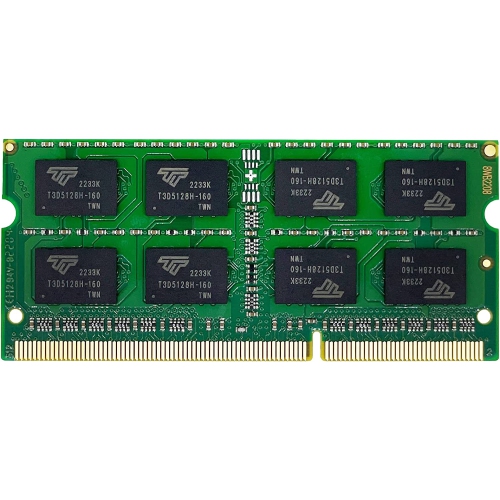
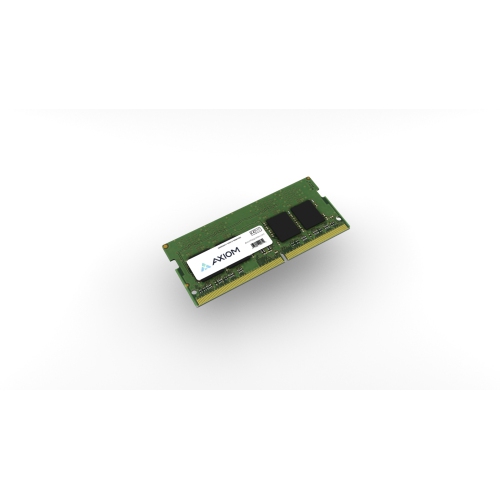
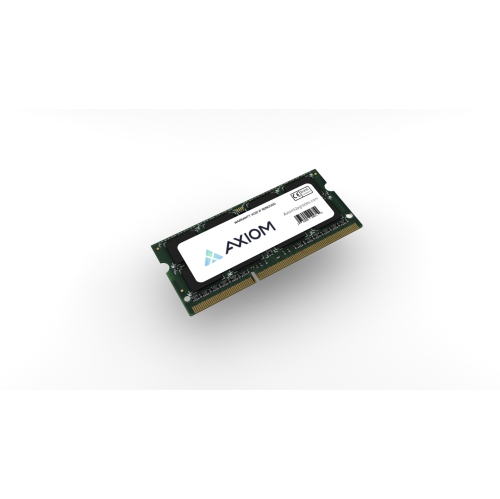
Capacity is one of the most important considerations when selecting DDR computer memory. A computer used for email, documents, streaming, online shopping, and light photo organization may need less memory than a system used for modern gaming, software development, three-dimensional design, music production, or high-resolution video editing. More capacity allows more applications and larger files to remain active at once, which can make a noticeable difference for people who move between work, school, entertainment, and communication throughout the day. Speed, often listed in MT/s or described through a memory rating, indicates how quickly the module can transfer data when supported by the rest of the system. Latency also matters: it describes the delay involved in certain memory operations, so a useful comparison considers speed and latency together rather than focusing on one number in isolation. The computer’s processor and motherboard may limit the maximum supported speed, and installing faster memory does not always mean the system will operate at the advertised rate. Capacity should also be considered as a complete configuration. Two matching modules can allow a compatible computer to use dual-channel operation, while mixing different capacities, generations, or specifications may cause the system to run at a lower speed or create stability issues. Desktop computers typically use longer DIMM modules, while many laptops and compact systems use shorter SO-DIMM modules. These formats are not interchangeable, even when they share a DDR generation. Module height can be important in a crowded desktop case, especially when a large processor cooler is installed, and the number of available slots determines whether an upgrade can be made by adding memory or requires replacing existing modules. For a dependable match, compare the generation, capacity, speed, voltage, module type, supported maximum, and slot count before completing a purchase.
DDR computer memory can suit a wide range of users, from someone refreshing an older home computer to a student preparing a laptop for research, presentations, creative assignments, and remote classes. It can also be a thoughtful practical gift for a family member who spends cooler days gaming, editing photos, organizing a digital library, or working through demanding projects at home. The most helpful gift choice is based on the recipient’s exact computer model rather than on capacity alone; a well-intentioned upgrade is only useful when its size, generation, and format are supported. Gamers often look for enough capacity to keep a game, voice chat, launchers, and other applications running together, while creators may value additional headroom for large project files, editing timelines, virtual instruments, or design software. People who work with many documents and browser tabs may notice smoother switching and fewer interruptions after moving to a suitable memory configuration. Installation is usually straightforward for a desktop or upgradeable laptop, but it should be done with the computer powered down, unplugged, and handled carefully by the edges. After installation, the system may need a settings check or a simple restart, and it is wise to confirm that the full capacity is detected. If a computer fails to start, shows warning lights, or becomes unstable after an upgrade, reseating the modules and reviewing the motherboard’s supported specifications are sensible first steps. During the cooler months, when more time may be spent indoors gaming, learning, editing, or managing household tasks on a computer, dependable memory can help keep everyday routines moving comfortably. Selecting the right DDR generation and configuration creates a balanced upgrade that supports the way the computer is actually used, whether that means quiet productivity, demanding creative work, or relaxed entertainment after a busy day.
Capacity is one of the most important considerations when selecting DDR computer memory. A computer used for email, documents, streaming, online shopping, and light photo organization may need less memory than a system used for modern gaming, software development, three-dimensional design, music production, or high-resolution video editing. More capacity allows more applications and larger files to remain active at once, which can make a noticeable difference for people who move between work, school, entertainment, and communication throughout the day. Speed, often listed in MT/s or described through a memory rating, indicates how quickly the module can transfer data when supported by the rest of the system. Latency also matters: it describes the delay involved in certain memory operations, so a useful comparison considers speed and latency together rather than focusing on one number in isolation. The computer’s processor and motherboard may limit the maximum supported speed, and installing faster memory does not always mean the system will operate at the advertised rate. Capacity should also be considered as a complete configuration. Two matching modules can allow a compatible computer to use dual-channel operation, while mixing different capacities, generations, or specifications may cause the system to run at a lower speed or create stability issues. Desktop computers typically use longer DIMM modules, while many laptops and compact systems use shorter SO-DIMM modules. These formats are not interchangeable, even when they share a DDR generation. Module height can be important in a crowded desktop case, especially when a large processor cooler is installed, and the number of available slots determines whether an upgrade can be made by adding memory or requires replacing existing modules. For a dependable match, compare the generation, capacity, speed, voltage, module type, supported maximum, and slot count before completing a purchase.
DDR computer memory can suit a wide range of users, from someone refreshing an older home computer to a student preparing a laptop for research, presentations, creative assignments, and remote classes. It can also be a thoughtful practical gift for a family member who spends cooler days gaming, editing photos, organizing a digital library, or working through demanding projects at home. The most helpful gift choice is based on the recipient’s exact computer model rather than on capacity alone; a well-intentioned upgrade is only useful when its size, generation, and format are supported. Gamers often look for enough capacity to keep a game, voice chat, launchers, and other applications running together, while creators may value additional headroom for large project files, editing timelines, virtual instruments, or design software. People who work with many documents and browser tabs may notice smoother switching and fewer interruptions after moving to a suitable memory configuration. Installation is usually straightforward for a desktop or upgradeable laptop, but it should be done with the computer powered down, unplugged, and handled carefully by the edges. After installation, the system may need a settings check or a simple restart, and it is wise to confirm that the full capacity is detected. If a computer fails to start, shows warning lights, or becomes unstable after an upgrade, reseating the modules and reviewing the motherboard’s supported specifications are sensible first steps. During the cooler months, when more time may be spent indoors gaming, learning, editing, or managing household tasks on a computer, dependable memory can help keep everyday routines moving comfortably. Selecting the right DDR generation and configuration creates a balanced upgrade that supports the way the computer is actually used, whether that means quiet productivity, demanding creative work, or relaxed entertainment after a busy day.
Top selling and popular products
-
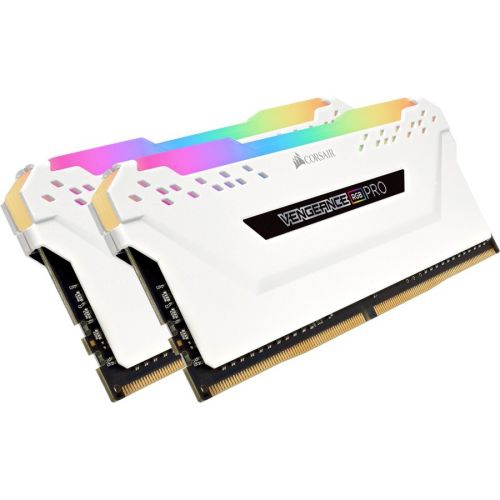 Your price for this item is $307.68
 -
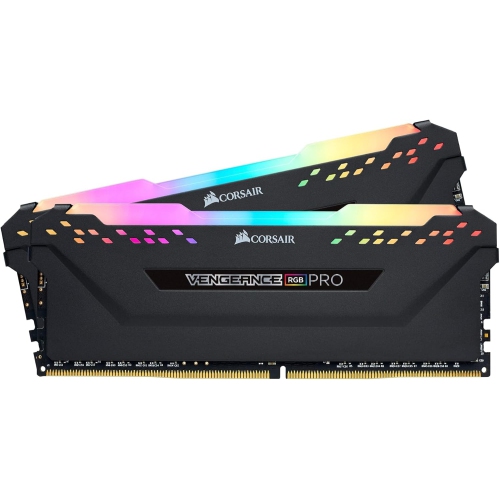 Your price for this item is $329.99
 -
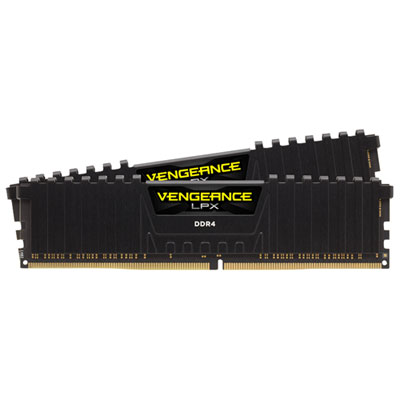 Your price for this item is $349.99
 -
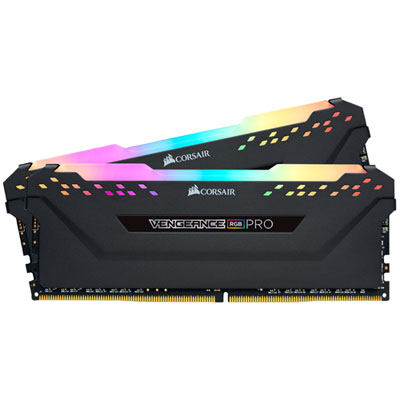 Your price for this item is $369.99
 -
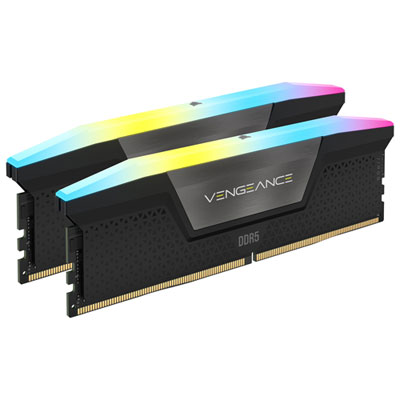 Your price for this item is $679.99
 -
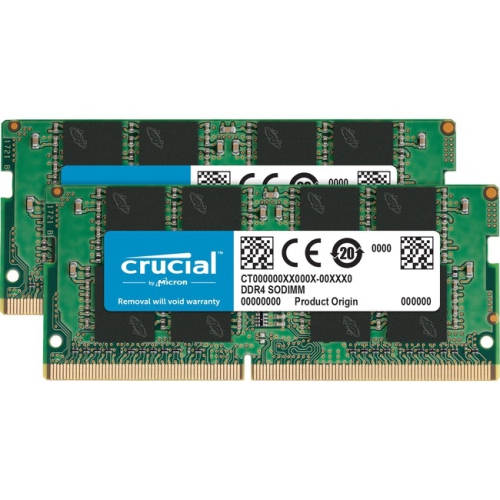 Your price for this item is $379.99
 -
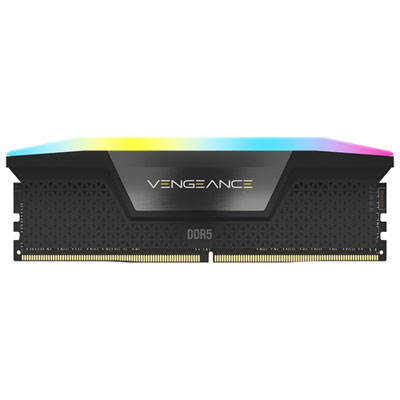 Your price for this item is $1793.99
 -
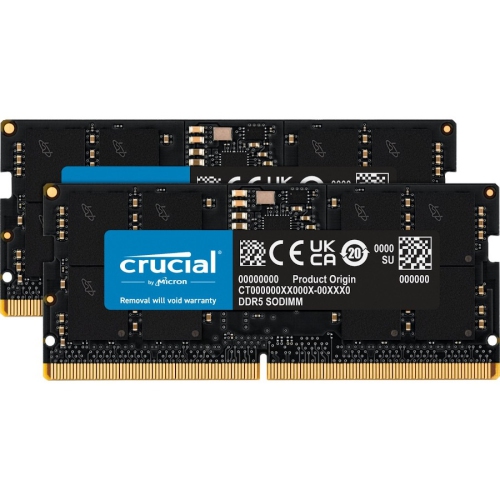 Your price for this item is $1039.68
Discover more categories related to DDR Computer Memory
Top Collections:
Pokemon Centers, Kindle Devices, Best Budget Office Chairs, Apple iPhones 16, Samsung Galaxy Phones, Canon G7X Cameras, iPhone 15 Apple, Flip Phones, Best Laptops for Writers, Alarm Clock
Some products may be subject to Environmental Handling Fees
(EHF) depending on your province.
Learn more about EHFs.