DDR3 RAM
DDR3 RAM offers a reliable solution for upgrading or building your computer system, providing the memory support needed for smooth multitasking and improved performance. Whether you’re looking to boost the speed of your desktop or replace existing modules, DDR3 RAM is designed to meet a wide range of computing needs. Explore options that cater to various capacities and configurations, making it easy to find the right fit for your setup. With DDR3 RAM, enhancing your computer’s efficiency and responsiveness becomes straightforward and accessible.
Sort
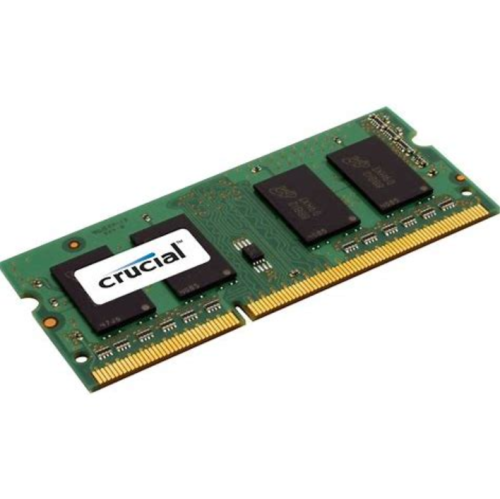
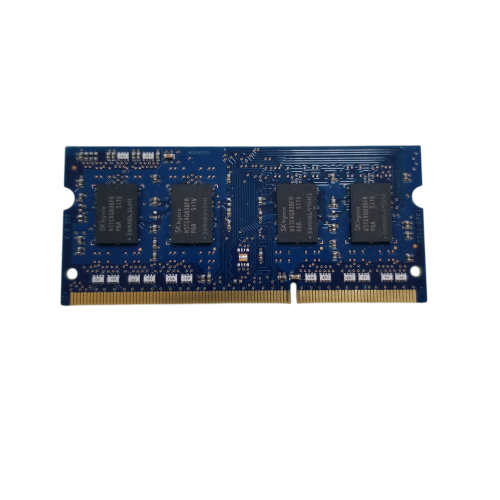
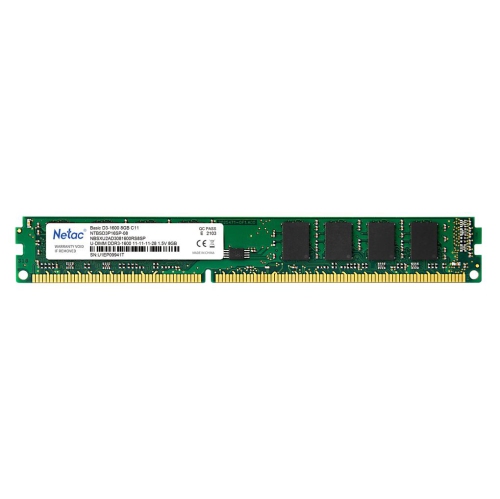
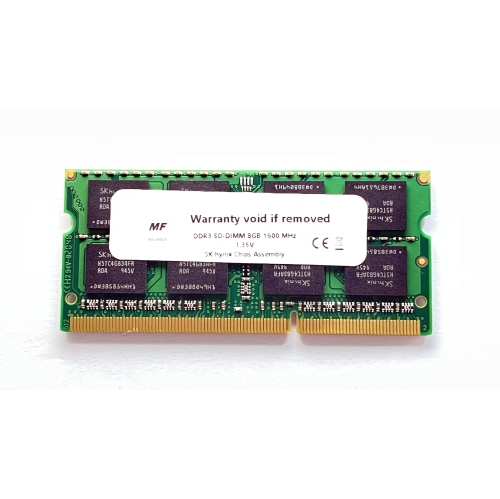
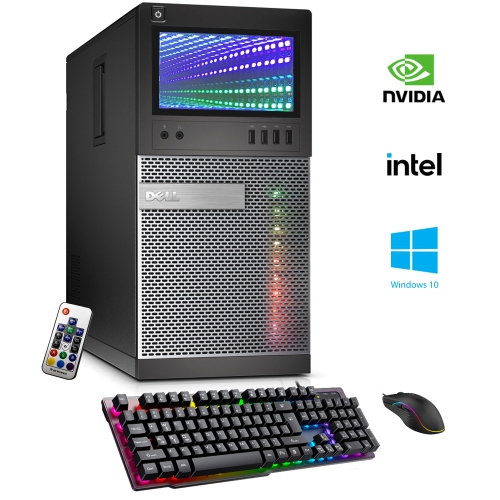
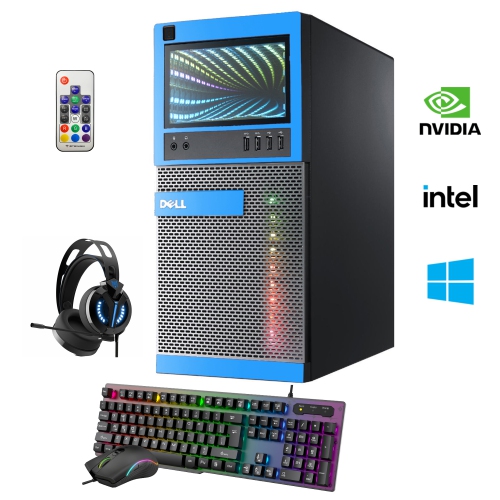
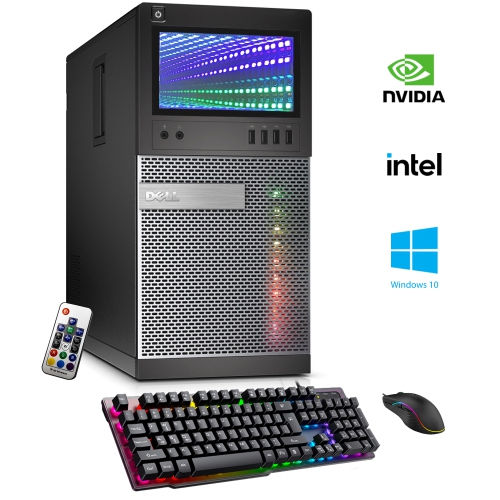
Extend older computers’ performance with a memory upgrade
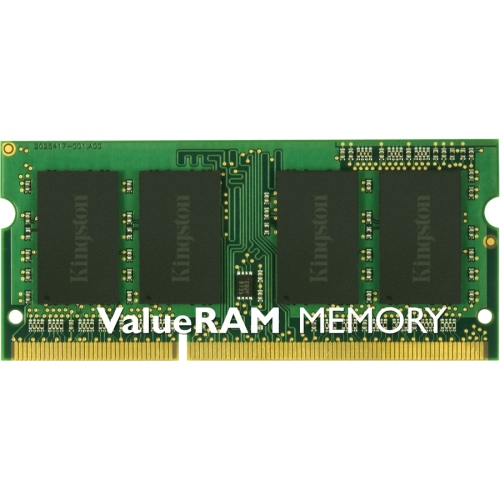
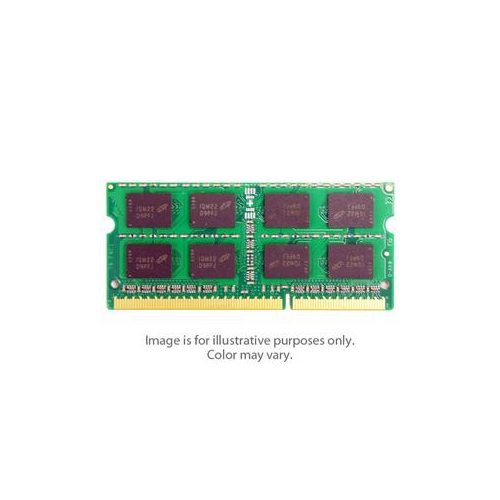
DDR3 RAM, also known as Double Data Rate 3 Random Access Memory, has long been a mainstay in desktop and laptop computers, offering a balance of speed, efficiency, and reliability for a wide range of users. With operating frequencies typically ranging from 800 MHz up to 2133 MHz and standard voltages of 1.5V (or 1.35V for DDR3L), DDR3 RAM is designed to meet the demands of both everyday computing and more intensive tasks. Its adoption as the standard memory type for Intel Core 2nd to 4th generation systems means it remains a critical upgrade path for those maintaining or revitalizing older PCs. Whether you are a student looking to extend the life of a trusted laptop, a small business owner managing legacy office equipment, or an enthusiast building a retro gaming rig, DDR3 RAM offers a practical solution for boosting multitasking capabilities and improving system responsiveness without the need for a full hardware overhaul.
As the weather warms and many households take on technology projects, upgrading memory can be a rewarding DIY task. Adding or replacing DDR3 RAM can breathe new life into a system that may be struggling with modern web browsing, office applications, or light creative work. For families with school-aged children, a memory upgrade can help ensure smoother virtual learning sessions and more reliable performance during assignments or online research. For those with a passion for classic PC gaming, DDR3 RAM is often the ideal choice for restoring older desktops or laptops to their original glory, allowing for seamless gameplay on titles that defined the era. It’s also a thoughtful gift for anyone who relies on an older computer—whether a parent using a familiar desktop for email and video calls, or a friend who enjoys tinkering with technology. The straightforward installation process, combined with the affordability of DDR3 RAM best buy options, makes it accessible for both newcomers and experienced users alike.
When considering a DDR3 RAM purchase, it’s important to match the memory type and speed to your system’s specific requirements. Desktop computers typically use 240-pin DIMMs, while laptops and compact devices are compatible with 204-pin SODIMMs. Checking your motherboard’s documentation or using an online compatibility tool can help ensure you select the right module for your needs. Capacity is another key factor—upgrading from 2GB or 4GB to 8GB or more can dramatically enhance performance, especially when running multiple applications at once. For those interested in future-proofing or exploring the latest in memory technology, it may also be worthwhile to compare current systems with newer standards; for example, you can explore the advantages of DDR5 RAM Laptops if you’re considering a full system upgrade. For now, DDR3 RAM remains a reliable and cost-effective way to keep older computers running smoothly through the busy seasons, whether you’re staying productive indoors or catching up on projects during the cooler evenings. With a wide selection available, finding the right DDR3 RAM for your setup is straightforward and rewarding, ensuring your technology continues to meet your needs for months to come.
As the weather warms and many households take on technology projects, upgrading memory can be a rewarding DIY task. Adding or replacing DDR3 RAM can breathe new life into a system that may be struggling with modern web browsing, office applications, or light creative work. For families with school-aged children, a memory upgrade can help ensure smoother virtual learning sessions and more reliable performance during assignments or online research. For those with a passion for classic PC gaming, DDR3 RAM is often the ideal choice for restoring older desktops or laptops to their original glory, allowing for seamless gameplay on titles that defined the era. It’s also a thoughtful gift for anyone who relies on an older computer—whether a parent using a familiar desktop for email and video calls, or a friend who enjoys tinkering with technology. The straightforward installation process, combined with the affordability of DDR3 RAM best buy options, makes it accessible for both newcomers and experienced users alike.
When considering a DDR3 RAM purchase, it’s important to match the memory type and speed to your system’s specific requirements. Desktop computers typically use 240-pin DIMMs, while laptops and compact devices are compatible with 204-pin SODIMMs. Checking your motherboard’s documentation or using an online compatibility tool can help ensure you select the right module for your needs. Capacity is another key factor—upgrading from 2GB or 4GB to 8GB or more can dramatically enhance performance, especially when running multiple applications at once. For those interested in future-proofing or exploring the latest in memory technology, it may also be worthwhile to compare current systems with newer standards; for example, you can explore the advantages of DDR5 RAM Laptops if you’re considering a full system upgrade. For now, DDR3 RAM remains a reliable and cost-effective way to keep older computers running smoothly through the busy seasons, whether you’re staying productive indoors or catching up on projects during the cooler evenings. With a wide selection available, finding the right DDR3 RAM for your setup is straightforward and rewarding, ensuring your technology continues to meet your needs for months to come.
Top selling and popular products
-
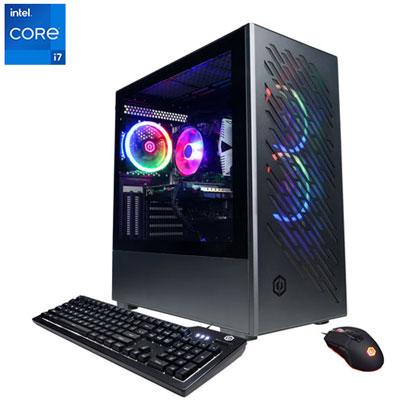 Your price for this item is $1969.99
 -
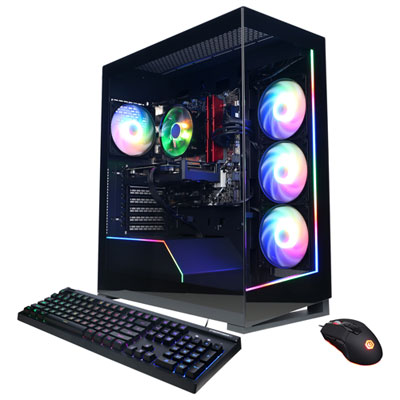 Your price for this item is $1059.99
 -
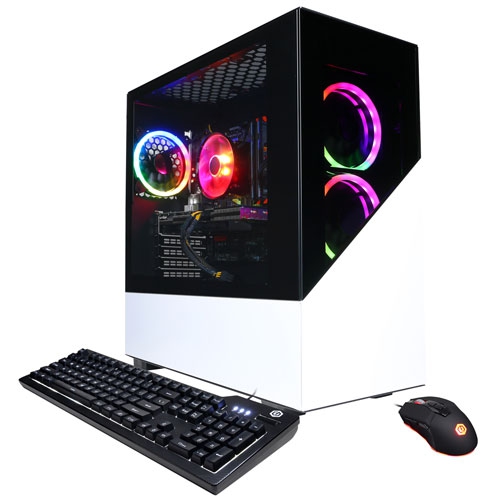 Your price for this item is $1274.97
 -
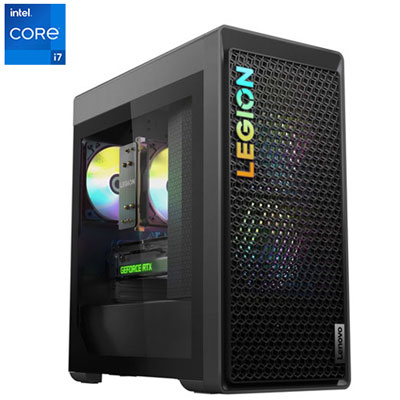 Your price for this item is $2499.95
 -
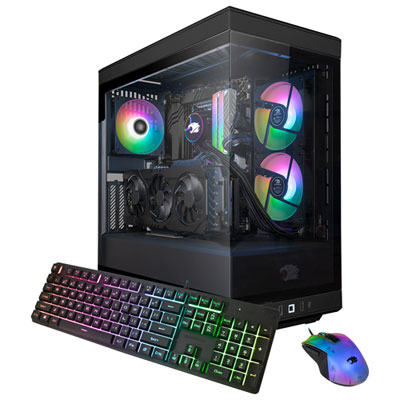 Your price for this item is $2309.99
 -
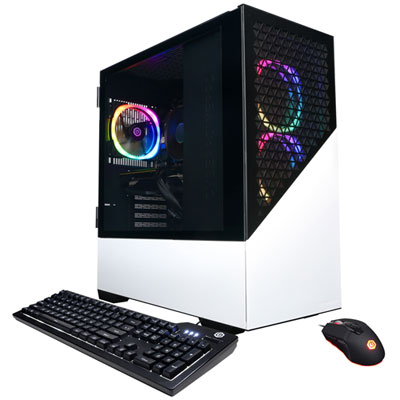 Your price for this item is $1669.99
 -
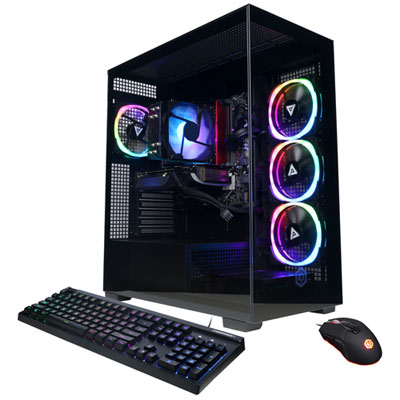 Your price for this item is $1839.99
 -
 Your price for this item is $2399.99
Discover more categories related to DDR3 RAM
Top Collections:
Pokemon Centers, Kindle Devices, Best Budget Office Chairs, Apple iPhones 16, Best Laptops for Writers, iPhone 15 Apple, Canon G7X Cameras, Refurbished Apple Laptops, Alarm Clock, Motorola Razr Phones
Some products may be subject to Environmental Handling Fees
(EHF) depending on your province.
Learn more about EHFs.