Dell 5420 I5
Discover the Dell 5420 I5, a versatile choice designed to meet a wide range of computing needs. Whether you're tackling everyday tasks, working on important projects, or enjoying multimedia entertainment, the Dell 5420 I5 offers reliable performance and efficiency. Explore options that combine style and functionality to enhance your productivity at home, in the office, or on the go. Find the right fit for your lifestyle and experience seamless computing with the Dell 5420 I5.
Sort
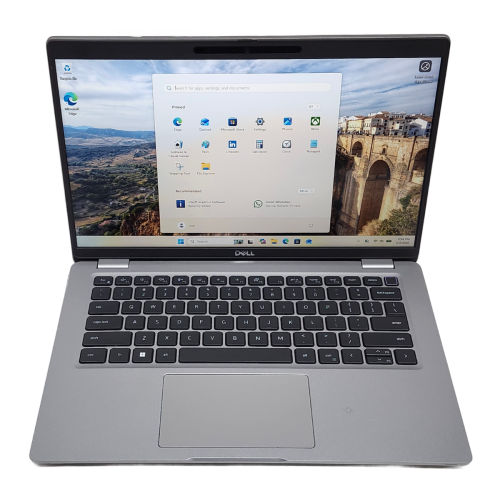


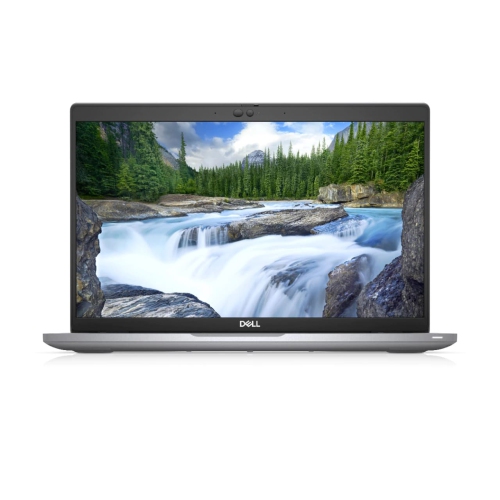

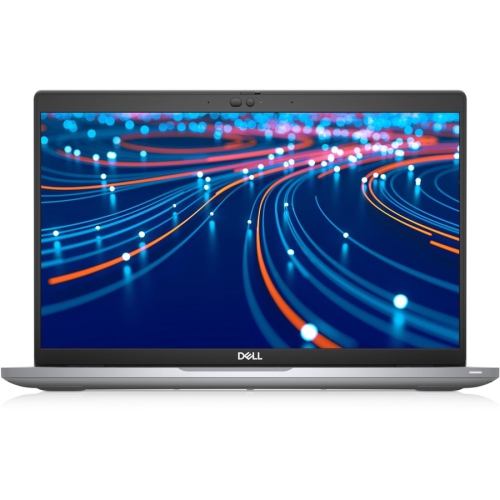



Why business laptop performance goes beyond the processor
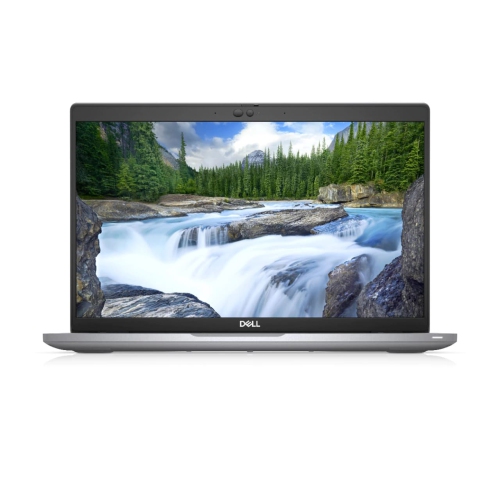
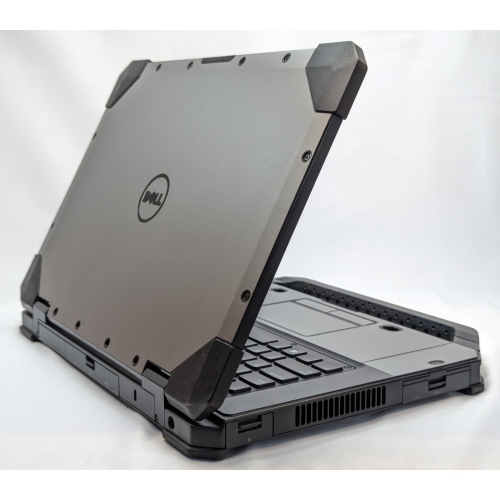
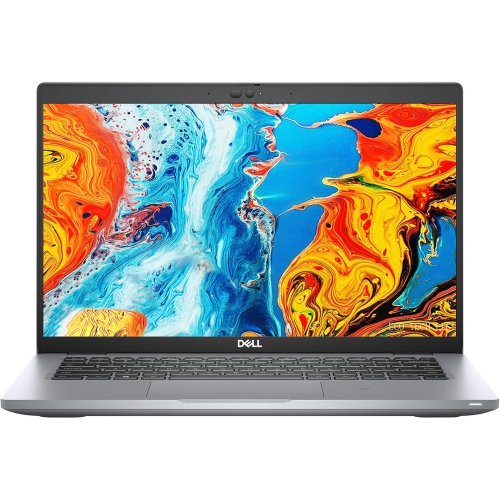
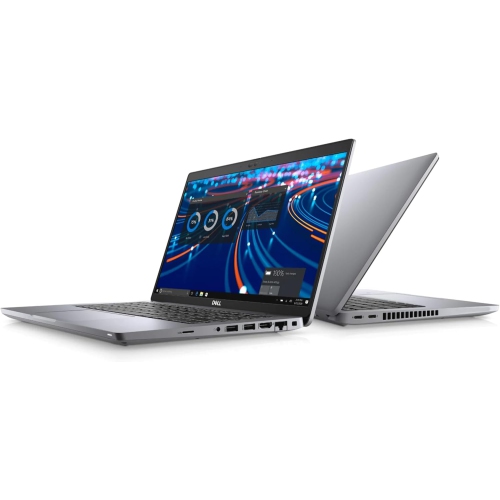
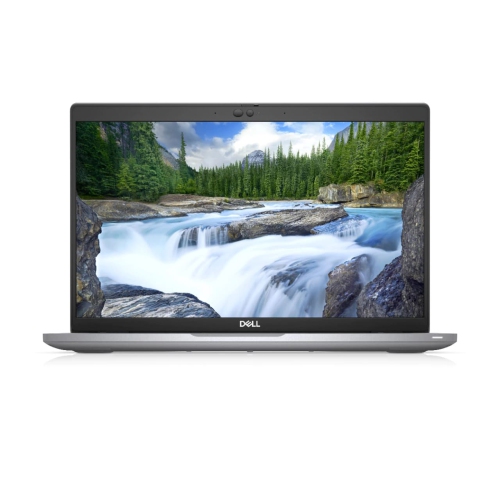
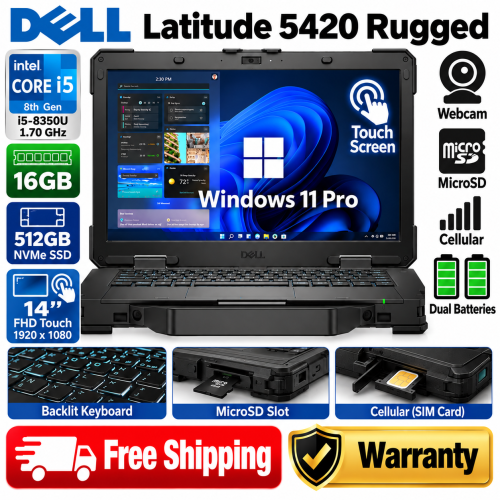
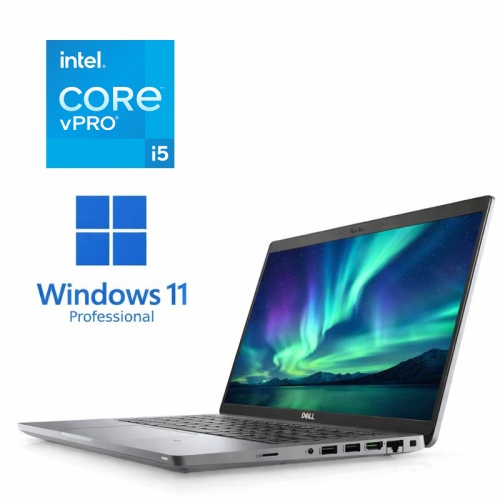
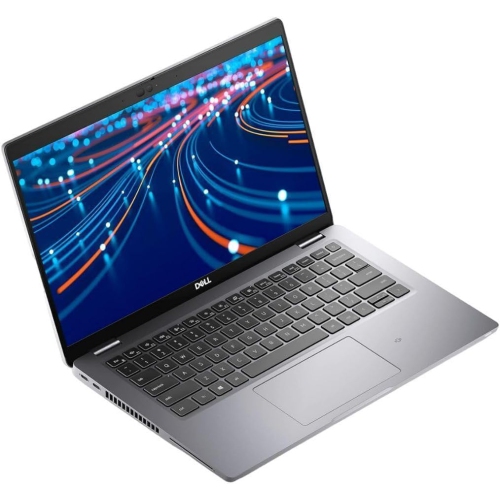
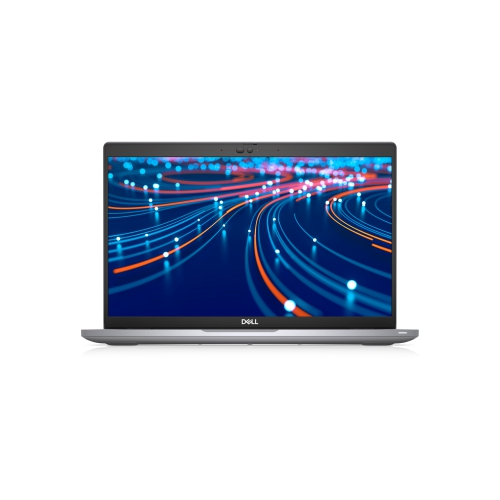
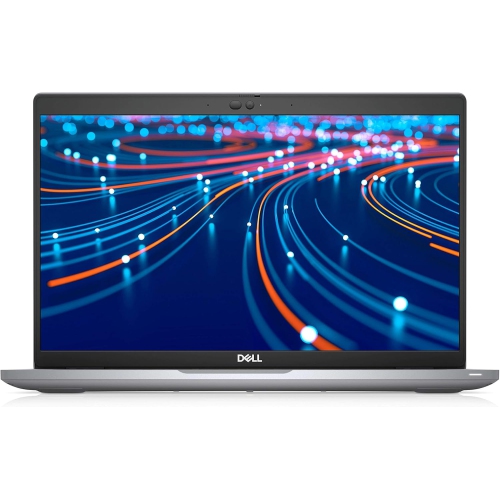
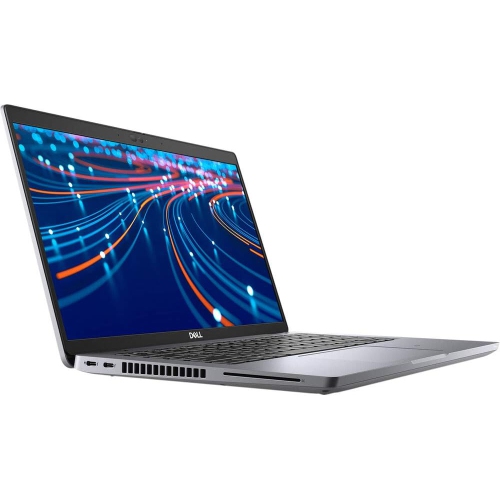
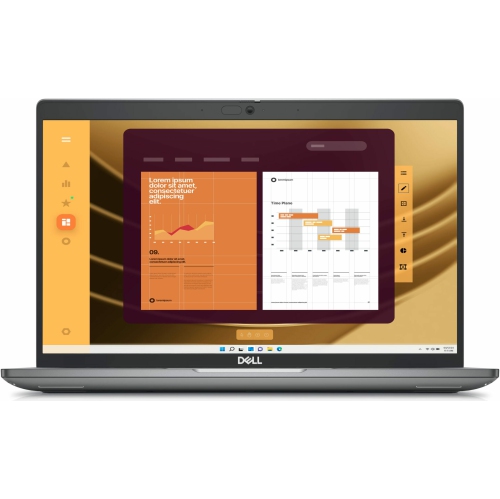
A 14-inch business laptop with an i5 processor can suit everyday productivity, remote work, online learning, and many programming tasks. This format balances a readable screen with a footprint that fits comfortably on a small desk, a shared workspace, or a lecture-hall table. Its appeal is practical: enough room to review a spreadsheet or edit a document without carrying a larger notebook between appointments. For shoppers interested in this screen size and business-focused design, the Dell Latitude 5420 14 collection is a related place to browse. Configuration details remain important, since a processor label alone does not describe the entire computing experience. Screen resolution, memory, storage, battery condition, and connectivity all influence how comfortably a laptop fits into daily routines. A full HD display can make text and interface elements look clearer than a lower-resolution screen of the same size, while an anti-glare finish helps limit distracting reflections from overhead lighting. Brightness and viewing angles matter when sharing a presentation across a table, and colour accuracy becomes more important for photography or design work. Keyboard feel is equally personal. Well-spaced keys, a stable palm rest, and a responsive touchpad support long stretches of writing, data entry, or coding. A backlit keyboard can make key labels easier to see in a dim meeting room, although that feature varies by configuration. Business-laptop construction may combine rigid plastics and metal components, with the exact materials differing between designs. A firm chassis and hinges that hold the screen steadily are useful qualities for frequent travel between home and the office. Portability also includes the charger: the combined weight and bulk of the laptop, power adapter, and carrying sleeve determine how manageable the setup feels in a shoulder bag. For students, consultants, administrators, and home-office users, these everyday details often matter as much as headline specifications.
An i5 processor generally belongs to the middle of a processor range, but its generation, power limits, and cooling design affect performance considerably. The designation should not be treated as a promise that every laptop will handle the same workload at the same speed. Email, document editing, web applications, and video meetings are common uses for this class of computer. Programming can also be a good fit, particularly for coursework, scripting, and smaller development projects, while large software builds, multiple virtual machines, and complex data analysis place greater demands on the system. Memory has a noticeable effect when several applications remain open together. A laptop with 16 GB of RAM can provide more breathing room for a video call alongside a browser full of tabs and a large spreadsheet than an otherwise similar configuration with 8 GB. Storage affects both responsiveness and capacity. A solid-state drive supports quick access to applications and files, while the amount of storage determines how much room remains for project folders, downloaded media, and locally saved documents. Online storage can complement local capacity, but files needed away from an internet connection still require space on the device. Integrated graphics are typically intended for desktop work, media playback, and lighter visual tasks rather than demanding gaming or complex 3D rendering. Those heavier uses call for closer attention to graphics capability and software requirements. Operating-system compatibility matters too, especially when an employer or school requires particular applications, security features, or management tools. A supported operating system helps maintain access to security updates and compatible software. Upgrade options should be treated as configuration-dependent rather than assumed: memory slots, storage connections, and service access differ across laptops. Where condition descriptions identify a computer as refurbished or previously used, cosmetic grading, battery information, included accessories, and warranty terms help clarify what that means in practical terms. Minor marks on a lid are different from a loose hinge, an unreliable charging connection, or a battery that no longer supports a useful stretch away from an outlet.
Connectivity shapes how easily a business laptop moves between independent work and a larger desk setup. USB-A ports remain useful for many keyboards, mice, and storage devices, while USB-C can support a range of accessories. The capabilities of a USB-C port vary, so charging, external-display support, and docking compatibility should be confirmed rather than inferred from the connector’s shape. An HDMI connection can simplify presenting on a meeting-room display, and an Ethernet port can provide a wired network connection where wireless access is inconvenient. Reliable Wi-Fi, a clear microphone, and a functional webcam are valuable for interviews, remote classes, and team meetings. Webcam resolution alone does not determine call quality; room lighting, microphone placement, and connection stability also contribute. At a permanent workstation, an external monitor can create more room for a reference document beside a working file, while a separate keyboard and mouse allow the laptop screen to sit higher. A compatible dock can reduce the number of cables connected each morning, but its charging output and display support need to match the laptop’s requirements. Battery runtime depends on screen brightness, workload, wireless activity, and battery wear, so it is better understood as variable than as a fixed number of working hours. A padded sleeve protects against everyday scuffs, while a separate compartment keeps keys and chargers from pressing against the lid. For care, a soft, lint-free cloth and manufacturer-approved cleaning methods help protect the display and keyboard; liquids should not be sprayed directly onto the computer. Keeping vents unobstructed on a firm surface supports normal cooling, and carrying the laptop closed reduces strain on the screen and hinges. If the computer is intended as a gift for a student, a family member returning to study, or someone setting up a home office, familiarity with their required software and preferred screen size makes the choice more useful. A dependable everyday laptop earns its place through comfortable typing, suitable performance, and connections that work with the equipment already in use.
Top selling and popular products
-
 Your price for this item is $449
-
 Your price for this item is $3099
-
 Your price for this item is $1800.68
-
 Your price for this item is $664.05
-
 Your price for this item is $869.99
-
 Your price for this item is $2960.48
-
 Your price for this item is $489.7
-
 Your price for this item is $1199
Discover more categories related to Dell 5420 I5
Top Collections:
Best Black Friday Deals This Year, Best Black Friday Deals On Electronics, Kindle Devices, Best Black Friday Deals On Apple Products, Best Budget Office Chairs, Best Cameras for Sports Photography, Dyson Airwrap, Canon G7X Cameras, Best Laptops for Writers, Samsung Galaxy Phones
Some products may be subject to Environmental Handling Fees
(EHF) depending on your province.
Learn more about EHFs.