Dell Latitude 3410
Discover the Dell Latitude 3410, designed to keep you productive and connected whether you're at home, in the office, or on the go. Explore a range of options that combine reliable performance and versatile functionality to meet your everyday needs. With sleek design and dependable build quality, the Dell Latitude 3410 is ready to support your work, study, or entertainment. Find the perfect fit for your lifestyle and experience seamless computing with the Dell Latitude 3410.
Sort
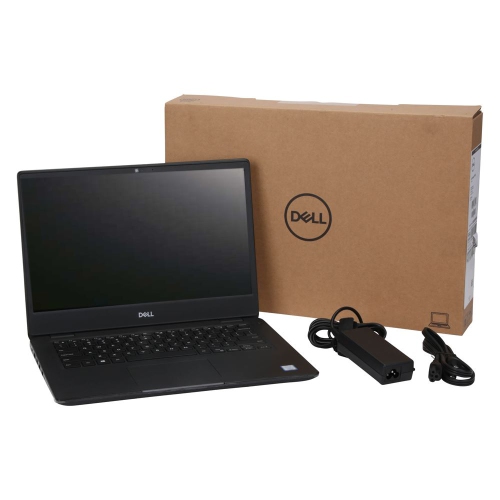
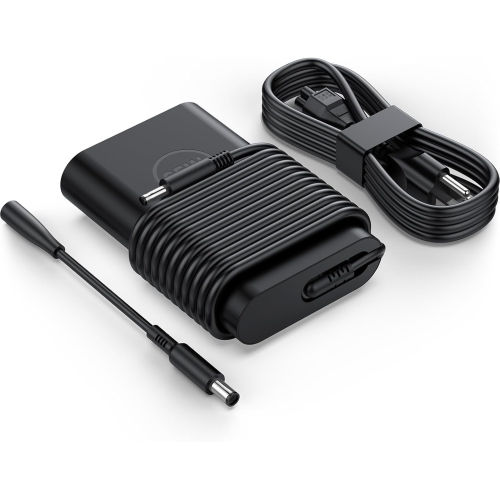
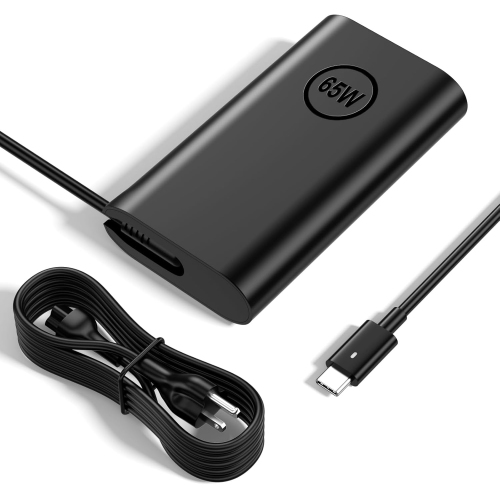
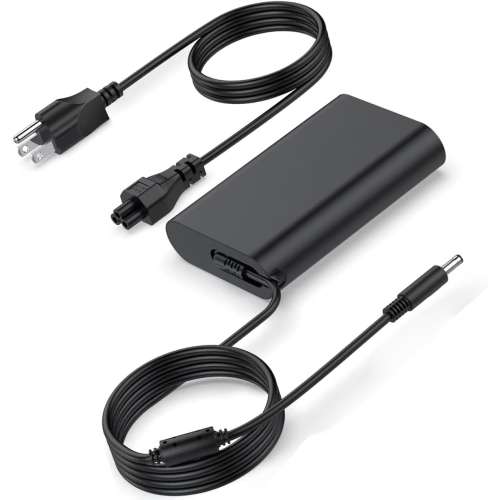
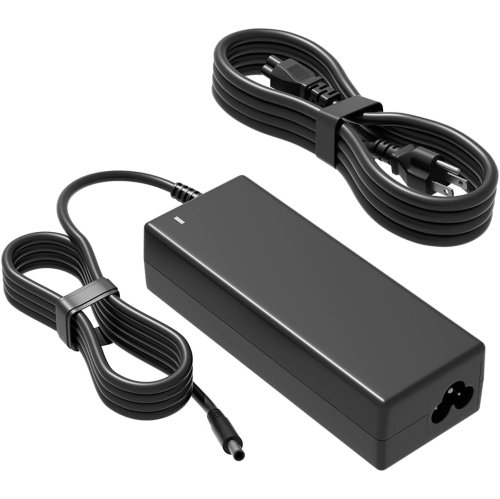
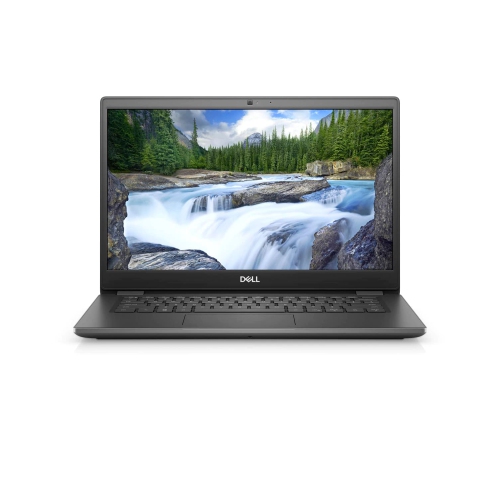
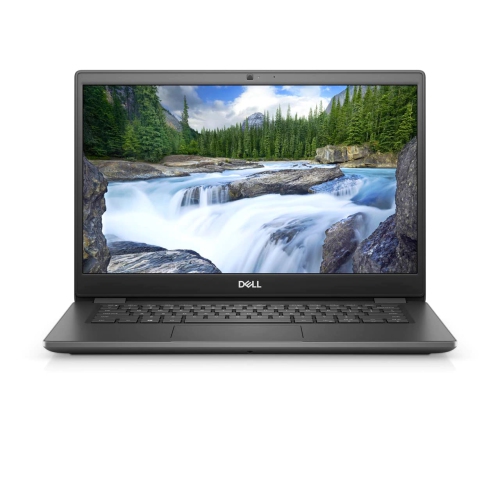
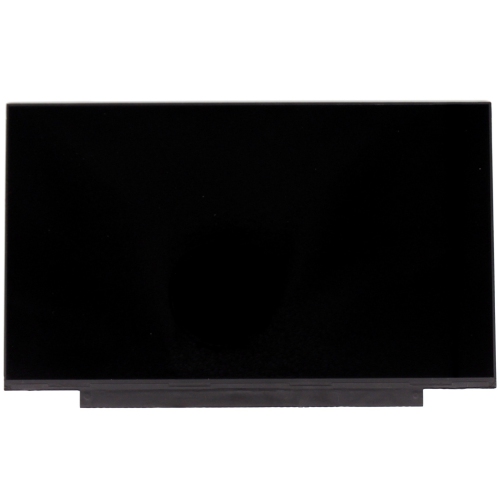
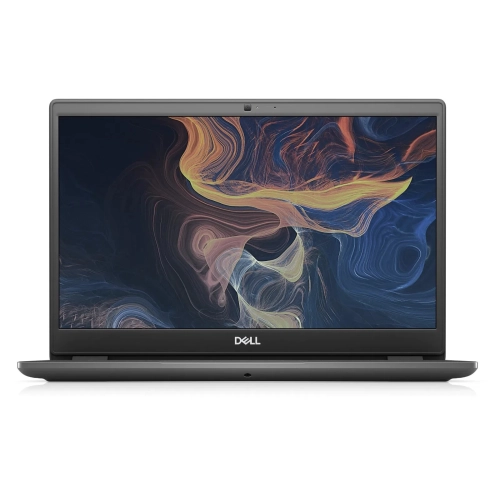
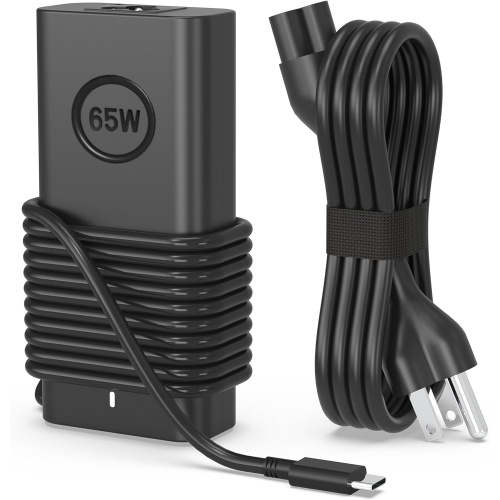
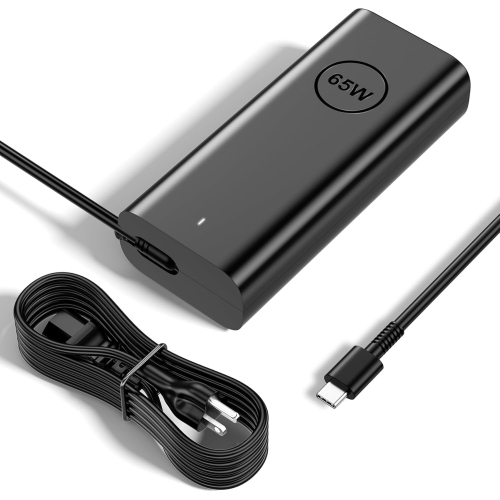
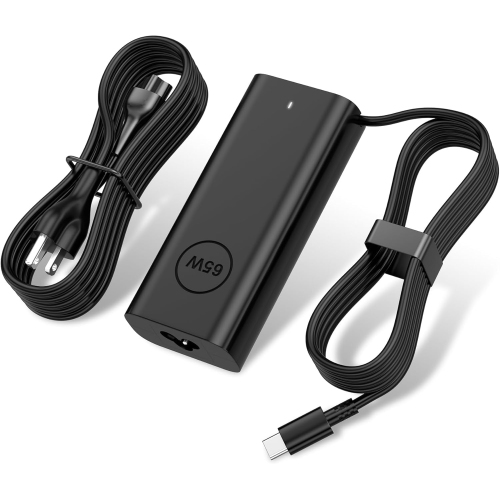
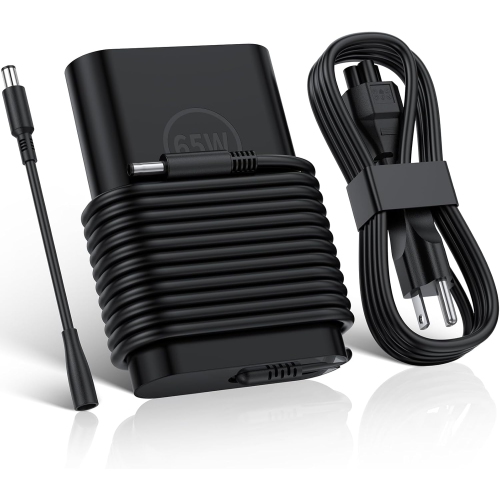
Everyday office work in a compact 14-inch laptop
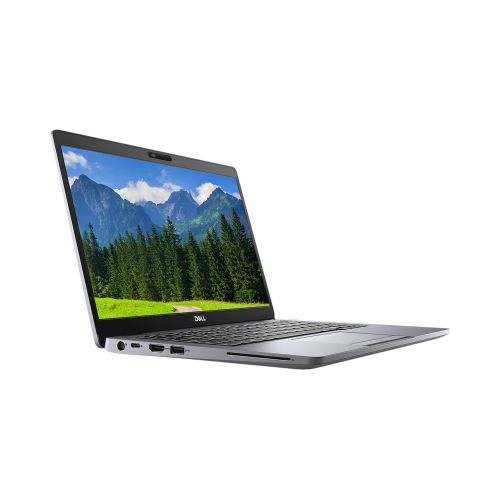
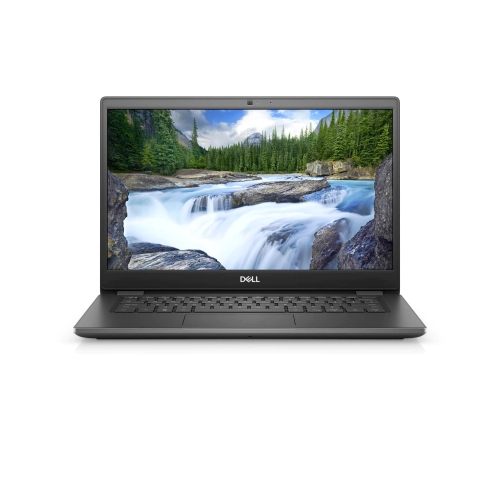
A 14-inch business laptop brings everyday office work into a compact format that fits comfortably on a home desk, a classroom table, or a shared workspace. This type of notebook is well suited to writing documents, managing spreadsheets, answering email, joining video calls, and working in browser-based applications. Its appeal lies in practical details: a screen large enough to keep a document readable, a keyboard with room for regular typing, and a chassis that slips into a laptop bag without taking over the main compartment. Configurations built around 10th-generation processors can still suit these familiar tasks, although the processor, installed memory, storage, and software requirements all affect the experience. A machine used for invoices and online research has different demands from one expected to handle large data sets or frequent video editing. For students, administrative staff, small-business owners, and people working between home and an office, the most useful configuration is one that matches the applications used throughout the day. A browser full of research tabs, a spreadsheet, and a video meeting running together place more pressure on memory than a single word-processing window. Integrated graphics generally suit documents, presentations, streaming video, and ordinary desktop use, rather than demanding 3D rendering or graphics-heavy gaming. Portability also involves more than the laptop alone: the power adapter, protective sleeve, mouse, and headset add to the bag carried between locations. A 14-inch chassis provides a middle ground between a small screen that can feel cramped and a larger notebook that needs more desk space. At home, it can serve as the centre of a straightforward workstation with an external monitor and keyboard; away from the desk, the built-in screen and touchpad keep essential work within reach. For someone receiving a laptop as a gift for school or office tasks, compatibility with their required software is more meaningful than a specification they are unlikely to use.
The display, memory, and storage deserve close attention because laptops with a similar exterior can behave quite differently in daily use. A 14-inch HD panel with a resolution of 1366 × 768 provides less workspace than a Full HD panel with a resolution of 1920 × 1080. Full HD is especially useful for viewing a document beside a reference page or keeping more spreadsheet rows visible, while display scaling can make text more comfortable to read. Resolution alone does not establish brightness, colour accuracy, or viewing angles, so those details matter for anyone reviewing images or sharing the screen across a table. Memory capacity influences how smoothly applications coexist. An 8GB configuration may suit lighter office routines, while 16GB offers more room for multitasking; support for up to 32GB on compatible systems should not be confused with the amount actually installed. Storage type is equally important. A solid-state drive generally makes startup, application launches, and file access feel more responsive than a mechanical hard drive. Capacity determines how much room remains for documents, downloaded course materials, photos, and applications, and a listed drive size does not represent entirely free space once the operating system is installed. M.2 describes a drive format rather than a guarantee of performance, and expansion options depend on the internal layout and compatible parts. Connections can shape a workstation just as much as internal specifications. USB ports accommodate familiar accessories, HDMI can connect a suitable monitor, and Ethernet provides a wired network option where supported. Wi-Fi is useful for moving between rooms, while a compatible headset can make calls clearer in a busy household. USB-C capabilities vary, so the presence of that connector does not by itself confirm charging, display output, or docking compatibility. For shoppers weighing a compact screen against a larger workspace, Dell Latitude 5510 is a related option for comparison, with the same attention to the specifications of each configuration.
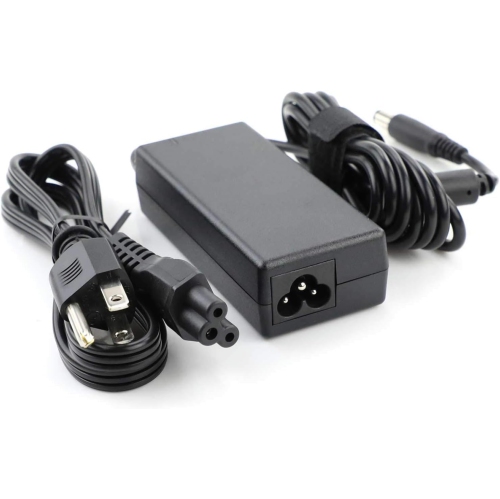
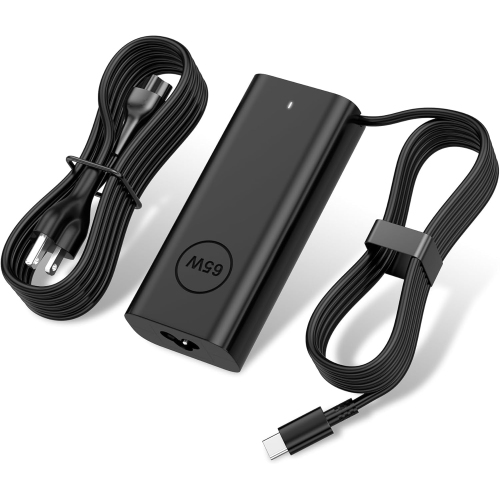
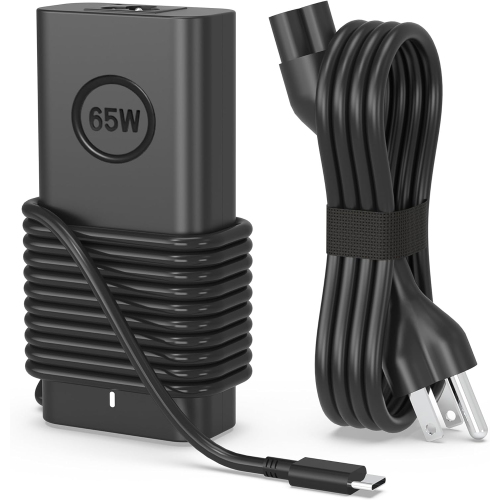
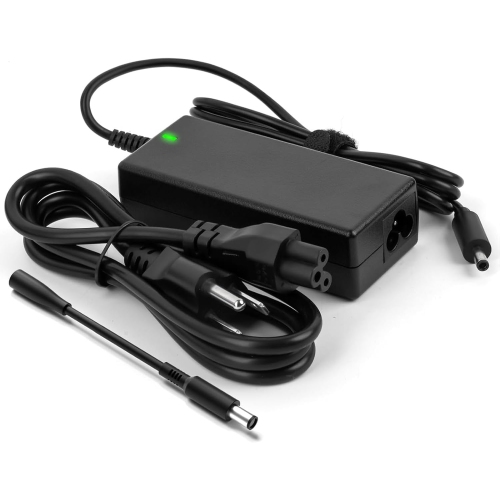
Condition, construction, and ongoing care are particularly relevant when considering an older business laptop. A refurbished machine may have been inspected, cleaned, repaired, and tested, but the work performed and the cosmetic grading can differ by seller. Light marks on a lid are different from a loose hinge, a worn charging socket, or a keyboard with unreliable keys. Product descriptions should distinguish appearance from function and identify included accessories, warranty coverage, and any stated battery standard. Battery capacity declines with use, so an original runtime estimate is not a dependable prediction for a previously owned laptop. Video meetings, screen brightness, background applications, and connected accessories also affect how long it operates away from an outlet. A compatible power adapter with the appropriate rating is important for dependable charging, particularly when the notebook moves between a desk and a meeting room. Many business notebooks use moulded plastic exterior panels that are practical for daily handling, but no chassis material makes a laptop immune to pressure or impact. A padded sleeve sized for the actual chassis dimensions helps prevent rubbing against other objects in a bag; a sleeve labelled for a 14-inch screen may still fit differently depending on its internal measurements. Supporting the base when carrying the computer and keeping heavy objects off the closed lid help protect the display and hinges. Routine care is straightforward: shut the laptop down before cleaning, use a soft lint-free cloth, and keep liquids from reaching ports or keyboard openings. A hard, level surface leaves ventilation openings clearer than bedding or a cushion. For long typing sessions, raising the display and adding a separate keyboard and mouse can make a compact notebook more comfortable at a fixed desk. Software support matters, too: compatibility with a supported operating system, required workplace tools, and security updates should be confirmed rather than assumed from the laptop’s age or processor generation. Combined with regular file backups, these practical details help a business notebook remain a dependable place for coursework, household administration, and everyday professional tasks.
The display, memory, and storage deserve close attention because laptops with a similar exterior can behave quite differently in daily use. A 14-inch HD panel with a resolution of 1366 × 768 provides less workspace than a Full HD panel with a resolution of 1920 × 1080. Full HD is especially useful for viewing a document beside a reference page or keeping more spreadsheet rows visible, while display scaling can make text more comfortable to read. Resolution alone does not establish brightness, colour accuracy, or viewing angles, so those details matter for anyone reviewing images or sharing the screen across a table. Memory capacity influences how smoothly applications coexist. An 8GB configuration may suit lighter office routines, while 16GB offers more room for multitasking; support for up to 32GB on compatible systems should not be confused with the amount actually installed. Storage type is equally important. A solid-state drive generally makes startup, application launches, and file access feel more responsive than a mechanical hard drive. Capacity determines how much room remains for documents, downloaded course materials, photos, and applications, and a listed drive size does not represent entirely free space once the operating system is installed. M.2 describes a drive format rather than a guarantee of performance, and expansion options depend on the internal layout and compatible parts. Connections can shape a workstation just as much as internal specifications. USB ports accommodate familiar accessories, HDMI can connect a suitable monitor, and Ethernet provides a wired network option where supported. Wi-Fi is useful for moving between rooms, while a compatible headset can make calls clearer in a busy household. USB-C capabilities vary, so the presence of that connector does not by itself confirm charging, display output, or docking compatibility. For shoppers weighing a compact screen against a larger workspace, Dell Latitude 5510 is a related option for comparison, with the same attention to the specifications of each configuration.
Condition, construction, and ongoing care are particularly relevant when considering an older business laptop. A refurbished machine may have been inspected, cleaned, repaired, and tested, but the work performed and the cosmetic grading can differ by seller. Light marks on a lid are different from a loose hinge, a worn charging socket, or a keyboard with unreliable keys. Product descriptions should distinguish appearance from function and identify included accessories, warranty coverage, and any stated battery standard. Battery capacity declines with use, so an original runtime estimate is not a dependable prediction for a previously owned laptop. Video meetings, screen brightness, background applications, and connected accessories also affect how long it operates away from an outlet. A compatible power adapter with the appropriate rating is important for dependable charging, particularly when the notebook moves between a desk and a meeting room. Many business notebooks use moulded plastic exterior panels that are practical for daily handling, but no chassis material makes a laptop immune to pressure or impact. A padded sleeve sized for the actual chassis dimensions helps prevent rubbing against other objects in a bag; a sleeve labelled for a 14-inch screen may still fit differently depending on its internal measurements. Supporting the base when carrying the computer and keeping heavy objects off the closed lid help protect the display and hinges. Routine care is straightforward: shut the laptop down before cleaning, use a soft lint-free cloth, and keep liquids from reaching ports or keyboard openings. A hard, level surface leaves ventilation openings clearer than bedding or a cushion. For long typing sessions, raising the display and adding a separate keyboard and mouse can make a compact notebook more comfortable at a fixed desk. Software support matters, too: compatibility with a supported operating system, required workplace tools, and security updates should be confirmed rather than assumed from the laptop’s age or processor generation. Combined with regular file backups, these practical details help a business notebook remain a dependable place for coursework, household administration, and everyday professional tasks.
Top selling and popular products
-
 Your price for this item is $449
 -
 Your price for this item is $3099
 -
 Your price for this item is $299.95
 -
 Your price for this item is $664.05
 -
 Your price for this item is $599.68
 -
 Your price for this item is $869.99
 -
 Your price for this item is $259
 -
 Your price for this item is $418.98
Discover more categories related to Dell Latitude 3410
Top Collections:
Pokemon Centers, Kindle Devices, Best Budget Office Chairs, Apple iPhones 16, Best Laptops for Writers, iPhone 15 Apple, Canon G7X Cameras, Refurbished Apple Laptops, Alarm Clock, Motorola Razr Phones
Some products may be subject to Environmental Handling Fees
(EHF) depending on your province.
Learn more about EHFs.