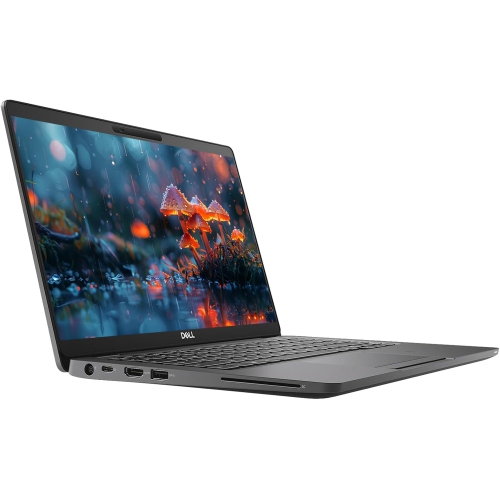
Dell Latitude 5510
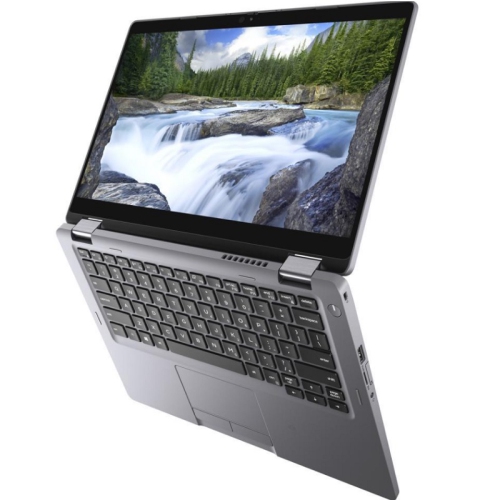
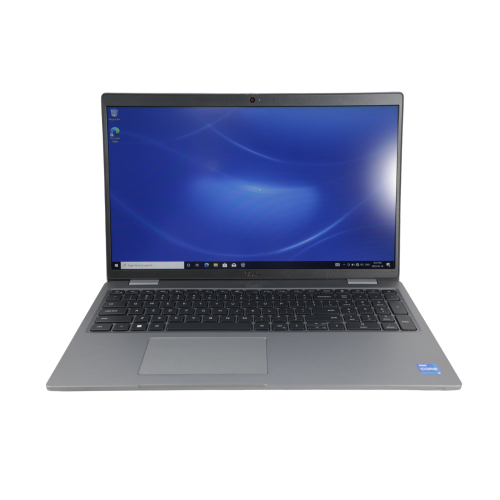
Discover the Dell Latitude 5510, designed to meet the demands of modern professionals and students alike. Whether you’re upgrading your workspace or seeking a reliable companion for on-the-go productivity, the Dell Latitude 5510 offers performance and versatility to keep you connected and efficient. Explore a selection of configurations and options to find the perfect fit for your needs, all in one place.
Sort

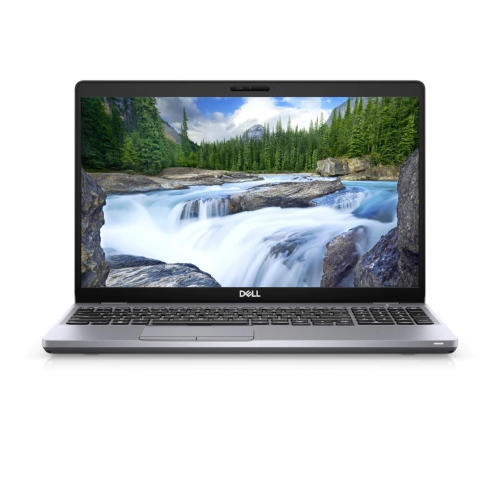
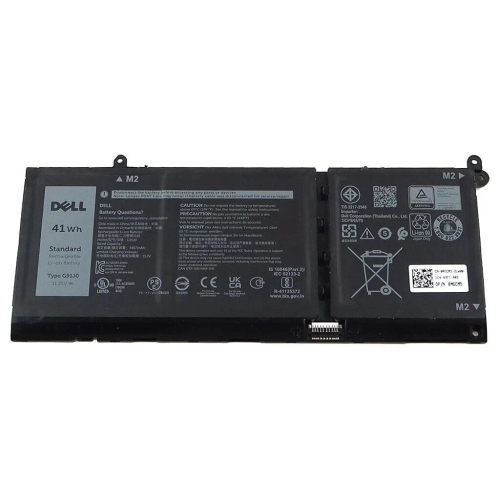
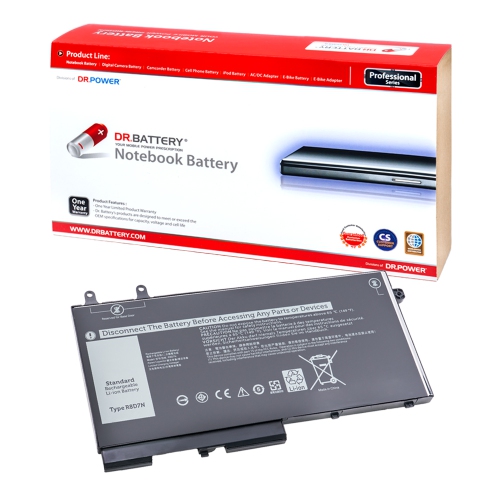
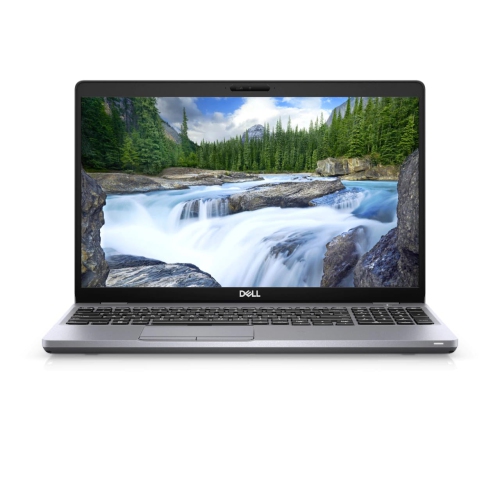
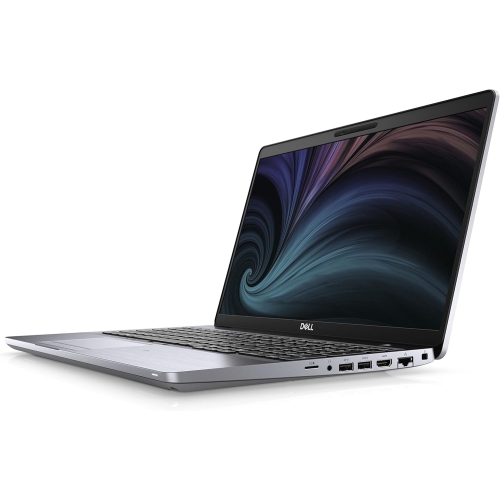
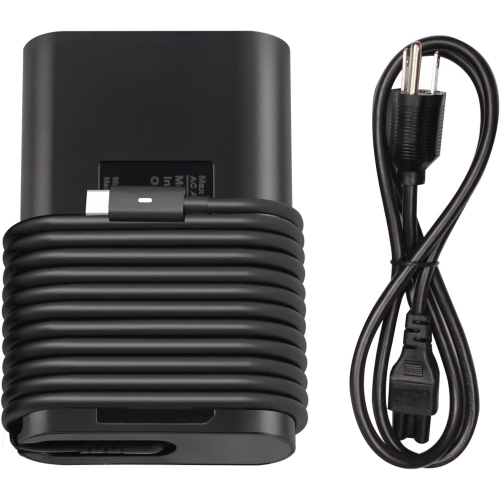
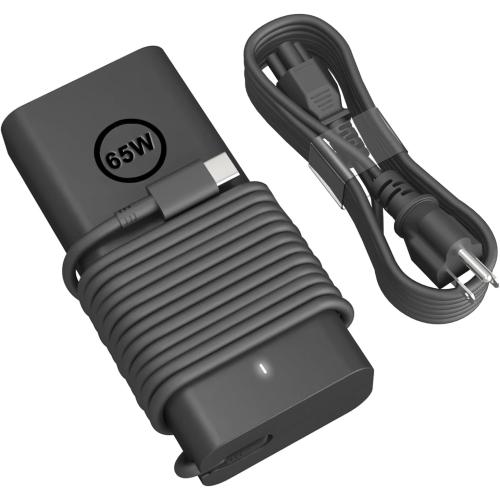
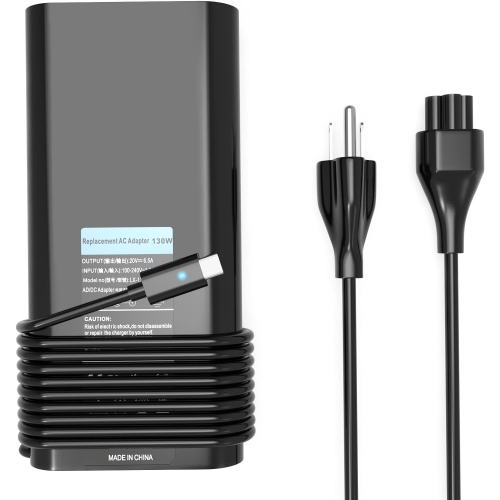
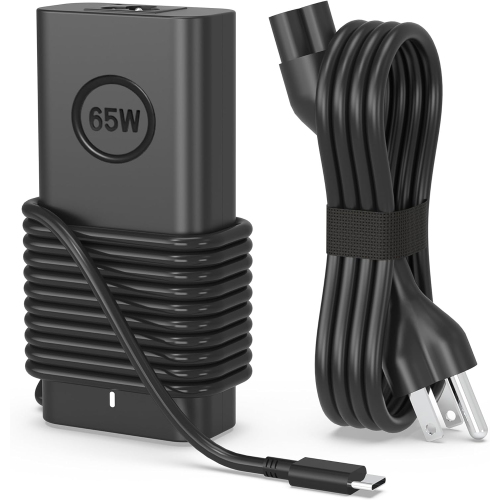
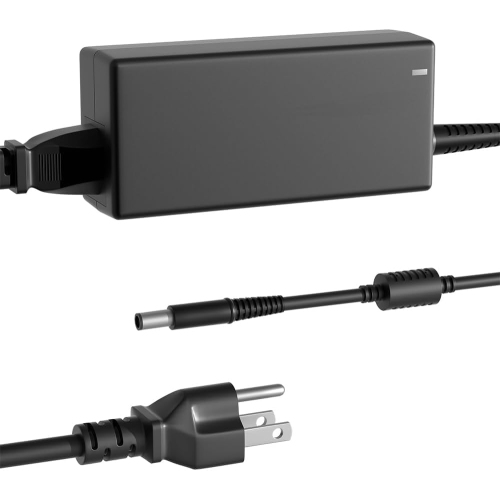
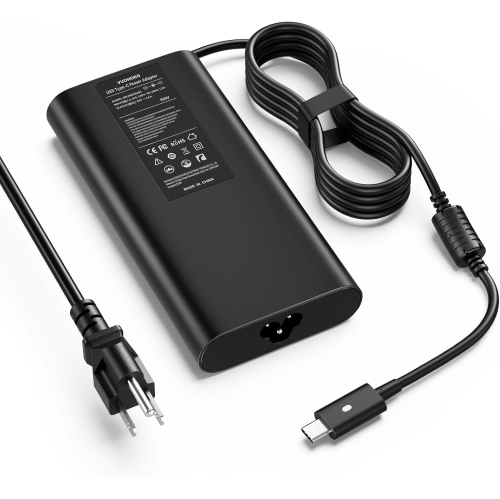
Room for side-by-side work beyond your desk
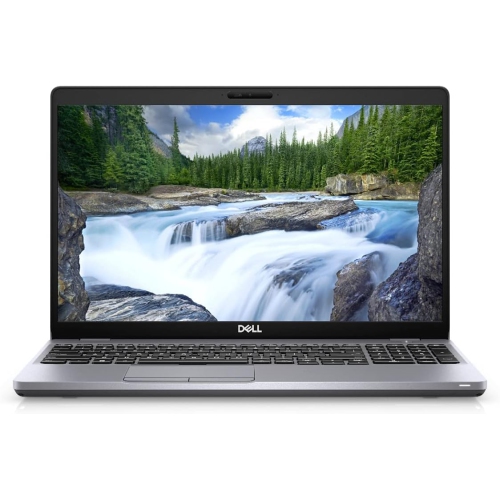
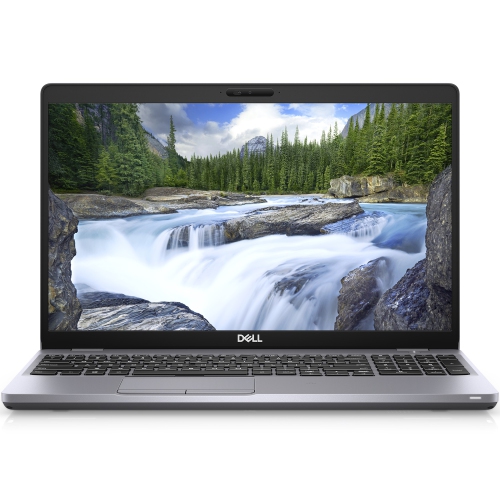
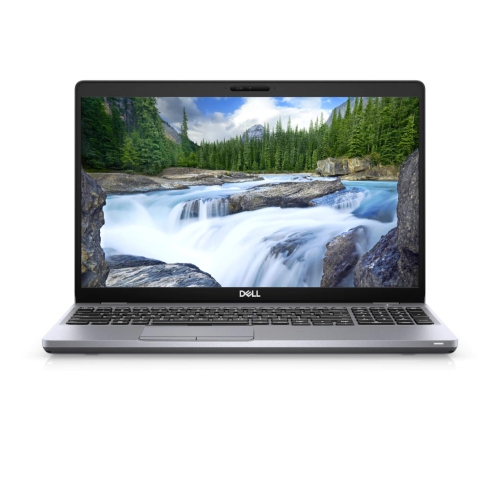
A 15.6-inch business laptop offers a practical balance between a spacious work surface and a computer that can travel between a desk, a meeting room, and a classroom. This size suits people who spend much of the day working with documents, spreadsheets, browser-based applications, and video calls, particularly when a smaller screen would make side-by-side windows feel cramped. Business-class notebooks generally emphasize comfortable input, useful connections, and straightforward maintenance rather than the styling or graphics performance associated with gaming machines. For an office administrator, that can mean room to review an invoice beside an accounting window; for a student, it can mean keeping lecture notes visible while reading course material. A Full HD display, with a resolution of 1920 × 1080, provides a useful amount of desktop space at this screen size, although resolution, brightness, viewing angles, and touch support depend on the configuration. A matte screen finish can help reduce distracting reflections from overhead lighting, while adjustable text scaling makes long reading sessions more comfortable. Keyboard layout deserves equal attention: a dedicated number pad can make repeated data entry easier, and backlighting helps keep key labels visible in dimly lit rooms. Neither feature should be assumed from screen size alone. The palm rest, touchpad, and hinge also influence how a laptop feels through an afternoon of writing or reviewing reports. Chassis construction varies, with reinforced plastics and metal components serving different roles in managing weight, rigidity, and everyday wear. A business-oriented design is not a guarantee against drops or liquid damage, but a firm hinge and a stable typing surface contribute to a more reassuring daily experience. For remote employees, college students, independent professionals, and family members managing household paperwork, this category is often most useful as a dependable general-purpose computer with enough screen space to work comfortably away from an external monitor.
Performance in this class depends on the complete configuration, not simply the processor family printed in a listing. Processor generation, core count, cooling, memory capacity, and storage all affect how smoothly a laptop handles a busy working day. Everyday office tasks place different demands on a computer than large photo libraries, complex spreadsheets, or software development tools. A system with 16GB of RAM can provide comfortable working room for common combinations of browser tabs, documents, messaging, and video meetings, while 32GB may be useful for heavier multitasking or applications with larger memory requirements. More memory does not automatically make every task faster, and upgrade options depend on the motherboard layout, supported capacity, and accessible memory slots. Solid-state storage contributes to responsive startup, quicker application launches, and faster access to local files. A 512GB drive may suit documents and a moderate collection of applications, whereas 1TB provides more room for larger project folders and media files; actual usable space is lower after formatting and software installation. Integrated graphics are generally suited to office applications, streaming, presentations, and lighter visual work, but demanding games, complex 3D projects, and intensive video production require closer attention to graphics capability. Connections are another important part of everyday performance. USB-A ports can accommodate familiar peripherals, HDMI can connect a compatible display, and Ethernet can provide a wired network connection where one is accessible. A USB-C connector does not, by itself, confirm support for charging, video output, or Thunderbolt, so the stated capabilities matter when matching a laptop to a dock. Wi-Fi specifications, webcam quality, microphone clarity, and headset connections also shape the experience of joining a call from a shared workspace. Operating system compatibility and security support are particularly relevant for older business notebooks, since application requirements and organizational policies may rule out an otherwise suitable configuration. Fingerprint readers, smart card readers, and other sign-in features can vary between units, even within the same model family.
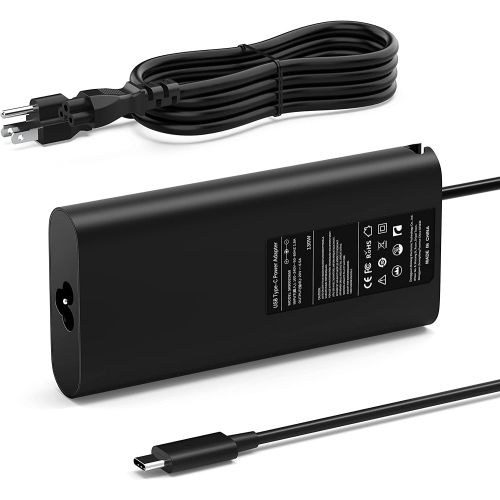
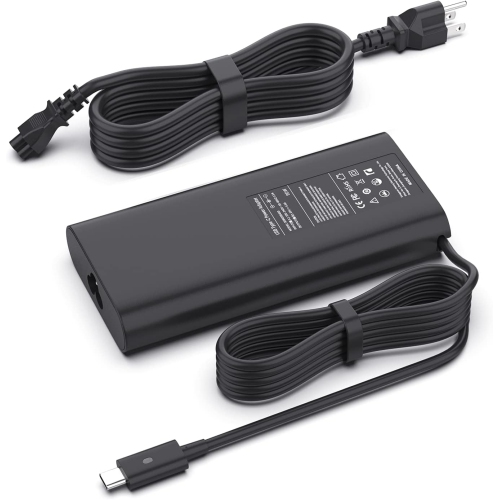
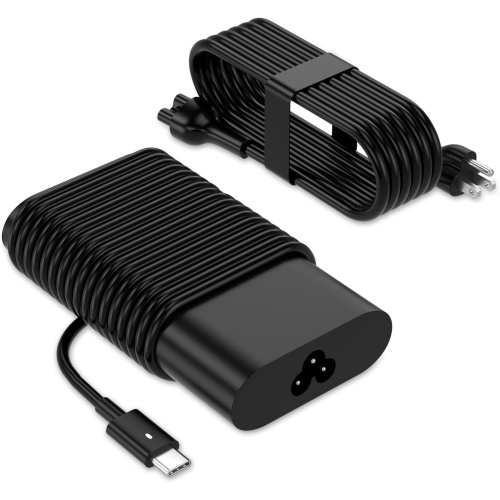
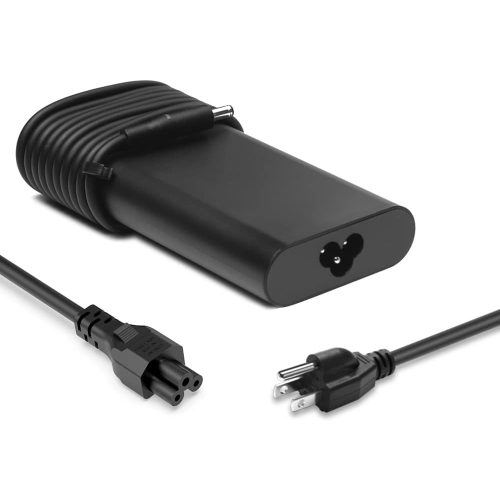
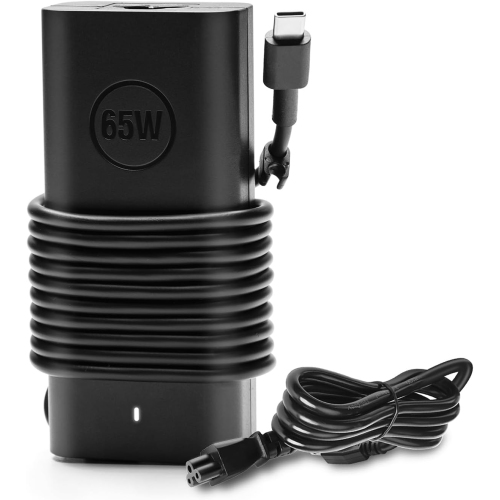
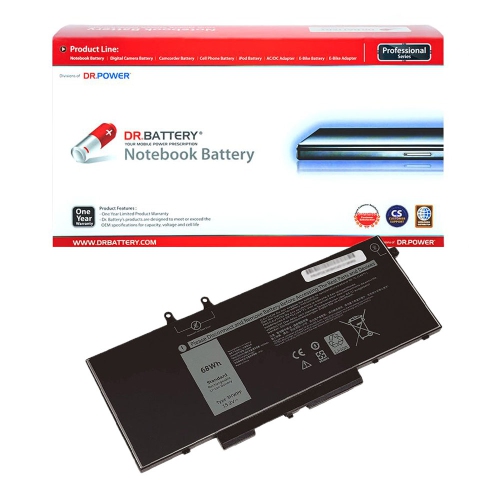
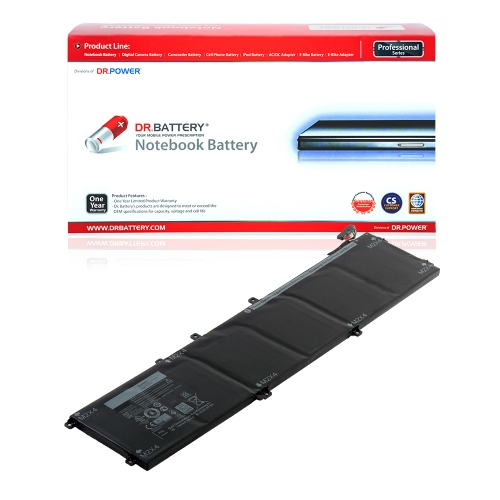
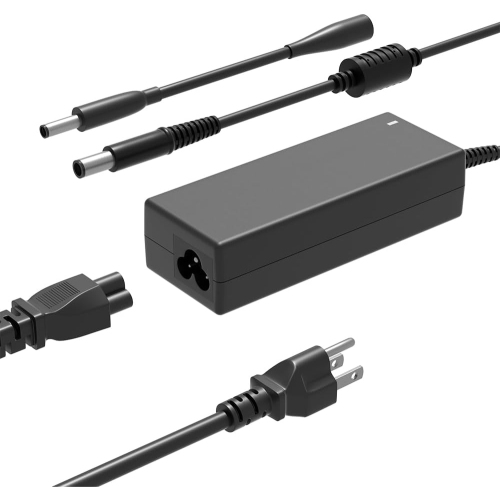
Condition, portability, and long-term care matter just as much as headline specifications, especially with previously owned or refurbished business laptops. Refurbishment descriptions can cover different levels of inspection, cleaning, testing, and component replacement, so a condition grade should be read alongside the stated work completed. Cosmetic marks on a lid are different from a loose charging socket, an uneven hinge, or worn keys, and photographs may not represent the exact unit unless the listing says they do. Battery health is another separate consideration: a laptop can run applications well while offering less unplugged time than it did when new. Screen brightness, background applications, wireless use, and video meetings all influence battery runtime, making a single estimate an imperfect reflection of a full working day. An included power adapter should have the correct connector and adequate wattage, and a compatible replacement battery may matter to someone who regularly works away from a desk. Carrying comfort depends on the combined weight of the laptop, charger, and accessories, not just the computer itself. A padded sleeve or bag compartment should match the chassis dimensions rather than relying only on the advertised screen size, with enough protection to keep a mouse or power plug from pressing against the lid. At a desk, a hard, flat surface helps keep ventilation openings clear, while an external keyboard and raised display position can support a more comfortable workstation. Routine care is simple but worthwhile: disconnect power before cleaning, use a soft cloth, avoid spraying liquid directly onto the computer, and follow the manufacturer's care directions. Regular backups and software updates help protect work and reduce disruption if a drive fails or a repair becomes necessary. Warranty terms, battery coverage, and service arrangements also help define what ownership will involve. For shoppers comparing neighbouring business-laptop generations, Dell Latitude 5520 provides a related point of comparison, with each configuration still deserving its own assessment of display, connections, condition, and intended use. The most suitable choice is one whose practical details fit the user's actual routine, whether that involves daily coursework, client correspondence, or a familiar workspace at home.
Performance in this class depends on the complete configuration, not simply the processor family printed in a listing. Processor generation, core count, cooling, memory capacity, and storage all affect how smoothly a laptop handles a busy working day. Everyday office tasks place different demands on a computer than large photo libraries, complex spreadsheets, or software development tools. A system with 16GB of RAM can provide comfortable working room for common combinations of browser tabs, documents, messaging, and video meetings, while 32GB may be useful for heavier multitasking or applications with larger memory requirements. More memory does not automatically make every task faster, and upgrade options depend on the motherboard layout, supported capacity, and accessible memory slots. Solid-state storage contributes to responsive startup, quicker application launches, and faster access to local files. A 512GB drive may suit documents and a moderate collection of applications, whereas 1TB provides more room for larger project folders and media files; actual usable space is lower after formatting and software installation. Integrated graphics are generally suited to office applications, streaming, presentations, and lighter visual work, but demanding games, complex 3D projects, and intensive video production require closer attention to graphics capability. Connections are another important part of everyday performance. USB-A ports can accommodate familiar peripherals, HDMI can connect a compatible display, and Ethernet can provide a wired network connection where one is accessible. A USB-C connector does not, by itself, confirm support for charging, video output, or Thunderbolt, so the stated capabilities matter when matching a laptop to a dock. Wi-Fi specifications, webcam quality, microphone clarity, and headset connections also shape the experience of joining a call from a shared workspace. Operating system compatibility and security support are particularly relevant for older business notebooks, since application requirements and organizational policies may rule out an otherwise suitable configuration. Fingerprint readers, smart card readers, and other sign-in features can vary between units, even within the same model family.
Condition, portability, and long-term care matter just as much as headline specifications, especially with previously owned or refurbished business laptops. Refurbishment descriptions can cover different levels of inspection, cleaning, testing, and component replacement, so a condition grade should be read alongside the stated work completed. Cosmetic marks on a lid are different from a loose charging socket, an uneven hinge, or worn keys, and photographs may not represent the exact unit unless the listing says they do. Battery health is another separate consideration: a laptop can run applications well while offering less unplugged time than it did when new. Screen brightness, background applications, wireless use, and video meetings all influence battery runtime, making a single estimate an imperfect reflection of a full working day. An included power adapter should have the correct connector and adequate wattage, and a compatible replacement battery may matter to someone who regularly works away from a desk. Carrying comfort depends on the combined weight of the laptop, charger, and accessories, not just the computer itself. A padded sleeve or bag compartment should match the chassis dimensions rather than relying only on the advertised screen size, with enough protection to keep a mouse or power plug from pressing against the lid. At a desk, a hard, flat surface helps keep ventilation openings clear, while an external keyboard and raised display position can support a more comfortable workstation. Routine care is simple but worthwhile: disconnect power before cleaning, use a soft cloth, avoid spraying liquid directly onto the computer, and follow the manufacturer's care directions. Regular backups and software updates help protect work and reduce disruption if a drive fails or a repair becomes necessary. Warranty terms, battery coverage, and service arrangements also help define what ownership will involve. For shoppers comparing neighbouring business-laptop generations, Dell Latitude 5520 provides a related point of comparison, with each configuration still deserving its own assessment of display, connections, condition, and intended use. The most suitable choice is one whose practical details fit the user's actual routine, whether that involves daily coursework, client correspondence, or a familiar workspace at home.
Top selling and popular products
-
 Your price for this item is $19.99
 -
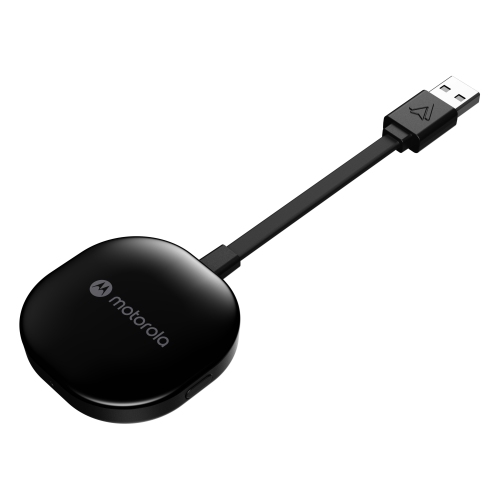 Your price for this item is $94.99
 -
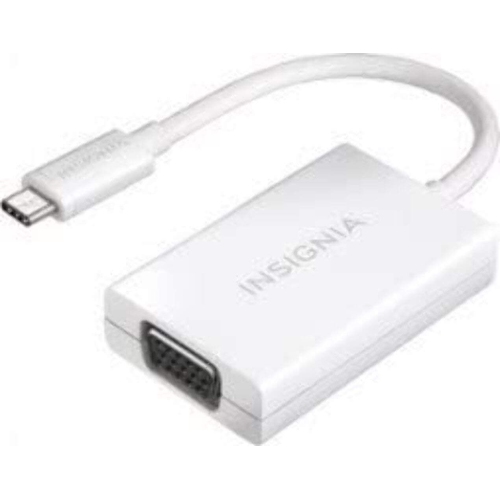 Your price for this item is $13.99
 -
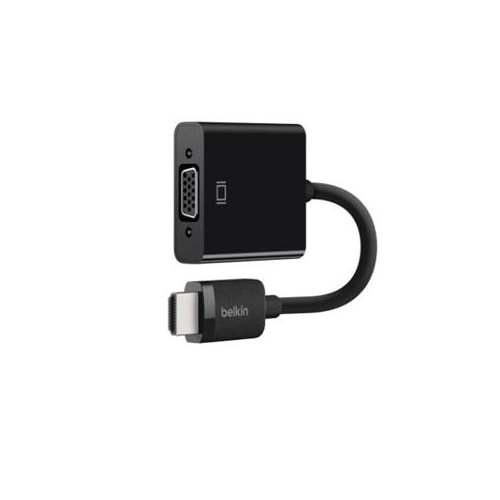 Your price for this item is $48.68
 -
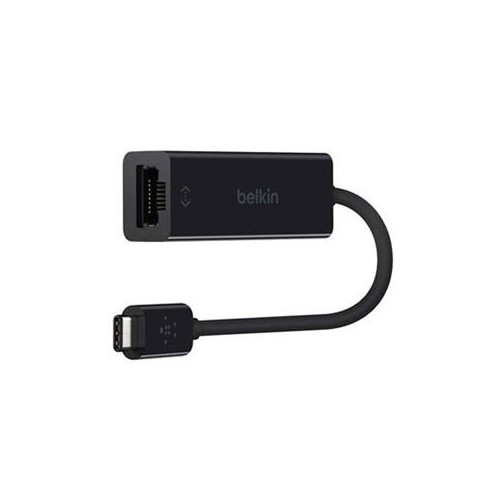 Your price for this item is $49.68
 -
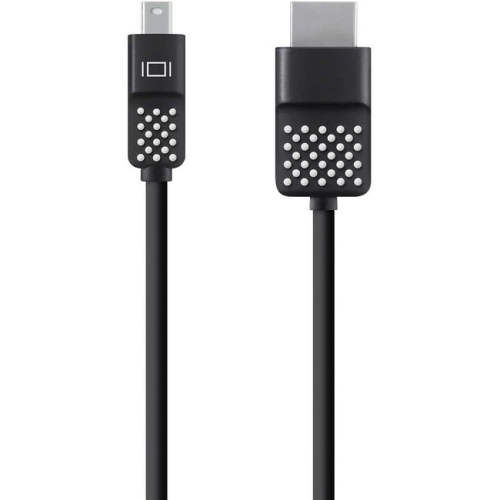 Your price for this item is $29.68
 -
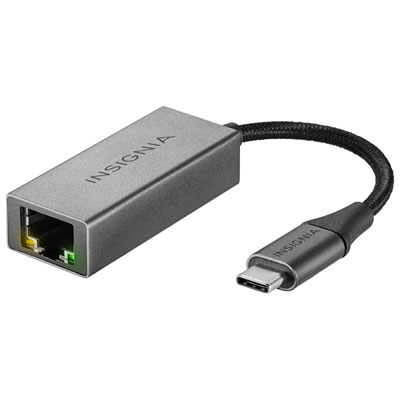 Your price for this item is $29.95
 -
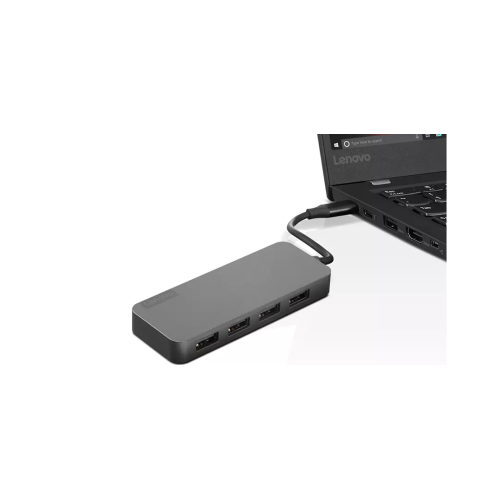 Your price for this item is $49.99
Discover more categories related to Dell Latitude 5510

Top Collections:
Pokemon Centers, Kindle Devices, Best Budget Office Chairs, Apple iPhones 16, Best Laptops for Writers, iPhone 15 Apple, Canon G7X Cameras, Refurbished Apple Laptops, Alarm Clock, Motorola Razr Phones
Some products may be subject to Environmental Handling Fees
(EHF) depending on your province.
Learn more about EHFs.