Dell Latitude E5530
Discover exceptional performance and reliability with the Dell Latitude E5530. Perfect for professionals, students, and anyone seeking a dependable computing experience, the Dell Latitude E5530 offers the versatility to handle everyday tasks with ease. Explore a range of models and configurations designed to suit your unique needs, all while enjoying seamless operation and user-friendly design. Find the ideal Dell Latitude E5530 to elevate productivity and stay connected wherever you go.
Sort


What to check before buying this older business laptop
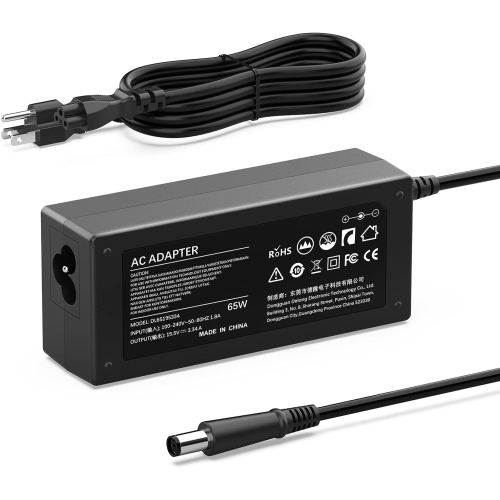
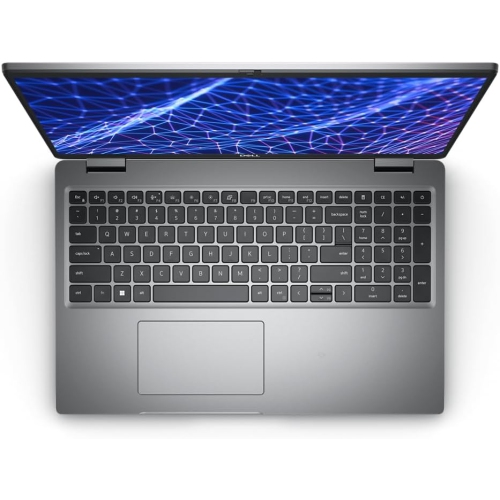
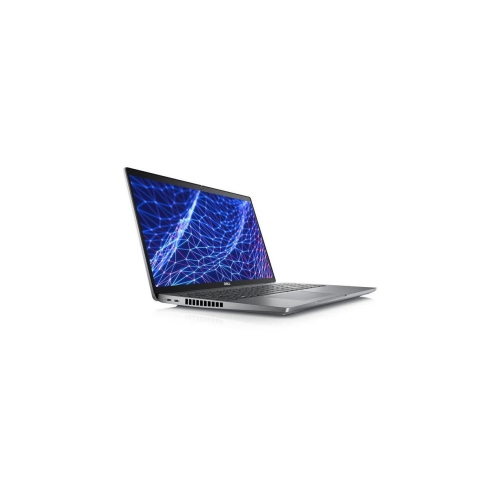
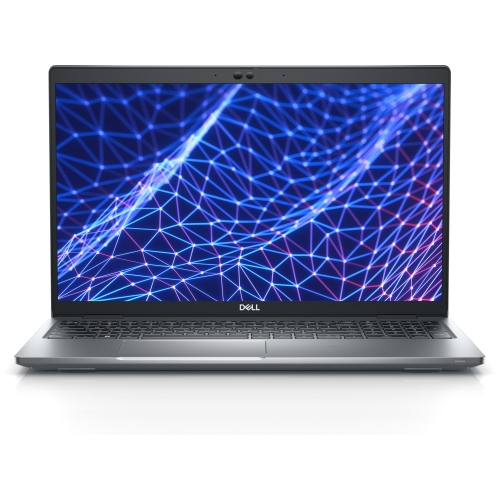
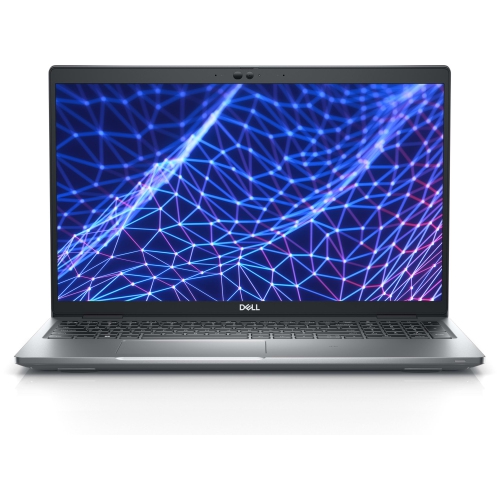
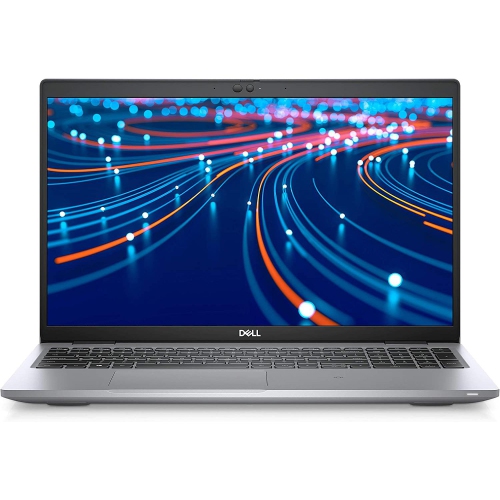
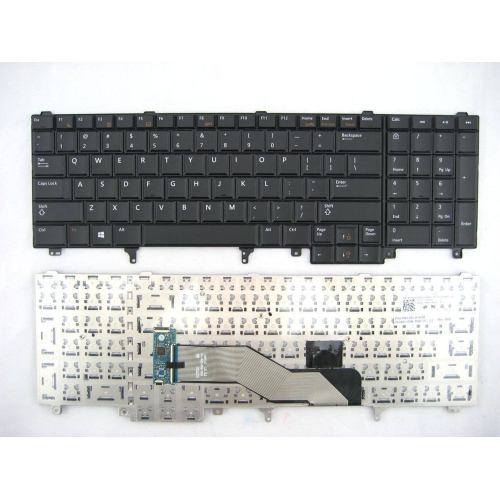
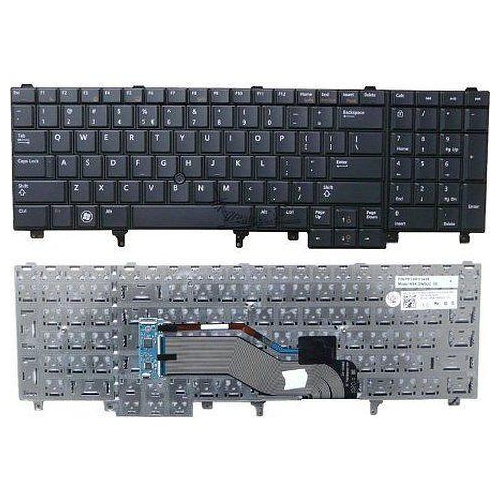
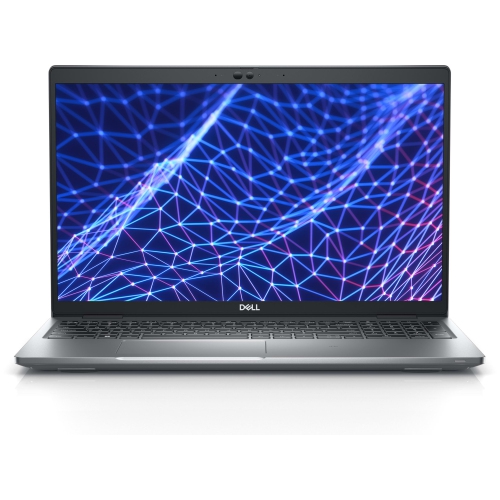
The Dell Latitude E5530 is a 15.6-inch business-class laptop designed for practical everyday computing, with a sturdy build and a straightforward layout that suits work, study, and home use. Its larger display provides comfortable room for documents, spreadsheets, web browsing, video calls, and side-by-side windows, while the anti-glare screen option can be helpful in rooms with overhead lighting or daylight coming through a window. Configurations are commonly associated with 3rd Generation Intel Core i3, i5, or i7 processors, DDR3 memory, and Intel HD Graphics 4000, although exact specifications can vary by listing. This makes it important to review the individual product details rather than relying on the model name alone. For light office work, email, online learning, research, streaming, and basic photo organization, a suitable configuration can remain useful and familiar. It is not intended to replace a modern performance laptop for demanding gaming, advanced video production, intensive 3D work, or newer professional applications that require current hardware. A well-matched Dell Latitude E5530 can be a sensible choice for someone who values a full-size keyboard, a broad display, and a traditional collection of built-in connections over an especially thin or lightweight design.
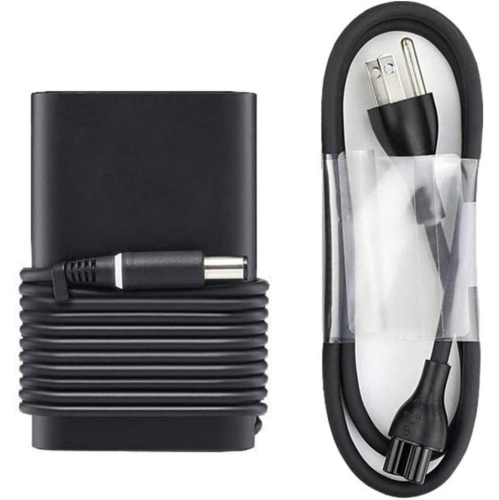
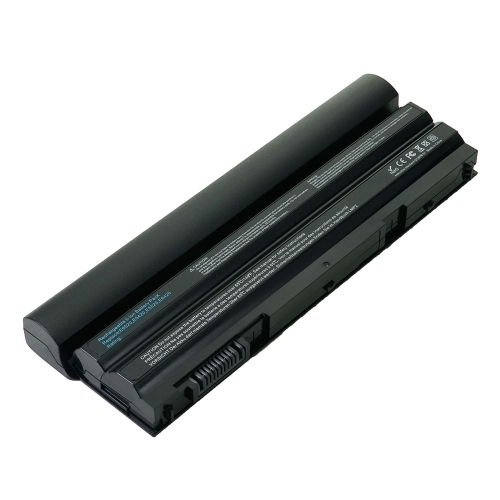
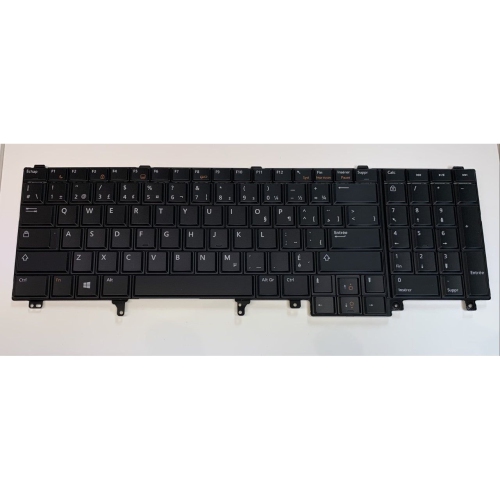
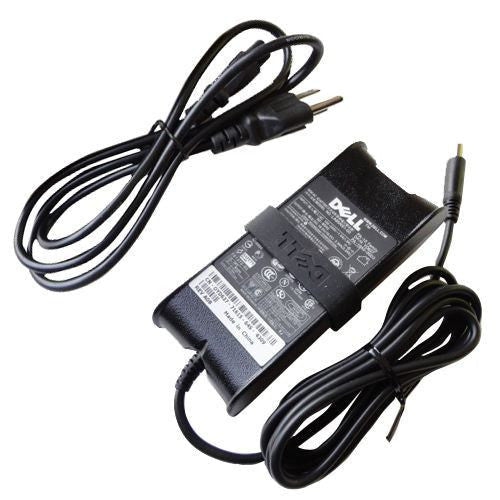
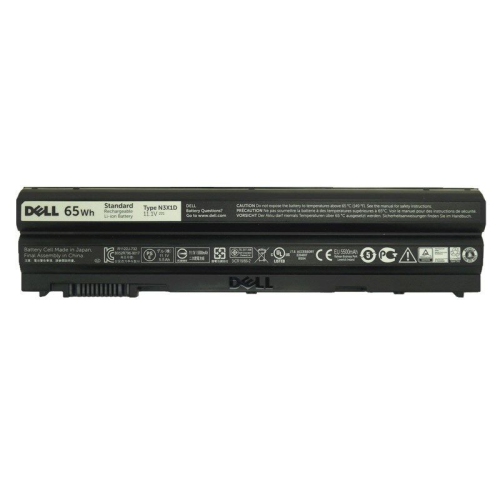
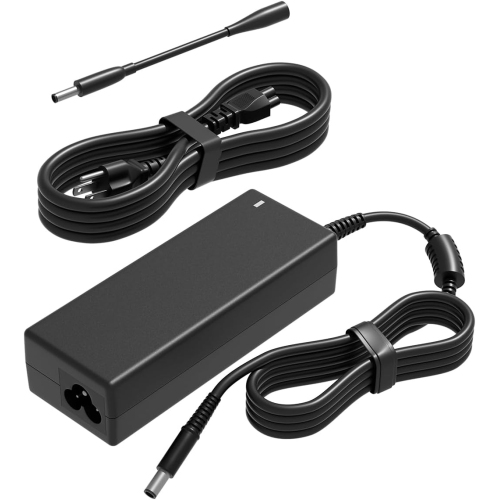
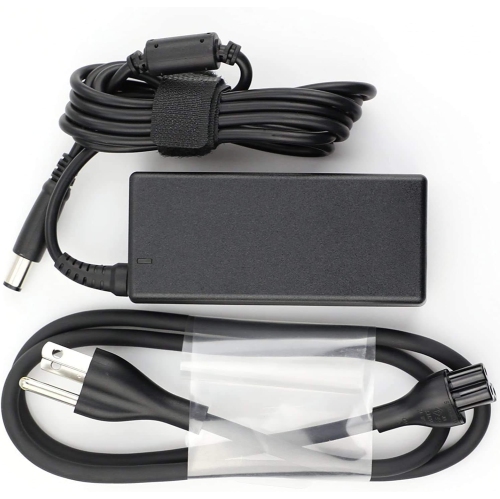
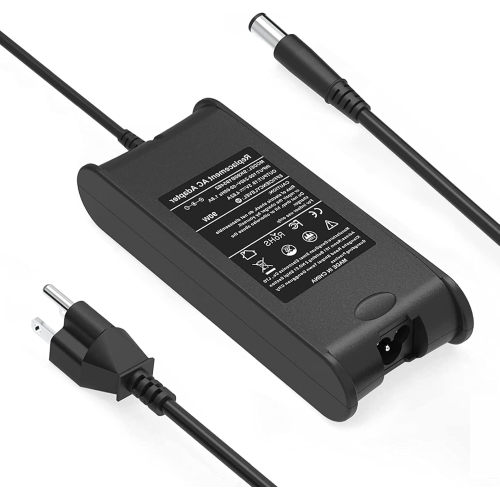
When comparing products in this collection, begin with the details that affect daily comfort and reliability. Check the processor model, installed memory, storage capacity, operating system, screen resolution, and battery condition where that information is provided. The standard display resolution is often 1366 x 768, which is suitable for common productivity tasks but offers less workspace than many newer high-resolution laptops. Storage type and capacity can influence start-up times, application loading, and how easily you can keep photos, documents, and downloaded files on the computer. Memory is also worth considering: a configuration with more RAM may handle several browser tabs and office applications more smoothly, while a lower-memory version may be better suited to basic use. Since these are older computers, examine the product description for information about cosmetic condition, included power adapter, battery performance, keyboard layout, and warranty or return coverage. Connection options are one of the model’s practical strengths, with configurations featuring USB 2.0, USB 3.0, a USB/eSATA combination connection, VGA, HDMI, and an ExpressCard slot. These ports can make it easier to connect a monitor, projector, wired accessory, storage device, or other workplace equipment without relying entirely on adapters. Before purchasing, confirm that the available ports match the accessories you plan to use and that the computer supports the software required for work or school. If you are considering a similar business laptop with a different configuration, the Dell Latitude E6440 collection may also provide useful context when comparing size, connectivity, and specifications.
A laptop from this category can suit a student setting up a study station, a remote worker who mainly uses browser-based tools and documents, or a household that needs a dependable computer for forms, appointments, budgeting, and communication. It may also be a thoughtful practical gift for someone moving into residence, returning to school, or preparing a home office, provided the recipient’s software requirements are modest and the condition is clearly understood. During the cooler months, a larger laptop can be convenient for working at a kitchen table, following an online course from a comfortable chair, or keeping family records and personal projects organized indoors. The full-size keyboard is useful for extended typing, while the 15.6-inch screen can be easier to read than a compact notebook display for users who prefer larger text and broader page layouts. For setup, allow time for system updates, account sign-in, privacy settings, printer connections, and cloud storage preferences. If the laptop is being passed to a family member, creating a separate user account and removing old files can make the experience feel more personal and secure. Keep the power adapter nearby for longer sessions, especially if battery capacity has decreased with age, and use a padded case or sleeve when carrying it between rooms, classrooms, or workplaces. Reviewing the complete listing, matching the specifications to the intended tasks, and choosing a condition that fits your expectations will help you select a product that feels dependable for everyday computing.
When comparing products in this collection, begin with the details that affect daily comfort and reliability. Check the processor model, installed memory, storage capacity, operating system, screen resolution, and battery condition where that information is provided. The standard display resolution is often 1366 x 768, which is suitable for common productivity tasks but offers less workspace than many newer high-resolution laptops. Storage type and capacity can influence start-up times, application loading, and how easily you can keep photos, documents, and downloaded files on the computer. Memory is also worth considering: a configuration with more RAM may handle several browser tabs and office applications more smoothly, while a lower-memory version may be better suited to basic use. Since these are older computers, examine the product description for information about cosmetic condition, included power adapter, battery performance, keyboard layout, and warranty or return coverage. Connection options are one of the model’s practical strengths, with configurations featuring USB 2.0, USB 3.0, a USB/eSATA combination connection, VGA, HDMI, and an ExpressCard slot. These ports can make it easier to connect a monitor, projector, wired accessory, storage device, or other workplace equipment without relying entirely on adapters. Before purchasing, confirm that the available ports match the accessories you plan to use and that the computer supports the software required for work or school. If you are considering a similar business laptop with a different configuration, the Dell Latitude E6440 collection may also provide useful context when comparing size, connectivity, and specifications.
A laptop from this category can suit a student setting up a study station, a remote worker who mainly uses browser-based tools and documents, or a household that needs a dependable computer for forms, appointments, budgeting, and communication. It may also be a thoughtful practical gift for someone moving into residence, returning to school, or preparing a home office, provided the recipient’s software requirements are modest and the condition is clearly understood. During the cooler months, a larger laptop can be convenient for working at a kitchen table, following an online course from a comfortable chair, or keeping family records and personal projects organized indoors. The full-size keyboard is useful for extended typing, while the 15.6-inch screen can be easier to read than a compact notebook display for users who prefer larger text and broader page layouts. For setup, allow time for system updates, account sign-in, privacy settings, printer connections, and cloud storage preferences. If the laptop is being passed to a family member, creating a separate user account and removing old files can make the experience feel more personal and secure. Keep the power adapter nearby for longer sessions, especially if battery capacity has decreased with age, and use a padded case or sleeve when carrying it between rooms, classrooms, or workplaces. Reviewing the complete listing, matching the specifications to the intended tasks, and choosing a condition that fits your expectations will help you select a product that feels dependable for everyday computing.
Top selling and popular products
-
 Your price for this item is $69.99
 -
 Your price for this item is $135.39
 -
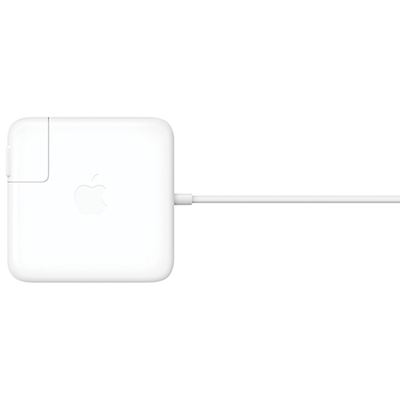 Your price for this item is $95
 -
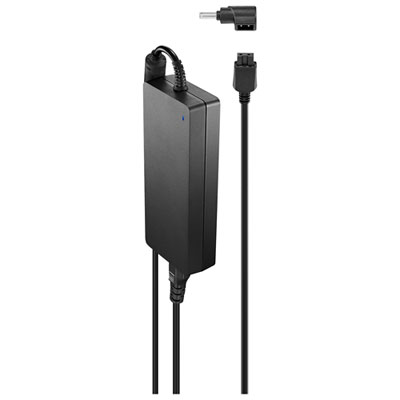 Your price for this item is $109.99
 -
 Your price for this item is $49.99
 -
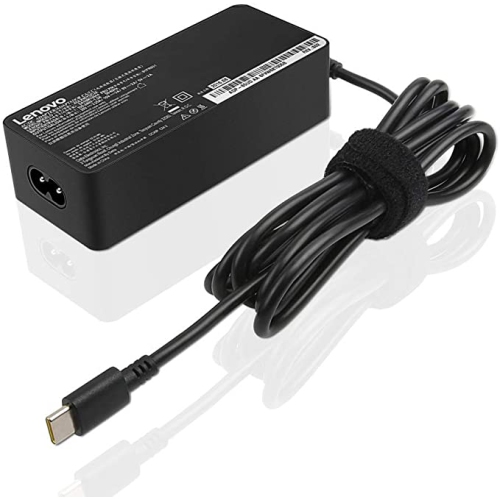 Your price for this item is $67
 -
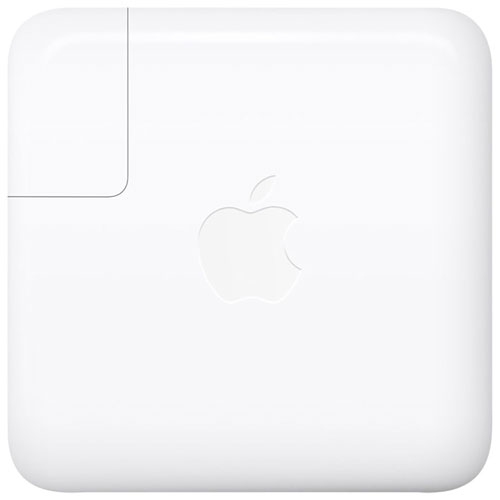 Your price for this item is $71
 -
 Your price for this item is $51.99
Discover more categories related to Dell Latitude E5530

Top Collections:
Pokemon Centers, Kindle Devices, Best Budget Office Chairs, Apple iPhones 16, Best Laptops for Writers, iPhone 15 Apple, Canon G7X Cameras, Refurbished Apple Laptops, Alarm Clock, Motorola Razr Phones
Some products may be subject to Environmental Handling Fees
(EHF) depending on your province.
Learn more about EHFs.