Dell Latitude E7440 Laptops
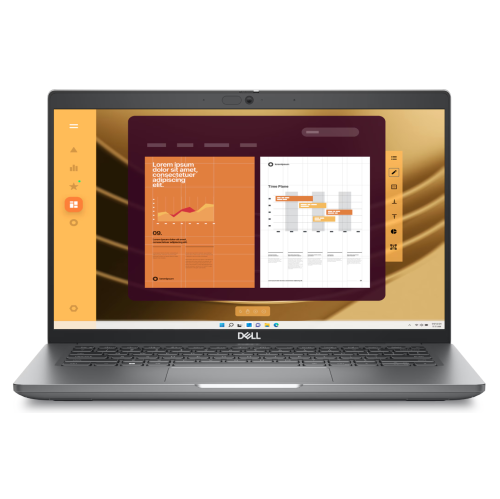
Discover the perfect blend of performance and portability with a sleek and efficient laptop designed for professionals on the go. Engineered to meet the demands of modern work environments, this laptop offers impressive processing power and robust security features, ensuring you stay productive and protected wherever your tasks take you. Its lightweight design and durable construction make it an ideal companion for business travel or remote work setups. Whether you're tackling complex spreadsheets or streaming presentations, this laptop delivers a seamless experience that keeps you connected and in control.
Sort

Why configuration matters more than a business laptop label
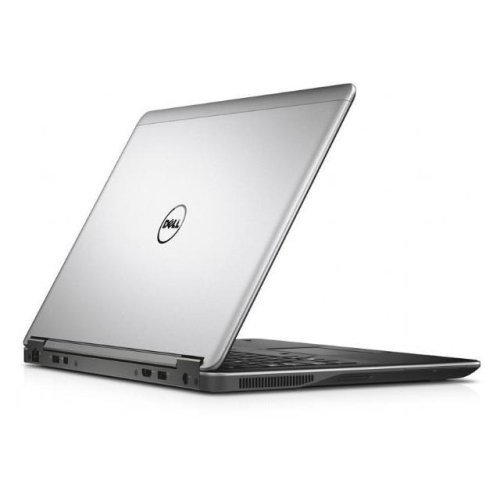
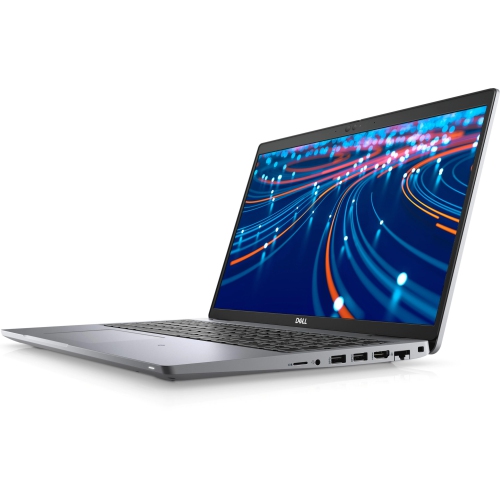
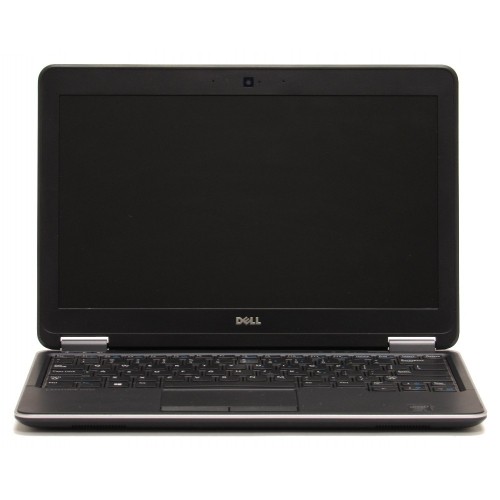
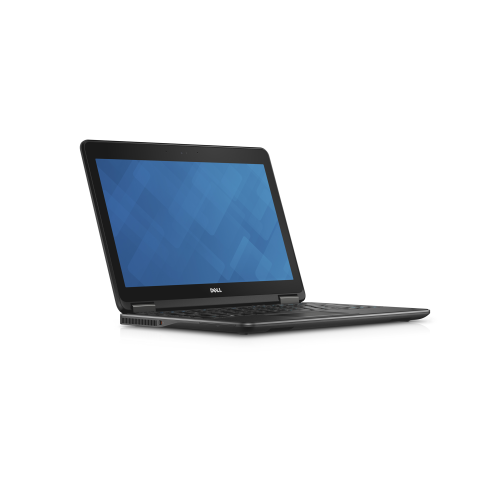
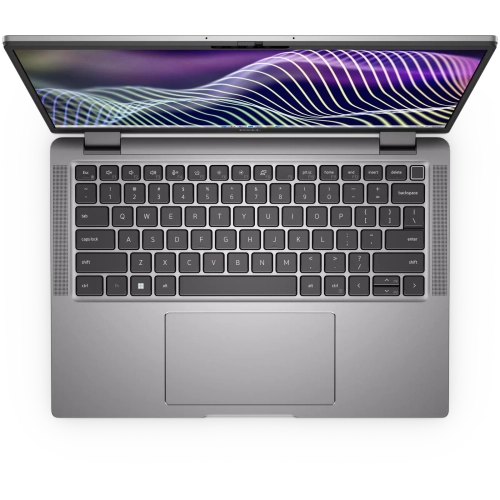
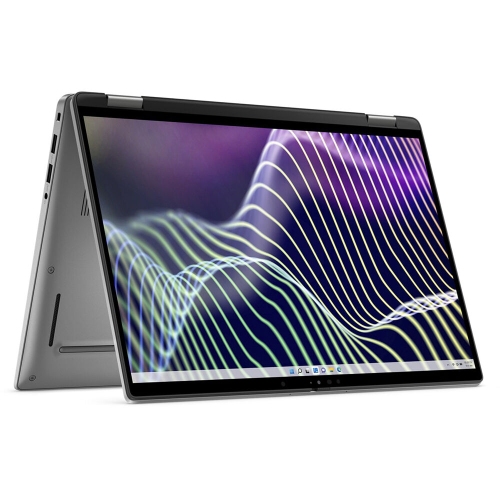
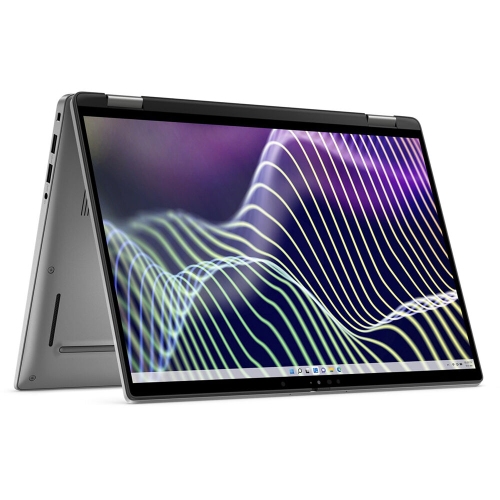
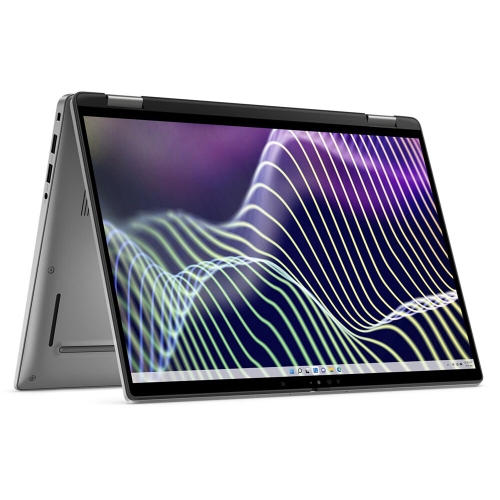
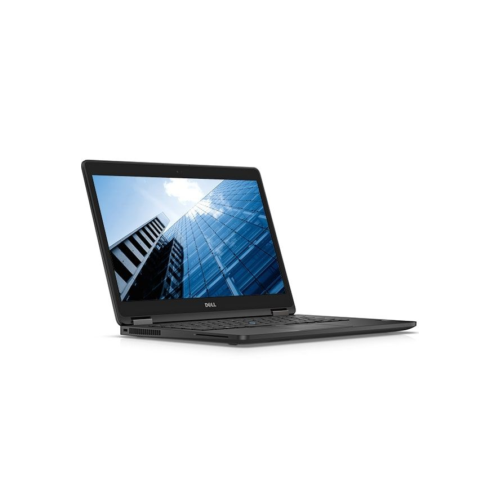
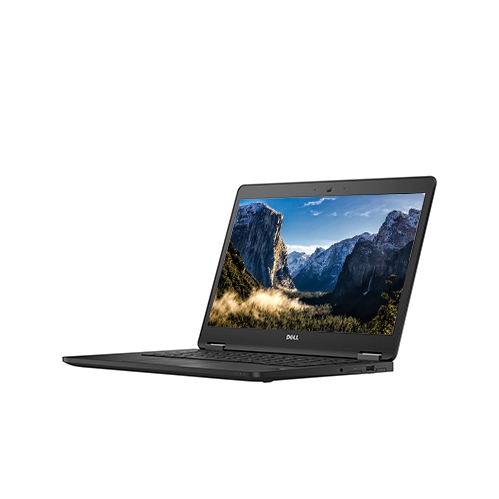
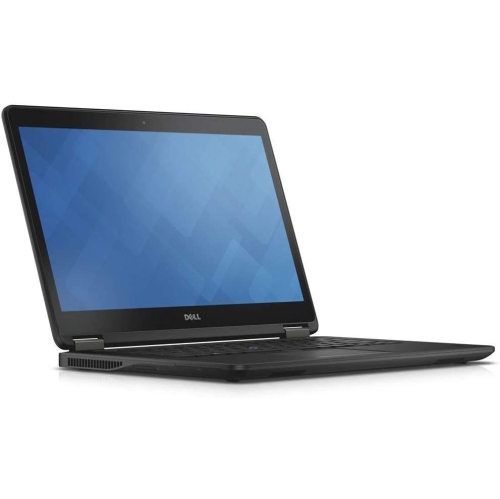
Compact business laptops pair a manageable screen size with the familiar feel of a full keyboard, making them well suited to writing assignments, preparing invoices, organizing household documents, and handling everyday office work. A 14-inch design offers enough room to read a report or review a spreadsheet while remaining practical to carry between a desk, meeting room, and library table. Older business ultrabooks in this class often use fourth-generation processors, with configurations that differ in memory, storage, screen resolution, and touchscreen capability. Those differences matter more to daily use than a similar-looking exterior might suggest. An entry-level processor configuration may be sufficient for word processing and straightforward browsing, while a higher-tier configuration can provide extra headroom for modest multitasking. Neither should be assumed to deliver the performance of a recent laptop simply because it carries a business designation. Memory helps keep applications responsive when several tasks are open together: 8GB can accommodate lighter routines, while 16GB offers more flexibility where the hardware supports it. A solid-state drive contributes to quicker startup and file access than a mechanical hard drive, but capacity deserves separate attention. A 128GB drive leaves less room for locally stored photos, downloaded course materials, and large applications than a 256GB or 512GB drive. For someone who mainly writes documents and stores files online, a smaller drive may still be workable; someone keeping years of family pictures on the laptop will need more space and a separate backup. These machines are most naturally suited to focused, everyday computing rather than demanding video production, recent games, or complex three-dimensional design. They can also make practical gifts for a recipient whose needs are clearly understood, such as a family member looking for a dedicated writing computer. The best fit comes from matching the actual configuration and software compatibility to the tasks the person expects to complete, rather than treating every business laptop as interchangeable.
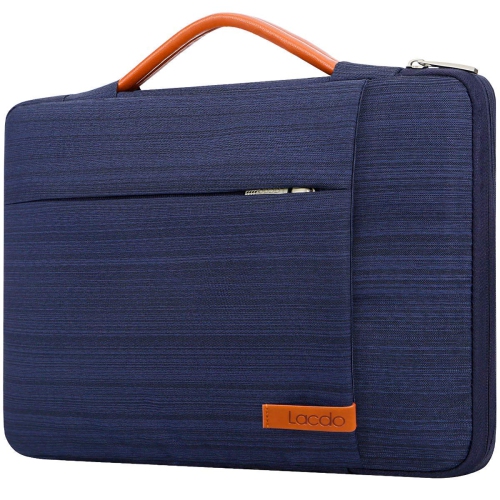
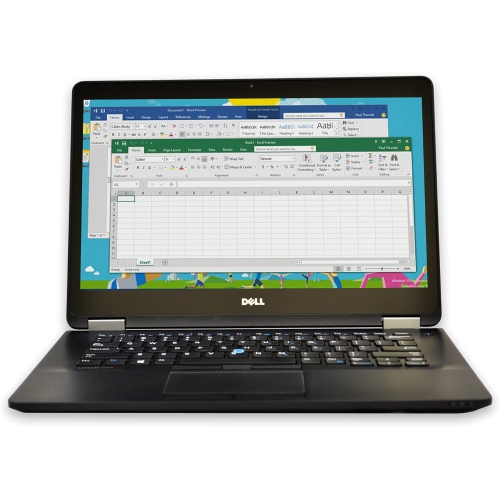
Construction and usability are central to the appeal of this type of laptop. Metal chassis components and reinforced display assemblies can help a portable computer withstand ordinary handling, although materials and lid finishes may differ between configurations. Some designs use carbon-fibre-backed display components, but that should not be assumed from appearance alone. Business-oriented construction is not the same as waterproofing or protection against drops, and a padded sleeve remains useful when the laptop shares a bag with books, cables, or a lunch container. A fitted compartment should accommodate the computer’s external dimensions, not just its advertised screen size, with enough room to close without pressing against the lid. At a desk, screen resolution influences how comfortably information fits on the display. A 1366 × 768 panel provides a basic workspace for a single document or browser window, while a 1920 × 1080 Full HD panel can show more detail and make side-by-side tasks easier to arrange. Text size settings may need adjustment for comfortable reading on the higher-resolution screen. Touch input is useful for some routines, but it is a configuration-specific feature rather than a given. Keyboard layout, key wear, touchpad response, and hinge movement also deserve attention, particularly with previously used computers. A keyboard that feels comfortable during a short message should remain pleasant through a longer report, and the screen should hold its position without excessive looseness. For refurbished laptops, cosmetic condition and functional testing are separate considerations: surface marks do not necessarily affect performance, while a clean exterior does not establish battery health. Refurbishment descriptions, condition grades, included accessories, and warranty terms help clarify what has been assessed. Everyday care is straightforward. Use a soft microfibre cloth for the screen, follow appropriate cleaning directions, keep liquids away from openings, and avoid spraying cleaner directly onto the computer. Keeping vents clear and using the laptop on a firm surface helps airflow, while carrying it with the lid closed reduces strain on the display and hinges.
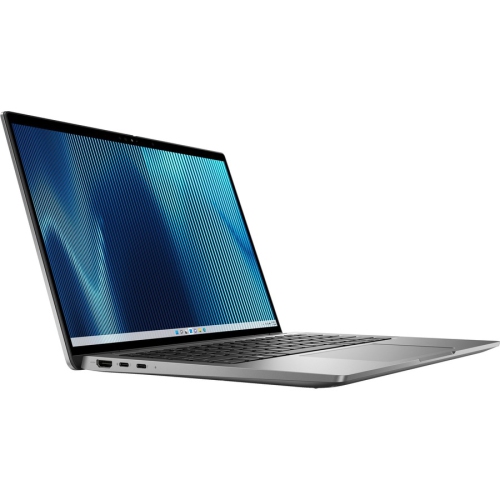
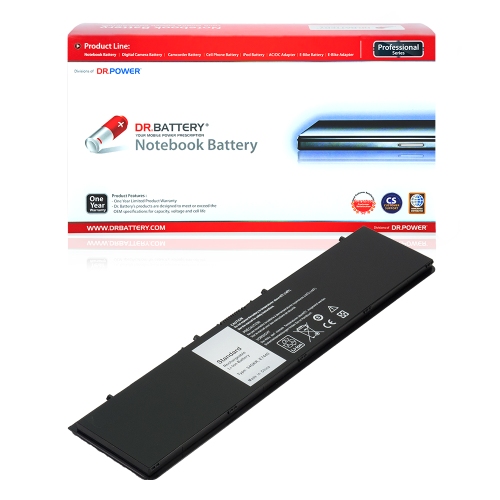
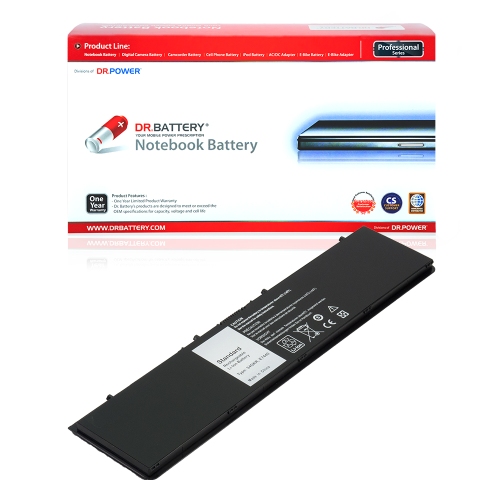
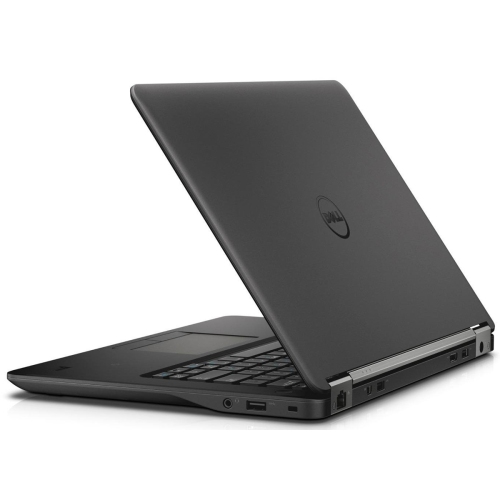
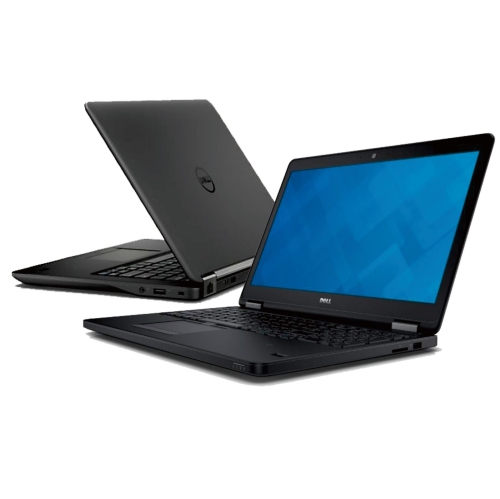
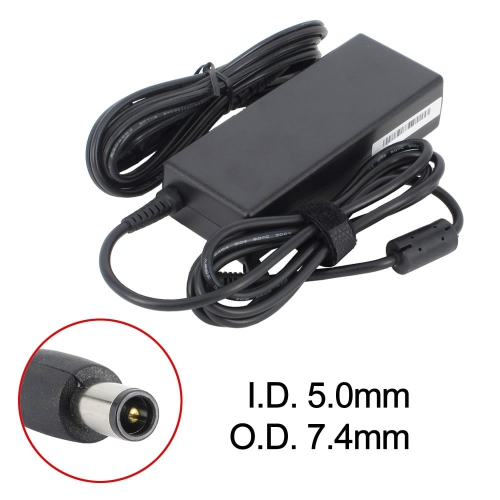
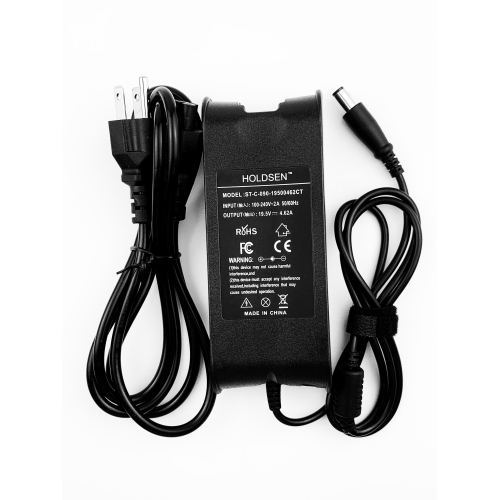
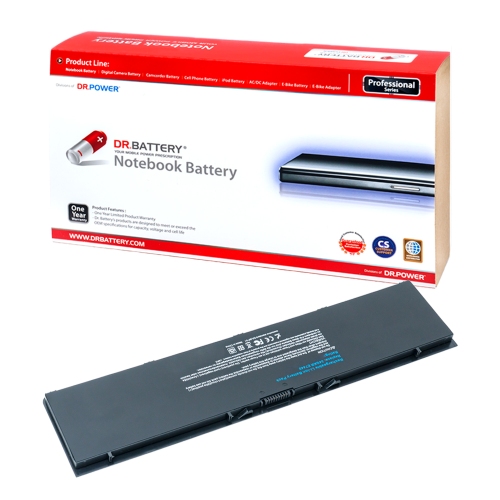
Connectivity can make an older business laptop useful beyond its built-in screen and keyboard. Configurations in this category may include USB 3.0 ports for everyday accessories, HDMI and Mini DisplayPort connections for external displays, an Ethernet socket for a wired network, and a dedicated docking connector. The exact port selection and accessory compatibility should be confirmed before planning a desk setup. A docking connector does not imply compatibility with every dock, and newer accessories may need an adapter or may not support the functions expected. For a home office, an external monitor, keyboard, and mouse can create a more comfortable workspace for longer sessions, with the laptop remaining easy to disconnect for occasional travel. Built-in Wi-Fi is convenient for shared spaces, while Ethernet can provide a straightforward wired connection where a suitable network socket is within reach. Video calls depend on more than the processor: webcam condition, microphone clarity, connection quality, and the conferencing application’s requirements all affect the experience. Software support is especially important with older hardware. A preinstalled operating system is not proof that it still receives routine security updates, and some newer operating systems require hardware features that an older computer does not meet. Confirming supported software, legitimate licensing, and suitable security updates is essential before using any laptop for online banking, work accounts, or personal records. Battery condition is another practical consideration. Original battery-life figures do not describe how a used battery will perform after years of service, and actual runtime varies with screen brightness, workload, and battery wear. A removable battery design can simplify replacement when a correctly specified compatible battery can be sourced, but fit, electrical requirements, and safe installation still matter. The power adapter should also match the computer’s requirements. For a broader comparison of business-laptop generations, Dell Latitude 7340 provides a related point of reference. Across this category, a well-matched laptop brings together comfortable everyday handling, appropriate performance, dependable connections, and software support that suits its intended role.
Construction and usability are central to the appeal of this type of laptop. Metal chassis components and reinforced display assemblies can help a portable computer withstand ordinary handling, although materials and lid finishes may differ between configurations. Some designs use carbon-fibre-backed display components, but that should not be assumed from appearance alone. Business-oriented construction is not the same as waterproofing or protection against drops, and a padded sleeve remains useful when the laptop shares a bag with books, cables, or a lunch container. A fitted compartment should accommodate the computer’s external dimensions, not just its advertised screen size, with enough room to close without pressing against the lid. At a desk, screen resolution influences how comfortably information fits on the display. A 1366 × 768 panel provides a basic workspace for a single document or browser window, while a 1920 × 1080 Full HD panel can show more detail and make side-by-side tasks easier to arrange. Text size settings may need adjustment for comfortable reading on the higher-resolution screen. Touch input is useful for some routines, but it is a configuration-specific feature rather than a given. Keyboard layout, key wear, touchpad response, and hinge movement also deserve attention, particularly with previously used computers. A keyboard that feels comfortable during a short message should remain pleasant through a longer report, and the screen should hold its position without excessive looseness. For refurbished laptops, cosmetic condition and functional testing are separate considerations: surface marks do not necessarily affect performance, while a clean exterior does not establish battery health. Refurbishment descriptions, condition grades, included accessories, and warranty terms help clarify what has been assessed. Everyday care is straightforward. Use a soft microfibre cloth for the screen, follow appropriate cleaning directions, keep liquids away from openings, and avoid spraying cleaner directly onto the computer. Keeping vents clear and using the laptop on a firm surface helps airflow, while carrying it with the lid closed reduces strain on the display and hinges.
Connectivity can make an older business laptop useful beyond its built-in screen and keyboard. Configurations in this category may include USB 3.0 ports for everyday accessories, HDMI and Mini DisplayPort connections for external displays, an Ethernet socket for a wired network, and a dedicated docking connector. The exact port selection and accessory compatibility should be confirmed before planning a desk setup. A docking connector does not imply compatibility with every dock, and newer accessories may need an adapter or may not support the functions expected. For a home office, an external monitor, keyboard, and mouse can create a more comfortable workspace for longer sessions, with the laptop remaining easy to disconnect for occasional travel. Built-in Wi-Fi is convenient for shared spaces, while Ethernet can provide a straightforward wired connection where a suitable network socket is within reach. Video calls depend on more than the processor: webcam condition, microphone clarity, connection quality, and the conferencing application’s requirements all affect the experience. Software support is especially important with older hardware. A preinstalled operating system is not proof that it still receives routine security updates, and some newer operating systems require hardware features that an older computer does not meet. Confirming supported software, legitimate licensing, and suitable security updates is essential before using any laptop for online banking, work accounts, or personal records. Battery condition is another practical consideration. Original battery-life figures do not describe how a used battery will perform after years of service, and actual runtime varies with screen brightness, workload, and battery wear. A removable battery design can simplify replacement when a correctly specified compatible battery can be sourced, but fit, electrical requirements, and safe installation still matter. The power adapter should also match the computer’s requirements. For a broader comparison of business-laptop generations, Dell Latitude 7340 provides a related point of reference. Across this category, a well-matched laptop brings together comfortable everyday handling, appropriate performance, dependable connections, and software support that suits its intended role.
Top selling and popular products
-
 Your price for this item is $449
 -
 Your price for this item is $3099
 -
 Your price for this item is $299.95
 -
 Your price for this item is $664.05
 -
 Your price for this item is $599.68
 -
 Your price for this item is $869.99
 -
 Your price for this item is $259
 -
 Your price for this item is $418.98
Discover more categories related to Dell Latitude E7440 Laptops

Top Collections:
Pokemon Centers, Kindle Devices, Best Budget Office Chairs, Apple iPhones 16, Best Laptops for Writers, iPhone 15 Apple, Canon G7X Cameras, Refurbished Apple Laptops, Alarm Clock, Motorola Razr Phones
Some products may be subject to Environmental Handling Fees
(EHF) depending on your province.
Learn more about EHFs.