Dell Mini PCs
Dell Mini PCs offer a compact and versatile computing solution for home, office, or on-the-go use. With their space-saving design, Dell Mini PCs are ideal for those looking to maximize their workspace without sacrificing performance. Whether you're setting up a workstation, creating a media center, or seeking a portable desktop alternative, Dell Mini PCs deliver convenience and flexibility in a small footprint. Explore the range of options to find the right fit for your needs.
Sort
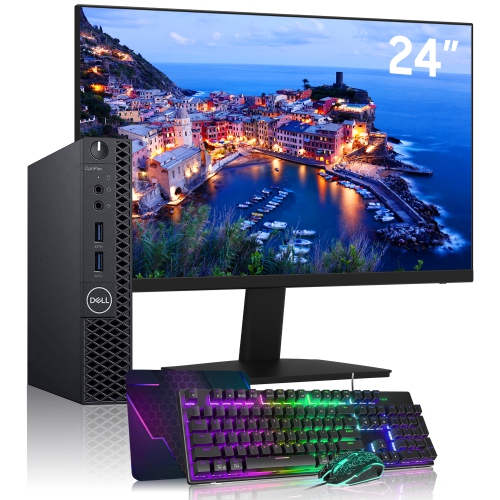
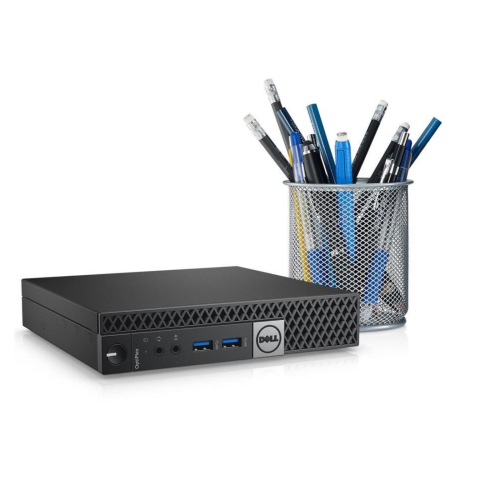
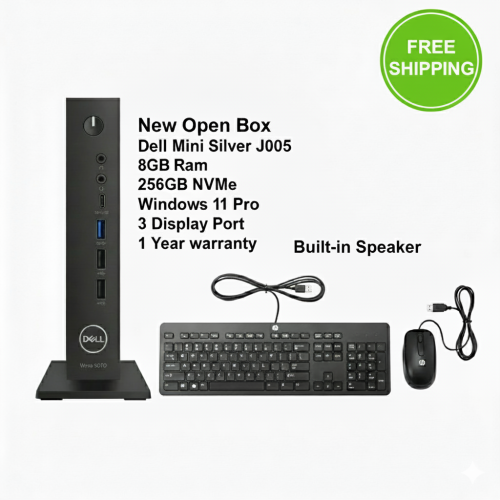
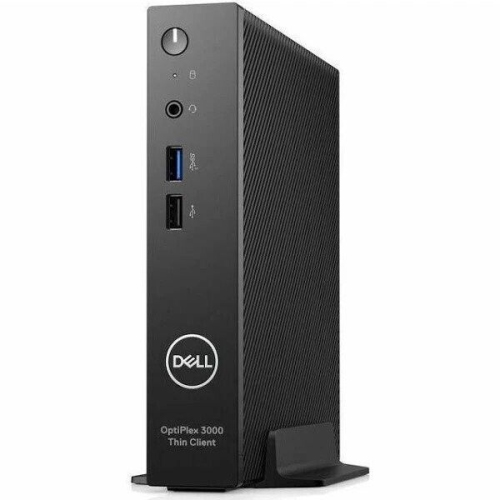
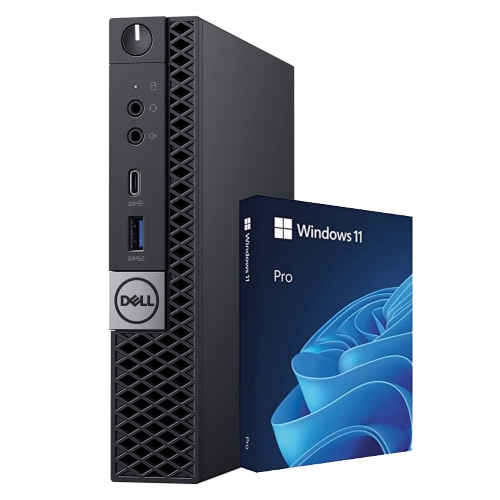
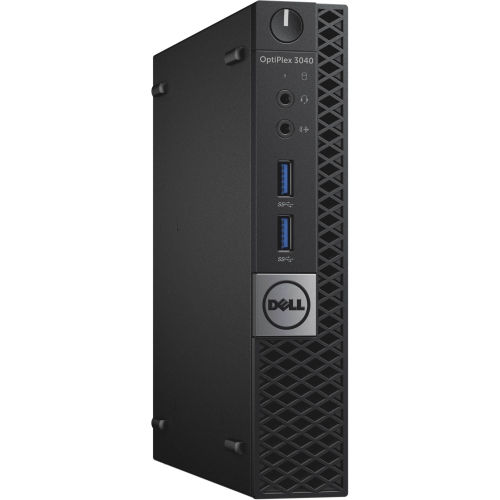
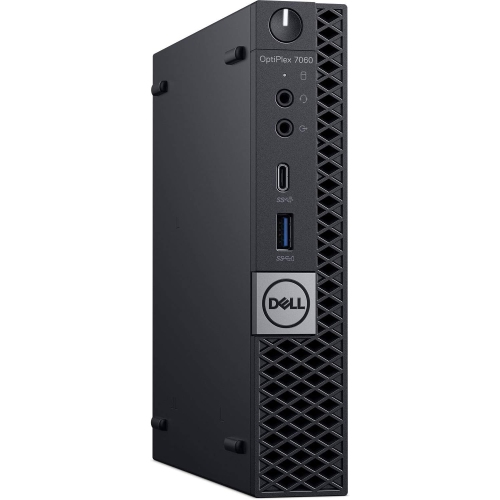
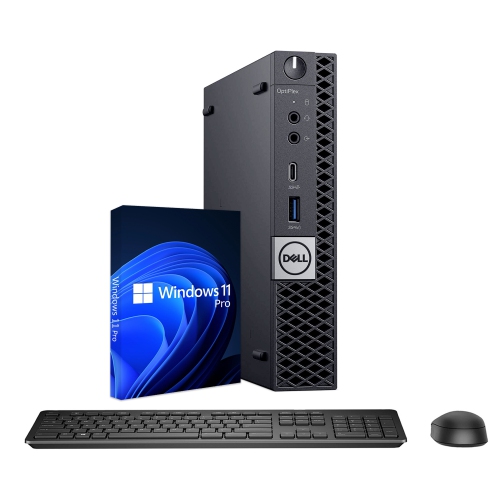
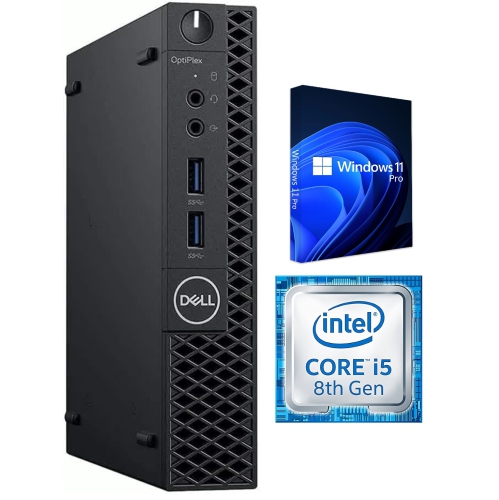
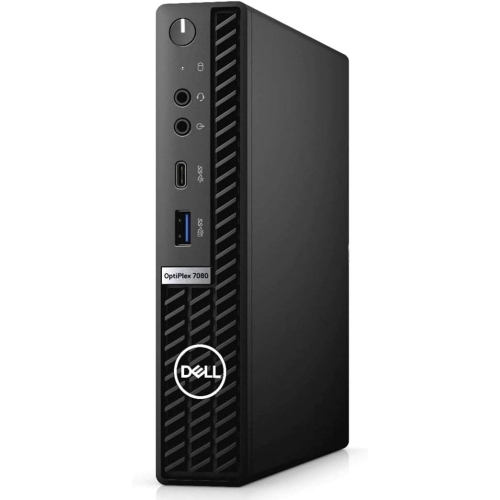
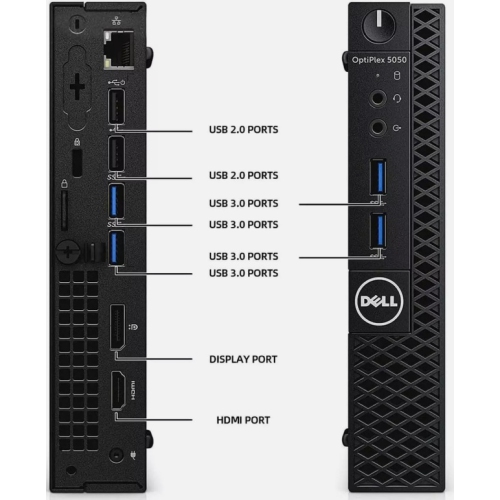
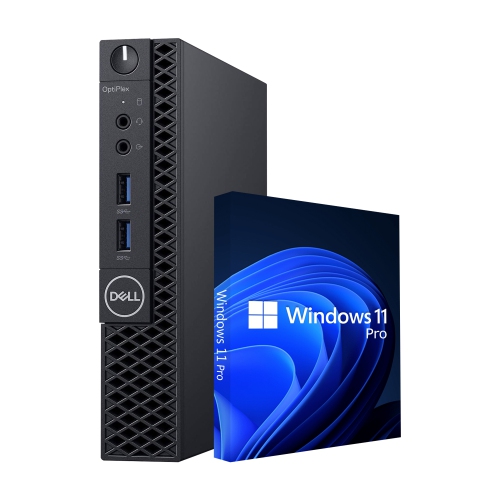
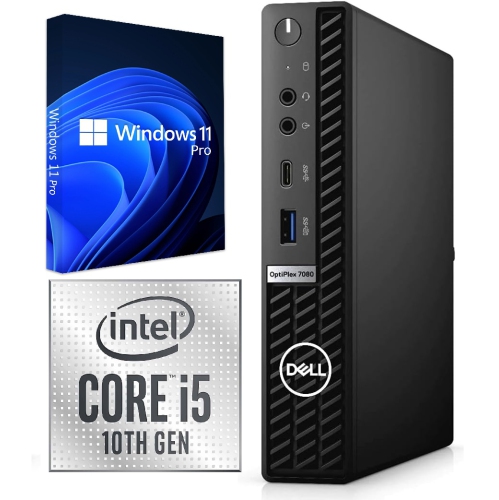
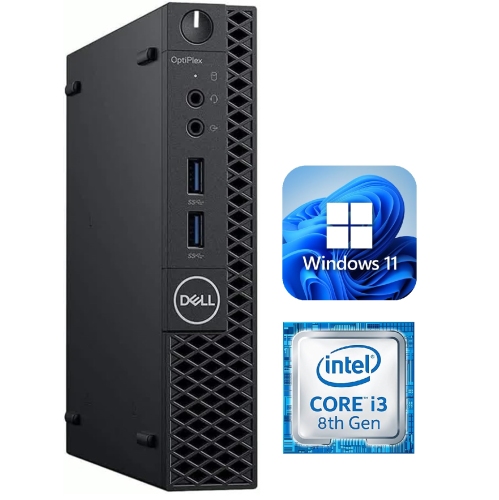
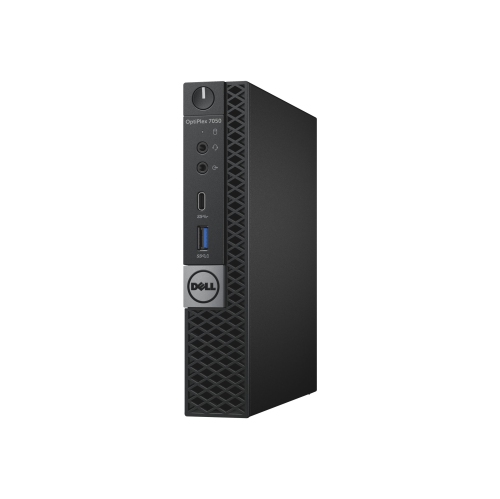

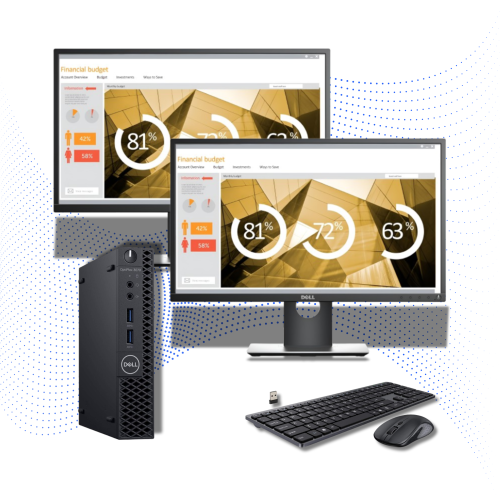
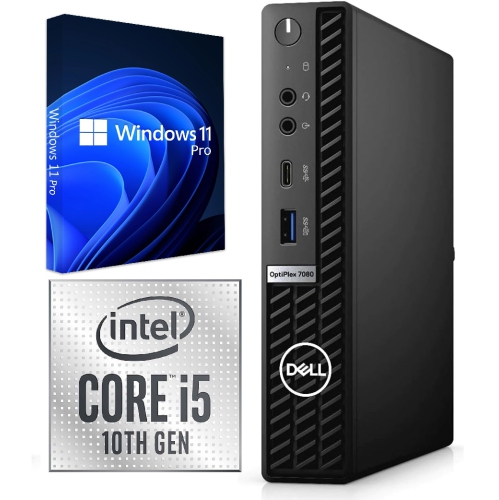
Small desktops with more to consider than size
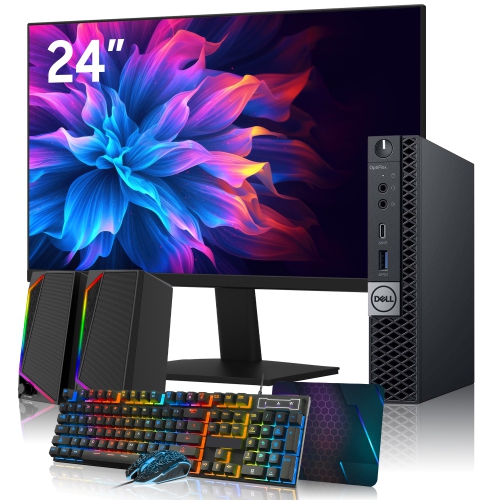
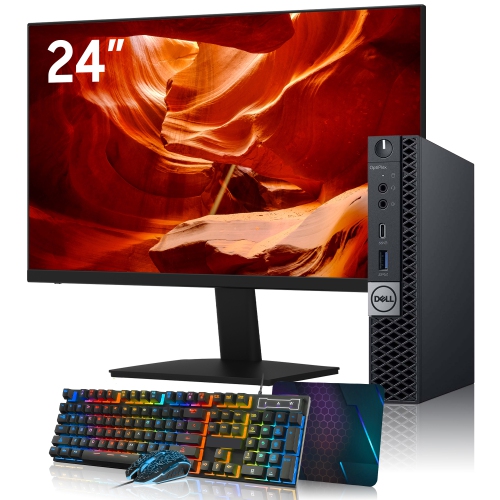
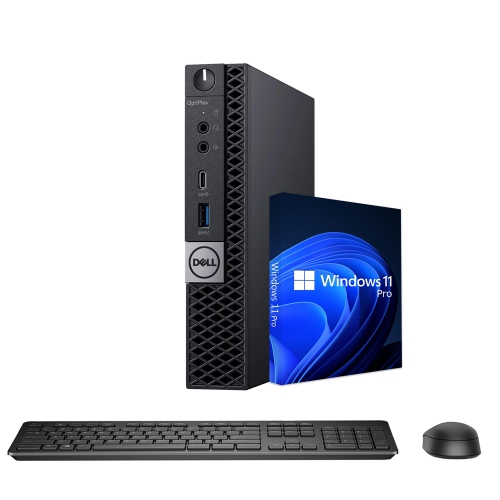
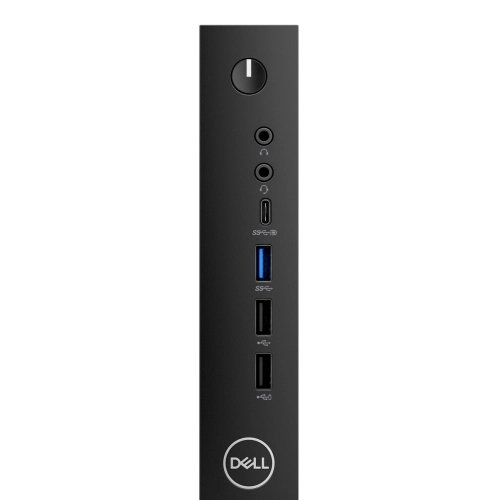
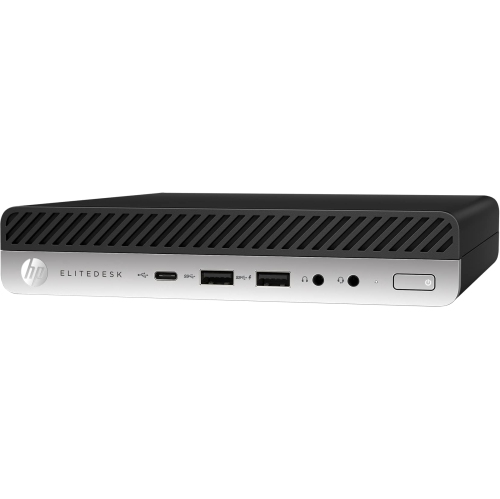
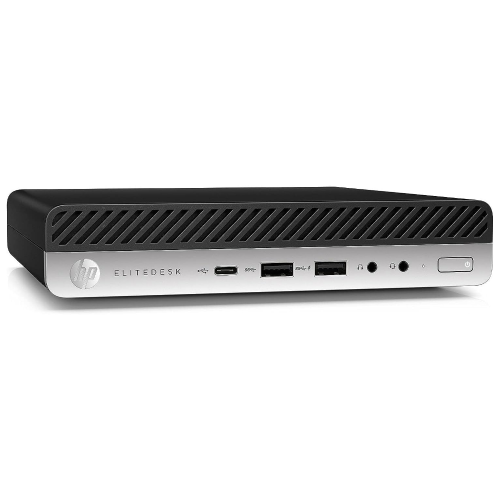
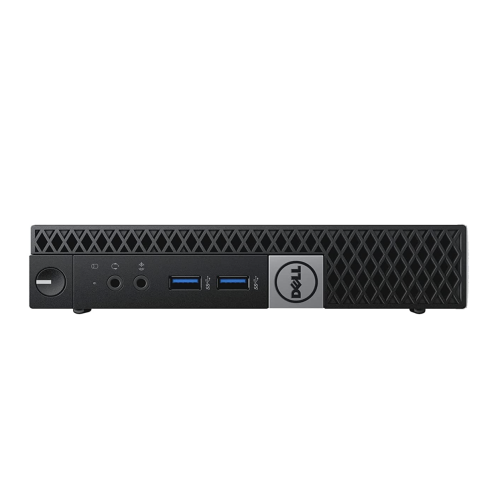
Mini PCs are compact desktop computers that put everyday computing capabilities into a chassis much smaller than a traditional tower. They connect to an external monitor, keyboard and mouse, making them a practical choice for a home office, shared family workspace, reception desk or study area where a full-size desktop would take up too much room. Unlike an all-in-one computer, a mini PC keeps the display separate, so the screen and computer can be replaced independently as needs change. Systems grouped under Dell Micro reflect this compact approach, although dimensions, mounting options and hardware vary between configurations. Some micro desktops can sit discreetly beside a monitor or attach behind a compatible display using a suitable mounting bracket. That can leave more work surface free for notebooks, paperwork and other essentials, but the mount must match the computer and leave its ventilation openings clear. A tidy installation also needs space for the power adapter and cables, not just the computer itself. For someone moving between spreadsheets, video calls and browser-based tools, accessible front ports can be more useful than an especially small footprint. A headset connection within reach, a convenient USB port for a removable drive and enough rear connections for permanent accessories all make a difference during daily use. In shared spaces, the position of the power button and access to cables matter, too. A computer tucked behind a screen may look neat but be awkward to reach when connecting a webcam or restarting the system. Compact, micro and small-form-factor descriptions do not indicate identical dimensions or expansion options, so measurements are more useful than the category name alone. The right fit balances desk space with the connections, screen arrangement and access needed for the way the computer will actually be used.
Performance depends on the processor, memory, storage and graphics configuration rather than the size of the enclosure alone. A mini desktop used for email, document editing and online learning has different demands from one running large spreadsheets, software development tools or several virtual machines. Processor generation and design both matter; a familiar performance tier does not make an older processor equivalent to a newer one. For many everyday multitasking setups, 16GB of memory provides comfortable room for several programs and browser tabs, while 32GB or more may be useful for heavier workloads. These are general considerations rather than requirements, and the software being used should determine the final specification. A solid-state drive helps with startup, application loading and opening files, while storage capacity determines how much space is available for documents, photos, programs and local media. Internal expansion varies considerably: some compact desktops provide replaceable memory and additional storage connections, while others have tighter limits. Integrated graphics are generally suited to office work, streaming and ordinary display tasks, but demanding games, complex 3D projects and certain creative applications may need graphics hardware that a particular micro chassis cannot accommodate. Display support deserves close attention when planning a two-screen workstation. The number of video connectors, supported resolutions and supported combinations of displays all matter; a USB-C connector does not automatically mean that video output is supported. For a home theatre setup, the relevant details include the display connection, audio compatibility and support for the video formats being played. For a home lab or media server, network capability, storage expansion and operating system compatibility may be more important than front-panel convenience. Wi-Fi is useful where running a cable is impractical, while wired Ethernet can provide a consistent connection for large transfers and remote access. Wireless features should be confirmed for the individual configuration rather than assumed from the computer’s size.
Long-term suitability also comes down to construction, service access and the condition of the complete system. Metal and rigid plastic are common enclosure materials, but practical durability involves more than the outer shell. Secure ports, a stable placement and enough clearance around the air vents help protect a compact desktop during everyday use. Small cooling fans can become more noticeable under sustained workloads, so noise expectations are worth considering for a quiet study or a computer placed close to a microphone. A hard, flat surface is preferable to carpeting or fabric, which can obstruct ventilation. With the computer shut down and disconnected, exterior dust can be removed using a soft, dry cloth; cleaning vents and opening the chassis should follow the manufacturer’s instructions. Compact systems often use an external power adapter, and a replacement needs the correct electrical specifications and connector. Where refurbished computers are being considered, useful details include the stated condition, warranty terms, included accessories and whether the operating system remains supported. Cosmetic wear is different from a missing wireless adapter, an incompatible power supply or storage that is too small for the intended workload. For business use, security features such as hardware-backed protection, a physical security slot and remote management support can matter, but these capabilities vary and should be verified. A student may benefit most from dependable video calling and enough memory for coursework, while a household computer might need separate user accounts and straightforward connections for a printer or scanner. As a gift, a mini PC is most practical when the recipient’s monitor, peripherals and required software are already understood. It is a desktop system, not a self-contained portable computer, so those surrounding pieces are part of the setup. Matching the hardware to those everyday details helps create a compact workstation that remains useful beyond its initial installation.
Top selling and popular products
-
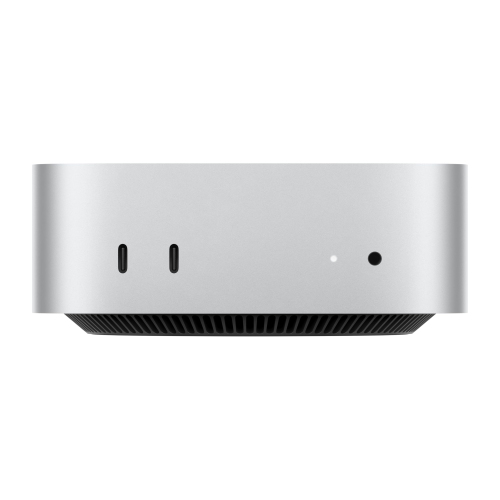 Your price for this item is $1499.99
-
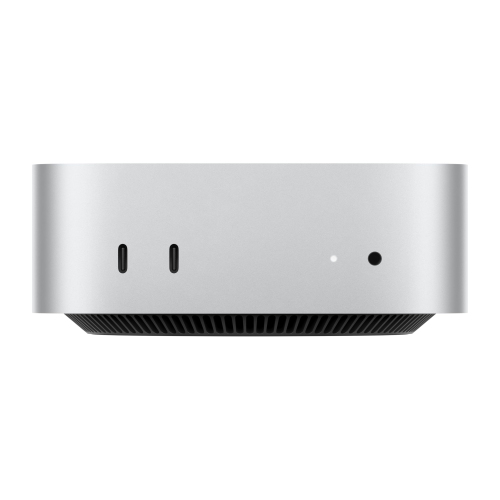 Your price for this item is $1879.99
-
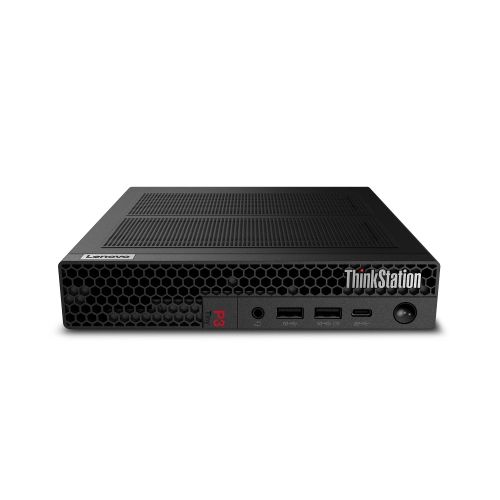 Your price for this item is $3919
-
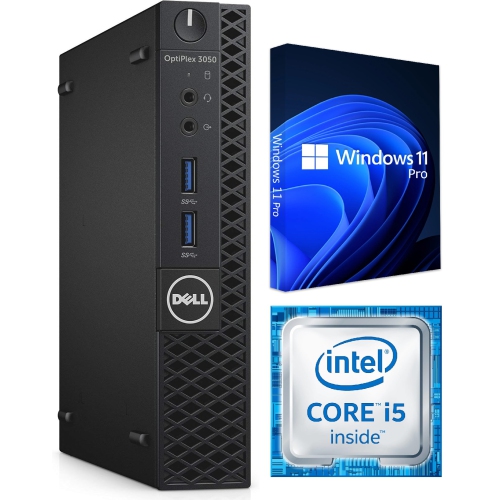 Your price for this item is $244.99
-
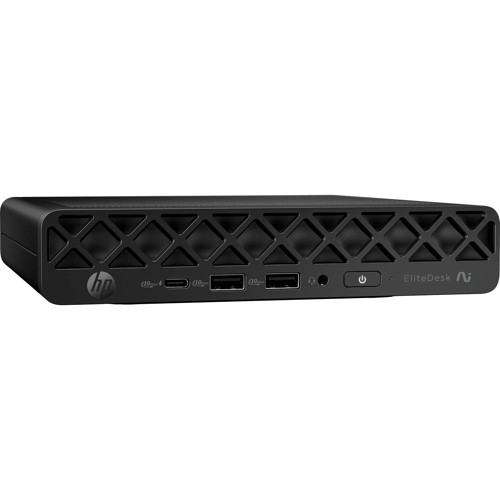 Your price for this item is $1469.99
-
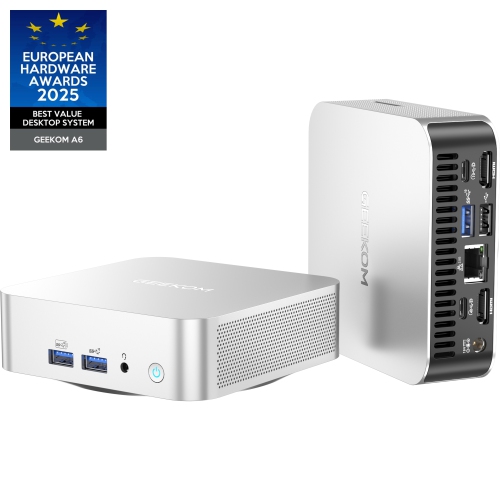 Your price for this item is $799
-
 Your price for this item is $269.95
-
 Your price for this item is $375
Discover more categories related to Dell Mini PCs
Top Collections:
Best Black Friday Deals This Year, Best Black Friday Deals On Electronics, Kindle Devices, Pokemon Centers, Best Black Friday Deals On Apple Products, Best Cameras for Sports Photography, Dyson Airwrap, Pokémon 30th Celebration Cards, Apple iPhone 17 Pro, Canon G7X Cameras
Some products may be subject to Environmental Handling Fees
(EHF) depending on your province.
Learn more about EHFs.