Design Tools
Whether you're a professional designer or a DIY enthusiast, having the right tools is essential for bringing your creative visions to life. At Best Buy, we understand the importance of design tools in helping you achieve stunning results. From cutting-edge software to precision drawing tablets, our extensive collection offers everything you need to unleash your creativity and take your design projects to new heights. Explore our wide range of design tools and discover the perfect instruments to fuel your imagination and turn your ideas into reality.
Sort





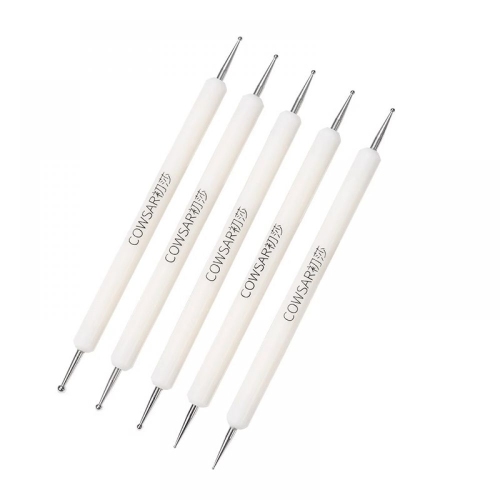
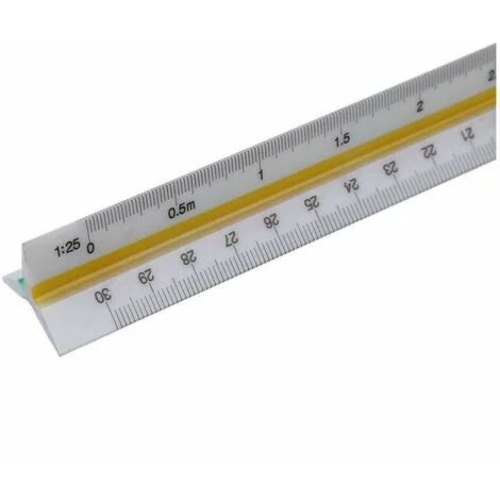

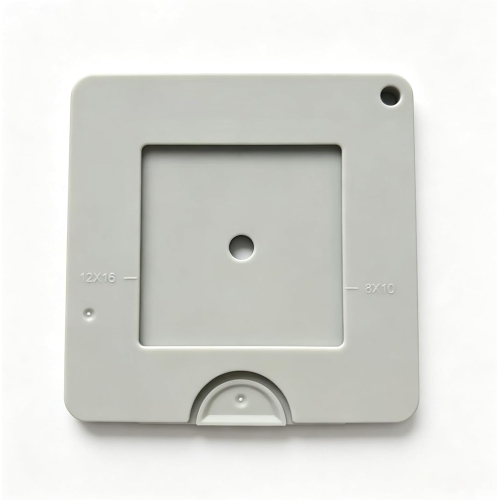
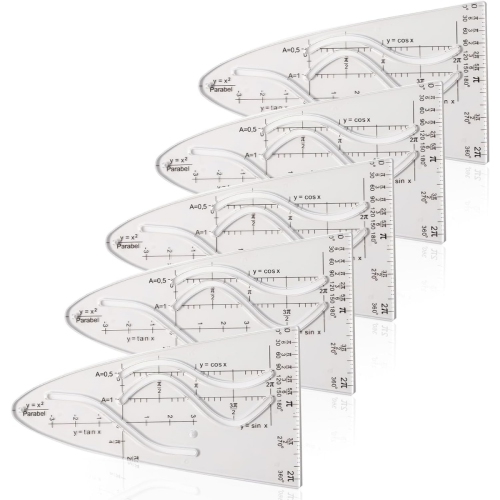
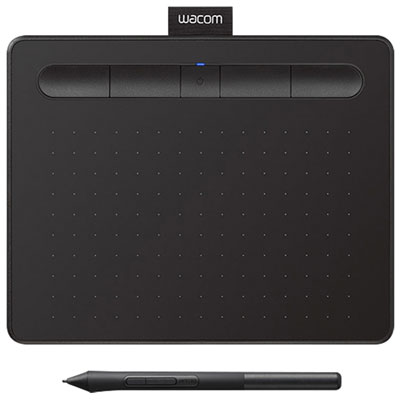
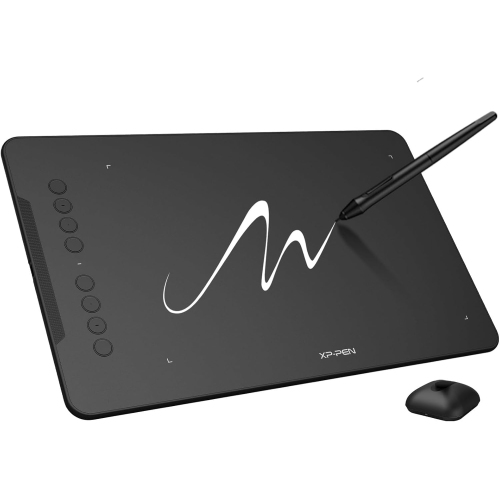



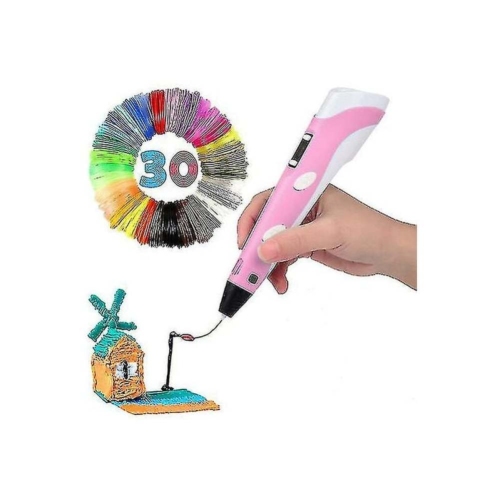
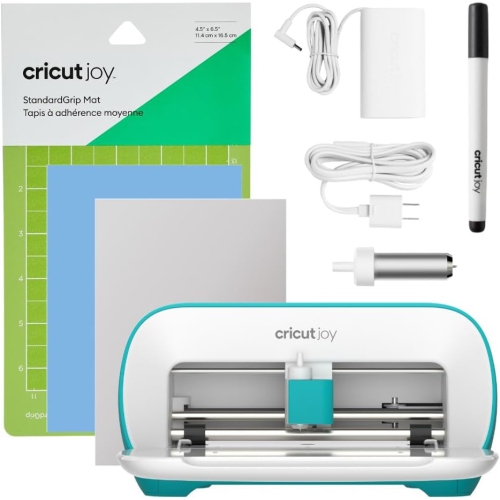
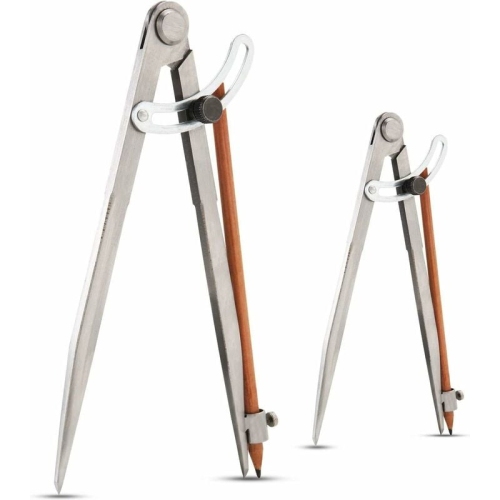

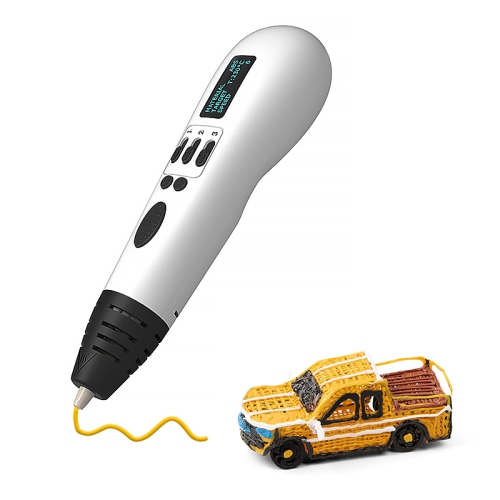
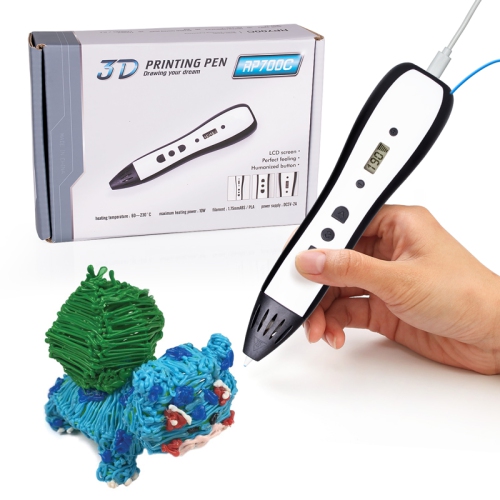
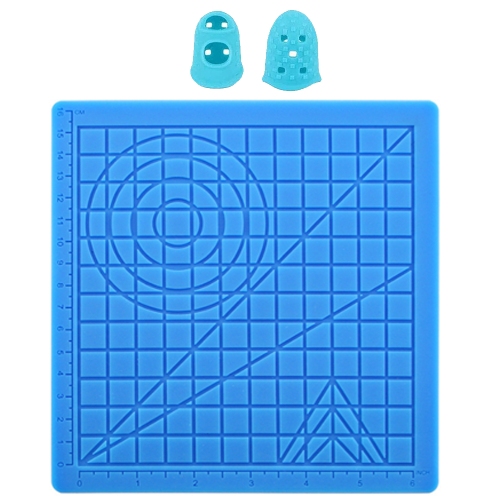

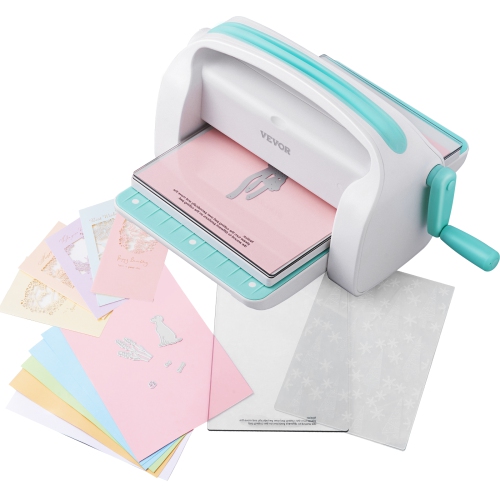
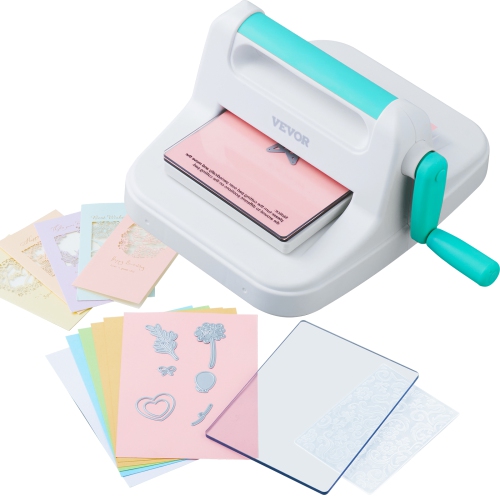
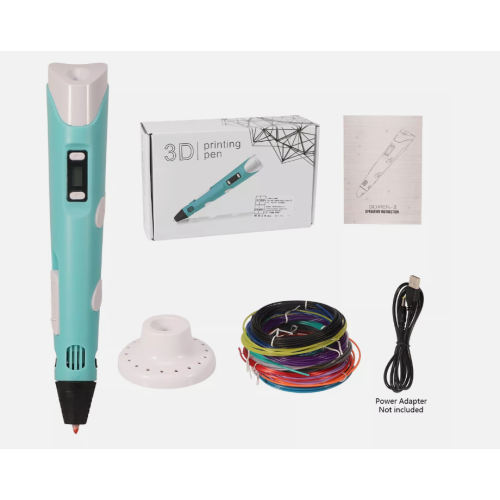
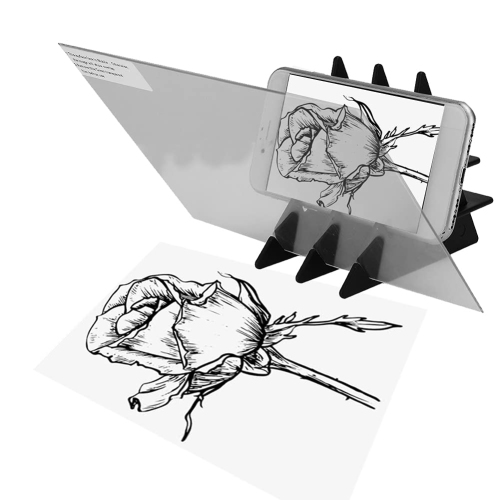
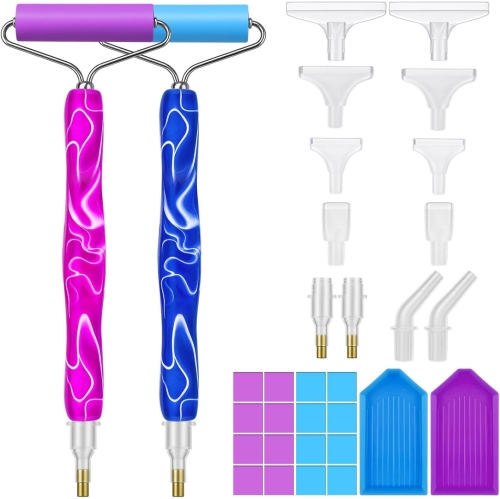

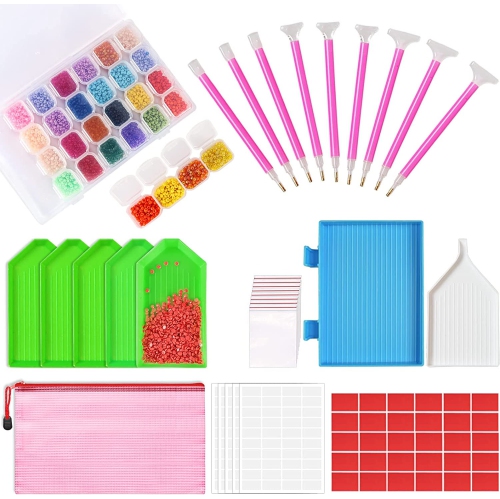
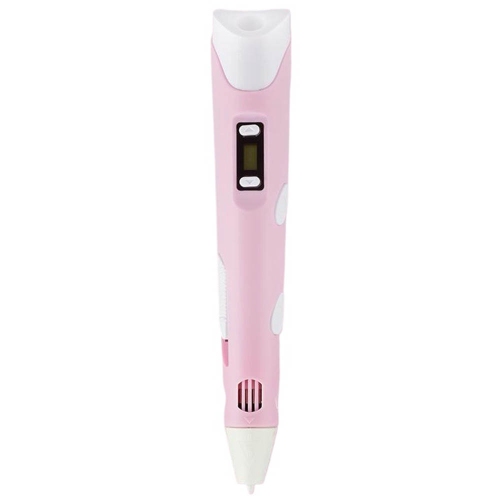
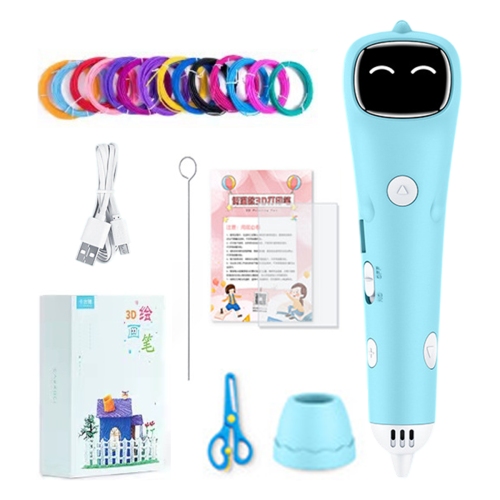
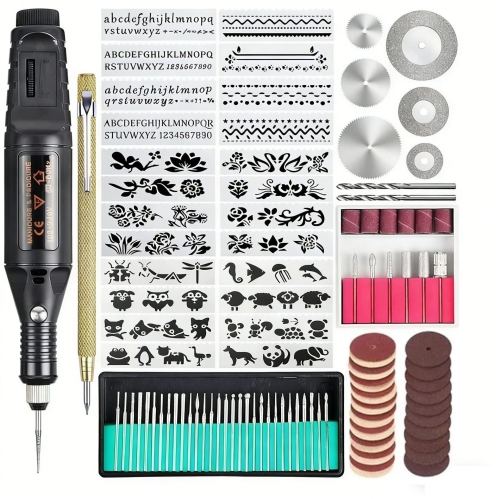
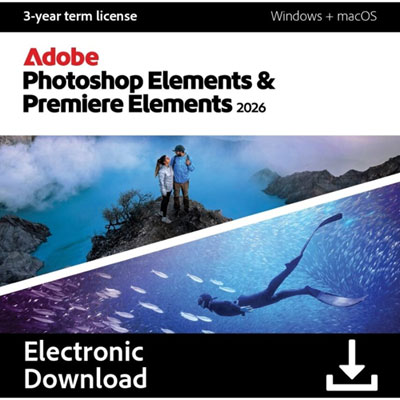
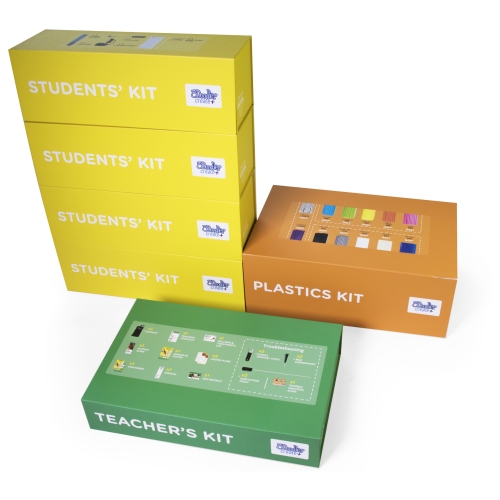
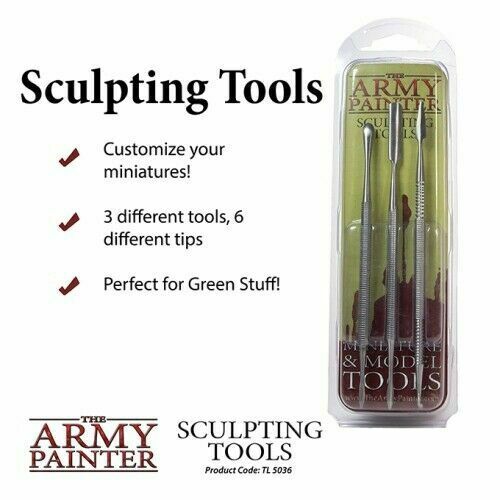
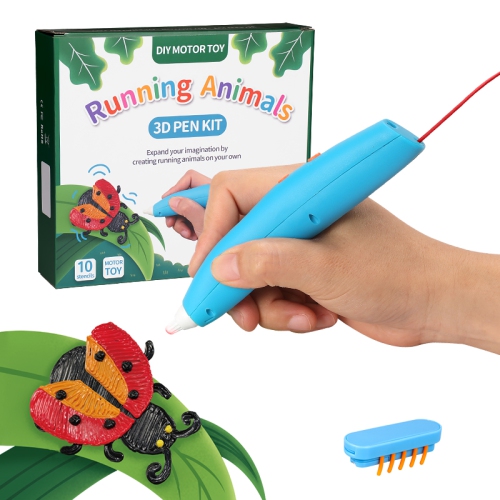
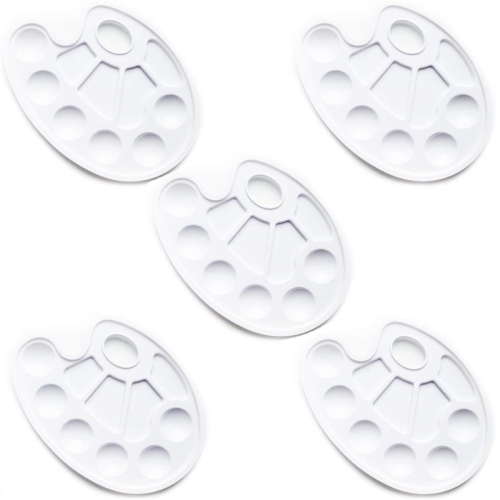
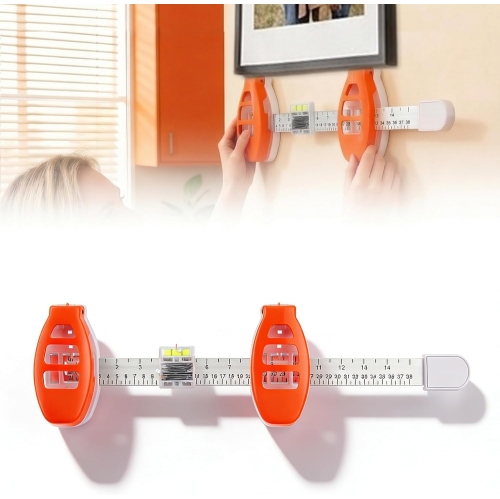
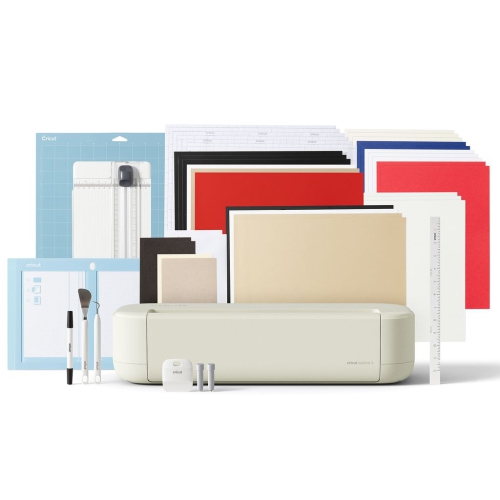
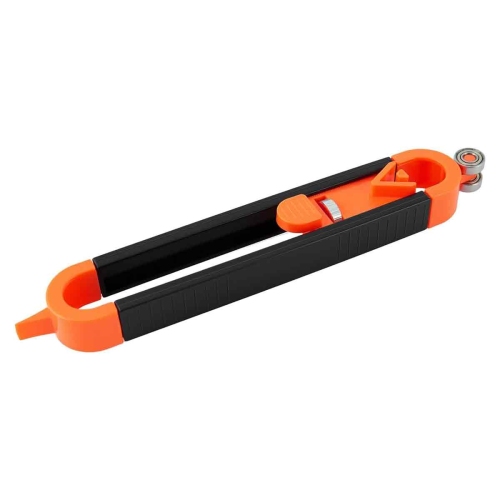
From rough sketches to interactive prototypes and finished artwork
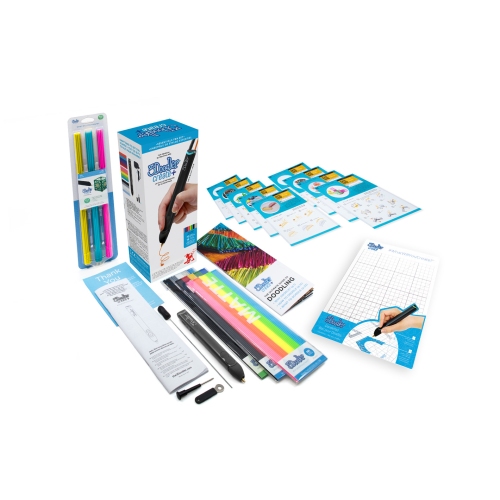
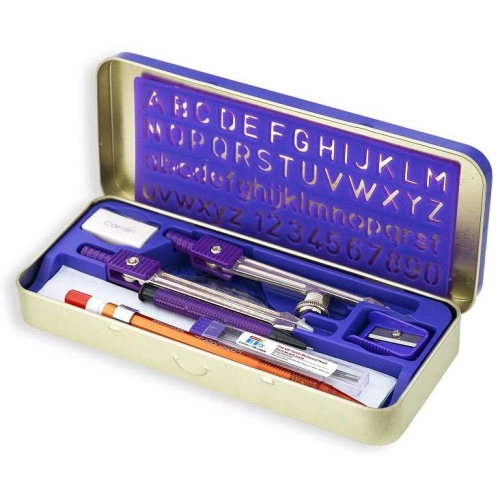
Design tools help turn ideas into visual work, from a rough sketch or a page layout to an interactive prototype or a detailed digital illustration. The category spans creative software, drawing hardware, and supporting accessories, with different capabilities suited to graphic design, user interface design, web design, illustration, and three-dimensional modelling. Vector graphics tools build artwork from editable paths and shapes, making them useful for logos, icons, diagrams, and lettering that need to stay crisp at different sizes. Raster graphics tools work with pixels and are better suited to photo editing, textured painting, and detailed image adjustments. Interface design tools bring layouts, reusable components, and clickable prototypes together so that a website or app can be explored before development begins. Web-building tools focus on arranging and publishing pages, while three-dimensional design software adds depth, lighting, materials, and spatial relationships to a project. These distinctions matter in everyday work: a poster may combine an edited photograph with vector typography, while an app concept may need several connected screens rather than a single finished image. Students developing a portfolio, small-business owners preparing branded materials, and experienced creative professionals can all use design tools, but their needs will differ. Someone sketching character concepts may value a natural pen response, while someone preparing presentation graphics may spend more time adjusting alignment, spacing, and colour. For user experience work, the ability to map a task, annotate decisions, and test a sequence of interactions can be more useful than an extensive library of decorative effects. Some workflows combine several types of tools, moving a sketch into a layout and then into a prototype or finished file. The most useful capabilities are therefore tied to the intended result, whether that means print-ready artwork, a responsive web layout, an animation, or a visual concept shared with a client. Familiar controls, clear file organization, and reliable export options can make that process easier without limiting room to experiment.
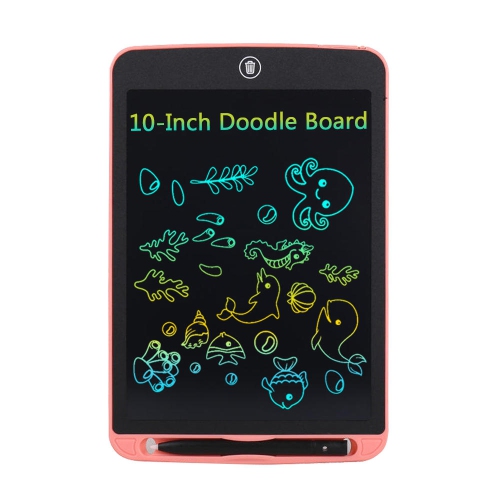
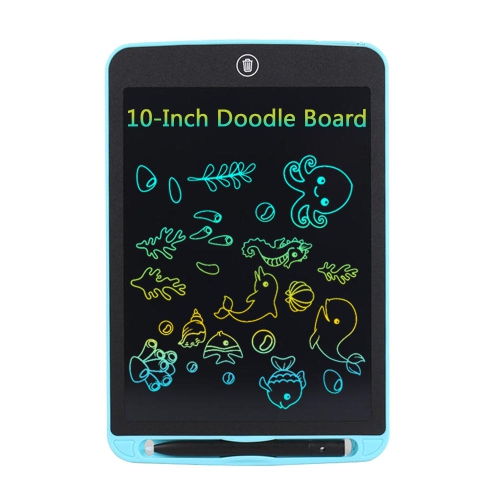
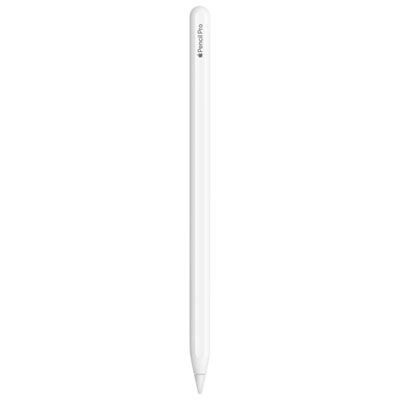
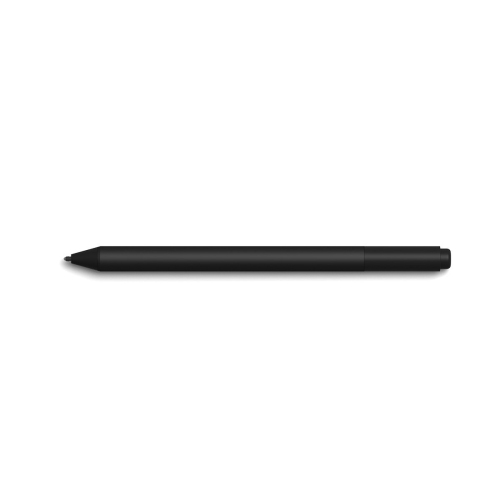
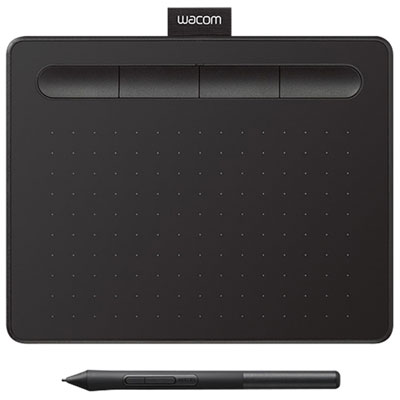
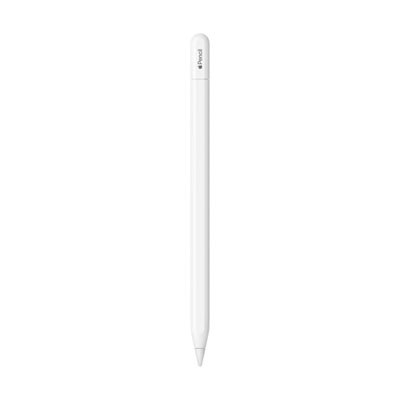
The physical side of a design setup affects how comfortably and accurately that work takes shape. Pen-input devices can give drawing, retouching, and handwritten annotation a more direct feel, although the experience varies with the active surface, pen response, and connection to the computer. A larger drawing area leaves room for broad arm movements, while a compact surface fits more easily beside a keyboard or into a bag. That balance matters for a student moving between classrooms, a designer working at a small desk, or an illustrator spending extended sessions on detailed lines. Pressure sensitivity can vary stroke width or opacity in compatible software, and tilt support can influence the behaviour of certain digital brushes. Those features depend on the application as well as the hardware, so operating system support, drivers, ports, and pen compatibility deserve attention. Display characteristics also shape visual work. Resolution affects how much fine detail is visible, colour performance influences how consistently artwork can be assessed, and an adjustable stand can help position the working area at a comfortable angle. A textured drawing surface may offer more resistance under the pen, while a smoother surface feels different and may suit another working style. Materials and construction matter for everyday handling, too: a sturdy base, secure cable connections, and well-fitted controls can be valuable when equipment moves frequently between workspaces. Replaceable pen tips and detachable cables, where supported, can make routine upkeep more straightforward. Screen-related accessories may also be relevant to a broader creative setup, with Screen Tools offering a related category to explore for device-focused tasks. Across the workspace, practical details such as cable reach, room for a keyboard, and a comfortable viewing position can be just as noticeable as headline specifications. A setup that fits the person and the desk helps keep attention on the artwork rather than on repeatedly shifting equipment out of the way.
Software compatibility and the way files move through a project are equally important parts of design work. Editable source files preserve layers, paths, text, and other working elements, while exported files are generally prepared for a particular destination, such as a printed document, a website, or a presentation. Support for the required formats can reduce extra conversion work when a project moves between collaborators. For printed materials, page dimensions, bleed, image resolution, and colour settings affect how the final piece is prepared. For screen-based layouts, responsive behaviour, readable type, clear contrast, and reusable components help a design work across different display sizes and interactions. Collaboration features can keep comments attached to the relevant part of a layout, while version history can make it easier to revisit an earlier direction without rebuilding it. AI-assisted features may support tasks such as generating initial variations, removing image backgrounds, or speeding up repetitive adjustments, but their usefulness depends on the quality of the results and the control retained by the designer. Fine details, text accuracy, usage rights, and the handling of uploaded material still warrant careful review, especially for client work or confidential concepts. Hardware requirements also vary: a simple layout and a complex three-dimensional scene can place very different demands on memory, graphics processing, and storage. For shared computers or collaborative work, account access and supported software versions can influence how easily a project continues from one workstation to another. Day-to-day care helps protect the physical tools behind that process. Cleaning methods should follow the manufacturer’s directions, with attention to approved cloths and solutions, protected connectors, and avoiding unnecessary pressure on drawing surfaces. Protective storage can help prevent scratches during travel, while checking pen tips for wear can support a consistent drawing feel. Design tools can also make thoughtful gifts for creative learners or established hobbyists when the recipient’s computer, preferred applications, and working habits are known. Whether used for coursework, freelance assignments, personal artwork, or business communication, a well-matched set of tools supports both the small adjustments and the larger ideas that give visual work its character.
Top selling and popular products
-
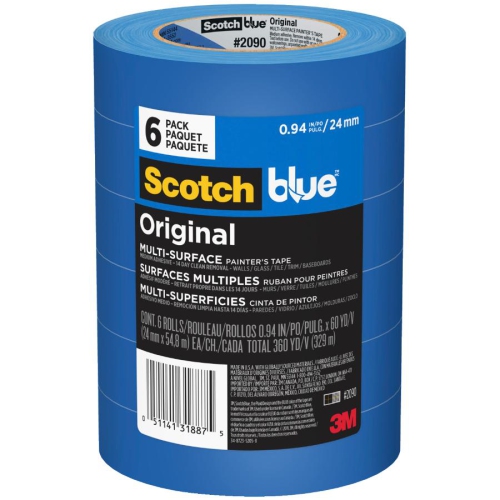 Your price for this item is $32.99
-
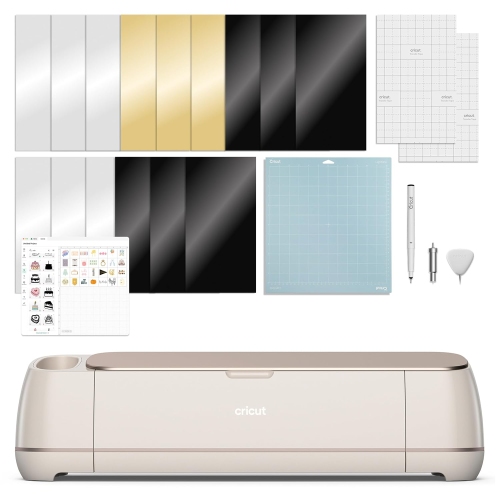 Your price for this item is $519
-
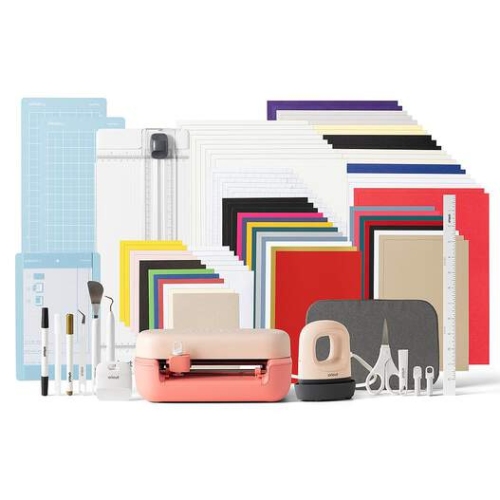 Your price for this item is $299
-
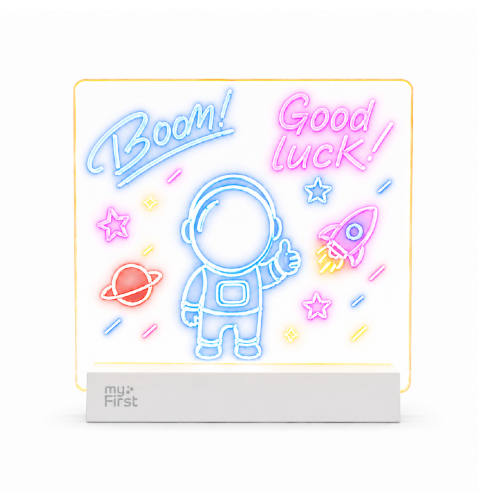 Your price for this item is $79.9
-
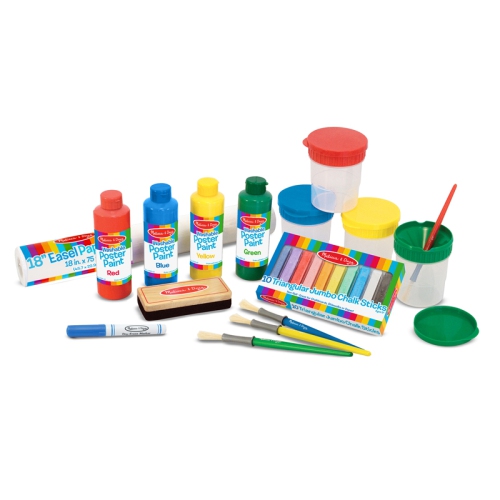 Your price for this item is $90.99
-
 Your price for this item is $69.9
-
 Your price for this item is $79.9
-
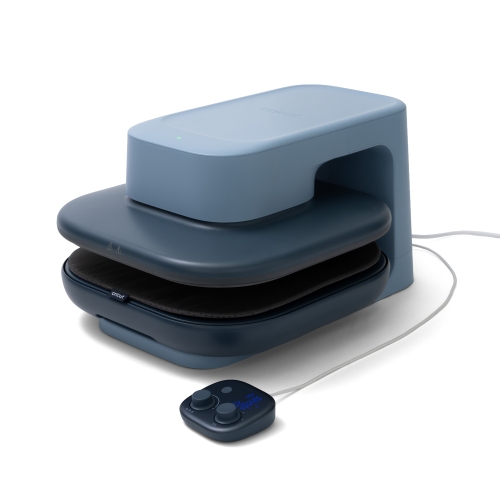 Your price for this item is $419
Discover more categories related to Design Tools

Top Collections:
Best Black Friday Deals This Year, Best Black Friday Deals On Electronics, Kindle Devices, Pokemon Centers, Best Black Friday Deals On Apple Products, Best Cameras for Sports Photography, Dyson Airwrap, Pokémon 30th Celebration Cards, Apple iPhone 17 Pro, Canon G7X Cameras
Some products may be subject to Environmental Handling Fees
(EHF) depending on your province.
Learn more about EHFs.