Desk Grommets
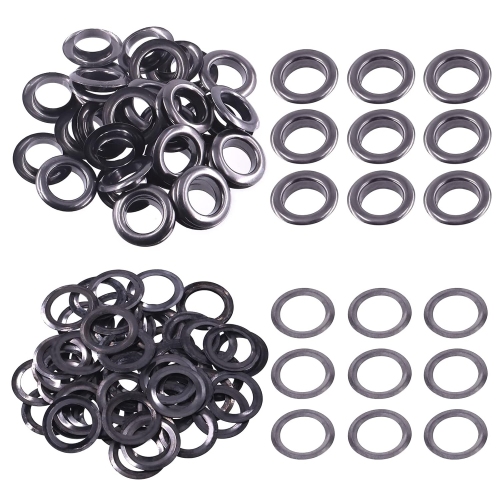
Upgrade your workspace with desk grommets, the perfect solution for managing cables and wires in a neat and organized manner. Whether you're setting up a home office or revamping your work setup, desk grommets offer a sleek and efficient way to keep your cords untangled and out of sight. Say goodbye to cluttered cables and hello to a clean and professional-looking desk space with these versatile accessories. Browse our selection of desk grommets today to find the perfect fit for your needs.
Sort


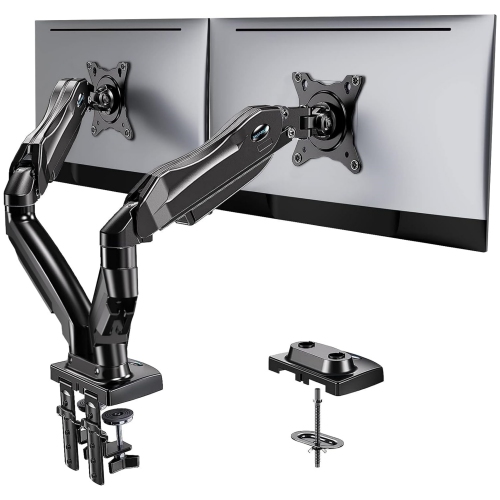
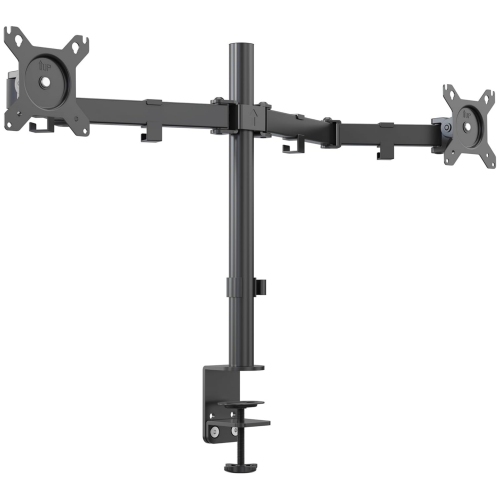
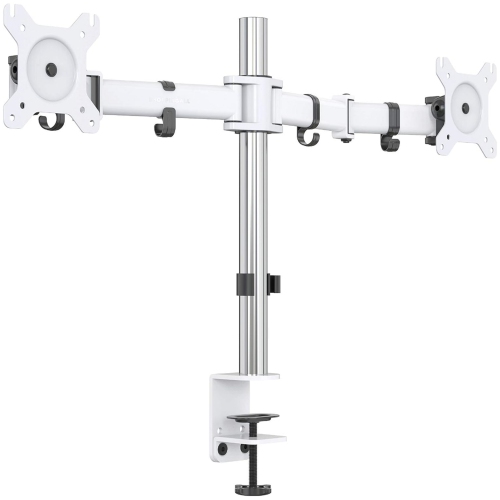
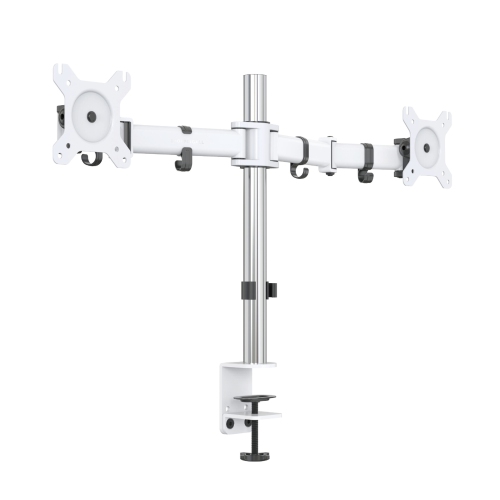
![AMER MOUNTS Amer Dual Monitor Desk Mount W/ Clamp & Grommet Base | Heavy Duty Dual Monitor Mount Holds Vesa Screens Up to 28" (Hydra2) [Review pulled from Amazon]
Great mount! I have a 15" 27", & 24" monitors I use for monitoring](https://multimedia.bbycastatic.ca/multimedia/products/500x500/116/11681/11681432.jpeg)

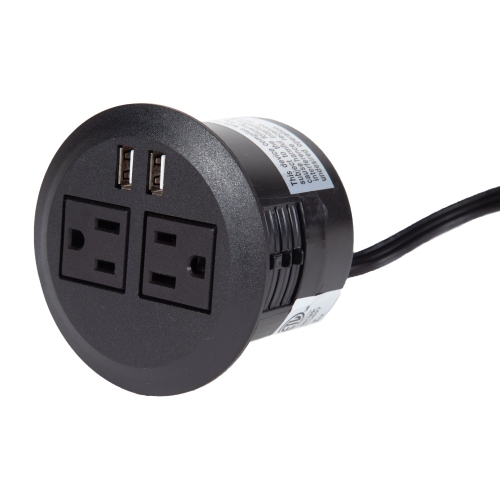
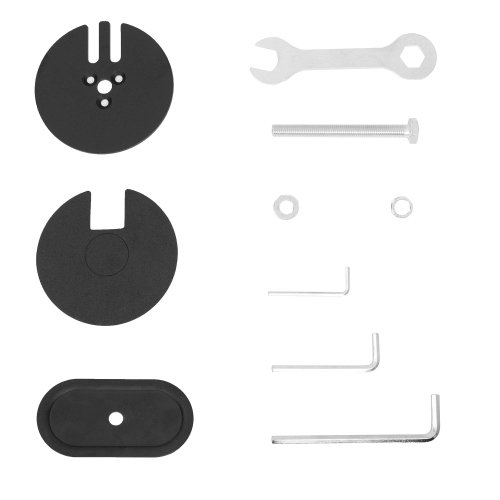
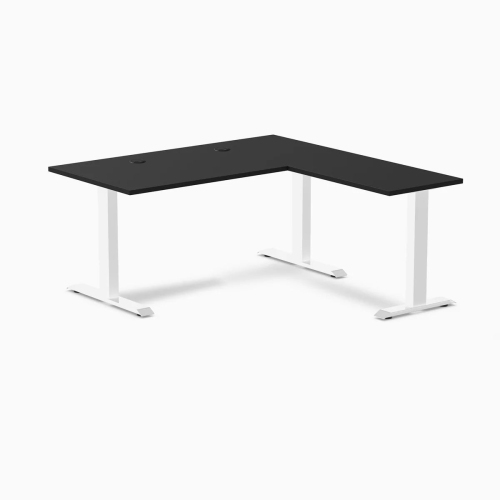
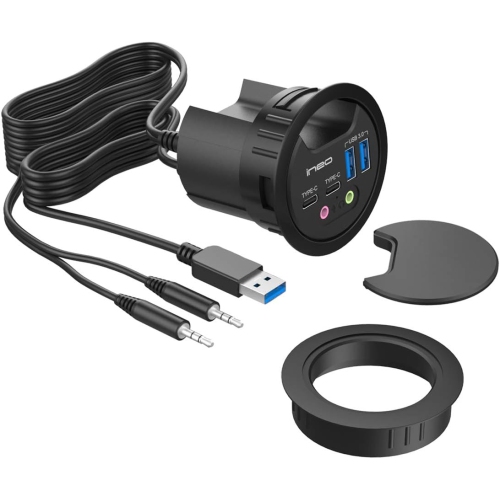

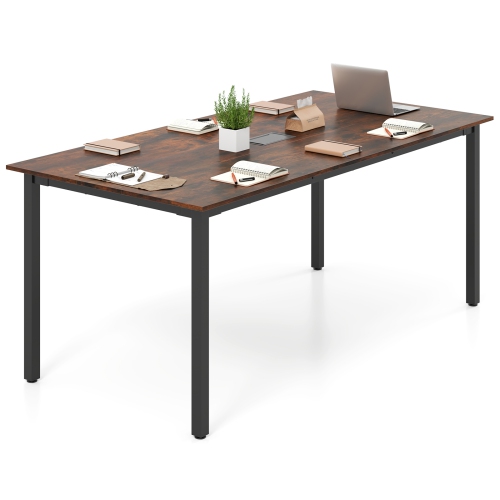
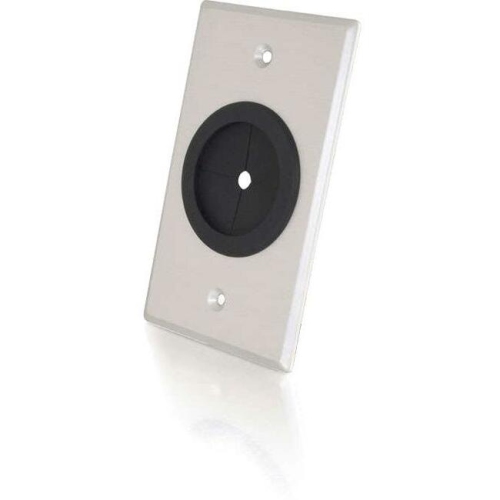
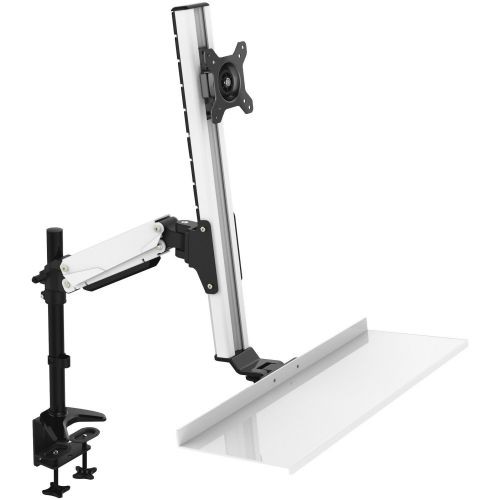
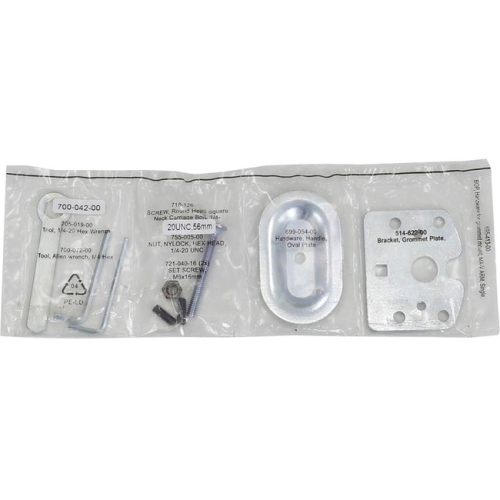
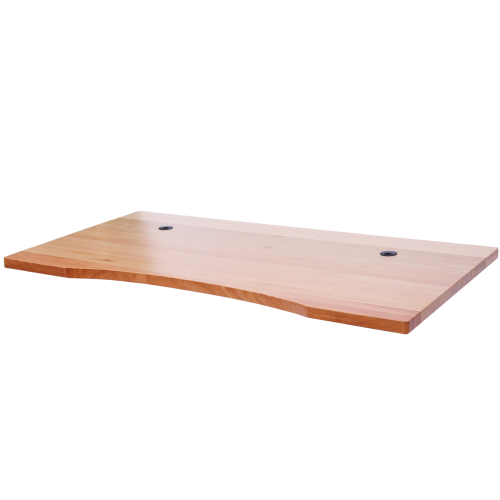
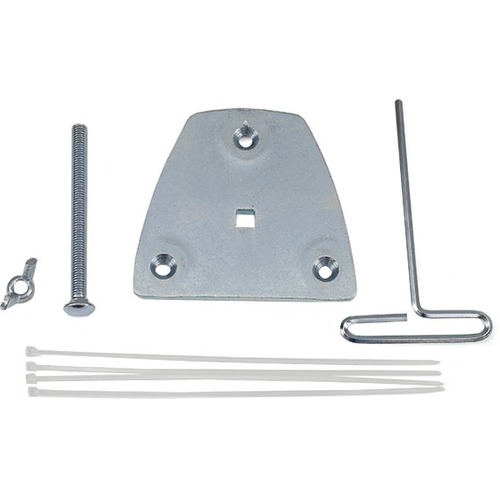

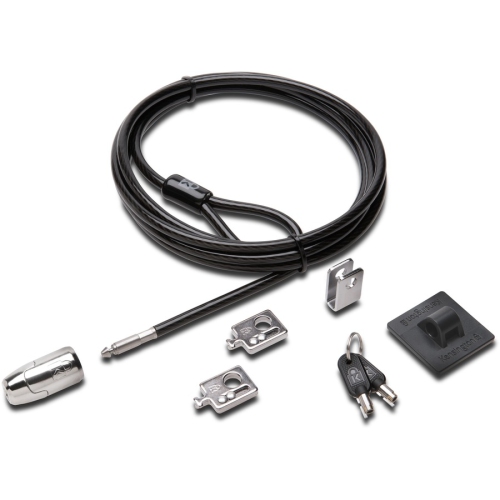

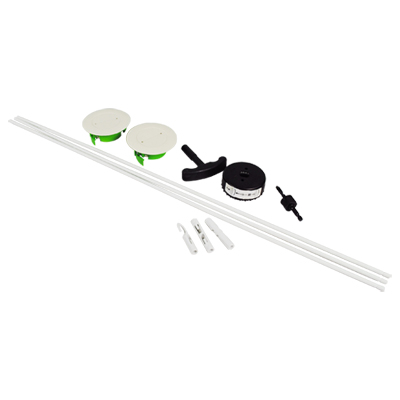

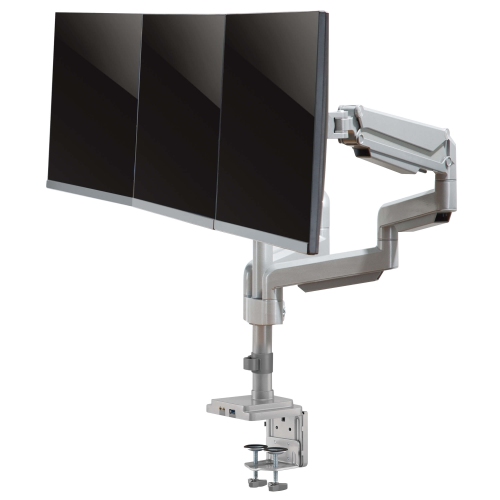
A neater workspace starts with smarter cable routing
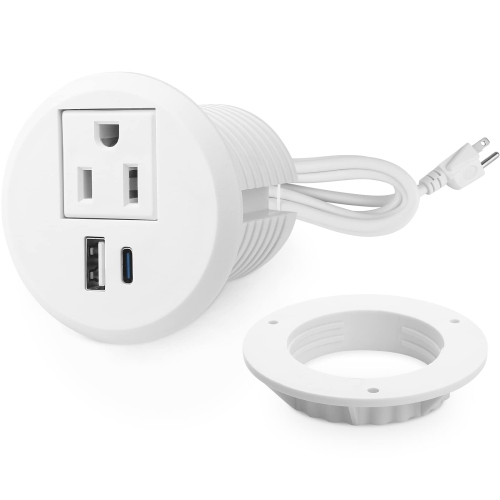
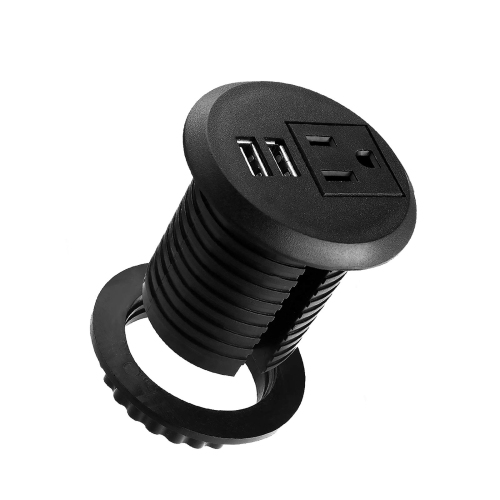
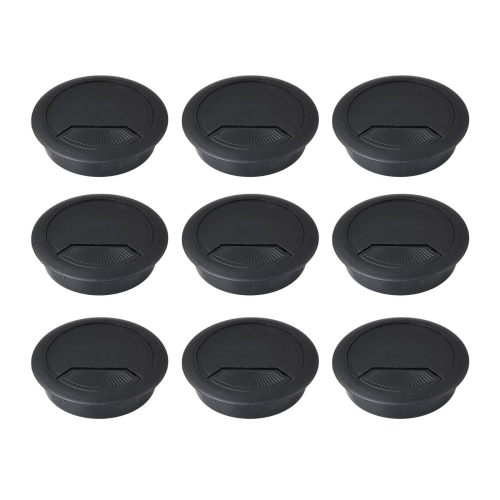
Desk grommets are small but highly useful accessories that help keep a workspace tidy, practical, and comfortable to use. Installed in a desktop, tabletop, or work surface, they create a neat passage for charging cables, monitor leads, keyboard connections, audio cords, and other wires that would otherwise trail across the back or edge of the desk. A well-placed grommet can make a noticeable difference in the daily experience of working, studying, gaming, crafting, or managing household tasks. Instead of reaching behind furniture to find a cable or allowing cords to slip between the wall and the desk, users can guide them through a defined opening and keep them close at hand. Desk grommets are available in a range of shapes, finishes, sizes, and configurations, making it easier to find an option that suits both the work surface and the equipment being used. Some feature a simple open centre for routing several cables, while others include a hinged cover, removable insert, brush-style bristles, or separate openings for keeping cords grouped together. The right choice depends on the number and thickness of cables, the position of the desk against a wall, and how often equipment needs to be connected or removed. A grommet near the rear corner can be convenient for a monitor and speakers, while one closer to the centre may work better for a laptop charger, phone cable, or frequently used accessories. For a shared workstation or study area, multiple grommets can help separate power cords from peripheral cables and reduce the tangle that tends to form when several people use the same surface. They can also be useful on sewing tables, hobby benches, reception counters, media consoles, and adjustable-height desks where cables need a clear route as the surface moves.
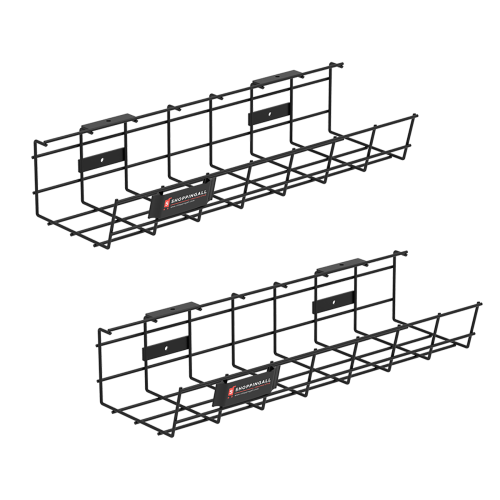
Before choosing desk grommets, measure the existing opening if the desk is already drilled, or confirm the required cut-out diameter if a new opening will be made. Product dimensions can refer to the outer rim, the inner cable opening, or the hole size needed for installation, so checking each measurement carefully helps avoid an ill-fitting result. The thickness of the desktop matters as well, particularly for grommets that use a lip, collar, or locking mechanism to stay in place. A narrow tabletop may need a different style from a substantial wood or composite work surface. Consider the material and finish alongside the rest of the furniture: black, white, grey, and metallic tones can blend with modern office setups, while a wood-look finish may coordinate more naturally with a traditional desk. A smooth cover can create a clean appearance when cables are not being used, while a brush opening can allow several connected cords to pass through without leaving a wide gap around them. If the desk is used for charging devices, look for a design that leaves enough room for the plugs and connectors without bending them sharply. Cable heads vary considerably, and larger connectors may not pass through a narrow opening. It is also worth considering access beneath the desk. A grommet can organize cables at the desktop, but cords may still need clips, ties, trays, or sleeves underneath to prevent them from hanging within reach, catching on chair arms, or pulling against connected equipment. A coordinated set of Cable Management Kits For Desks can help complete the setup by managing the route from the desktop to the floor or nearby power source. For desks with built-in outlets or data connections, verify compatibility before installation and avoid forcing plugs through openings that are too small. Anyone creating a new cut-out should use the correct tools, protect the desk surface from splintering or chipping, and check beneath the work area for support rails, drawers, wiring, or other obstructions. Renters, students, and users of temporary workstations may prefer adhesive or clamp-on cable-routing solutions when drilling is not suitable, while owners of solid desks may appreciate a more permanent, integrated finish.
Desk grommets can be especially helpful for people creating a dedicated home office as the weather warms or settling into a more structured workspace during the cooler months. A parent may use them to keep a homework station orderly, with charging cables routed away from notebooks and supplies. A remote worker may appreciate having a clear path for a laptop, webcam, lamp, and headset, particularly when the desk doubles as a dining or living area after work. Gamers and computer enthusiasts can use separate openings to route display, network, audio, and power cables while keeping the front of the desk clear for a keyboard and mouse. They can also make a thoughtful and practical gift for someone moving into a first apartment, setting up a student residence, refreshing a craft room, or furnishing a new office. The gift is modest in size but useful every day, especially for someone who has recently added a monitor, docking station, printer, or other desk equipment and is still dealing with loose wires. When choosing for another person, neutral colours and versatile openings are generally easy to coordinate with existing furniture, while a larger format may suit a workstation with several devices. For a cleaner result, place the grommet where cables naturally gather rather than forcing them to cross the desk surface. Leave enough slack for moving a monitor, adjusting a chair, or lifting a laptop without pulling on the connections. Keeping power adapters and excess cable length supported beneath the desk can further reduce strain and make cleaning easier. With the right size and placement, desk grommets help turn a cluttered work surface into a calmer, more functional area where tools are easy to reach and cables stay under control.
Before choosing desk grommets, measure the existing opening if the desk is already drilled, or confirm the required cut-out diameter if a new opening will be made. Product dimensions can refer to the outer rim, the inner cable opening, or the hole size needed for installation, so checking each measurement carefully helps avoid an ill-fitting result. The thickness of the desktop matters as well, particularly for grommets that use a lip, collar, or locking mechanism to stay in place. A narrow tabletop may need a different style from a substantial wood or composite work surface. Consider the material and finish alongside the rest of the furniture: black, white, grey, and metallic tones can blend with modern office setups, while a wood-look finish may coordinate more naturally with a traditional desk. A smooth cover can create a clean appearance when cables are not being used, while a brush opening can allow several connected cords to pass through without leaving a wide gap around them. If the desk is used for charging devices, look for a design that leaves enough room for the plugs and connectors without bending them sharply. Cable heads vary considerably, and larger connectors may not pass through a narrow opening. It is also worth considering access beneath the desk. A grommet can organize cables at the desktop, but cords may still need clips, ties, trays, or sleeves underneath to prevent them from hanging within reach, catching on chair arms, or pulling against connected equipment. A coordinated set of Cable Management Kits For Desks can help complete the setup by managing the route from the desktop to the floor or nearby power source. For desks with built-in outlets or data connections, verify compatibility before installation and avoid forcing plugs through openings that are too small. Anyone creating a new cut-out should use the correct tools, protect the desk surface from splintering or chipping, and check beneath the work area for support rails, drawers, wiring, or other obstructions. Renters, students, and users of temporary workstations may prefer adhesive or clamp-on cable-routing solutions when drilling is not suitable, while owners of solid desks may appreciate a more permanent, integrated finish.
Desk grommets can be especially helpful for people creating a dedicated home office as the weather warms or settling into a more structured workspace during the cooler months. A parent may use them to keep a homework station orderly, with charging cables routed away from notebooks and supplies. A remote worker may appreciate having a clear path for a laptop, webcam, lamp, and headset, particularly when the desk doubles as a dining or living area after work. Gamers and computer enthusiasts can use separate openings to route display, network, audio, and power cables while keeping the front of the desk clear for a keyboard and mouse. They can also make a thoughtful and practical gift for someone moving into a first apartment, setting up a student residence, refreshing a craft room, or furnishing a new office. The gift is modest in size but useful every day, especially for someone who has recently added a monitor, docking station, printer, or other desk equipment and is still dealing with loose wires. When choosing for another person, neutral colours and versatile openings are generally easy to coordinate with existing furniture, while a larger format may suit a workstation with several devices. For a cleaner result, place the grommet where cables naturally gather rather than forcing them to cross the desk surface. Leave enough slack for moving a monitor, adjusting a chair, or lifting a laptop without pulling on the connections. Keeping power adapters and excess cable length supported beneath the desk can further reduce strain and make cleaning easier. With the right size and placement, desk grommets help turn a cluttered work surface into a calmer, more functional area where tools are easy to reach and cables stay under control.
Top selling and popular products
-
 Your price for this item is $34.95
 -
 Your price for this item is $149.99
 -
 Your price for this item is $79.99
 -
 Your price for this item is $69.99
 -
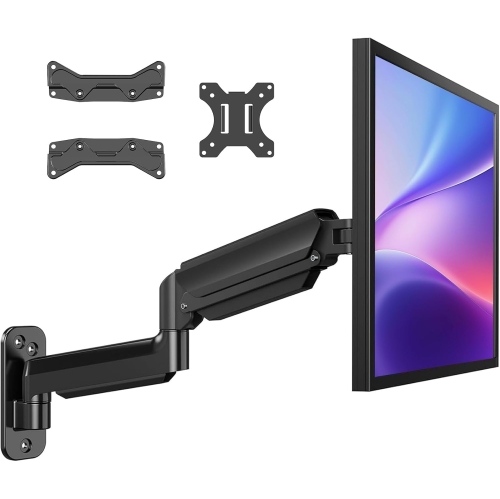 Your price for this item is $144.49
 -
 Your price for this item is $69.99
 -
 Your price for this item is $123.5
 -
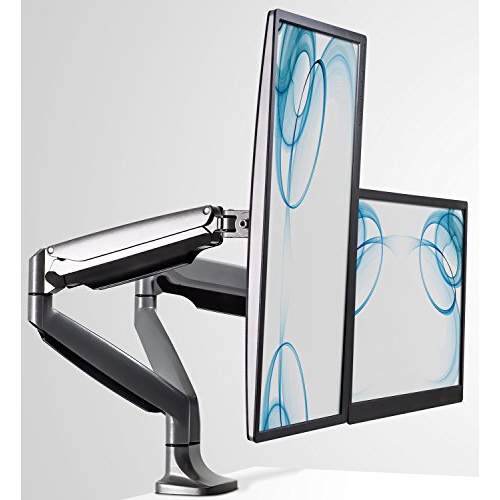 Your price for this item is $274.68
Discover more categories related to Desk Grommets
Top Collections:
Pokemon Centers, Best Cameras for Sports Photography, Kindle Devices, Samsung Galaxy Phones, Canon G7X Cameras, Pokémon 30th Celebration Cards, Refurbished Apple Laptops, iPhone 15 Apple, Laptops for Students, Budget Smartphones
Some products may be subject to Environmental Handling Fees
(EHF) depending on your province.
Learn more about EHFs.