Desk Stands
Elevate your workspace with our selection of desk stands designed to enhance organization and productivity. Whether you're looking to optimize your ergonomic setup, declutter your desk space, or simply add a touch of style to your office, our range of desk stands offers versatile solutions to meet your needs. From adjustable monitor stands to sleek laptop risers, discover innovative designs that blend functionality with modern aesthetics. Upgrade your work environment today with our collection of desk stands that are sure to elevate both your workflow and your workspace ambiance.
Sort

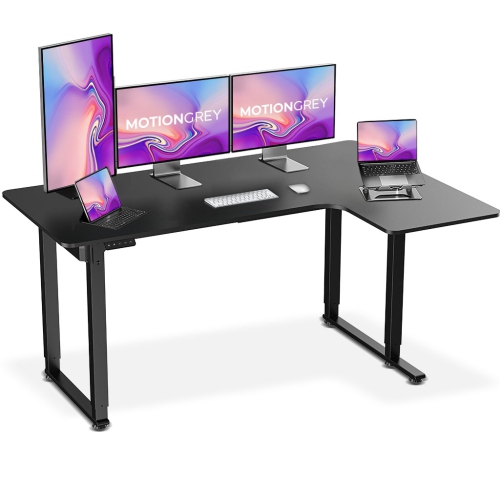
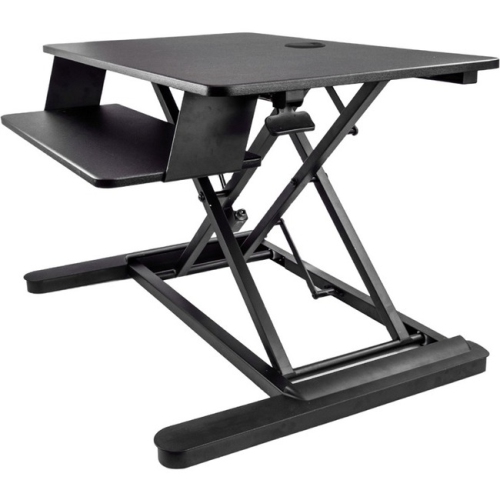
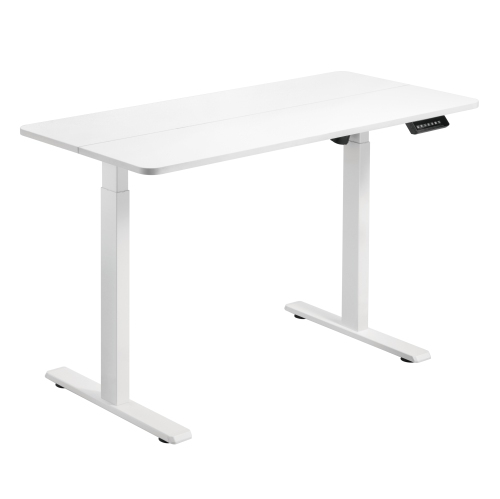
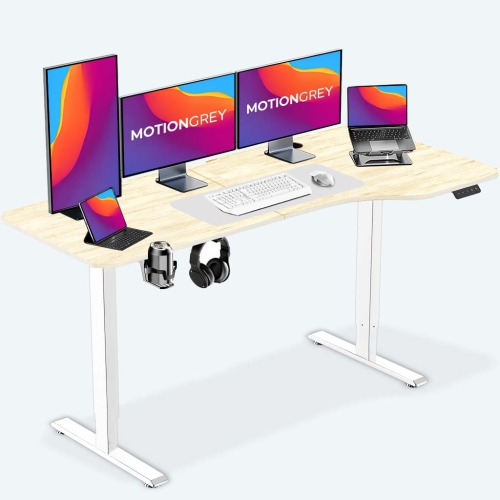
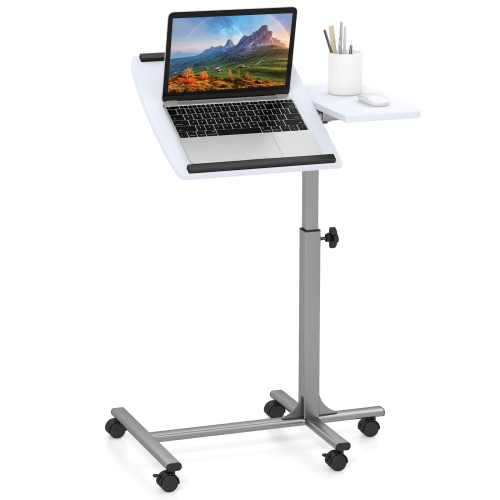
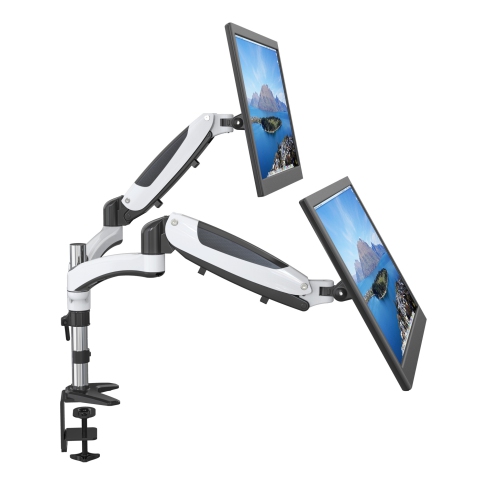

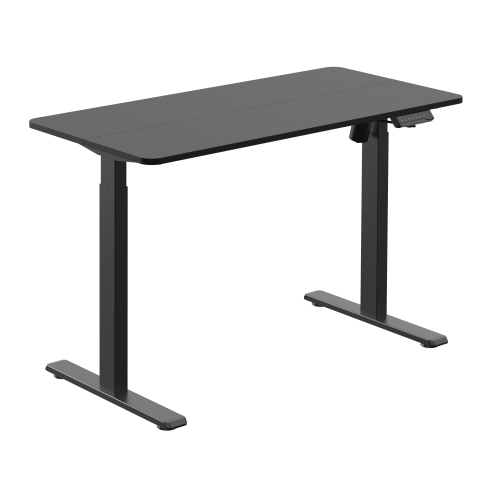
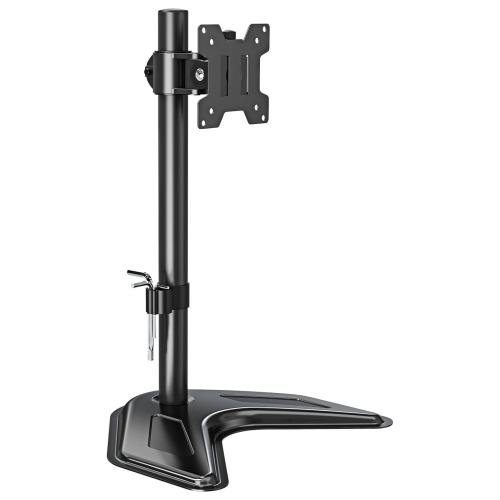
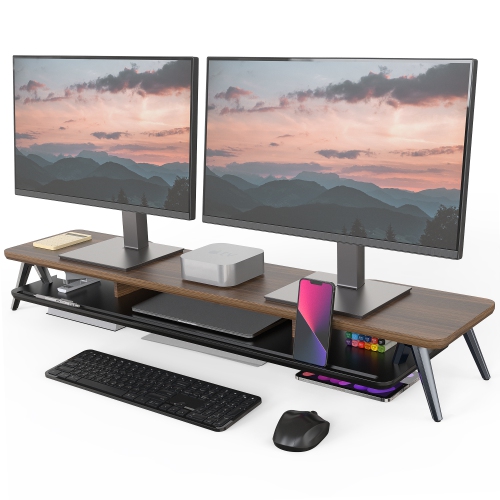
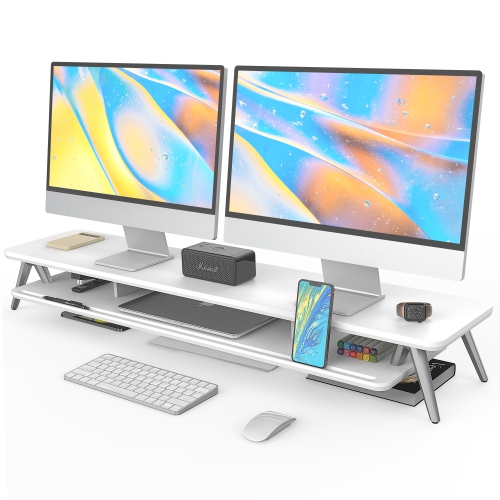
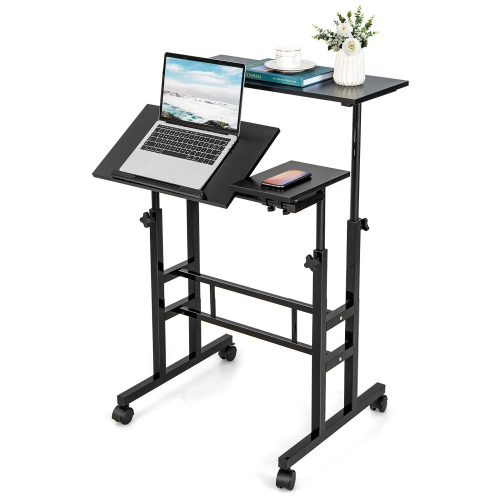
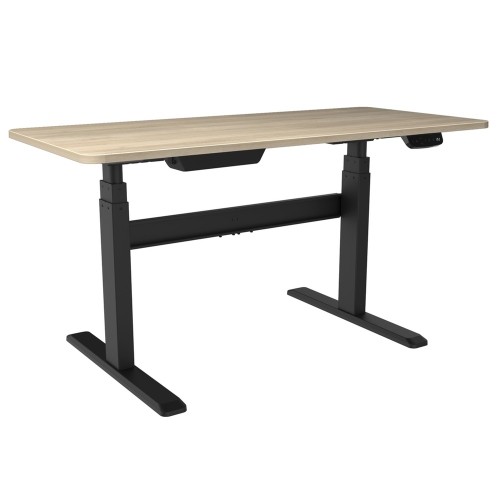
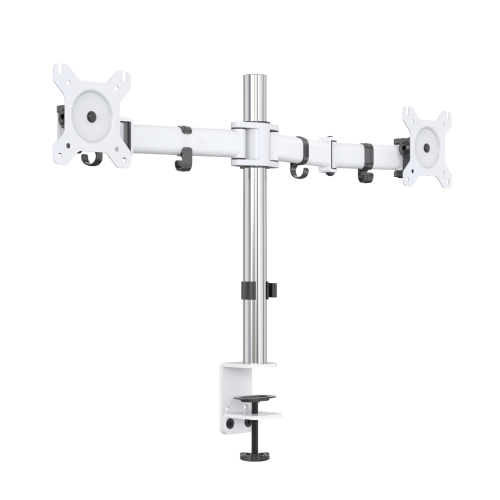
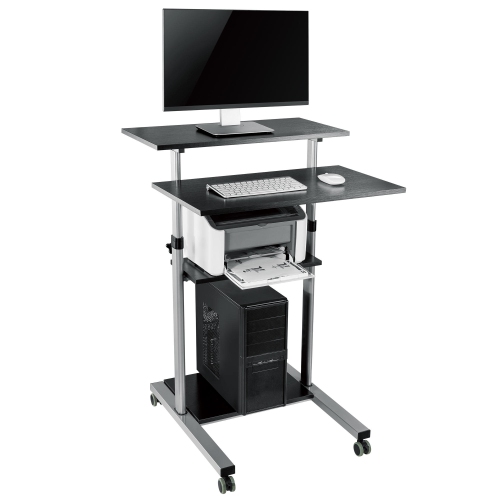
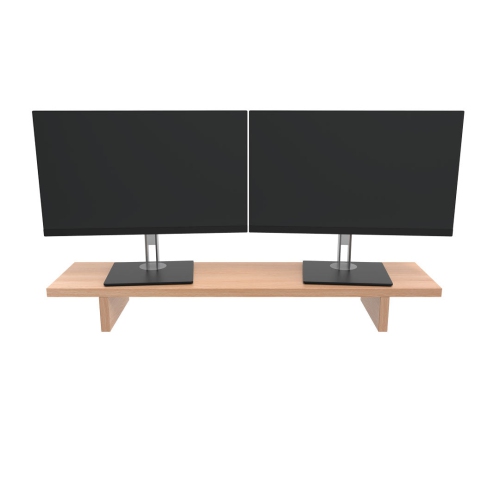
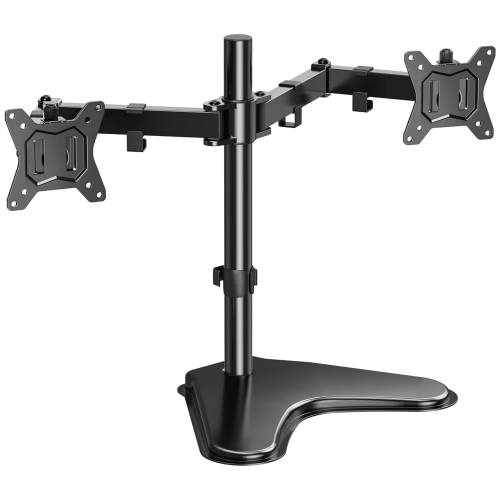
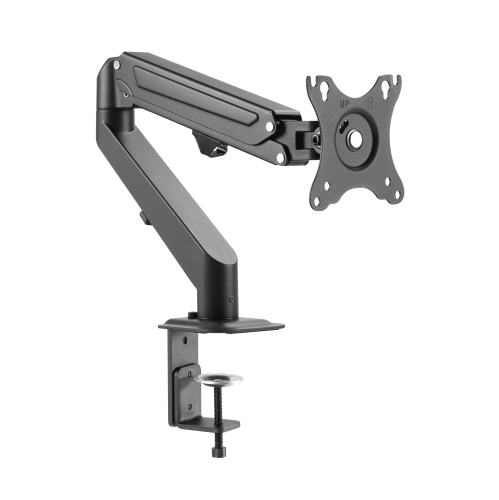
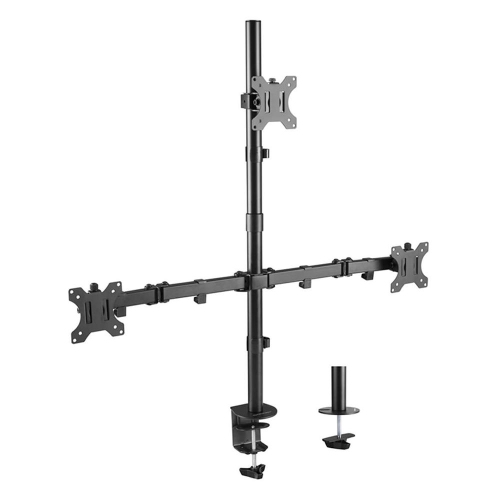

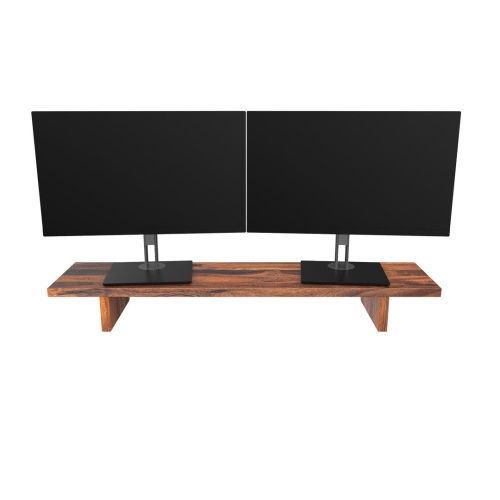
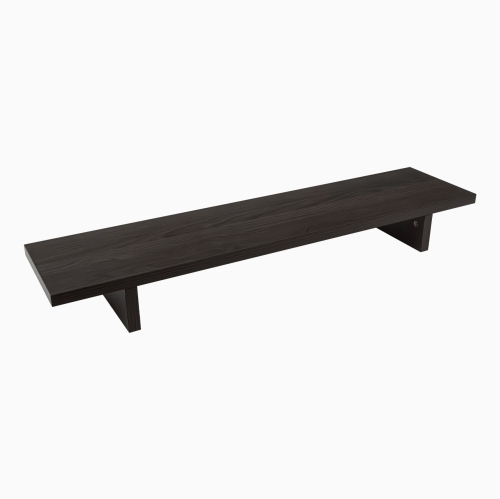
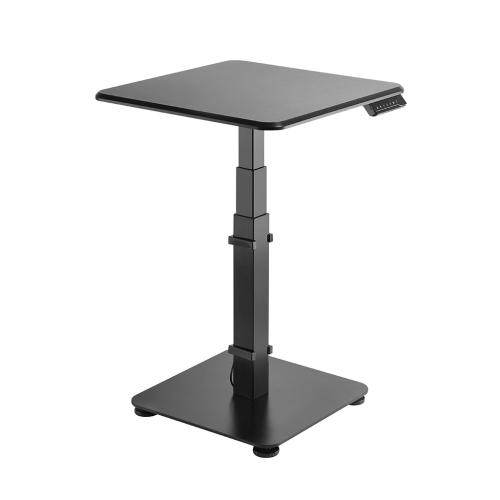
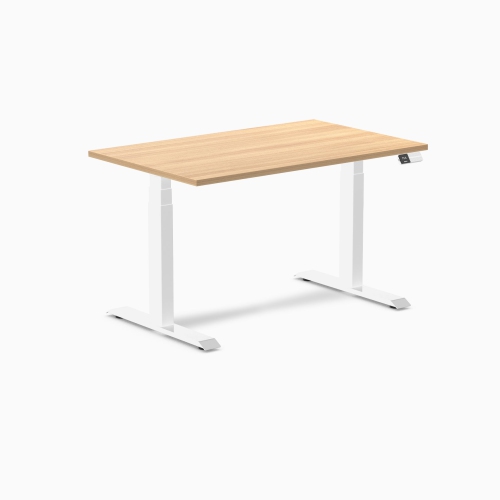
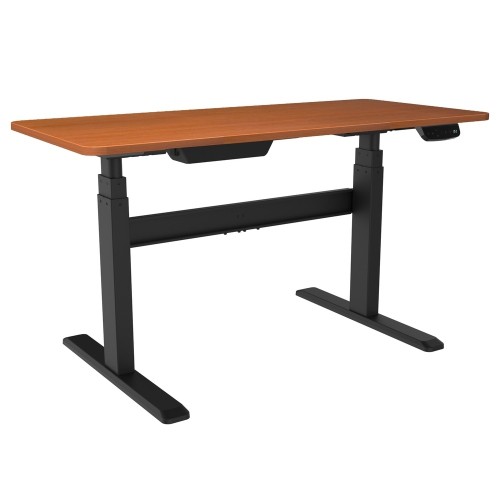

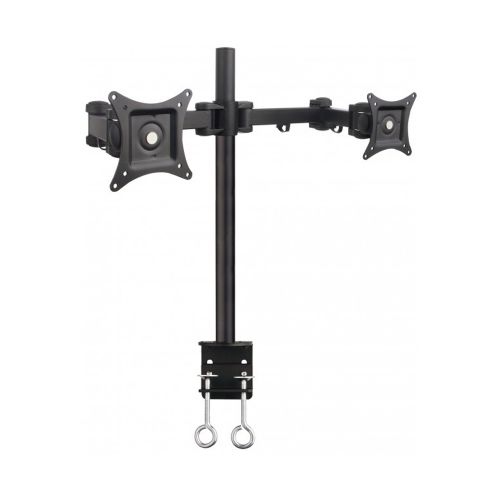
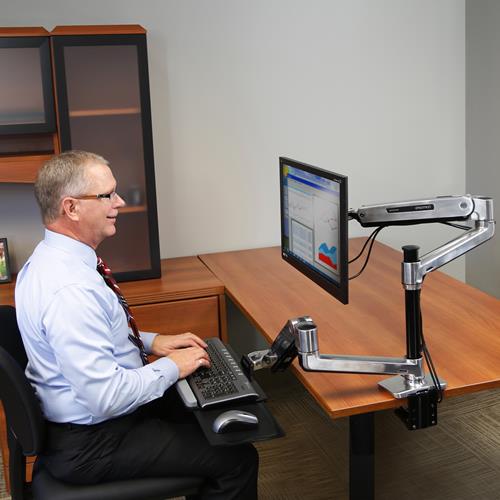
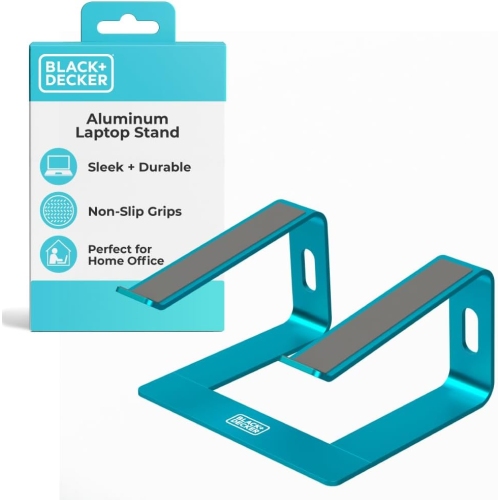
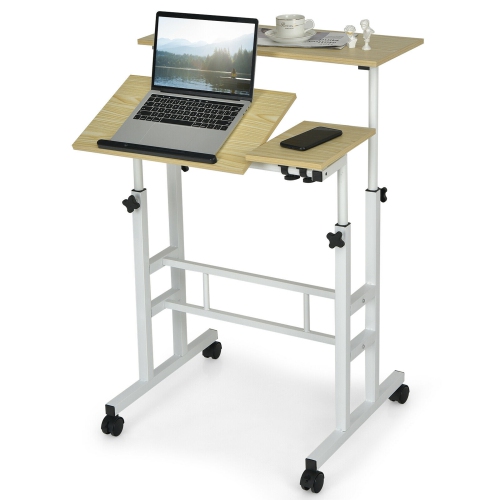
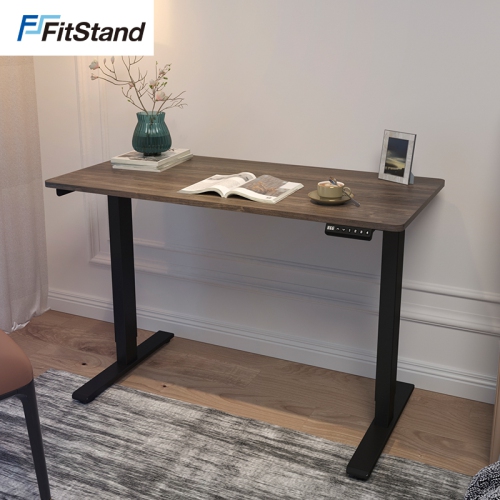
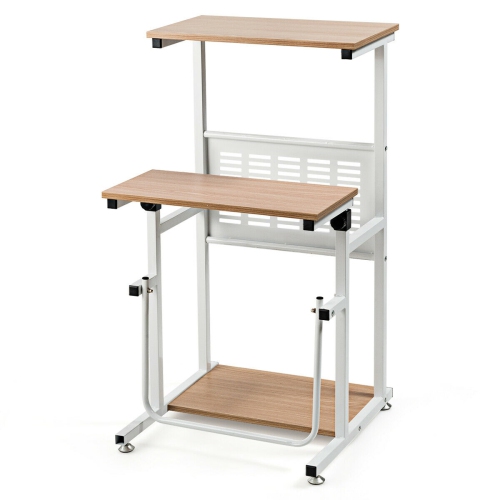

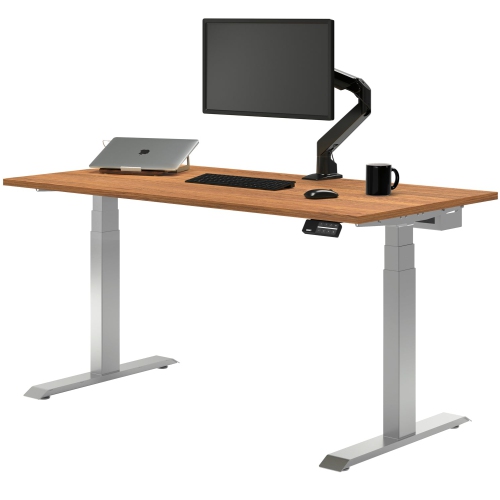
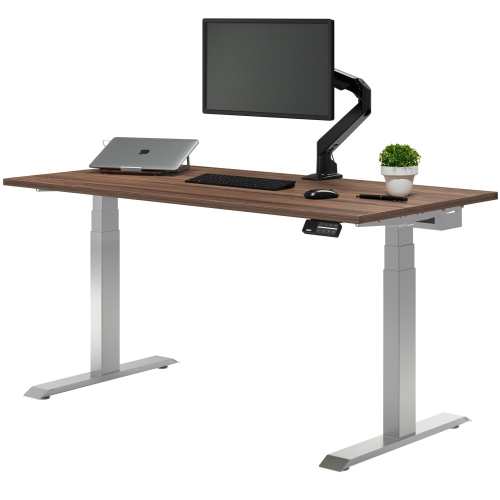
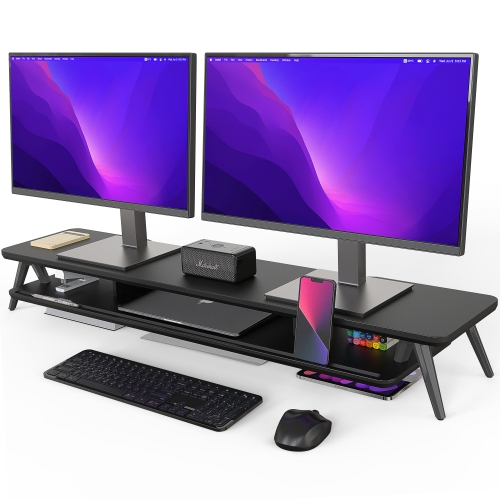
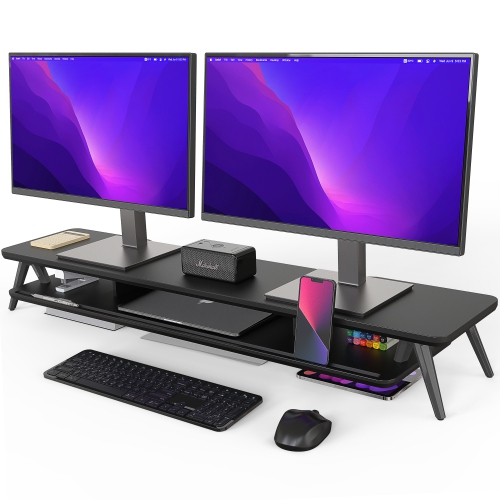
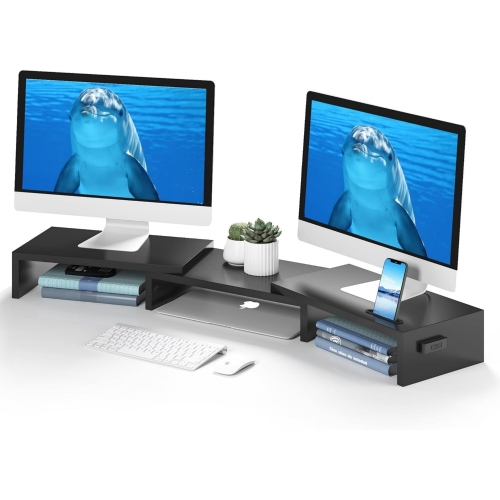
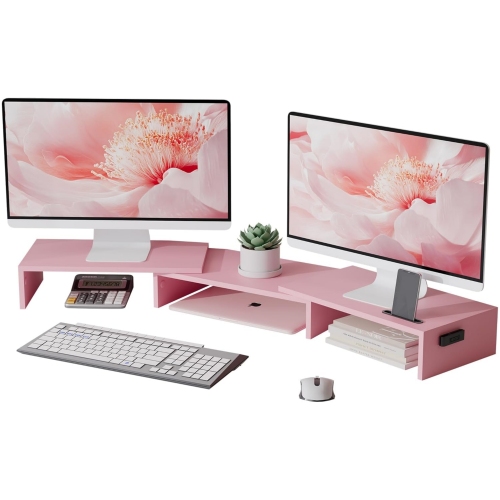
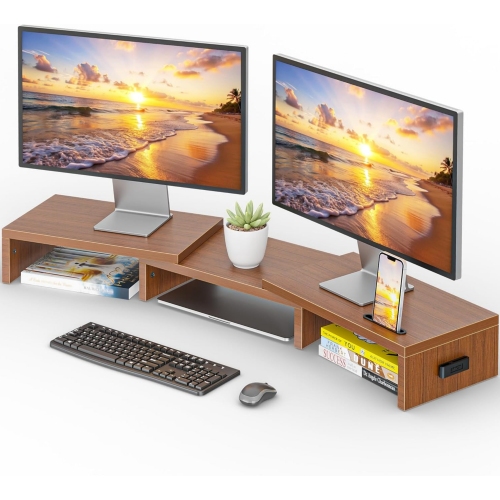
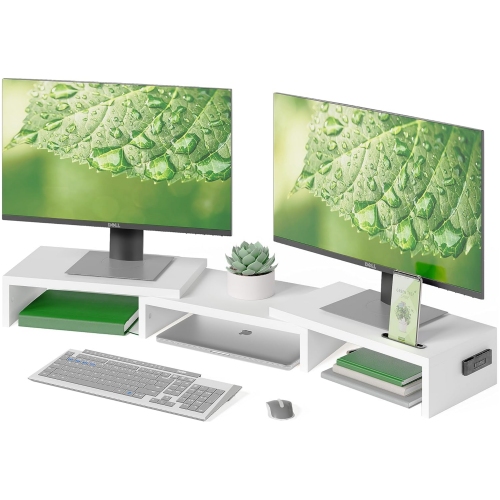
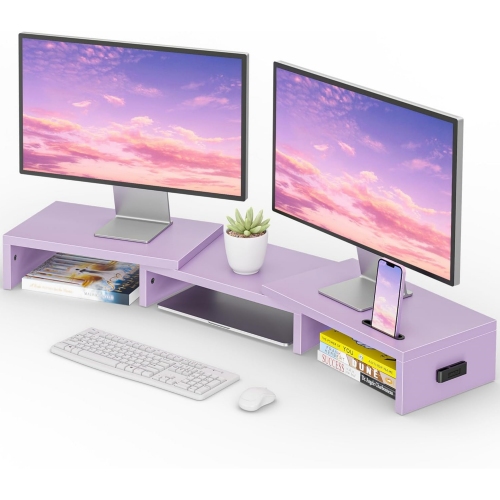
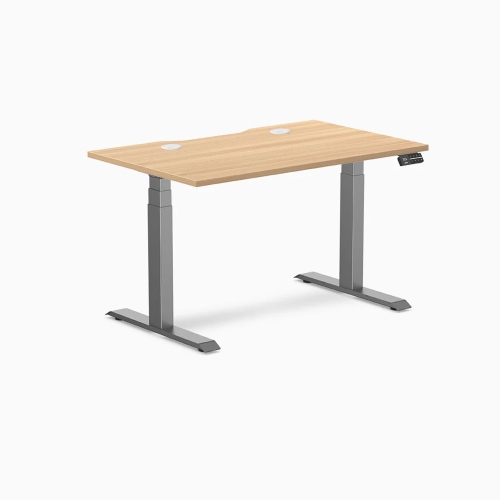
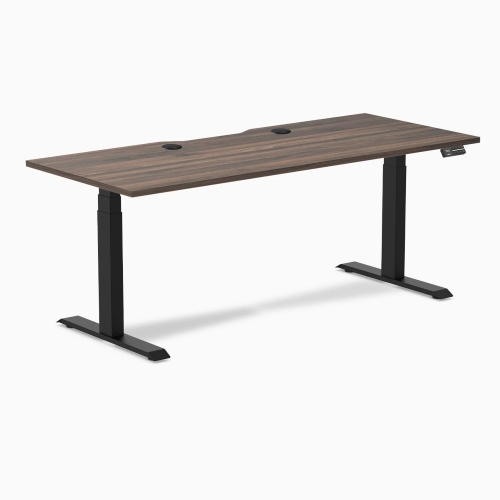
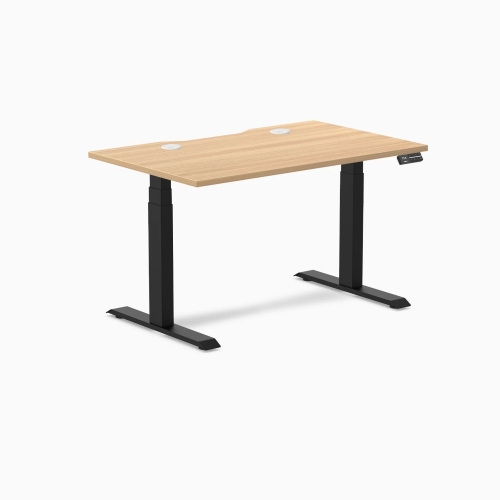


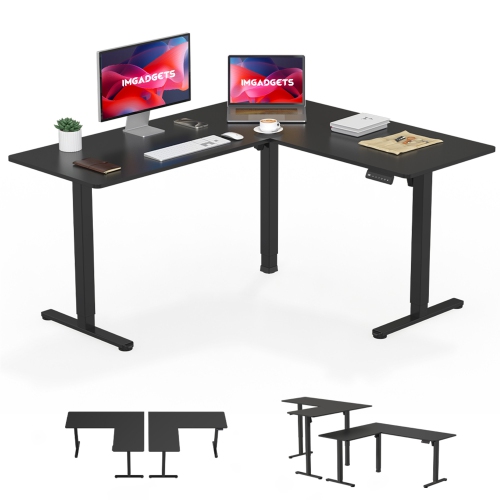
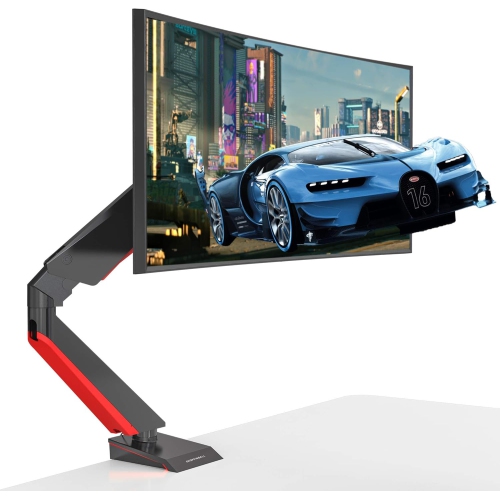
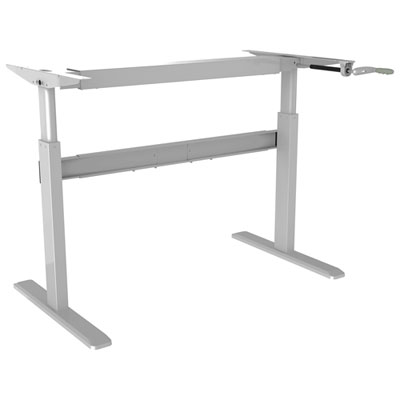
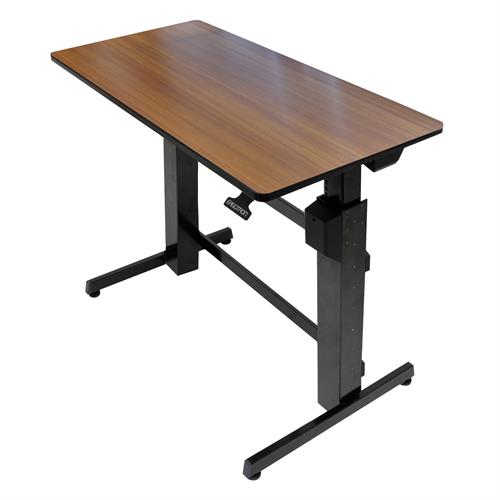
![AMER MOUNTS Dual Articulating Spring Monitor Arm [Arctic Edition] for 17"-32" Monitors 9Kg Max Weight Per Screen - Clamp And Grommet Base Mount But this one worked really great](https://multimedia.bbycastatic.ca/multimedia/products/500x500/160/16039/16039938.jpeg)
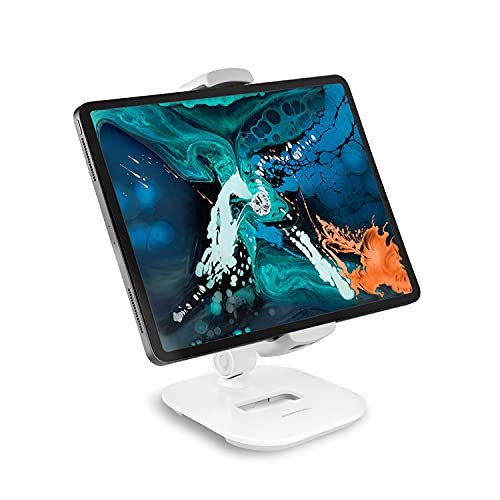
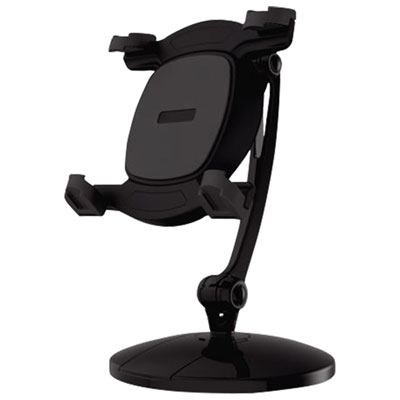
![CSMART [Cs] Universal Phone Desk Stand Foldable Cellphone Mount Holder for Iphone Ipad Cell Phone Smartphone Tablet In Black](https://multimedia.bbycastatic.ca/multimedia/products/500x500/169/16932/16932912.jpeg)
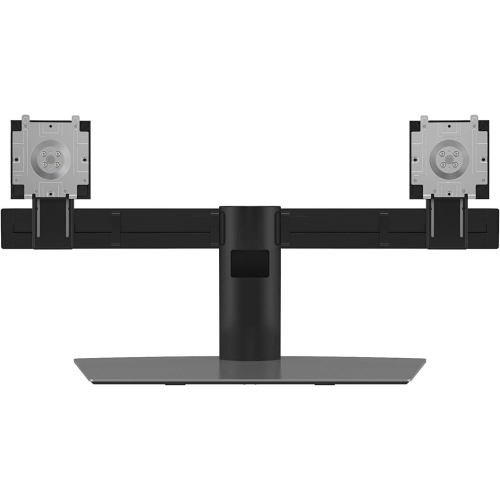
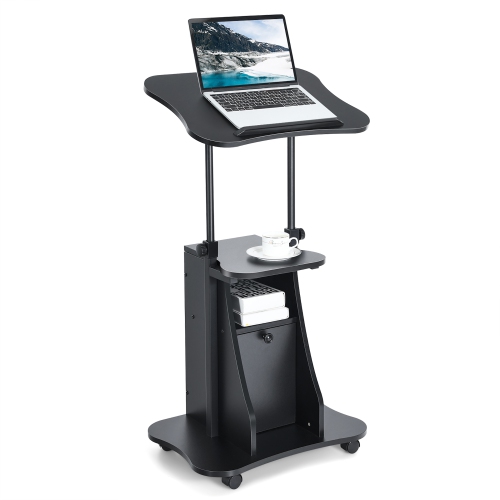
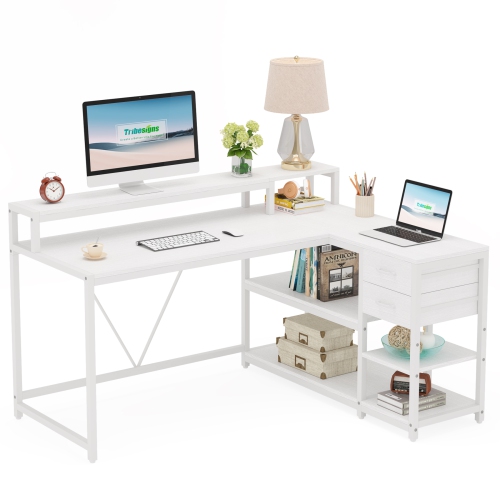
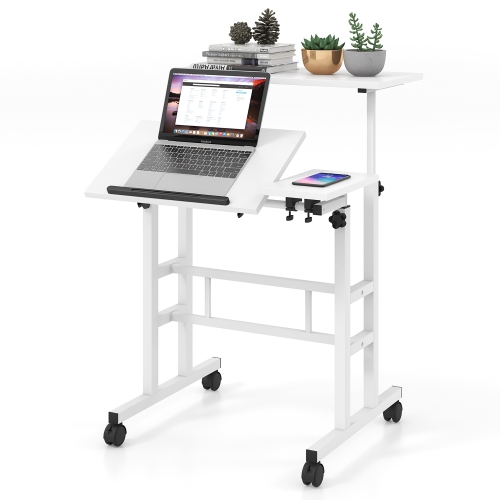
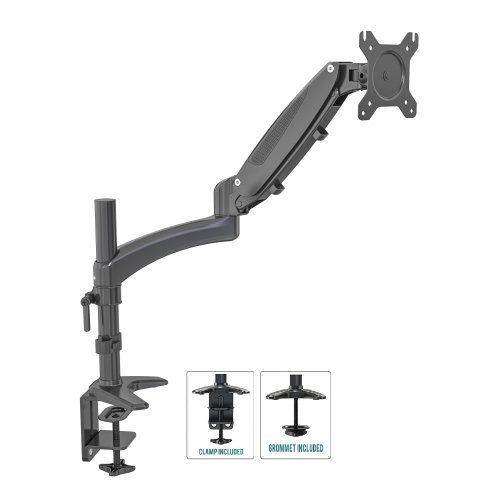
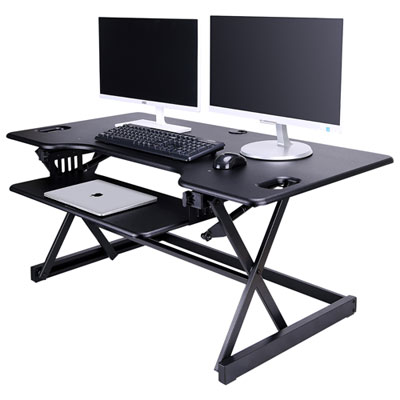

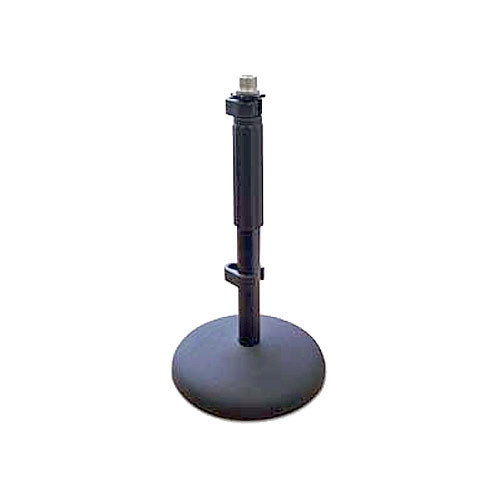
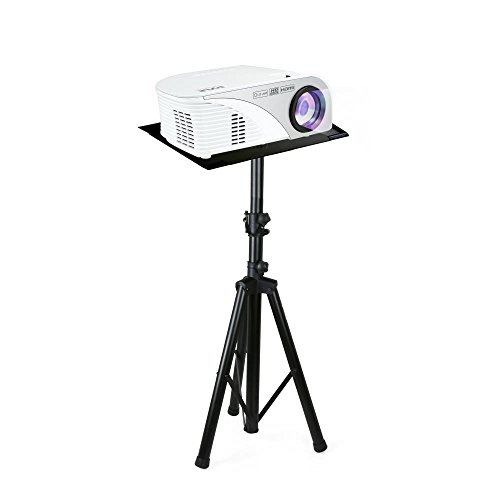
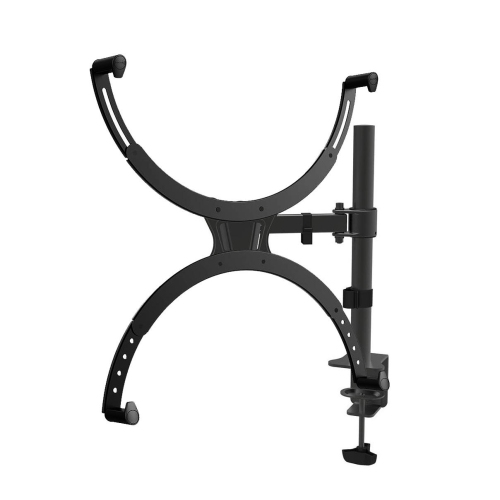
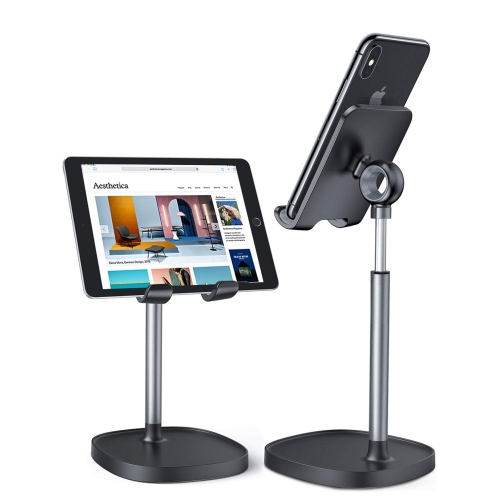
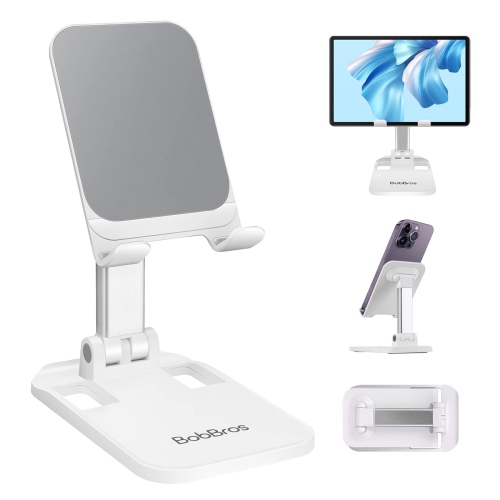
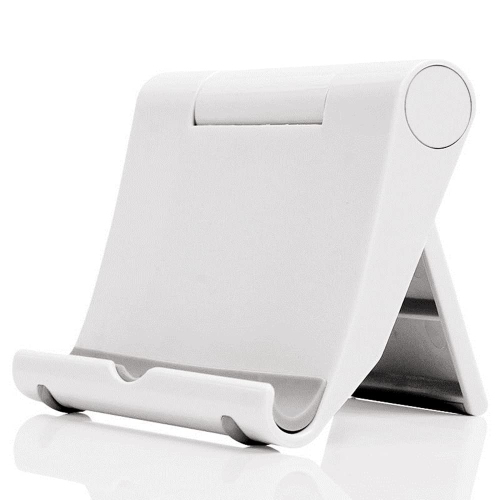
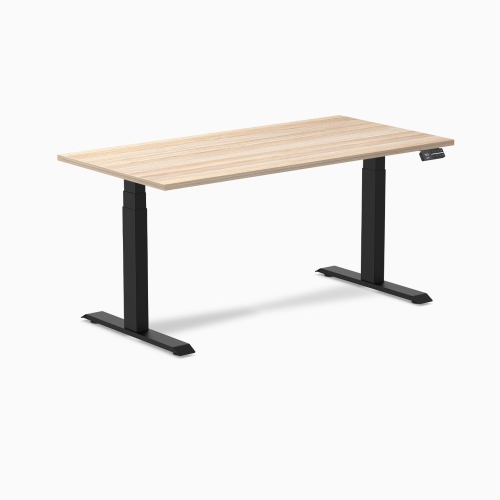
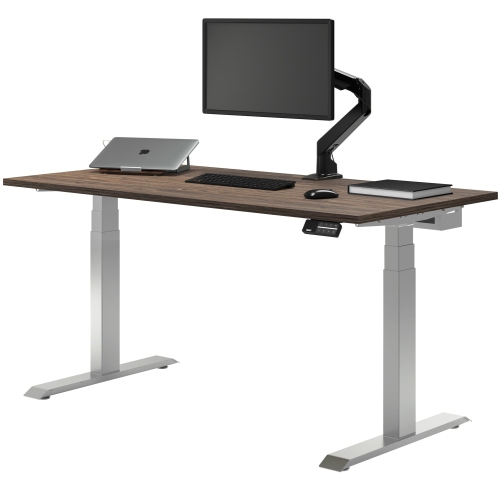
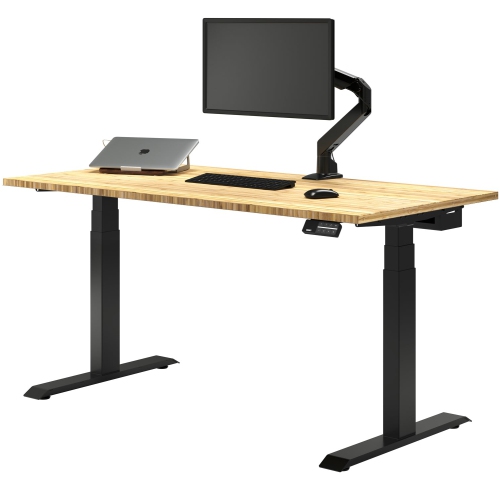
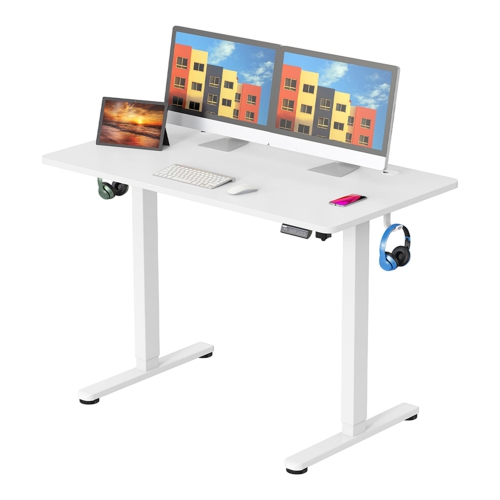
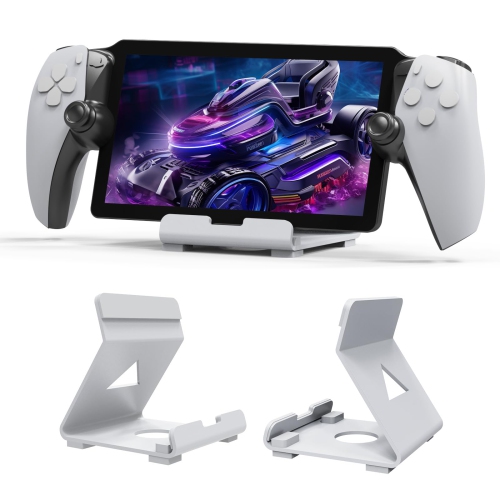
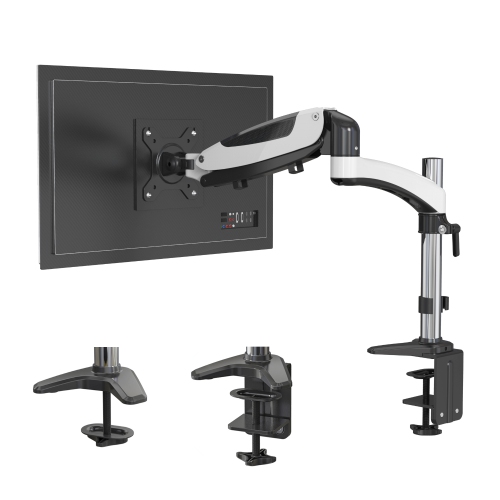
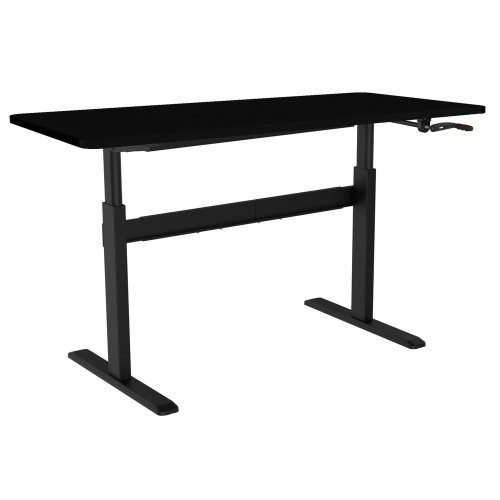
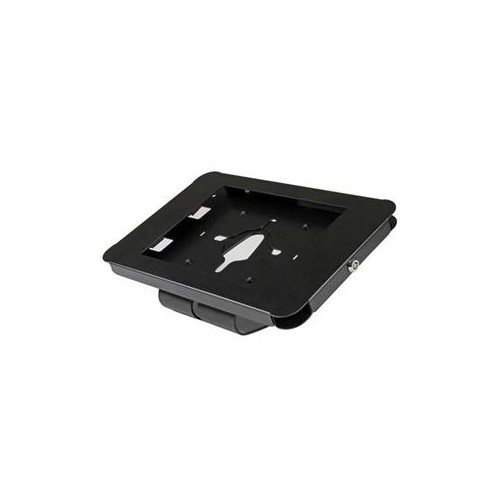

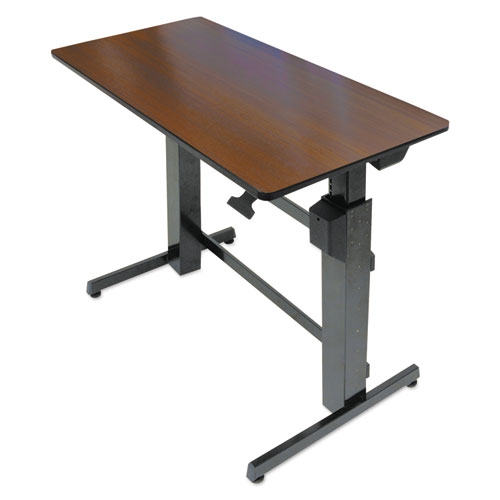
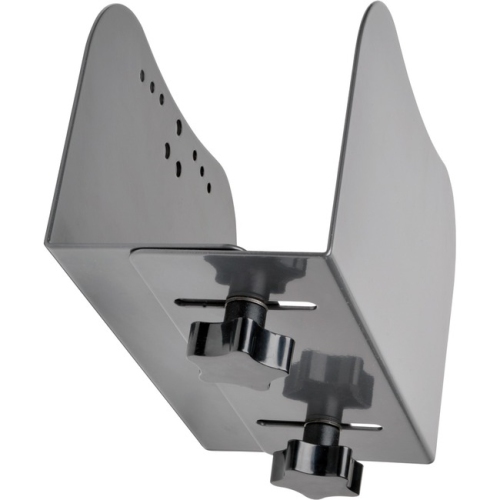
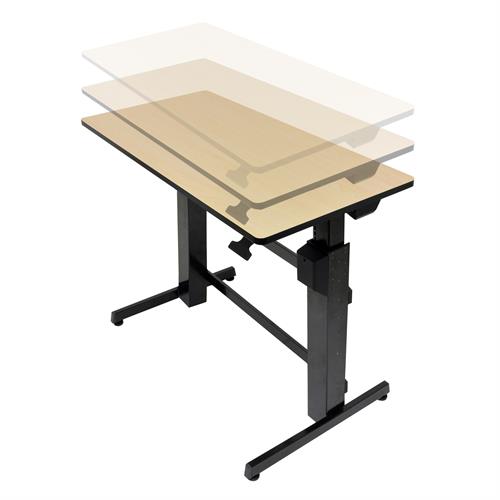
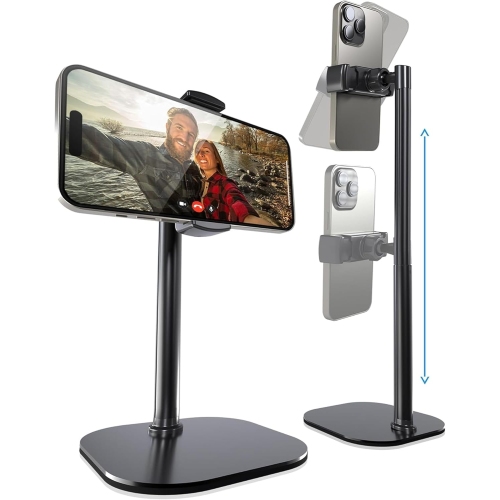

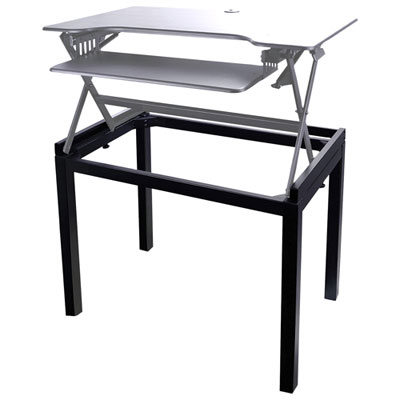
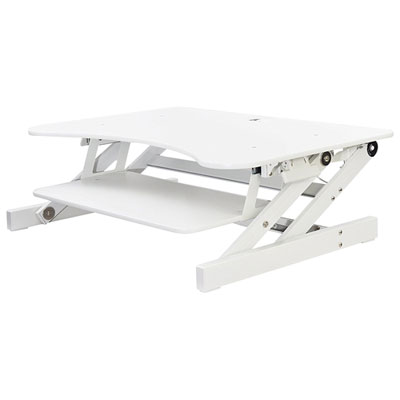
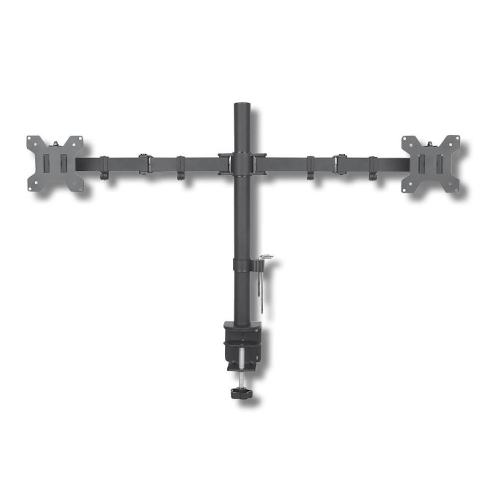
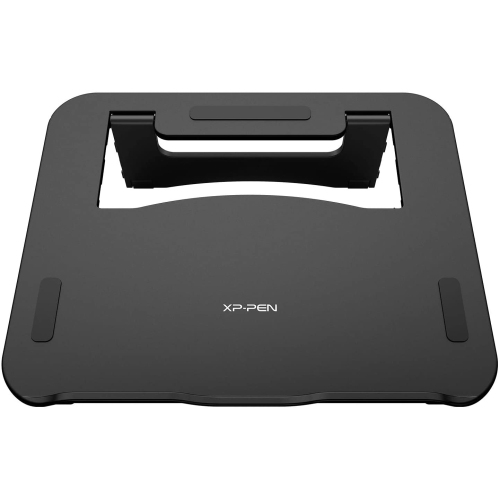
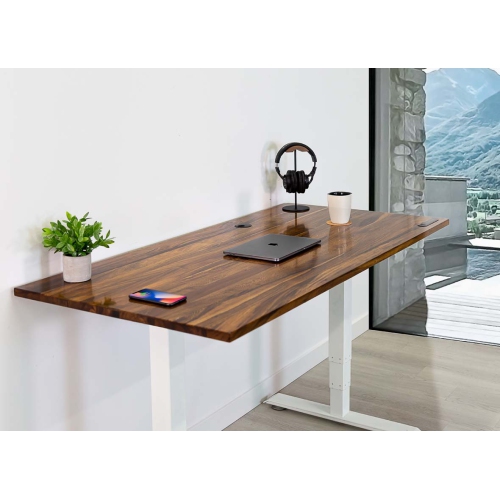
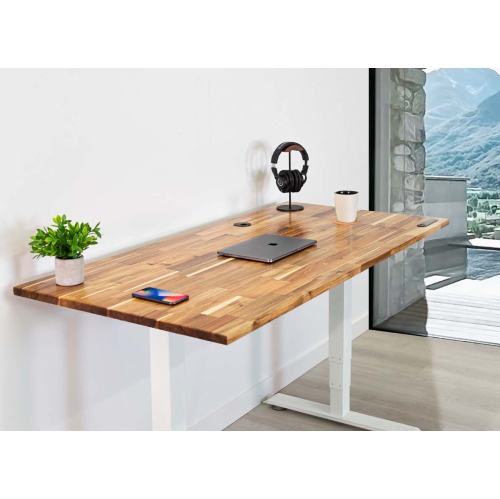
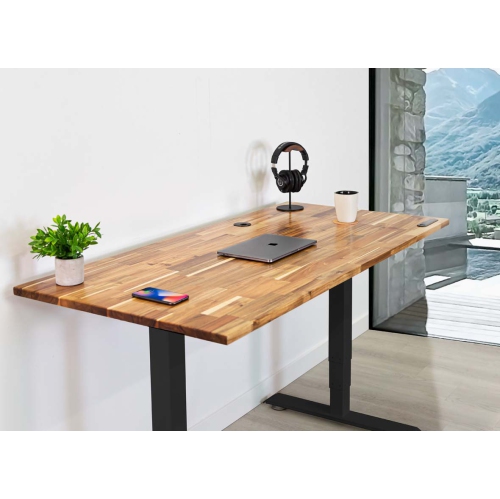
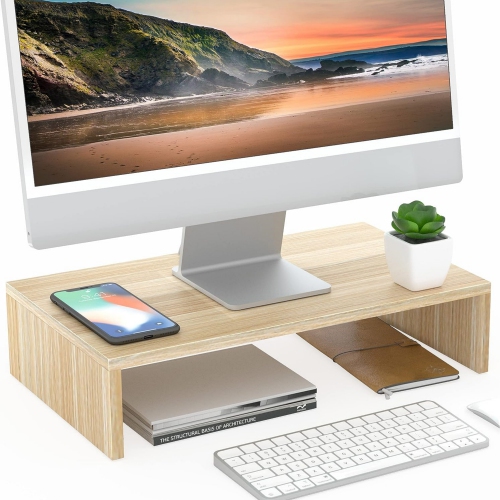
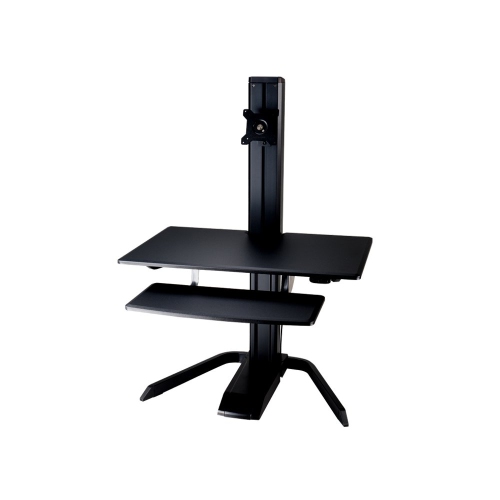
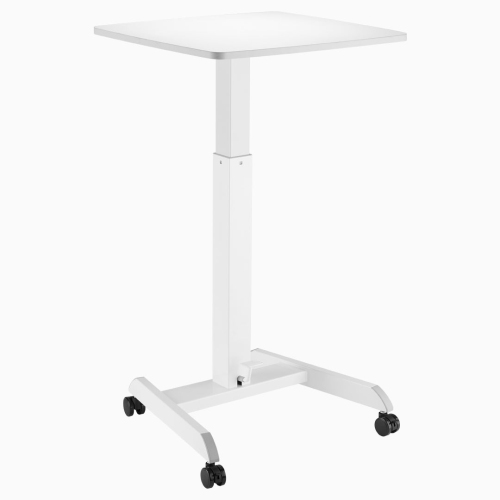
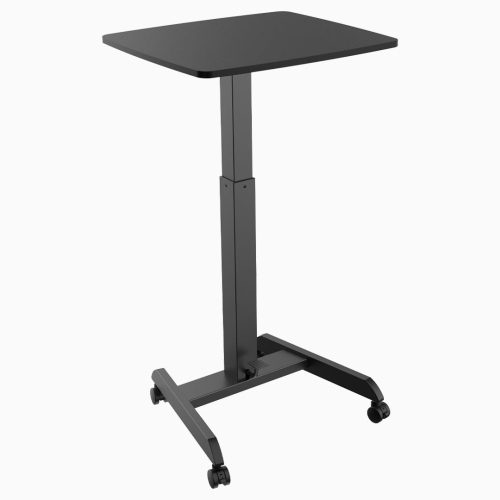
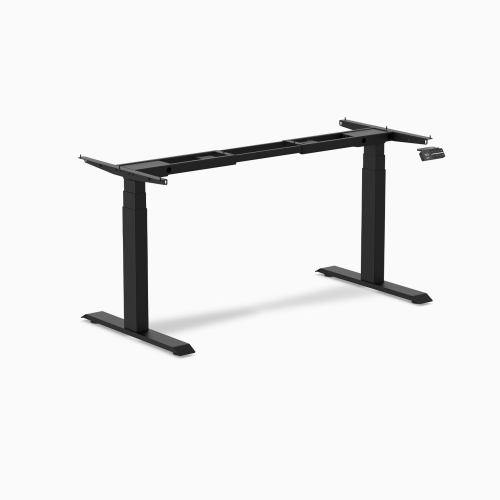
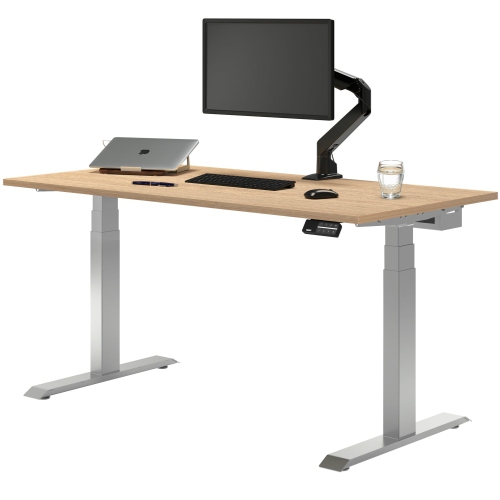
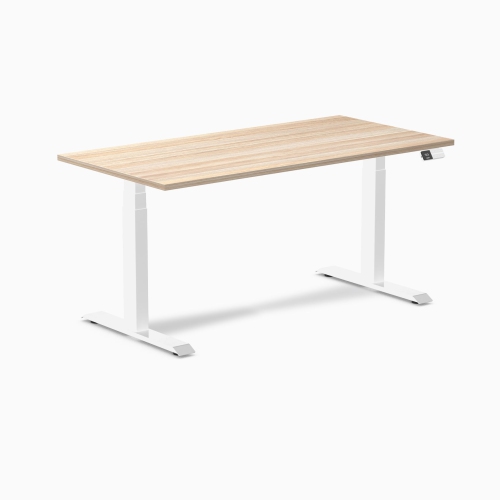
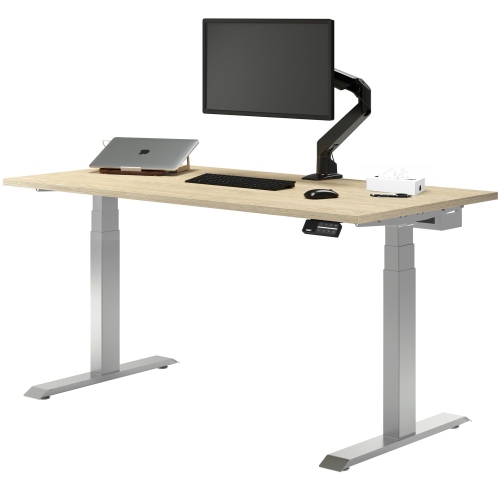
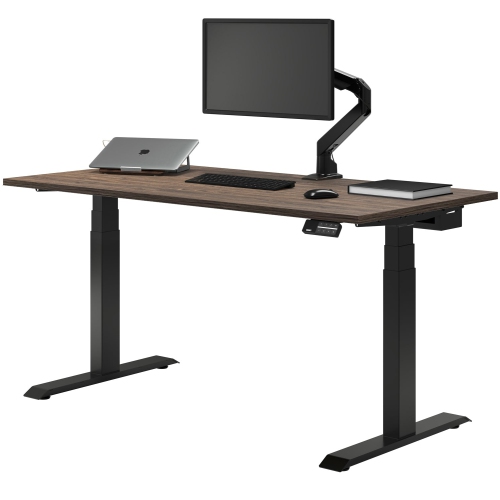
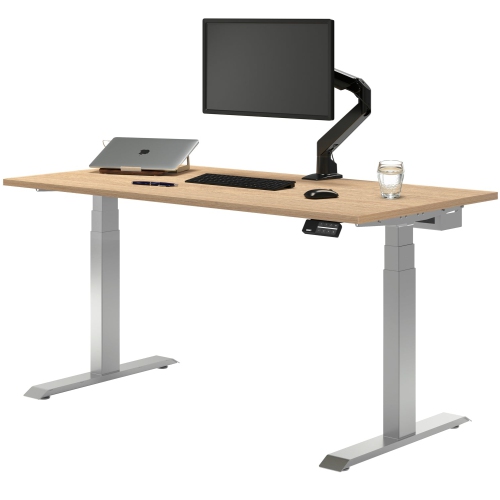
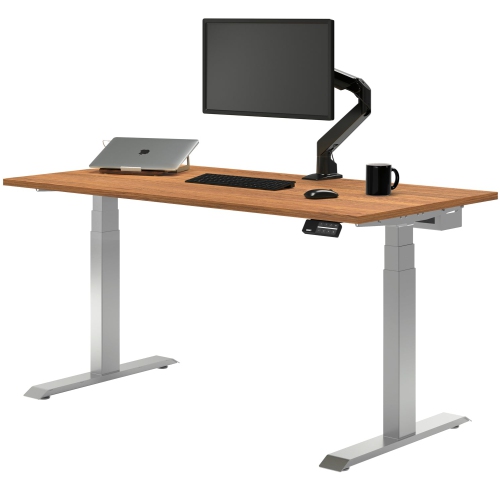
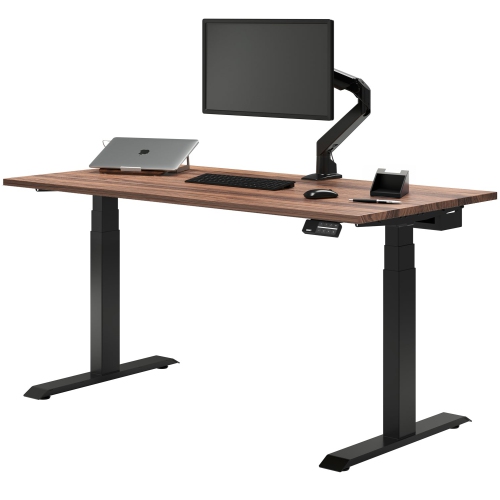
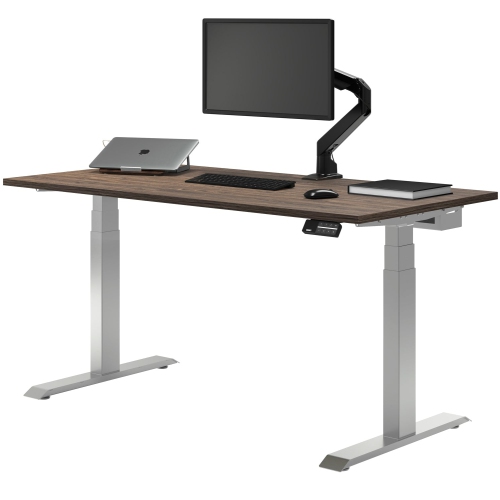
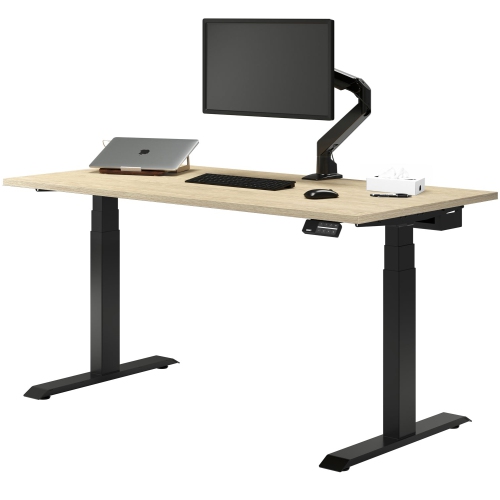
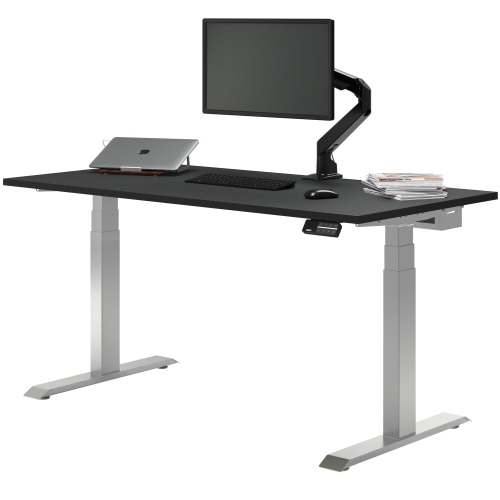
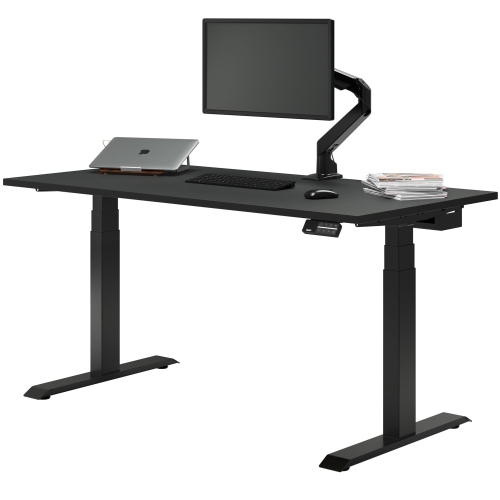
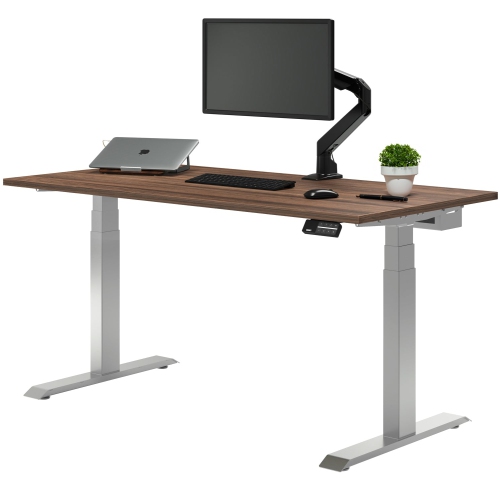
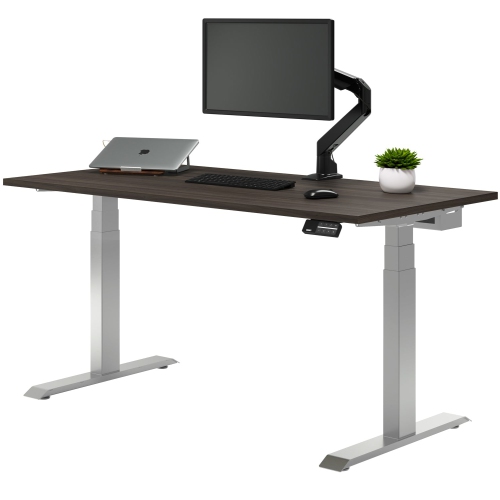
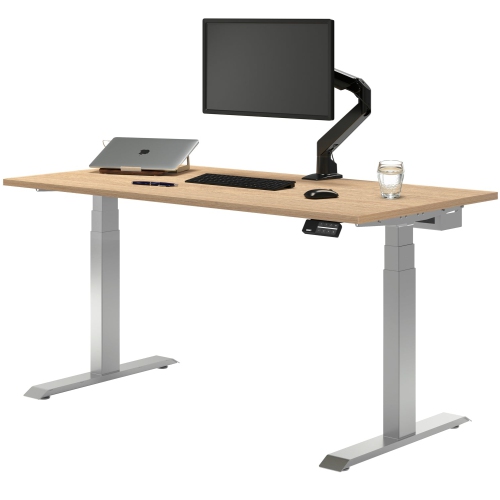
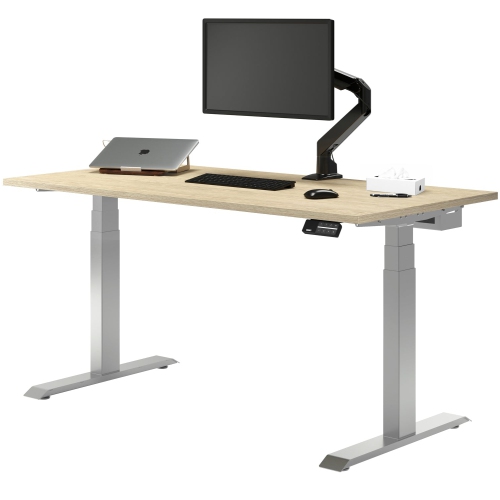
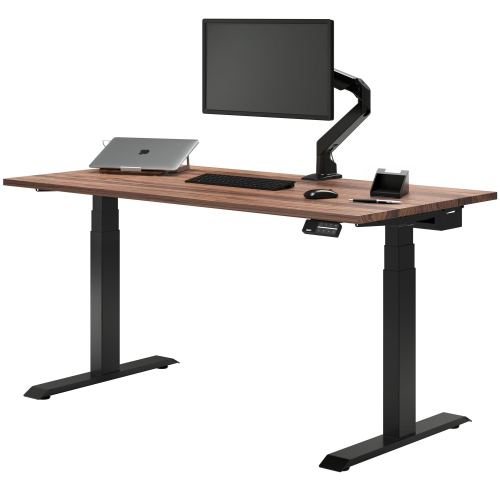
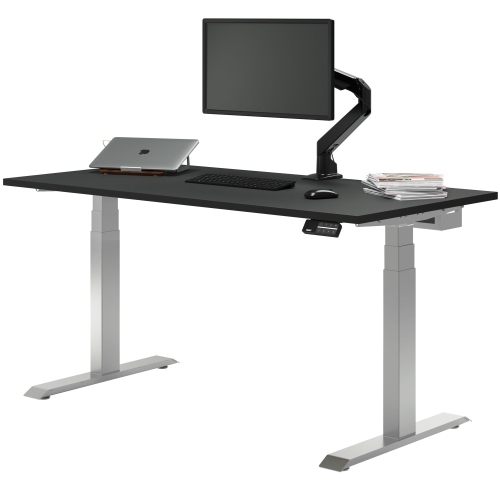
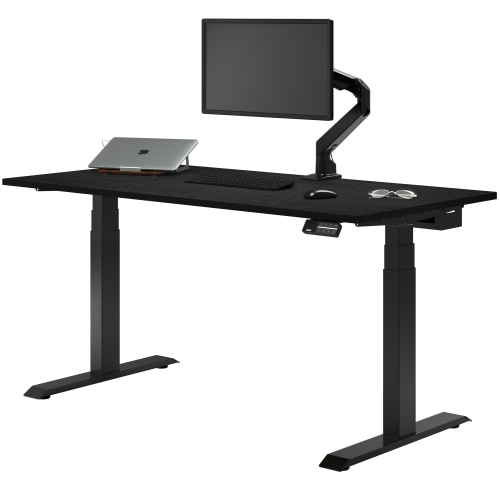
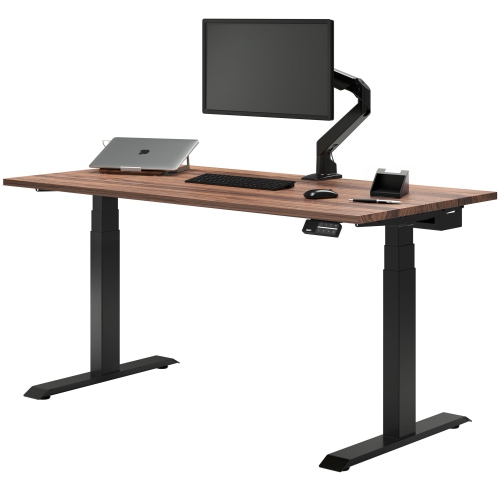
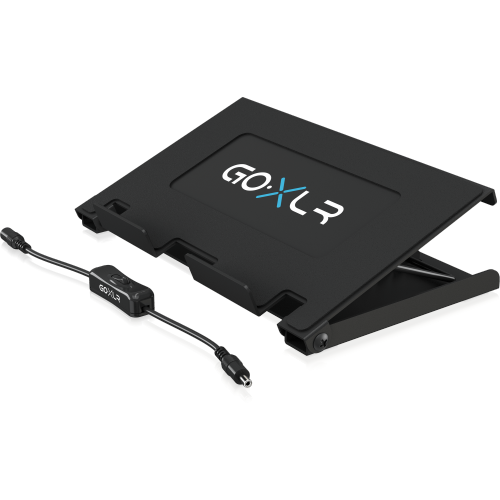
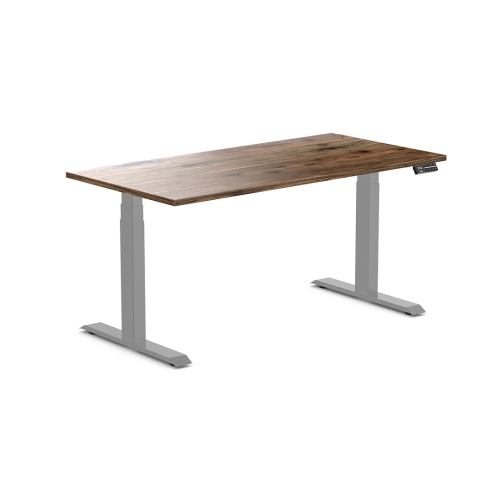
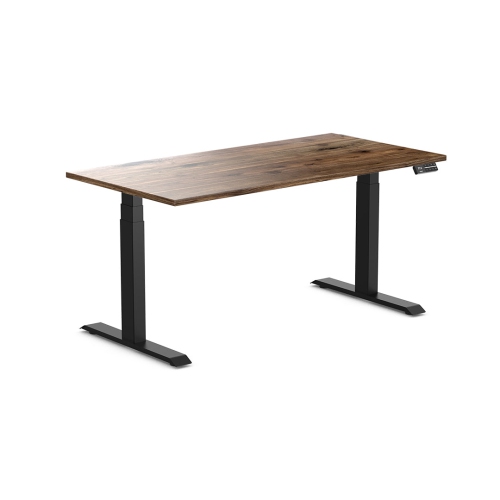
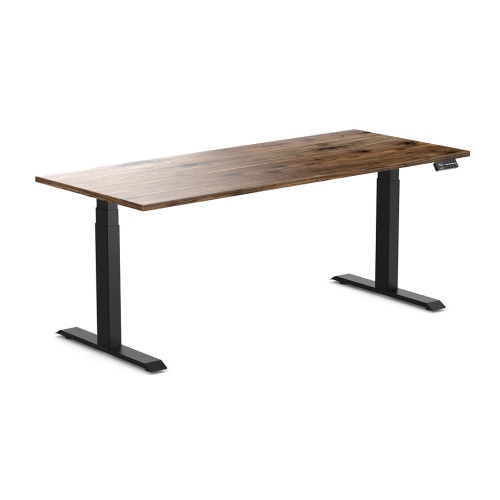
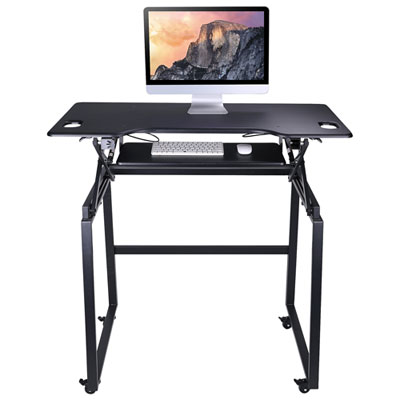
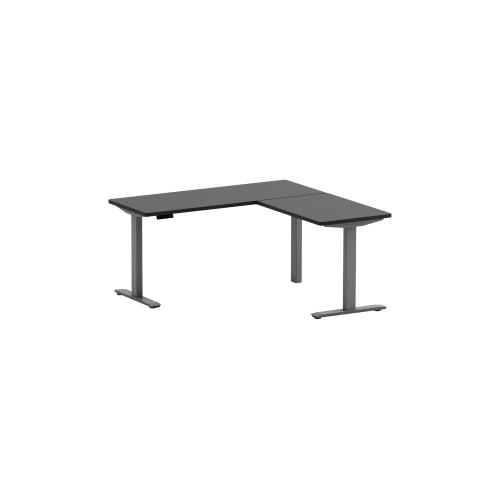
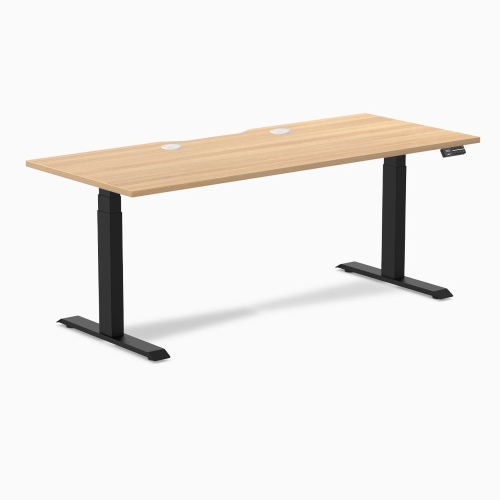
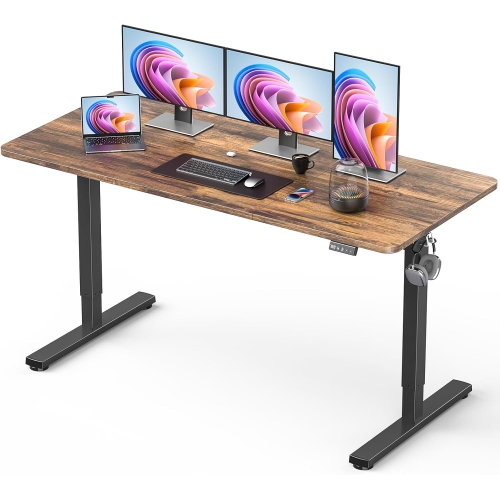
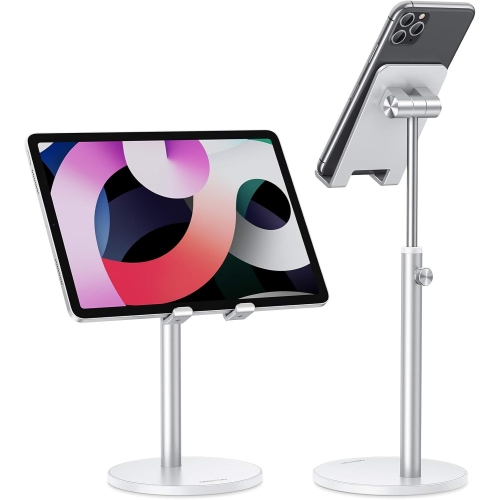
Better device placement for a more organized desk
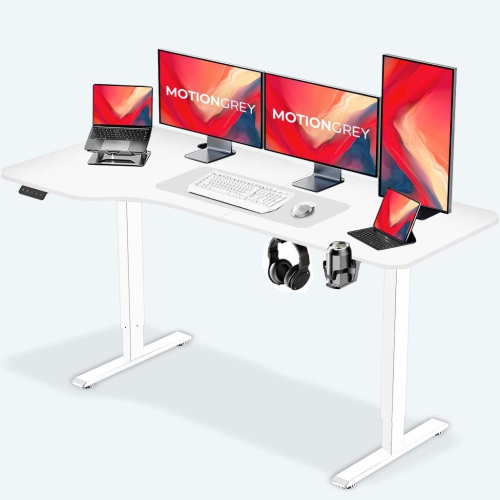
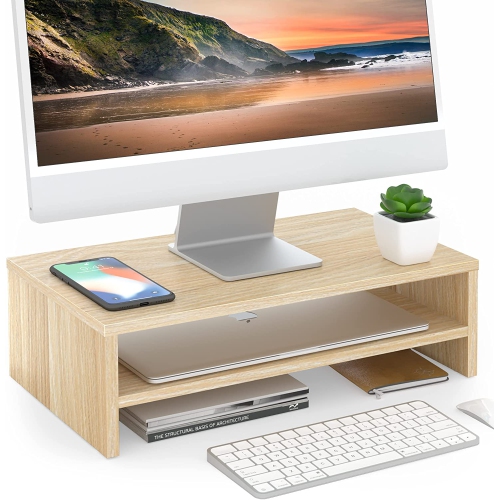
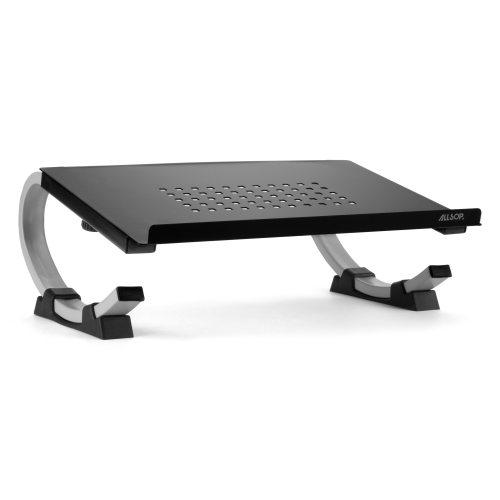
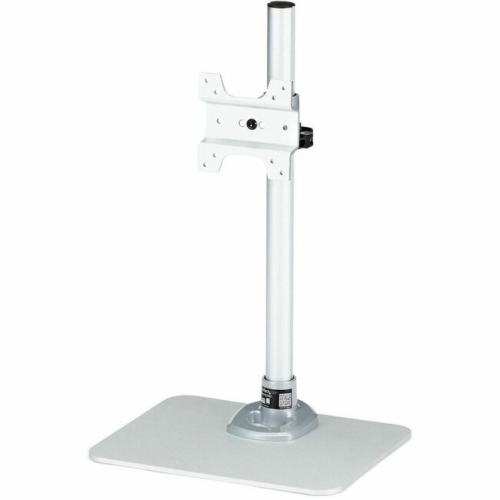
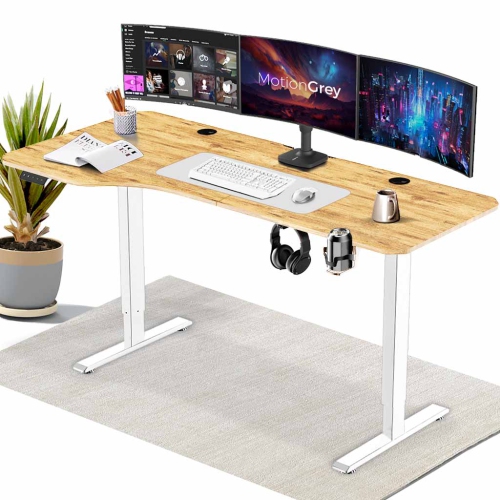
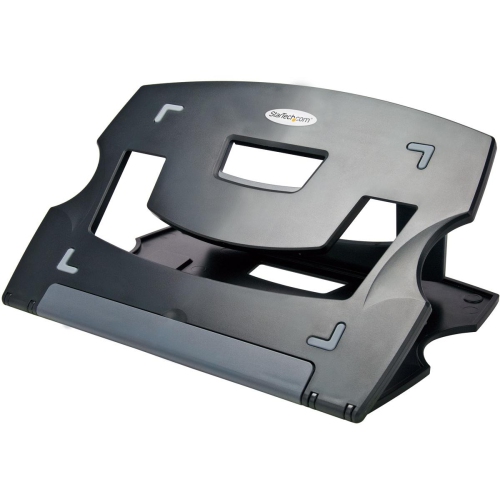
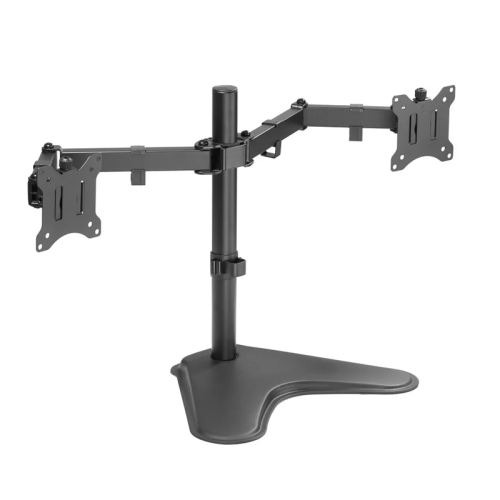
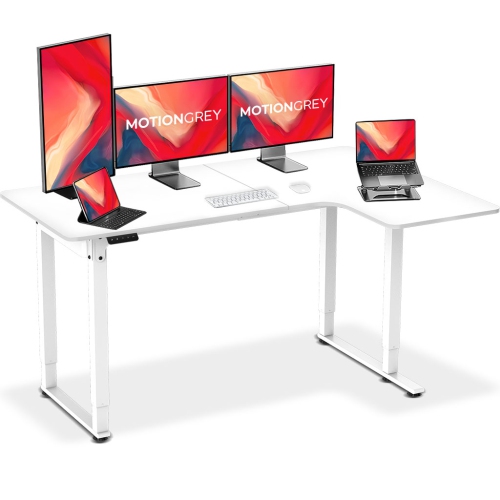
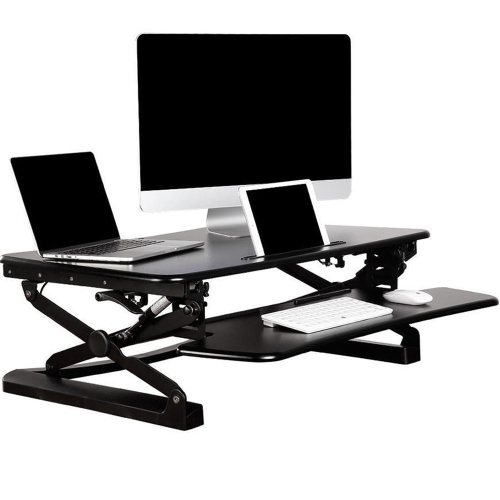
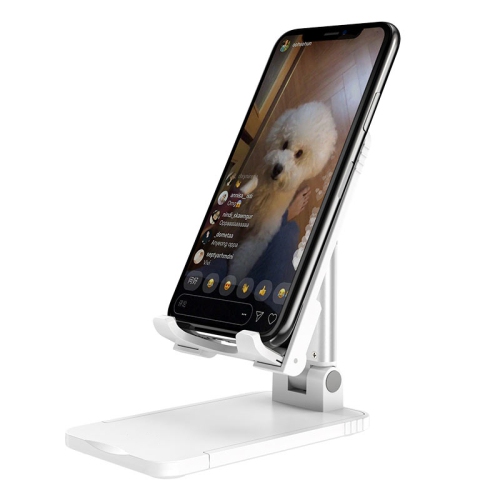
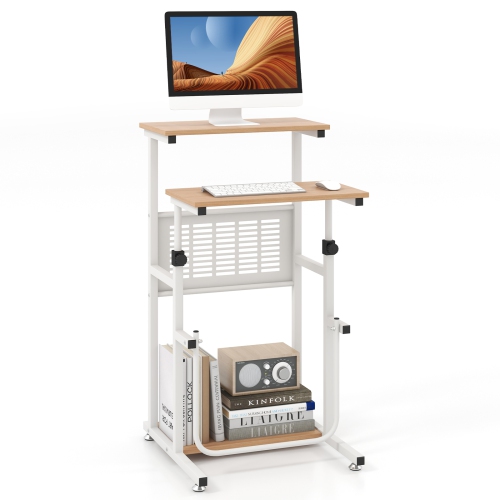
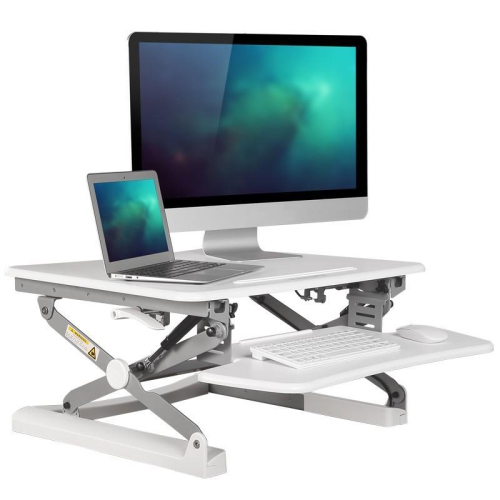
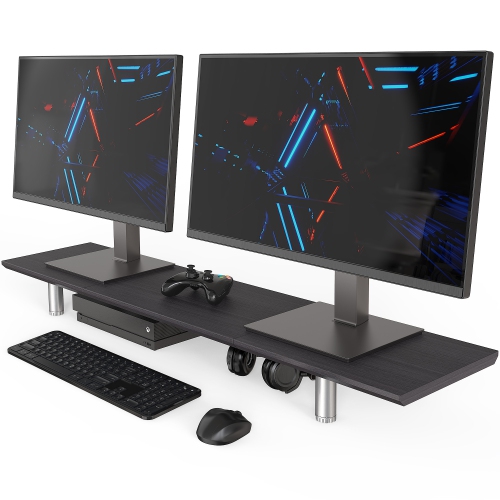
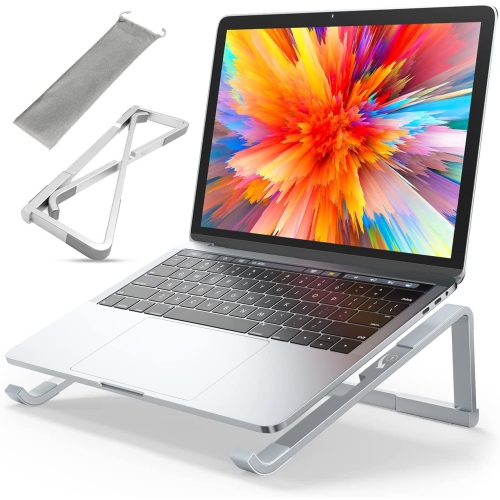
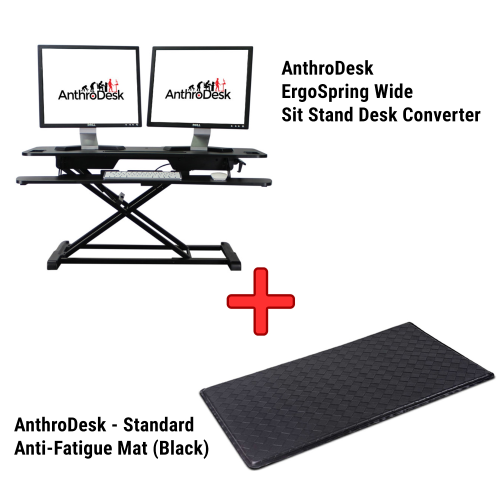
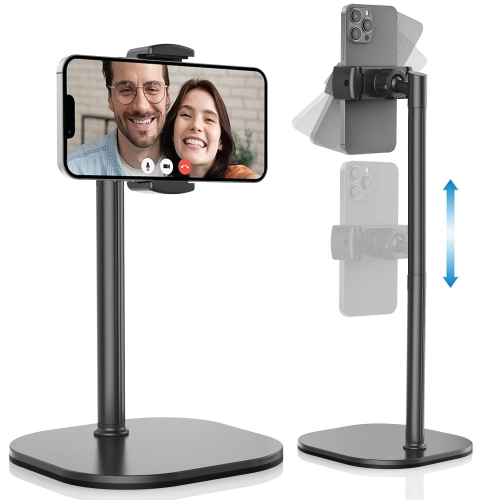
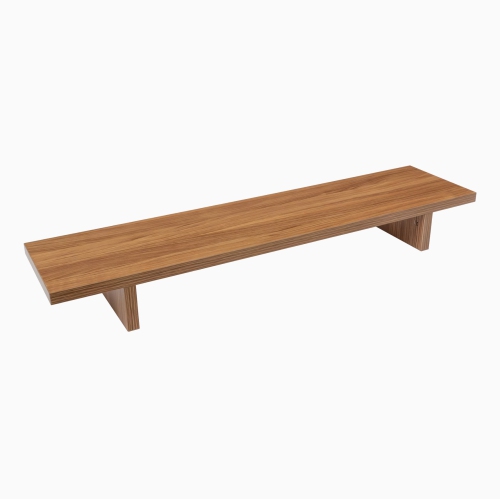
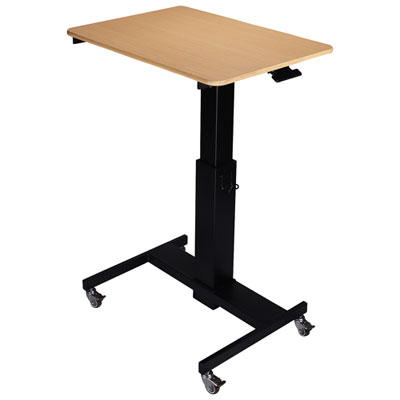
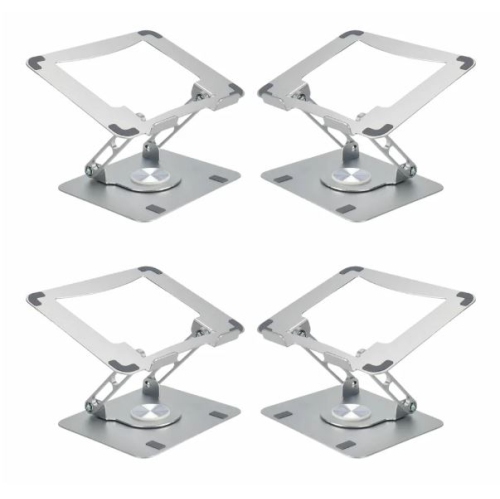
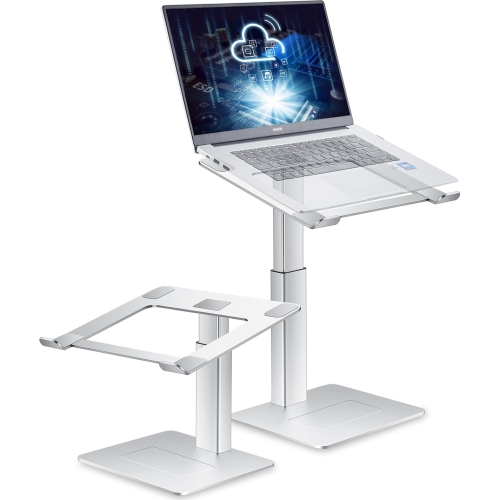
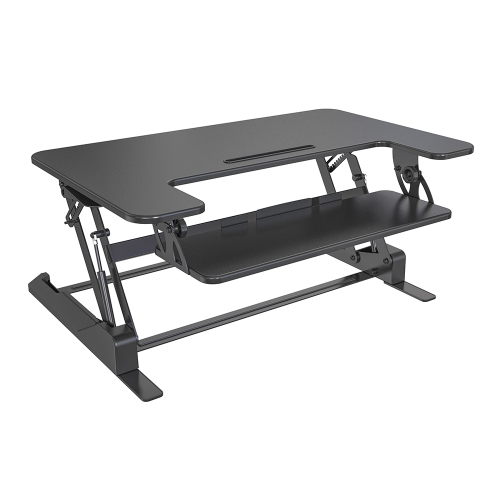
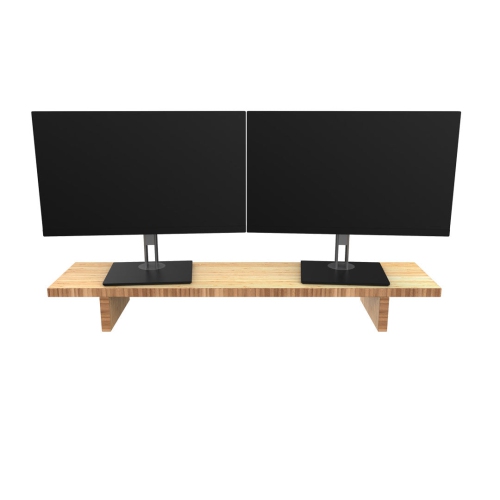
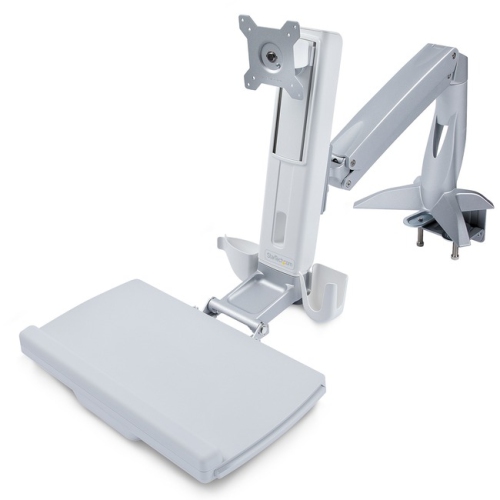
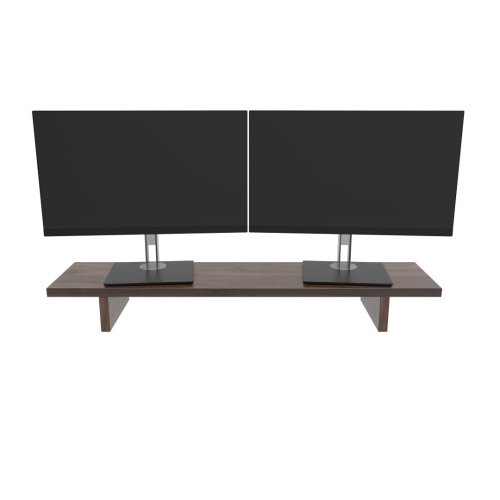
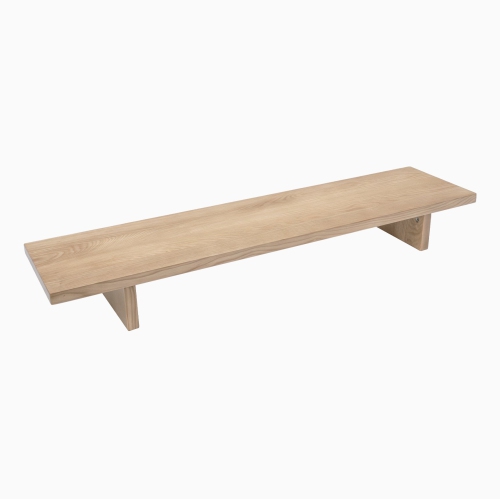
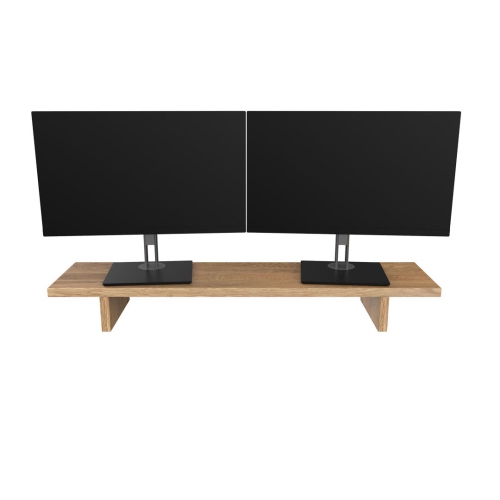
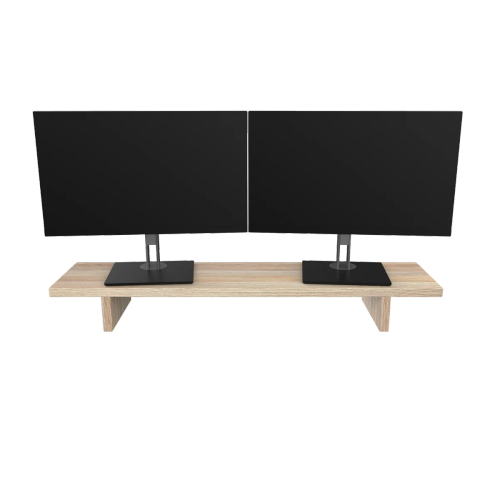
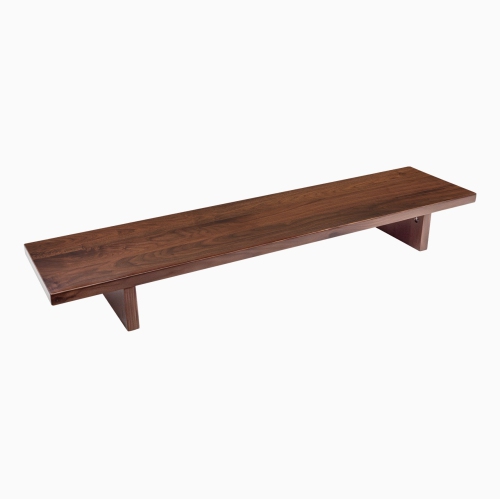
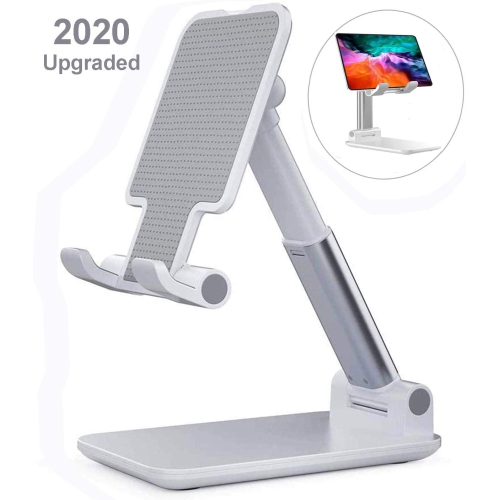
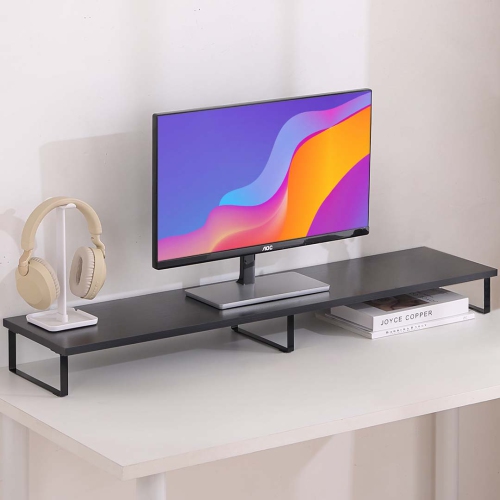
Desk stands give screens, devices, and work accessories a defined place, helping a busy desktop feel more organized without replacing the desk itself. The category covers several everyday needs, from raising a monitor above a keyboard to holding a phone upright beside a laptop or positioning a tablet for handwritten notes. In a home office, a raised display can leave room underneath for a notebook or a compact keyboard when the workday ends. At a study desk, an angled tablet stand can keep a reference document visible while leaving space for a textbook and paper. A phone holder can make video calls easier to frame, while a laptop stand can lift the display for use with a separate keyboard and mouse. These uses overlap, but the shape of the stand matters: a broad platform supports a device differently from a cradle with retaining lips or a hinged arm that moves above the desktop. For setups centred on laptops and desktop displays, Computer Stands offer a related way to explore supports suited to those devices. The most useful arrangement depends on what happens at the desk throughout the day. Someone switching between spreadsheets and written notes may value open space beneath a screen, while someone joining frequent video calls may prefer a holder with easy angle adjustment. A shared family workspace benefits from supports that can be repositioned without much effort, particularly when different people use the same surface for work, study, and hobbies. Desk stands can also be practical gifts for students, remote workers, and people setting up a dedicated creative space, provided the stand suits their equipment and the room they have. Rather than simply adding height, a well-matched stand helps give each part of a workspace a clear role, keeping frequently used devices visible and leaving the main work surface easier to use.
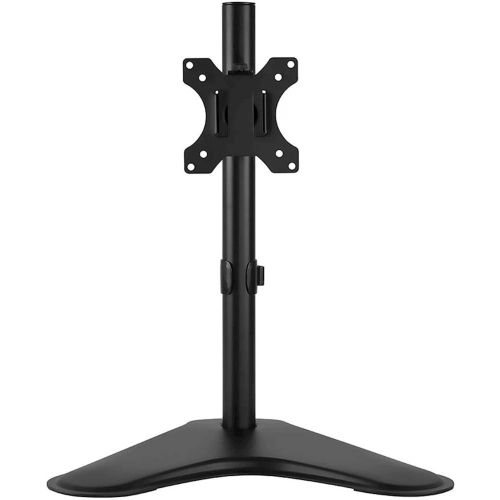
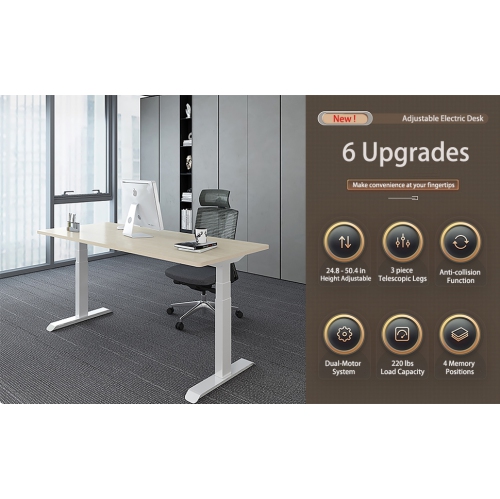
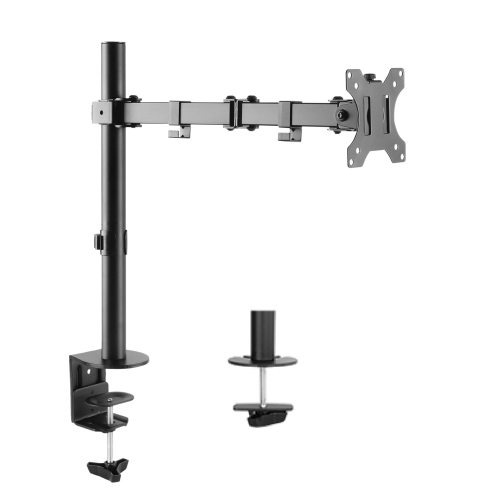
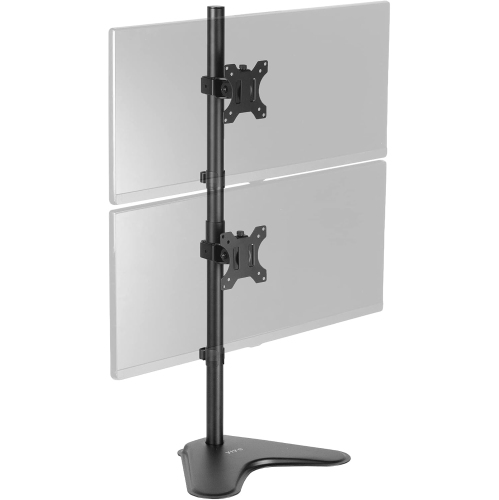
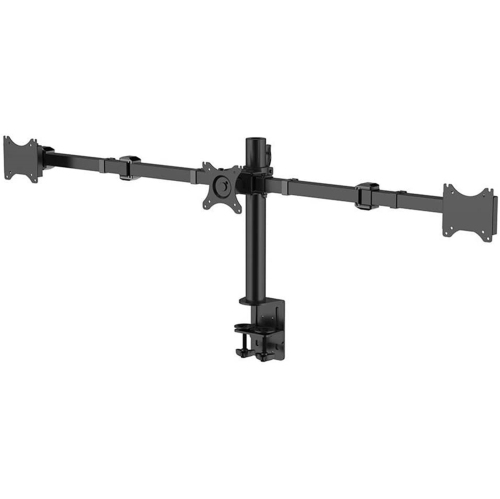
Fit starts with the device and the desk, not just the stand’s appearance. A support needs to accommodate the device’s dimensions and weight, including any protective case or attached accessories that will remain in place. Screen size alone does not establish compatibility: two displays with similar dimensions can have very different bases, and a tablet in a thick case may not fit securely into a narrow cradle. For a platform-style stand, the usable top surface should support the equipment as intended without leaving feet or contact points hanging over an edge. For a mount that attaches directly to a monitor, the mounting pattern and rated load must match the display. Clamp-mounted designs also depend on desktop thickness, edge shape, and clearance below the surface; a rear apron or drawer can interfere with installation even when the top looks spacious. Glass and hollow-core desktops require particular care, since they may not be suitable for concentrated clamping pressure. Freestanding designs avoid that attachment point but need enough depth for a stable base. Height and tilt are equally important in daily use. A fixed riser can suit a setup that rarely changes, while an adjustable stand offers more flexibility for different users or tasks. Raising a laptop generally works best with a separate keyboard and mouse, allowing the screen and typing surface to be positioned independently. A tablet used for sketching may need a lower, firmer angle than one used to view a presentation. Stability matters during interaction: tapping a screen, writing with a stylus, or connecting a cable should not cause excessive wobble or tipping. Charging ports, headphone connections, speakers, and device controls should remain accessible, and retaining lips should not cover the part of the screen needed for navigation. Cable openings and space around connectors help prevent awkward bends, especially when the device sits close to a wall. For laptops, the support should also leave ventilation openings unobstructed and follow the device manufacturer’s placement requirements.
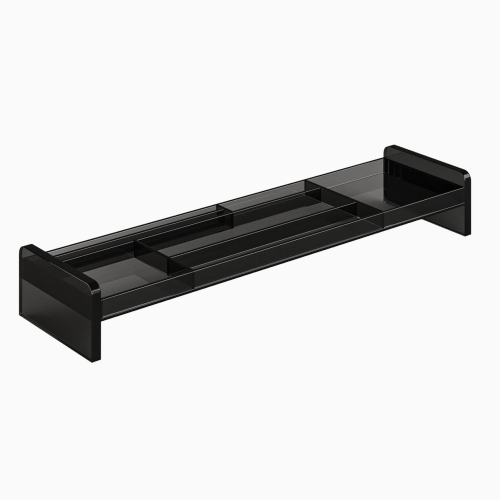
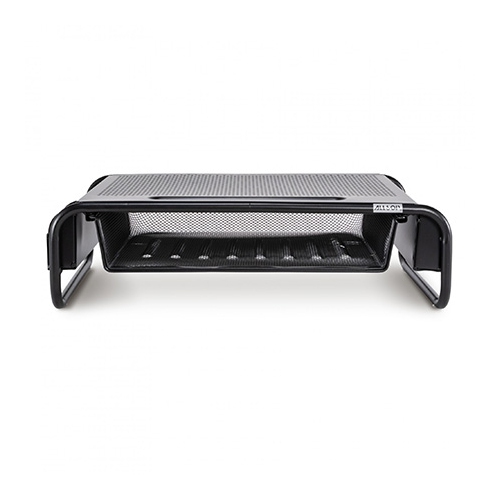
Materials and construction influence how a desk stand looks, feels, and holds up to repeated use. Metal designs can provide a slim profile with a firm structure, although stability still depends on the base, joints, and rated capacity rather than material alone. Wood and wood-based platforms bring a furniture-like finish to a workspace and may pair naturally with shelving or a desktop, while moulded plastic designs can be light enough to move between rooms. Clear acrylic creates a less visually prominent support, though its finish may show scratches if equipment is dragged across it. Contact surfaces deserve as much attention as the frame. Rubber or silicone pads can help limit sliding and protect both the device and the desk, while smoothly finished edges are useful wherever hands reach beneath a platform. On adjustable stands, well-made hinges and locking mechanisms help maintain the chosen position; repeated sagging or movement can make even a compact setup frustrating to use. A folding design is convenient for someone who clears the dining table after working, but its hinges and release points should be straightforward to operate and secure once opened. A heavier, fixed stand may make more sense for a permanent workstation where little needs to move. Storage features can be helpful when they match real habits: a shallow compartment might keep pens close at hand, while open clearance beneath a riser can accommodate a keyboard or small notebook. That space is only useful if its dimensions suit what will go there. Routine care is usually simple, with dust removed using a soft cloth and cleaning methods matched to the finish and manufacturer’s directions. Liquids should be kept away from connected electronics, and abrasive cleaners can damage coatings, clear surfaces, or protective pads. Periodic checks of fasteners, hinges, and contact pads are worthwhile on stands that move often. Keeping within the stated load limit and lifting equipment rather than sliding it into place can help preserve the finish and support dependable everyday use, whether the desk serves as a compact study corner, a full-time workstation, or a shared household workspace.
Fit starts with the device and the desk, not just the stand’s appearance. A support needs to accommodate the device’s dimensions and weight, including any protective case or attached accessories that will remain in place. Screen size alone does not establish compatibility: two displays with similar dimensions can have very different bases, and a tablet in a thick case may not fit securely into a narrow cradle. For a platform-style stand, the usable top surface should support the equipment as intended without leaving feet or contact points hanging over an edge. For a mount that attaches directly to a monitor, the mounting pattern and rated load must match the display. Clamp-mounted designs also depend on desktop thickness, edge shape, and clearance below the surface; a rear apron or drawer can interfere with installation even when the top looks spacious. Glass and hollow-core desktops require particular care, since they may not be suitable for concentrated clamping pressure. Freestanding designs avoid that attachment point but need enough depth for a stable base. Height and tilt are equally important in daily use. A fixed riser can suit a setup that rarely changes, while an adjustable stand offers more flexibility for different users or tasks. Raising a laptop generally works best with a separate keyboard and mouse, allowing the screen and typing surface to be positioned independently. A tablet used for sketching may need a lower, firmer angle than one used to view a presentation. Stability matters during interaction: tapping a screen, writing with a stylus, or connecting a cable should not cause excessive wobble or tipping. Charging ports, headphone connections, speakers, and device controls should remain accessible, and retaining lips should not cover the part of the screen needed for navigation. Cable openings and space around connectors help prevent awkward bends, especially when the device sits close to a wall. For laptops, the support should also leave ventilation openings unobstructed and follow the device manufacturer’s placement requirements.
Materials and construction influence how a desk stand looks, feels, and holds up to repeated use. Metal designs can provide a slim profile with a firm structure, although stability still depends on the base, joints, and rated capacity rather than material alone. Wood and wood-based platforms bring a furniture-like finish to a workspace and may pair naturally with shelving or a desktop, while moulded plastic designs can be light enough to move between rooms. Clear acrylic creates a less visually prominent support, though its finish may show scratches if equipment is dragged across it. Contact surfaces deserve as much attention as the frame. Rubber or silicone pads can help limit sliding and protect both the device and the desk, while smoothly finished edges are useful wherever hands reach beneath a platform. On adjustable stands, well-made hinges and locking mechanisms help maintain the chosen position; repeated sagging or movement can make even a compact setup frustrating to use. A folding design is convenient for someone who clears the dining table after working, but its hinges and release points should be straightforward to operate and secure once opened. A heavier, fixed stand may make more sense for a permanent workstation where little needs to move. Storage features can be helpful when they match real habits: a shallow compartment might keep pens close at hand, while open clearance beneath a riser can accommodate a keyboard or small notebook. That space is only useful if its dimensions suit what will go there. Routine care is usually simple, with dust removed using a soft cloth and cleaning methods matched to the finish and manufacturer’s directions. Liquids should be kept away from connected electronics, and abrasive cleaners can damage coatings, clear surfaces, or protective pads. Periodic checks of fasteners, hinges, and contact pads are worthwhile on stands that move often. Keeping within the stated load limit and lifting equipment rather than sliding it into place can help preserve the finish and support dependable everyday use, whether the desk serves as a compact study corner, a full-time workstation, or a shared household workspace.
Top selling and popular products
-
 Your price for this item is $304.99
 -
 Your price for this item is $93.99
 -
 Your price for this item is $248.99
 -
 Your price for this item is $83.99
 -
 Your price for this item is $108.99
 -
 Your price for this item is $94.99
 -
 Your price for this item is $74.97
 -
 Your price for this item is $83.95
Discover more categories related to Desk Stands

Top Collections:
Pokemon Centers, Kindle Devices, Best Budget Office Chairs, Apple iPhones 16, Best Laptops for Writers, iPhone 15 Apple, Canon G7X Cameras, Refurbished Apple Laptops, Alarm Clock, Motorola Razr Phones
Some products may be subject to Environmental Handling Fees
(EHF) depending on your province.
Learn more about EHFs.