Computer Stands
Looking for computer stands to enhance your work or gaming setup? Look no further! Our wide selection of computer stands offers a range of options to suit your needs, whether you're looking for added ergonomic support, space-saving designs, or stylish aesthetics. From adjustable-height stands to sleek and modern designs, our collection has something for everyone. Elevate your computing experience and find computer stands that combine functionality and style seamlessly.
Sort




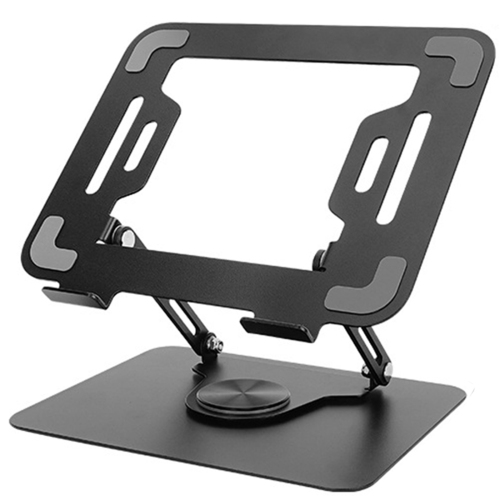
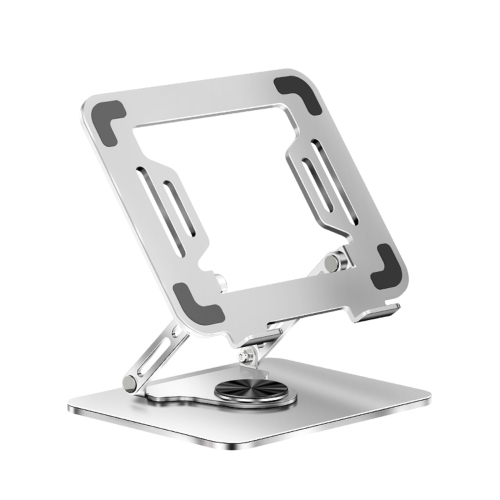


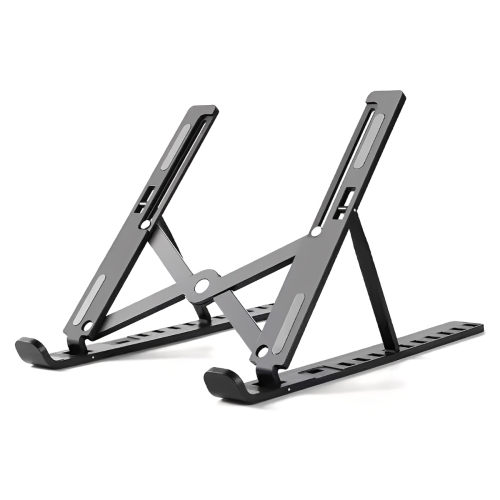
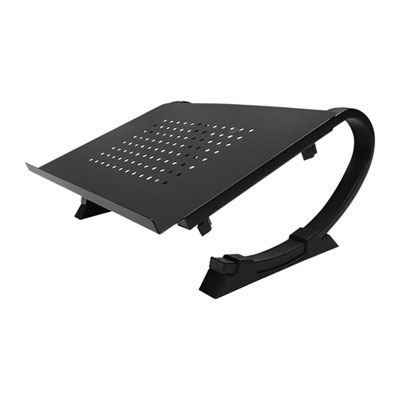
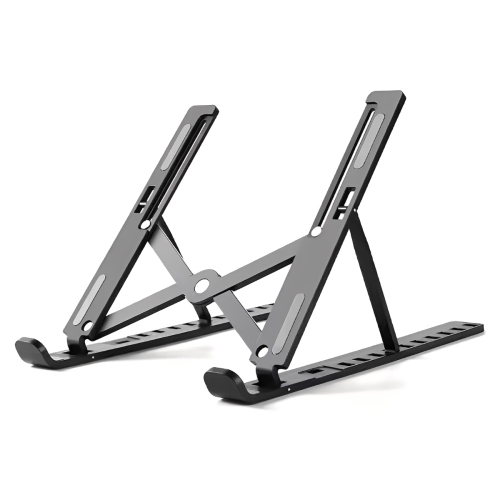


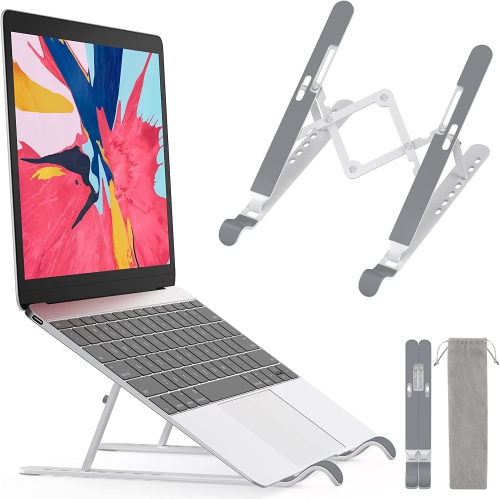
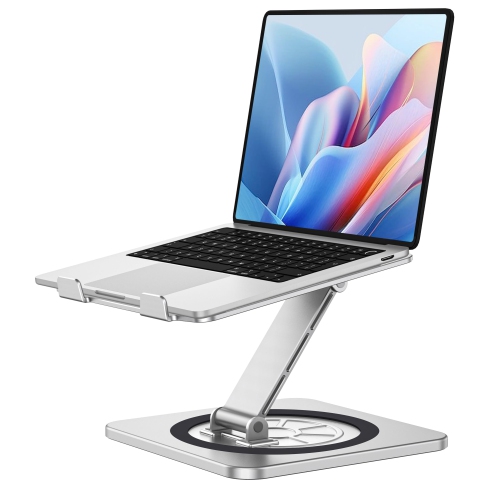

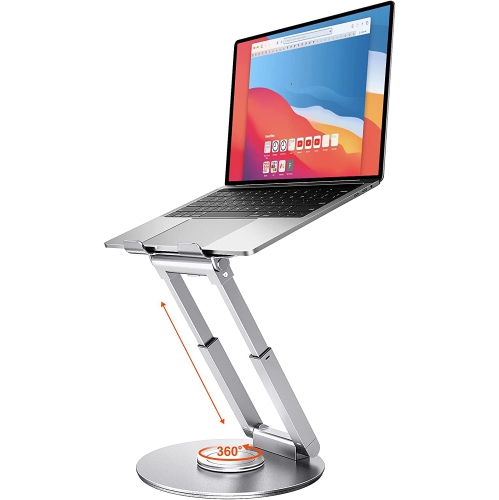


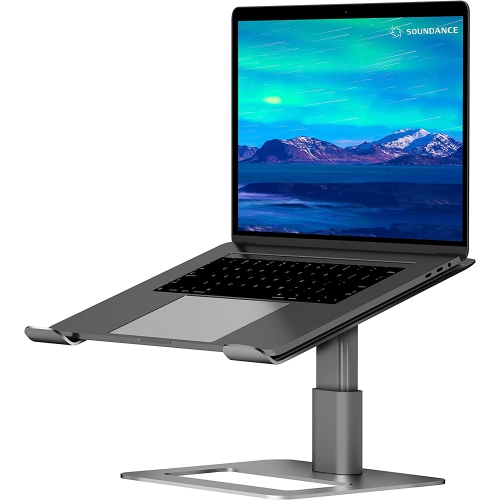
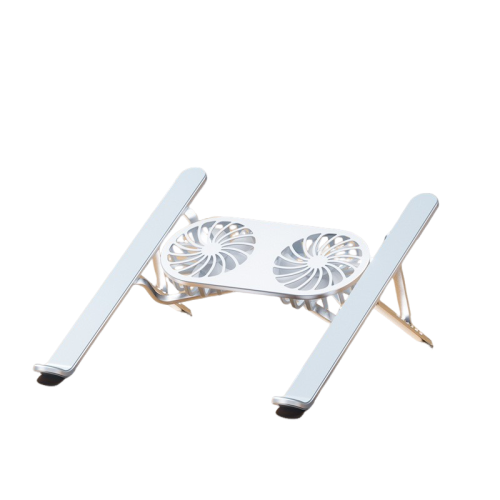
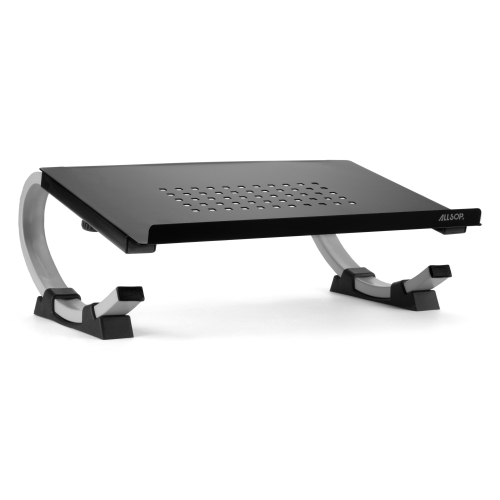

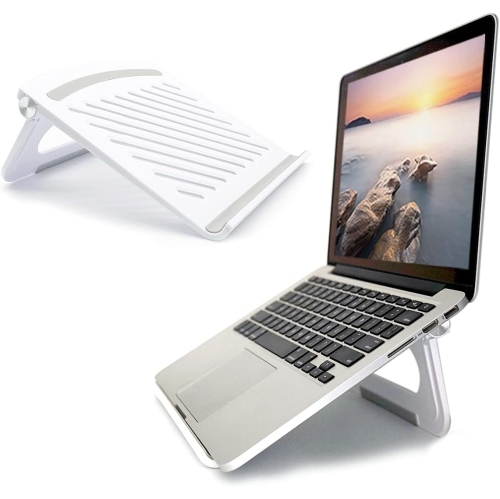

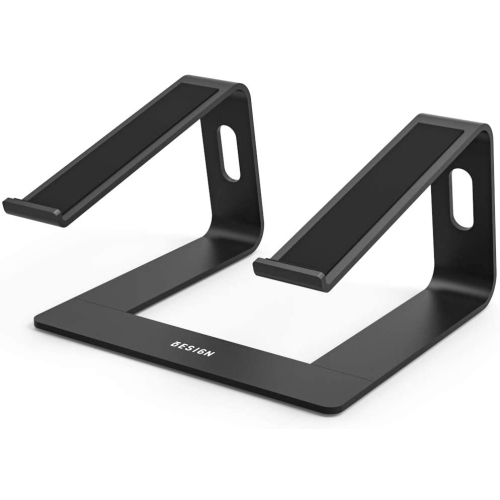
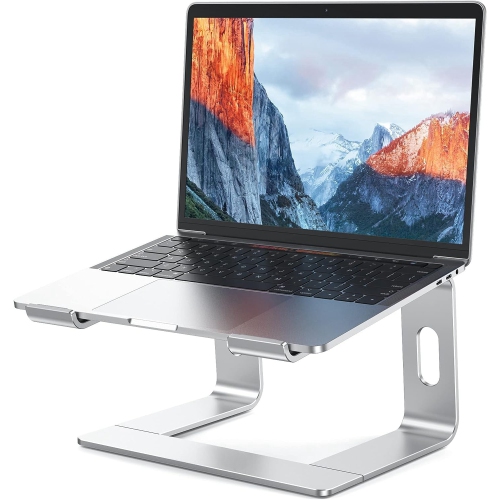
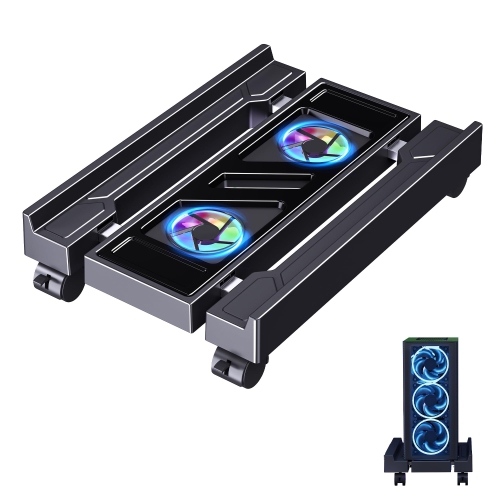
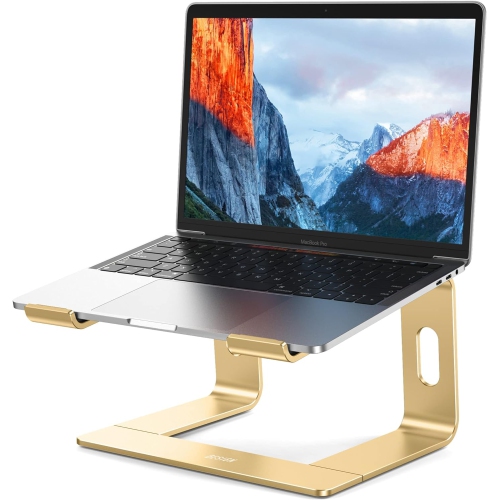



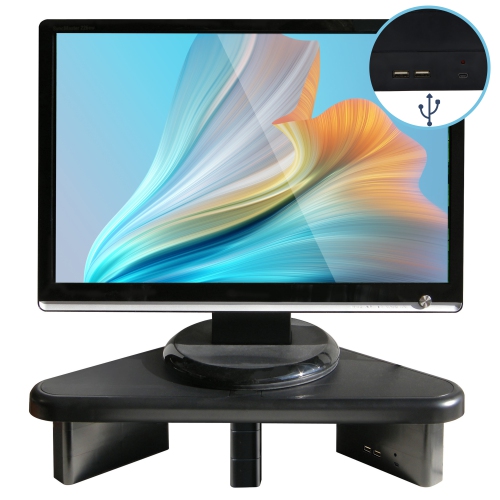
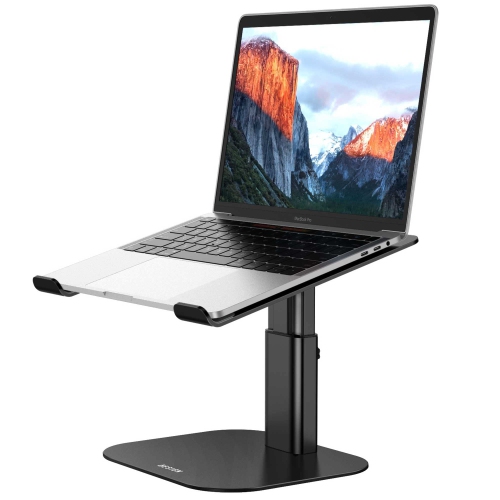
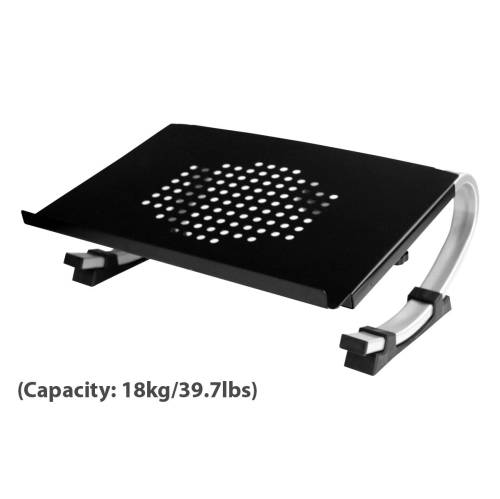
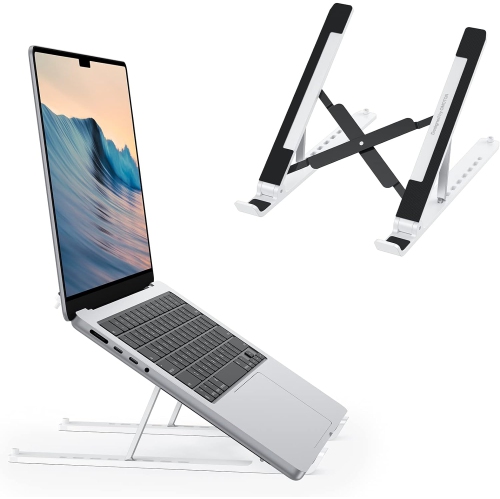
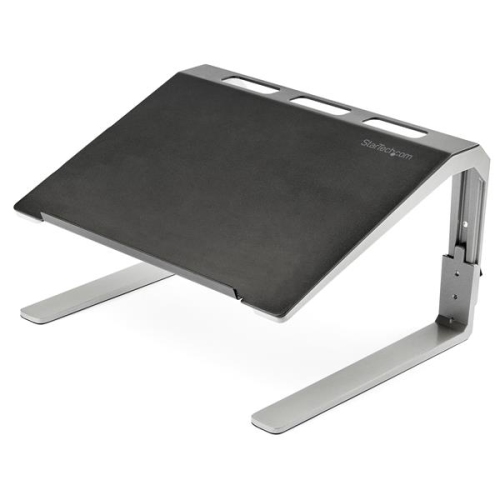
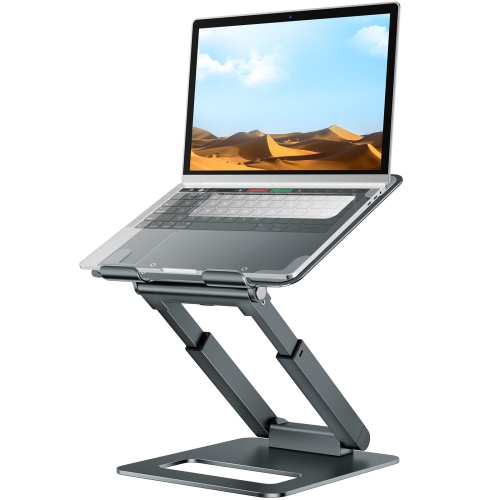

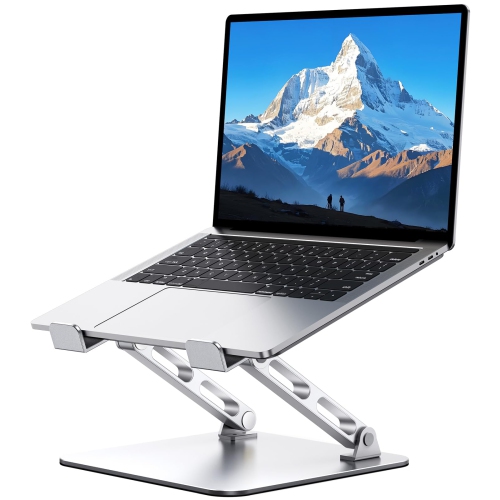
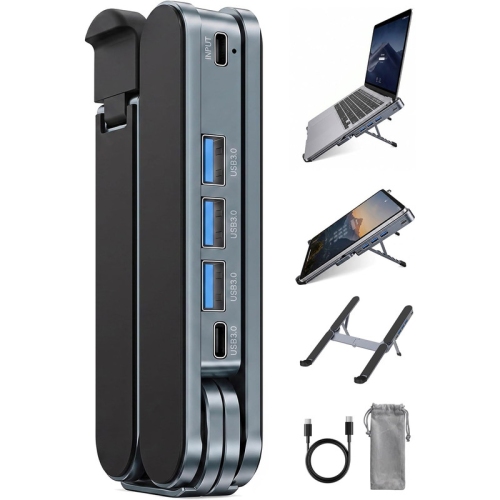






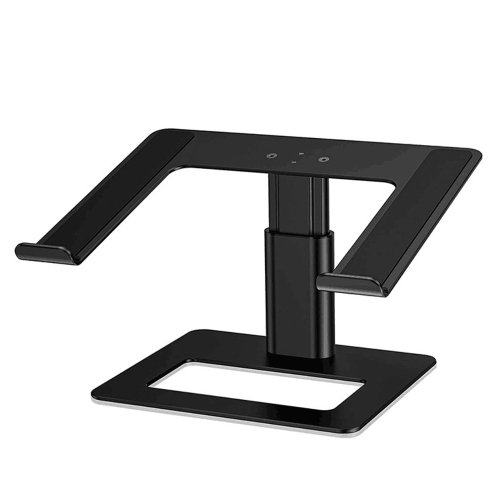
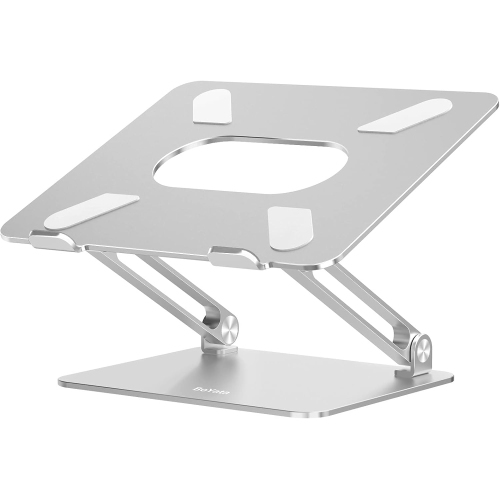
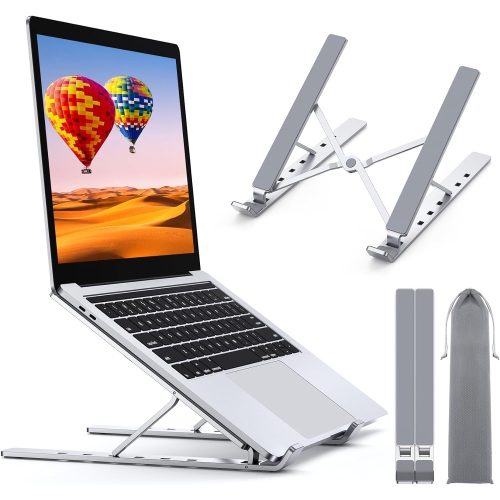
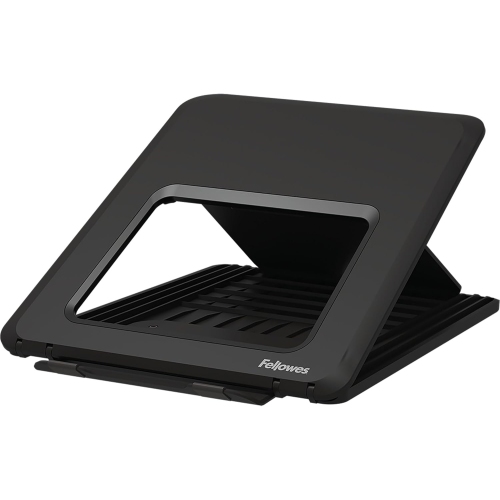

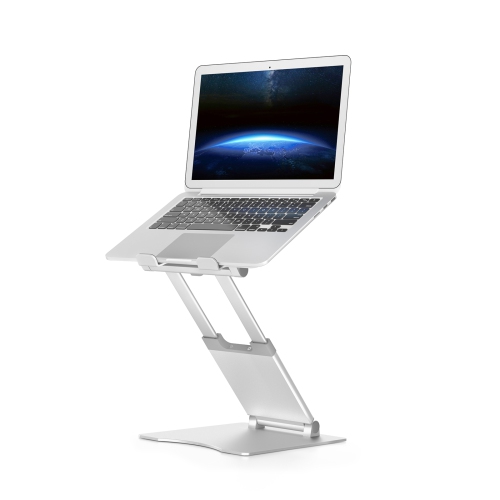
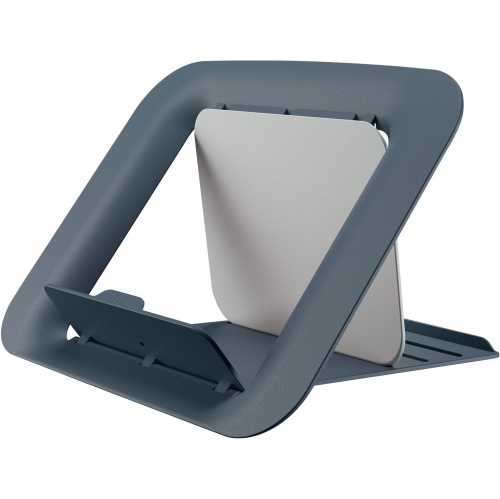

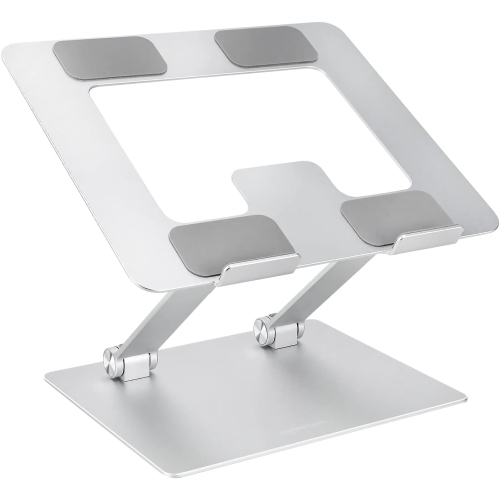
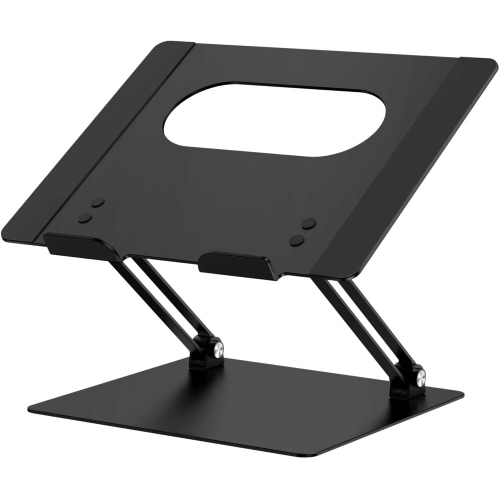


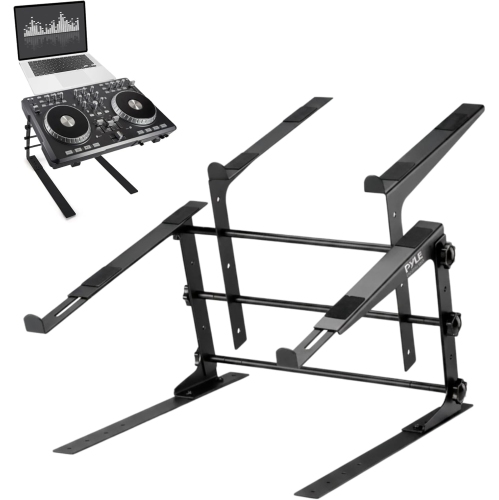
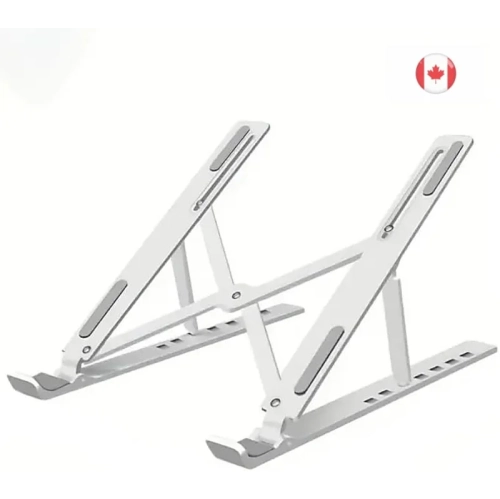
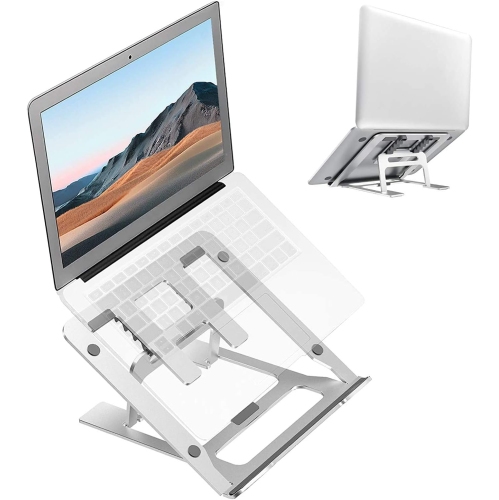
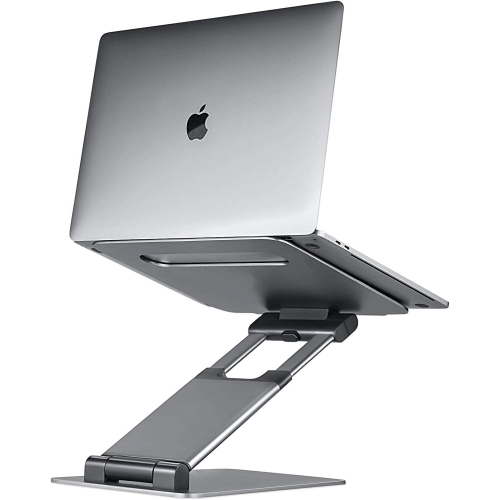




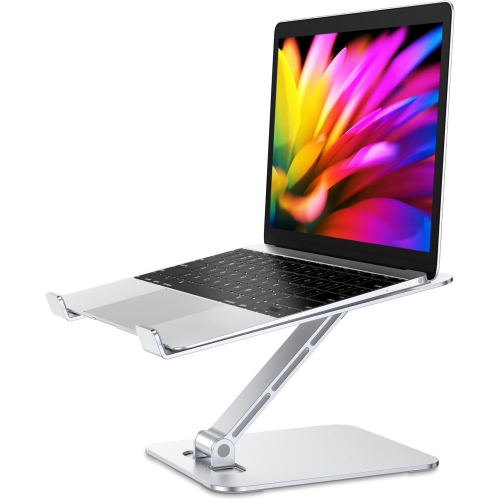
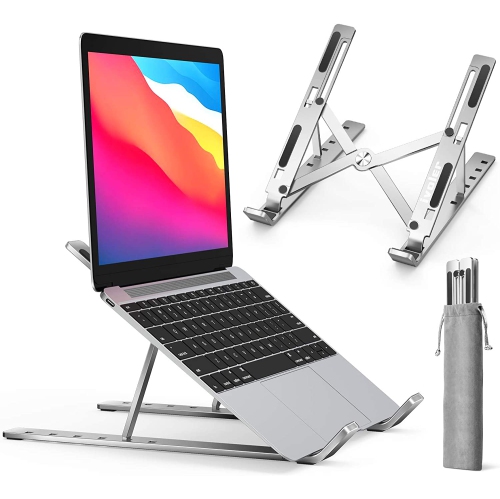
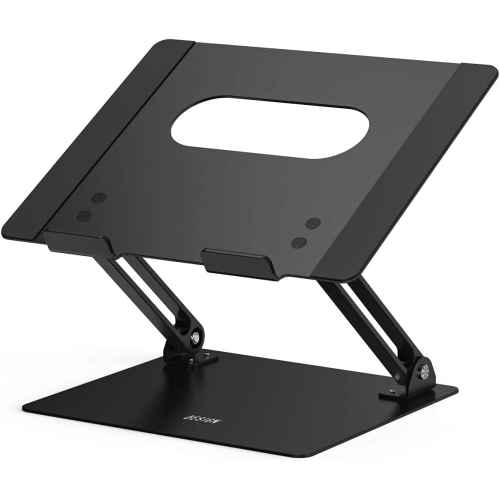
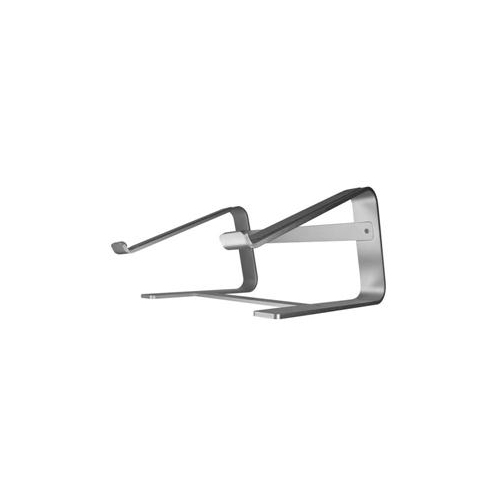
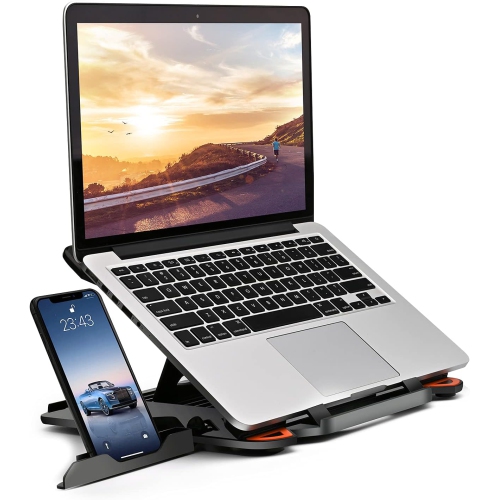
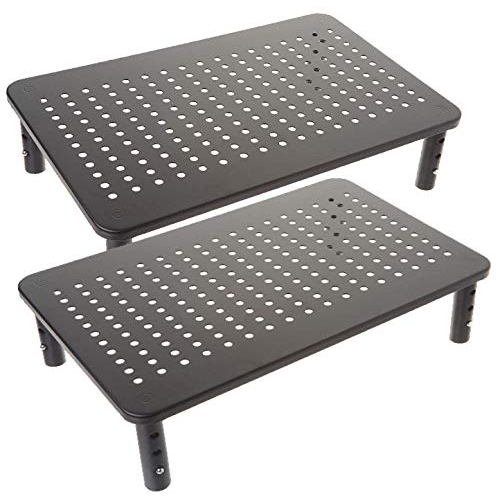
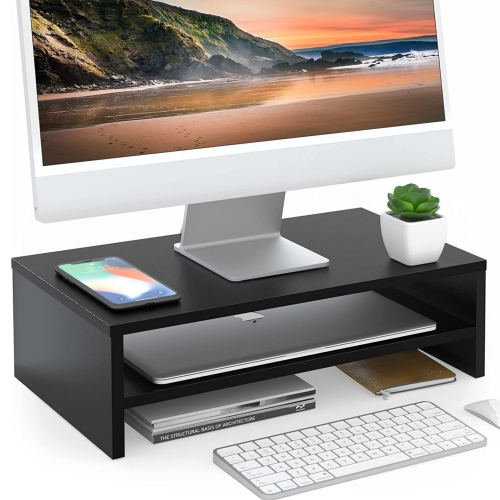
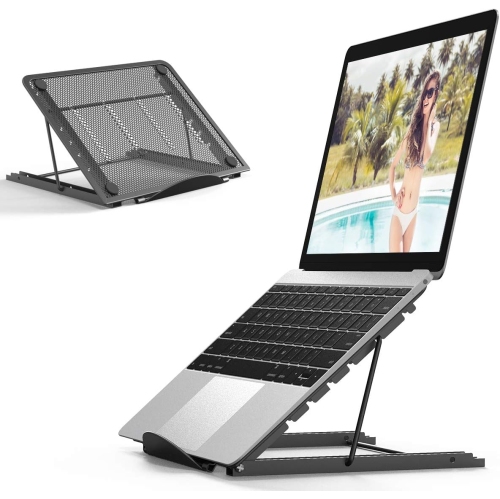





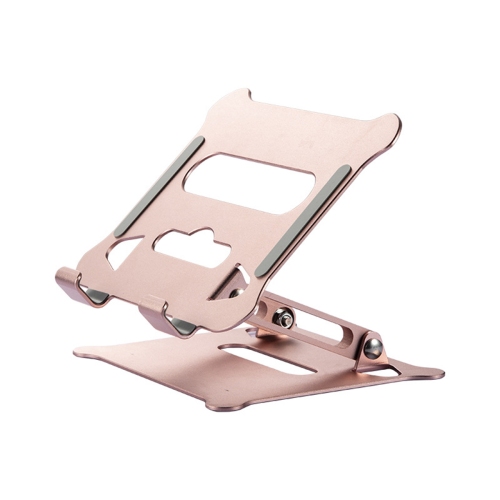
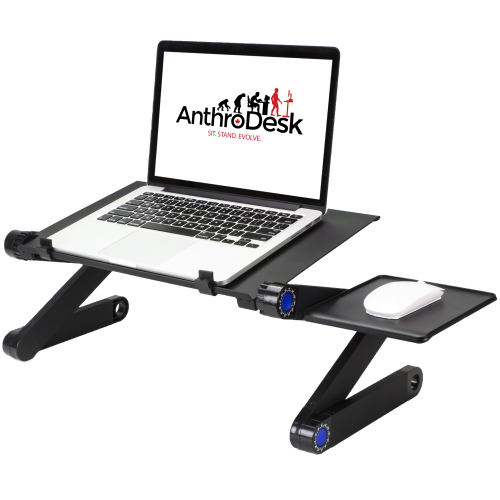
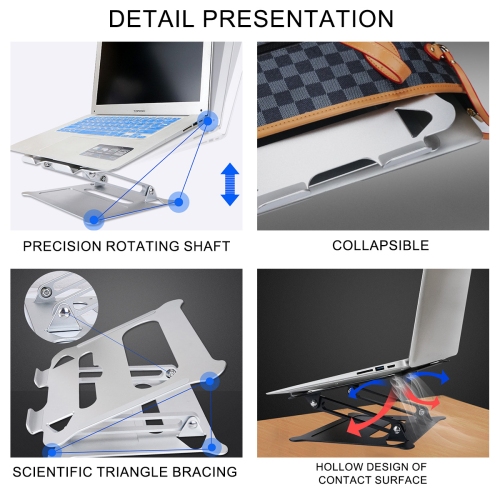
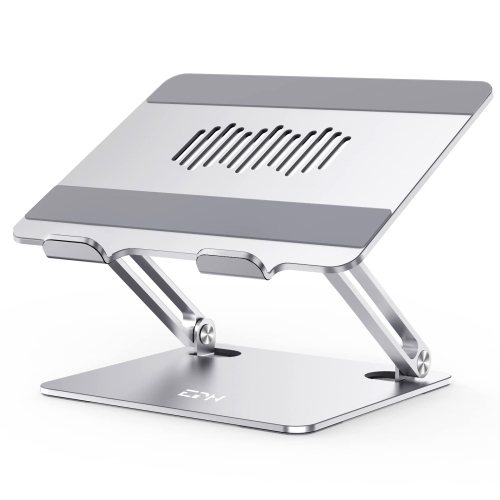
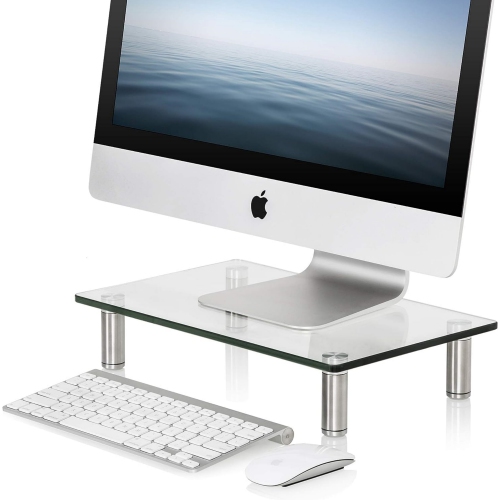
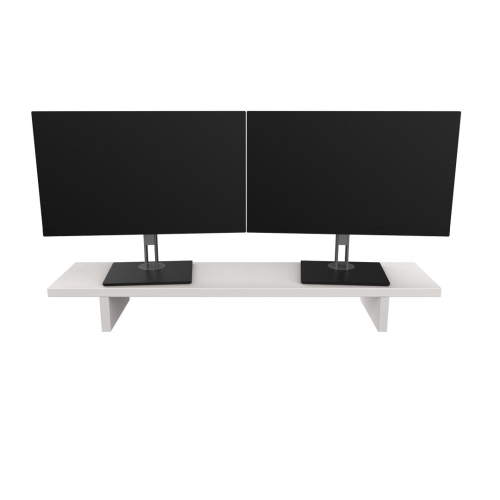
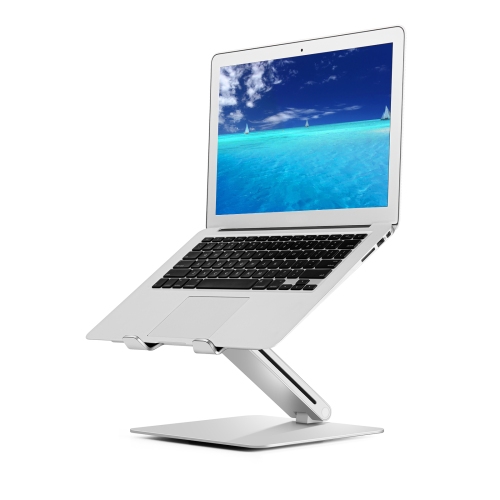
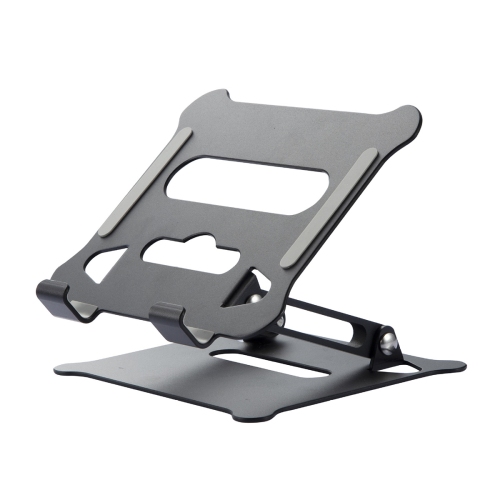
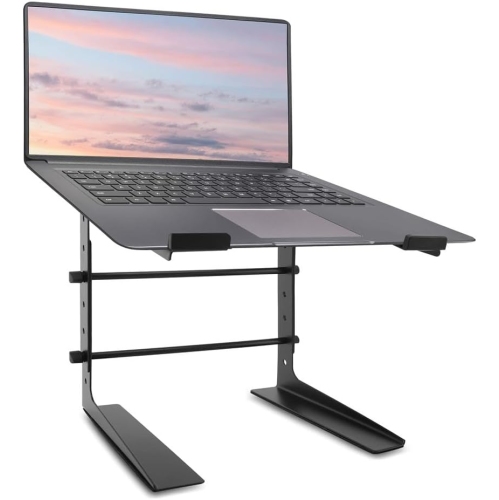

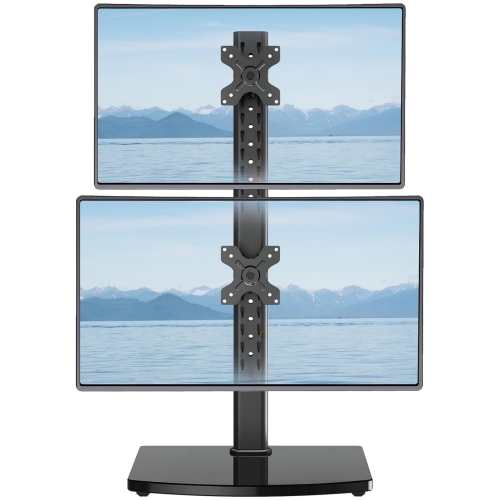
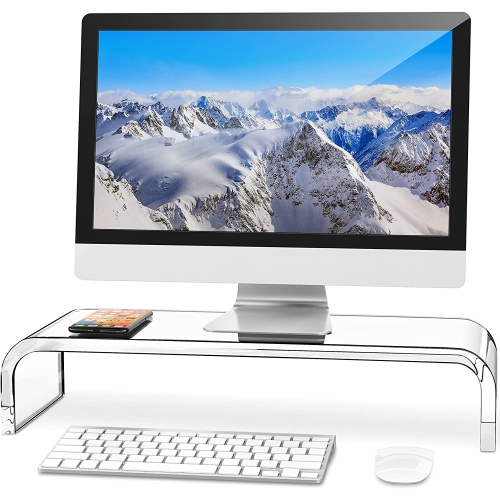
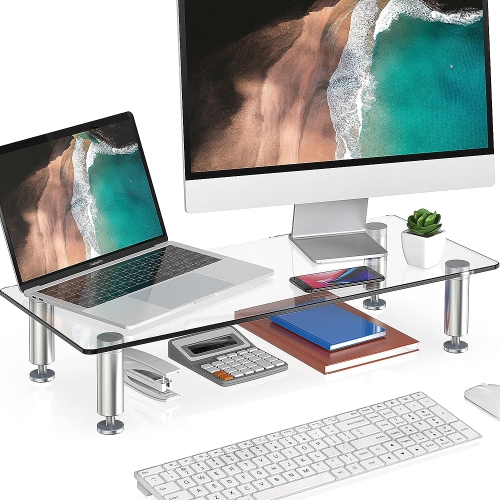
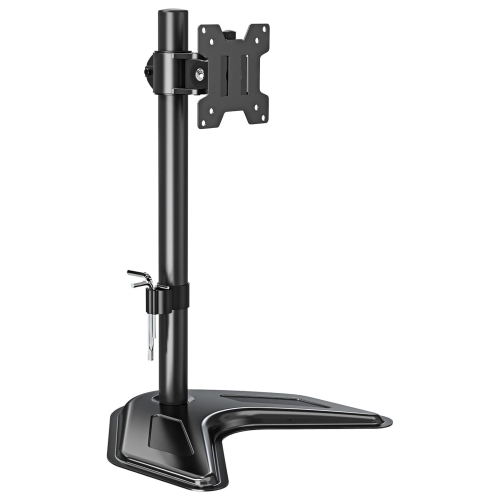
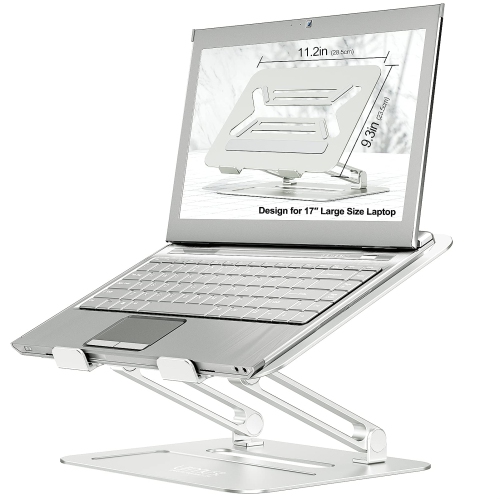
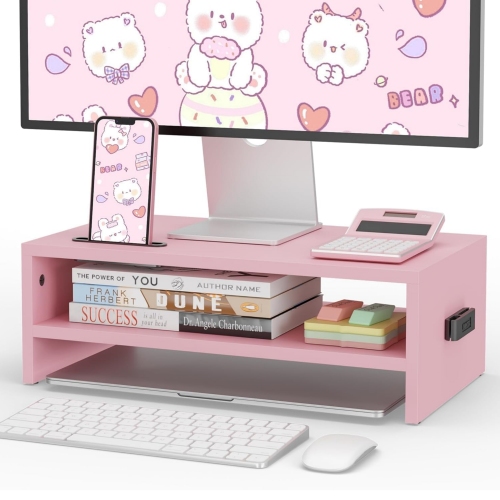
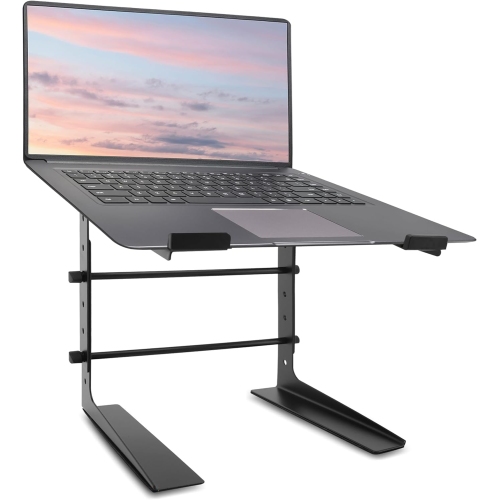
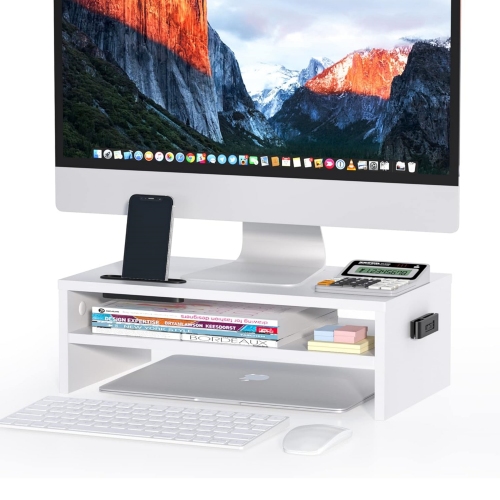
Better screen placement starts with the right support
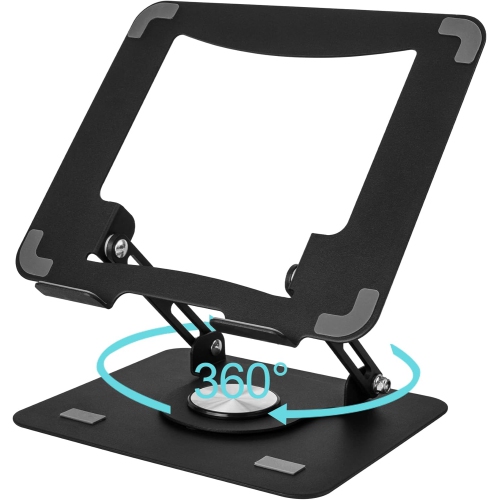
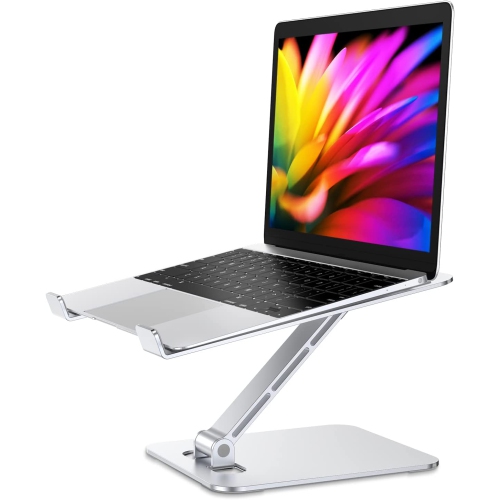
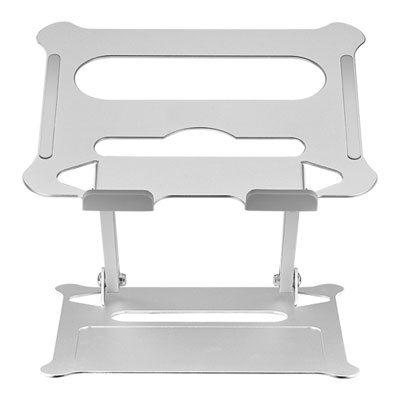
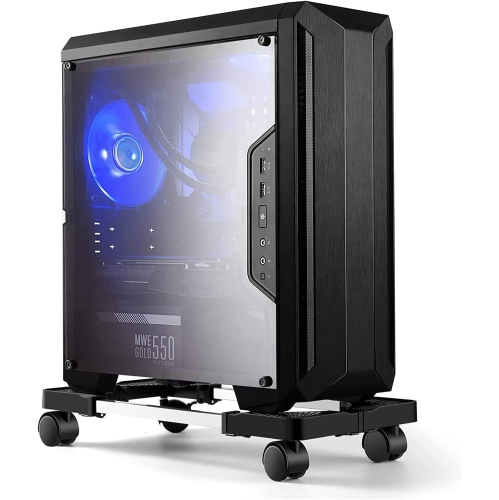
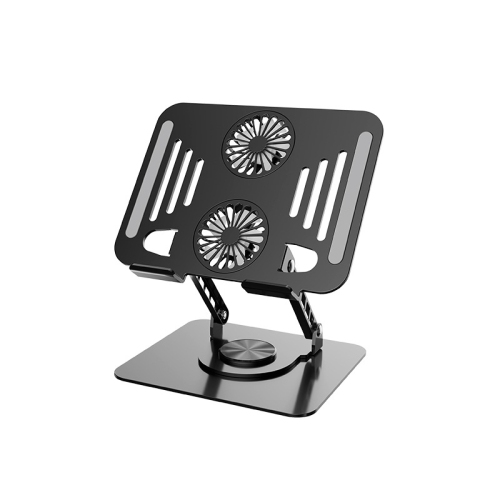
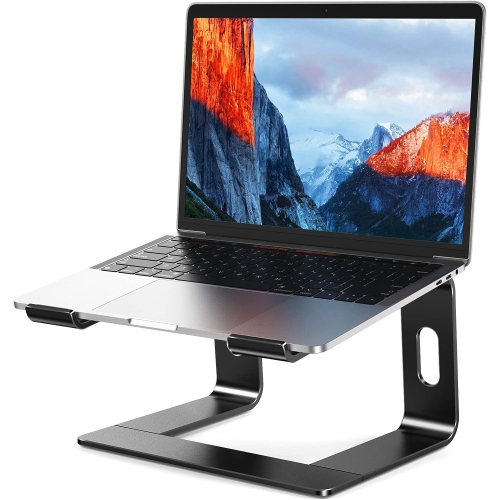
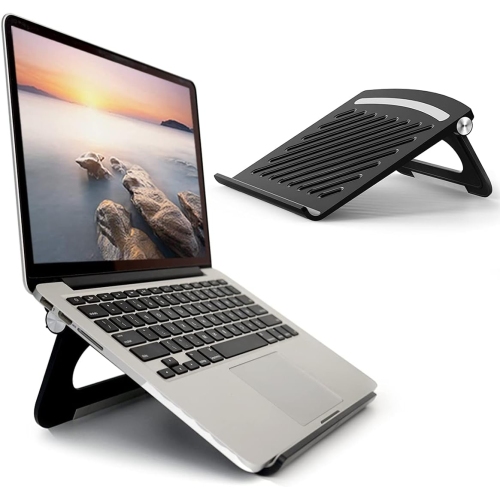
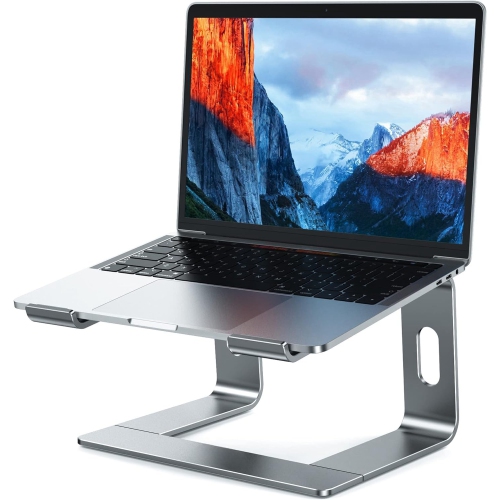
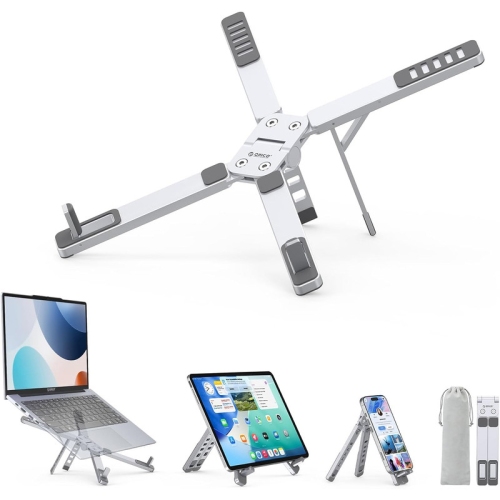
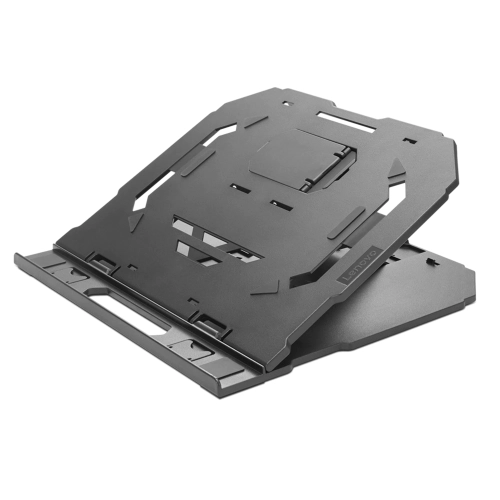
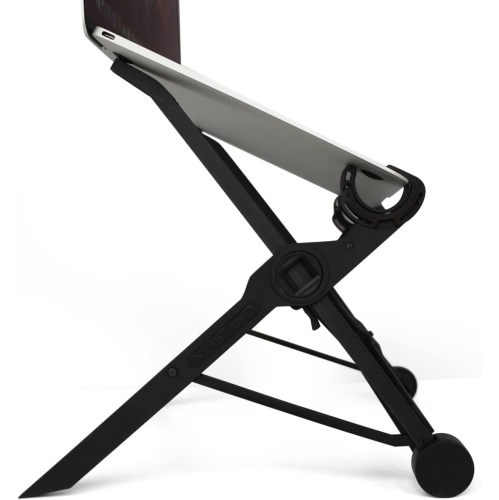
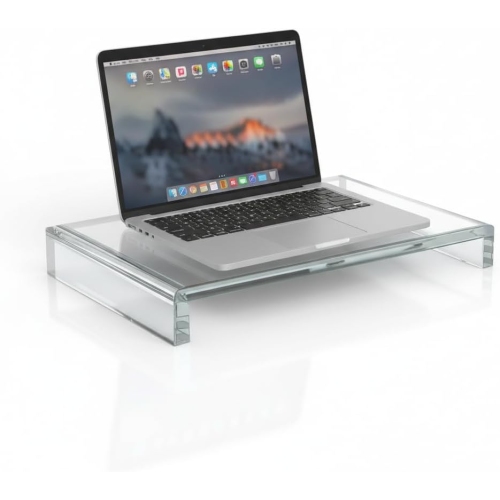
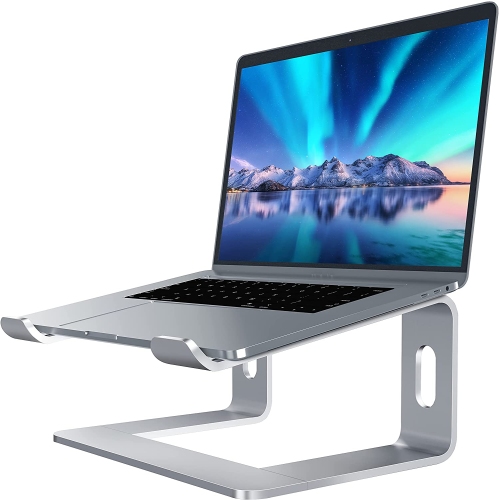
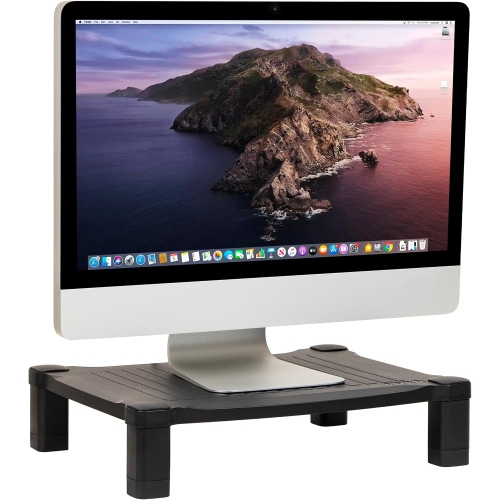
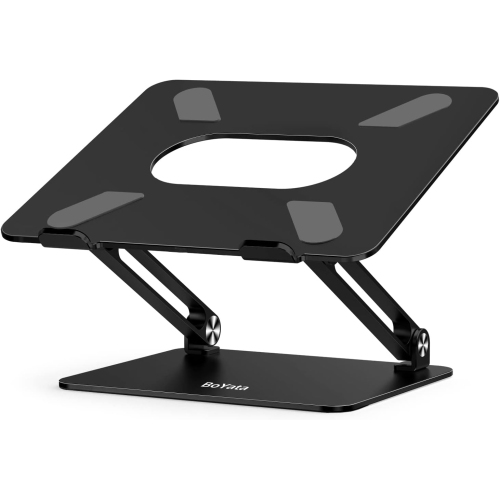
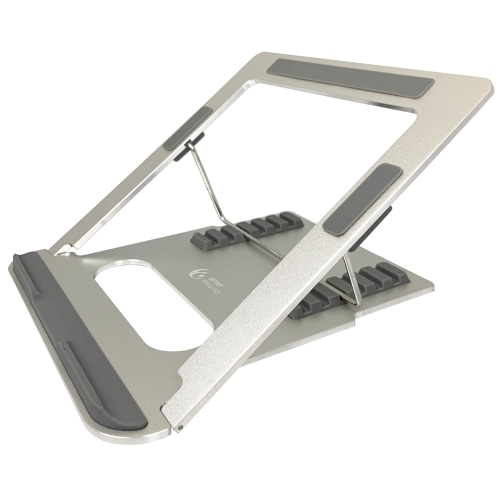
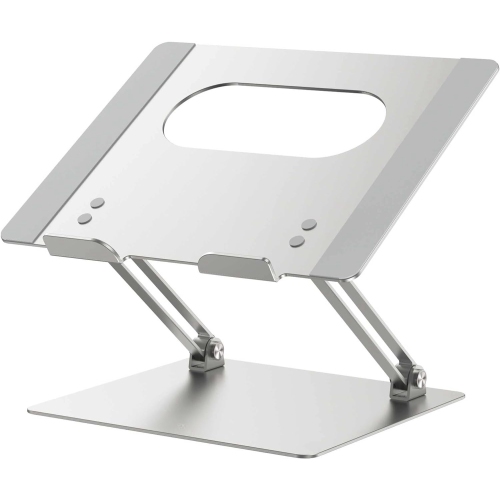
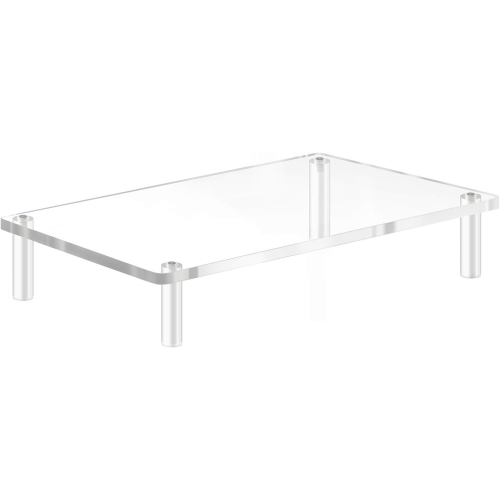
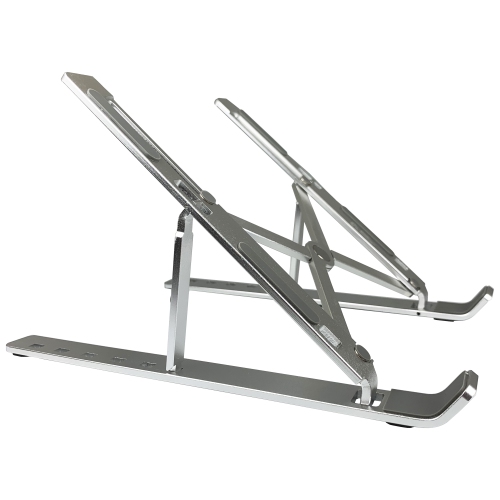
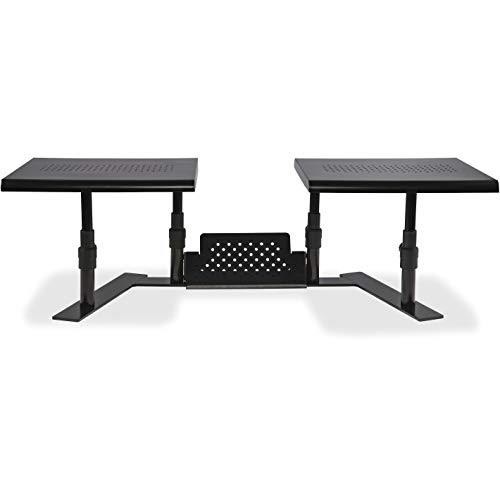
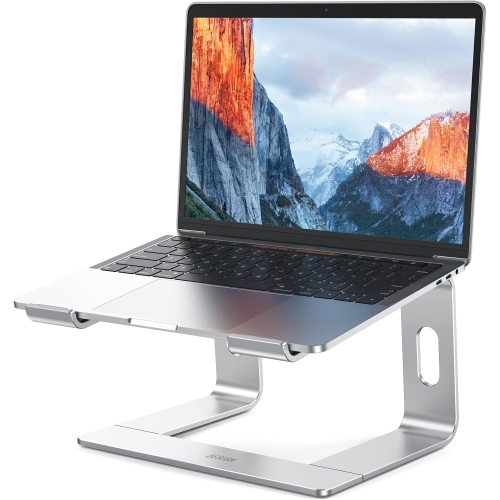
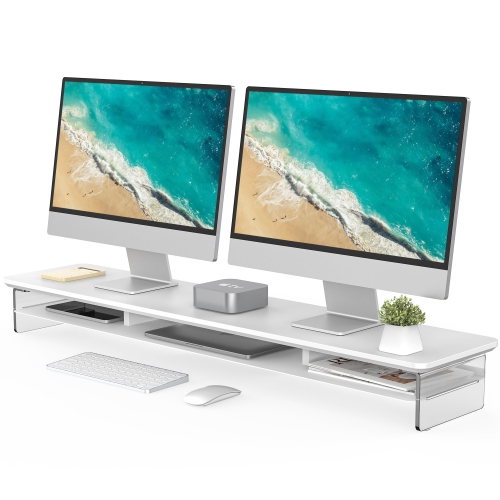
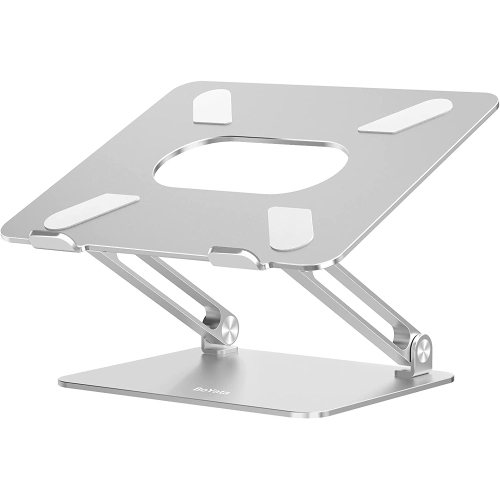
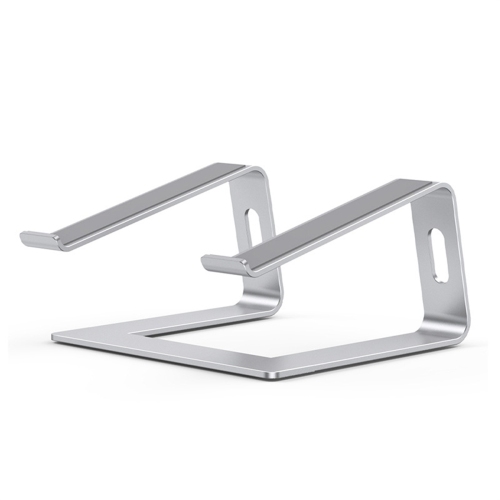
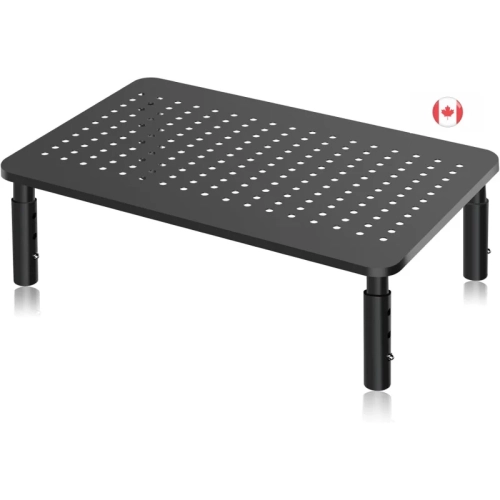
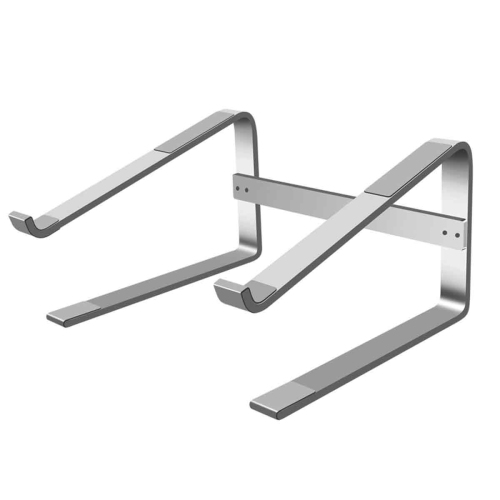
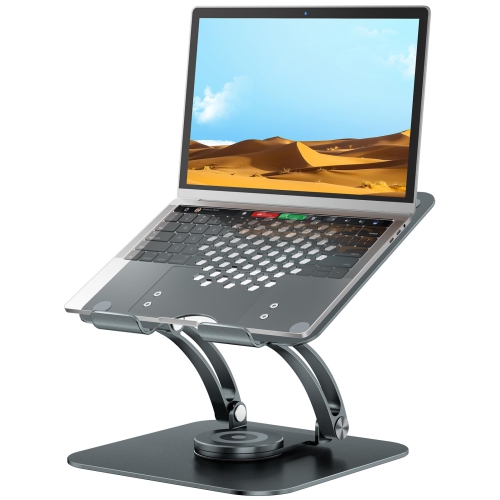
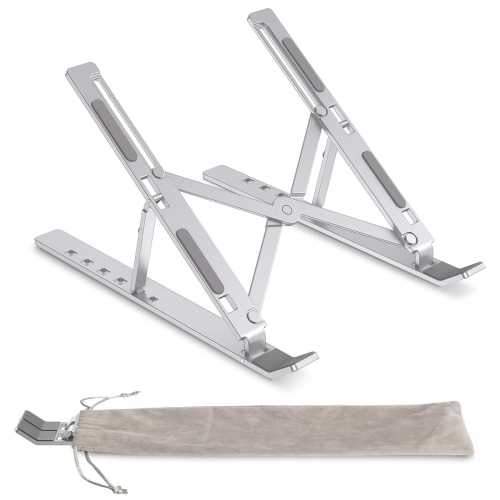
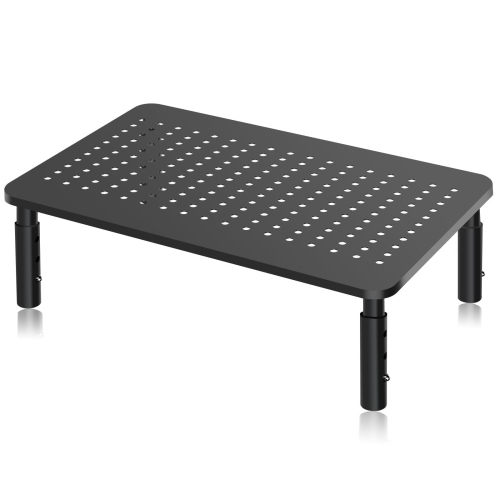
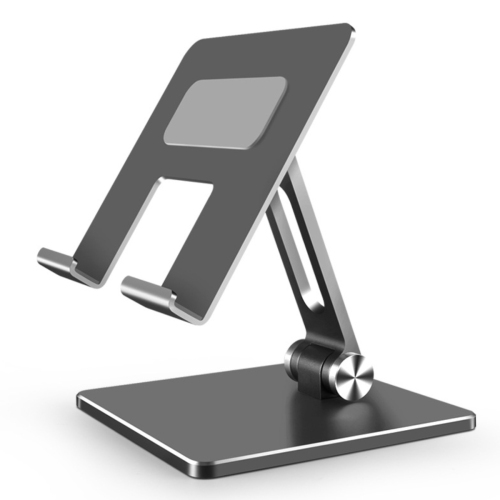
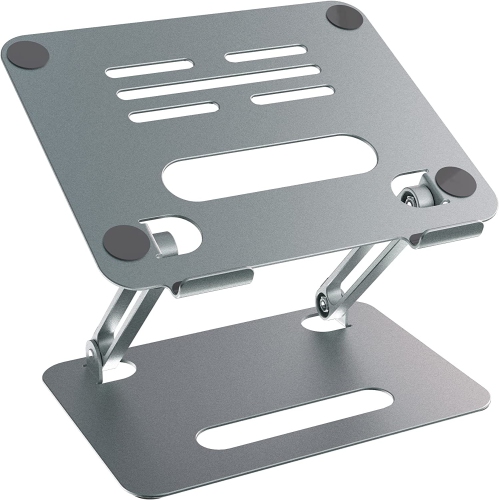
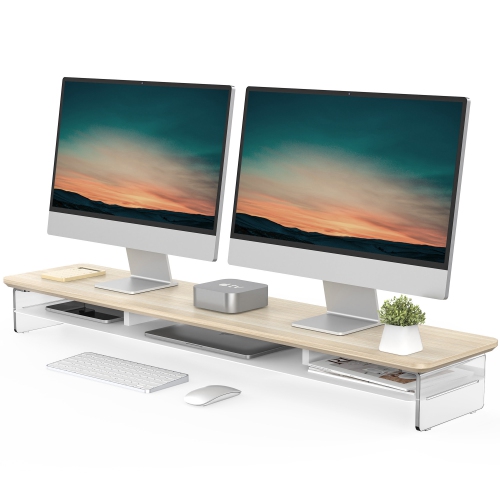
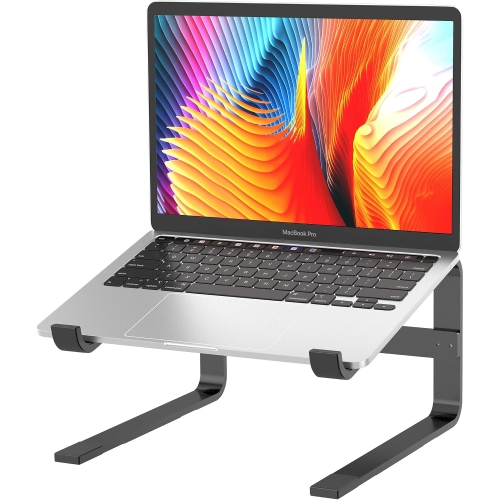
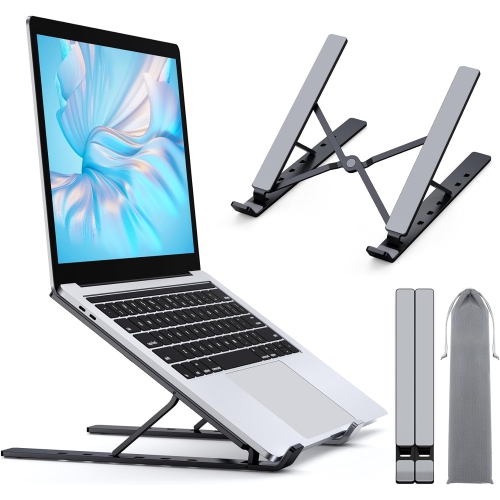
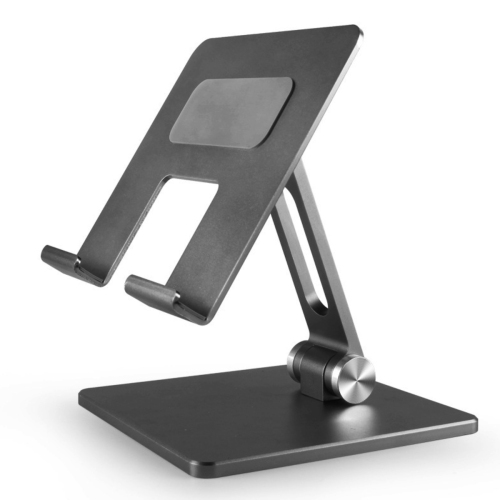
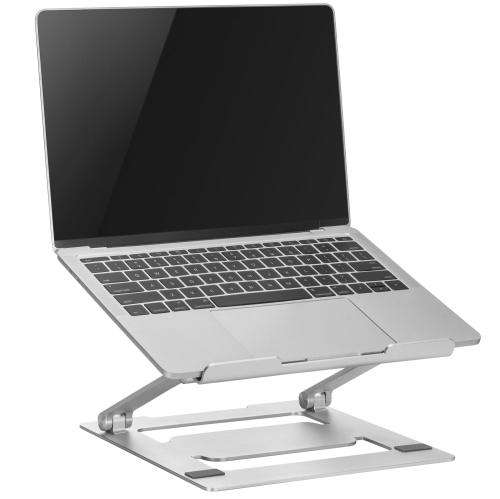
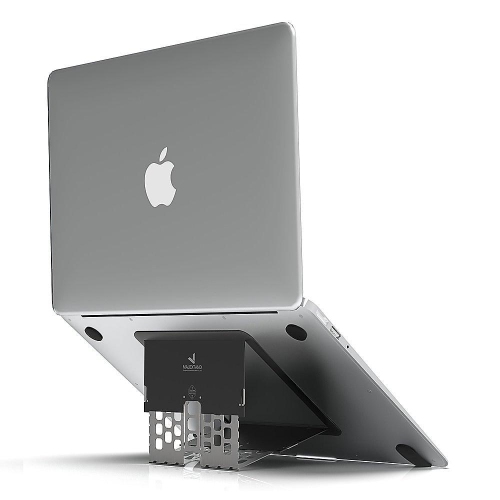
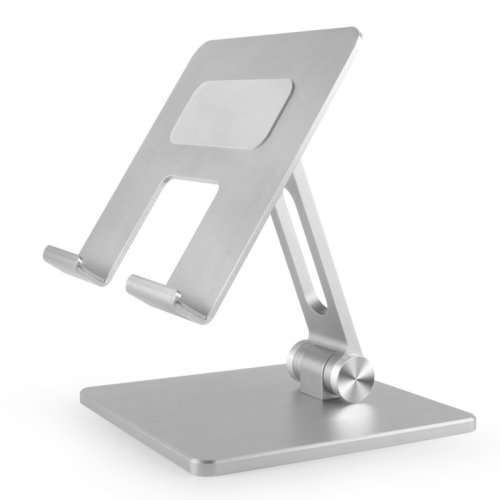
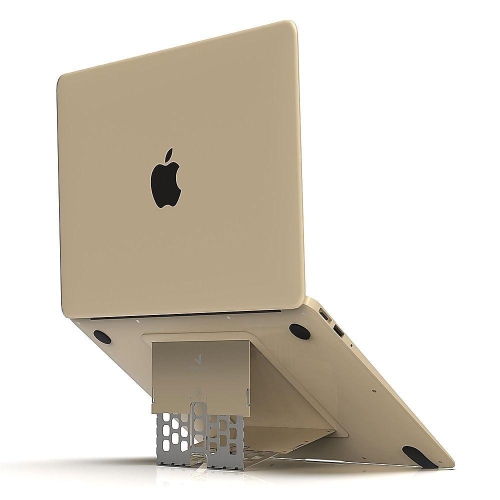
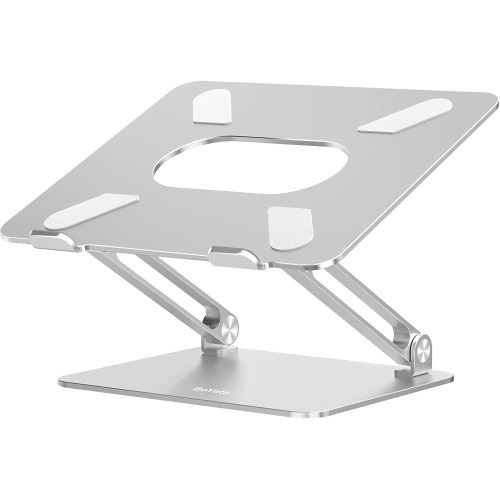
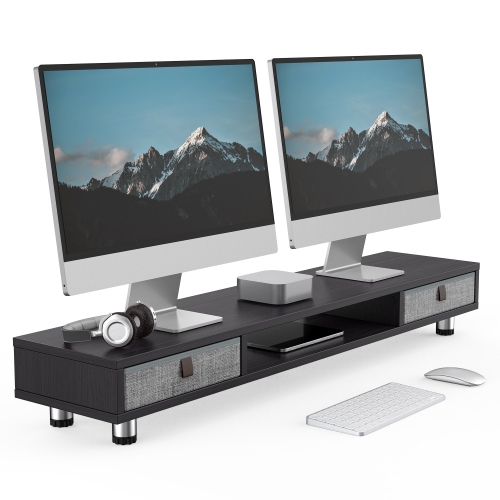
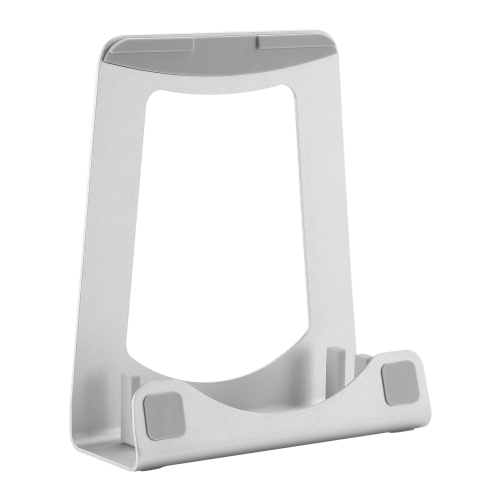
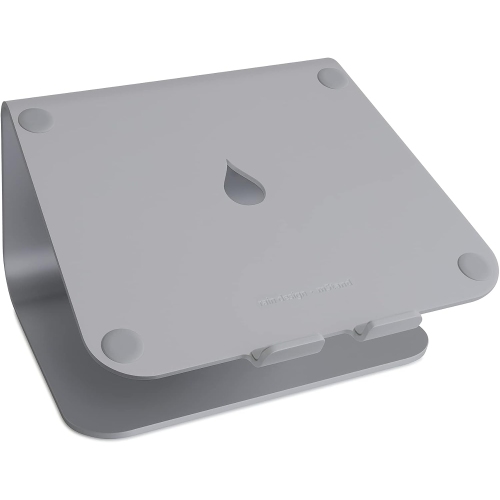
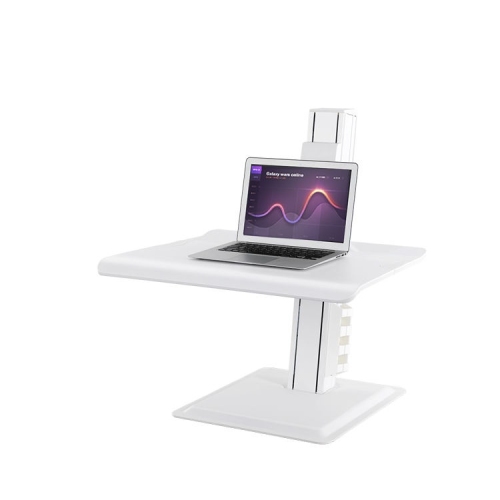
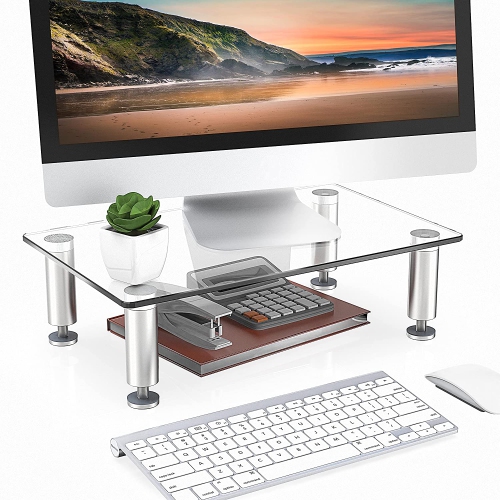
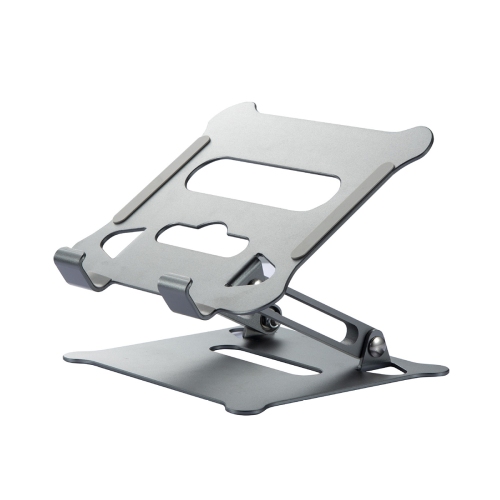
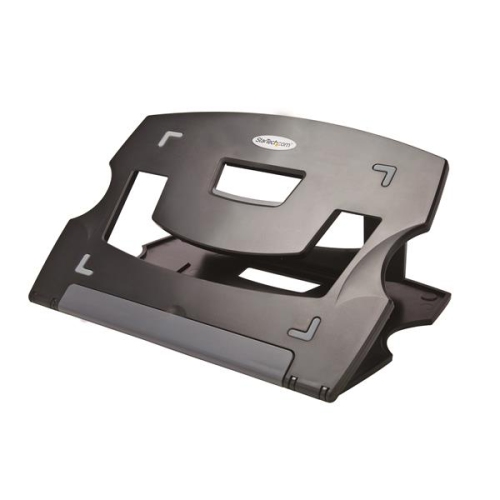
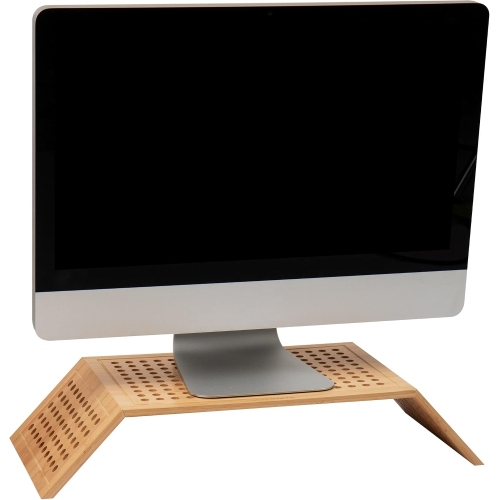
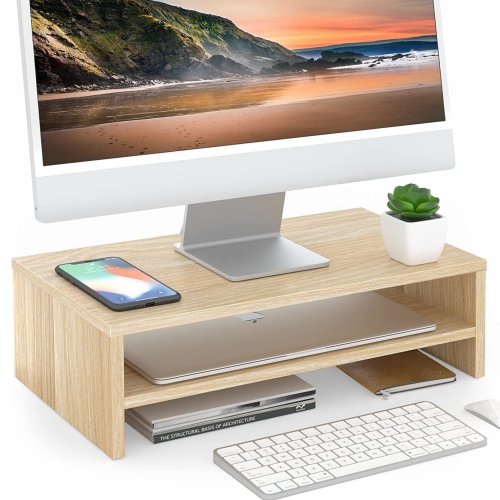
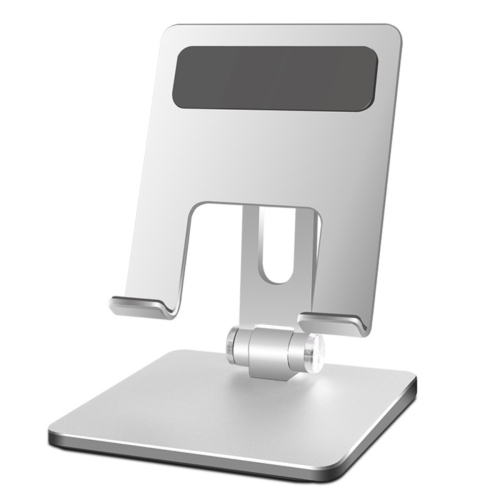
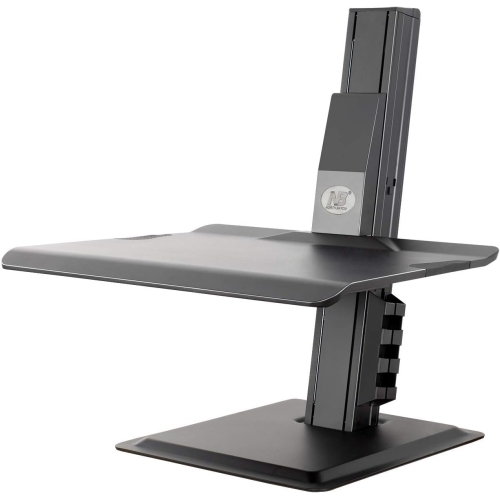
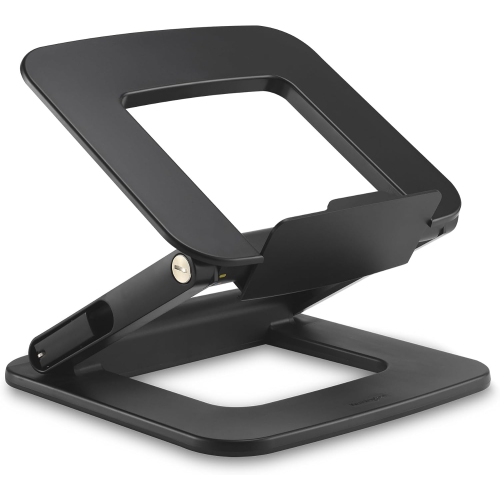
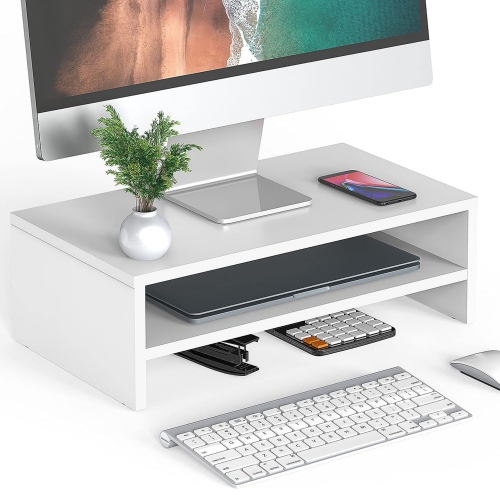
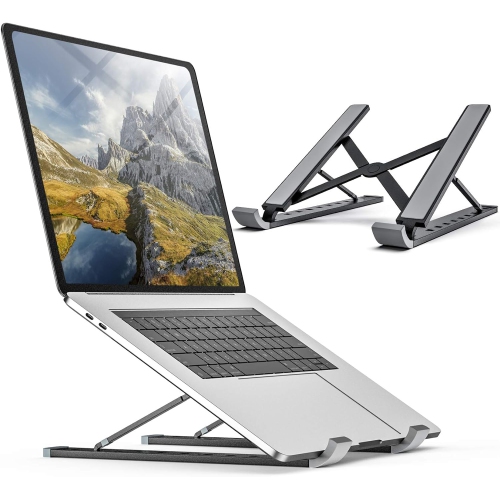
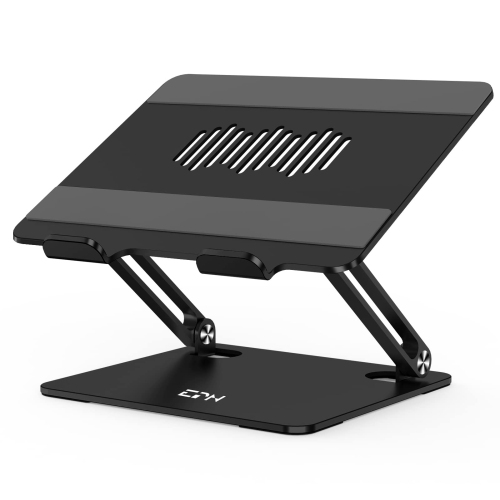
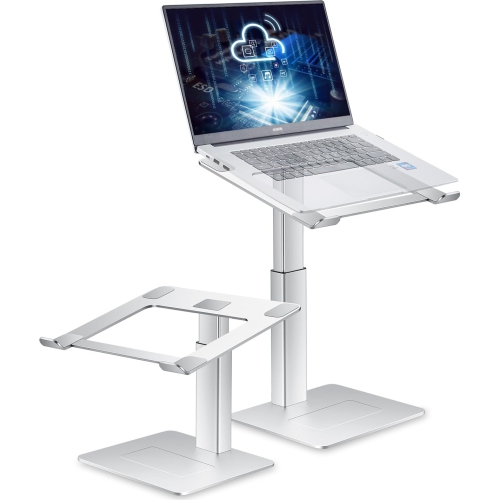
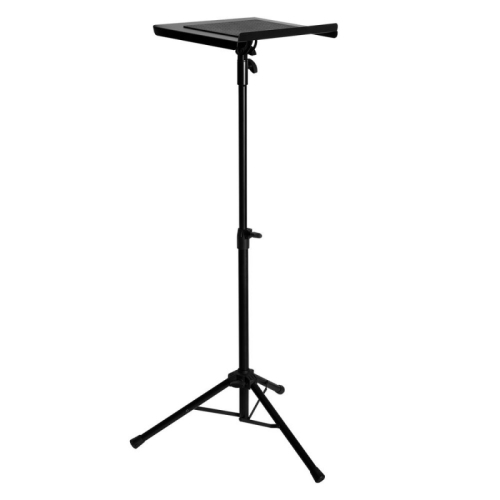
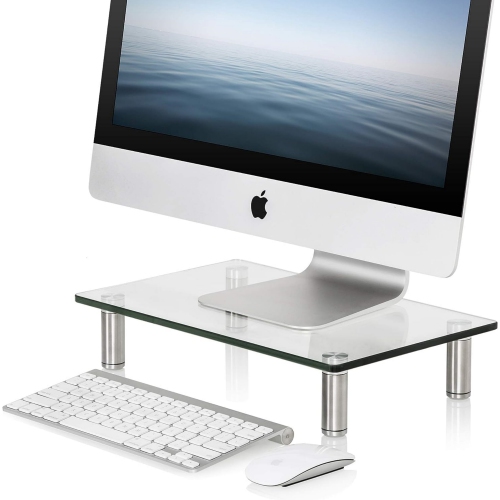
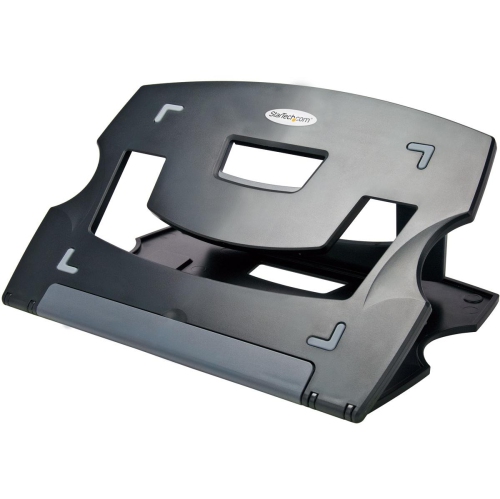
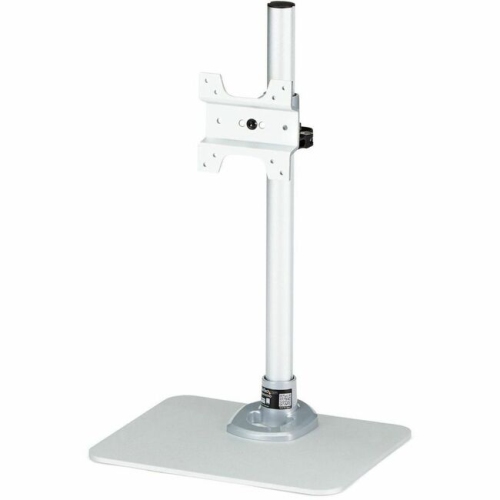
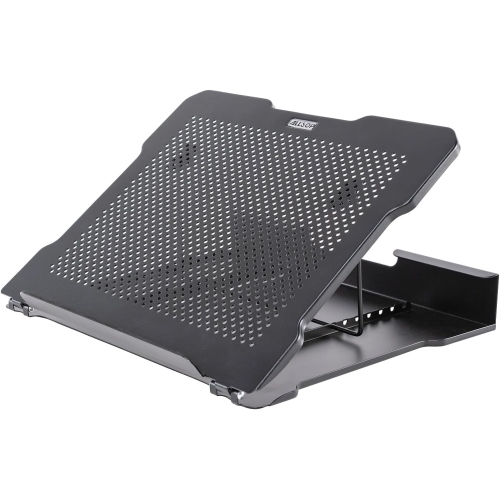
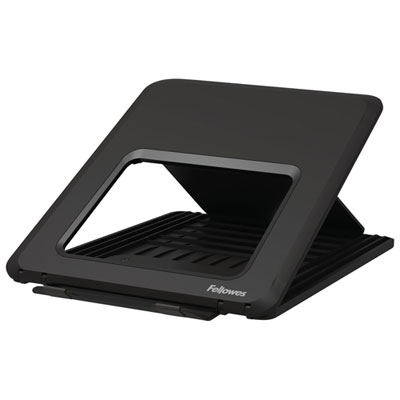
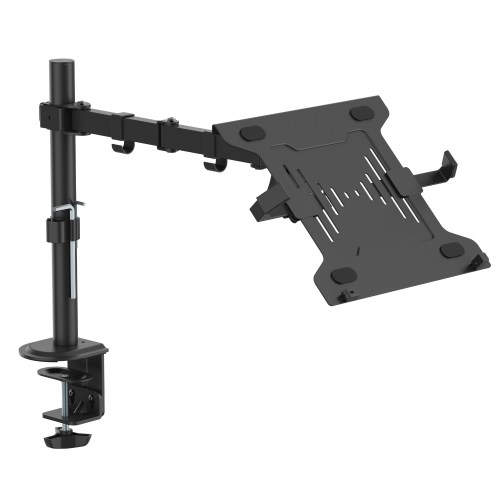
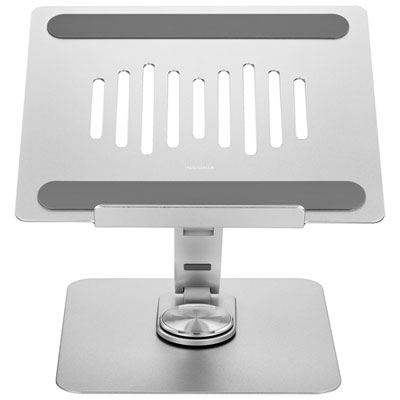
Computer stands are supports that raise or position a monitor, laptop, or desktop computer tower to help organize a workspace and place equipment where it is easier to use. Different styles serve different purposes: a monitor riser lifts a screen above the desk, a laptop stand supports a portable computer at a fixed or adjustable angle, and a tower stand provides a raised base for a desktop case. The right shape depends on what needs supporting and how the space is used. A broad monitor platform can leave room underneath for a keyboard at the end of a work session, while a compact laptop riser can free up space beside a notebook or drawing tablet. For someone working across two screens, separate supports may make it easier to align displays with different base heights. Screen placement matters as much as the extra storage space. For many seated setups, positioning the top of the display around eye level or slightly below it can help reduce the need to look down for extended periods, although the best position depends on the user, screen size, and viewing needs. A raised laptop generally works best with a separate keyboard and mouse for longer sessions, since lifting the screen also raises the built-in keyboard. The aim is to keep the display readable without leaning forward and to leave enough desk space for relaxed arm placement. Computer stands can suit a dedicated home office, a student's study area, a shared family desk, or a workstation used for gaming and creative projects. On a shallow desk, a stand with a modest footprint may be more useful than a deep platform with several compartments. In a shared space, adjustable height or tilt can help accommodate different users, provided the stand remains stable at the chosen setting. These practical differences make computer stands more than simple storage accessories: they help define how equipment, accessories, and everyday work fit together.
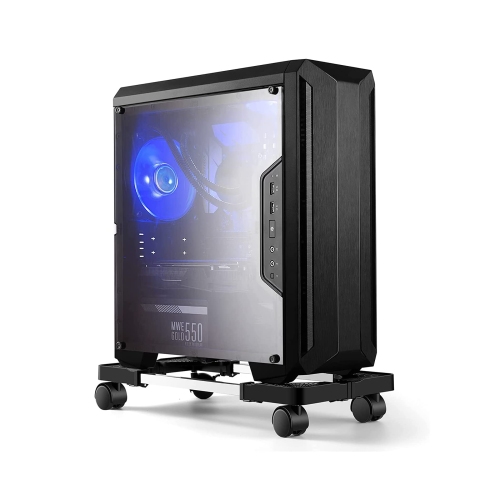
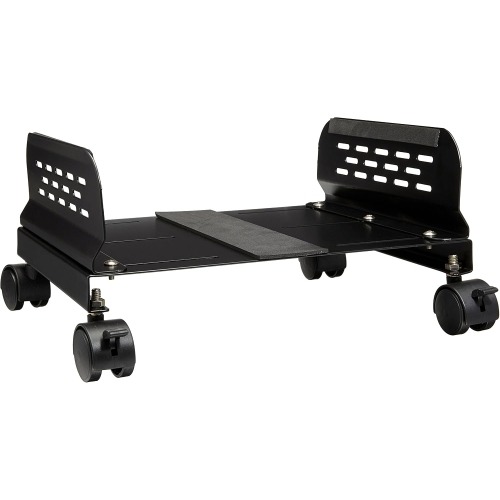
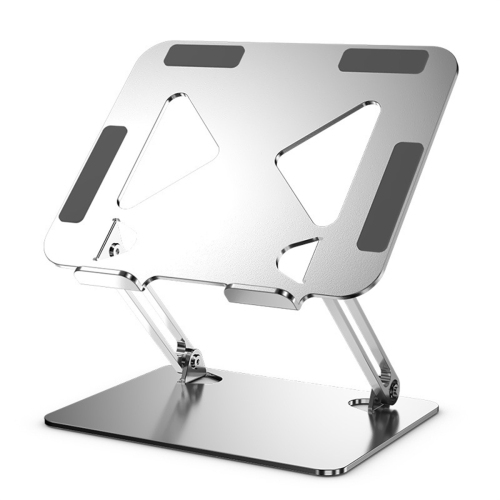
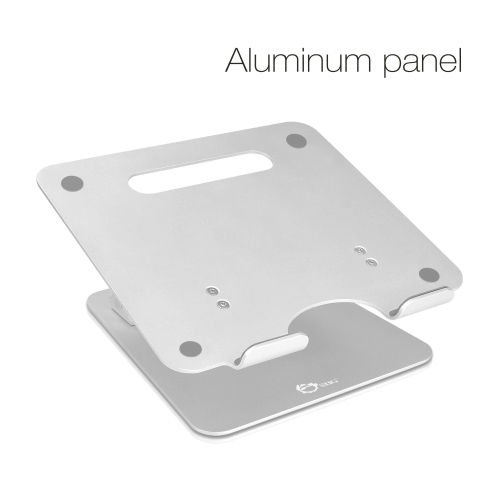
Fit starts with the equipment's dimensions, weight, and support points rather than screen size alone. A monitor with a wide, splayed base needs a platform that fully supports its feet, while a laptop needs a surface or supporting arms that keep it secure without obstructing its ports or vents. The stand's stated load capacity should accommodate everything placed on it, including any accessories sharing the platform. With adjustable designs, the locking mechanism and permitted positions are important, particularly when the supported device will be moved or touched frequently. A laptop used for video calls should remain steady when its screen is opened or its angle is changed. Materials also affect the feel and function of the setup. Steel can provide a solid base for heavier equipment, while aluminium is often used for lighter structures that are easier to move. Wood and wood-based platforms can blend with desks and shelving, with durability depending on construction, surface finish, and protection from moisture. Plastic designs vary in strength and flexibility, so the overall structure and load rating matter more than appearance alone. Rounded edges, smooth finishes, and firmly attached feet are useful details on a stand handled regularly. Non-slip pads can help limit movement and protect the desk surface, but the platform still needs to sit flat on a stable piece of furniture. Open-frame designs and ventilation cut-outs can help keep a device's existing air passages clear; they should not be treated as a substitute for the clearances required by the computer manufacturer. For desktop towers, check the case width, depth, weight, and location of intake vents before considering a raised base or wheeled support. Wheels can make it easier to reach rear connections or clean around the case, and locking casters help keep the tower in place during use. There also needs to be enough cable slack for movement without pulling on plugs. A tower stand should not block access to the power button, front ports, removable panels, or filters that need routine cleaning.
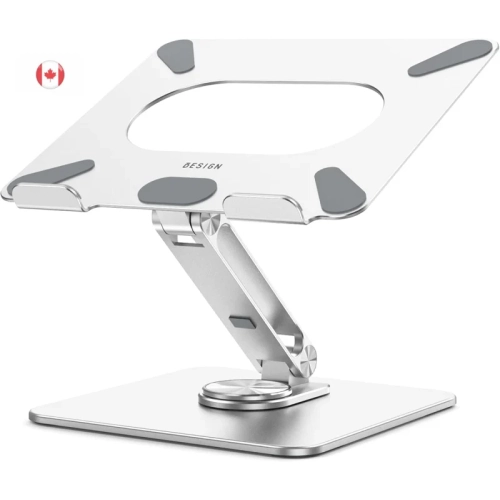
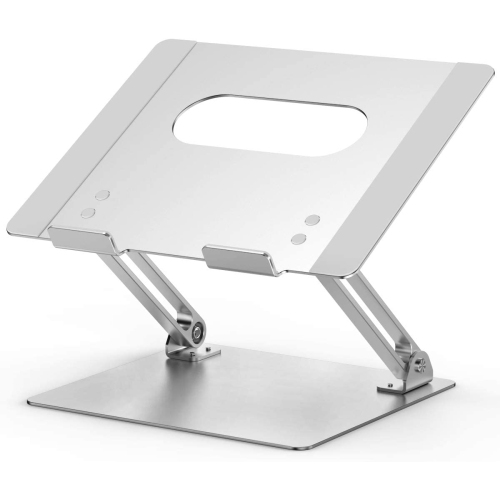
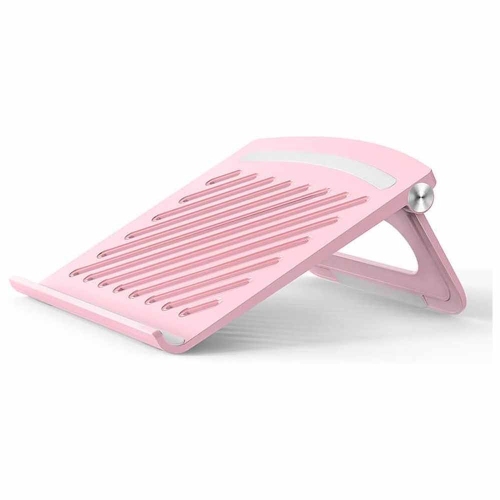
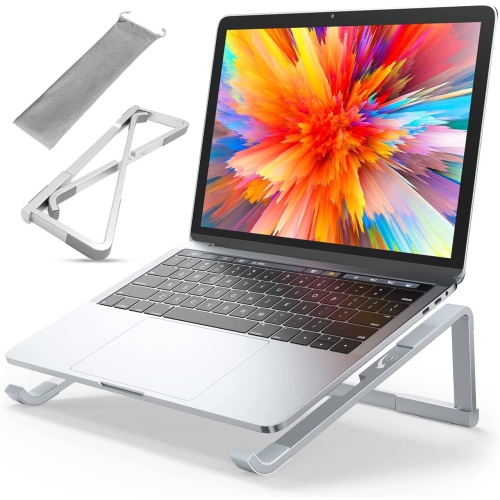
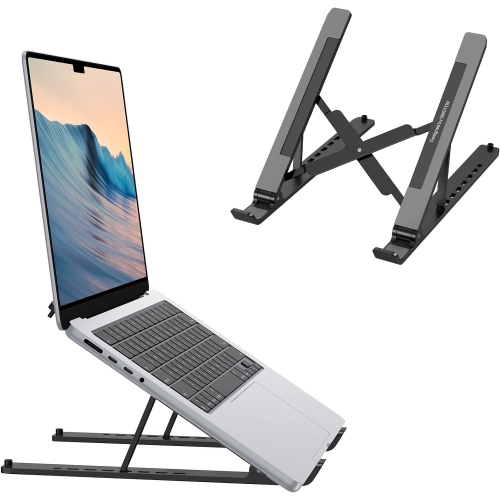
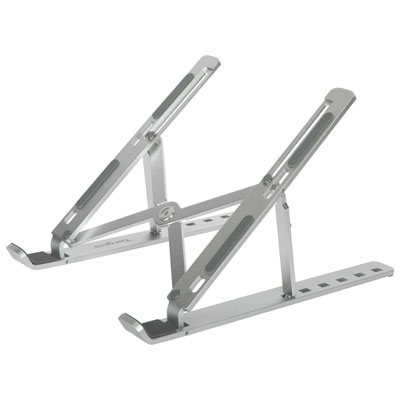
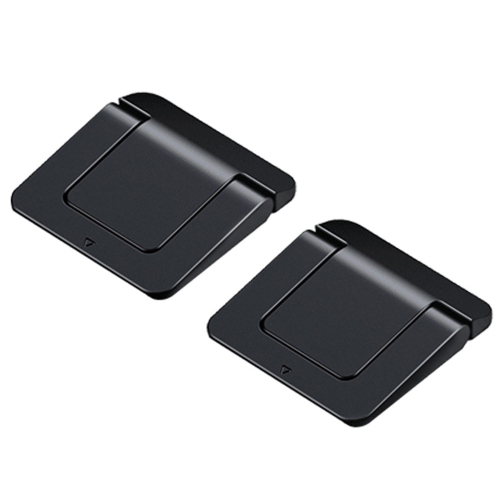
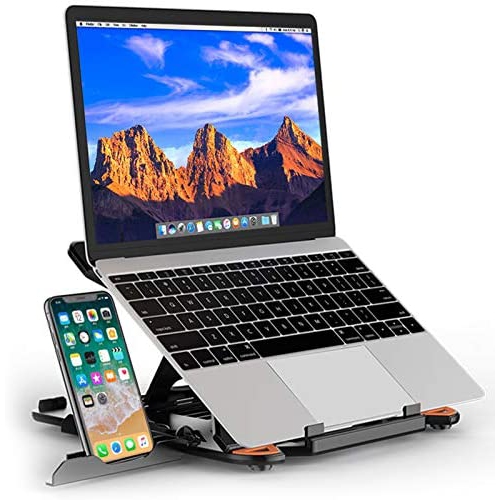
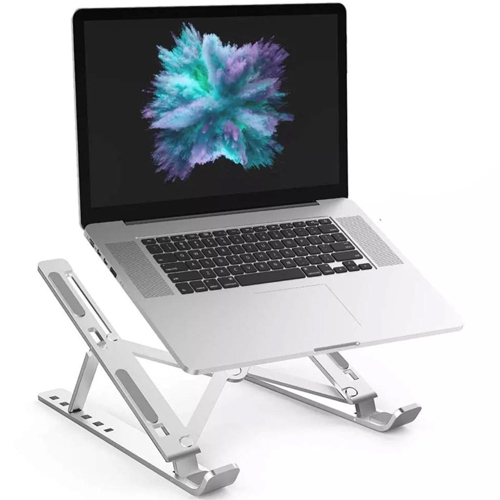
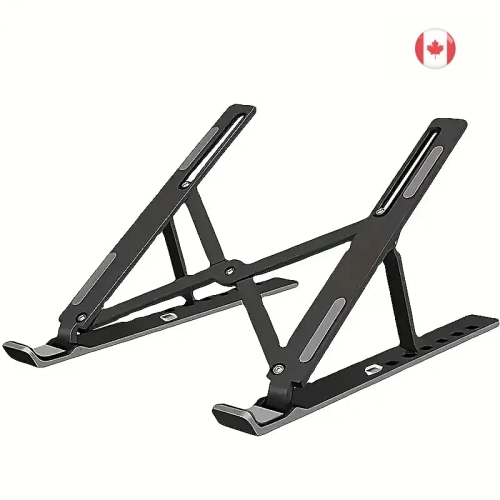
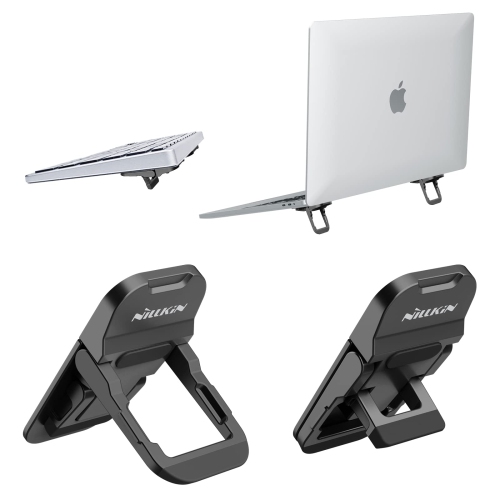
Everyday use often reveals which details are most valuable. A stand with an open space underneath can keep a full-size keyboard out of the way when the desk is needed for paperwork, while a shelf or shallow drawer can give small accessories a defined place. Storage dimensions deserve a close look: a compartment that fits a slim keyboard may not accommodate a taller mechanical keyboard or one with a wrist rest attached. Cable openings can keep charging leads and display cables from gathering behind the screen, especially when their position matches the ports on the device. For a portable computer that moves between a desk and a bag, folding supports offer a different balance of portability and adjustability from a fixed platform. The Laptop Stands category focuses on supports for these portable setups, including designs intended for screen elevation and angled positioning. A stand used mainly for viewing documents beside an external keyboard has different demands from one used for brief typing sessions, so the intended working position should shape the choice. Care is usually straightforward, but it should match the material and finish. Remove equipment before cleaning, use a soft cloth, and follow the manufacturer's instructions rather than applying cleaners directly to hinges, pads, or unfinished surfaces. Dust around joints and ventilation openings, check adjustable fittings periodically, and replace damaged protective pads where the design allows. Keeping heavy objects off unsupported edges and lifting the stand rather than dragging it can help preserve both the support and the desk beneath it. Computer stands can also be thoughtful gifts for students, remote workers, or someone setting up a more organized workspace, as long as the recipient's equipment and desk measurements are known. The most useful choice is one that fits naturally into daily routines: a screen at a comfortable viewing height, a secure place for the computer, and enough clear surface to get things done.
Fit starts with the equipment's dimensions, weight, and support points rather than screen size alone. A monitor with a wide, splayed base needs a platform that fully supports its feet, while a laptop needs a surface or supporting arms that keep it secure without obstructing its ports or vents. The stand's stated load capacity should accommodate everything placed on it, including any accessories sharing the platform. With adjustable designs, the locking mechanism and permitted positions are important, particularly when the supported device will be moved or touched frequently. A laptop used for video calls should remain steady when its screen is opened or its angle is changed. Materials also affect the feel and function of the setup. Steel can provide a solid base for heavier equipment, while aluminium is often used for lighter structures that are easier to move. Wood and wood-based platforms can blend with desks and shelving, with durability depending on construction, surface finish, and protection from moisture. Plastic designs vary in strength and flexibility, so the overall structure and load rating matter more than appearance alone. Rounded edges, smooth finishes, and firmly attached feet are useful details on a stand handled regularly. Non-slip pads can help limit movement and protect the desk surface, but the platform still needs to sit flat on a stable piece of furniture. Open-frame designs and ventilation cut-outs can help keep a device's existing air passages clear; they should not be treated as a substitute for the clearances required by the computer manufacturer. For desktop towers, check the case width, depth, weight, and location of intake vents before considering a raised base or wheeled support. Wheels can make it easier to reach rear connections or clean around the case, and locking casters help keep the tower in place during use. There also needs to be enough cable slack for movement without pulling on plugs. A tower stand should not block access to the power button, front ports, removable panels, or filters that need routine cleaning.
Everyday use often reveals which details are most valuable. A stand with an open space underneath can keep a full-size keyboard out of the way when the desk is needed for paperwork, while a shelf or shallow drawer can give small accessories a defined place. Storage dimensions deserve a close look: a compartment that fits a slim keyboard may not accommodate a taller mechanical keyboard or one with a wrist rest attached. Cable openings can keep charging leads and display cables from gathering behind the screen, especially when their position matches the ports on the device. For a portable computer that moves between a desk and a bag, folding supports offer a different balance of portability and adjustability from a fixed platform. The Laptop Stands category focuses on supports for these portable setups, including designs intended for screen elevation and angled positioning. A stand used mainly for viewing documents beside an external keyboard has different demands from one used for brief typing sessions, so the intended working position should shape the choice. Care is usually straightforward, but it should match the material and finish. Remove equipment before cleaning, use a soft cloth, and follow the manufacturer's instructions rather than applying cleaners directly to hinges, pads, or unfinished surfaces. Dust around joints and ventilation openings, check adjustable fittings periodically, and replace damaged protective pads where the design allows. Keeping heavy objects off unsupported edges and lifting the stand rather than dragging it can help preserve both the support and the desk beneath it. Computer stands can also be thoughtful gifts for students, remote workers, or someone setting up a more organized workspace, as long as the recipient's equipment and desk measurements are known. The most useful choice is one that fits naturally into daily routines: a screen at a comfortable viewing height, a secure place for the computer, and enough clear surface to get things done.
Top selling and popular products
-
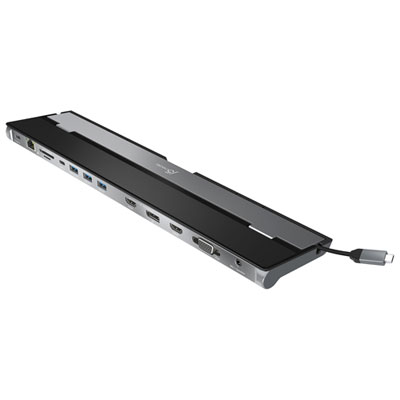 Your price for this item is $149.99
-
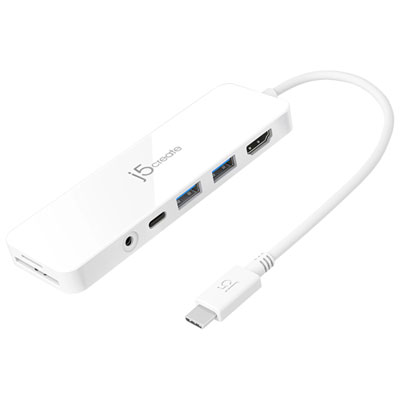 Your price for this item is $69.99
-
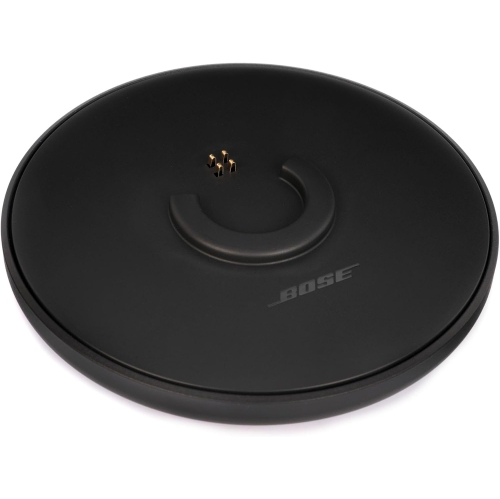 Your price for this item is $87.99
-
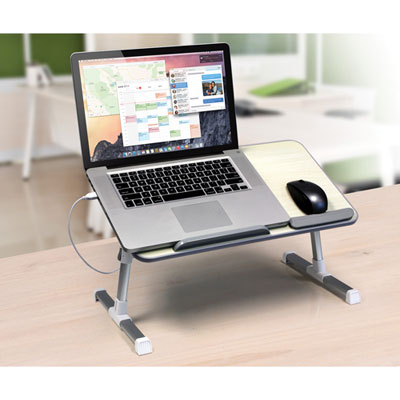 Your price for this item is $59.99
-
 Your price for this item is $96.16
-
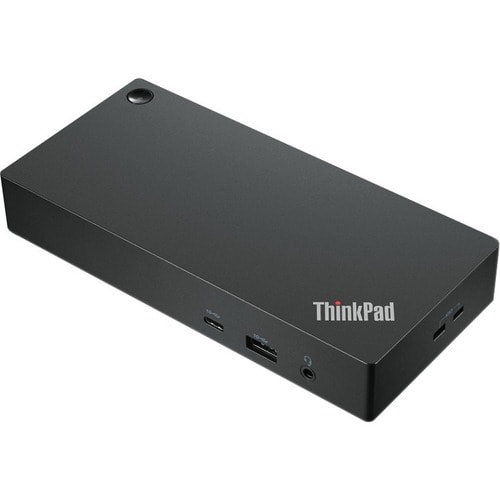 Your price for this item is $179.99
-
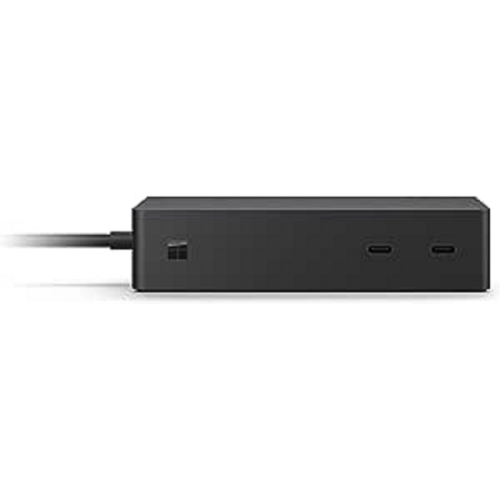 Your price for this item is $214.99
-
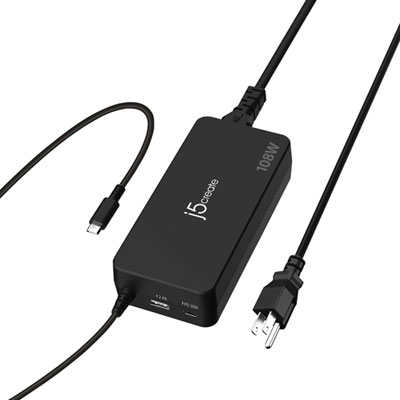 Your price for this item is $89.99
Discover more categories related to Computer Stands
Top Collections:
Best Black Friday Deals This Year, Best Black Friday Deals On Electronics, Kindle Devices, Pokemon Centers, Best Black Friday Deals On Apple Products, Best Cameras for Sports Photography, Dyson Airwrap, Pokémon 30th Celebration Cards, Apple iPhone 17 Pro, Canon G7X Cameras
Some products may be subject to Environmental Handling Fees
(EHF) depending on your province.
Learn more about EHFs.