Desktop Computers With Wi-Fi
Looking for a powerful desktop computer that seamlessly connects to the internet? Look no further than our selection of desktop computers with WiFi. Whether you're a gamer, a creative professional, or simply need a reliable machine for everyday tasks, these desktop computers offer the convenience of wireless connectivity without compromising on performance. With a range of options to suit different budgets and needs, you'll find the perfect desktop computer with WiFi that meets your requirements and keeps you connected in today's digital world.
Sort
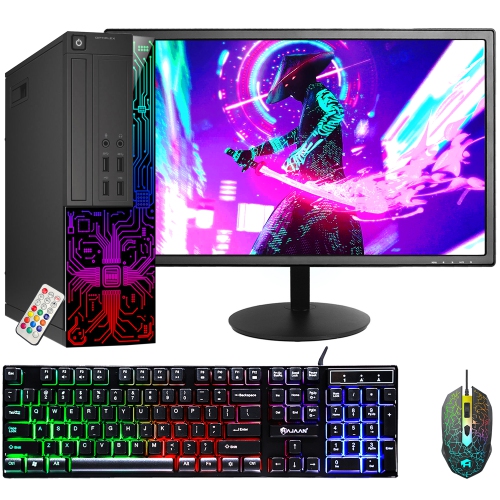
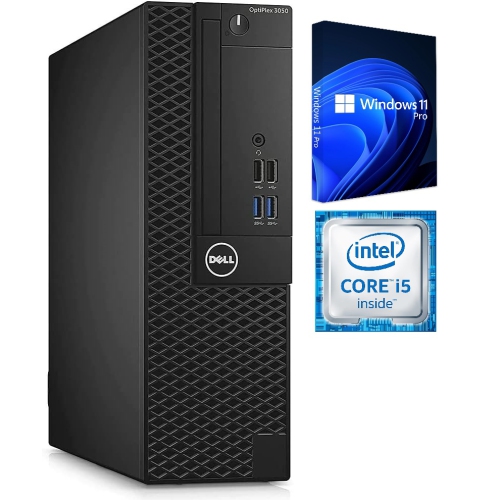
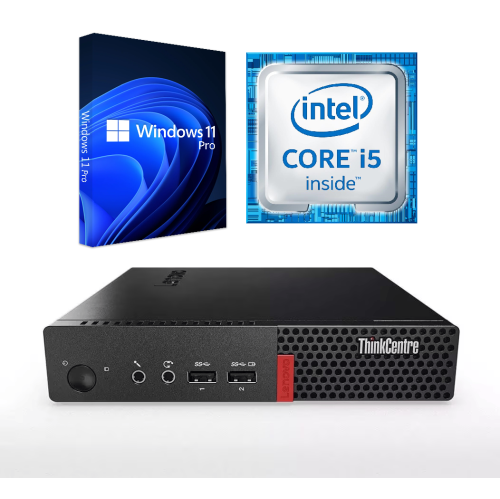
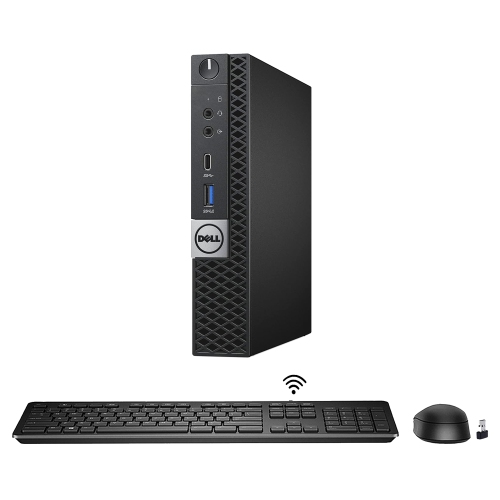
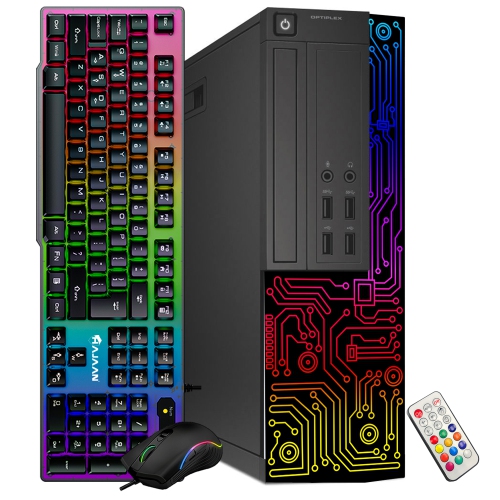
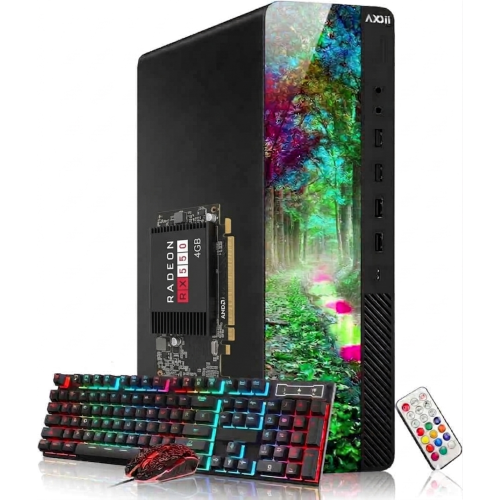
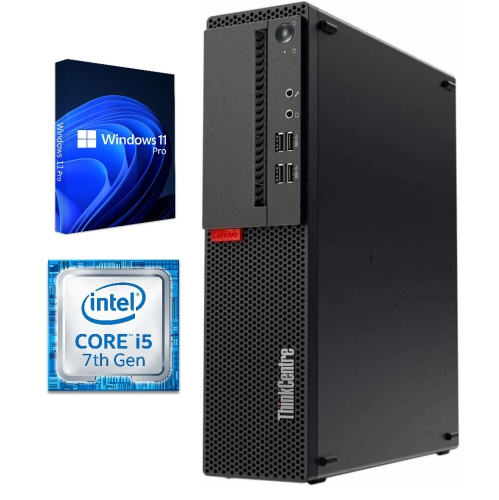
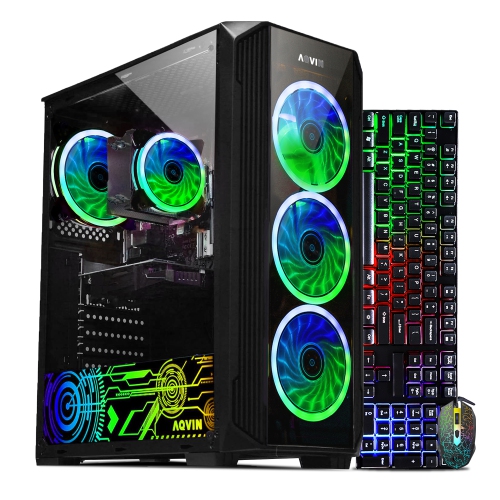
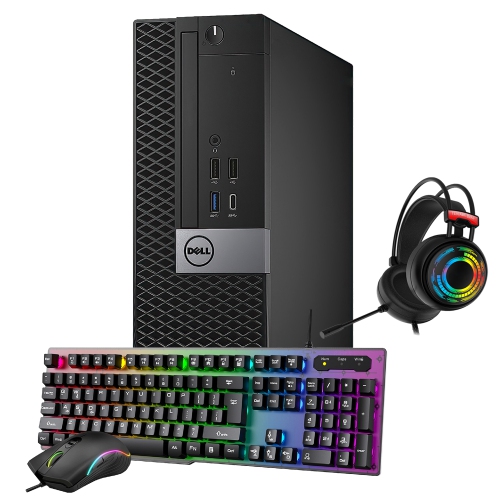
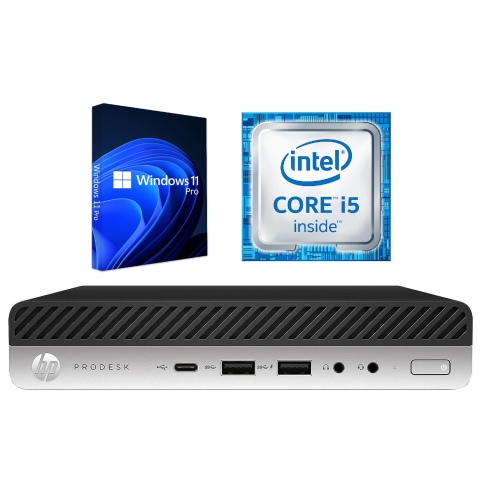
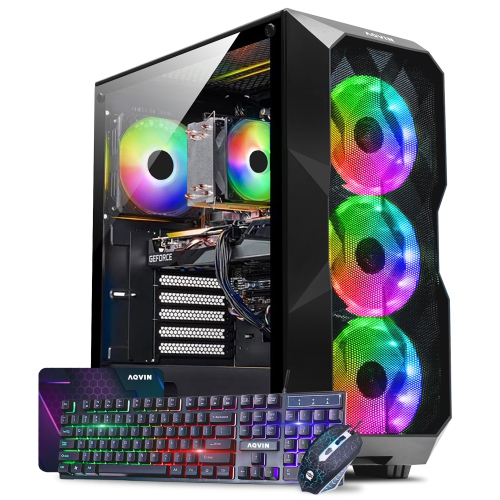

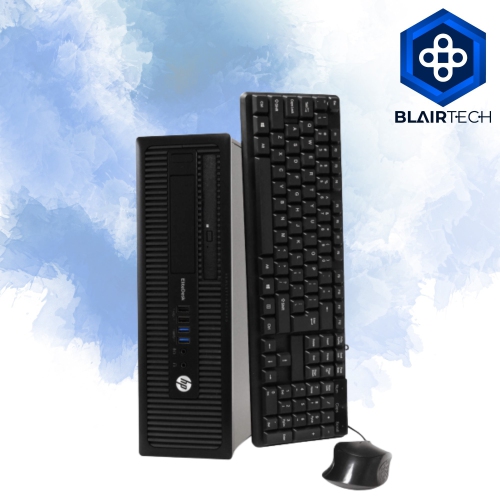
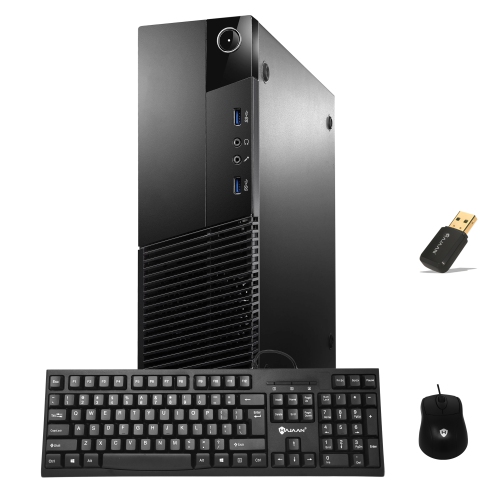
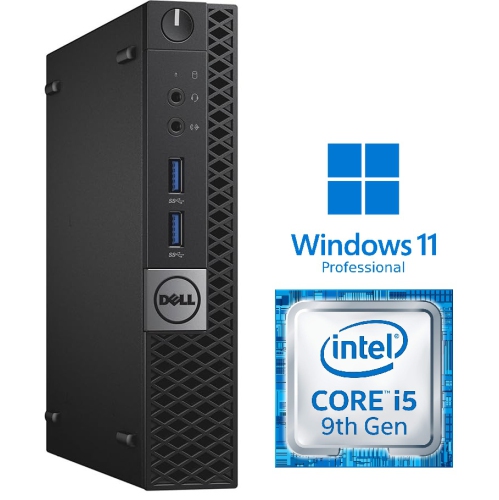
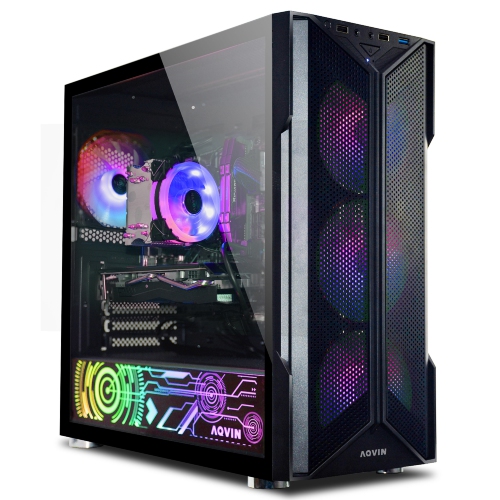
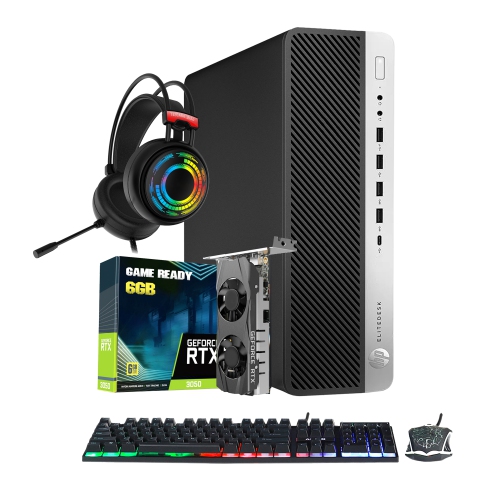
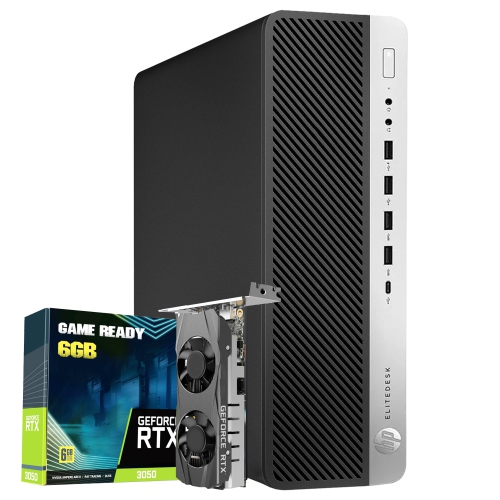
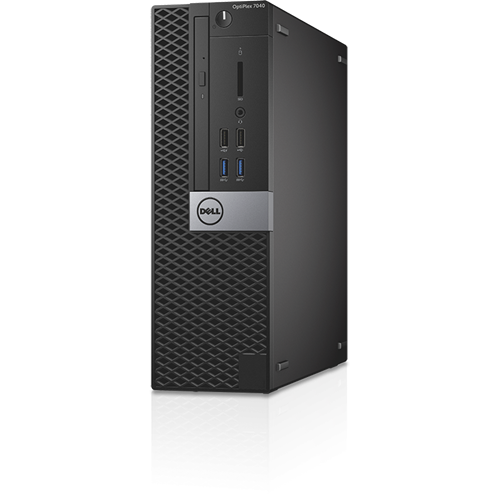
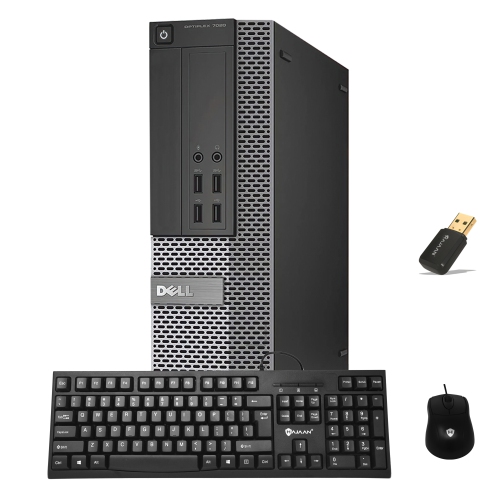
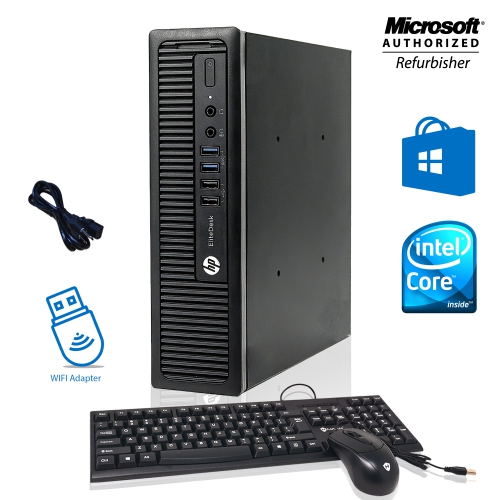
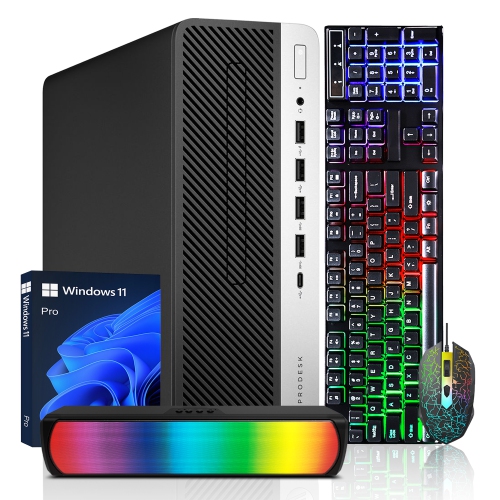
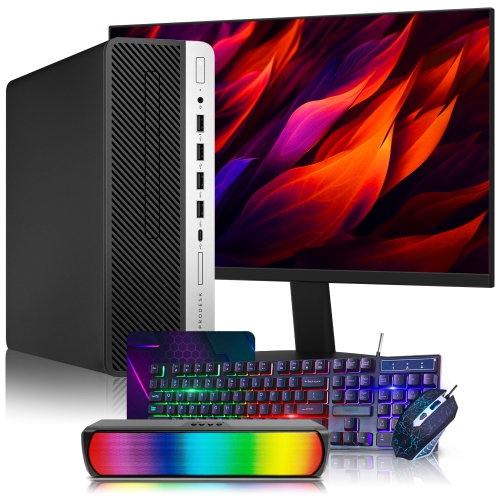
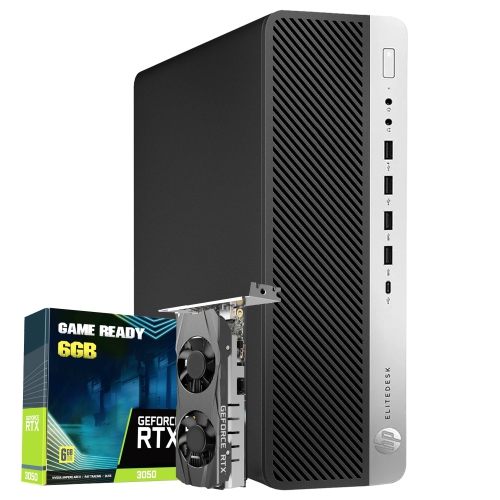
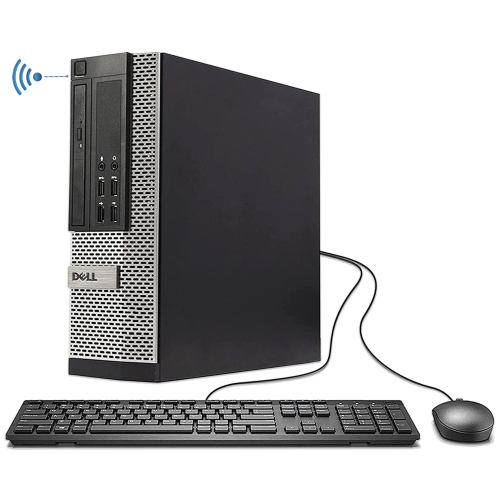

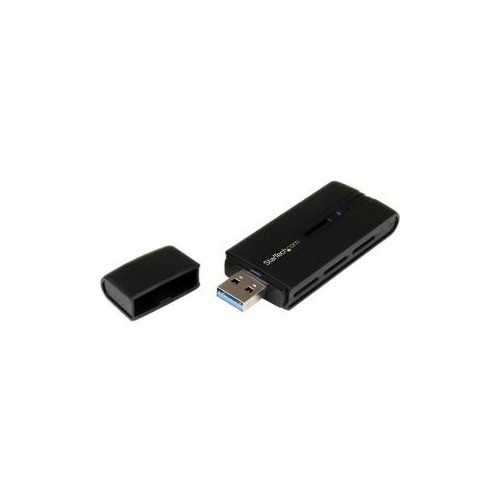

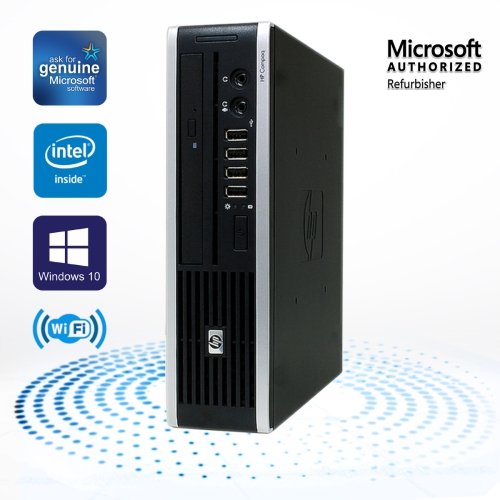
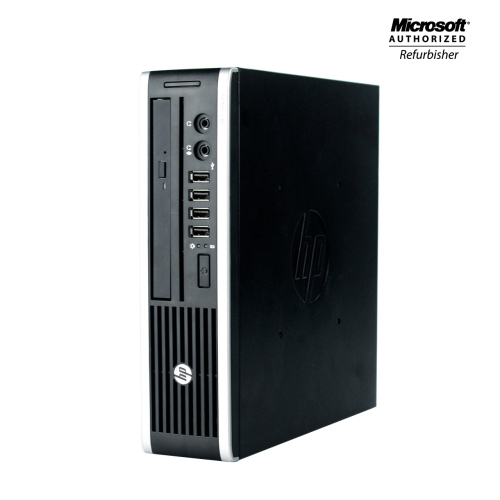
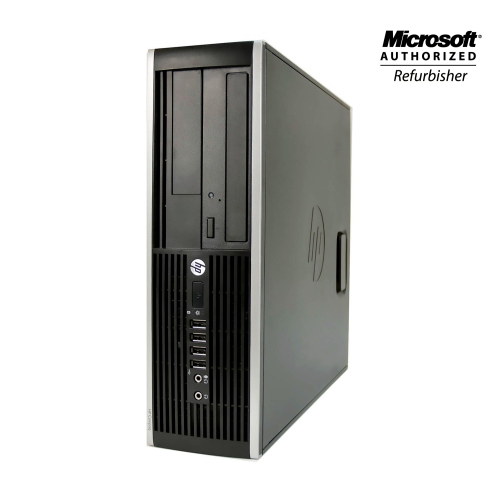
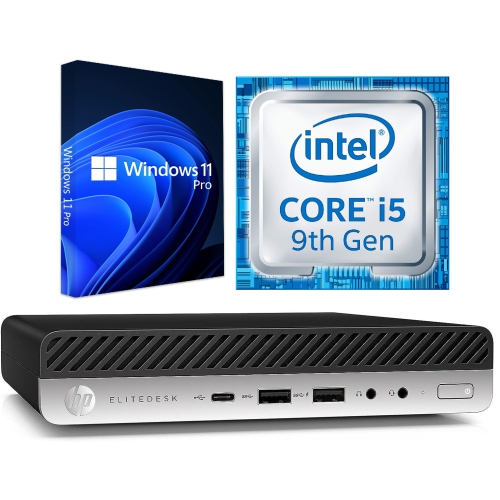
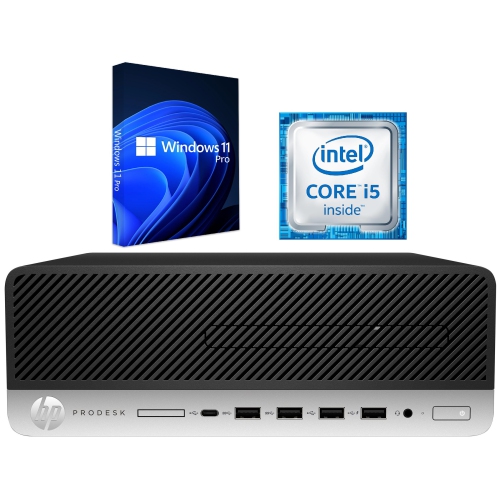
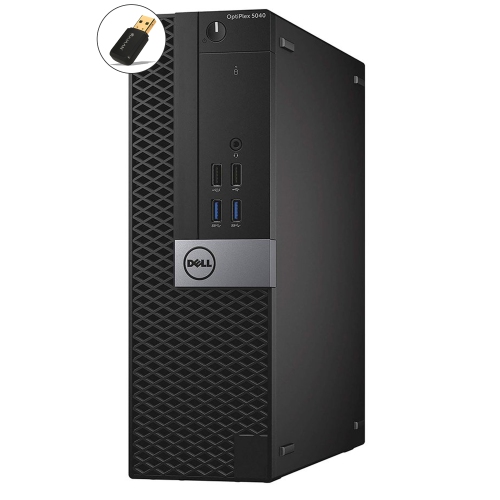
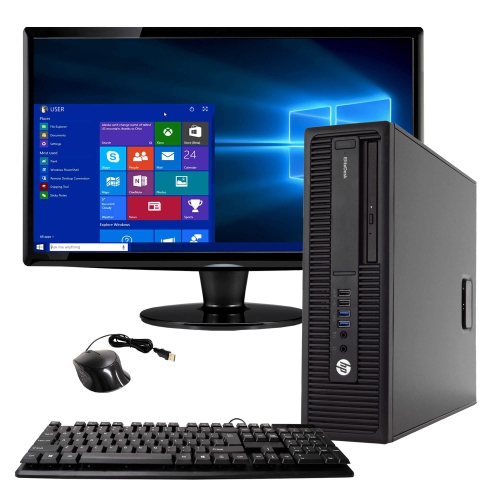
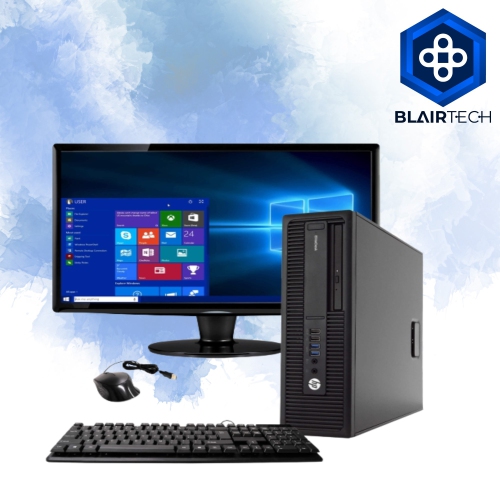
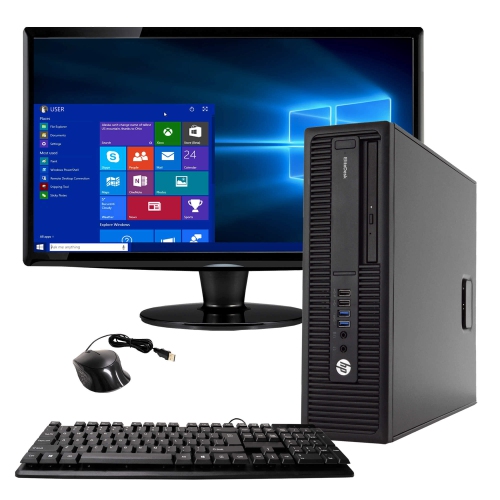
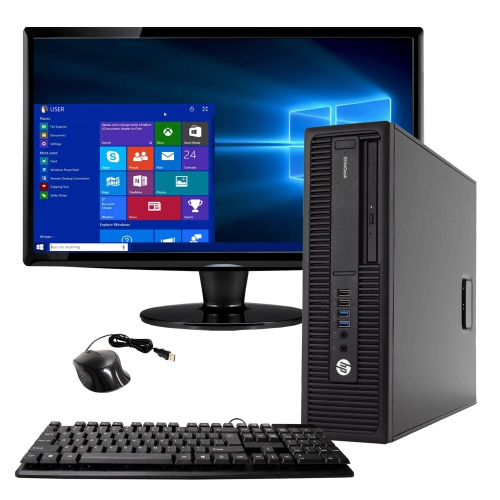
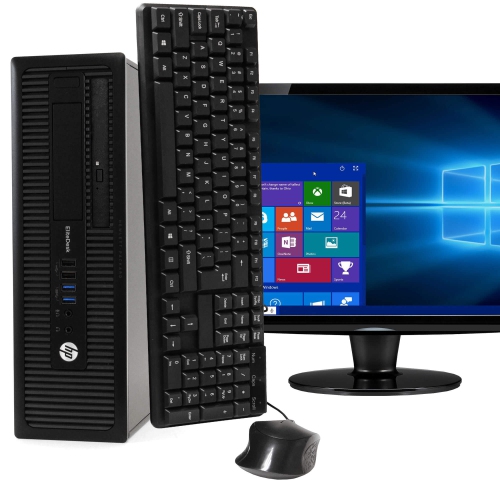
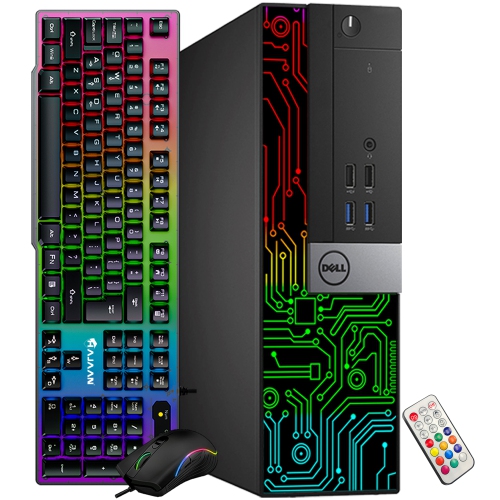
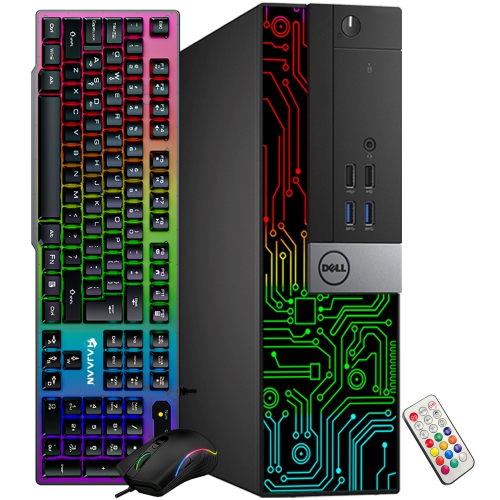
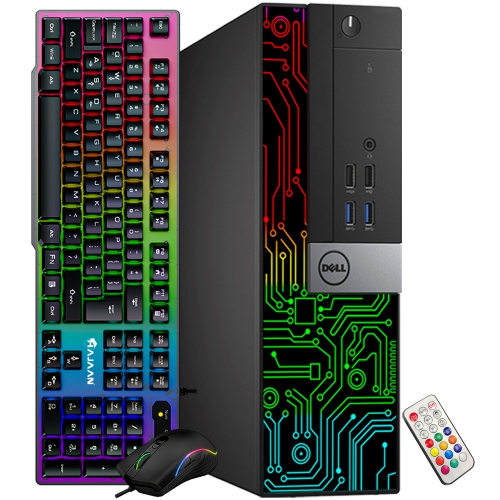
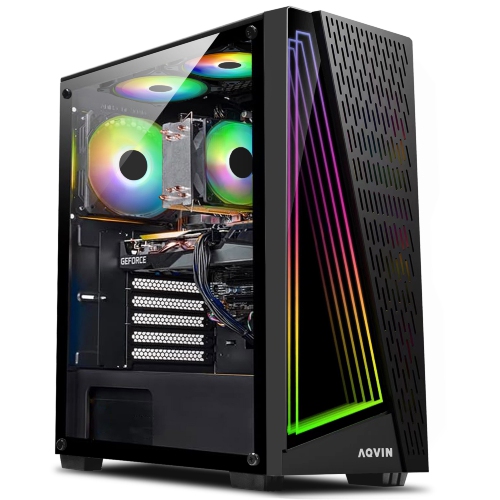
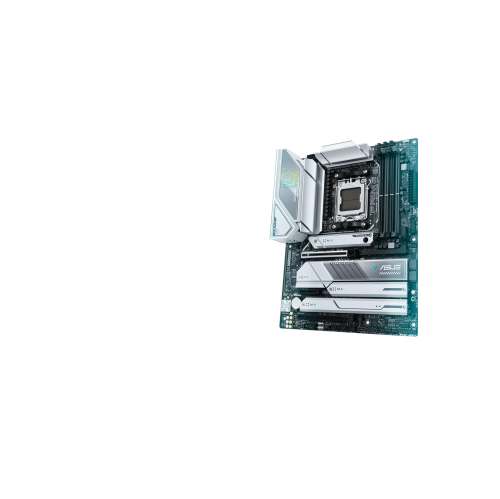
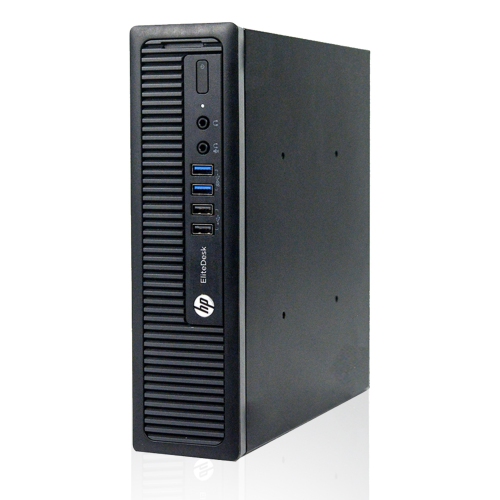
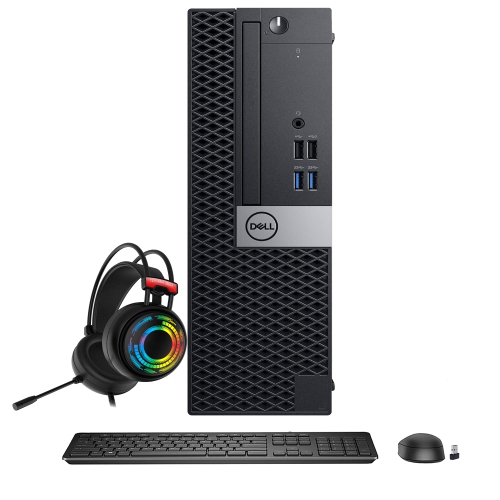
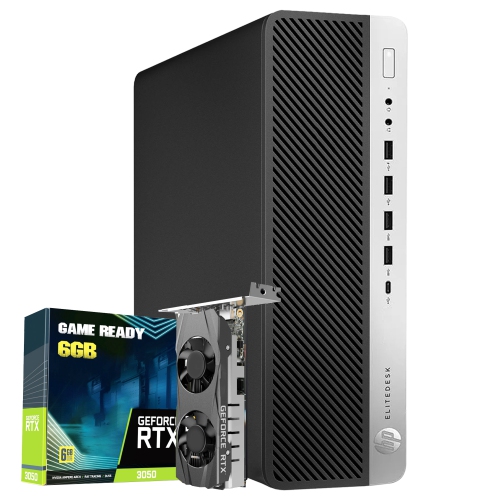


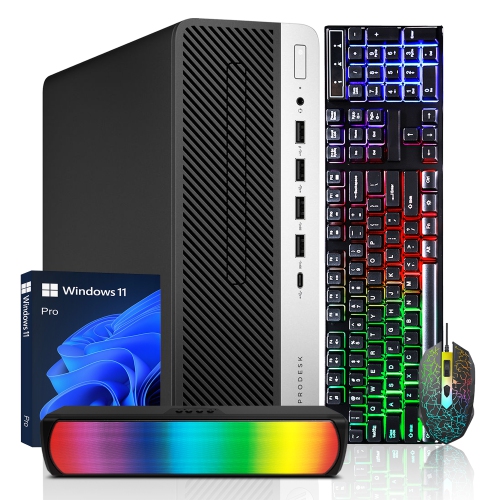
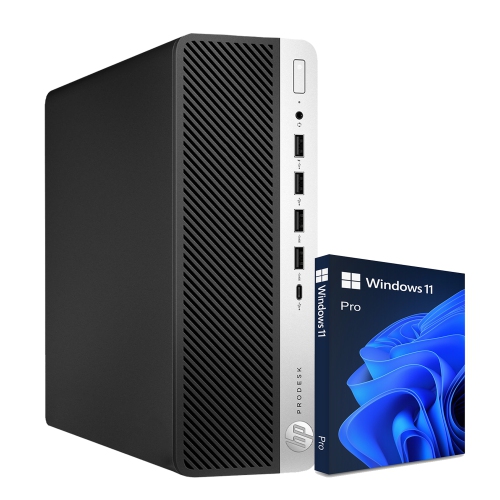

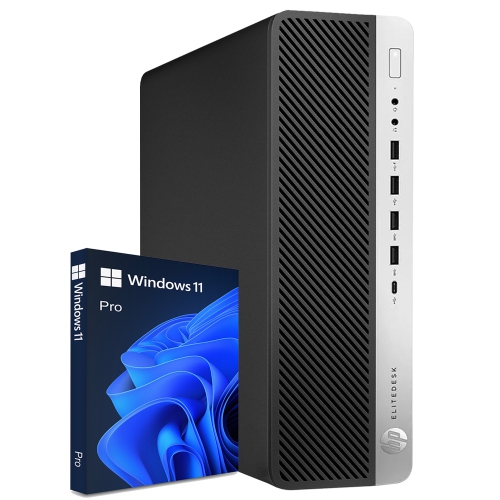
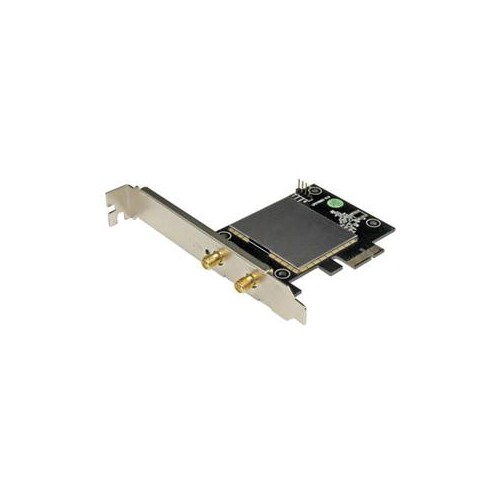
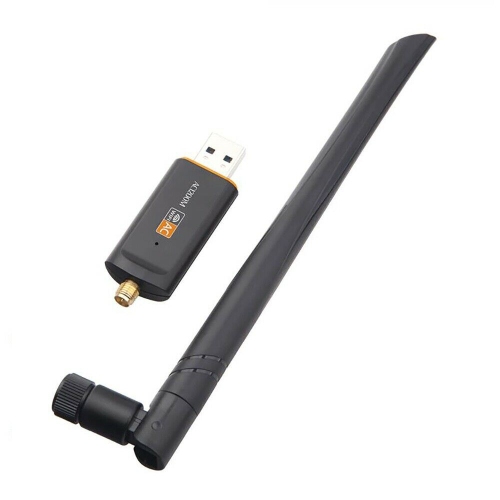
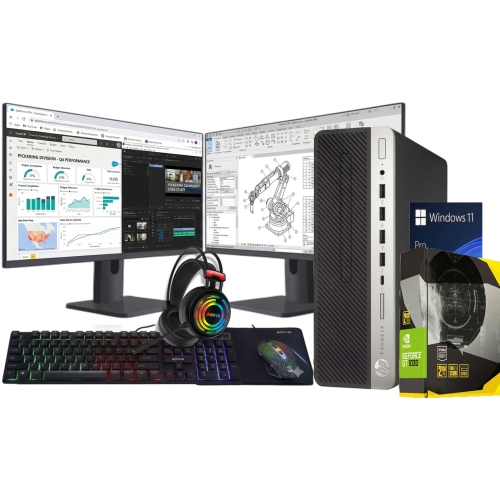
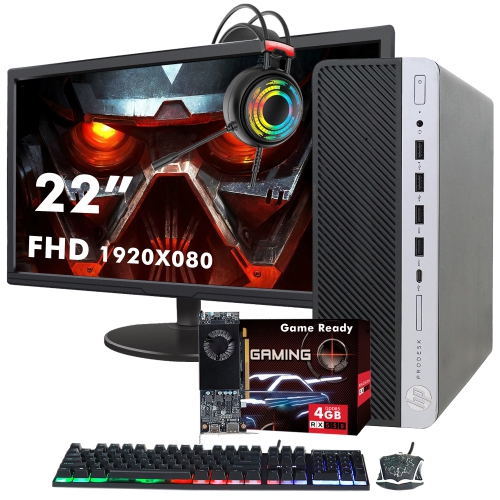
Wireless flexibility for work, study, and home life
Desktop computers with Wi-Fi offer the familiar comfort of a full-size computer with the convenience of a wireless connection. Instead of relying on an Ethernet cable running from the computer to a router, a desktop with built-in Wi-Fi can connect to a home network through the air, helping keep desks, work surfaces, and entertainment areas tidy. This setup is especially useful when the computer sits in a bedroom, home office, basement, living room, or another space that is separated from the router. It can also make rearranging a room easier, since the computer does not need to remain within reach of a network cable. A desktop computer with Wi-Fi may be a practical choice for remote work, online learning, everyday browsing, video calls, streaming, photo organization, and many other common tasks. For a household computer, it can provide a dependable central spot for managing schedules, storing files, paying bills, and keeping in touch with family and friends. For a student, it can create a dedicated workspace for research, assignments, virtual classes, and study tools. For a home office, it can support a larger monitor, a comfortable keyboard and mouse, and the focused feel of a permanent workstation. During the cooler months, a desktop in a warm, well-lit corner can turn an unused area into a productive place for work or creative projects. It may also be a thoughtful gift for someone setting up a first apartment, beginning a new course, building a home office, or replacing an older computer that has become slow and difficult to use. Shoppers who prefer the compact, portable design of a computer that can move from room to room may also want to browse Laptops With Built-In Wi-Fi, while shoppers choosing a desktop generally benefit from a larger screen setup, more comfortable long-session ergonomics, and a stable place for peripherals and accessories.
When selecting a desktop computer with Wi-Fi, begin by considering how it will be used and where it will be placed. A computer for web browsing, email, documents, video calls, and streaming may not need the same level of processing power as one used for demanding creative software, competitive gaming, large spreadsheets, or frequent multitasking. The processor affects how quickly the computer handles everyday instructions, while memory helps it manage several open applications and browser tabs without slowing down. Storage is another important consideration: solid-state storage can contribute to quick start-up times and responsive access to files, while greater capacity is helpful for photographs, videos, games, creative projects, and downloaded media. Think about the display as part of the overall setup as well. A larger screen can make documents easier to read and timelines or spreadsheets easier to navigate, while a multi-monitor arrangement can help separate email, reference material, and active work. Wireless capability should be considered alongside the rest of the computer rather than treated as an afterthought. Check that the desktop supports the Wi-Fi standard used by the home router, particularly if the household has a newer network designed for improved speed and capacity. The location of the router, the number of walls between the router and desktop, and the activity of other connected devices can all affect the wireless experience. A computer near the router may have a different connection than one placed on another floor or behind several dense walls. Keeping the router in an open, central position and avoiding heavy obstructions can help, while a wired Ethernet connection remains an option for users who want a direct link for a stationary computer. Some desktop computers also include Bluetooth, which can make it easier to connect compatible keyboards, mice, headphones, speakers, printers, and other accessories without filling the desk with cables. Reviewing the available ports, operating system, upgrade options, and included accessories before purchase can help ensure the computer fits naturally into the intended space.
A desktop computer with Wi-Fi can become the dependable centre of a flexible home setup. In the morning, it might support video meetings and shared documents; later, it can handle online appointments, music, photo sorting, or a film streamed to a larger display. Families may use one desktop for homework and household administration, while an individual user might create a more personal station for digital art, writing, coding, gaming, or managing a small business. The right choice depends on balancing performance, space, connectivity, and future needs. If the computer will remain in one place, measure the desk or table carefully and leave room for airflow, cable routing, and comfortable access to the ports. If it will be placed in a shared room, consider the size and style of the computer, the sound of its cooling fans, and whether the screen will be comfortable for everyone who uses it. For video calls, a suitable webcam and microphone can be just as important as the computer itself, especially for remote work, family conversations, and online classes. For creative work, look for the connections needed by external drives, memory card readers, drawing tools, cameras, or additional displays. For gaming and graphics-heavy applications, pay close attention to the graphics hardware, cooling design, memory, and available storage. Users who expect their needs to grow may appreciate a desktop with accessible upgrade paths, allowing additional memory, storage, or other components to be considered later. Setting up the computer in a consistent location also makes it easier to maintain a regular routine: a clear desk, a supportive chair, and a reliable wireless connection can make a noticeable difference during a long workday or study session. Whether it is being purchased for a new home office, a shared family space, a creative corner, or a dedicated entertainment area, a desktop computer with Wi-Fi combines the expansive feel of a traditional computer station with the practical freedom of wireless networking.
When selecting a desktop computer with Wi-Fi, begin by considering how it will be used and where it will be placed. A computer for web browsing, email, documents, video calls, and streaming may not need the same level of processing power as one used for demanding creative software, competitive gaming, large spreadsheets, or frequent multitasking. The processor affects how quickly the computer handles everyday instructions, while memory helps it manage several open applications and browser tabs without slowing down. Storage is another important consideration: solid-state storage can contribute to quick start-up times and responsive access to files, while greater capacity is helpful for photographs, videos, games, creative projects, and downloaded media. Think about the display as part of the overall setup as well. A larger screen can make documents easier to read and timelines or spreadsheets easier to navigate, while a multi-monitor arrangement can help separate email, reference material, and active work. Wireless capability should be considered alongside the rest of the computer rather than treated as an afterthought. Check that the desktop supports the Wi-Fi standard used by the home router, particularly if the household has a newer network designed for improved speed and capacity. The location of the router, the number of walls between the router and desktop, and the activity of other connected devices can all affect the wireless experience. A computer near the router may have a different connection than one placed on another floor or behind several dense walls. Keeping the router in an open, central position and avoiding heavy obstructions can help, while a wired Ethernet connection remains an option for users who want a direct link for a stationary computer. Some desktop computers also include Bluetooth, which can make it easier to connect compatible keyboards, mice, headphones, speakers, printers, and other accessories without filling the desk with cables. Reviewing the available ports, operating system, upgrade options, and included accessories before purchase can help ensure the computer fits naturally into the intended space.
A desktop computer with Wi-Fi can become the dependable centre of a flexible home setup. In the morning, it might support video meetings and shared documents; later, it can handle online appointments, music, photo sorting, or a film streamed to a larger display. Families may use one desktop for homework and household administration, while an individual user might create a more personal station for digital art, writing, coding, gaming, or managing a small business. The right choice depends on balancing performance, space, connectivity, and future needs. If the computer will remain in one place, measure the desk or table carefully and leave room for airflow, cable routing, and comfortable access to the ports. If it will be placed in a shared room, consider the size and style of the computer, the sound of its cooling fans, and whether the screen will be comfortable for everyone who uses it. For video calls, a suitable webcam and microphone can be just as important as the computer itself, especially for remote work, family conversations, and online classes. For creative work, look for the connections needed by external drives, memory card readers, drawing tools, cameras, or additional displays. For gaming and graphics-heavy applications, pay close attention to the graphics hardware, cooling design, memory, and available storage. Users who expect their needs to grow may appreciate a desktop with accessible upgrade paths, allowing additional memory, storage, or other components to be considered later. Setting up the computer in a consistent location also makes it easier to maintain a regular routine: a clear desk, a supportive chair, and a reliable wireless connection can make a noticeable difference during a long workday or study session. Whether it is being purchased for a new home office, a shared family space, a creative corner, or a dedicated entertainment area, a desktop computer with Wi-Fi combines the expansive feel of a traditional computer station with the practical freedom of wireless networking.
Top selling and popular products
-
 Your price for this item is $1599
 -
 Your price for this item is $1629.79
 -
 Your price for this item is $1999.99
 -
 Your price for this item is $1459.79
 -
 Your price for this item is $879
 -
 Your price for this item is $1199.99
 -
 Your price for this item is $1839
 -
 Your price for this item is $879
Discover more categories related to Desktop Computers With Wi-Fi
Top Collections:
Pokemon Centers, Kindle Devices, Best Budget Office Chairs, Apple iPhones 16, Best Laptops for Writers, iPhone 15 Apple, Canon G7X Cameras, Refurbished Apple Laptops, Alarm Clock, Motorola Razr Phones
Some products may be subject to Environmental Handling Fees
(EHF) depending on your province.
Learn more about EHFs.