Computers With Bluetooth
Computers With Bluetooth offer seamless connectivity for a variety of devices, making it easier to enhance your workspace or entertainment setup. Whether you're pairing wireless accessories, transferring files, or connecting to speakers, these computers provide the flexibility and convenience you need. Explore a wide range of options to find the perfect fit for your home office, classroom, or on-the-go lifestyle. Discover how Computers With Bluetooth can streamline your daily tasks and keep you connected effortlessly.
Sort
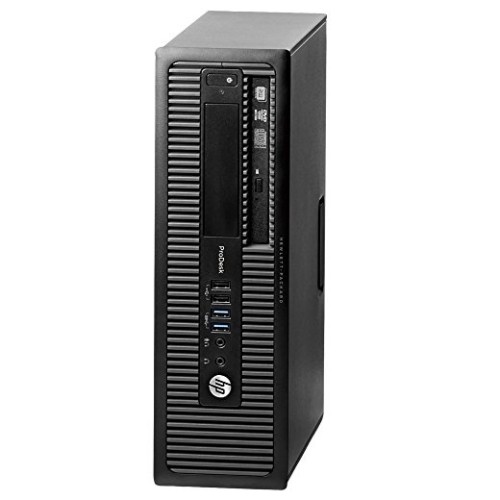
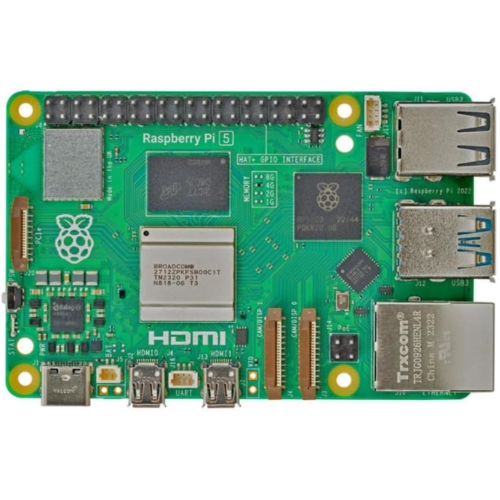
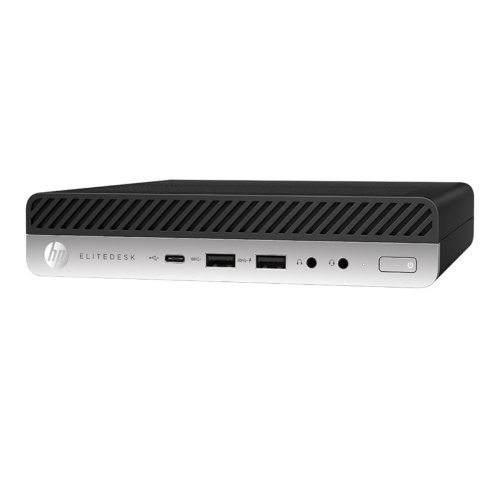
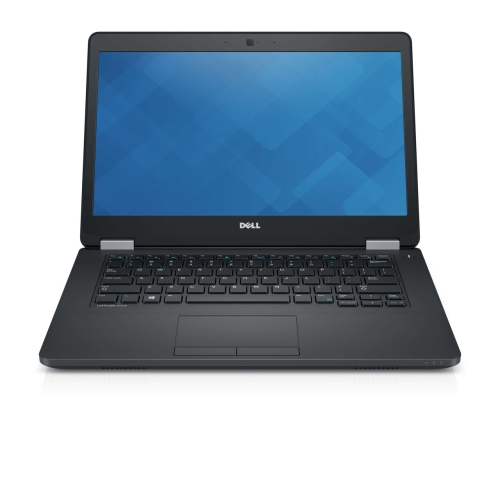
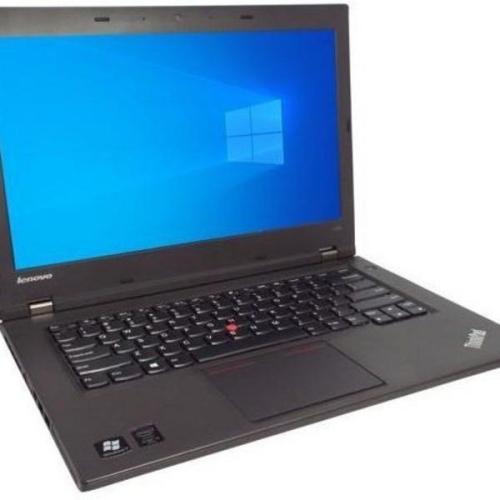
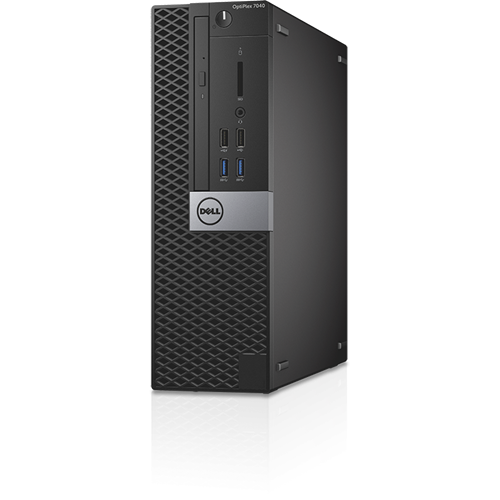
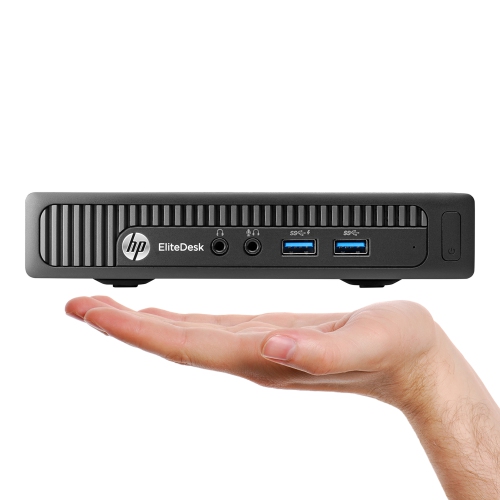
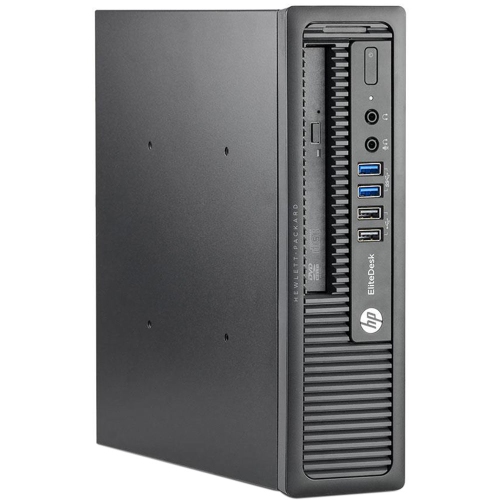


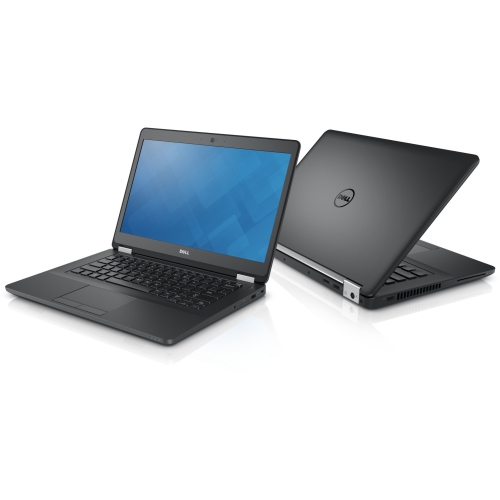
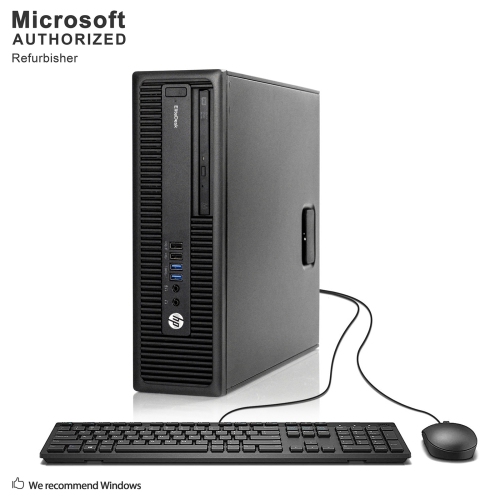
Fewer accessory cables for a more flexible workspace
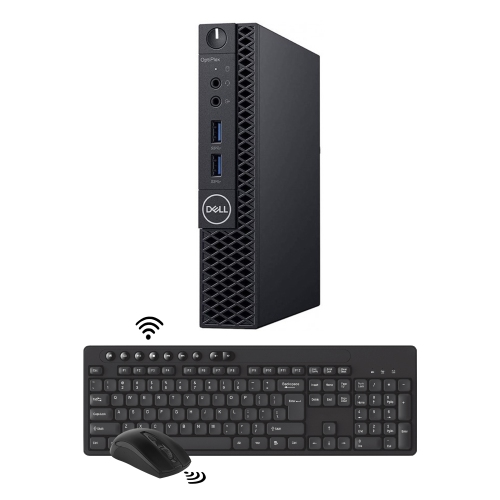
Computers with Bluetooth make everyday connections feel less cluttered, whether the task is writing an assignment, joining a video call or listening to music while organizing files. Built-in Bluetooth allows a compatible computer to communicate wirelessly with nearby accessories such as keyboards, mice, headphones, speakers and game controllers. A laptop can stay connected to a mouse without a receiver occupying a USB port, while a desktop can send sound to headphones without a cable stretched across the work surface. Bluetooth serves a different purpose from Wi-Fi: Wi-Fi generally connects a computer to a network, while Bluetooth handles short-range connections between compatible devices. Having one does not necessarily mean having the other, so both features matter when setting up a wireless workspace. Students, people working from home, casual gamers and households sharing a computer may all find Bluetooth useful, although their priorities will differ. Someone taking online courses might value dependable headset and keyboard connections, while a person editing photos may want a comfortable mouse alongside headphones for background listening. Compatibility depends on more than the Bluetooth version listed in the specifications. The operating system, supported Bluetooth profiles, drivers and accessory features all influence which functions work together. Basic audio playback, microphone use and advanced controls may have different requirements, and a connection does not guarantee that every feature of an accessory will be supported. Range also varies with the room layout, walls, nearby wireless activity and the position of the computer. A clear path between devices generally gives a connection the best chance of staying consistent. For everyday use, the appeal is practical rather than complicated: fewer accessory cables to route, more freedom to place a keyboard comfortably and an easier way to move between personal audio and speakers. Bluetooth reduces some cable clutter, but wireless accessories still need charging or replacement batteries, and computers still need their usual power connections.
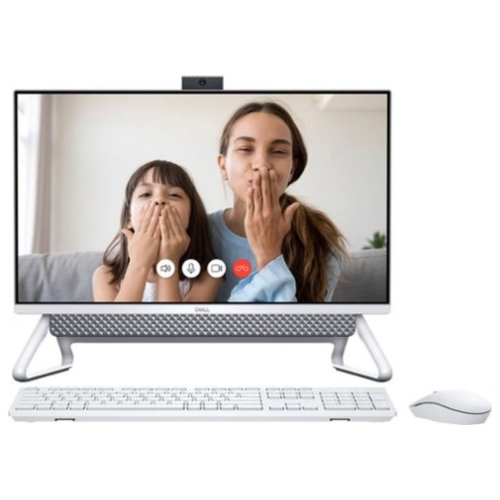
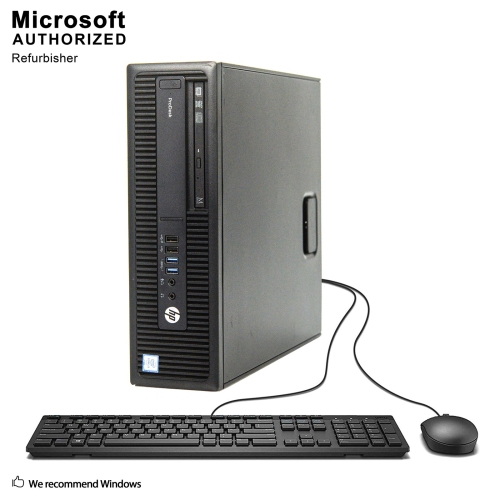
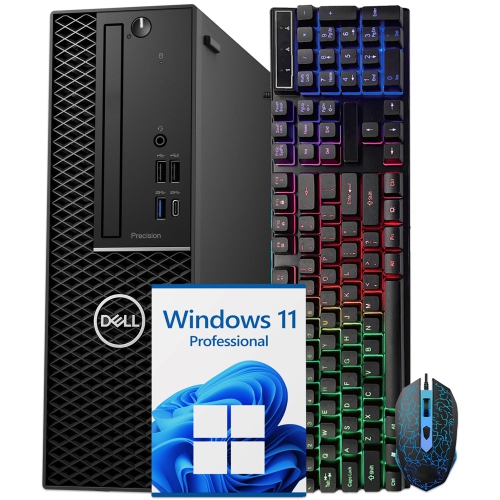
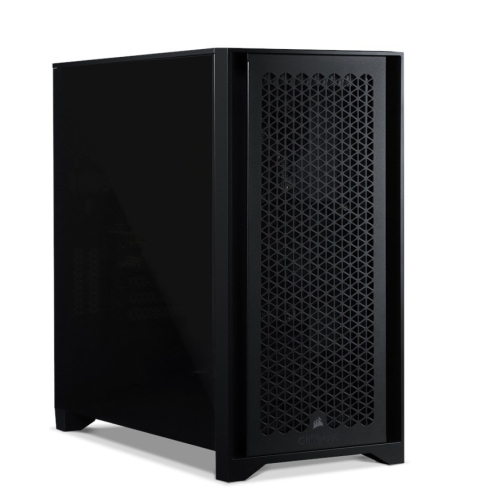
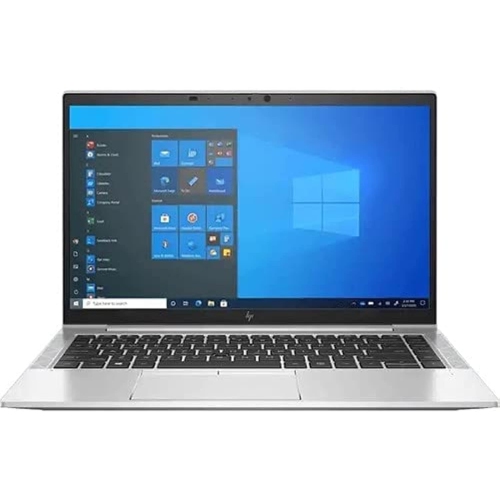
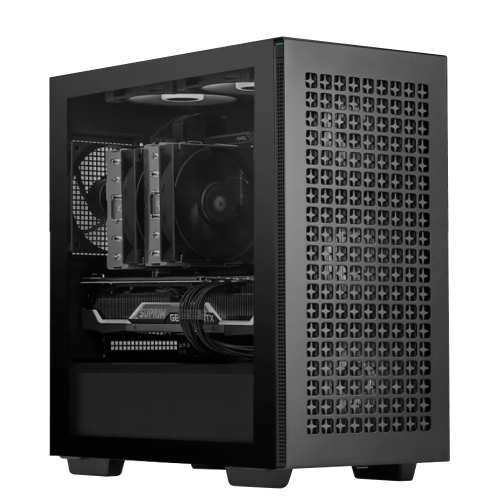
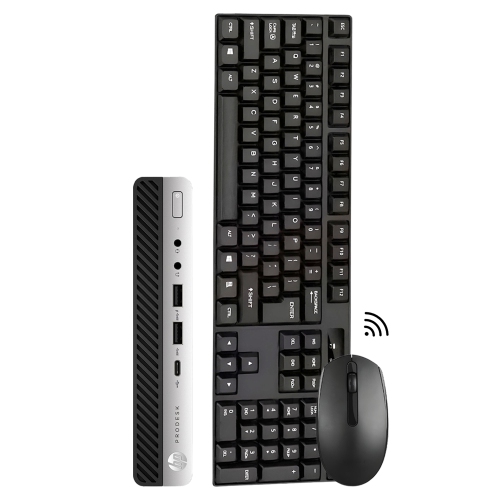
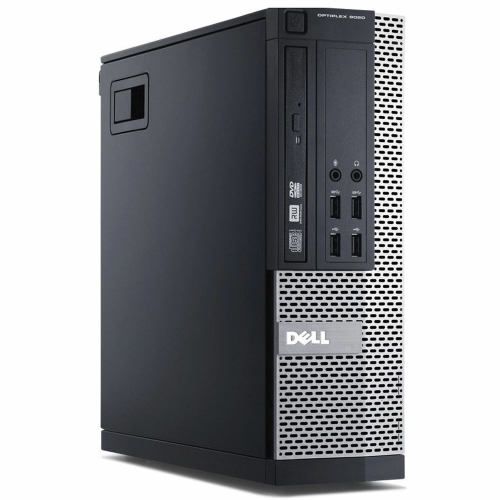
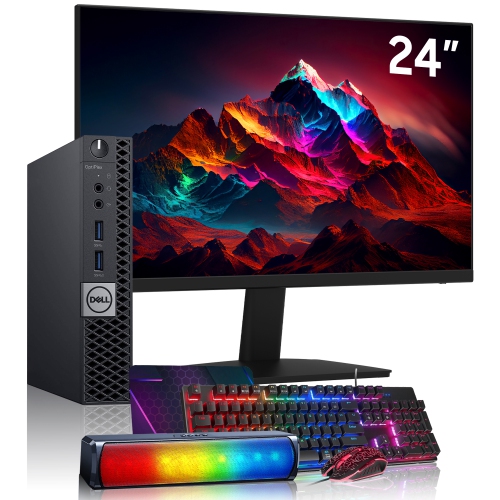
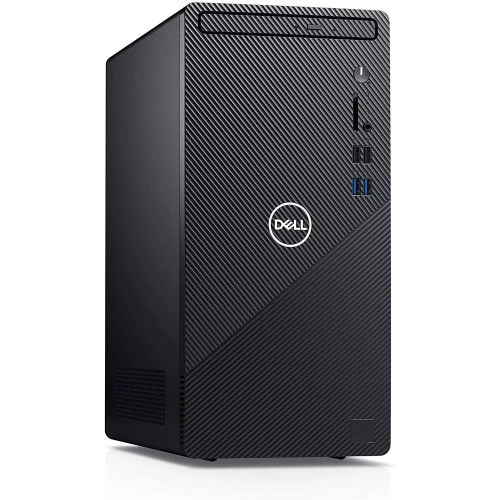
The computer’s shape and capabilities remain just as important as its wireless features. A permanent work or study area is a natural setting for Bluetooth Desktop Computers, particularly when there is room for a separate monitor, a full-size keyboard and a mouse positioned for comfortable use. A tower can sit beside or beneath the desktop, although placing it behind a metal cabinet or deep inside enclosed furniture may affect wireless reception and airflow. Where external antennas are supplied, their placement can also influence connection quality. An all-in-one computer combines the display and main components in a single unit, helping keep the work surface straightforward without a separate tower. Laptops suit people who move between a desk, a classroom and shared spaces, with Bluetooth offering a convenient way to use accessories at each stop. For someone writing reports at a kitchen table, a compact laptop may be easy to put away after work; for someone comparing spreadsheets all day, a larger display or external monitor may be more comfortable. Screen resolution, brightness, colour performance and viewing angles shape that experience far more than Bluetooth itself. Processing power, memory and storage should also match the intended workload. Web browsing and document editing place different demands on a computer than video editing, complex design work or demanding games, and a wireless connection does not compensate for limited performance elsewhere. Multiple open programs benefit from sufficient memory, while storage needs grow with photo libraries, video projects and locally saved files. Physical connections still have a useful role alongside Bluetooth. USB ports accommodate storage and accessories, display connections support compatible monitors, and an Ethernet port can provide a wired network connection where needed. A balanced setup leaves room for both wired and wireless use rather than treating either as a complete replacement for the other. The most comfortable arrangement is often a mix: a wired monitor and power supply, paired with a wireless keyboard, mouse and headset.
Materials, construction and everyday handling help determine how well a computer fits into daily life. Metal and plastic housings can both be practical; overall build quality, hinge design and the way a machine is carried matter more than the material name alone. A laptop that travels frequently benefits from a sturdy chassis, a well-supported screen and a padded bag with a compartment that fits securely. Weight and dimensions affect how comfortable it is to carry, while keyboard spacing and trackpad placement influence longer working sessions. At a fixed workstation, enough clearance around vents helps the computer manage heat, and a stable surface keeps it from rocking as cables or accessories are connected. Routine care is straightforward: keeping liquids away, removing dust as directed by the manufacturer and cleaning surfaces with suitable materials helps protect finishes and controls. Wireless accessories need their own space and care, especially charging cables or spare batteries that are easy to misplace. For shared computers, separate user accounts can help keep files and preferences organized, while clearly named paired devices make it easier to select the intended headset or speaker. Some accessories can remember several devices, but switching behaviour depends on the accessory and may require a button press or a settings change. Pairing mode is best used only when adding a device, with unexpected connection requests declined. Operating system and driver updates can support compatibility and security, although they do not add hardware features the computer lacks. Audio needs deserve attention, too: Bluetooth can be convenient for calls and entertainment, but microphone behaviour, sound quality and delay vary across combinations of computers, applications and accessories. Tasks that depend on tightly synchronized sound may be better served by a suitable wired connection. As a gift, a Bluetooth-equipped computer is most useful when its size, software compatibility and performance suit the recipient’s routines. The lasting benefit comes from a computer that feels comfortable to use, handles the intended tasks and connects reliably with the accessories that make everyday work and leisure easier.
Top selling and popular products
-
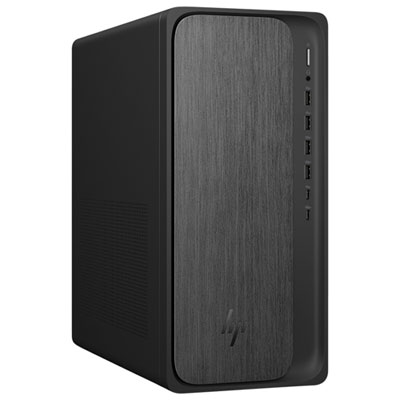 Your price for this item is $1399.99
-
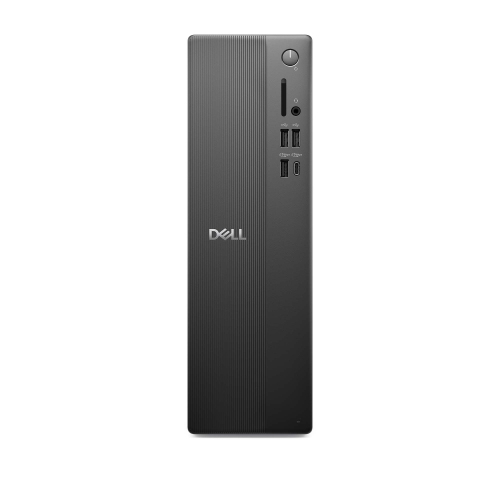 Your price for this item is $1629.79
-
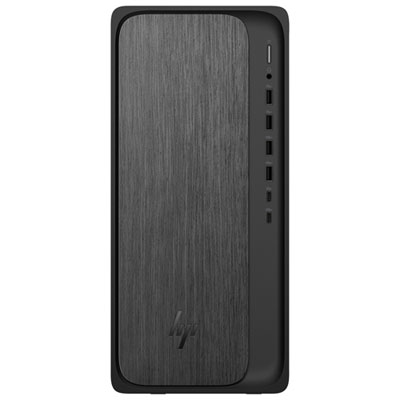 Your price for this item is $2299.99
-
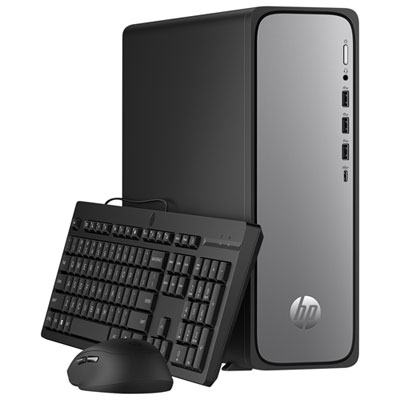 Your price for this item is $1469.99
-
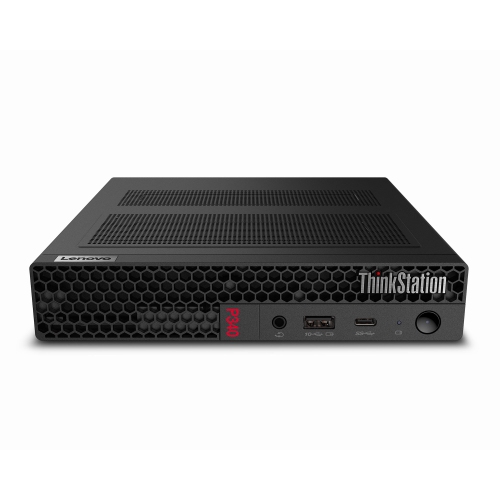 Your price for this item is $699.79
-
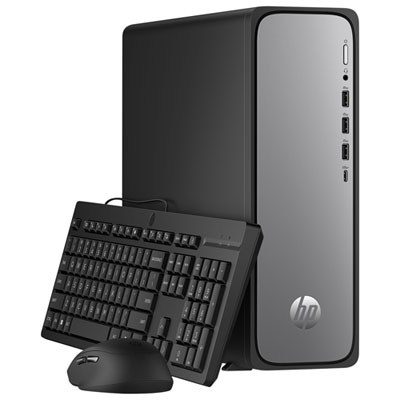 Your price for this item is $1759.99
-
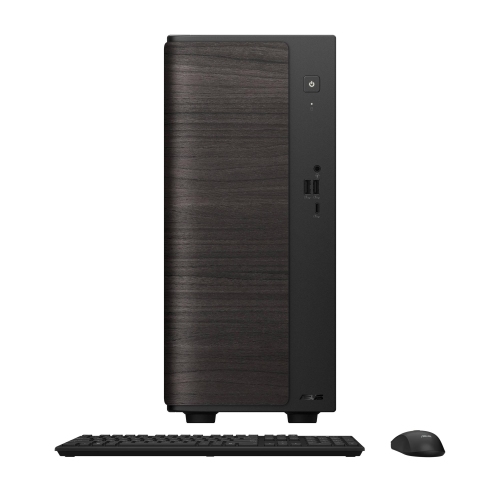 Your price for this item is $3149
-
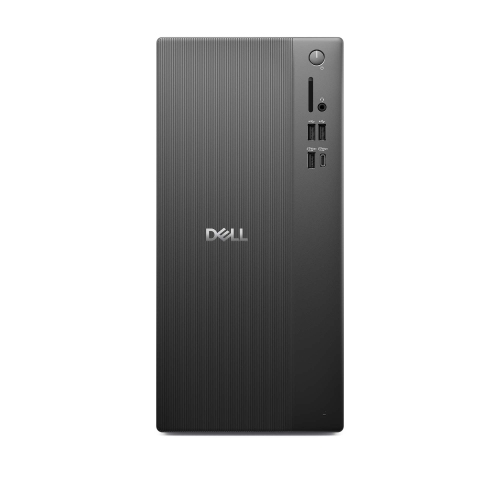 Your price for this item is $2628.79
Discover more categories related to Computers With Bluetooth
Top Collections:
Best Black Friday Deals This Year, Best Black Friday Deals On Electronics, Kindle Devices, Pokemon Centers, Best Black Friday Deals On Apple Products, Best Cameras for Sports Photography, Dyson Airwrap, Pokémon 30th Celebration Cards, Apple iPhone 17 Pro, Canon G7X Cameras
Some products may be subject to Environmental Handling Fees
(EHF) depending on your province.
Learn more about EHFs.