Desktop Phone Holders
Looking for a convenient and stylish way to keep your phone within reach? Look no further than our selection of desktop phone holders. These versatile accessories are designed to securely hold your phone, allowing you to keep it at eye level while you work, browse the web, or watch videos. With a variety of designs and styles available, you can find the perfect desktop phone holder to suit your needs and enhance your workspace.
Sort
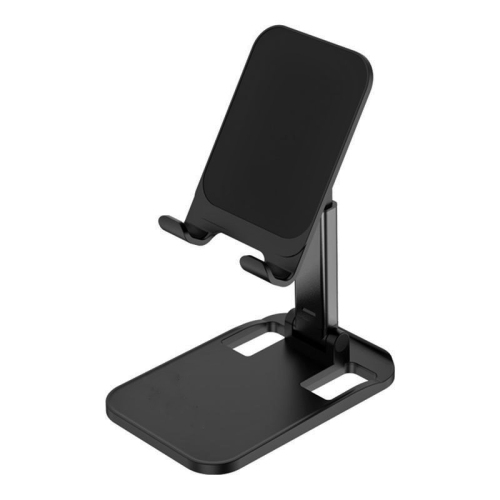
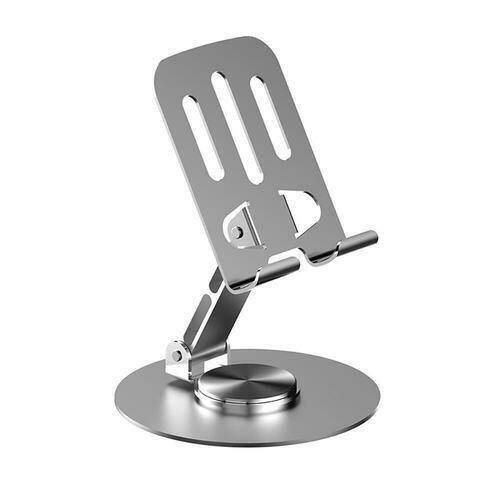
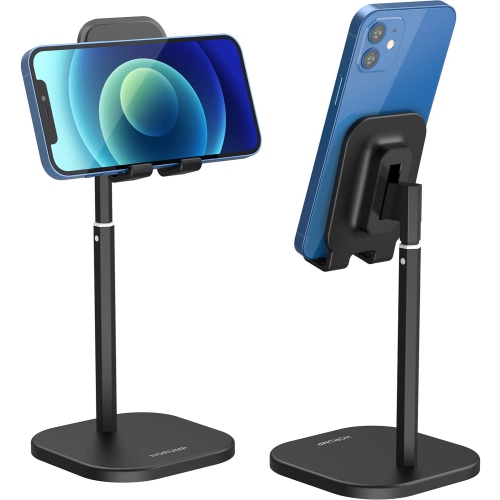
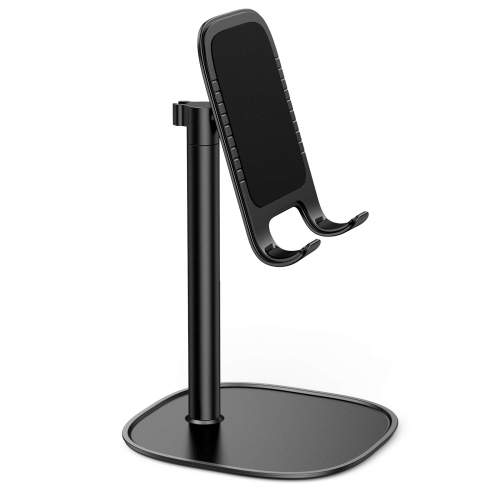
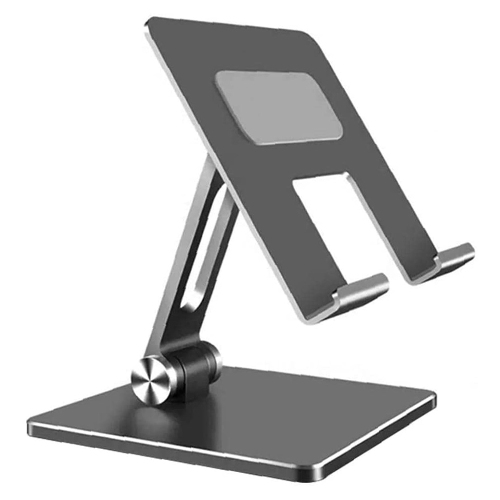
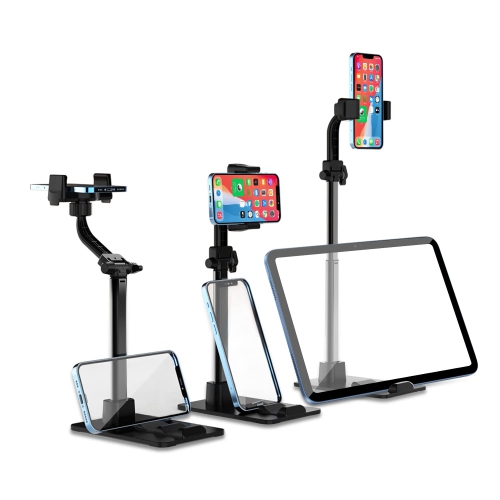
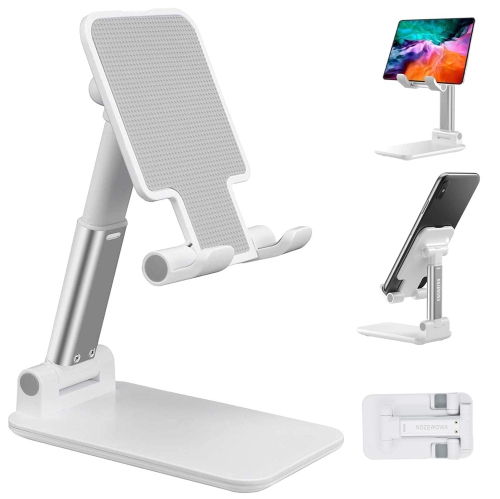
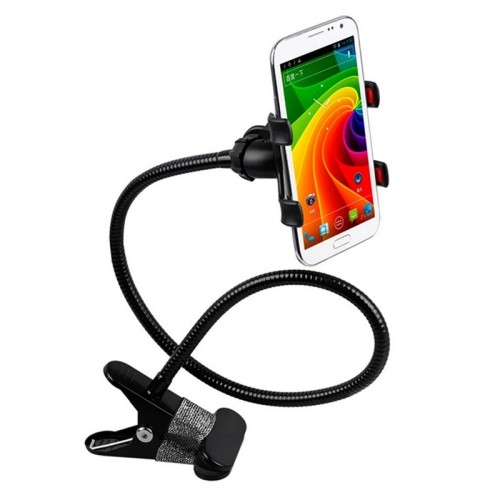
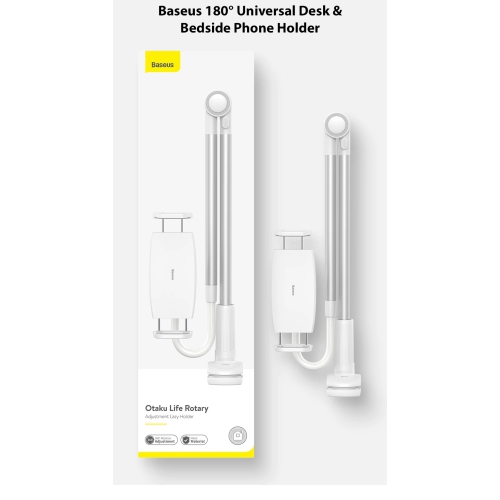
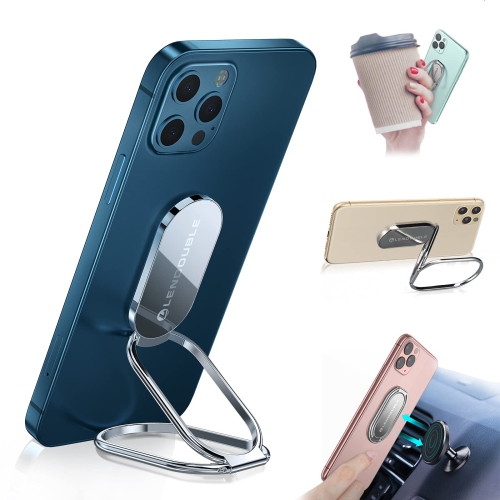

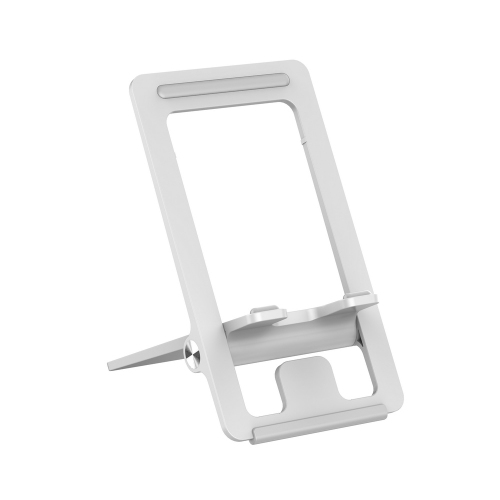
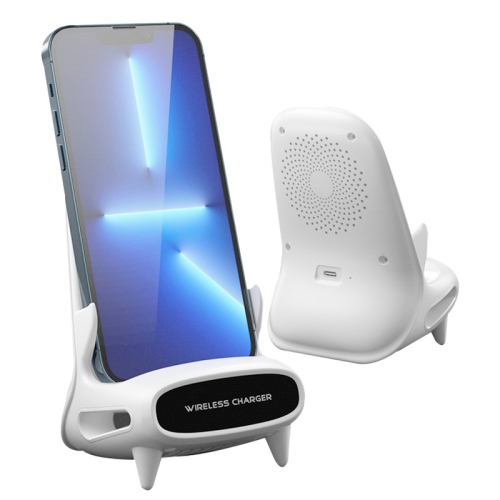
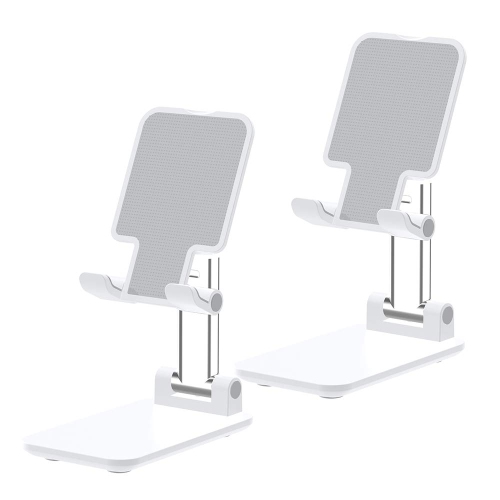
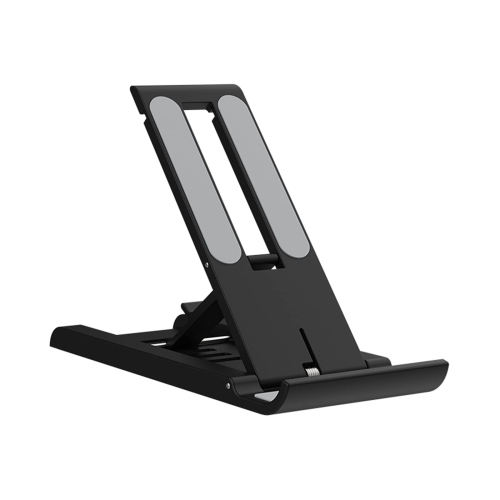
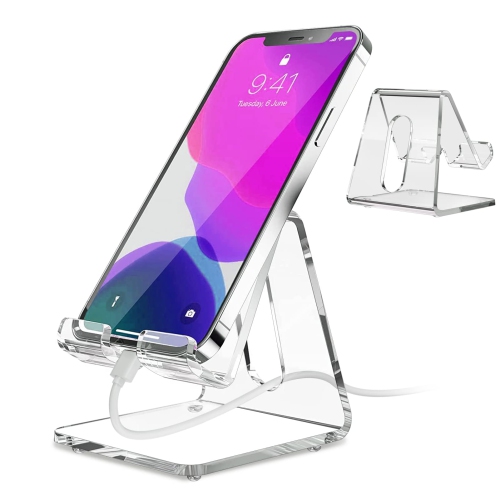
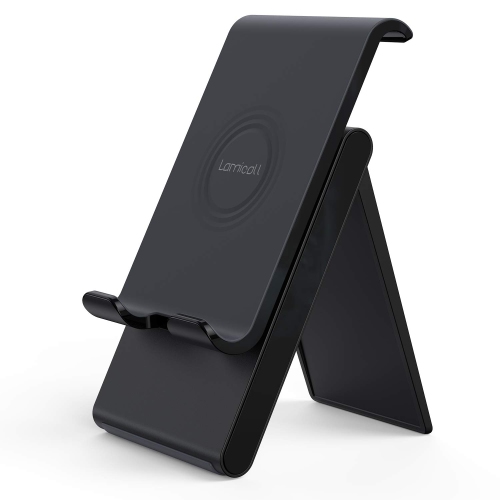
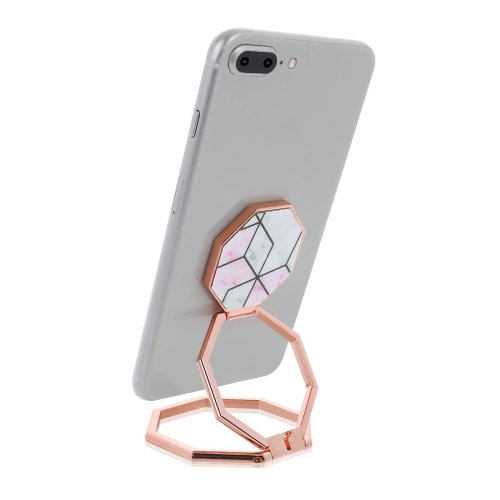
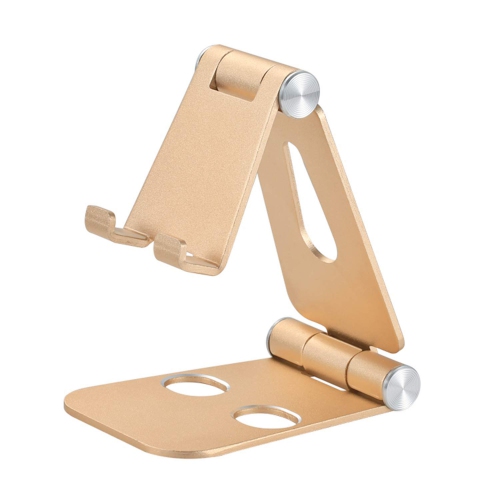
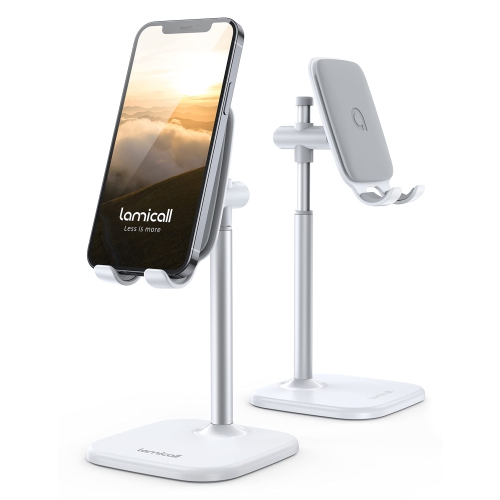
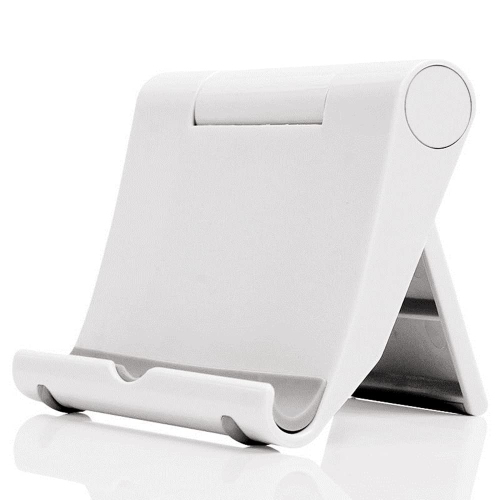
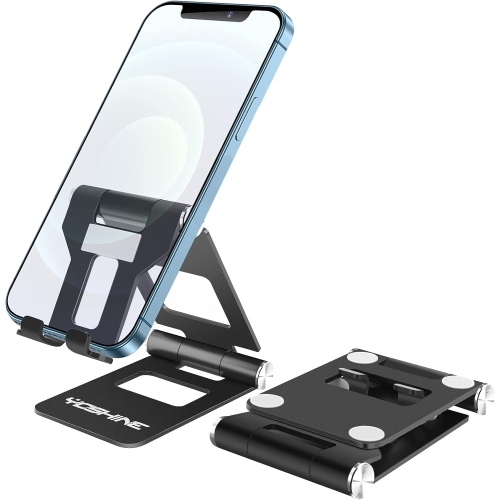
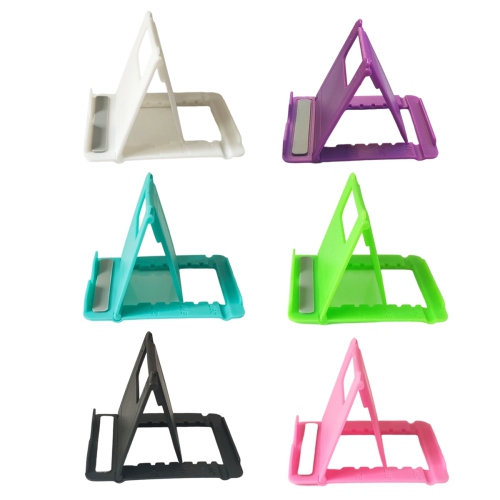
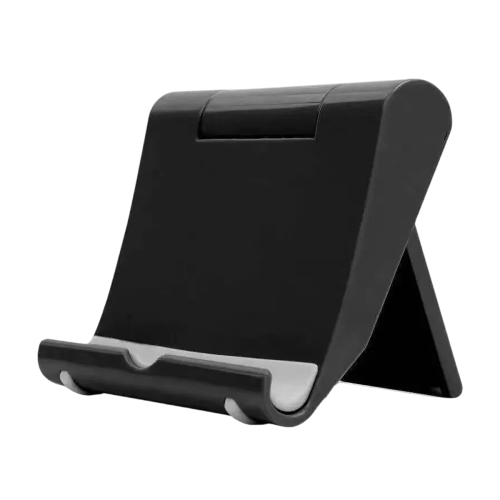
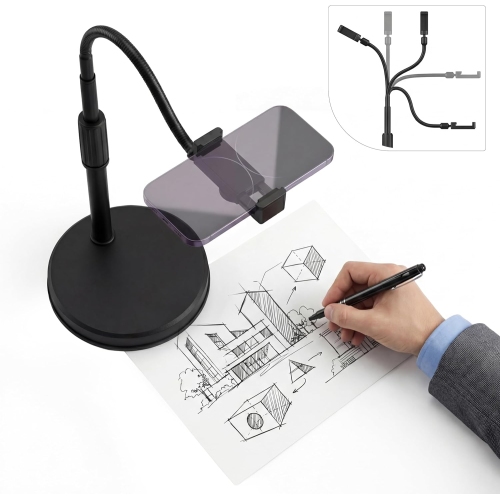
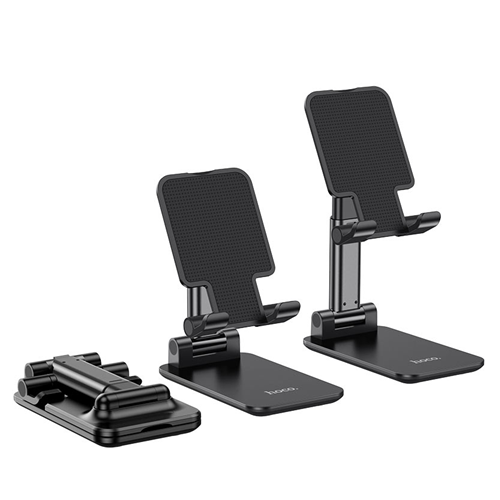
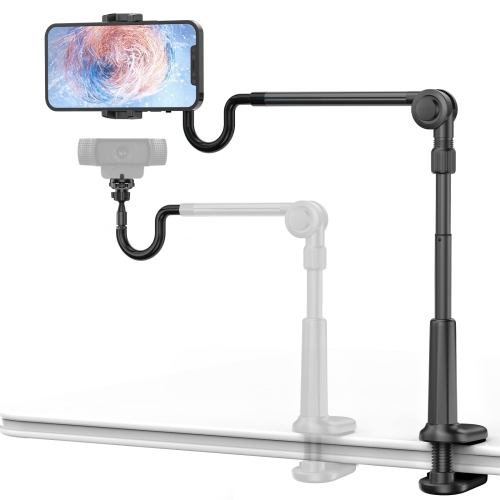
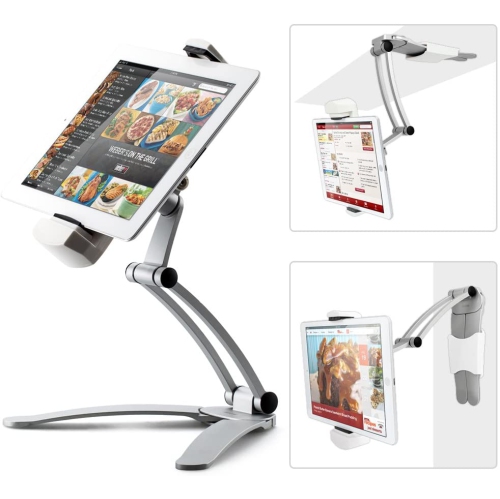
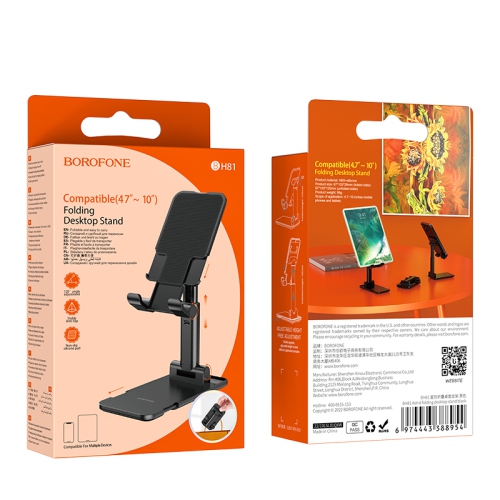

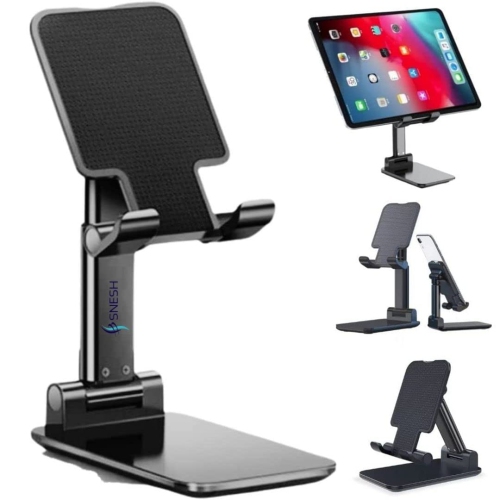
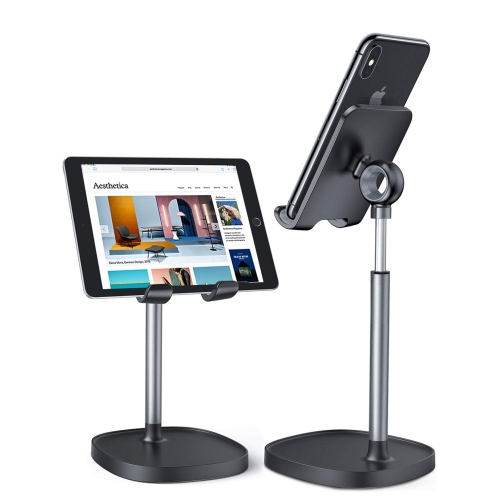
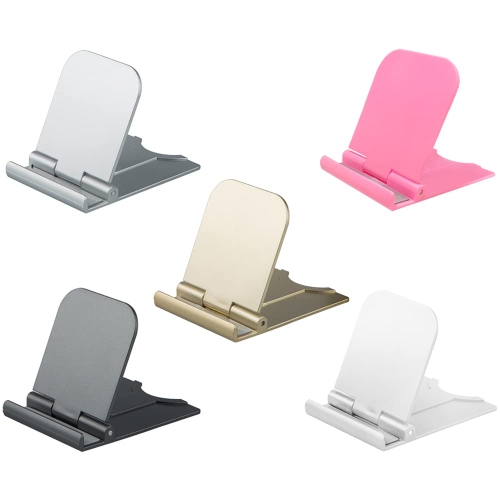
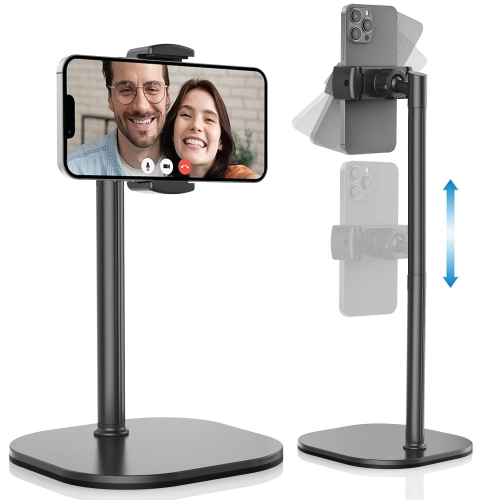
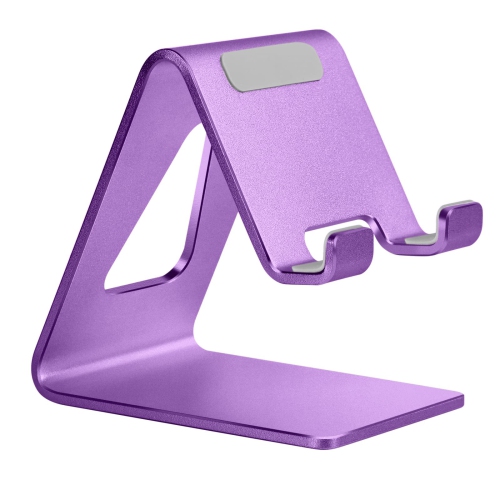
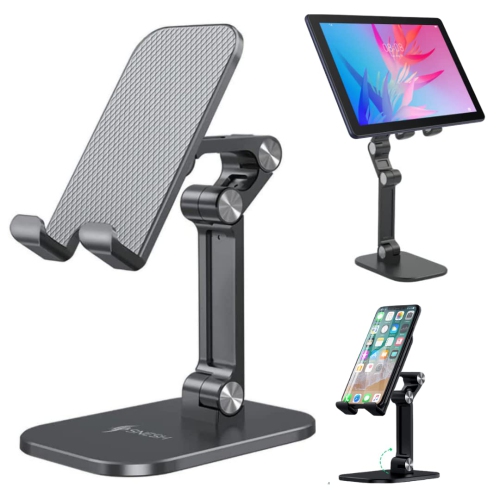

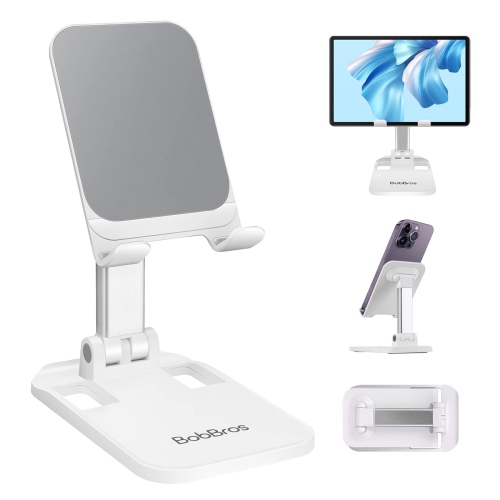
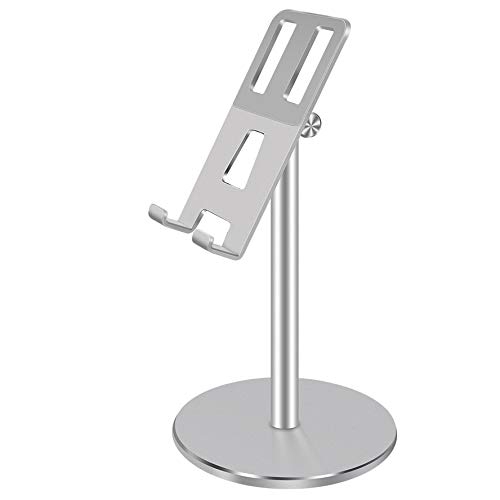

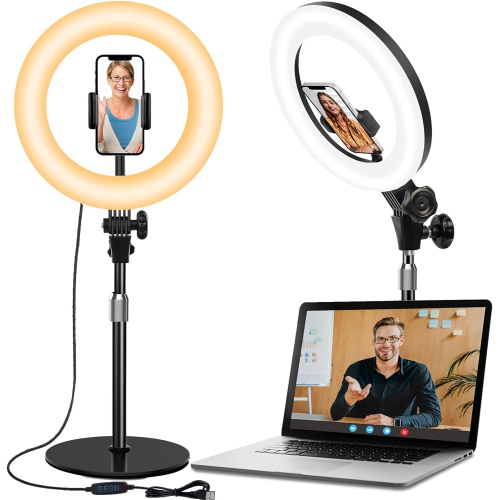
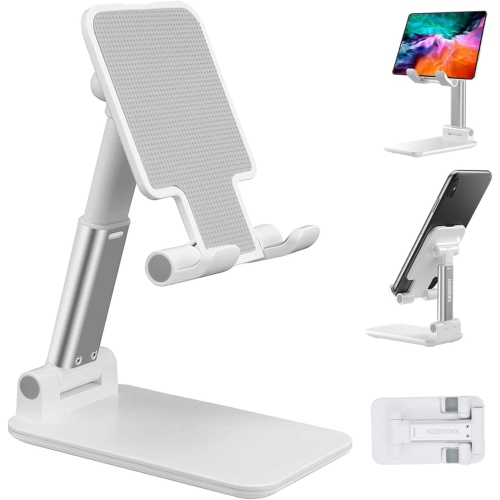
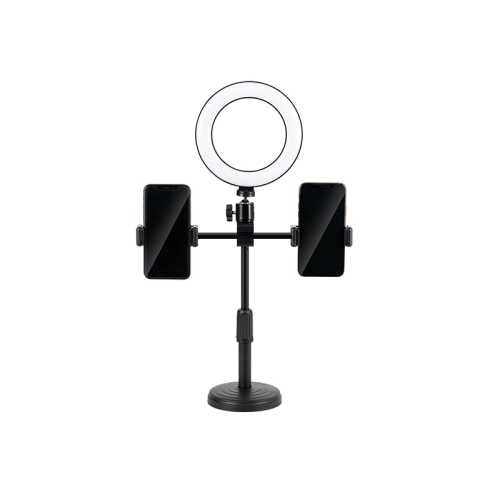

Practical support for clearer viewing and hands-free use
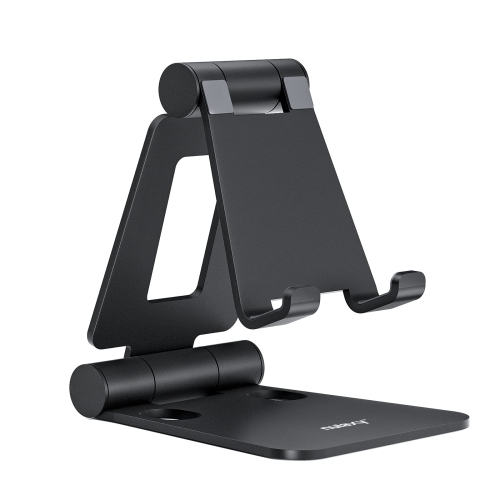
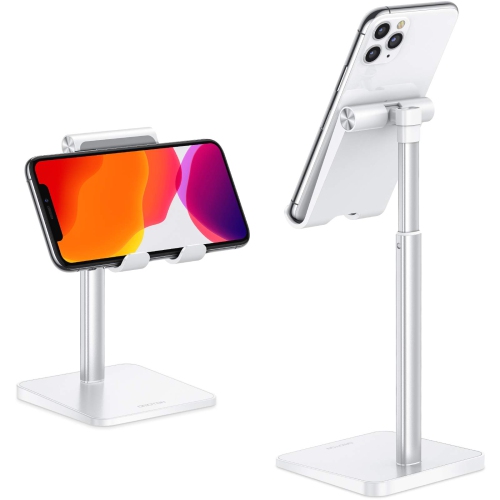
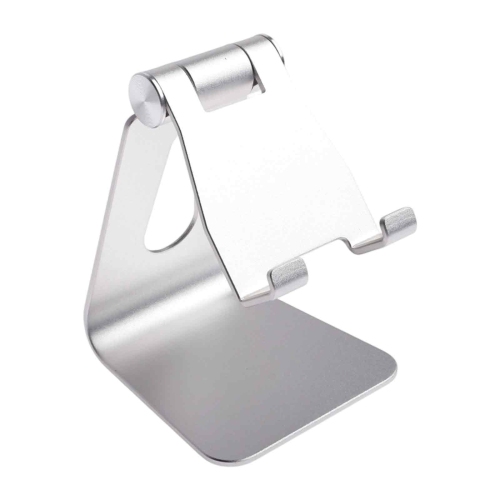
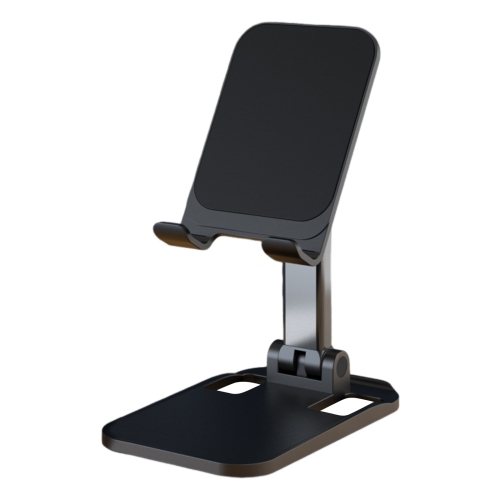
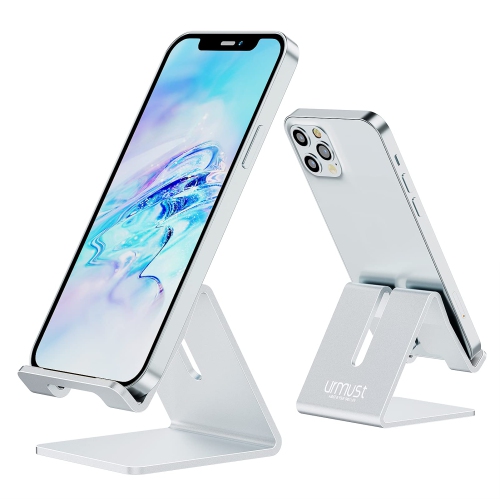
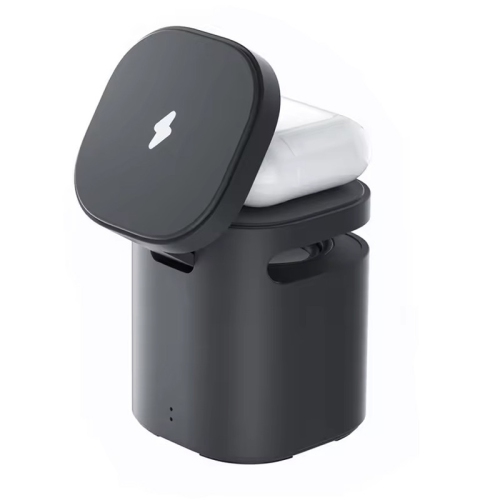
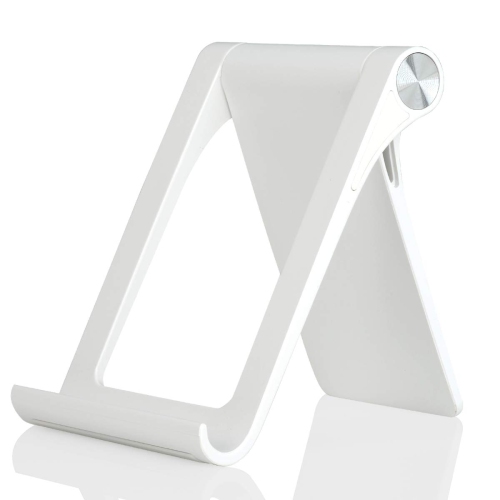
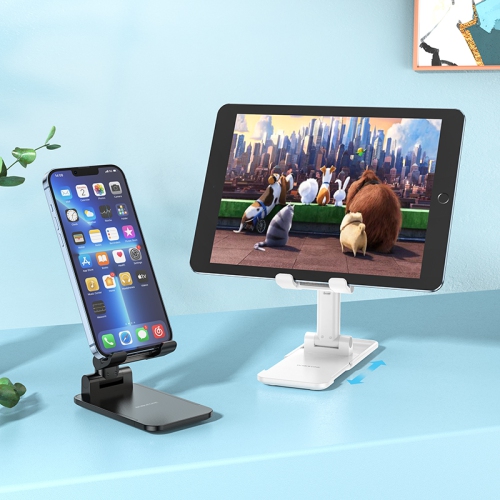
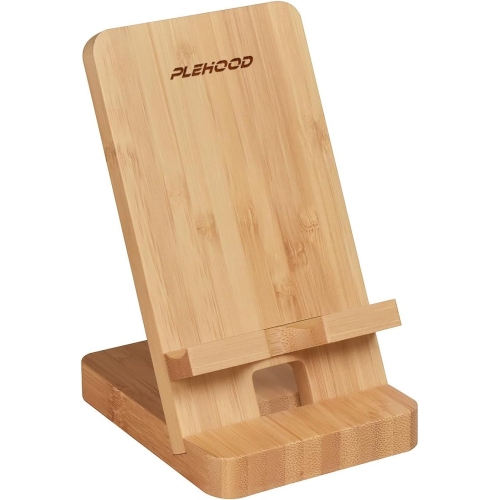
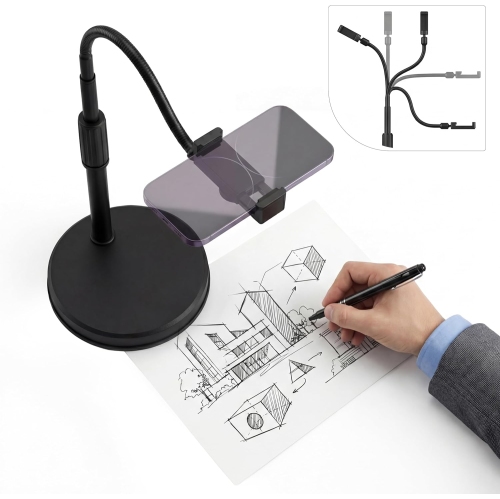
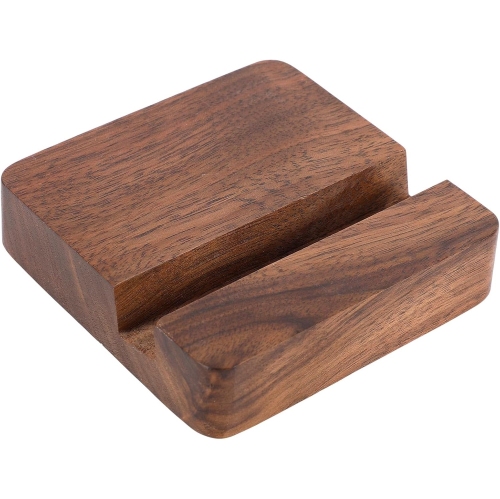
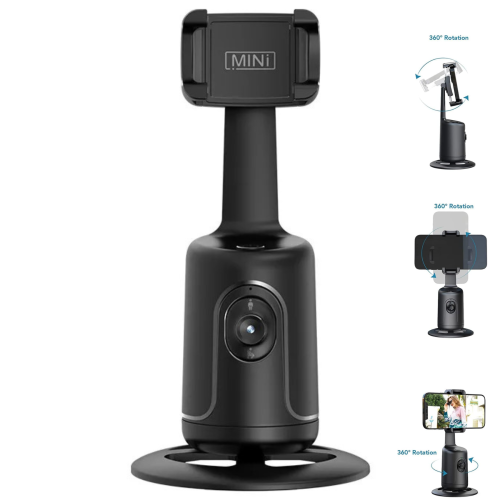
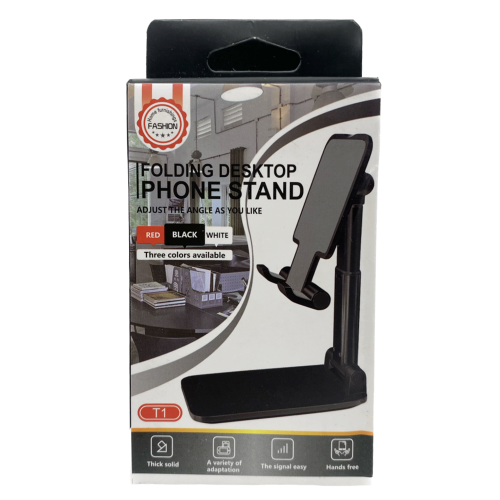
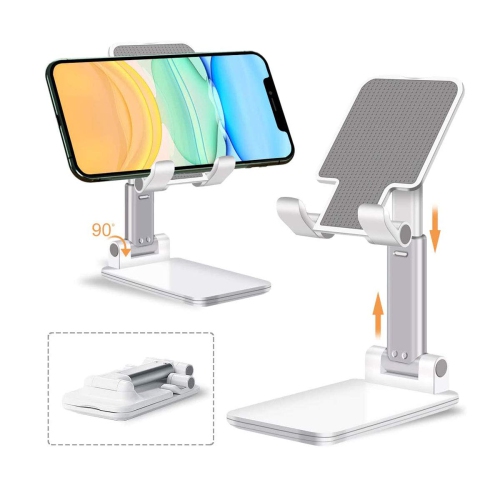
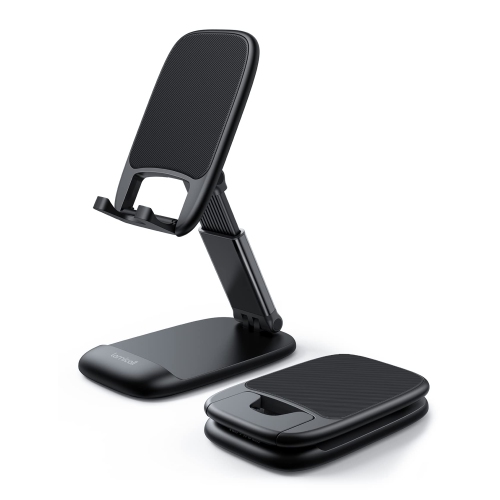
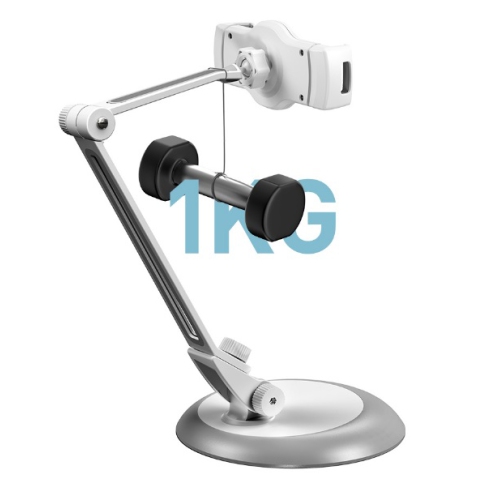
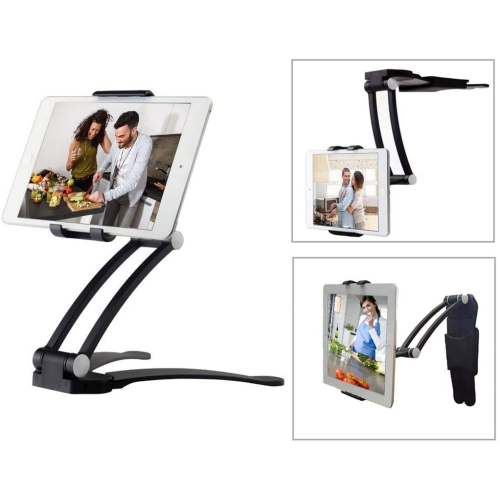
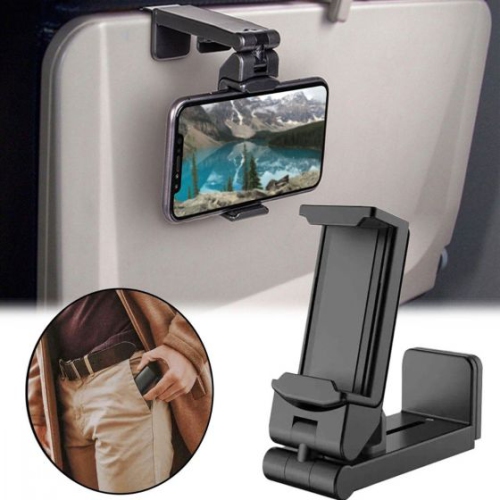
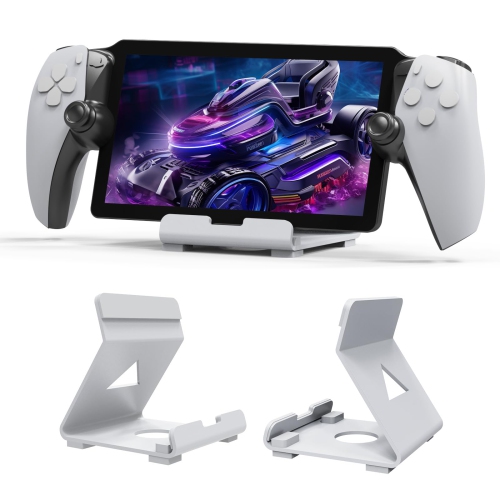
Desktop phone holders create a simple, comfortable place for a smartphone or small tablet to sit while you work, study, cook, read, or keep in touch with family and friends. Instead of leaving a device flat on a desk or propping it against a mug, book, or monitor, a holder raises the screen into a clearer line of sight and helps keep your hands free. That can make a noticeable difference during a video call, when following a recipe, while reading messages, or when using a phone as a timer, music player, navigation reference, or second screen. A well-designed desktop stand can be useful at a home office, student desk, bedside table, kitchen counter, reception area, or workshop bench. It may also make a thoughtful gift for someone setting up a study space, working remotely, attending frequent virtual appointments, or spending more time at home during the cooler months. When choosing among desktop phone holders, start by considering the device you plan to use and the way you expect to use it. Check that the holder is suitable for the size and weight of your smartphone or small tablet, including whether you commonly use a protective case. A wide, gently padded cradle can offer a secure fit without scratching the device, while a more open design may make it easier to place and remove a phone throughout the day. If several people in a household will share the stand, a flexible size range and simple adjustment system can be especially helpful. It is also worth considering where the holder will stay. A compact foldable design can be moved between a desk, kitchen surface, and travel bag, while a heavier stationary stand may feel more reassuring on a busy workstation where the phone is frequently tapped or repositioned. For additional options across different setups and uses, browse Best Phone Holders.
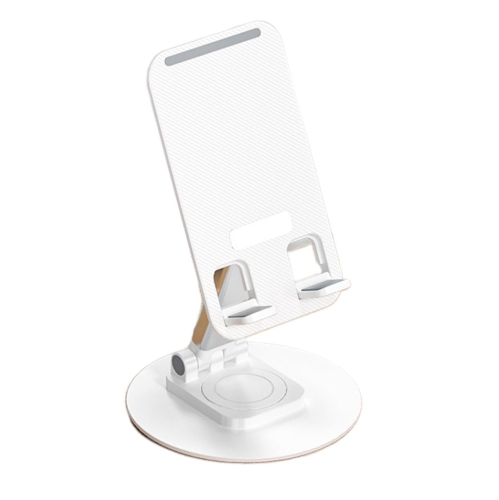
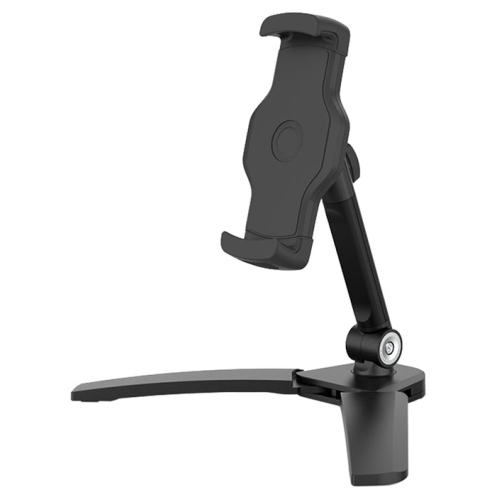
Adjustability is one of the most useful features to look for in a desktop phone holder. A multi-angle tilt lets you raise or lower the viewing position to reduce glare and create a more natural posture, while a rotating design can make it easy to switch between portrait and landscape orientation. Portrait mode is convenient for messages, social media, video calls, and many mobile apps; landscape mode can be better for watching content, viewing documents, following a cooking demonstration, or using a phone with a wireless keyboard. Some stands allow broad 360-degree rotation, while others use a hinged support that offers a smaller range of carefully selected angles. Either approach can work well when it matches your routine. Think about the height of your chair, the position of nearby lights, and whether you will look at the screen from directly in front or from the side. A holder that keeps the display visible without forcing you to bend your neck can make long stretches of use feel less tiring. Cable management is another practical consideration, particularly if the phone will remain on the stand while charging. Look for an open bottom slot, reserved charging-port area, or other cable cutout that allows a connector to pass through without placing pressure on the cord. This keeps the desktop neater and makes it easier to lift the device without unplugging it. A stand with clear access around the charging port can also accommodate different cable shapes and connector angles. Stability matters just as much as adjustability. A weighted base helps prevent tipping when you touch the screen, and rubber or silicone feet can reduce sliding on smooth surfaces such as glass, laminate, or polished wood. A broad base may be preferable for a larger phone or small tablet, while a compact footprint can leave more room for a notebook, keyboard, coffee cup, or other desk essentials. If you use a holder beside a bed or on a narrow counter, measure the available surface before buying and consider how much space the support arm occupies when the device is tilted.
Desktop phone holders can support many everyday routines without taking over the room. At a work desk, a phone placed at eye level can make notifications easier to see while keeping the keyboard and mouse area clear. During a virtual meeting, a stable stand can provide a better camera position than a phone lying flat, and rotating the device can help accommodate different video call layouts. Students may use one to reference notes, record a presentation, follow an online lesson, or keep a timer visible during study sessions. In the kitchen, a phone holder can keep a recipe or grocery list visible away from spills and flour-covered hands, provided the stand is placed at a safe distance from heat and splashes. On a bedside table, it can hold an alarm, audiobook, or charging phone at a comfortable angle without leaving the screen buried beneath bedding. Travellers can appreciate a lightweight, foldable holder that fits into a backpack and creates a familiar viewing setup in a hotel room, shared workspace, or holiday rental. A holder can also be a useful present for a university student, a remote worker, a frequent video caller, or anyone who enjoys streaming content at a desk. Before settling on a design, consider whether portability, height, rotation, charging access, or extra stability is most important to the recipient. Foldable models are convenient for people who change workspaces, while sturdy metal or reinforced designs may suit a permanent desk setup. The best fit is the one that supports the device securely, keeps the screen at a comfortable angle, and works naturally with the habits of the person using it. With the right desktop phone holder, a frequently handled device has a dependable place to rest, making small daily tasks feel more organized from early fall through the winter season and beyond.
Adjustability is one of the most useful features to look for in a desktop phone holder. A multi-angle tilt lets you raise or lower the viewing position to reduce glare and create a more natural posture, while a rotating design can make it easy to switch between portrait and landscape orientation. Portrait mode is convenient for messages, social media, video calls, and many mobile apps; landscape mode can be better for watching content, viewing documents, following a cooking demonstration, or using a phone with a wireless keyboard. Some stands allow broad 360-degree rotation, while others use a hinged support that offers a smaller range of carefully selected angles. Either approach can work well when it matches your routine. Think about the height of your chair, the position of nearby lights, and whether you will look at the screen from directly in front or from the side. A holder that keeps the display visible without forcing you to bend your neck can make long stretches of use feel less tiring. Cable management is another practical consideration, particularly if the phone will remain on the stand while charging. Look for an open bottom slot, reserved charging-port area, or other cable cutout that allows a connector to pass through without placing pressure on the cord. This keeps the desktop neater and makes it easier to lift the device without unplugging it. A stand with clear access around the charging port can also accommodate different cable shapes and connector angles. Stability matters just as much as adjustability. A weighted base helps prevent tipping when you touch the screen, and rubber or silicone feet can reduce sliding on smooth surfaces such as glass, laminate, or polished wood. A broad base may be preferable for a larger phone or small tablet, while a compact footprint can leave more room for a notebook, keyboard, coffee cup, or other desk essentials. If you use a holder beside a bed or on a narrow counter, measure the available surface before buying and consider how much space the support arm occupies when the device is tilted.
Desktop phone holders can support many everyday routines without taking over the room. At a work desk, a phone placed at eye level can make notifications easier to see while keeping the keyboard and mouse area clear. During a virtual meeting, a stable stand can provide a better camera position than a phone lying flat, and rotating the device can help accommodate different video call layouts. Students may use one to reference notes, record a presentation, follow an online lesson, or keep a timer visible during study sessions. In the kitchen, a phone holder can keep a recipe or grocery list visible away from spills and flour-covered hands, provided the stand is placed at a safe distance from heat and splashes. On a bedside table, it can hold an alarm, audiobook, or charging phone at a comfortable angle without leaving the screen buried beneath bedding. Travellers can appreciate a lightweight, foldable holder that fits into a backpack and creates a familiar viewing setup in a hotel room, shared workspace, or holiday rental. A holder can also be a useful present for a university student, a remote worker, a frequent video caller, or anyone who enjoys streaming content at a desk. Before settling on a design, consider whether portability, height, rotation, charging access, or extra stability is most important to the recipient. Foldable models are convenient for people who change workspaces, while sturdy metal or reinforced designs may suit a permanent desk setup. The best fit is the one that supports the device securely, keeps the screen at a comfortable angle, and works naturally with the habits of the person using it. With the right desktop phone holder, a frequently handled device has a dependable place to rest, making small daily tasks feel more organized from early fall through the winter season and beyond.
Top selling and popular products
-
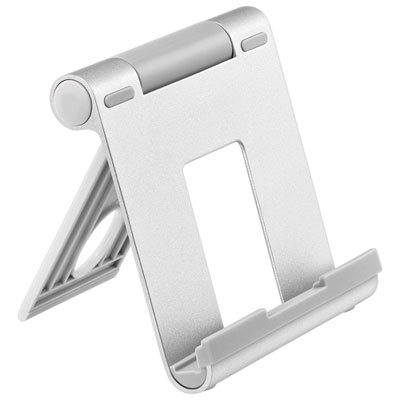 Your price for this item is $18.97
 -
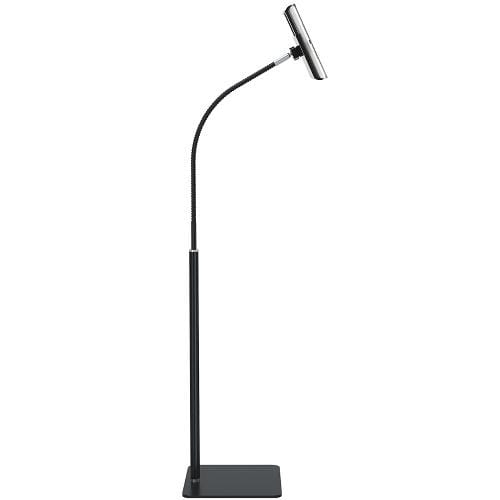 Your price for this item is $129
 -
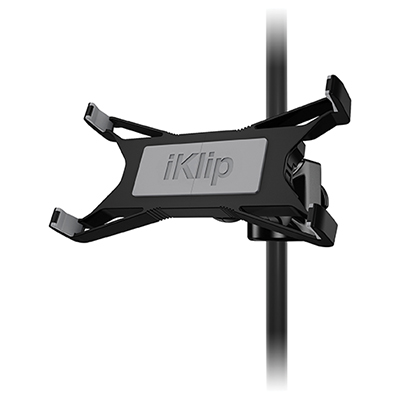 Your price for this item is $59.99
 -
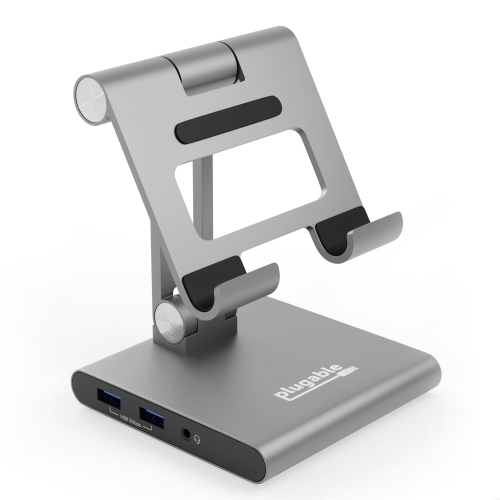 Your price for this item is $134.94
 -
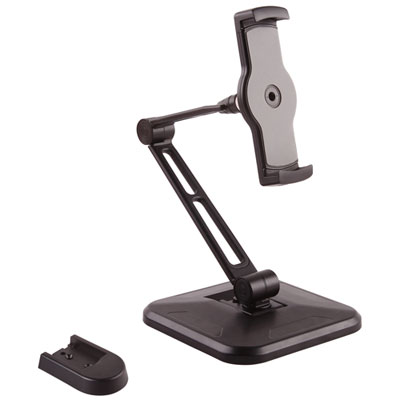 Your price for this item is $65.99
 -
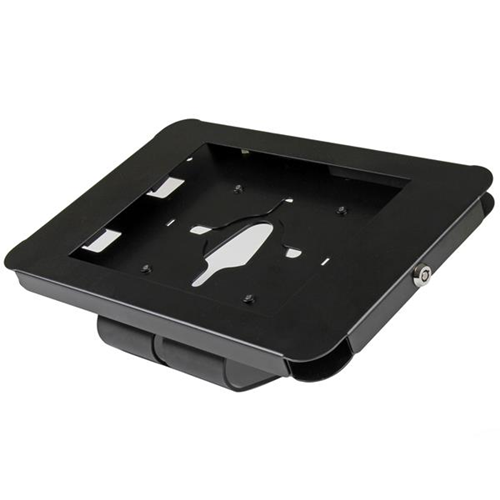 Your price for this item is $87.68
 -
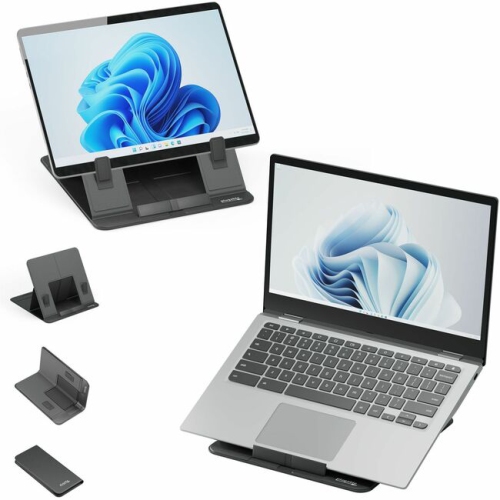 Your price for this item is $73.97
 -
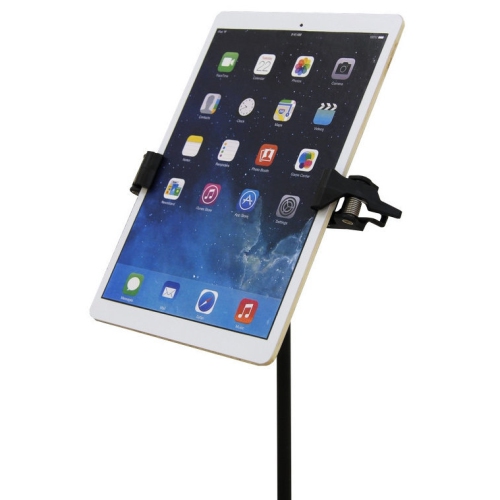 Your price for this item is $74.99
Discover more categories related to Desktop Phone Holders
Top Collections:
Pokemon Centers, Kindle Devices, Best Budget Office Chairs, Apple iPhones 16, Canon G7X Cameras, iPhone 15 Apple, Alarm Clock, Refurbished Apple Laptops, Flip Phones, Best Laptops for Writers
Some products may be subject to Environmental Handling Fees
(EHF) depending on your province.
Learn more about EHFs.