Device Protection
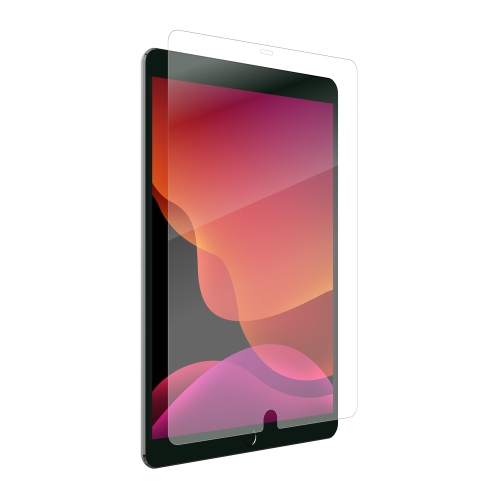
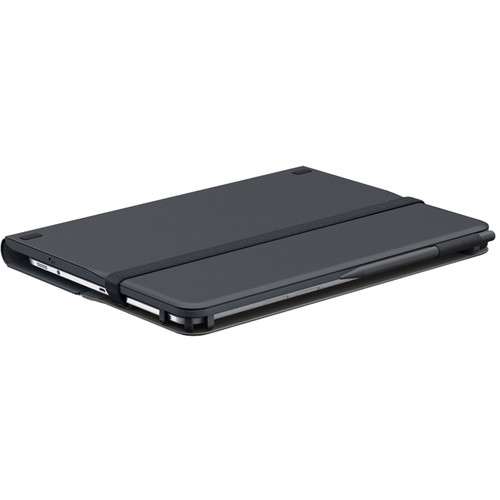
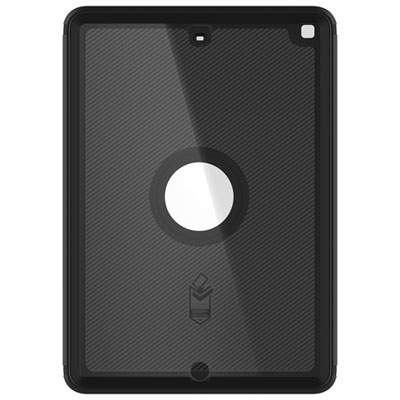
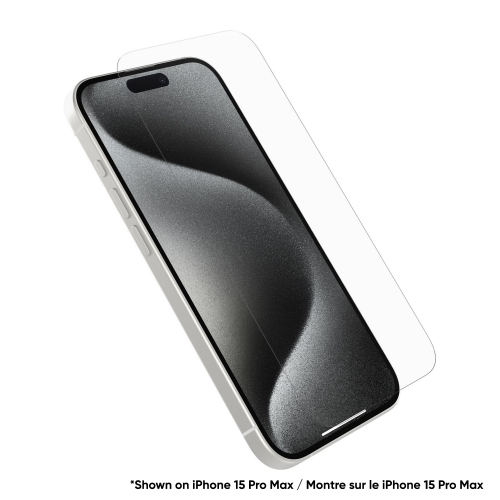
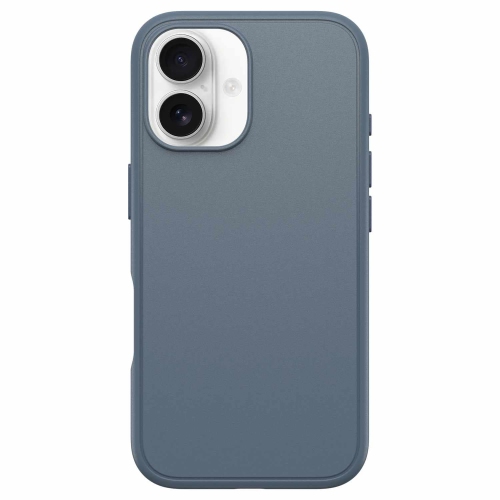
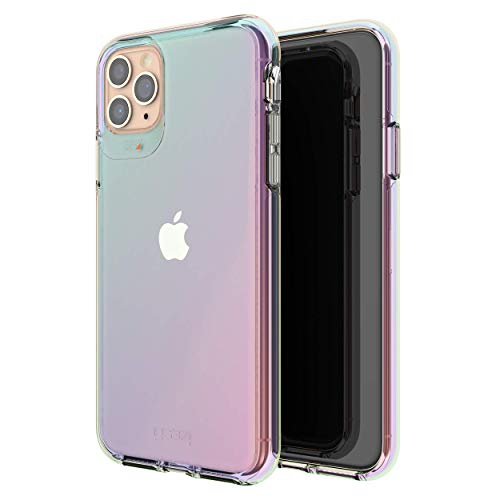
Protect your valuable devices with our range of device protection options designed to give you peace of mind. From screen protectors to cases and extended warranties, we have everything you need to safeguard your electronics against unexpected accidents and wear-and-tear. Whether you're looking to shield your smartphone, tablet, laptop, or other gadgets, our selection of device protection solutions offers both style and functionality to keep your devices safe and secure. Browse our collection and find the perfect protection for your devices today.
Sort
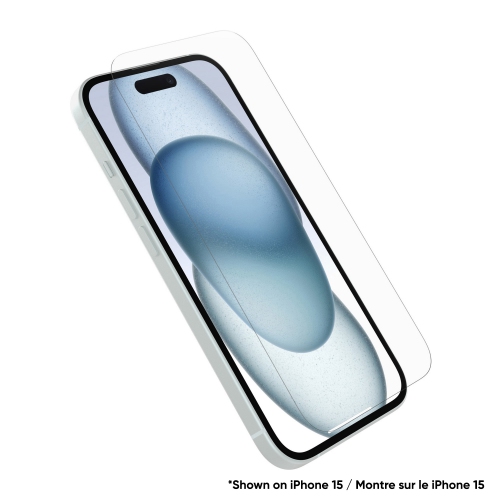
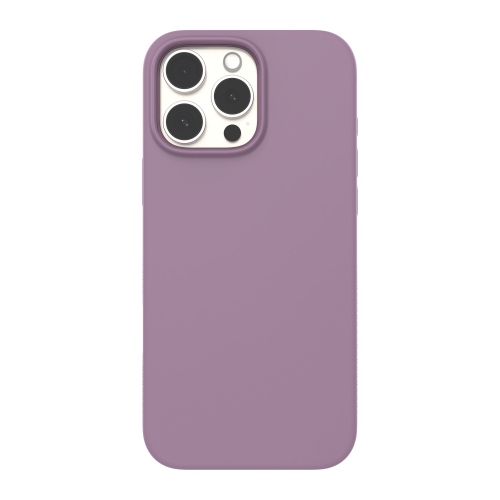
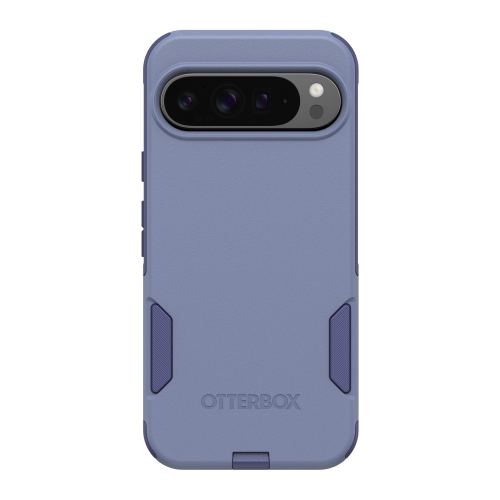
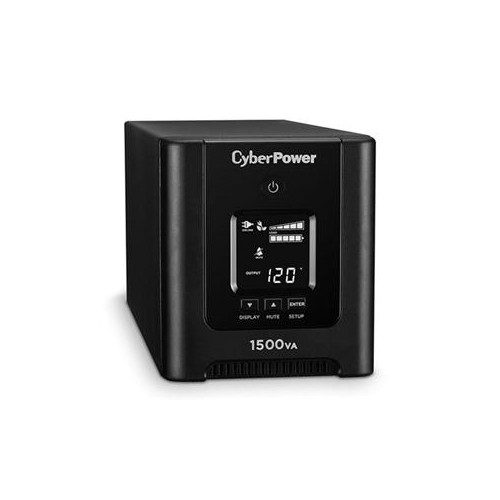
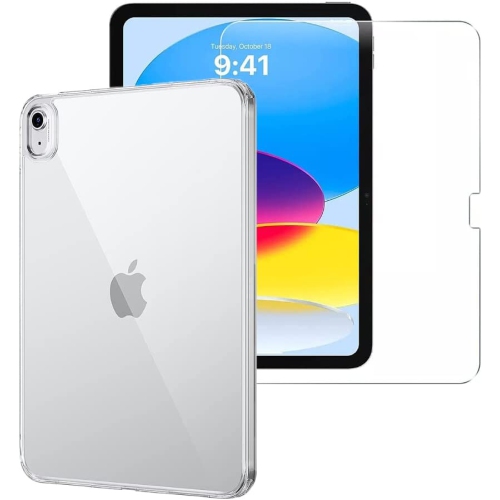
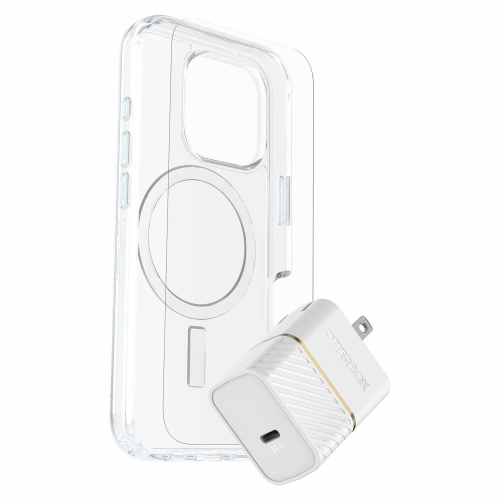
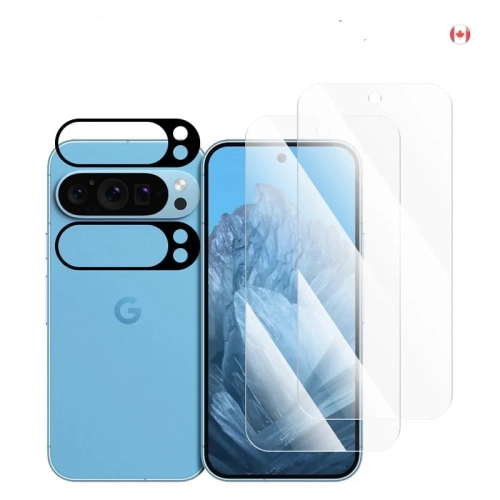
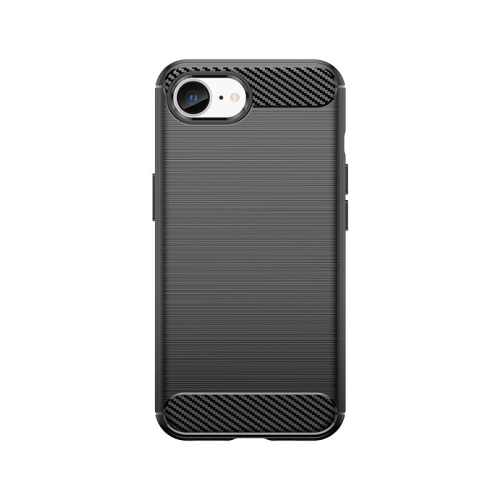
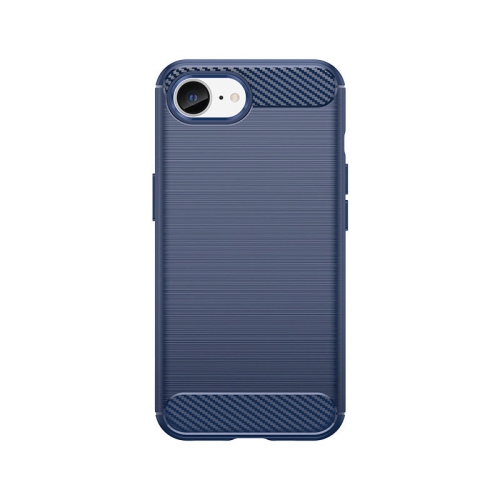
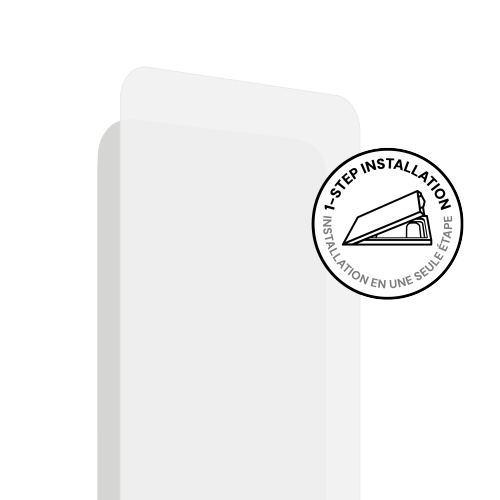
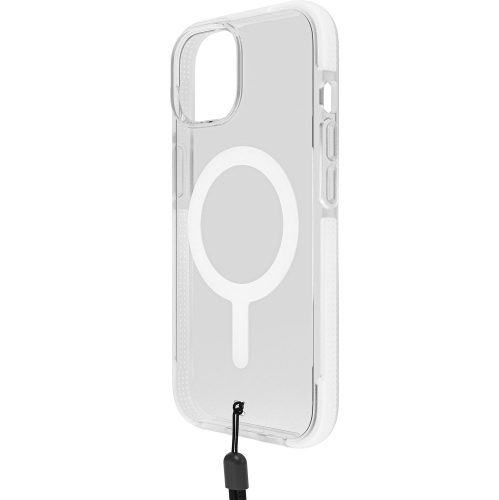
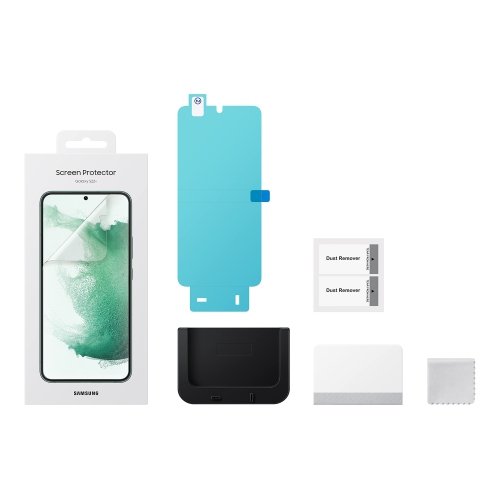
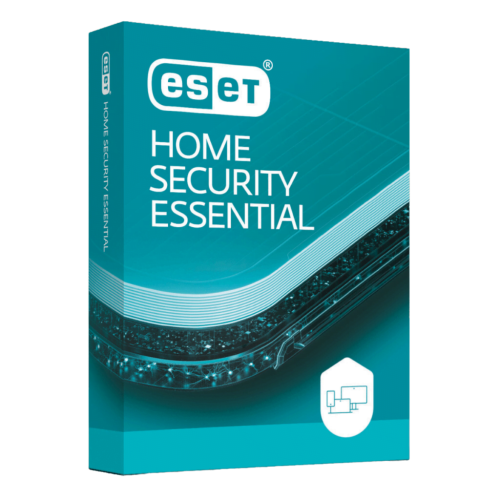
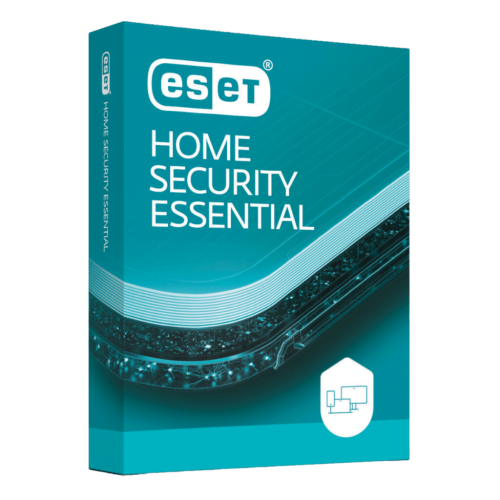
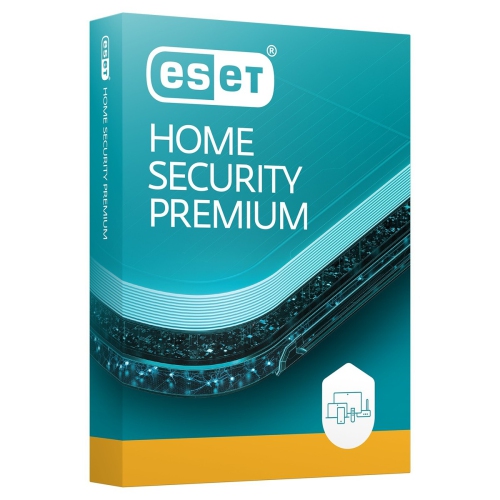
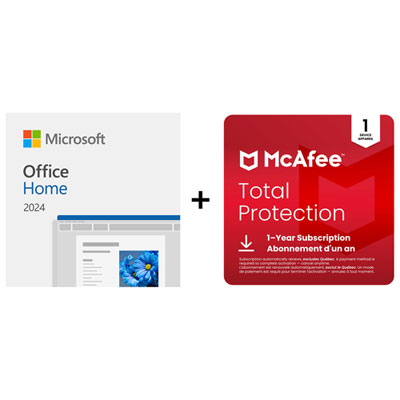
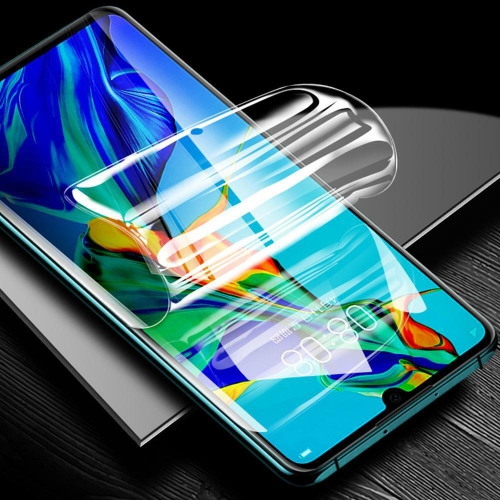
![CC Topsave [Case Friendly]3D Curve Protection Durable Tempered Glass Apple for Samsung S10 Plus](https://multimedia.bbycastatic.ca/multimedia/products/500x500/146/14691/14691359.jpg)
![CC Topsave [Case Friendly]3D Curve Protection Durable Tempered Glass for Samsung S20 Ultra](https://multimedia.bbycastatic.ca/multimedia/products/500x500/146/14691/14691378.jpg)
![CC Topsave [Case Friendly]3D Curve Protection Durable Tempered Glass Apple for Samsung Note10](https://multimedia.bbycastatic.ca/multimedia/products/500x500/146/14691/14691373.jpg)
![CC Topsave [Case Friendly]3D Curve Protection Durable Tempered Glass Apple for Samsung S10](https://multimedia.bbycastatic.ca/multimedia/products/500x500/146/14691/14691376.jpg)
![CC Topsave [Case Friendly]Full Protection Durable Tempered Glass Apple for Samsung S10E](https://multimedia.bbycastatic.ca/multimedia/products/500x500/146/14691/14691367.jpg)
![CC Topsave [Case Friendly]3D Curve Protection Durable Tempered Glass for Samsung S20](https://multimedia.bbycastatic.ca/multimedia/products/500x500/146/14691/14691363.jpg)
![CC Topsave [Case Friendly]3D Curve Protection Durable Tempered Glass Apple for Samsung S7 Edge](https://multimedia.bbycastatic.ca/multimedia/products/500x500/146/14691/14691365.jpg)
![CC Topsave [Case Friendly]3D Curve Protection Durable Tempered Glass Apple for Samsung Note10 Plus](https://multimedia.bbycastatic.ca/multimedia/products/500x500/146/14691/14691361.jpg)
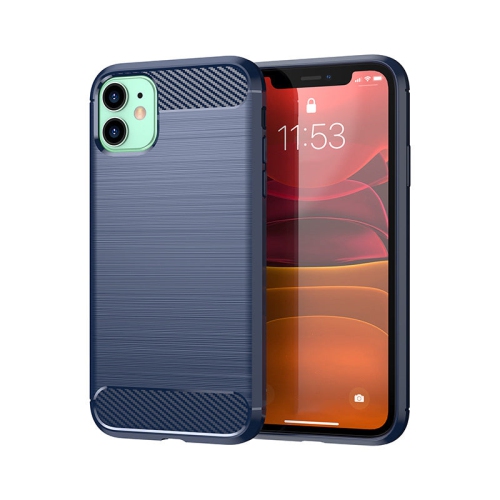
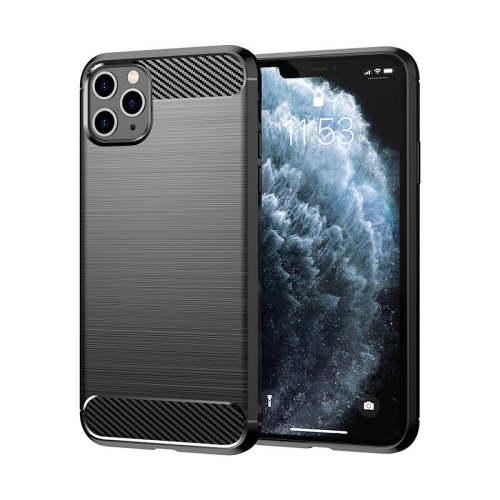
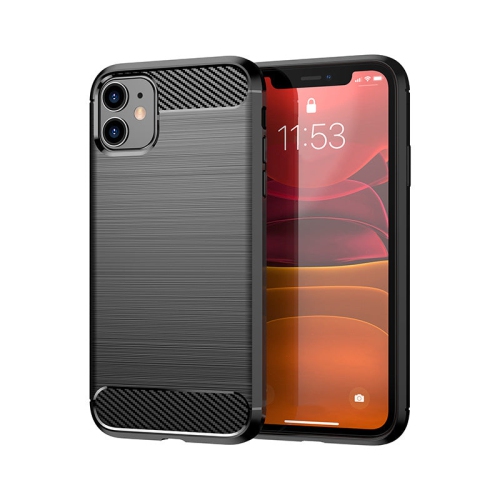
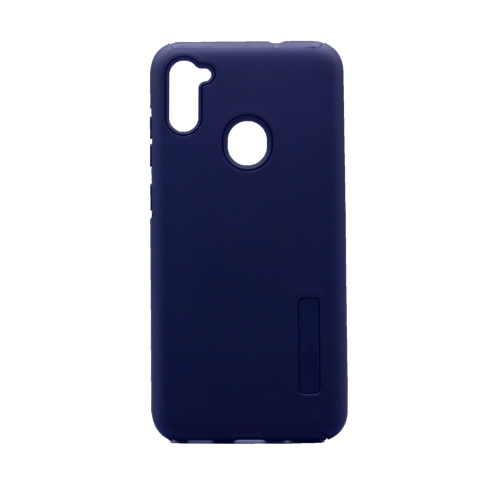
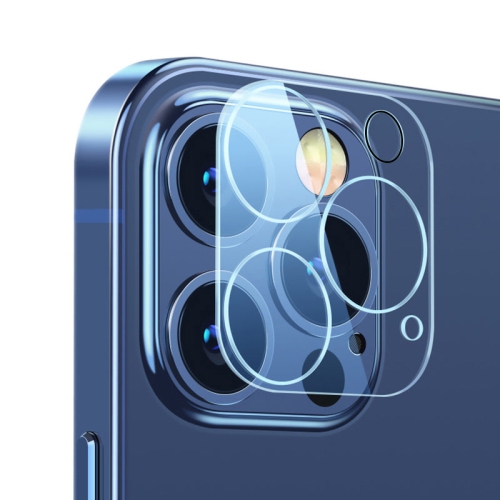
![CC Topsave [1 Piece] Full Transparent, 3D Full Coverage Camera Lens Protection for Iphone 12 Pro](https://multimedia.bbycastatic.ca/multimedia/products/500x500/152/15228/15228057.jpg)
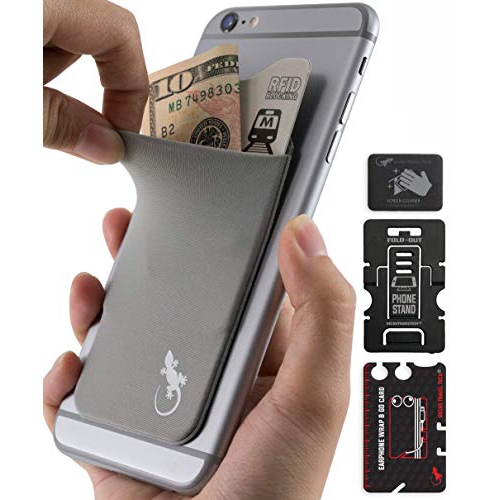
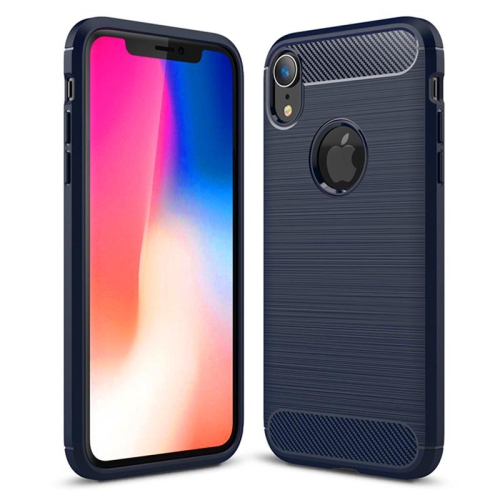
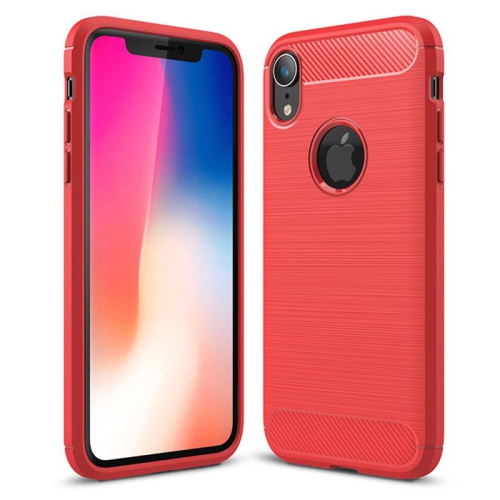
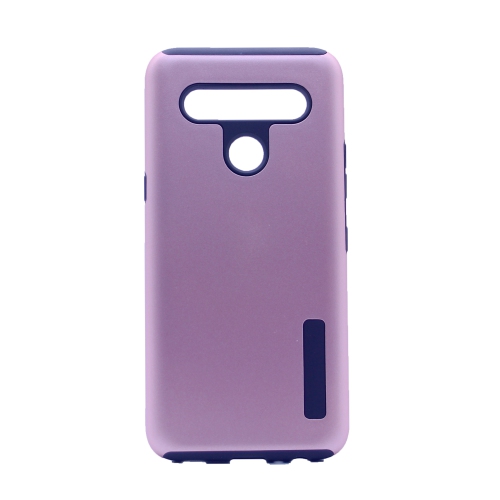
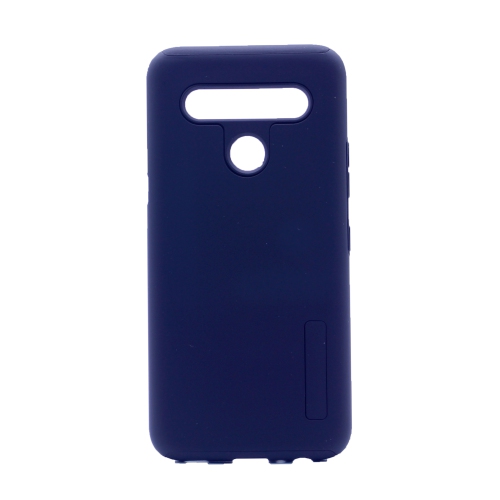
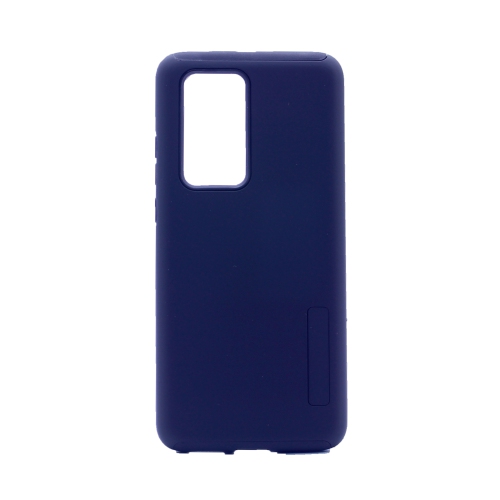
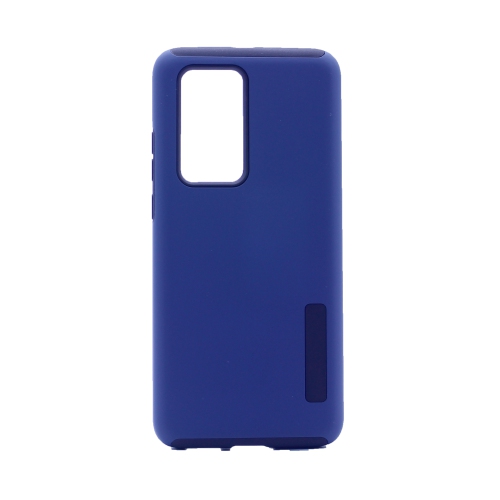
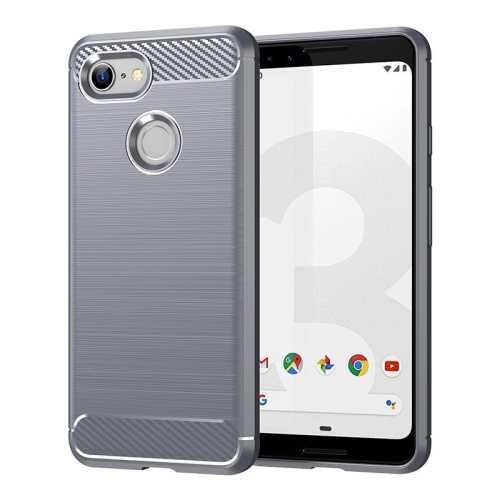
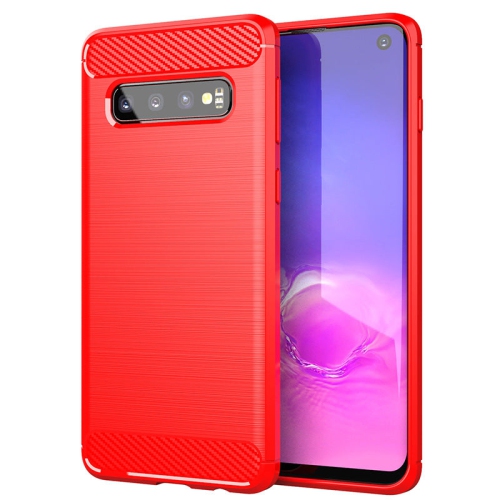
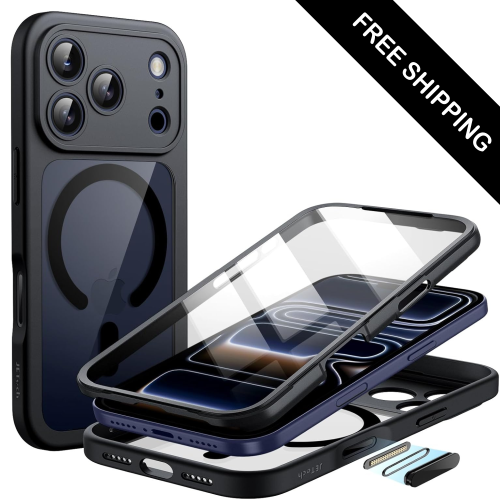
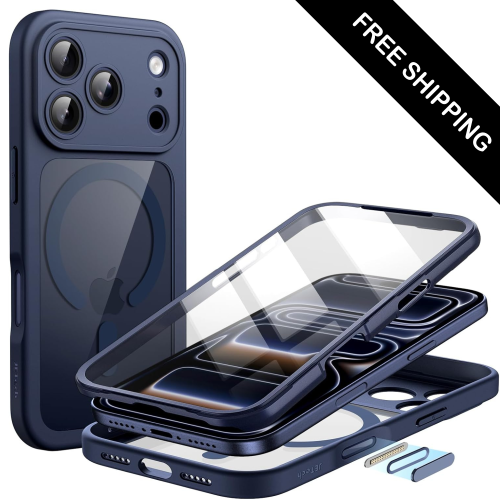
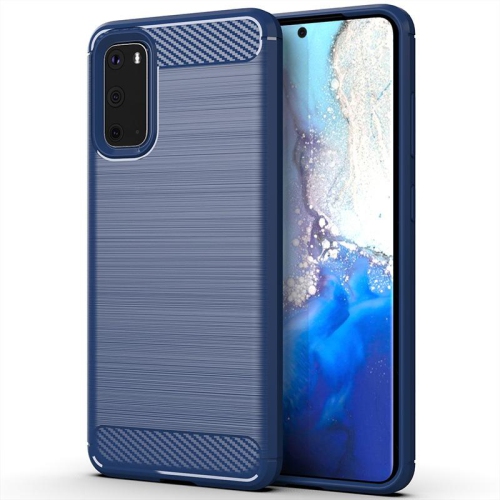
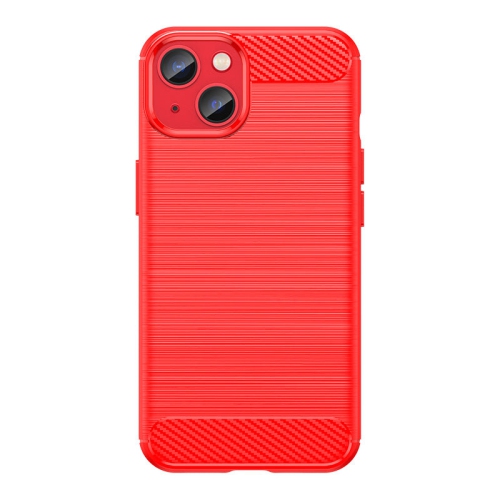
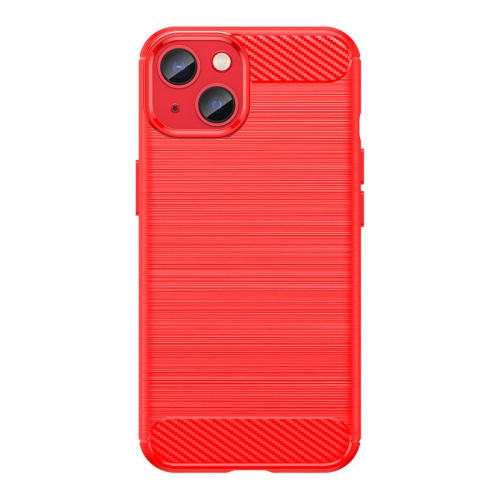
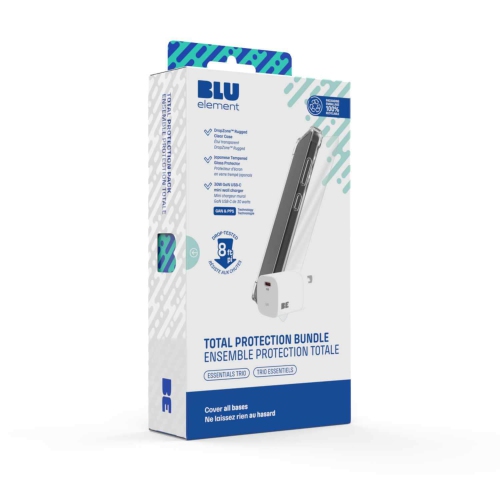
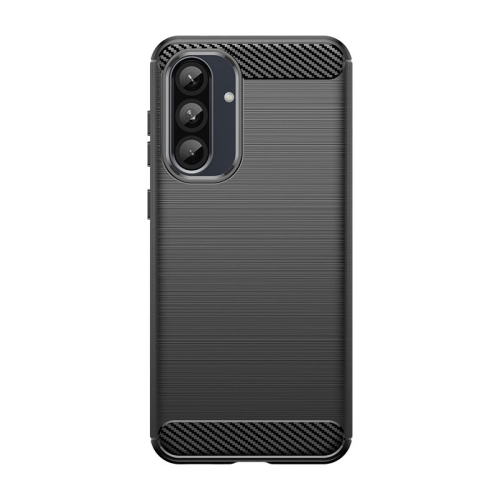
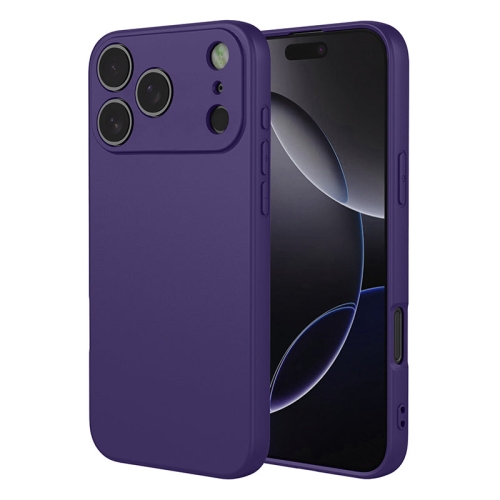
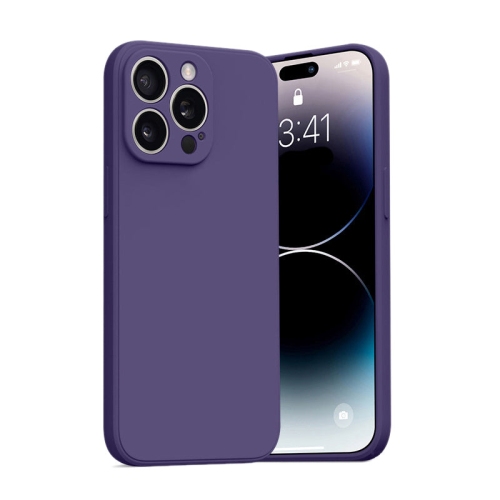
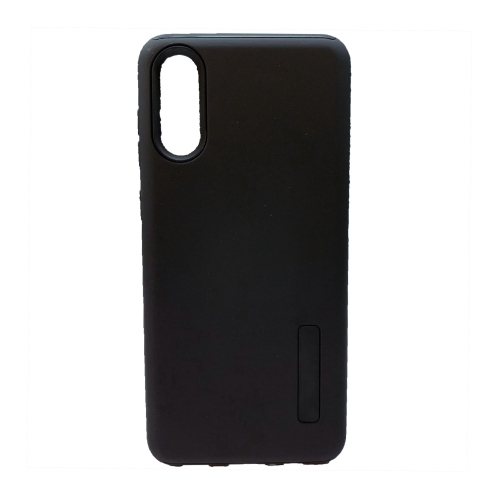
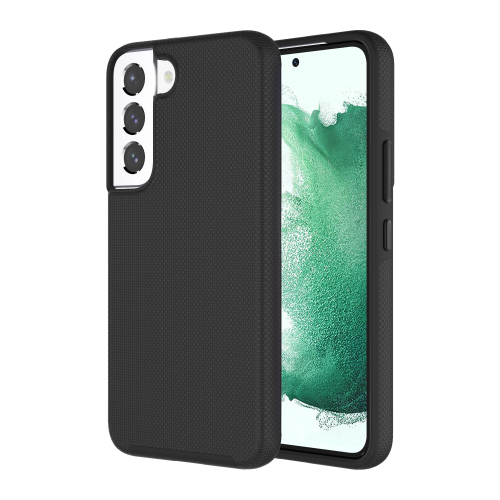
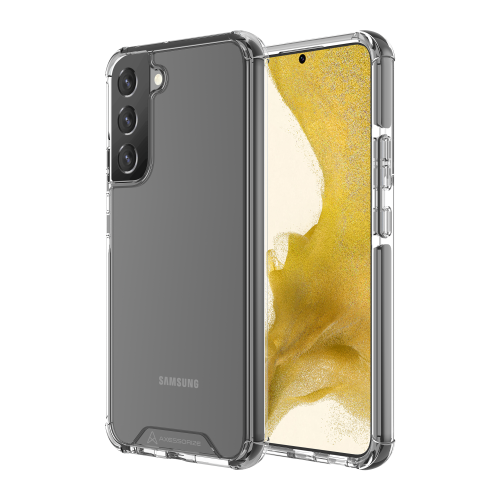
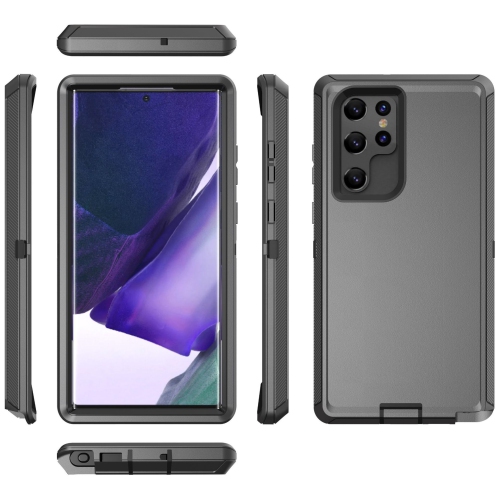
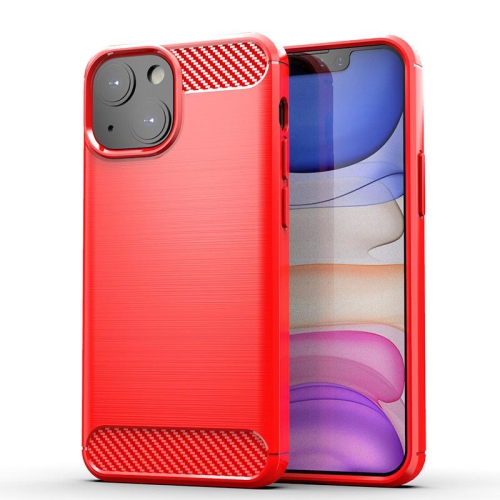
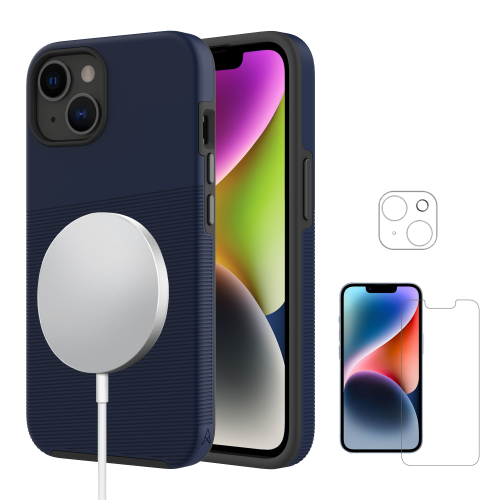
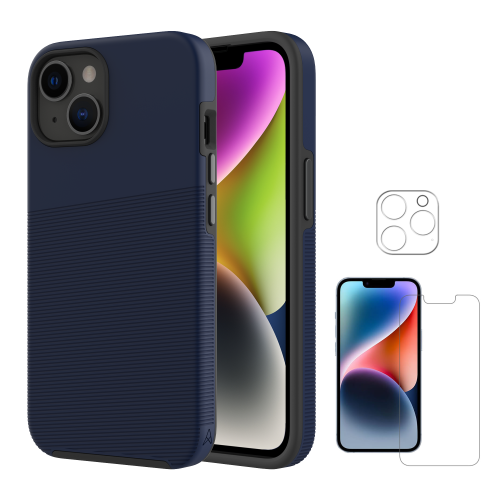
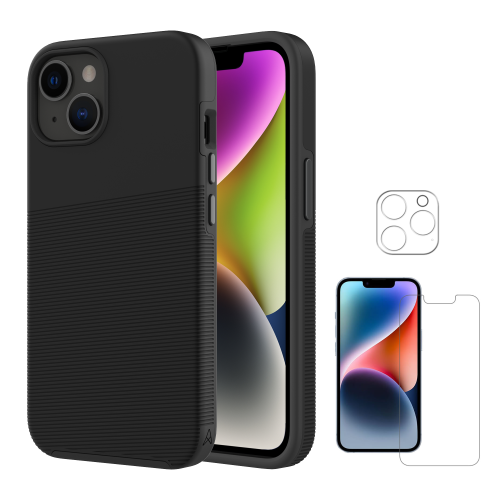
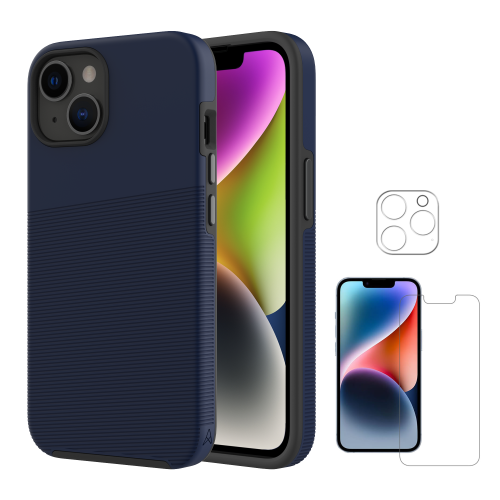
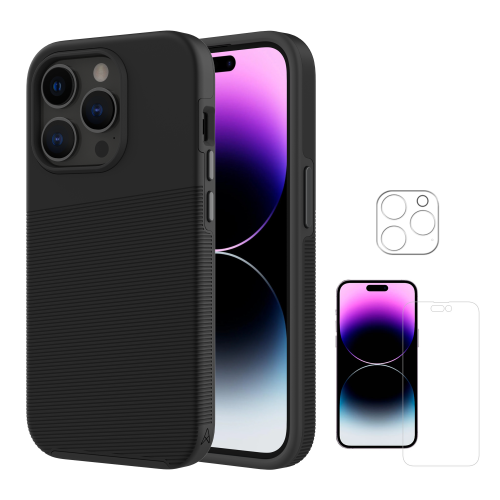
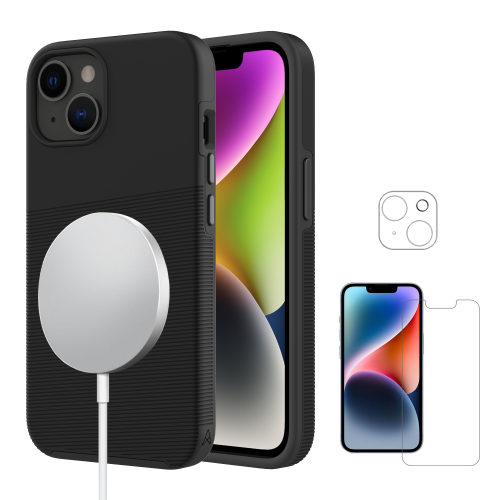
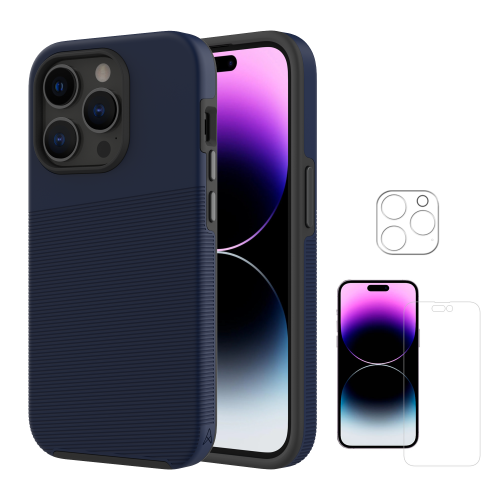
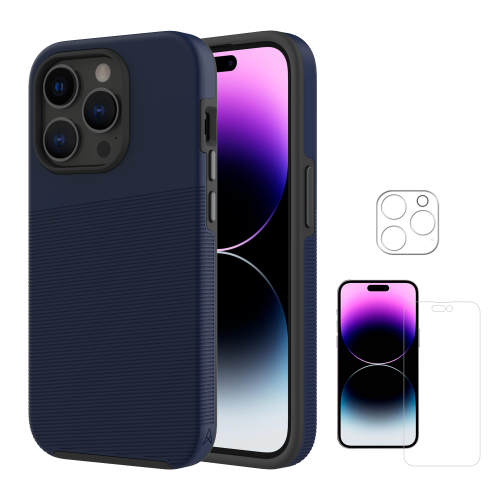
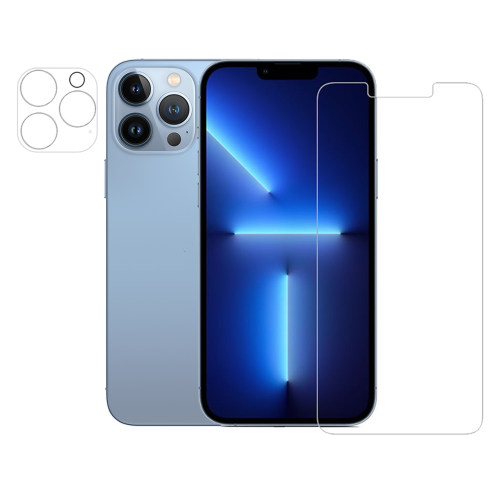
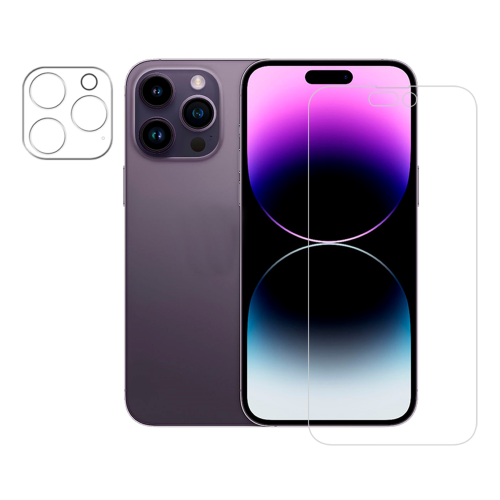
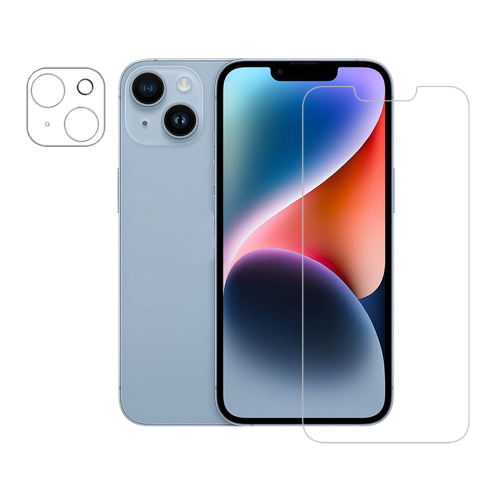
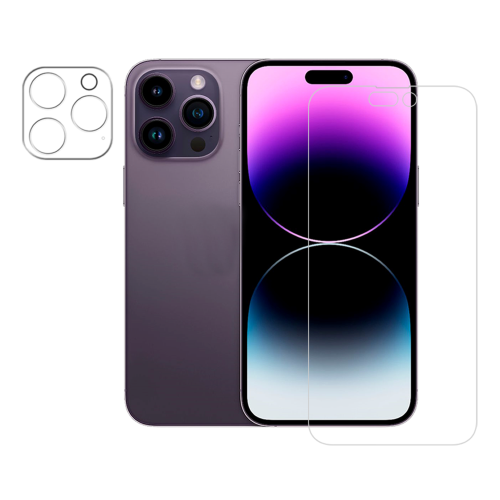
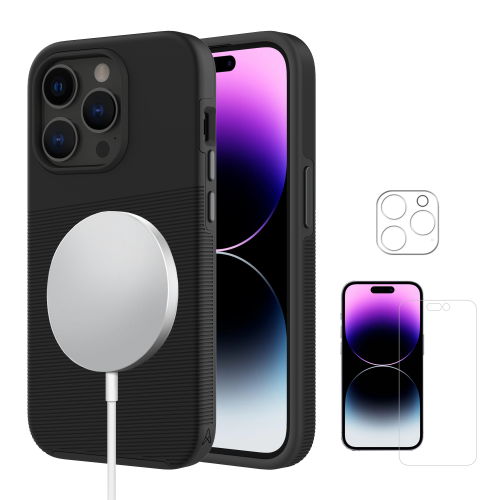
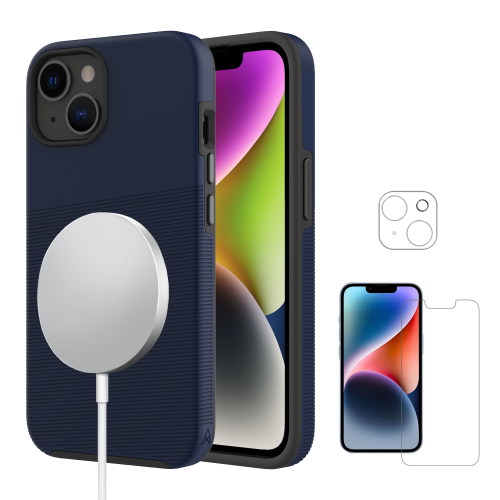
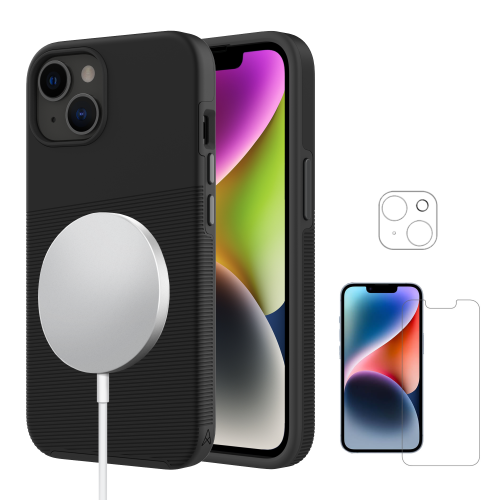
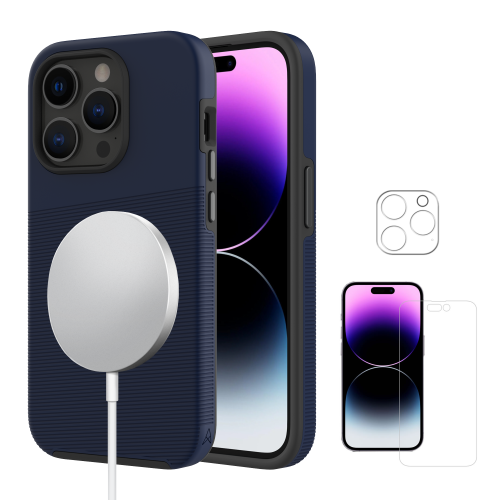
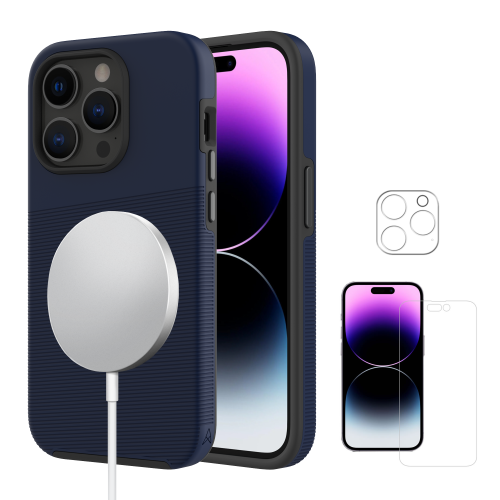
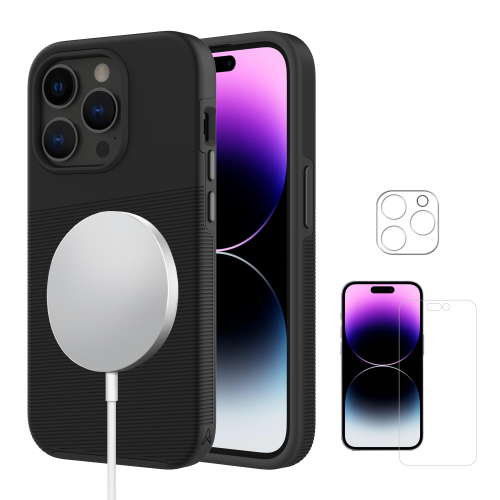
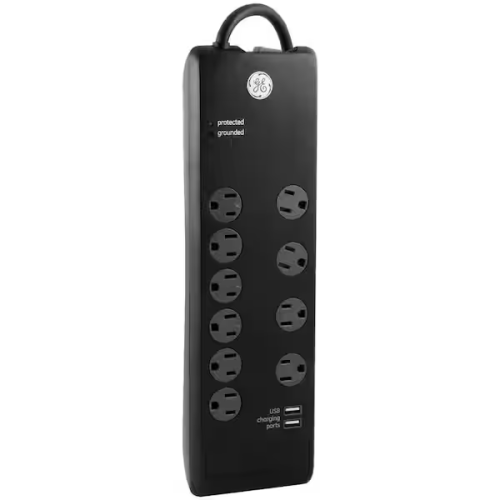
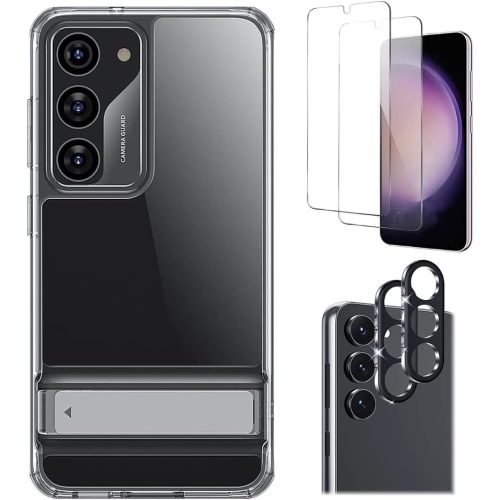
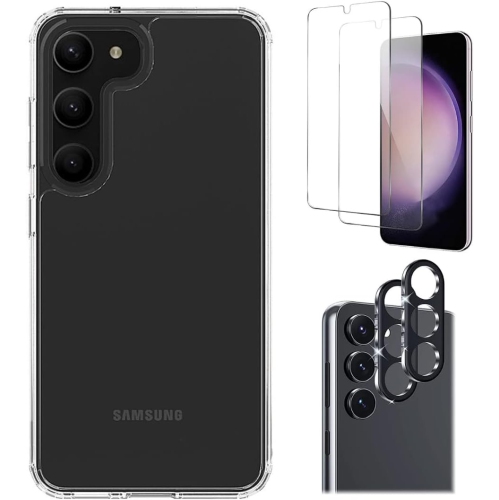
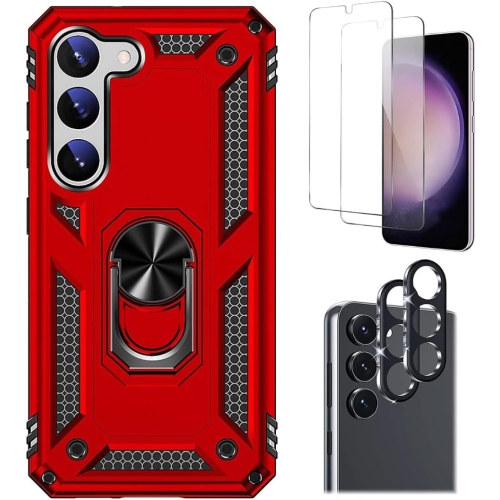
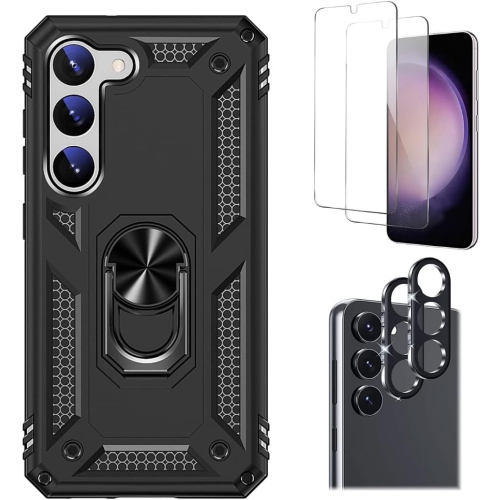
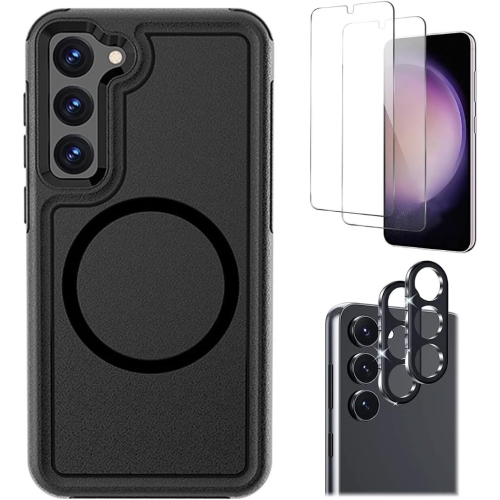
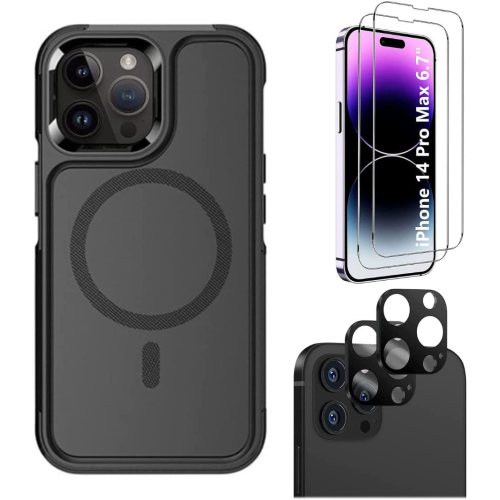
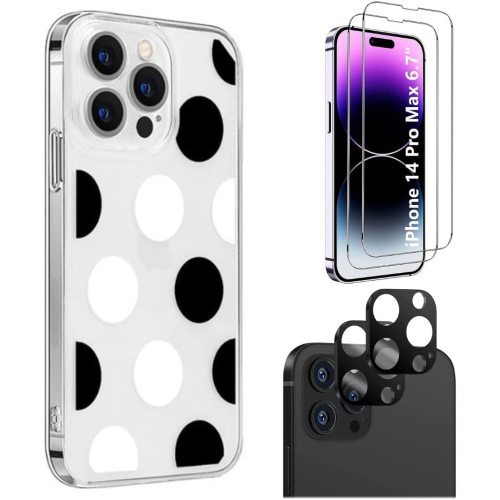
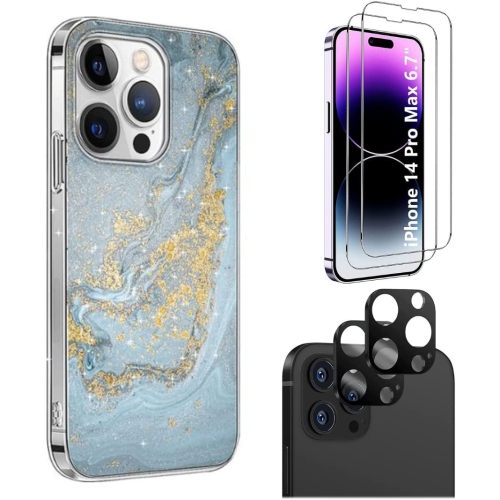
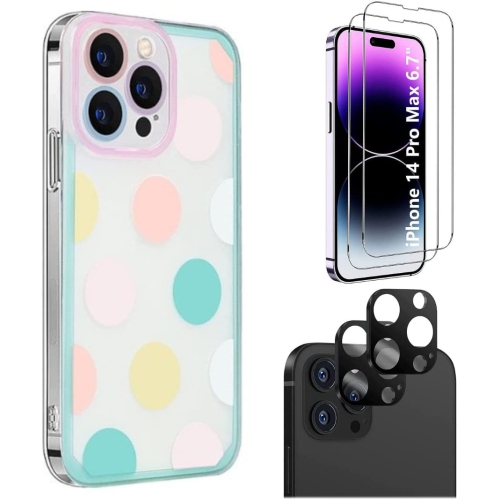
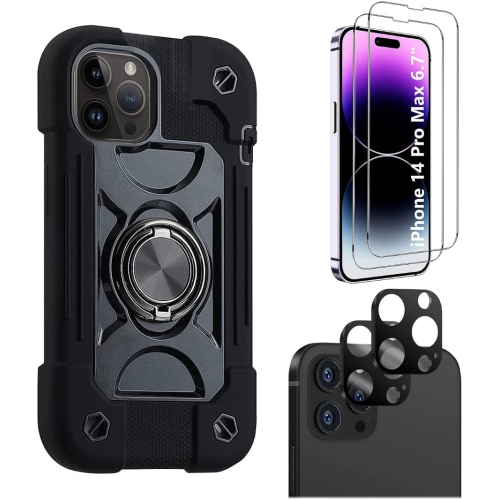
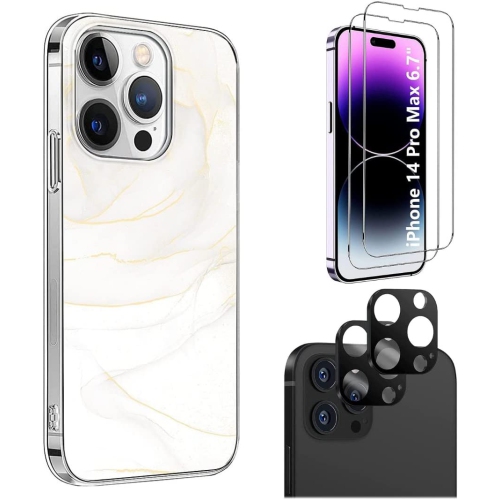
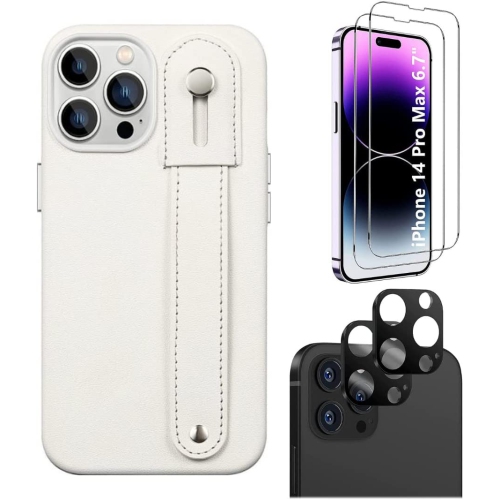
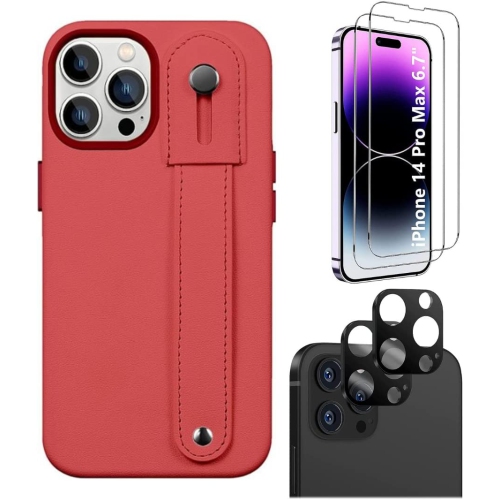
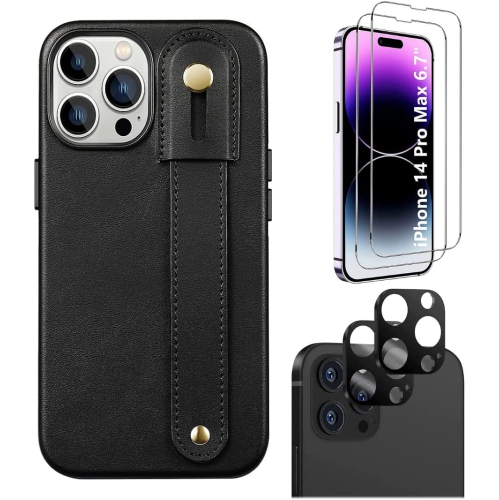
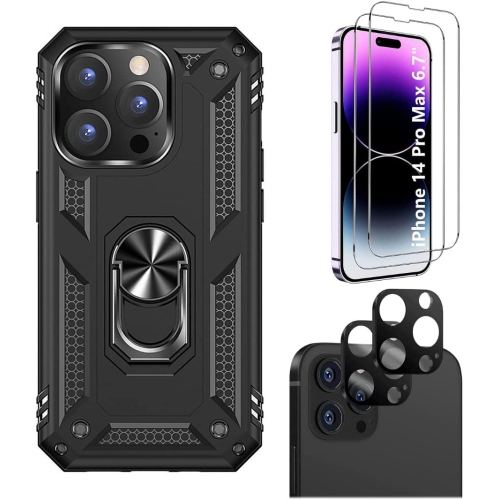
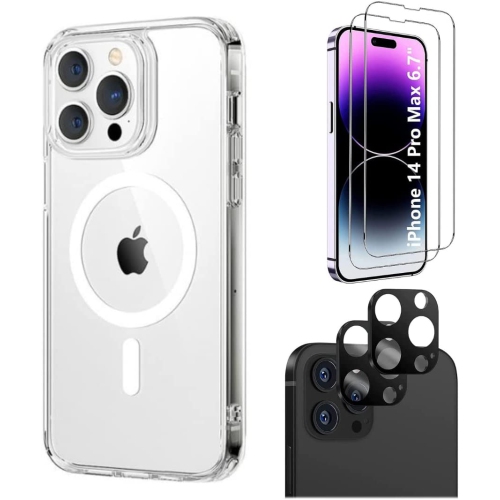
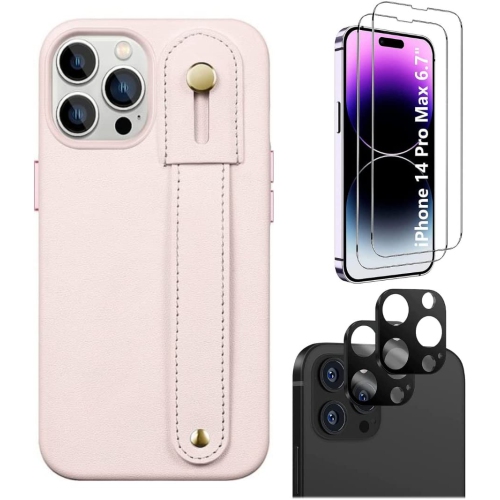
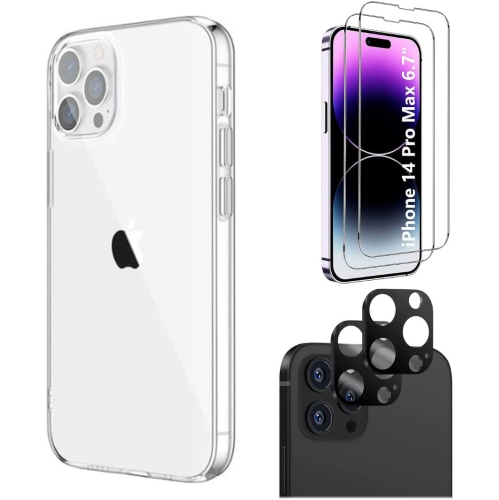
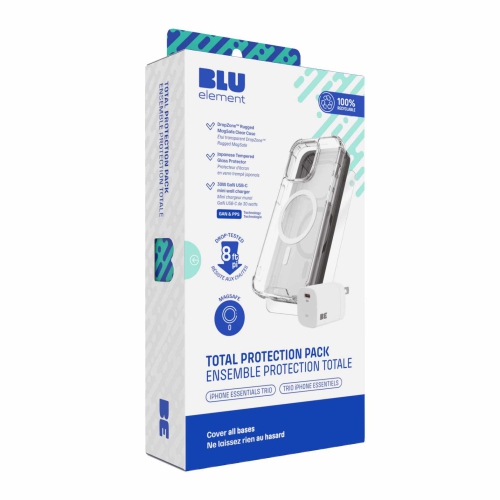
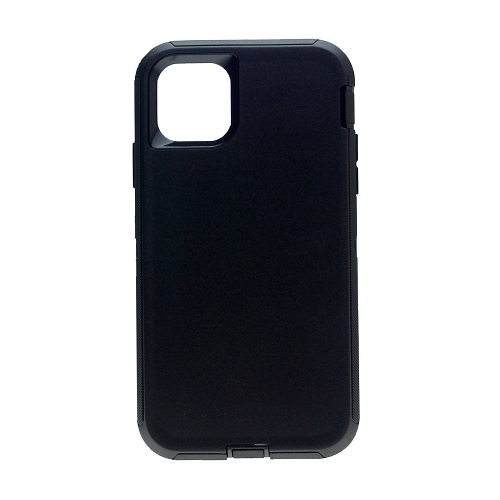
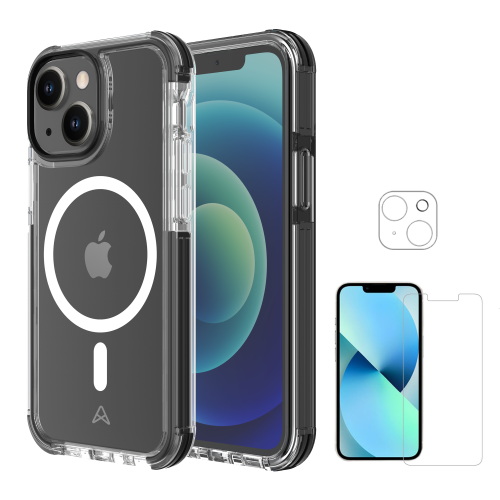
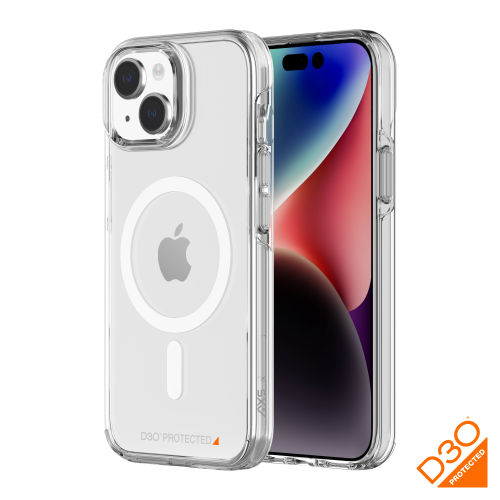
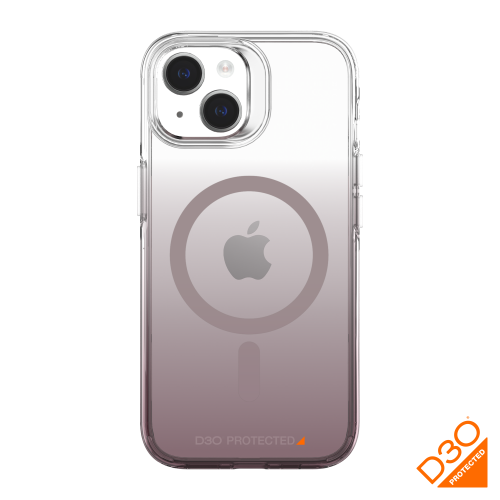
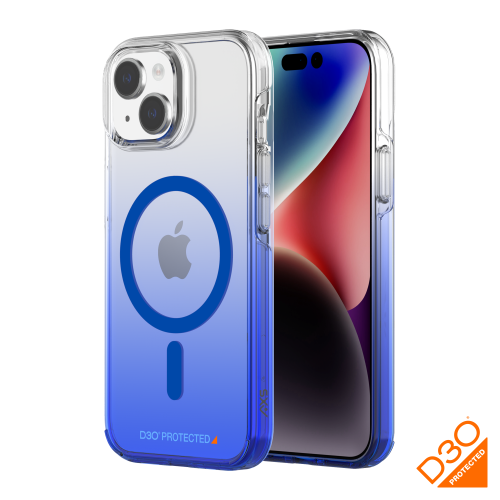
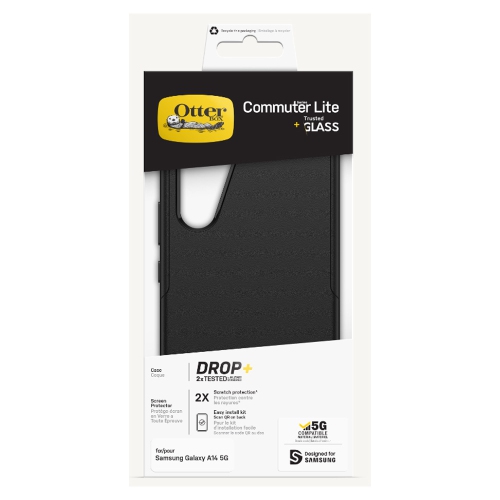
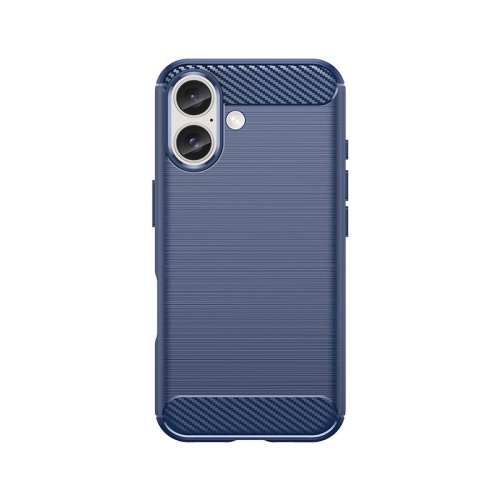
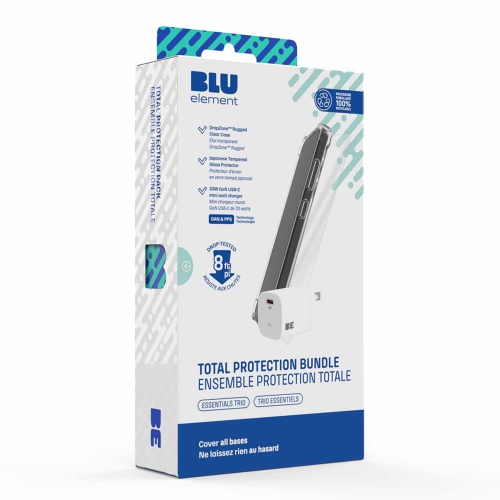
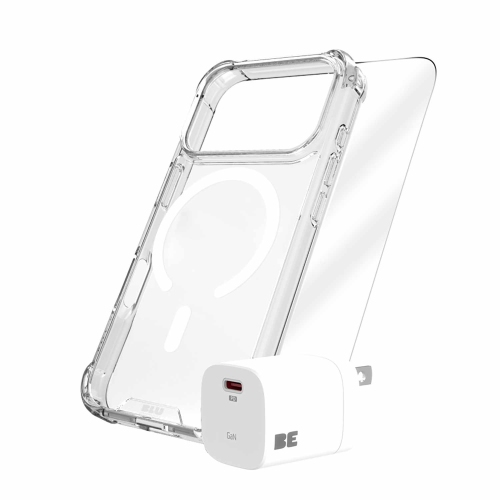
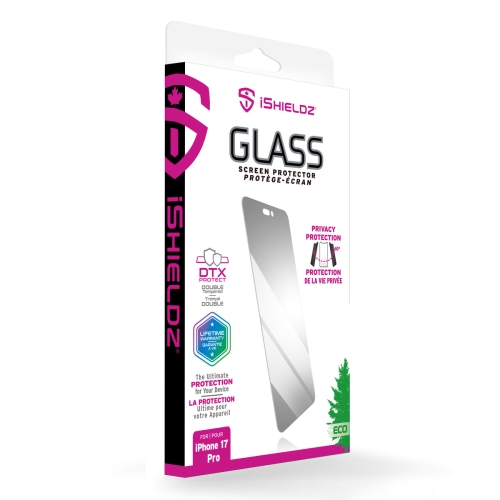
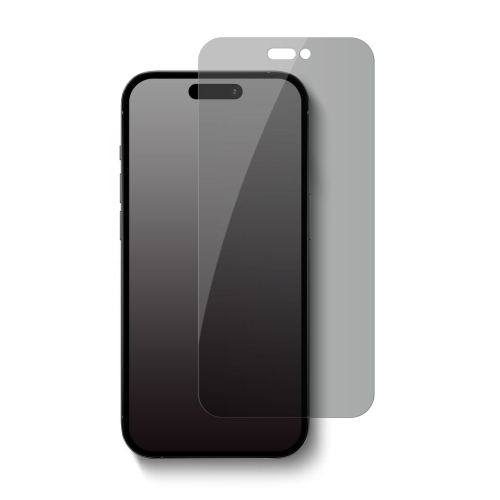
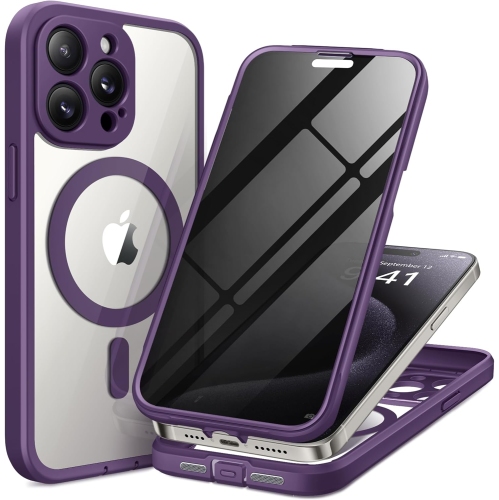
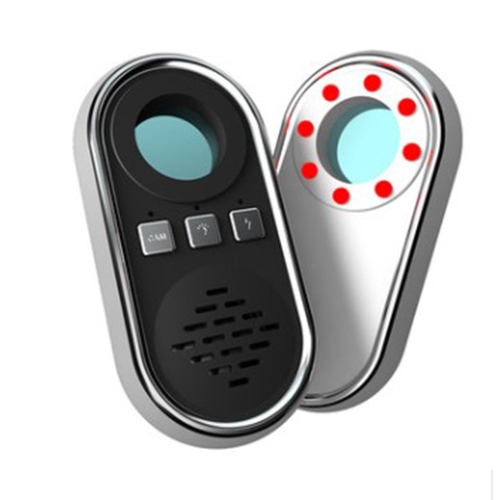
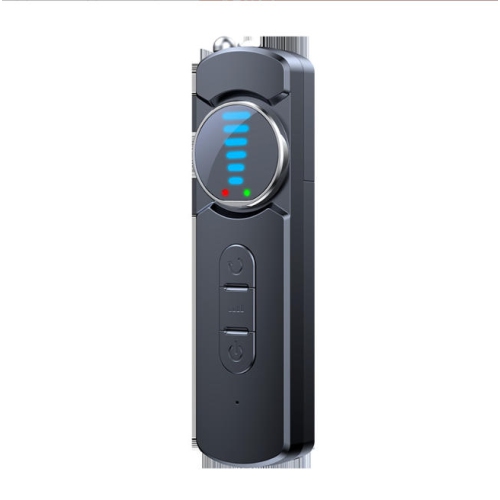
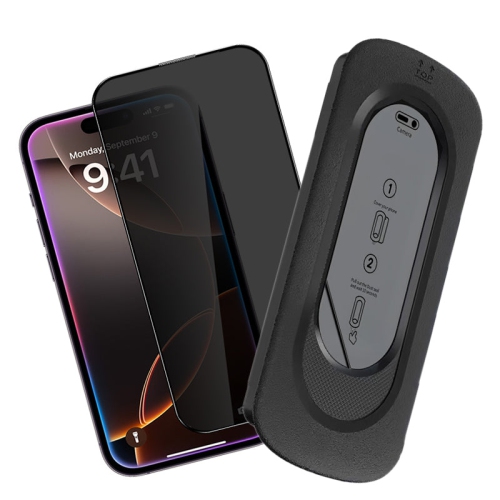

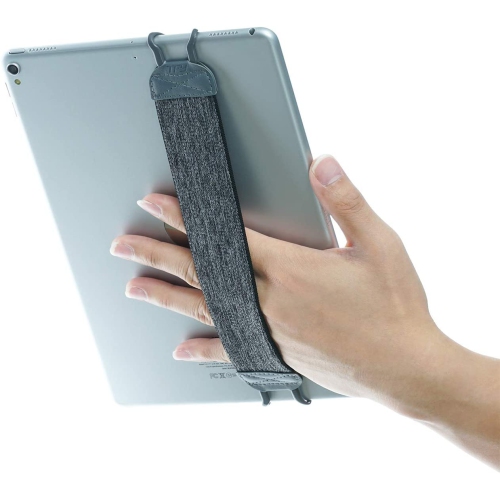
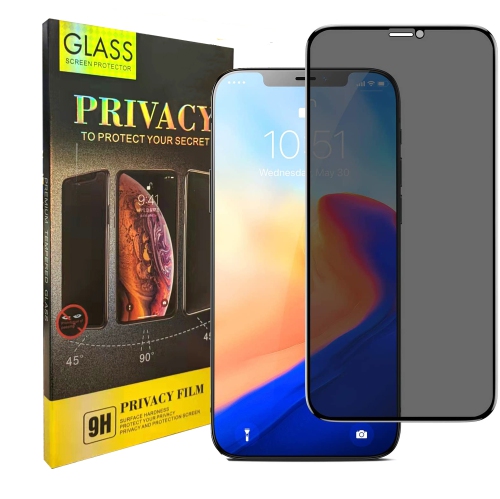
![SUPERSHIELD [2 Pack] Apple Ipad 2 / 3 / 4 Tempered Glass Lcd Screen Protector Film Guard](https://multimedia.bbycastatic.ca/multimedia/products/500x500/162/16283/16283071.jpeg)
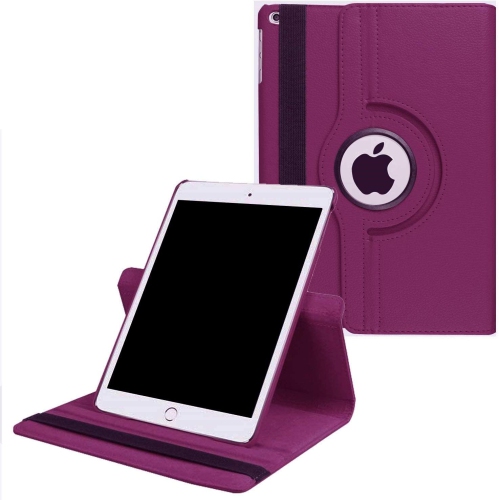
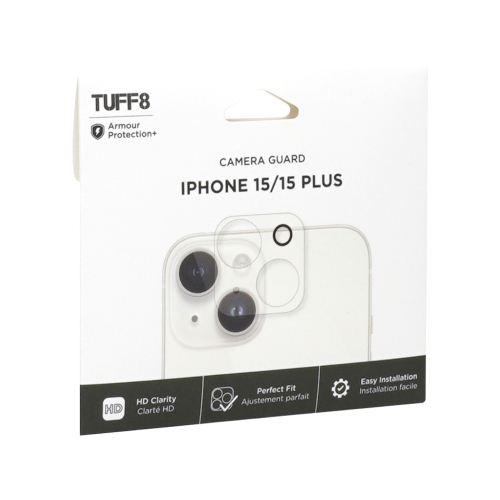
Cracked screens and stolen passwords need different safeguards
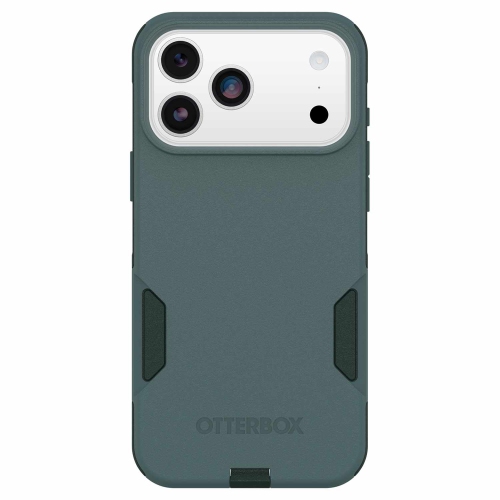
Device protection helps address two different risks: damage or loss affecting a device itself, and digital threats affecting the information stored on it. Physical protection plans may provide repair or replacement support for eligible smartphones, tablets, computers, or other electronics, while digital security software helps protect against threats such as malware, phishing, and unauthorized access. These forms of protection serve different purposes, and neither automatically includes the other. A cracked phone screen needs a different solution from a stolen password, even when both problems interrupt access to the same device. Depending on the agreement, a physical protection plan may cover accidental damage from handling, certain liquid spills, or mechanical and electrical failures. Loss and theft protection is included only where explicitly stated; it should not be assumed to be part of every plan. A manufacturer’s warranty generally addresses specified defects for a defined period, while a separate protection plan may add services or cover other eligible situations under its own terms. This distinction matters for a student carrying a laptop between lectures, a parent sharing a tablet with children, or someone who depends on a smartphone for work schedules, directions, and account verification. The most relevant protection reflects how the device is used, who handles it, and how disruptive an interruption would be. Someone who can switch to a spare computer has different needs from someone whose only phone also holds transit passes and essential contacts. Protection can also be a thoughtful consideration when giving a device as a gift, provided the recipient can register, manage, and use the coverage. Ownership rules and transfer eligibility vary, so the person receiving the device should have access to any required documents. Across these situations, device protection is best understood as a combination of clearly defined support and practical safeguards, rather than a promise that every accident or security incident will be resolved in the same way.
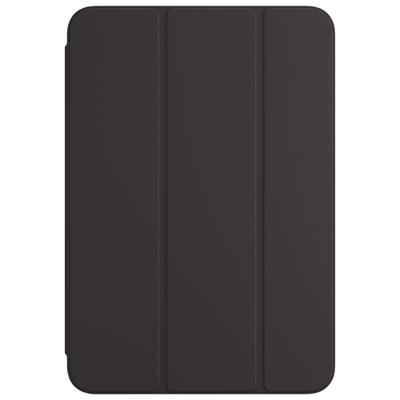
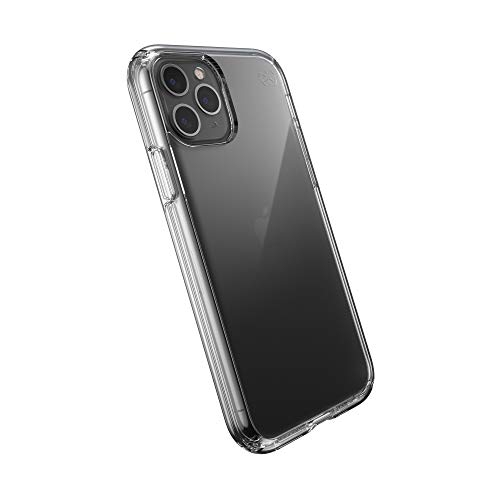
Physical device protection centres on eligibility, covered events, and the service process. Some plans must be added when a device is purchased or within a specified enrolment period, and eligibility may depend on its age, condition, or purchase history. Existing damage is often excluded, making the start date and any inspection requirements important details. Coverage for an accidental drop does not necessarily mean coverage for cosmetic scratches, gradual wear, or every type of liquid exposure. Battery service may have its own qualifying conditions, and accessories may be treated separately from the main device. The plan agreement determines these boundaries, along with any limits on service requests and the length of protection. Service arrangements also differ: an eligible device might be assessed in person, sent for repair, or considered for replacement after troubleshooting. Replacement terms may specify a comparable device rather than an identical model, and the condition of a replacement should be stated in the agreement. For anyone relying on a laptop for coursework or a phone for daily communication, the practical details matter as much as the coverage description. Access to service, shipping requirements, repair timelines, and any temporary-device provisions can affect how manageable a disruption feels. Keeping proof of purchase, registration details, and the device serial number together makes it easier to provide the information a service team may request. Regular backups are equally important because repair or replacement does not necessarily preserve photos, messages, files, or settings. Before handing over a device, owners may need to follow specific instructions for backing up information, removing personal data, or disabling an activation lock. Everyday care still has a role alongside coverage: carrying electronics securely, keeping liquids away from exposed connections, and following the manufacturer’s cleaning instructions can reduce avoidable damage. A protection plan supports eligible incidents after they happen; careful handling helps reduce the likelihood of needing that support in the first place.
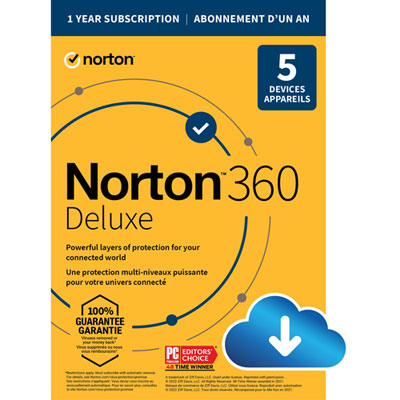
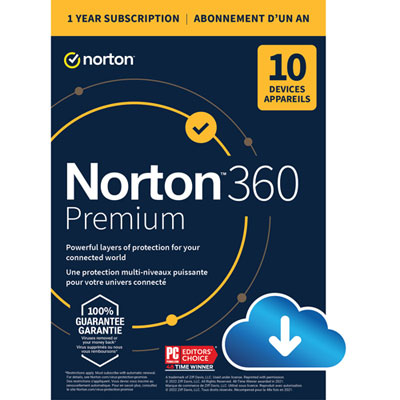
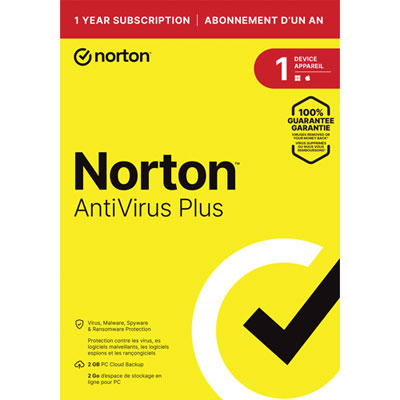
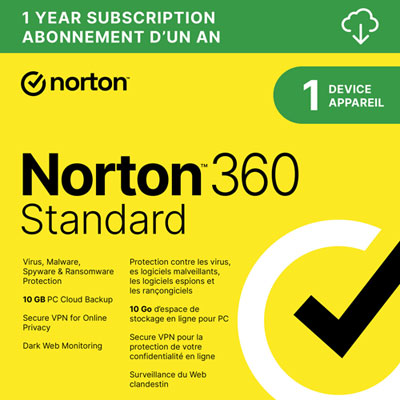
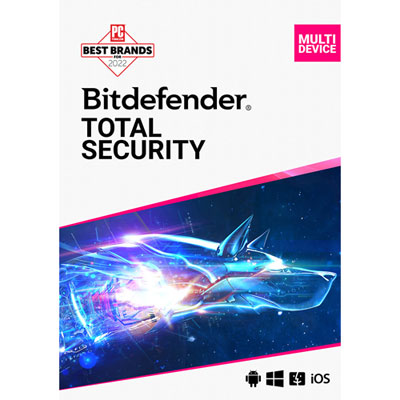
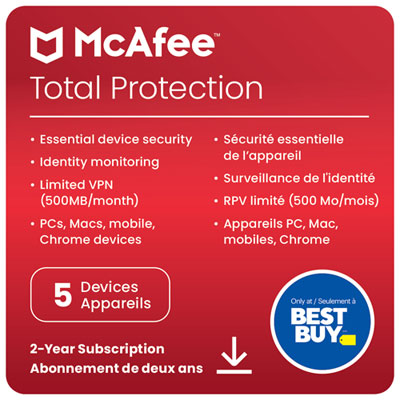
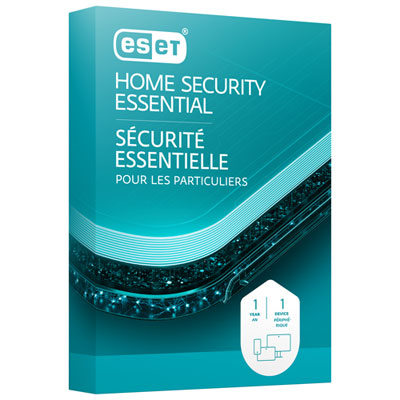
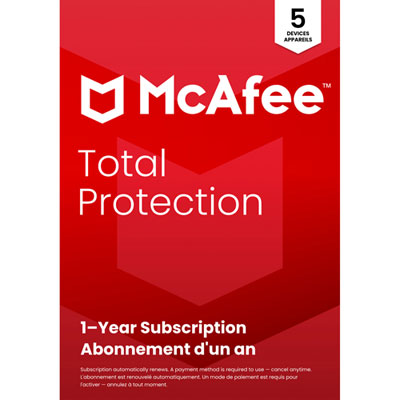
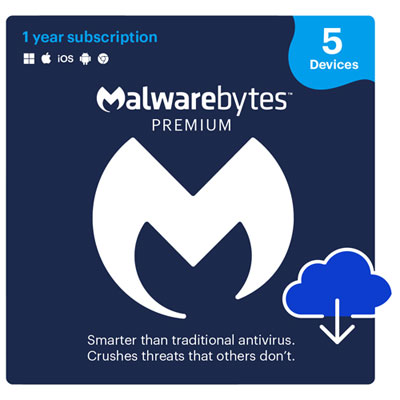
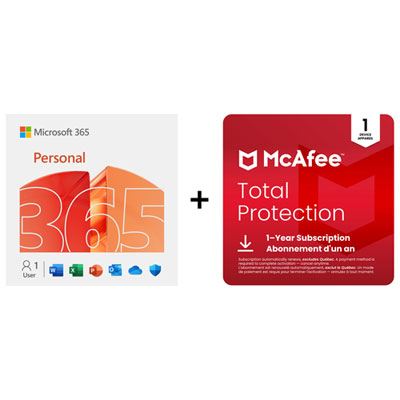
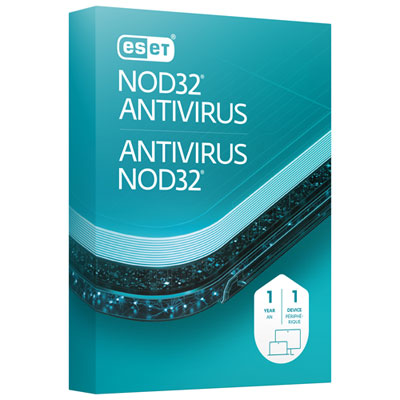
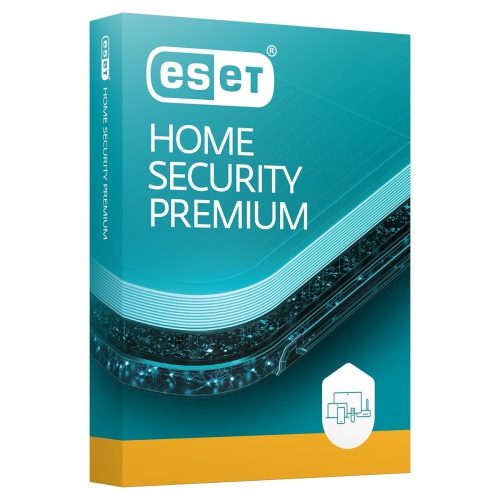
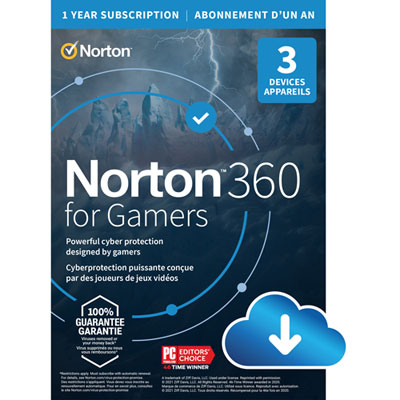
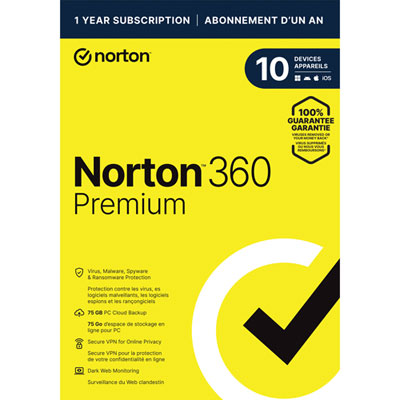
Digital device protection focuses on the software, accounts, and personal information that make a connected device useful. Antivirus and anti-malware tools can help detect or block harmful software, while phishing protection may flag deceptive websites or messages designed to capture login details. Some security subscriptions also include features such as a firewall, password management, or tools for monitoring certain signs of identity misuse, but feature sets differ and no software can prevent every threat. Software for Data Protection is relevant when the priority is safeguarding files and personal information rather than arranging hardware repair. Compatibility is a key consideration: supported operating systems, minimum system requirements, and the number of devices covered determine whether a subscription suits one phone, a shared household computer, or several devices used by a family. Features can also differ between desktop and mobile versions, even within the same subscription. Clear alerts, straightforward account controls, and manageable renewal settings make ongoing protection easier to maintain, especially for someone who prefers minimal technical setup. Built-in security features complement these tools. A strong screen lock, biometric verification where supported, automatic software updates, and multifactor authentication can make unauthorized access more difficult. Device-location features and remote locking or erasing may help after a device goes missing, although their operation depends on setup, connectivity, and the device’s capabilities. They do not replace loss or theft coverage, just as a hardware protection plan does not remove malware or restore a compromised account. Backups provide another distinct safeguard by keeping a separate copy of important information; checking that files can actually be restored is more useful than assuming a backup is working. For a household sharing a tablet, separate profiles and appropriate permissions can help keep personal accounts apart. For someone working across a phone and laptop, consistent updates and secure sign-in methods help protect information as it moves between devices. The strongest fit is protection that matches the device’s role, combines relevant safeguards without unnecessary overlap, and makes both the benefits and the limits easy to understand.
Physical device protection centres on eligibility, covered events, and the service process. Some plans must be added when a device is purchased or within a specified enrolment period, and eligibility may depend on its age, condition, or purchase history. Existing damage is often excluded, making the start date and any inspection requirements important details. Coverage for an accidental drop does not necessarily mean coverage for cosmetic scratches, gradual wear, or every type of liquid exposure. Battery service may have its own qualifying conditions, and accessories may be treated separately from the main device. The plan agreement determines these boundaries, along with any limits on service requests and the length of protection. Service arrangements also differ: an eligible device might be assessed in person, sent for repair, or considered for replacement after troubleshooting. Replacement terms may specify a comparable device rather than an identical model, and the condition of a replacement should be stated in the agreement. For anyone relying on a laptop for coursework or a phone for daily communication, the practical details matter as much as the coverage description. Access to service, shipping requirements, repair timelines, and any temporary-device provisions can affect how manageable a disruption feels. Keeping proof of purchase, registration details, and the device serial number together makes it easier to provide the information a service team may request. Regular backups are equally important because repair or replacement does not necessarily preserve photos, messages, files, or settings. Before handing over a device, owners may need to follow specific instructions for backing up information, removing personal data, or disabling an activation lock. Everyday care still has a role alongside coverage: carrying electronics securely, keeping liquids away from exposed connections, and following the manufacturer’s cleaning instructions can reduce avoidable damage. A protection plan supports eligible incidents after they happen; careful handling helps reduce the likelihood of needing that support in the first place.
Digital device protection focuses on the software, accounts, and personal information that make a connected device useful. Antivirus and anti-malware tools can help detect or block harmful software, while phishing protection may flag deceptive websites or messages designed to capture login details. Some security subscriptions also include features such as a firewall, password management, or tools for monitoring certain signs of identity misuse, but feature sets differ and no software can prevent every threat. Software for Data Protection is relevant when the priority is safeguarding files and personal information rather than arranging hardware repair. Compatibility is a key consideration: supported operating systems, minimum system requirements, and the number of devices covered determine whether a subscription suits one phone, a shared household computer, or several devices used by a family. Features can also differ between desktop and mobile versions, even within the same subscription. Clear alerts, straightforward account controls, and manageable renewal settings make ongoing protection easier to maintain, especially for someone who prefers minimal technical setup. Built-in security features complement these tools. A strong screen lock, biometric verification where supported, automatic software updates, and multifactor authentication can make unauthorized access more difficult. Device-location features and remote locking or erasing may help after a device goes missing, although their operation depends on setup, connectivity, and the device’s capabilities. They do not replace loss or theft coverage, just as a hardware protection plan does not remove malware or restore a compromised account. Backups provide another distinct safeguard by keeping a separate copy of important information; checking that files can actually be restored is more useful than assuming a backup is working. For a household sharing a tablet, separate profiles and appropriate permissions can help keep personal accounts apart. For someone working across a phone and laptop, consistent updates and secure sign-in methods help protect information as it moves between devices. The strongest fit is protection that matches the device’s role, combines relevant safeguards without unnecessary overlap, and makes both the benefits and the limits easy to understand.
Top selling and popular products
-
 Your price for this item is $19.99
 -
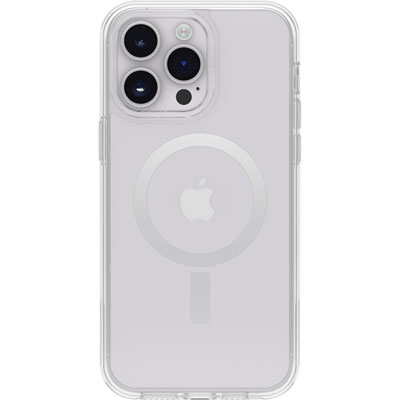 Your price for this item is $55.98
 -
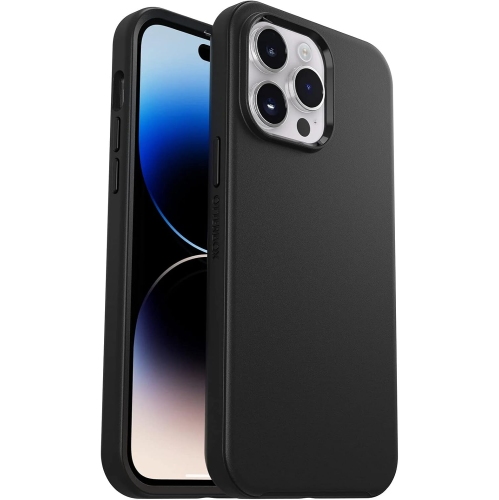 Your price for this item is $79
 -
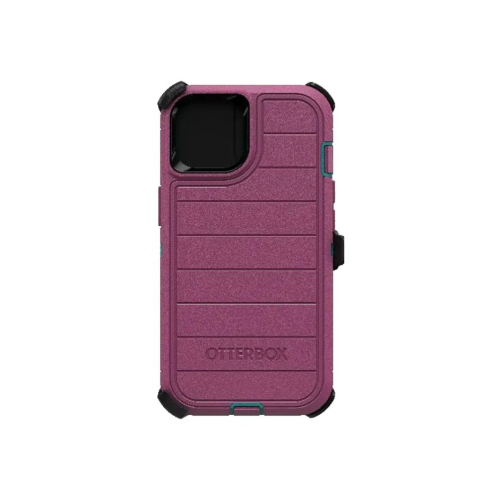 Your price for this item is $85.49
 -
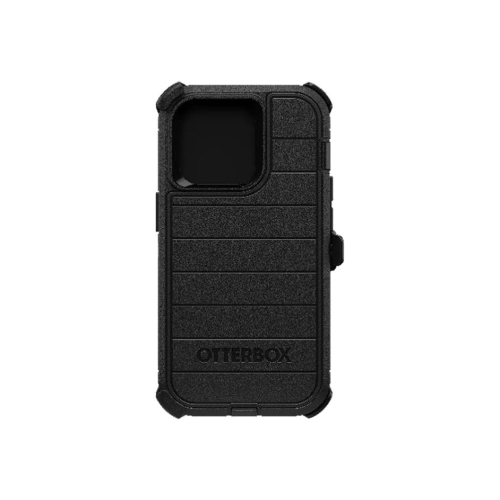 Your price for this item is $97.99
 -
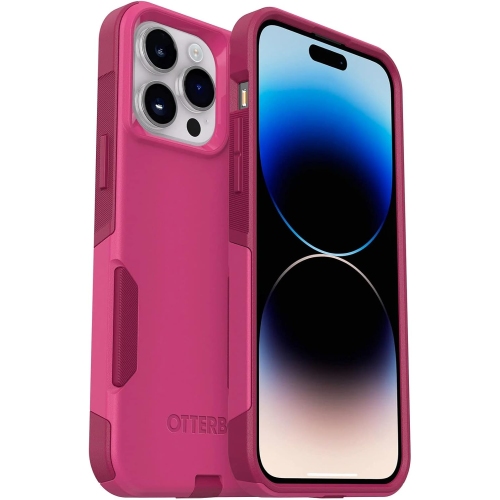 Your price for this item is $68
 -
 Your price for this item is $20
 -
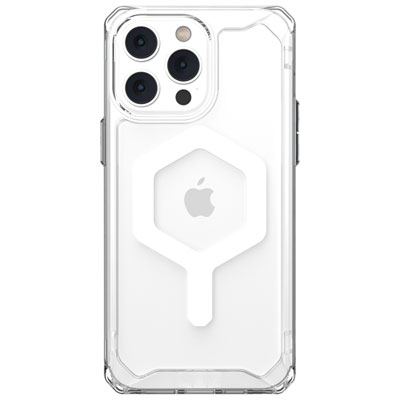 Your price for this item is $59.95
Discover more categories related to Device Protection
Top Collections:
Pokemon Centers, Kindle Devices, Best Budget Office Chairs, Apple iPhones 16, Best Laptops for Writers, iPhone 15 Apple, Canon G7X Cameras, Refurbished Apple Laptops, Alarm Clock, Motorola Razr Phones
Some products may be subject to Environmental Handling Fees
(EHF) depending on your province.
Learn more about EHFs.