Dual Hard Drive Docking Stations
Upgrade your data management setup with a Dual Hard Drive Docking Station, designed to simplify the process of accessing, transferring, and managing files. Perfect for both home and office use, these docking stations provide a convenient solution for handling multiple drives at once. Whether you're backing up important documents or organizing your digital library, a Dual Hard Drive Docking Station offers the flexibility and efficiency you need to streamline your workflow. Explore a range of options to find the ideal fit for your storage needs.
Sort
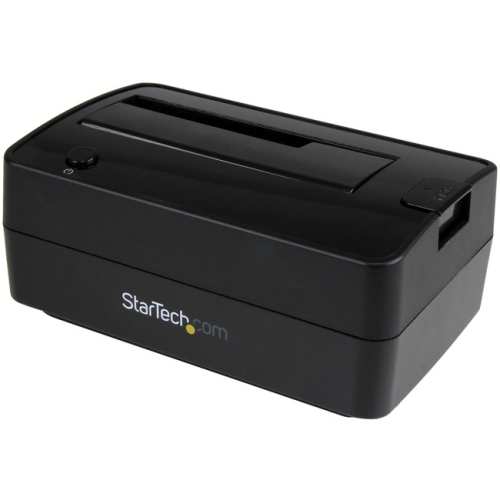
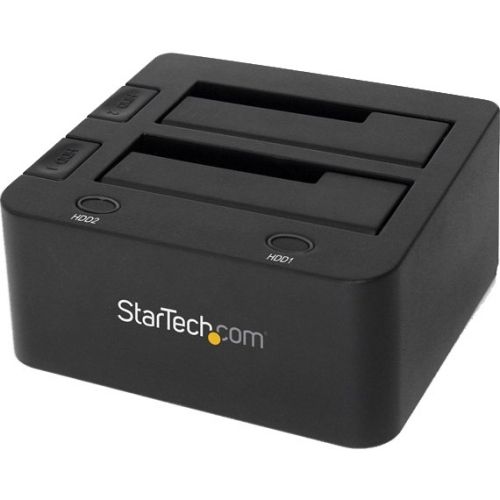
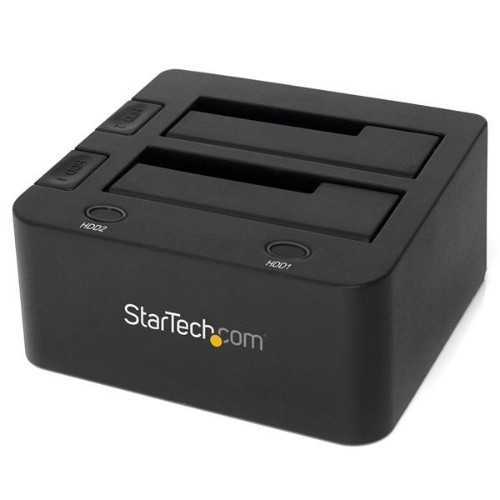
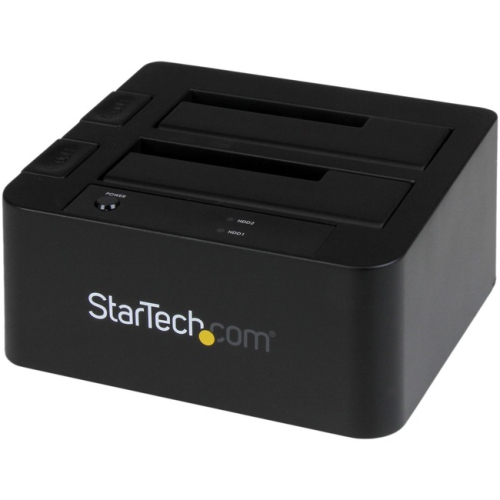

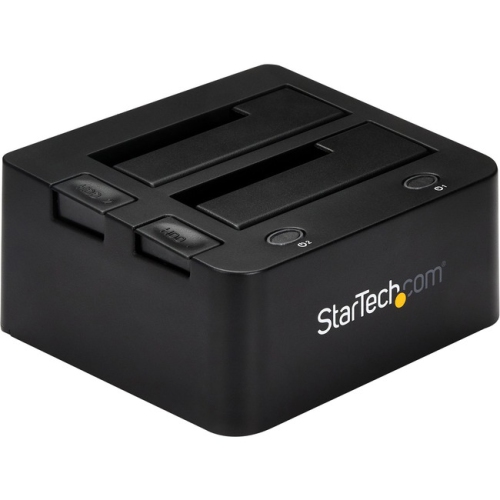
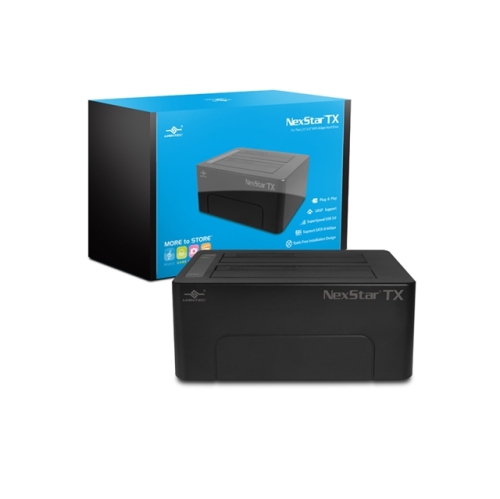
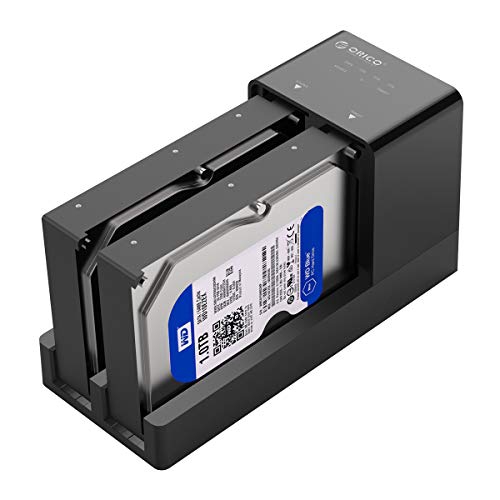
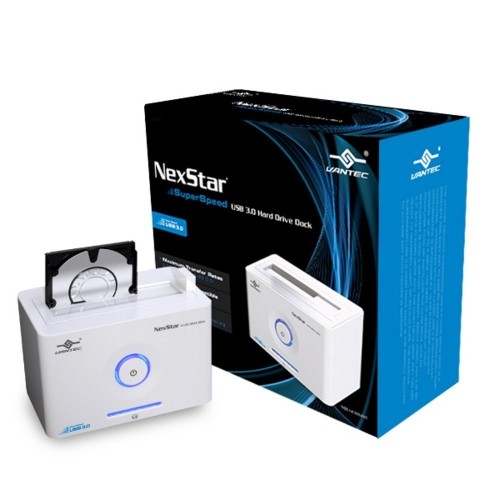
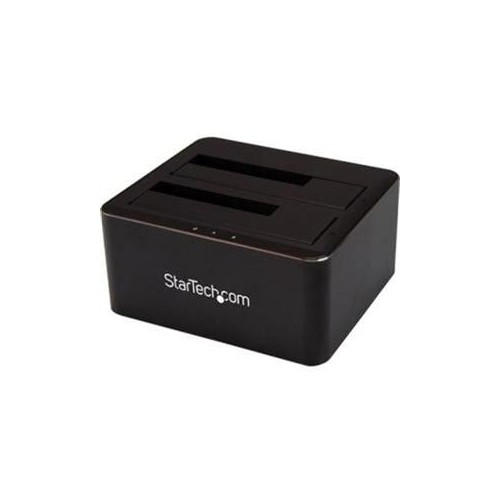
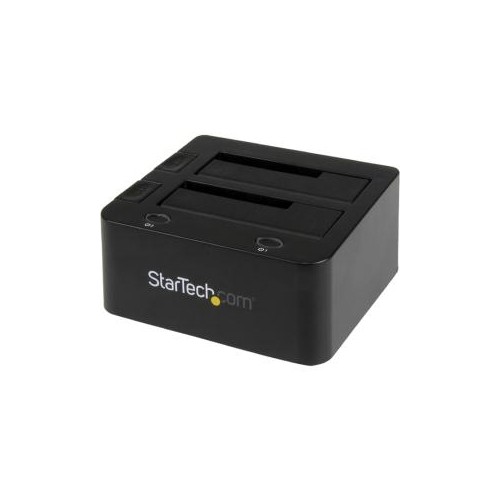
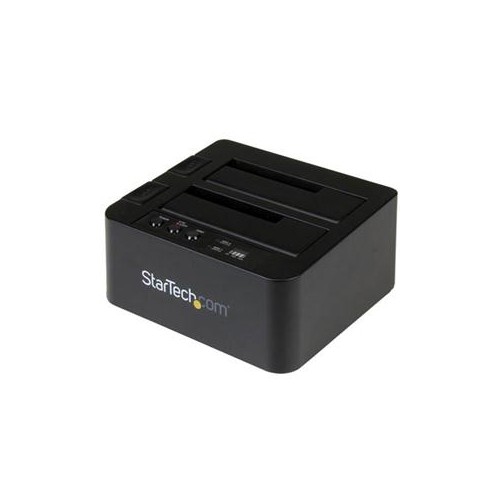
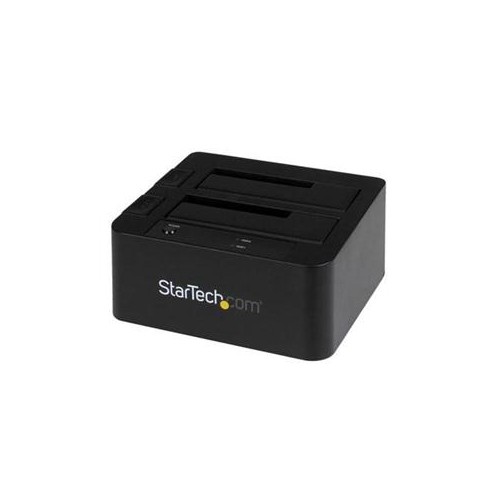
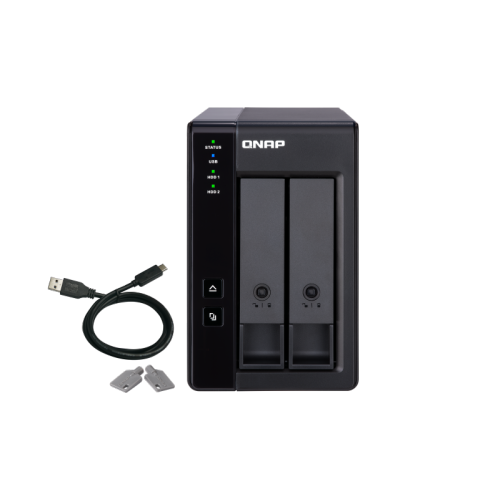

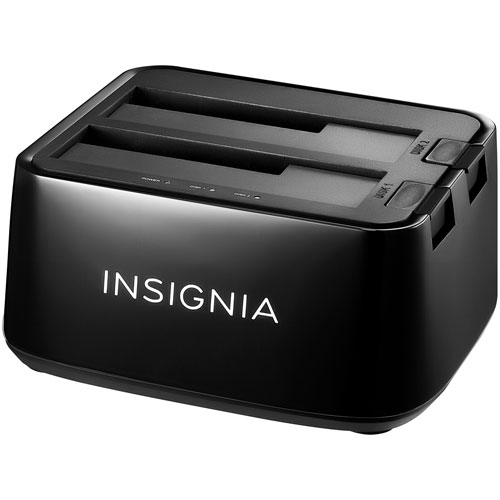
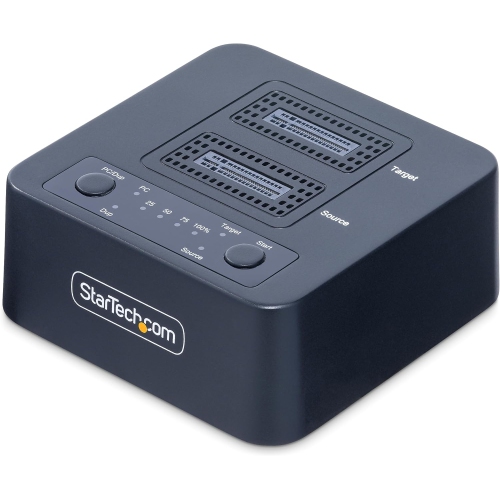
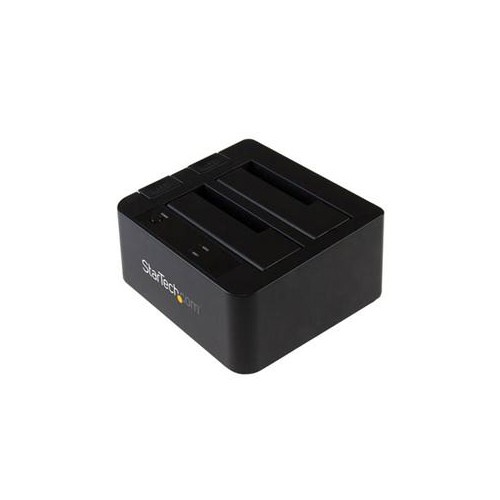
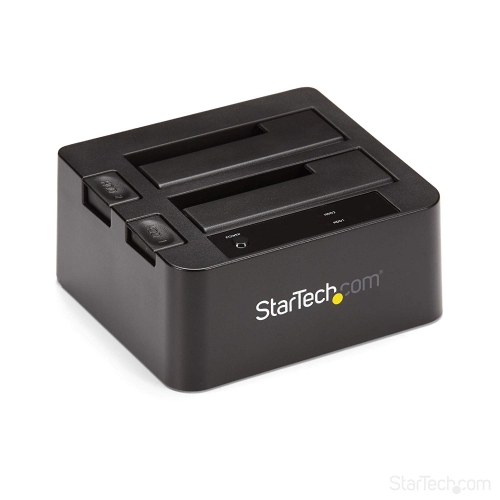
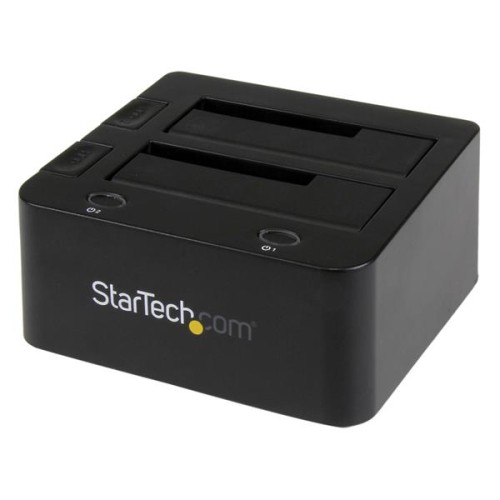
Simpler storage management from backup to drive upgrades
When it comes to managing digital storage, a dual hard drive docking station is an invaluable tool for both professionals and home users. These devices are designed to make data transfer, backup, and cloning tasks straightforward, eliminating the need for complicated installations or external enclosures. Whether you’re a photographer who needs to offload high-resolution images after a busy wedding weekend, or a small business owner who backs up critical files at the end of each quarter, a hard drive docking station streamlines the process. With spring approaching, it’s a great time to tackle digital clutter and organize your files—dual docking stations are especially helpful for sorting through old hard drives, consolidating data, or upgrading to larger drives without missing a beat. Many users appreciate the hot-swappable features, which allow you to insert and remove drives without shutting down your system, making it easy to access archived projects or transfer important documents between workstations.
A dual hard drive docking station also makes an excellent gift for tech enthusiasts, students, or anyone who regularly works with large amounts of data. IT professionals often rely on these devices for quick diagnostics and data recovery, while gamers use them to expand storage for their ever-growing libraries. The convenience of being able to clone a drive at the touch of a button appeals to anyone upgrading their computer or setting up a new system. If you’re helping a family member digitize old photos or videos, a docking station can speed up the process by allowing you to access multiple drives simultaneously. When selecting the right model, consider factors such as compatibility with 2.5-inch and 3.5-inch drives, support for SSDs and HDDs, transfer speeds, and whether standalone cloning is a feature you require. USB 3.0 or USB-C connectivity can make a significant difference in how quickly large files move between drives, while LED indicators and tool-free design add to the overall user-friendly experience. For those who value neat workspaces, a compact form factor and integrated cable management can help keep things tidy, especially during the busy spring cleaning season.
Whether you’re building a media server, managing a home office, or simply looking for a more efficient way to handle backups, a dual hard drive docking station provides the flexibility and performance needed to keep your digital life organized. As technology evolves, having a reliable docking station on hand ensures you’re ready for upgrades, migrations, and data recovery whenever the need arises. Explore the full range of options and find the perfect fit for your needs by visiting the dedicated HDD Docks page, where you’ll discover solutions designed for every level of expertise and workload.
A dual hard drive docking station also makes an excellent gift for tech enthusiasts, students, or anyone who regularly works with large amounts of data. IT professionals often rely on these devices for quick diagnostics and data recovery, while gamers use them to expand storage for their ever-growing libraries. The convenience of being able to clone a drive at the touch of a button appeals to anyone upgrading their computer or setting up a new system. If you’re helping a family member digitize old photos or videos, a docking station can speed up the process by allowing you to access multiple drives simultaneously. When selecting the right model, consider factors such as compatibility with 2.5-inch and 3.5-inch drives, support for SSDs and HDDs, transfer speeds, and whether standalone cloning is a feature you require. USB 3.0 or USB-C connectivity can make a significant difference in how quickly large files move between drives, while LED indicators and tool-free design add to the overall user-friendly experience. For those who value neat workspaces, a compact form factor and integrated cable management can help keep things tidy, especially during the busy spring cleaning season.
Whether you’re building a media server, managing a home office, or simply looking for a more efficient way to handle backups, a dual hard drive docking station provides the flexibility and performance needed to keep your digital life organized. As technology evolves, having a reliable docking station on hand ensures you’re ready for upgrades, migrations, and data recovery whenever the need arises. Explore the full range of options and find the perfect fit for your needs by visiting the dedicated HDD Docks page, where you’ll discover solutions designed for every level of expertise and workload.
Top selling and popular products
-
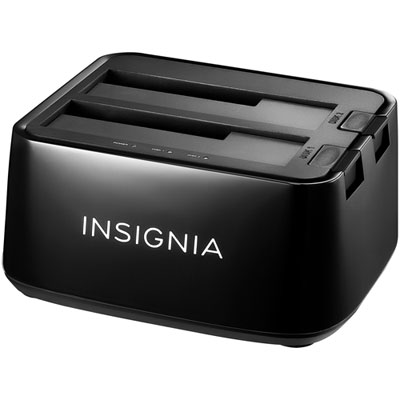 Your price for this item is $54.99
 -
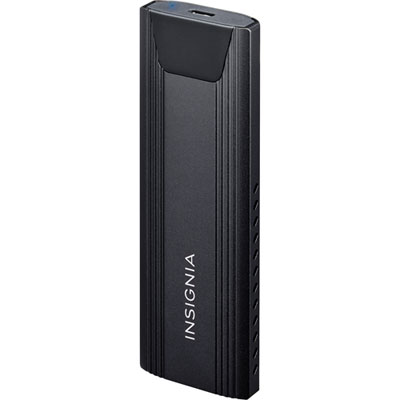 Your price for this item is $39.99
 -
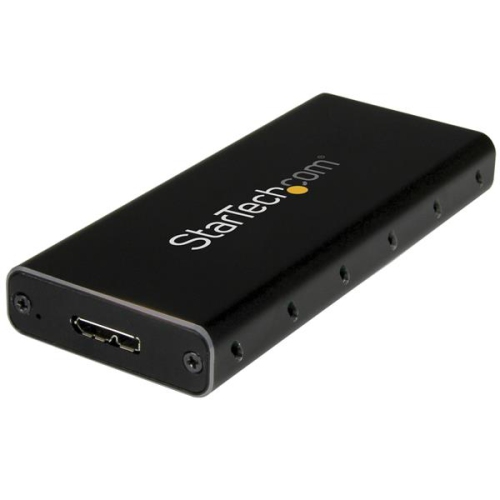 Your price for this item is $53.99
 -
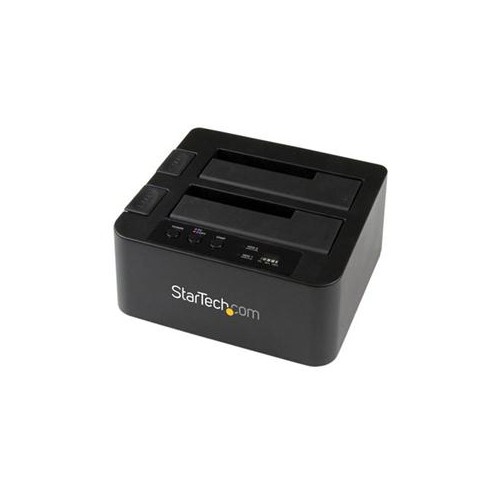 Your price for this item is $134.68
 -
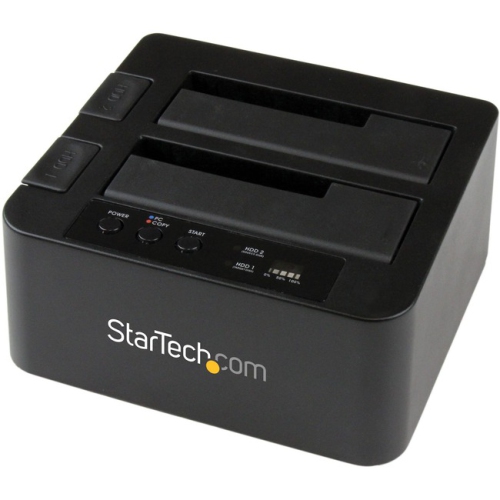 Your price for this item is $127.99
 -
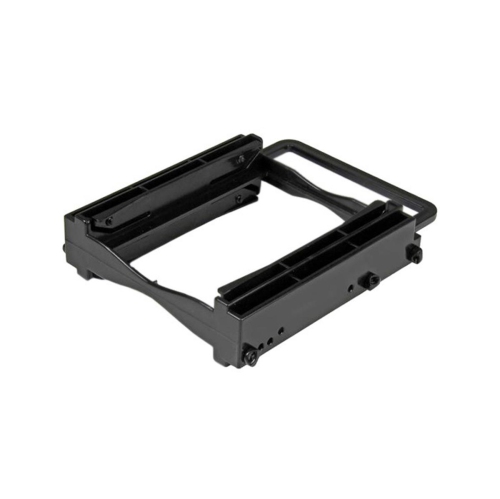 Your price for this item is $20.99
 -
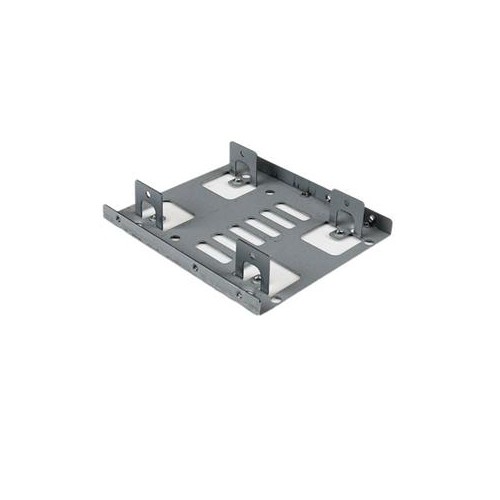 Your price for this item is $11.68
 -
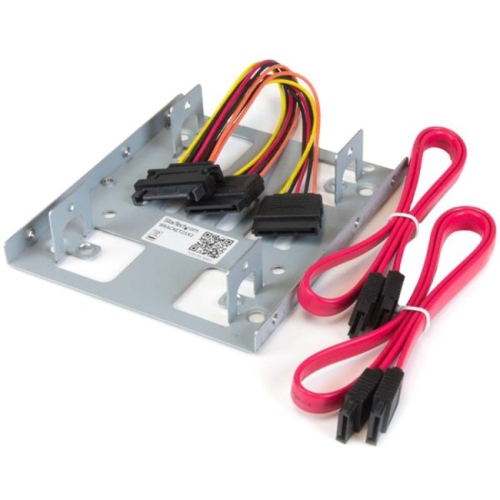 Your price for this item is $22.99
Discover more categories related to Dual Hard Drive Docking Stations
Top Collections:
Pokemon Centers, Kindle Devices, Best Budget Office Chairs, Apple iPhones 16, Best Laptops for Writers, iPhone 15 Apple, Canon G7X Cameras, Refurbished Apple Laptops, Alarm Clock, Motorola Razr Phones
Some products may be subject to Environmental Handling Fees
(EHF) depending on your province.
Learn more about EHFs.