Dual Monitor Kvm Switches
Enhance your workspace efficiency with dual monitor KVM switches, the perfect solution for managing multiple computers with ease. These versatile devices allow you to control two computers using a single keyboard, video monitor, and mouse setup, streamlining your workflow and saving valuable desk space. Ideal for multitaskers and professionals who require seamless transitions between different systems, dual monitor KVM switches offer a convenient way to boost productivity without the clutter of additional peripherals. Explore our selection to find the right fit for your tech needs and elevate your computing experience today.
Sort
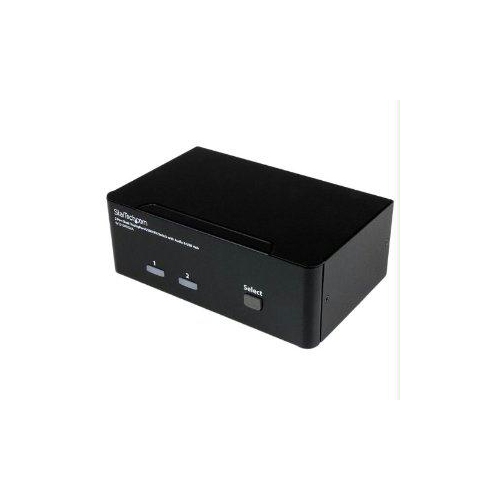

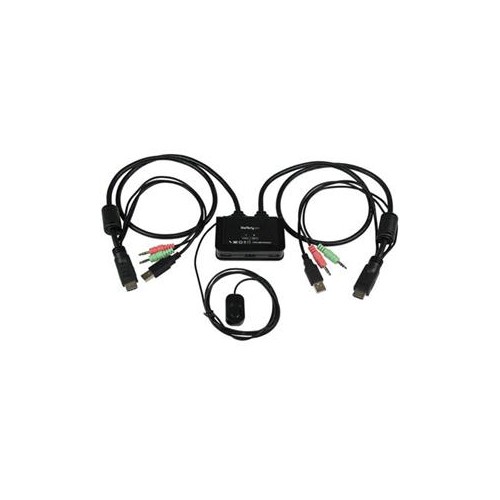
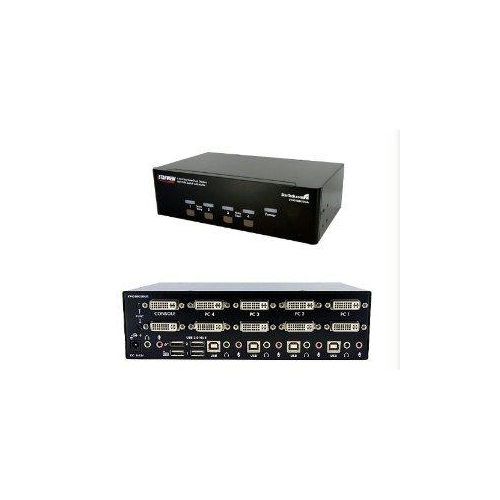
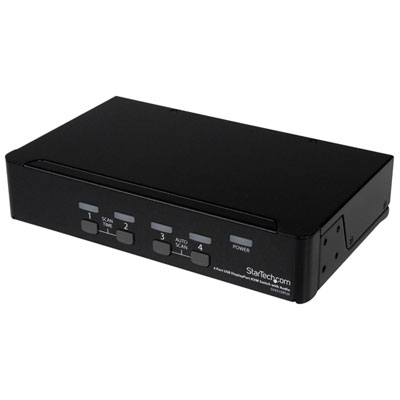
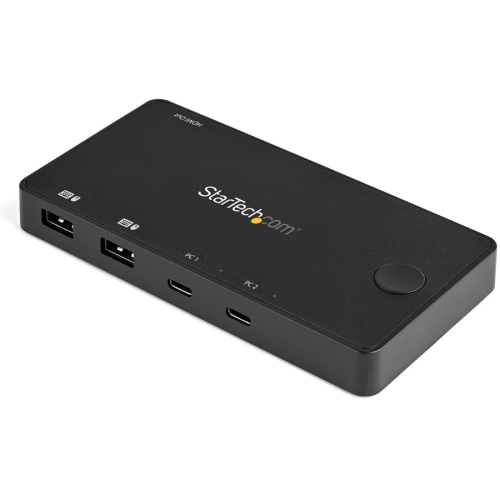
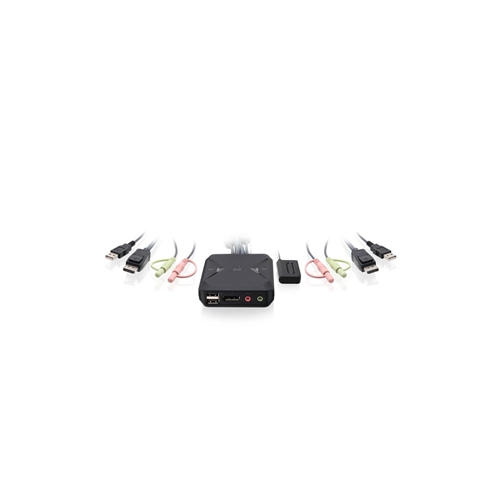
Seamless control for two computers across two monitors
Dual monitor KVM switches have become a valuable solution for anyone who needs to manage multiple computers with a streamlined workspace, especially as more people split their time between home and office or juggle both personal and professional devices. Whether you’re a designer working with large files across two desktops, a financial analyst comparing spreadsheets on separate systems, or a gamer who switches between a gaming rig and a work laptop, a dual display KVM switch can simplify your setup and boost productivity. With the ability to control two computers using a single keyboard and mouse while viewing both on dual monitors, these switches eliminate the need to constantly swap cables or crowd your desk with extra peripherals. As the weather warms and routines shift—perhaps with students returning to school or professionals updating their home offices—having a reliable KVM for dual monitors can make transitions smoother and daily tasks more efficient.
When considering a kvm switch dual monitor setup, it’s important to look for features that match your workflow. Video support is a top priority: most dual monitor KVMs require two HDMI or two DisplayPort connections per computer to deliver crisp, extended displays, often supporting resolutions up to 4K@60Hz for detailed visuals. For those who need high refresh rates for smoother motion, especially in creative or gaming environments, some models offer 100Hz or 120Hz at lower resolutions. USB connectivity is another key factor, with many dual monitor KVMs including several USB 3.0 or 3.2 ports for fast data transfers and easy access to peripherals like webcams, headsets, or external drives. Switching between computers can be done via physical buttons, remote controls, or keyboard hotkeys—choose the method that feels most intuitive for your workspace. Some advanced models even feature USB-C connections with Power Delivery, perfect for charging laptops while maintaining a tidy desk. Cabling can be a consideration, as a 2 computer 2 monitor kvm switch will need four video cables and additional USB connections, so it’s wise to check that your computers have enough available ports. Compatibility is generally broad, covering Windows, macOS, Linux, and ChromeOS, but if you use specialized keyboards or need Mac-specific shortcuts, double-check the details.
Dual monitor KVM switches also make thoughtful gifts for students, remote workers, or anyone setting up a new office—especially during the back-to-school season or as routines change in the cooler months. They’re ideal for professionals who need seamless multitasking or for tech enthusiasts who enjoy optimizing their setups. If your workflow relies on DisplayPort connections for high-resolution or high-refresh-rate monitors, you might want to explore more options in the Displayport Kvm Switches category. With the right dual monitor KVM, your workspace can be more organized, efficient, and ready for whatever the season brings—whether you’re reviewing complex data, editing videos, or simply keeping your work and personal life neatly separated on the same desk.
When considering a kvm switch dual monitor setup, it’s important to look for features that match your workflow. Video support is a top priority: most dual monitor KVMs require two HDMI or two DisplayPort connections per computer to deliver crisp, extended displays, often supporting resolutions up to 4K@60Hz for detailed visuals. For those who need high refresh rates for smoother motion, especially in creative or gaming environments, some models offer 100Hz or 120Hz at lower resolutions. USB connectivity is another key factor, with many dual monitor KVMs including several USB 3.0 or 3.2 ports for fast data transfers and easy access to peripherals like webcams, headsets, or external drives. Switching between computers can be done via physical buttons, remote controls, or keyboard hotkeys—choose the method that feels most intuitive for your workspace. Some advanced models even feature USB-C connections with Power Delivery, perfect for charging laptops while maintaining a tidy desk. Cabling can be a consideration, as a 2 computer 2 monitor kvm switch will need four video cables and additional USB connections, so it’s wise to check that your computers have enough available ports. Compatibility is generally broad, covering Windows, macOS, Linux, and ChromeOS, but if you use specialized keyboards or need Mac-specific shortcuts, double-check the details.
Dual monitor KVM switches also make thoughtful gifts for students, remote workers, or anyone setting up a new office—especially during the back-to-school season or as routines change in the cooler months. They’re ideal for professionals who need seamless multitasking or for tech enthusiasts who enjoy optimizing their setups. If your workflow relies on DisplayPort connections for high-resolution or high-refresh-rate monitors, you might want to explore more options in the Displayport Kvm Switches category. With the right dual monitor KVM, your workspace can be more organized, efficient, and ready for whatever the season brings—whether you’re reviewing complex data, editing videos, or simply keeping your work and personal life neatly separated on the same desk.
Top selling and popular products
-
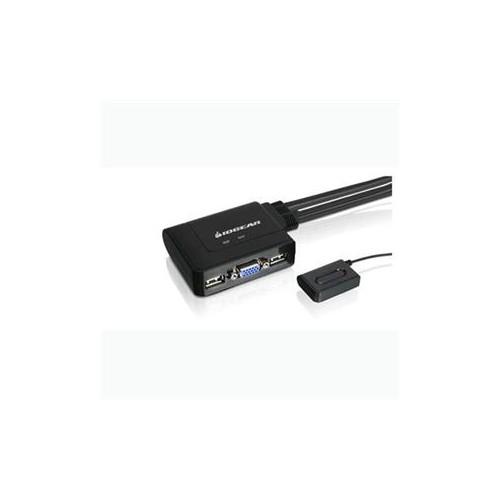 Your price for this item is $39.68
 -
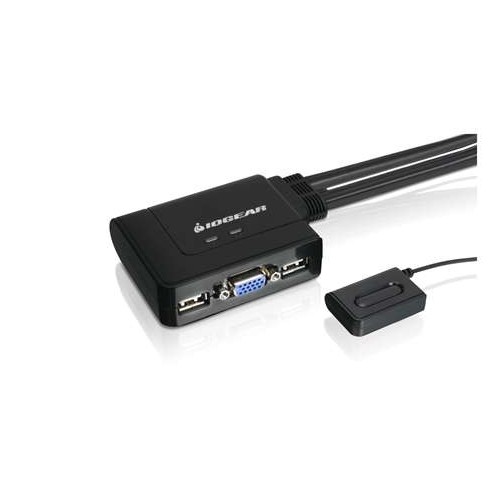 Your price for this item is $50.99
 -
 Your price for this item is $14.68
 -
 Your price for this item is $269.99
 -
 Your price for this item is $20.99
 -
 Your price for this item is $90.68
 -
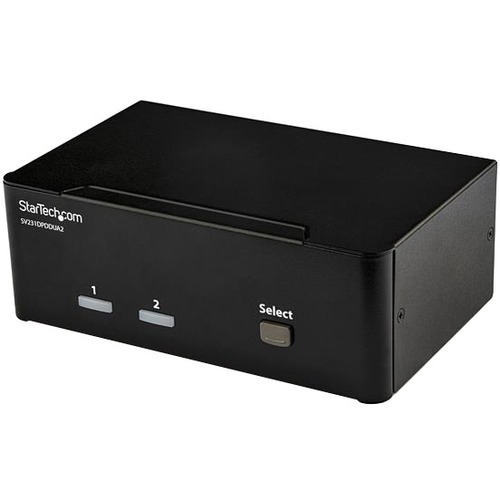 Your price for this item is $452.99
 -
 Your price for this item is $501.99
Discover more categories related to Dual Monitor Kvm Switches
Top Collections:
Pokemon Centers, Kindle Devices, Best Budget Office Chairs, Apple iPhones 16, Best Laptops for Writers, iPhone 15 Apple, Canon G7X Cameras, Refurbished Apple Laptops, Alarm Clock, Motorola Razr Phones
Some products may be subject to Environmental Handling Fees
(EHF) depending on your province.
Learn more about EHFs.