Electronic Boards
Elevate your digital experience with our diverse selection of electronic boards, the perfect fusion of innovation and practicality. Whether you're a tech enthusiast, a professional seeking advanced tools, or someone looking to enhance their creative projects, electronic boards offer limitless possibilities. From educational environments to dynamic workplaces, these versatile devices are designed to transform how you interact with technology. Explore an array of options that cater to various needs and skill levels, ensuring you find the ideal match for your next venture. Discover the future of interactive technology today and unlock new potential with every touch.
Sort




![BROOK GAMING : Universal Fighting Board Fusion for Ps5 [Electronics]](https://multimedia.bbycastatic.ca/multimedia/products/500x500/188/18884/18884578.jpeg)


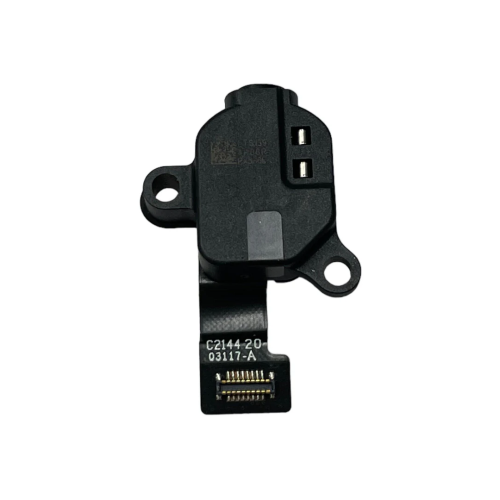
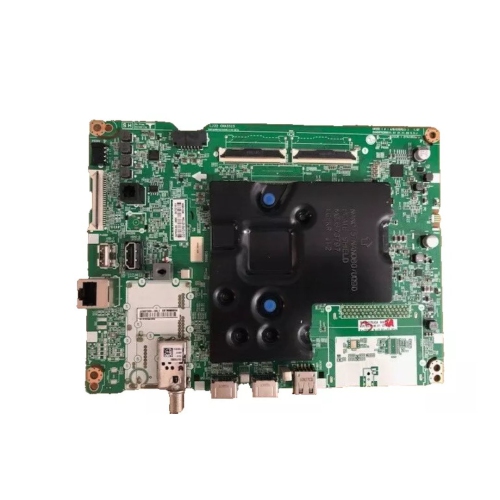

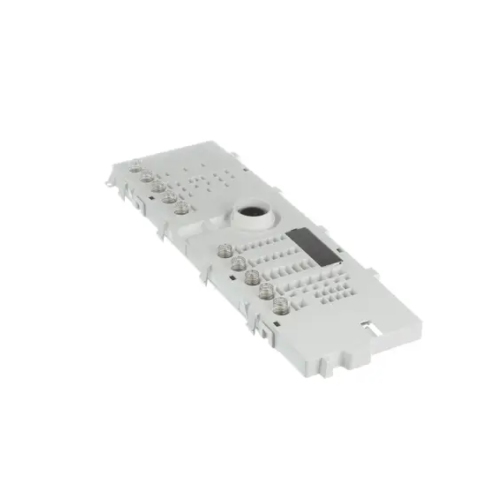
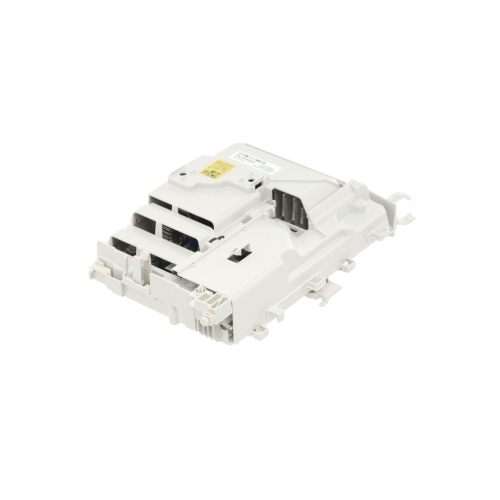
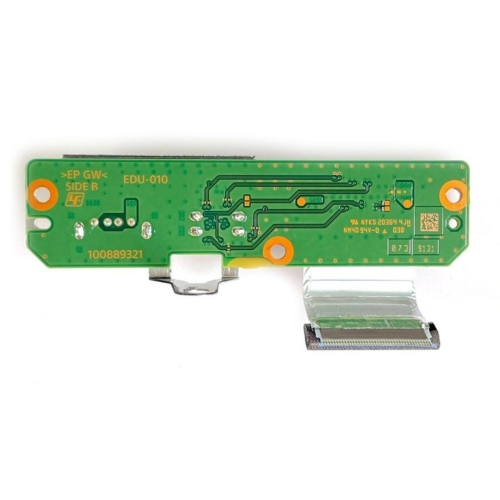
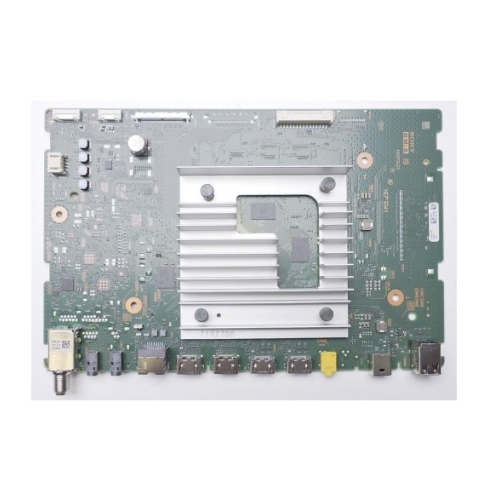
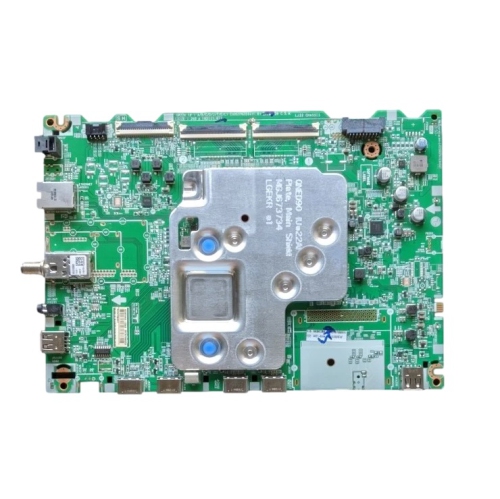
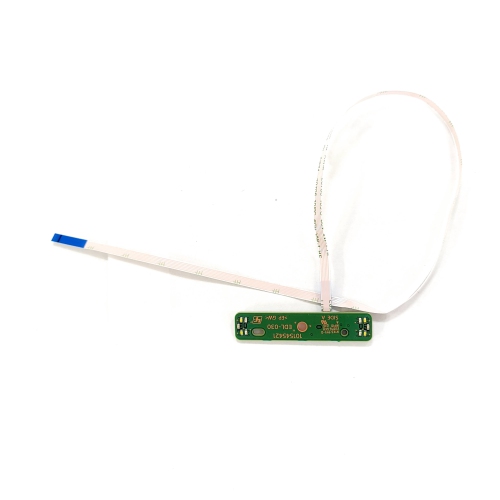
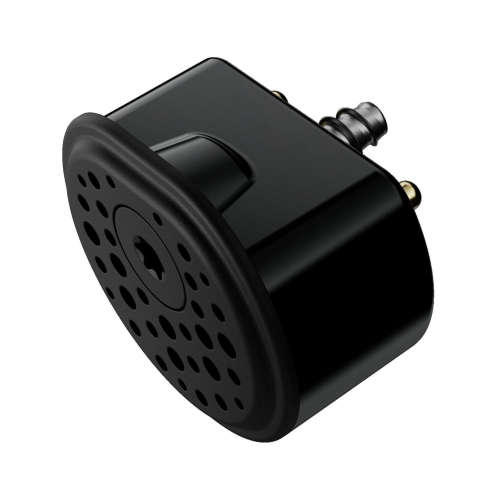
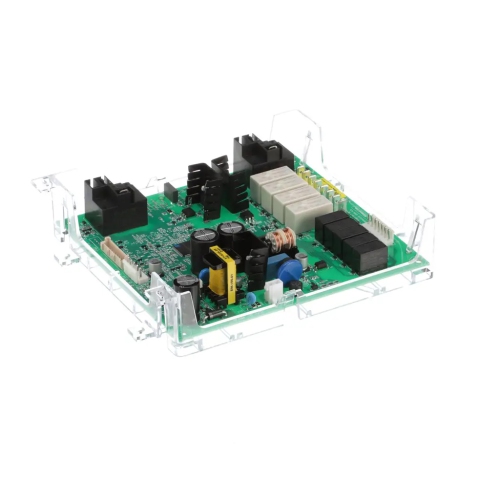
Why circuit board compatibility goes beyond physical fit
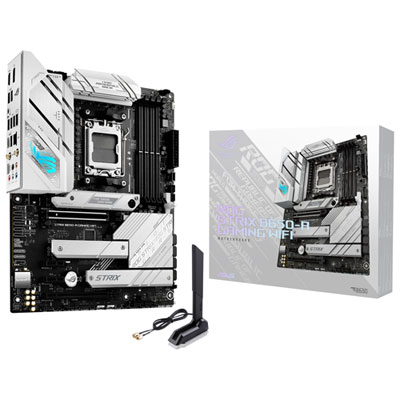
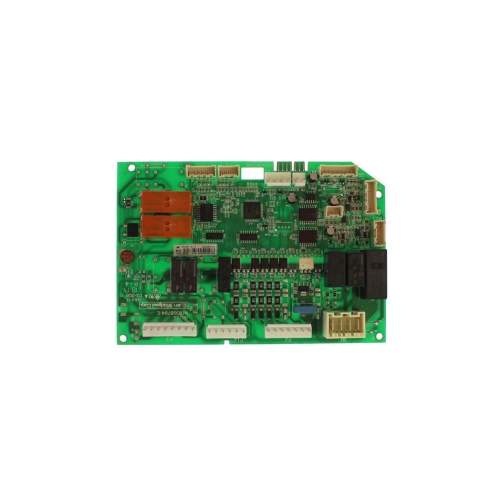
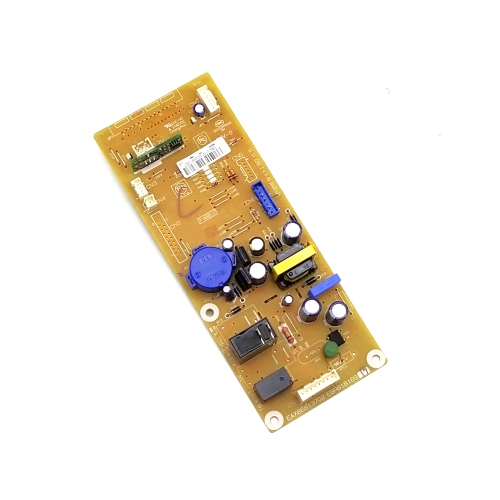
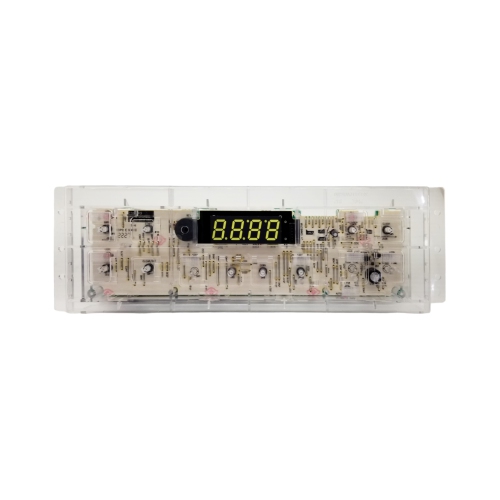
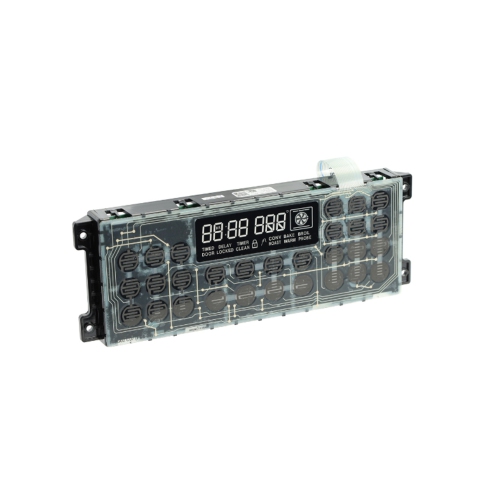
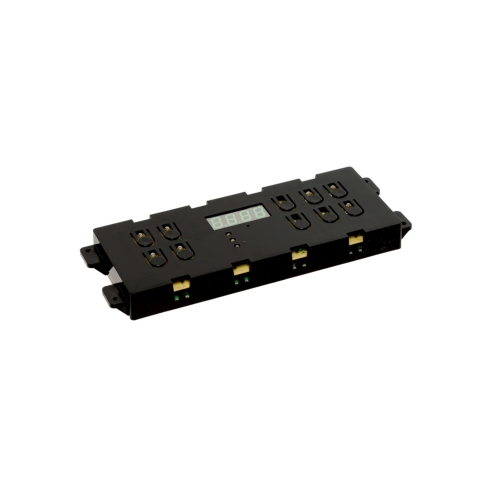
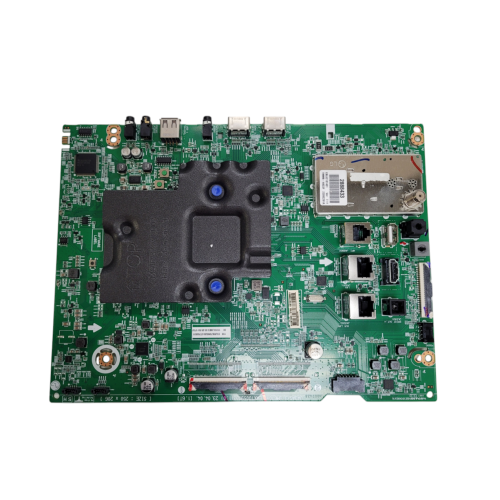
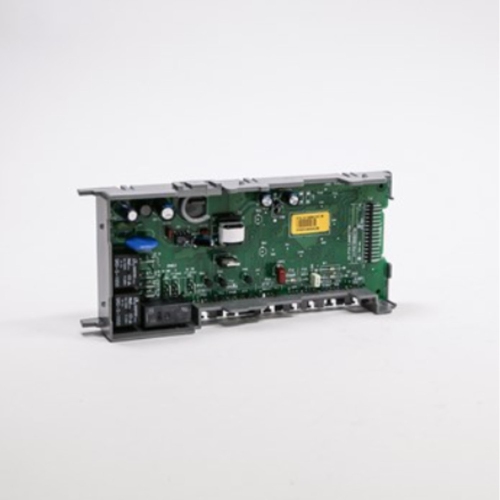
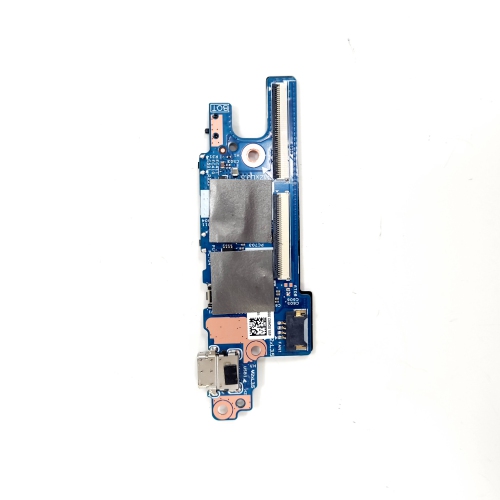
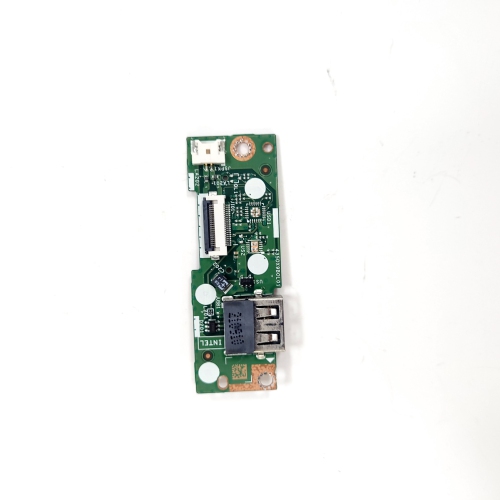
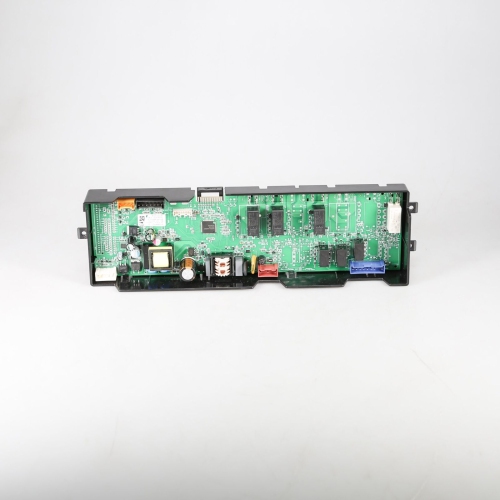
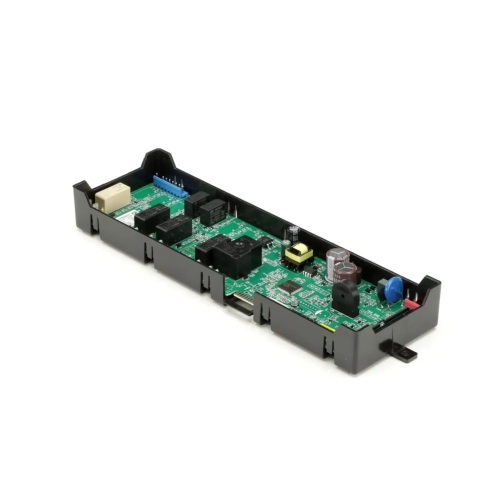
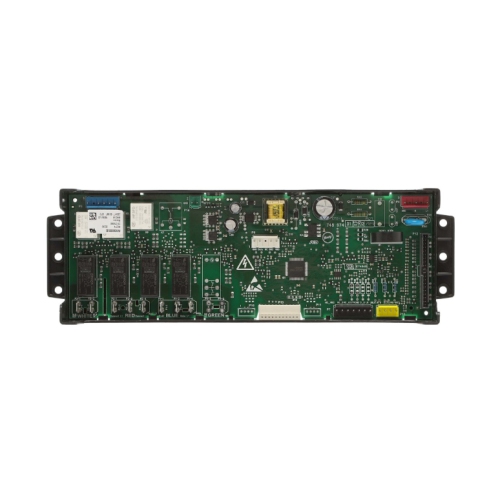
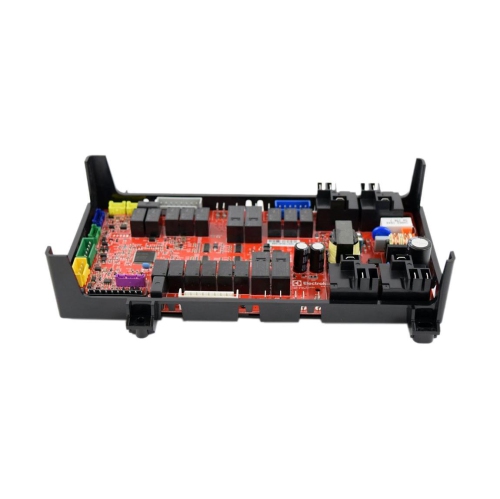
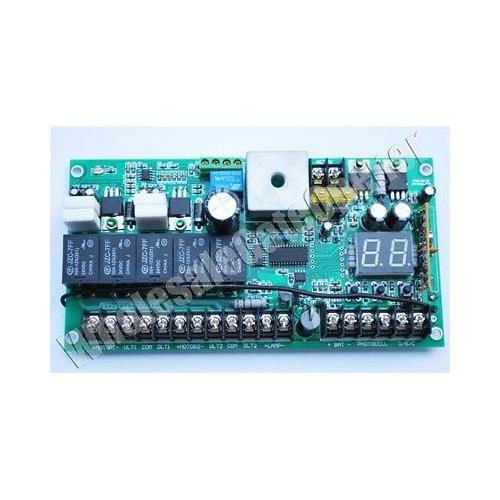
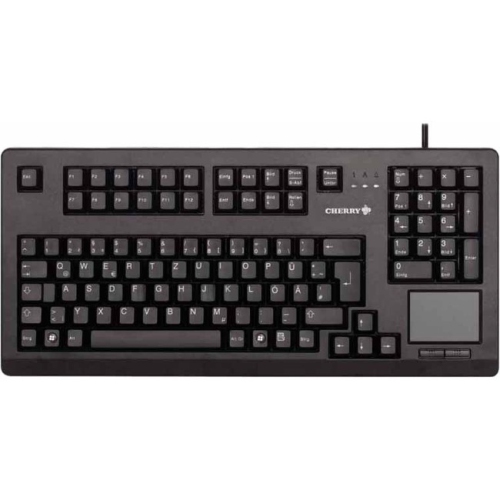
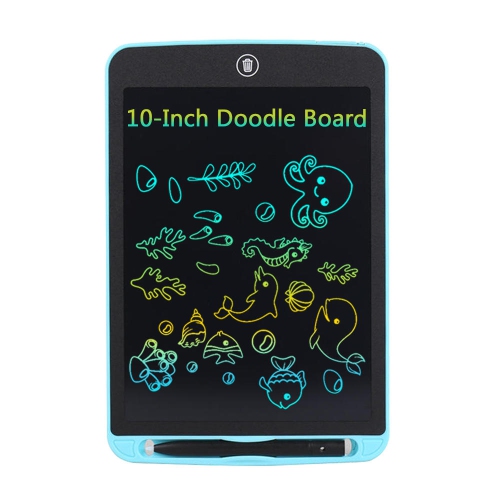
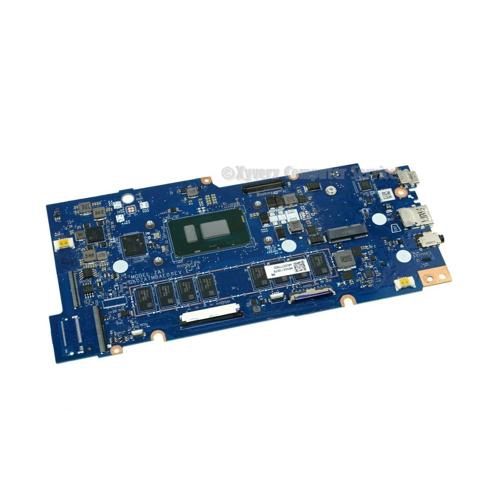
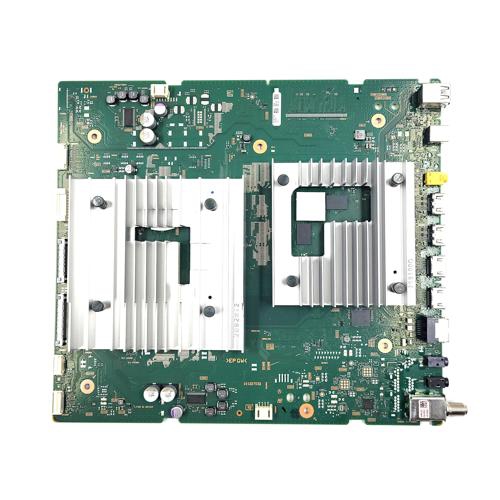
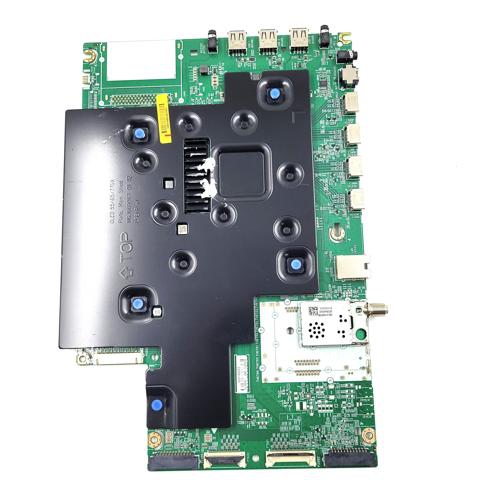
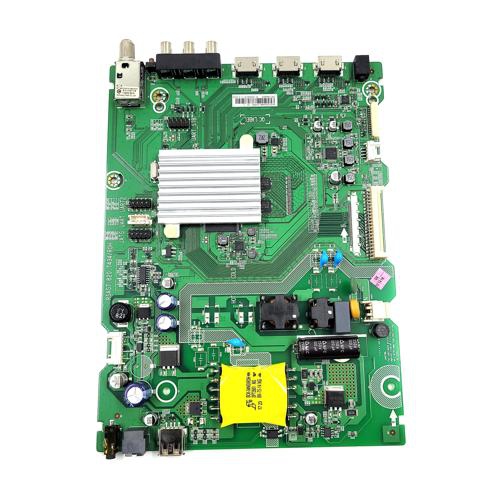
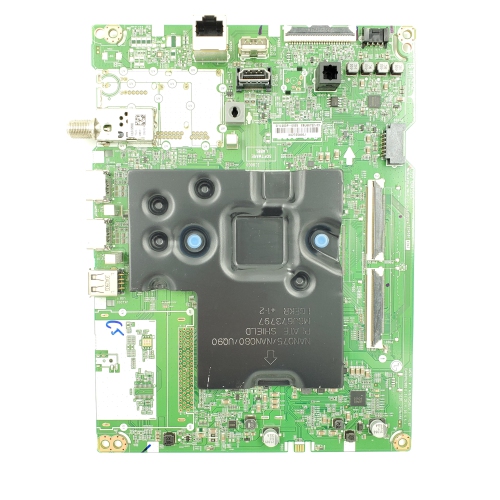
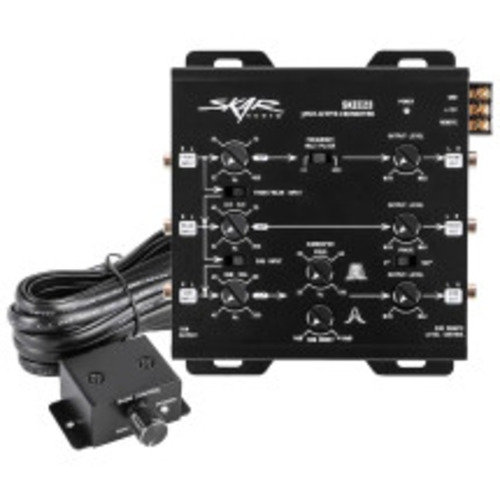
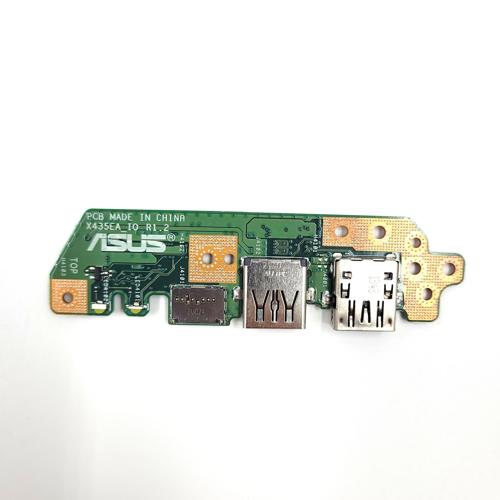
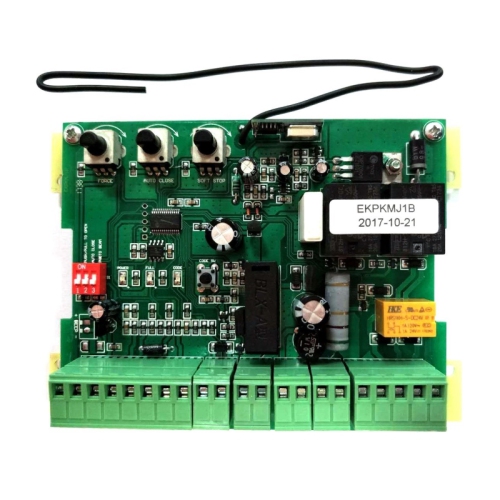
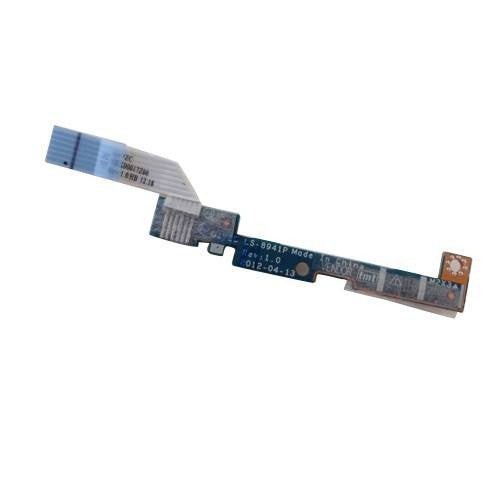
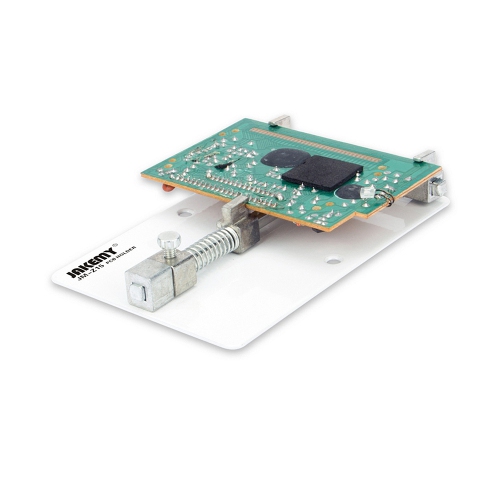
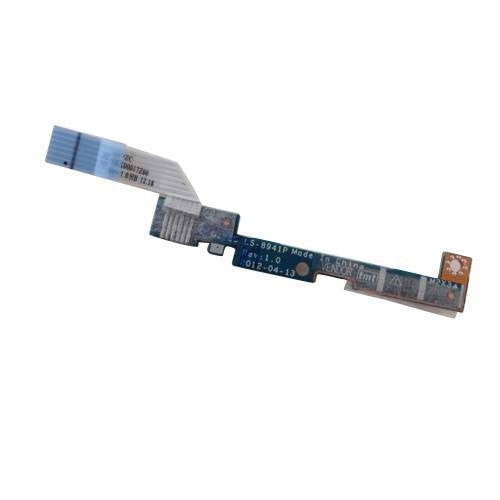
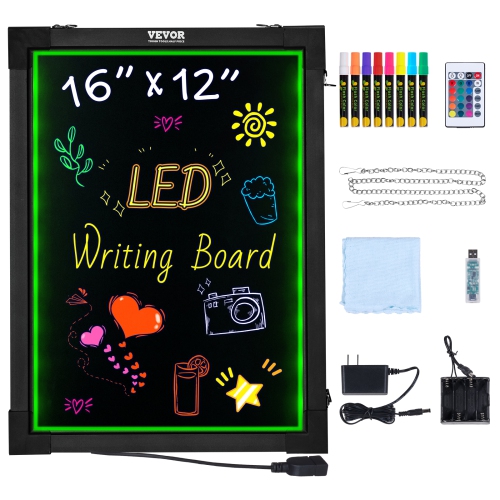
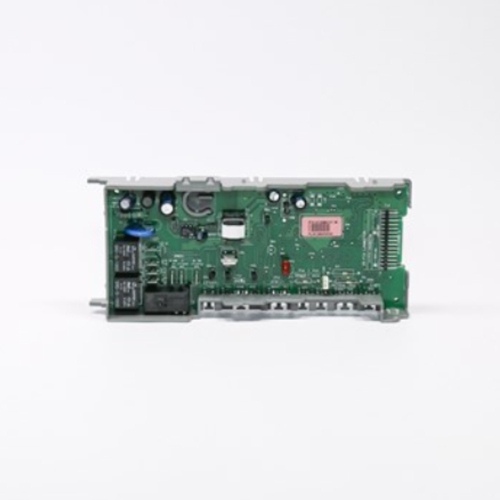
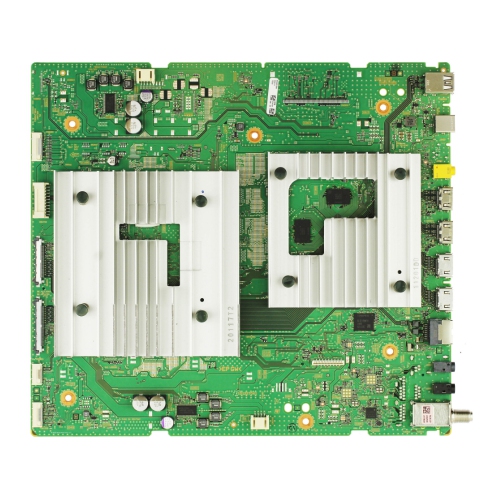
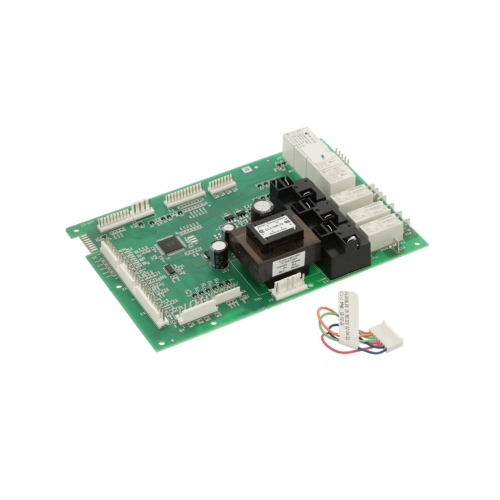
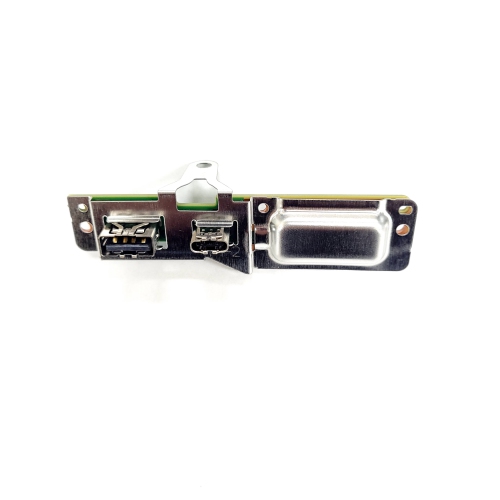
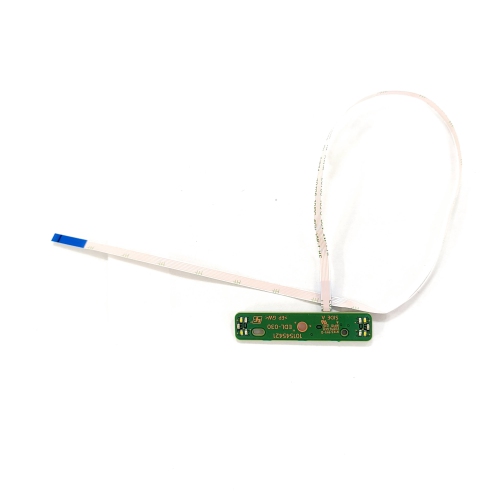
Electronic boards are the physical foundations of electronic circuits, supporting components and connecting them through conductive pathways. A printed circuit board, or PCB, typically uses copper tracks bonded to an insulating base to carry electrical power and signals between components such as resistors, capacitors, connectors, and integrated circuits. This arrangement keeps connections organized and allows a circuit to fit into a defined space without relying on a separate wire for every connection. Many rigid boards use FR-4, a fibreglass-reinforced epoxy laminate valued for its strength and electrical insulation. A solder mask covers much of the copper surface, helping protect the tracks and prevent unwanted solder bridges during assembly; its familiar green colour is common, but other colours do not necessarily indicate different performance. Printed markings, often called silkscreen, identify component positions, connector functions, and polarity, making a board easier to assemble and troubleshoot. Single-sided PCBs have conductive copper on one side, double-sided boards have it on both sides, and multilayer boards contain additional copper layers separated by insulation. The appropriate construction depends on circuit complexity, routing requirements, and electrical performance rather than a simple ranking of better or worse. Electronic boards can also differ substantially in how much assembly they require. A bare PCB provides the patterned platform, while an assembled board already carries components that perform a defined function. A development board usually combines a programmable device with supporting circuitry and accessible connections, giving students, hobbyists, and designers a practical starting point for testing ideas. These distinctions matter when matching a board to an intended use: building a small sensor project, experimenting with control logic, and replacing a faulty assembly involve different requirements. For projects centred on computing hardware, Computer Boards are a related category, although compatibility still depends on the particular device and application. Understanding the role of the board helps distinguish a platform for learning and prototyping from an assembly designed to work only within a specific system.
Physical fit and electrical compatibility are equally important when considering electronic boards. Overall length and width are only part of the fit: mounting-hole positions, board thickness, connector placement, and the height of installed components can determine whether an assembly sits securely inside an enclosure. A connector at the edge may need extra clearance for its cable, while a tall component can interfere with a lid even when the board itself fits comfortably. Mounting hardware should support the board without bending it, and conductive surfaces should remain clear of exposed contacts underneath. Electrical requirements deserve the same attention. Supply voltage, polarity, current requirements, and signal voltage levels must match the connected hardware; similar-looking connectors do not guarantee that two boards are interchangeable. For example, a sensor and a controller may share a familiar communication interface but still need level-shifting circuitry if their signal voltages differ. Motors, relays, and other loads may require suitable driver circuitry rather than a direct connection to a control pin. For programmable boards, the processor, memory, input and output connections, and supported software shape what a project can do. Clear pin labels, accessible documentation, and a supported programming workflow can make a first project less frustrating, especially when a learner is trying to understand why an indicator light does not respond or why a sensor reading stays unchanged. Wireless features, including Wi-Fi or Bluetooth, are useful for some connected projects but are unnecessary for many simple standalone circuits. Repair applications require a more exact match, often involving the original board identifier, revision, connector layout, and device compatibility information. A board that looks nearly identical may use different firmware or component values. When the task involves household mains power, high-voltage circuitry, or equipment that can retain a dangerous charge after being unplugged, a qualified service professional is the appropriate choice. Small, low-voltage projects offer a more manageable setting for building practical skills.
Durability depends on the board material, assembly quality, operating conditions, and how the finished project is handled. A rigid fibreglass board can provide dependable support, but it is not intended to flex repeatedly or carry the weight of dangling cables. Frequent plugging and unplugging places stress on connectors and solder joints, so secure mounting and cable strain relief are particularly useful for projects that move between a desk, classroom, and workshop. An enclosure can help protect exposed circuitry from accidental contact, dust, and loose metal objects, provided it leaves enough space for connections and heat dissipation. Protective coatings are sometimes used for additional resistance to moisture or contamination, but an ordinary solder mask does not make a board waterproof. Operating temperature limits also matter, especially when a circuit sits near a heat source or runs continuously. Care starts with disconnecting power before handling or making changes, following the manufacturer's discharge precautions where applicable, and holding the board by its edges rather than touching contacts and components. Static-sensitive assemblies benefit from appropriate antistatic handling and storage. Routine care usually means keeping the board dry, inspecting connectors for damage, and using only cleaning methods suitable for the assembly; household sprays and abrasive tools can leave residue or damage delicate parts. For an electronics student, a well-documented development platform can make the link between a circuit diagram and a working device tangible. A hobbyist might use one to monitor a model railway crossing, test a small robot's sensors, or add a simple display to a desk project. As a gift, electronic boards are best matched to the recipient's experience, tools, and interests, with particular attention to whether soldering, programming, or additional components are required. Younger learners need age-appropriate supervision around small parts, powered circuits, and hot tools. Whether the goal is a first blinking light or a carefully fitted repair, the most useful board is one whose connections, capabilities, and physical design suit the job it needs to perform.
Physical fit and electrical compatibility are equally important when considering electronic boards. Overall length and width are only part of the fit: mounting-hole positions, board thickness, connector placement, and the height of installed components can determine whether an assembly sits securely inside an enclosure. A connector at the edge may need extra clearance for its cable, while a tall component can interfere with a lid even when the board itself fits comfortably. Mounting hardware should support the board without bending it, and conductive surfaces should remain clear of exposed contacts underneath. Electrical requirements deserve the same attention. Supply voltage, polarity, current requirements, and signal voltage levels must match the connected hardware; similar-looking connectors do not guarantee that two boards are interchangeable. For example, a sensor and a controller may share a familiar communication interface but still need level-shifting circuitry if their signal voltages differ. Motors, relays, and other loads may require suitable driver circuitry rather than a direct connection to a control pin. For programmable boards, the processor, memory, input and output connections, and supported software shape what a project can do. Clear pin labels, accessible documentation, and a supported programming workflow can make a first project less frustrating, especially when a learner is trying to understand why an indicator light does not respond or why a sensor reading stays unchanged. Wireless features, including Wi-Fi or Bluetooth, are useful for some connected projects but are unnecessary for many simple standalone circuits. Repair applications require a more exact match, often involving the original board identifier, revision, connector layout, and device compatibility information. A board that looks nearly identical may use different firmware or component values. When the task involves household mains power, high-voltage circuitry, or equipment that can retain a dangerous charge after being unplugged, a qualified service professional is the appropriate choice. Small, low-voltage projects offer a more manageable setting for building practical skills.
Durability depends on the board material, assembly quality, operating conditions, and how the finished project is handled. A rigid fibreglass board can provide dependable support, but it is not intended to flex repeatedly or carry the weight of dangling cables. Frequent plugging and unplugging places stress on connectors and solder joints, so secure mounting and cable strain relief are particularly useful for projects that move between a desk, classroom, and workshop. An enclosure can help protect exposed circuitry from accidental contact, dust, and loose metal objects, provided it leaves enough space for connections and heat dissipation. Protective coatings are sometimes used for additional resistance to moisture or contamination, but an ordinary solder mask does not make a board waterproof. Operating temperature limits also matter, especially when a circuit sits near a heat source or runs continuously. Care starts with disconnecting power before handling or making changes, following the manufacturer's discharge precautions where applicable, and holding the board by its edges rather than touching contacts and components. Static-sensitive assemblies benefit from appropriate antistatic handling and storage. Routine care usually means keeping the board dry, inspecting connectors for damage, and using only cleaning methods suitable for the assembly; household sprays and abrasive tools can leave residue or damage delicate parts. For an electronics student, a well-documented development platform can make the link between a circuit diagram and a working device tangible. A hobbyist might use one to monitor a model railway crossing, test a small robot's sensors, or add a simple display to a desk project. As a gift, electronic boards are best matched to the recipient's experience, tools, and interests, with particular attention to whether soldering, programming, or additional components are required. Younger learners need age-appropriate supervision around small parts, powered circuits, and hot tools. Whether the goal is a first blinking light or a carefully fitted repair, the most useful board is one whose connections, capabilities, and physical design suit the job it needs to perform.
Top selling and popular products
-
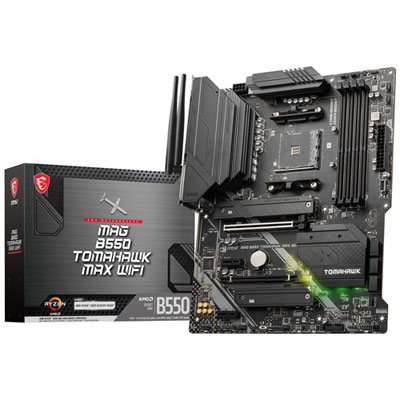 Your price for this item is $224.99
 -
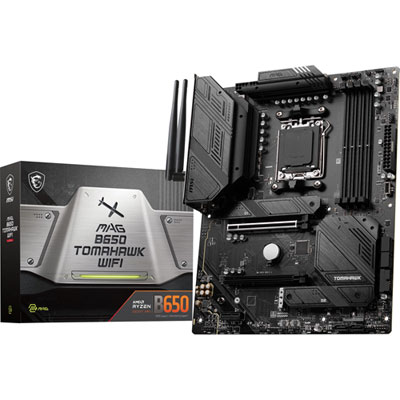 Your price for this item is $239.99
 -
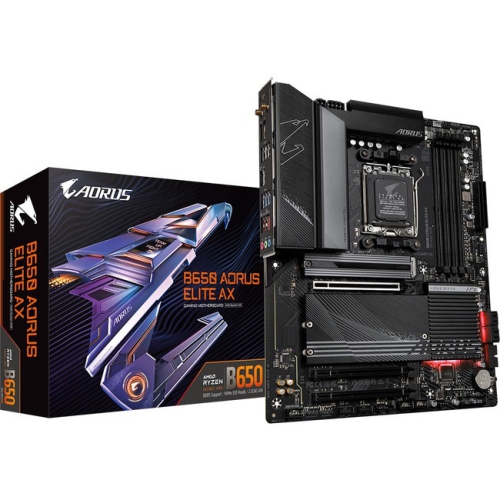 Your price for this item is $286.68
 -
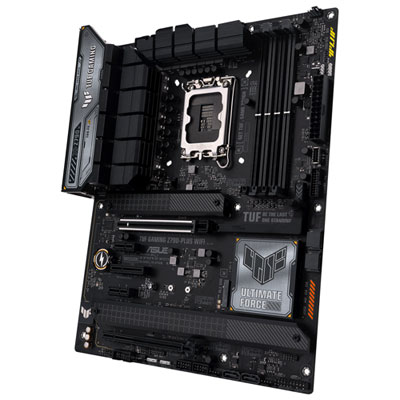 Your price for this item is $349.99
 -
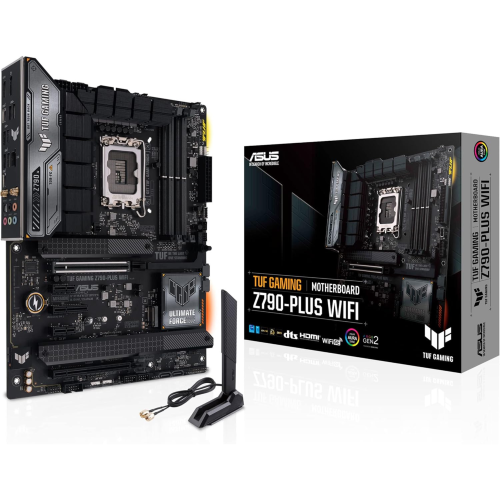 Your price for this item is $361
 -
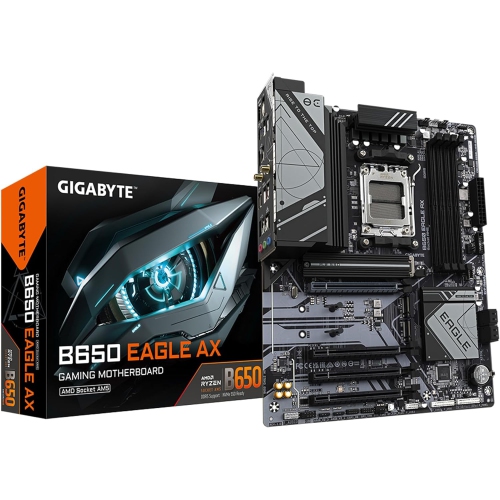 Your price for this item is $209.99
 -
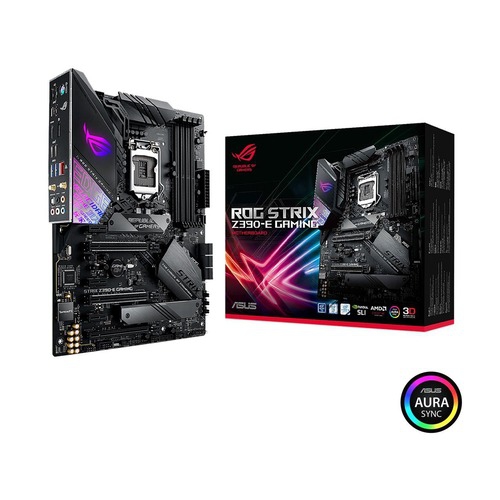 Your price for this item is $350
 -
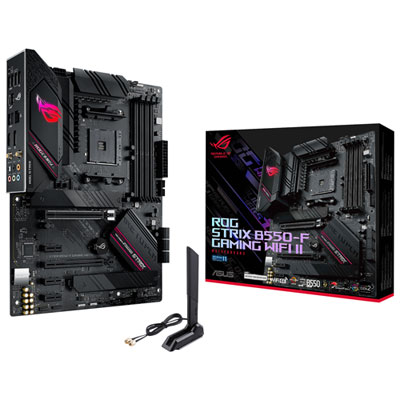 Your price for this item is $259.99
Discover more categories related to Electronic Boards
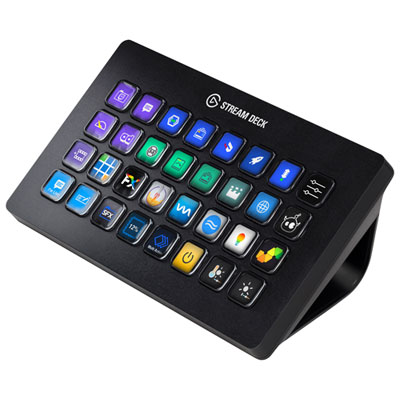
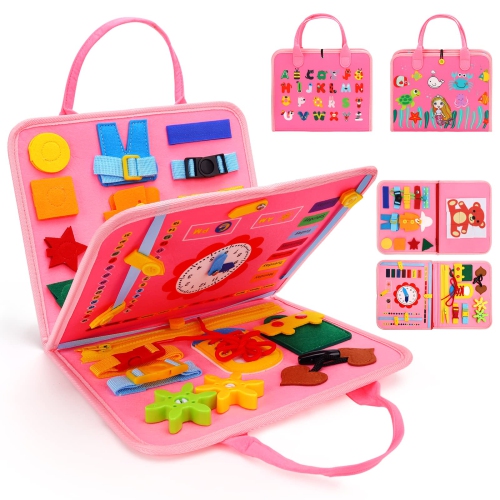
Top Collections:
Pokemon Centers, Kindle Devices, Best Budget Office Chairs, Apple iPhones 16, Best Laptops for Writers, iPhone 15 Apple, Canon G7X Cameras, Refurbished Apple Laptops, Alarm Clock, Motorola Razr Phones
Some products may be subject to Environmental Handling Fees
(EHF) depending on your province.
Learn more about EHFs.