Elgato Capture
Elgato Capture products provide the tools you need to take your content creation and streaming to the next level. Whether you're sharing gameplay, recording tutorials, or live streaming events, Elgato Capture offers reliable solutions designed for seamless video capture and sharing. Explore a range of options that help you connect, record, and broadcast with ease, making it simple to showcase your skills and creativity. Find the right Elgato Capture device to suit your setup and start producing high-quality content today.
Sort
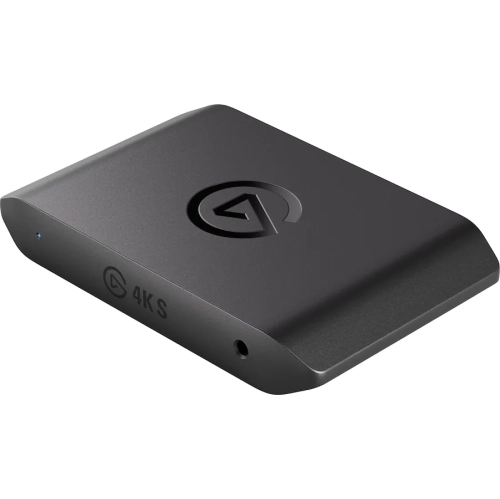
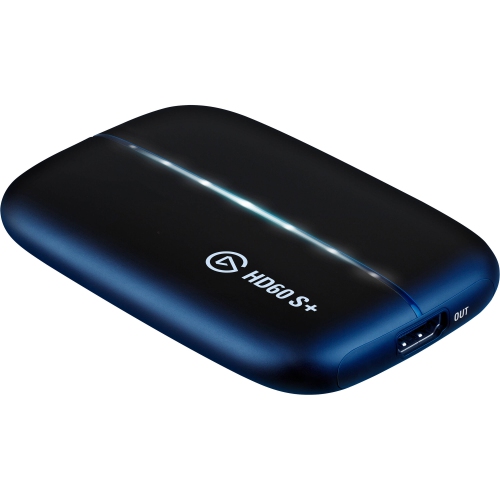
How capture hardware fits into your recording setup
Capture cards and video capture devices turn footage from a compatible console, computer or camera into a video source that recording and streaming software can use. For a gamer, that might mean saving a close tournament finish without relying on a console’s built-in recording tools. For a creator, it could mean bringing a camera’s HDMI output into a livestream, presentation or demonstration. The basic role is the same: receive a supported video signal and pass it to a computer for recording, broadcasting or further production. External capture devices usually connect to the source through HDMI and to the host computer through USB, while internal capture cards install in a compatible desktop computer’s PCIe slot. These formats suit different spaces and routines. A compact external unit can move between a desk and a shared gaming area, whereas an internal card keeps the capture hardware inside a desktop tower. Many HDMI capture devices also include passthrough, which sends the source signal onward to a television or monitor while the computer handles the recording. Passthrough and capture are separate functions, and their supported resolutions and refresh rates may differ. A device might pass a higher-resolution or higher-refresh-rate signal to the gaming display than it can record. That distinction matters when the goal is responsive play on one screen and a smooth broadcast on another. Playing from the passthrough display can also avoid the processing delay visible in a software preview, although latency depends on the complete setup. A second computer is not always necessary, but a two-computer arrangement can separate gaming from broadcast production. For camera use, compatibility also depends on the camera’s output settings, whether it provides a clean HDMI feed without on-screen menus, and whether it can stay powered for the intended session. Capture hardware provides the connection; the source, computer and software determine what the complete setup can deliver.
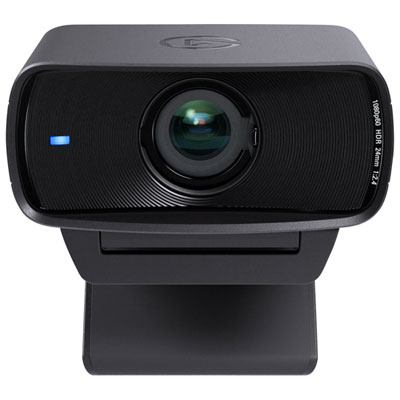
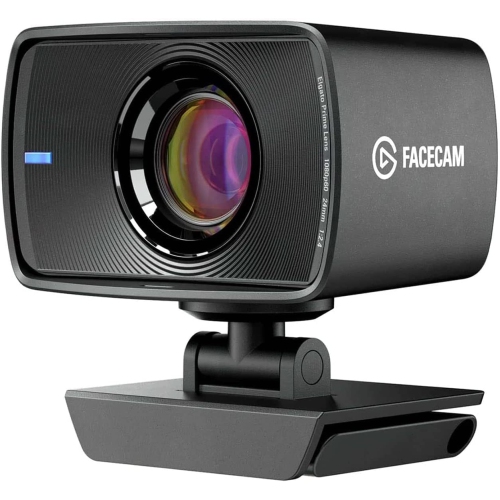
Resolution and frame rate describe different parts of the viewing experience. A 1080p recording at 60 frames per second can make fast gameplay look fluid, while 4K capture can preserve finer detail in scenes, demonstrations and footage intended for editing. Higher frame rates can be useful for fast action or slow-motion work, but they place additional demands on the signal path and recording workflow. A resolution listed for passthrough should not be mistaken for the same resolution at the same frame rate during capture. HDR support needs similar attention: HDR passthrough, HDR recording and conversion to standard dynamic range are distinct capabilities, with results depending on compatible hardware, software and settings. Variable refresh rate support also needs to be checked across the source, capture device and display rather than assumed from the HDMI connector alone. USB-C describes a connector shape, not a guaranteed data speed, so the host port and cable must support the bandwidth the capture device requires. An internal card likewise needs a suitable PCIe slot and enough physical clearance inside the computer. Recording and streaming add their own practical demands, including processing capacity, encoding support and storage space. Detailed footage can generate large files, especially during long sessions, while livestream quality also depends on a stable upload connection and the platform’s supported settings. Audio is another part of the signal chain rather than an automatic extra. Game sound may arrive over HDMI, while a microphone, voice chat and alerts may enter through separate software sources or connections. Headset settings can change where console audio is sent, so the intended audio routing matters as much as the picture. Creators adding an on-camera presence can also explore Elgato Facecam for the webcam side of a streaming setup. A webcam supplies the presenter’s image, while a capture device brings in the separate gameplay or camera feed.
The physical details of a capture setup become noticeable over repeated use. A lightweight external enclosure is convenient for travel between recording spaces, but its position should leave room for cables without putting sideways pressure on the ports. Closely spaced connectors, stiff HDMI cables and short USB leads can affect how neatly a device fits behind a monitor or beside a laptop. Housing materials vary, and durability depends on construction, connector support and handling rather than appearance alone. Internal cards avoid an extra unit on the desktop, though their dimensions, mounting bracket and ventilation needs must suit the computer case. External devices also need the airflow and placement specified by their manufacturer, particularly during lengthy recording sessions. Routine care is straightforward: keep vents clear, remove surface dust with a soft, dry cloth, and disconnect cables by the plug rather than pulling on the cord. For portable setups, a padded compartment helps protect the enclosure and ports, while loosely coiled cables reduce strain at the connectors. Capture equipment also extends beyond live gameplay and digital-camera feeds. Analogue video capture adapters serve a different purpose, transferring footage from compatible tape players or older camcorders to a computer through connections such as composite video and separate audio inputs. They are not interchangeable with HDMI capture cards, and the source player still needs to work properly. The resulting file reflects the original recording’s detail and condition; transferring a tape does not turn it into native high-definition footage. Family recordings, school performances and older creative projects can nevertheless become easier to view and edit once transferred. Across these uses, capture equipment can be a thoughtful gift for a gamer, aspiring broadcaster, educator or family archivist when the recipient’s connections and computer requirements are known. The most useful match is the format that fits the person’s actual routine, whether that means recording a weekly game session, presenting detailed demonstrations or bringing older footage into a digital library.
Top selling and popular products
-
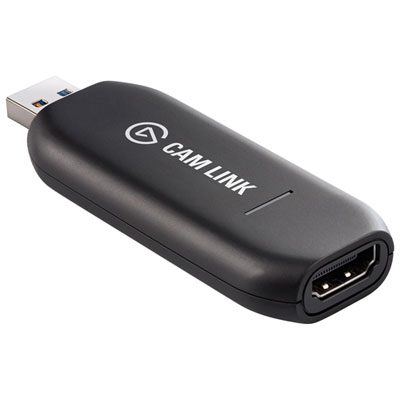 Your price for this item is $139.99
-
 Your price for this item is $319.99
-
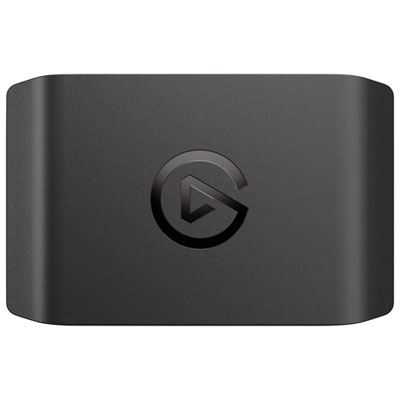 Your price for this item is $219.99
-
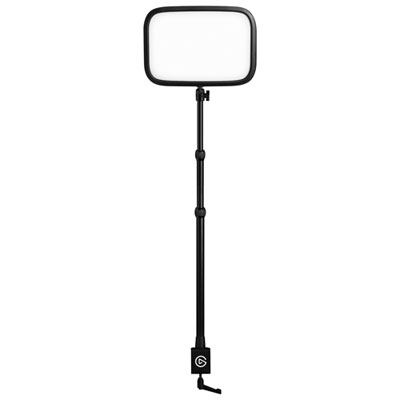 Your price for this item is $229.99
-
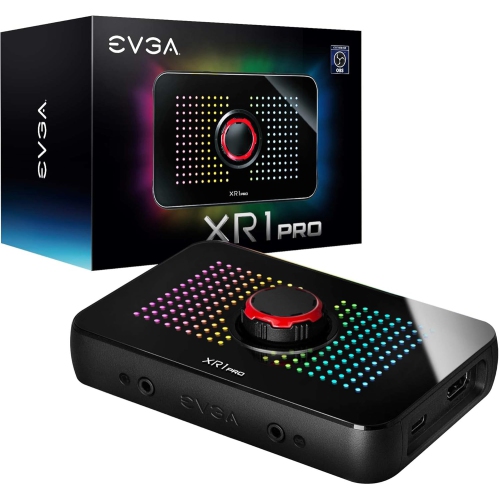 Your price for this item is $324.68
-
 Your price for this item is $186.68
-
 Your price for this item is $473.68
-
 Your price for this item is $324.68
Discover more categories related to Elgato Capture
Top Collections:
Best Black Friday Deals This Year, Best Black Friday Deals On Electronics, Kindle Devices, Best Black Friday Deals On Apple Products, Best Budget Office Chairs, Best Cameras for Sports Photography, Dyson Airwrap, Canon G7X Cameras, Best Laptops for Writers, Samsung Galaxy Phones
Some products may be subject to Environmental Handling Fees
(EHF) depending on your province.
Learn more about EHFs.