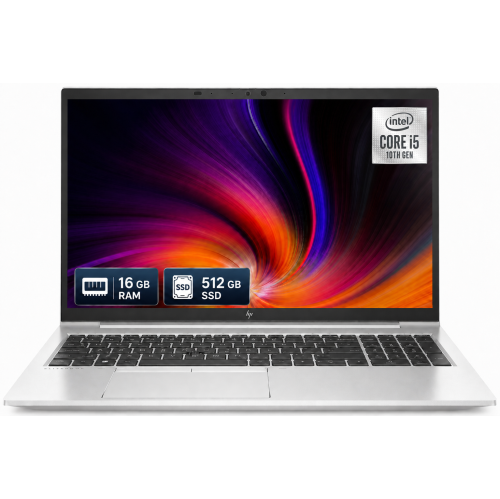
EliteBook 840 G8 I5
Discover the EliteBook 840 G8 I5, designed to keep up with your professional and personal needs. Whether you're working on important projects, streaming your favorite content, or staying connected on the go, this laptop offers the performance and reliability you need. Explore a range of configurations and options to find the perfect fit for your lifestyle. Elevate your computing experience with the EliteBook 840 G8 I5 and enjoy seamless productivity every day.
Sort

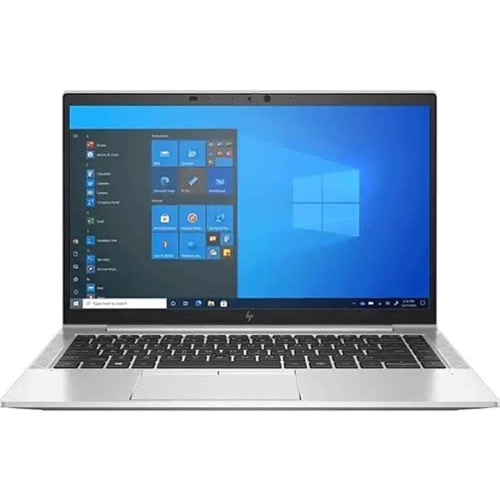
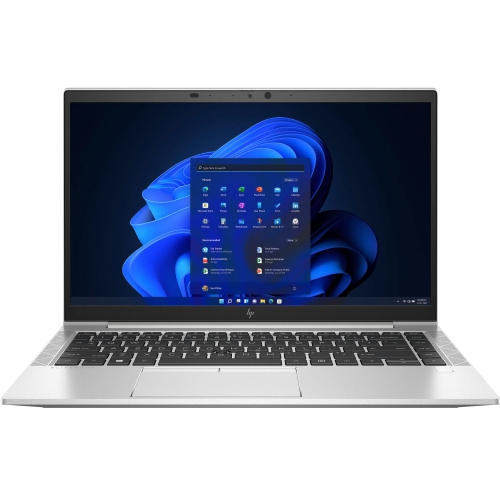
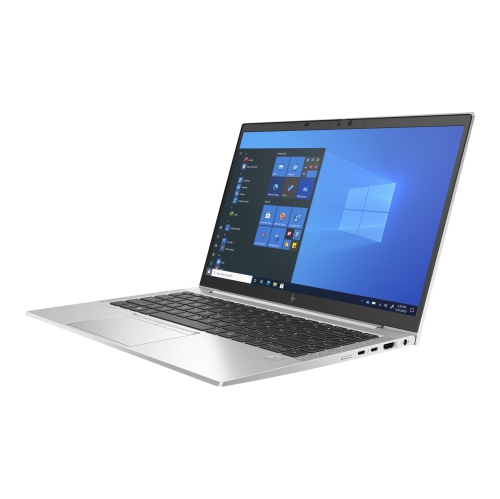
A productive workday takes more than processor speed
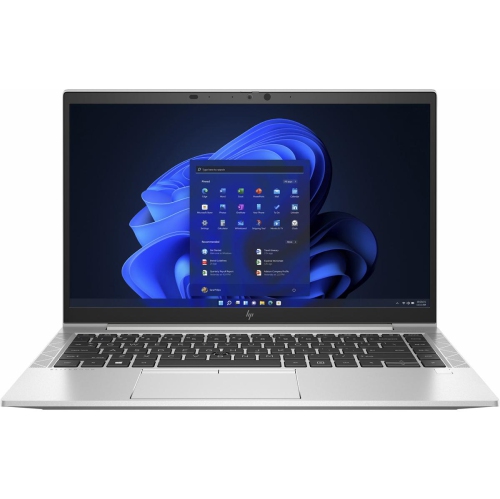
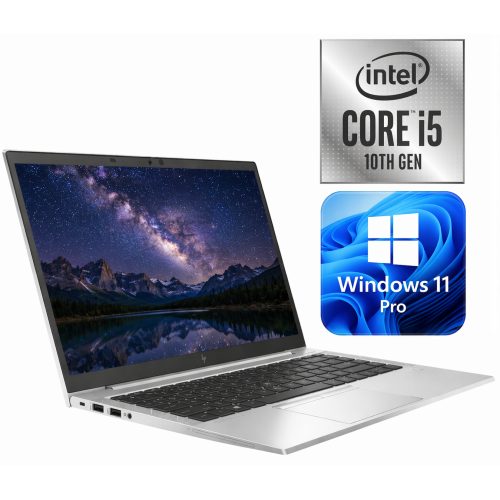
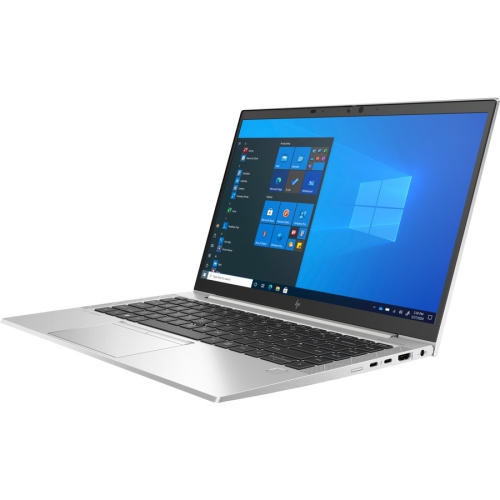
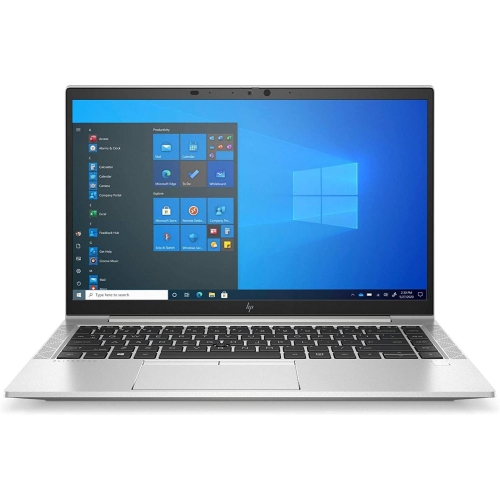
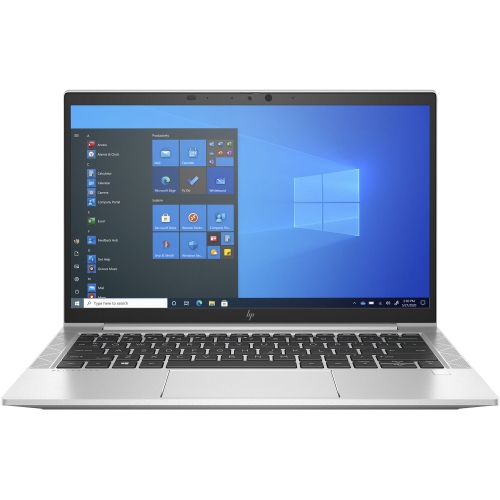
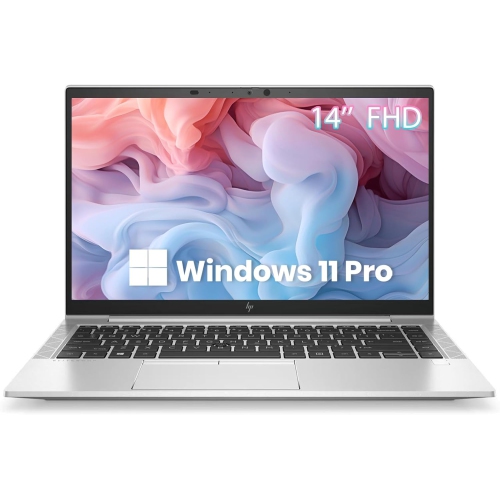
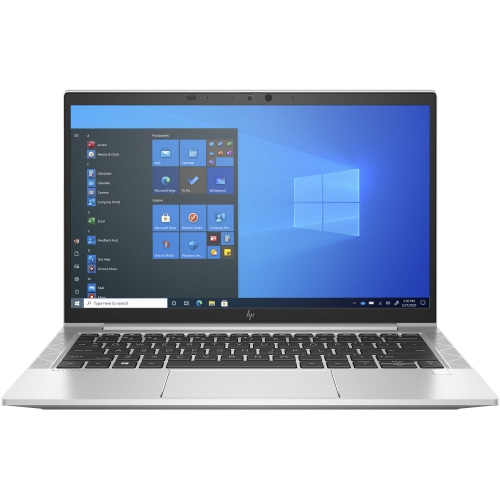
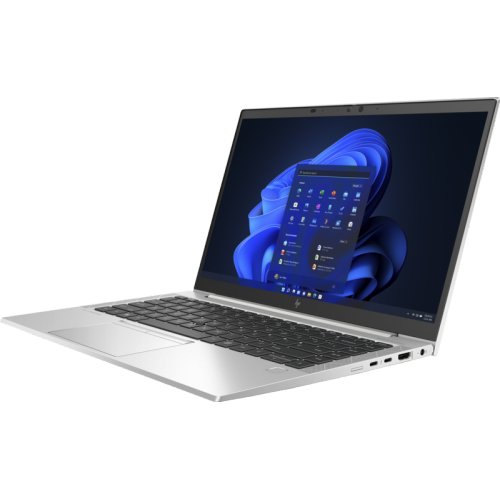
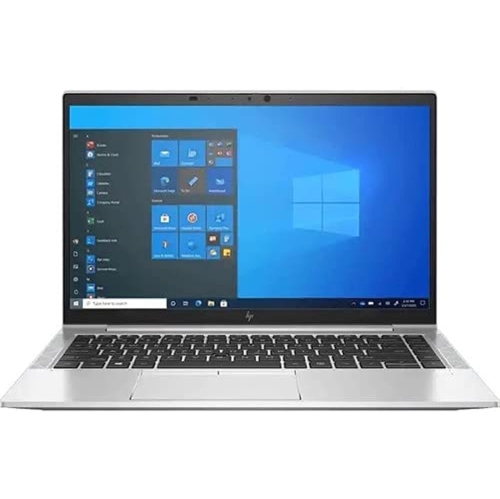
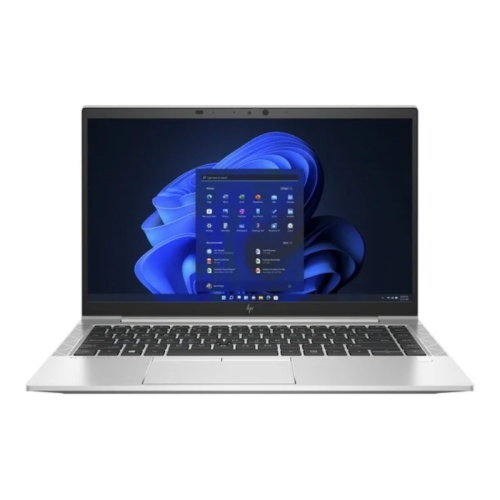
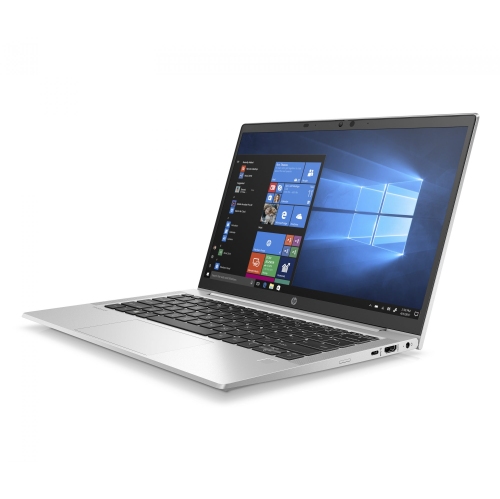
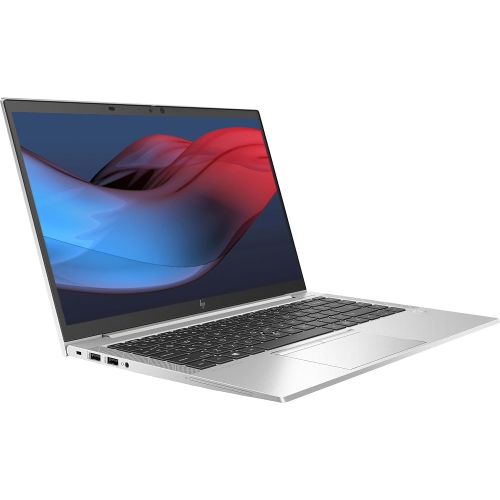
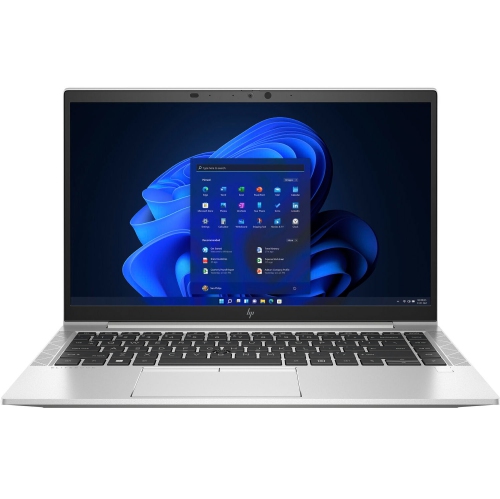
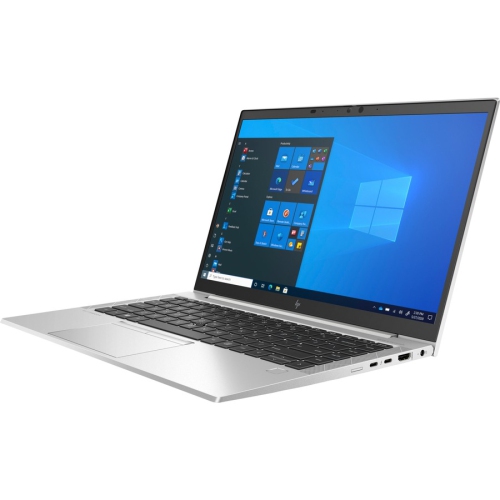
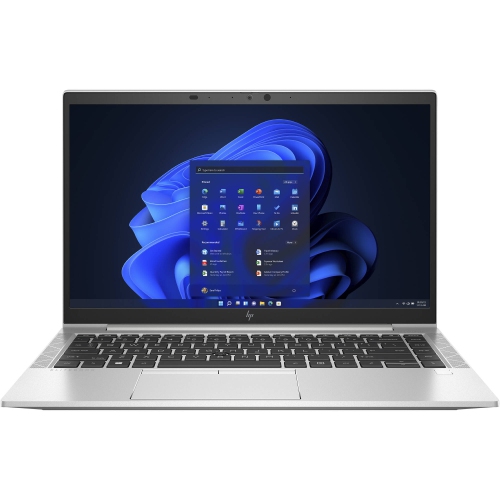
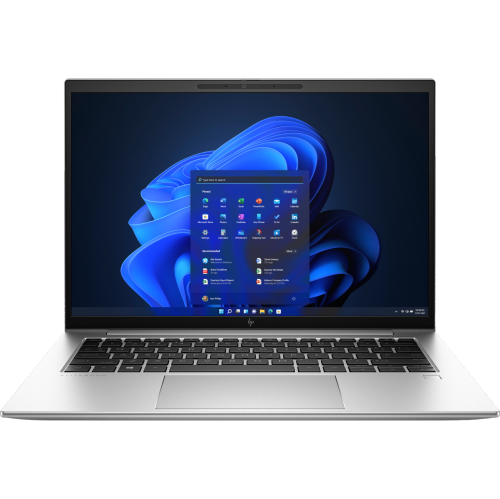
A 14-inch business laptop with an 11th-generation quad-core processor is built around everyday productivity: preparing documents, managing spreadsheets, joining video meetings, and keeping browser-based applications close at hand. This combination suits office work, post-secondary coursework, bookkeeping, and remote collaboration without requiring the size of a larger workstation. The 14-inch format provides enough screen space for a detailed worksheet or a document beside a reference window, while remaining practical to carry between a desk, meeting room, and shared workspace. Processor specifications tell only part of the performance story, however. Installed memory, storage, cooling, and software all influence how responsive a laptop feels during an ordinary workday. With several browser tabs, a presentation, and a video call open together, 16GB of memory generally provides more breathing room than 8GB. A solid-state drive helps applications launch promptly and makes opening saved files feel more immediate, while its capacity determines how much space remains for documents, photos, downloaded course materials, and larger project folders. Integrated graphics are well suited to office applications, streaming, presentations, and everyday visual tasks; demanding 3D design, complex rendering, and intensive gaming call for a different level of graphics capability. Display details also deserve attention because laptops within the same business family can have different panels. A Full HD resolution of 1920 × 1080 provides useful detail at this screen size, but brightness, surface finish, colour reproduction, and viewing angles affect comfort just as much as pixel count. An anti-glare finish can reduce distracting reflections beneath overhead lighting. Touch input and privacy-screen features may be offered on some configurations rather than across an entire range. For anyone who spends hours reviewing text or working through rows of figures, a clear display, sensible scaling, and enough memory can matter more in daily use than a small difference in processor speed.
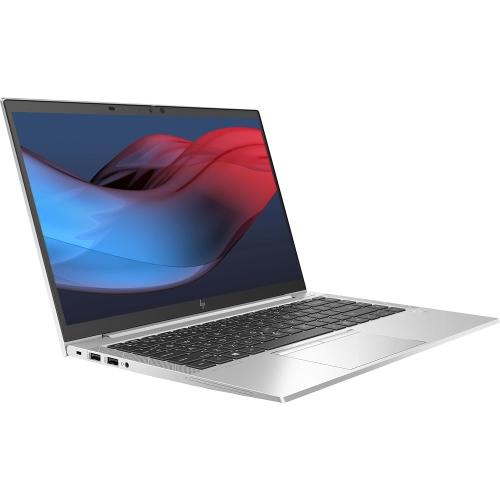
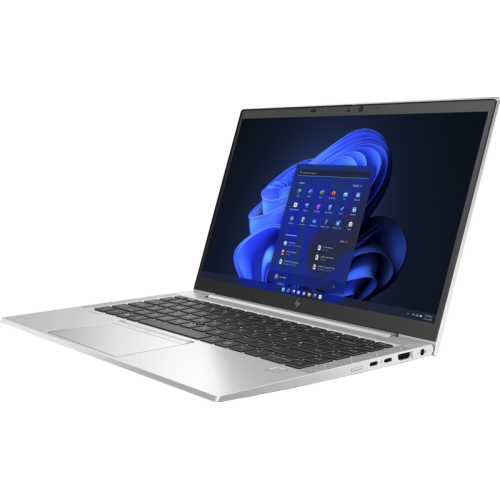
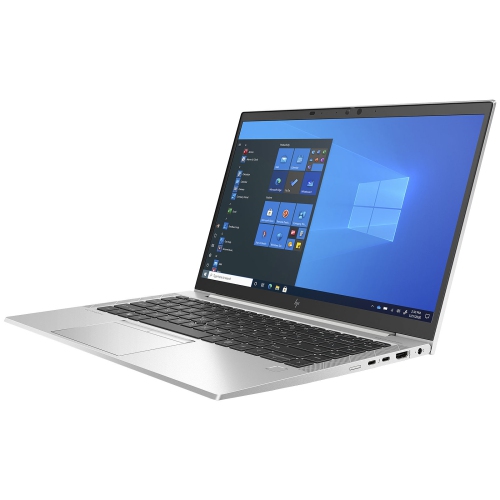
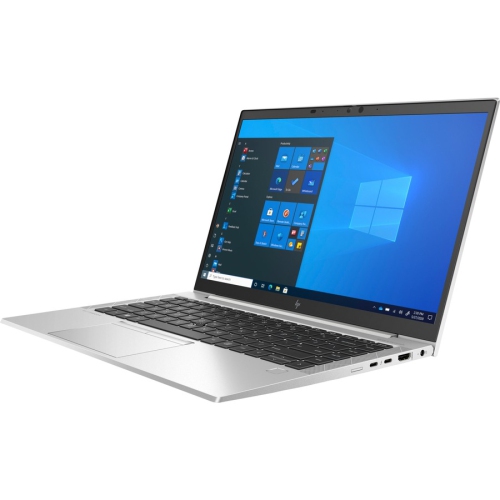
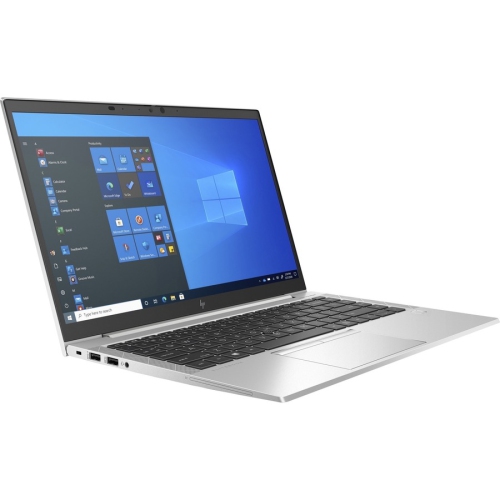
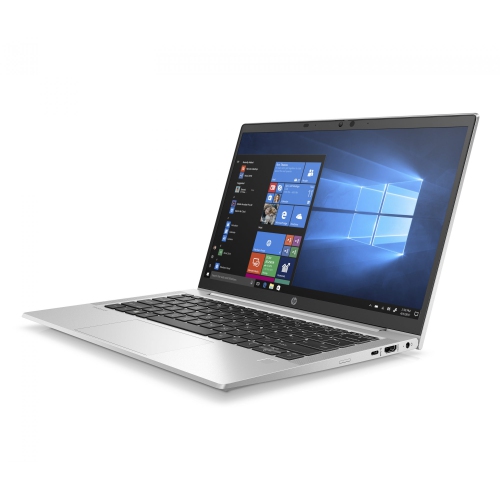
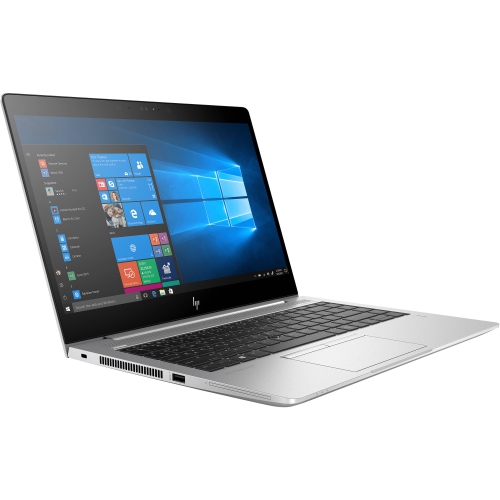
Business-focused construction typically emphasizes a balance of portability, durability, and comfortable input. Aluminium chassis panels can give a laptop a firm feel without excessive bulk, while hinge design and keyboard support influence how steady it feels when the lid is adjusted or a long report is typed. A compact chassis should still have enough palm-rest space for a relaxed typing position. Keyboard layout, key travel, touchpad responsiveness, and the presence of a backlight can make a noticeable difference during extended work sessions. These are useful considerations for students taking lecture notes, professionals writing proposals, or anyone moving from a desktop keyboard to a portable computer. Physical dimensions matter alongside screen size: two 14-inch laptops may fit differently in the same bag because of their bezels, thickness, and shape. A padded compartment that holds the computer securely helps prevent pressure on the lid and knocks against other belongings. Connectivity determines how easily that portable setup becomes a complete desk arrangement. USB-A ports can accommodate familiar peripherals, while USB-C connections may support charging, external displays, or a compatible dock, depending on the laptop’s specifications. A matching connector shape does not guarantee every function, so display support and power requirements are important details when pairing accessories. An HDMI connection can simplify presentations, and a headset connection remains useful for calls in shared spaces. For a regular home-office setup, an external monitor, separate keyboard, and mouse allow the laptop screen to sit at a more comfortable height. Battery endurance varies with battery condition, display brightness, wireless use, background activity, and workload. A machine used mainly for documents may behave quite differently from one handling consecutive video meetings. The charger’s size and compatibility also affect portability, particularly when the laptop travels frequently between locations.
Configuration and condition become especially important when considering refurbished or previously used business laptops. A familiar chassis does not mean that every unit has the same memory, drive capacity, display, wireless features, or battery health. Cosmetic grading describes appearance, but it does not by itself establish remaining battery capacity or explain which components have been replaced. Clear condition details, included accessories, warranty terms, and return conditions help set realistic expectations. Light surface wear may be acceptable for a laptop used mainly at a desk, while a frequent traveller may place more importance on hinge stability, a secure charging connection, and dependable unplugged operation. Software compatibility matters too, particularly when the computer needs to run an employer’s applications, connect to a school network, or work with specialist accounting or design tools. Business-oriented security features can include a fingerprint reader, camera privacy shutter, hardware-backed protection, and additional sign-in options, although the exact combination depends on the configuration. A fresh operating-system setup, regular updates, strong account protection, and reliable file backups remain important regardless of the security hardware included. For a related point of comparison, the EliteBook 840 G11 page represents a later generation of the same business-laptop family; differences in processor architecture, memory, display options, and connections deserve more attention than the similar name alone. Everyday care helps preserve both appearance and usability. A soft microfibre cloth is suitable for removing fingerprints, with any approved cleaning solution applied to the cloth rather than sprayed directly onto the computer. Keeping ventilation openings clear and using the laptop on a firm surface allows heat to dissipate properly. Closing the lid before carrying it, keeping liquids away from the keyboard, and avoiding tightly packed bags can reduce accidental damage. Whether intended for independent study, administrative work, a small business, or a family member who needs a dependable everyday computer, a well-matched 14-inch business laptop combines manageable size with the practical features that support regular use.
Business-focused construction typically emphasizes a balance of portability, durability, and comfortable input. Aluminium chassis panels can give a laptop a firm feel without excessive bulk, while hinge design and keyboard support influence how steady it feels when the lid is adjusted or a long report is typed. A compact chassis should still have enough palm-rest space for a relaxed typing position. Keyboard layout, key travel, touchpad responsiveness, and the presence of a backlight can make a noticeable difference during extended work sessions. These are useful considerations for students taking lecture notes, professionals writing proposals, or anyone moving from a desktop keyboard to a portable computer. Physical dimensions matter alongside screen size: two 14-inch laptops may fit differently in the same bag because of their bezels, thickness, and shape. A padded compartment that holds the computer securely helps prevent pressure on the lid and knocks against other belongings. Connectivity determines how easily that portable setup becomes a complete desk arrangement. USB-A ports can accommodate familiar peripherals, while USB-C connections may support charging, external displays, or a compatible dock, depending on the laptop’s specifications. A matching connector shape does not guarantee every function, so display support and power requirements are important details when pairing accessories. An HDMI connection can simplify presentations, and a headset connection remains useful for calls in shared spaces. For a regular home-office setup, an external monitor, separate keyboard, and mouse allow the laptop screen to sit at a more comfortable height. Battery endurance varies with battery condition, display brightness, wireless use, background activity, and workload. A machine used mainly for documents may behave quite differently from one handling consecutive video meetings. The charger’s size and compatibility also affect portability, particularly when the laptop travels frequently between locations.
Configuration and condition become especially important when considering refurbished or previously used business laptops. A familiar chassis does not mean that every unit has the same memory, drive capacity, display, wireless features, or battery health. Cosmetic grading describes appearance, but it does not by itself establish remaining battery capacity or explain which components have been replaced. Clear condition details, included accessories, warranty terms, and return conditions help set realistic expectations. Light surface wear may be acceptable for a laptop used mainly at a desk, while a frequent traveller may place more importance on hinge stability, a secure charging connection, and dependable unplugged operation. Software compatibility matters too, particularly when the computer needs to run an employer’s applications, connect to a school network, or work with specialist accounting or design tools. Business-oriented security features can include a fingerprint reader, camera privacy shutter, hardware-backed protection, and additional sign-in options, although the exact combination depends on the configuration. A fresh operating-system setup, regular updates, strong account protection, and reliable file backups remain important regardless of the security hardware included. For a related point of comparison, the EliteBook 840 G11 page represents a later generation of the same business-laptop family; differences in processor architecture, memory, display options, and connections deserve more attention than the similar name alone. Everyday care helps preserve both appearance and usability. A soft microfibre cloth is suitable for removing fingerprints, with any approved cleaning solution applied to the cloth rather than sprayed directly onto the computer. Keeping ventilation openings clear and using the laptop on a firm surface allows heat to dissipate properly. Closing the lid before carrying it, keeping liquids away from the keyboard, and avoiding tightly packed bags can reduce accidental damage. Whether intended for independent study, administrative work, a small business, or a family member who needs a dependable everyday computer, a well-matched 14-inch business laptop combines manageable size with the practical features that support regular use.
Top selling and popular products
-
 Your price for this item is $449
 -
 Your price for this item is $3099
 -
 Your price for this item is $664.05
 -
 Your price for this item is $599.68
 -
 Your price for this item is $259
 -
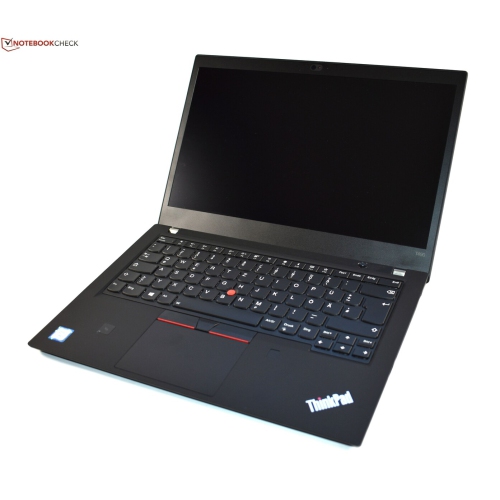 Your price for this item is $499.99
 -
 Your price for this item is $418.98
 -
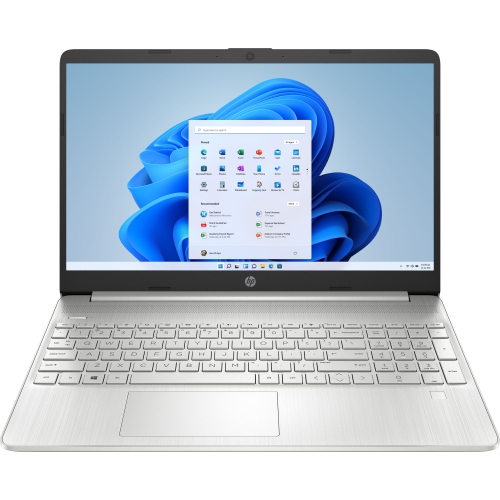 Your price for this item is $829
Discover more categories related to EliteBook 840 G8 I5
Top Collections:
Pokemon Centers, Best Cameras for Sports Photography, Kindle Devices, Samsung Galaxy Phones, Canon G7X Cameras, Pokémon 30th Celebration Cards, Refurbished Apple Laptops, iPhone 15 Apple, Laptops for Students, Budget Smartphones
Some products may be subject to Environmental Handling Fees
(EHF) depending on your province.
Learn more about EHFs.