Enterprise Backup Solutions
Looking to safeguard your valuable data and ensure business continuity? Look no further than our comprehensive selection of enterprise backup solutions. In today's rapidly evolving digital landscape, protecting your organization's critical information is paramount. Whether you're a small startup or a large corporation, our range of reliable and scalable backup solutions is designed to meet the unique needs of businesses across industries. With advanced features and cutting-edge technology, our enterprise backup solutions offer peace of mind by providing secure and efficient data storage options. Explore our diverse range of offerings and find the perfect solution to keep your business running smoothly, no matter what challenges may arise.
Sort

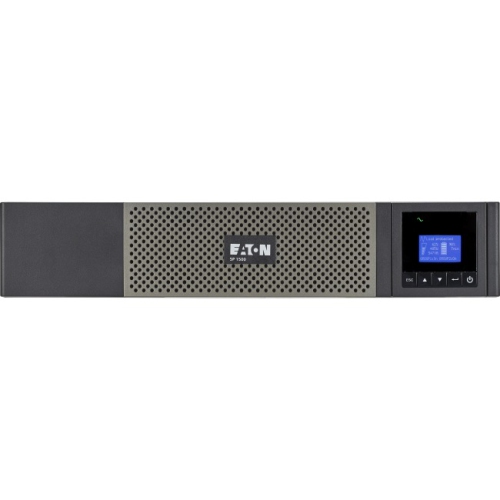
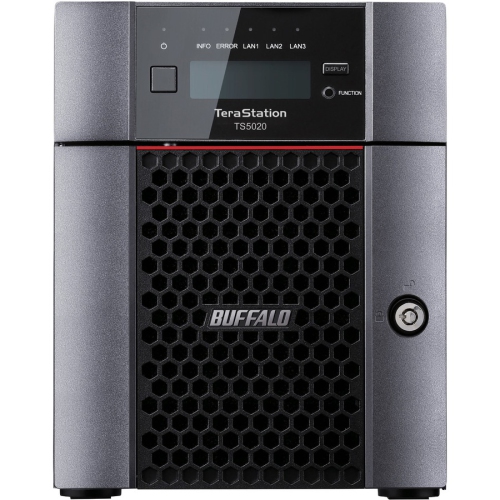
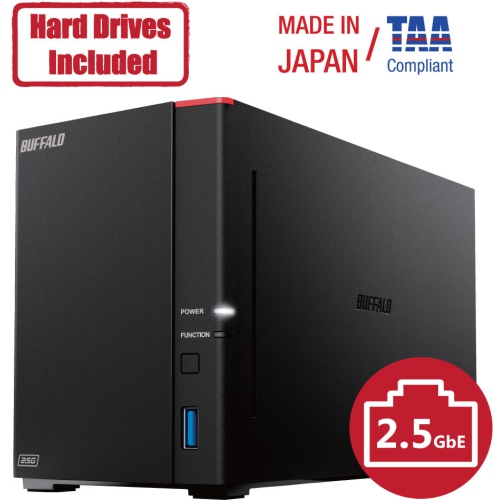
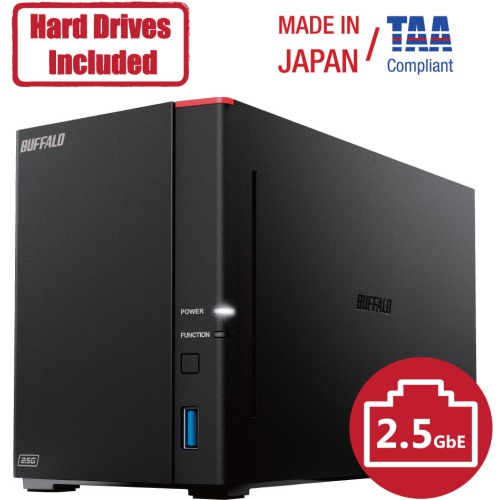
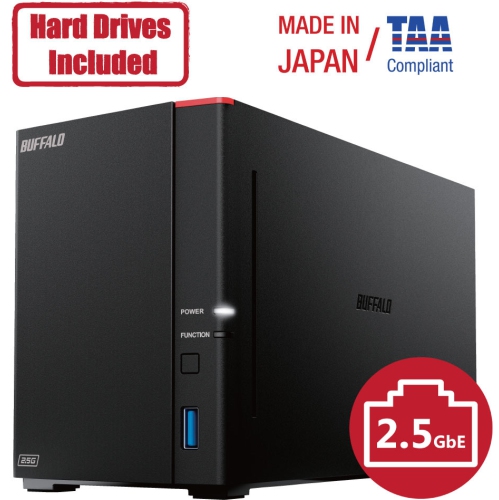
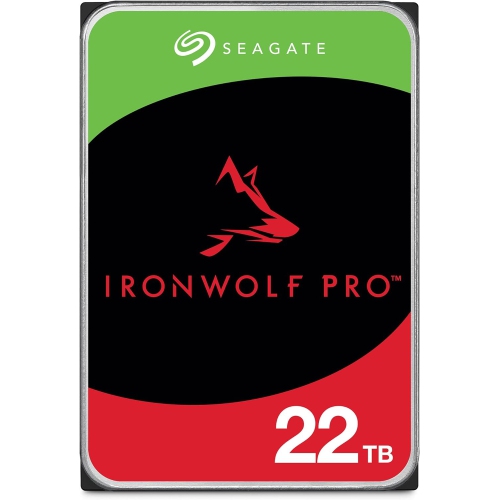
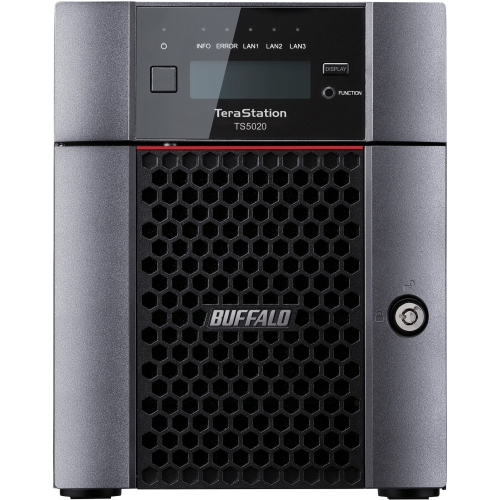
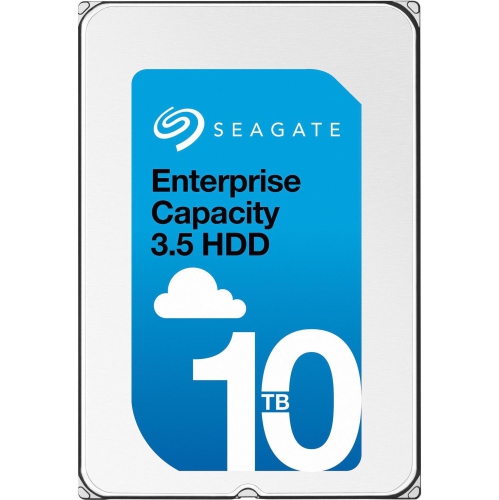
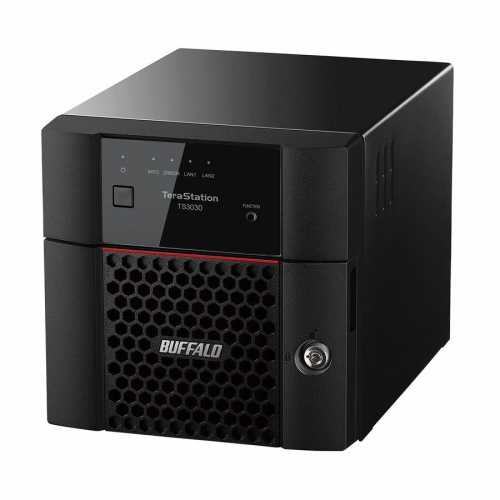
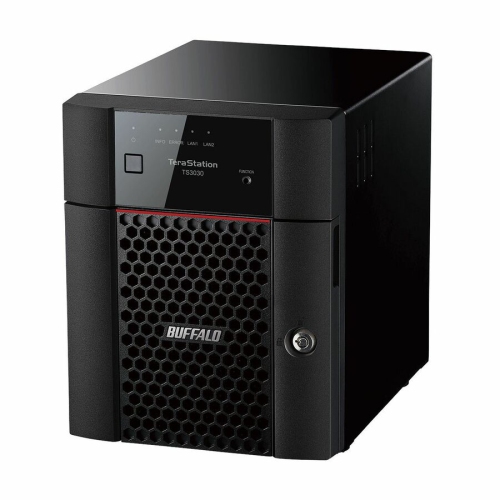
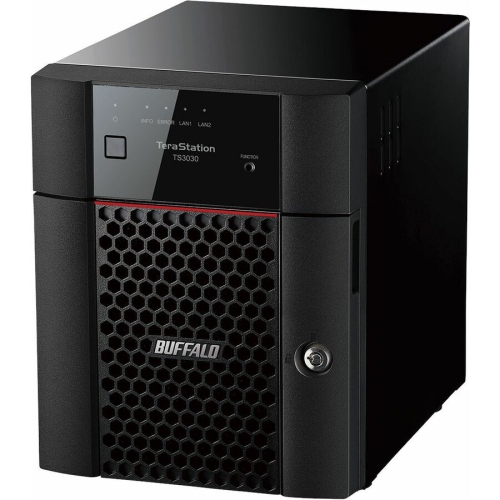
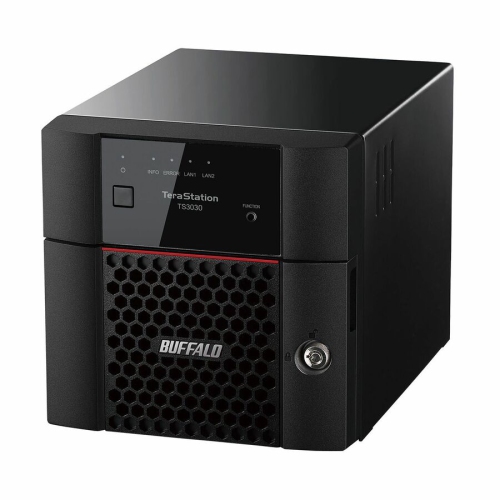
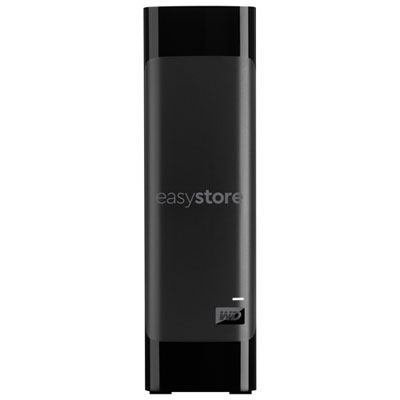
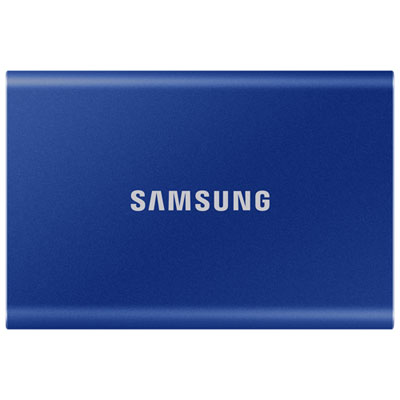
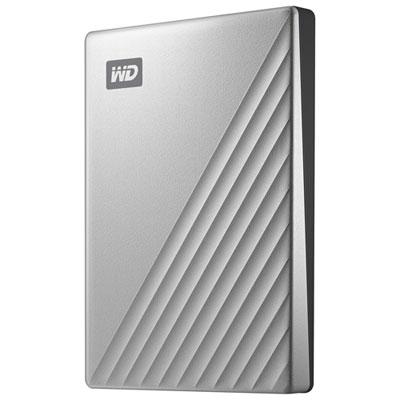
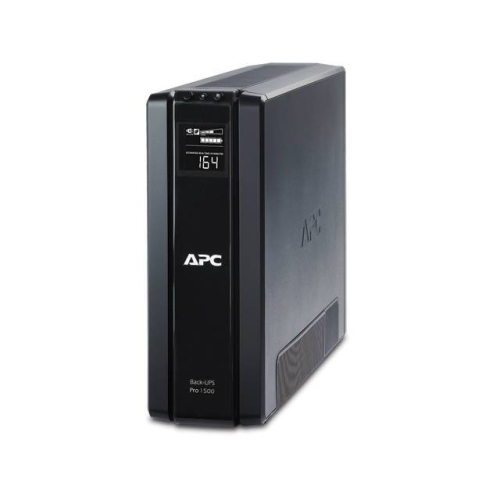

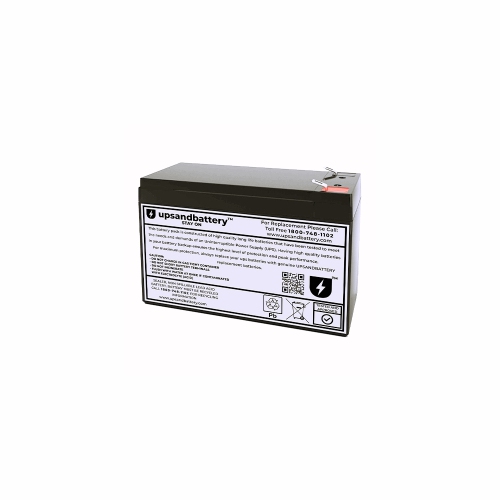

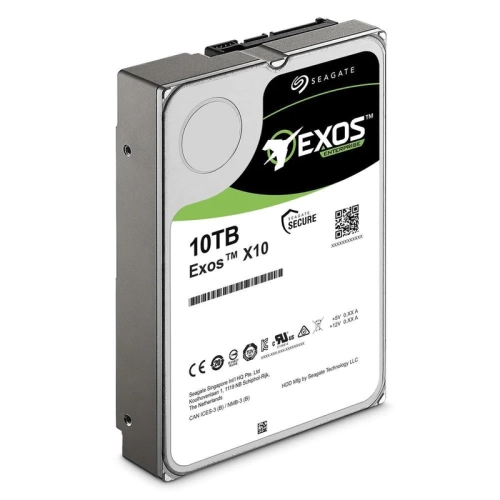

Centralized protection and recovery for complex hybrid environments
Enterprise backup solutions are centrally managed systems designed to protect business data across physical servers, virtual machines, cloud services, and software-as-a-service applications. They combine backup software, storage hardware, management tools, and recovery features so IT teams can apply consistent policies across a large and often complex environment. A small office may only need protection for a few file servers and databases, while a larger organization may need to safeguard thousands of virtual machines, employee accounts, cloud workloads, remote offices, and critical applications. The right solution can help create scheduled copies of data, verify that backups are usable, retain versions for a defined period, and restore operations after hardware failure, accidental deletion, malware, or a wider outage. When comparing enterprise backup solutions, begin by mapping the workloads that need protection: physical servers, VMware or other virtual environments, databases, file shares, endpoints, cloud infrastructure, and SaaS platforms such as email and collaboration services. It is also important to consider whether the system supports hybrid environments, allowing administrators to manage on-premises and cloud-based data through one set of policies. Storage capacity, data growth, network bandwidth, licensing structure, encryption, role-based access, and compatibility with existing infrastructure all affect the long-term fit. Organisations with large data sets may also wish to review Enterprise Storage Solutions when planning the storage layer that supports backup repositories, archives, and recovery operations.
Security and recovery speed are central to the buying decision. Ransomware can attempt to encrypt production data and delete the backups needed to recover, so many enterprise backup solutions include immutable storage or write-once-read-many (WORM) protection. These safeguards help prevent backup files from being changed or removed during a defined retention period. Air-gapped copies, isolated credentials, multifactor authentication, encryption in transit and at rest, and separate administrative roles can add further protection. A solution should also make it practical to test recovery rather than simply assume that a backup will work when an emergency occurs. Instant recovery features may allow a virtual machine or database to run directly from backup storage while primary systems are repaired, helping reduce downtime for customer-facing applications and internal services. Granular recovery can restore a single file, mailbox, database record, or user account without bringing back an entire workload, while full-system recovery is useful after serious hardware damage or a site-wide incident. Look for clear recovery point objectives and recovery time objectives: the first describes how much recent data the organisation can afford to lose, while the second defines how quickly a service must return. A retail operation may prioritise rapid recovery for point-of-sale and inventory systems; a professional office may focus on protecting client records and shared documents; a hospital, school, manufacturer, or financial organisation may require detailed retention controls, audit trails, and dependable access to historical information. Centralised dashboards, policy-based automation, alerts, reporting, and capacity forecasting can make a meaningful difference for teams that oversee multiple locations or workloads without adding unnecessary manual tasks.
Before choosing an enterprise backup solution, assess the number of workloads, approximate data volume, daily change rate, expected growth, retention requirements, and the locations where data is stored. Confirm whether the solution covers the organisation’s preferred infrastructure, such as virtual machines, physical servers, private cloud, public cloud, remote offices, or SaaS applications, and check whether support for those environments is included in the licensing model. Multi-cloud support can be valuable when data is distributed across services from different providers, while centralised policy management can help maintain consistent backup schedules and access controls. Consider the available backup destinations as well: local storage may provide fast recovery, cloud storage can support off-site protection, and a combination of both can balance speed, resilience, and capacity. Deduplication and compression may reduce the amount of storage and bandwidth required, although performance and encryption settings should be reviewed for each workload. Organisations with regulatory or contractual obligations should examine retention locks, legal holds, geographic data residency, audit reporting, and secure deletion policies. It is equally helpful to review installation requirements, management complexity, vendor support, training resources, warranty coverage, and the availability of recovery testing tools. These products are generally purchased by IT departments, managed service providers, data centre operators, government teams, universities, healthcare organisations, and growing businesses that cannot rely on ad hoc file copies. They are less about storing one personal collection and more about keeping essential operations dependable when a server fails, an employee makes a mistake, a cloud account is compromised, or an unexpected incident interrupts normal service. A carefully matched solution can give administrators a structured way to protect data, verify recovery readiness, and maintain continuity across the changing demands of an enterprise environment.
Security and recovery speed are central to the buying decision. Ransomware can attempt to encrypt production data and delete the backups needed to recover, so many enterprise backup solutions include immutable storage or write-once-read-many (WORM) protection. These safeguards help prevent backup files from being changed or removed during a defined retention period. Air-gapped copies, isolated credentials, multifactor authentication, encryption in transit and at rest, and separate administrative roles can add further protection. A solution should also make it practical to test recovery rather than simply assume that a backup will work when an emergency occurs. Instant recovery features may allow a virtual machine or database to run directly from backup storage while primary systems are repaired, helping reduce downtime for customer-facing applications and internal services. Granular recovery can restore a single file, mailbox, database record, or user account without bringing back an entire workload, while full-system recovery is useful after serious hardware damage or a site-wide incident. Look for clear recovery point objectives and recovery time objectives: the first describes how much recent data the organisation can afford to lose, while the second defines how quickly a service must return. A retail operation may prioritise rapid recovery for point-of-sale and inventory systems; a professional office may focus on protecting client records and shared documents; a hospital, school, manufacturer, or financial organisation may require detailed retention controls, audit trails, and dependable access to historical information. Centralised dashboards, policy-based automation, alerts, reporting, and capacity forecasting can make a meaningful difference for teams that oversee multiple locations or workloads without adding unnecessary manual tasks.
Before choosing an enterprise backup solution, assess the number of workloads, approximate data volume, daily change rate, expected growth, retention requirements, and the locations where data is stored. Confirm whether the solution covers the organisation’s preferred infrastructure, such as virtual machines, physical servers, private cloud, public cloud, remote offices, or SaaS applications, and check whether support for those environments is included in the licensing model. Multi-cloud support can be valuable when data is distributed across services from different providers, while centralised policy management can help maintain consistent backup schedules and access controls. Consider the available backup destinations as well: local storage may provide fast recovery, cloud storage can support off-site protection, and a combination of both can balance speed, resilience, and capacity. Deduplication and compression may reduce the amount of storage and bandwidth required, although performance and encryption settings should be reviewed for each workload. Organisations with regulatory or contractual obligations should examine retention locks, legal holds, geographic data residency, audit reporting, and secure deletion policies. It is equally helpful to review installation requirements, management complexity, vendor support, training resources, warranty coverage, and the availability of recovery testing tools. These products are generally purchased by IT departments, managed service providers, data centre operators, government teams, universities, healthcare organisations, and growing businesses that cannot rely on ad hoc file copies. They are less about storing one personal collection and more about keeping essential operations dependable when a server fails, an employee makes a mistake, a cloud account is compromised, or an unexpected incident interrupts normal service. A carefully matched solution can give administrators a structured way to protect data, verify recovery readiness, and maintain continuity across the changing demands of an enterprise environment.
Top selling and popular products
-
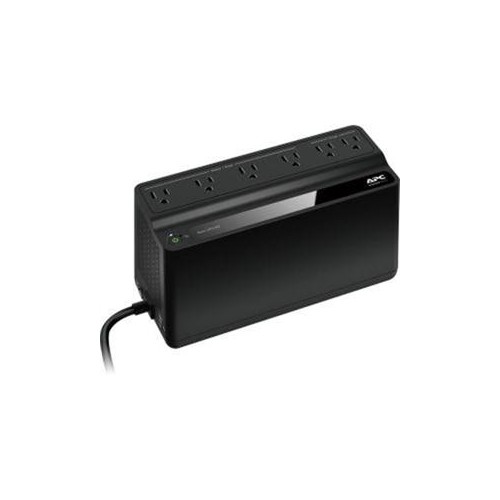 Your price for this item is $106.68
 -
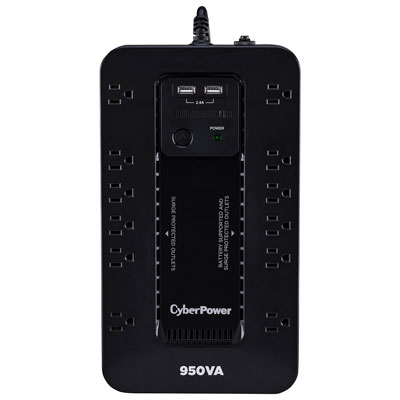 Your price for this item is $149.99
 -
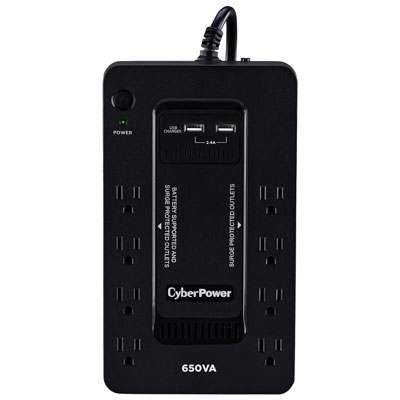 Your price for this item is $99.99
 -
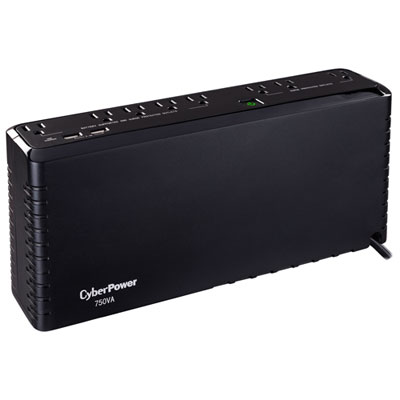 Your price for this item is $119.99
 -
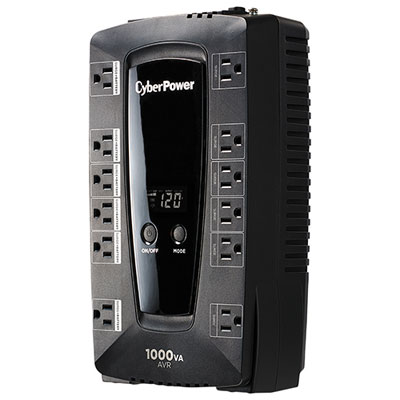 Your price for this item is $149.99
 -
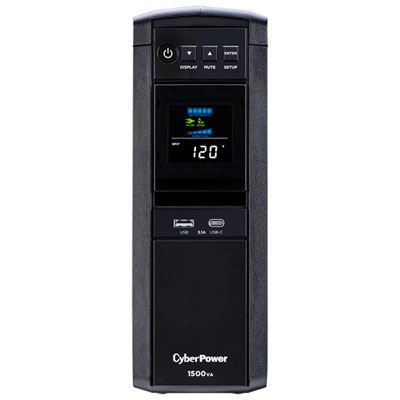 Your price for this item is $299.99
 -
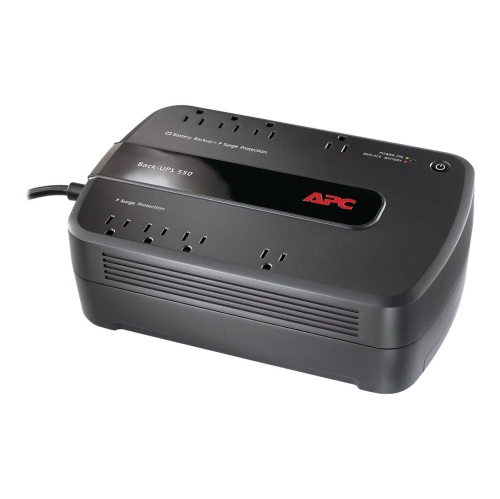 Your price for this item is $170.99
 -
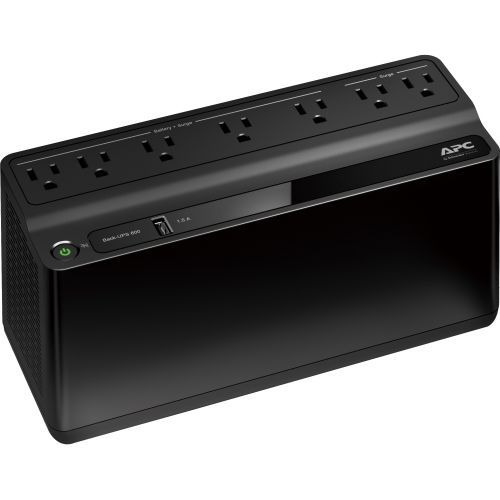 Your price for this item is $171.53
Discover more categories related to Enterprise Backup Solutions
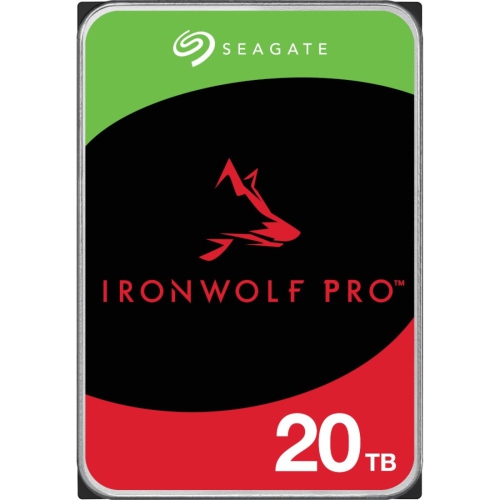

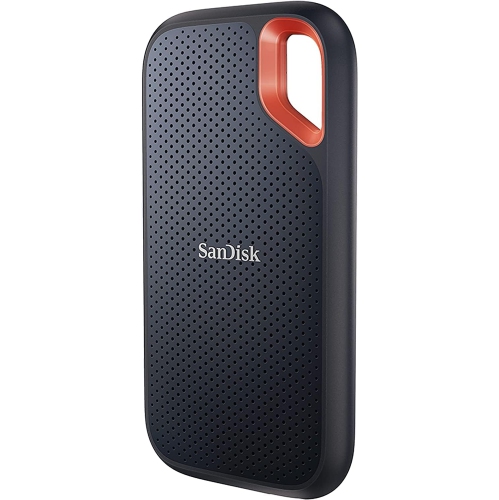
Top Collections:
Pokemon Centers, Kindle Devices, Best Budget Office Chairs, Apple iPhones 16, Best Laptops for Writers, iPhone 15 Apple, Canon G7X Cameras, Refurbished Apple Laptops, Alarm Clock, Motorola Razr Phones
Some products may be subject to Environmental Handling Fees
(EHF) depending on your province.
Learn more about EHFs.