Entry Level Desktop Computers
Entry Level Desktop Computers offer a practical solution for everyday computing needs, making them an excellent choice for students, home offices, and casual users. Designed to handle basic tasks such as web browsing, document editing, and media streaming, these desktops provide reliable performance at an accessible price point. Explore a wide selection of Entry Level Desktop Computers to find the right fit for your workspace and budget, ensuring you have the essentials to stay productive and connected.
Sort

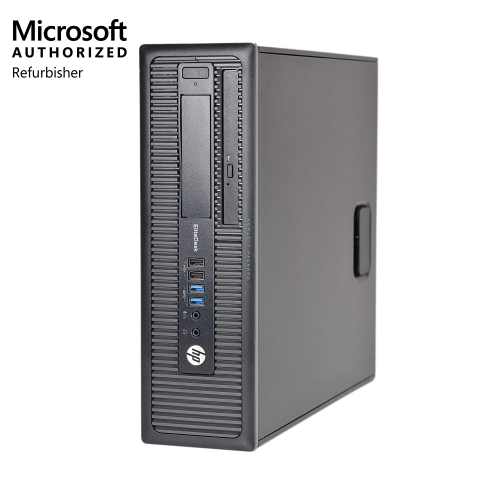


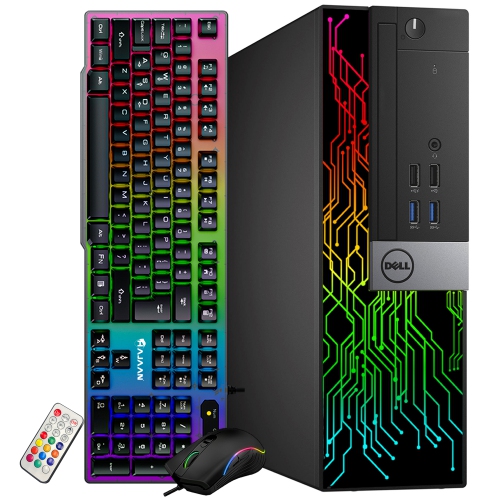

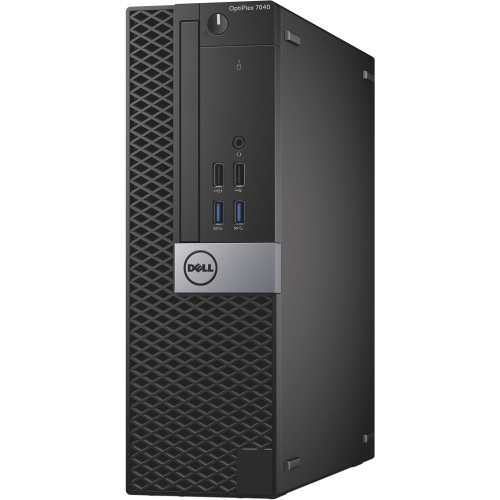
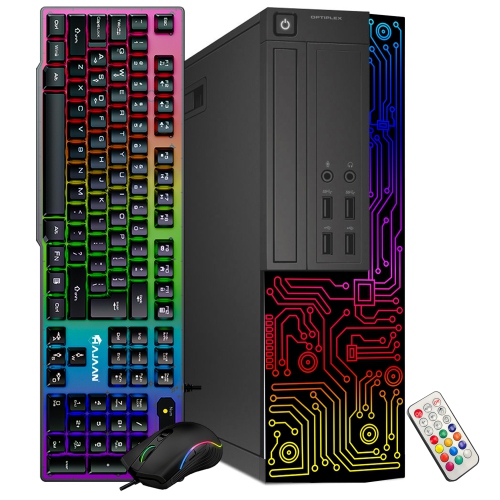

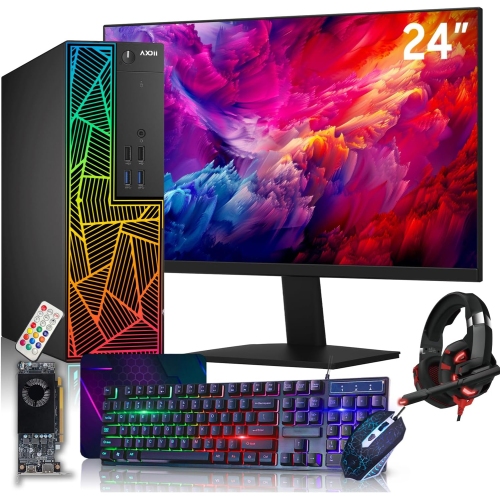
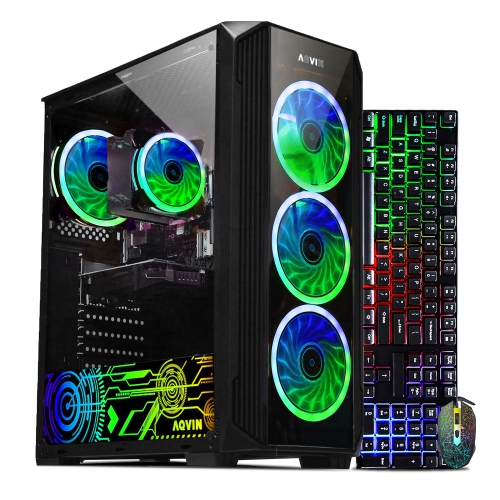

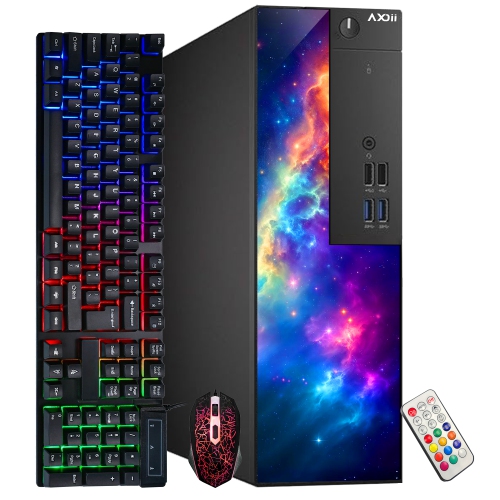
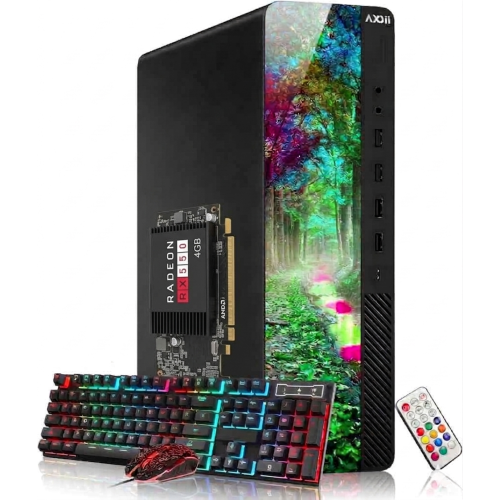
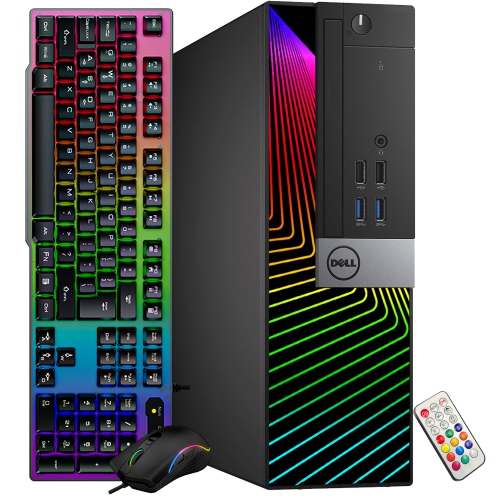
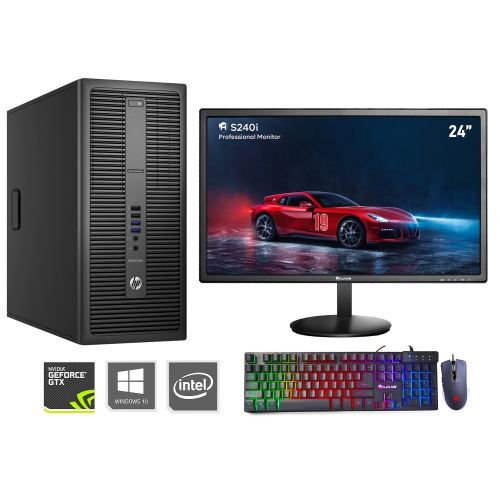
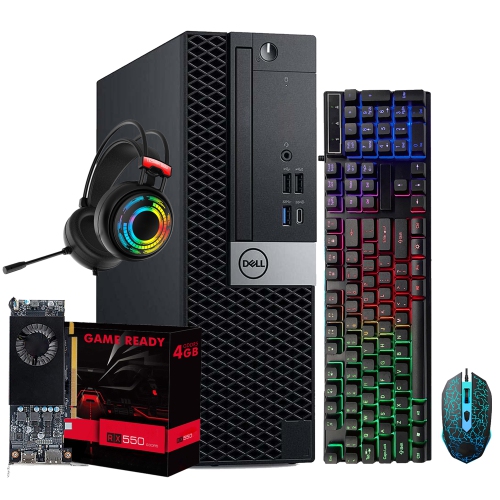
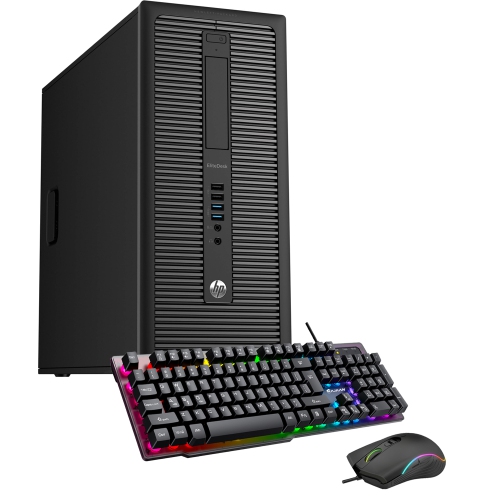
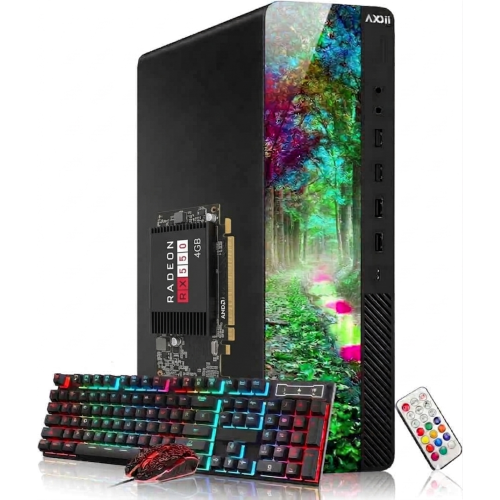
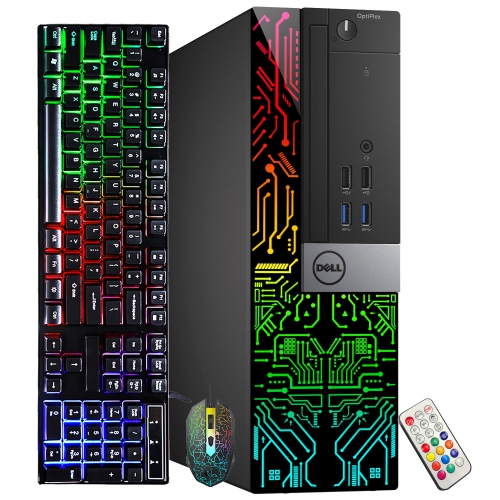
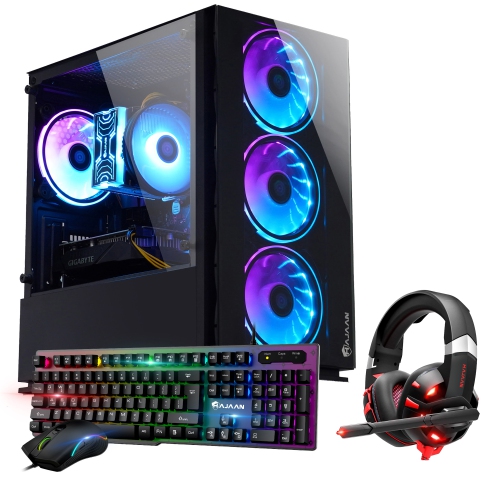
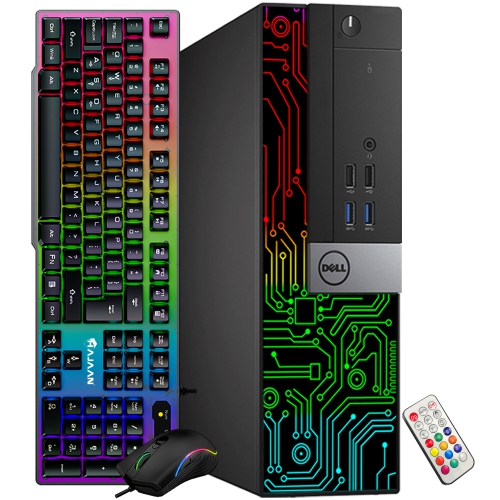
What fits your desk and handles your busiest day
Entry-level desktop computers are designed for everyday tasks such as browsing the web, writing documents, managing household records, streaming video and making video calls. They work well as the main computer in a home where several people share a desk, or as a dedicated computer for schoolwork or a small home office. For someone who keeps a recipe open while sorting photos or switches between a spreadsheet and a handful of browser tabs, the most noticeable differences often come from memory and storage. A desktop with 8 GB of memory can handle light browsing, email and document editing, while 16 GB gives several apps more room to run together. A solid-state drive, or SSD, generally starts the computer and opens apps faster than a traditional hard drive. A 256 GB SSD can suit a computer used mainly for documents and web apps, while 512 GB offers more room for locally stored photos, downloads and programs. Some of that capacity is taken up by the operating system and apps, so the full amount is not available for personal files. An everyday processor with integrated graphics, which handles the display without a separate graphics card, is generally enough for streaming, school assignments and casual games with modest requirements. A student who needs to run 3D design software or someone who regularly edits high-resolution video may need more processing and graphics power than a basic desktop provides. The distinction is less about how often a computer gets used and more about what it has to do at the busiest part of the day. An entry-level desktop can spend hours handling invoices and email, but demanding games or large video projects can put more strain on it in a much shorter session.
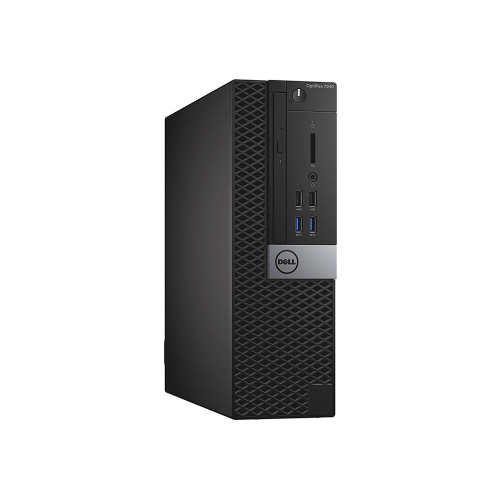
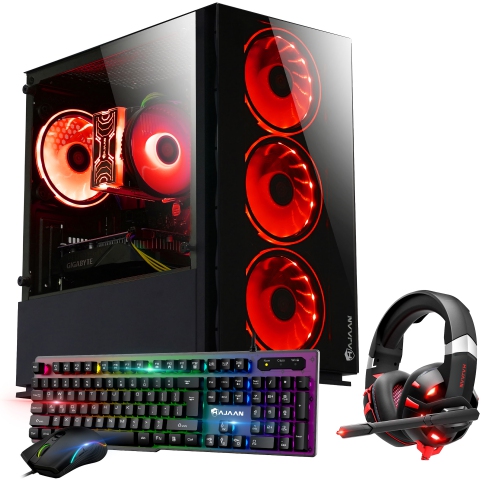
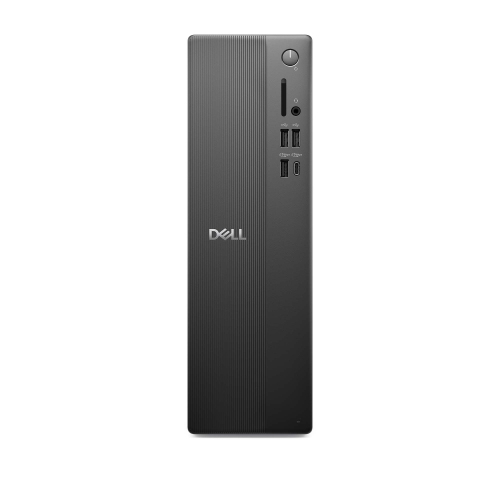
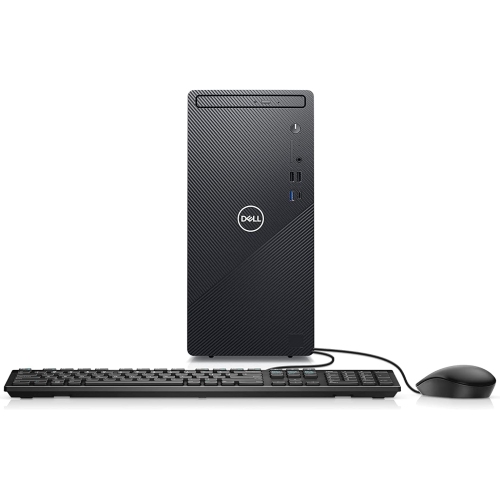
The shape of a desktop matters almost as much as its specifications when it has to share a work surface with a lamp, notebooks and a place to write. A traditional tower takes up more room but often has more space inside for added memory or another storage drive. A small-form-factor or mini desktop can tuck beside a monitor or onto an open shelf, though there may be less room to change components later. An all-in-one desktop puts the computer and screen in the same housing, freeing up space that a separate tower would occupy. Its display size, stand adjustment and built-in connections are worth considering together, since replacing the monitor is not as simple as it is with a separate screen. Many desktop cases combine a rigid metal chassis with plastic outer panels. On a shared desk, a sturdy stand, easy-to-reach power button and front-facing USB ports may make more difference day to day than the finish on the case. A case also needs space around its vents and enough clearance at the back for cables to bend without pressing against a wall. For a desktop used with a separate display, matching the computer’s video output to the monitor’s input helps make use of a screen that is already on hand. Front USB ports are handy for a flash drive or wired headset, while rear ports keep a keyboard, mouse and other cables out of the way. Built-in Wi-Fi is useful when the desk is far from the router, while Ethernet provides a wired connection where running a cable is practical. A separate webcam, microphone or speakers may be needed for a work or school setup, depending on what is built into the computer or monitor. That matters when a quiet homework desk also doubles as the spot for a family video call.
A basic desktop can be a practical gift for a student with a permanent study spot or a family member who already has a monitor and prefers a full-size keyboard. For a first computer, separate user accounts can give each person a place for assignments, bookmarks and personal files without mixing them with everyone else’s. In a household where the computer serves as a shared spot for forms, receipts and family photos, automatic backups can protect files that would be difficult to replace. Operating system support also matters for a computer that will be used for banking, school portals or other accounts. With a refurbished desktop in particular, the condition of the ports and fan, the age of the hardware and its ability to run a supported operating system can matter more than a small difference in storage capacity. A few habits help keep a desktop in good working order: give the vents room to breathe, turn the computer off before wiping down the case, and keep drinks away from the keyboard and any ports within spill range. A tower on a low shelf can collect dust faster than one on the desk, especially if it sits close to carpet or pet bedding. Accessible ports and cables also make it easier to replace a worn mouse or reconnect a monitor without moving the whole setup. Where space is tight, a compact desktop can leave room for paperwork while still keeping the screen and keyboard at comfortable heights. For someone who needs to take the same computer from a desk to a classroom or between homes, Entry Level Laptops offer a portable alternative for many of the same everyday tasks. A desktop makes more sense when the computer can stay in one place, ready to use with a familiar screen, keyboard and mouse.
The shape of a desktop matters almost as much as its specifications when it has to share a work surface with a lamp, notebooks and a place to write. A traditional tower takes up more room but often has more space inside for added memory or another storage drive. A small-form-factor or mini desktop can tuck beside a monitor or onto an open shelf, though there may be less room to change components later. An all-in-one desktop puts the computer and screen in the same housing, freeing up space that a separate tower would occupy. Its display size, stand adjustment and built-in connections are worth considering together, since replacing the monitor is not as simple as it is with a separate screen. Many desktop cases combine a rigid metal chassis with plastic outer panels. On a shared desk, a sturdy stand, easy-to-reach power button and front-facing USB ports may make more difference day to day than the finish on the case. A case also needs space around its vents and enough clearance at the back for cables to bend without pressing against a wall. For a desktop used with a separate display, matching the computer’s video output to the monitor’s input helps make use of a screen that is already on hand. Front USB ports are handy for a flash drive or wired headset, while rear ports keep a keyboard, mouse and other cables out of the way. Built-in Wi-Fi is useful when the desk is far from the router, while Ethernet provides a wired connection where running a cable is practical. A separate webcam, microphone or speakers may be needed for a work or school setup, depending on what is built into the computer or monitor. That matters when a quiet homework desk also doubles as the spot for a family video call.
A basic desktop can be a practical gift for a student with a permanent study spot or a family member who already has a monitor and prefers a full-size keyboard. For a first computer, separate user accounts can give each person a place for assignments, bookmarks and personal files without mixing them with everyone else’s. In a household where the computer serves as a shared spot for forms, receipts and family photos, automatic backups can protect files that would be difficult to replace. Operating system support also matters for a computer that will be used for banking, school portals or other accounts. With a refurbished desktop in particular, the condition of the ports and fan, the age of the hardware and its ability to run a supported operating system can matter more than a small difference in storage capacity. A few habits help keep a desktop in good working order: give the vents room to breathe, turn the computer off before wiping down the case, and keep drinks away from the keyboard and any ports within spill range. A tower on a low shelf can collect dust faster than one on the desk, especially if it sits close to carpet or pet bedding. Accessible ports and cables also make it easier to replace a worn mouse or reconnect a monitor without moving the whole setup. Where space is tight, a compact desktop can leave room for paperwork while still keeping the screen and keyboard at comfortable heights. For someone who needs to take the same computer from a desk to a classroom or between homes, Entry Level Laptops offer a portable alternative for many of the same everyday tasks. A desktop makes more sense when the computer can stay in one place, ready to use with a familiar screen, keyboard and mouse.
Top selling and popular products
-
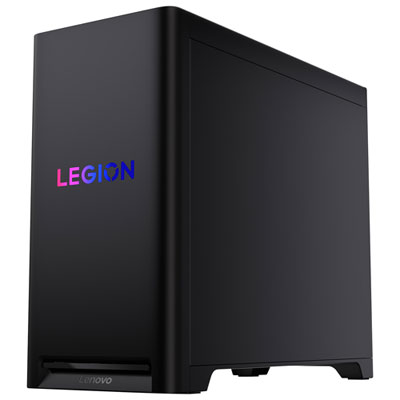 Your price for this item is $3499.99
-
 Your price for this item is $3559.99
-
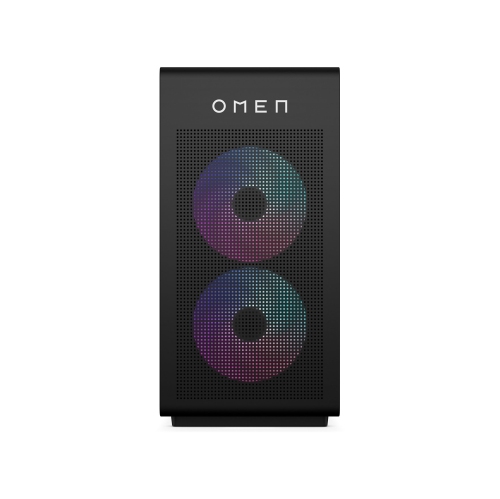 Your price for this item is $7958.99
-
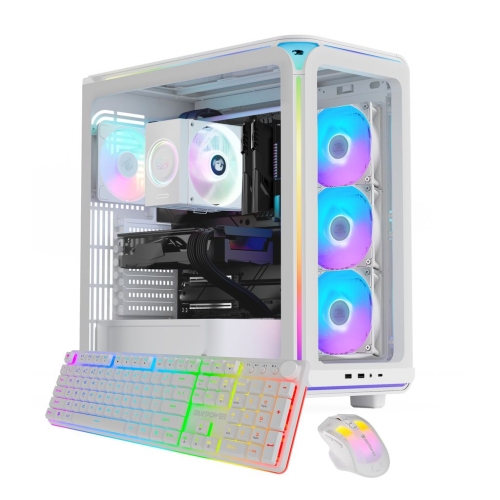 Your price for this item is $2999.99
-
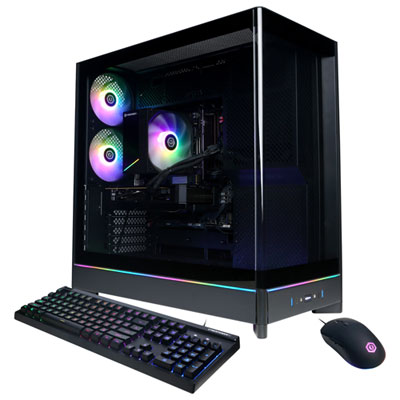 Your price for this item is $2149.99
-
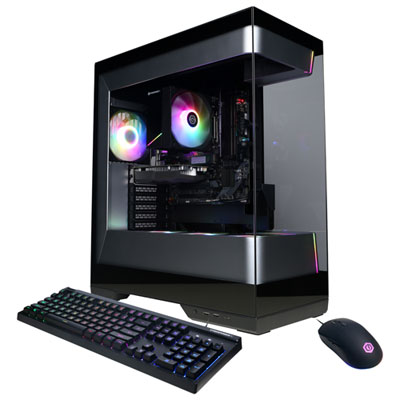 Your price for this item is $1549.99
-
 Your price for this item is $7579.99
-
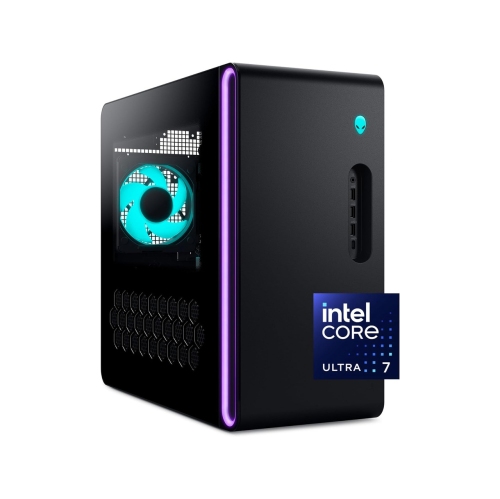 Your price for this item is $3150.49
Discover more categories related to Entry Level Desktop Computers
Top Collections:
Best Black Friday Deals This Year, Best Black Friday Deals On Electronics, Kindle Devices, Pokemon Centers, Best Black Friday Deals On Apple Products, Best Cameras for Sports Photography, Dyson Airwrap, Pokémon 30th Celebration Cards, Apple iPhone 17 Pro, Canon G7X Cameras
Some products may be subject to Environmental Handling Fees
(EHF) depending on your province.
Learn more about EHFs.