Essential Accessories for Laptops
Enhance your productivity and elevate your computing experience with essential accessories for laptops. Whether you’re working from home, studying, or on the go, the right add-ons can help you stay organized, connected, and comfortable. Explore a wide range of options designed to complement your device and streamline your daily tasks. Discover how essential accessories for laptops can help you get the most out of every moment spent in front of your screen.
Sort
![TARGUS Intellect Essentials Backpack [Black] for 15.6" Laptops I love this backpack](https://multimedia.bbycastatic.ca/multimedia/products/500x500/139/13916/13916397.jpeg)


Why laptop accessory compatibility goes beyond matching the connector
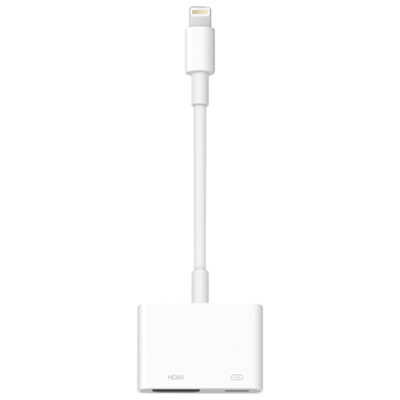
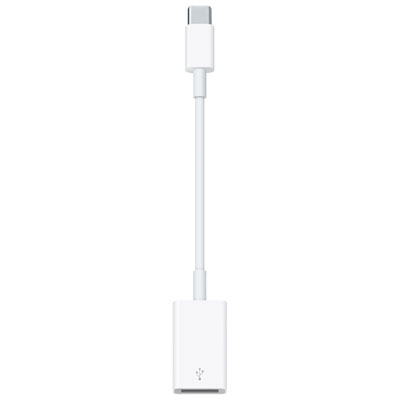
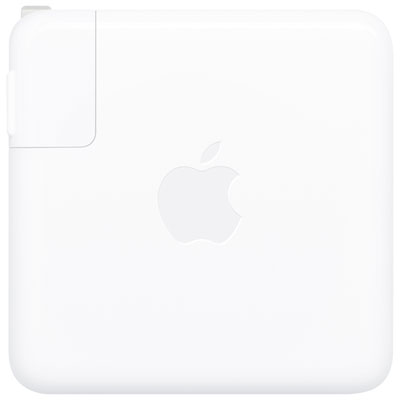
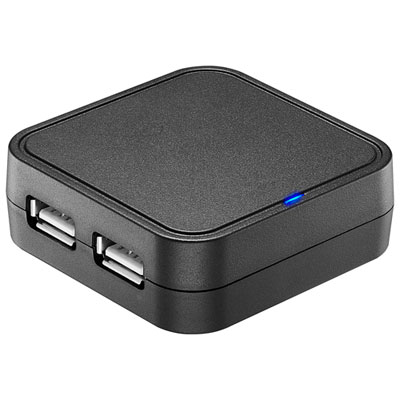
Essential accessories for laptops include USB-C hubs and docking stations, protective sleeves and bags, adjustable stands, mice, keyboards, chargers, and external storage. Each serves a different part of daily laptop use, from connecting a monitor at a desk to keeping a computer cushioned during a commute. The most useful combination depends on the laptop’s connections, its dimensions, and the tasks it handles. A student carrying a computer between lectures may value a lightweight sleeve and compact mouse, while someone working with spreadsheets at home may benefit from a full-size keyboard and a dock for desktop connections. USB-C hubs add connections such as USB-A ports, memory card slots, Ethernet, and HDMI, depending on their design. Docking stations can bring several desk accessories together through a single connection to a compatible laptop, making it easier to settle into a workspace without plugging in every cable separately. Compatibility matters more than connector shape alone: not every USB-C port supports video output, laptop charging, or the same data transfer speeds. Display resolution, refresh rate, and the number of supported monitors also depend on the laptop, dock, cables, and operating system working together. For a desk used for video meetings and document work, a stable wired network connection and an external display may be more useful than a large number of rarely used ports. For photography, a built-in card reader can simplify moving images from a camera to a computer. Charging accessories deserve the same attention to fit. A compatible charger needs the appropriate charging standard and enough power for the laptop, while the cable must support the intended power level. On chargers with multiple ports, the total output may be shared between connected devices. Cable length also affects everyday convenience: a shorter cable keeps a compact desk tidy, while a longer one can reach an outlet without stretching across a walkway. Reinforced connectors and flexible cable jackets are useful details for accessories that are packed and unpacked frequently.
Comfort and usable desk space are another important part of a laptop setup. Adjustable laptop stands raise the display and can make it easier to position the screen at a comfortable viewing height. When a laptop is elevated, a separate keyboard and mouse allow the hands to stay lower rather than reaching up to the built-in keyboard. A stand’s usefulness depends on its height range, base stability, weight capacity, and contact points, not simply whether it folds. Aluminum designs can offer a firm platform, while lightweight designs may be easier to carry between workspaces. Non-slip pads help limit movement and protect contact surfaces; open supports can leave ventilation openings unobstructed when positioned correctly. A stand should hold the laptop securely without covering ports needed for charging or other connections. External keyboards offer different layouts and typing experiences, from compact formats that leave more room for a mouse to full-size layouts with a number pad for frequent data entry. Key spacing, key travel, layout, and operating system support all influence how natural a keyboard feels during a long writing session. For mice, the shape, size, weight, and button placement should suit the user’s hand and preferred grip. Wireless connections reduce cable clutter, though Bluetooth pairing and USB receiver options have different connection requirements. A receiver occupies a compatible USB port, while Bluetooth requires support on the laptop. Rechargeable accessories need a charging routine, and battery-powered designs need replacement batteries when depleted. A mouse pad can provide a consistent tracking surface and keep the mouse from scraping directly across a desk. For shared workspaces, quieter keys and buttons can make routine tasks less distracting to others nearby. Headsets and external webcams can also support calls, online lessons, and collaborative work. Microphone positioning, headset comfort, connection type, and webcam mounting all matter in a small workspace. These accessories are especially useful when a laptop sits farther away on a stand or remains connected to an external monitor for much of the day.
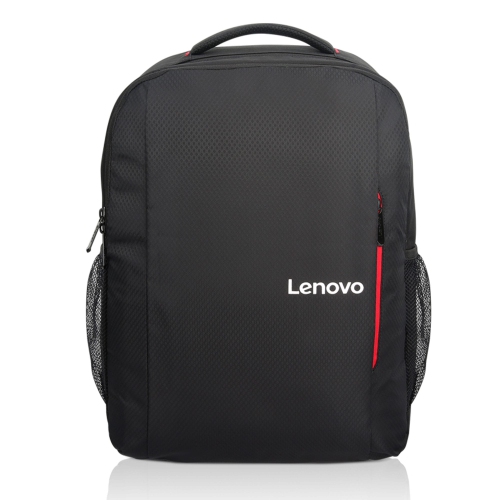
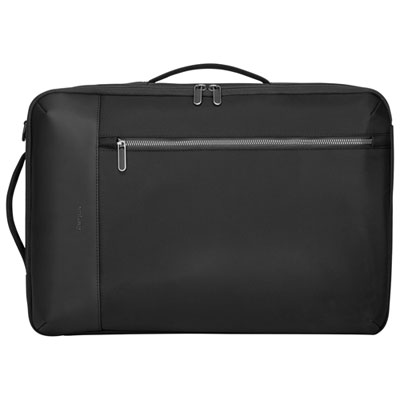
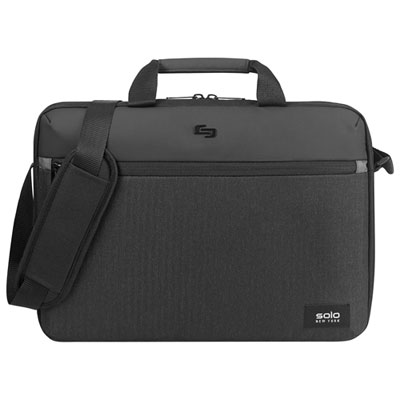
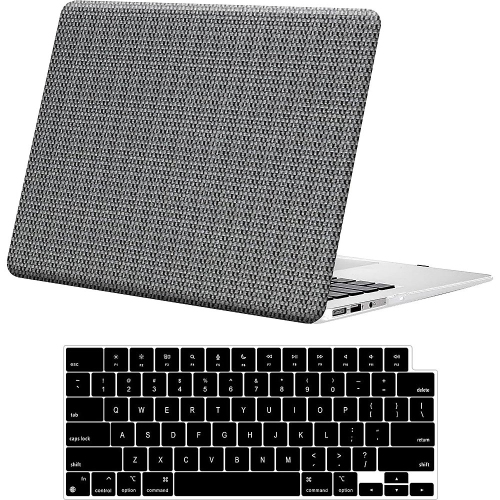
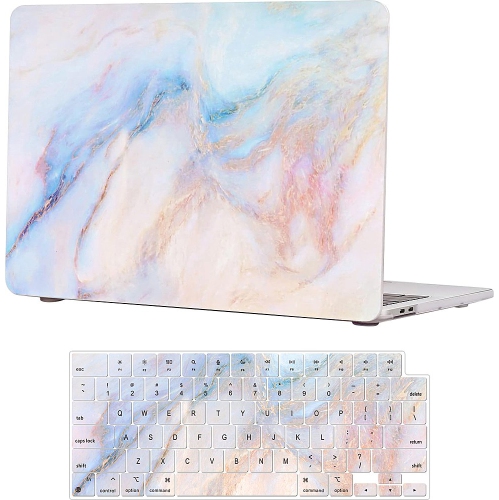
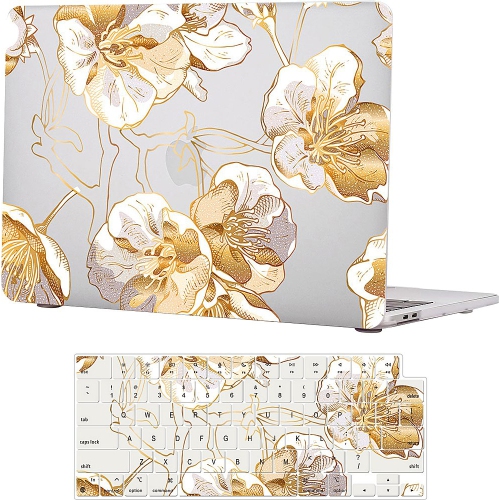
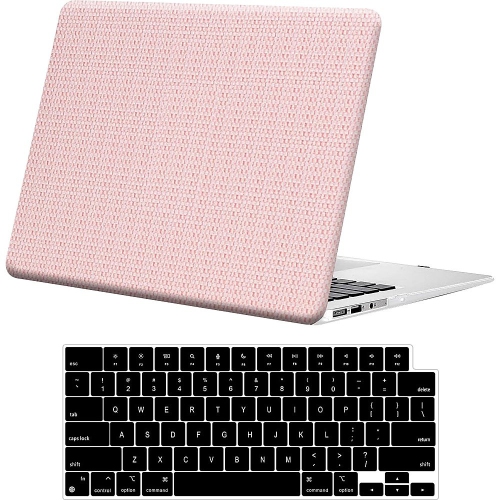
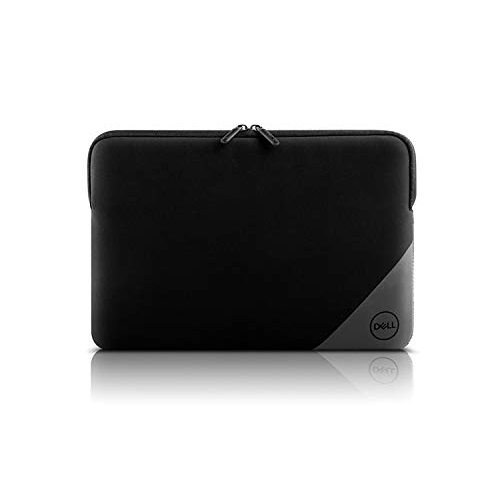
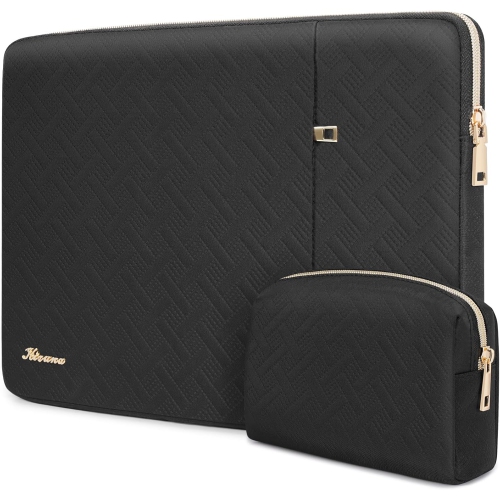
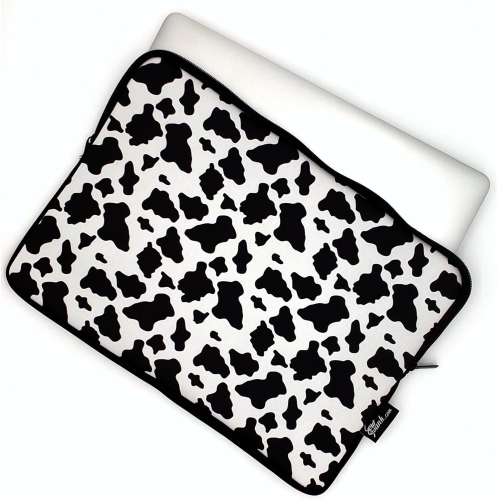
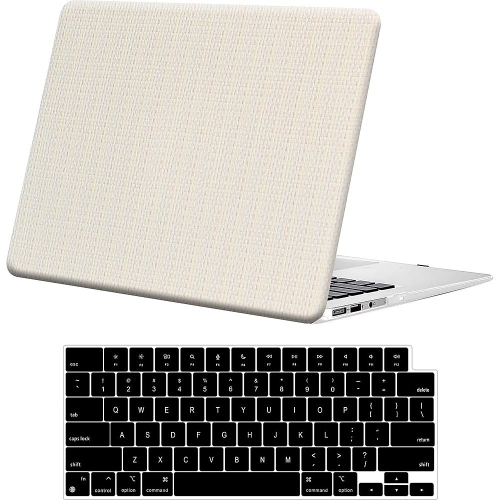
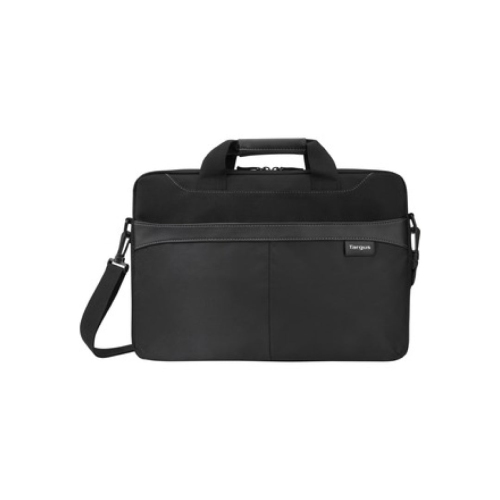
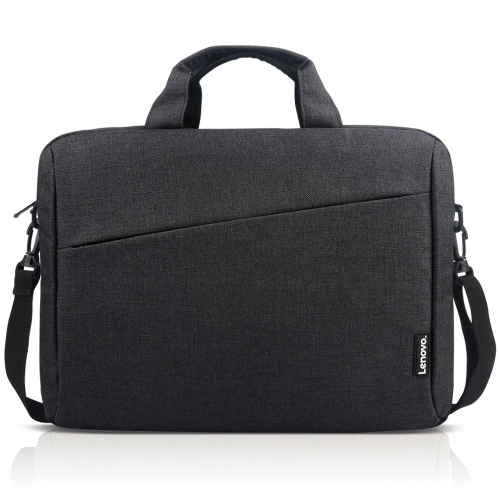
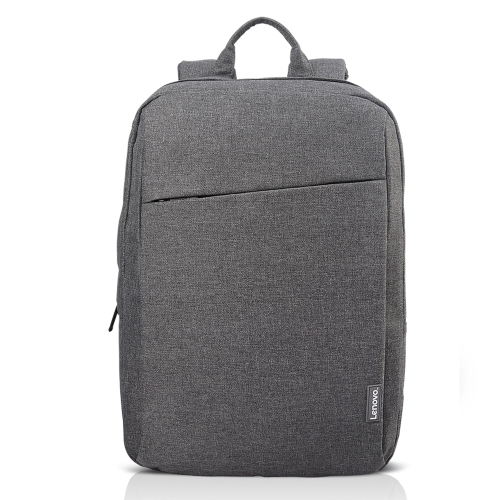
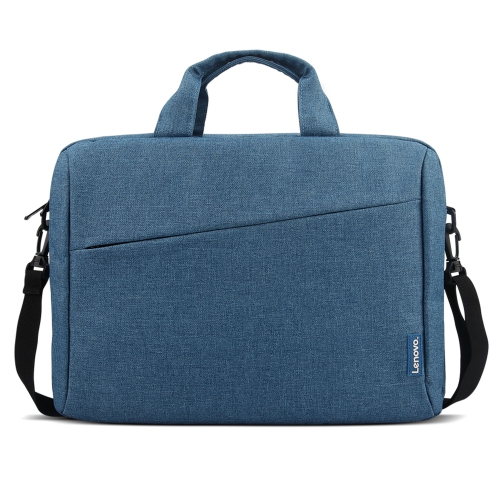
Protection, portability, and file storage round out a practical collection of laptop accessories. A sleeve provides a close-fitting layer around the computer, while a laptop bag or backpack adds carrying straps and space for a charger, notebook, and other daily essentials. Fit is about more than the advertised screen size: two laptops with the same diagonal display measurement can have different widths, depths, and thicknesses. Internal compartment dimensions and the shape of the opening help determine whether a device slides in comfortably without excessive movement. Padded corners, soft linings, secure closures, and stitching at handles and strap attachments are worth attention on bags used regularly. Woven nylon and polyester are common outer materials, while neoprene sleeves offer a flexible fit. Water-resistant fabric can help with minor splashes but does not make a bag waterproof. Separate accessory pockets keep plugs and loose cables from rubbing against the laptop’s finish, and a dedicated padded compartment helps keep the computer apart from heavier contents. For commuting and trips, Travel Laptop Accessories complement a portable setup with options suited to packing, carrying, and connecting away from a usual desk. External storage is useful both at home and on the move. Portable solid-state drives have no moving parts and can suit frequent file transfers, while external hard drives can serve larger storage needs where portability and transfer speed are less important. Actual transfer performance depends on the drive, cable, port, and files being moved. Drive formatting and software support also affect compatibility across operating systems. A separate copy of important files provides more protection than keeping the only copy on a portable drive. Simple care helps accessories last: follow material-specific cleaning directions, keep liquids away from connectors, avoid sharply bending cables, and inspect worn straps or damaged cable jackets before continued use. For a student, frequent traveller, or someone setting up a home office, laptop accessories can make thoughtful gifts when device dimensions, connection requirements, and personal preferences are known. A well-matched accessory earns its place by making an ordinary task easier, whether that means carrying a laptop comfortably or connecting a workspace with fewer loose cables.
Comfort and usable desk space are another important part of a laptop setup. Adjustable laptop stands raise the display and can make it easier to position the screen at a comfortable viewing height. When a laptop is elevated, a separate keyboard and mouse allow the hands to stay lower rather than reaching up to the built-in keyboard. A stand’s usefulness depends on its height range, base stability, weight capacity, and contact points, not simply whether it folds. Aluminum designs can offer a firm platform, while lightweight designs may be easier to carry between workspaces. Non-slip pads help limit movement and protect contact surfaces; open supports can leave ventilation openings unobstructed when positioned correctly. A stand should hold the laptop securely without covering ports needed for charging or other connections. External keyboards offer different layouts and typing experiences, from compact formats that leave more room for a mouse to full-size layouts with a number pad for frequent data entry. Key spacing, key travel, layout, and operating system support all influence how natural a keyboard feels during a long writing session. For mice, the shape, size, weight, and button placement should suit the user’s hand and preferred grip. Wireless connections reduce cable clutter, though Bluetooth pairing and USB receiver options have different connection requirements. A receiver occupies a compatible USB port, while Bluetooth requires support on the laptop. Rechargeable accessories need a charging routine, and battery-powered designs need replacement batteries when depleted. A mouse pad can provide a consistent tracking surface and keep the mouse from scraping directly across a desk. For shared workspaces, quieter keys and buttons can make routine tasks less distracting to others nearby. Headsets and external webcams can also support calls, online lessons, and collaborative work. Microphone positioning, headset comfort, connection type, and webcam mounting all matter in a small workspace. These accessories are especially useful when a laptop sits farther away on a stand or remains connected to an external monitor for much of the day.
Protection, portability, and file storage round out a practical collection of laptop accessories. A sleeve provides a close-fitting layer around the computer, while a laptop bag or backpack adds carrying straps and space for a charger, notebook, and other daily essentials. Fit is about more than the advertised screen size: two laptops with the same diagonal display measurement can have different widths, depths, and thicknesses. Internal compartment dimensions and the shape of the opening help determine whether a device slides in comfortably without excessive movement. Padded corners, soft linings, secure closures, and stitching at handles and strap attachments are worth attention on bags used regularly. Woven nylon and polyester are common outer materials, while neoprene sleeves offer a flexible fit. Water-resistant fabric can help with minor splashes but does not make a bag waterproof. Separate accessory pockets keep plugs and loose cables from rubbing against the laptop’s finish, and a dedicated padded compartment helps keep the computer apart from heavier contents. For commuting and trips, Travel Laptop Accessories complement a portable setup with options suited to packing, carrying, and connecting away from a usual desk. External storage is useful both at home and on the move. Portable solid-state drives have no moving parts and can suit frequent file transfers, while external hard drives can serve larger storage needs where portability and transfer speed are less important. Actual transfer performance depends on the drive, cable, port, and files being moved. Drive formatting and software support also affect compatibility across operating systems. A separate copy of important files provides more protection than keeping the only copy on a portable drive. Simple care helps accessories last: follow material-specific cleaning directions, keep liquids away from connectors, avoid sharply bending cables, and inspect worn straps or damaged cable jackets before continued use. For a student, frequent traveller, or someone setting up a home office, laptop accessories can make thoughtful gifts when device dimensions, connection requirements, and personal preferences are known. A well-matched accessory earns its place by making an ordinary task easier, whether that means carrying a laptop comfortably or connecting a workspace with fewer loose cables.
Top selling and popular products
-
 Your price for this item is $59.99
 -
 Your price for this item is $119.99
 -
 Your price for this item is $27.68
 -
 Your price for this item is $47.99
 -
 Your price for this item is $28.99
 -
 Your price for this item is $42.68
 -
 Your price for this item is $83.99
 -
 Your price for this item is $27.99
Discover more categories related to Essential Accessories for Laptops



Top Collections:
Pokemon Centers, Kindle Devices, Best Budget Office Chairs, Apple iPhones 16, Best Laptops for Writers, iPhone 15 Apple, Canon G7X Cameras, Refurbished Apple Laptops, Alarm Clock, Motorola Razr Phones
Some products may be subject to Environmental Handling Fees
(EHF) depending on your province.
Learn more about EHFs.