Ethernet Cable Connectors
If you're looking to enhance your home or office network setup, look no further than these Ethernet cable connectors. These essential components are designed to provide a seamless connection between your devices, ensuring fast and reliable data transfers. Whether you're upgrading your existing network or setting up a new one, this range of Ethernet cable connectors offers the perfect solution for all your networking needs.
Sort
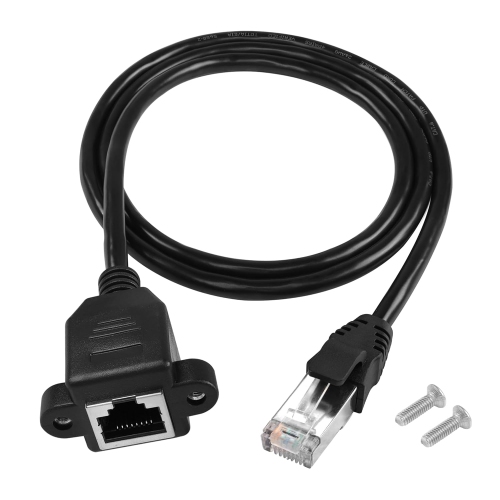

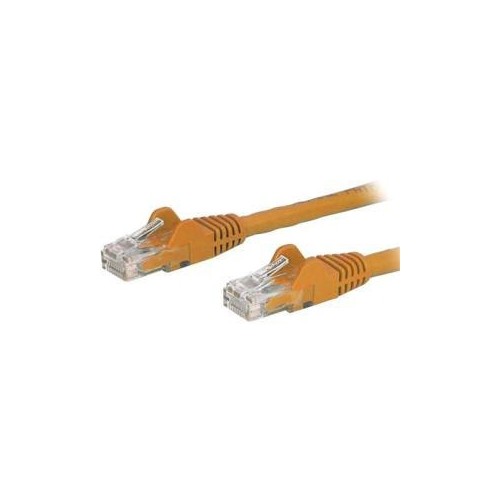
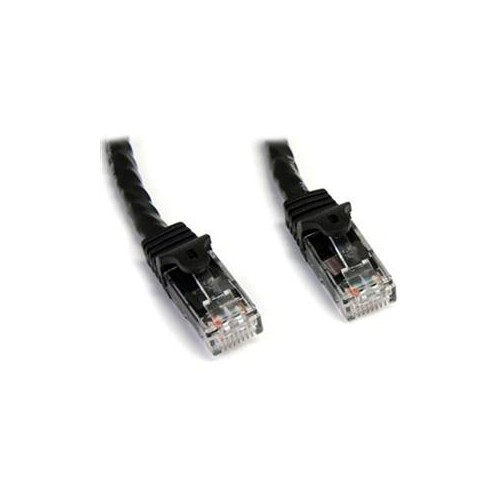
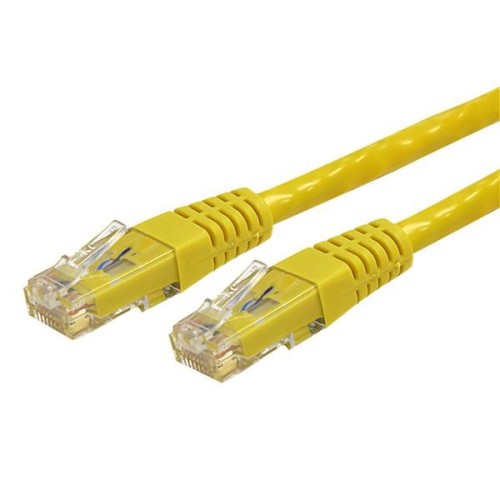
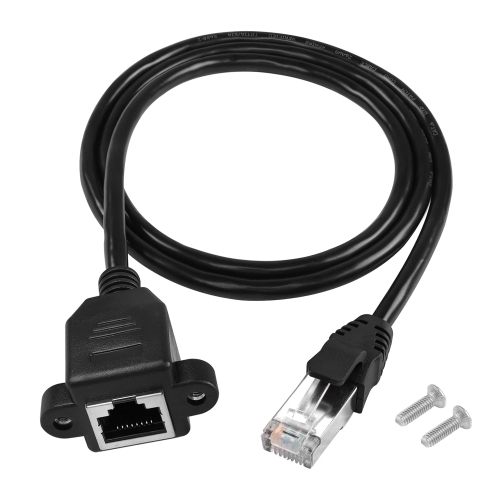
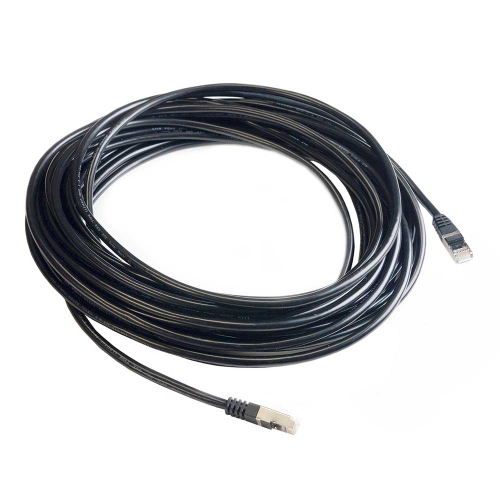
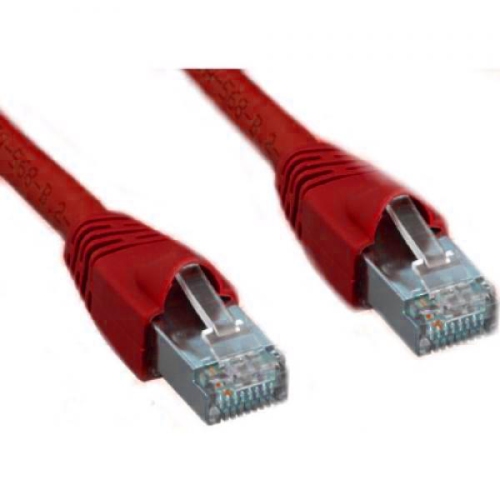
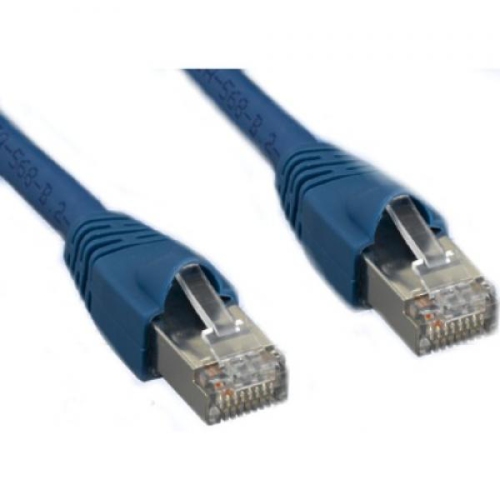
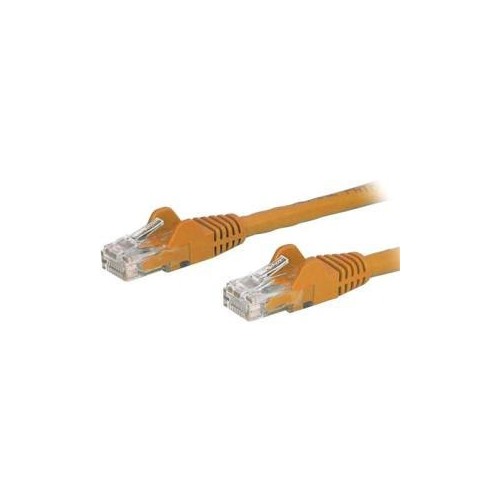
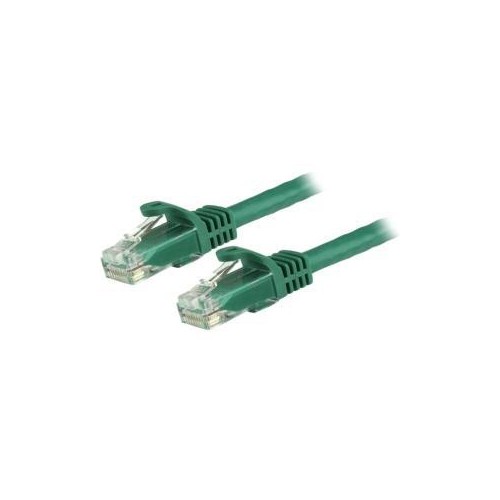
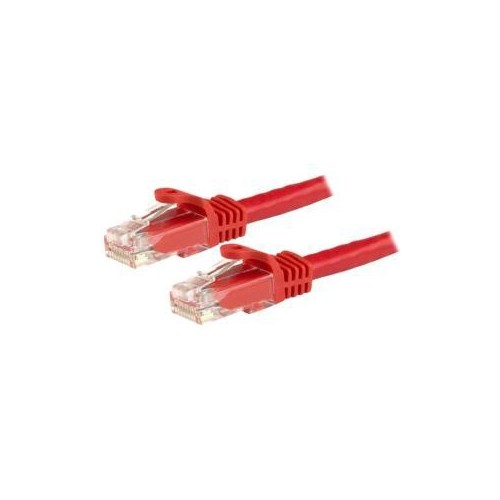
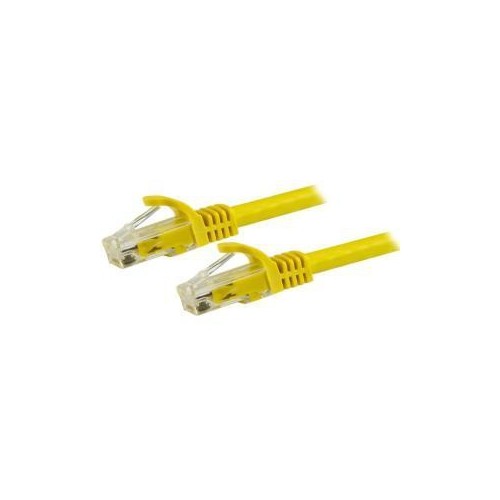
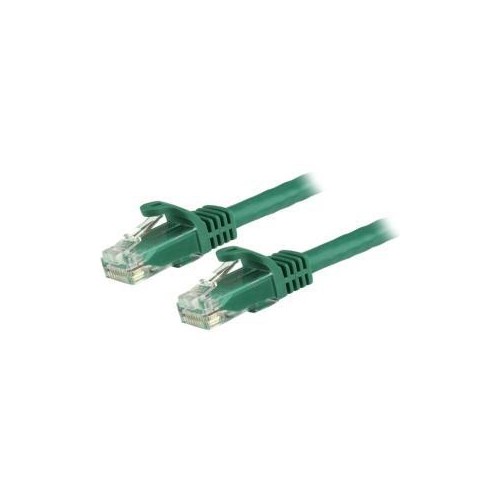
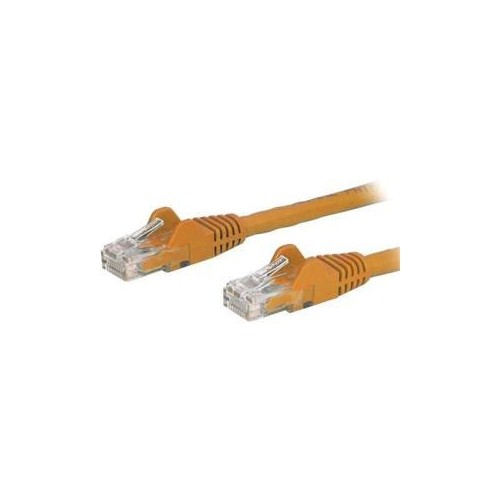
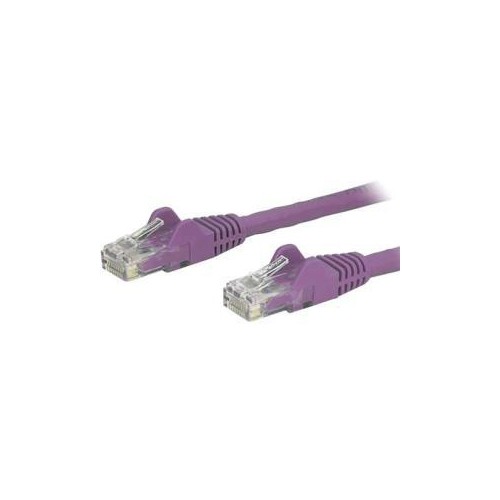
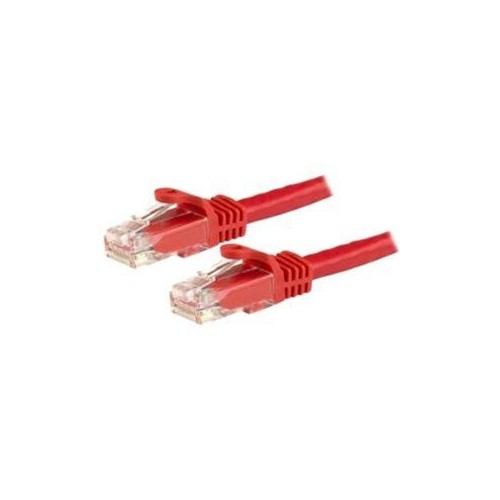
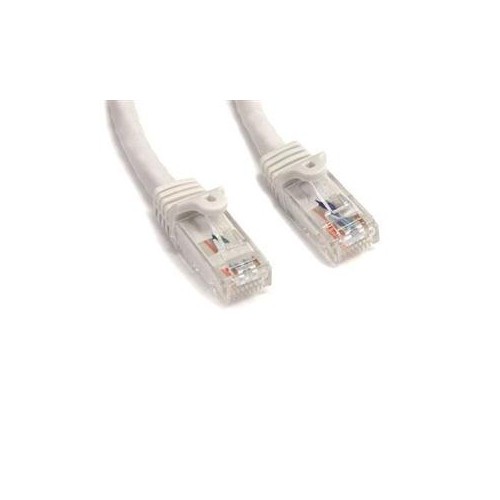
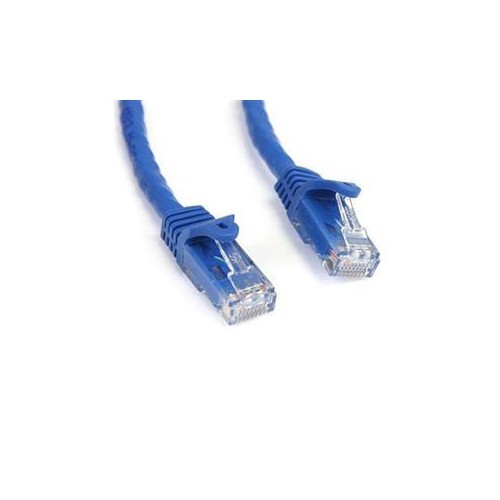
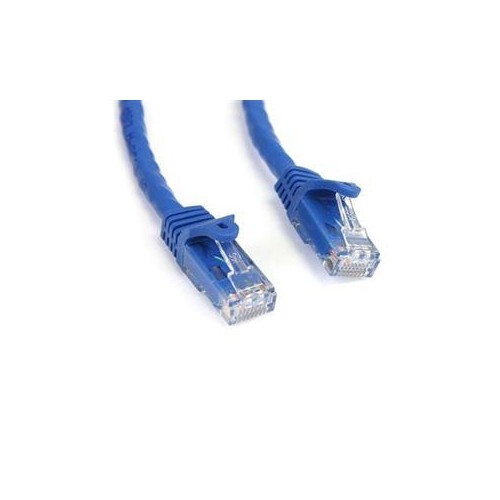
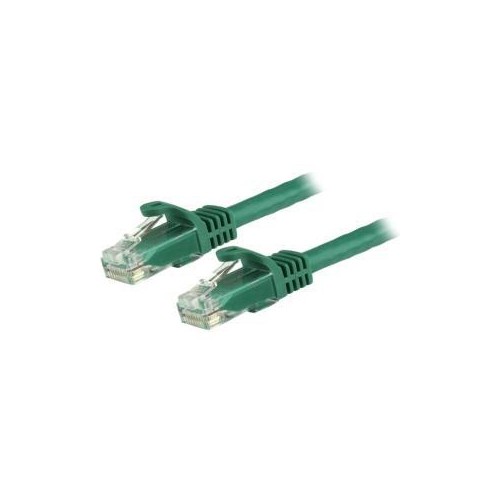
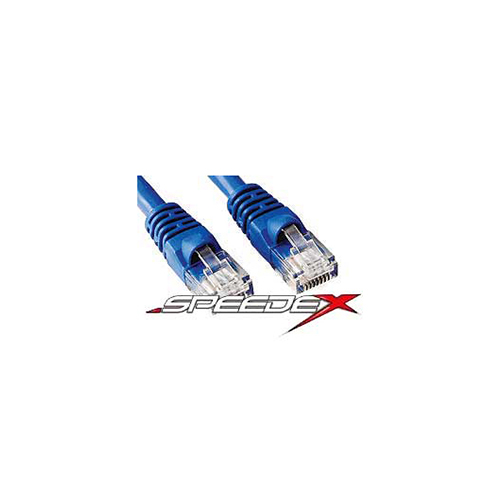
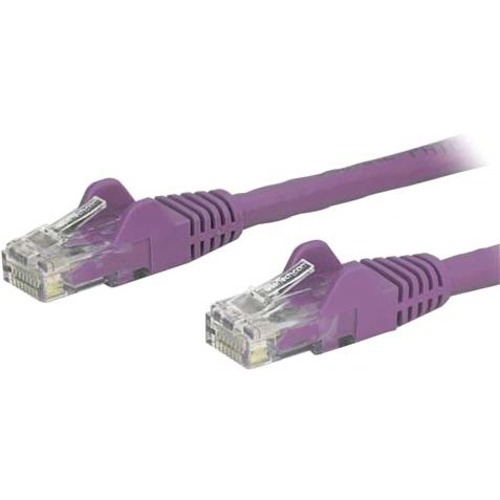



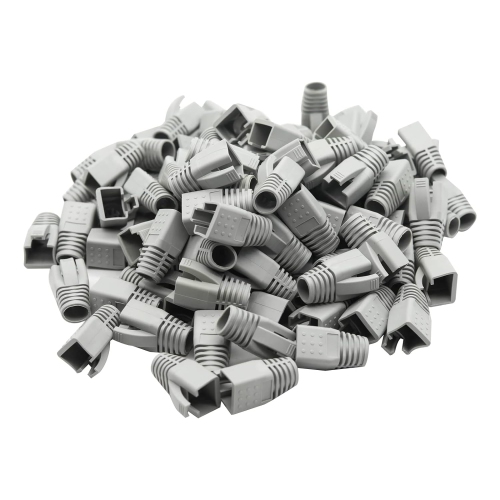
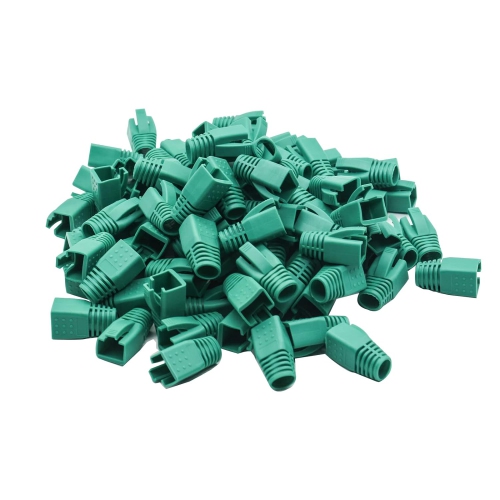
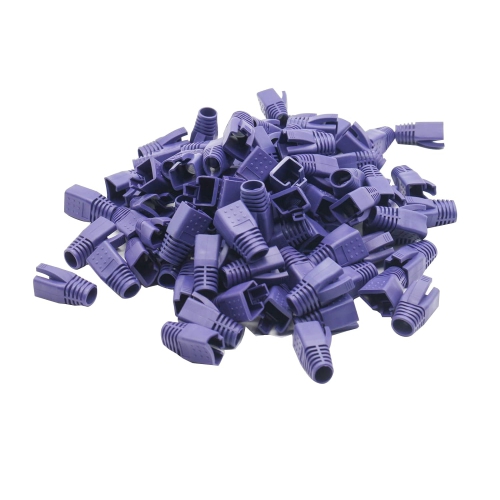
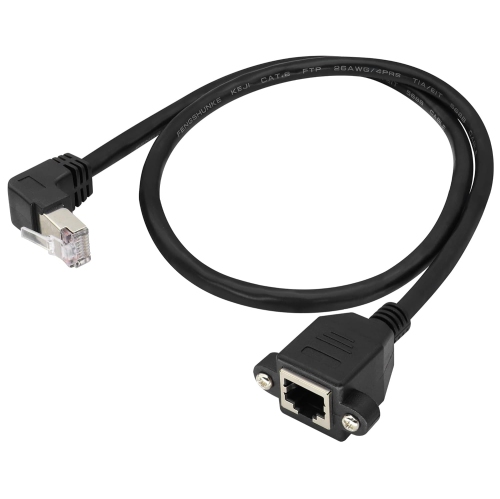
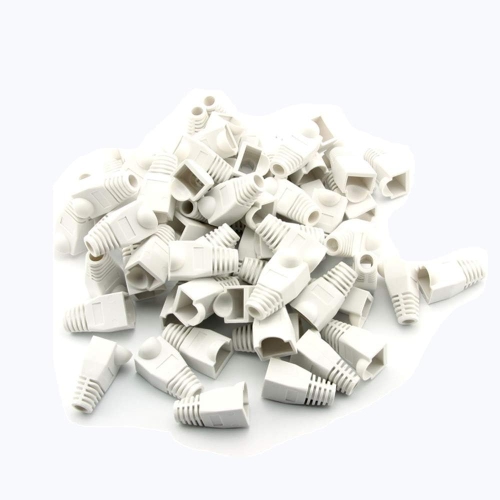
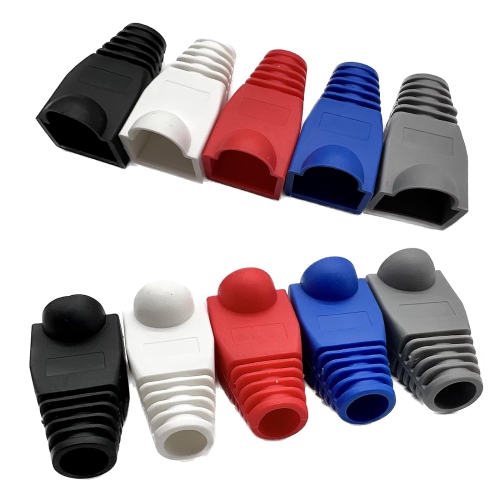
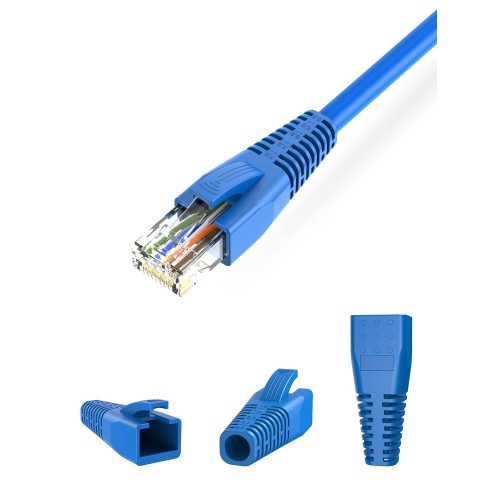
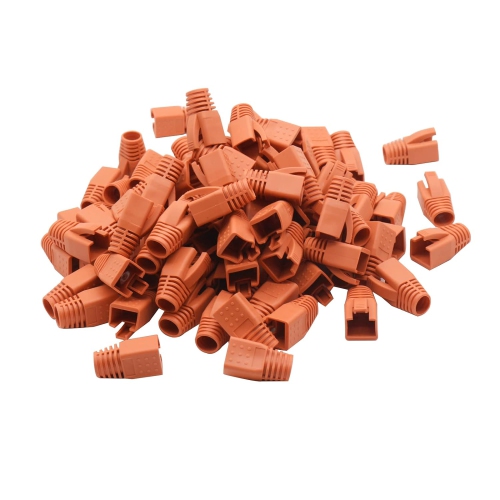
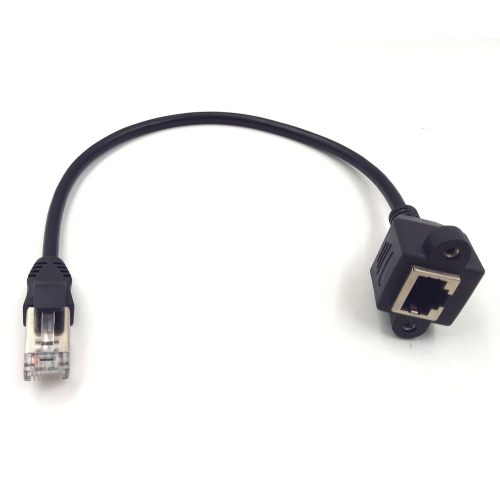
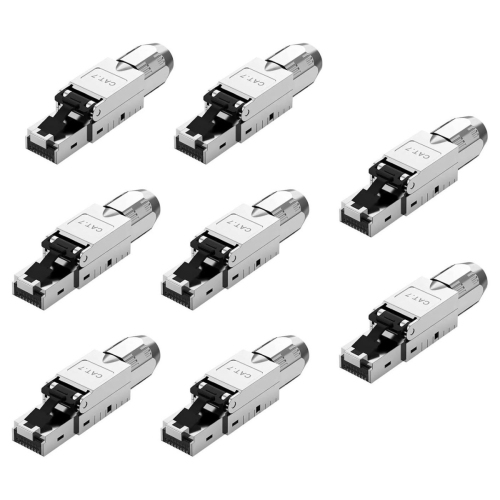
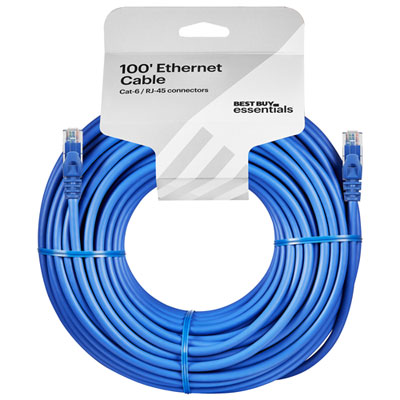
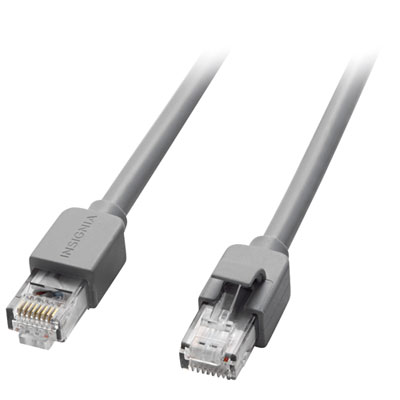
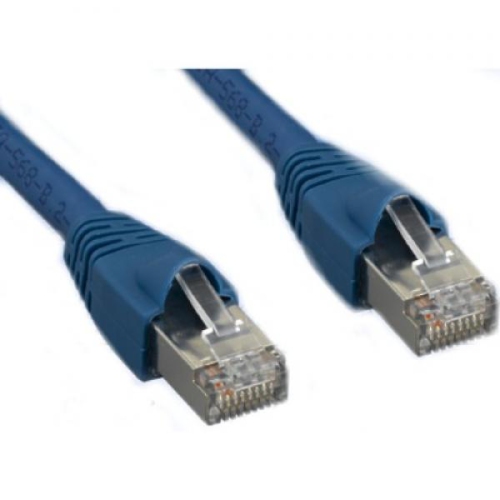
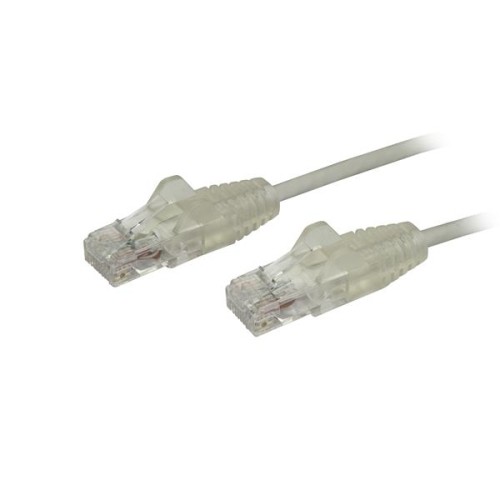
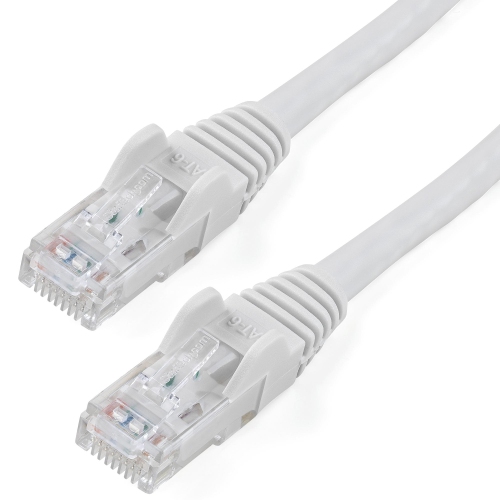
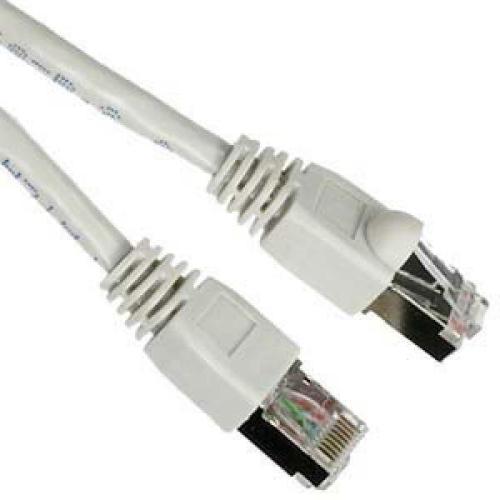
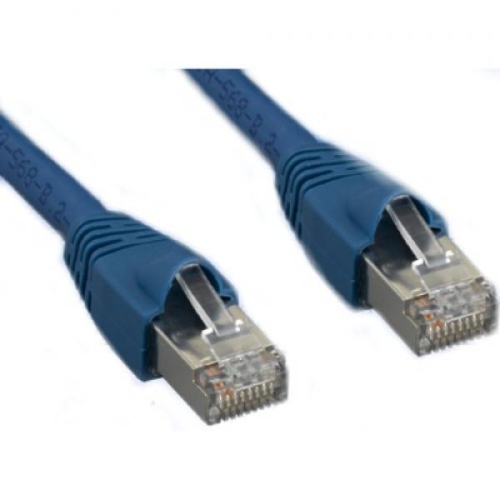
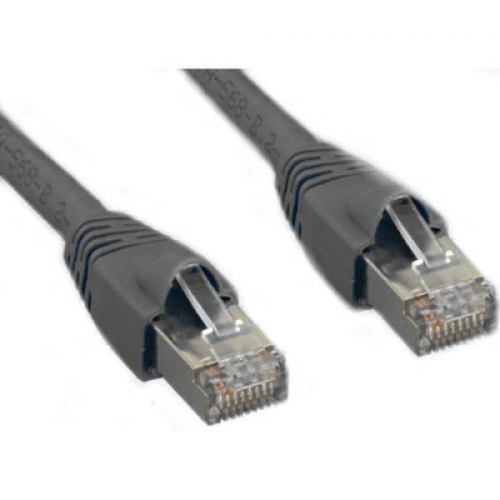
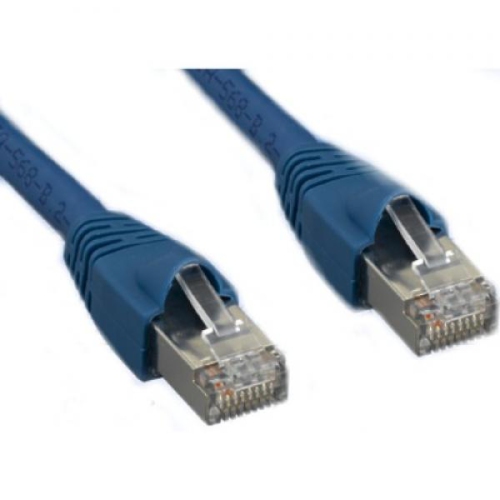

The right match makes every wired connection more dependable
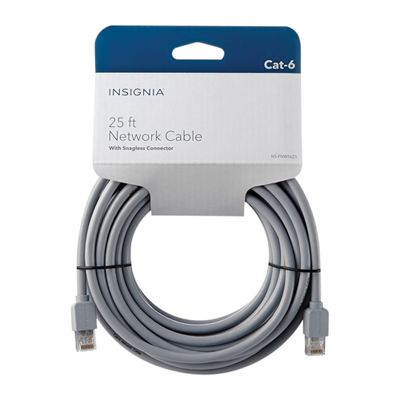
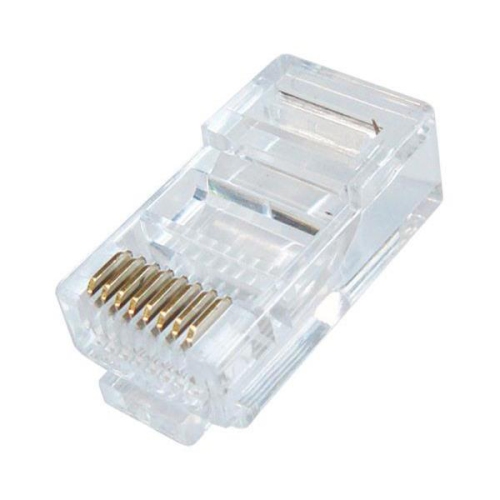
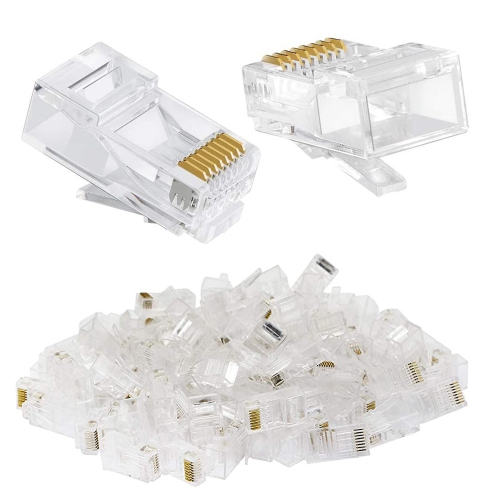
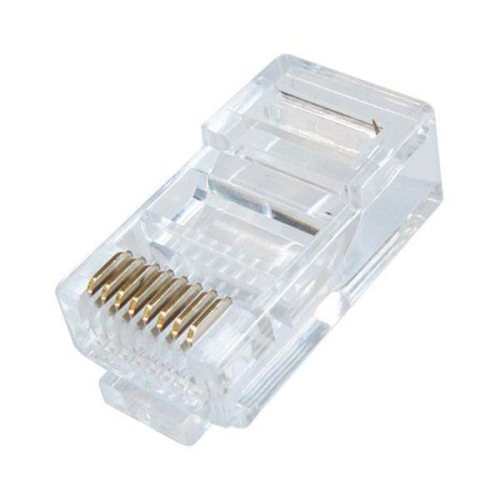
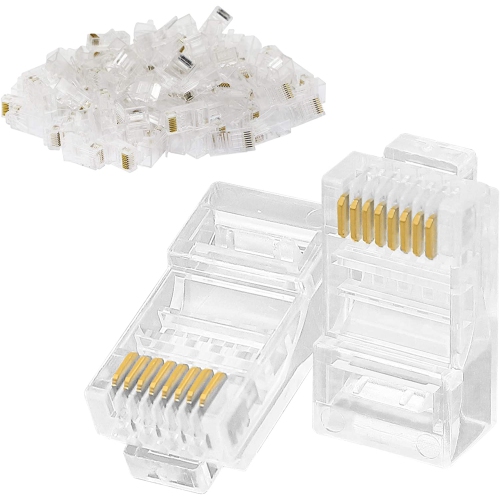
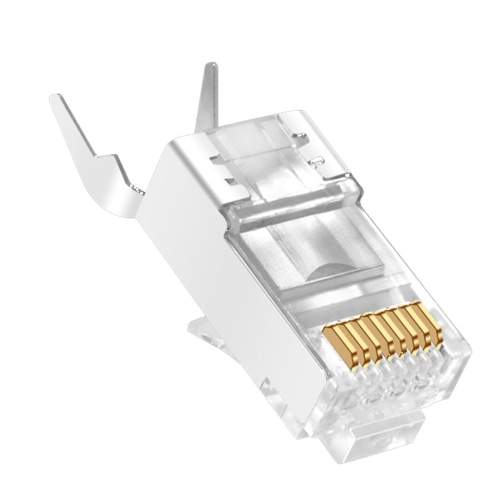
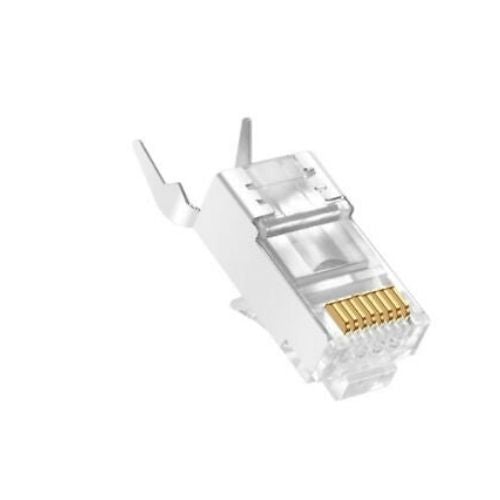
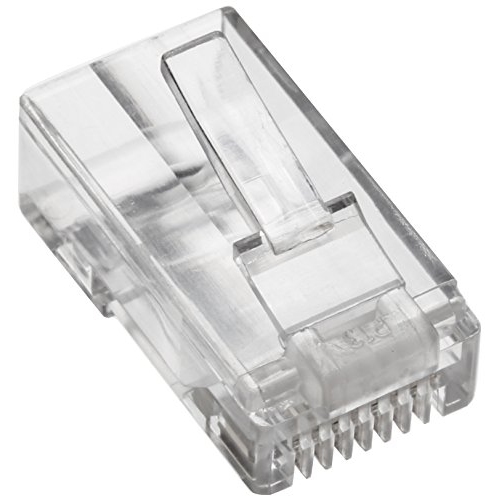
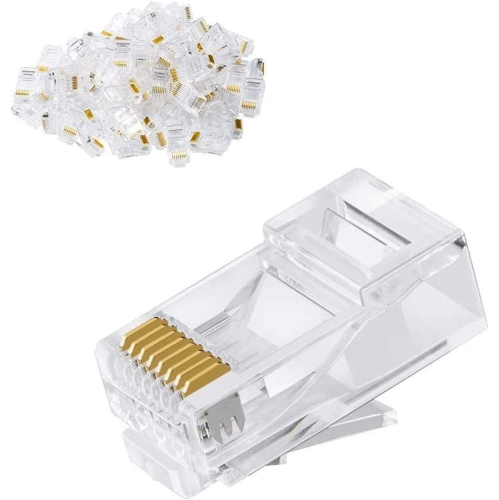
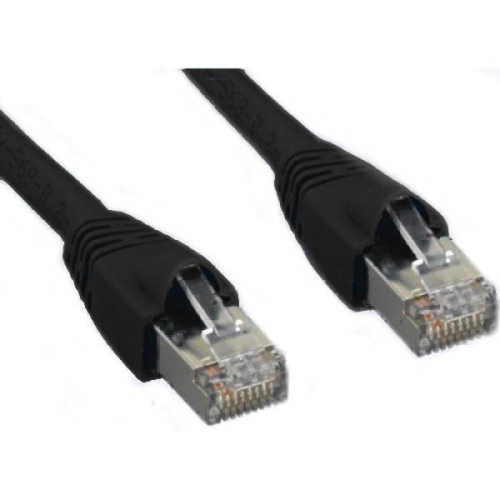
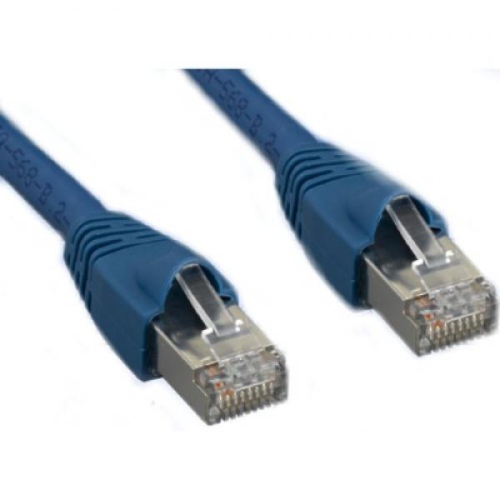
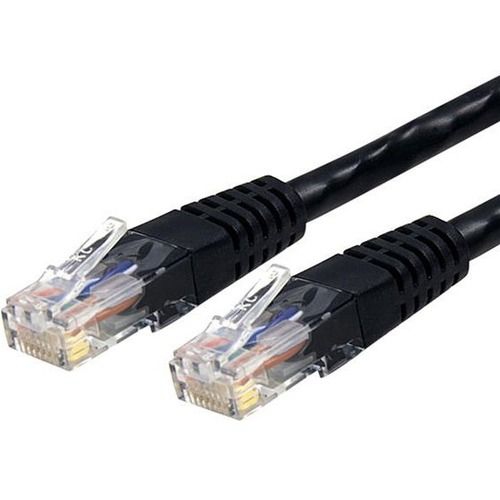
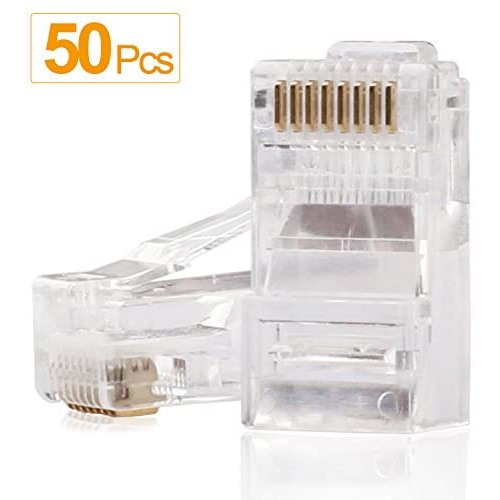
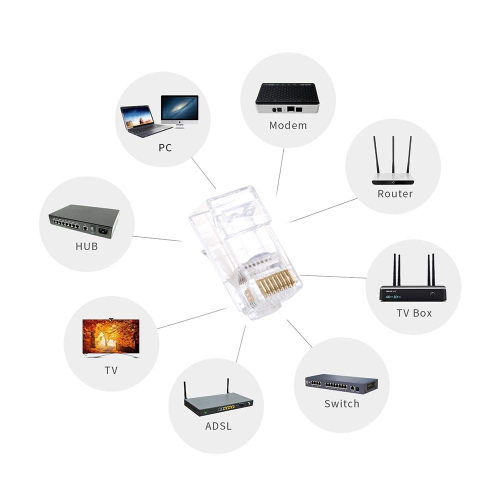
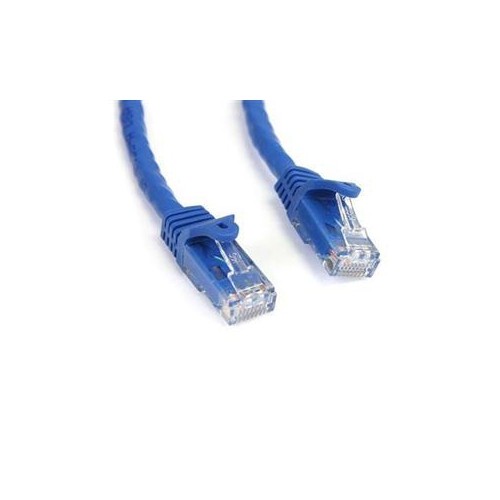
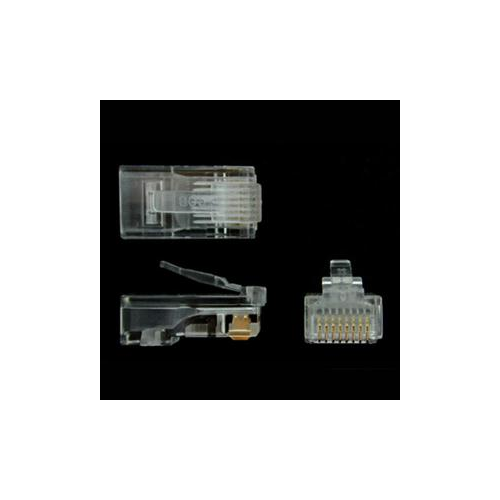
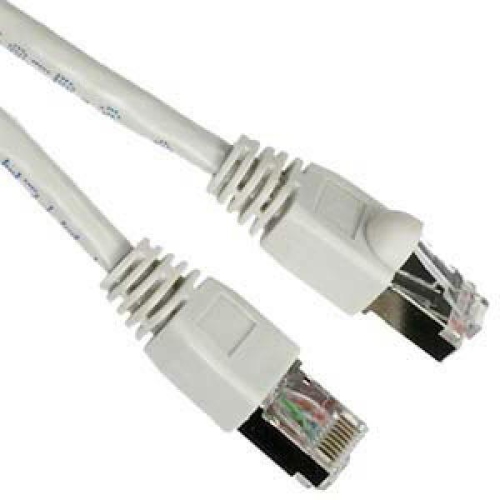
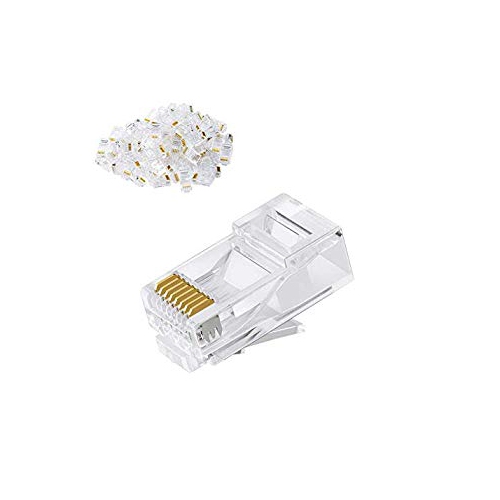
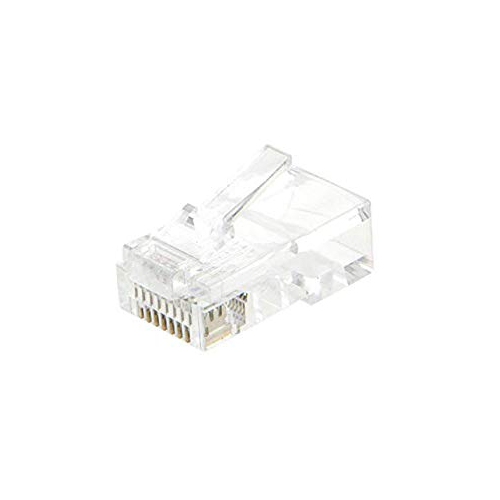
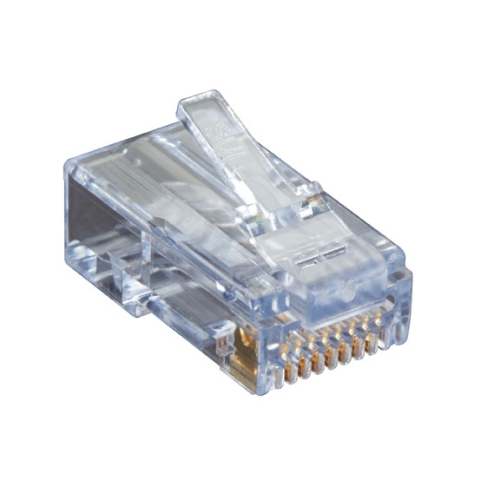
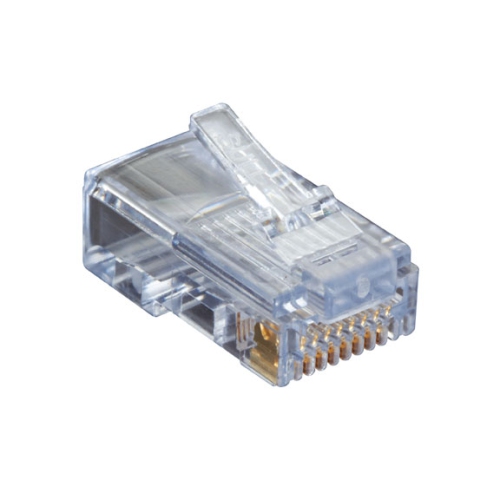
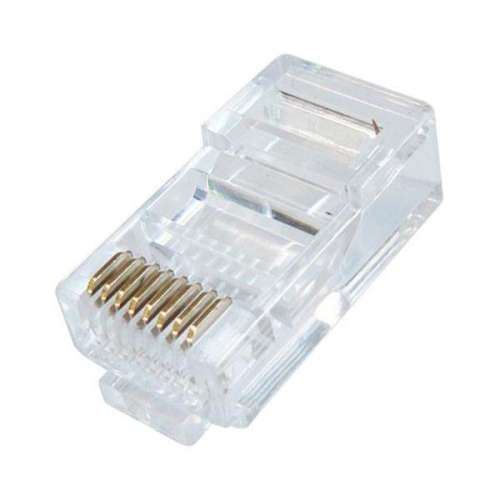
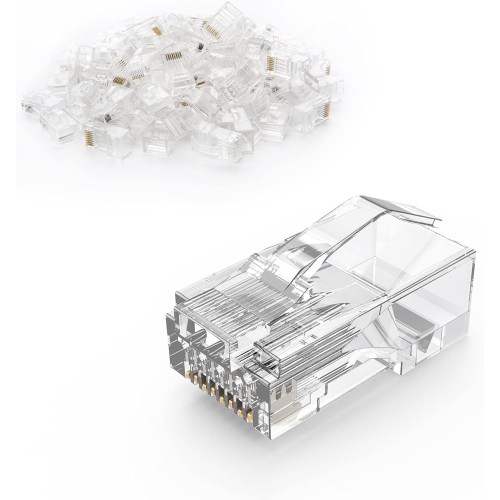
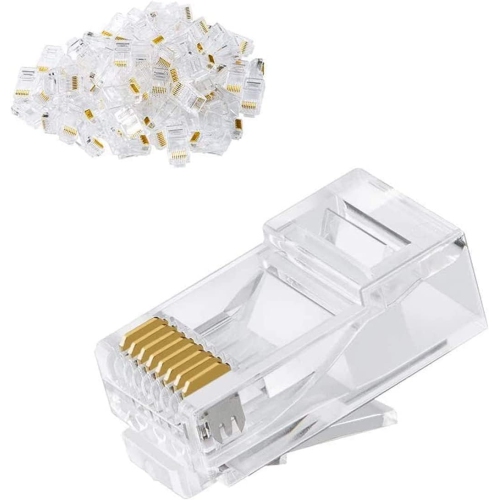
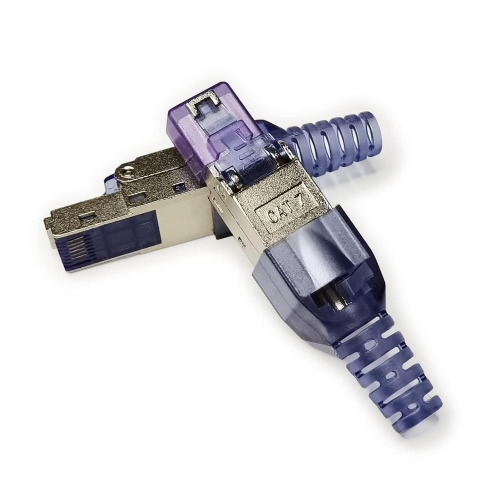
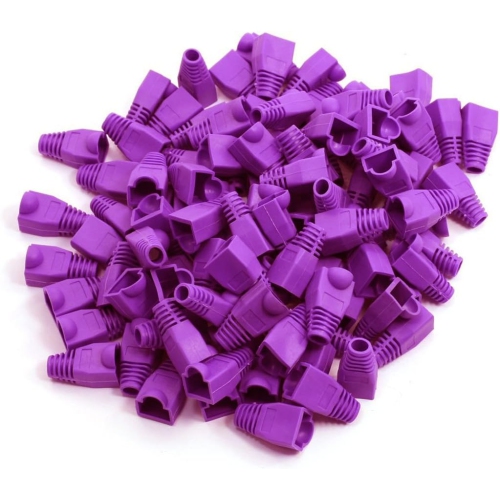
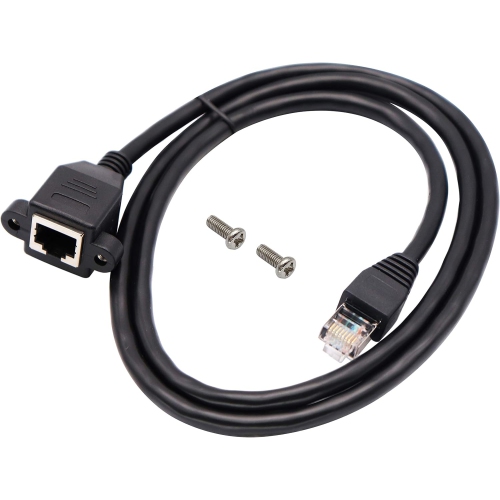
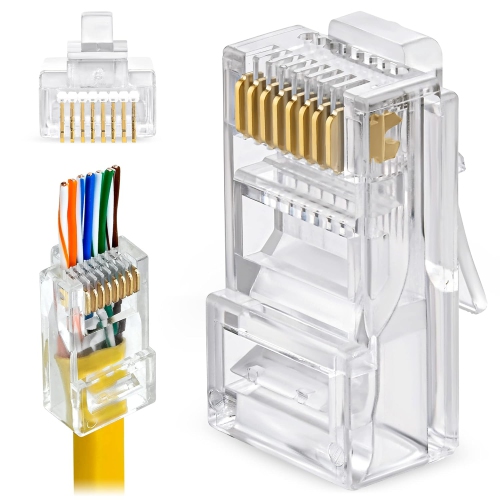
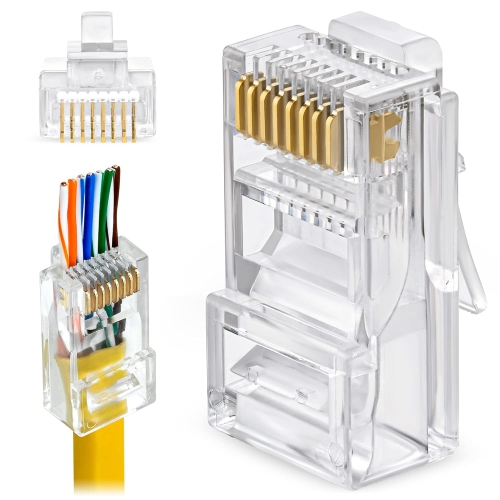
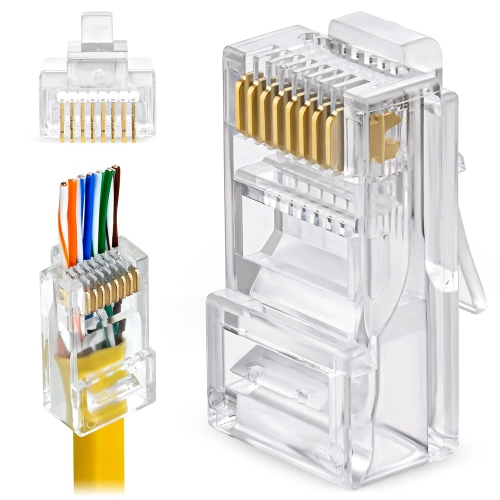
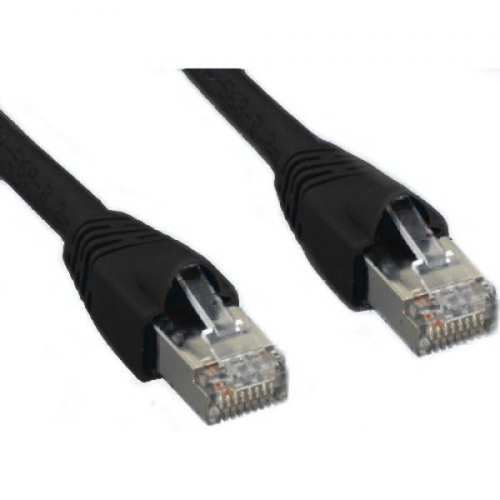
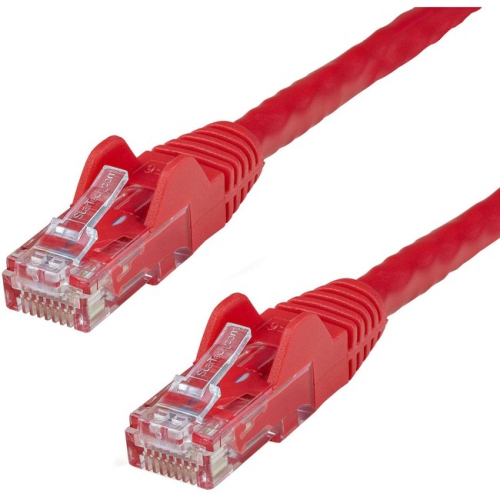
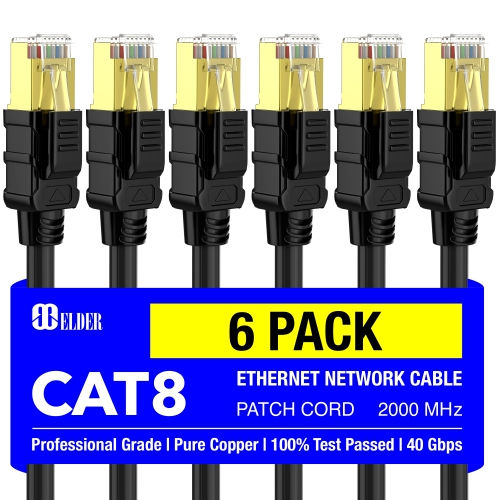
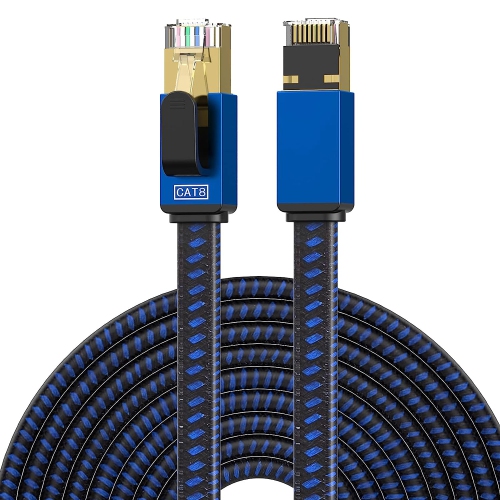
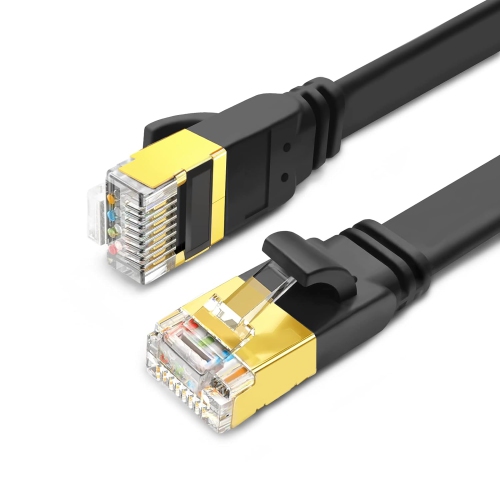
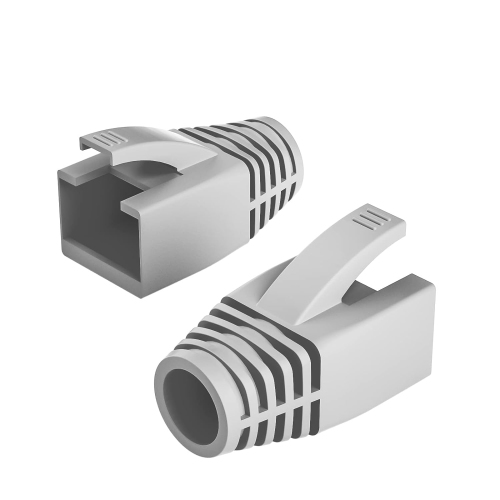
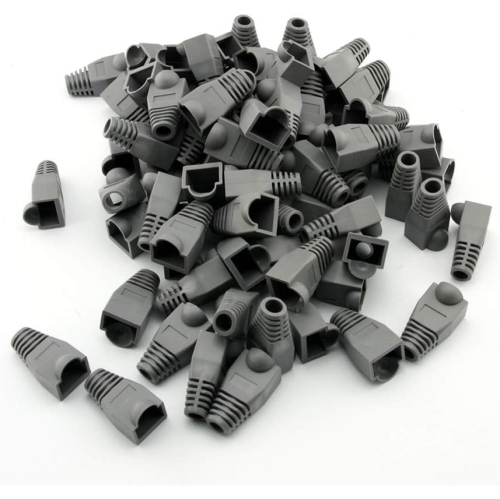
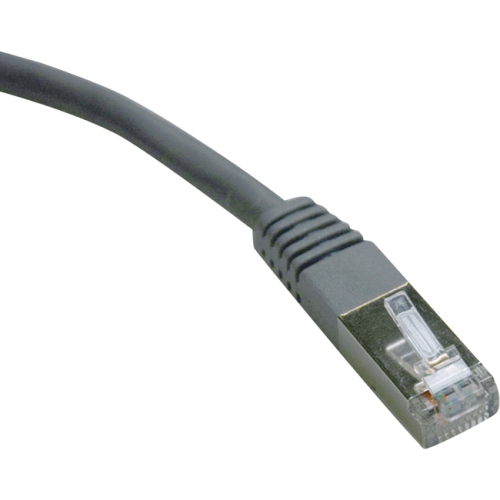
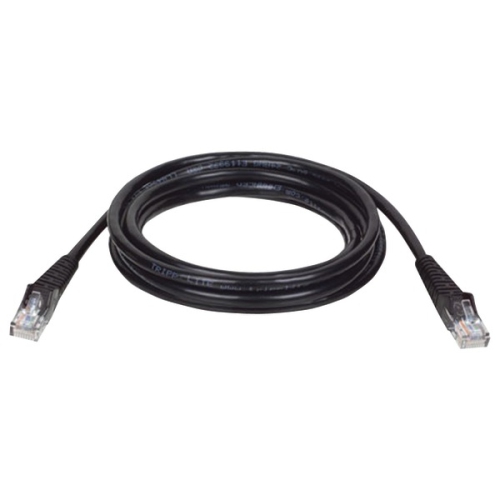
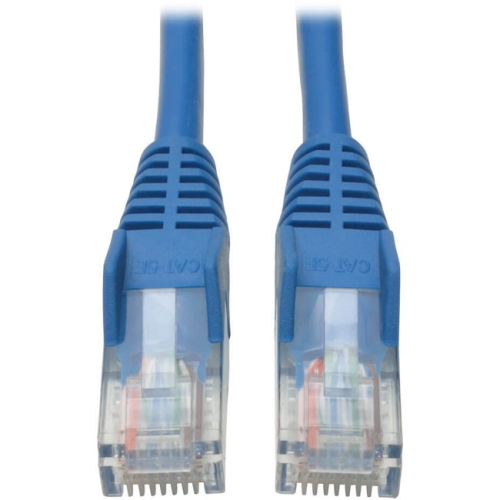
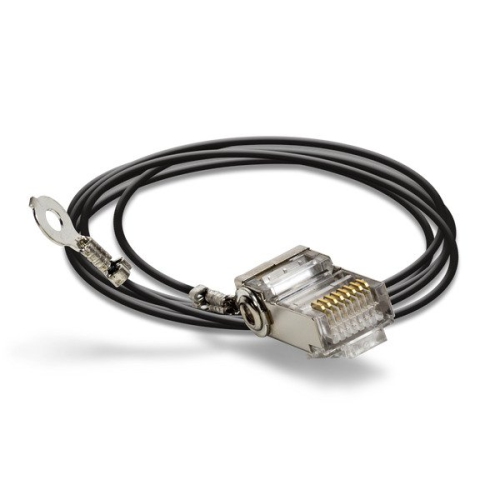
Ethernet cable connectors are the small but essential components that attach a network cable to a computer, router, modem, switch, game console, printer, security camera, smart television, or other wired device. The standard connector used with most Ethernet cables is the RJ45, technically known as an 8P8C modular plug. It resembles a wider telephone plug and contains eight metal contacts that meet the eight conductors inside the cable. Choosing the right connector helps create a dependable connection for home offices, gaming rooms, classrooms, workshops, small businesses, and entertainment areas where a stable wired network is preferred. Connector compatibility depends on more than the shape of the plug. Check the cable category, such as Cat5e or Cat6, along with whether the cable uses solid or stranded conductors and whether it is shielded or unshielded. A connector intended for one cable construction may not grip another securely, which can lead to intermittent connections or a plug that pulls away from the cable. For a closer match to Cat5e cabling, browse Cat5e Connectors. It is also useful to consider the finished cable’s intended location. A home-office cable tucked behind a desk may need a straightforward, compact connector, while a cable routed through a utility room or workshop may benefit from a more robust design and strain relief. The right connector can make a tidy difference when several cables run together behind a desk: plugs that seat firmly, release tabs that are easy to reach, and a neat cable end can save time the next time equipment is moved or rearranged.
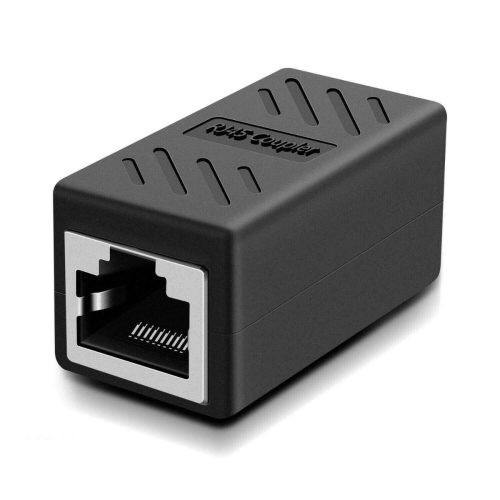
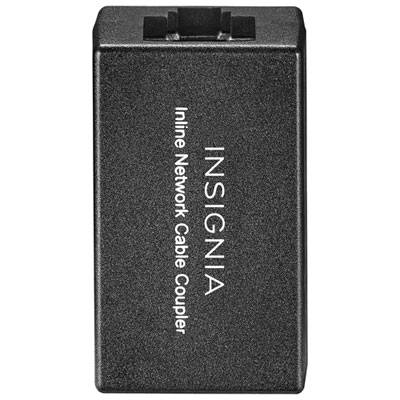
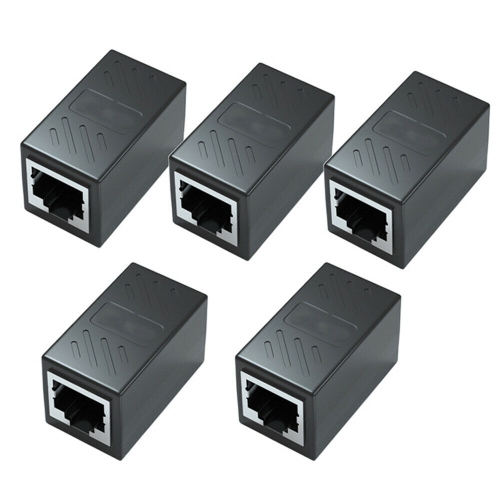
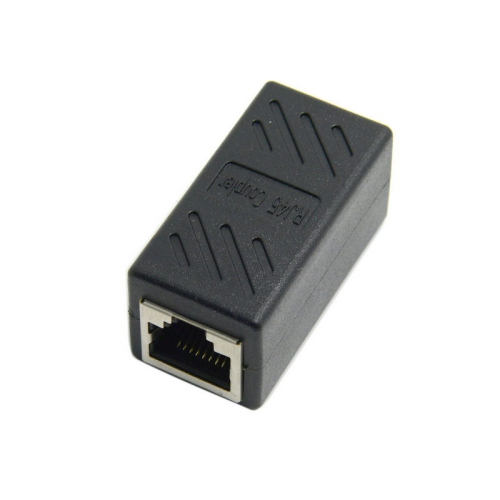
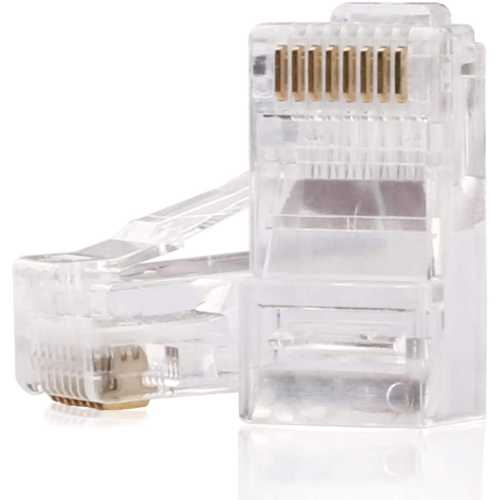
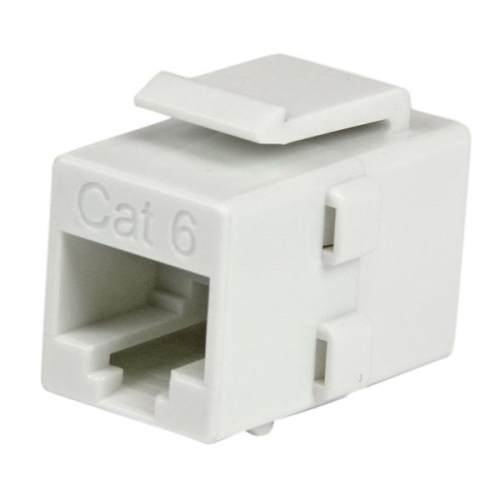
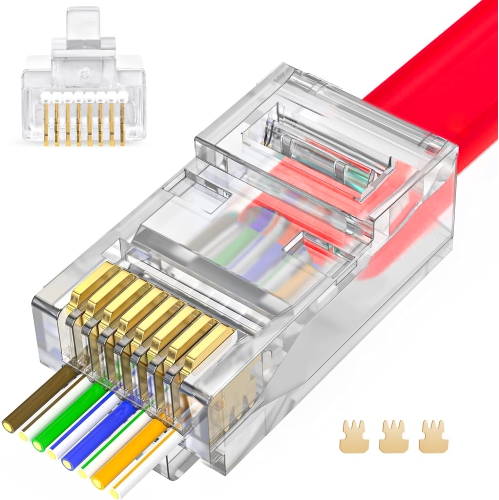
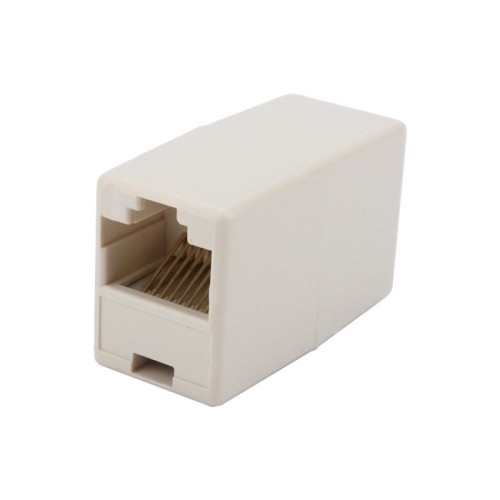
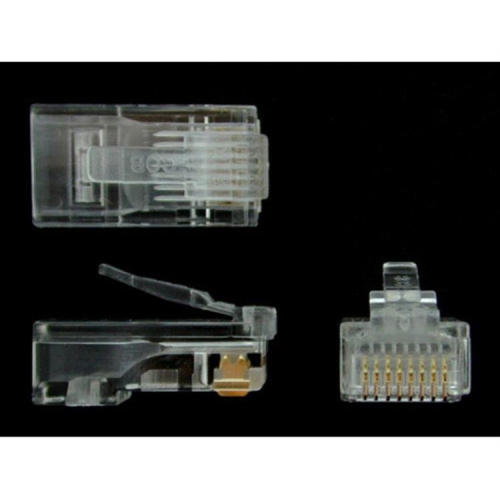
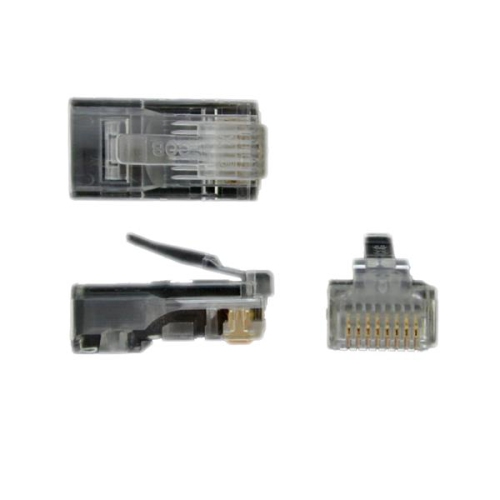
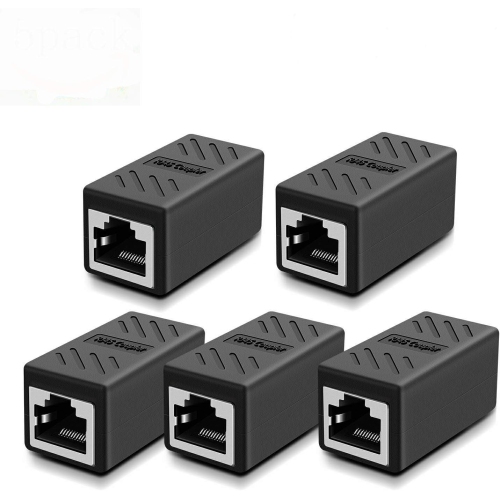
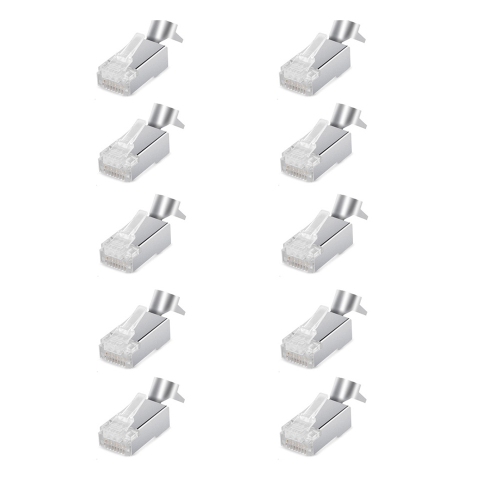
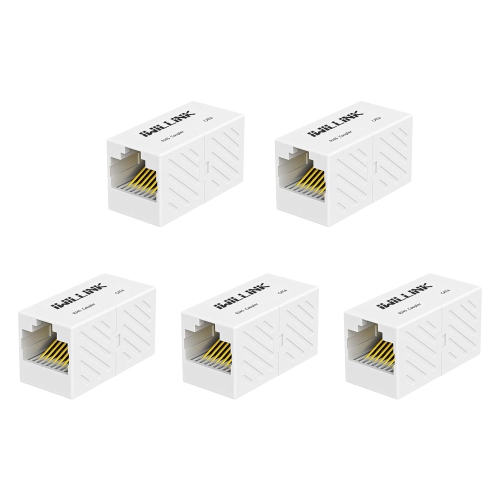
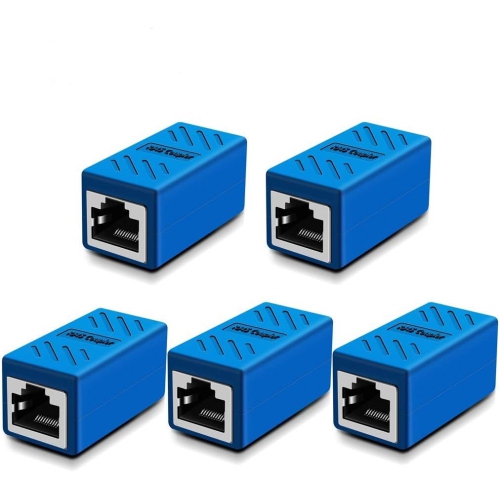
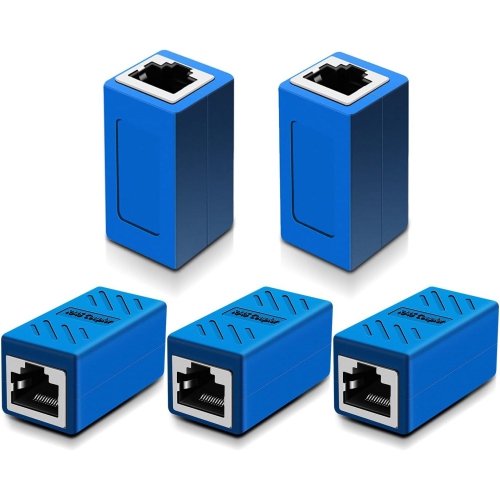
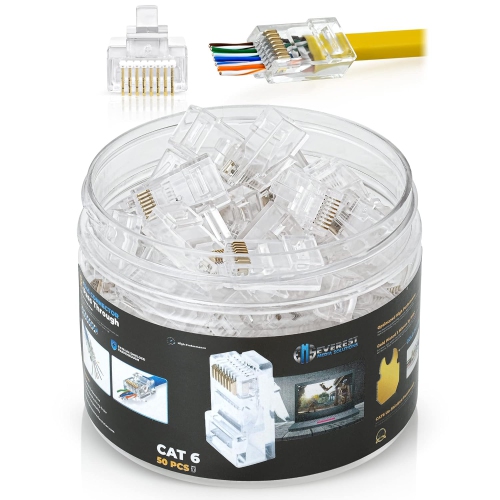
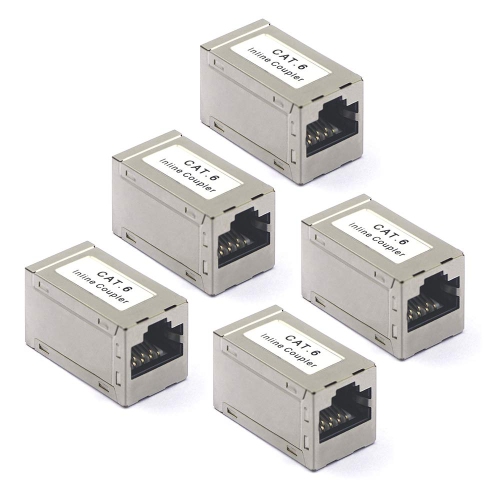
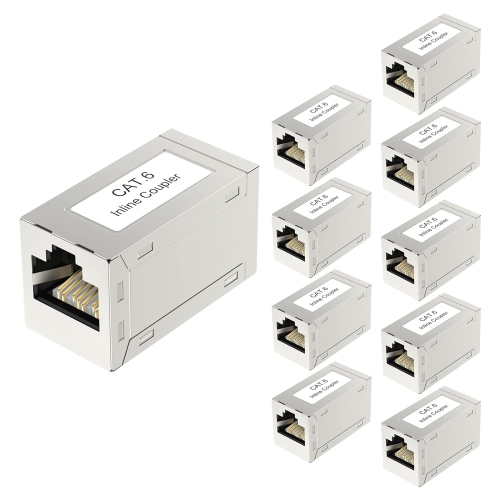
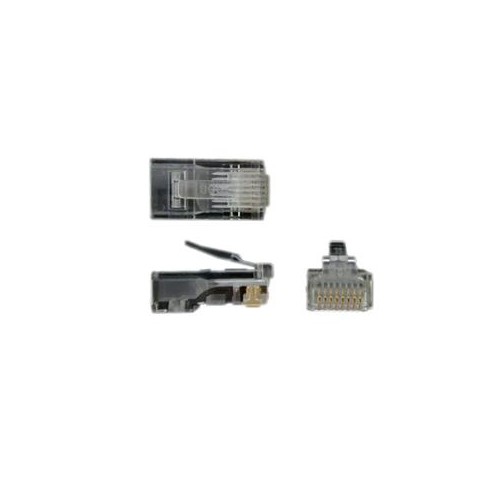
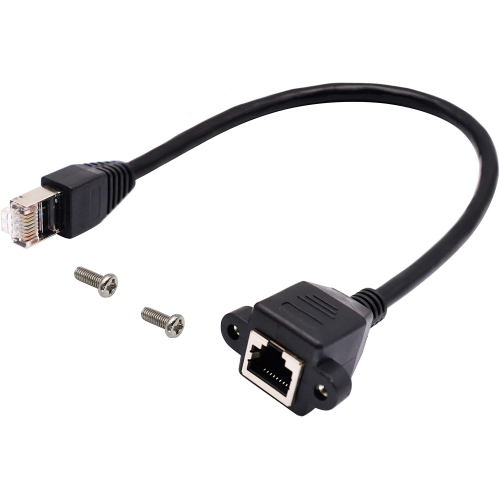
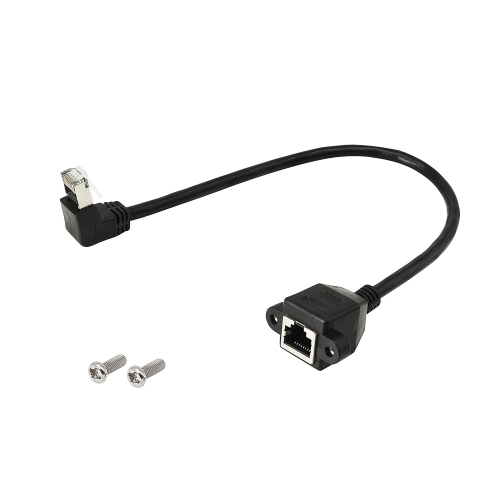
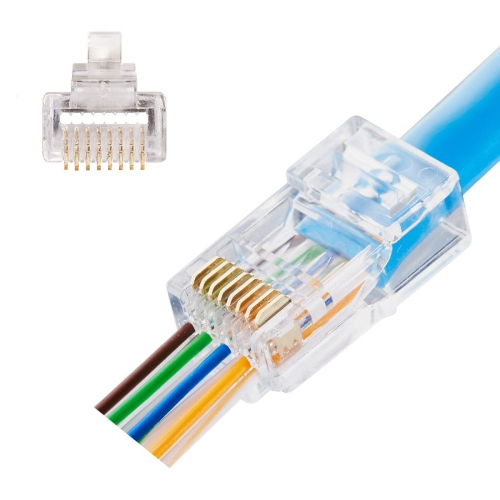
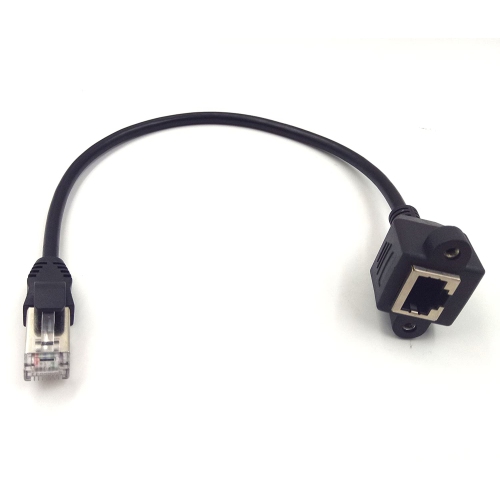
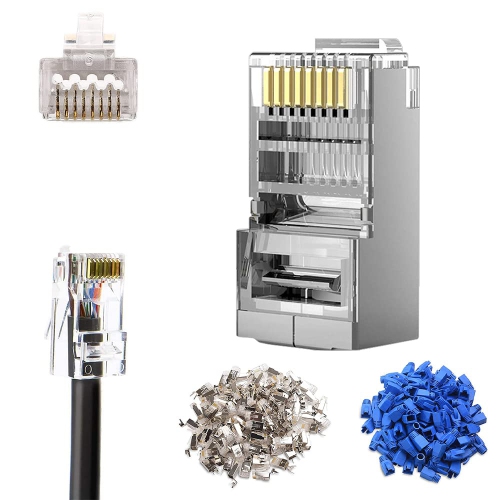
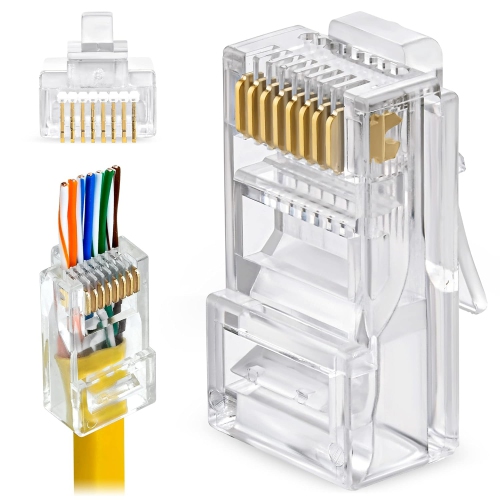
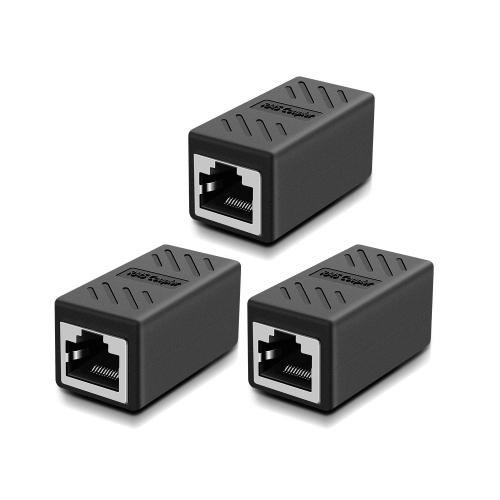
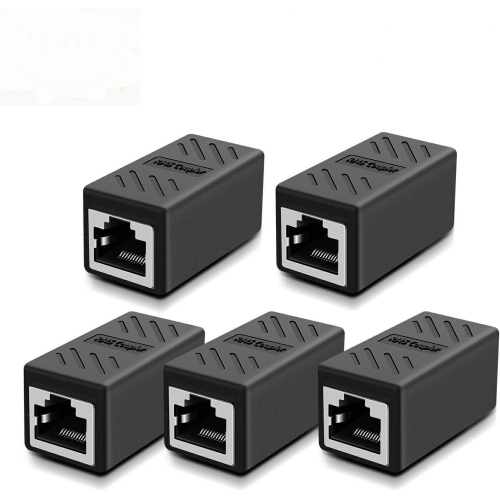
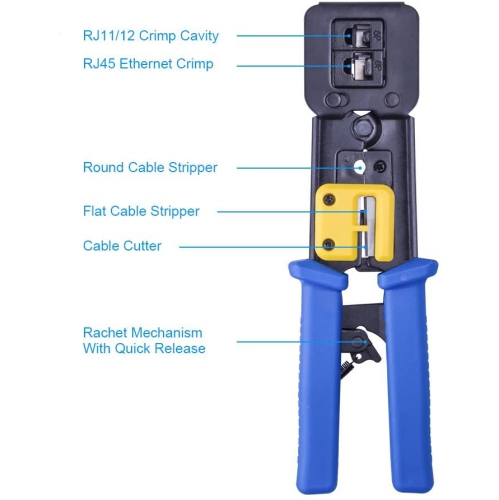
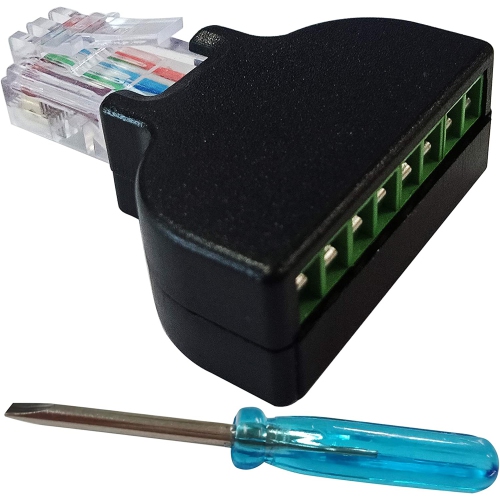
There are several connector styles to consider when terminating or repairing Ethernet cable. Traditional closed-end plugs keep the conductors inside the connector, creating a clean, familiar finish and a secure connection when properly assembled. Pass-through connectors leave the individual wires open at the front so they can extend through the plug before crimping. This makes it easier to inspect the colour sequence and confirm that all eight wires have reached the correct position, which can be helpful when working with a first cable project or a long run that must be checked carefully. Connectors with a load bar use a small internal guide to organize the wires before they enter the plug. The guide can help maintain an orderly arrangement and make it easier to achieve consistent results, especially when the cable jacket is stiff or the conductors are difficult to handle. A compatible crimping tool is normally required to press the contacts into the wires and secure the plug around the cable jacket; standard pliers are not a reliable substitute. Some projects also call for RJ45 couplers, which are female-to-female adapters that join two cables together when a single cord is not long enough. Couplers can be convenient for extending a cable temporarily or connecting sections in a structured setup, although each additional connection creates another point that should be kept firmly seated and protected from pulling or bending. Before buying, compare the connector’s specifications with the cable in hand, including category rating, conductor size, conductor type, jacket diameter, and shield style. A connector that appears identical from the outside may have different internal dimensions, so matching these details is important for a secure crimp and reliable data transmission.
Correct wire arrangement is central to making a working Ethernet cable. The eight conductors must be placed in a recognized sequence before they are inserted into the connector. T568B is the most commonly used arrangement and places the wires in this order: white with orange, orange, white with green, blue, white with blue, green, white with brown, and brown. T568A uses a different order: white with green, green, white with orange, blue, white with blue, orange, white with brown, and brown. For a typical straight-through Ethernet cable, both ends should use the same standard, with T568B frequently selected for everyday home and office installations. Keeping the order consistent helps the pairs remain correctly mapped from one end to the other. When preparing a cable, leave enough jacket inside the connector for the strain-relief section to grip, keep the twists in each pair as close to the plug as practical, and check that every conductor reaches the front before crimping. A connector that looks properly seated can still fail if one wire is short, out of sequence, or not captured by the contacts. A basic cable tester can confirm continuity and reveal crossed, missing, or miswired conductors before the cable is installed behind furniture or along a wall. These connectors are useful for anyone building a wired network from scratch, replacing a damaged plug, organizing a gaming station, setting up a home office, or keeping spare repair supplies in a technology drawer. They can also be a thoughtful practical gift for a student moving into a residence, a family member upgrading a workspace, or a hands-on hobbyist who enjoys maintaining household electronics. With the proper connector, matching cable, and careful termination, a loose coil of cable becomes a clean, purpose-built connection ready to support everyday browsing, file transfers, streaming, online play, and connected devices.
There are several connector styles to consider when terminating or repairing Ethernet cable. Traditional closed-end plugs keep the conductors inside the connector, creating a clean, familiar finish and a secure connection when properly assembled. Pass-through connectors leave the individual wires open at the front so they can extend through the plug before crimping. This makes it easier to inspect the colour sequence and confirm that all eight wires have reached the correct position, which can be helpful when working with a first cable project or a long run that must be checked carefully. Connectors with a load bar use a small internal guide to organize the wires before they enter the plug. The guide can help maintain an orderly arrangement and make it easier to achieve consistent results, especially when the cable jacket is stiff or the conductors are difficult to handle. A compatible crimping tool is normally required to press the contacts into the wires and secure the plug around the cable jacket; standard pliers are not a reliable substitute. Some projects also call for RJ45 couplers, which are female-to-female adapters that join two cables together when a single cord is not long enough. Couplers can be convenient for extending a cable temporarily or connecting sections in a structured setup, although each additional connection creates another point that should be kept firmly seated and protected from pulling or bending. Before buying, compare the connector’s specifications with the cable in hand, including category rating, conductor size, conductor type, jacket diameter, and shield style. A connector that appears identical from the outside may have different internal dimensions, so matching these details is important for a secure crimp and reliable data transmission.
Correct wire arrangement is central to making a working Ethernet cable. The eight conductors must be placed in a recognized sequence before they are inserted into the connector. T568B is the most commonly used arrangement and places the wires in this order: white with orange, orange, white with green, blue, white with blue, green, white with brown, and brown. T568A uses a different order: white with green, green, white with orange, blue, white with blue, orange, white with brown, and brown. For a typical straight-through Ethernet cable, both ends should use the same standard, with T568B frequently selected for everyday home and office installations. Keeping the order consistent helps the pairs remain correctly mapped from one end to the other. When preparing a cable, leave enough jacket inside the connector for the strain-relief section to grip, keep the twists in each pair as close to the plug as practical, and check that every conductor reaches the front before crimping. A connector that looks properly seated can still fail if one wire is short, out of sequence, or not captured by the contacts. A basic cable tester can confirm continuity and reveal crossed, missing, or miswired conductors before the cable is installed behind furniture or along a wall. These connectors are useful for anyone building a wired network from scratch, replacing a damaged plug, organizing a gaming station, setting up a home office, or keeping spare repair supplies in a technology drawer. They can also be a thoughtful practical gift for a student moving into a residence, a family member upgrading a workspace, or a hands-on hobbyist who enjoys maintaining household electronics. With the proper connector, matching cable, and careful termination, a loose coil of cable becomes a clean, purpose-built connection ready to support everyday browsing, file transfers, streaming, online play, and connected devices.
Top selling and popular products
-
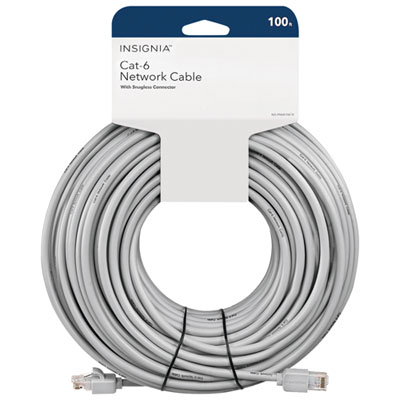 Your price for this item is $49.95
 -
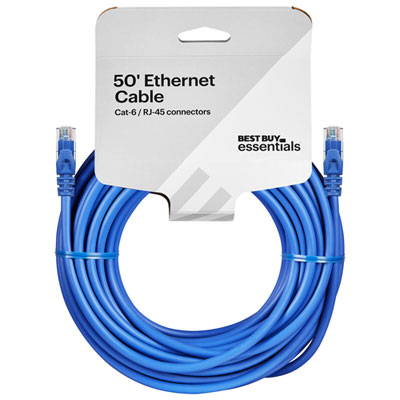 Your price for this item is $24.99
 -
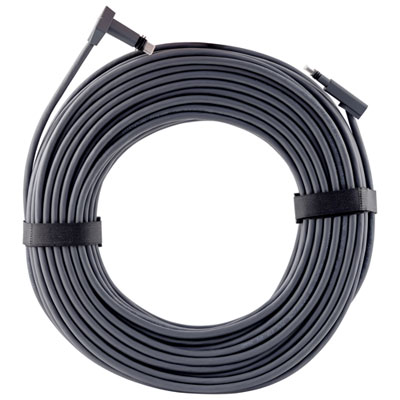 Your price for this item is $164.99
 -
 Your price for this item is $11.68
 -
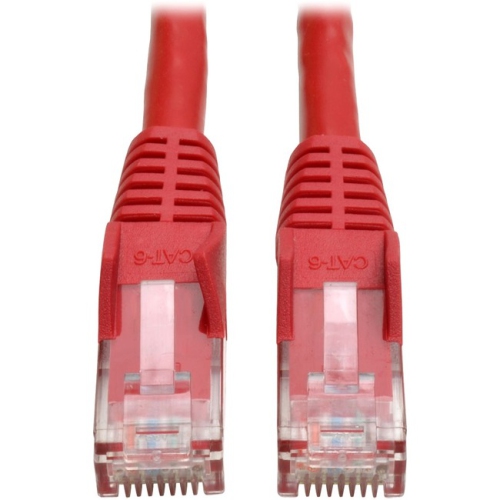 Your price for this item is $68.68
 -
 Your price for this item is $47.68
 -
 Your price for this item is $46.68
 -
 Your price for this item is $24.68
Discover more categories related to Ethernet Cable Connectors
Top Collections:
Pokemon Centers, Kindle Devices, Best Budget Office Chairs, Apple iPhones 16, Best Laptops for Writers, iPhone 15 Apple, Canon G7X Cameras, Refurbished Apple Laptops, Alarm Clock, Motorola Razr Phones
Some products may be subject to Environmental Handling Fees
(EHF) depending on your province.
Learn more about EHFs.