Ethernet To USBs
Our ethernet to USB adapters provide a seamless solution for connecting devices that lack an ethernet port to your network. With easy plug-and-play functionality, these adapters offer a convenient way to enjoy stable and reliable internet connections for your laptops, desktops, gaming consoles, and more. Say goodbye to spotty Wi-Fi signals and hello to fast and consistent wired connections with our range of ethernet to USB adapters.
Sort
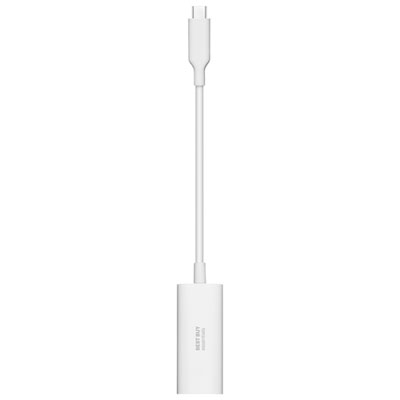
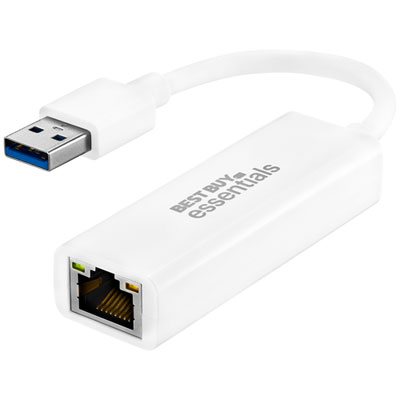
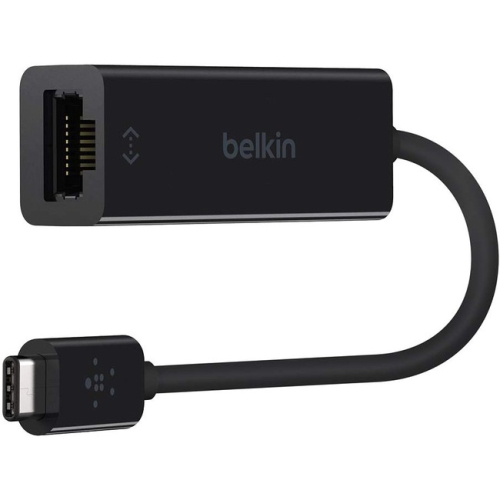
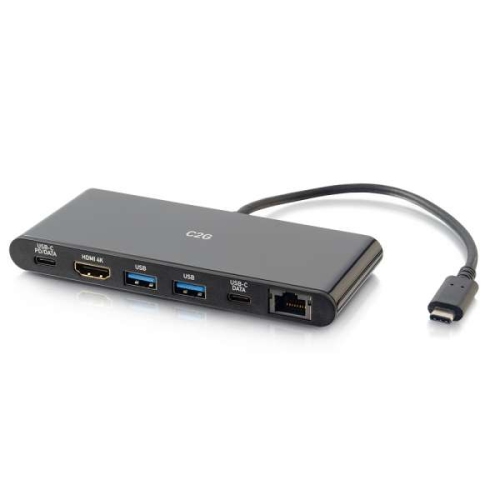

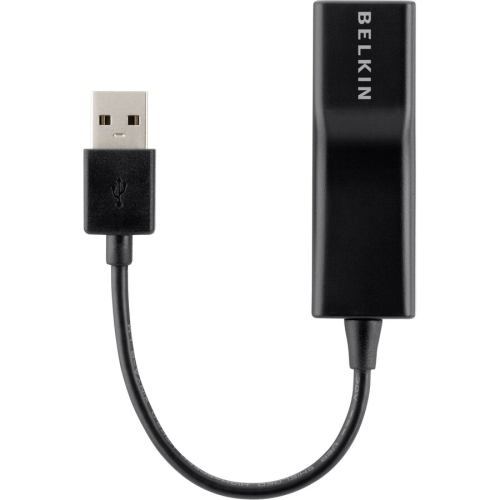
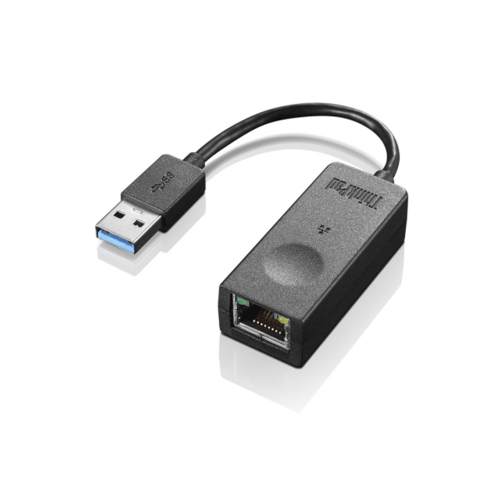
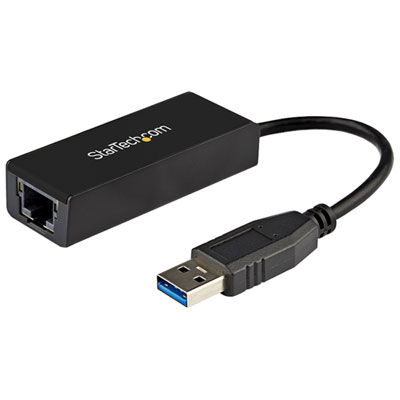
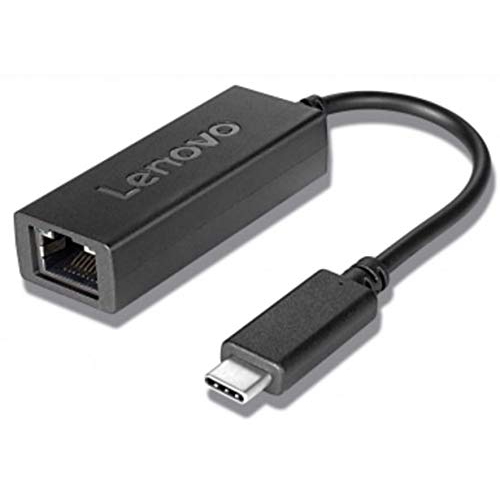

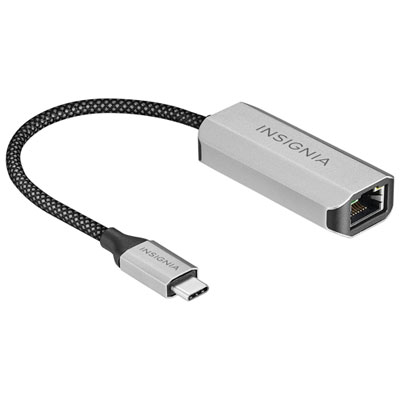
Reliable wired connections for laptops, tablets and home offices
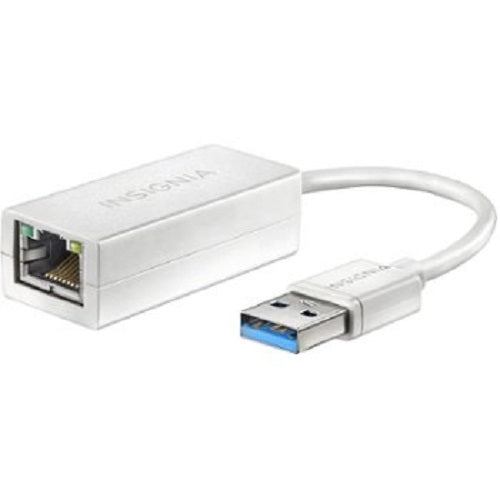
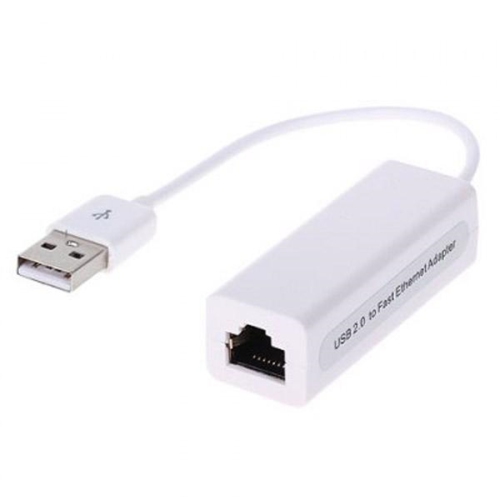
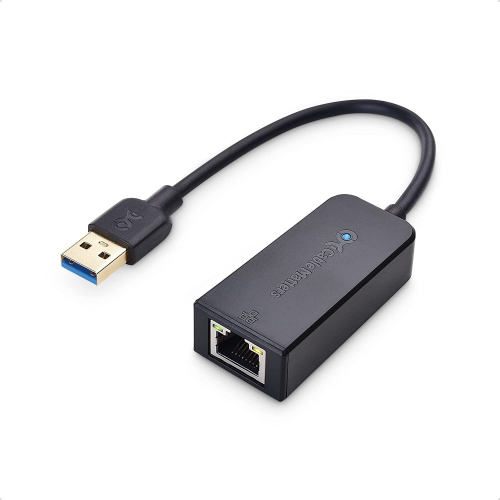
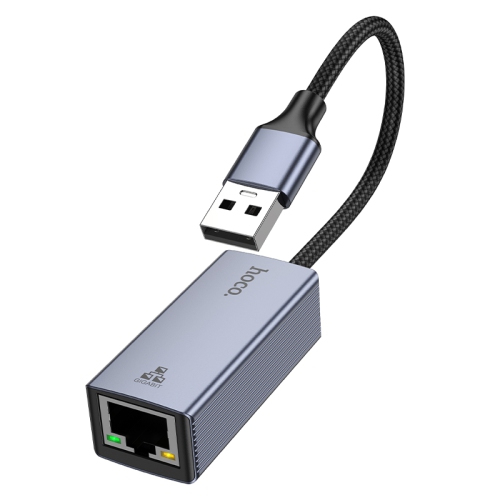
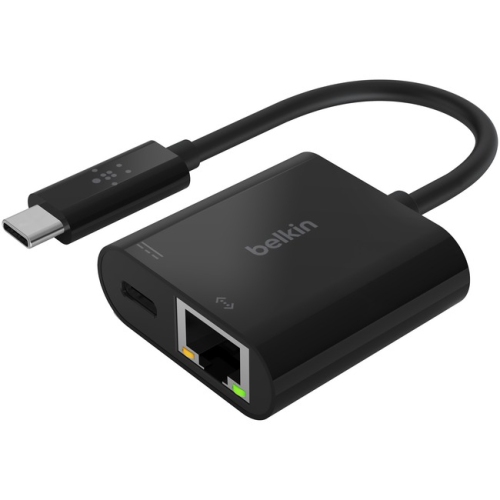
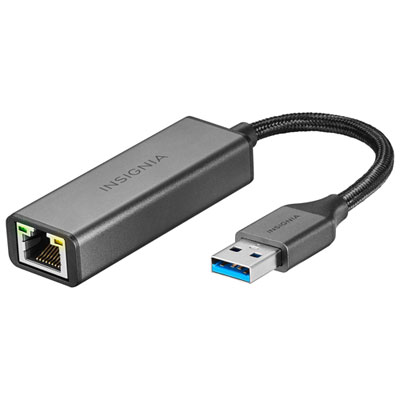
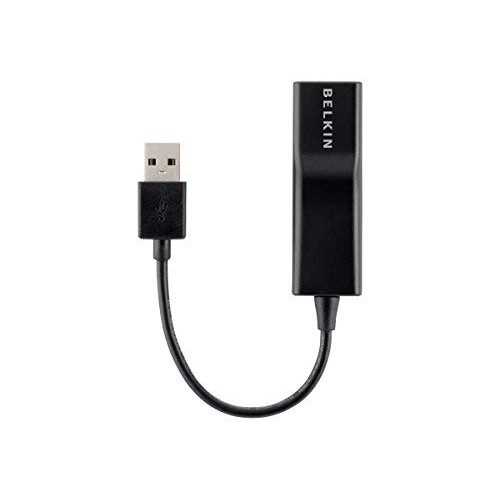
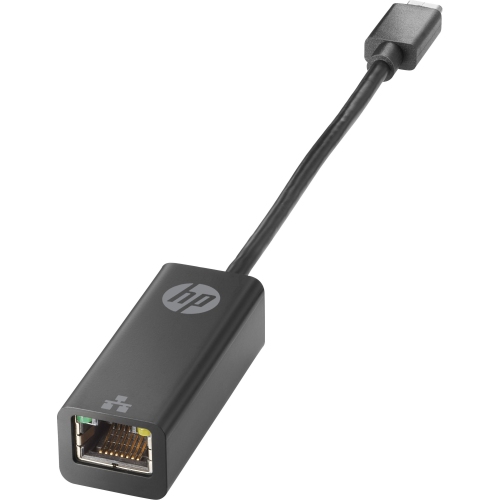
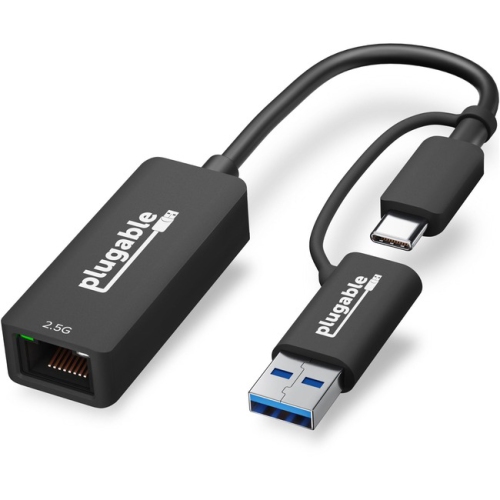
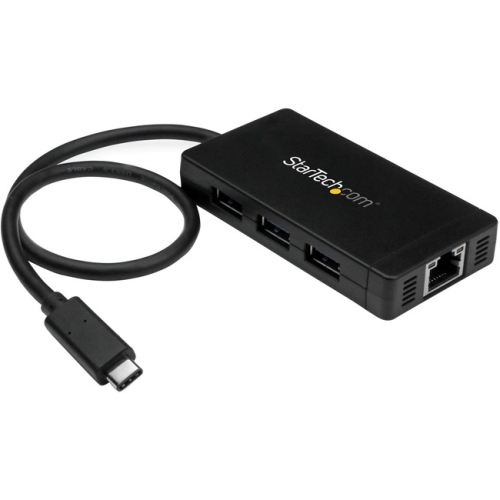
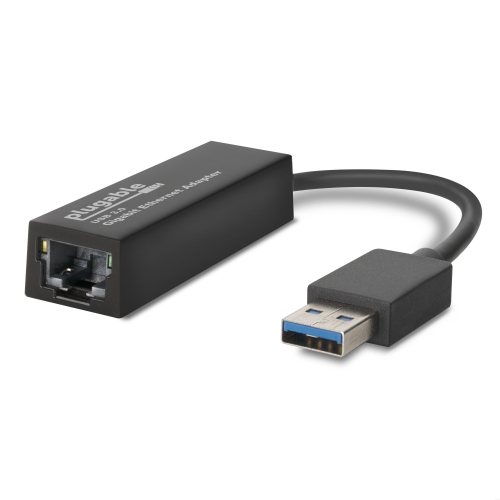
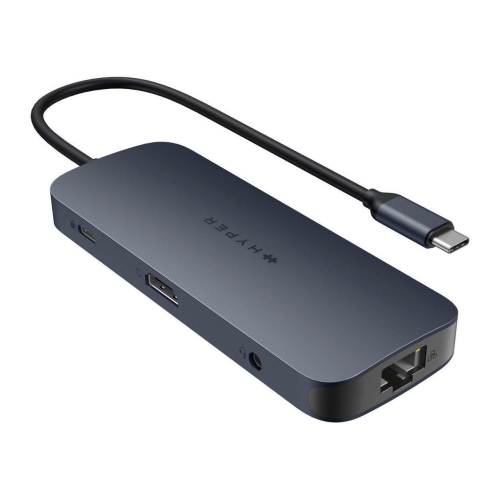
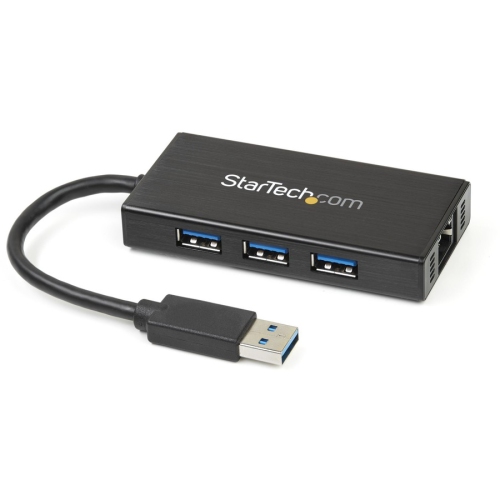
Ethernet to USB adapters provide a practical way to connect a computer, tablet or other compatible device to a wired network through a USB port. They are especially useful when a newer laptop has removed its built-in Ethernet jack, when a tablet needs a more dependable connection for work, or when a desktop setup requires a simple network connection without installing an internal card. A USB-C to Ethernet adapter connects a USB-C port to an RJ45 Ethernet cable, while USB-A versions are designed for devices with the older, rectangular USB connection. Some adapters are compact, single-purpose accessories that focus on network access, while others combine Ethernet with additional USB ports, memory card slots or power delivery pass-through. This makes them helpful for everything from a home office with a wired router nearby to a temporary workstation at a kitchen table. A common use is connecting a laptop to a modem or network switch during video meetings, large file transfers, online classes or gaming sessions, where a wired connection can feel steadier than a crowded wireless network. The small size also makes these adapters convenient to keep in a laptop sleeve or travel bag. They can be a thoughtful gift for a student moving into residence, a family member setting up a home office, or anyone who has recently purchased a slim computer and discovered that it no longer includes a traditional Ethernet port. Before choosing one, check the exact ports on the device and confirm whether it uses USB-C or USB-A. USB-C does not automatically mean that every adapter will work with every device, so it is worth reviewing compatibility with the operating system and hardware. Many current adapters are plug-and-play and support Windows, macOS, Linux, ChromeOS and iPadOS, but some devices may require a driver or have limitations around network access. A quick look at the computer or tablet’s specifications can prevent an inconvenient mismatch, especially when buying an adapter for someone else.
Network speed is another important consideration. Standard Gigabit Ethernet adapters can support transfer rates of up to 1,000 Mbps when the connected network equipment, Ethernet cable and internet service are capable of those speeds. More advanced adapters may support 2.5Gbps or higher, but the adapter alone cannot create a faster connection if the router, switch, network plan or cabling does not support it. For many homes, offices and study spaces, Gigabit performance is a balanced choice for streaming, cloud backups, remote work and everyday browsing. Higher-speed models are more useful for people moving large video files, accessing a network-attached storage system or working with a modern multi-gigabit network. Pairing the adapter with a Cat5e or Cat6 Ethernet patch cable is a sensible way to help maintain reliable performance; an older or damaged cable may limit speed even when the adapter is capable of more. Cable length and placement can also affect convenience. A short cable keeps a desk tidy when the router is close by, while a longer cable may be useful for positioning a laptop away from a busy networking area. If the adapter includes power delivery pass-through, check its maximum wattage and remember that the connected charger must also provide enough power for the computer. This type of adapter can be particularly useful for USB-C laptops with a single port, allowing the device to charge while using a wired network connection. Additional USB ports can support a keyboard, mouse, flash drive or other accessory, although the available bandwidth is shared across connected devices. People who frequently present in meeting rooms, work from hotels or visit clients may appreciate a compact adapter that fits neatly beside a charger and cable. At home, it can serve as a dependable backup when wireless connectivity becomes inconsistent during the cooler months, when more household activities and indoor devices may place extra demand on the network. For larger wired setups, a compatible Ethernet Switches With USB option may also help expand the number of connected devices or provide additional connection flexibility.
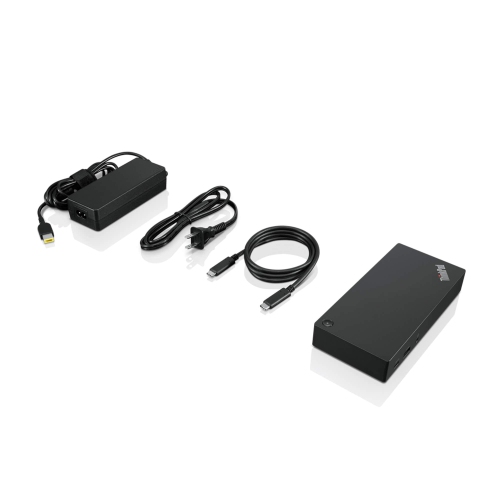
The best Ethernet to USB choice depends on the device, the network and the way the adapter will be used. Someone who only needs to connect a laptop to a router may prefer a small Gigabit model with one USB connection and no extra features. A person with a USB-C notebook, wired keyboard and external storage may benefit from a multiport design that combines Ethernet with USB expansion. For a tablet or lightweight computer used in different rooms, a compact adapter with a short integrated cable can reduce the number of loose pieces in a bag, while a model with a detachable cable may be easier to replace or pack around other accessories. It is also worth considering the physical design. A reinforced connector, a flexible cable and a housing that does not block neighbouring ports can make a noticeable difference during daily use. If a connection does not work immediately, confirm that the Ethernet cable is fully inserted at both ends, check whether the network port shows activity, and restart the device if necessary. Testing with another cable or router port can help identify whether the issue is with the adapter or the network. When an adapter is used with a USB hub, docking station or tablet, available power and compatibility may vary, so checking the manufacturer’s specifications remains important. With the right match, an Ethernet to USB adapter can turn an unused or limited port into a reliable wired network connection without a complicated installation. It is a useful accessory for home offices, classrooms, gaming areas, travel kits and shared workspaces, offering a straightforward way to connect modern devices to established wired networks while keeping the setup flexible as needs change.
Network speed is another important consideration. Standard Gigabit Ethernet adapters can support transfer rates of up to 1,000 Mbps when the connected network equipment, Ethernet cable and internet service are capable of those speeds. More advanced adapters may support 2.5Gbps or higher, but the adapter alone cannot create a faster connection if the router, switch, network plan or cabling does not support it. For many homes, offices and study spaces, Gigabit performance is a balanced choice for streaming, cloud backups, remote work and everyday browsing. Higher-speed models are more useful for people moving large video files, accessing a network-attached storage system or working with a modern multi-gigabit network. Pairing the adapter with a Cat5e or Cat6 Ethernet patch cable is a sensible way to help maintain reliable performance; an older or damaged cable may limit speed even when the adapter is capable of more. Cable length and placement can also affect convenience. A short cable keeps a desk tidy when the router is close by, while a longer cable may be useful for positioning a laptop away from a busy networking area. If the adapter includes power delivery pass-through, check its maximum wattage and remember that the connected charger must also provide enough power for the computer. This type of adapter can be particularly useful for USB-C laptops with a single port, allowing the device to charge while using a wired network connection. Additional USB ports can support a keyboard, mouse, flash drive or other accessory, although the available bandwidth is shared across connected devices. People who frequently present in meeting rooms, work from hotels or visit clients may appreciate a compact adapter that fits neatly beside a charger and cable. At home, it can serve as a dependable backup when wireless connectivity becomes inconsistent during the cooler months, when more household activities and indoor devices may place extra demand on the network. For larger wired setups, a compatible Ethernet Switches With USB option may also help expand the number of connected devices or provide additional connection flexibility.
The best Ethernet to USB choice depends on the device, the network and the way the adapter will be used. Someone who only needs to connect a laptop to a router may prefer a small Gigabit model with one USB connection and no extra features. A person with a USB-C notebook, wired keyboard and external storage may benefit from a multiport design that combines Ethernet with USB expansion. For a tablet or lightweight computer used in different rooms, a compact adapter with a short integrated cable can reduce the number of loose pieces in a bag, while a model with a detachable cable may be easier to replace or pack around other accessories. It is also worth considering the physical design. A reinforced connector, a flexible cable and a housing that does not block neighbouring ports can make a noticeable difference during daily use. If a connection does not work immediately, confirm that the Ethernet cable is fully inserted at both ends, check whether the network port shows activity, and restart the device if necessary. Testing with another cable or router port can help identify whether the issue is with the adapter or the network. When an adapter is used with a USB hub, docking station or tablet, available power and compatibility may vary, so checking the manufacturer’s specifications remains important. With the right match, an Ethernet to USB adapter can turn an unused or limited port into a reliable wired network connection without a complicated installation. It is a useful accessory for home offices, classrooms, gaming areas, travel kits and shared workspaces, offering a straightforward way to connect modern devices to established wired networks while keeping the setup flexible as needs change.
Top selling and popular products
-
 Your price for this item is $19.99
 -
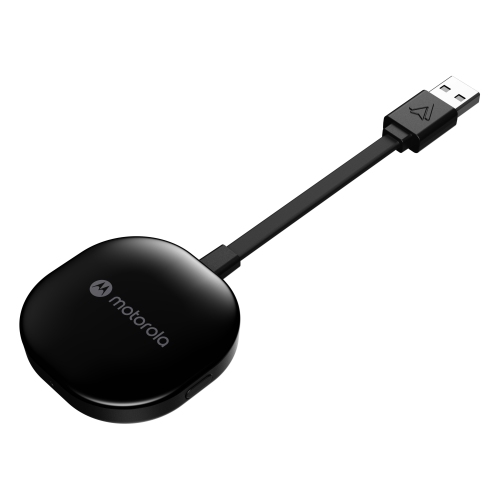 Your price for this item is $94.99
 -
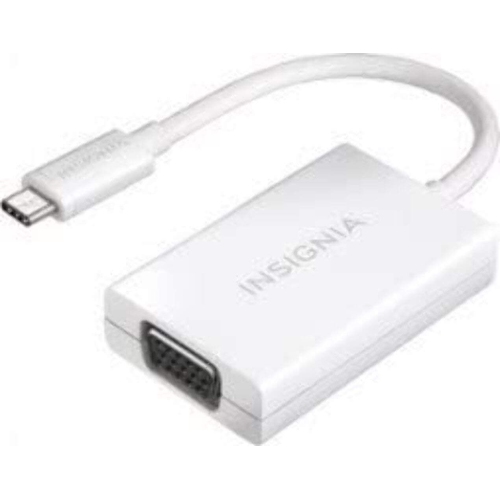 Your price for this item is $13.99
 -
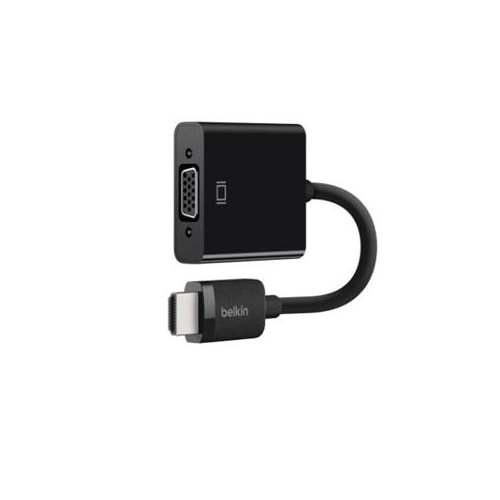 Your price for this item is $48.68
 -
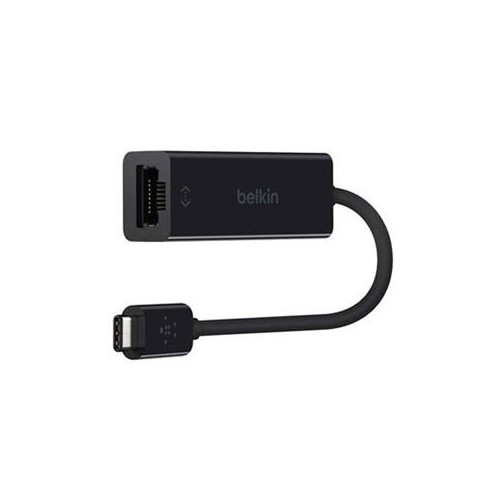 Your price for this item is $49.68
 -
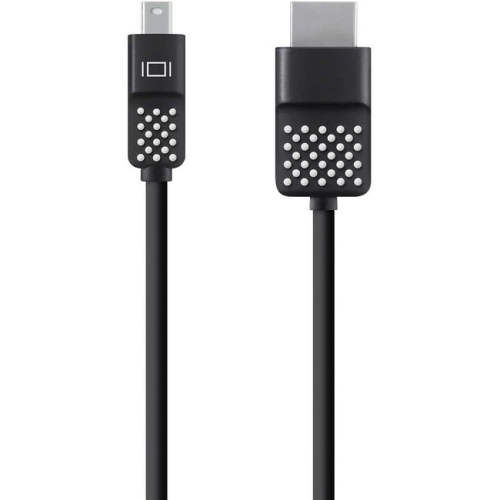 Your price for this item is $29.68
 -
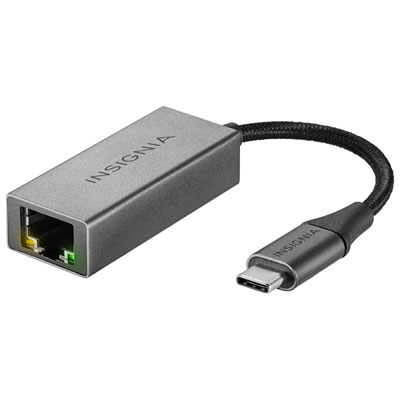 Your price for this item is $29.95
 -
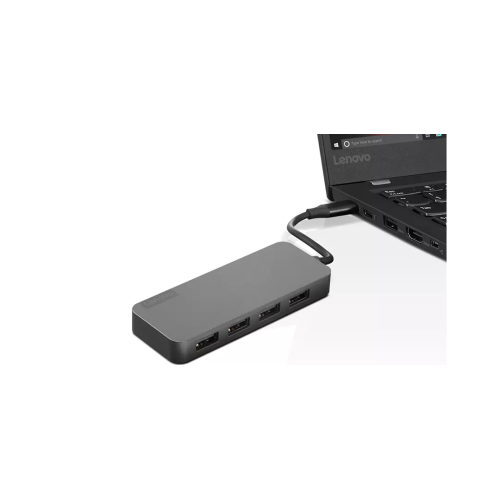 Your price for this item is $49.99
Discover more categories related to Ethernet To USBs
Top Collections:
Pokemon Centers, Kindle Devices, Best Budget Office Chairs, Apple iPhones 16, Best Laptops for Writers, iPhone 15 Apple, Canon G7X Cameras, Refurbished Apple Laptops, Alarm Clock, Motorola Razr Phones
Some products may be subject to Environmental Handling Fees
(EHF) depending on your province.
Learn more about EHFs.