EVGA 3060 Ti
Elevate your gaming and creative projects with the power of the EVGA 3060 Ti. Designed for those who demand impressive performance and reliability, this graphics card delivers the capability you need for smooth gameplay, fast rendering, and seamless multitasking. Explore a range of options to find the perfect fit for your setup and take your PC experience to the next level with the EVGA 3060 Ti.
Sort
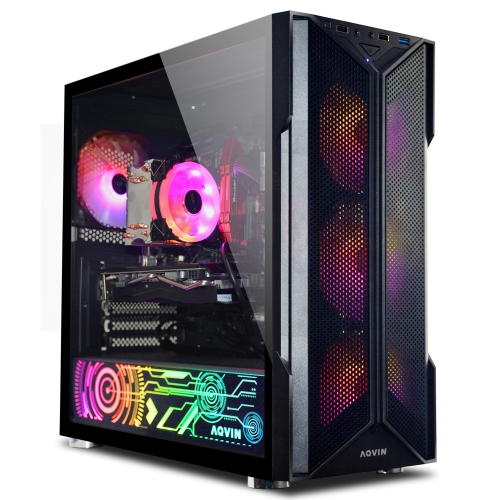
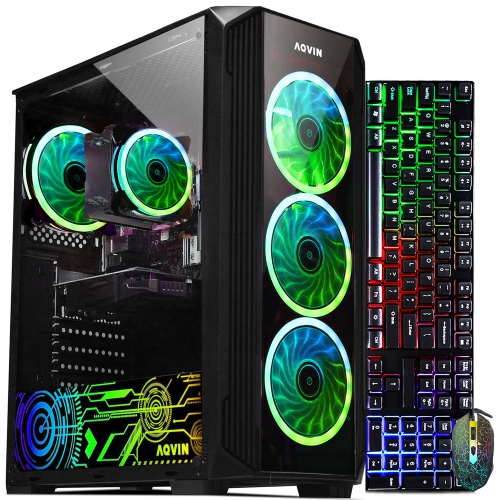
Graphics power for detailed 1080p gaming and creative work
Mid-range desktop graphics cards bring dedicated processing power to gaming, video editing, 3D design, and everyday work across multiple displays. For a gaming PC, this category is often a practical match for high-detail 1080p play and capable 1440p performance, although results depend on the game, visual settings, processor, and other components. Fast-paced competitive games place particular value on smooth frame delivery, while visually rich adventures can demand more graphics memory and processing power for detailed textures, reflections, and complex scenery. Cards in this performance class may pair 8 GB of dedicated graphics memory with a wide memory interface, helping move the image data needed to render each frame. Memory capacity alone does not determine performance: the graphics processor, memory bandwidth, cooling system, and software support all matter. Hardware-accelerated ray tracing can add more realistic lighting and reflections in supported games, but it also increases the workload. Supported upscaling features offer another way to balance image quality and frame rate by reconstructing a higher-resolution image from a lower-resolution render. These features are useful when a detailed city scene or a busy multiplayer match puts extra pressure on the graphics processor, though their effectiveness varies with the game and selected mode. A high-refresh-rate monitor can make smoother gameplay easier to appreciate, provided the complete system can deliver enough frames. For creative users, a dedicated graphics card can also accelerate supported effects, rendering tasks, and video encoding, making it relevant to students producing short films, hobbyists working with 3D scenes, and streamers sharing gameplay. Application compatibility remains important because not every program uses graphics acceleration in the same way. Someone comparing nearby graphics categories can also explore MSI RTX 3060, keeping in mind that similar naming does not mean identical performance, memory configuration, or power requirements.
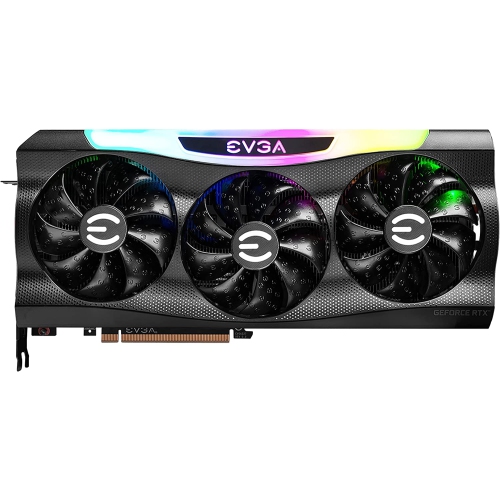
Physical fit is just as important as graphics capability, especially when upgrading an existing desktop rather than assembling a new one. A graphics card connects to a compatible motherboard expansion slot, but its length, height, and thickness determine whether it fits comfortably inside the case. A shorter dual-fan design can suit a compact build, while a longer triple-fan cooler may require more clearance near front-mounted fans, drive cages, or a liquid-cooling radiator. Fan count by itself does not establish which card runs more quietly or maintains higher performance; heatsink size, fan design, case airflow, and the power drawn under load also influence the result. Many coolers combine aluminium fins with copper heat pipes or a copper contact surface to carry heat away from the processor. A backplate can add rigidity and protect portions of the circuit board, although its material and contribution to cooling vary by design. Cards with thick coolers can occupy more than two expansion-slot positions, potentially covering nearby motherboard connections or limiting access to another add-in card. Taller designs also need room between their upper edge and the case side panel, particularly where power cables attach. Power compatibility involves both the supply’s capacity and its available connectors: two cards built around the same graphics processor can still have different connector layouts and manufacturer requirements. The appropriate power supply depends on the whole computer, including its processor and other components, rather than the graphics card alone. A PCI Express 4.0 card can generally operate in a compatible earlier-generation PCI Express slot, but the motherboard, firmware, and physical layout still deserve attention. Display connections matter too. HDMI and DisplayPort outputs support different combinations of resolution and refresh rate depending on their versions, the monitor, and the cable. For a desk with one display for gaming and another for chat, reference material, or editing controls, having the right number and type of outputs helps avoid unnecessary adapters.
Long-term satisfaction often comes down to how well a graphics card suits the way a computer is actually used. A shared family desktop that handles games, school projects, and occasional video editing has different demands from a system used for lengthy rendering sessions or high-refresh-rate competitive play. At higher resolutions, detailed textures and demanding visual effects can place greater pressure on an 8 GB memory configuration, making sensible settings adjustments more useful than simply choosing the highest preset. Reducing texture quality or ray-traced effects can help in some games, while others respond better to a lower rendering resolution or supported upscaling mode. For content creation, project complexity, footage resolution, and the application’s memory requirements influence whether a card is a comfortable fit. Acoustic preferences are another consideration: a computer beside a microphone or on a small desk may make fan noise more noticeable than a tower positioned farther away with unobstructed ventilation. Some designs stop their fans during light workloads, but this behaviour depends on the card and its control settings. Durability benefits from secure installation, clear airflow paths, and routine dust removal. Dust collecting on fan blades, filters, and heatsink fins can restrict airflow and increase the cooling system’s workload. Cleaning is best done with the computer shut down and disconnected from power, following the component manufacturer’s care instructions and avoiding liquids on exposed electronics. Heavy cards may benefit from a suitable support bracket that reduces strain and helps keep the assembly level. Driver compatibility also matters over time, particularly when adding a game, changing an operating system, or using an application that specifies a particular driver version. For someone receiving a graphics card as a gift, knowing the desktop’s case dimensions, power supply details, monitor resolution, and intended software makes the choice much more personal and practical. A well-matched card supports the experiences that matter most, whether that means smooth movement in a favourite game, a more responsive editing timeline, or enough display flexibility to keep a busy workspace organized.
Physical fit is just as important as graphics capability, especially when upgrading an existing desktop rather than assembling a new one. A graphics card connects to a compatible motherboard expansion slot, but its length, height, and thickness determine whether it fits comfortably inside the case. A shorter dual-fan design can suit a compact build, while a longer triple-fan cooler may require more clearance near front-mounted fans, drive cages, or a liquid-cooling radiator. Fan count by itself does not establish which card runs more quietly or maintains higher performance; heatsink size, fan design, case airflow, and the power drawn under load also influence the result. Many coolers combine aluminium fins with copper heat pipes or a copper contact surface to carry heat away from the processor. A backplate can add rigidity and protect portions of the circuit board, although its material and contribution to cooling vary by design. Cards with thick coolers can occupy more than two expansion-slot positions, potentially covering nearby motherboard connections or limiting access to another add-in card. Taller designs also need room between their upper edge and the case side panel, particularly where power cables attach. Power compatibility involves both the supply’s capacity and its available connectors: two cards built around the same graphics processor can still have different connector layouts and manufacturer requirements. The appropriate power supply depends on the whole computer, including its processor and other components, rather than the graphics card alone. A PCI Express 4.0 card can generally operate in a compatible earlier-generation PCI Express slot, but the motherboard, firmware, and physical layout still deserve attention. Display connections matter too. HDMI and DisplayPort outputs support different combinations of resolution and refresh rate depending on their versions, the monitor, and the cable. For a desk with one display for gaming and another for chat, reference material, or editing controls, having the right number and type of outputs helps avoid unnecessary adapters.
Long-term satisfaction often comes down to how well a graphics card suits the way a computer is actually used. A shared family desktop that handles games, school projects, and occasional video editing has different demands from a system used for lengthy rendering sessions or high-refresh-rate competitive play. At higher resolutions, detailed textures and demanding visual effects can place greater pressure on an 8 GB memory configuration, making sensible settings adjustments more useful than simply choosing the highest preset. Reducing texture quality or ray-traced effects can help in some games, while others respond better to a lower rendering resolution or supported upscaling mode. For content creation, project complexity, footage resolution, and the application’s memory requirements influence whether a card is a comfortable fit. Acoustic preferences are another consideration: a computer beside a microphone or on a small desk may make fan noise more noticeable than a tower positioned farther away with unobstructed ventilation. Some designs stop their fans during light workloads, but this behaviour depends on the card and its control settings. Durability benefits from secure installation, clear airflow paths, and routine dust removal. Dust collecting on fan blades, filters, and heatsink fins can restrict airflow and increase the cooling system’s workload. Cleaning is best done with the computer shut down and disconnected from power, following the component manufacturer’s care instructions and avoiding liquids on exposed electronics. Heavy cards may benefit from a suitable support bracket that reduces strain and helps keep the assembly level. Driver compatibility also matters over time, particularly when adding a game, changing an operating system, or using an application that specifies a particular driver version. For someone receiving a graphics card as a gift, knowing the desktop’s case dimensions, power supply details, monitor resolution, and intended software makes the choice much more personal and practical. A well-matched card supports the experiences that matter most, whether that means smooth movement in a favourite game, a more responsive editing timeline, or enough display flexibility to keep a busy workspace organized.
Top selling and popular products
-
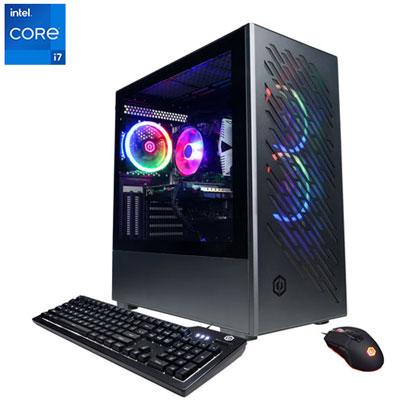 Your price for this item is $1969.99
 -
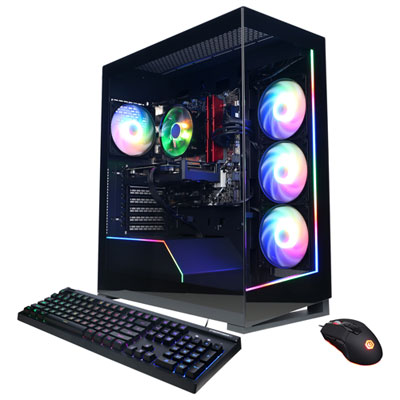 Your price for this item is $1059.99
 -
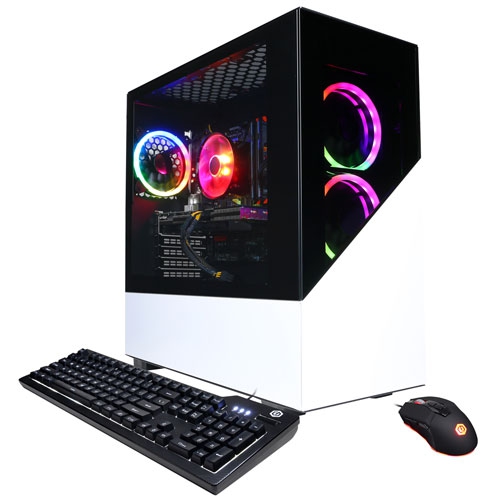 Your price for this item is $1274.97
 -
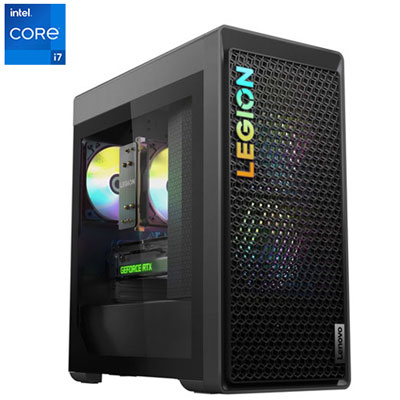 Your price for this item is $1899.95
 -
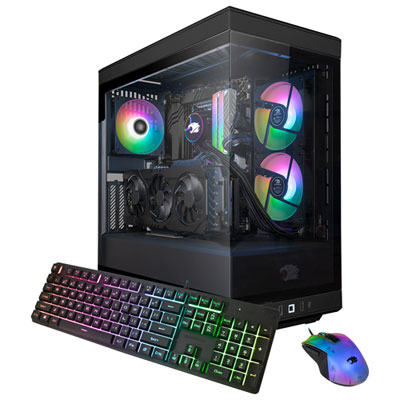 Your price for this item is $2309.99
 -
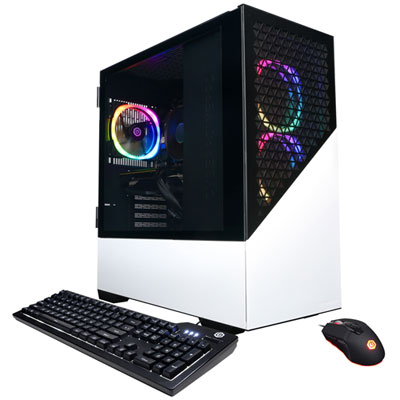 Your price for this item is $1669.99
 -
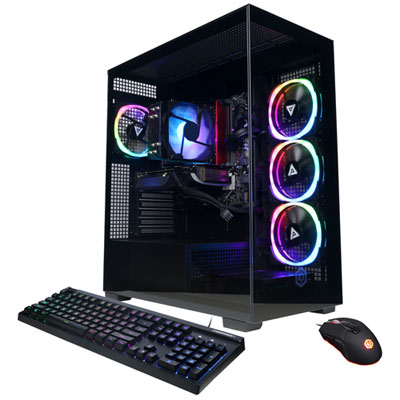 Your price for this item is $1839.99
 -
 Your price for this item is $2399.99
Discover more categories related to EVGA 3060 Ti
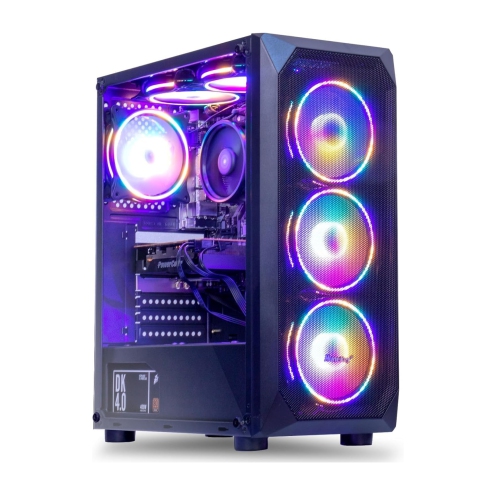
Top Collections:
Pokemon Centers, Kindle Devices, Best Budget Office Chairs, Apple iPhones 16, Canon G7X Cameras, iPhone 15 Apple, Alarm Clock, Refurbished Apple Laptops, Flip Phones, Best Laptops for Writers
Some products may be subject to Environmental Handling Fees
(EHF) depending on your province.
Learn more about EHFs.