External Power Supplies
Looking for a reliable and efficient way to power up your electronic devices? Look no further than our collection of external power supplies. Whether you're at home, in the office, or on the go, these versatile accessories provide a convenient solution for charging your smartphones, tablets, laptops, and more. With a range of options available, you can find the perfect external power supply to meet your needs and keep your devices juiced up whenever and wherever you need them. Say goodbye to low battery anxiety and stay connected with our selection of top-notch external power supplies.
Sort





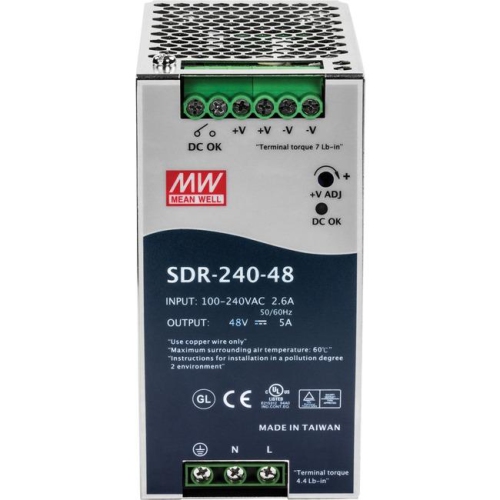
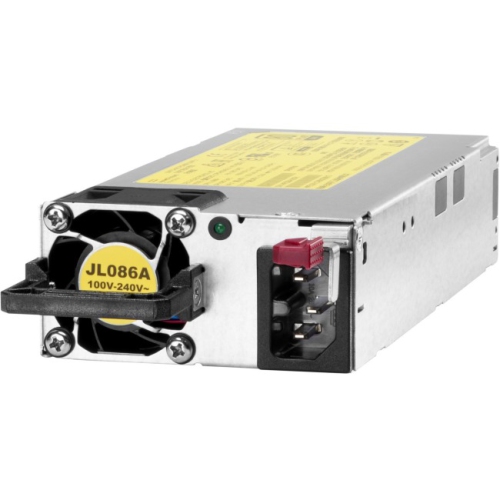
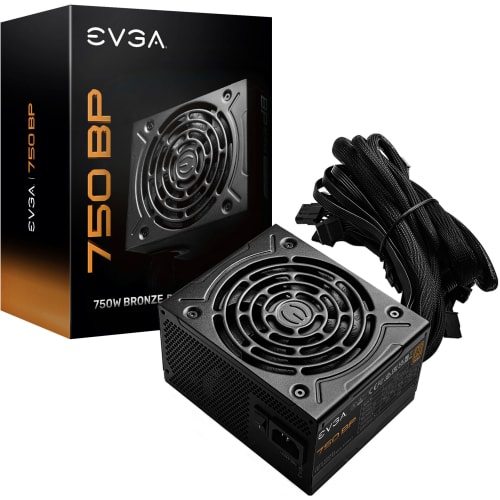























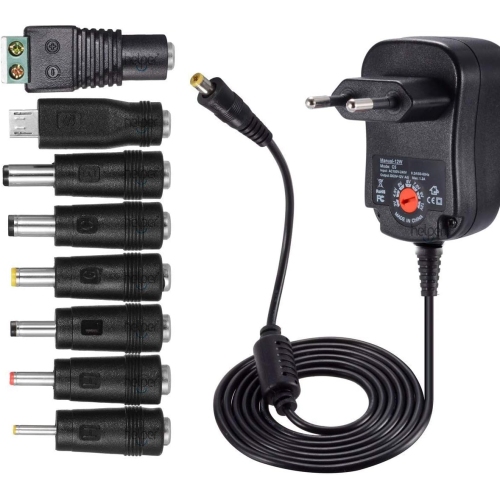
![ALBERTATECH [Upgraded Version] 30W Universal Ac/dc Adapter Switching Power Supply With 8 Selectable Adapter Tips, Including](https://multimedia.bbycastatic.ca/multimedia/products/500x500/160/16090/16090248.jpeg)
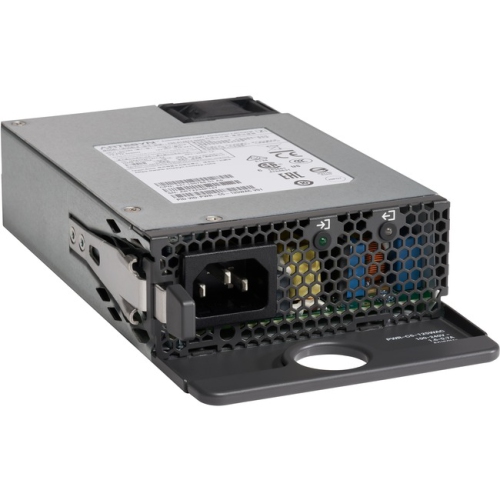


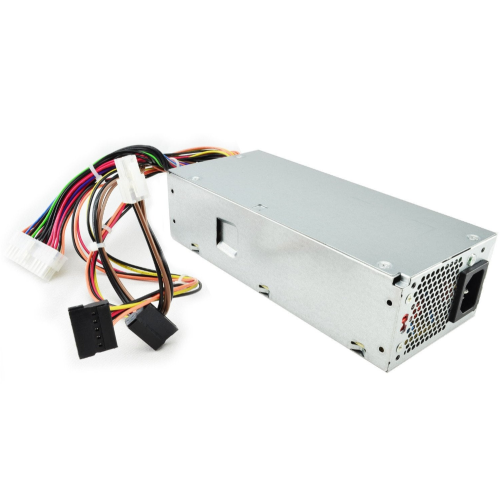
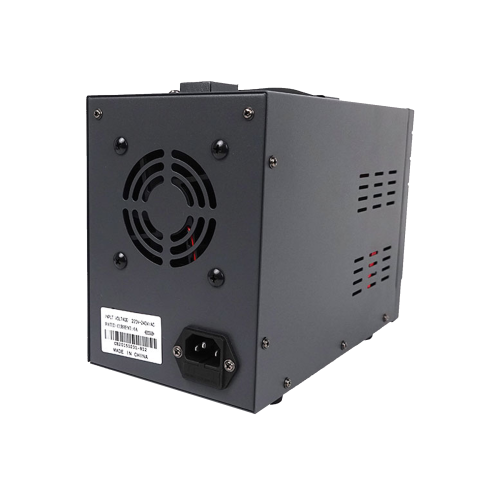
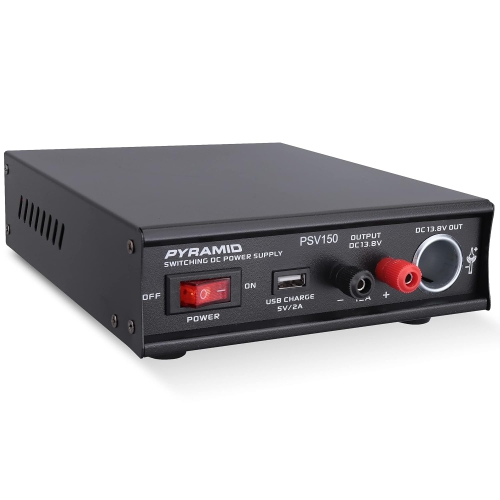
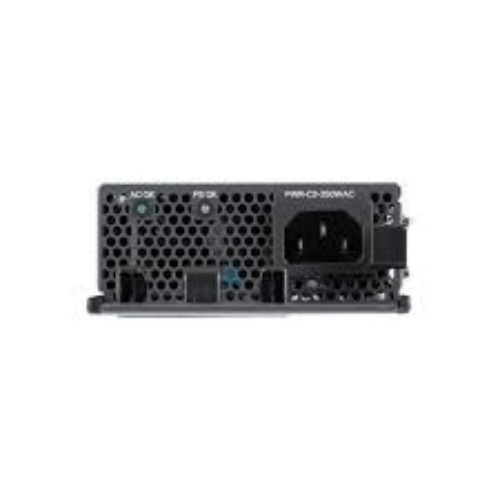
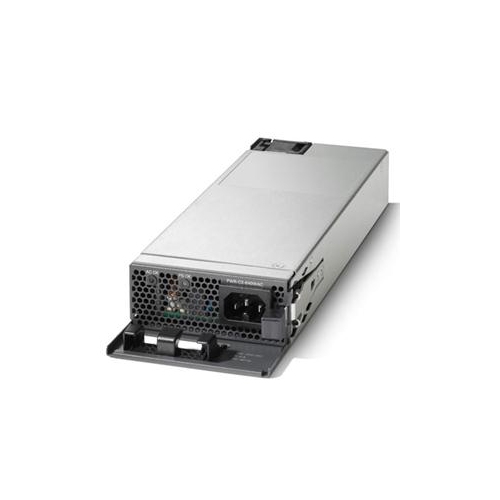
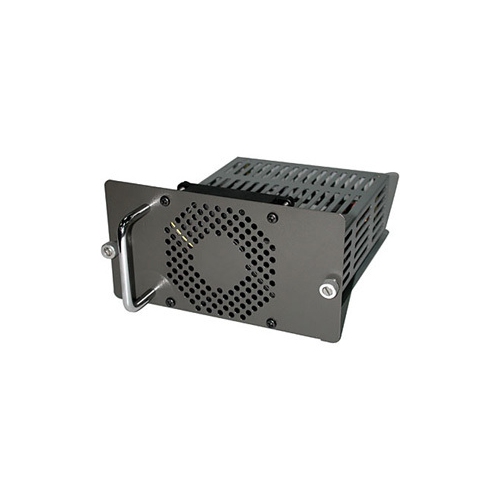







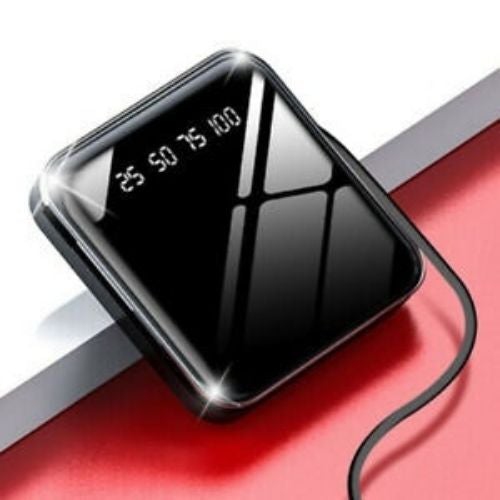
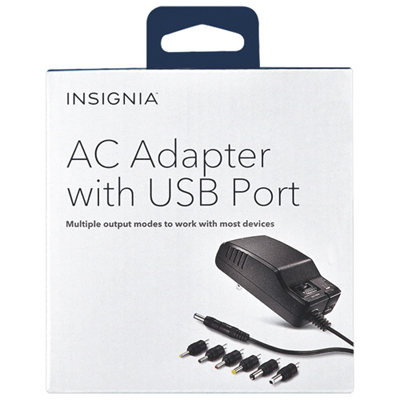
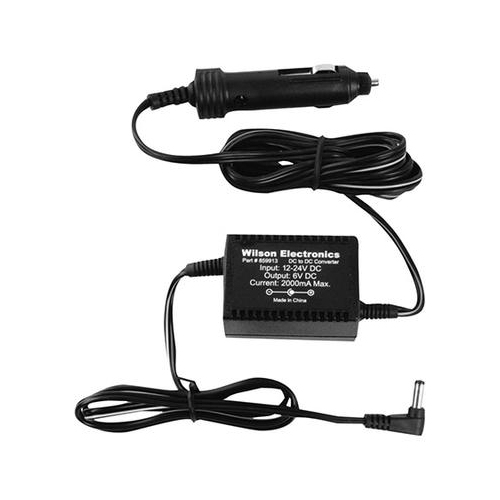

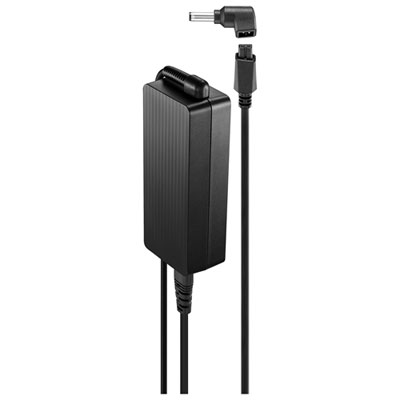
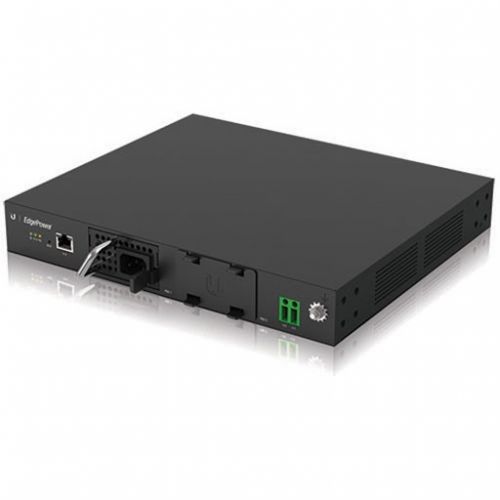
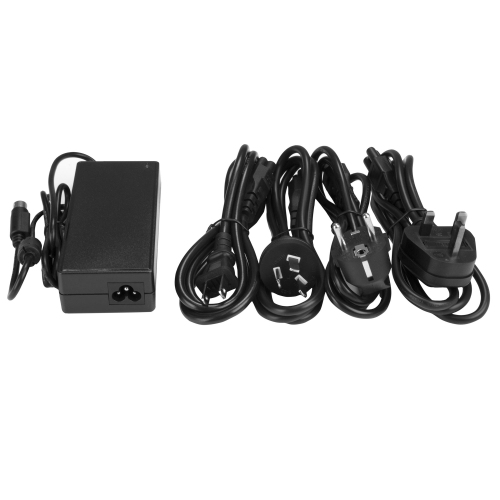
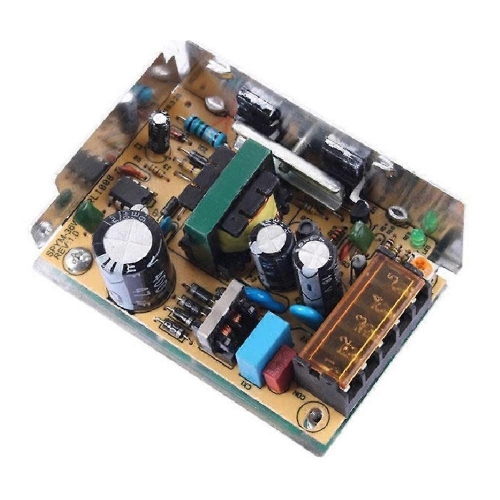
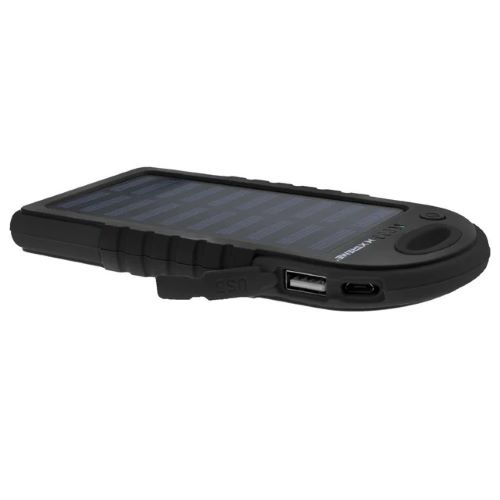
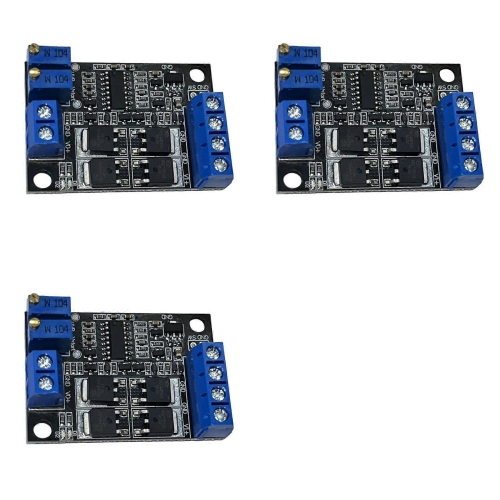

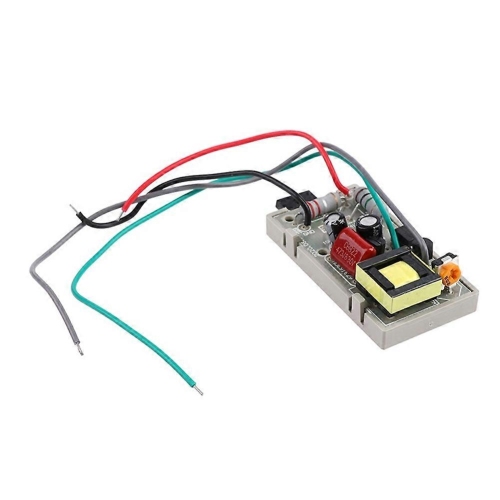
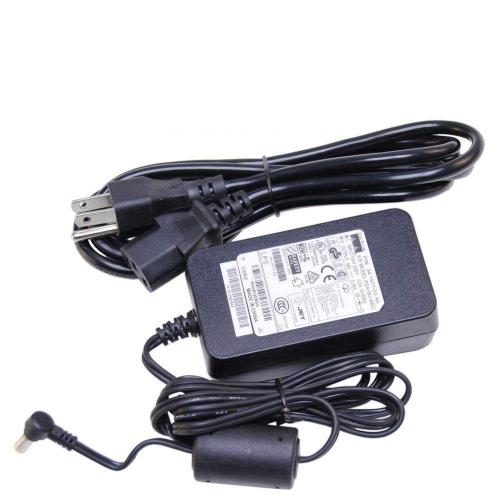
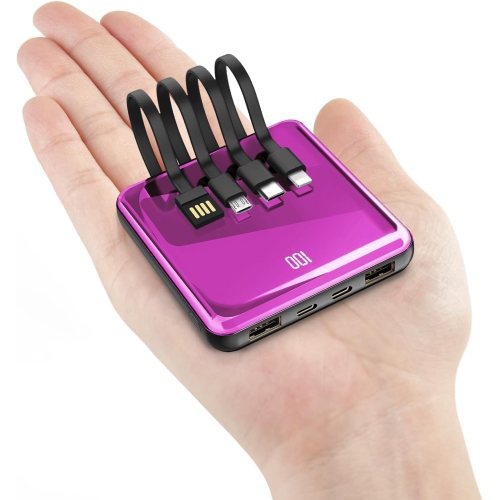
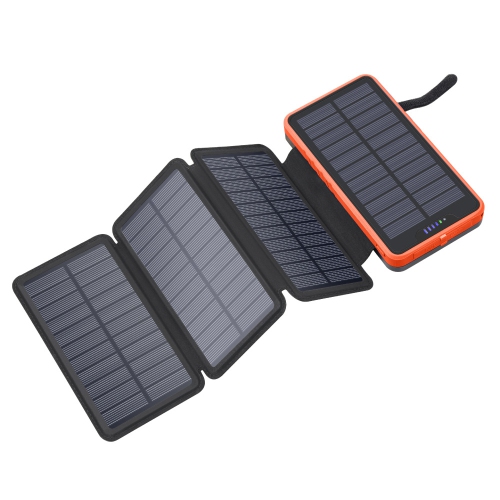
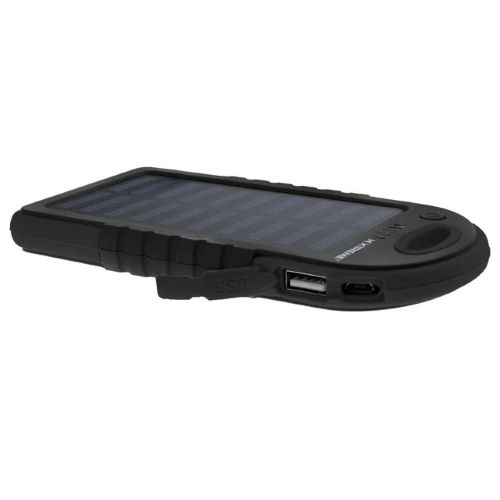
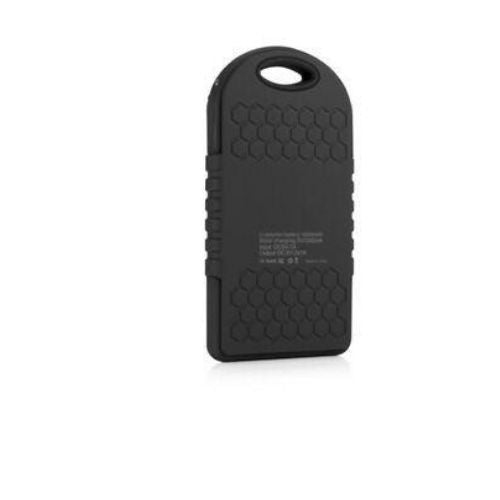
Voltage and connector compatibility support dependable device performance
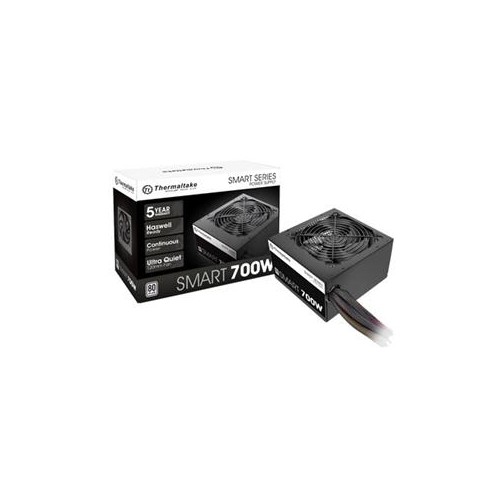
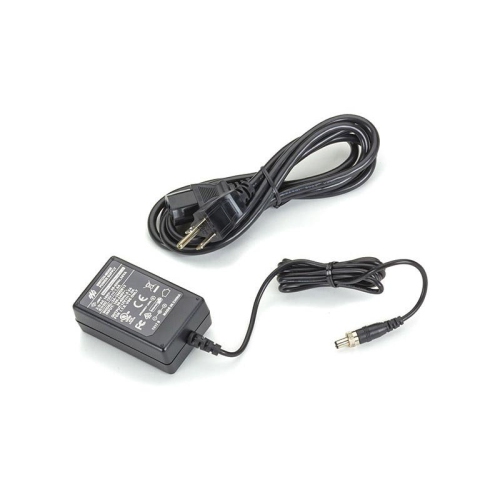
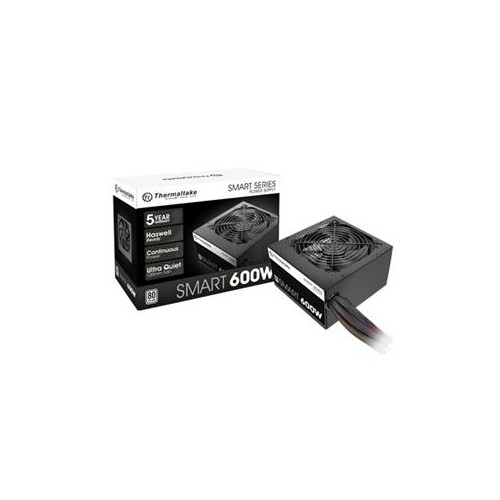
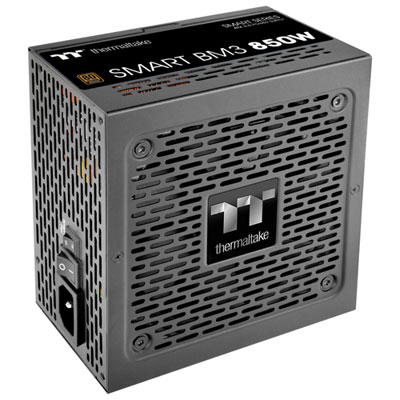
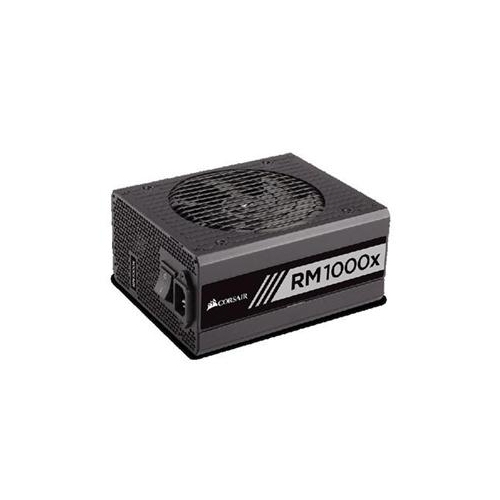
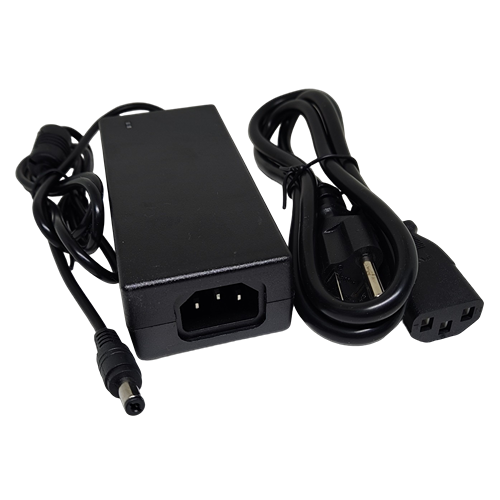
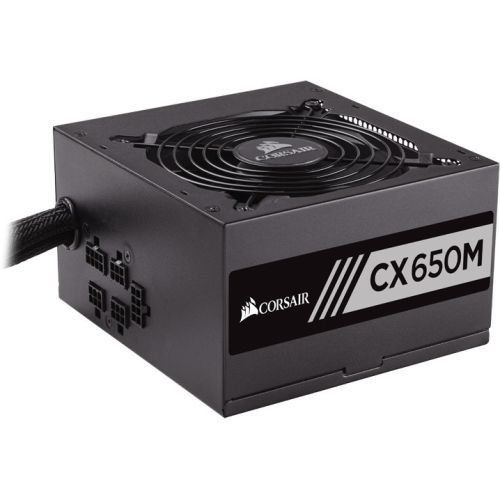
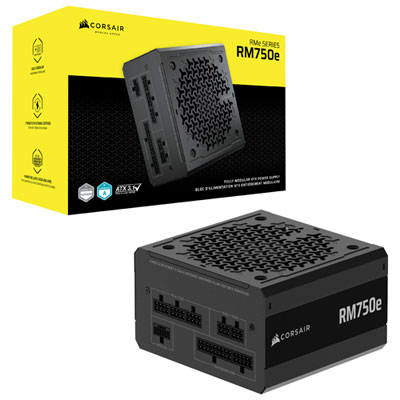
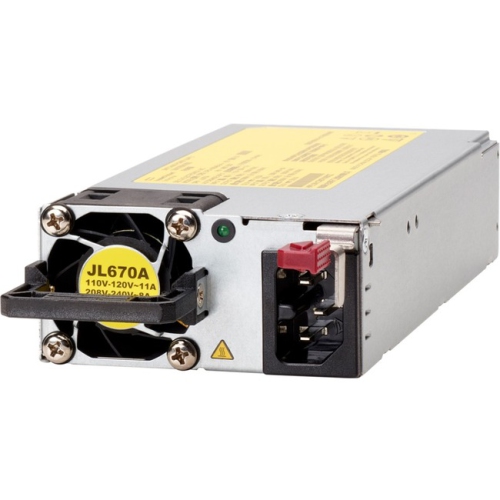
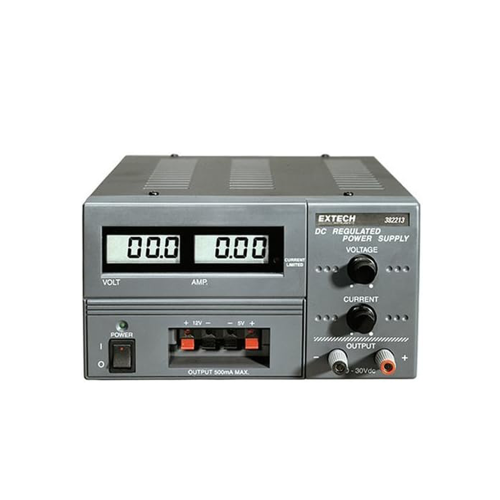
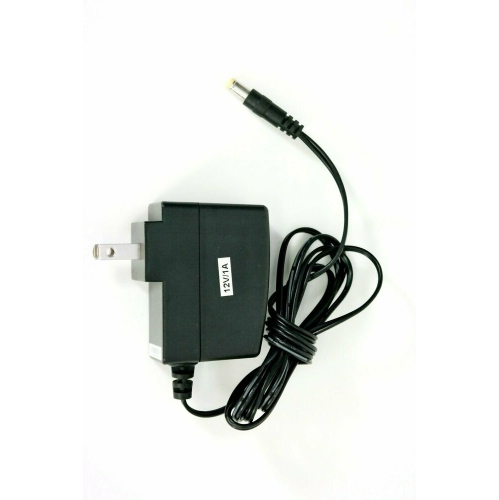
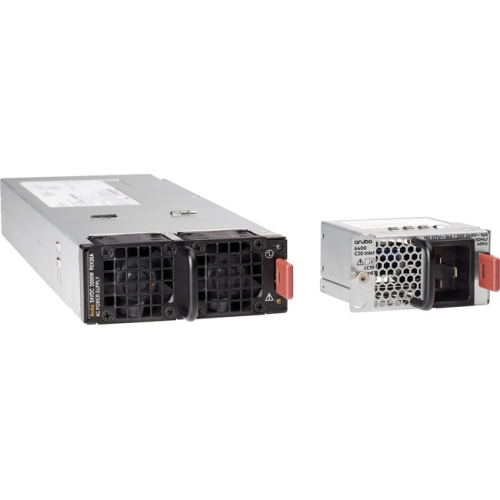
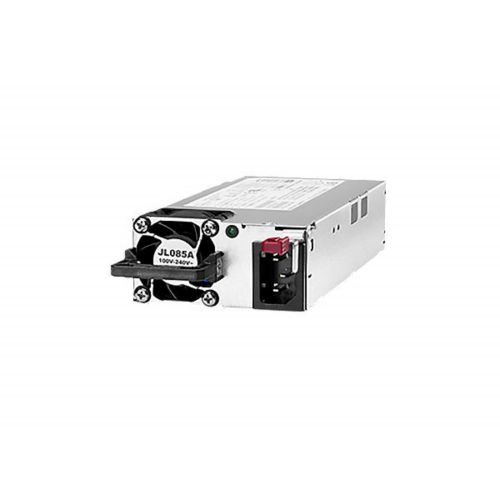
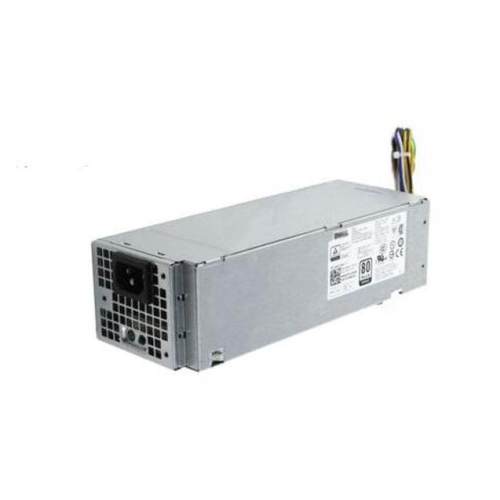
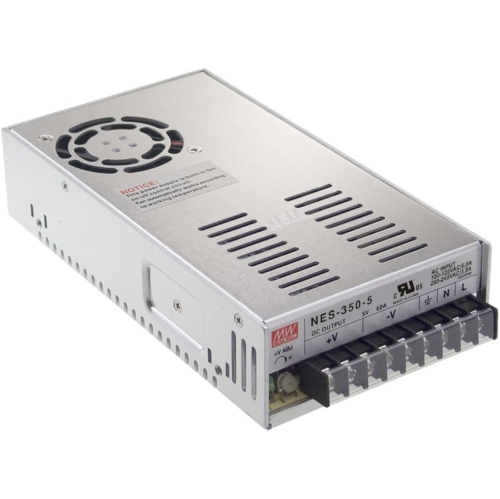
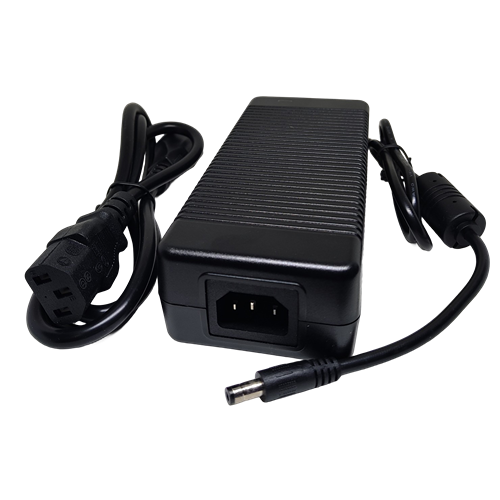
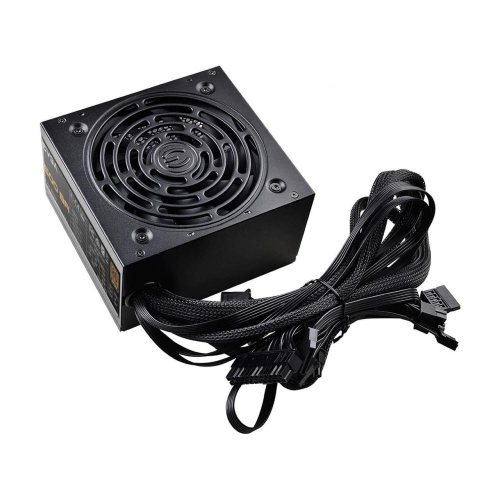
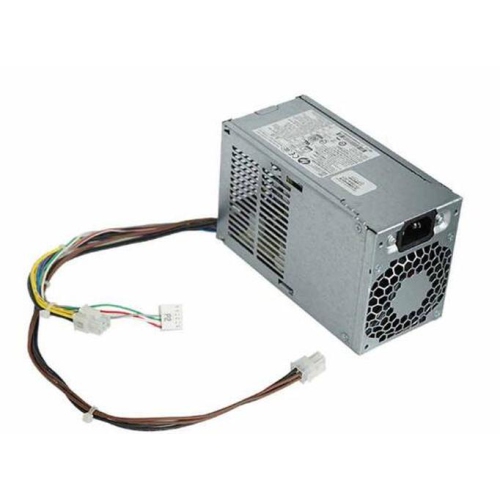
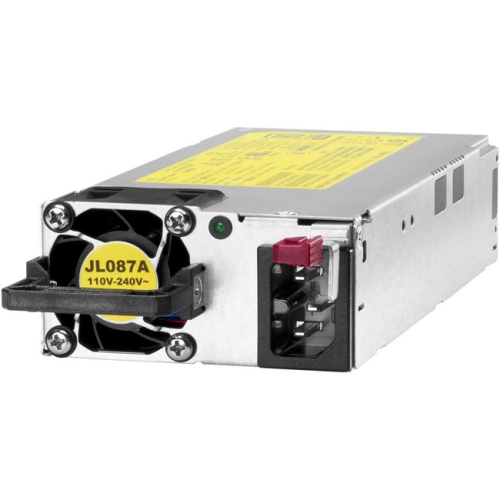
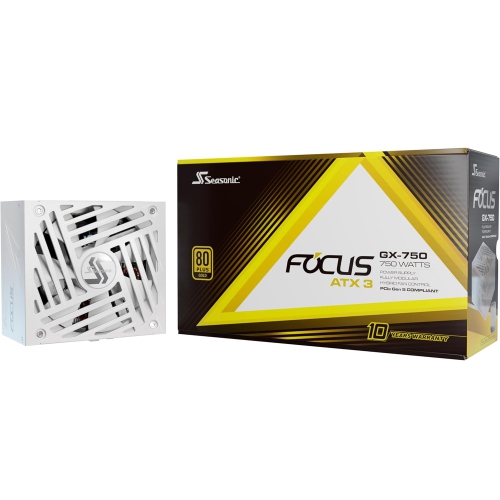
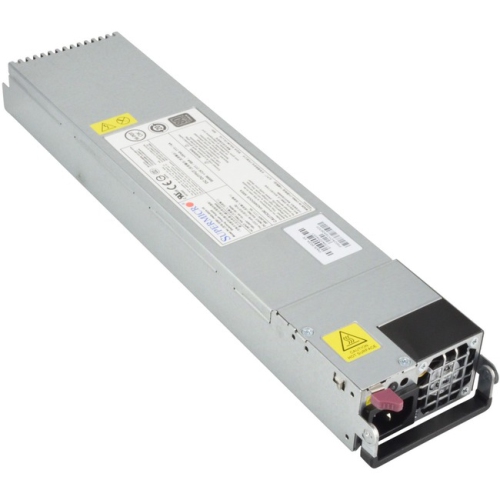
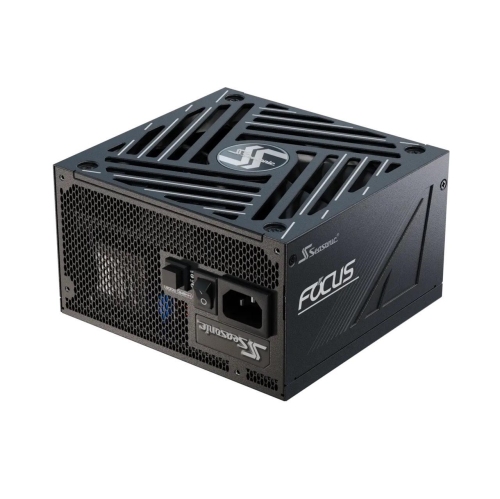
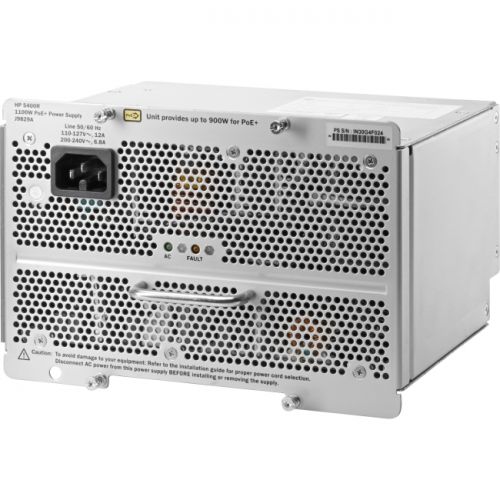
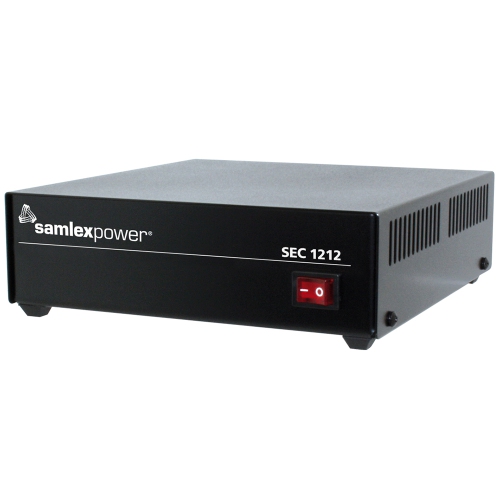
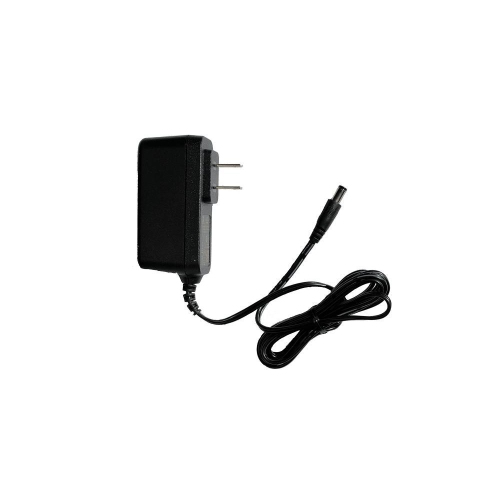
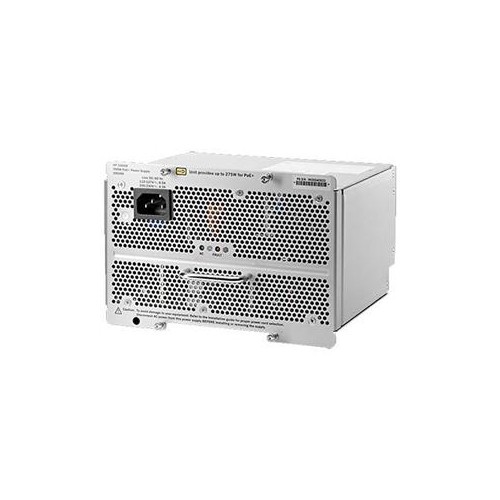
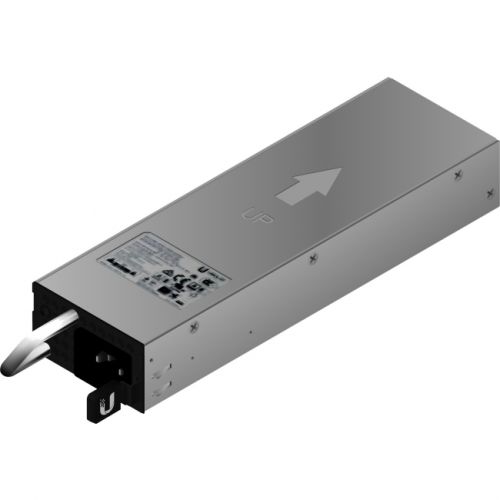
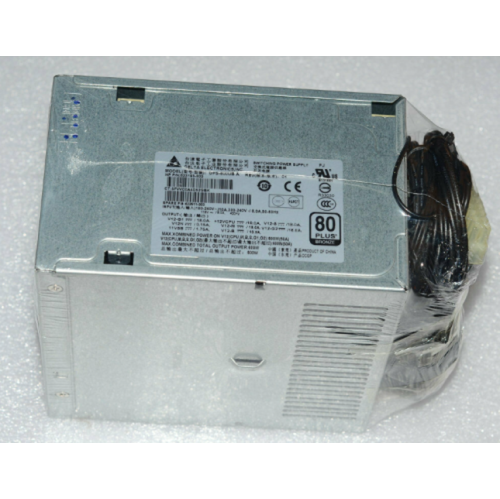
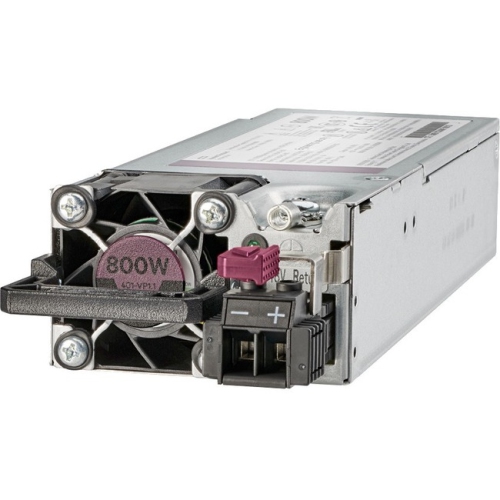
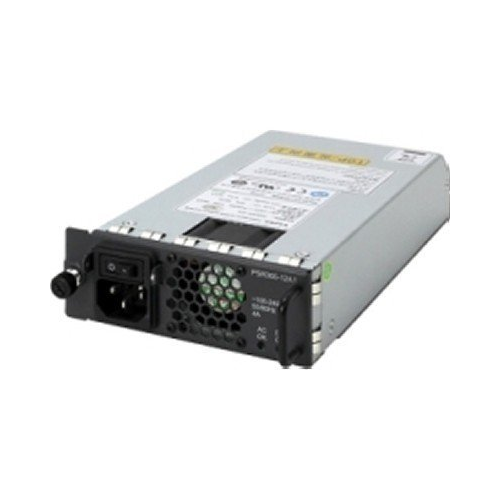
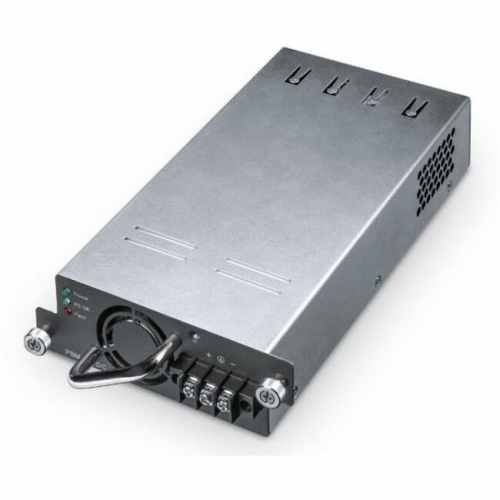
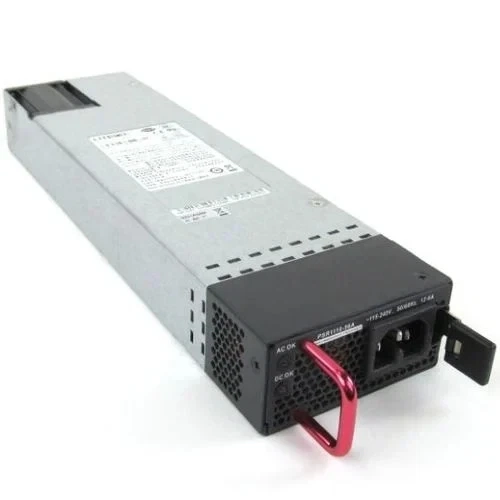
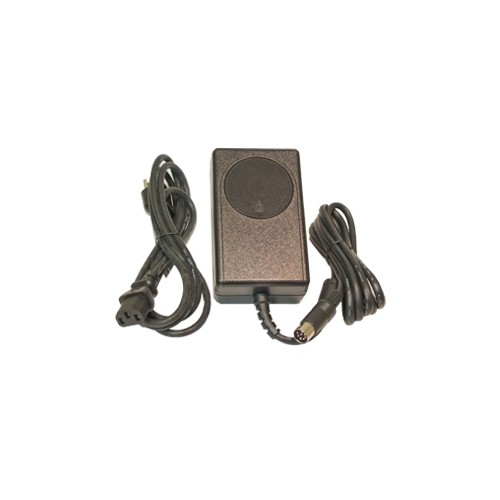
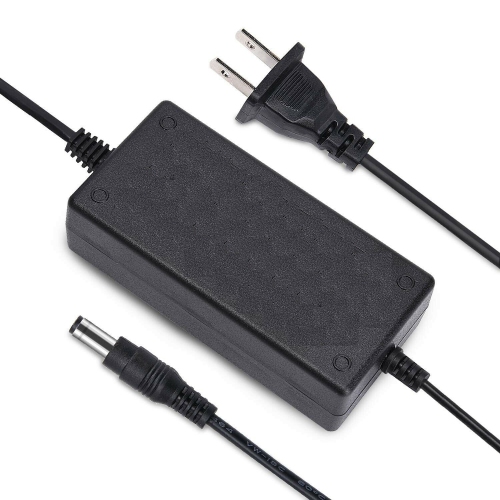
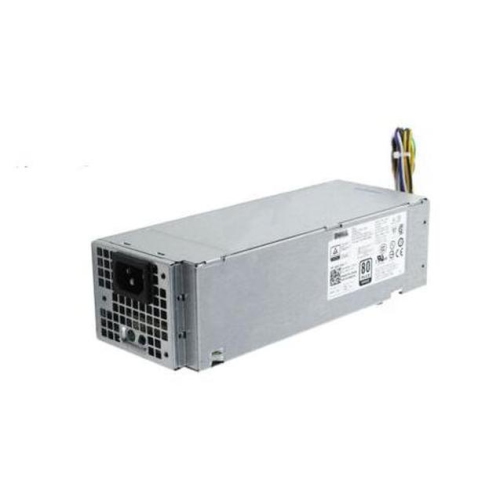
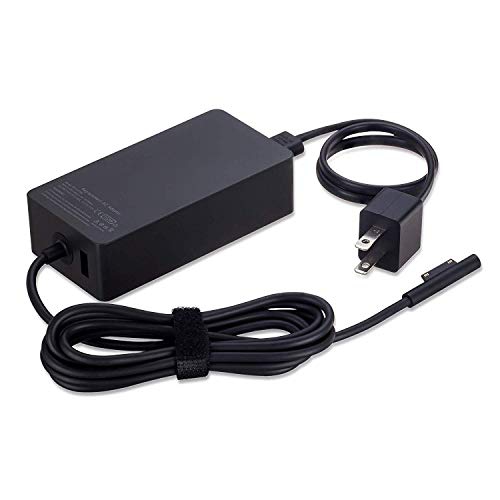
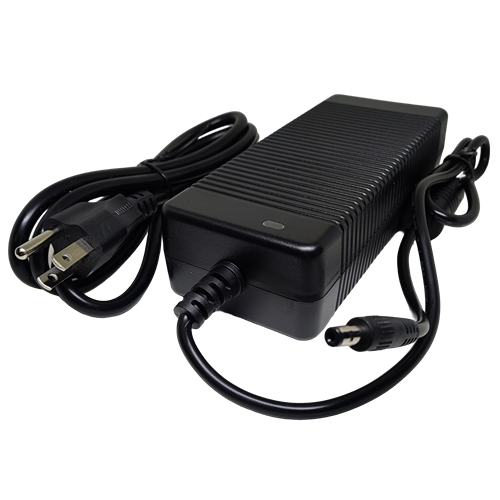
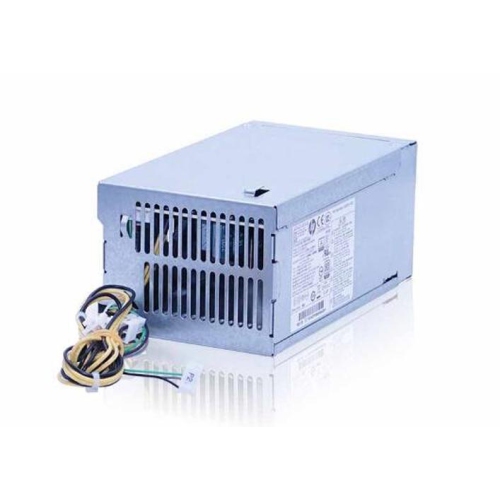
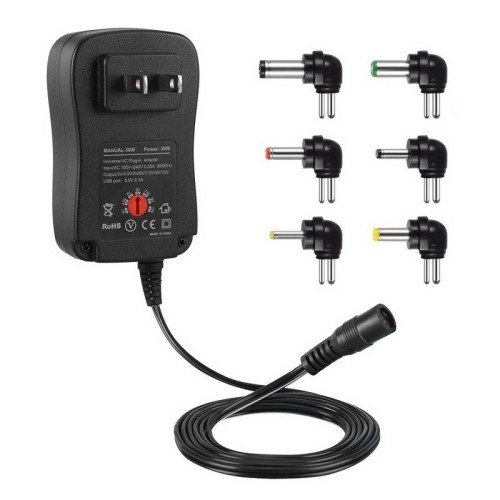
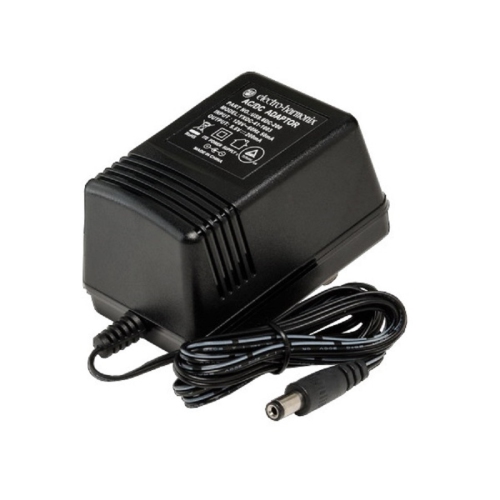
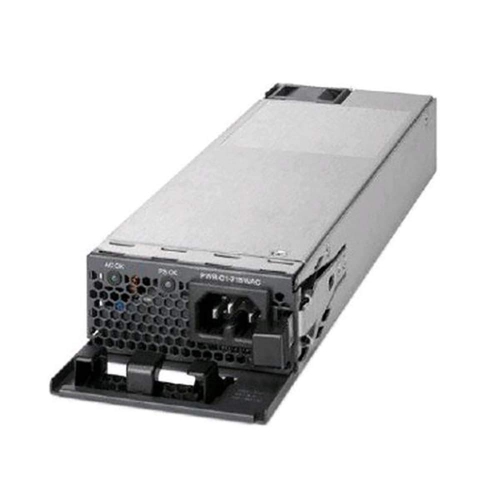
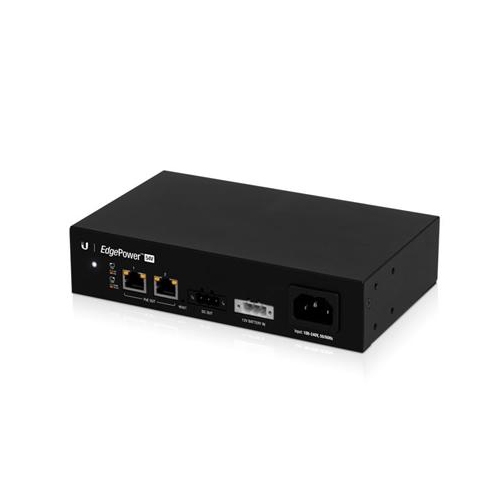
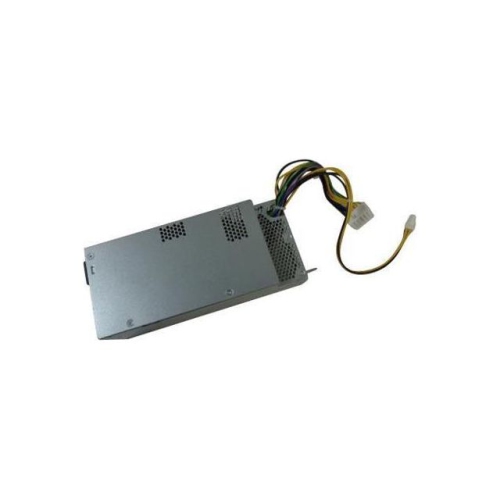
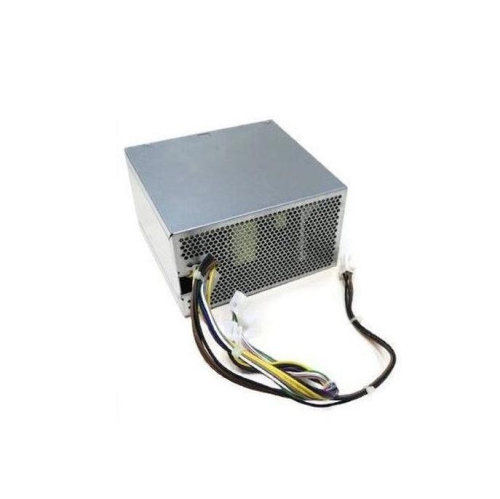
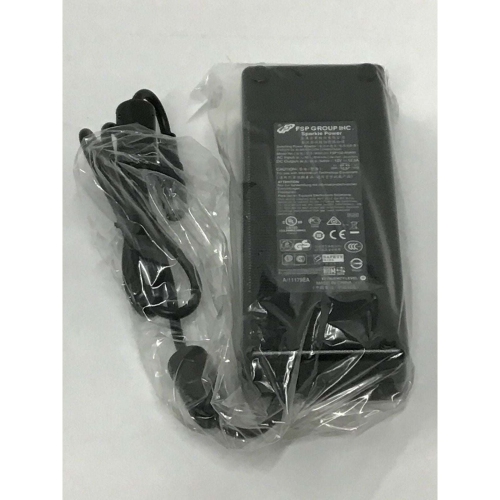
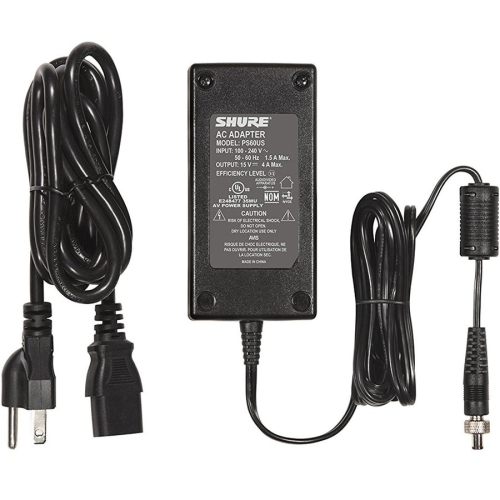
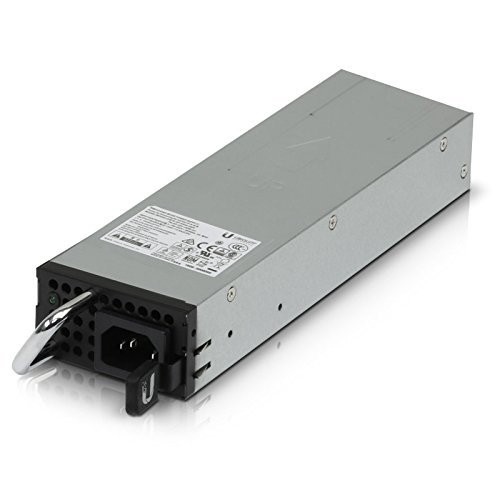
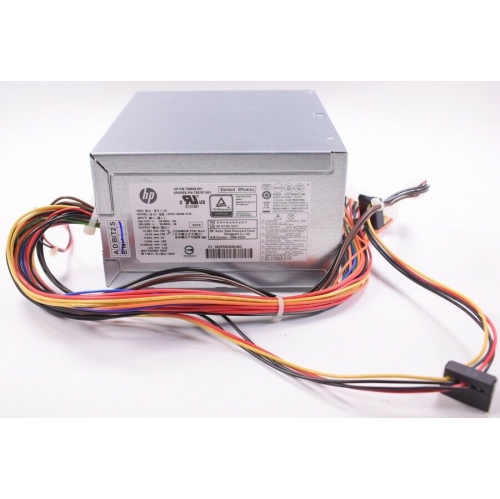
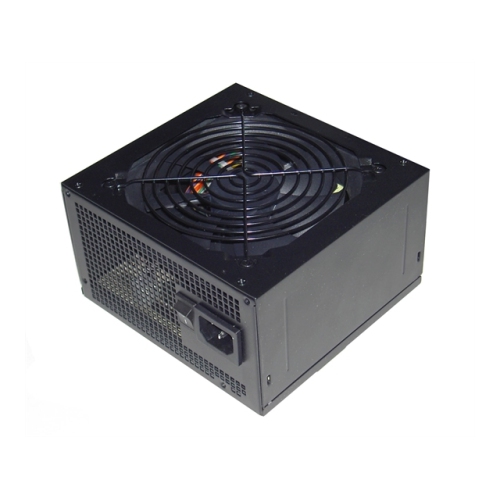
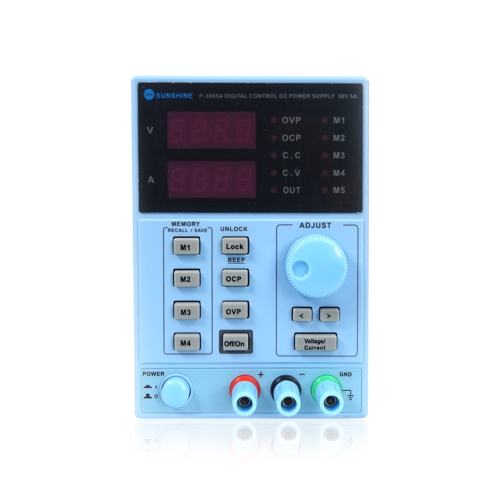
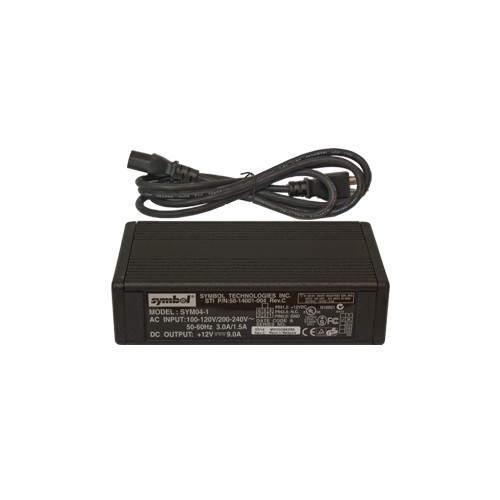
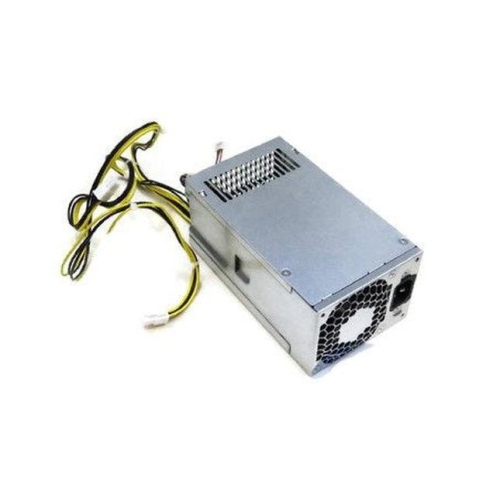
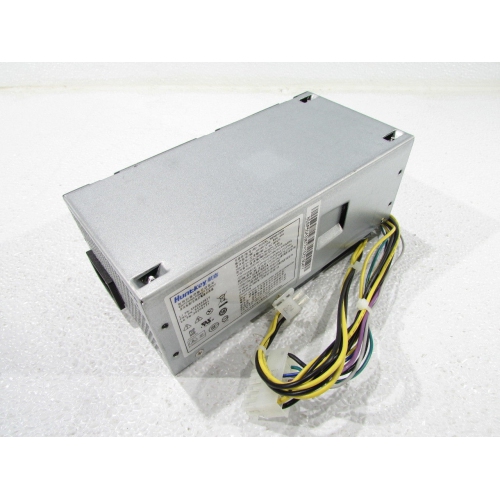
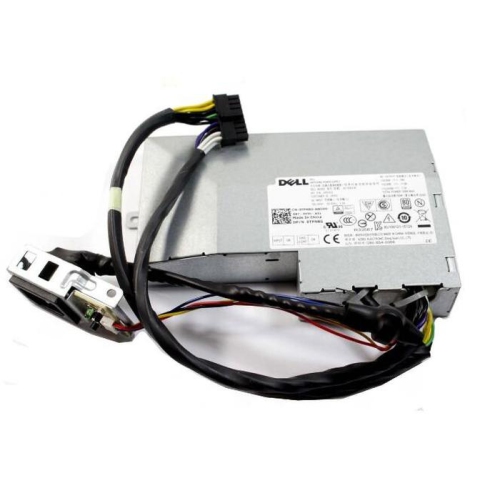
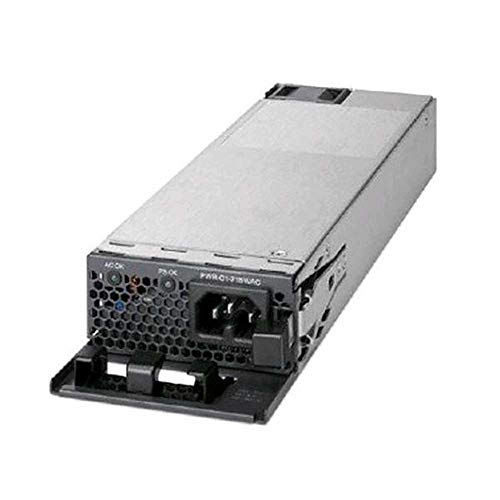
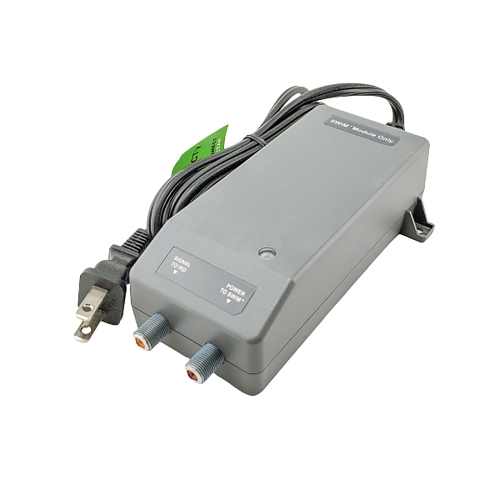
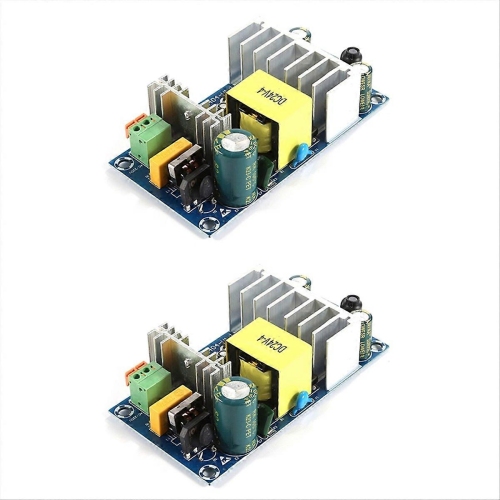
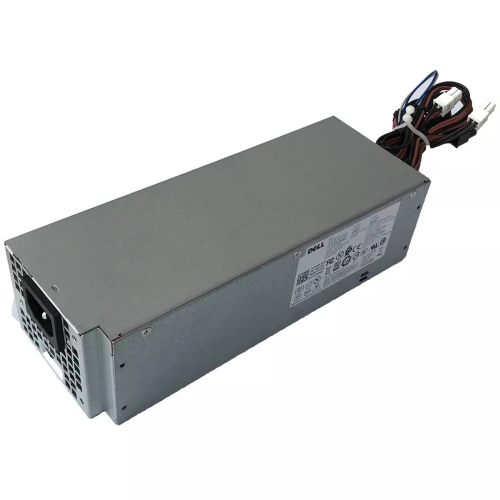
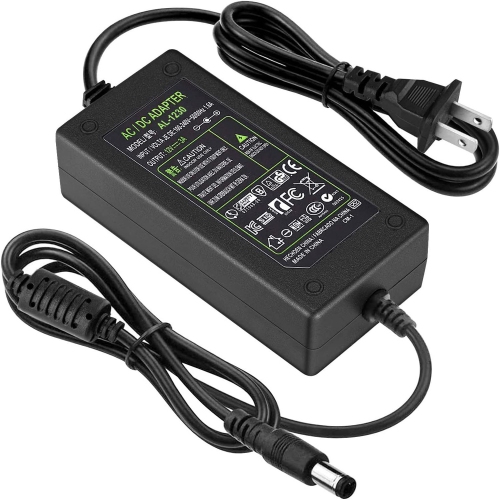
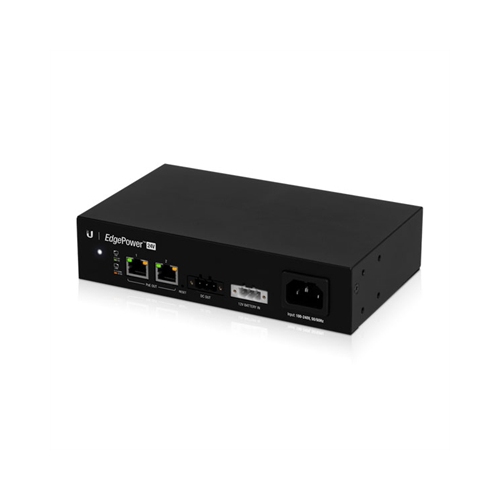
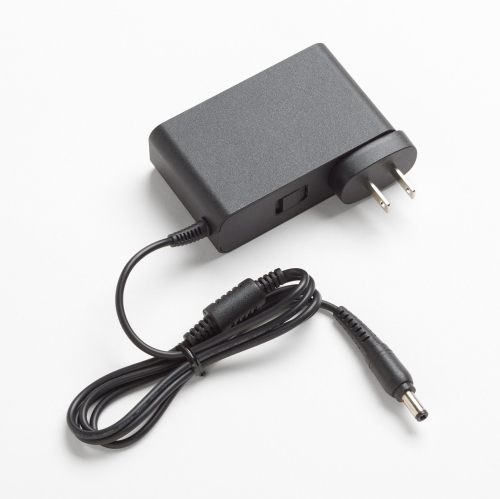
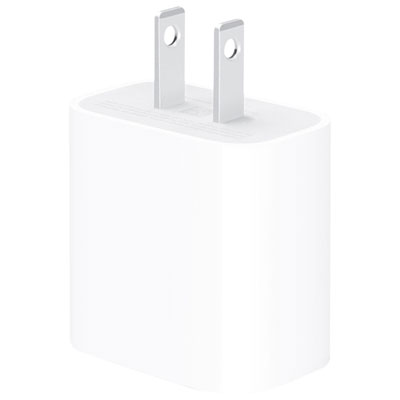
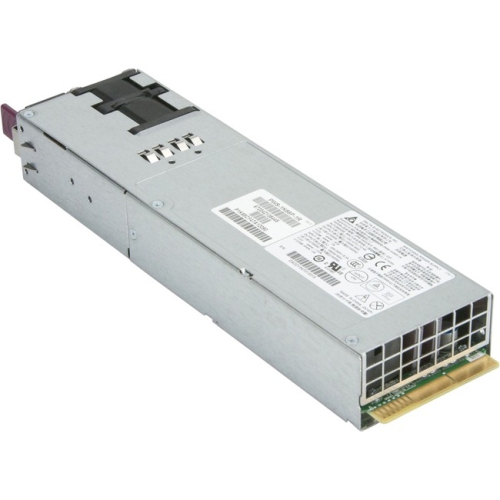
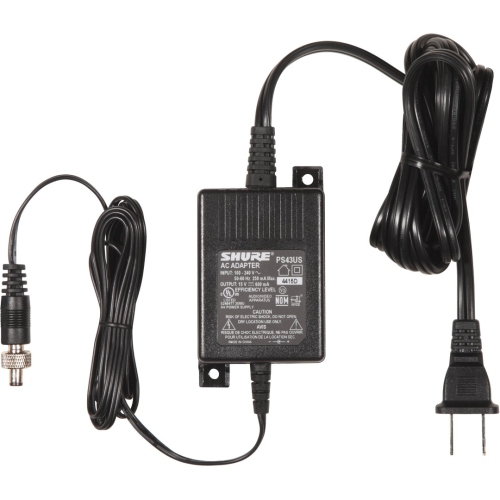
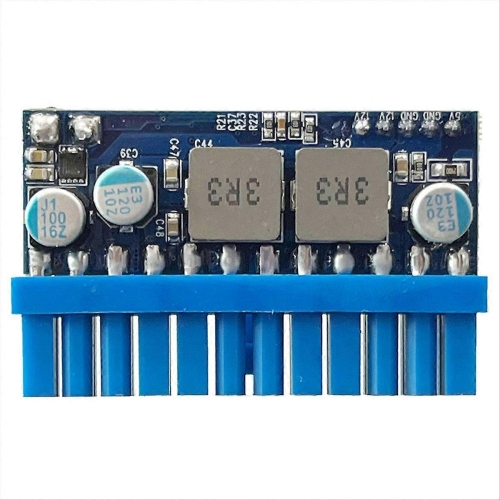
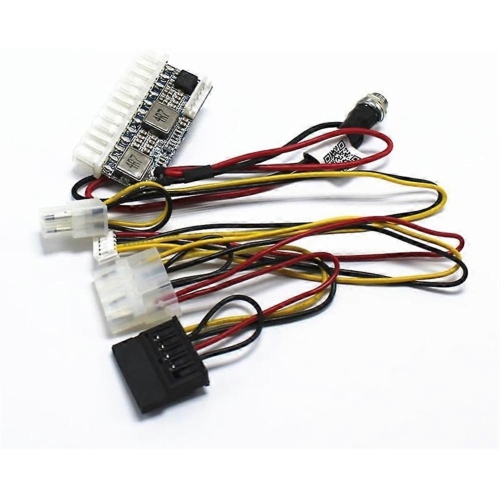
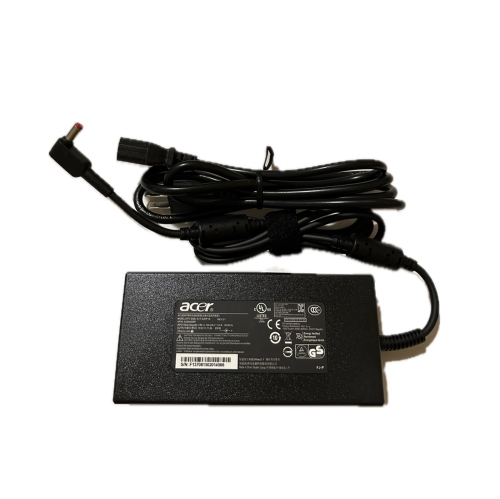
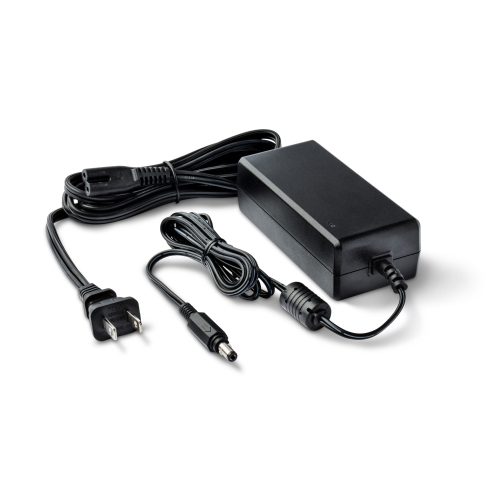
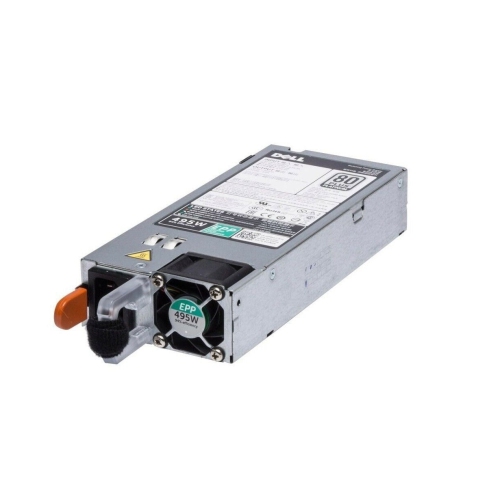
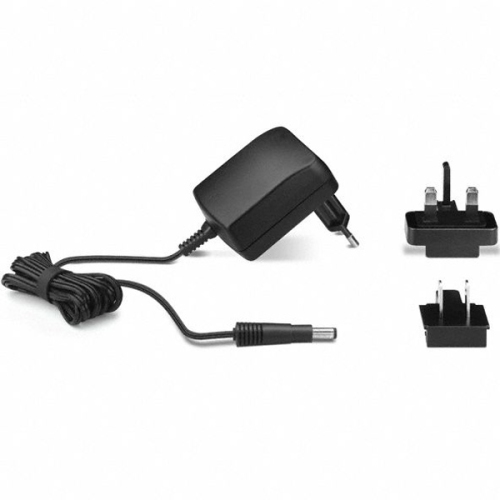
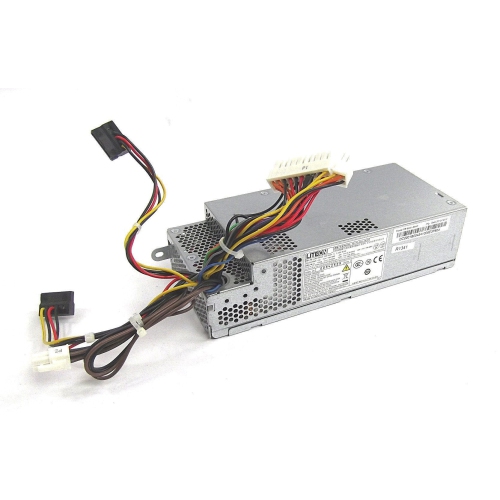
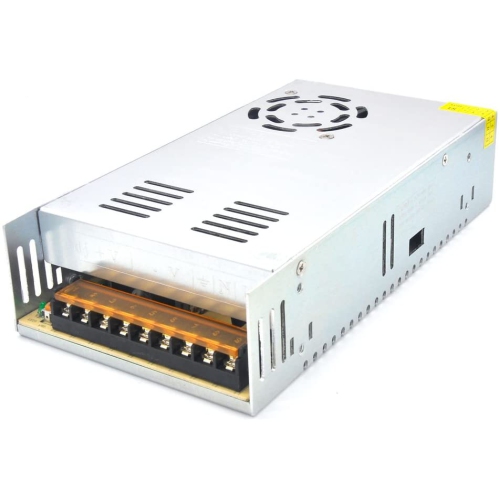
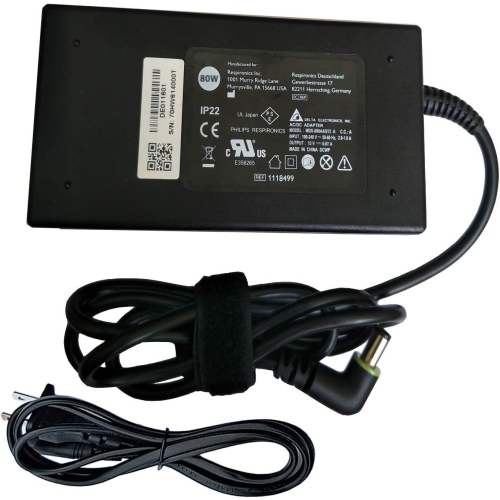
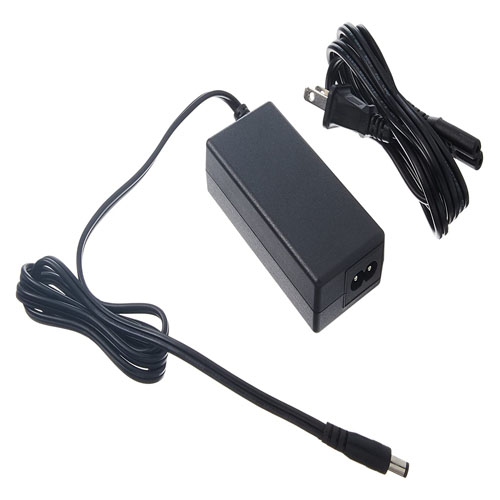
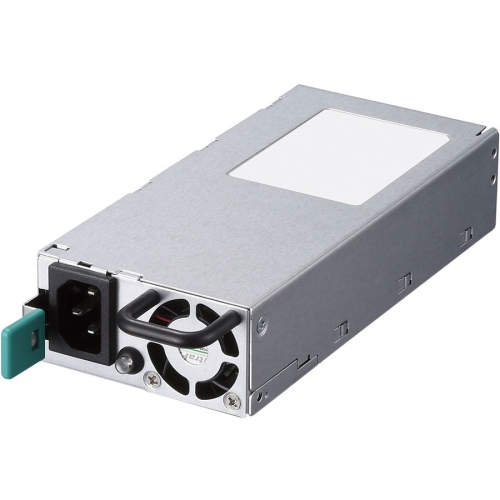
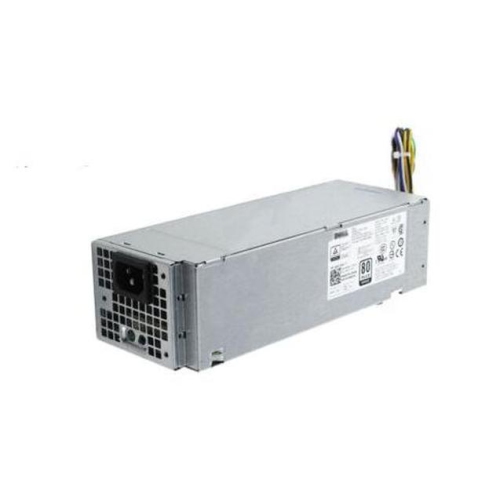
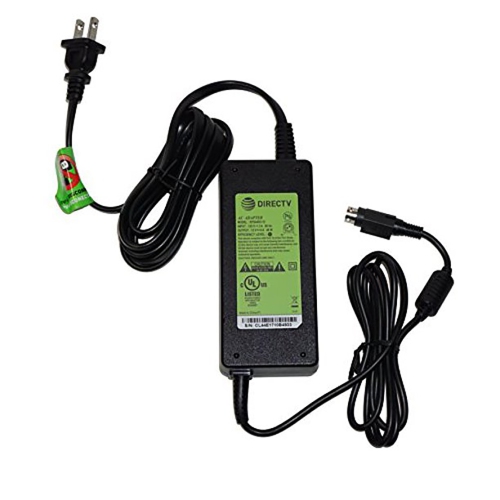
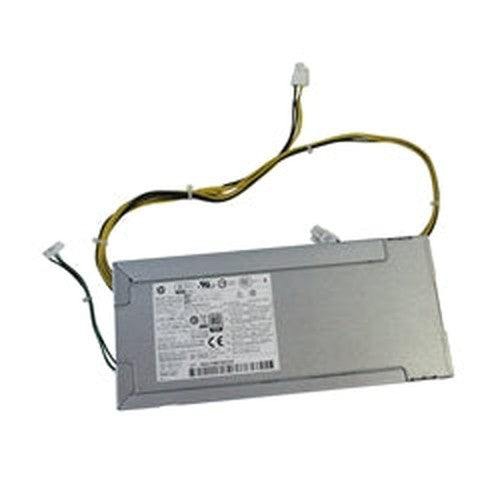
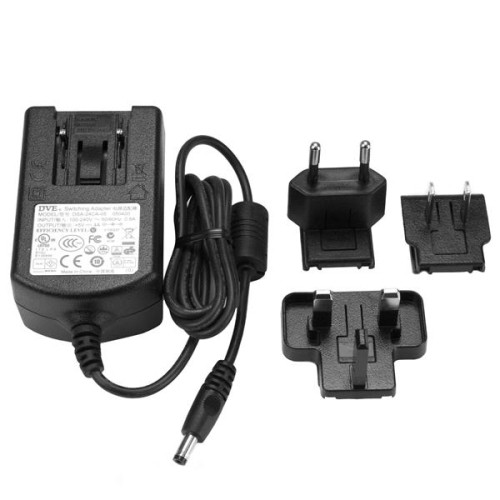
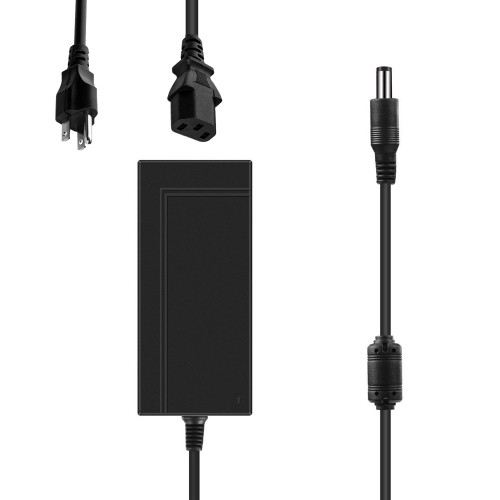
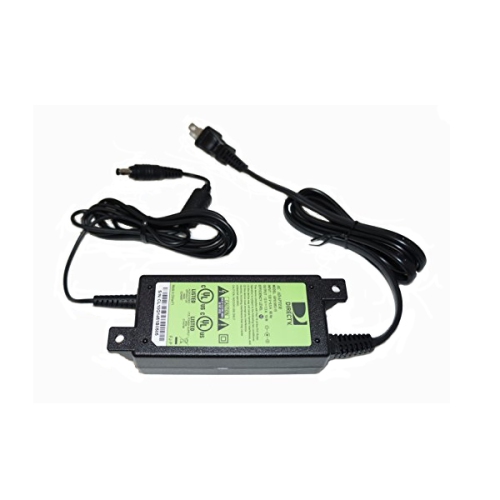
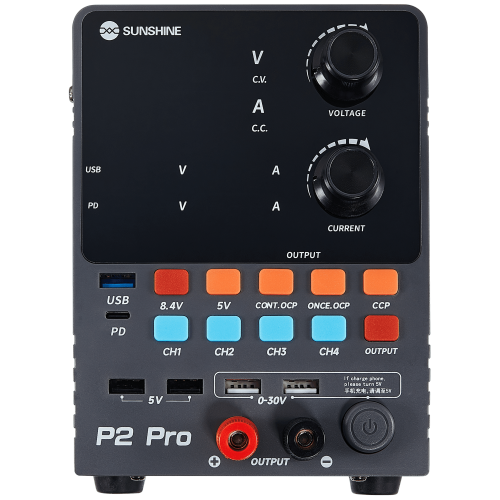
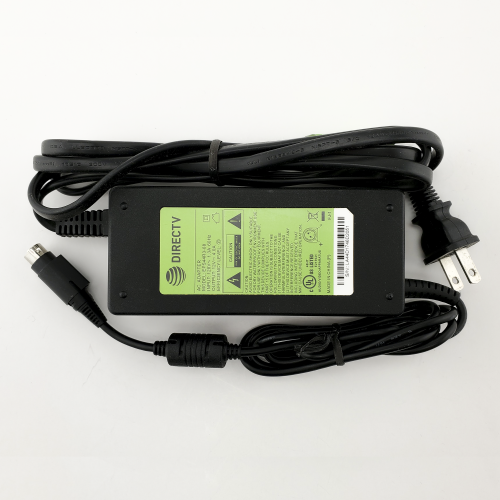
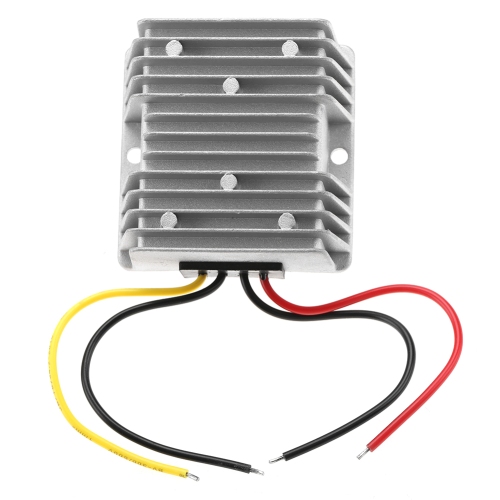
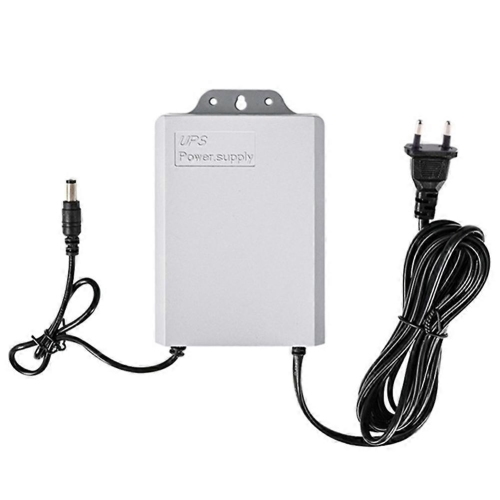
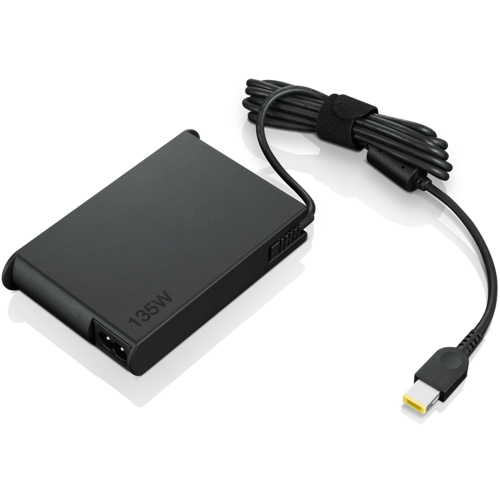
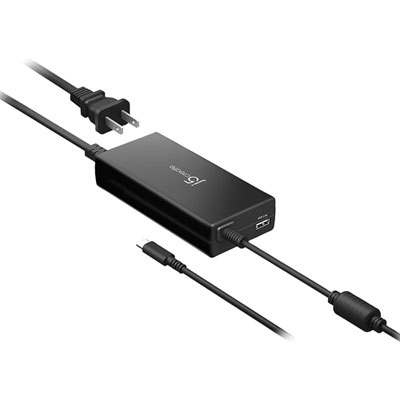
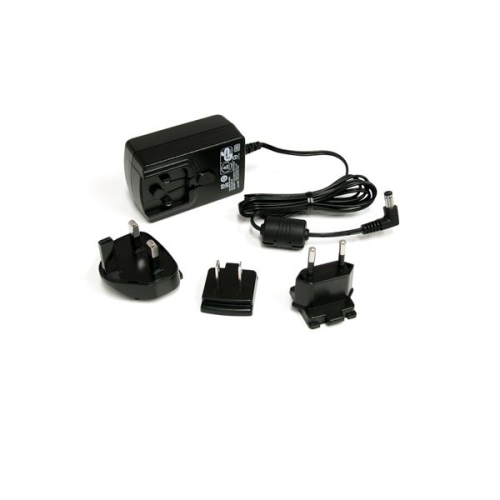
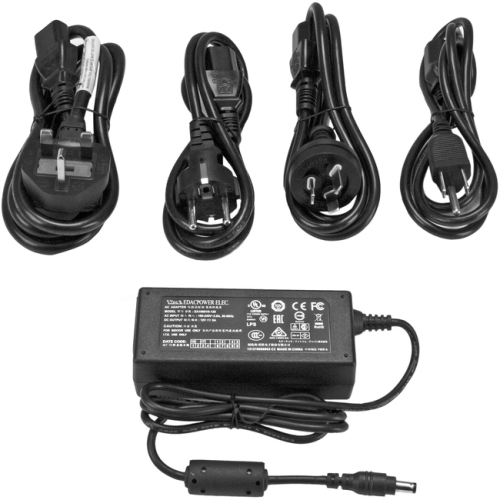
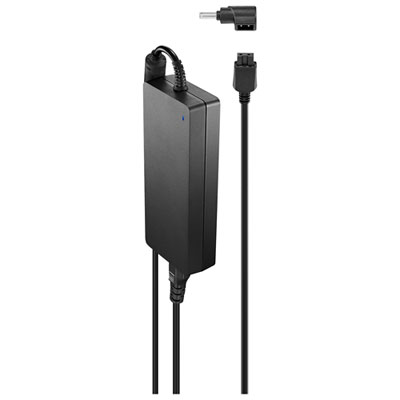
External power supplies provide the connection between a wall outlet, battery, or other power source and the electronics that keep homes, offices, workshops, and travel setups running. In many cases, an external power supply converts the high-voltage AC electricity from a household outlet into the lower-voltage DC power required by a laptop, monitor, router, speaker, printer, security device, or other compatible equipment. Keeping the conversion hardware outside the main device can help manage heat and allows the electronics to use a compact internal design. External supplies come in several familiar forms, including wall plug adapters with prongs built into the housing, desktop power bricks with a separate mains cable, USB-C chargers, battery backups, and portable power stations. A small wall adapter may suit a lightweight router or compact speaker, while a desktop-style brick is common with laptops and monitors because it can sit on the floor or behind a desk instead of adding weight to the device itself. USB-C Power Delivery adds flexibility for compatible electronics by allowing the charger and device to communicate and determine the appropriate voltage and current. This can make one supply useful for more than one device, although compatibility still depends on the device’s charging standard, power requirement, cable, and connector. For a replacement, a backup, or a new workspace setup, choosing the correct external power supply starts with identifying exactly what the connected device requires.
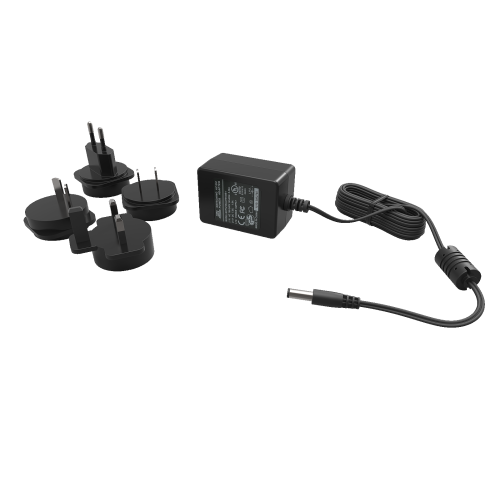
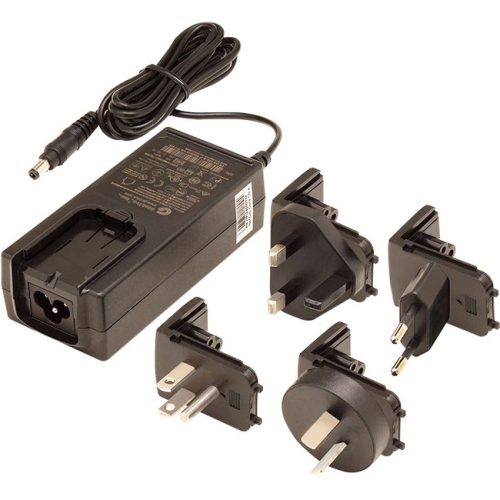
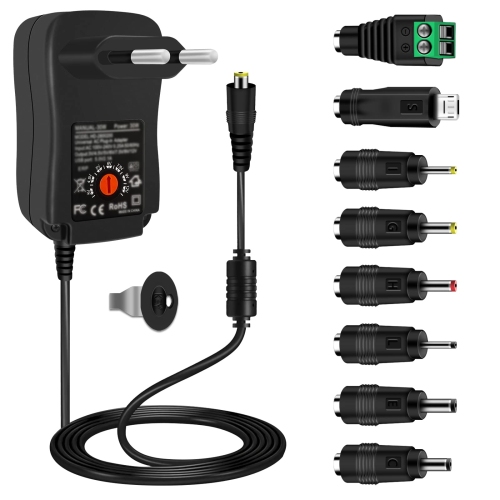
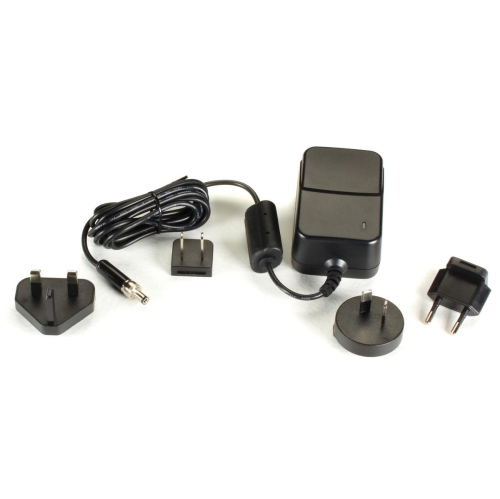
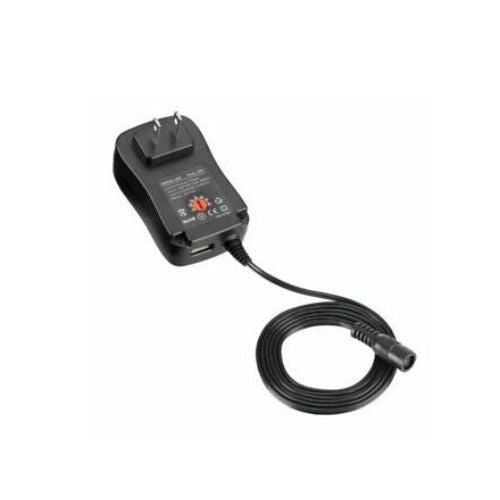
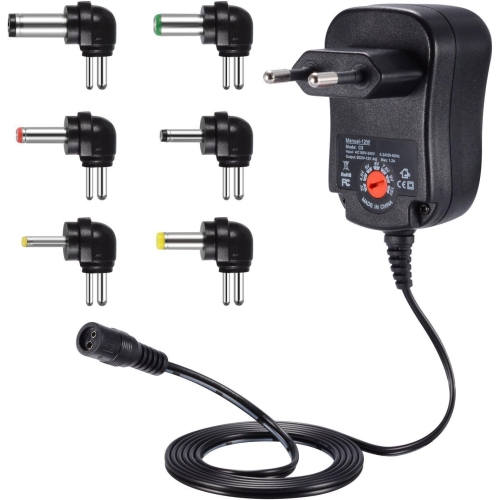
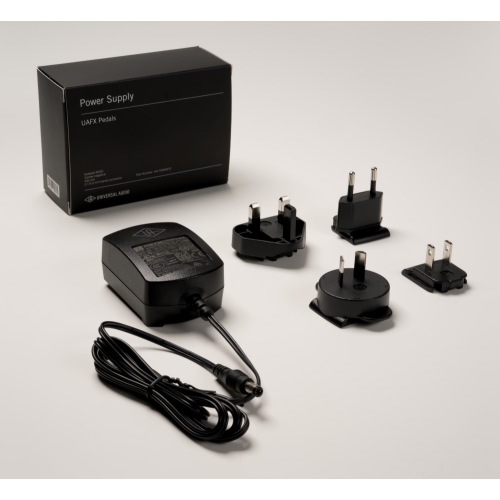
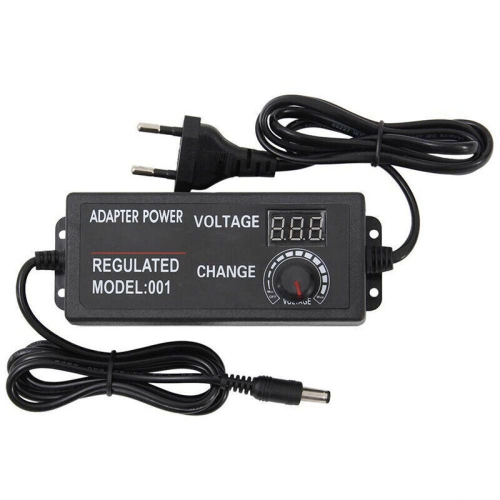
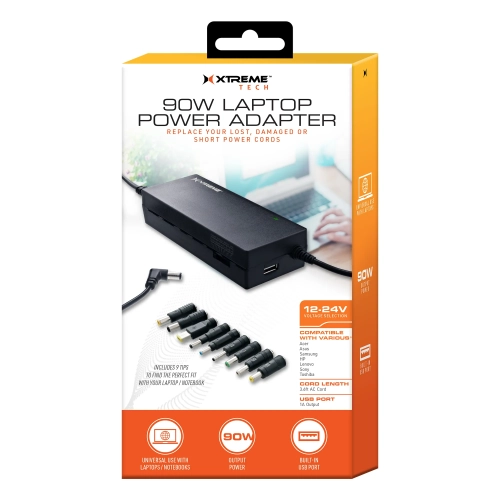
Voltage is the most important specification to match. Look for the device label, the original adapter, or the manufacturer’s documentation to confirm the required output voltage, which may be listed as volts (V). The replacement should provide the same voltage; a higher output can damage sensitive electronics, while a lower output may prevent the device from starting or cause unreliable performance. Current, listed in amperes (A), or total power, listed in watts (W), is equally important. The supply should be able to deliver at least the current or wattage requested by the device. A supply with a higher available current rating is generally acceptable when the voltage and other specifications match, because the device draws only what it needs. The connector must also fit properly, with the correct barrel tip size, USB connection, or proprietary plug, and barrel connectors require matching polarity, often shown by a centre-positive or centre-negative symbol. A plug that seems close but does not fit snugly can disconnect unexpectedly or damage the port. Cable length and design matter as well: a longer lead can reach a power bar behind a desk, while a shorter cable can reduce clutter in a travel bag. For shoppers replacing a missing adapter or building a flexible charging station, a Universal Power Supply may be worth considering when it offers selectable voltage settings, interchangeable tips, or broad device compatibility. Always confirm the supported range before connecting it. USB-C models should be checked for Power Delivery support and maximum wattage, particularly when charging larger laptops, displays, or more demanding accessories. A compact supply may be ideal for a phone or small accessory, but a high-performance computer can require considerably more power than a standard mobile charger provides.
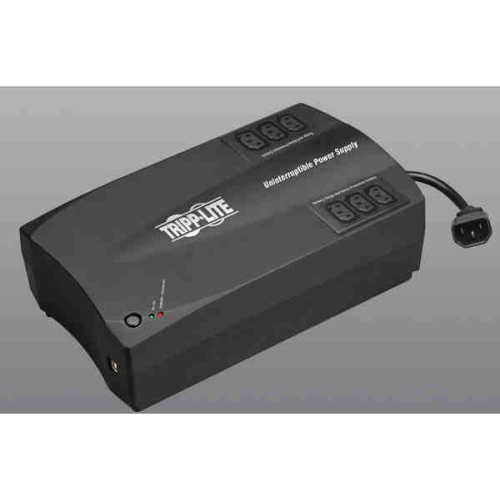
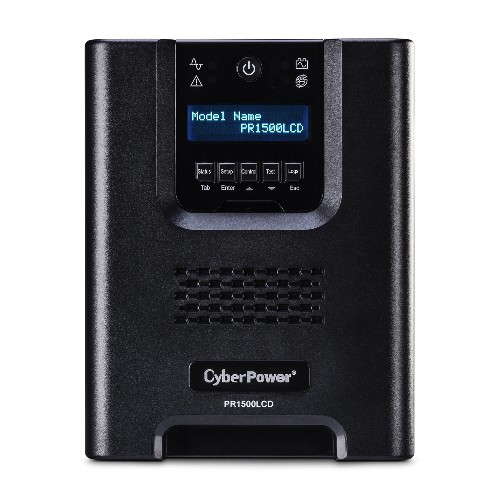
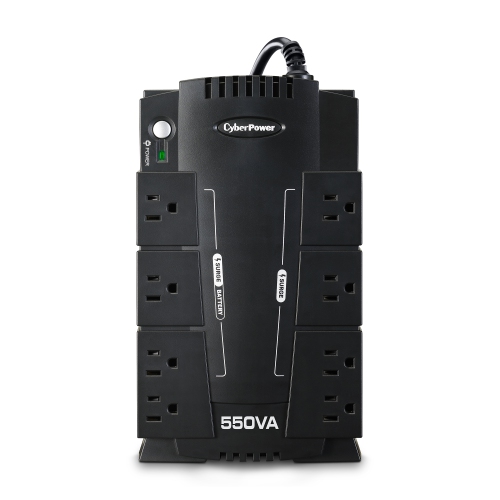
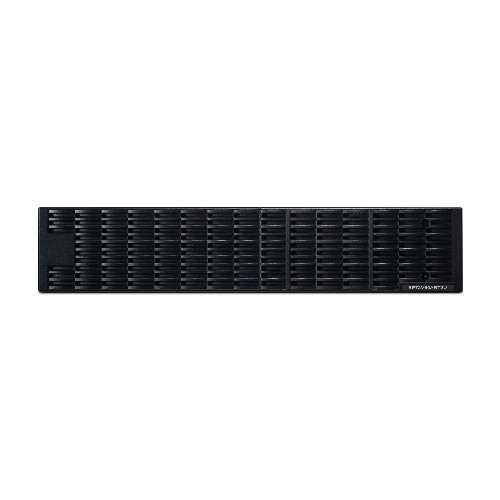
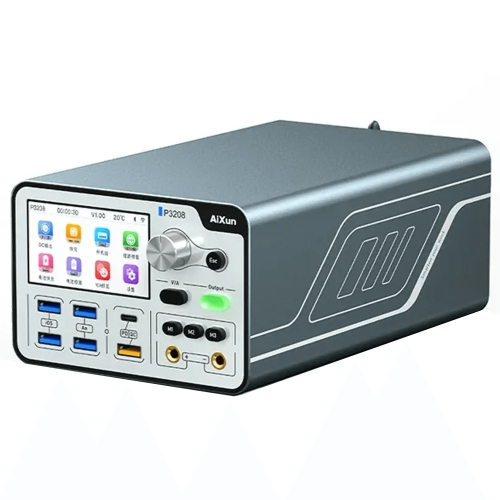
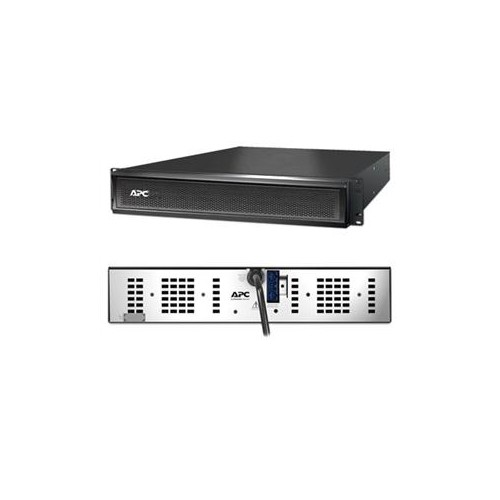
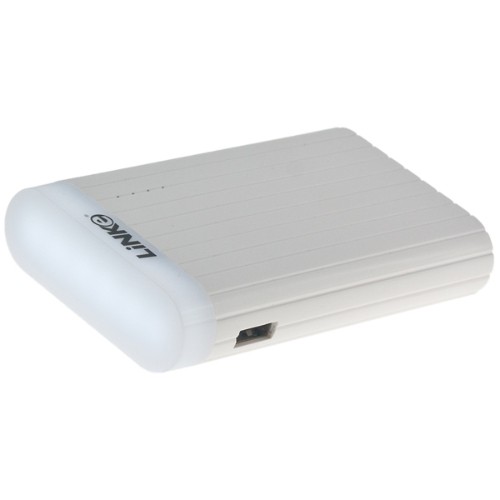
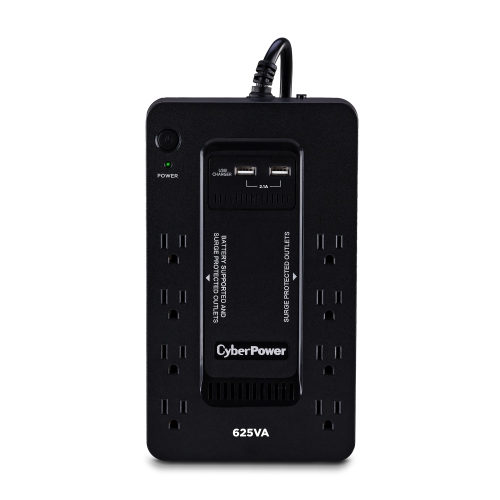
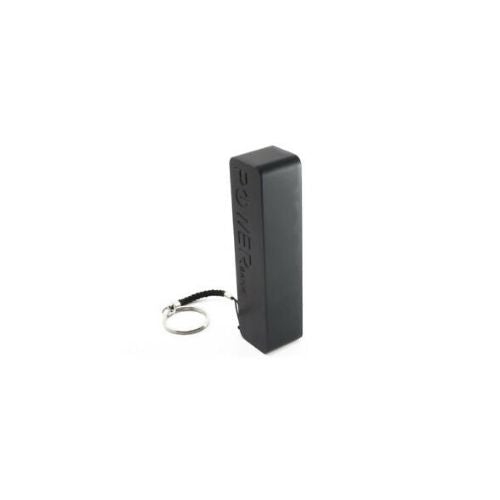
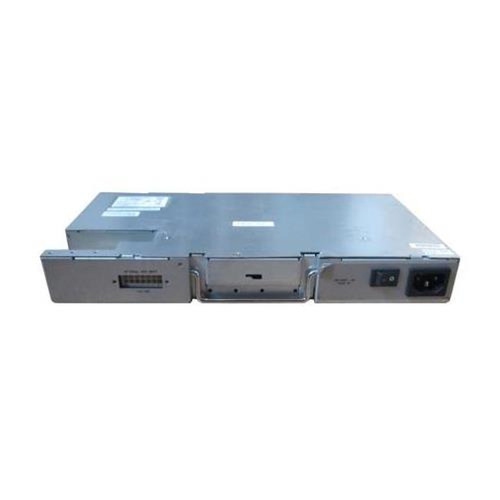
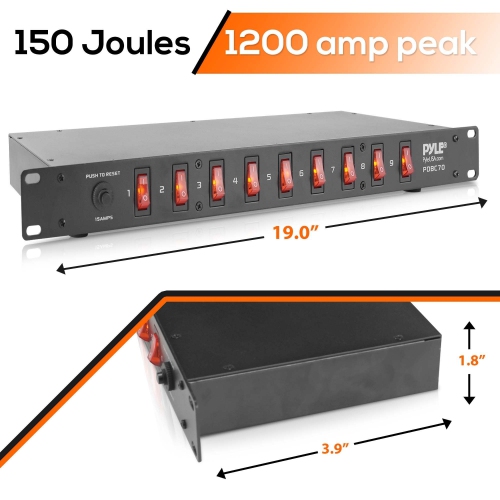
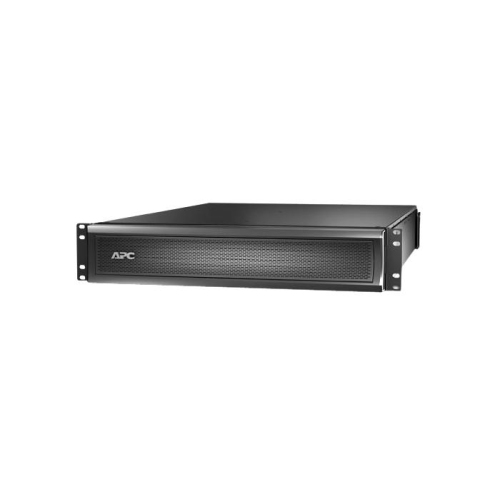
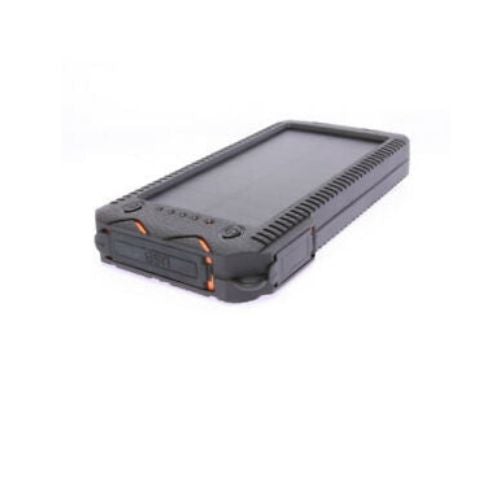
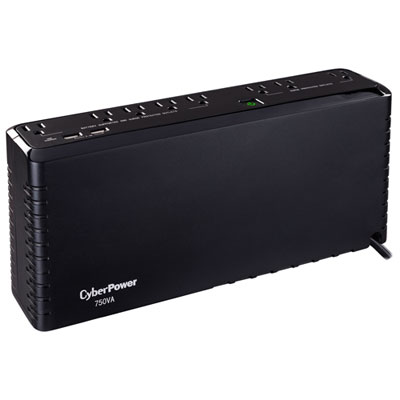
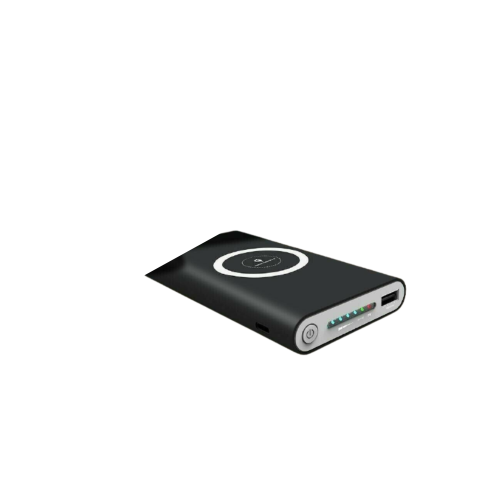
Different types of external power supplies suit different routines. A replacement AC adapter is useful when an original charger has been misplaced, damaged, or left in another room, and keeping a spare in a home office or travel bag can prevent a small interruption from becoming a major inconvenience. Students may use them to power laptops and monitors at a study desk, while remote workers can keep a second adapter at a cottage, family room, or shared workspace. They can also be practical gifts for someone setting up a first apartment, upgrading a home office, or travelling with several USB-C devices. A UPS, or uninterruptible power supply, is designed for equipment that needs brief battery support when the electricity goes out or fluctuates. It can keep a router, computer, modem, storage drive, or other essential equipment running long enough to save work, stay connected, or shut down safely. Runtime depends on the connected load and the battery capacity, so a UPS powering a single router will generally last longer than one supporting a computer and monitor together. Portable power stations offer another approach, combining a rechargeable battery with AC outlets, USB ports, and sometimes 12V outputs for use away from a standard wall outlet. They can be useful for road trips, outdoor work, recreational vehicles, remote work areas, or keeping small electronics available during a temporary outage. Before choosing one, consider the devices you expect to connect, their combined wattage, the desired runtime, the number and type of ports, recharge options, carry weight, and whether the unit supports the required surge or starting power. Across every category, check the ratings and connector details before use, keep ventilation openings clear, and use a supply only with equipment listed as compatible. The right external power supply provides dependable power without guesswork, whether it is tucked behind a monitor, packed beside a laptop, connected to a home networking setup, or kept ready for the next place where an outlet is out of reach.
Voltage is the most important specification to match. Look for the device label, the original adapter, or the manufacturer’s documentation to confirm the required output voltage, which may be listed as volts (V). The replacement should provide the same voltage; a higher output can damage sensitive electronics, while a lower output may prevent the device from starting or cause unreliable performance. Current, listed in amperes (A), or total power, listed in watts (W), is equally important. The supply should be able to deliver at least the current or wattage requested by the device. A supply with a higher available current rating is generally acceptable when the voltage and other specifications match, because the device draws only what it needs. The connector must also fit properly, with the correct barrel tip size, USB connection, or proprietary plug, and barrel connectors require matching polarity, often shown by a centre-positive or centre-negative symbol. A plug that seems close but does not fit snugly can disconnect unexpectedly or damage the port. Cable length and design matter as well: a longer lead can reach a power bar behind a desk, while a shorter cable can reduce clutter in a travel bag. For shoppers replacing a missing adapter or building a flexible charging station, a Universal Power Supply may be worth considering when it offers selectable voltage settings, interchangeable tips, or broad device compatibility. Always confirm the supported range before connecting it. USB-C models should be checked for Power Delivery support and maximum wattage, particularly when charging larger laptops, displays, or more demanding accessories. A compact supply may be ideal for a phone or small accessory, but a high-performance computer can require considerably more power than a standard mobile charger provides.
Different types of external power supplies suit different routines. A replacement AC adapter is useful when an original charger has been misplaced, damaged, or left in another room, and keeping a spare in a home office or travel bag can prevent a small interruption from becoming a major inconvenience. Students may use them to power laptops and monitors at a study desk, while remote workers can keep a second adapter at a cottage, family room, or shared workspace. They can also be practical gifts for someone setting up a first apartment, upgrading a home office, or travelling with several USB-C devices. A UPS, or uninterruptible power supply, is designed for equipment that needs brief battery support when the electricity goes out or fluctuates. It can keep a router, computer, modem, storage drive, or other essential equipment running long enough to save work, stay connected, or shut down safely. Runtime depends on the connected load and the battery capacity, so a UPS powering a single router will generally last longer than one supporting a computer and monitor together. Portable power stations offer another approach, combining a rechargeable battery with AC outlets, USB ports, and sometimes 12V outputs for use away from a standard wall outlet. They can be useful for road trips, outdoor work, recreational vehicles, remote work areas, or keeping small electronics available during a temporary outage. Before choosing one, consider the devices you expect to connect, their combined wattage, the desired runtime, the number and type of ports, recharge options, carry weight, and whether the unit supports the required surge or starting power. Across every category, check the ratings and connector details before use, keep ventilation openings clear, and use a supply only with equipment listed as compatible. The right external power supply provides dependable power without guesswork, whether it is tucked behind a monitor, packed beside a laptop, connected to a home networking setup, or kept ready for the next place where an outlet is out of reach.
Top selling and popular products
-
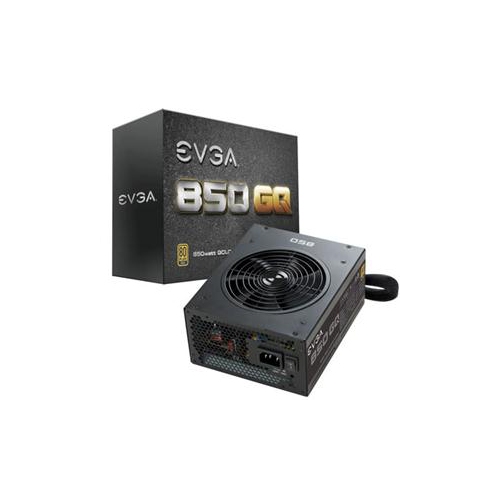 Your price for this item is $264.68
 -
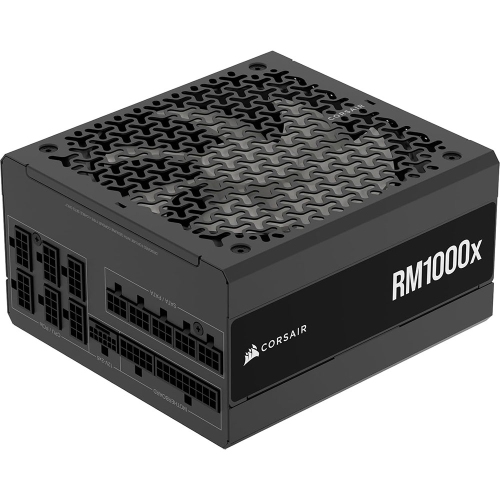 Your price for this item is $294.99
 -
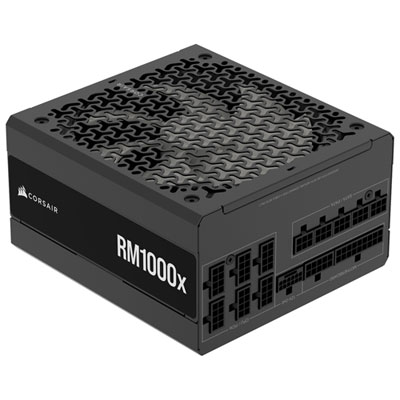 Your price for this item is $224.99
 -
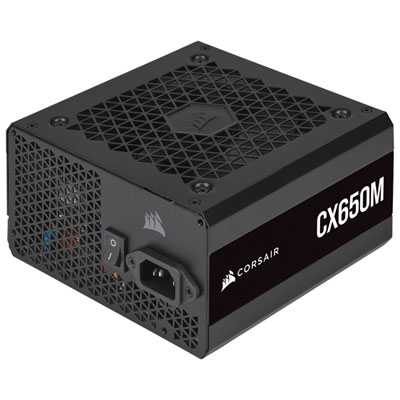 Your price for this item is $99.95
 -
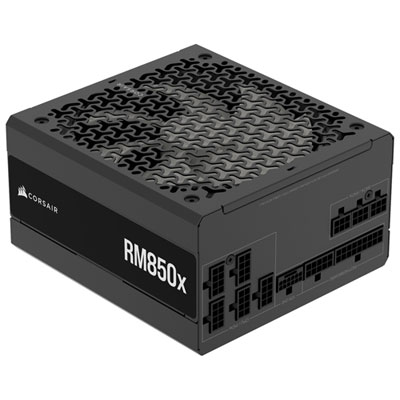 Your price for this item is $174.99
 -
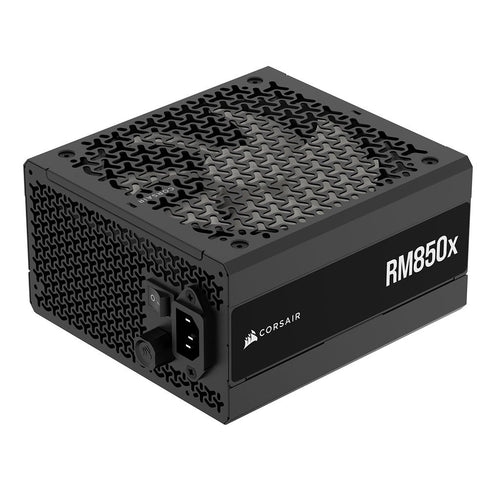 Your price for this item is $199.99
 -
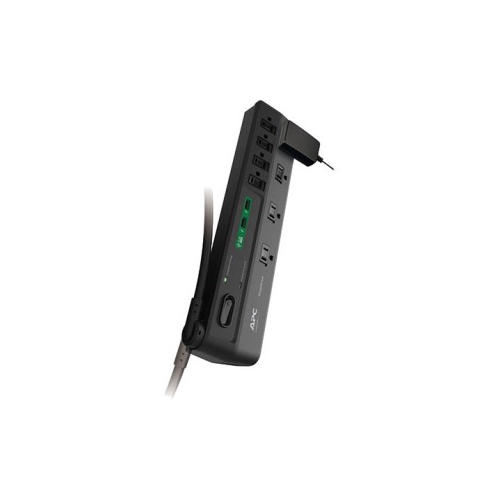 Your price for this item is $60.47
 -
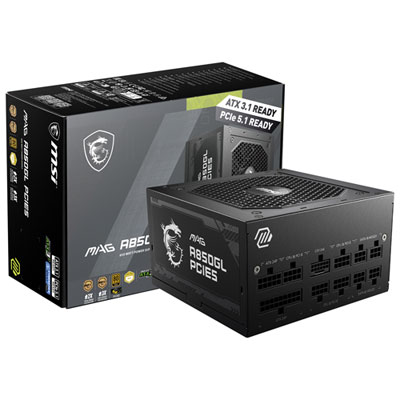 Your price for this item is $149.98
Discover more categories related to External Power Supplies
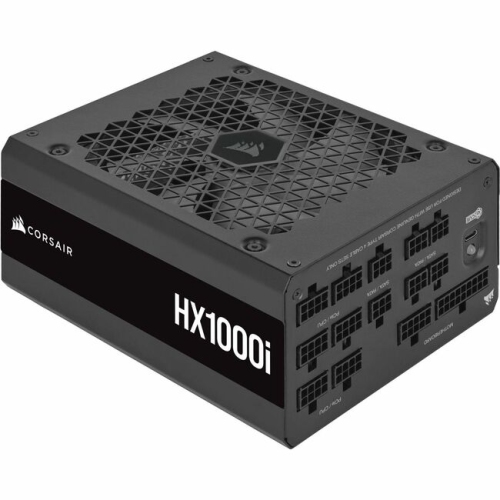

Top Collections:
Pokemon Centers, Kindle Devices, Best Budget Office Chairs, Canon G7X Cameras, Apple iPhones 16, Samsung Galaxy Phones, Refurbished Apple Laptops, Laptops for Students, iPhone 15 Apple, Budget Smartphones
Some products may be subject to Environmental Handling Fees
(EHF) depending on your province.
Learn more about EHFs.