Firewall Software
Firewall software is a must-have for anyone who wants to protect their computer from online threats. These will keep your system safe from viruses, spyware, hackers, and other malicious software that can steal information or cause damage. Here are some great options for firewall software.
Sort
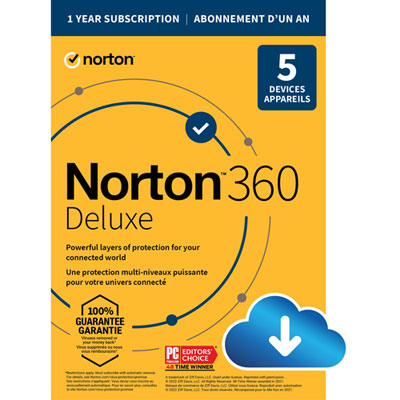
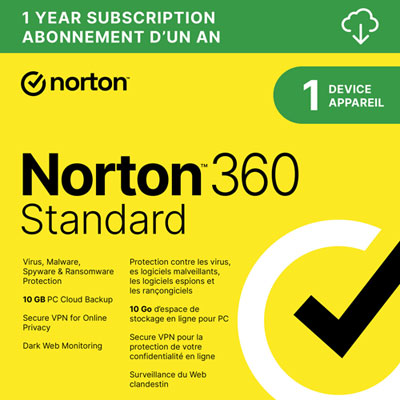
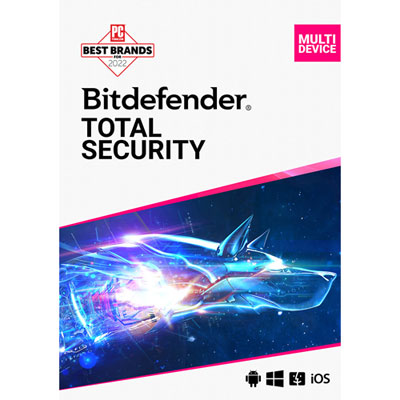
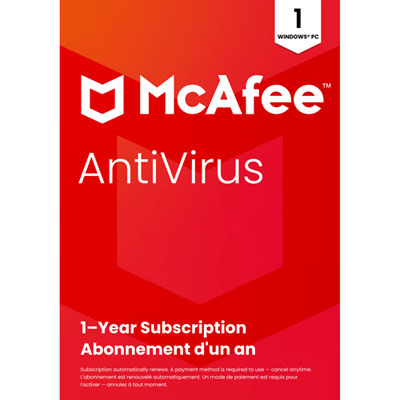
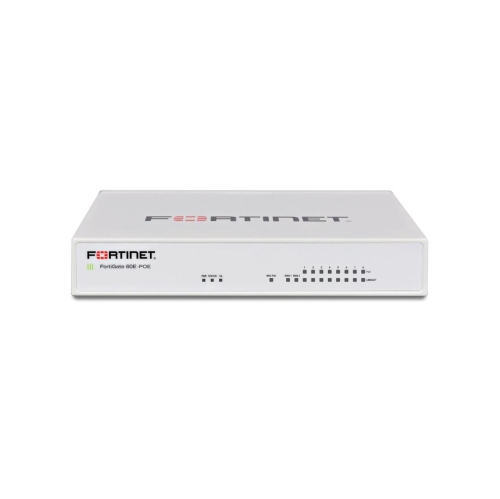
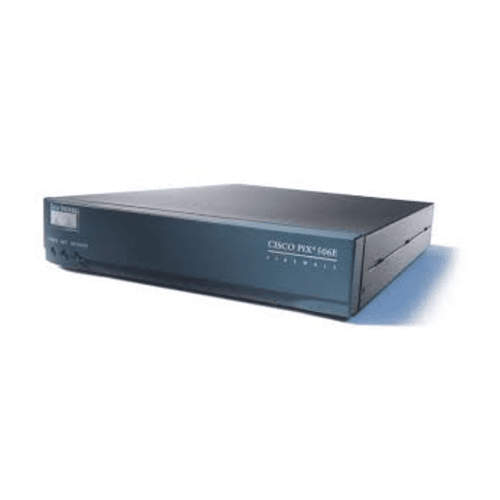
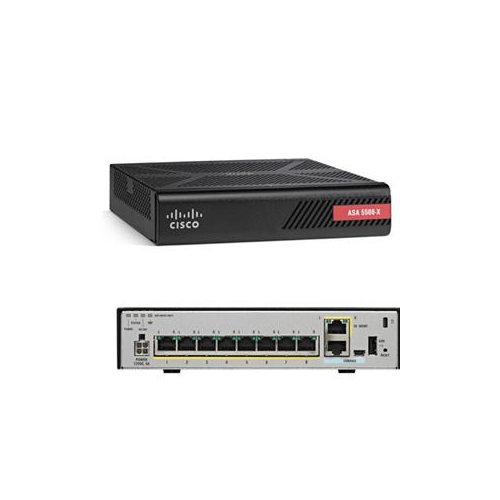
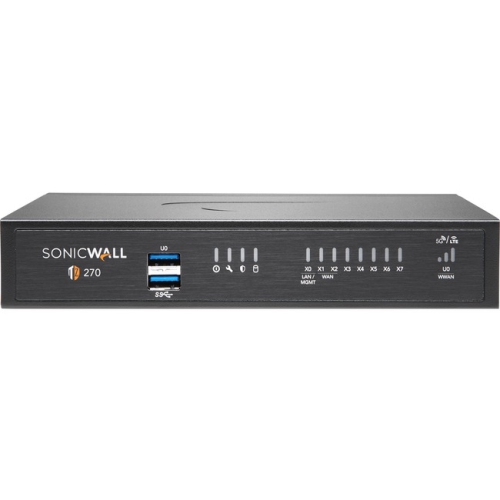
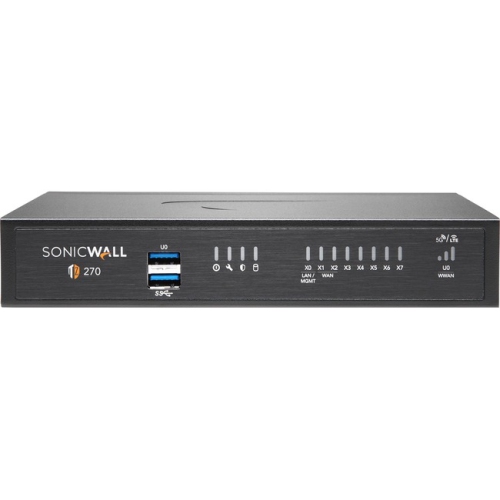
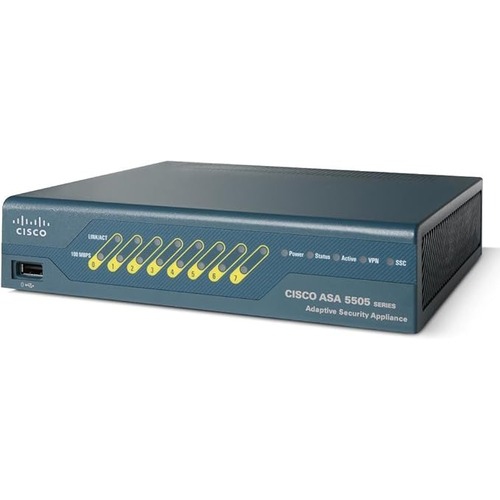
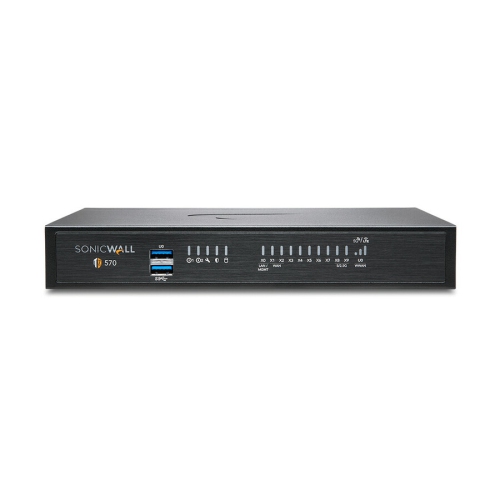
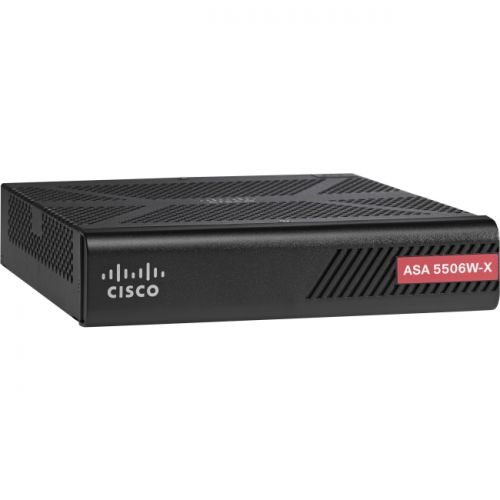
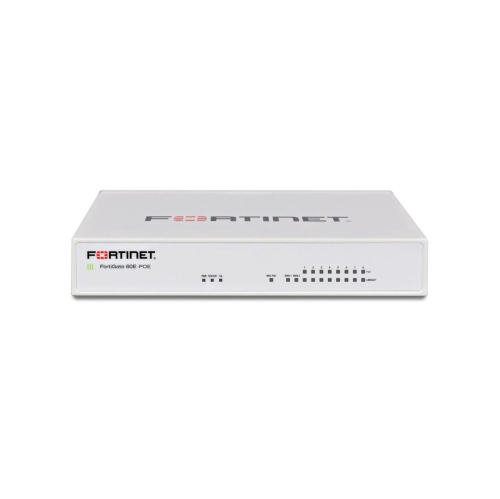
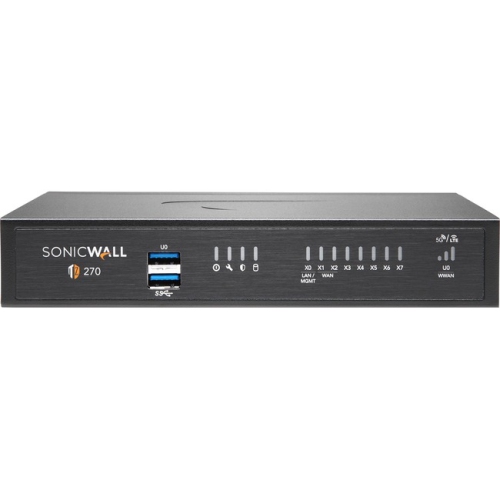
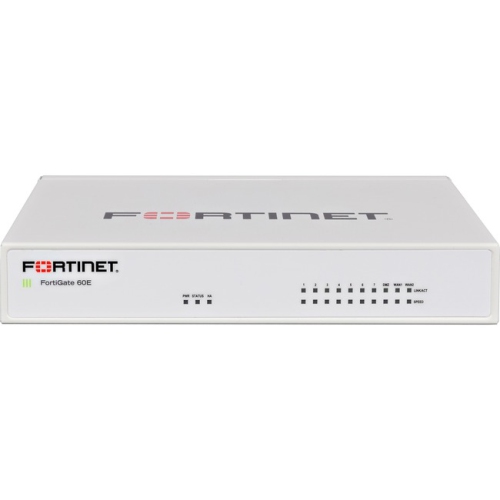
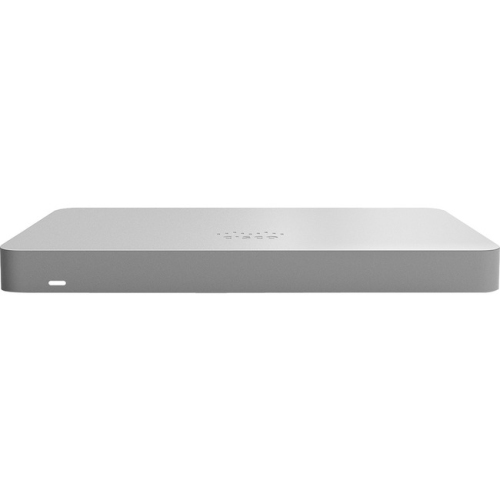
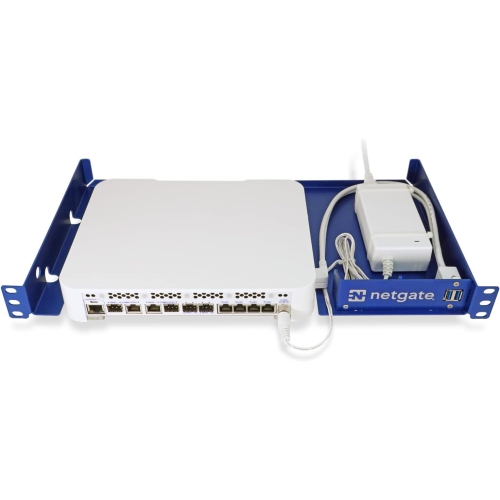
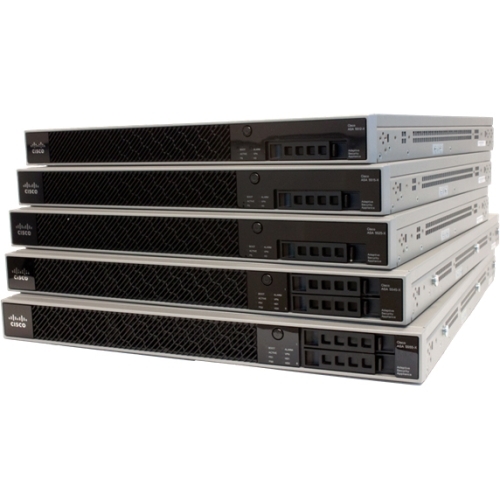
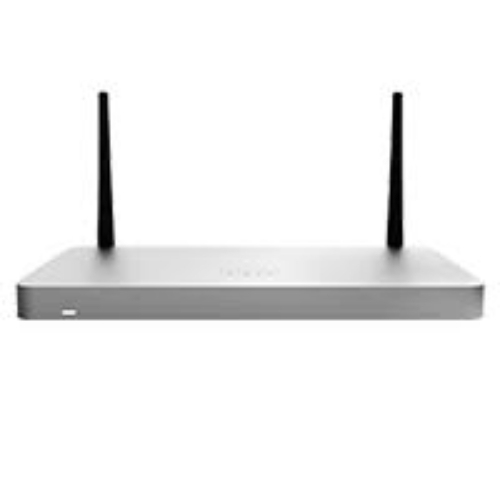
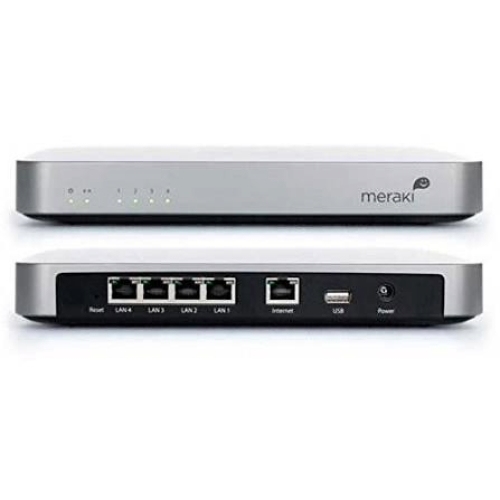
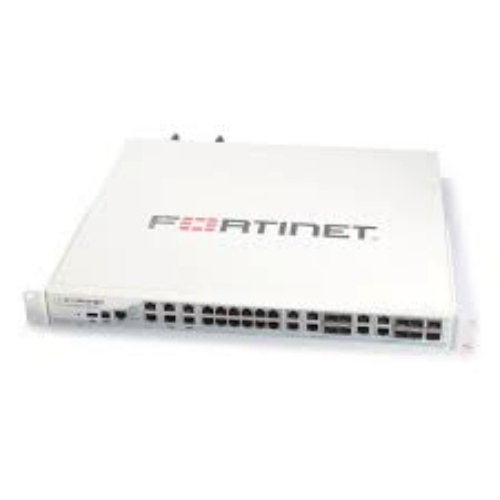
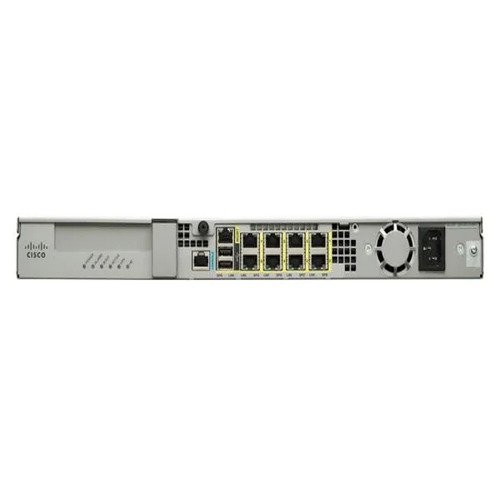
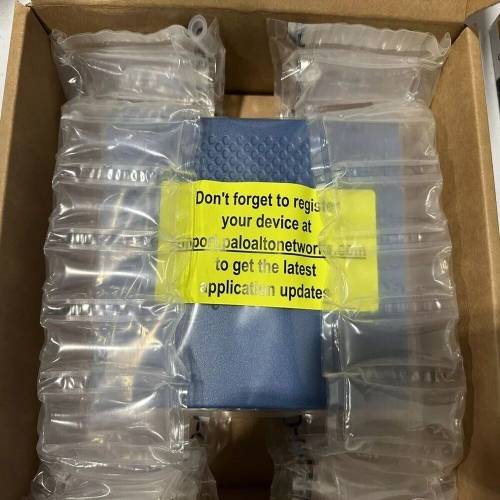
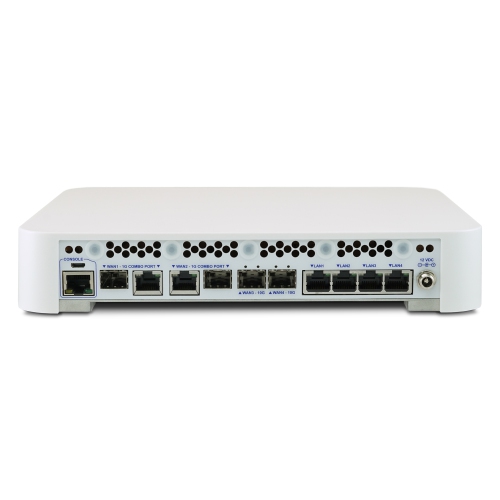
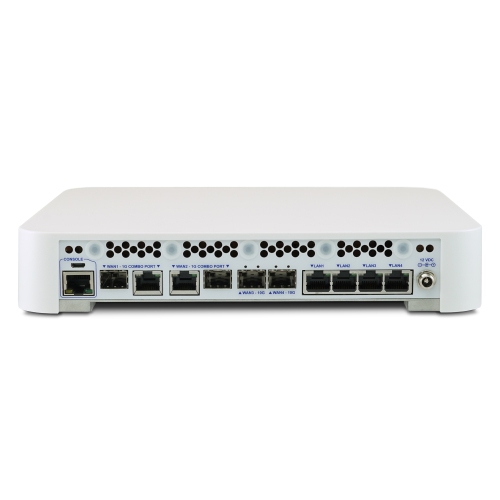
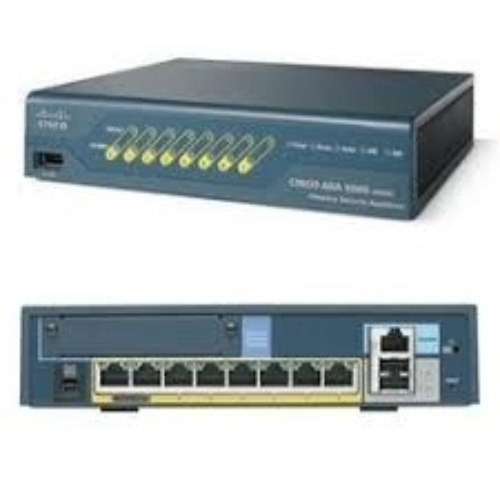
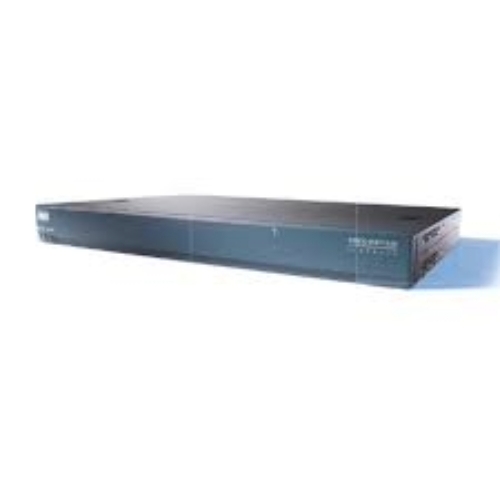
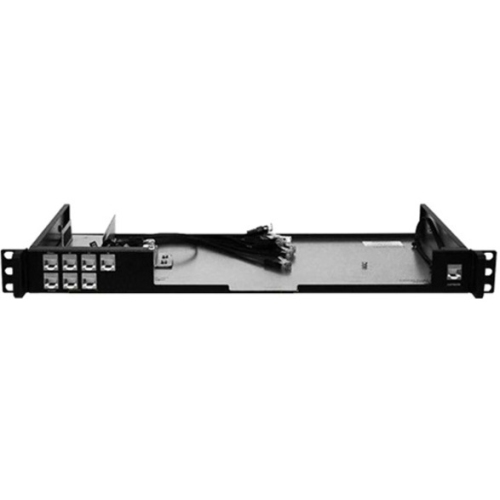
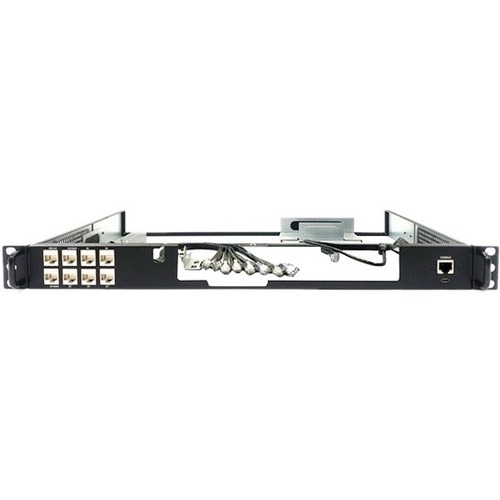
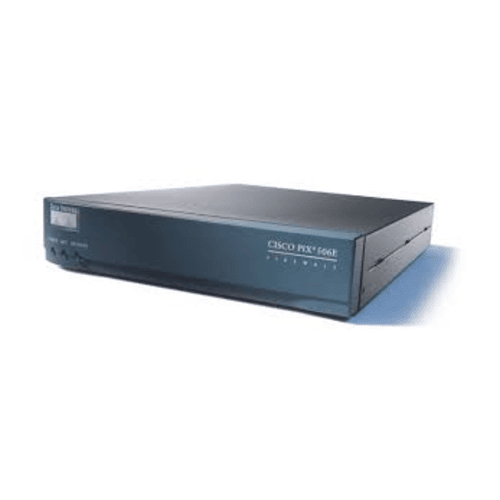
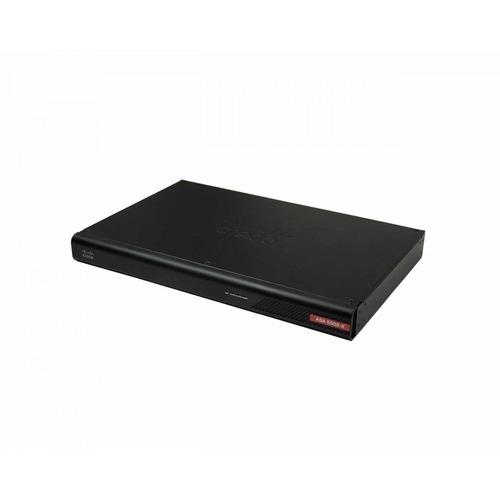
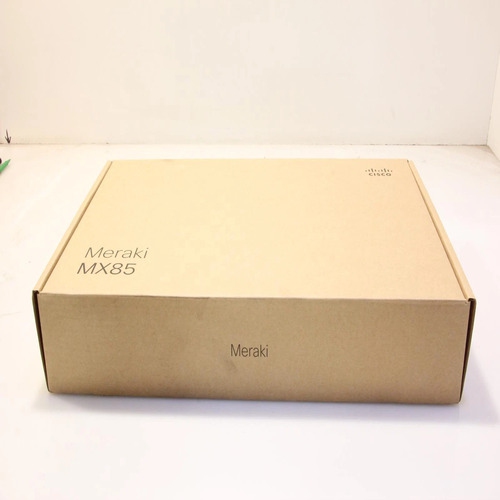
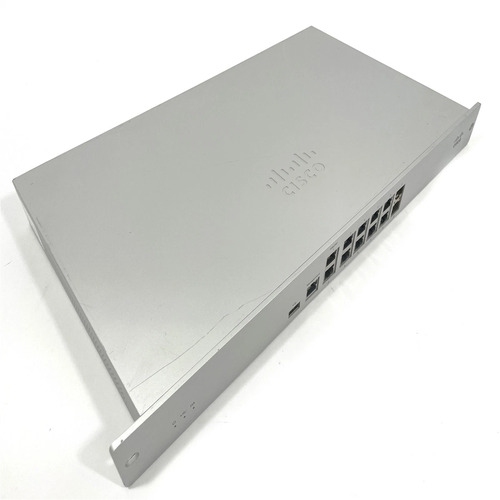
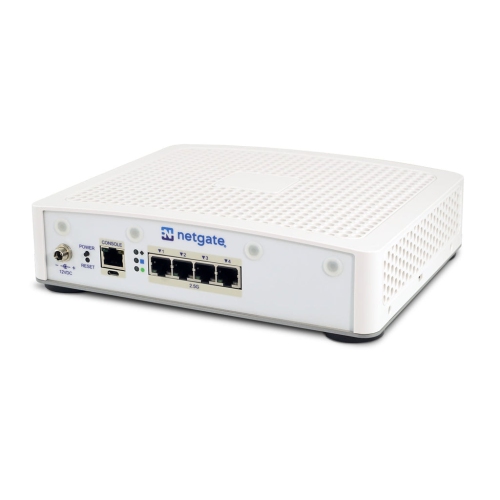


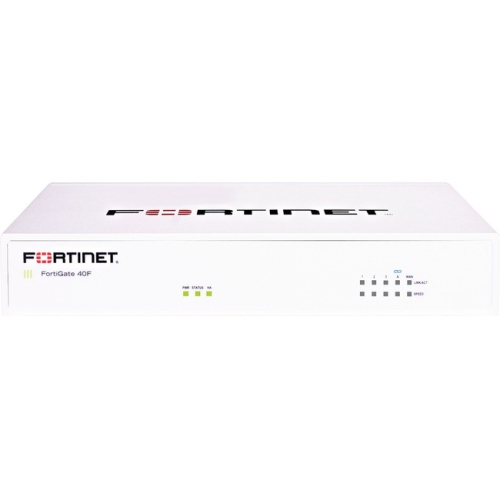
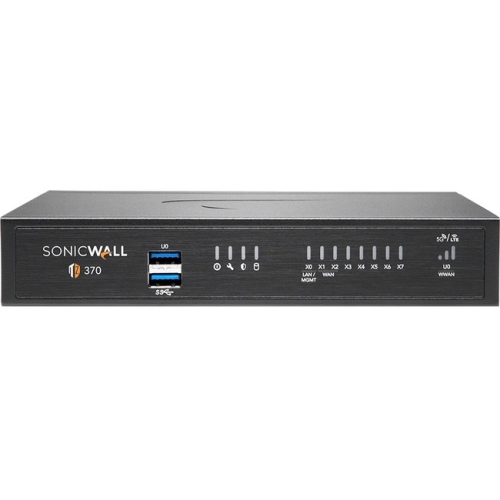
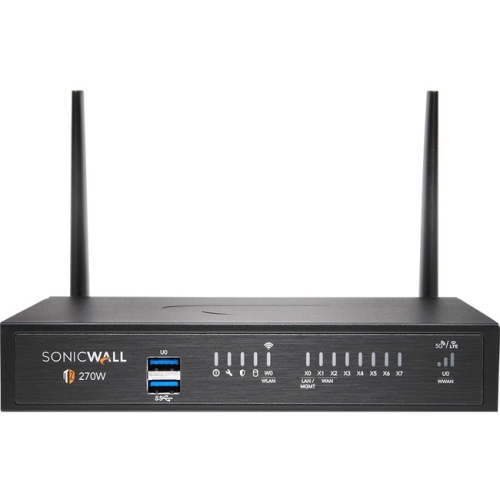
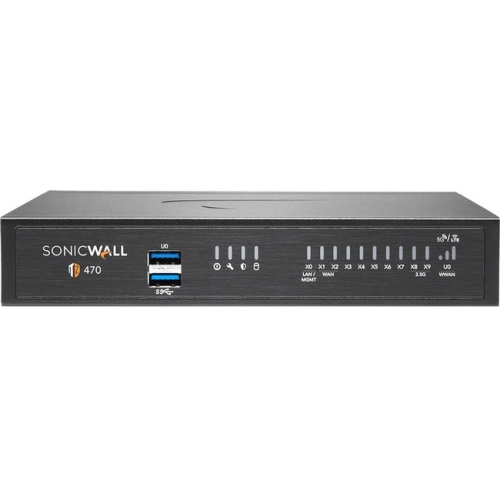
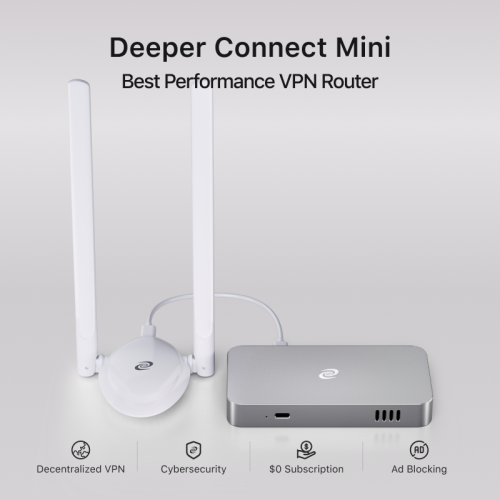

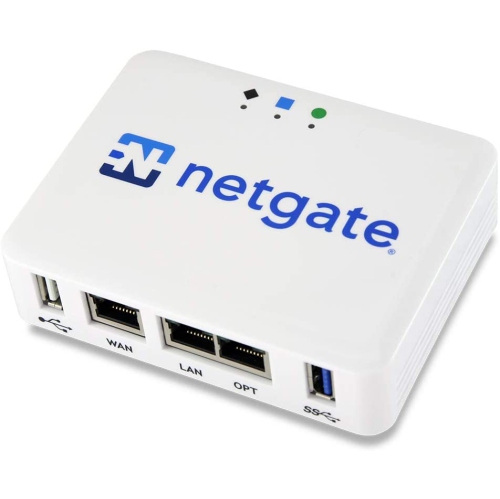
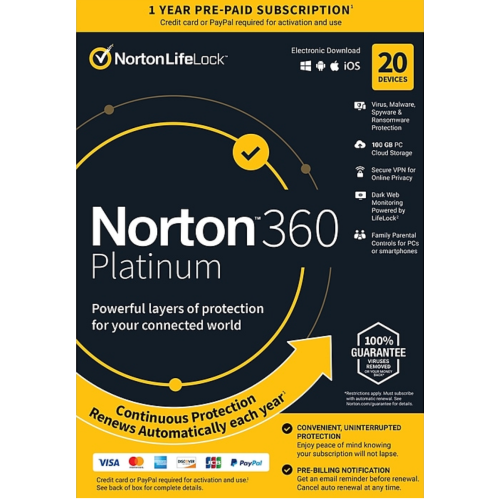
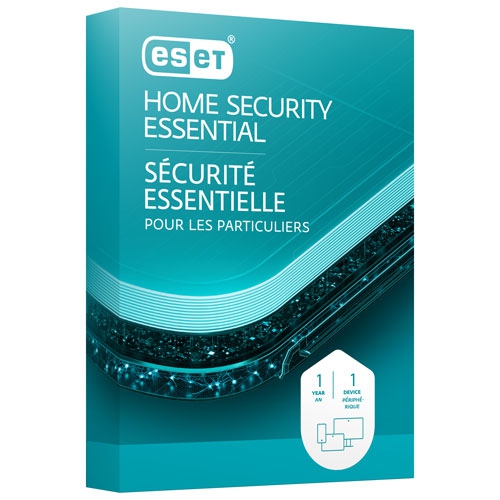
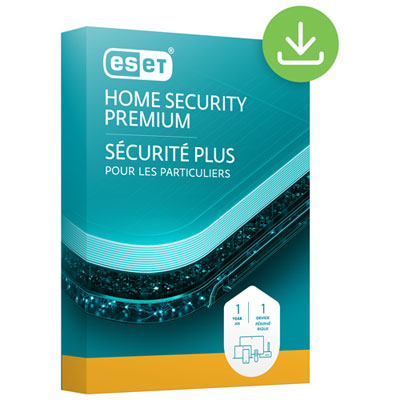
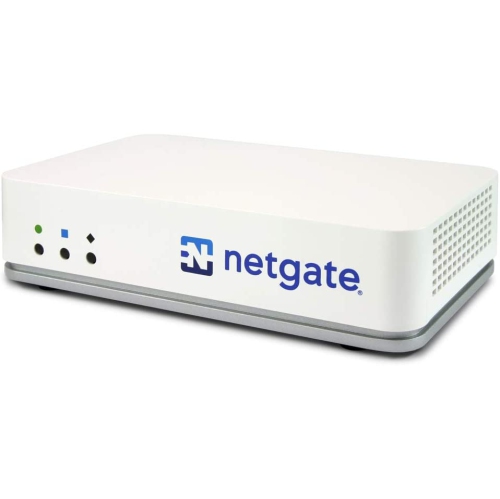
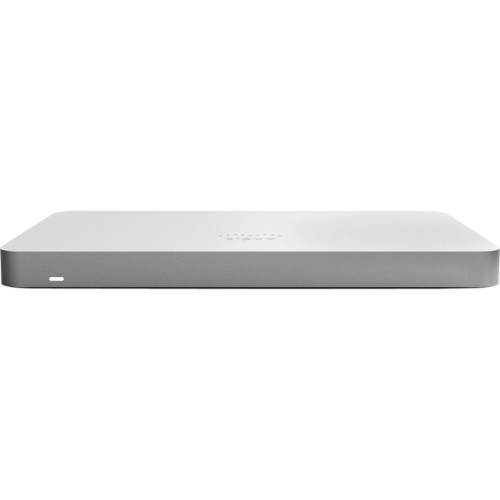
How network rules help manage connections across your devices
Firewall software helps create a protective boundary between your device or local network and the wider internet. It monitors incoming and outgoing network traffic, compares activity with a set of security rules, and allows or blocks connections according to those rules. On a quiet evening at home, this can mean permitting a trusted video call, web browser, or game while stopping an unfamiliar program from reaching an outside server without your knowledge. On a busy home network, it can help manage traffic from computers, smart home devices, printers, streaming equipment, and other connected hardware. Many computers already include a built-in firewall as part of the operating system, offering a useful baseline layer of protection with little day-to-day attention. Additional firewall software may be useful for people who want more detailed controls, clearer notifications, application-based permissions, or a closer view of what is communicating across their network. The right option depends on the device being protected, the number of users, the type of internet connection, and how much hands-on control feels comfortable. A simple solution may suit someone who wants security that runs quietly in the background, while a more advanced package can appeal to a technology enthusiast, home office user, student, or small business owner who prefers to review connection requests and adjust rules personally.
When choosing firewall software, begin by checking compatibility with the operating system and devices you plan to protect. Some software is designed for a single desktop or laptop, while other solutions can be managed across several computers or integrated with broader network security equipment. Consider whether the software offers two-way traffic monitoring, since controlling both incoming and outgoing connections can provide a more complete picture of activity. Clear alerts are important as well. Frequent pop-ups that use technical language can become frustrating, particularly for someone who simply wants to work, study, stream or browse without interruption. Look for settings that allow notifications to be adjusted, trusted applications to be remembered, and rules to be reviewed later. A visual activity dashboard may help users understand which programs are using data and when, much like seeing lights flicker across a home office as different devices connect during the day. Other useful considerations include automatic updates, support for multiple user profiles, low impact on system performance, and straightforward uninstall or recovery options. Advanced users may appreciate custom rules for ports, services, applications, and network zones, while beginners may prefer guided setup and sensible default settings. It is also worth checking how the firewall works alongside existing security tools. Firewall software is not a replacement for strong passwords, software updates, multi-factor authentication, secure Wi-Fi settings, careful downloading habits, or reputable anti-malware protection. Instead, it works as one part of a layered approach that can make it harder for unwanted traffic to reach a device and easier to notice unusual activity.
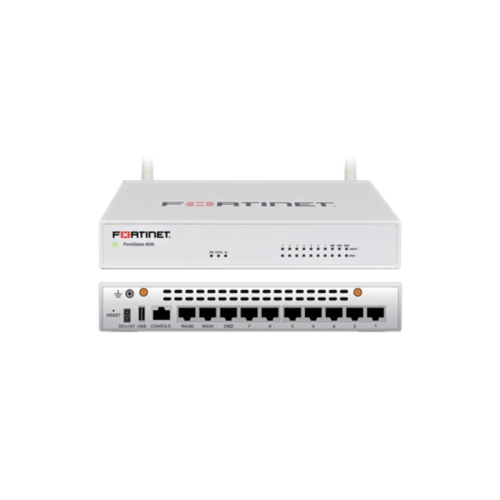
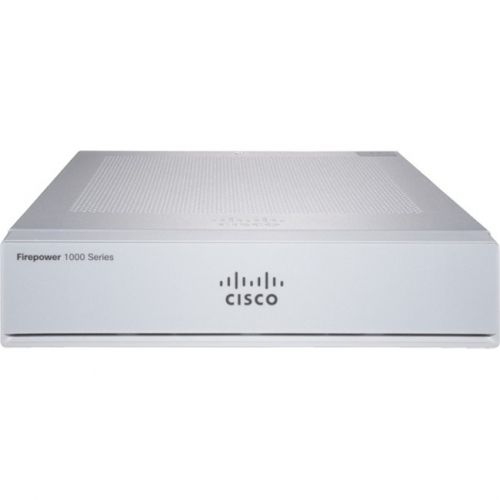
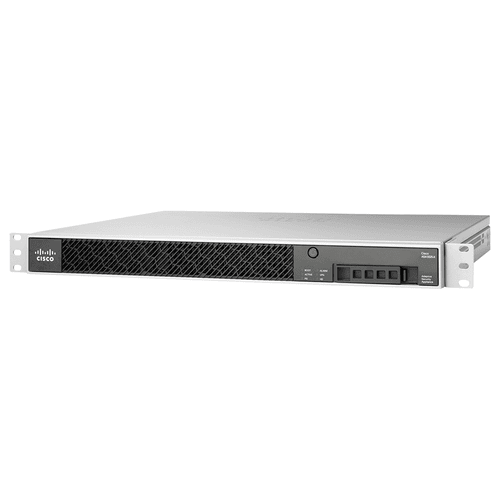
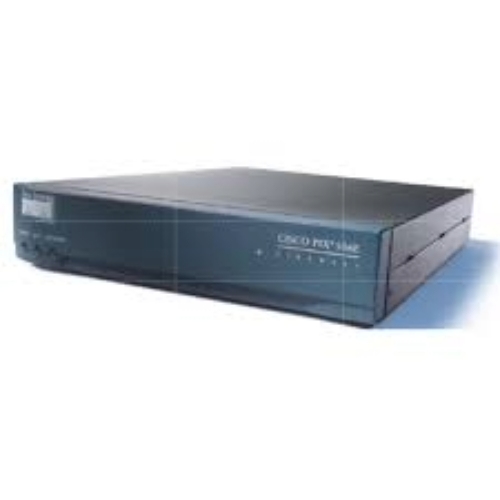
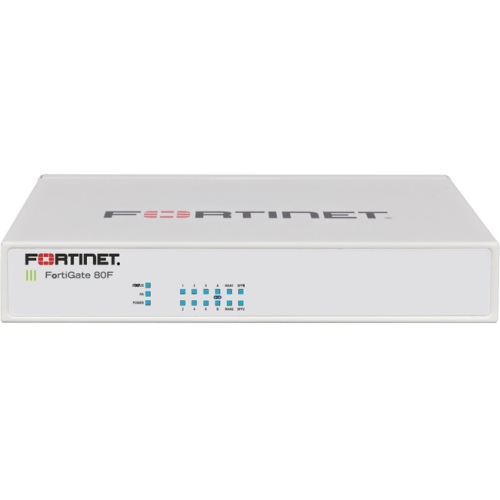
Firewall software can be especially useful for households with several connected devices, people who work or study from home, and anyone who stores important documents, personal photos, financial information, or creative projects on a computer. Parents and caregivers may value tools that make network activity easier to understand, while remote workers can use firewall controls to help separate personal devices from work-related applications and connections. Travellers who use laptops on hotel, airport, campus, or café networks may also appreciate having a clearly configured firewall before connecting away from home. For a small office, the choice may involve balancing individual computer protection with a solution that helps secure the whole local network; in that situation, dedicated equipment may be a better fit than software installed on one workstation. Explore Firewall Appliances when protection needs extend to multiple wired and wireless devices or require network-level management. Firewall software can also make a practical gift for a new computer owner, a student setting up a first apartment, a family member working remotely, or a relative who wants more confidence while using online banking and everyday services. Before installation, back up important files, note existing security settings, and remove conflicting tools when appropriate. After setup, take a few minutes to review which applications are trusted, keep notifications understandable, and revisit permissions when installing new software. During the warmer and cooler parts of the year alike, these small habits can help keep a home office, family computer, or personal laptop ready for the many connections that modern life brings.
When choosing firewall software, begin by checking compatibility with the operating system and devices you plan to protect. Some software is designed for a single desktop or laptop, while other solutions can be managed across several computers or integrated with broader network security equipment. Consider whether the software offers two-way traffic monitoring, since controlling both incoming and outgoing connections can provide a more complete picture of activity. Clear alerts are important as well. Frequent pop-ups that use technical language can become frustrating, particularly for someone who simply wants to work, study, stream or browse without interruption. Look for settings that allow notifications to be adjusted, trusted applications to be remembered, and rules to be reviewed later. A visual activity dashboard may help users understand which programs are using data and when, much like seeing lights flicker across a home office as different devices connect during the day. Other useful considerations include automatic updates, support for multiple user profiles, low impact on system performance, and straightforward uninstall or recovery options. Advanced users may appreciate custom rules for ports, services, applications, and network zones, while beginners may prefer guided setup and sensible default settings. It is also worth checking how the firewall works alongside existing security tools. Firewall software is not a replacement for strong passwords, software updates, multi-factor authentication, secure Wi-Fi settings, careful downloading habits, or reputable anti-malware protection. Instead, it works as one part of a layered approach that can make it harder for unwanted traffic to reach a device and easier to notice unusual activity.
Firewall software can be especially useful for households with several connected devices, people who work or study from home, and anyone who stores important documents, personal photos, financial information, or creative projects on a computer. Parents and caregivers may value tools that make network activity easier to understand, while remote workers can use firewall controls to help separate personal devices from work-related applications and connections. Travellers who use laptops on hotel, airport, campus, or café networks may also appreciate having a clearly configured firewall before connecting away from home. For a small office, the choice may involve balancing individual computer protection with a solution that helps secure the whole local network; in that situation, dedicated equipment may be a better fit than software installed on one workstation. Explore Firewall Appliances when protection needs extend to multiple wired and wireless devices or require network-level management. Firewall software can also make a practical gift for a new computer owner, a student setting up a first apartment, a family member working remotely, or a relative who wants more confidence while using online banking and everyday services. Before installation, back up important files, note existing security settings, and remove conflicting tools when appropriate. After setup, take a few minutes to review which applications are trusted, keep notifications understandable, and revisit permissions when installing new software. During the warmer and cooler parts of the year alike, these small habits can help keep a home office, family computer, or personal laptop ready for the many connections that modern life brings.
Top selling and popular products
-
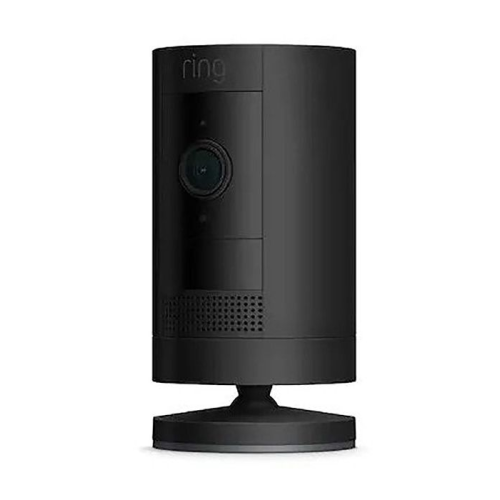 Your price for this item is $165
 -
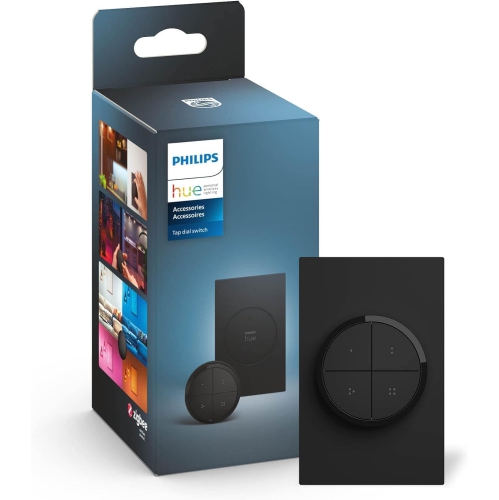 Your price for this item is $86.68
 -
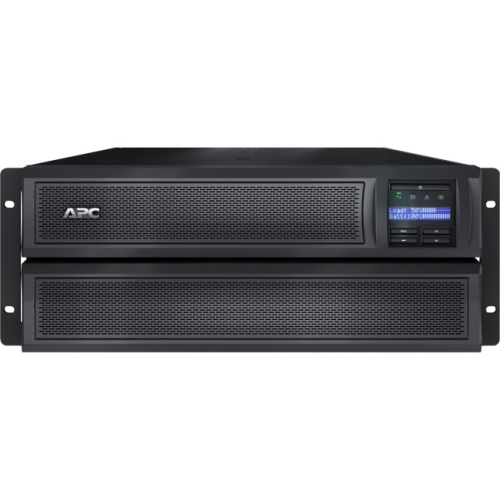 Your price for this item is $1282.5
 -
 Your price for this item is $229.95
 -
 Your price for this item is $289.99
 -
 Your price for this item is $119.99
 -
 Your price for this item is $173.99
 -
 Your price for this item is $234.99
Discover more categories related to Firewall Software
Top Collections:
Pokemon Centers, Kindle Devices, Best Budget Office Chairs, Apple iPhones 16, Best Laptops for Writers, iPhone 15 Apple, Canon G7X Cameras, Refurbished Apple Laptops, Alarm Clock, Motorola Razr Phones
Some products may be subject to Environmental Handling Fees
(EHF) depending on your province.
Learn more about EHFs.